
2x2 Grid Character Consistency Prompt (JSON)
A JSON-formatted prompt for Nano Banana Pro designed to maintain the identity of an uploaded reference image across four different frames in a 2x2 grid layout.
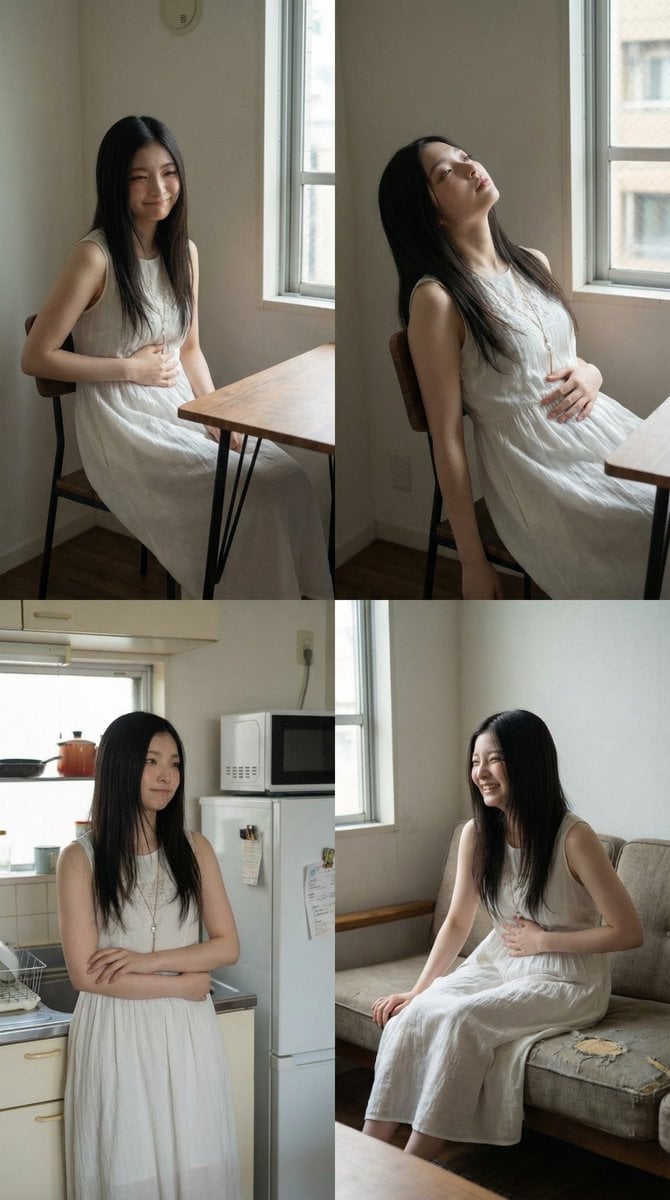
- Prompt included
- Model and format preset
- Free template
The prompt behind this image
Copy the exact prompt behind 2x2 Grid Character Consistency Prompt (JSON), or open it in the studio and make it yours.
- Layout › Type
- 2x2 grid
- Layout › Description
- 画面を4等分した2×2構成。各フレームに同一人物を使用し、距離・構図・アングル・視点をすべて変える。
- Source › Mode
- image_reference
- Source › Reference Images › Primary
- base_person_image
- Source › Preserve › Same Person
- true
- Source › Preserve › Identity Lock
- true
- Source › Preserve › Keep Face
- true
- Source › Preserve › Keep Hairstyle
- true
- Source › Preserve › Keep Outfit
- true
- Subject › Person
- Japanese woman
- Subject › Emotion
- hungry but playful, slightly tired, relatable
- Poses › Variation Rule
- each frame uses a different composition and angle
- Poses › Base Shot Type
- middle shot
- Poses › Frame Variations
- sitting at a small apartment table, shoulders slightly slumped, holding her stomach with one hand, faint amused smile, leaning back in a chair, head tilted up, eyes half-closed, one hand resting on her stomach as if enduring hunger, standing in the kitchen area, arms loosely crossed over her midsection, looking toward the fridge with a resigned playful expression, sitting on the sofa, knees drawn slightly up, one hand pressing lightly on her stomach, soft laugh at her own situation
- Accessories › Handheld Item
- empty plate or nothing in hands
- Environment › Location
- small apartment interior
- Environment › Room Type
- kitchen and living area
- Environment › Time
- late afternoon
- Environment › Context
- missed lunch, waiting until dinner
- Environment › Details
- simple dining table, compact kitchen, sofa and low table, everyday lived-in apartment feel
- Lighting › Primary
- soft natural daylight from window
- Lighting › Secondary
- subtle indoor ambient light
- Camera › Shot Type
- middle shot
- Camera › Lens Feel
- slight wide-angle
Raw JSON
{
  "layout": {
    "type": "2x2 grid",
    "description": "画面を4等分した2×2構成。各フレームに同一人物を使用し、距離・構図・アングル・視点をすべて変える。"
  },
  "source": {
    "mode": "image_reference",
    "reference_images": {
      "primary": "base_person_image"
    },
    "preserve": {
      "same_person": true,
      "identity_lock": true,
      "keep_face": true,
      "keep_hairstyle": true,
      "keep_outfit": true
    }
  },
  "subject": {
    "person": "Japanese woman",
    "emotion": "hungry but playful, slightly tired, relatable"
  },
  "poses": {
    "variation_rule": "each frame uses a different composition and angle",
    "base_shot_type": "middle shot",
    "frame_variations": [
      "sitting at a small apartment table, shoulders slightly slumped, holding her stomach with one hand, faint amused smile",
      "leaning back in a chair, head tilted up, eyes half-closed, one hand resting on her stomach as if enduring hunger",
      "standing in the kitchen area, arms loosely crossed over her midsection, looking toward the fridge with a resigned playful expression",
      "sitting on the sofa, knees drawn slightly up, one hand pressing lightly on her stomach, soft laugh at her own situation"
    ]
  },
  "accessories": {
    "handheld_item": "empty plate or nothing in hands"
  },
  "environment": {
    "location": "small apartment interior",
    "room_type": "kitchen and living area",
    "time": "late afternoon",
    "context": "missed lunch, waiting until dinner",
    "details": [
      "simple dining table",
      "compact kitchen",
      "sofa and low table",
      "everyday lived-in apartment feel"
    ]
  },
  "lighting": {
    "primary": "soft natural daylight from window",
    "secondary": "subtle indoor ambient light"
  },
  "camera": {
    "shot_type": "middle shot",
    "lens_feel": "slight wide-angle",
    "framing": "waist-up, subject centered with gentle variation per frame"
  },
  "color_tone": "natural color, neutral skin tones, realistic indoor daylight balance",
  "image_quality": {
    "realism": "photorealistic",
    "style": "casual everyday snapshot"
  }
}How to use 2x2 Grid Character Consistency Prompt (JSON) in 3 steps
- 1
Open
The prompt is already in the box next to the preview, with the template's model and format selected.
- 2…a portrait of your subject in softgolden-hour light, 85mm…
Personalize
Edit the subject and creative details for your destination.
- 3Generate
Generate
Press Generate — your image is created in PicX Studio, so you can compare it with the original and refine one variable at a time.
More like this
Templates with the same subject, style or setup. Open one to see its prompt.

Korean Luxury Fashion Editorial 2x2 Grid Series

Minimalist Fashion Editorial Split Layout

Ultra-Realistic Vogue-Style Editorial Fashion Grid

Headphones Lifestyle Nine Panel Grid

4x4 Grid - Candid Nostalgic Vacation Selfies

Movement Sheet - Dance Reference (Seedance 2.0)

Paris Travel Collage Grid - Face Reference
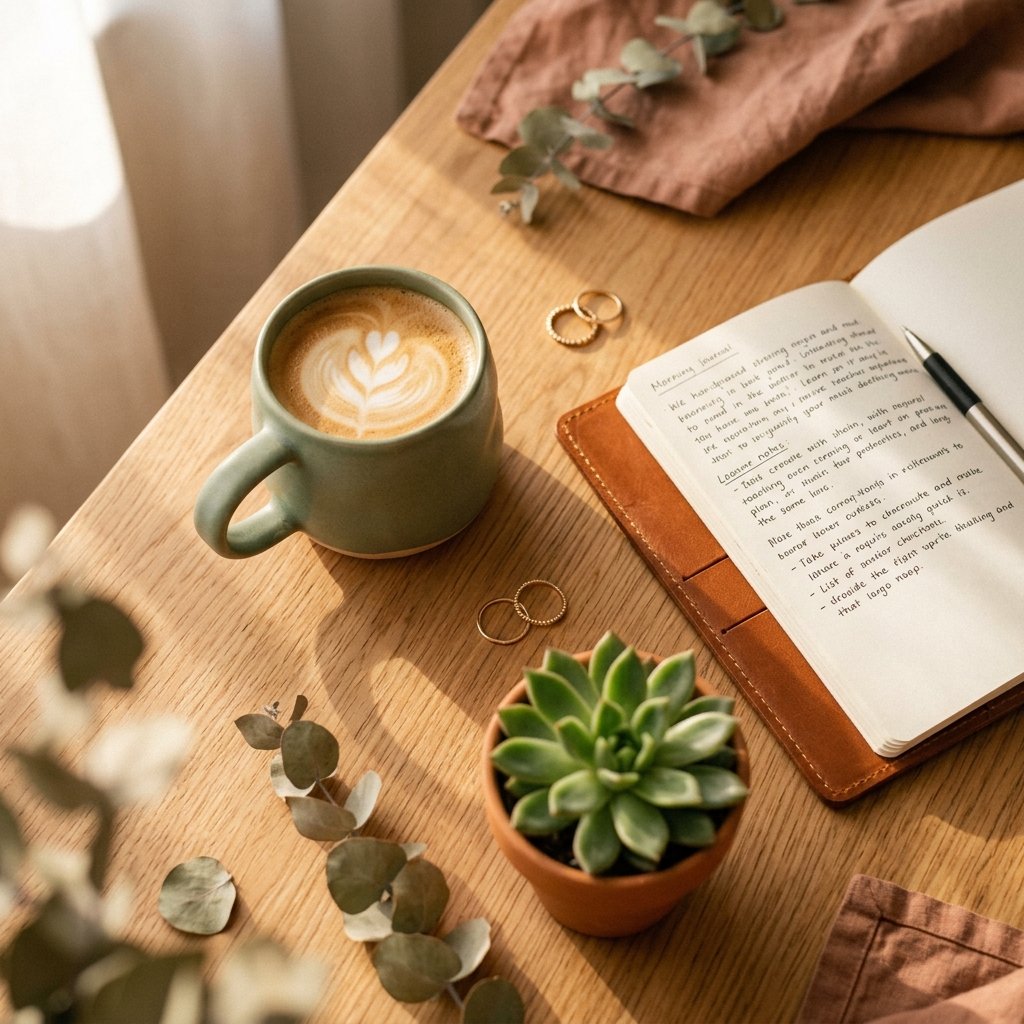
Instagram Feed Grid
JSON Seedance - Fairy Macro Flight
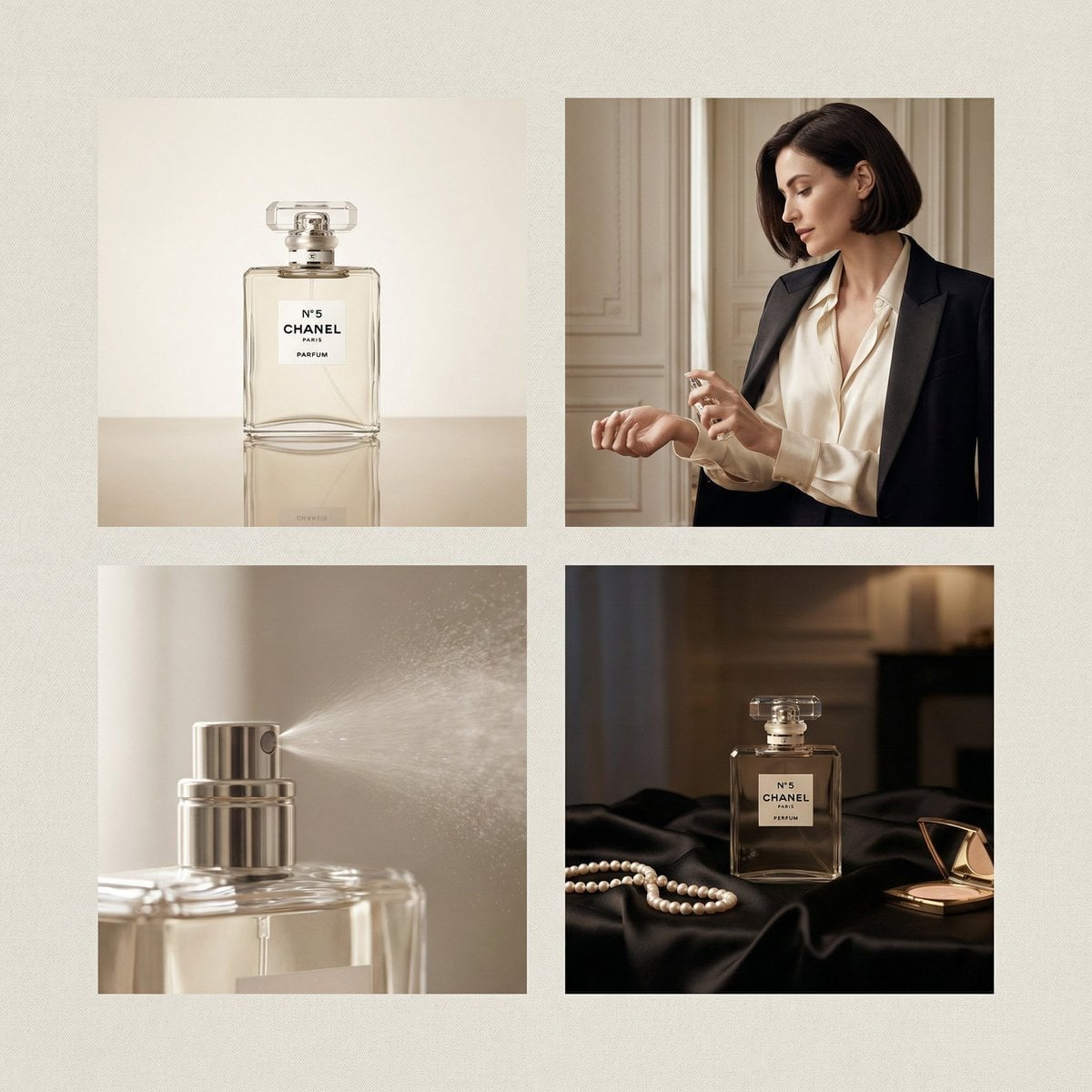
Chanel Perfume 2x2 Grid Luxury Campaign
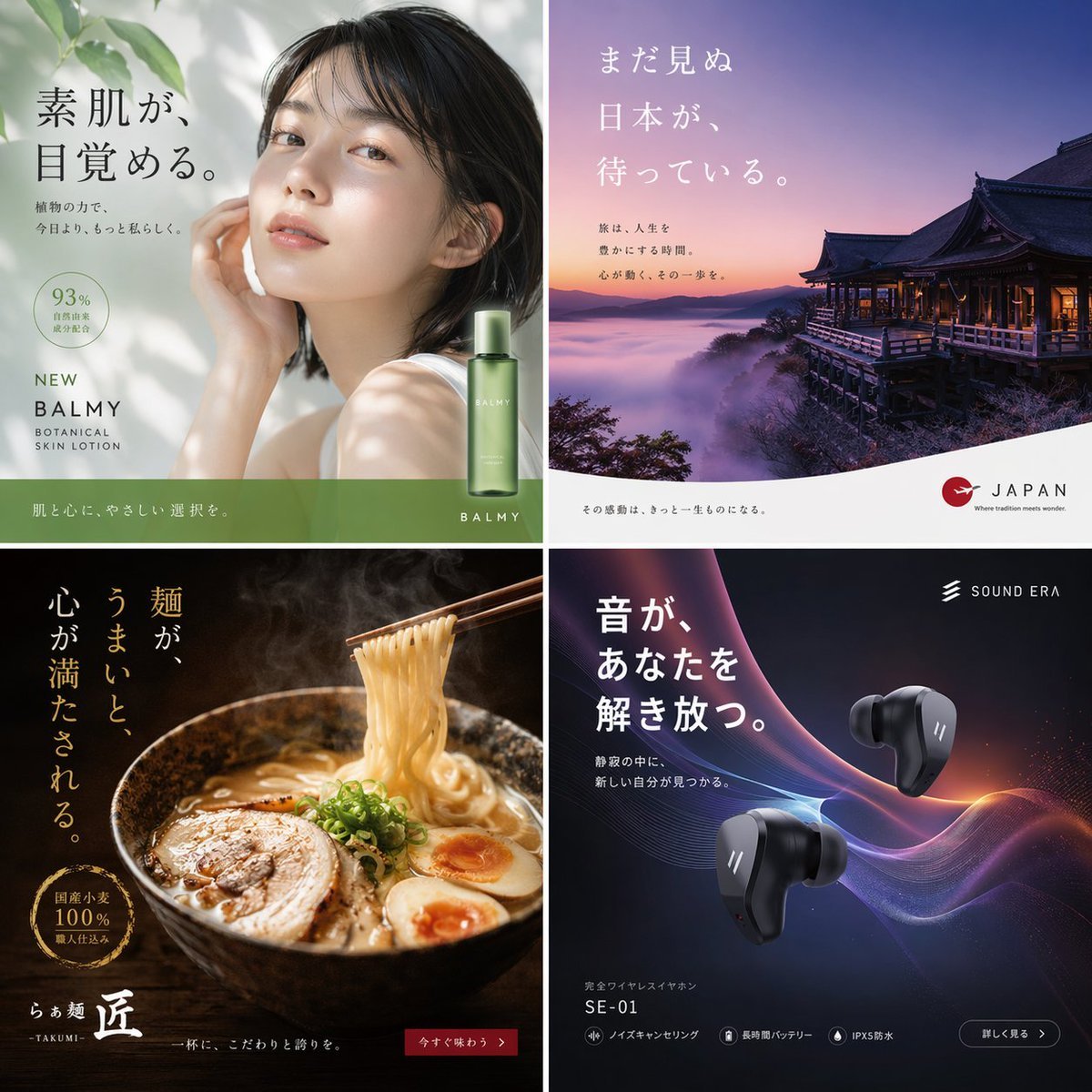
2x2 Japanese Advertisement Grid
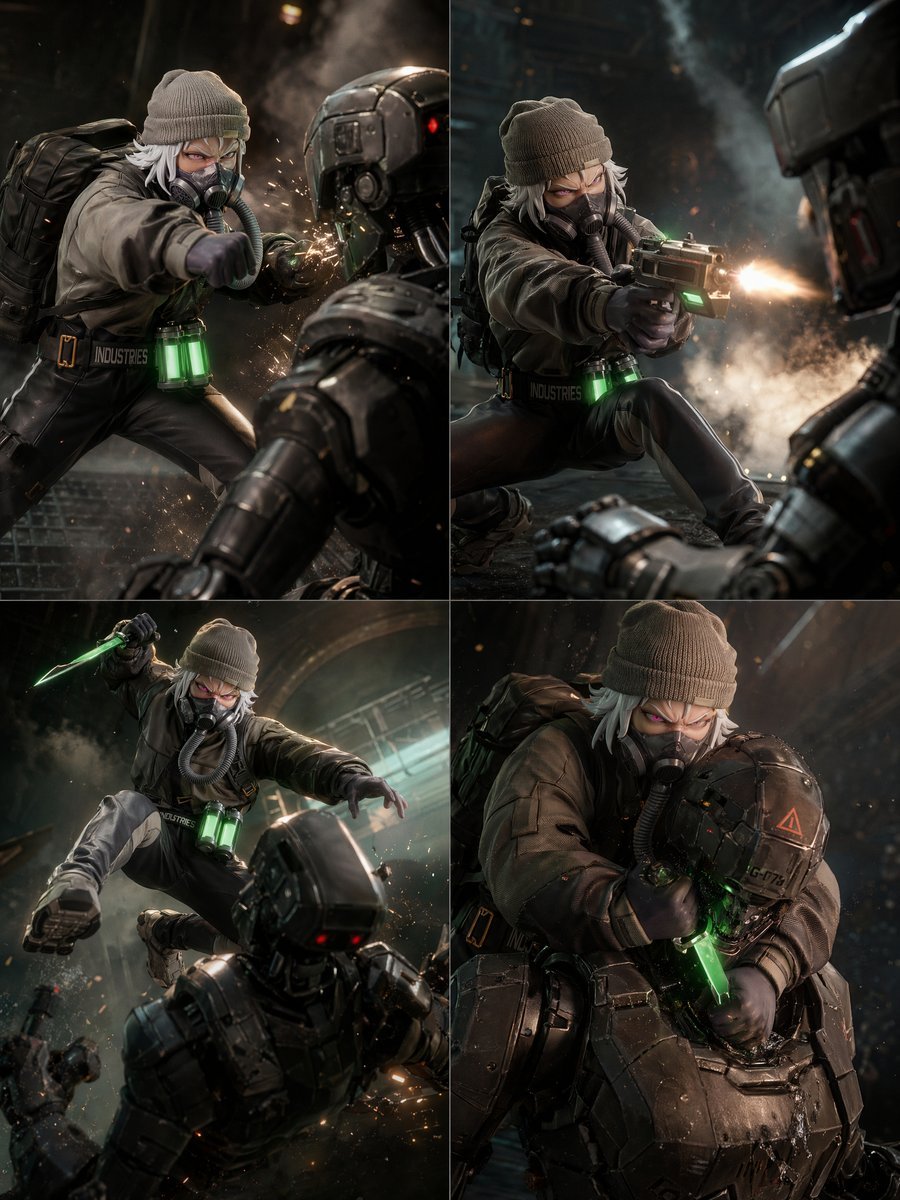
2x2 Sci-Fi Combat Action Grid
Make it yours
2x2 Grid Character Consistency Prompt (JSON) works as-is. These are the safest ways to change it without losing the look.
Swap the setting
Keep the rest of the prompt and replace the location block. The current setting is “small apartment interior”.
Swap the light
One lighting change is enough to compare takes. Current light: “soft natural daylight from window”.
Change one field
Copy a single group, rewrite it, and generate again so you can see what that field is doing.
| If the result… | Why | Fix |
|---|---|---|
| The result drifts from the preview | Too many fields changed at once. | Reuse 2x2 Grid Character Consistency Prompt (JSON) as-is first, then change one group — subject, light, or setting. |
| Nano Banana 2 ignores part of the JSON | Some models flatten or skip nested keys. | Keep the same values and paste them as a short paragraph instead. |
More Nano Banana 2 templates
Other prompts made for Nano Banana 2.

Photorealistic Leaf Shaped Like a Dragon

K-Pop Idol Portrait Grid for Rapid Selection

Poetic Rain Forest Portrait During Golden Hour

Urban Street Portrait with Cartoon Inner Self Duo

Candid Nighttime Photo with Cat Prompt

High-Concept 3D Diorama Generation Prompt

Cinematic Futuristic Studio Portrait Template

Skincare Editorial Photography Collage Prompt

Hyper-Realistic Commercial Product Photography (Splash Effect)

Hyper-Realistic Nightclub Portrait Prompt
More image prompts
Fresh picks from across the catalog.

Winter Cabin Scene with Frosted Window and Coca-Cola Can
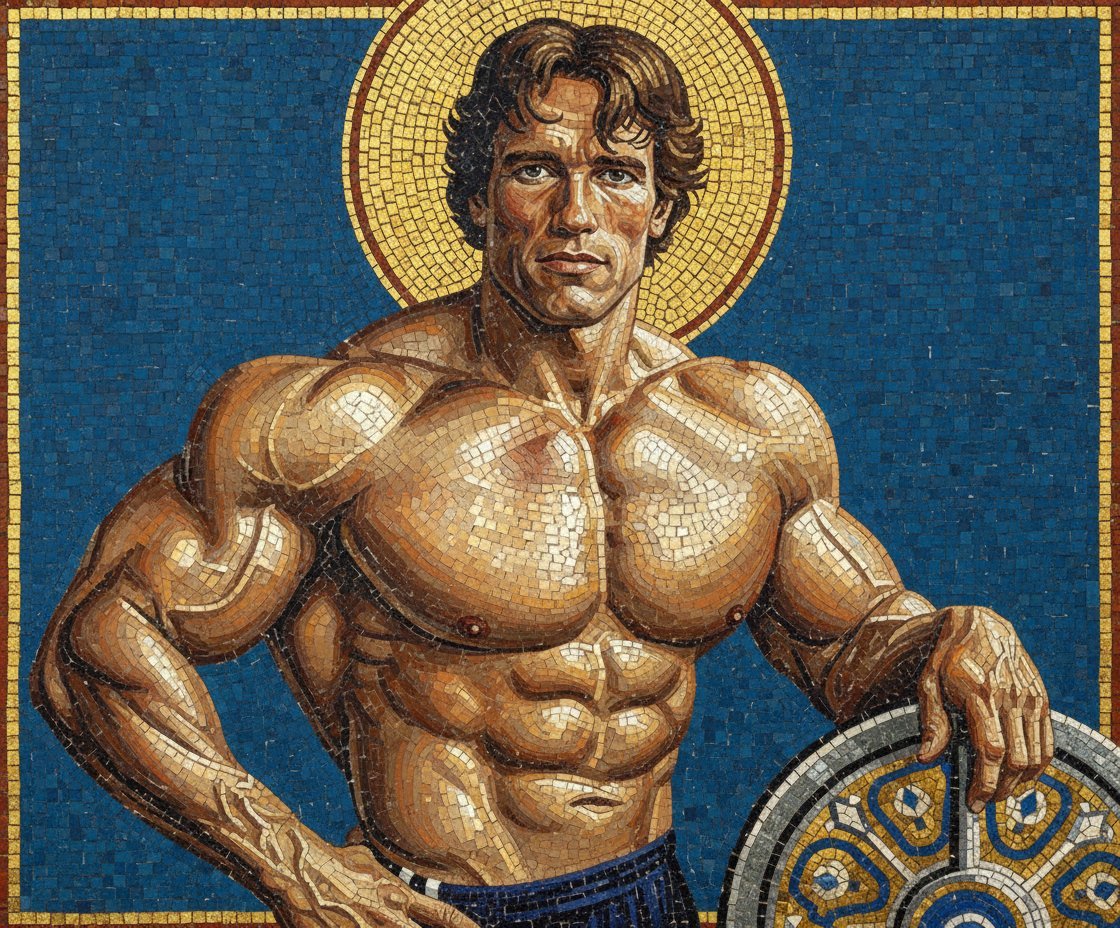
Byzantine Mosaic Style Portrait Prompt
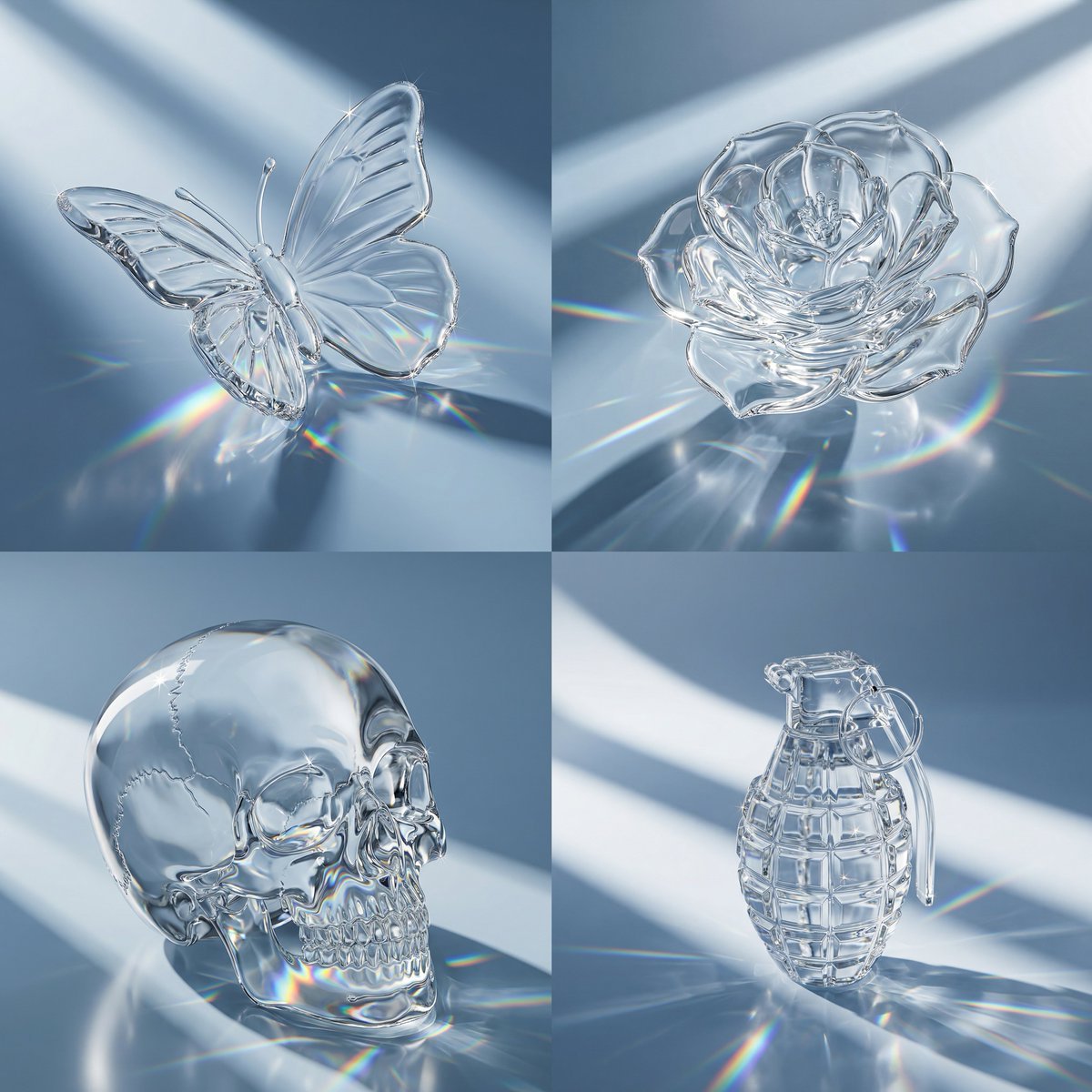
Macro Hero Shot of Optical Cast Glass Object with Caustics
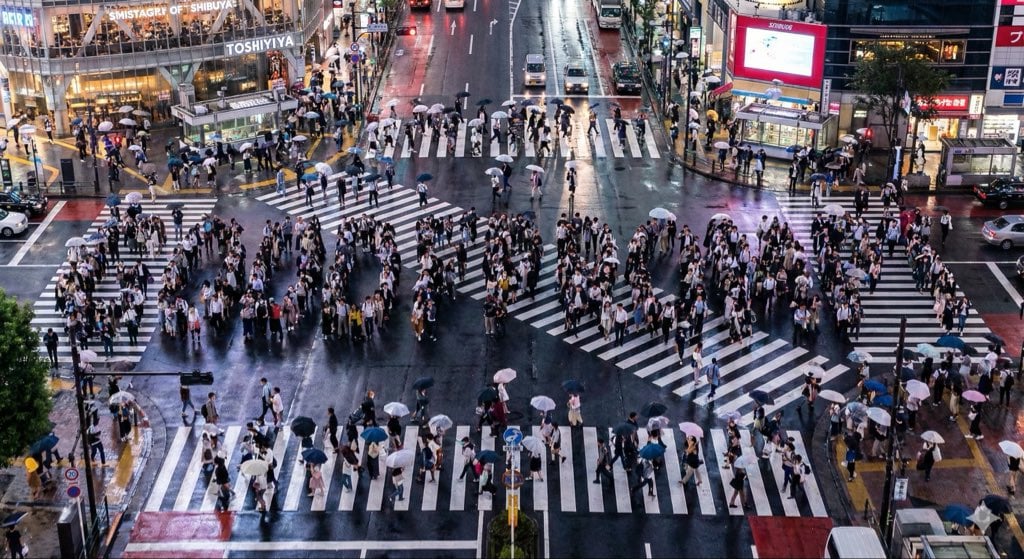
Steganographic Text Embedding Prompt
Microscopic Pencil Tip to Proton Zoom

Premium Male Editorial Portrait
3D Urban Skater Character
New Year's Eve Flash Photography Group Portrait
Raditya Ramuna
Luxury Retail Editorial Scene with Symbolic Apple
Browse template categories
2x2 Grid Character Consistency Prompt (JSON) questions
How do I use the 2x2 Grid Character Consistency Prompt (JSON) template?
Add your photo if the template asks for one, edit the prompt if you like — the template's model and format are already selected — and press Generate. Your version opens in PicX Studio.
Can I customize the 2x2 Grid Character Consistency Prompt (JSON) template?
Yes. You can change the subject, setting, lighting, mood, format, and available model controls before creating your image.
Is the 2x2 Grid Character Consistency Prompt (JSON) template free?
Opening and editing this template is free. Generating uses credits, shown on the Generate button when you are signed in.
Which AI model should I use?
Start with Nano Banana 2, which is the model associated with this template. You can compare another compatible model for a different finish.
Looking for something else? Browse all templates.

Your photo, any look
Thousands of ready templates for every top image and video model, from one credit balance.