
2x2 Japanese Advertisement Grid
Generates a 2x2 grid of distinct Japanese advertisement posters covering skincare, travel, food, and technology themes.
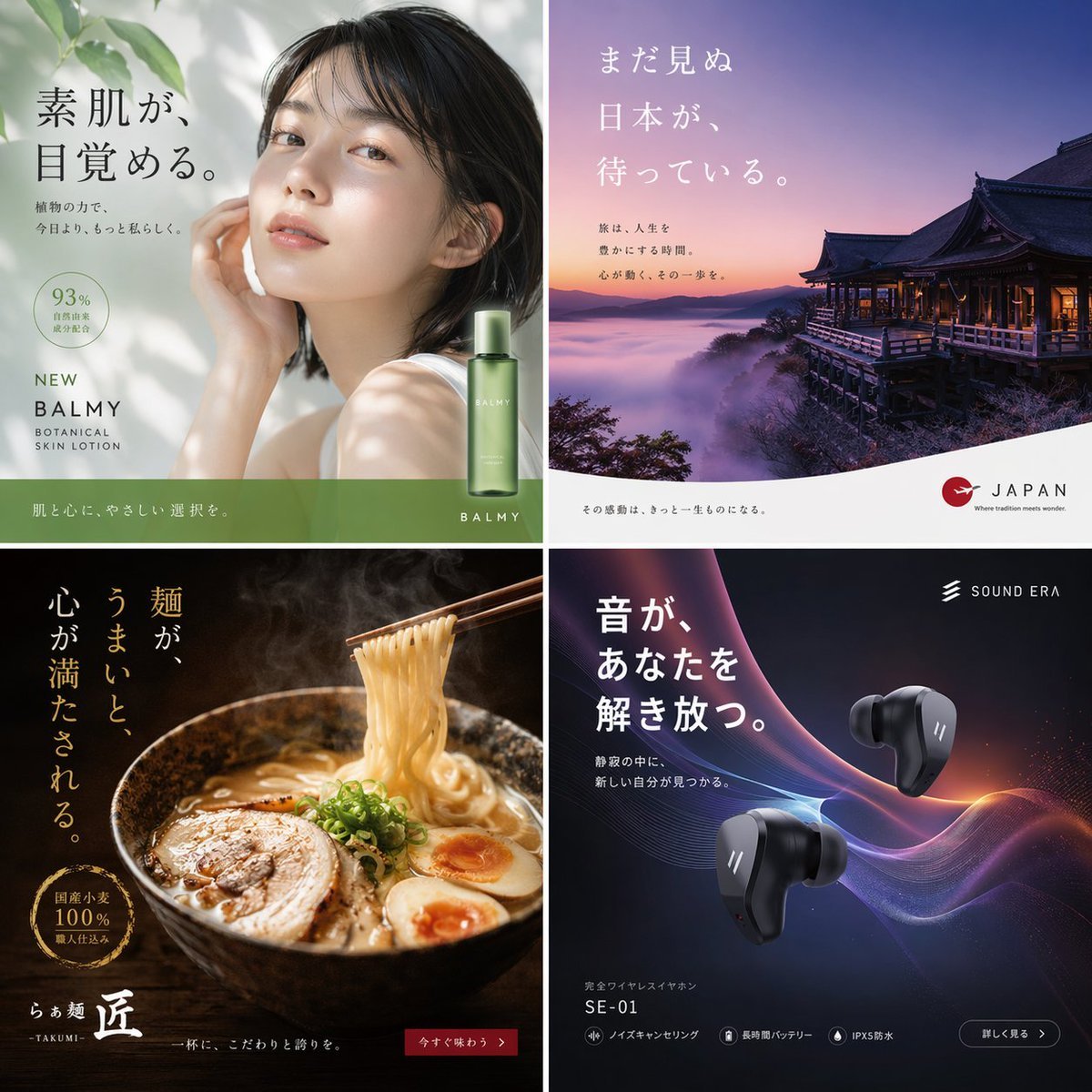
- Prompt included
- Model and format preset
- Free template
The prompt behind this image
Copy the exact prompt behind 2x2 Japanese Advertisement Grid, or open it in the studio and make it yours.
- Type
- advertisement poster collection
- Layout
- {argument name="grid layout" default="2x2 grid"}
- Panels › 0 › Position
- top-left
- Panels › 0 › Theme
- skincare
- Panels › 0 › Visuals
- young Asian woman looking up, soft natural lighting, dappled shadows, green lotion bottle
- Panels › 0 › Headline
- {argument name="skincare headline" default="素肌が、目覚める。"}
- Panels › 0 › Subtext
- 植物の力で、今日より、もっと私らしく。, 93% 自然由来成分配合
- Panels › 0 › Branding
- BALMY BOTANICAL SKIN LOTION
- Panels › 1 › Position
- top-right
- Panels › 1 › Theme
- tourism
- Panels › 1 › Visuals
- traditional Japanese temple on a cliff, sea of clouds, purple and orange sunrise sky
- Panels › 1 › Headline
- {argument name="travel headline" default="まだ見ぬ日本が、待っている。"}
- Panels › 1 › Subtext
- 旅は、人生を豊かにする時間。心が動く、その一歩を。
- Panels › 1 › Branding
- JAPAN Where tradition meets wonder.
- Panels › 2 › Position
- bottom-left
- Panels › 2 › Theme
- food
- Panels › 2 › Visuals
- steaming bowl of ramen, chashu, egg, chopsticks lifting noodles, dark moody lighting
- Panels › 2 › Headline
- {argument name="ramen headline" default="麺が、うまいと、心が満たされる。"}
- Panels › 2 › Subtext
- 国産小麦 100% 職人仕込み
- Panels › 2 › Branding
- らぁ麺 匠 -TAKUMI-
- Panels › 3 › Position
- bottom-right
- Panels › 3 › Theme
- technology
- Panels › 3 › Visuals
- floating black wireless earbuds, abstract glowing purple and blue sound waves, dark background
- Panels › 3 › Headline
- {argument name="earbuds headline" default="音が、あなたを解き放つ。"}
Raw JSON
{
  "type": "advertisement poster collection",
  "layout": "{argument name=\"grid layout\" default=\"2x2 grid\"}",
  "panels": [
    {
      "position": "top-left",
      "theme": "skincare",
      "visuals": "young Asian woman looking up, soft natural lighting, dappled shadows, green lotion bottle",
      "headline": "{argument name=\"skincare headline\" default=\"素肌が、目覚める。\"}",
      "subtext": ["植物の力で、今日より、もっと私らしく。", "93% 自然由来成分配合"],
      "branding": "BALMY BOTANICAL SKIN LOTION"
    },
    {
      "position": "top-right",
      "theme": "tourism",
      "visuals": "traditional Japanese temple on a cliff, sea of clouds, purple and orange sunrise sky",
      "headline": "{argument name=\"travel headline\" default=\"まだ見ぬ日本が、待っている。\"}",
      "subtext": ["旅は、人生を豊かにする時間。心が動く、その一歩を。"],
      "branding": "JAPAN Where tradition meets wonder."
    },
    {
      "position": "bottom-left",
      "theme": "food",
      "visuals": "steaming bowl of ramen, chashu, egg, chopsticks lifting noodles, dark moody lighting",
      "headline": "{argument name=\"ramen headline\" default=\"麺が、うまいと、心が満たされる。\"}",
      "subtext": ["国産小麦 100% 職人仕込み"],
      "branding": "らぁ麺 匠 -TAKUMI-"
    },
    {
      "position": "bottom-right",
      "theme": "technology",
      "visuals": "floating black wireless earbuds, abstract glowing purple and blue sound waves, dark background",
      "headline": "{argument name=\"earbuds headline\" default=\"音が、あなたを解き放つ。\"}",
      "subtext": ["静寂の中に、新しい自分が見つかる。"],
      "branding": "SOUND ERA SE-01"
    }
  ]
}How to use 2x2 Japanese Advertisement Grid in 3 steps
- 1Upload ImagePNG, JPG or paste
Add your photo
Upload the photo the template builds on. The prompt, model and format are already set.
- 2…a portrait of your subject in softgolden-hour light, 85mm…
Personalize
Edit the subject and creative details for your destination.
- 3Generate
Generate
Press Generate — your image is created in PicX Studio, so you can compare it with the original and refine one variable at a time.
More like this
Templates with the same subject, style or setup. Open one to see its prompt.

Korean Luxury Fashion Editorial 2x2 Grid Series

Minecraft Japanese Research Lab Exploration
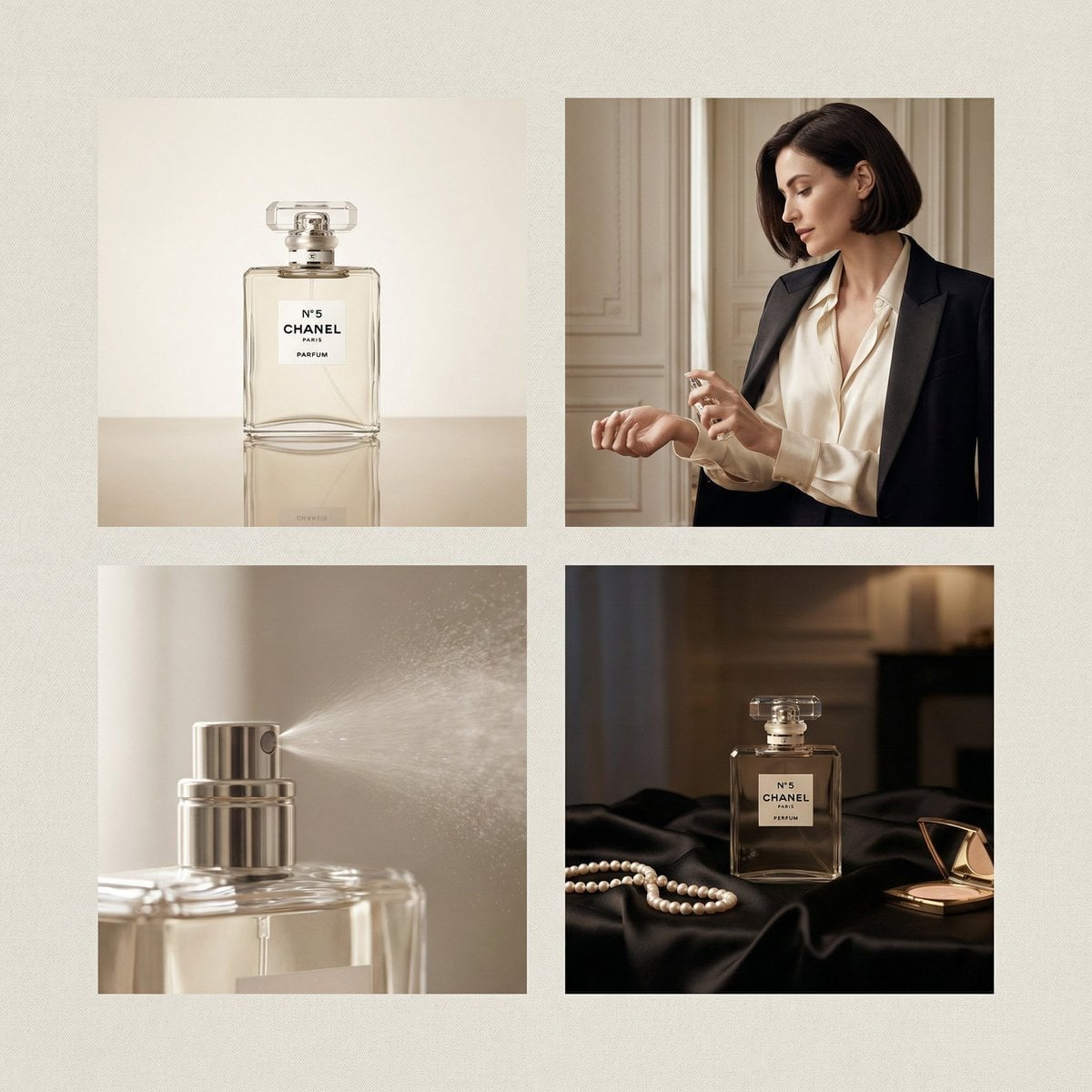
Chanel Perfume 2x2 Grid Luxury Campaign
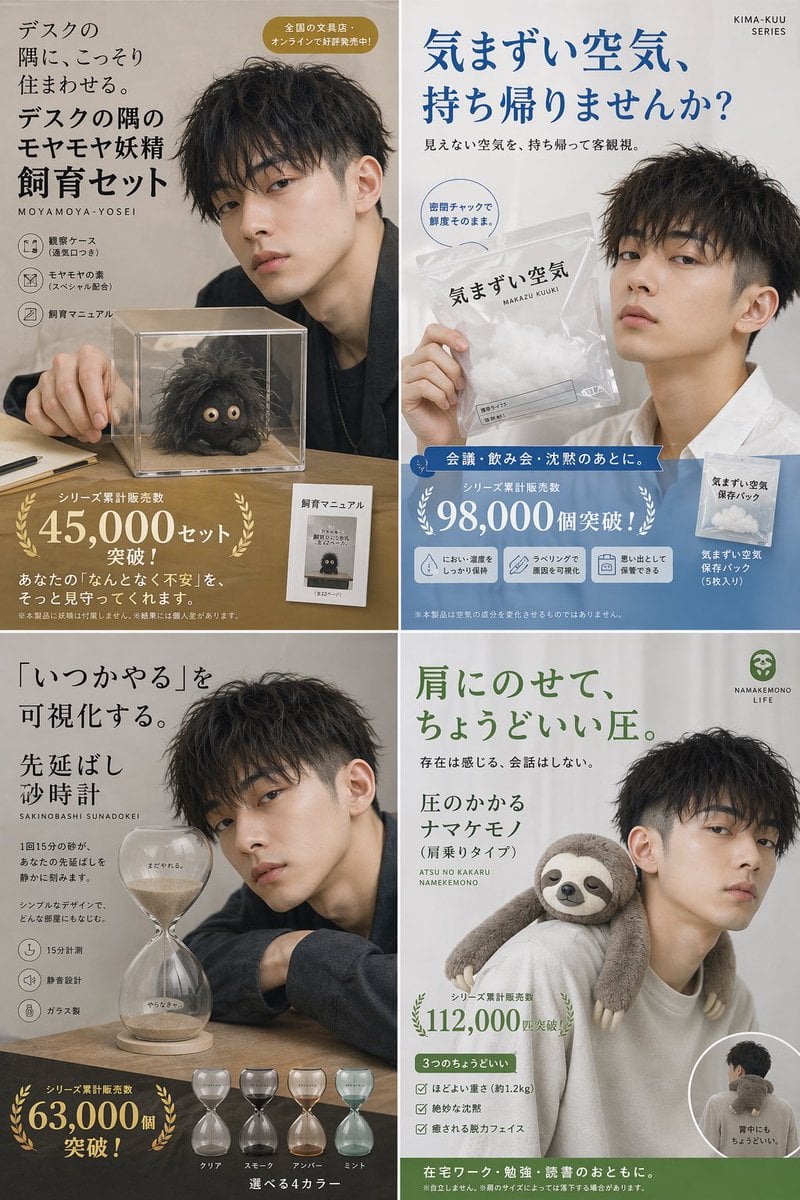
Japanese Absurd Lifestyle Ad Grid

Japanese Architectural Concrete Studio Fashion Campaign

Japanese Minimalist Concrete Studio Fashion Editorial

Blue Backdrop Luxury Fashion Portrait Campaign

Minimalist Fashion Editorial Split Layout

Ultra-Realistic Vogue-Style Editorial Fashion Grid

Headphones Lifestyle Nine Panel Grid
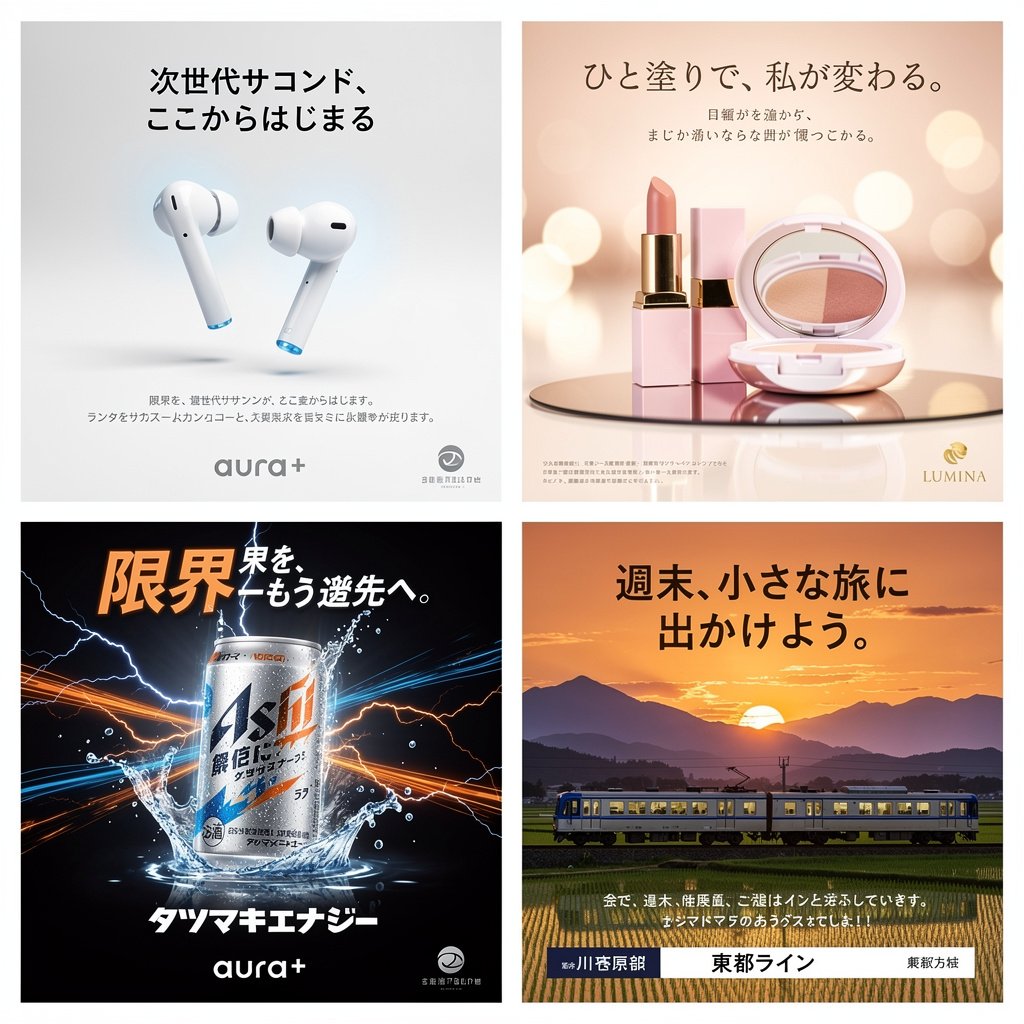
Panel Japanese Advertising Concept Grid
2x2 Sci-Fi Combat Action Grid
Make it yours
2x2 Japanese Advertisement Grid works as-is. These are the safest ways to change it without losing the look.
Change one field
Copy a single group, rewrite it, and generate again so you can see what that field is doing.
Keep the frame, change the subject
Hold the composition and light of 2x2 Japanese Advertisement Grid, then swap wardrobe, props or the person for a new take.
| If the result… | Why | Fix |
|---|---|---|
| The result drifts from the preview | Too many fields changed at once. | Reuse 2x2 Japanese Advertisement Grid as-is first, then change one group — subject, light, or setting. |
| GPT Image 2 ignores part of the JSON | Some models flatten or skip nested keys. | Keep the same values and paste them as a short paragraph instead. |
More GPT Image 2 templates
Other prompts made for GPT Image 2.

Six VTuber Japanese Logo Sheet

Realistic Portrait of Woman and Deer

The Vista Modular Condo Poster

AI Model Routing Comparison Infographic

2.5D Anime Art Board

Isometric Productivity Desk Scene

New York Double Exposure Poster

Four-Panel AI Landscape Comparison

Japanese Tatami Lifestyle Magazine Cover

NESCAFÉ Coffee Map Poster
More image prompts
Fresh picks from across the catalog.

Semi-Realistic Dogfight between Santa and Reindeer Robots

Macro Toy Photography: Beast Escaping Comic Panel

Split Portrait Editorial Photography
Photorealistic Skincare Product Photography in Snow
Japanese Beach Model Portrait
Hyper-Realistic Urban Night Portrait with UI Overlay

Chibi Angel in Fantasy Forest
Architectural Floor Plan as Miniature World
Rustic Pasta Tutorial Reference Sheet
Dark Fantasy Manga Page Generator
Browse template categories
2x2 Japanese Advertisement Grid questions
How do I use the 2x2 Japanese Advertisement Grid template?
Add your photo if the template asks for one, edit the prompt if you like — the template's model and format are already selected — and press Generate. Your version opens in PicX Studio.
Can I customize the 2x2 Japanese Advertisement Grid template?
Yes. You can change the subject, setting, lighting, mood, format, and available model controls before creating your image.
Is the 2x2 Japanese Advertisement Grid template free?
Opening and editing this template is free. Generating uses credits, shown on the Generate button when you are signed in.
Which AI model should I use?
Start with GPT Image 2, which is the model associated with this template. You can compare another compatible model for a different finish.
Looking for something else? Browse all templates.

Your photo, any look
Thousands of ready templates for every top image and video model, from one credit balance.