
Dark Fantasy Route Map
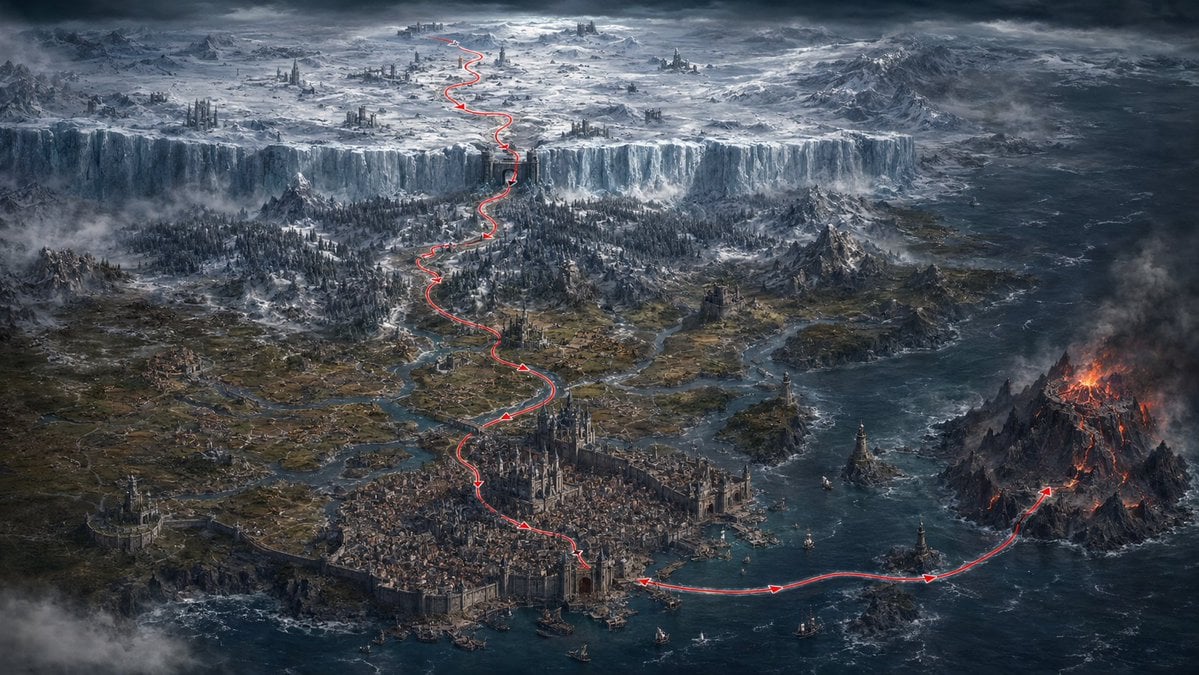
A cinematic fantasy world map showing a red travel route across a medieval harbor city, volcanic island, forests, and frozen northern wasteland.
- Prompt included
- Model and format preset
- Free template
The prompt behind this image
Copy the exact prompt behind Dark Fantasy Route Map, or open it in the studio and make it yours.
Create an epic dark fantasy cartographic panorama in a cinematic realistic digital painting style. The scene is a vast medieval coastal world viewed from a very high aerial three-quarter angle, like a game map or fantasy strategy map. In the foreground center is a huge fortified harbor city packed with stone buildings, cathedral towers, walls, docks, small ships, and bridges, surrounded by blue-black ocean and river deltas. A thin bright red route line with small arrowheads is drawn over the landscape, starting at the harbor city, curving across the sea to the right toward a volcanic island, then continuing back through the city and winding northward through forests, rivers, ruined keeps, mountain passes, and finally climbing a monumental vertical ice wall into a frozen northern wasteland. Count exactly 1 continuous red travel path, with multiple visible arrowheads along it. On the right, show a jagged black volcanic island with glowing orange lava, fire, smoke, and ash clouds. In the middle distance, show dark pine forests, scattered castles, villages, roads, rocky mountains, marshy river channels, and mist. Across the upper third, show a colossal icy cliff or glacier wall spanning the entire width of the land, with a frozen plateau beyond it containing snowfields, ancient ruins, spires, distant mountains, and storm clouds. Use cold desaturated blues, grays, charcoal, icy whites, muted browns, and small accents of fiery orange lava and vivid red for the route. Lighting is dramatic and overcast, with heavy clouds, fog banks, sea spray, and high-detail worldbuilding. No labels, no UI, no border, no watermark, no readable text. Aspect ratio 16:9, ultra-wide cinematic composition, highly detailed, sharp, atmospheric, epic scale.
How to use Dark Fantasy Route Map in 3 steps
- 1Upload ImagePNG, JPG or paste
Add your photo
Upload the photo the template builds on. The prompt, model and format are already set.
- 2…a portrait of your subject in softgolden-hour light, 85mm…
Personalize
Edit the subject and creative details for your destination.
- 3Generate
Generate
Press Generate — your image is created in PicX Studio, so you can compare it with the original and refine one variable at a time.
More like this
Templates with the same subject, style or setup. Open one to see its prompt.
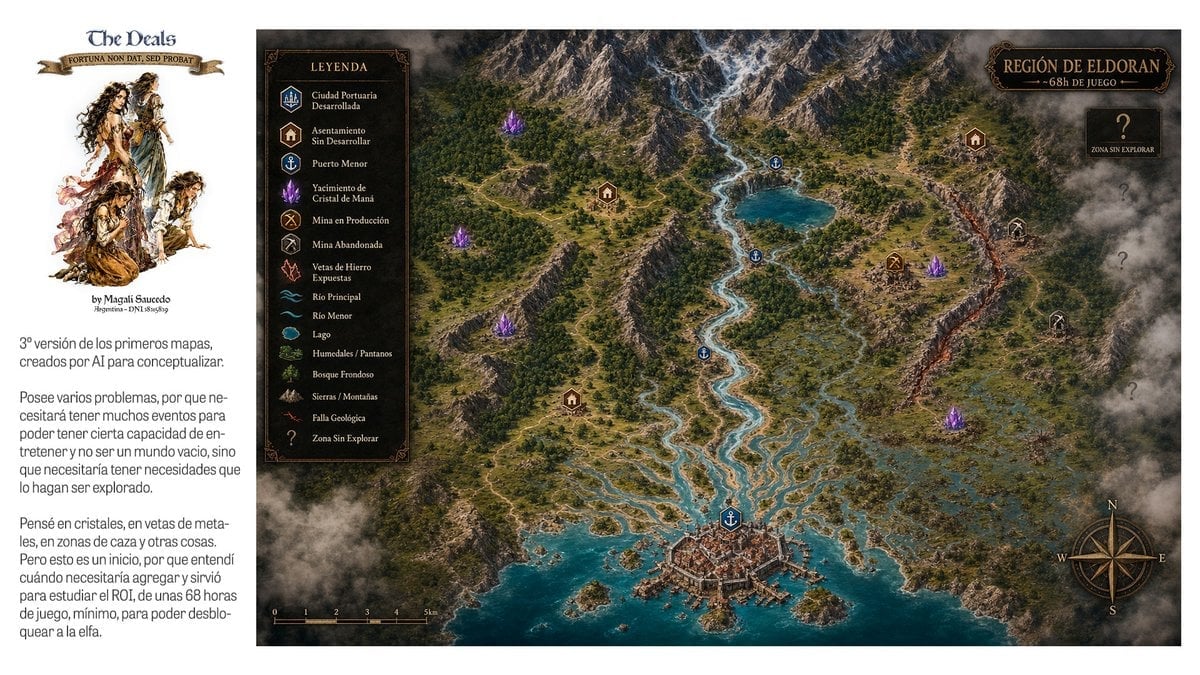
Fantasy RPG Region Map Sheet

Dark Fantasy Sorceress Storyboard

Dark Fantasy Smoke Monster Transformation

Anime Fantasy Celestial Movie Poster
Anime Fantasy Celestial Movie Poster

Selective Color Monochrome Football Poster

Minecraft Fantasy Kingdom Voxel Landscape

Unfinished Sketch Comes Alive Portrait

Open Travel Journal Overhead Still Life

Tiny Woman Miniature Fantasy Macro Scene
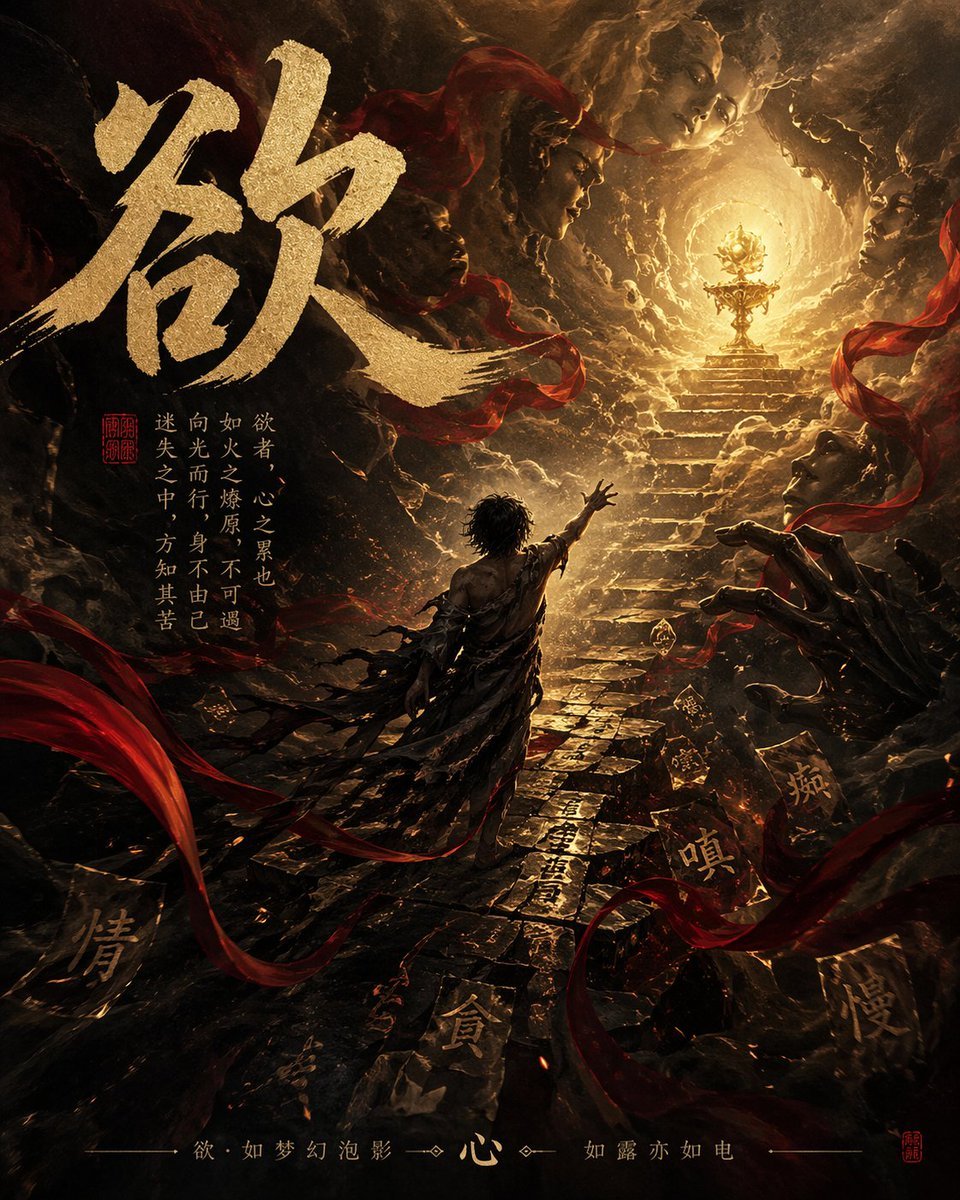
Dark Chinese Fantasy Desire Poster
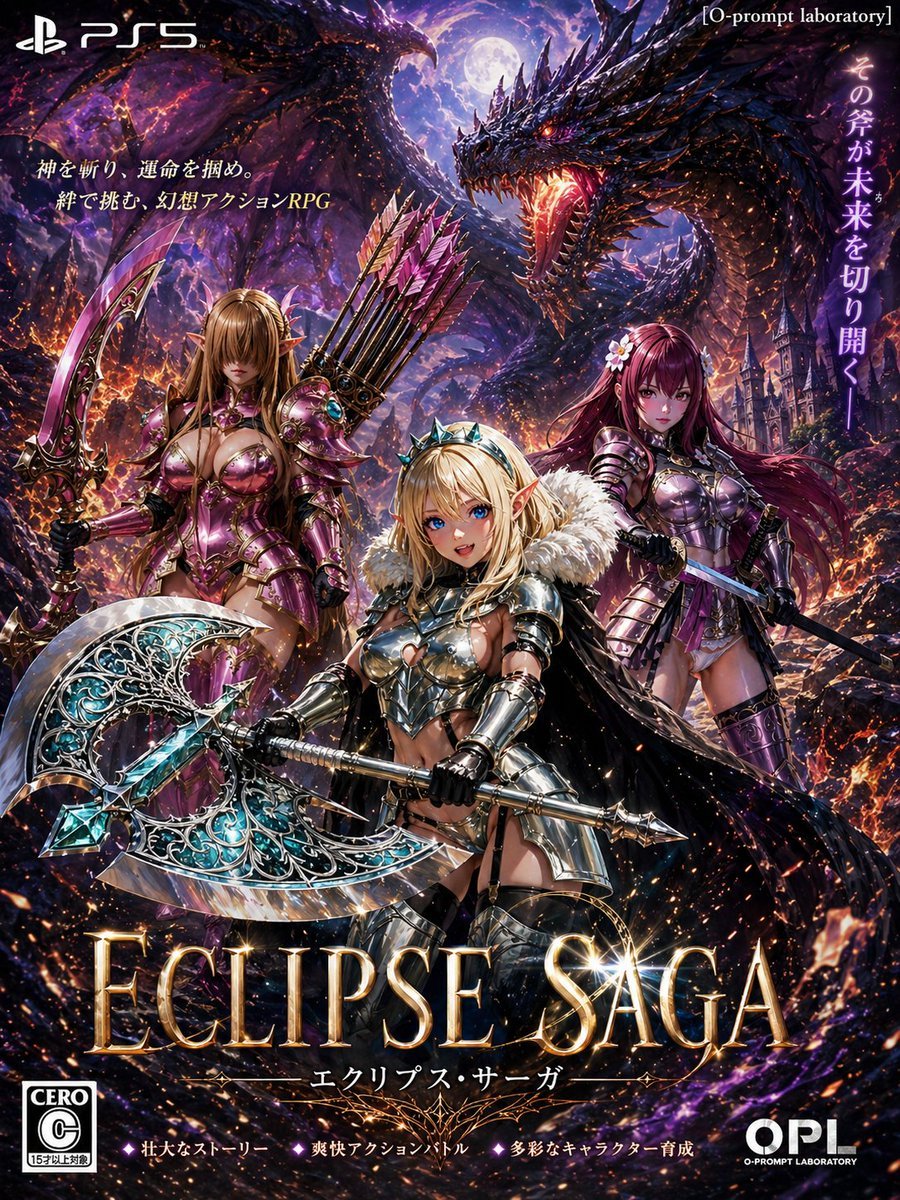
Dark Fantasy PS5 RPG Cover Art
Make it yours
Dark Fantasy Route Map works as-is. These are the safest ways to change it without losing the look.
Change one field
Copy a single group, rewrite it, and generate again so you can see what that field is doing.
Keep the frame, change the subject
Hold the composition and light of Dark Fantasy Route Map, then swap wardrobe, props or the person for a new take.
| If the result… | Why | Fix |
|---|---|---|
| The result drifts from the preview | Too many fields changed at once. | Reuse Dark Fantasy Route Map as-is first, then change one group — subject, light, or setting. |
| The model over-stylizes the scene | The prose prompt leaves finish and camera underspecified. | Add one camera or lighting sentence and stay on GPT Image 2. |
More GPT Image 2 templates
Other prompts made for GPT Image 2.

Six VTuber Japanese Logo Sheet

Realistic Portrait of Woman and Deer

The Vista Modular Condo Poster

AI Model Routing Comparison Infographic

2.5D Anime Art Board

Isometric Productivity Desk Scene

New York Double Exposure Poster

Four-Panel AI Landscape Comparison

Japanese Tatami Lifestyle Magazine Cover

NESCAFÉ Coffee Map Poster
More image prompts
Fresh picks from across the catalog.
Premium Depth Gradient for Atmospheric Realism

Google Fonts Japanese Infographic
Ski Trip Selfie Perspective Prompt
Oriental Fantasy Female Pianist 3D CG
Cinematic Urban Night Scene with Digital Billboard
Antarctic Penguin Encounter Photograph Prompt
Barbarian Fantasy City Gate Procession
Mediocre Drawing Style Illustration
Abstract Eastern Zen Landscape with Time-Slice Lighting
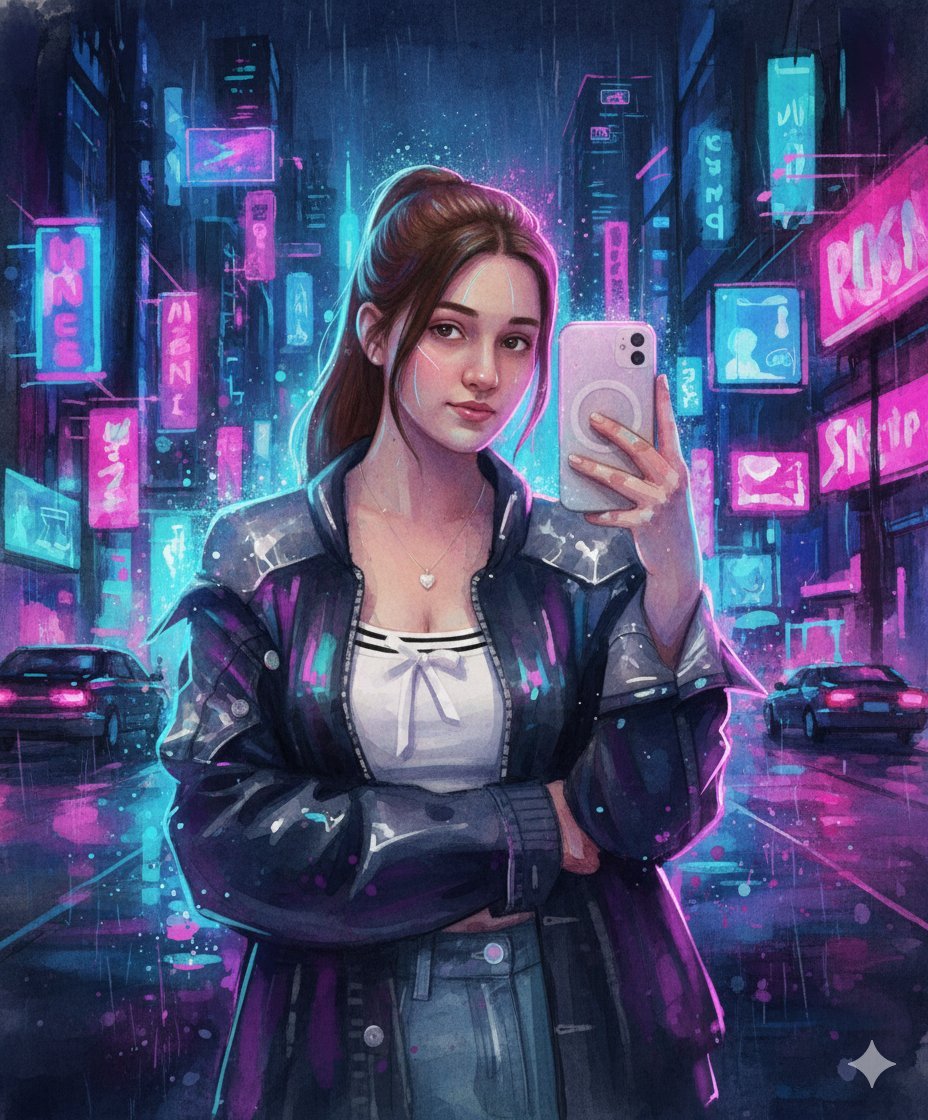
Neon Cyberpunk Watercolor Fusion Illustration Prompt
Browse template categories
Dark Fantasy Route Map questions
How do I use the Dark Fantasy Route Map template?
Add your photo if the template asks for one, edit the prompt if you like — the template's model and format are already selected — and press Generate. Your version opens in PicX Studio.
Can I customize the Dark Fantasy Route Map template?
Yes. You can change the subject, setting, lighting, mood, format, and available model controls before creating your image.
Is the Dark Fantasy Route Map template free?
Opening and editing this template is free. Generating uses credits, shown on the Generate button when you are signed in.
Which AI model should I use?
Start with GPT Image 2, which is the model associated with this template. You can compare another compatible model for a different finish.
Looking for something else? Browse all templates.

Your photo, any look
Thousands of ready templates for every top image and video model, from one credit balance.