
Melancholic Subway Commuter Portrait
A cinematic and moody portrait prompt for gpt-image-2 depicting a professional man lost in thought while commuting on a crowded subway at the end of the day.
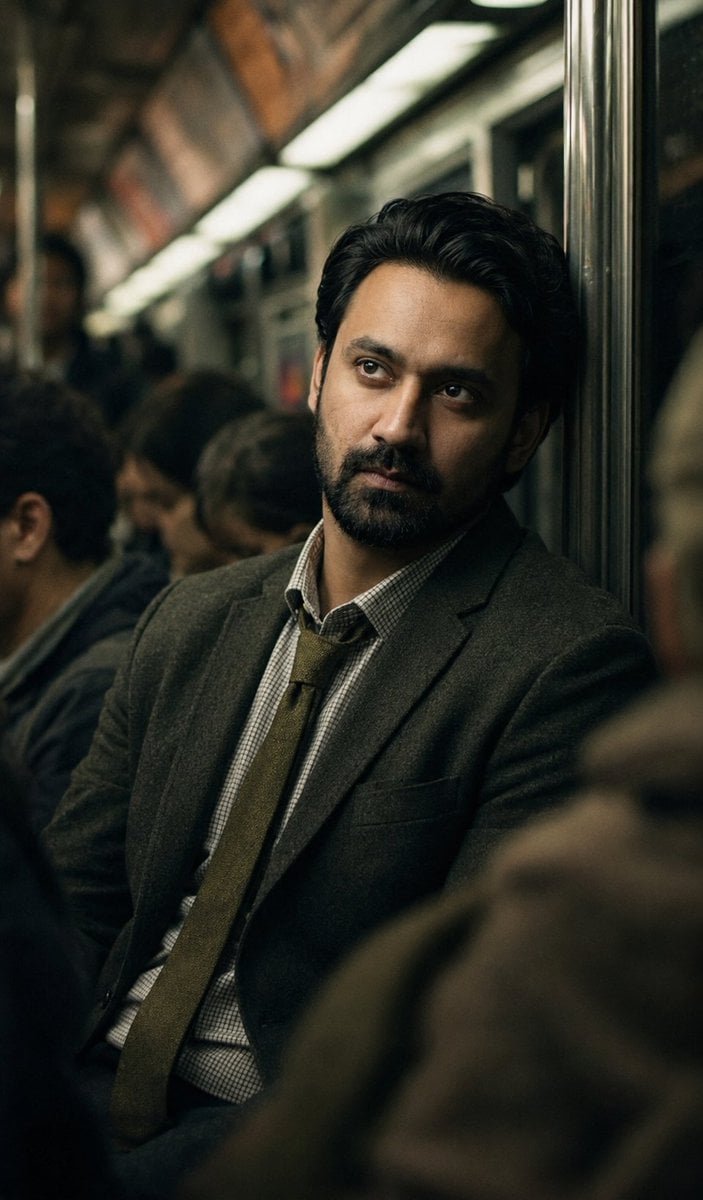
- Prompt included
- Model and format preset
- Free template
The prompt behind this image
Copy the exact prompt behind Melancholic Subway Commuter Portrait, or open it in the studio and make it yours.
A hyper-realistic cinematic candid-style portrait of a man seated inside a {argument name="setting" default="crowded subway or metro train carriage"}, head leaning slightly back against the metal pole or train wall, gazing upward and into the distance with a deeply contemplative, melancholic, and emotionally weighted expression — lost in thought, disconnected from the world around him. Wearing a {argument name="wardrobe" default="textured dark olive or charcoal grey suit jacket, a collared dress shirt with a fine check or grid pattern, and a muted olive-gold necktie slightly loosened"} — the look of a professional man at the end of a long exhausting day. Surrounding him are other seated and standing passengers rendered in soft out-of-focus blur. Interior of the subway car visible — metal poles, overhead advertisements barely legible, fluorescent and warm mixed artificial lighting casting a moody green-amber tint throughout the scene. Foreground elements like a blurred shoulder or coat edge frame the composition and add depth. Shot as if captured candidly through a crowd with a 85mm f/1.4 lens, extremely shallow depth of field with only the subject's face and upper body in sharp focus. Color grading is dark, desaturated, and moody — deep olive greens, muted ambers, and shadow-heavy tones throughout. Grain and film texture added for a gritty documentary realism. {argument name="mood" default="Mood is profoundly melancholic, introspective, and lonely — the quiet exhaustion of modern city life"}. Use the exact facial structure, features, and likeness from the provided reference image — including face shape, eyes, nose, jawline, and any facial hair. Apply only the above subway setting, lighting, wardrobe, emotional expression, and cinematic style to the reference face without altering any facial characteristics.
How to use Melancholic Subway Commuter Portrait in 3 steps
- 1Upload ImagePNG, JPG or paste
Add your photo
Upload the photo the template builds on. The prompt, model and format are already set.
- 2…a portrait of your subject in softgolden-hour light, 85mm…
Personalize
Edit the subject and creative details for your destination.
- 3Generate
Generate
Press Generate — your image is created in PicX Studio, so you can compare it with the original and refine one variable at a time.
More like this
Templates with the same subject, style or setup. Open one to see its prompt.

Subway Platform Quiet Introspective Portrait
Subway Platform Quiet Introspective Portrait

Found Photograph: Us, 1970

80s Couple Studio Portrait

80s Bollywood Star

80s Golden Hour Cinema

Me in 1985

1985 Studio Portrait

Hyper-Realistic Minecraft POV Portrait

Rooftop Fisheye — Cat-Ear Balaclava at Golden Hour

Rainy Café Window Moody Portrait
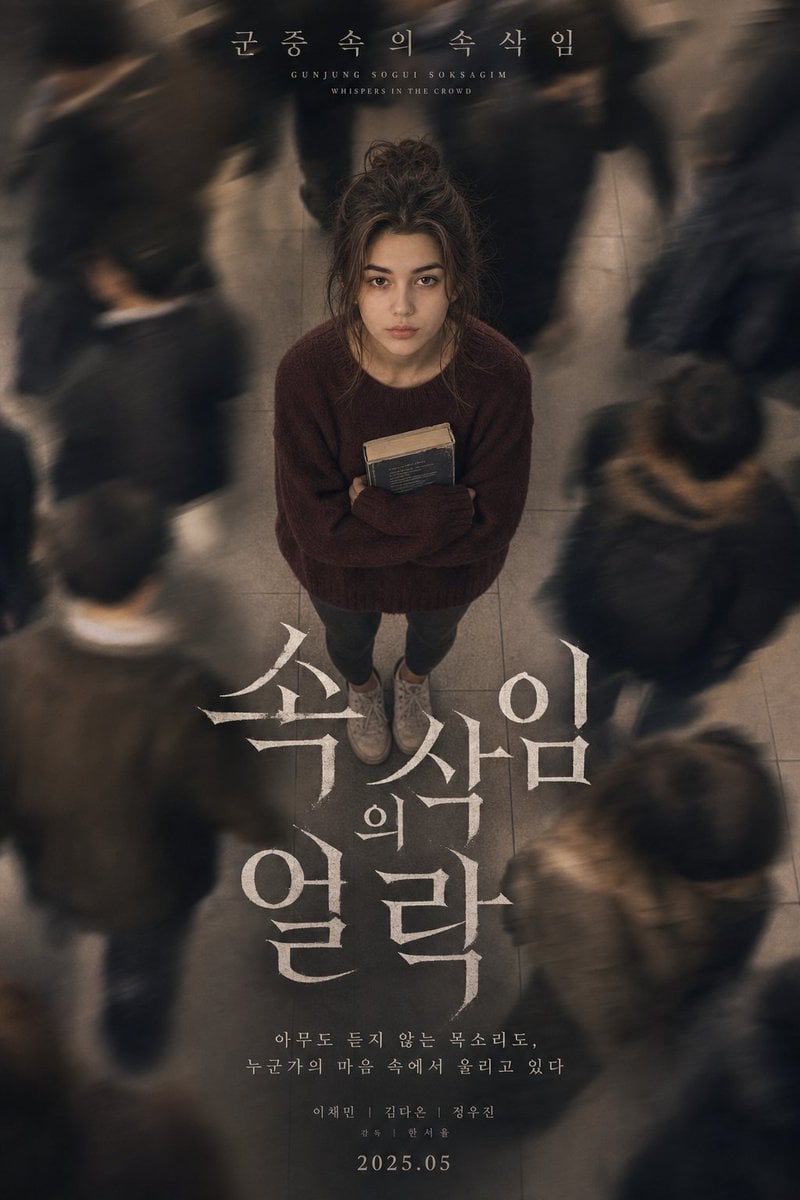
Melancholic K-Drama Subway Poster
Make it yours
Melancholic Subway Commuter Portrait works as-is. These are the safest ways to change it without losing the look.
Change one field
Copy a single group, rewrite it, and generate again so you can see what that field is doing.
Keep the frame, change the subject
Hold the composition and light of Melancholic Subway Commuter Portrait, then swap wardrobe, props or the person for a new take.
| If the result… | Why | Fix |
|---|---|---|
| The result drifts from the preview | Too many fields changed at once. | Reuse Melancholic Subway Commuter Portrait as-is first, then change one group — subject, light, or setting. |
| The model over-stylizes the scene | The prose prompt leaves finish and camera underspecified. | Add one camera or lighting sentence and stay on GPT Image 2. |
More GPT Image 2 templates
Other prompts made for GPT Image 2.

Six VTuber Japanese Logo Sheet

Realistic Portrait of Woman and Deer

The Vista Modular Condo Poster

AI Model Routing Comparison Infographic

2.5D Anime Art Board

Isometric Productivity Desk Scene

New York Double Exposure Poster

Four-Panel AI Landscape Comparison

Japanese Tatami Lifestyle Magazine Cover

NESCAFÉ Coffee Map Poster
More image prompts
Fresh picks from across the catalog.
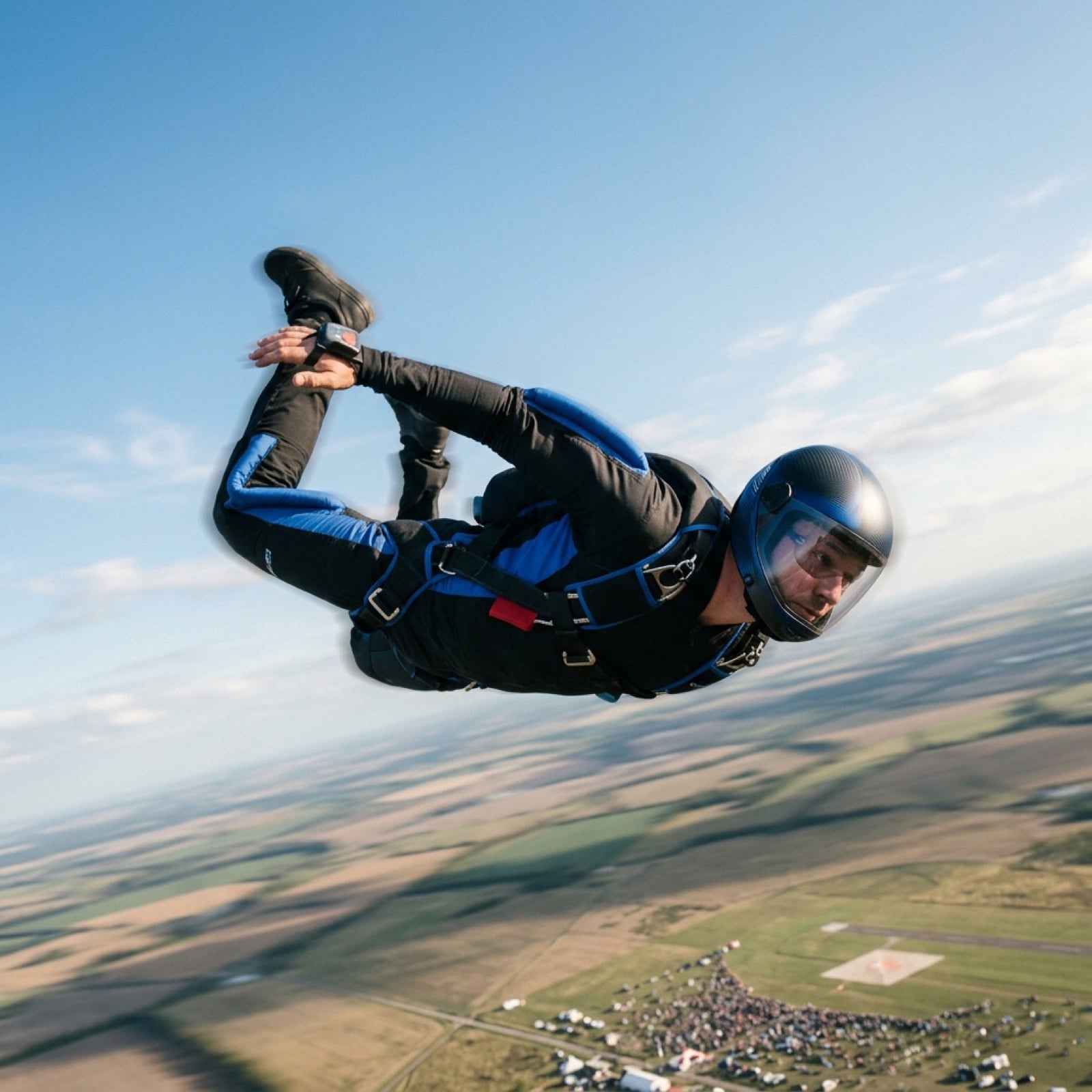
Grok Video Prompt: High-Speed Skydiving Action
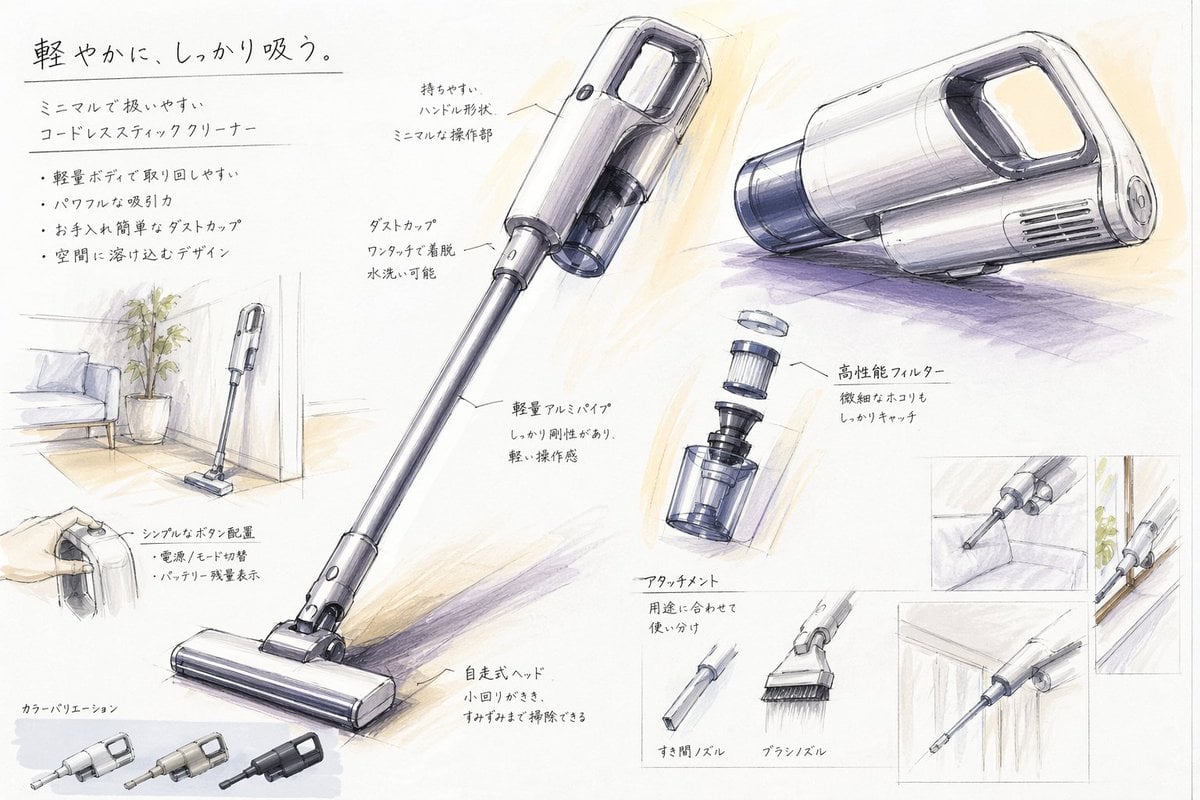
Japanese Vacuum Design Sketch Board
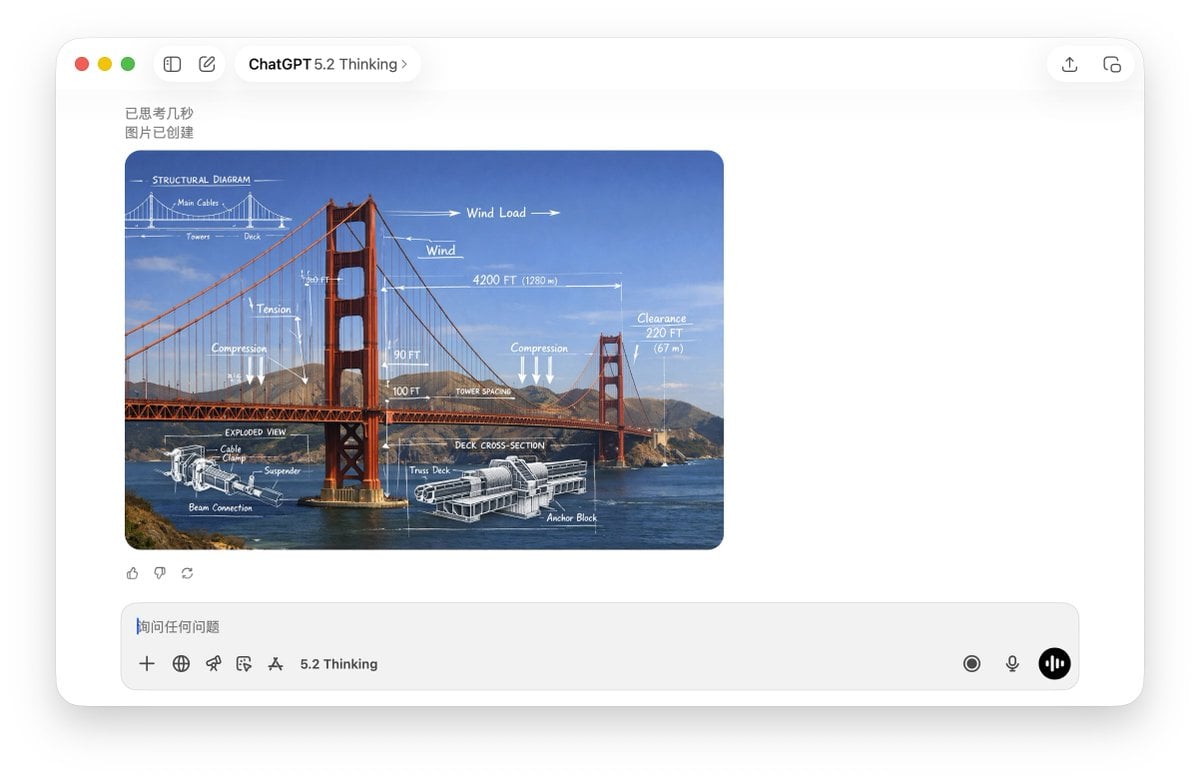
Technical Schematic Overlay Prompt

Editorial Close-Up with Purple Hoodie and Book Prompt
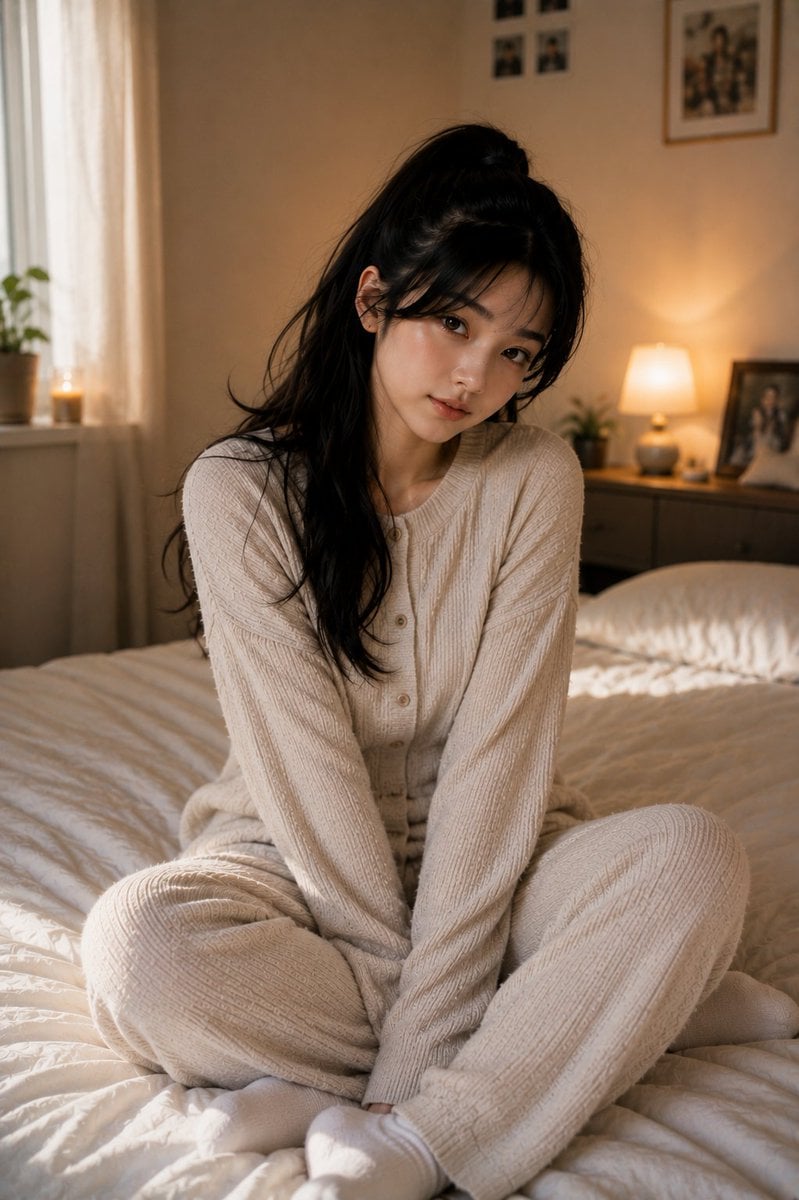
Korean Bedroom Photography
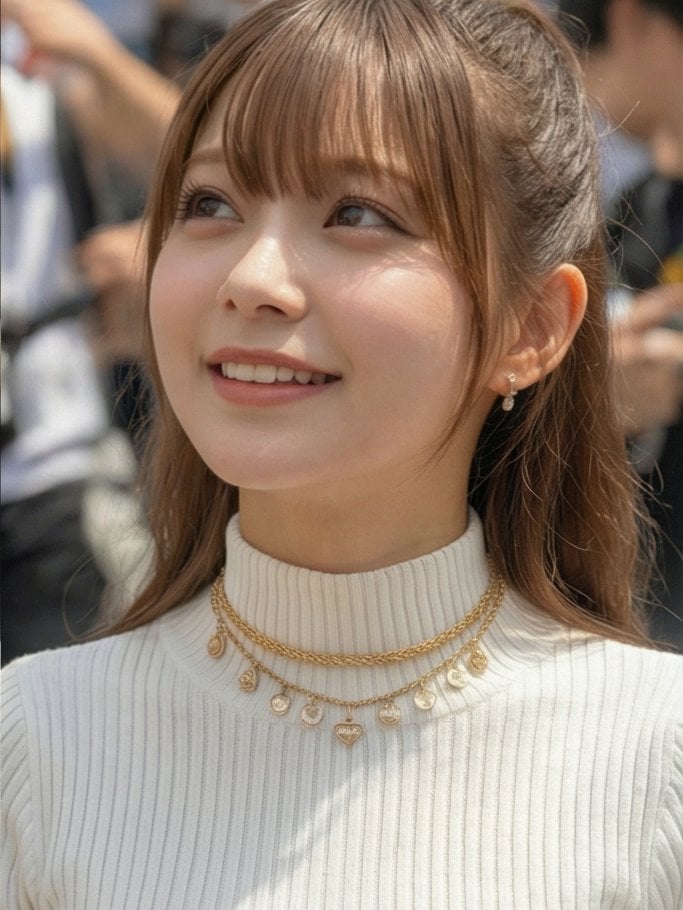
Six-Scene Facial Expression Difference Grid

Dreamy Autumnal Portrait of a Young Woman

Photorealistic Autumn Kimono Portrait

Mystical Kitsune Shrine Portrait
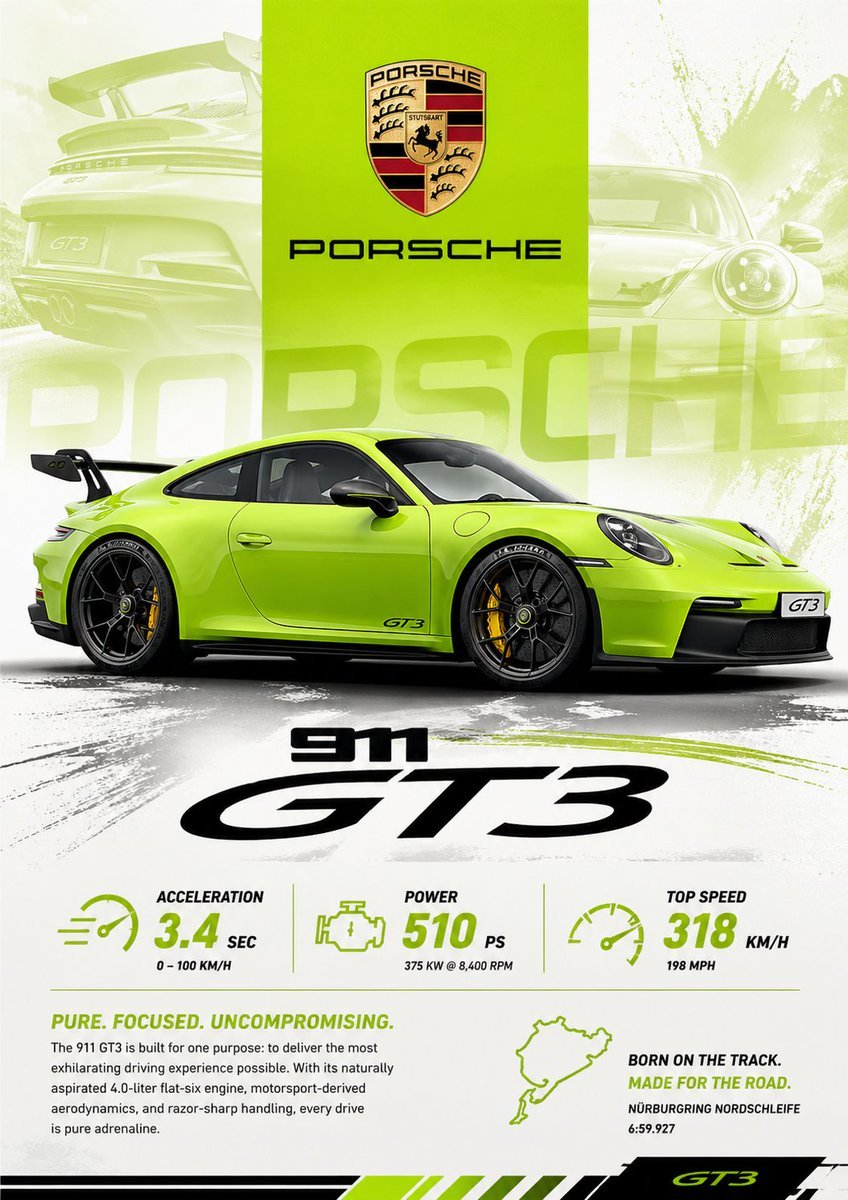
Vibrant Automotive Poster Design
Browse template categories
Melancholic Subway Commuter Portrait questions
How do I use the Melancholic Subway Commuter Portrait template?
Add your photo if the template asks for one, edit the prompt if you like — the template's model and format are already selected — and press Generate. Your version opens in PicX Studio.
Can I customize the Melancholic Subway Commuter Portrait template?
Yes. You can change the subject, setting, lighting, mood, format, and available model controls before creating your image.
Is the Melancholic Subway Commuter Portrait template free?
Opening and editing this template is free. Generating uses credits, shown on the Generate button when you are signed in.
Which AI model should I use?
Start with GPT Image 2, which is the model associated with this template. You can compare another compatible model for a different finish.
Looking for something else? Browse all templates.

Your photo, any look
Thousands of ready templates for every top image and video model, from one credit balance.