
Melancholic K-Drama Subway Poster
A moody Korean drama poster prompt featuring a young woman in a crowded subway station, using long-exposure motion blur and emotional lighting.
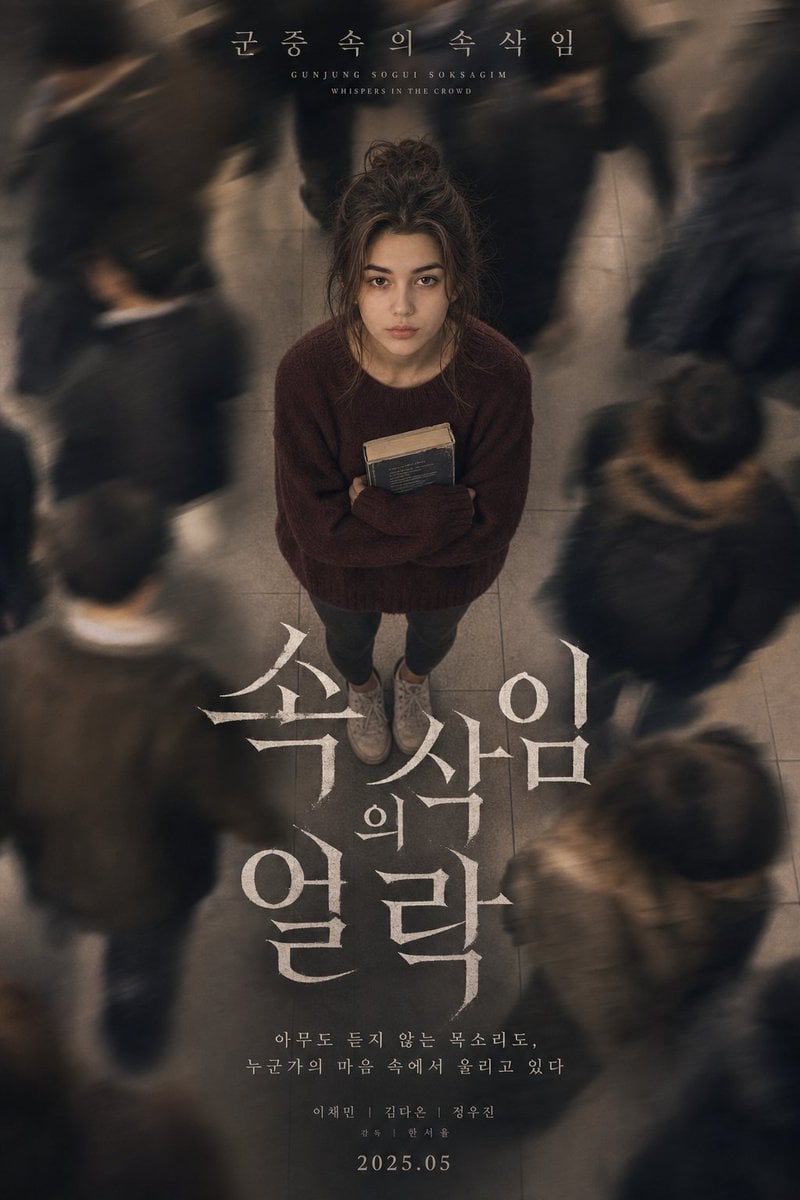
- Prompt included
- Model and format preset
- Free template
The prompt behind this image
Copy the exact prompt behind Melancholic K-Drama Subway Poster, or open it in the studio and make it yours.
A melancholic Korean psychological drama poster featuring a beautiful young woman with facial features, expression, and proportions preserved exactly as in the original reference photograph. Do not alter identity or proportions. She has long soft black hair styled in a messy, undone bun with stray strands framing her face, pale skin, and a calm but emotionally exhausted expression while staring directly upward into the camera. She wears a loose, oversized burgundy knit sweater and simple dark grey leggings with worn-out white sneakers. She is clutching a well-loved, slightly battered paperback novel to her chest. The camera angle is positioned from a high overhead perspective, looking down toward her while dozens of commuters blur around her with heavy long-exposure motion trails, creating a feeling of isolation and emotional detachment. The environment features cold gray subway tiles, muted city tones, and cinematic atmospheric blur. At the top of the poster, elegant Korean typography reads: "{argument name="subtitle" default="군중 속의 속삭임 (Gunjung Sogui Soksagim - Whispers in the Crowd)"}". Below, large dramatic Korean title typography dominates the center composition in white textured lettering. The image contains soft cinematic haze, subtle analog grain, realistic motion blur, muted warm-beige grading, emotional K-drama aesthetics, delicate skin texture, and realistic shallow depth of field. Shot on a Sony A7R IV using a 50mm lens with slow shutter speed, soft tungsten subway lighting, cinematic realism, luxury Korean drama poster composition
How to use Melancholic K-Drama Subway Poster in 3 steps
- 1Upload ImagePNG, JPG or paste
Add your photo
Upload the photo the template builds on. The prompt, model and format are already set.
- 2…a portrait of your subject in softgolden-hour light, 85mm…
Personalize
Edit the subject and creative details for your destination.
- 3Generate
Generate
Press Generate — your image is created in PicX Studio, so you can compare it with the original and refine one variable at a time.
More like this
Templates with the same subject, style or setup. Open one to see its prompt.

Japan Travel Brochure Poster

Cartoon TV Show Poster Pack

Trendy Cafe Drink Promo Poster

Urban Fashion Editorial Collage Streetwear Poster

Premium Fashion Editorial Cover Layout System

Polo Ralph Lauren Luxury American Heritage Fashion Campaign

Monochrome Halftone Editorial Fashion Poster

Retro Mirror Luxury Fashion Campaign Poster

Luxury Fashion Campaign Typography Poster System

Premium Fashion Editorial Campaign Poster System

Ultra-Stylized High-Fashion Streetwear Poster

Urban Fashion Editorial Collage Poster
Make it yours
Melancholic K-Drama Subway Poster works as-is. These are the safest ways to change it without losing the look.
Change one field
Copy a single group, rewrite it, and generate again so you can see what that field is doing.
Keep the frame, change the subject
Hold the composition and light of Melancholic K-Drama Subway Poster, then swap wardrobe, props or the person for a new take.
| If the result… | Why | Fix |
|---|---|---|
| The result drifts from the preview | Too many fields changed at once. | Reuse Melancholic K-Drama Subway Poster as-is first, then change one group — subject, light, or setting. |
| The model over-stylizes the scene | The prose prompt leaves finish and camera underspecified. | Add one camera or lighting sentence and stay on GPT Image 2. |
More GPT Image 2 templates
Other prompts made for GPT Image 2.

Six VTuber Japanese Logo Sheet

Realistic Portrait of Woman and Deer

The Vista Modular Condo Poster

AI Model Routing Comparison Infographic

2.5D Anime Art Board

Isometric Productivity Desk Scene

New York Double Exposure Poster

Four-Panel AI Landscape Comparison

Japanese Tatami Lifestyle Magazine Cover

NESCAFÉ Coffee Map Poster
More image prompts
Fresh picks from across the catalog.

Realistic Smartphone Flash Selfie at Night Beach
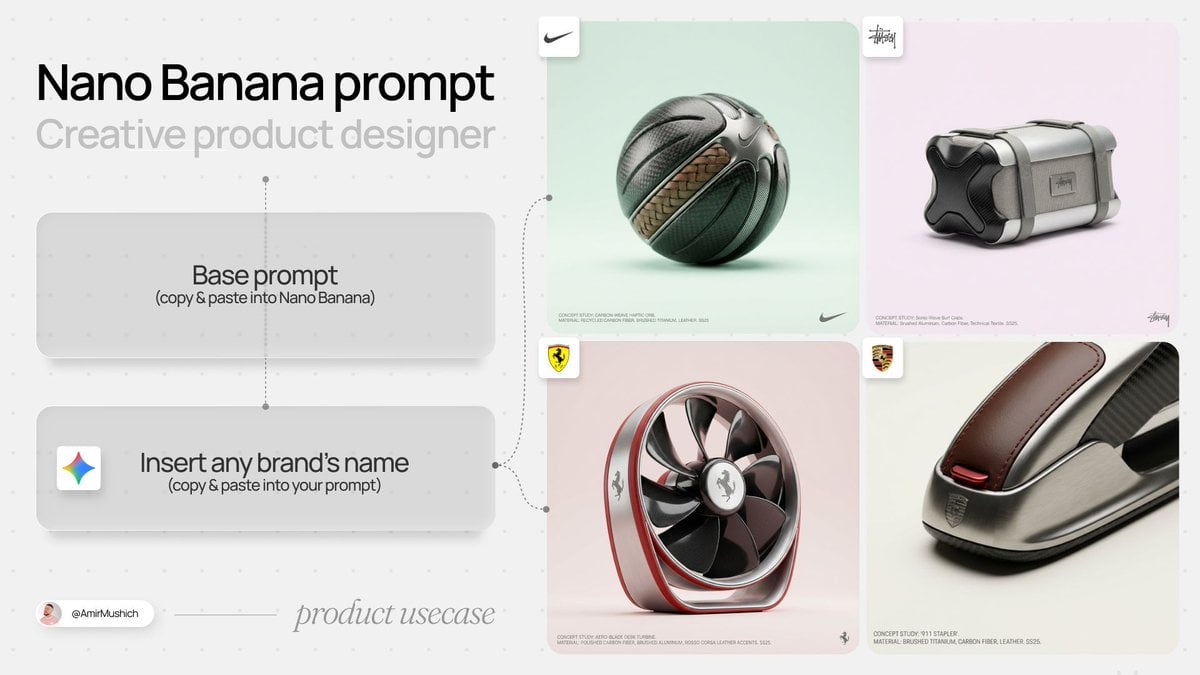
High-End Concept Art Magazine Editorial Prompt

Crumpled Fabric Editorial Poster
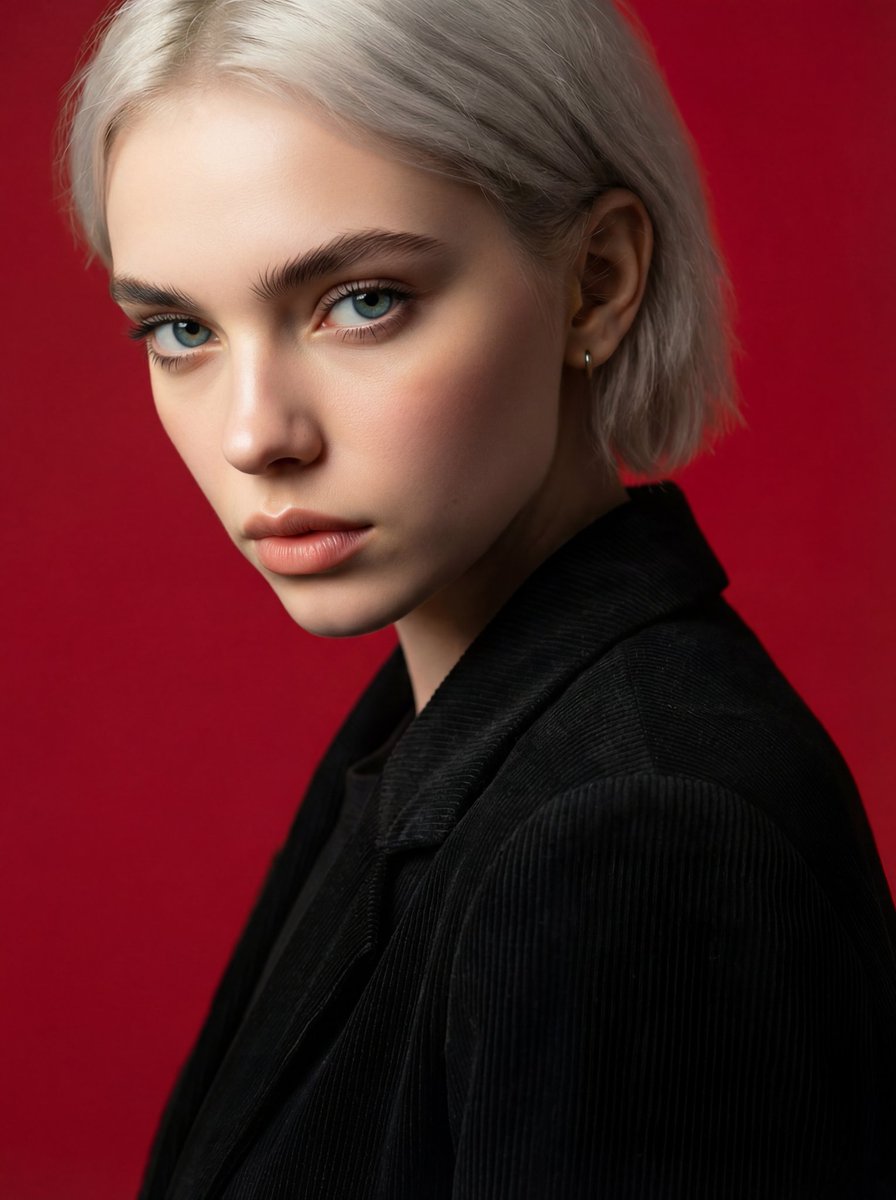
Face and Hairstyle Swap for Studio Portrait

Highly Structured Prompt for Outdoor Tennis Lifestyle Portrait

Ultra-Realistic Fried Snack Explosion Food Photography Prompt

Isometric JRPG Town Plaza Scene

Cinematic Neon Studio Portrait
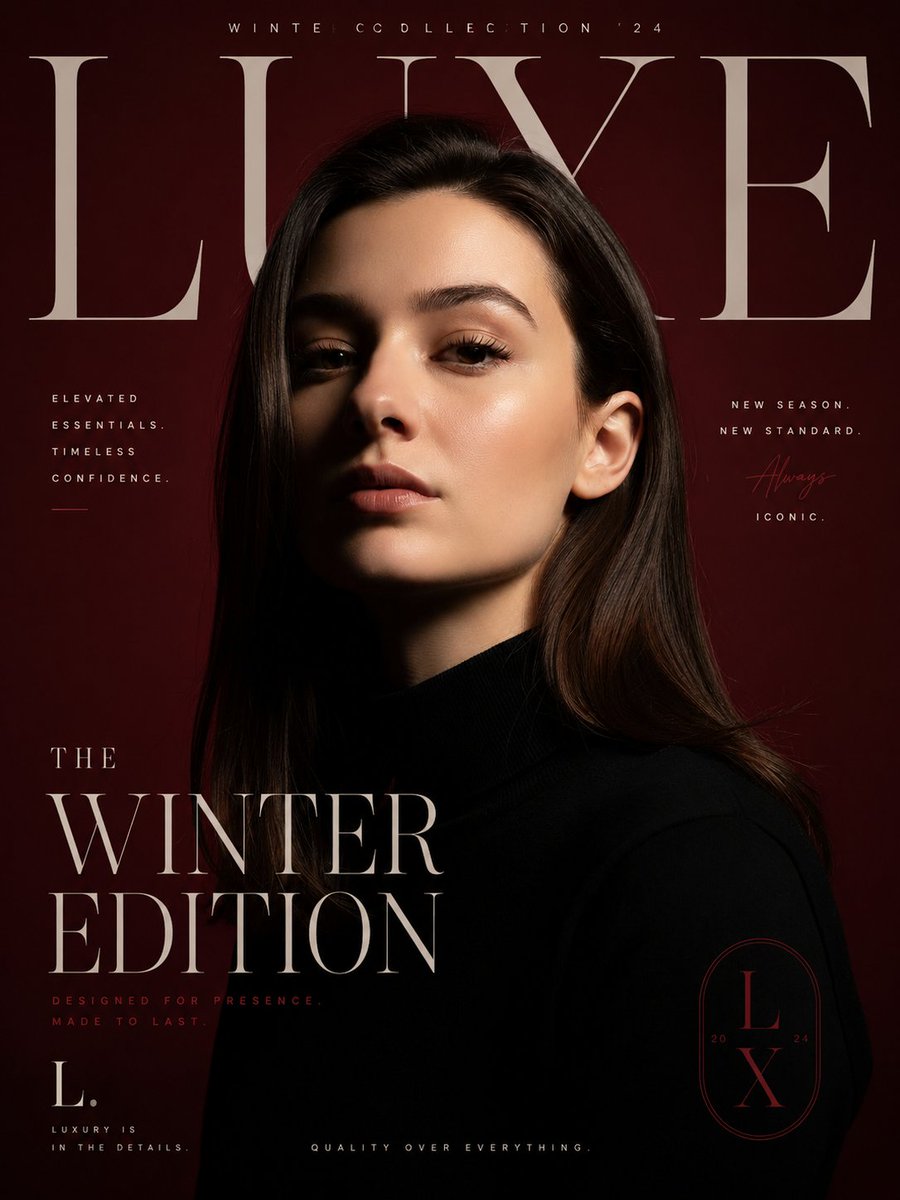
Luxury Fashion Editorial Poster

Luxury Fashion Mural Portrait
Browse template categories
Melancholic K-Drama Subway Poster questions
How do I use the Melancholic K-Drama Subway Poster template?
Add your photo if the template asks for one, edit the prompt if you like — the template's model and format are already selected — and press Generate. Your version opens in PicX Studio.
Can I customize the Melancholic K-Drama Subway Poster template?
Yes. You can change the subject, setting, lighting, mood, format, and available model controls before creating your image.
Is the Melancholic K-Drama Subway Poster template free?
Opening and editing this template is free. Generating uses credits, shown on the Generate button when you are signed in.
Which AI model should I use?
Start with GPT Image 2, which is the model associated with this template. You can compare another compatible model for a different finish.
Looking for something else? Browse all templates.

Your photo, any look
Thousands of ready templates for every top image and video model, from one credit balance.