How do I use the Isometric JRPG Town Plaza Scene template?
Choose the primary action to open PicX Studio with the available template settings. Review the model and format, personalize the creative direction, and generate when ready.
This prompt generates a nostalgic isometric fantasy RPG town square with two central characters, suitable for retro game art, storytelling scenes, or environment concept images. Change the subject, setting, or lighting one variable at a time.
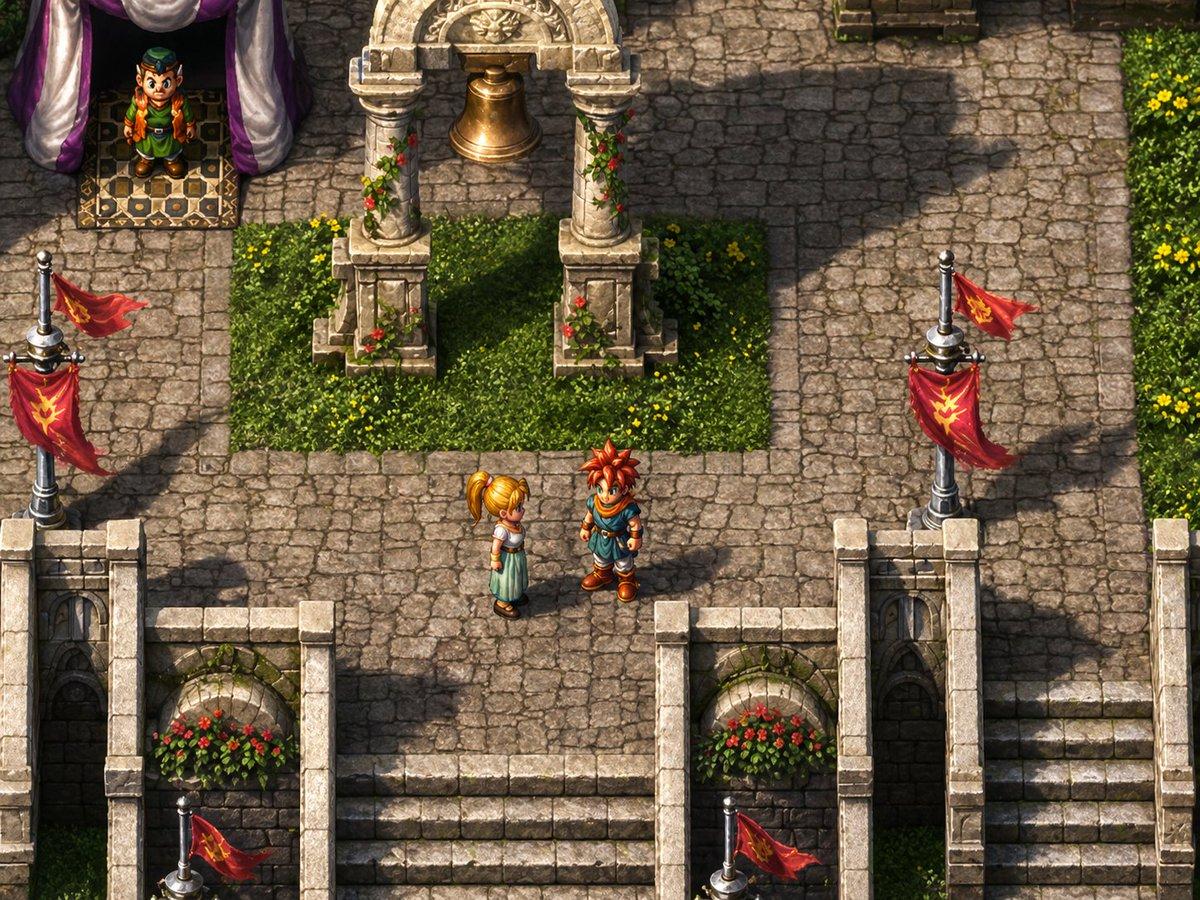
A richly detailed classic JRPG-style isometric town scene inspired by late-1990s fantasy role-playing games, shown from a high three-quarter top-down angle like a pre-rendered game background with hand-painted textures and small sprite-like characters. In the center of a sunlit stone plaza, 2 young adventurer characters stand facing each other in conversation: a spiky red-haired teenage boy wearing a blue tunic, orange scarf, brown gloves, and sturdy boots, and a blonde teenage girl with a high ponytail wearing a pale mint-green dress with a white short-sleeved top and brown shoes. Surround them with weathered cobblestone paving, soft midday light, and long dramatic shadows cast across the square. At the upper center, place an ornate stone bell arch with 2 carved columns, floral vines climbing the pillars, and a hanging bronze bell above a neatly trimmed rectangular grass bed dotted with tiny yellow flowers. At the upper left, include a purple-canopied stall or tent entrance with a patterned rug and 1 small chibi-style NPC vendor standing inside, wearing green clothes and an orange vest. Frame the lower half with elegant white stone railings, 2 recessed flower alcoves filled with red blossoms, and multiple staircases descending out of the plaza. Add 4 visible red banners with gold emblems attached to silver flagpoles, 2 on the left side and 2 on the right side, fluttering diagonally. The architecture should feel medieval-fantasy but clean and charming, with highly detailed masonry, vibrant foliage, nostalgic console-era adventure game atmosphere, polished remastered sprite art, and no user interface or text.
Choose the primary action to open PicX Studio with the available template settings. Review the model and format, personalize the creative direction, and generate when ready.
Yes. You can change the subject, setting, lighting, mood, format, and available model controls before creating your image.
This template is free to open and customize. Generation usage is shown in PicX Studio before you create.
Start with GPT Image 2, which is the model associated with this template. You can compare another compatible model for a different finish.
© 2026 PicX Studio. All rights reserved.

Follow a topic to a crawlable collection of related PicX Studio templates.
43,474 public templates available. Verified via the PicX Studio public templates API; refreshed hourly.



![Isometric Brand Store Diorama — Present a clear, 45° top-down isometric miniature 3D cartoon diorama of the [BRAND], with soft refin…](/_next/image?url=https%3A%2F%2Fcdn.picxstudio.com%2Fuploads%2Fmeigen_18578a8c7cb6_25c7ccef-837d-4949-99fb-d6321dc5c72c.jpg&w=828&q=100)


![Isometric Vehicle Teardown Infographic Template — Create a technical infographic of [VEHICLE] with a 45-degree isometric 3D perspective showing the device sligh](/_next/image?url=https%3A%2F%2Fcdn.picxstudio.com%2Fuploads%2Fmeigen_aecaabc87fba_8dcefeb1-b8c3-4cae-8a57-853d0433c54e.jpg&w=828&q=100)

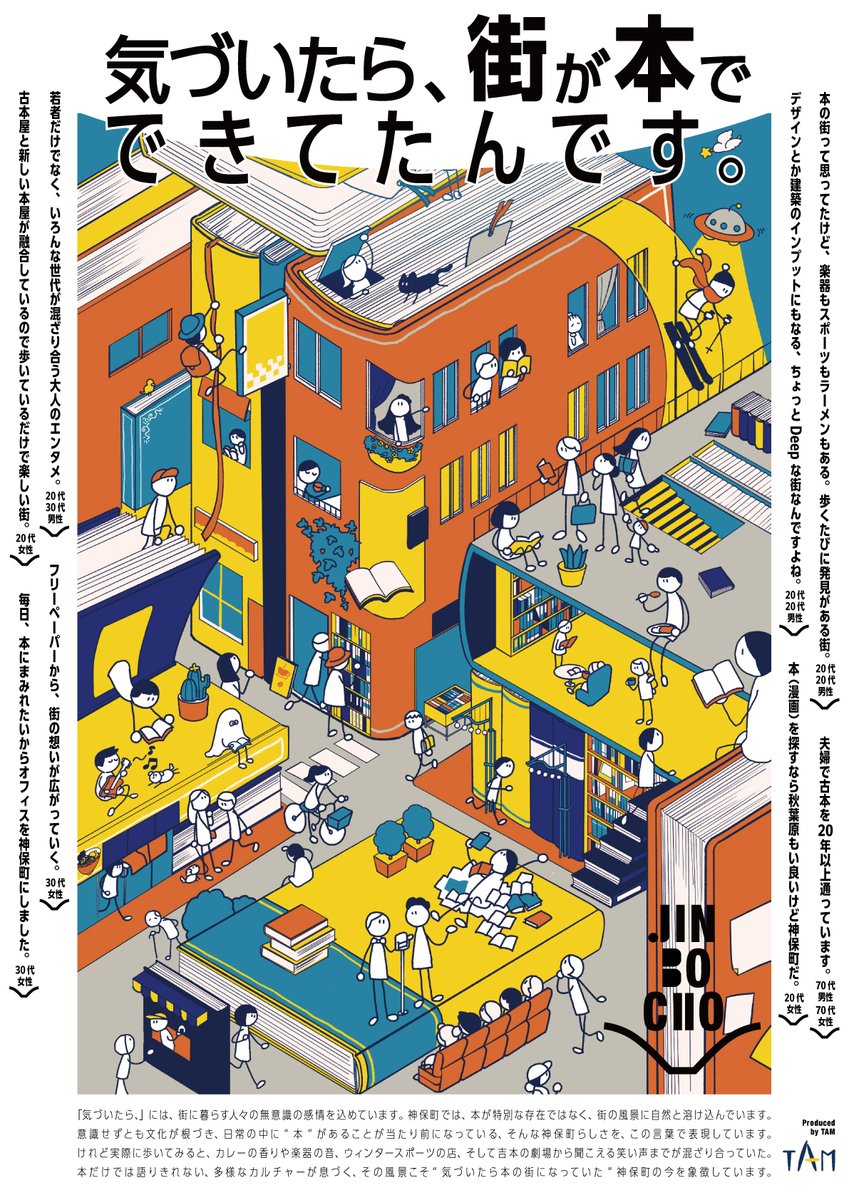


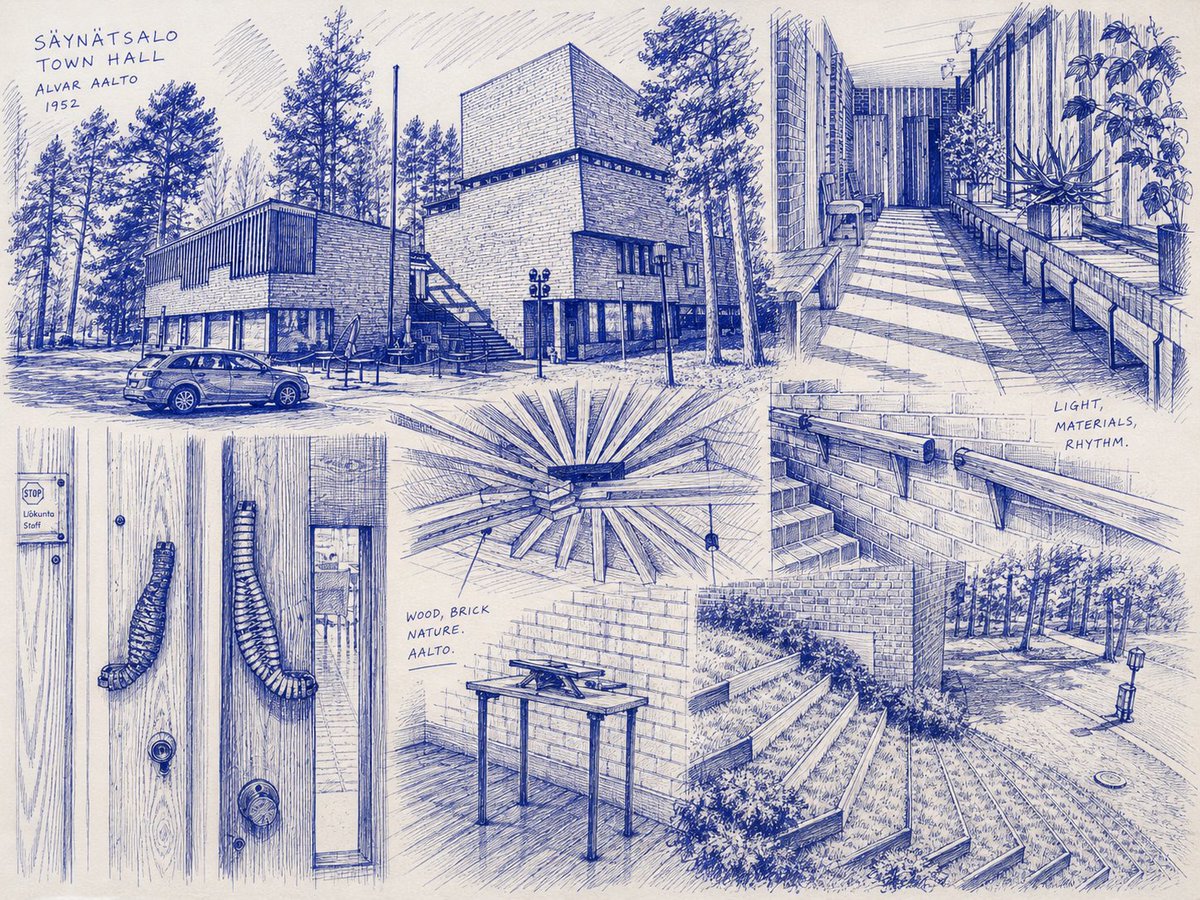


![Minimalist Flat Vector Travel Poster — Premium minimalist flat-vector travel poster for {argument name="city name" default="[CITY_NAME]"}, 3:4 vertical format.](https://cms-assets.youmind.com/media/1787917359711_3ug846_HQX205cbMAA6F6S-300x400.jpg)
























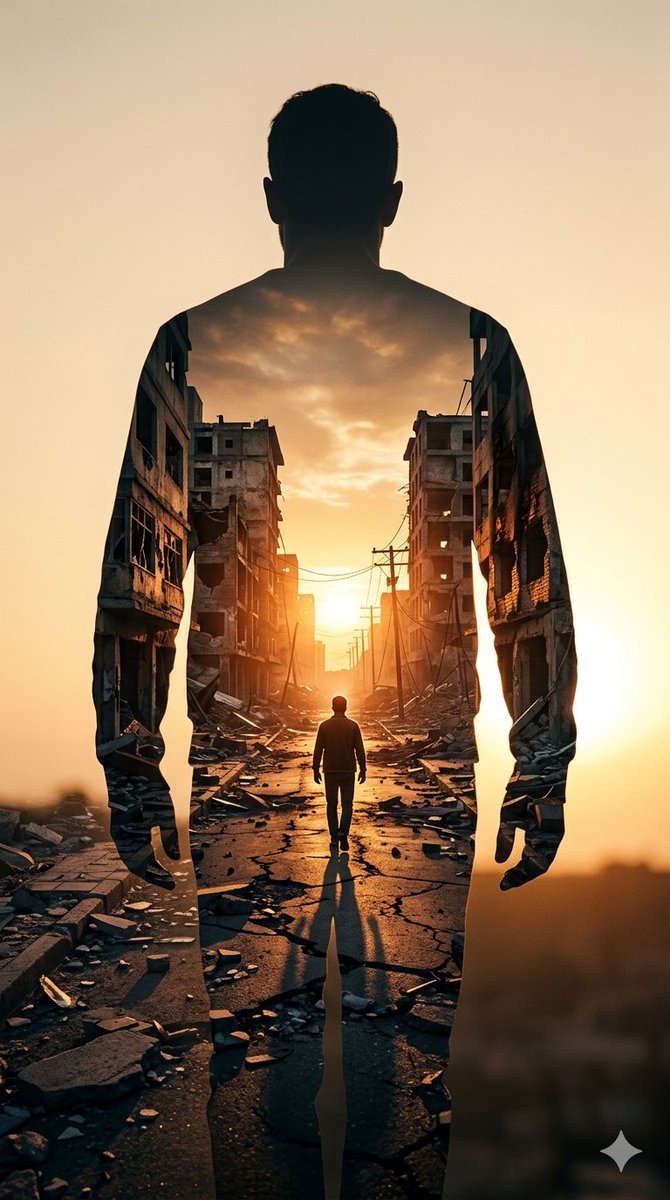
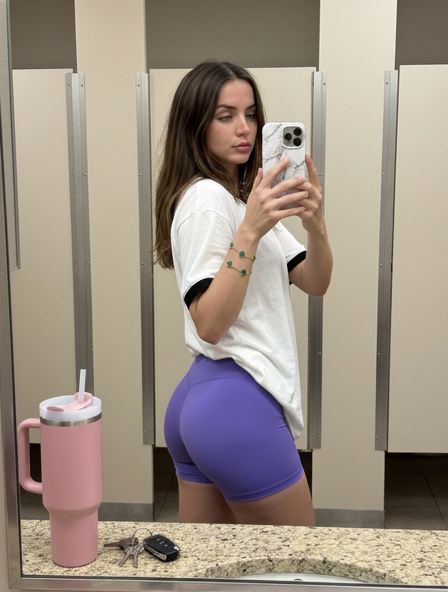


![High-Fidelity Portrait with Extreme Identity Mapping and Technical Rib-Knit Texture — [Header] (9:16)
Raw high-fidelity photograph, iPhone 17 Pro sensor simulat](https://pbs.twimg.com/media/G_7z2zMWoAAWDOn.jpg)