
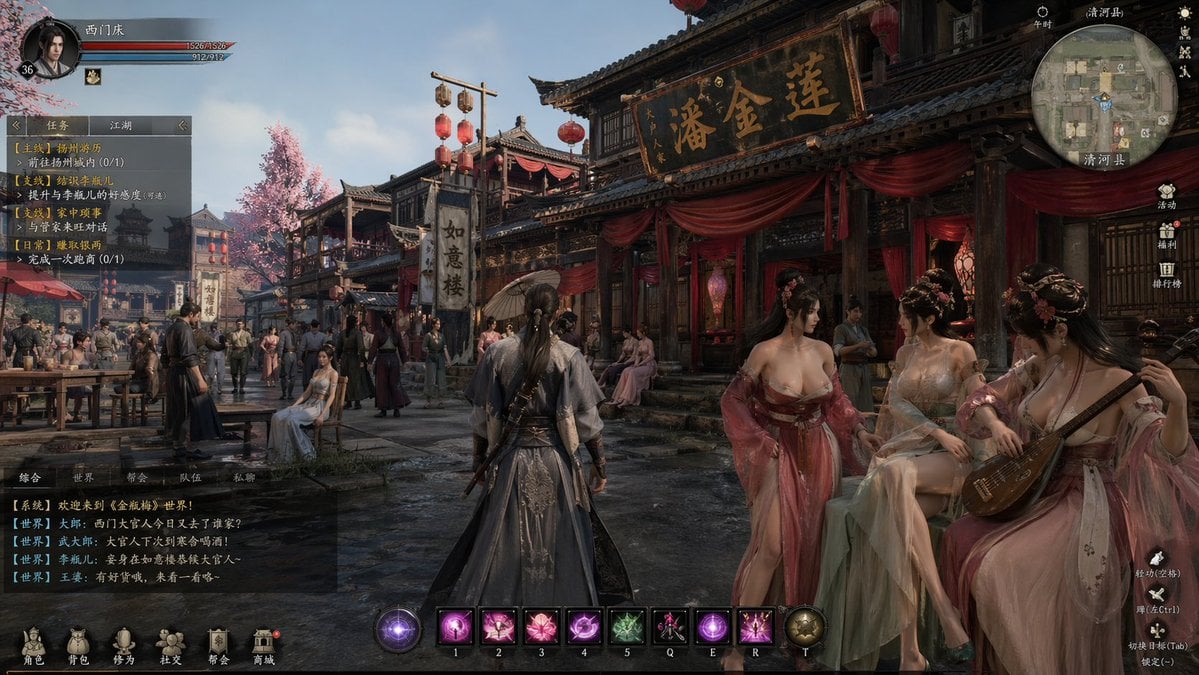
Wuxia MMORPG Ancient Town Screenshot
This prompt generates a cinematic Chinese fantasy RPG gameplay screen with a full HUD, ideal for mock game key art, UI concepts, or immersive MMO scene creation.
- Prompt included
- Model and format preset
- Free template
The prompt behind this image
Copy the exact prompt behind Wuxia MMORPG Ancient Town Screenshot, or open it in the studio and make it yours.
A highly detailed cinematic third-person wuxia MMORPG gameplay screenshot set in a bustling ancient Chinese water-town market street at dusk, viewed from behind the player character standing in the center foreground. The player character is a wandering swordsman in layered dark gray and blue hanfu-style robes with embroidered fabric, long black hair tied in a low ponytail, and a sheathed sword on his back, facing forward into a crowded street. The environment is a richly rendered Ming- or Song-inspired town with traditional wooden shopfronts, tiled roofs, hanging red lanterns, pink cherry blossom trees, damp reflective stone pavement, soft golden evening light, and a lived-in crowd of townsfolk in historical clothing. On the right foreground, exactly 3 elegant female courtesans in translucent pastel hanfu sit and stand outside a richly decorated teahouse or brothel draped with red silk curtains; one is playing a pipa, one is seated in pale green and cream robes, and one stands in flowing rose-pink robes. The largest shop sign above them features large gold Chinese calligraphy on a black plaque, and additional vertical shop banners with Chinese characters hang along the street. The composition should feel like a premium AAA fantasy Chinese RPG, with realistic character proportions, dense environmental storytelling, dramatic but natural lighting, atmospheric depth, and intricate costume materials. Include a complete game HUD overlay in Chinese: top left circular character portrait with level 36 and 2 horizontal bars for health and mana; a left-side quest tracker panel with exactly 4 quest entries under tabbed headings; a bottom left semi-transparent chat box with multiple lines of Chinese world chat; a top right circular minimap with location text; a right-side vertical menu with exactly 6 icon buttons; a bottom center skill bar with exactly 10 slots including 8 square skill icons plus 2 circular end slots labeled with keyboard keys; and a bottom menu row with exactly 6 navigation icons. Ultra-detailed, photorealistic fantasy game interface mockup, polished UI, immersive crowded street scene, 16:9 aspect ratio.
How to use Wuxia MMORPG Ancient Town Screenshot in 3 steps
- 1Upload ImagePNG, JPG or paste
Add your photo
Upload the photo the template builds on. The prompt, model and format are already set.
- 2…a portrait of your subject in softgolden-hour light, 85mm…
Personalize
Edit the subject and creative details for your destination.
- 3Generate
Generate
Press Generate — your image is created in PicX Studio, so you can compare it with the original and refine one variable at a time.
More like this
Templates with the same subject, style or setup. Open one to see its prompt.
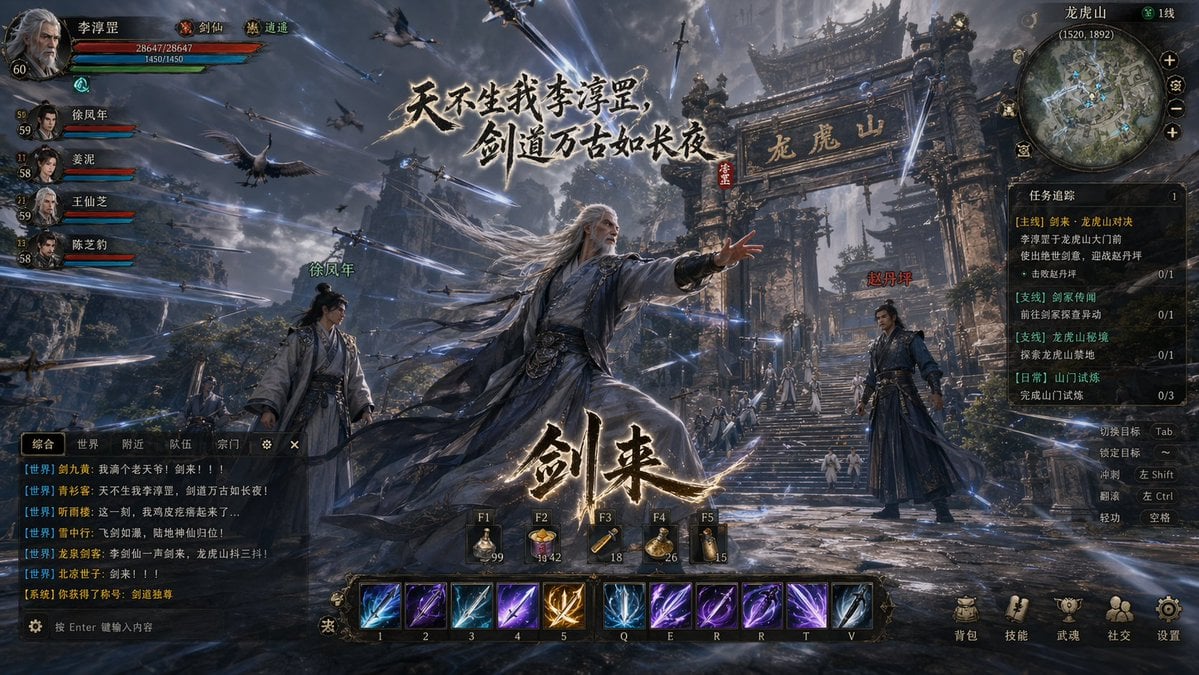
Wuxia MMORPG Gameplay Screenshot

Minecraft Next-Gen Voxel World Screenshot
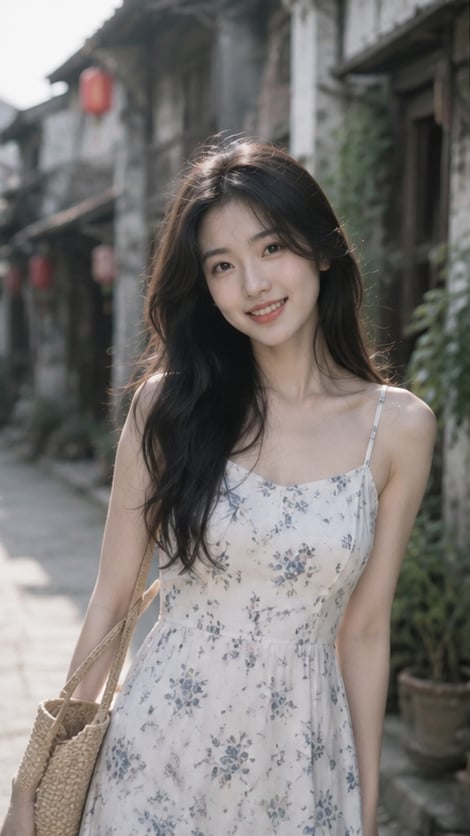
Woman in Ancient Chinese Town Lane

Ancient Temple Portrait — White Dress Nano Banana
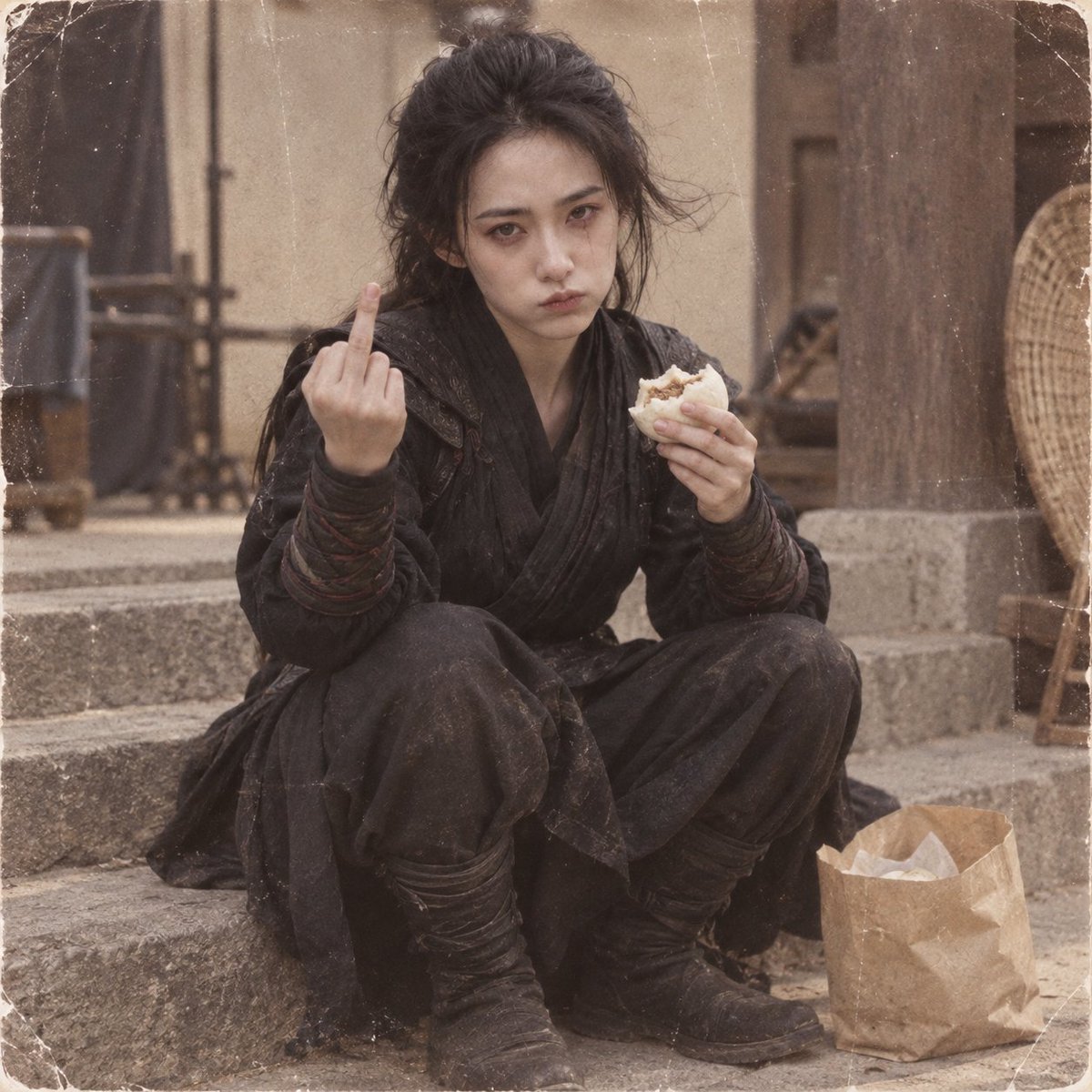
Retro Wuxia Behind-the-Scenes Still
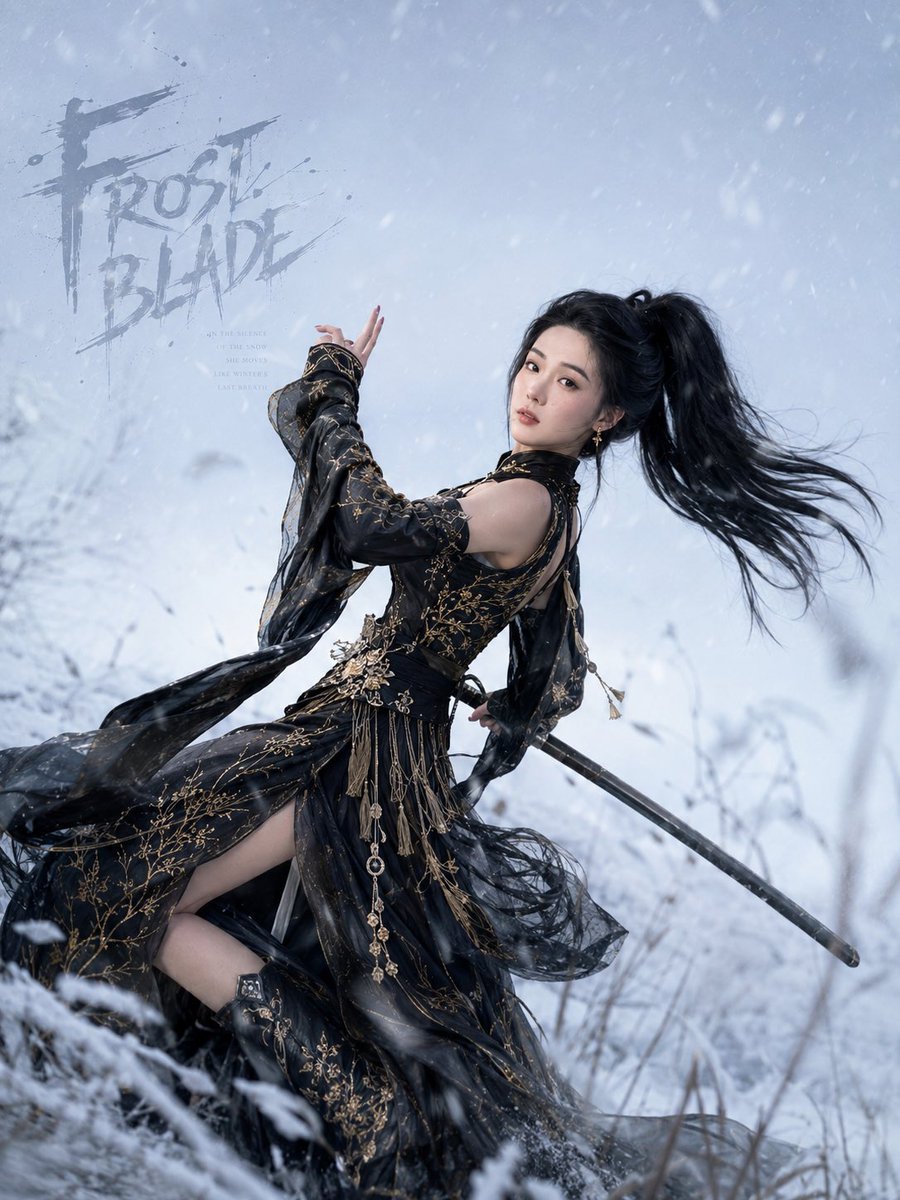
Frost Blade Wuxia Snow Portrait
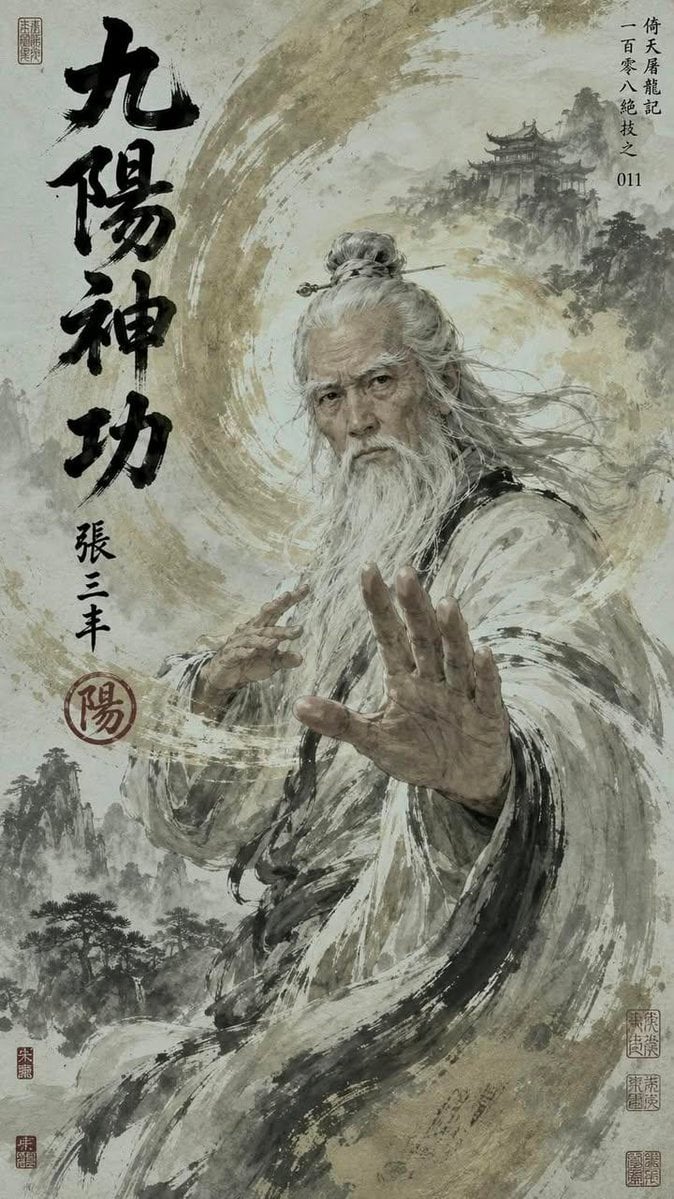
Chinese Wuxia Master Poster
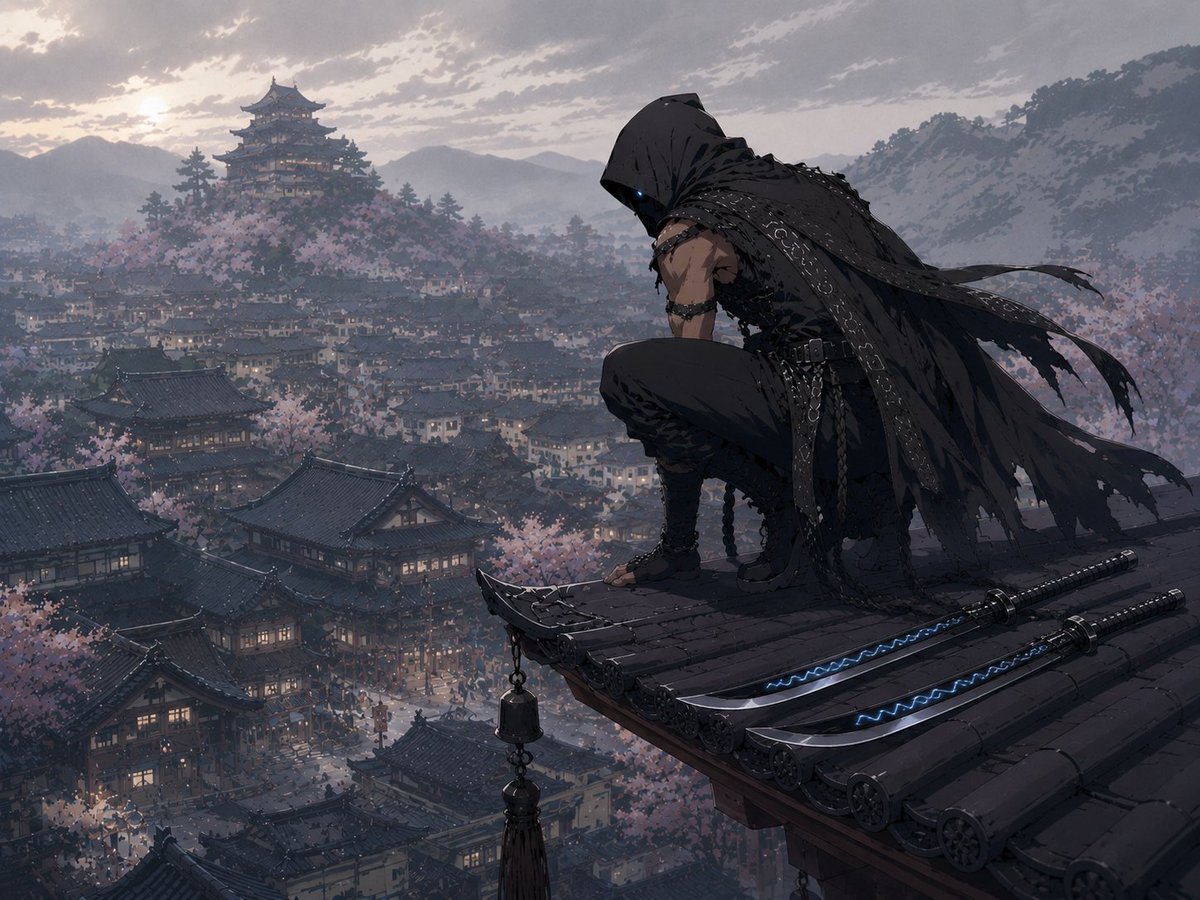
Hooded Assassin Watching Castle Town
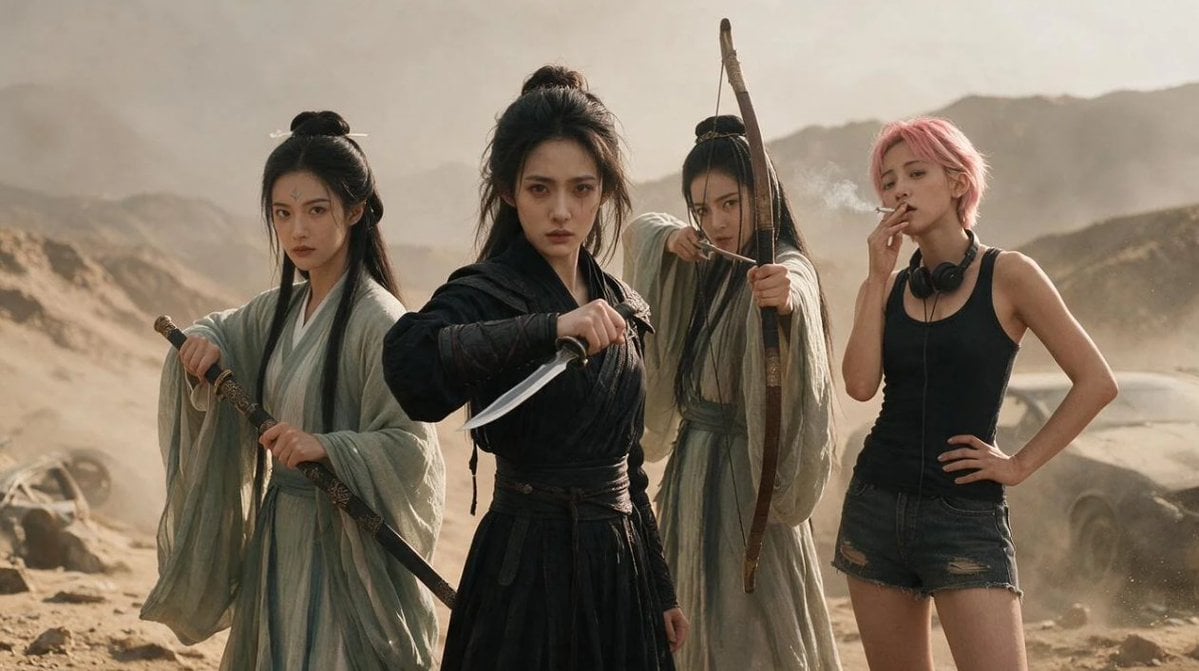
Post-Apocalyptic Wuxia Standoff
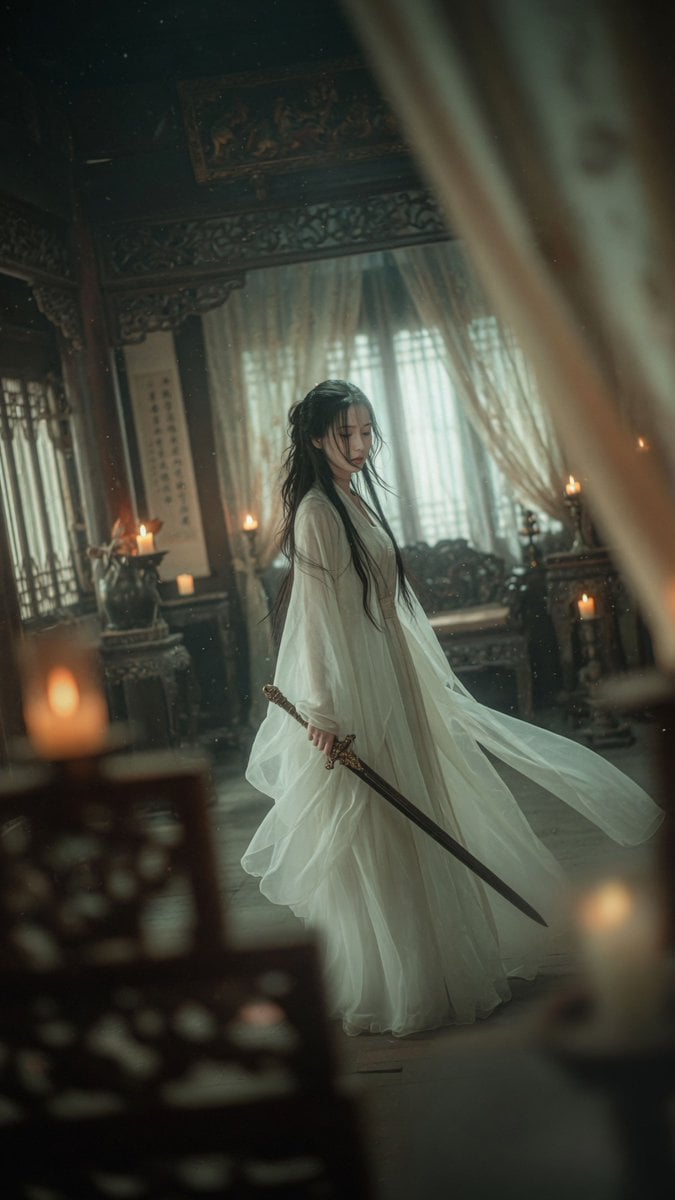
Cinematic Wuxia Swordswoman in Candlelit Chamber
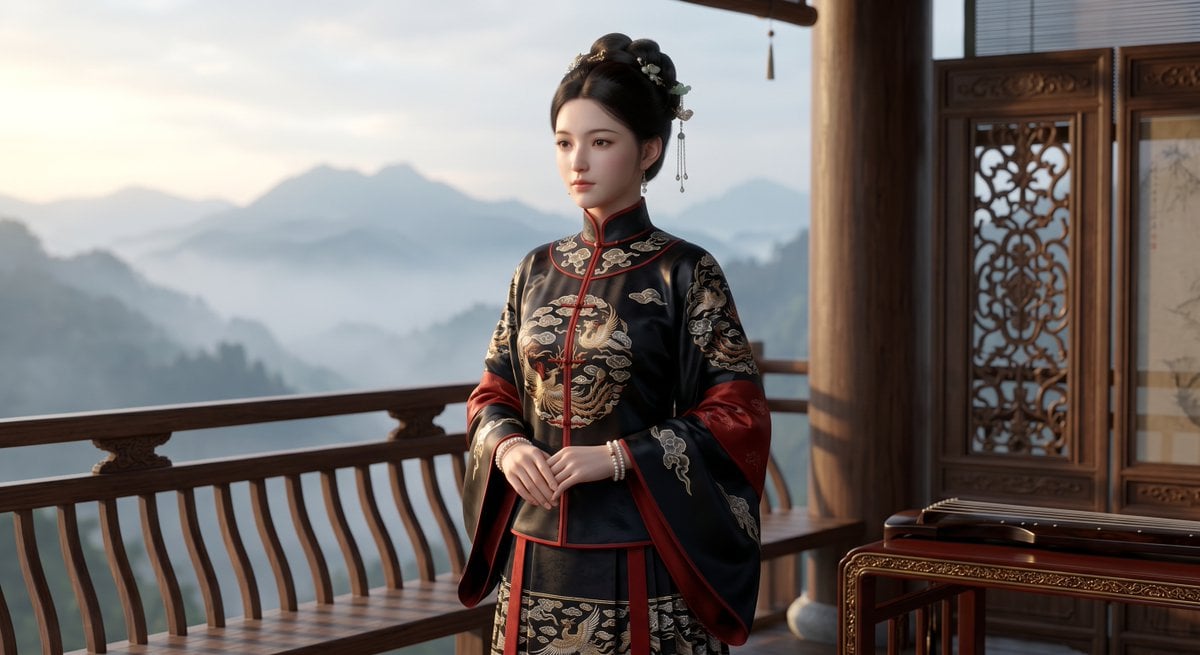
Cinematic Wuxia Heroine on Mountain Balcony

Ancient Temple Interior Contact Sheet
Make it yours
Wuxia MMORPG Ancient Town Screenshot works as-is. These are the safest ways to change it without losing the look.
Change one field
Copy a single group, rewrite it, and generate again so you can see what that field is doing.
Keep the frame, change the subject
Hold the composition and light of Wuxia MMORPG Ancient Town Screenshot, then swap wardrobe, props or the person for a new take.
| If the result… | Why | Fix |
|---|---|---|
| The result drifts from the preview | Too many fields changed at once. | Reuse Wuxia MMORPG Ancient Town Screenshot as-is first, then change one group — subject, light, or setting. |
| The model over-stylizes the scene | The prose prompt leaves finish and camera underspecified. | Add one camera or lighting sentence and stay on GPT Image 2. |
More GPT Image 2 templates
Other prompts made for GPT Image 2.

Six VTuber Japanese Logo Sheet

Realistic Portrait of Woman and Deer

The Vista Modular Condo Poster

AI Model Routing Comparison Infographic

2.5D Anime Art Board

Isometric Productivity Desk Scene

New York Double Exposure Poster

Four-Panel AI Landscape Comparison

Japanese Tatami Lifestyle Magazine Cover

NESCAFÉ Coffee Map Poster
More image prompts
Fresh picks from across the catalog.

Sculptor's Awakening Cinematic Scene Prompt
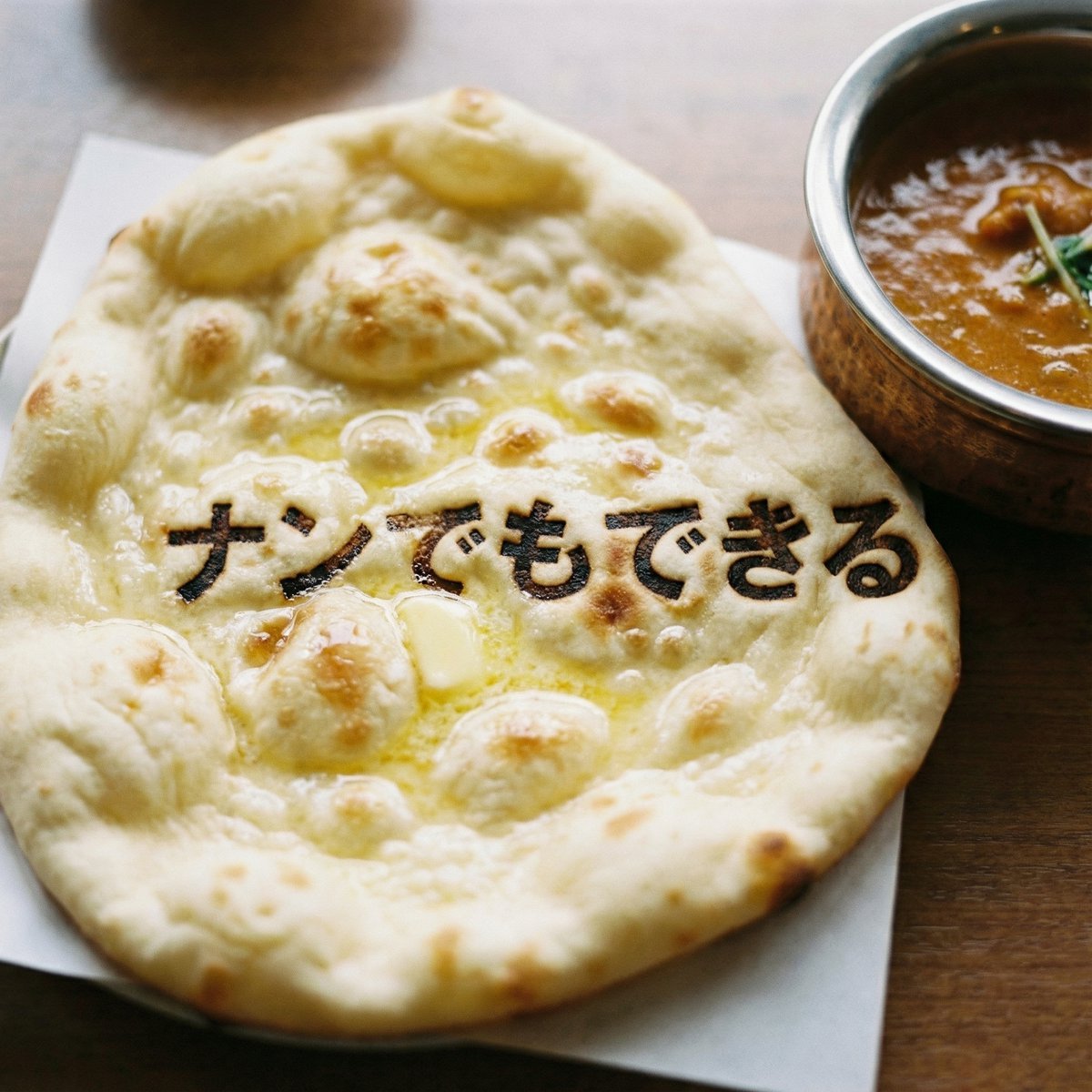
Photorealistic naan bread pun image

Gpt2 E Commerce Main Image Earbuds E Commerce Infographic
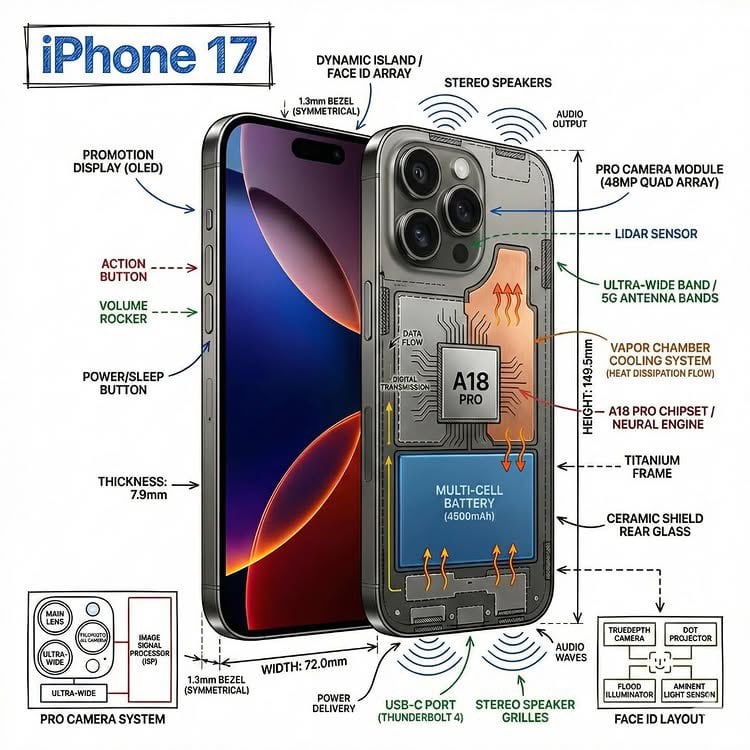
Technical Infographic Overlay on a Photorealistic Object
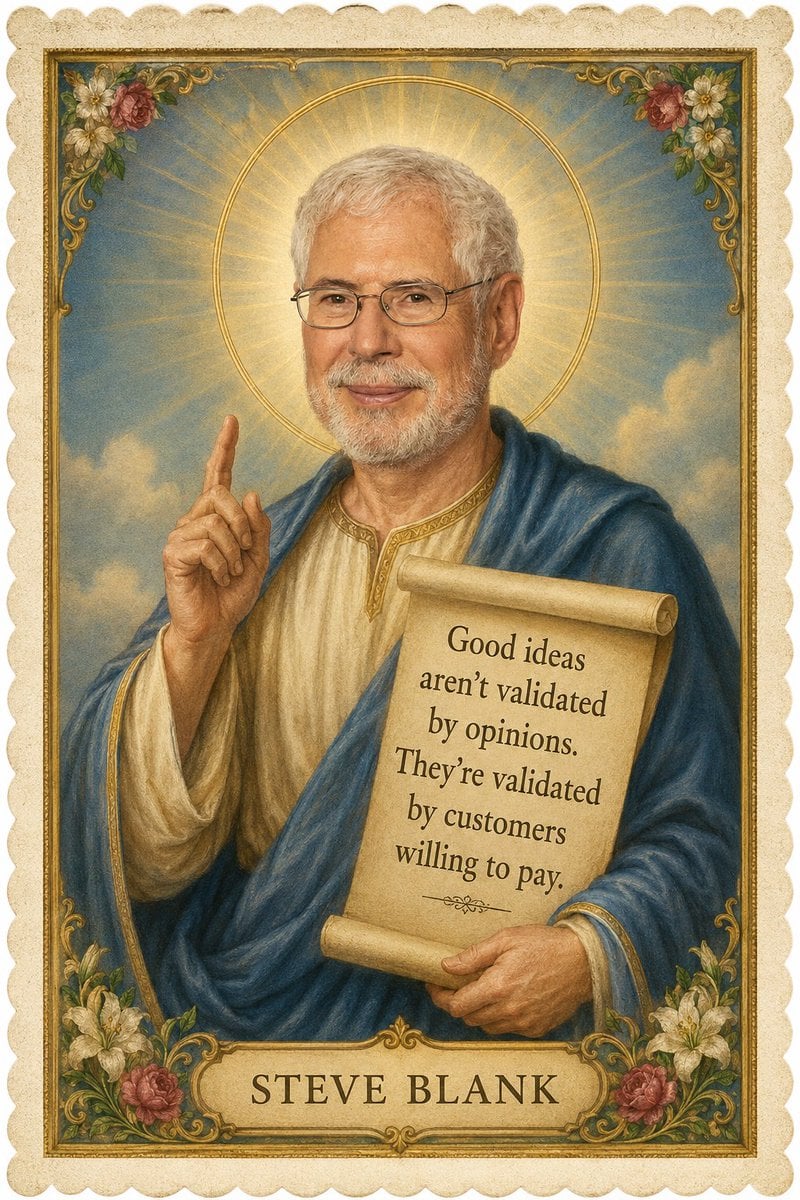
Vintage Saint Quote Card
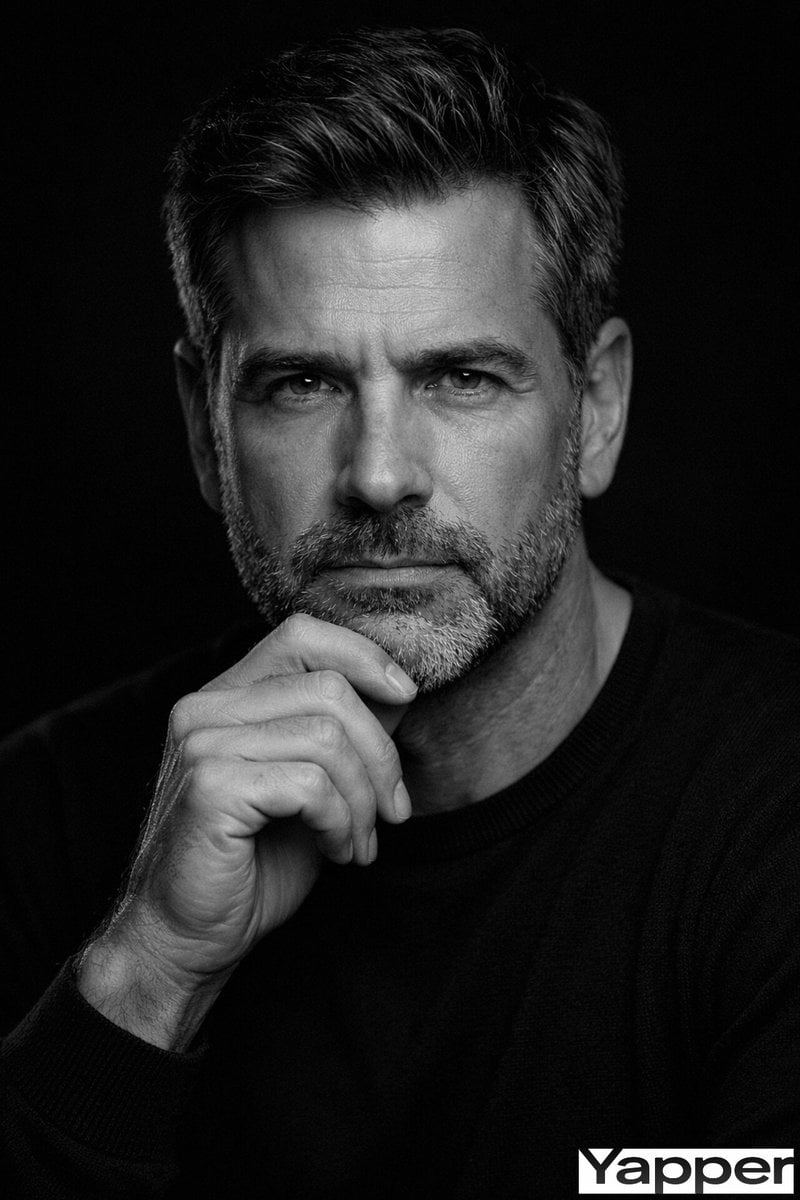
Fine-Art Cinematic Monochrome Studio Portrait Prompt (Reference Match)
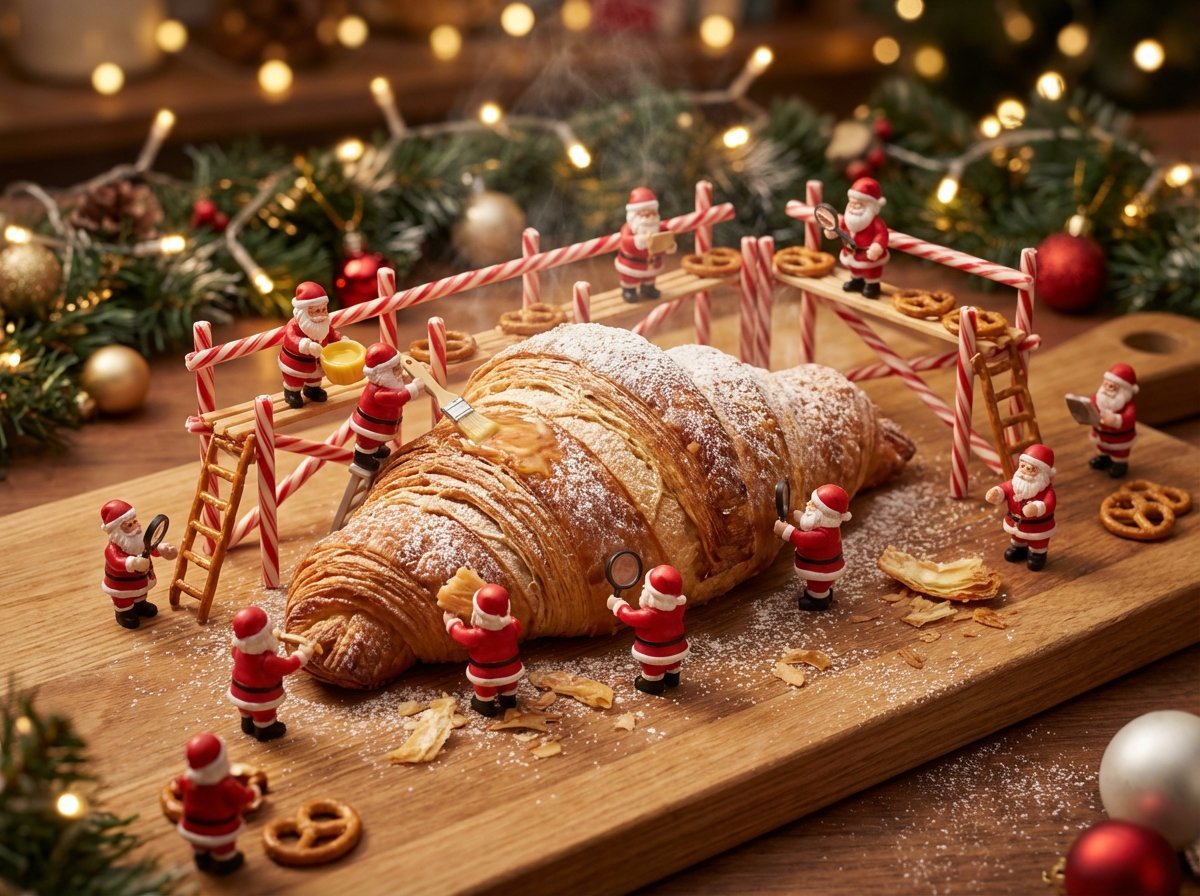
Christmas Miniature Food Diorama Prompt (Croissant Workshop)
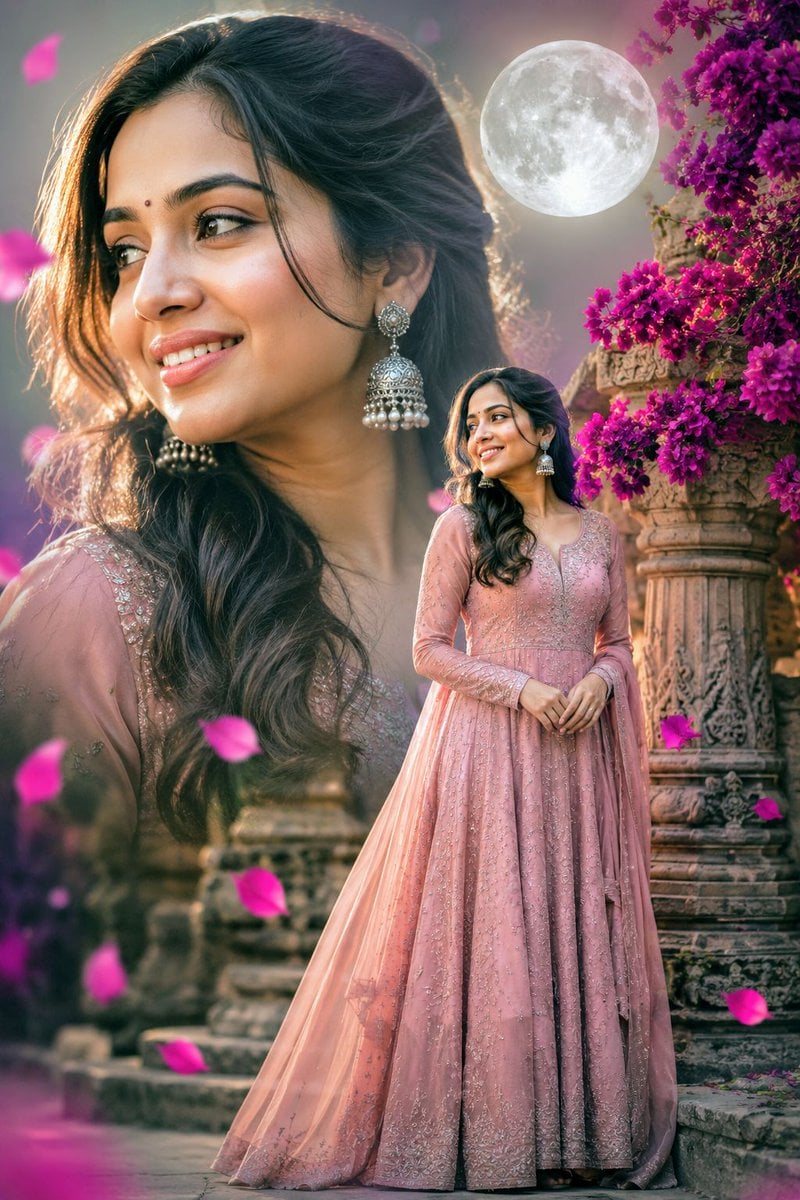
Double Exposure Indian Woman Portrait
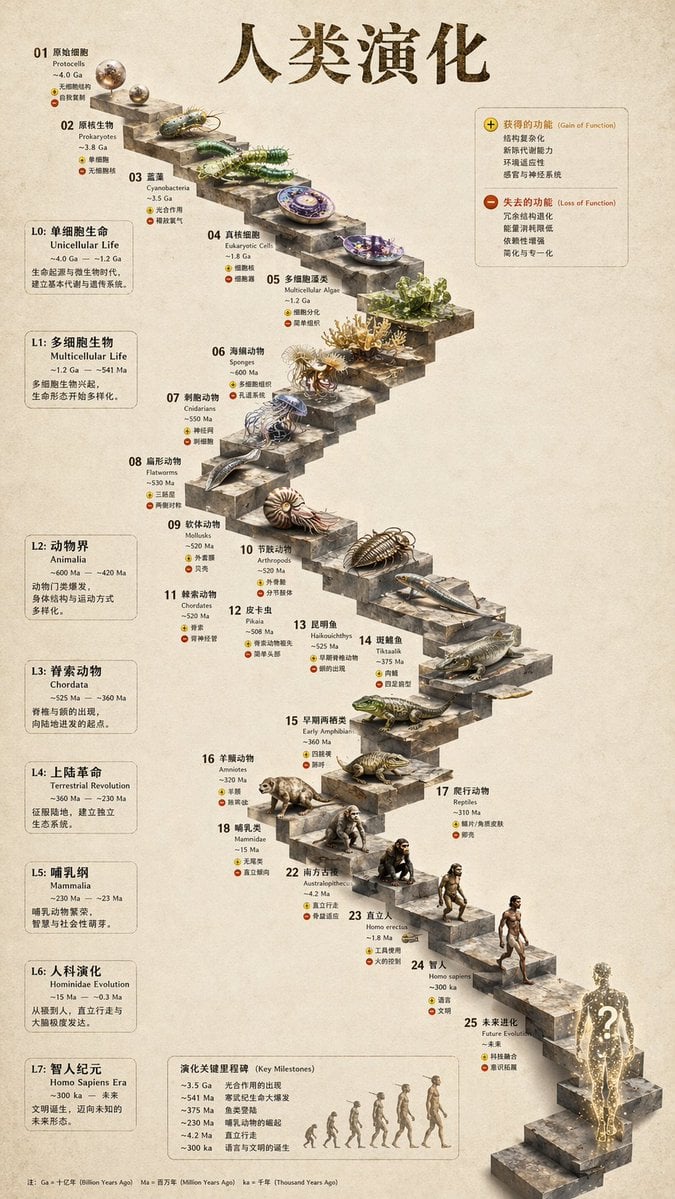
3D Stone Staircase Evolution Infographic
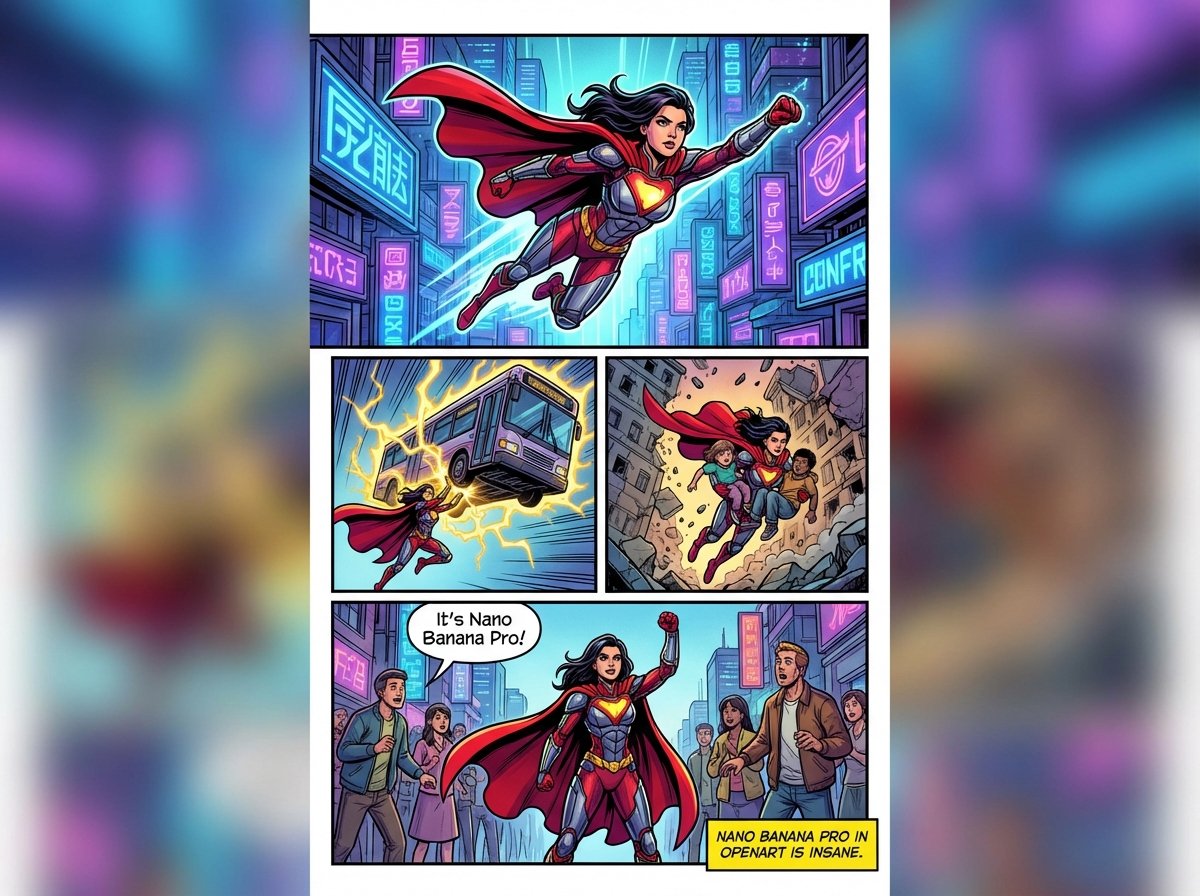
Marvel-style comic storyboard of a heroine
Browse template categories
Wuxia MMORPG Ancient Town Screenshot questions
How do I use the Wuxia MMORPG Ancient Town Screenshot template?
Add your photo if the template asks for one, edit the prompt if you like — the template's model and format are already selected — and press Generate. Your version opens in PicX Studio.
Can I customize the Wuxia MMORPG Ancient Town Screenshot template?
Yes. You can change the subject, setting, lighting, mood, format, and available model controls before creating your image.
Is the Wuxia MMORPG Ancient Town Screenshot template free?
Opening and editing this template is free. Generating uses credits, shown on the Generate button when you are signed in.
Which AI model should I use?
Start with GPT Image 2, which is the model associated with this template. You can compare another compatible model for a different finish.
Looking for something else? Browse all templates.

Your photo, any look
Thousands of ready templates for every top image and video model, from one credit balance.