
Fine-Art Cinematic Monochrome Studio Portrait Prompt (Reference Match)
A highly detailed JSON prompt for generating a fine-art cinematic monochrome studio portrait of a mature confident man, with strict requirements for precisely matching an uploaded reference image's identity, facial…
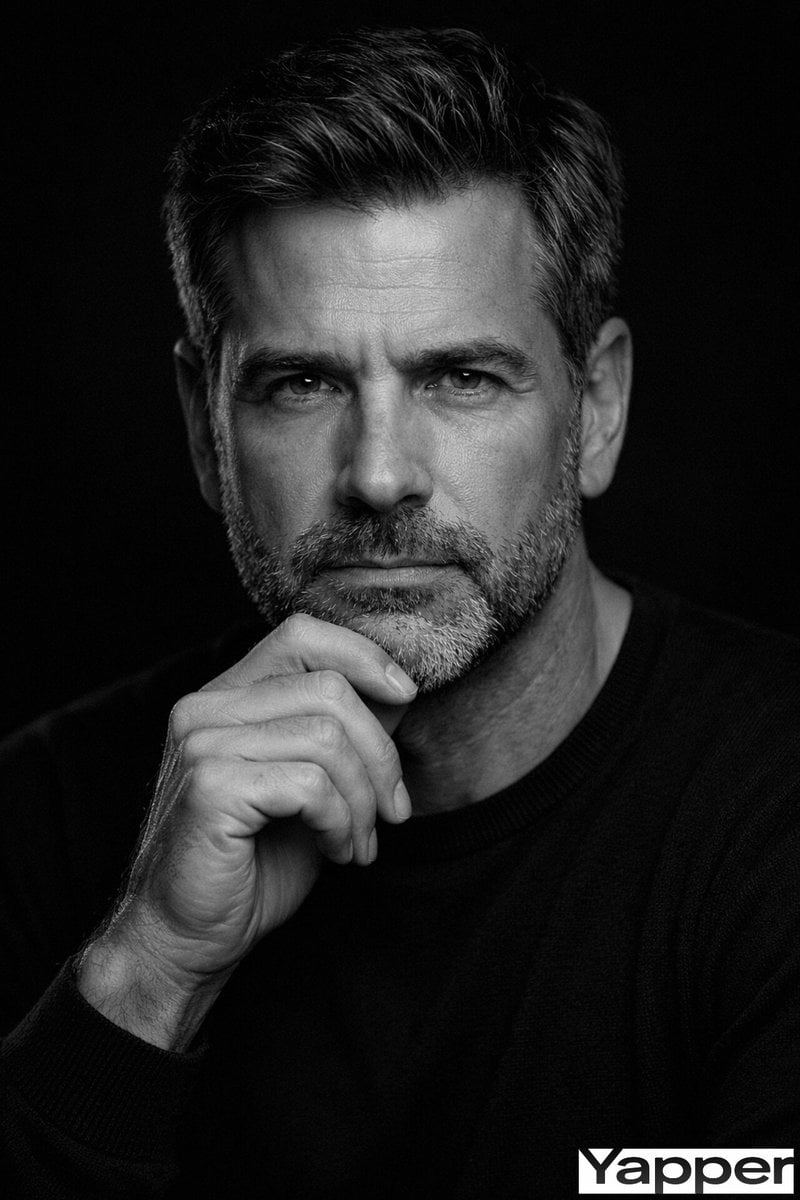
- Prompt included
- Model and format preset
- Premium template
The prompt behind this image
Copy the exact prompt behind Fine-Art Cinematic Monochrome Studio Portrait Prompt (Reference Match), or open it in the studio and make it yours.
- Master Prompt › Scene Type
- fine-art cinematic monochrome studio portrait
- Master Prompt › Reference Requirement › Identity Match
- precisely match the uploaded reference image
- Master Prompt › Reference Requirement › Facial Structure Accuracy
- bone structure, eye shape, nose proportions, jawline definition, facial symmetry, hairline, beard density if present
- Master Prompt › Reference Requirement › Skin Texture
- authentic natural skin texture with visible pores and fine lines
- Master Prompt › Reference Requirement › No Artificial Smoothing
- true
- Master Prompt › Subject › Type
- mature confident man
- Master Prompt › Subject › Expression › Mood
- serious, contemplative, quietly authoritative
- Master Prompt › Subject › Expression › Gaze
- deep-set eyes looking directly into the camera
- Master Prompt › Subject › Expression › Emotion
- focused and introspective, not aggressive
- Master Prompt › Facial Hair › Adaptive
- true
- Master Prompt › Facial Hair › Rules
- replicate beard exactly if present, match density, length, shape, and edges, preserve natural tonal variation including salt-and-pepper if visible, beard lines clean and structured
- Master Prompt › Facial Hair › Clean Shaven Rule
- if clean-shaven, emphasize natural jawline definition and skin texture
- Master Prompt › Hairstyle › Adaptive
- true
- Master Prompt › Hairstyle › Requirement
- match hairstyle from reference image exactly
- Master Prompt › Hairstyle › Details
- same volume, same direction, same hairline, natural strand texture, subtle specular highlights from overhead lighting
- Master Prompt › Pose › Style
- classic thinker pose
- Master Prompt › Pose › Description
- one hand raised to chin, thumb along the jawline, index finger slightly curled, knuckles and tendons subtly defined, hand in sharp focus with natural skin texture
- Master Prompt › Lighting › Style
- low-key fine-art studio lighting
- Master Prompt › Lighting › Contrast
- high contrast but refined tonal control
- Master Prompt › Lighting › Key Light › Position
- slightly above eye level
- Master Prompt › Lighting › Key Light › Direction
- toward viewer's left angled downward
- Master Prompt › Lighting › Key Light › Type
- large softbox or diffused beauty dish
- Master Prompt › Lighting › Key Light › Effect
- strong top-plane highlights with crisp edge definition
- Master Prompt › Lighting › Highlight Focus
- forehead center, nose bridge, upper cheekbones, beard texture, top planes of the hand
Raw JSON
{
  "master_prompt": {
    "scene_type": "fine-art cinematic monochrome studio portrait",

    "reference_requirement": {
      "identity_match": "precisely match the uploaded reference image",
      "facial_structure_accuracy": [
        "bone structure",
        "eye shape",
        "nose proportions",
        "jawline definition",
        "facial symmetry",
        "hairline",
        "beard density if present"
      ],
      "skin_texture": "authentic natural skin texture with visible pores and fine lines",
      "no_artificial_smoothing": true
    },

    "subject": {
      "type": "mature confident man",
      "expression": {
        "mood": "serious, contemplative, quietly authoritative",
        "gaze": "deep-set eyes looking directly into the camera",
        "emotion": "focused and introspective, not aggressive"
      }
    },

    "facial_hair": {
      "adaptive": true,
      "rules": [
        "replicate beard exactly if present",
        "match density, length, shape, and edges",
        "preserve natural tonal variation including salt-and-pepper if visible",
        "beard lines clean and structured"
      ],
      "clean_shaven_rule": "if clean-shaven, emphasize natural jawline definition and skin texture"
    },

    "hairstyle": {
      "adaptive": true,
      "requirement": "match hairstyle from reference image exactly",
      "details": [
        "same volume",
        "same direction",
        "same hairline",
        "natural strand texture",
        "subtle specular highlights from overhead lighting"
      ]
    },

    "pose": {
      "style": "classic thinker pose",
      "description": [
        "one hand raised to chin",
        "thumb along the jawline",
        "index finger slightly curled",
        "knuckles and tendons subtly defined",
        "hand in sharp focus with natural skin texture"
      ]
    },

    "lighting": {
      "style": "low-key fine-art studio lighting",
      "contrast": "high contrast but refined tonal control",

      "key_light": {
        "position": "slightly above eye level",
        "direction": "toward viewer's left angled downward",
        "type": "large softbox or diffused beauty dish",
        "effect": "strong top-plane highlights with crisp edge definition"
      },

      "highlight_focus": [
        "forehead center",
        "nose bridge",
        "upper cheekbones",
        "beard texture",
        "top planes of the hand"
      ],

      "shadow_control": [
        "subtle shadow shaping under brow ridge",
        "defined cheekbone shadow",
        "deep but detailed shadow side",
        "midtone detail preserved"
      ],

      "fill_light": {
        "position": "minimal fill from front-center",
        "purpose": "maintain facial symmetry while preserving depth"
      },

      "rim_light": {
        "intensity": "very subtle",
        "location": "hair edges and outer shoulder",
        "purpose": "separate subject from black"
      }
    }
  }
}How to use Fine-Art Cinematic Monochrome Studio Portrait Prompt (Reference Match) in 3 steps
- 1Upload ImagePNG, JPG or paste
Add your photo
Upload the photo the template builds on. The prompt, model and format are already set.
- 2…a portrait of your subject in softgolden-hour light, 85mm…
Personalize
Edit the subject and creative details for your destination.
- 3Generate
Generate
Press Generate — your image is created in PicX Studio, so you can compare it with the original and refine one variable at a time.
More like this
Templates with the same subject, style or setup. Open one to see its prompt.

Fine Art Monochrome Fashion Portrait

80s Couple Studio Portrait

1985 Studio Portrait

Gpt Image 2 Fashion Portrait

Studio Quality Portrait Generation Using

Monochrome Studio Portrait with Colored Lens
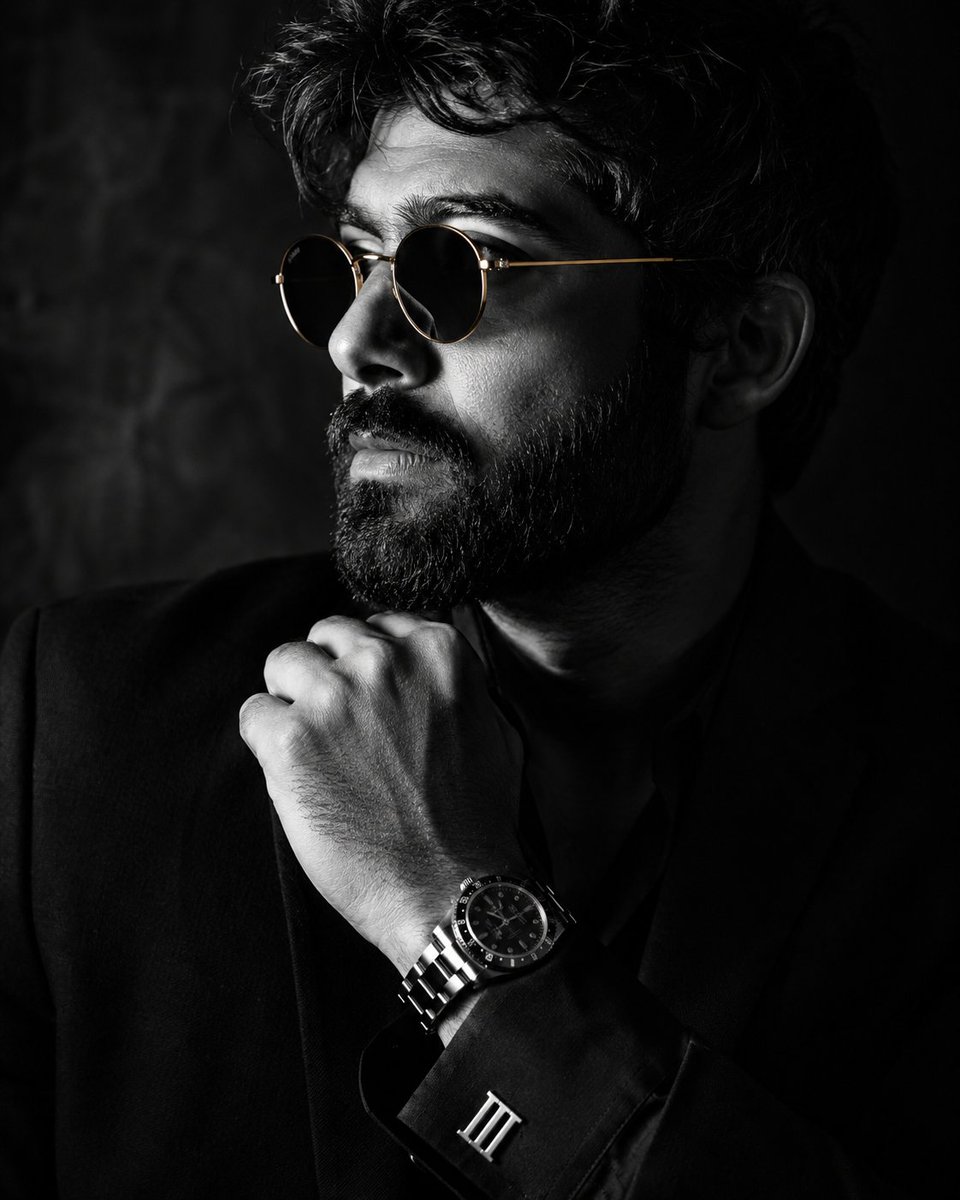
Monochrome Luxury Studio Portrait
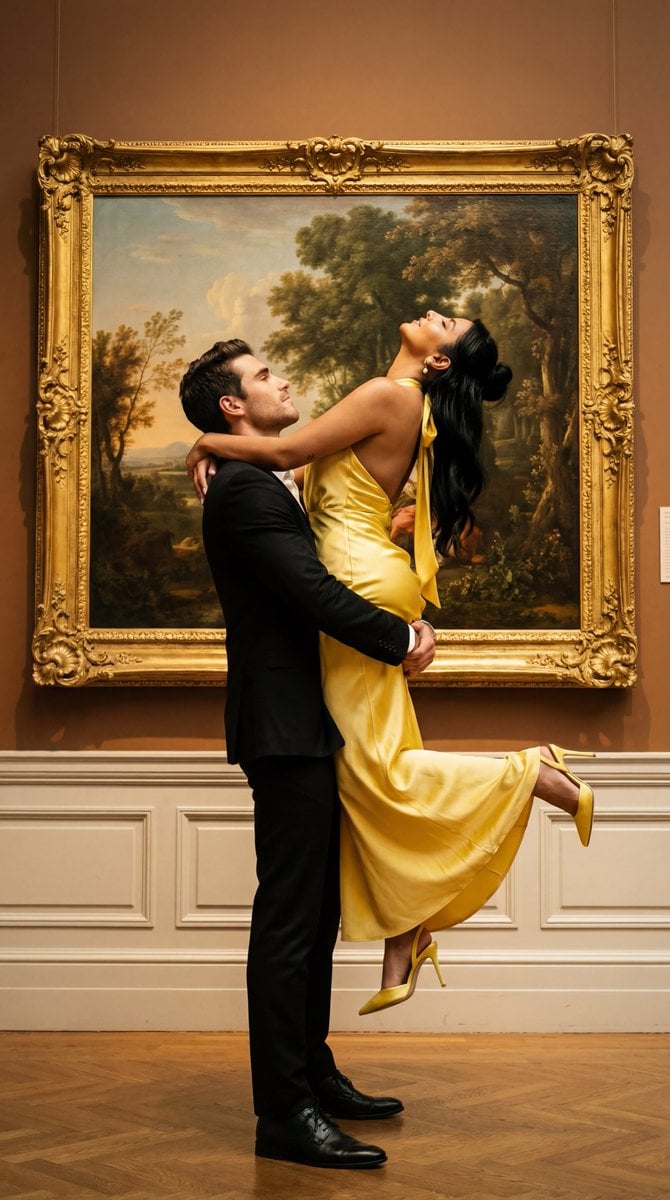
Cinematic Fine Art Couple Portrait with Reference Image Locking
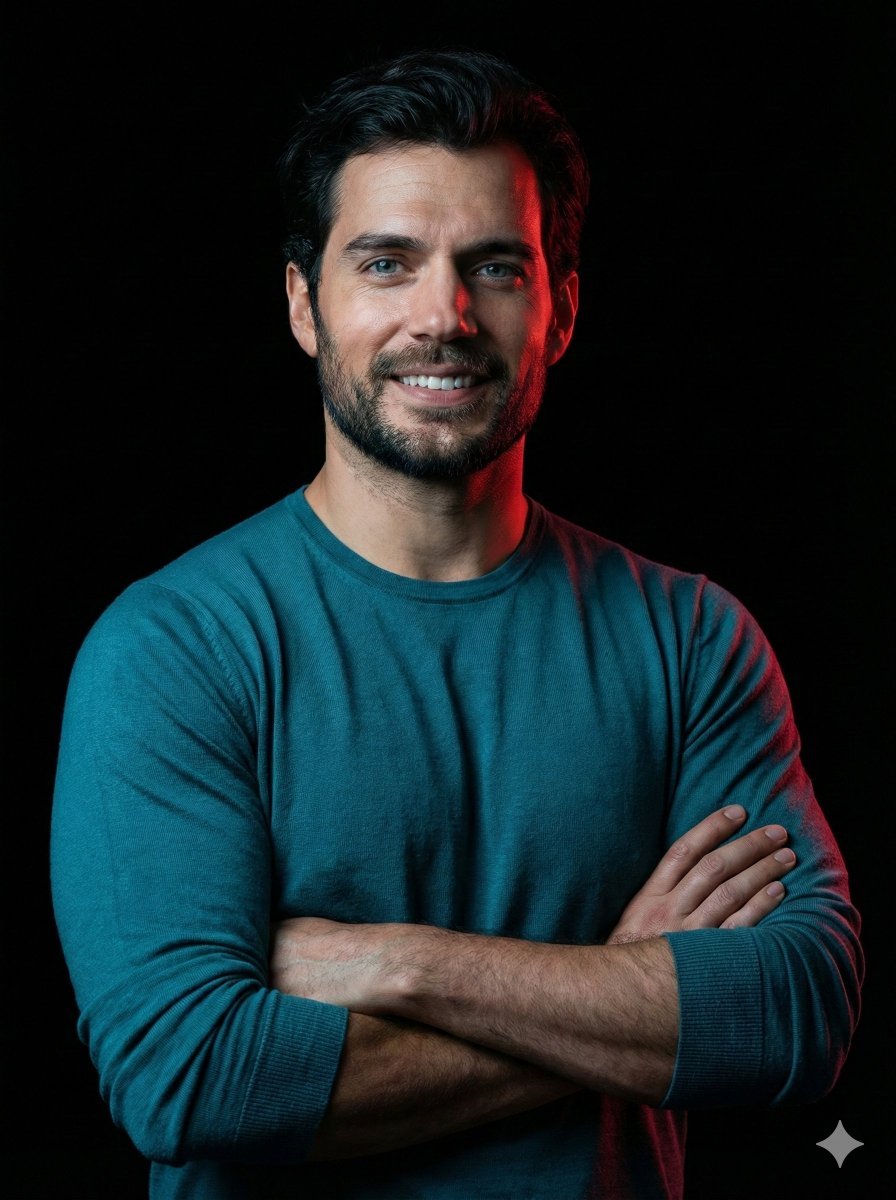
Cinematic studio portrait with exact facial match
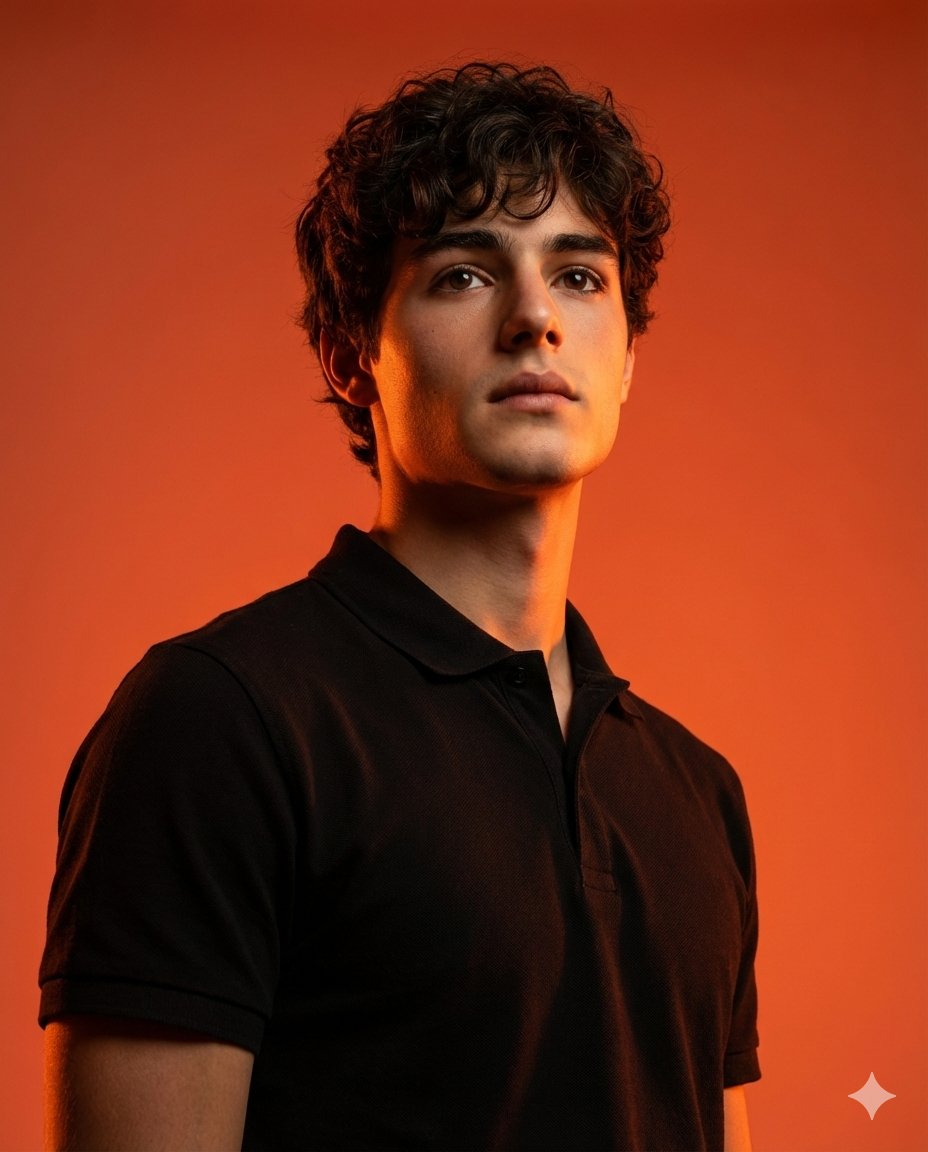
Dramatic Studio Portrait with Reference Photo
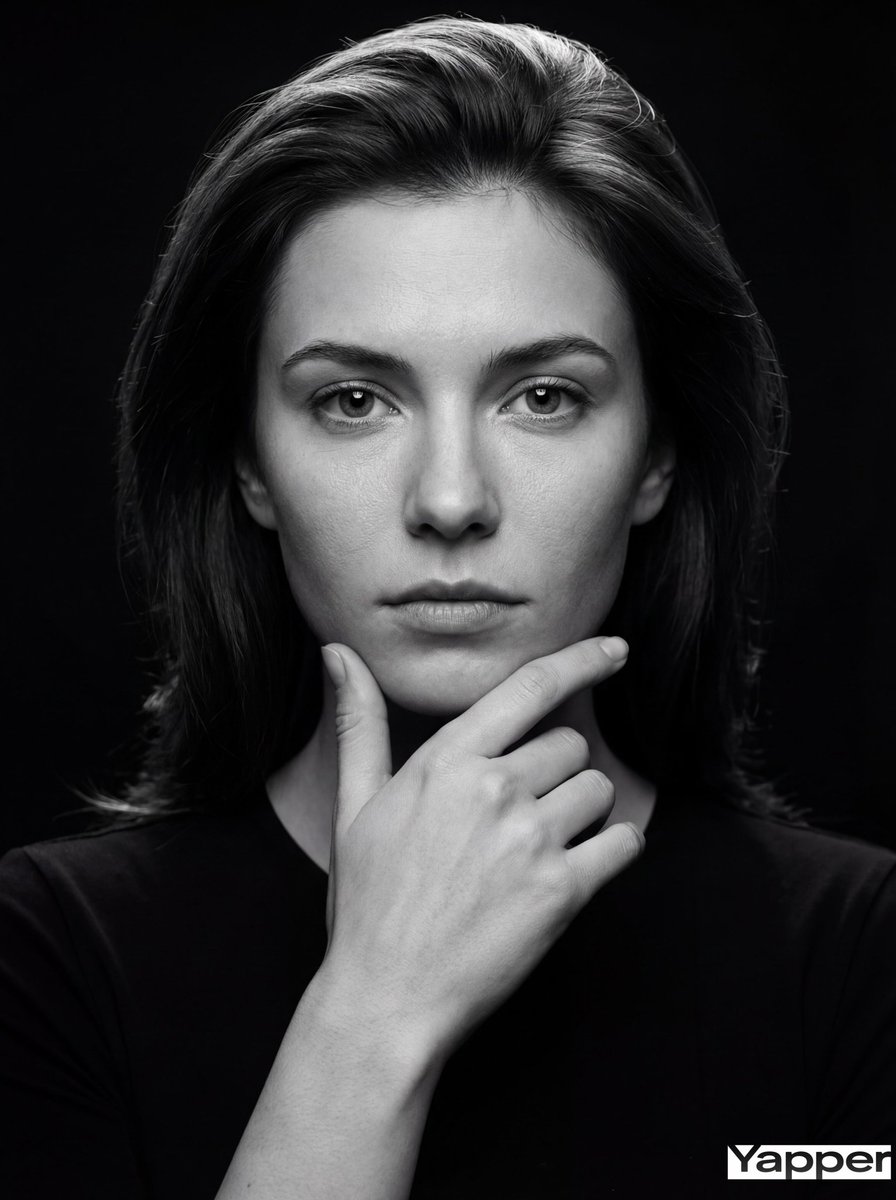
Fine-Art Cinematic Monochrome Portrait (Thinker Pose)
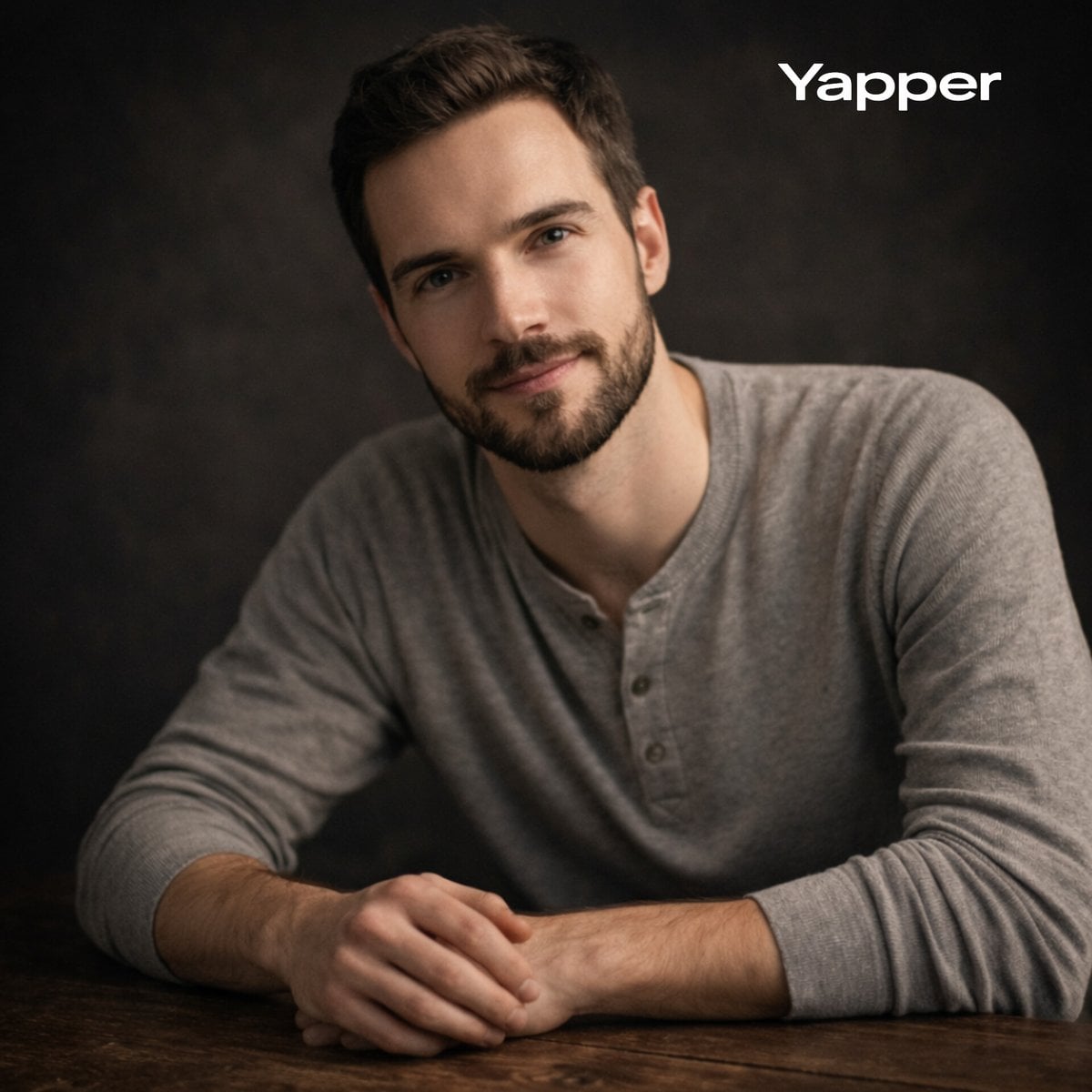
Cinematic Studio Portrait with Precise Facial Matching
Make it yours
Fine-Art Cinematic Monochrome Studio Portrait Prompt (Reference Match) works as-is. These are the safest ways to change it without losing the look.
Swap the setting
Keep the rest of the prompt and replace the location block. The current setting is “hair edges and outer shoulder”.
Swap the light
One lighting change is enough to compare takes. Current light: “low-key fine-art studio lighting”.
Change one field
Copy a single group, rewrite it, and generate again so you can see what that field is doing.
| If the result… | Why | Fix |
|---|---|---|
| The result drifts from the preview | Too many fields changed at once. | Reuse Fine-Art Cinematic Monochrome Studio Portrait Prompt (Reference Match) as-is first, then change one group — subject, light, or setting. |
| Nano Banana 2 ignores part of the JSON | Some models flatten or skip nested keys. | Keep the same values and paste them as a short paragraph instead. |
More Nano Banana 2 templates
Other prompts made for Nano Banana 2.

Photorealistic Leaf Shaped Like a Dragon

K-Pop Idol Portrait Grid for Rapid Selection

Poetic Rain Forest Portrait During Golden Hour

Urban Street Portrait with Cartoon Inner Self Duo

Candid Nighttime Photo with Cat Prompt

High-Concept 3D Diorama Generation Prompt

Cinematic Futuristic Studio Portrait Template

Skincare Editorial Photography Collage Prompt

Hyper-Realistic Commercial Product Photography (Splash Effect)

Hyper-Realistic Nightclub Portrait Prompt
More image prompts
Fresh picks from across the catalog.

Chuunibyou Style Merch Poster
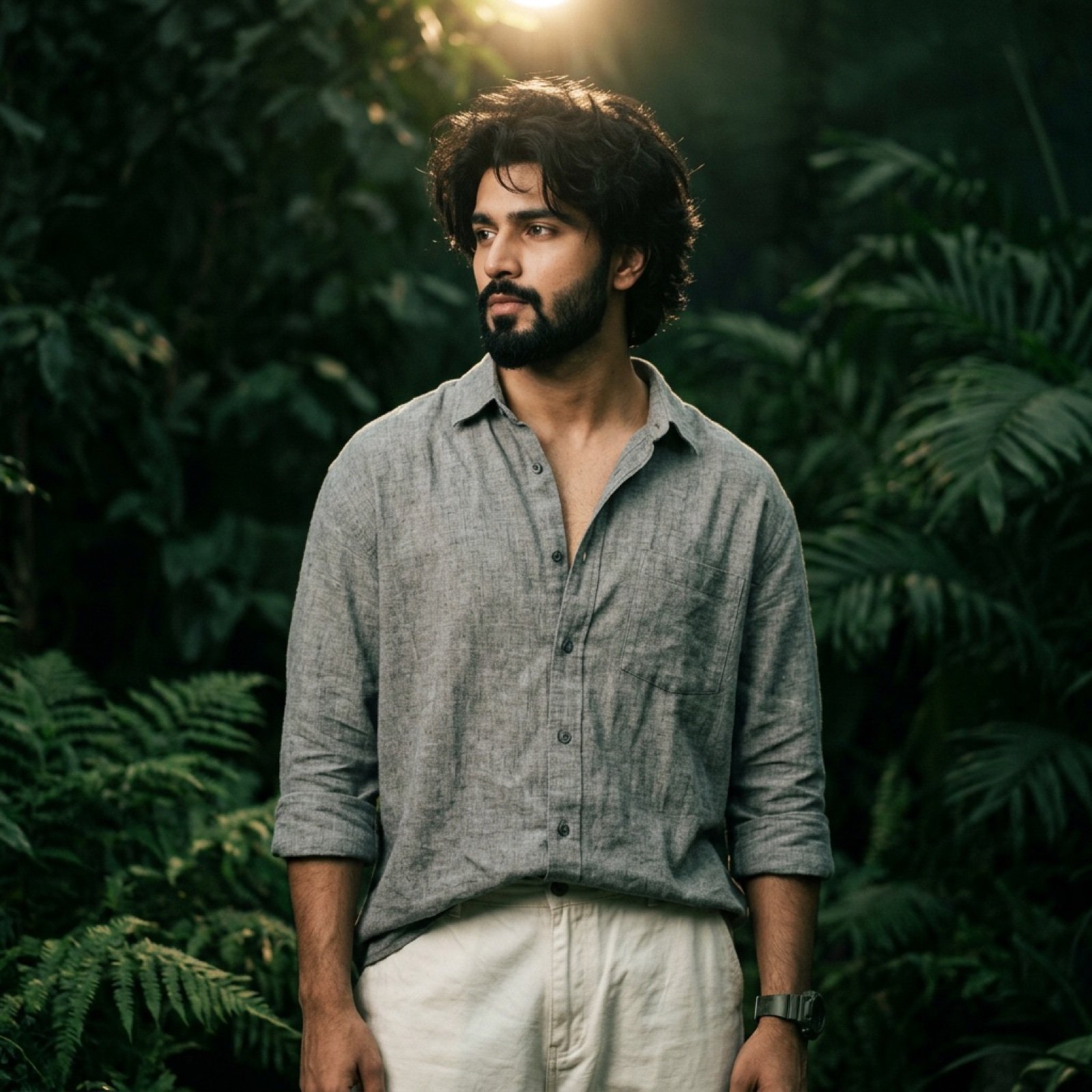
Dark Green Cinematic Male Portrait with Identity Lock
Realistic Hatsune Miku Selfie
Romantic Top-Down Portrait in a Wildflower Meadow
AI UGC Prompt for Upscale Lifestyle Portrait
Mini London Sugar Landscape
Golden Temple Lake at Night
Crouching Outdoor Fashion Portrait
Neon Rain Snack Bag Ad
Editorial Selective Color Portrait
Browse template categories
Fine-Art Cinematic Monochrome Studio Portrait Prompt (Reference Match) questions
How do I use the Fine-Art Cinematic Monochrome Studio Portrait Prompt (Reference Match) template?
Add your photo if the template asks for one, edit the prompt if you like — the template's model and format are already selected — and press Generate. Your version opens in PicX Studio.
Can I customize the Fine-Art Cinematic Monochrome Studio Portrait Prompt (Reference Match) template?
Yes. You can change the subject, setting, lighting, mood, format, and available model controls before creating your image.
Is the Fine-Art Cinematic Monochrome Studio Portrait Prompt (Reference Match) template free?
Opening and editing this template is free. Generating uses credits, shown on the Generate button when you are signed in.
Which AI model should I use?
Start with Nano Banana 2, which is the model associated with this template. You can compare another compatible model for a different finish.
Looking for something else? Browse all templates.

Your photo, any look
Thousands of ready templates for every top image and video model, from one credit balance.