
Neon Rain Snack Bag Ad
This prompt generates a dramatic commercial product shot of a branded cheesy corn chip bag in a wet neon-lit night street, ideal for packaging mockups and snack advertising.
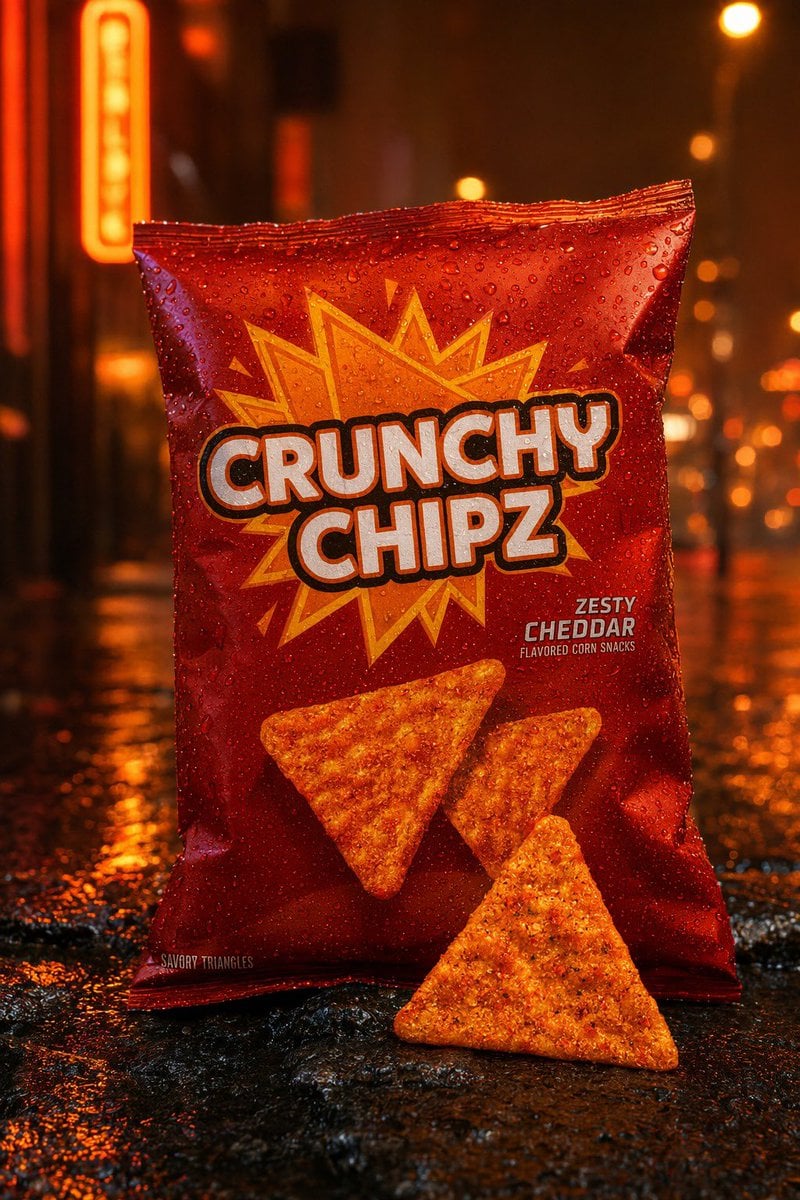
- Prompt included
- Model and format preset
- Free template
The prompt behind this image
Copy the exact prompt behind Neon Rain Snack Bag Ad, or open it in the studio and make it yours.
A cinematic commercial product photo of a glossy red snack bag standing upright on a wet city street at night, centered in frame, shot straight-on at eye level with shallow depth of field and dramatic orange neon lighting. The package is covered in realistic water droplets and reflects warm streetlights. The brand name on the bag reads {argument name="brand name" default="CRUNCHY CHIPZ"} in very large bold white bubble letters with a thick dark outline, stacked across two lines in the center. Behind the logo is a jagged yellow-orange comic-style starburst graphic. In the lower right area of the bag, smaller printed flavor text reads {argument name="flavor text" default="ZESTY CHEDDAR"}, with tiny subtext below reading "FLAVORED CORN SNACKS." Near the bottom left edge of the bag, tiny text reads "SAVORY TRIANGLES." Show exactly 3 triangular corn chips total: 2 printed on the front of the bag and 1 real chip placed on the wet pavement in front of the package, leaning slightly back. The chips are orange, heavily seasoned, and textured. The background is a moody urban alley with blurred neon signs and round bokeh lights, all in deep amber, orange, and red tones, with glossy reflections on the rain-soaked ground. Ultra-detailed advertising photography, high contrast, sharp focus on the bag and front chip, premium snack packaging mockup, realistic condensation, rich saturated colors, studio-quality product retouching blended with a rainy street lifestyle setting.
How to use Neon Rain Snack Bag Ad in 3 steps
- 1Upload ImagePNG, JPG or paste
Add your photo
Upload the photo the template builds on. The prompt, model and format are already set.
- 2…a portrait of your subject in softgolden-hour light, 85mm…
Personalize
Edit the subject and creative details for your destination.
- 3Generate
Generate
Press Generate — your image is created in PicX Studio, so you can compare it with the original and refine one variable at a time.
More like this
Templates with the same subject, style or setup. Open one to see its prompt.

Rainy Night Android Cyberpunk Portrait
Rainy Night Android Cyberpunk Portrait

Meet Me When It Rains

80s Neon Disco Night
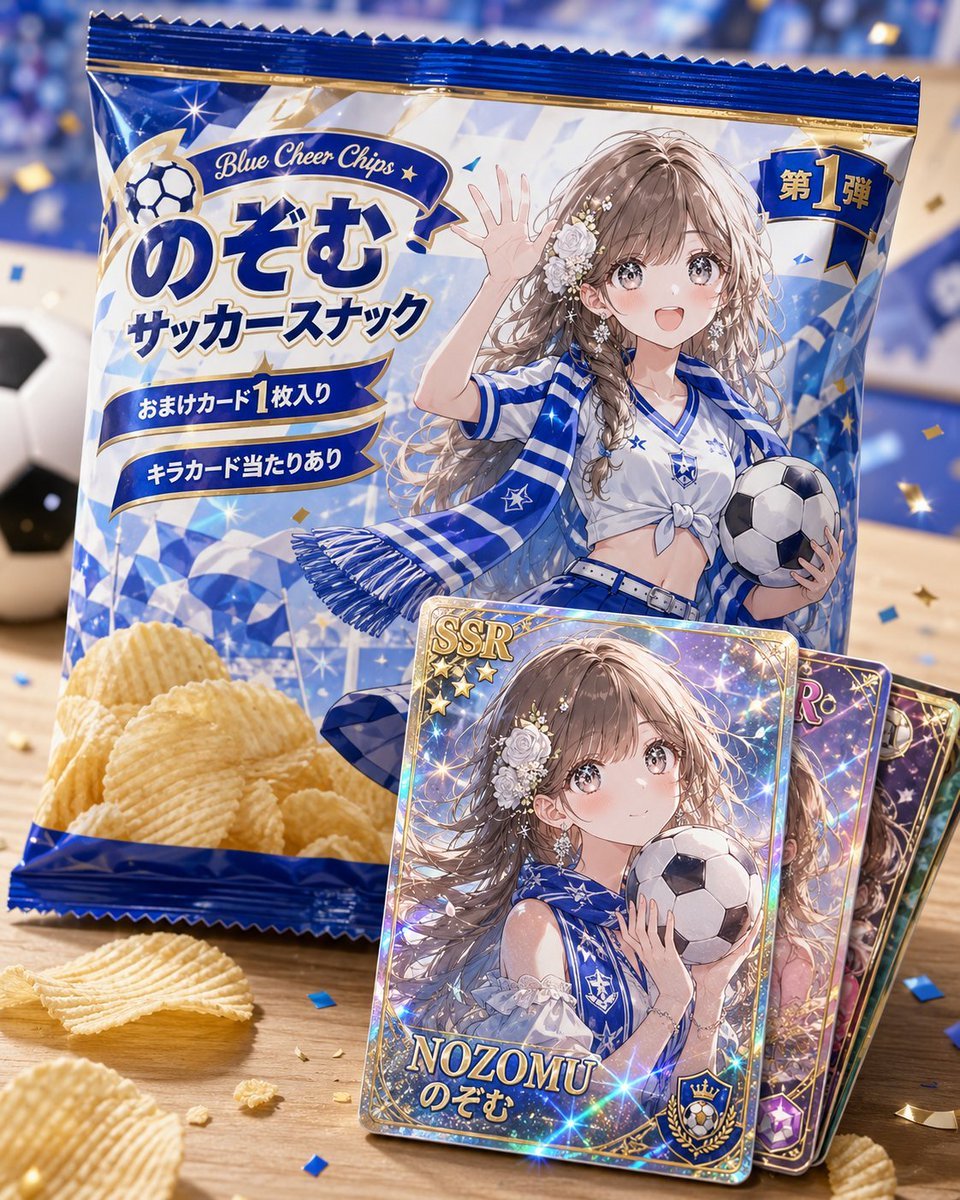
Anime Soccer Snack Bag Ad

Cartoon TV Show Poster Pack

Korean Idol Partial Shadow Editorial Portrait

Cyberpunk Neon Profile Fashion Portrait

Neon Night Crosswalk Candid Portrait

Subway Platform Quiet Introspective Portrait

Cinematic Sci-Fi Commander Side Profile Portrait
Low-Angle Cyberpunk Neon Profile Portrait
Make it yours
Neon Rain Snack Bag Ad works as-is. These are the safest ways to change it without losing the look.
Change one field
Copy a single group, rewrite it, and generate again so you can see what that field is doing.
Keep the frame, change the subject
Hold the composition and light of Neon Rain Snack Bag Ad, then swap wardrobe, props or the person for a new take.
| If the result… | Why | Fix |
|---|---|---|
| The result drifts from the preview | Too many fields changed at once. | Reuse Neon Rain Snack Bag Ad as-is first, then change one group — subject, light, or setting. |
| The model over-stylizes the scene | The prose prompt leaves finish and camera underspecified. | Add one camera or lighting sentence and stay on GPT Image 2. |
More GPT Image 2 templates
Other prompts made for GPT Image 2.

Six VTuber Japanese Logo Sheet

Realistic Portrait of Woman and Deer

The Vista Modular Condo Poster

AI Model Routing Comparison Infographic

2.5D Anime Art Board

Isometric Productivity Desk Scene

New York Double Exposure Poster

Four-Panel AI Landscape Comparison

Japanese Tatami Lifestyle Magazine Cover

NESCAFÉ Coffee Map Poster
More image prompts
Fresh picks from across the catalog.
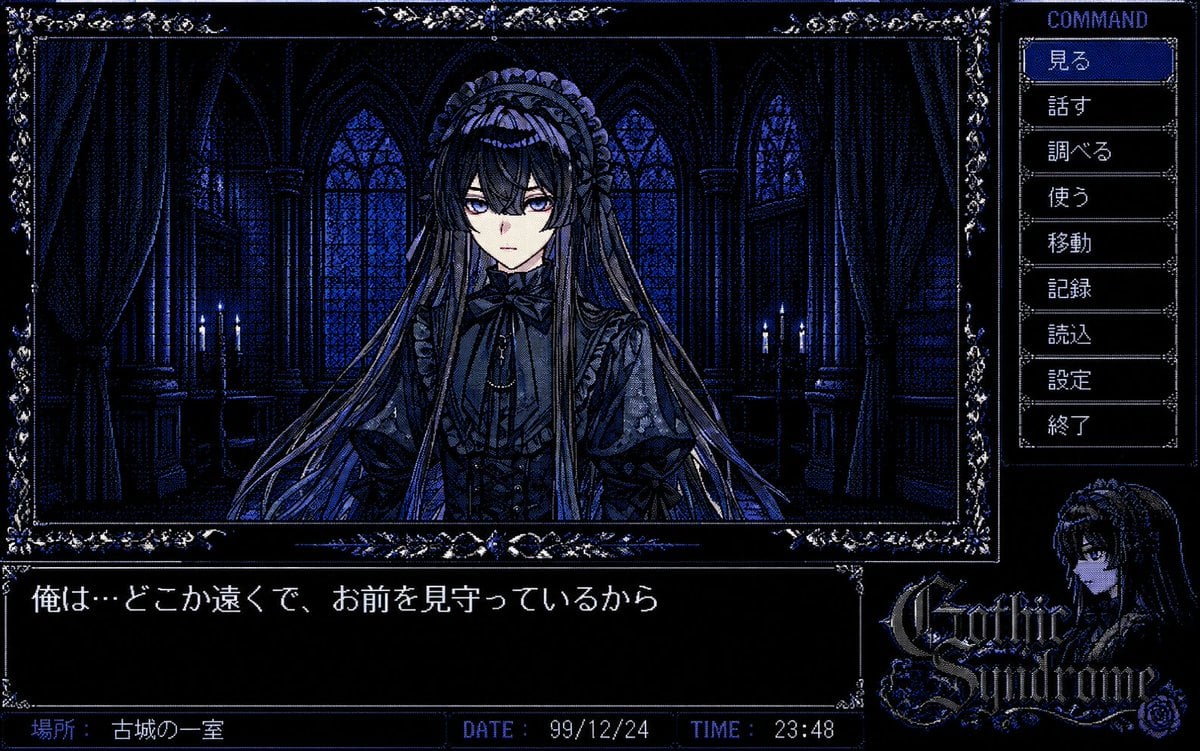
PC-98 Gothic Adventure Game UI
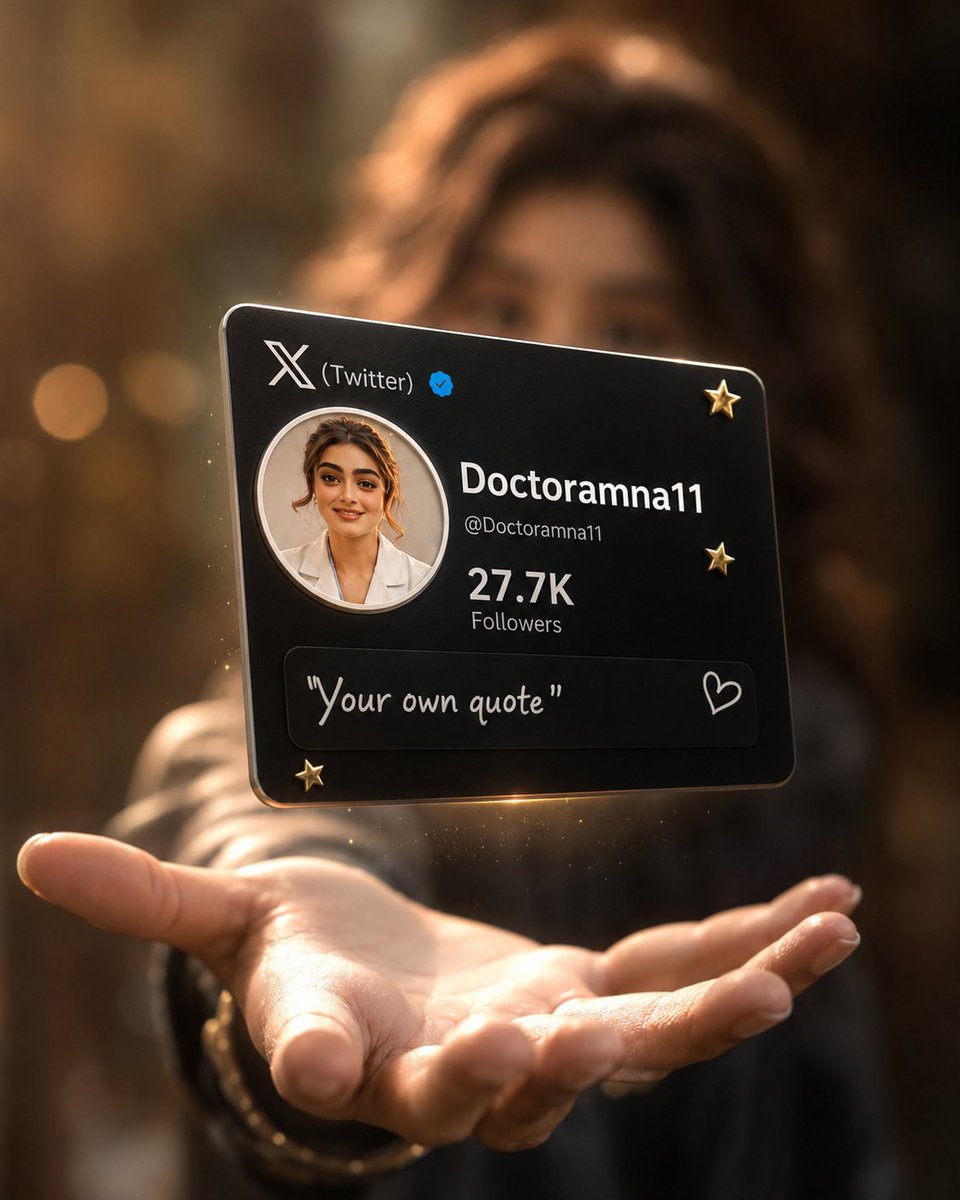
Floating Black Profile Card Concept
Cinematic Wide Shot of Girl in Dewy Meadow at Sunrise
Minimalist Luxury Fashion Editorial
Candid Cowgirl Hat and Denim Snapshot
Colorful Kids Advertising Poster
Kawaii Café and Travel Illustration
Burberry Battle Vest
London Nocturnal Urban Archive Diorama
Cinematic Evening Fashion Portrait with Identity Lock
Browse template categories
Neon Rain Snack Bag Ad questions
How do I use the Neon Rain Snack Bag Ad template?
Add your photo if the template asks for one, edit the prompt if you like — the template's model and format are already selected — and press Generate. Your version opens in PicX Studio.
Can I customize the Neon Rain Snack Bag Ad template?
Yes. You can change the subject, setting, lighting, mood, format, and available model controls before creating your image.
Is the Neon Rain Snack Bag Ad template free?
Opening and editing this template is free. Generating uses credits, shown on the Generate button when you are signed in.
Which AI model should I use?
Start with GPT Image 2, which is the model associated with this template. You can compare another compatible model for a different finish.
Looking for something else? Browse all templates.

Your photo, any look
Thousands of ready templates for every top image and video model, from one credit balance.