
Golden Temple Lake at Night
A cinematic prompt for generating a glowing East Asian temple landscape reflected in a mountain lake at night.
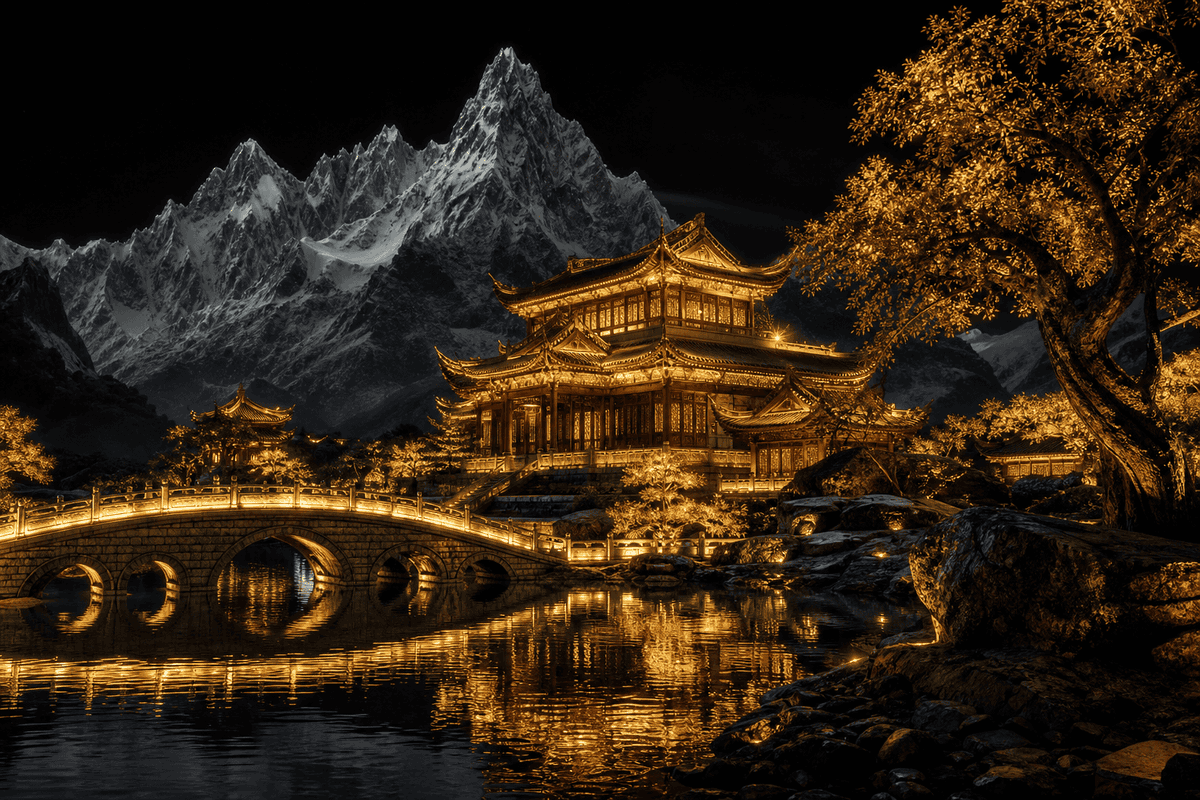
- Prompt included
- Model and format preset
- Free template
The prompt behind this image
Copy the exact prompt behind Golden Temple Lake at Night, or open it in the studio and make it yours.
Create a cinematic ultra-detailed nighttime landscape of a glowing traditional East Asian temple complex beside a still mountain lake. The main subject is a grand multi-tiered pagoda-style palace with ornate curved roofs, carved wooden balconies, layered eaves, and warm golden lantern illumination, positioned slightly right of center. In the left foreground, include a graceful arched stone bridge with three visible arches, lined with continuous golden lights, crossing over reflective water toward the temple. The lake should mirror the temple, bridge, trees, and lanterns in shimmering gold ripples. Behind the architecture, place dramatic jagged snow-covered mountains, tall and sharp, rendered in cold monochrome blue-gray tones under a deep black night sky with no stars. On the right foreground, add a large ancient tree with twisting trunk and dense autumn leaves glowing amber-gold, plus dark rocks along the water’s edge. Add smaller illuminated pavilion rooftops in the midground on both sides to extend the temple grounds. Use a strong contrast between warm gold architecture and foliage versus cold dark mountains and sky, creating a serene sacred atmosphere, high dynamic range, sharp architectural detail, realistic reflections, volumetric glow from lanterns, epic composition, 16:9 wide aspect ratio, no people, no text.
How to use Golden Temple Lake at Night in 3 steps
- 1Upload ImagePNG, JPG or paste
Add your photo
Upload the photo the template builds on. The prompt, model and format are already set.
- 2…a portrait of your subject in softgolden-hour light, 85mm…
Personalize
Edit the subject and creative details for your destination.
- 3Generate
Generate
Press Generate — your image is created in PicX Studio, so you can compare it with the original and refine one variable at a time.
More like this
Templates with the same subject, style or setup. Open one to see its prompt.

Teen Girl Alpine Lake Mountain View

Mountain Lake Sunset Landscape

Subway Platform Quiet Introspective Portrait
Subway Platform Quiet Introspective Portrait

Spider-Man Night Swing New York Cinematic
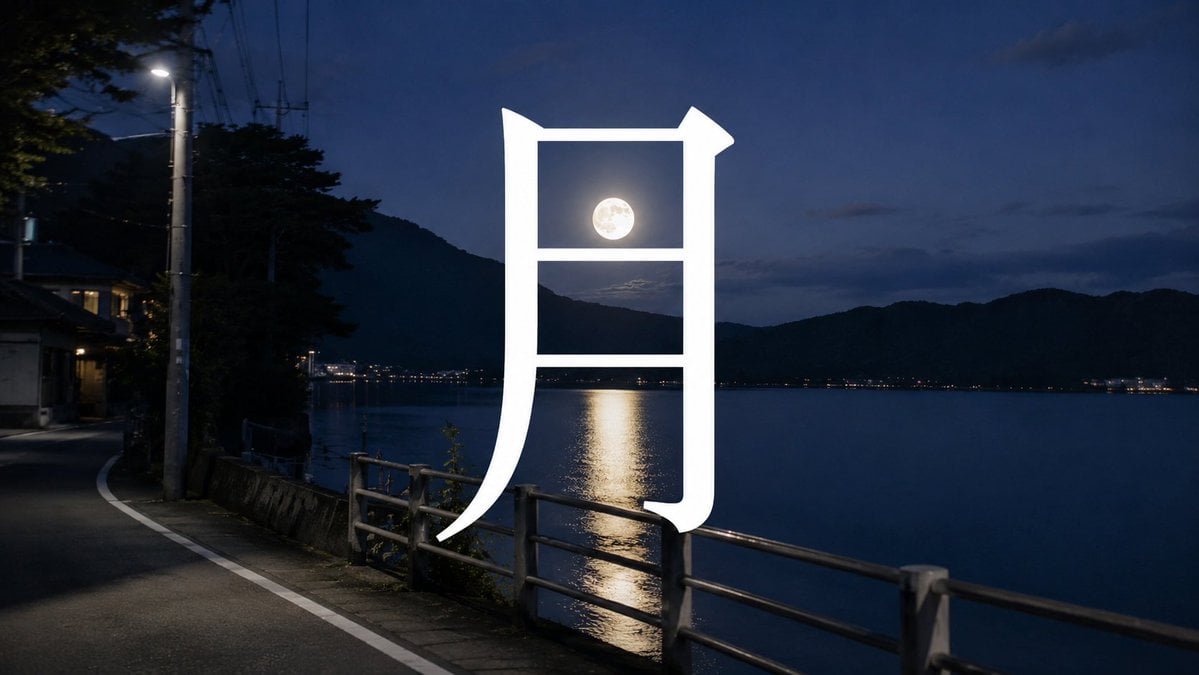
Moon Kanji Lakeside Night
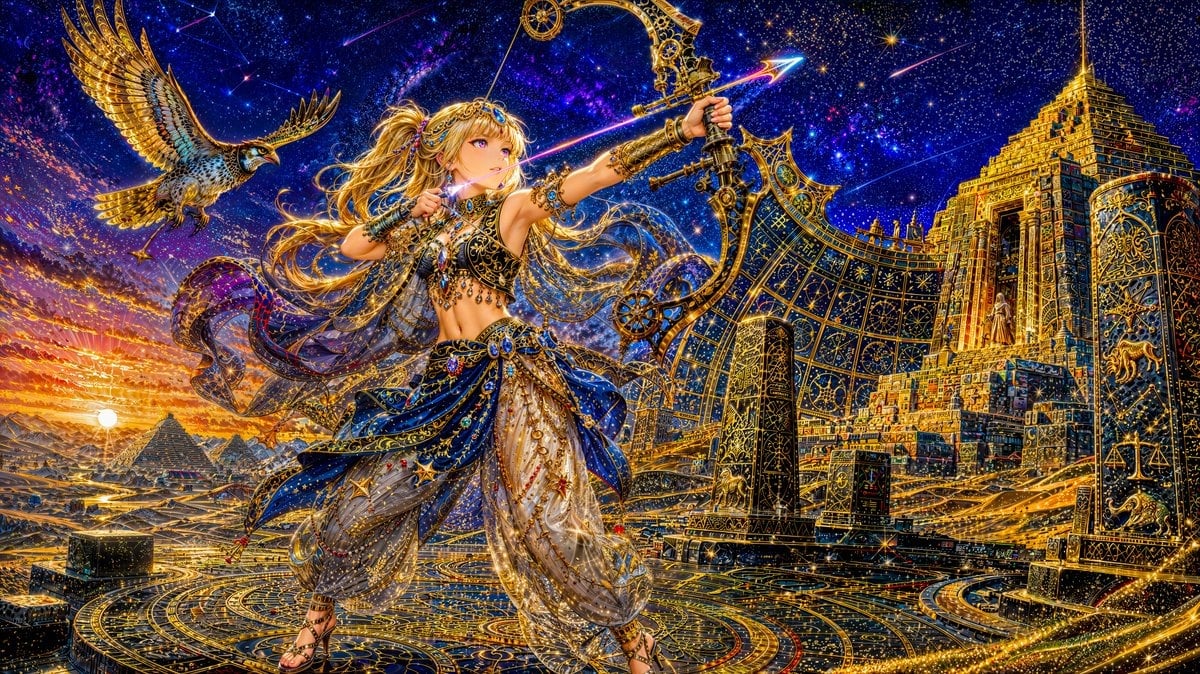
Celestial Archer in Golden Star Temple

Floating Woman Above Cityscape with Notifications

Night Sports Car Portrait — Cinematic Moody

Ancient Temple Portrait — White Dress Nano Banana

Nano Banana - Cozy Cafe Night
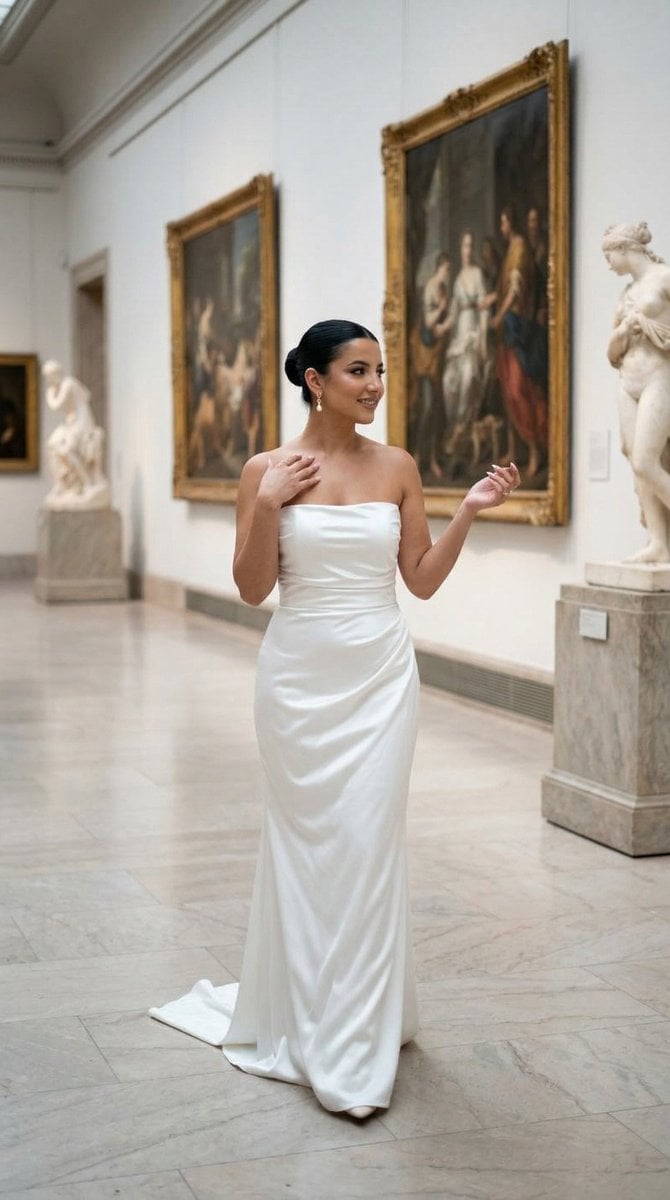
Nano Banana - Dancing Carefree Paris
Make it yours
Golden Temple Lake at Night works as-is. These are the safest ways to change it without losing the look.
Change one field
Copy a single group, rewrite it, and generate again so you can see what that field is doing.
Keep the frame, change the subject
Hold the composition and light of Golden Temple Lake at Night, then swap wardrobe, props or the person for a new take.
| If the result… | Why | Fix |
|---|---|---|
| The result drifts from the preview | Too many fields changed at once. | Reuse Golden Temple Lake at Night as-is first, then change one group — subject, light, or setting. |
| The model over-stylizes the scene | The prose prompt leaves finish and camera underspecified. | Add one camera or lighting sentence and stay on GPT Image 2. |
More GPT Image 2 templates
Other prompts made for GPT Image 2.

Six VTuber Japanese Logo Sheet

Realistic Portrait of Woman and Deer

The Vista Modular Condo Poster

AI Model Routing Comparison Infographic

2.5D Anime Art Board

Isometric Productivity Desk Scene

New York Double Exposure Poster

Four-Panel AI Landscape Comparison

Japanese Tatami Lifestyle Magazine Cover

NESCAFÉ Coffee Map Poster
More image prompts
Fresh picks from across the catalog.
AI Chat Screenshot with Cosmic Artwork
Blonde Schoolgirl Ice Pop Diptych
Fashion Editorial Portrait Prompt for Gemini Nano Banana Pro
Minimal Astronaut Album Cover
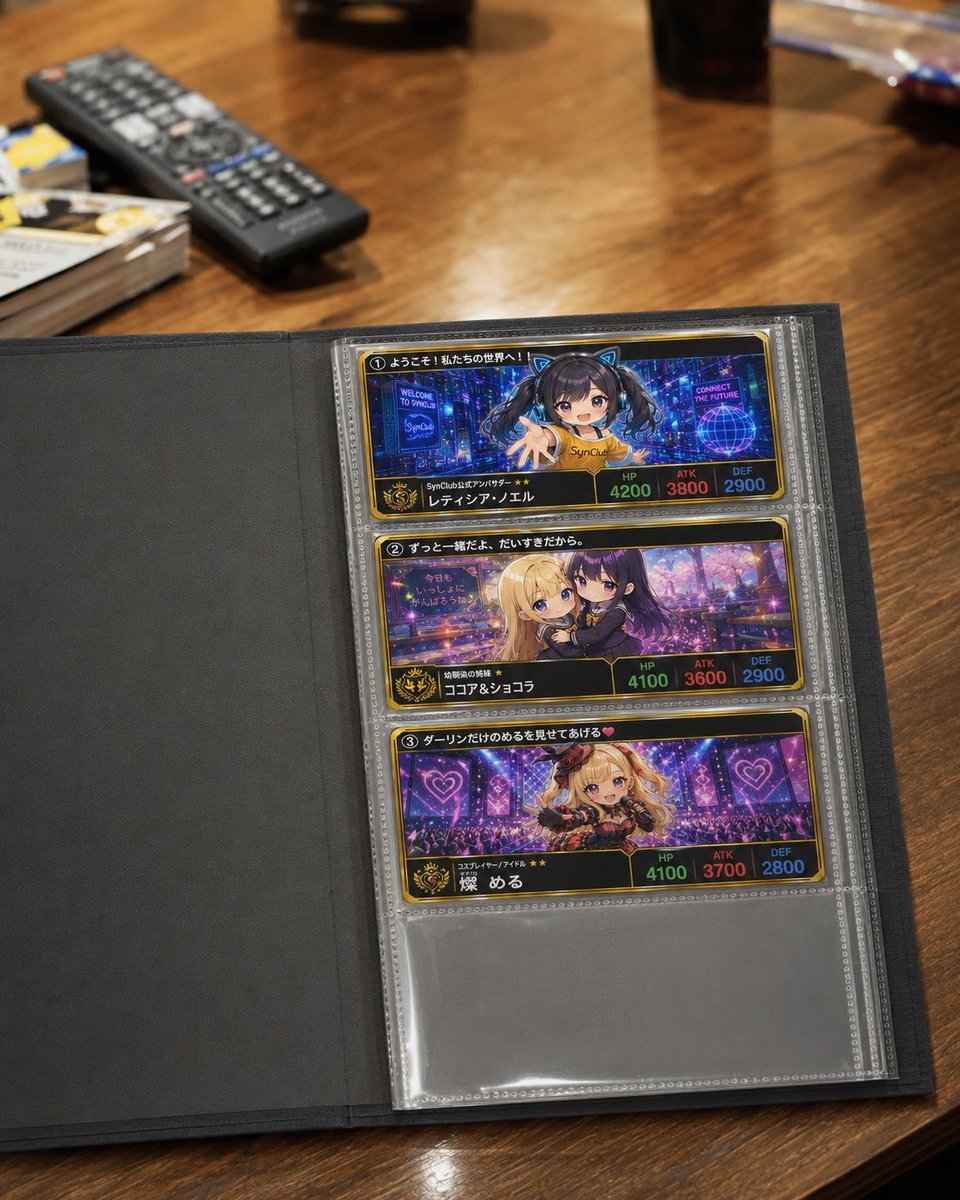
Anime Trading Card Album Photo
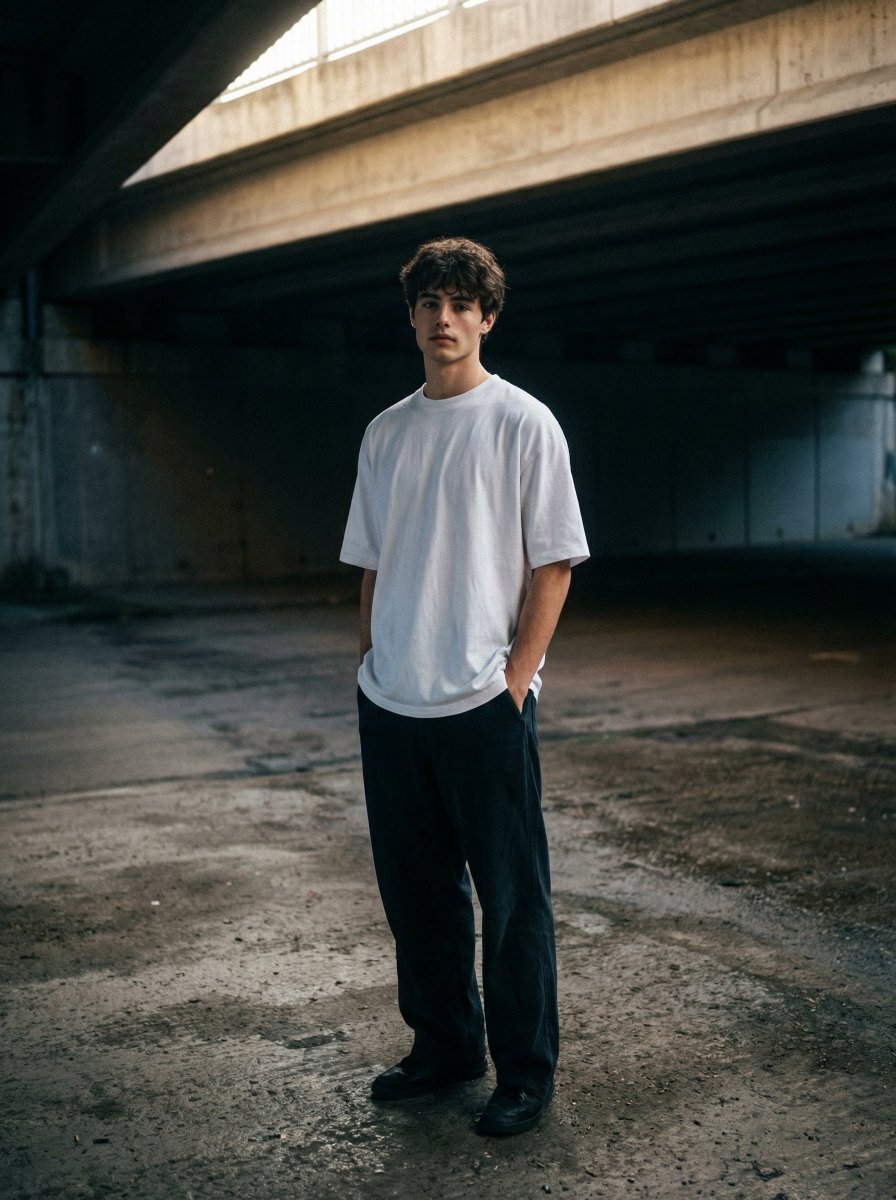
Moody urban portrait under a concrete overpass
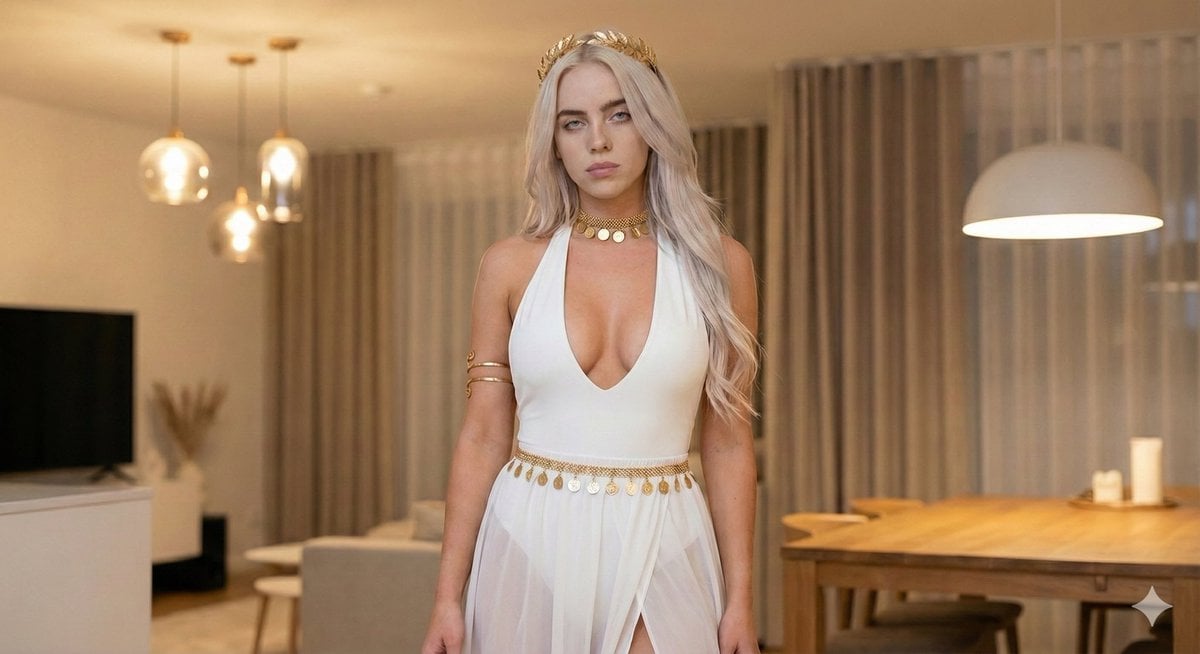
Goddess-Inspired White and Gold Portrait
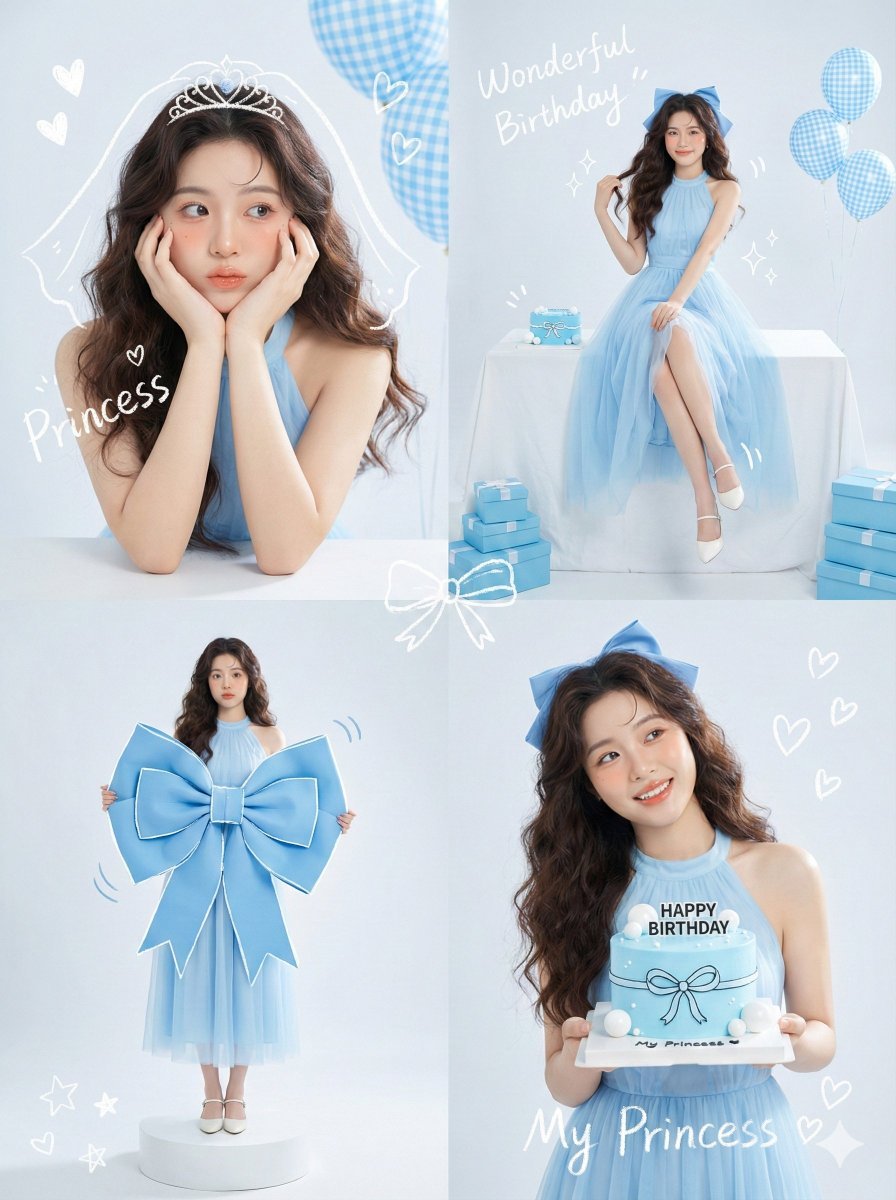
Korean Idol Birthday Collage with Doodles
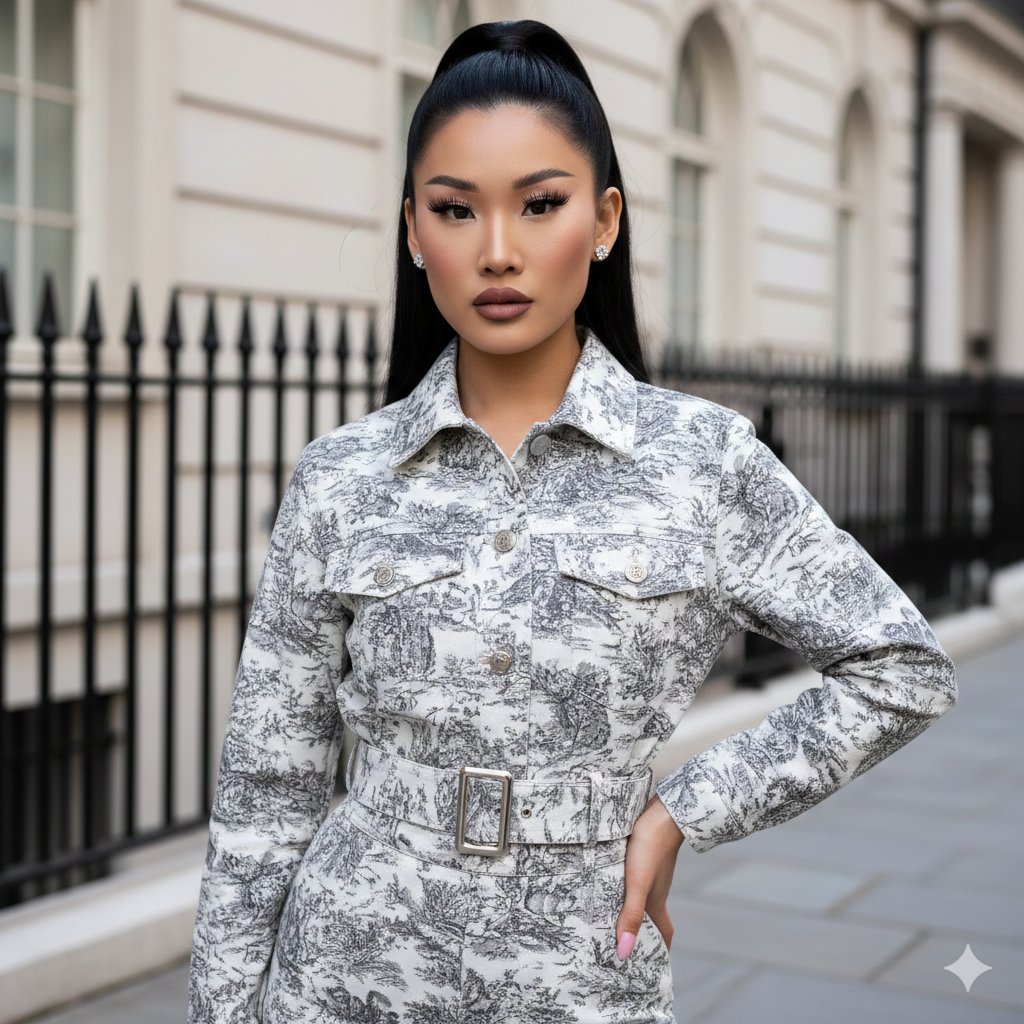
Toile de Jouy Street Style Fashion Editorial
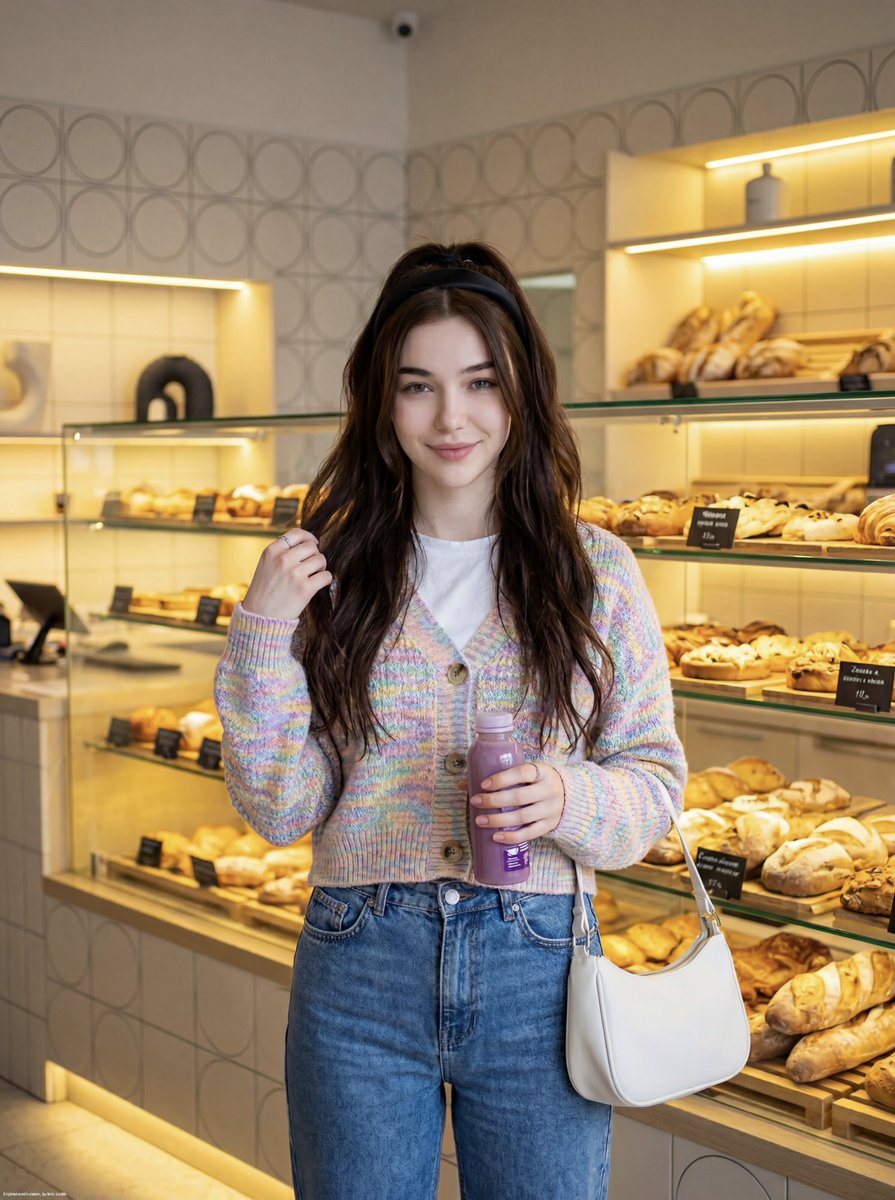
Cute Lifestyle Photo in a Modern Bakery
Browse template categories
Golden Temple Lake at Night questions
How do I use the Golden Temple Lake at Night template?
Add your photo if the template asks for one, edit the prompt if you like — the template's model and format are already selected — and press Generate. Your version opens in PicX Studio.
Can I customize the Golden Temple Lake at Night template?
Yes. You can change the subject, setting, lighting, mood, format, and available model controls before creating your image.
Is the Golden Temple Lake at Night template free?
Opening and editing this template is free. Generating uses credits, shown on the Generate button when you are signed in.
Which AI model should I use?
Start with GPT Image 2, which is the model associated with this template. You can compare another compatible model for a different finish.
Looking for something else? Browse all templates.

Your photo, any look
Thousands of ready templates for every top image and video model, from one credit balance.