
Retro Wuxia Behind-the-Scenes Still
Generates a gritty vintage-style candid film set photo of a defiant warrior character taking a food break on stone steps.
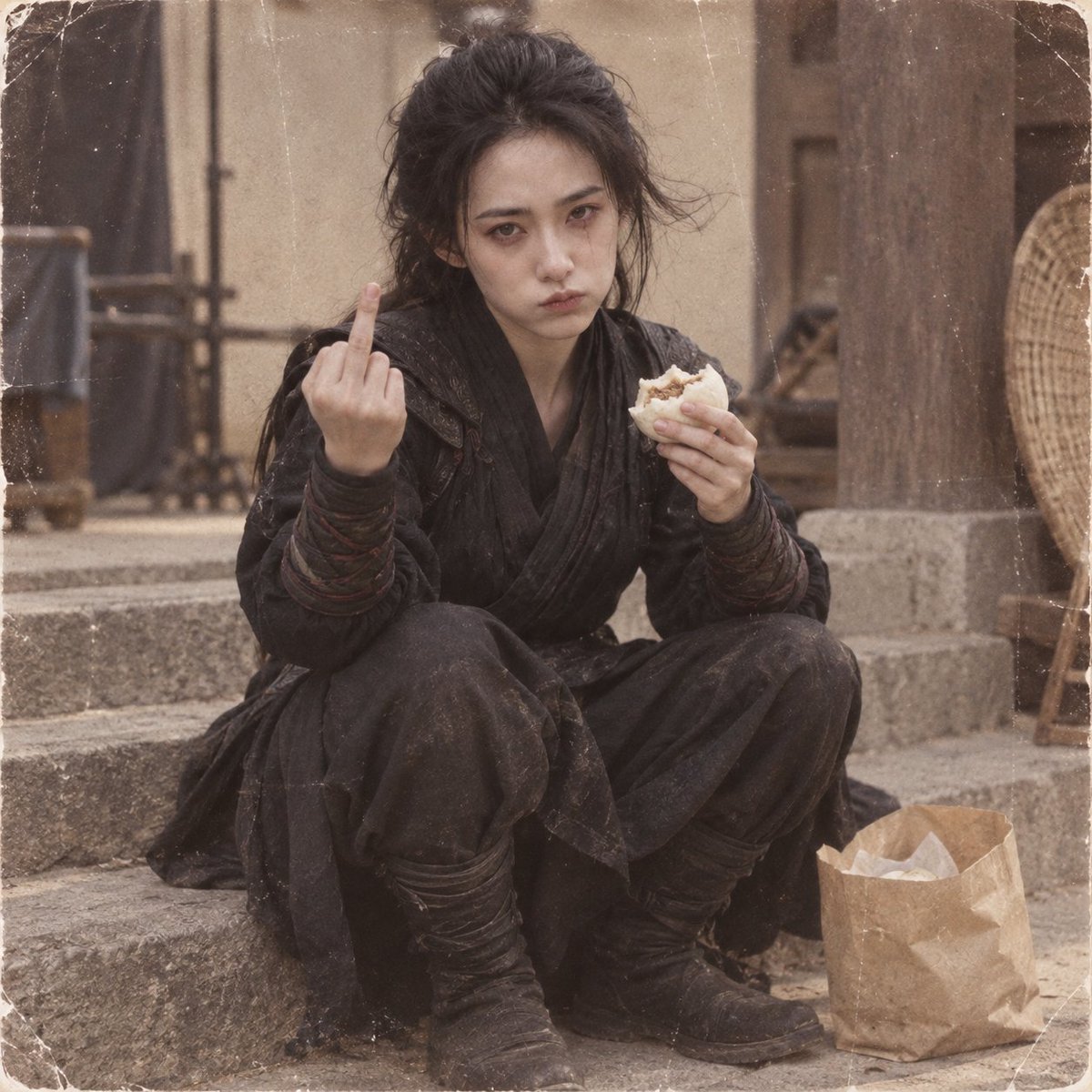
- Prompt included
- Model and format preset
- Free template
The prompt behind this image
Copy the exact prompt behind Retro Wuxia Behind-the-Scenes Still, or open it in the studio and make it yours.
Create a square, retro behind-the-scenes film still of {argument name="character name" default="a young East Asian woman warrior"} sitting in a low squat on worn stone steps in an old rustic courtyard or period village set. She has {argument name="hair color" default="messy black hair"} tied loosely up with flyaway strands, a pale tired face, minimal makeup, and a defiant deadpan expression while staring directly into the camera. She wears a dirty all-black ancient martial-arts rogue costume with exactly 5 visible outfit components: layered wrap robe, textured leather-like shoulder vest, dark forearm wraps, loose trousers, and worn black boots. Pose her with her left hand raised toward the camera giving the middle finger and her right hand holding exactly 1 half-eaten steamed bun or meat bun. Place exactly 1 crumpled brown paper food bag on the ground beside her right boot. The background should show blurred stone steps, beige plaster walls, dark wooden posts, and rustic set dressing, suggesting a wuxia or historical drama filming location during a break. Use muted sepia-brown color grading, soft natural daylight, shallow depth of field, realistic skin texture, candid snapshot framing, slight motion imperfection, and an aged photographic print look with visible film grain, dust specks, scratches, faded contrast, worn white rounded borders, and creased corners. No text, no watermark, no modern objects except the food bag, and keep the image gritty, natural, and unpolished rather than glossy.
How to use Retro Wuxia Behind-the-Scenes Still in 3 steps
- 1Upload ImagePNG, JPG or paste
Add your photo
Upload the photo the template builds on. The prompt, model and format are already set.
- 2…a portrait of your subject in softgolden-hour light, 85mm…
Personalize
Edit the subject and creative details for your destination.
- 3Generate
Generate
Press Generate — your image is created in PicX Studio, so you can compare it with the original and refine one variable at a time.
More like this
Templates with the same subject, style or setup. Open one to see its prompt.












Make it yours
Retro Wuxia Behind-the-Scenes Still works as-is. These are the safest ways to change it without losing the look.
Change one field
Copy a single group, rewrite it, and generate again so you can see what that field is doing.
Keep the frame, change the subject
Hold the composition and light of Retro Wuxia Behind-the-Scenes Still, then swap wardrobe, props or the person for a new take.
| If the result… | Why | Fix |
|---|---|---|
| The result drifts from the preview | Too many fields changed at once. | Reuse Retro Wuxia Behind-the-Scenes Still as-is first, then change one group — subject, light, or setting. |
| The model over-stylizes the scene | The prose prompt leaves finish and camera underspecified. | Add one camera or lighting sentence and stay on GPT Image 2. |
More GPT Image 2 templates
Other prompts made for GPT Image 2.

Six VTuber Japanese Logo Sheet

Realistic Portrait of Woman and Deer

The Vista Modular Condo Poster

AI Model Routing Comparison Infographic

2.5D Anime Art Board

Isometric Productivity Desk Scene

New York Double Exposure Poster

Four-Panel AI Landscape Comparison

Japanese Tatami Lifestyle Magazine Cover

NESCAFÉ Coffee Map Poster
More image prompts
Fresh picks from across the catalog.
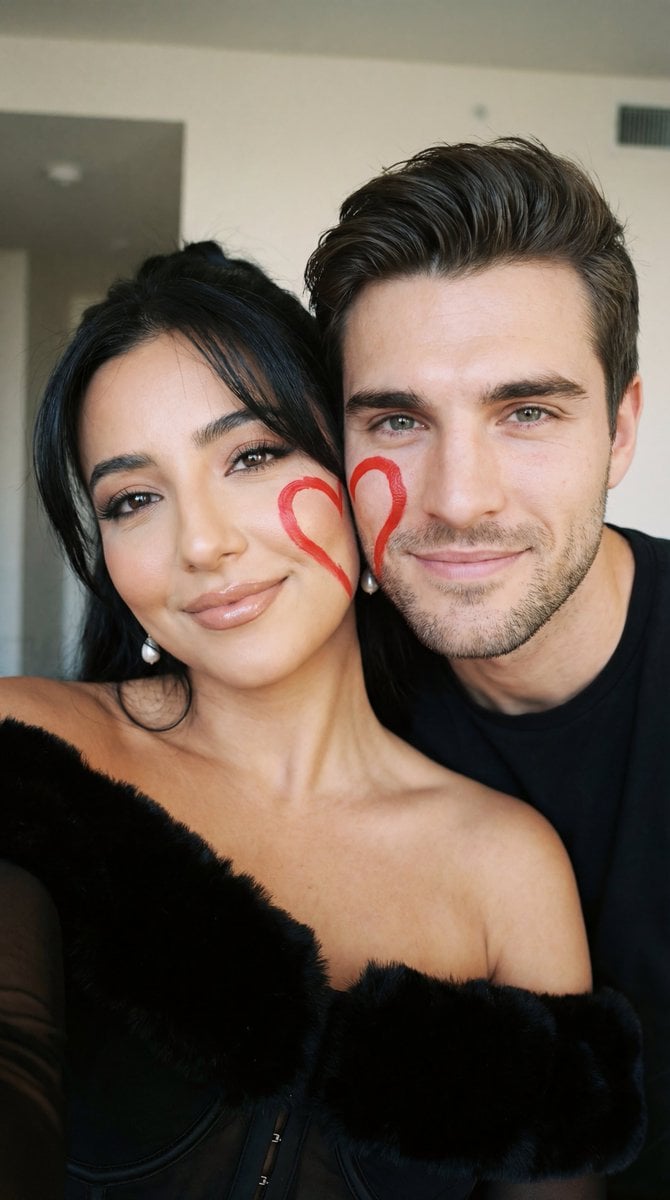
Ultra-Close Photorealistic Couple Selfie with Heart Cheek Paint
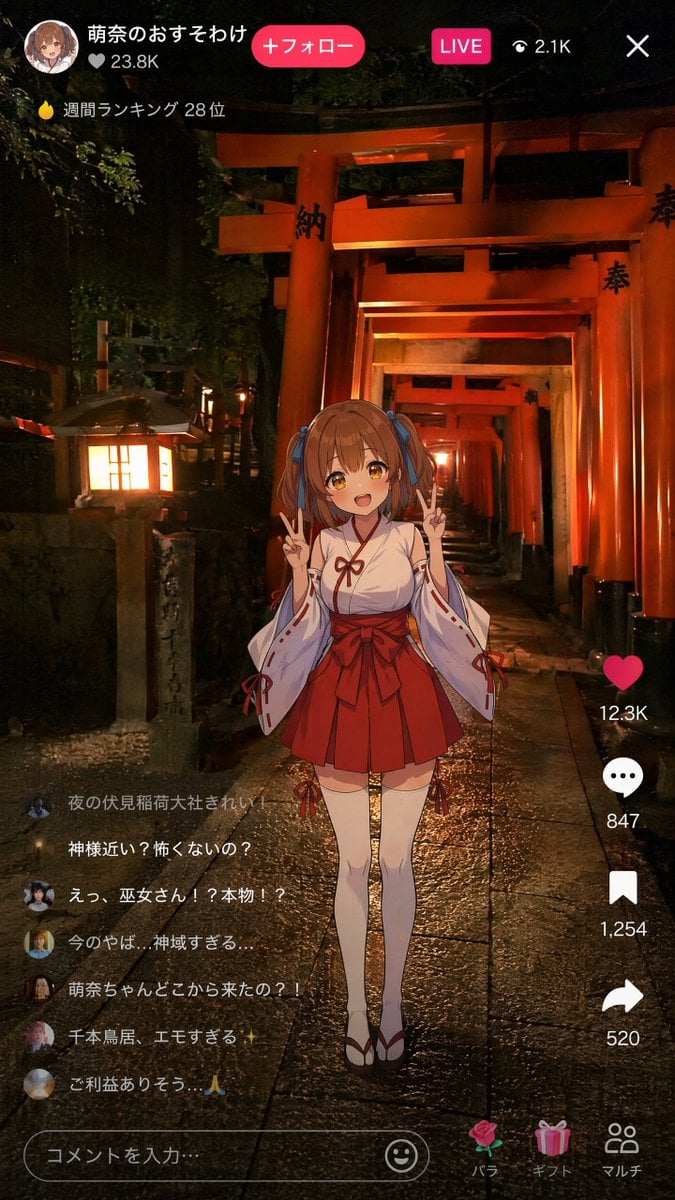
Anime Miko Night Shrine Livestream
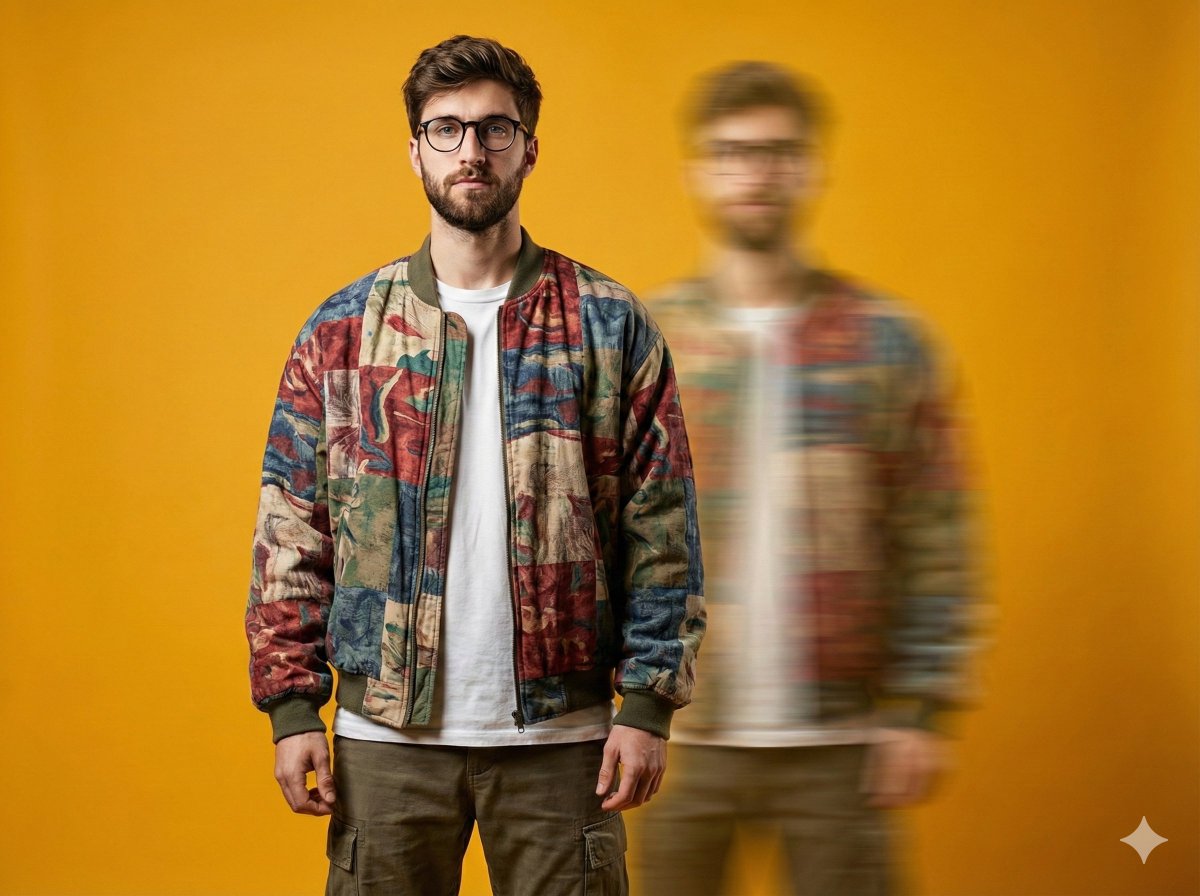
Avant-Garde Fashion Portrait with Ghost Duplicate
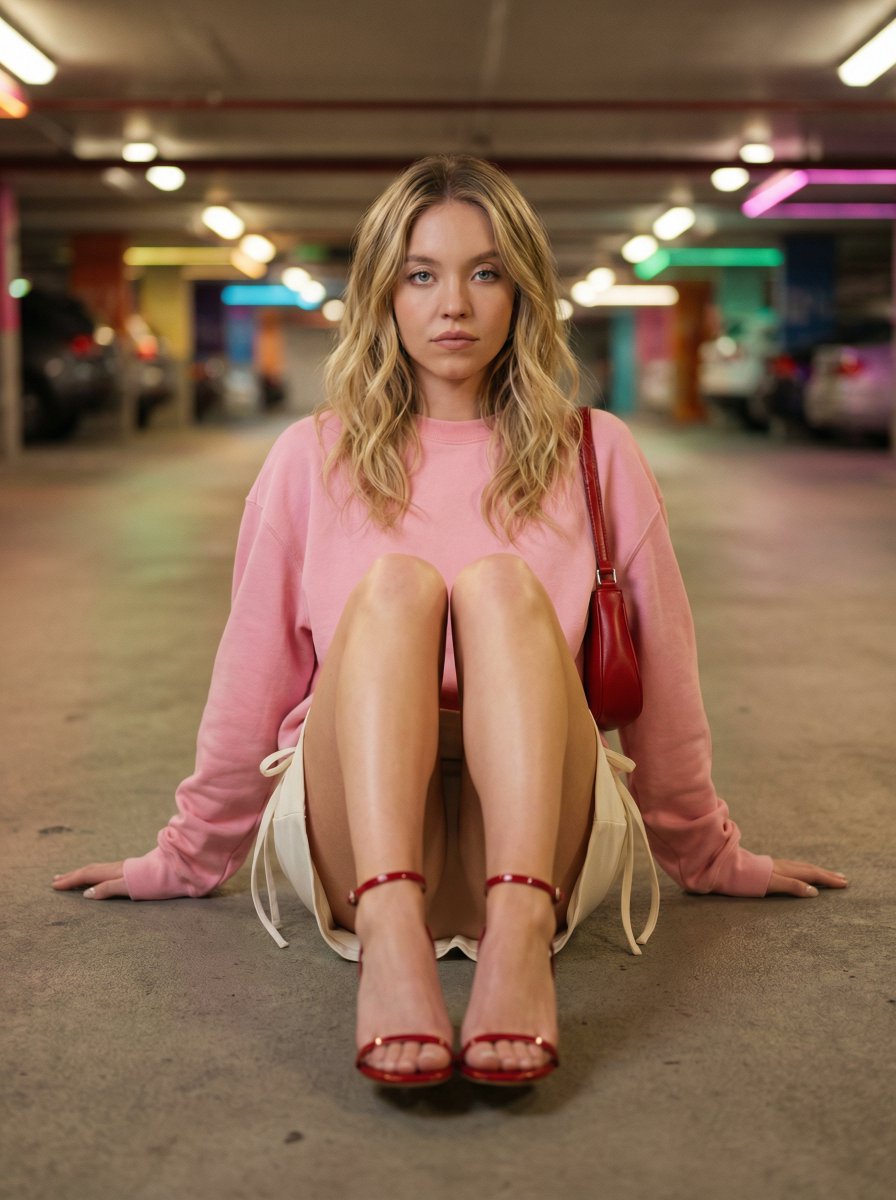
Cinematic Fashion Portrait in Underground Parking
untitled
Videogame Cinematic Trailer - Seedance 2.0
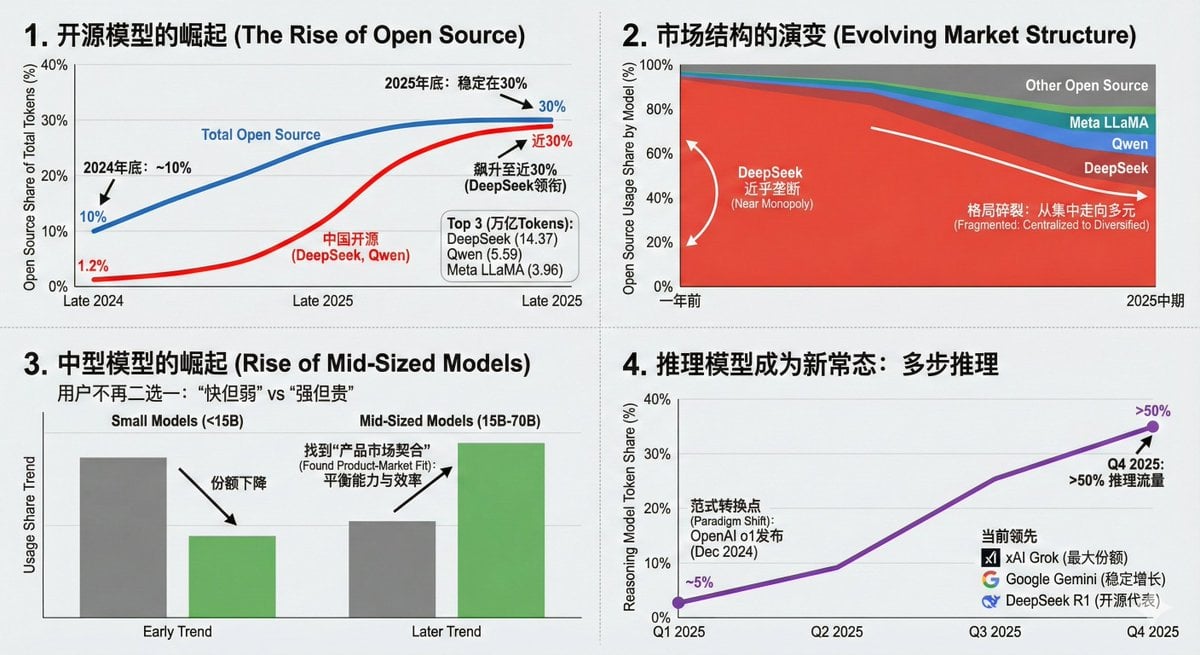
Data Visualization Based on Storytelling with Data Principles
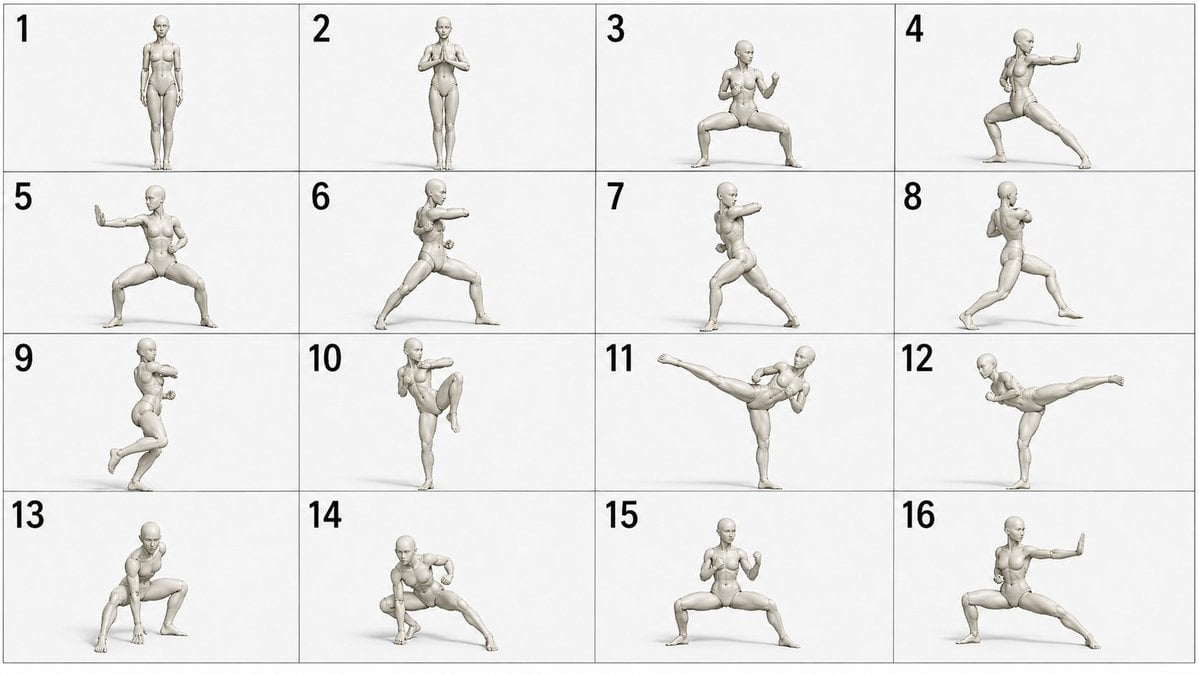
Martial Arts Grid Motion Prompt
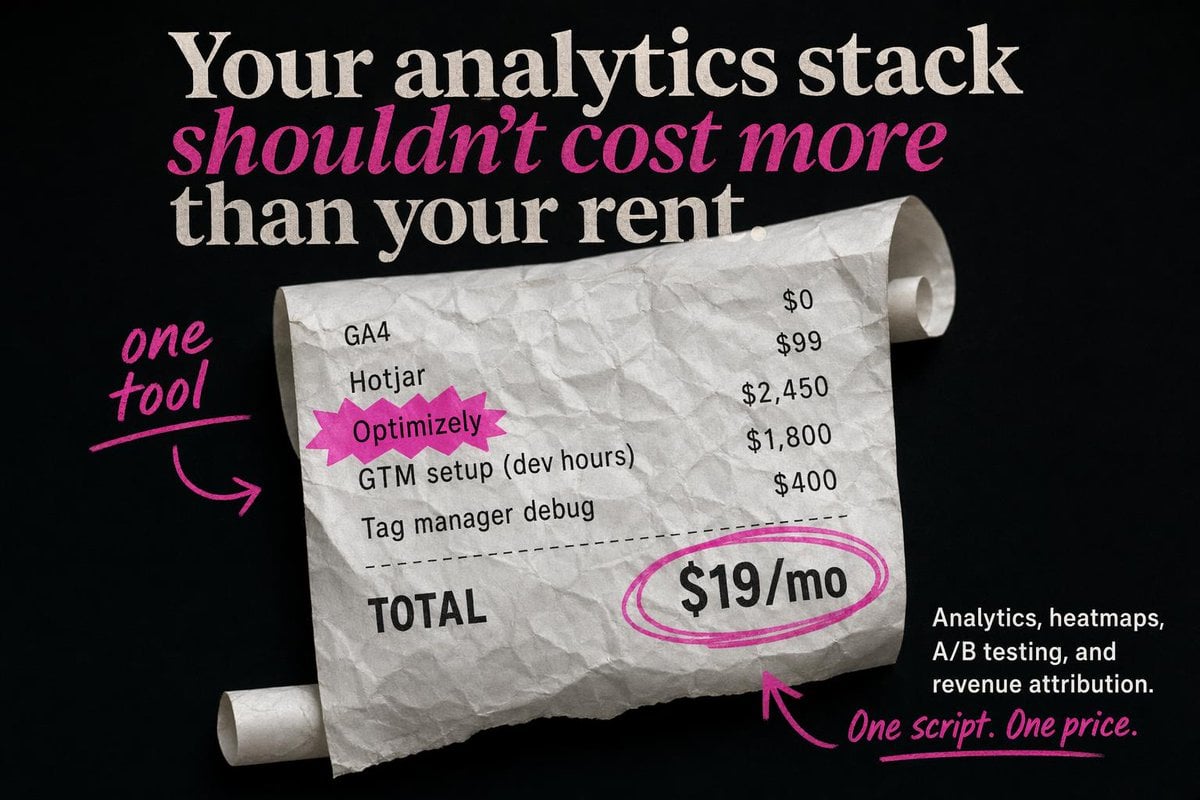
Editorial SaaS Receipt Ad
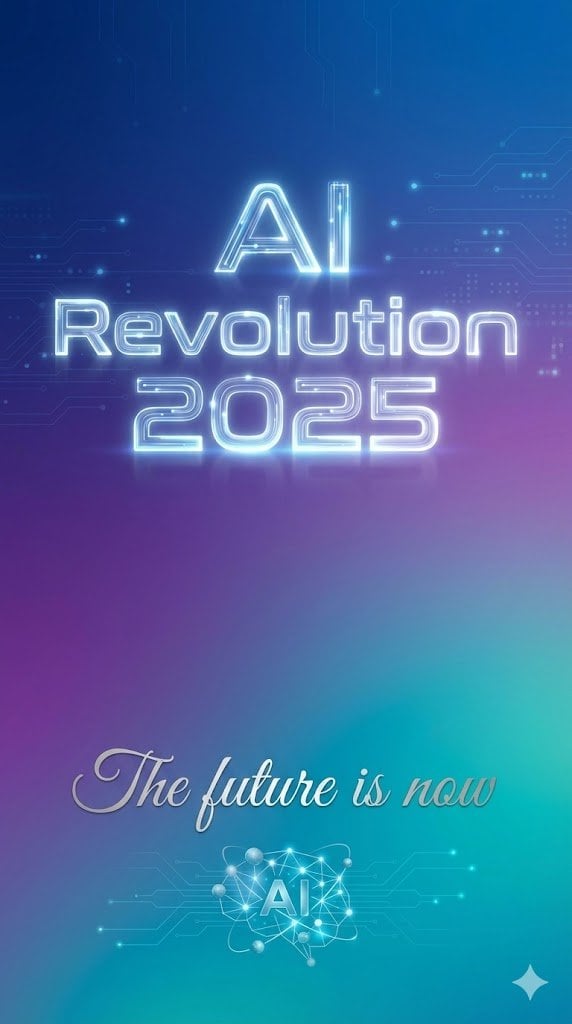
Text Rendering Control Template and Example Prompt
Browse template categories
Retro Wuxia Behind-the-Scenes Still questions
How do I use the Retro Wuxia Behind-the-Scenes Still template?
Add your photo if the template asks for one, edit the prompt if you like — the template's model and format are already selected — and press Generate. Your version opens in PicX Studio.
Can I customize the Retro Wuxia Behind-the-Scenes Still template?
Yes. You can change the subject, setting, lighting, mood, format, and available model controls before creating your image.
Is the Retro Wuxia Behind-the-Scenes Still template free?
Opening and editing this template is free. Generating uses credits, shown on the Generate button when you are signed in.
Which AI model should I use?
Start with GPT Image 2, which is the model associated with this template. You can compare another compatible model for a different finish.
Looking for something else? Browse all templates.

Your photo, any look
Thousands of ready templates for every top image and video model, from one credit balance.