
Data Visualization Based on Storytelling with Data Principles
A simple instruction used to enhance data visualization generation by explicitly referencing the principles from the book 'Storytelling with Data,' resulting in visualizations that closely resemble the book's examples.
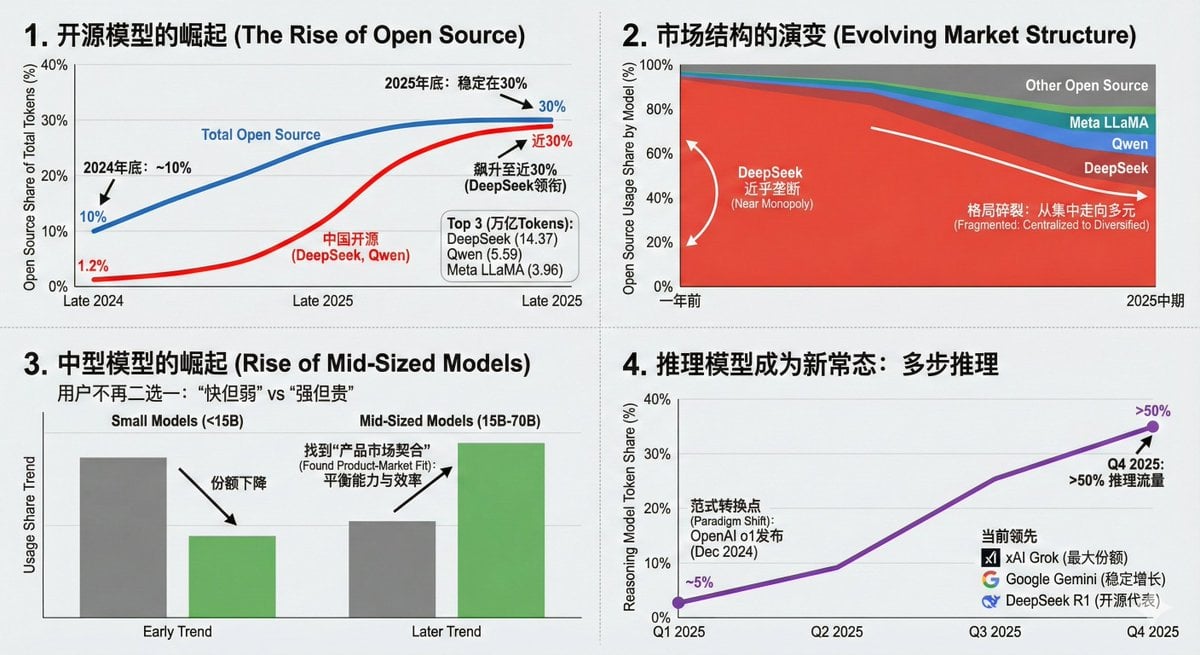
- Prompt included
- Model and format preset
- Premium template
The prompt behind this image
Copy the exact prompt behind Data Visualization Based on Storytelling with Data Principles, or open it in the studio and make it yours.
Create a visualization following the visualization principles from the book "Storytelling with Data"
How to use Data Visualization Based on Storytelling with Data Principles in 3 steps
- 1
Open
The prompt is already in the box next to the preview, with the template's model and format selected.
- 2…a portrait of your subject in softgolden-hour light, 85mm…
Personalize
Edit the subject and creative details for your destination.
- 3Generate
Generate
Press Generate — your image is created in PicX Studio, so you can compare it with the original and refine one variable at a time.
More like this
Templates with the same subject, style or setup. Open one to see its prompt.
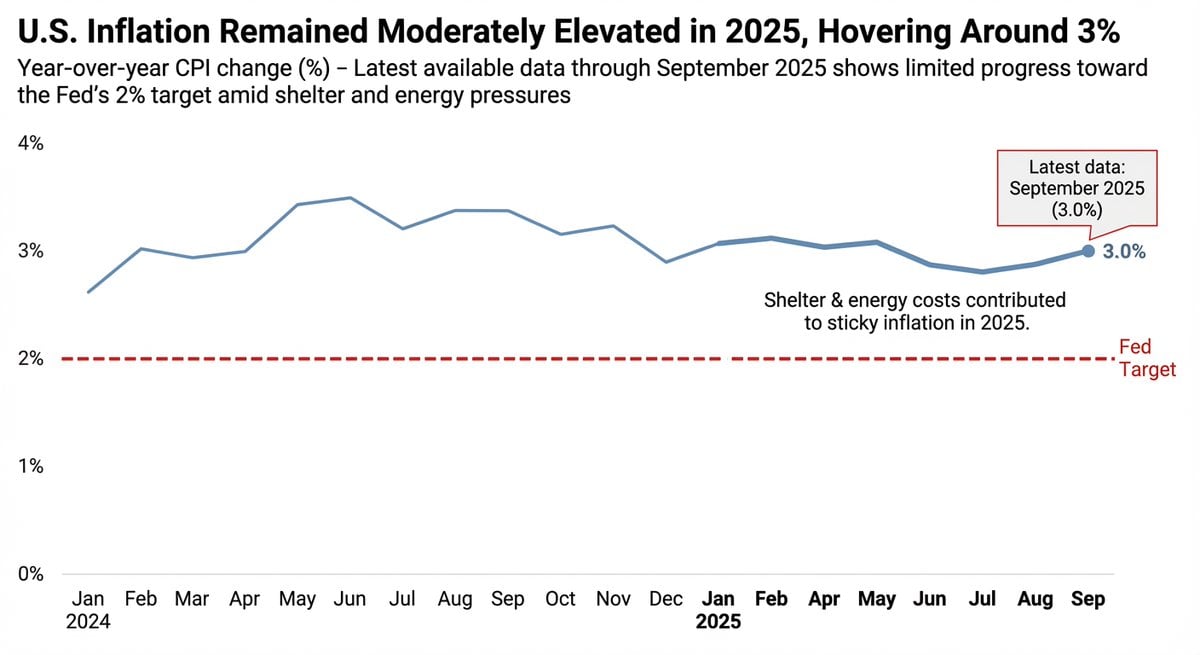
Data Visualization based on Storytelling with Data
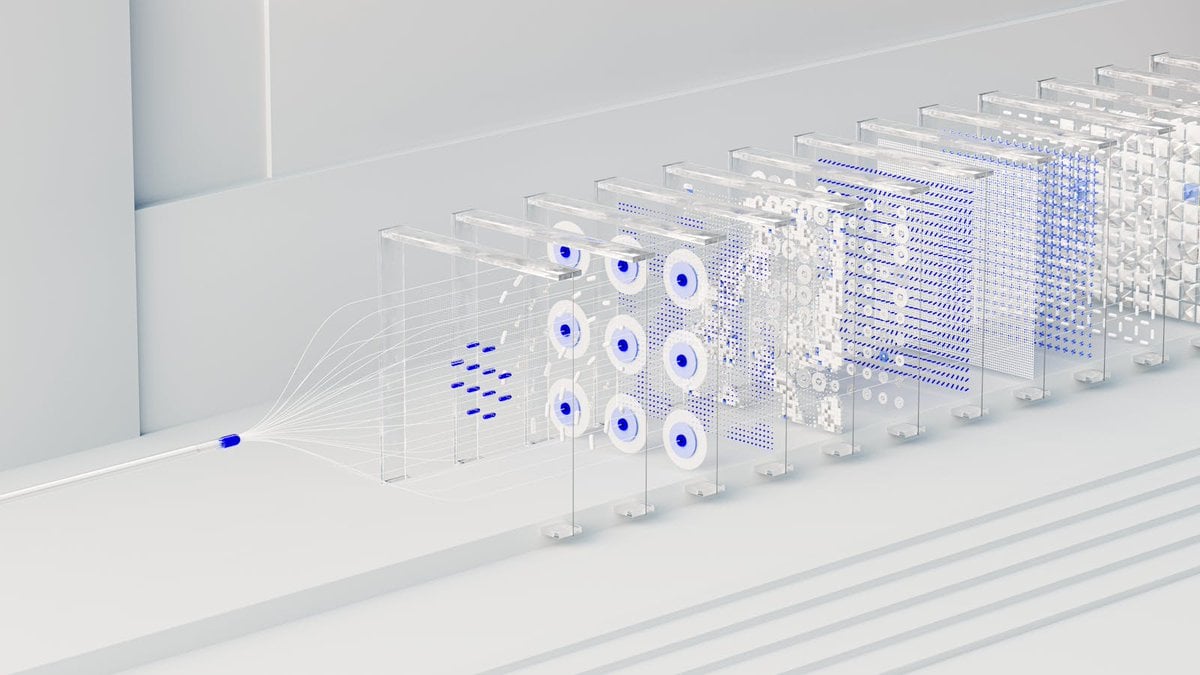
3D Abstract Data Pipeline Visualization
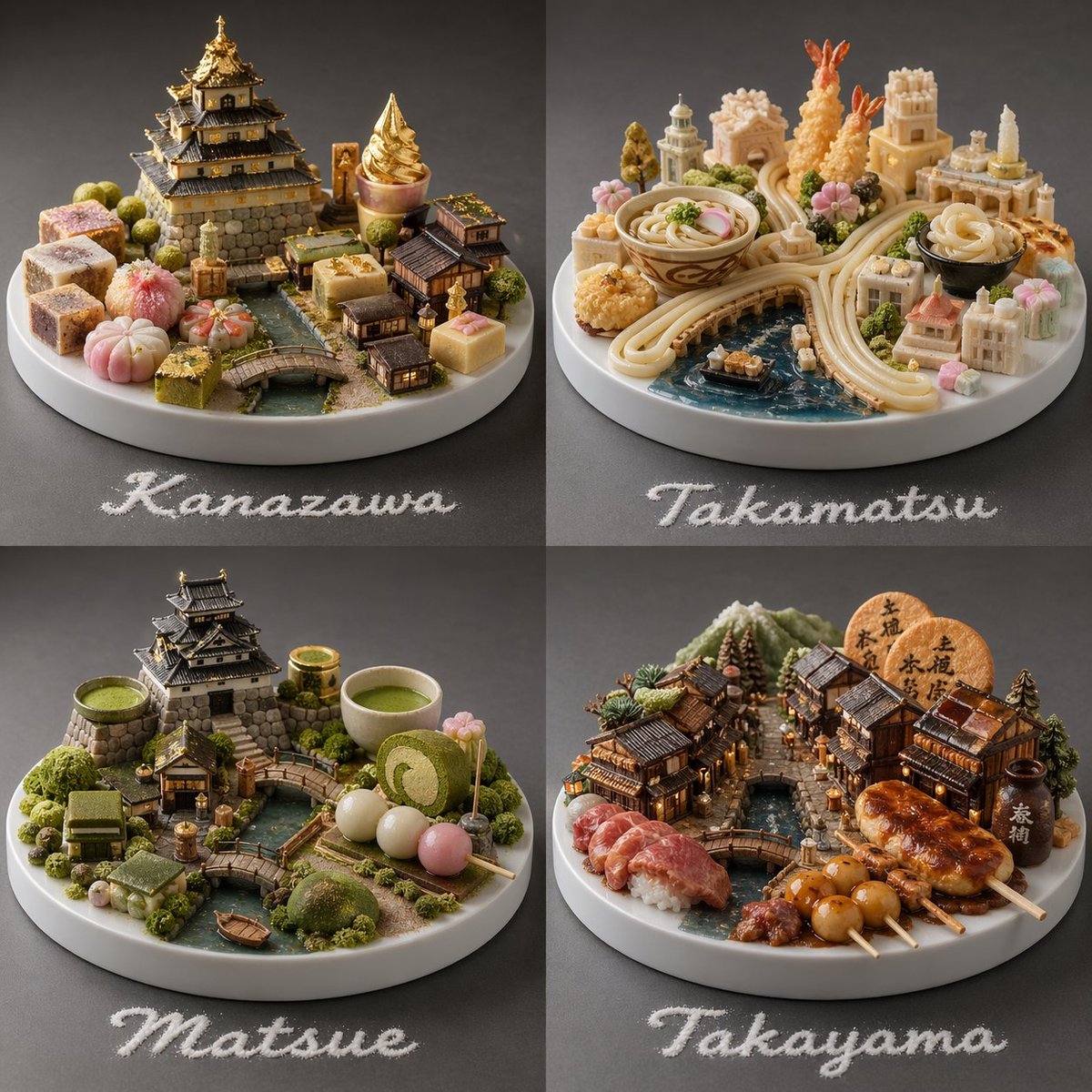
Food-Based Micro-Cities Visualization

Infographic Generation based on Real-Time News Data

Cinematic 8-photo storytelling collage featuring the same girl

Act as a 3D Product Visualization Artist
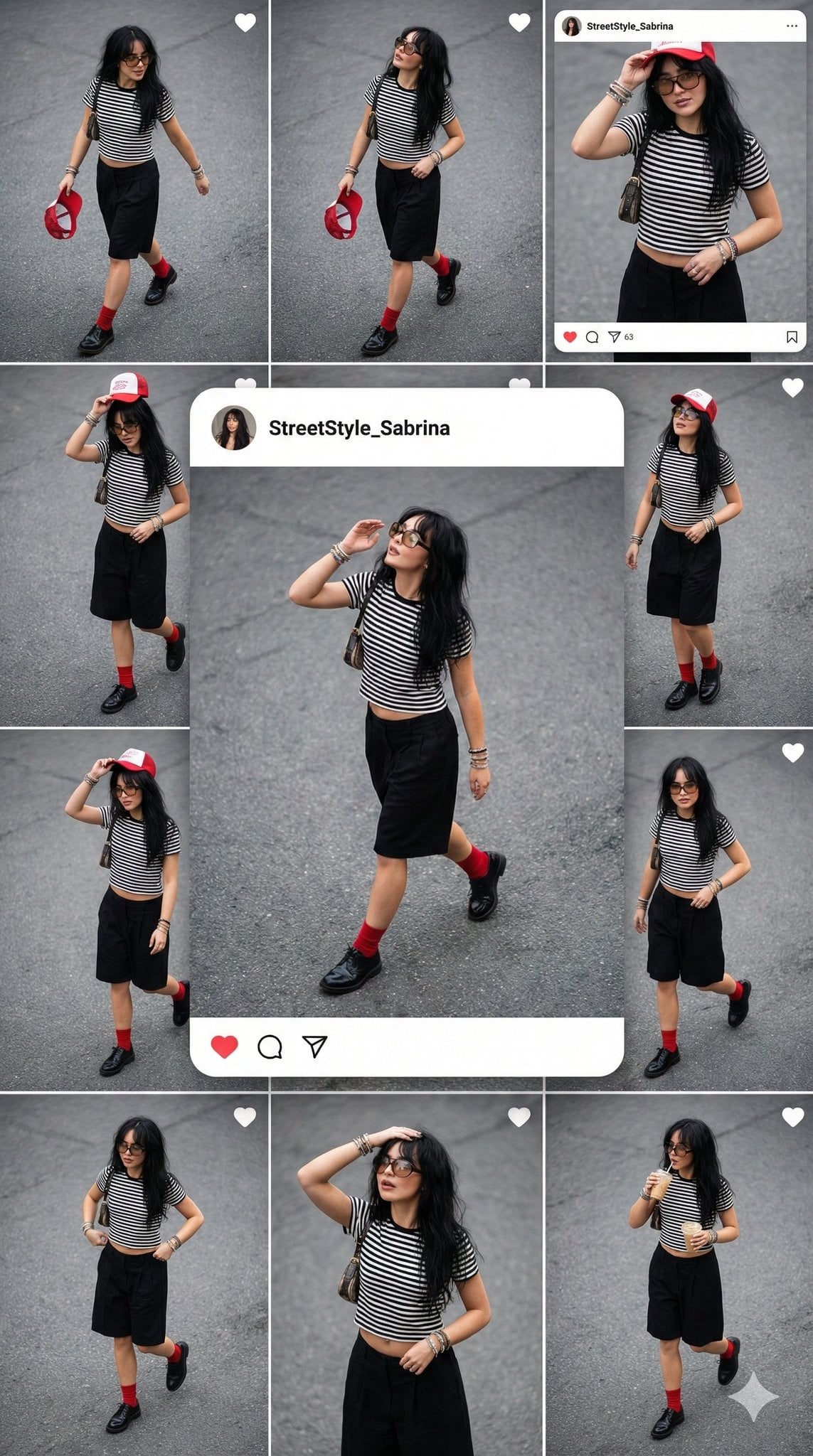
Natural lifestyle storytelling, varying poses across frames
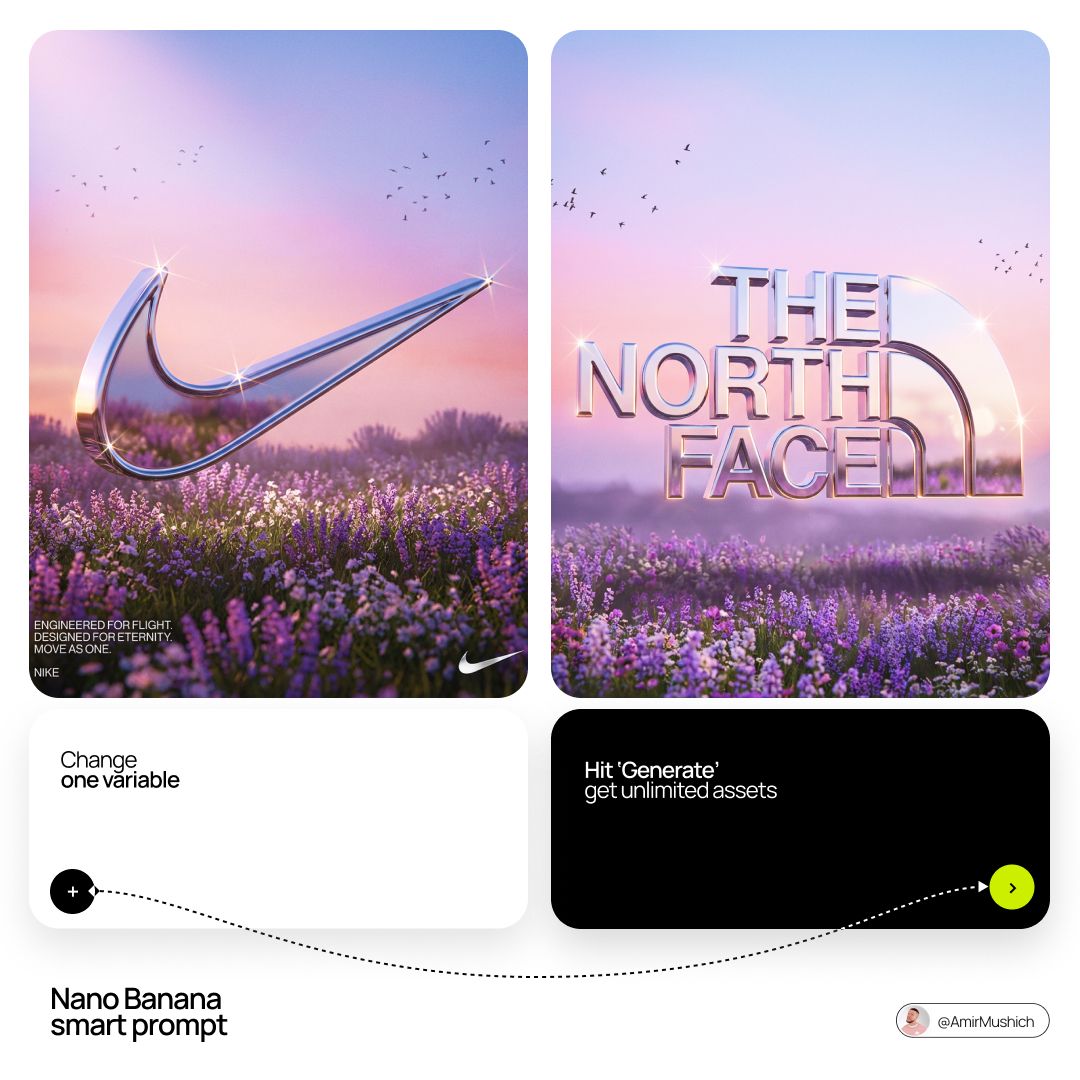
Act as a Senior 3D Product Visualization Artist and Cinematic Art
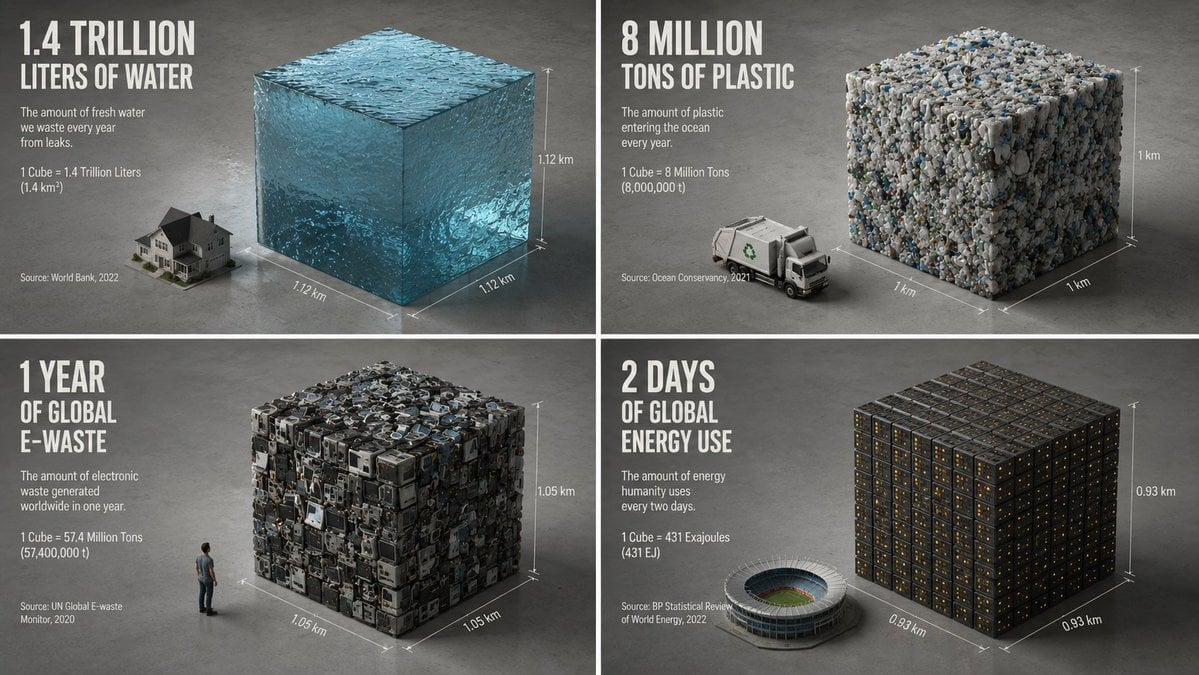
Minimalist Isometric Data Physics Cube

Data Center GPT-X Monster Hunt

Anime Farm Storytelling Day

Song-to-Image Visualization
Make it yours
Data Visualization Based on Storytelling with Data Principles works as-is. These are the safest ways to change it without losing the look.
Change one field
Copy a single group, rewrite it, and generate again so you can see what that field is doing.
Keep the frame, change the subject
Hold the composition and light of Data Visualization Based on Storytelling with Data Principles, then swap wardrobe, props or the person for a new take.
| If the result… | Why | Fix |
|---|---|---|
| The result drifts from the preview | Too many fields changed at once. | Reuse Data Visualization Based on Storytelling with Data Principles as-is first, then change one group — subject, light, or setting. |
| The model over-stylizes the scene | The prose prompt leaves finish and camera underspecified. | Add one camera or lighting sentence and stay on Nano Banana 2. |
More Nano Banana 2 templates
Other prompts made for Nano Banana 2.

Photorealistic Leaf Shaped Like a Dragon

K-Pop Idol Portrait Grid for Rapid Selection

Poetic Rain Forest Portrait During Golden Hour

Urban Street Portrait with Cartoon Inner Self Duo

Candid Nighttime Photo with Cat Prompt

High-Concept 3D Diorama Generation Prompt

Cinematic Futuristic Studio Portrait Template

Skincare Editorial Photography Collage Prompt

Hyper-Realistic Commercial Product Photography (Splash Effect)

Hyper-Realistic Nightclub Portrait Prompt
More image prompts
Fresh picks from across the catalog.
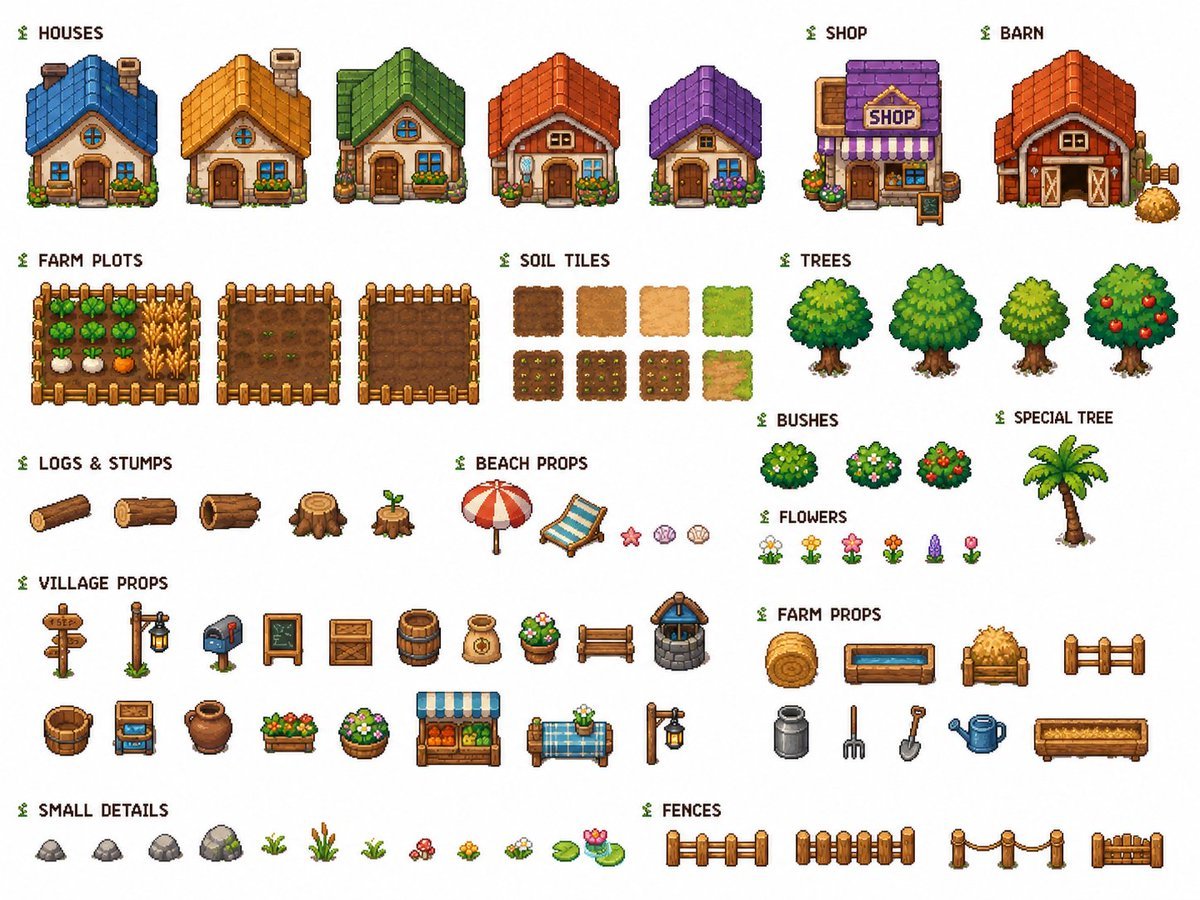
Cozy Farming Village Pixel Asset Sheet

Bossy Gangster with Cheetah Portrait Prompt

Dynasty Warriors: Kongming Musou Ranbu
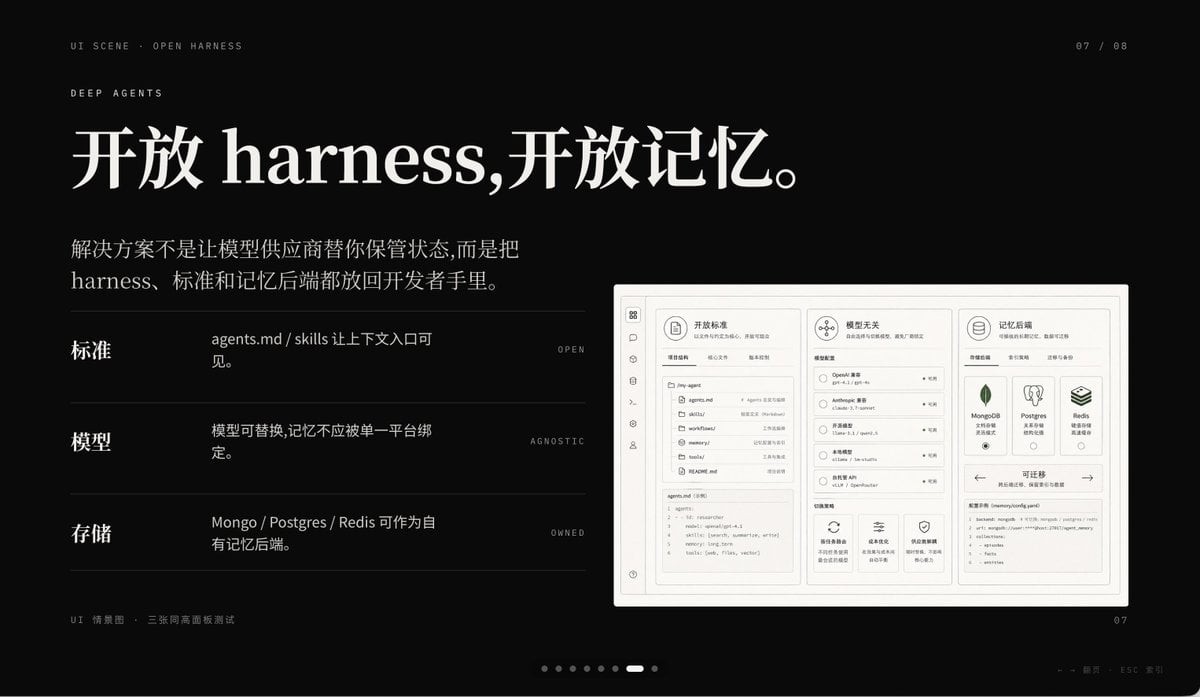
Dark AI Product Keynote Slide

Integrate VR Headset onto Model

KBO Baseball Broadcast Candid

Photorealistic Coastal Sports Car
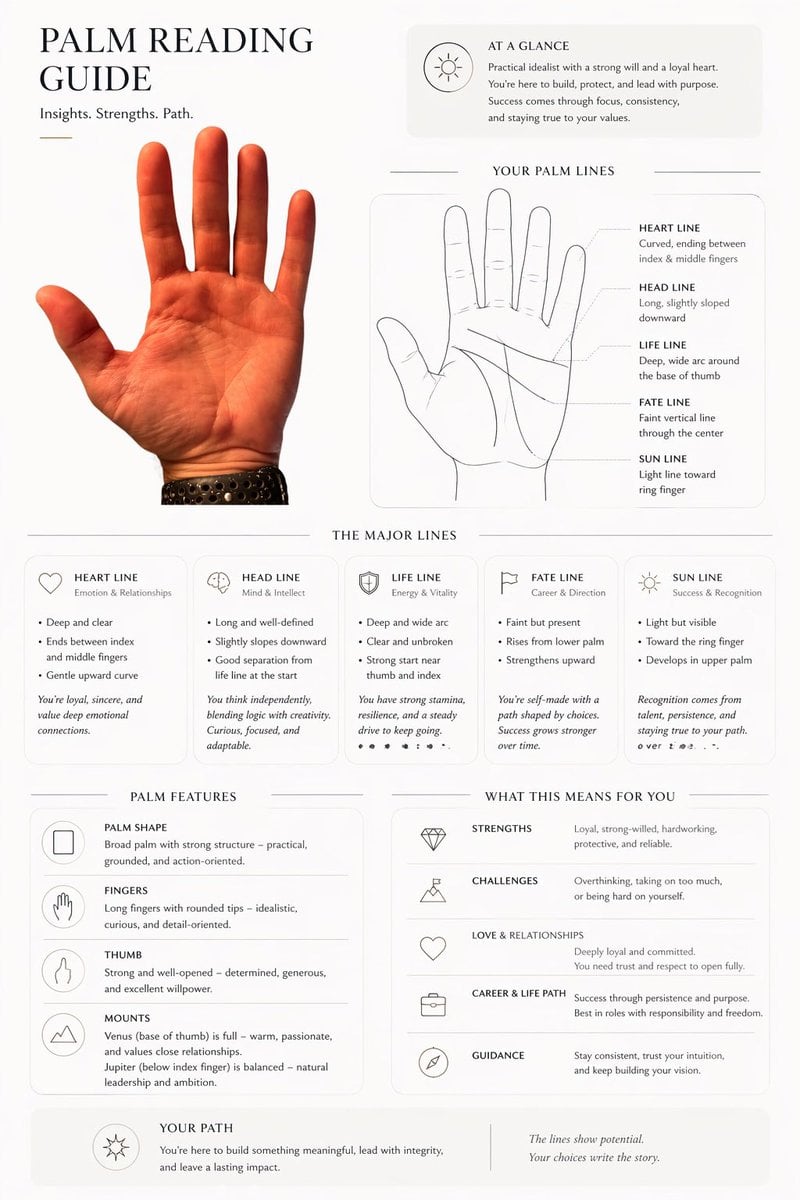
Editorial Palm Reading Infographic

Generating a Magazine Cover for Edogawa Ward Tourism

Dark Fantasy Samurai Warlord
Browse template categories
Data Visualization Based on Storytelling with Data Principles questions
How do I use the Data Visualization Based on Storytelling with Data Principles template?
Add your photo if the template asks for one, edit the prompt if you like — the template's model and format are already selected — and press Generate. Your version opens in PicX Studio.
Can I customize the Data Visualization Based on Storytelling with Data Principles template?
Yes. You can change the subject, setting, lighting, mood, format, and available model controls before creating your image.
Is the Data Visualization Based on Storytelling with Data Principles template free?
Opening and editing this template is free. Generating uses credits, shown on the Generate button when you are signed in.
Which AI model should I use?
Start with Nano Banana 2, which is the model associated with this template. You can compare another compatible model for a different finish.
Looking for something else? Browse all templates.

Your photo, any look
Thousands of ready templates for every top image and video model, from one credit balance.