How do I use the Data Center GPT-X Monster Hunt template?
Choose the primary action to open PicX Studio with the available template settings. Review the model and format, personalize the creative direction, and generate when ready.
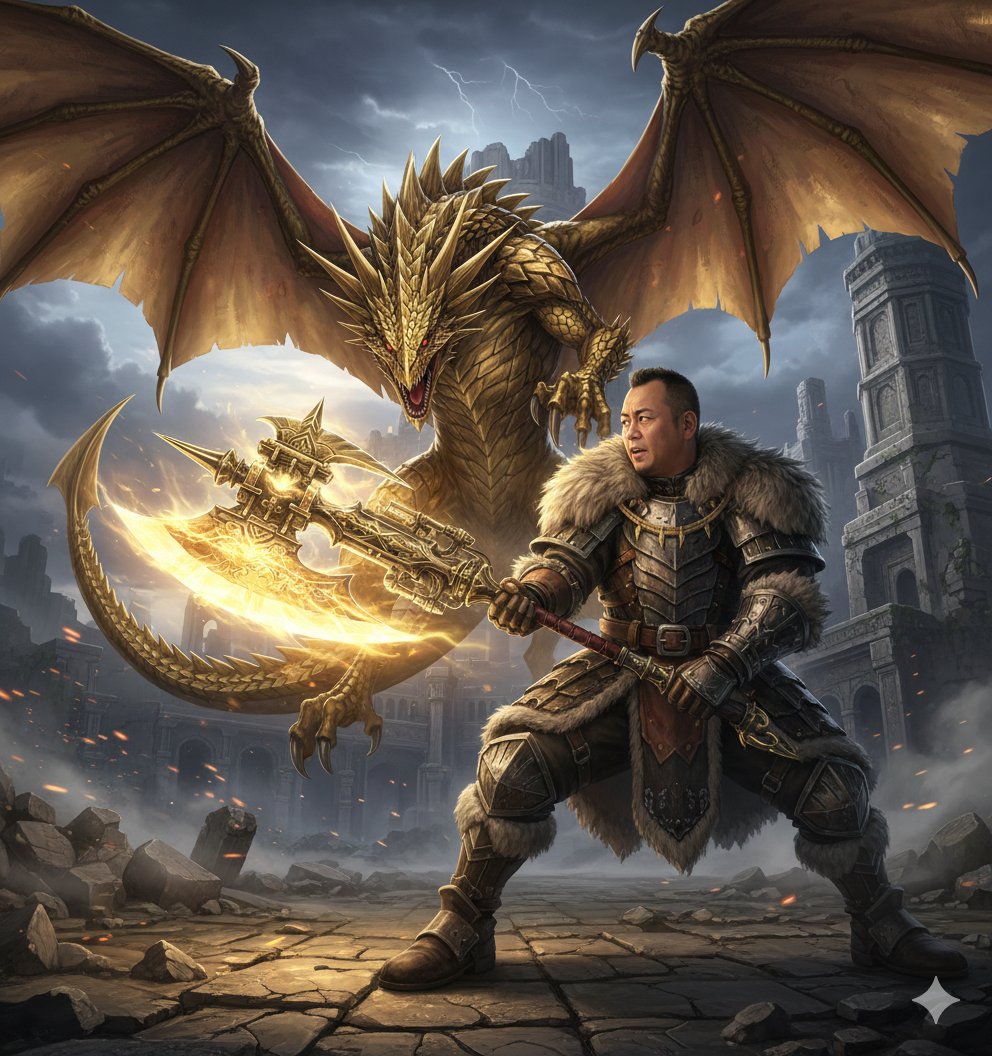
A cinematic cyberpunk poster showing a boar exterminator chasing a black GPT-X creature through a server room.

Create a dramatic cinematic sci-fi action illustration inside a dark data center at night. A stocky anthropomorphic wild boar exterminator lunges from the left, wearing a navy cap labeled 「作者」, black sunglasses, a beige work shirt with a sleeve patch also labeled 「作者」, blue jeans, heavy sandals, gloves, and a large metal pesticide tank strapped to his back. He is swinging a huge circular insect-catching net with motion blur, trying to capture a glossy black liquid-metal insect/bug creature skittering across the wet reflective floor on the right. The creature has a round tar-like body, sharp spider-crab legs, splashing black droplets, and glowing red text {argument name="creature label" default="GPT-X"} on its body. Across the very top, add a large bold Japanese headline in distressed off-white lettering reading {argument name="headline text" default="データセンターからの物体"}, followed by oversized red text {argument name="red title text" default="GPT-X"}. The background should show tall server racks with green and blue indicator lights, industrial cooling units, cables, mist, dramatic shafts of light, and a monitor on the right reading “AI RESEARCH” with a glowing brain diagram. Use a gritty cyberpunk monster-movie poster style, high contrast, teal-blue shadows, red glow accents, dynamic perspective, rain-slick reflections, smoke, debris, and intense motion. Keep exactly two visible Japanese 「作者」 labels on the boar character, exactly one “AI RESEARCH” screen, and exactly two main characters: the boar hunter and the black GPT-X creature.
Choose the primary action to open PicX Studio with the available template settings. Review the model and format, personalize the creative direction, and generate when ready.
Yes. You can change the subject, setting, lighting, mood, format, and available model controls before creating your image.
This template is free to open and customize. Generation usage is shown in PicX Studio before you create.
Start with GPT Image 2, which is the model associated with this template. You can compare another compatible model for a different finish.
Follow a topic to a crawlable collection of related PicX Studio templates.