
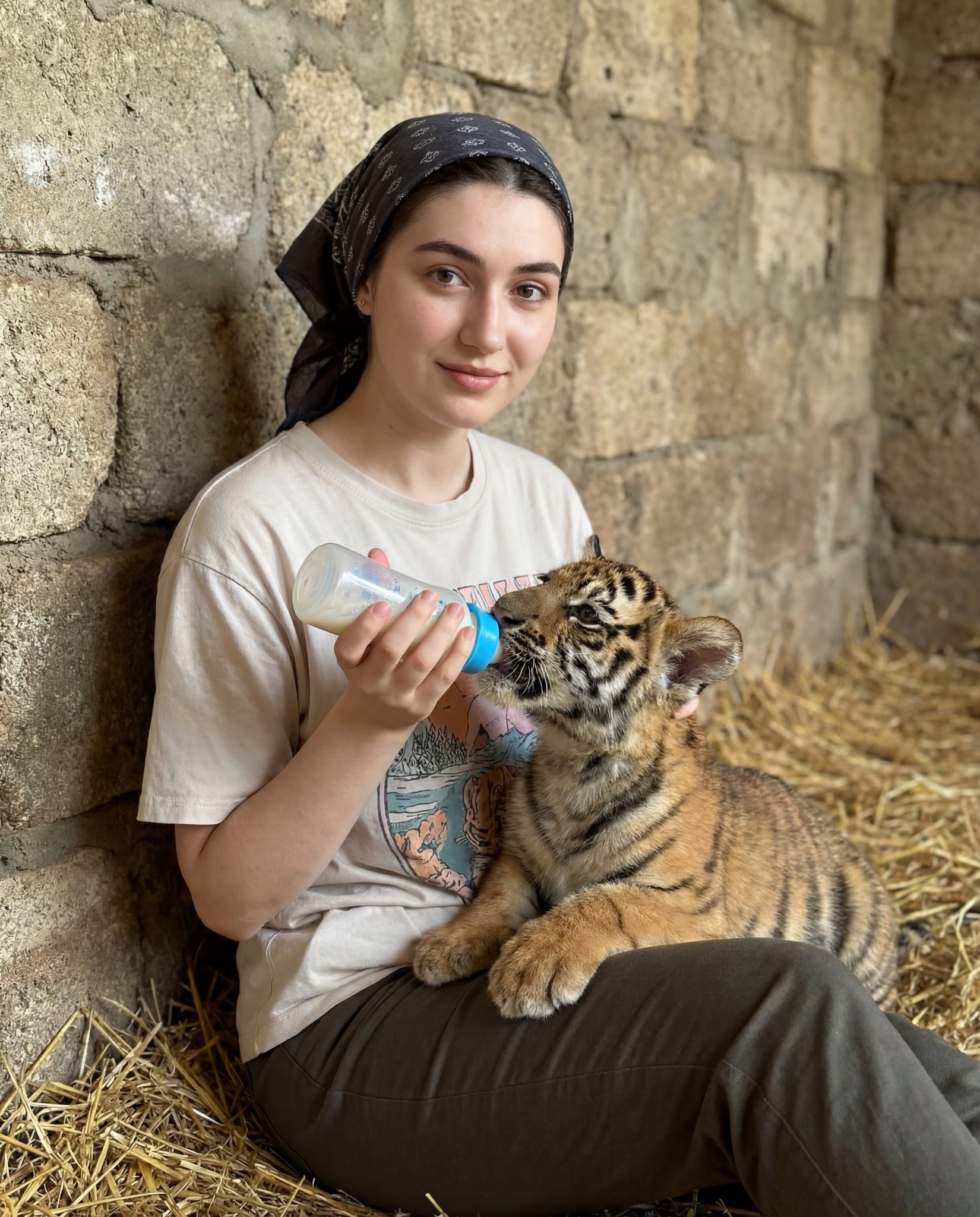
Human subject seated slightly right of center, animal positioned lower
{ "scene_type": "lifestyle portrait with animal interaction", "composition": { "framing": "medium shot", "orientation": "portrait", "subject_placement": "human subject seated slightly right of center, animal positioned…
- Prompt included
- Model and format preset
- Premium template
The prompt behind this image
Copy the exact prompt behind Human subject seated slightly right of center, animal positioned lower, or open it in the studio and make it yours.
- Scene Type
- lifestyle portrait with animal interaction
- Composition › Framing
- medium shot
- Composition › Orientation
- portrait
- Composition › Subject Placement
- human subject seated slightly right of center, animal positioned lower left, heads forming a gentle diagonal
- Composition › Camera Angle
- eye-level
- Composition › Depth Of Field
- moderate, background softly blurred but still textured
- Composition › Visual Balance
- balanced by contrast between human face and animal body mass
- Subjects › Human › Gender Presentation
- female
- Subjects › Human › Age Range
- young adult
- Subjects › Human › Pose
- seated, torso angled slightly left, head turned right
- Subjects › Human › Expression
- soft smile, contemplative, calm
- Subjects › Human › Gaze Direction
- on camera
- Subjects › Human › Skin Tone
- light
- Subjects › Human › Hair › Color
- brown
- Subjects › Human › Hair › Style
- pulled back into bun or ponytail
- Subjects › Human › Hair › Accessory
- dark patterned headscarf
- Subjects › Human › Clothing › Top
- light-colored graphic t-shirt with cherub illustration
- Subjects › Human › Clothing › Bottom
- dark pants
- Subjects › Human › Clothing › Accessories
- necklace with small bird-shaped pendant, wristwatch
- Subjects › Animal › Species
- tiger cub
- Subjects › Animal › Size
- juvenile
- Subjects › Animal › Fur Pattern
- orange with black stripes and white facial markings
- Subjects › Animal › Pose
- lying on side, head tilted upward
- Subjects › Animal › Interaction
- drinking from bottle held by human
Raw JSON
{ "scene_type": "lifestyle portrait with animal interaction", "composition": { "framing": "medium shot", "orientation": "portrait", "subject_placement": "human subject seated slightly right of center, animal positioned lower left, heads forming a gentle diagonal", "camera_angle": "eye-level", "depth_of_field": "moderate, background softly blurred but still textured", "visual_balance": "balanced by contrast between human face and animal body mass" }, "subjects": { "human": { "gender_presentation": "female", "age_range": "young adult", "pose": "seated, torso angled slightly left, head turned right", "expression": "soft smile, contemplative, calm", "gaze_direction": "on camera ", "skin_tone": "light", "hair": { "color": "brown", "style": "pulled back into bun or ponytail", "accessory": "dark patterned headscarf" }, "clothing": { "top": "light-colored graphic t-shirt with cherub illustration", "bottom": "dark pants", "accessories": [ "necklace with small bird-shaped pendant", "wristwatch" ] } }, "animal": { "species": "tiger cub", "size": "juvenile", "fur_pattern": "orange with black stripes and white facial markings", "pose": "lying on side, head tilted upward", "interaction": "drinking from bottle held by human" } }, "props": { "bottle": { "type": "baby feeding bottle", "color": "white with blue cap", "decoration": "pink star and small graphic icons", "function": "feeding animal" } }, "environment": { "location_type": "indoor, rustic or zoo-like enclosure", "background_material": "rough stone wall", "floor_texture": "straw or hay scattered on ground", "setting_mood": "warm, intimate, caretaking" }, "lighting": { "type": "soft natural or diffused artificial light", "direction": "from front-left", "quality": "warm, even, low contrast", "shadow_behavior": "gentle shadows, no harsh edges" }, "color_palette": { "dominant_colors": [ "warm beige", "stone gray", "soft brown", "orange" ], "accent_colors": [ "black", "white", "blue", "pink" ], "overall_tone": "warm and earthy" }, "texture_details": { "stone_wall": "coarse, uneven, aged", "fabric": "soft cotton t-shirt, matte finish", "fur": "dense, plush, clearly defined stripes" }, "stylistic_attributes": { "genre": "documentary-style lifestyle photography", "aesthetic": "natural, candid, emotionally warm", "retouching_level": "minimal, realistic skin and texture preservation" }, "technical_characteristics": { "lens_look": "standard to short telephoto", "focal_length_estimate": "35–50mm", "aperture_estimate": "f/2.8–f/4", "sharpness": "sharp focus on faces", "noise": "low", "dynamic_range": "moderate with preserved highlights" }, "emotional_read": { "primary_emotion": "tenderness", "secondary_emotions": [ "curiosity", "care", "gentle joy" ] }, "use_case_potential": [ "editorial storytelling", "animal care advocacy", "lifestyle inspiration", "UGC-style social media content" ] }How to use Human subject seated slightly right of center, animal positioned lower in 3 steps
- 1
Open
The prompt is already in the box next to the preview, with the template's model and format selected.
- 2…a portrait of your subject in softgolden-hour light, 85mm…
Personalize
Edit the subject and creative details for your destination.
- 3Generate
Generate
Press Generate — your image is created in PicX Studio, so you can compare it with the original and refine one variable at a time.
More like this
Templates with the same subject, style or setup. Open one to see its prompt.
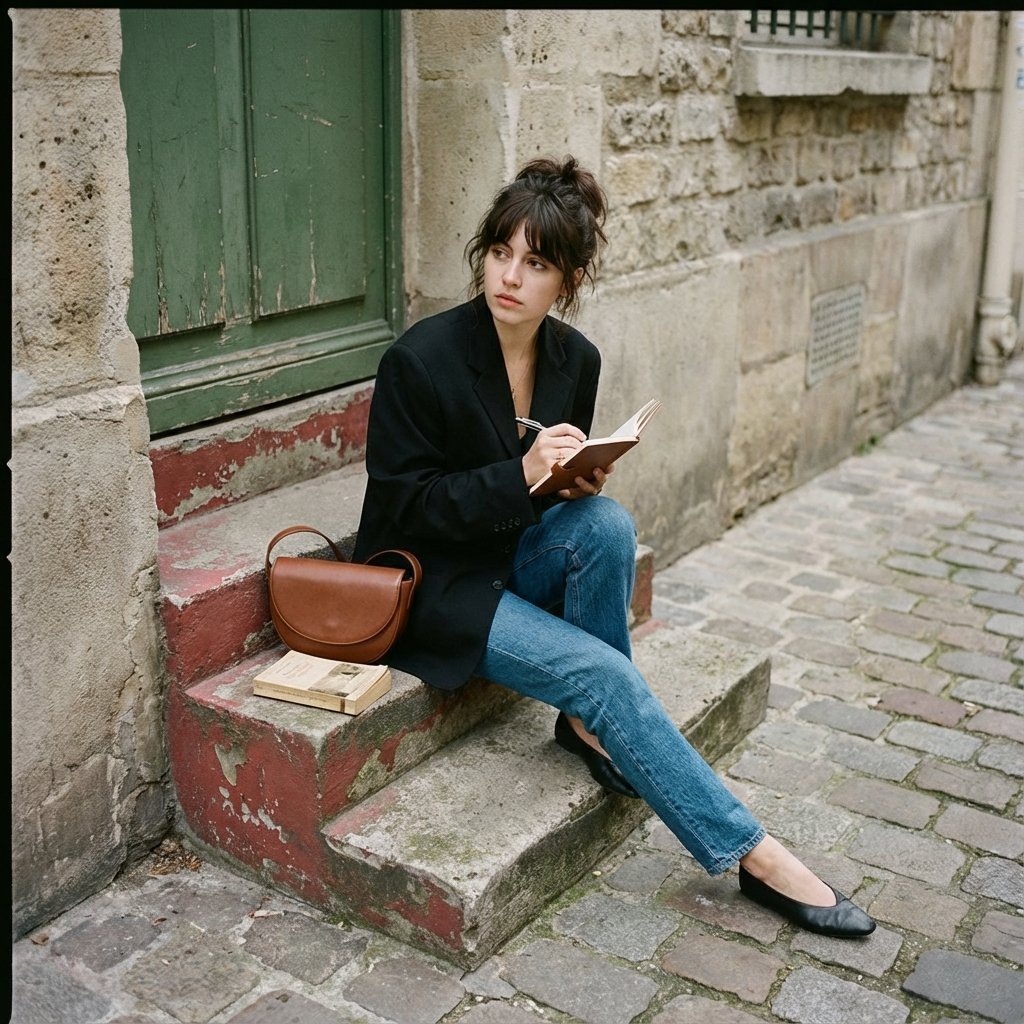
Seated casually on worn stone stairs, legs crossed slightly, holding
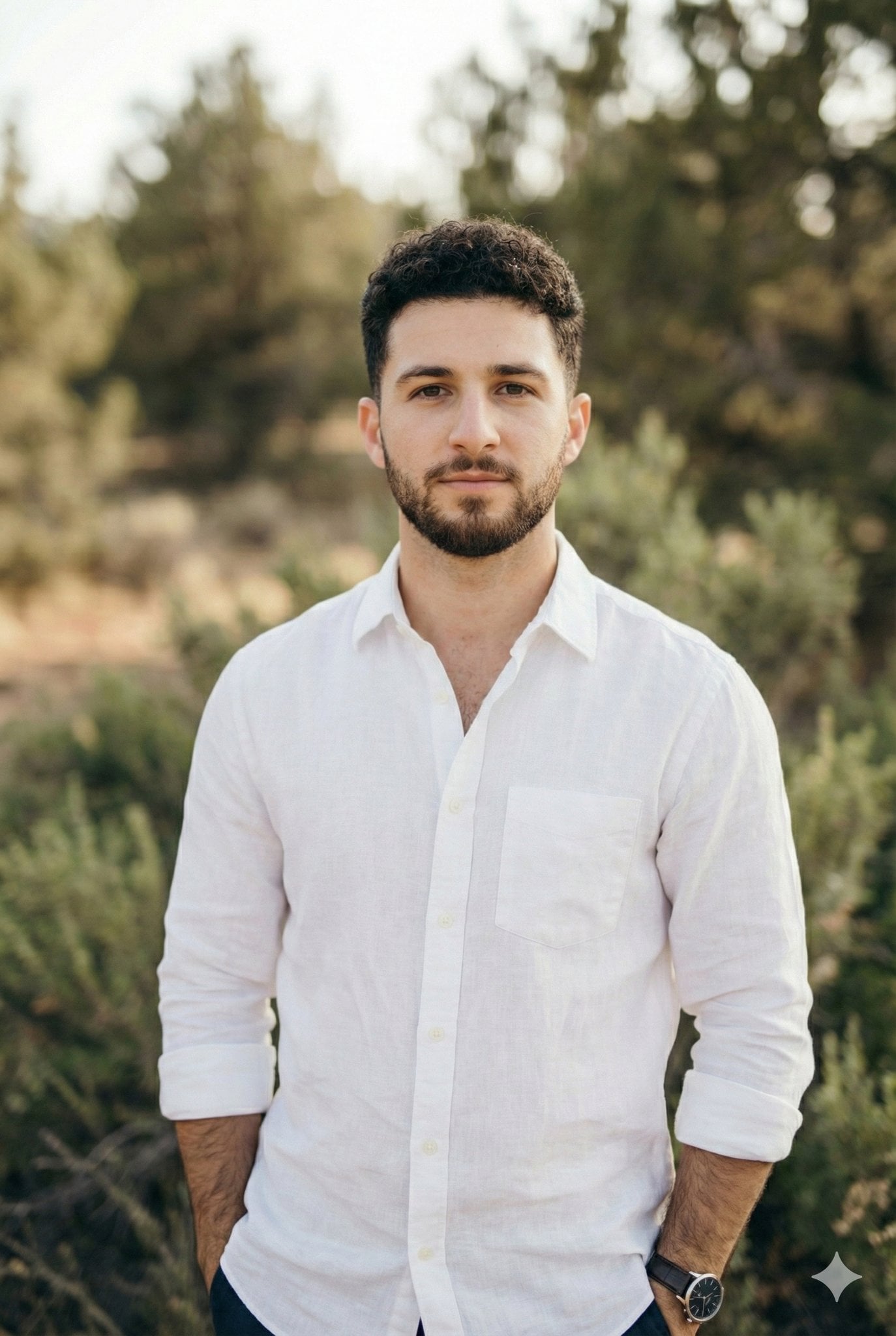
Arms crossed, body angled slightly to the right, head turned slightly
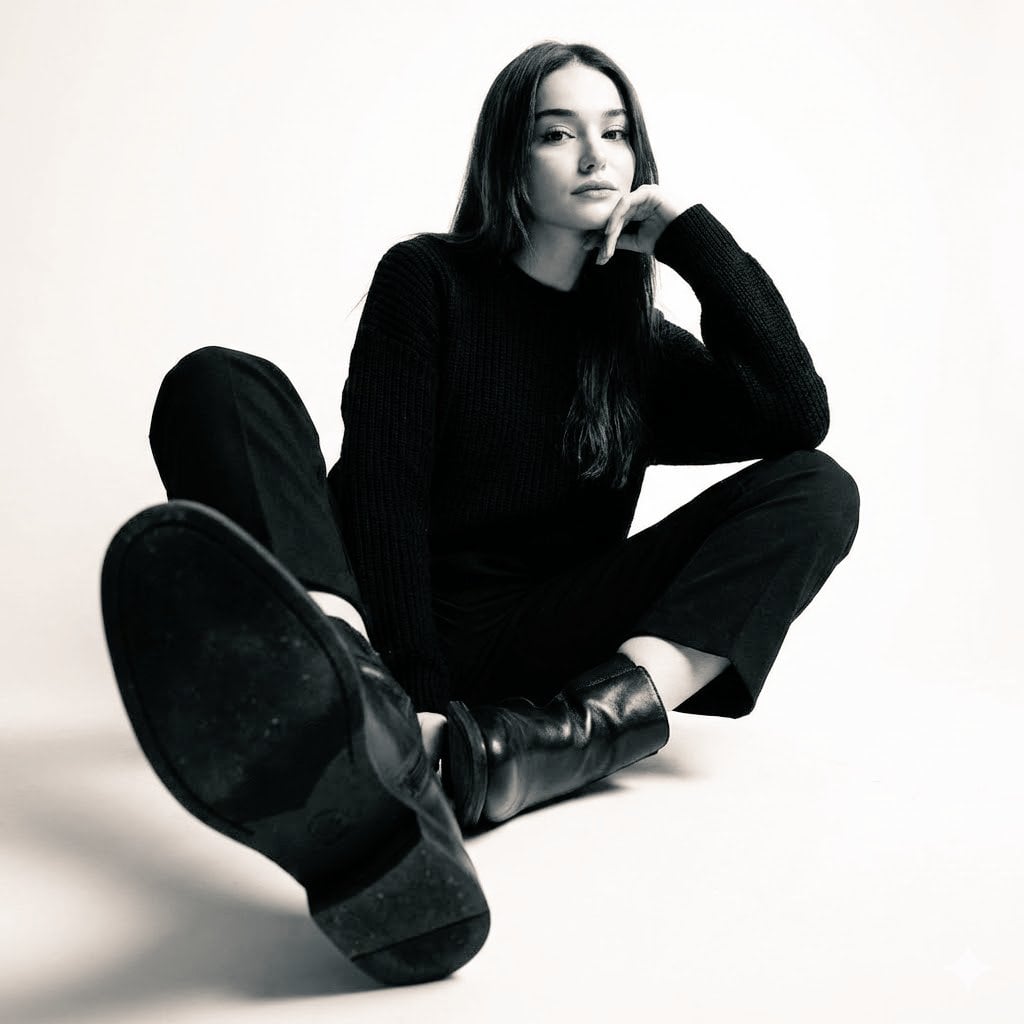
High-contrast black-and-white studio photo of a woman seated
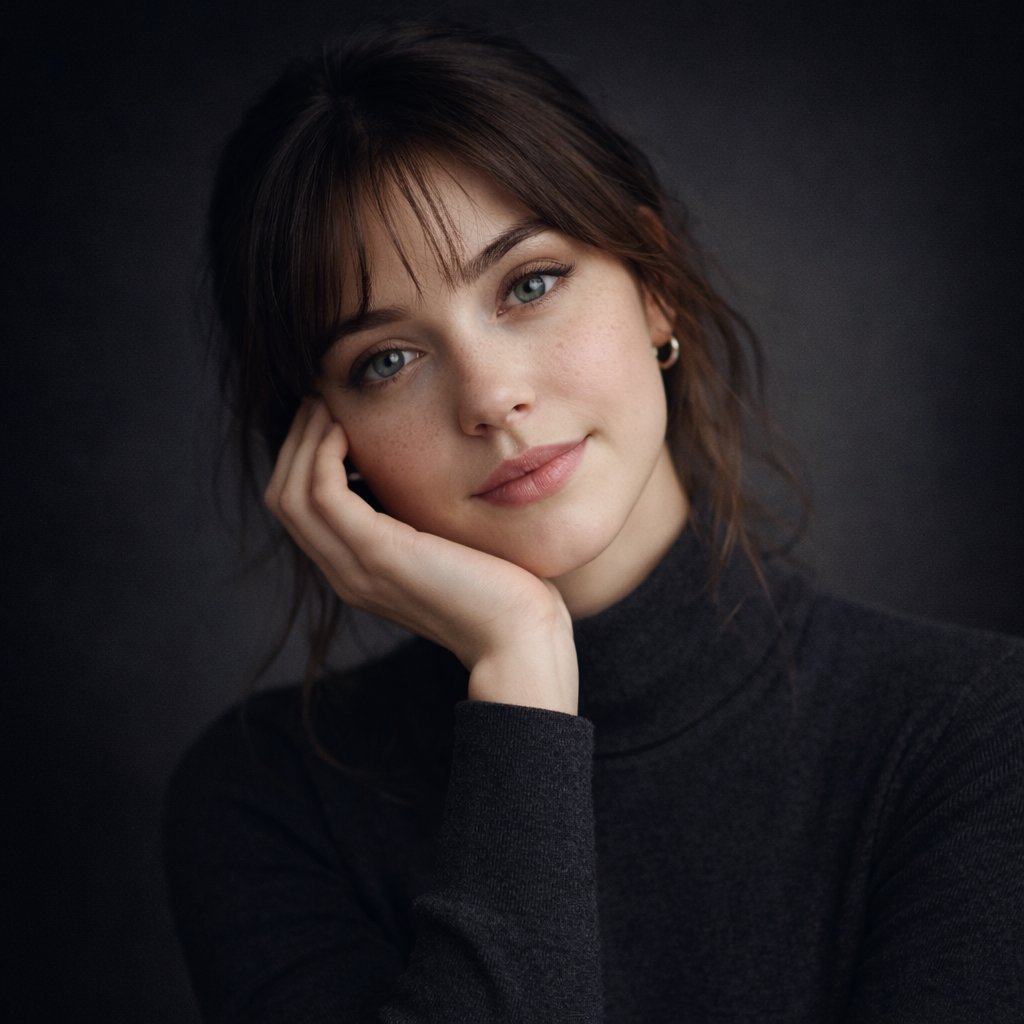
Ultra-realistic studio portrait of a young woman, front-facing, centered
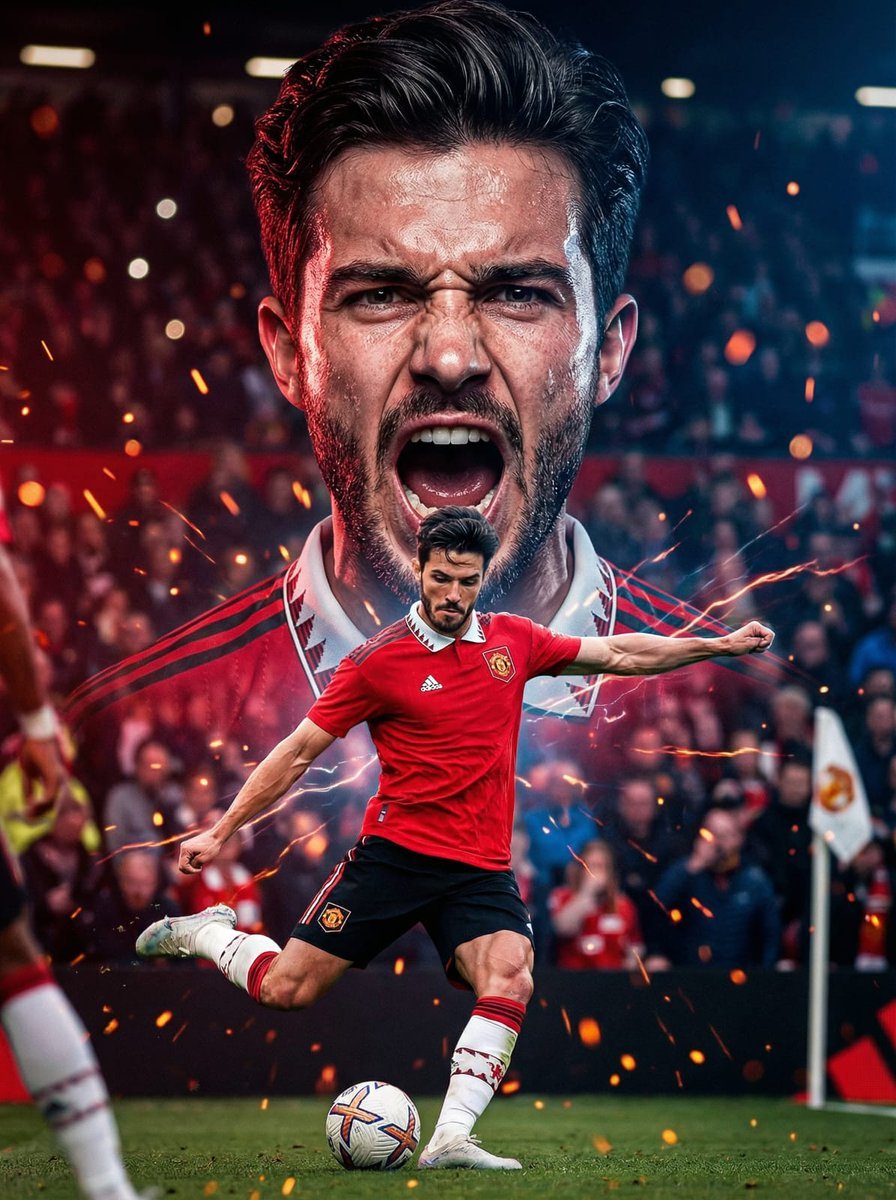
The background with mouth open in a powerful shout, veins slightly
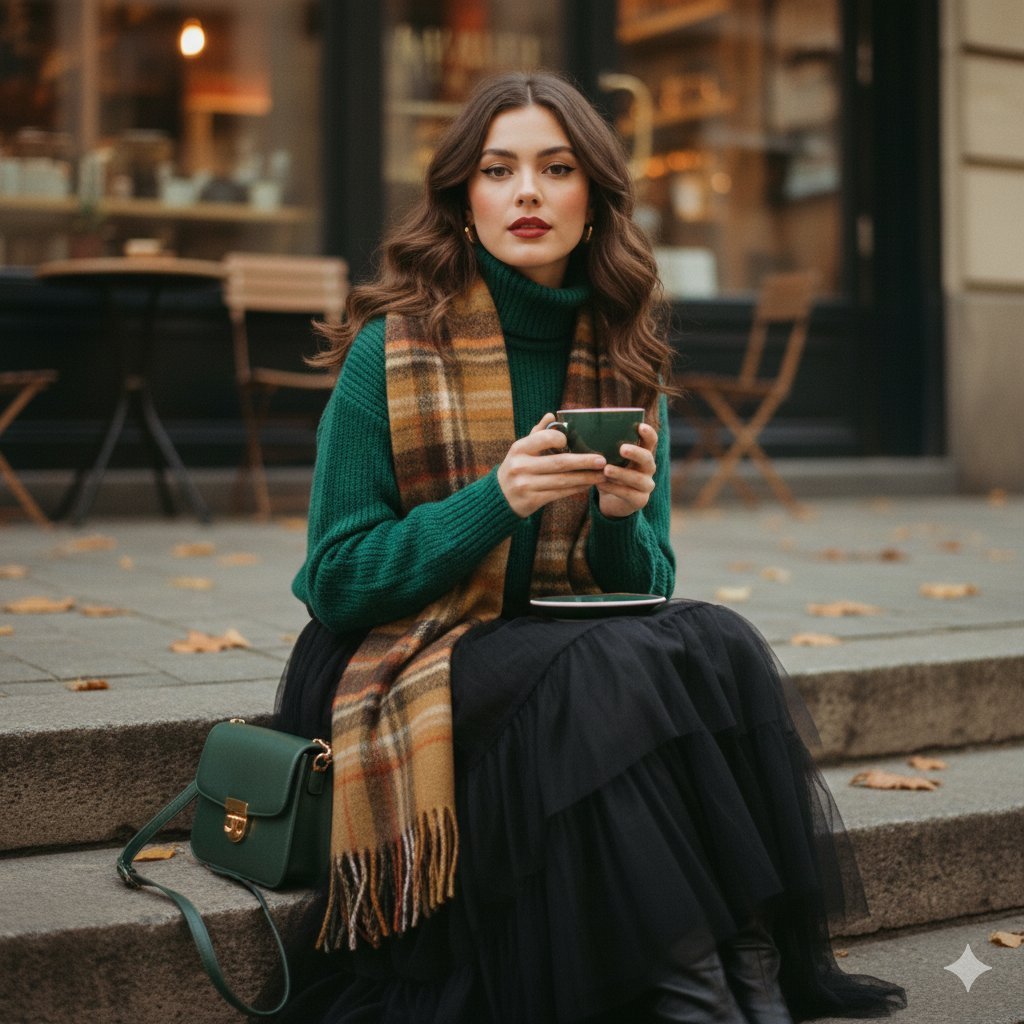
A cinematic 1970s-inspired fashion portrait of a young woman seated
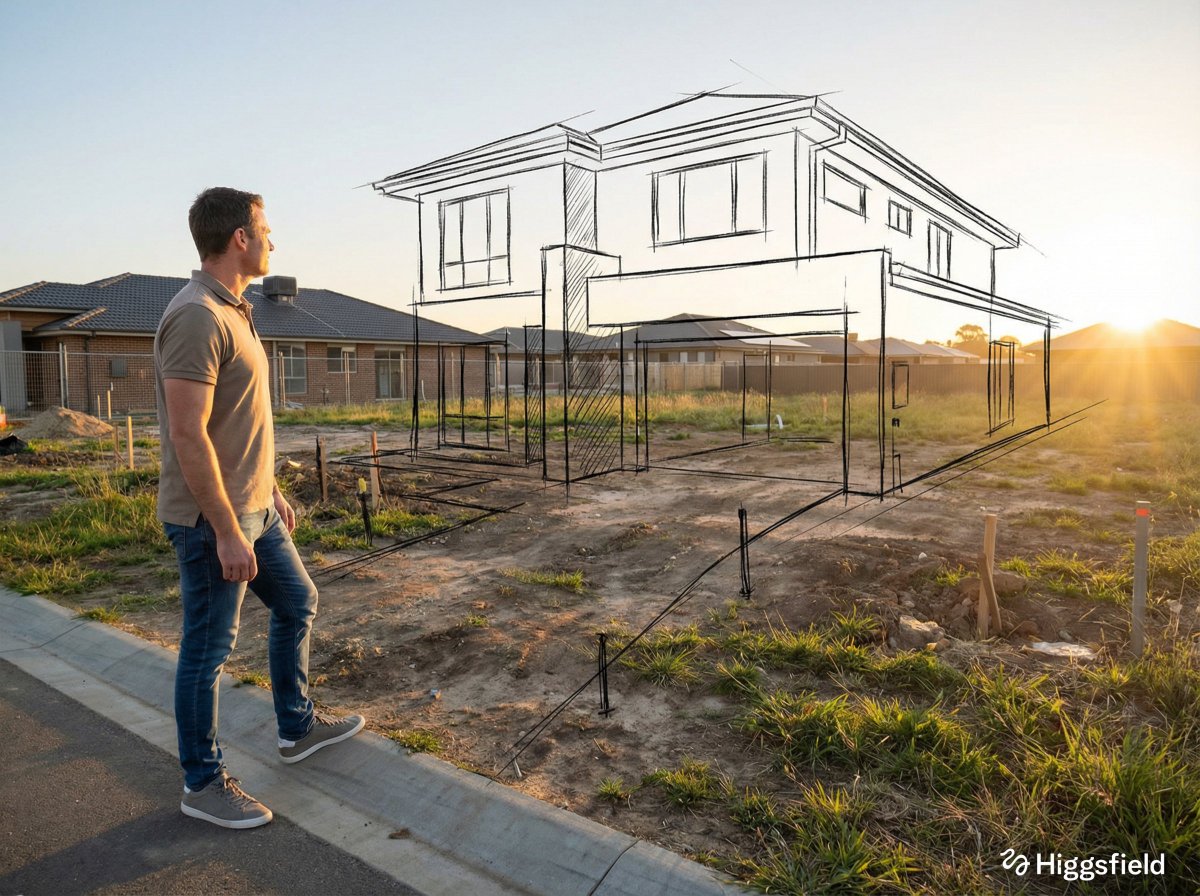
A standing full-body near the edge of the frame, slightly to the left
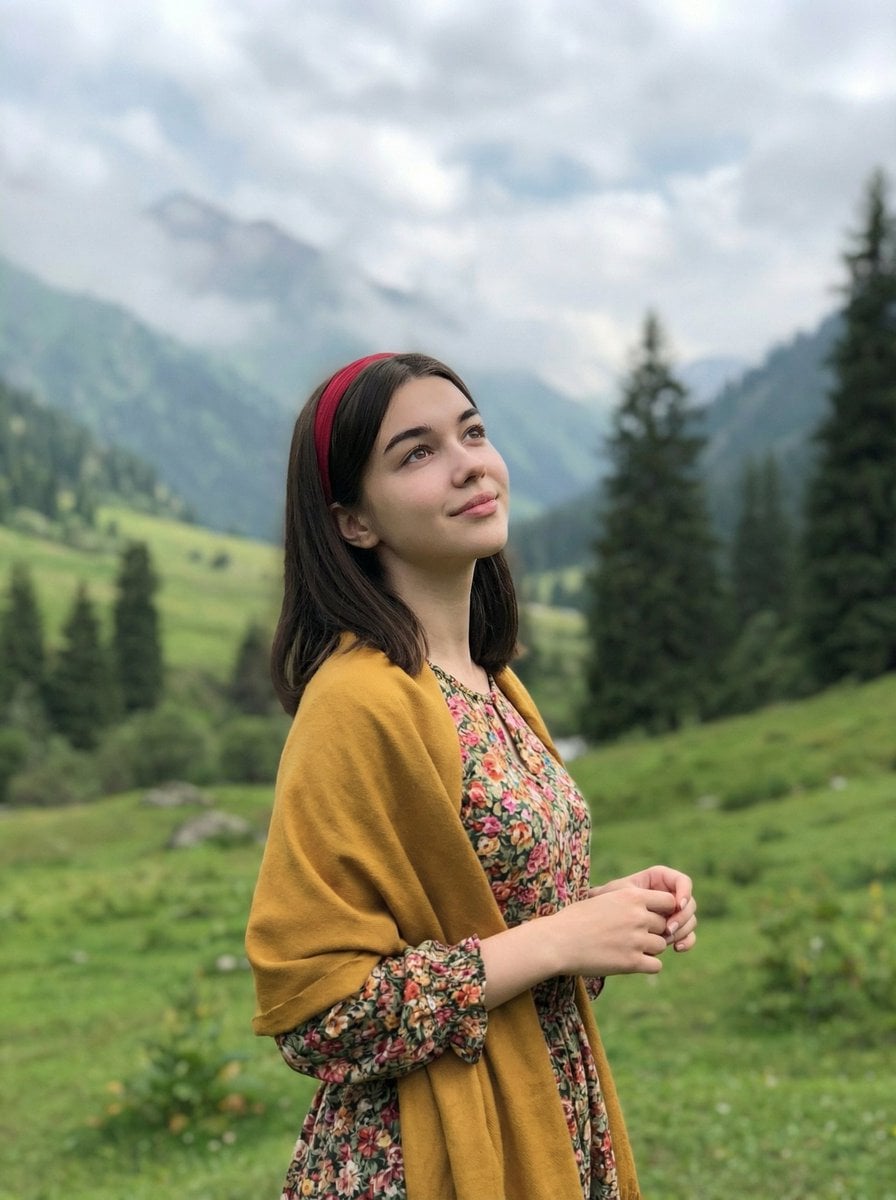
Standing naturally with hands gently together, looking slightly upward
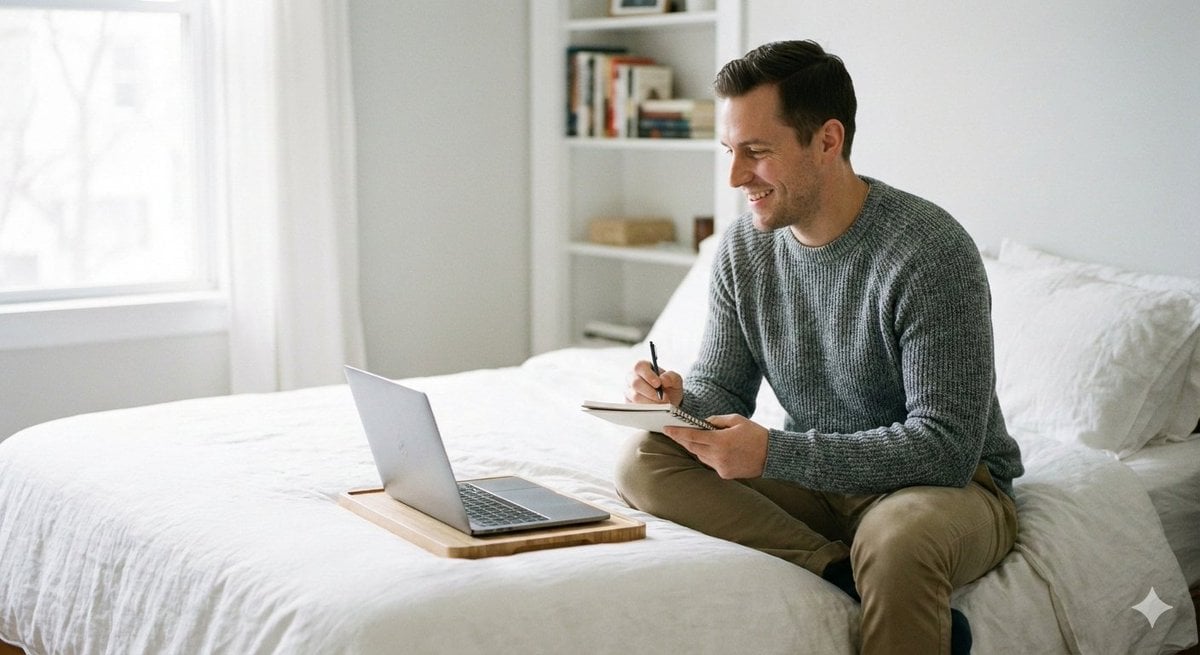
Relaxed seated pose with legs folded or stretched comfortably
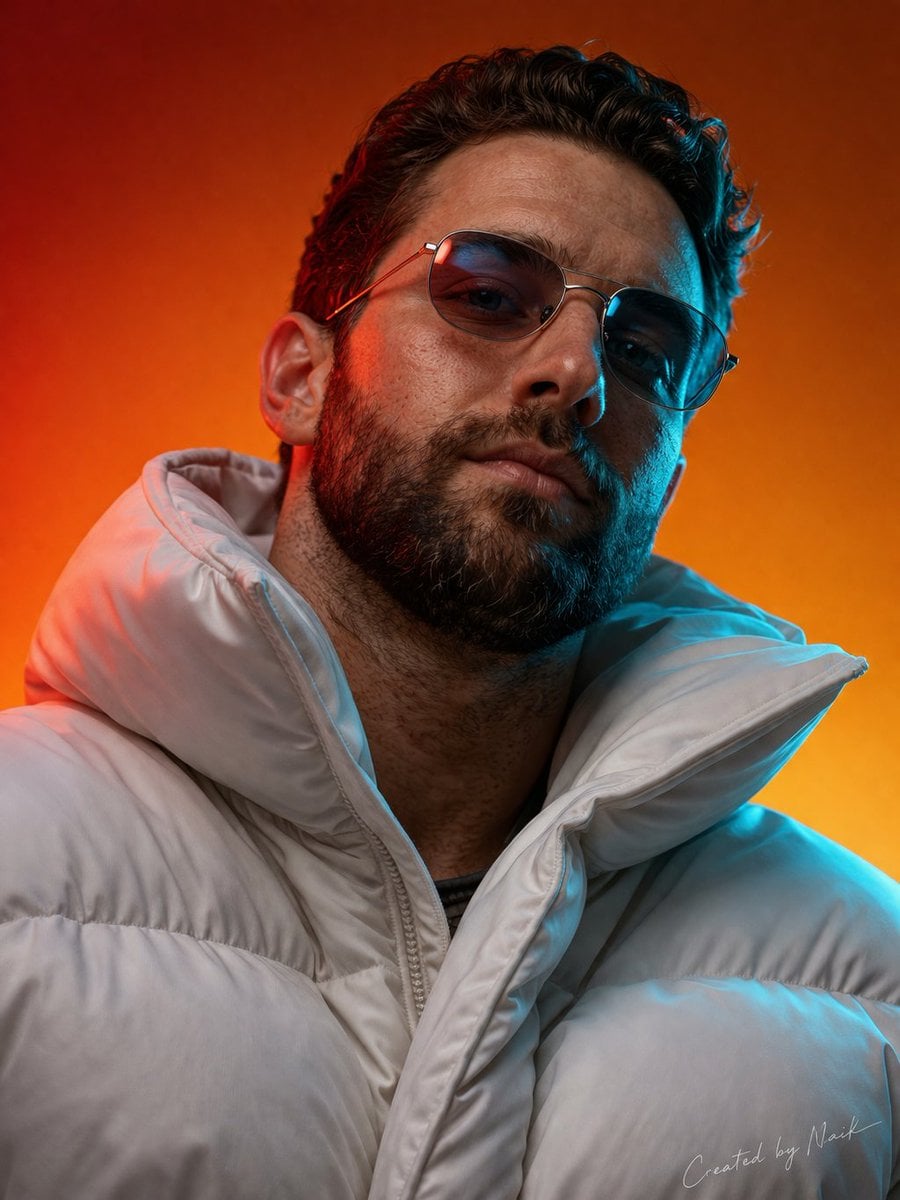
Ultra-photorealistic cinematic portrait of a man viewed from a slightly
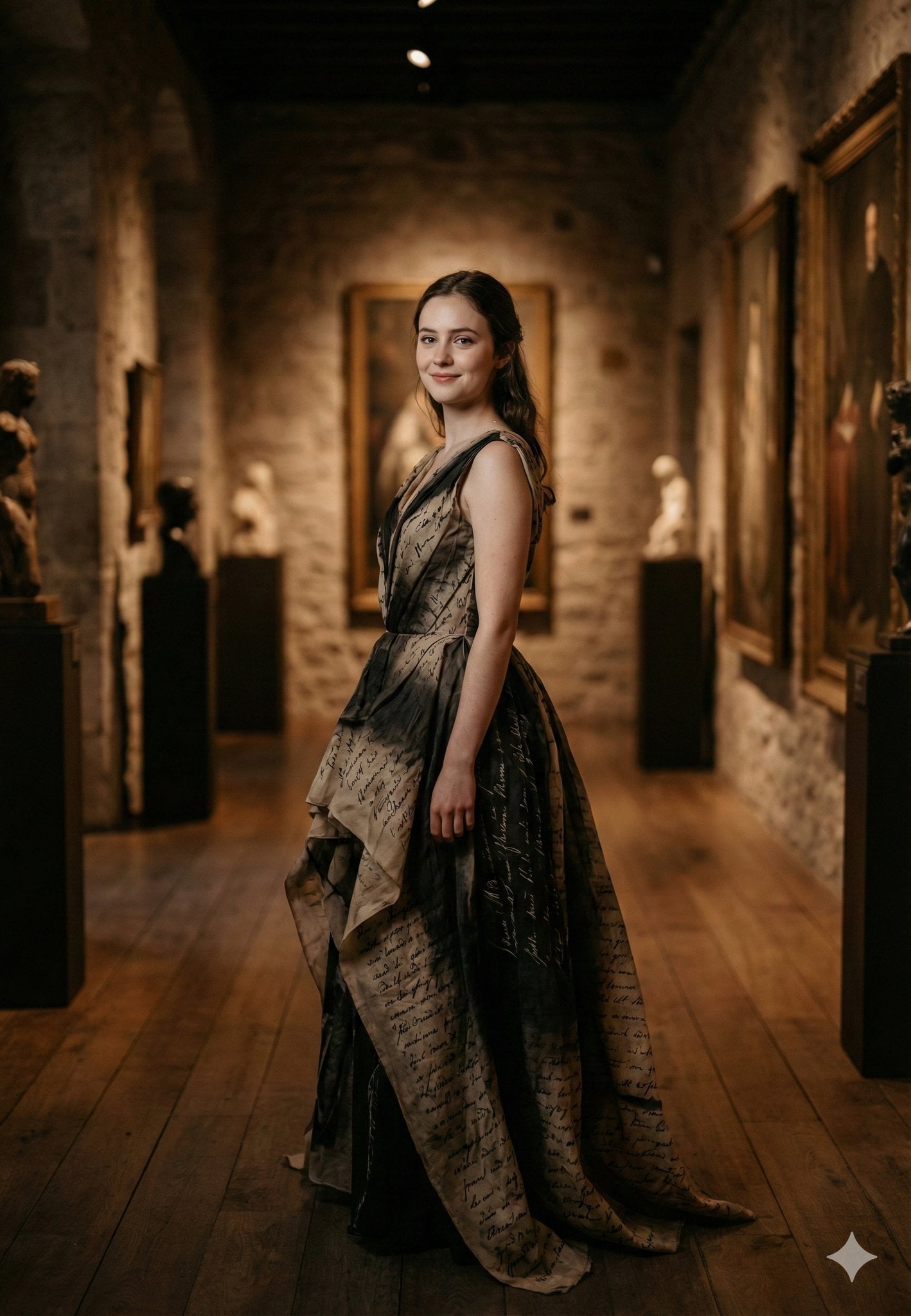
Standing gracefully in three-quarter profile, body slightly turned
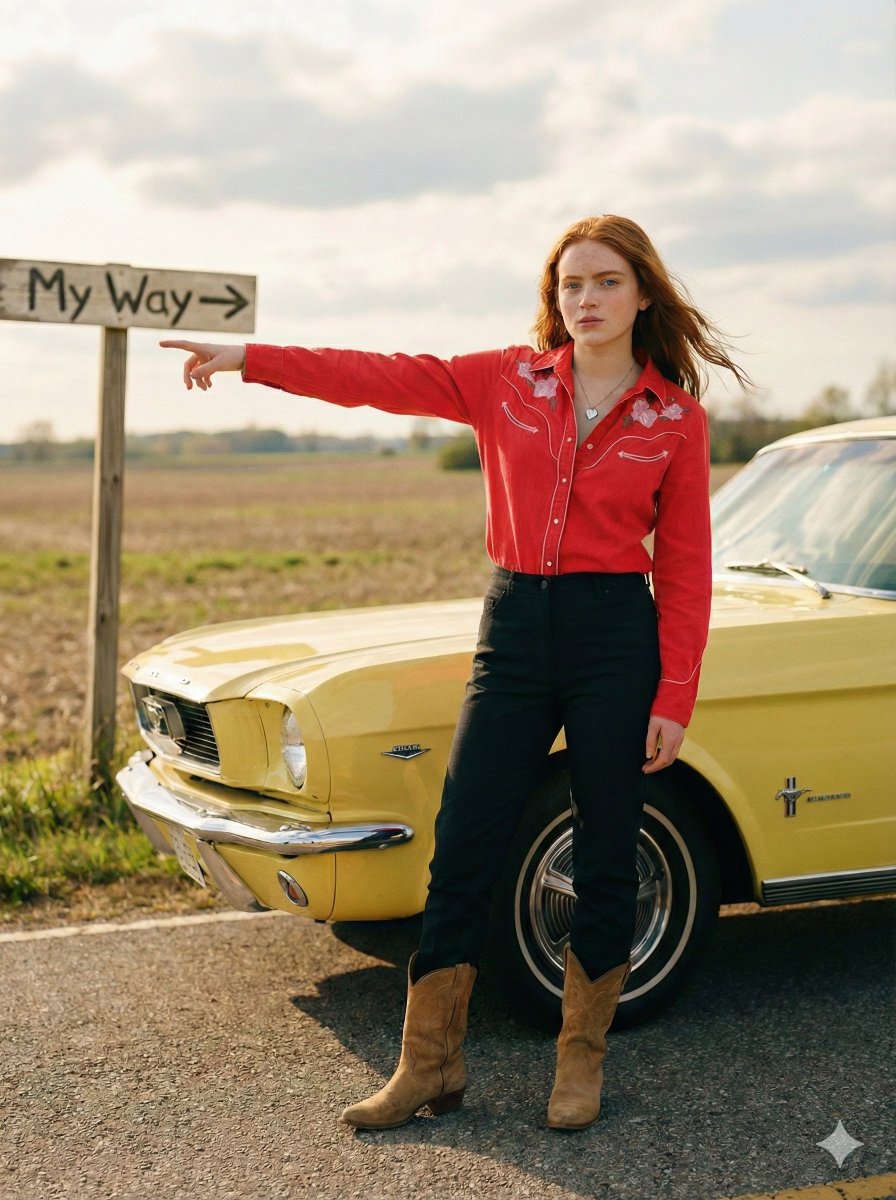
Standing beside the car, torso slightly angled, arm extended
Make it yours
Human subject seated slightly right of center, animal positioned lower works as-is. These are the safest ways to change it without losing the look.
Swap the setting
Keep the rest of the prompt and replace the location block. The current setting is “indoor, rustic or zoo-like enclosure”.
Swap the light
One lighting change is enough to compare takes. Current light: “soft natural or diffused artificial light”.
Change one field
Copy a single group, rewrite it, and generate again so you can see what that field is doing.
| If the result… | Why | Fix |
|---|---|---|
| The result drifts from the preview | Too many fields changed at once. | Reuse Human subject seated slightly right of center, animal positioned lower as-is first, then change one group — subject, light, or setting. |
| Nano Banana 2 ignores part of the JSON | Some models flatten or skip nested keys. | Keep the same values and paste them as a short paragraph instead. |
More Nano Banana 2 templates
Other prompts made for Nano Banana 2.

Photorealistic Leaf Shaped Like a Dragon

K-Pop Idol Portrait Grid for Rapid Selection

Poetic Rain Forest Portrait During Golden Hour

Urban Street Portrait with Cartoon Inner Self Duo

Candid Nighttime Photo with Cat Prompt

High-Concept 3D Diorama Generation Prompt

Cinematic Futuristic Studio Portrait Template

Skincare Editorial Photography Collage Prompt

Hyper-Realistic Commercial Product Photography (Splash Effect)

Hyper-Realistic Nightclub Portrait Prompt
More image prompts
Fresh picks from across the catalog.
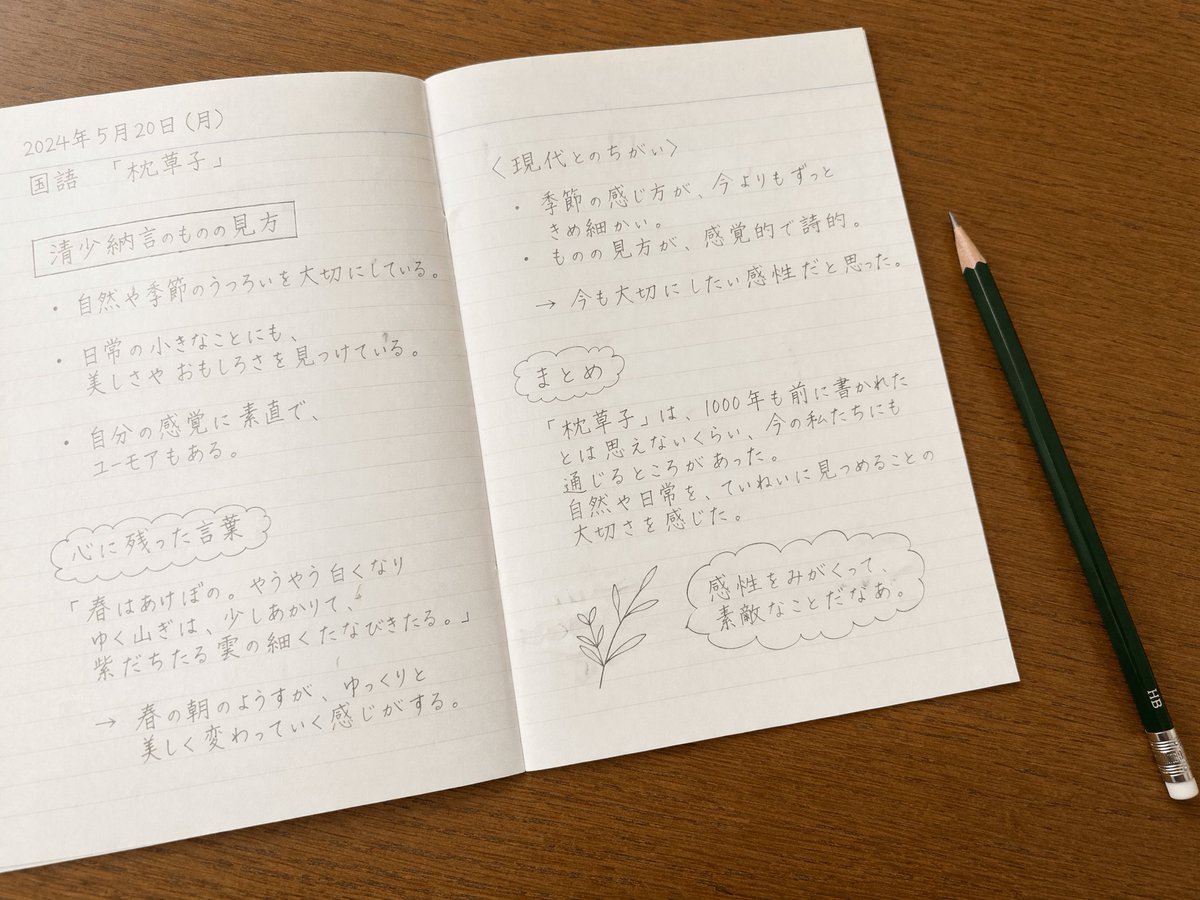
Handwritten Japanese Study Notes
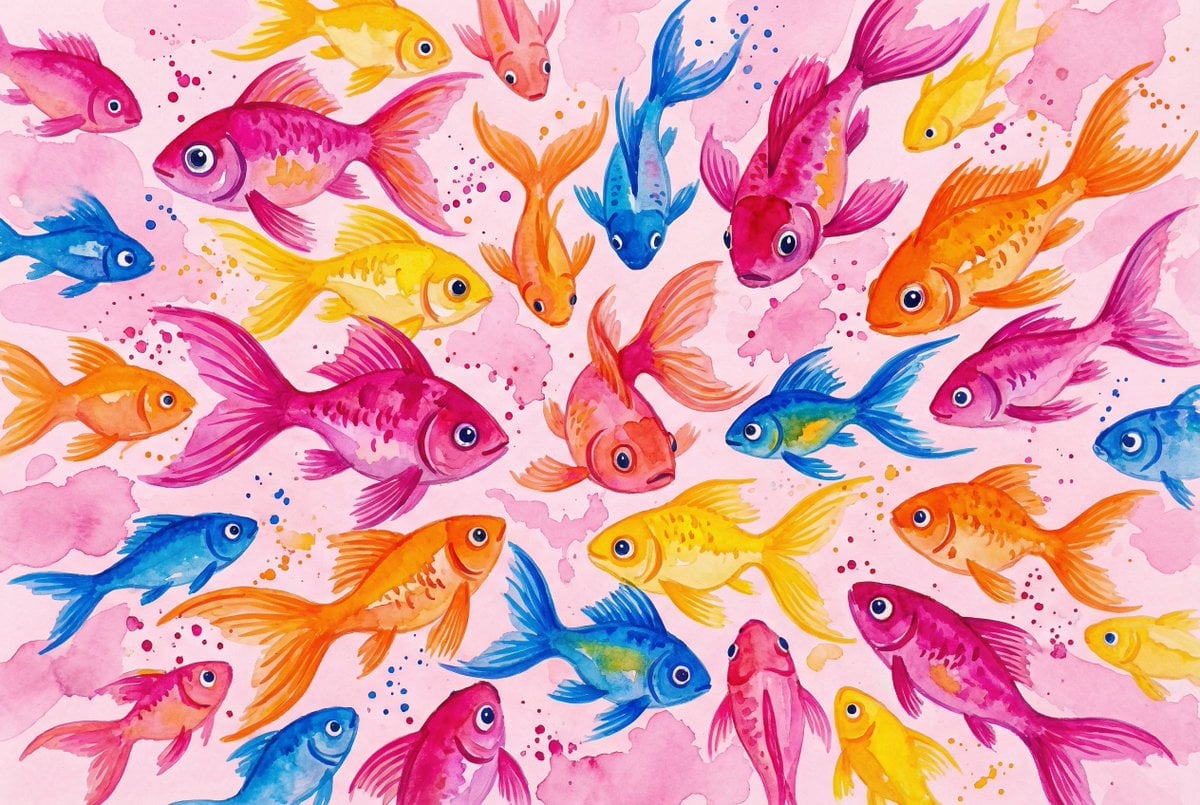
Watercolor School of Stylized Fish
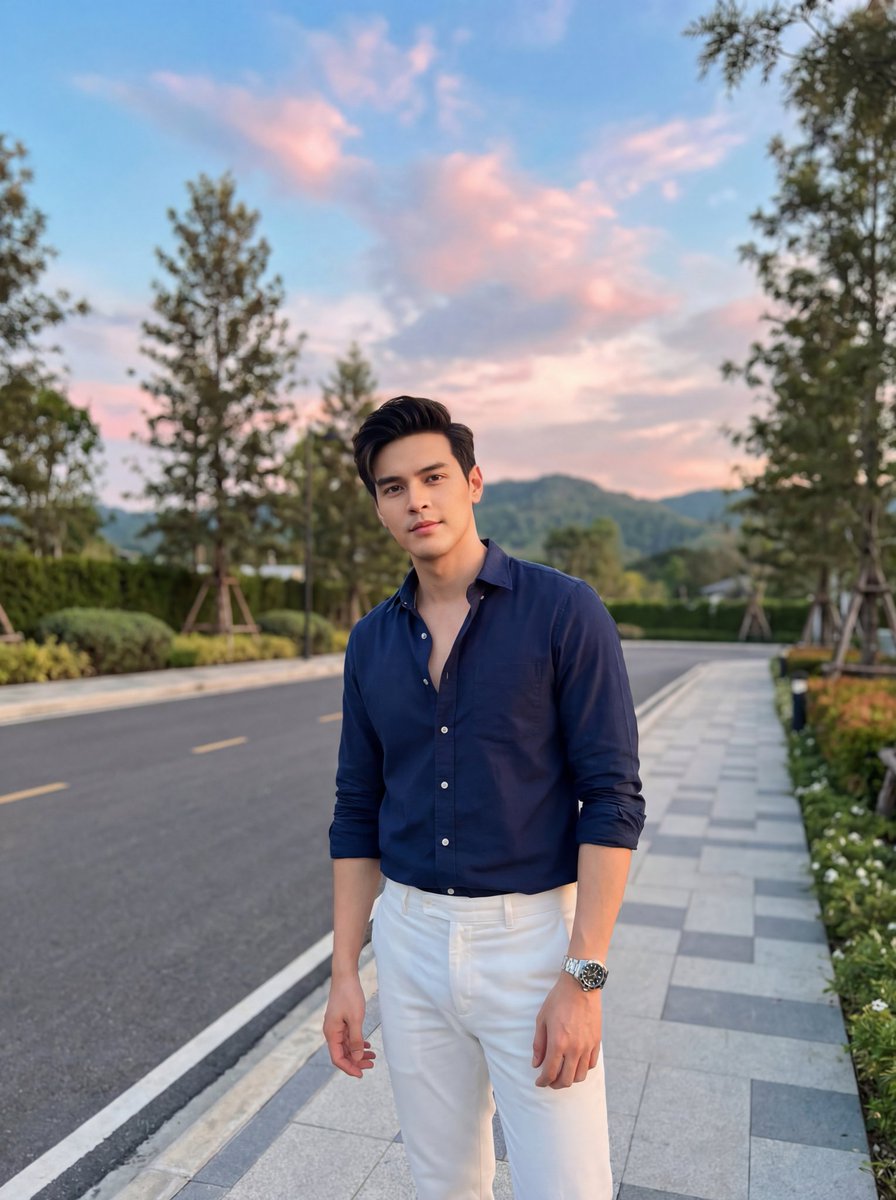
Stylish Man on Sidewalk at Sunset
Difficulty Resizing Text in Nano Banana Pro
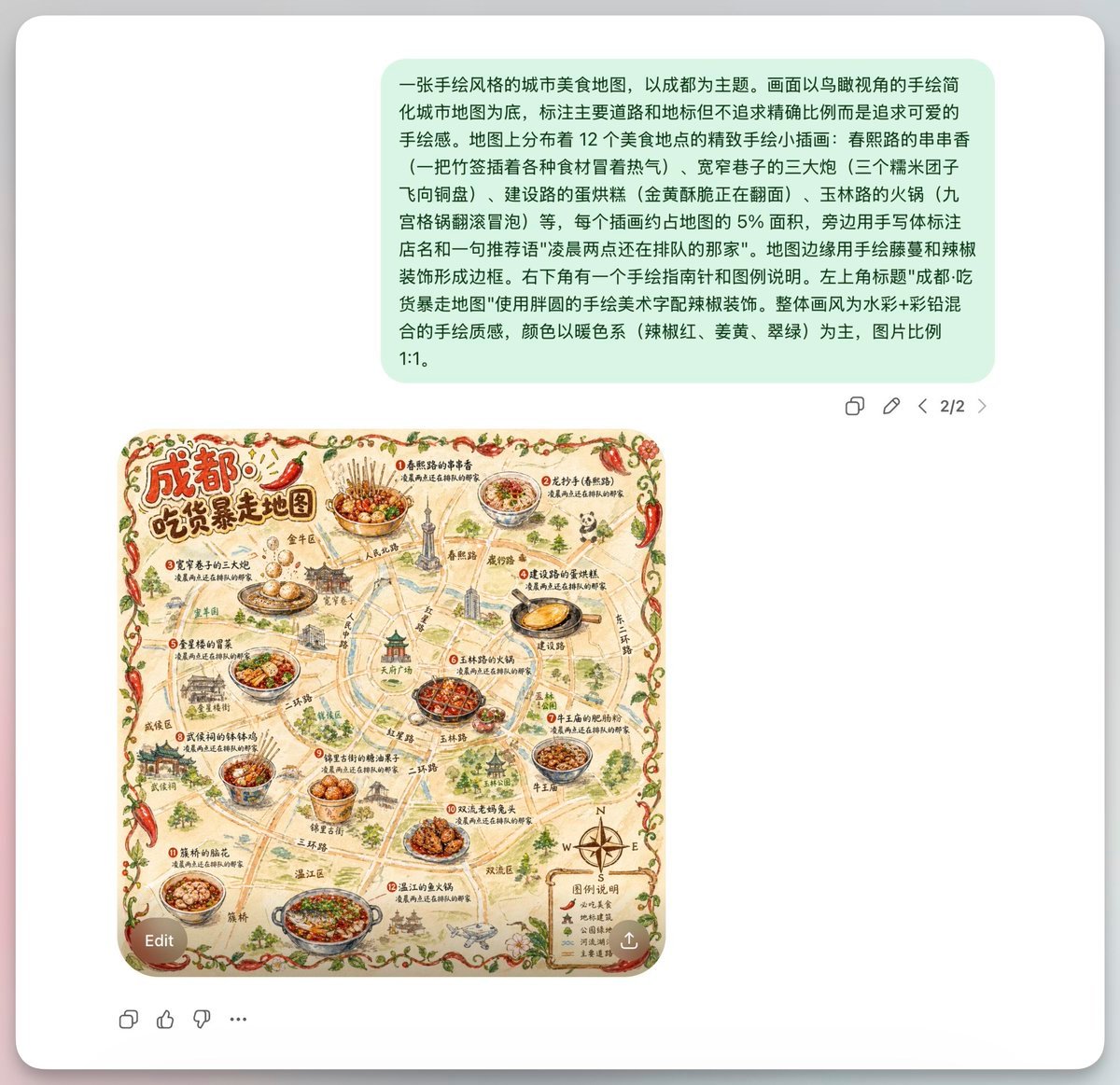
Chengdu Hand-Drawn Food Map UI
Korean Editorial Fashion Portrait
New Chinese Wuxia Style Fashion Shoot Prompt for Nano Banana Pro
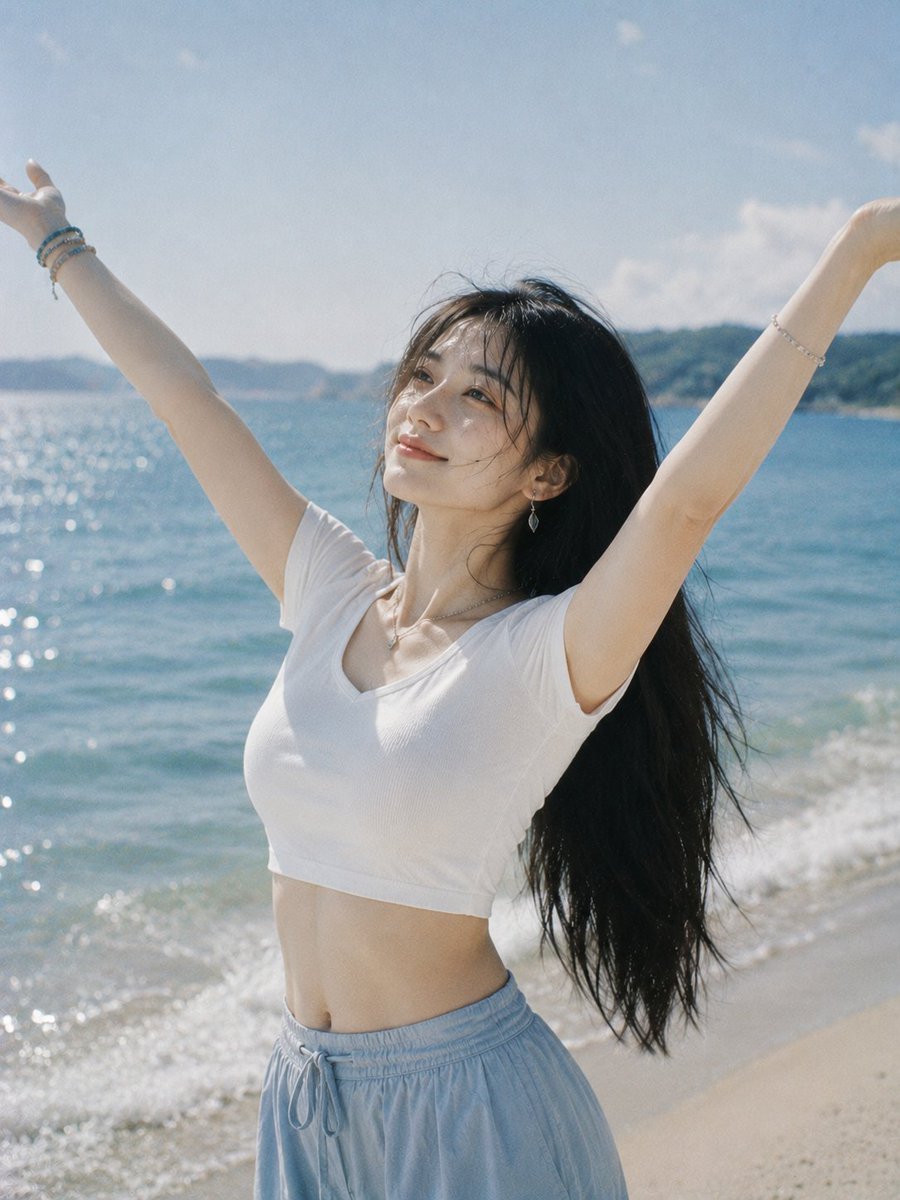
Joyful Woman Raising Arms at Beach
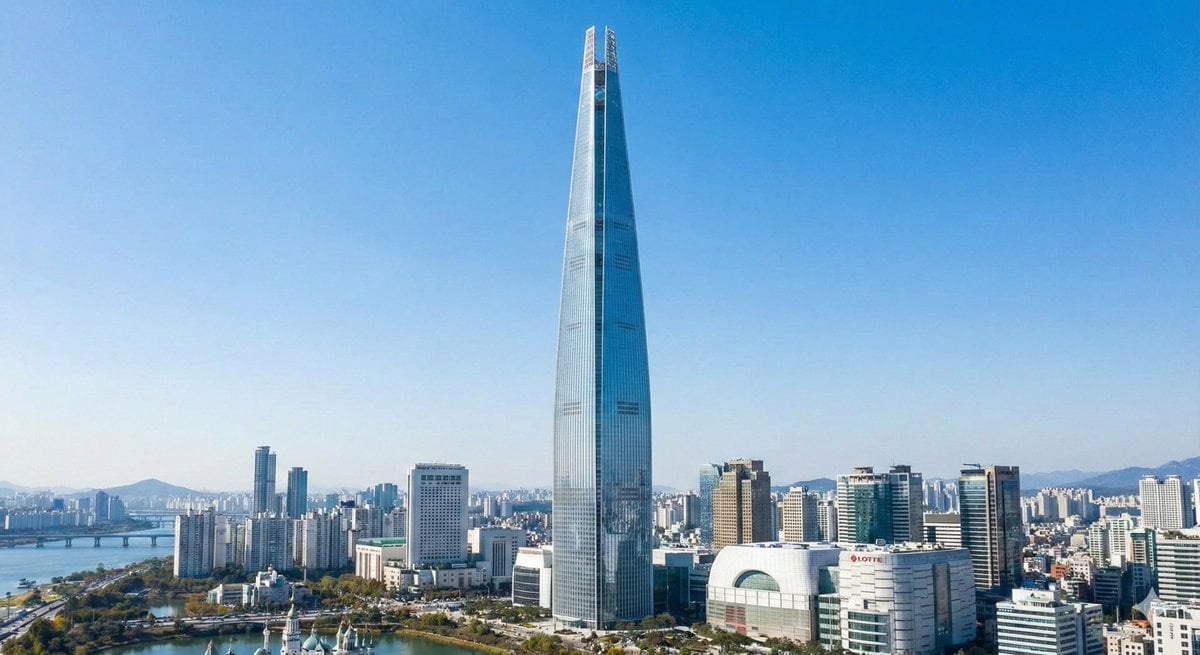
Lotte World Tower landmark-focused geolocation image
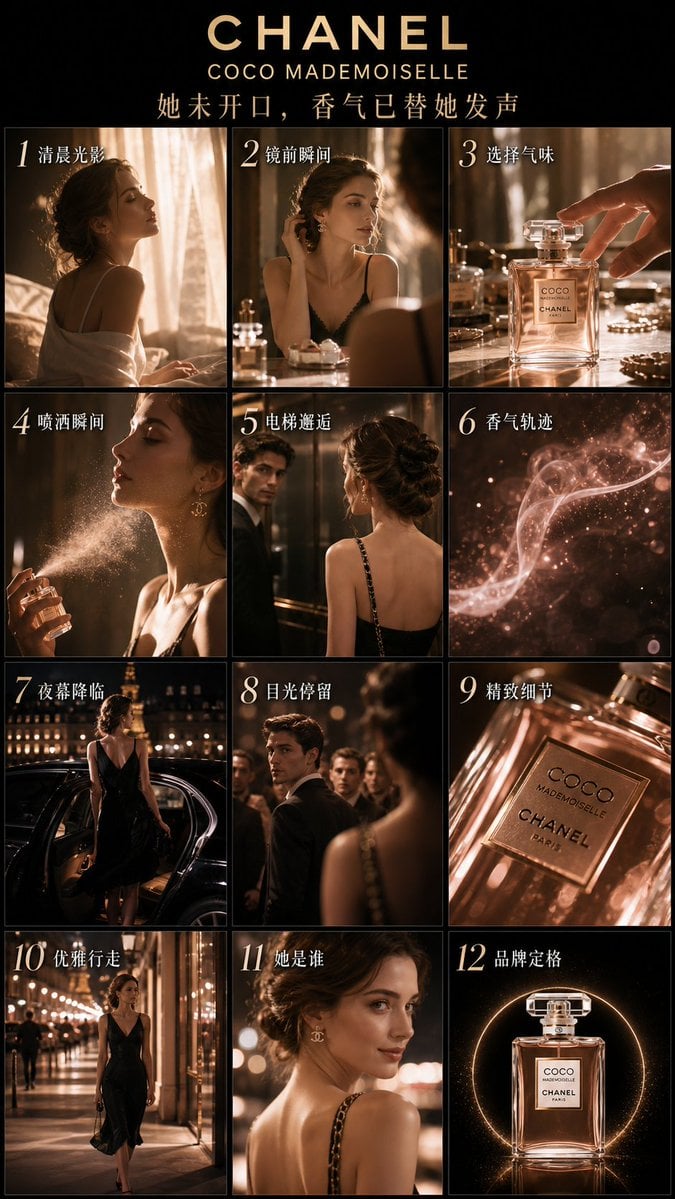
Luxury Perfume Advertising Storyboard
Browse template categories
Human subject seated slightly right of center, animal positioned lower questions
How do I use the Human subject seated slightly right of center, animal positioned lower template?
Add your photo if the template asks for one, edit the prompt if you like — the template's model and format are already selected — and press Generate. Your version opens in PicX Studio.
Can I customize the Human subject seated slightly right of center, animal positioned lower template?
Yes. You can change the subject, setting, lighting, mood, format, and available model controls before creating your image.
Is the Human subject seated slightly right of center, animal positioned lower template free?
Opening and editing this template is free. Generating uses credits, shown on the Generate button when you are signed in.
Which AI model should I use?
Start with Nano Banana 2, which is the model associated with this template. You can compare another compatible model for a different finish.
Looking for something else? Browse all templates.

Your photo, any look
Thousands of ready templates for every top image and video model, from one credit balance.