
Arms crossed, body angled slightly to the right, head turned slightly
{ "scene_type": "outdoor portrait", "composition": { "framing": "medium shot", "orientation": "vertical", "subject_position": "center-right", "pose": "arms crossed, body angled slightly to the right, head turned…
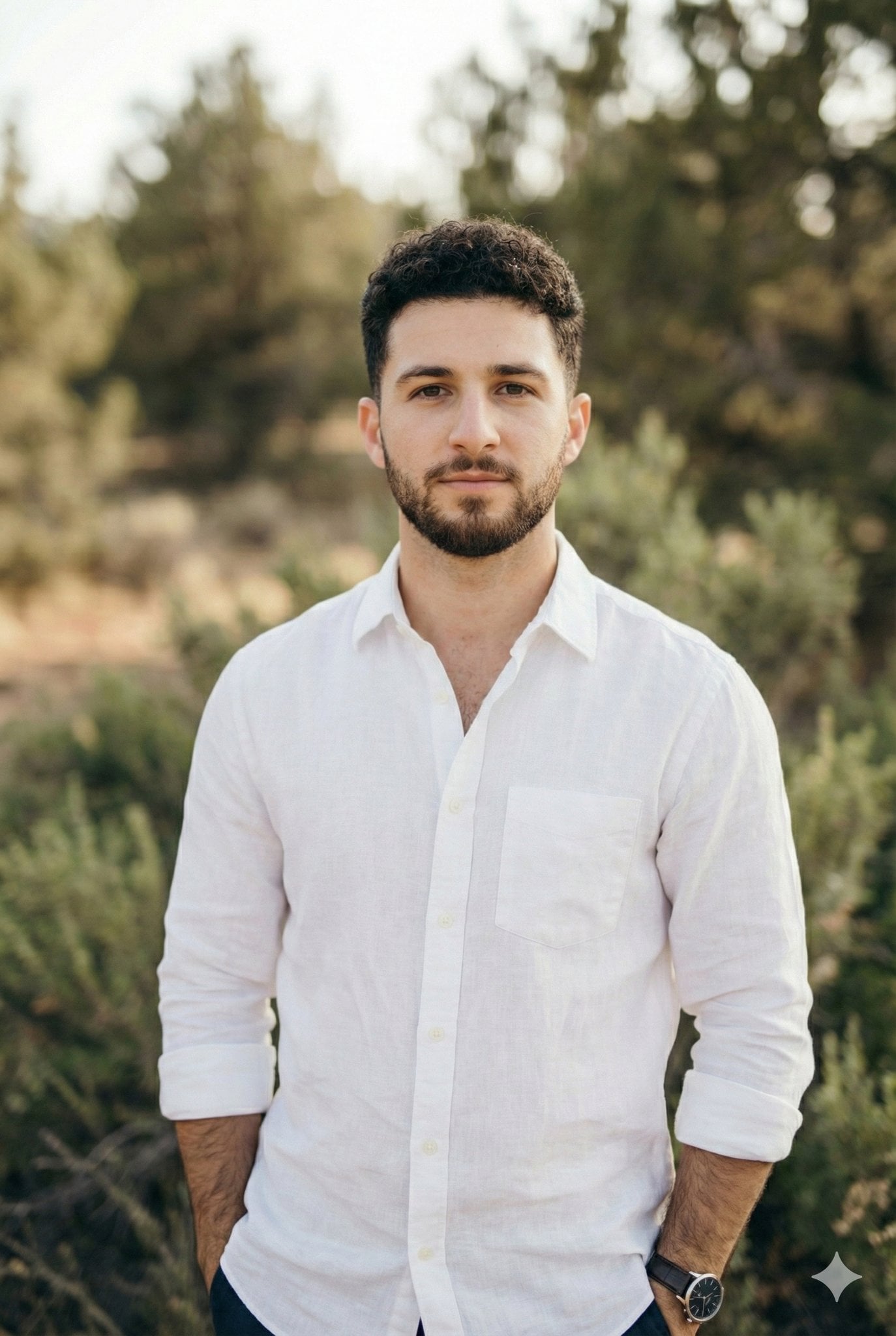
- Prompt included
- Model and format preset
- Premium template
The prompt behind this image
Copy the exact prompt behind Arms crossed, body angled slightly to the right, head turned slightly, or open it in the studio and make it yours.
- Scene Type
- outdoor portrait
- Composition › Framing
- medium shot
- Composition › Orientation
- vertical
- Composition › Subject Position
- center-right
- Composition › Pose
- arms crossed, body angled slightly to the right, head turned slightly left
- Composition › Camera Angle
- eye-level
- Composition › Depth Of Field
- shallow, strong background blur
- Subject › Gender Presentation
- male
- Subject › Age Range
- mid-20s to early-30s
- Subject › Skin Tone
- light
- Subject › Facial Features
- defined jawline, light stubble beard, straight nose, soft cheek contours
- Subject › Expression
- calm, contemplative, neutral confidence
- Subject › Gaze Direction
- On camera
- Hair › Color
- medium brown
- Hair › Style
- short to medium length, naturally curly with volume on top
- Hair › Texture
- soft, slightly tousled
- Wardrobe › Top › Type
- long-sleeve button-up shirt
- Wardrobe › Top › Color
- white
- Wardrobe › Top › Material
- lightweight linen or linen-blend
- Wardrobe › Top › Fit
- relaxed, tailored
- Wardrobe › Top › Details
- collarless or minimal collar, sleeves rolled to forearm
- Wardrobe › Accessories › Watch › Type
- analog wristwatch
- Wardrobe › Accessories › Watch › Strap Color
- dark brown or black leather
- Wardrobe › Accessories › Watch › Dial Color
- dark, likely black
Raw JSON
{ "scene_type": "outdoor portrait", "composition": { "framing": "medium shot", "orientation": "vertical", "subject_position": "center-right", "pose": "arms crossed, body angled slightly to the right, head turned slightly left", "camera_angle": "eye-level", "depth_of_field": "shallow, strong background blur" }, "subject": { "gender_presentation": "male", "age_range": "mid-20s to early-30s", "skin_tone": "light", "facial_features": "defined jawline, light stubble beard, straight nose, soft cheek contours", "expression": "calm, contemplative, neutral confidence", "gaze_direction": " On camera" }, "hair": { "color": "medium brown", "style": "short to medium length, naturally curly with volume on top", "texture": "soft, slightly tousled" }, "wardrobe": { "top": { "type": "long-sleeve button-up shirt", "color": "white", "material": "lightweight linen or linen-blend", "fit": "relaxed, tailored", "details": "collarless or minimal collar, sleeves rolled to forearm" }, "accessories": { "watch": { "type": "analog wristwatch", "strap_color": "dark brown or black leather", "dial_color": "dark, likely black", "style": "classic, minimalist" } } }, "lighting": { "type": "natural daylight", "quality": "soft, diffused", "direction": "front-left", "contrast": "low to medium", "highlights": "gentle highlights on face and shirt", "shadows": "soft, minimal shadowing" }, "color_palette": { "dominant_colors": ["green", "white", "earth tones"], "background_tones": ["olive green", "forest green", "muted brown"], "overall_temperature": "warm-neutral" }, "background": { "environment": "natural landscape", "elements": ["green shrubs", "trees", "rock formations", "wild vegetation"], "focus": "heavily blurred (bokeh)", "mood": "serene, organic, outdoorsy" }, "artistic_style": { "genre": "lifestyle portrait photography", "aesthetic": "natural, clean, understated elegance", "mood": "calm, confident, introspective", "visual_story": "modern minimalist man in harmony with nature" }, "technical_traits": { "lens_effect": "portrait lens with background compression", "aperture_estimate": "wide (approximately f/1.8–f/2.8)", "sharpness": "high subject sharpness", "noise": "minimal", "post_processing": "light color correction, natural skin tones, subtle contrast enhancement" }, "typography": { "present": false } }How to use Arms crossed, body angled slightly to the right, head turned slightly in 3 steps
- 1
Open
The prompt is already in the box next to the preview, with the template's model and format selected.
- 2…a portrait of your subject in softgolden-hour light, 85mm…
Personalize
Edit the subject and creative details for your destination.
- 3Generate
Generate
Press Generate — your image is created in PicX Studio, so you can compare it with the original and refine one variable at a time.
More like this
Templates with the same subject, style or setup. Open one to see its prompt.
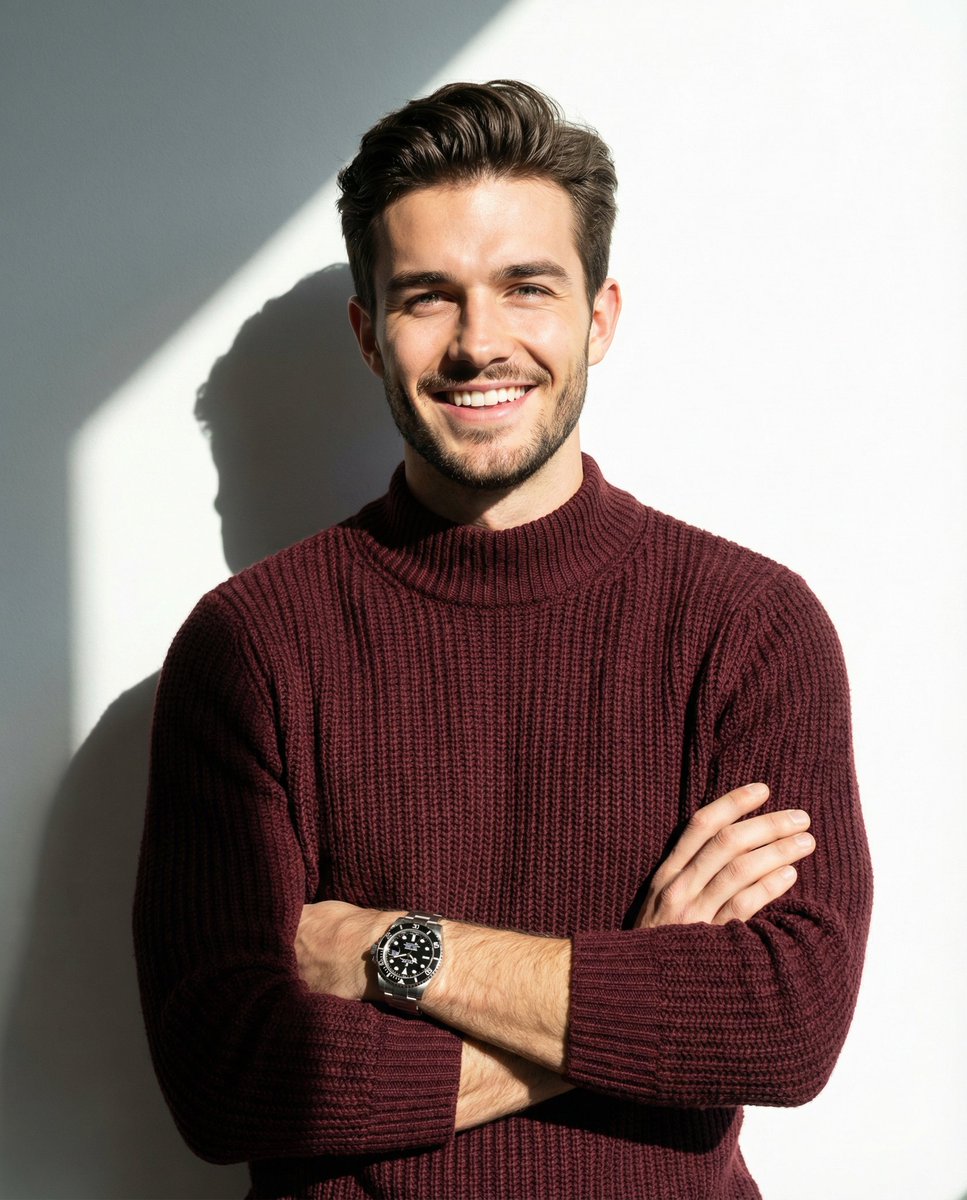
A man smiling and posing with his arms crossed, wearing a maroon knitted
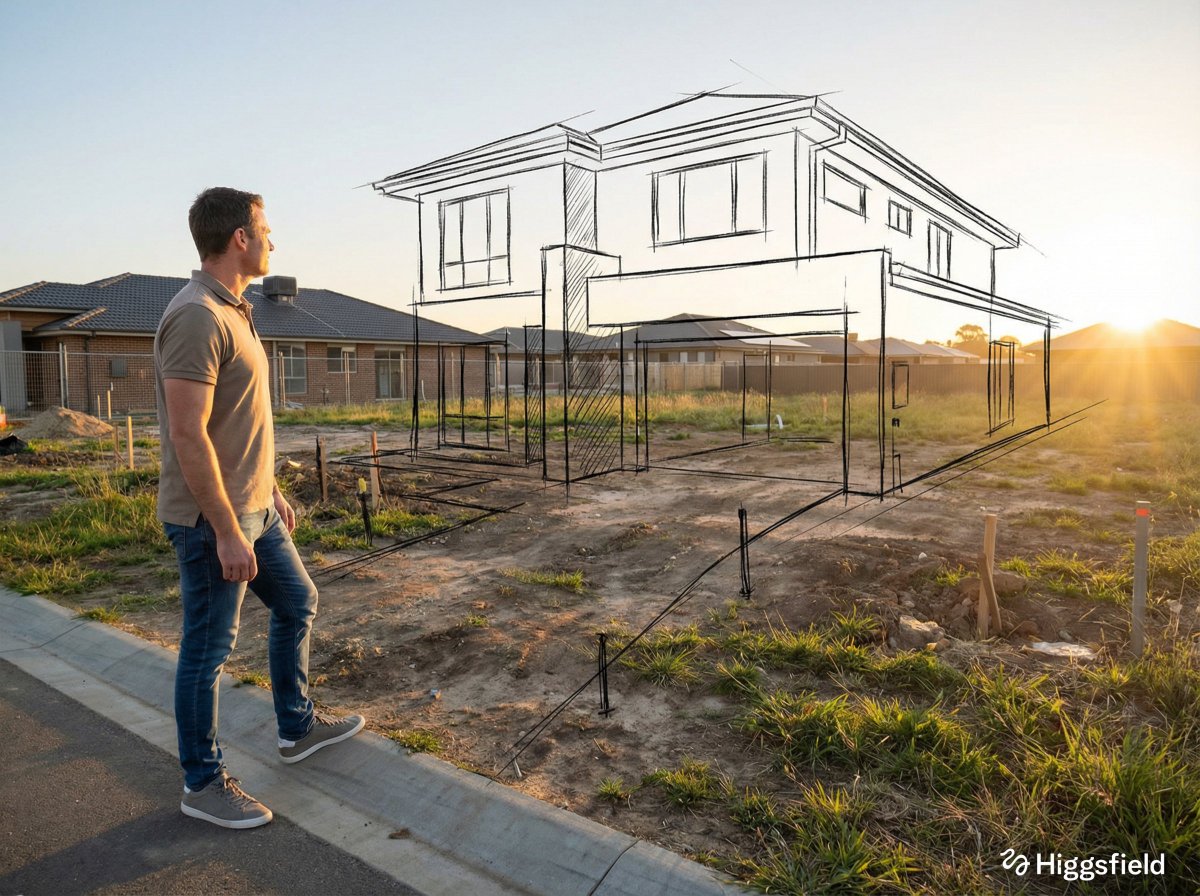
A standing full-body near the edge of the frame, slightly to the left
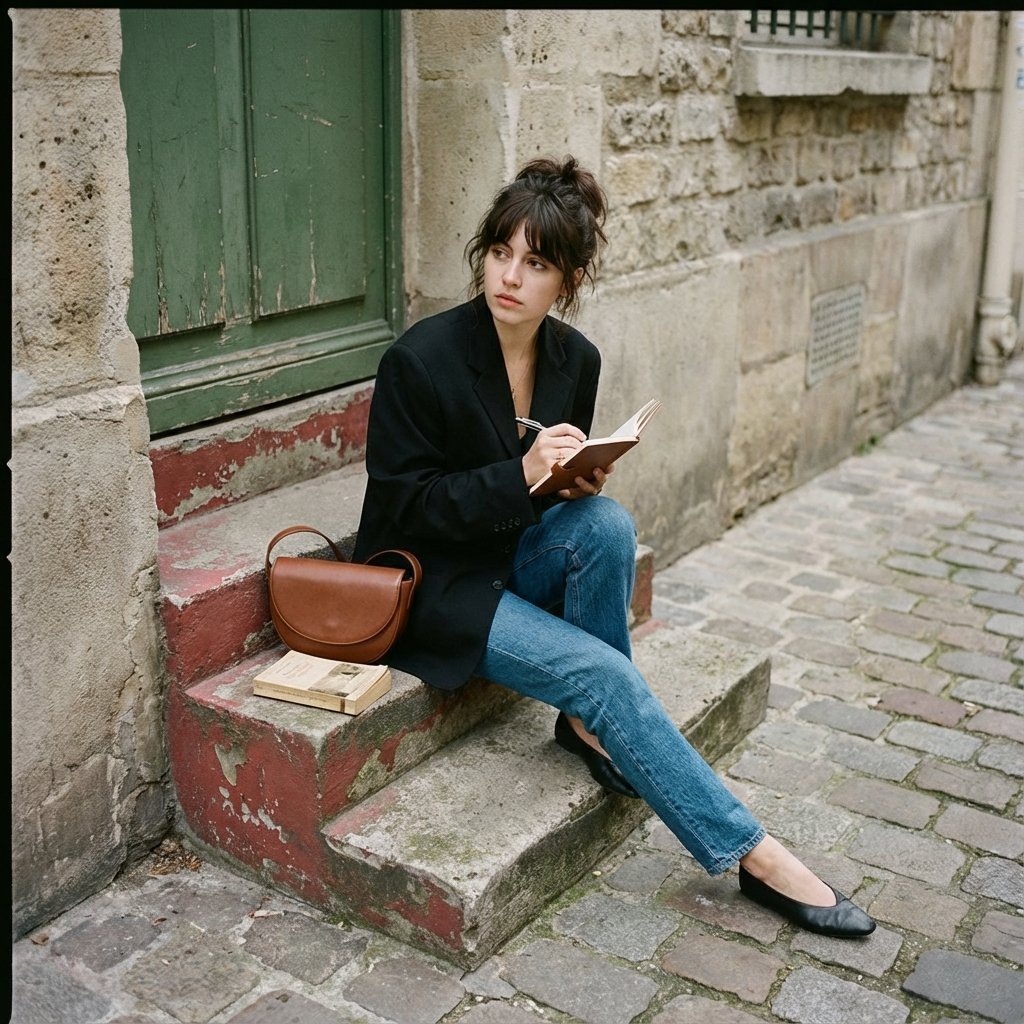
Seated casually on worn stone stairs, legs crossed slightly, holding
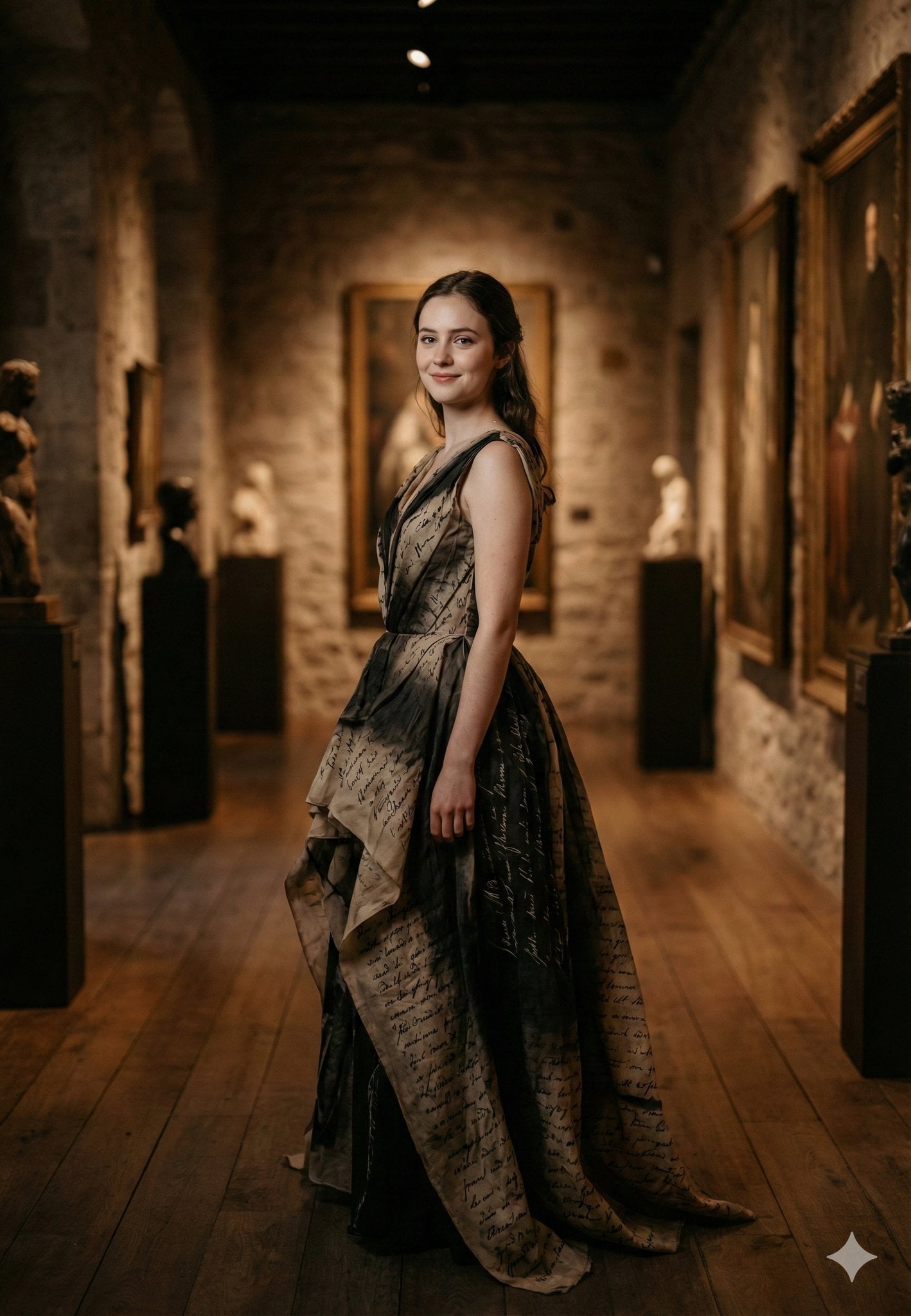
Standing gracefully in three-quarter profile, body slightly turned
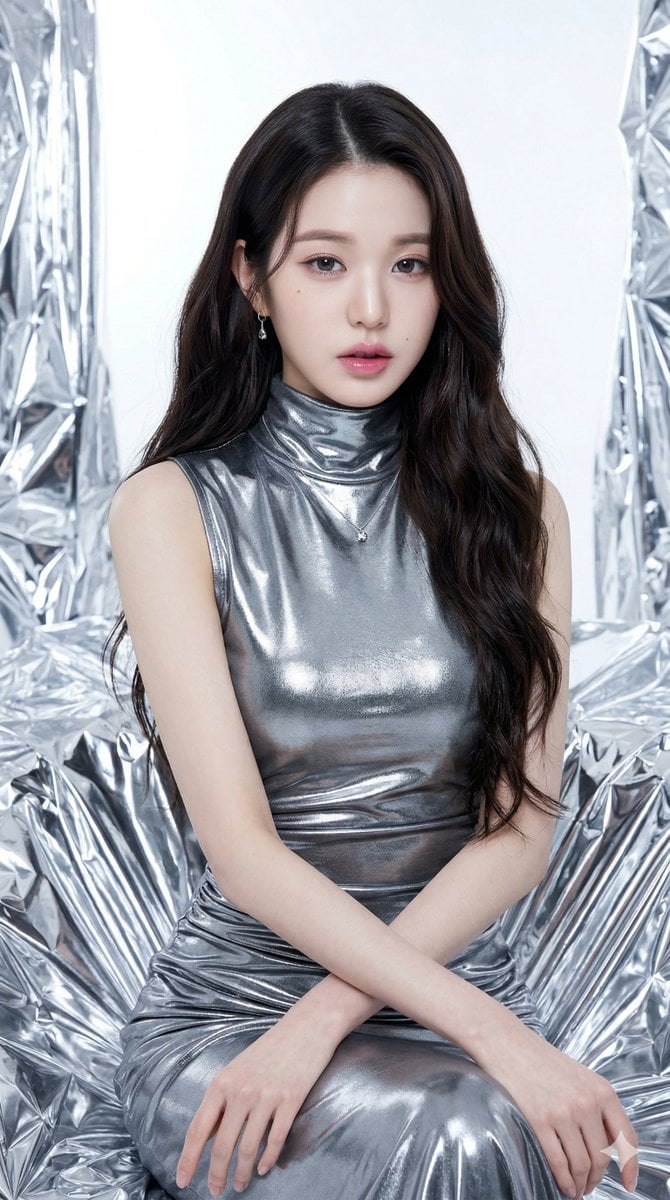
Seated/Kneeling, facing forward, arms crossed loosely at waist
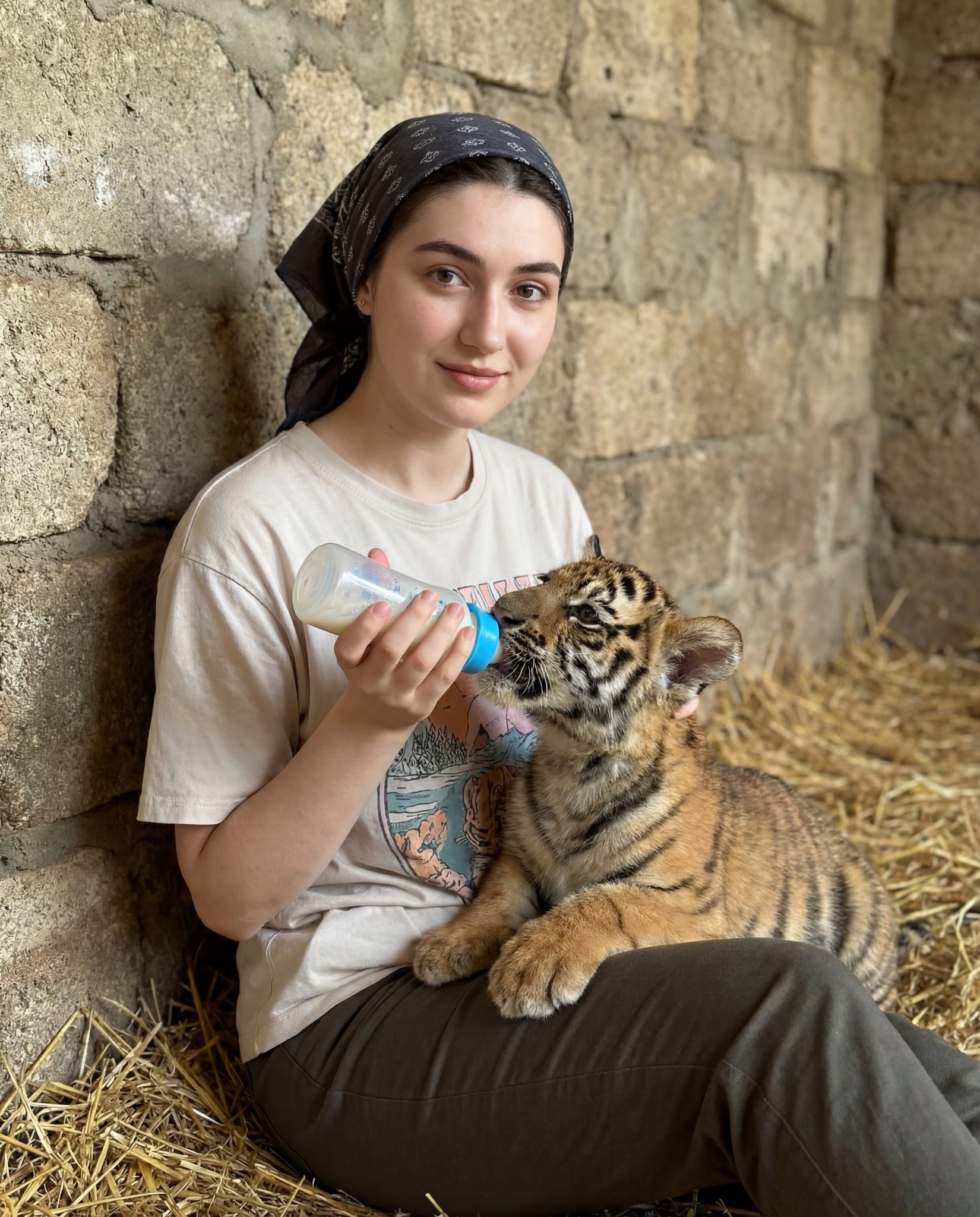
Human subject seated slightly right of center, animal positioned lower
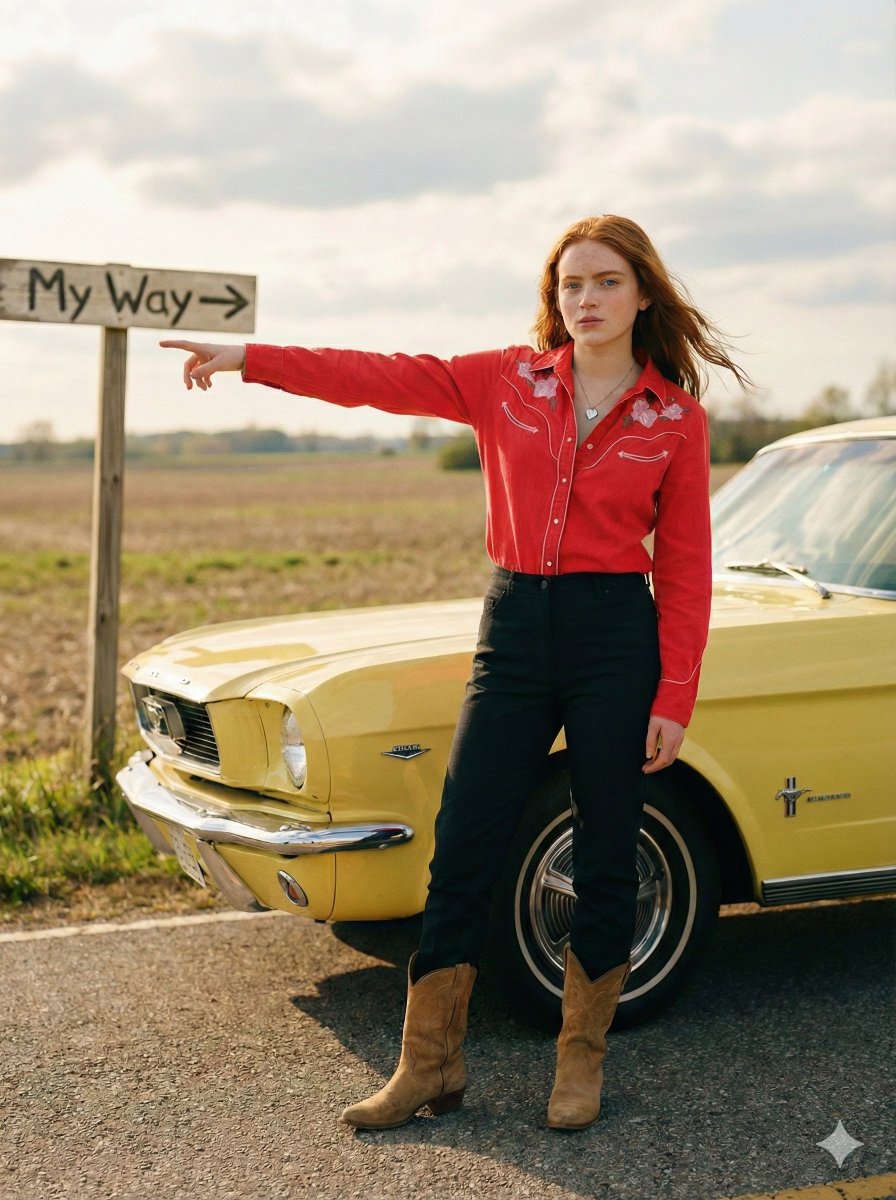
Standing beside the car, torso slightly angled, arm extended
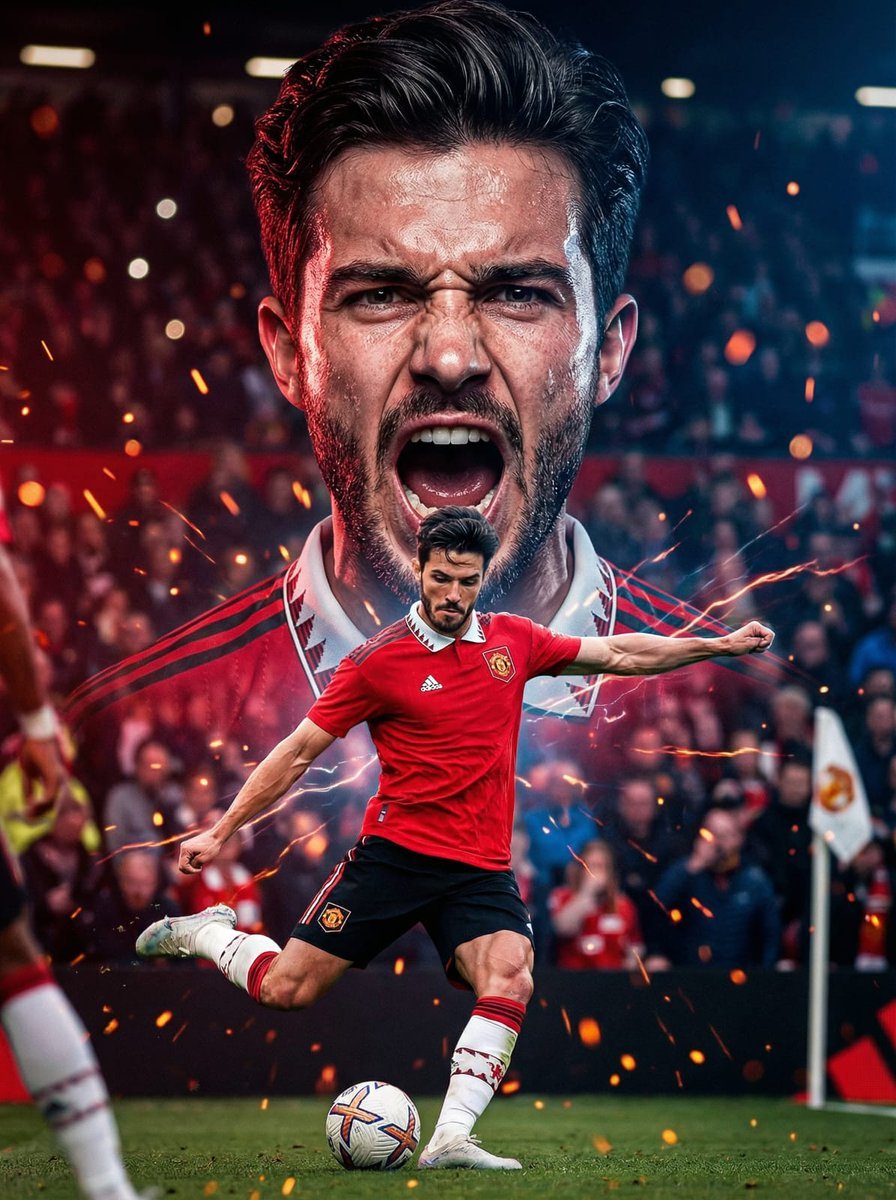
The background with mouth open in a powerful shout, veins slightly
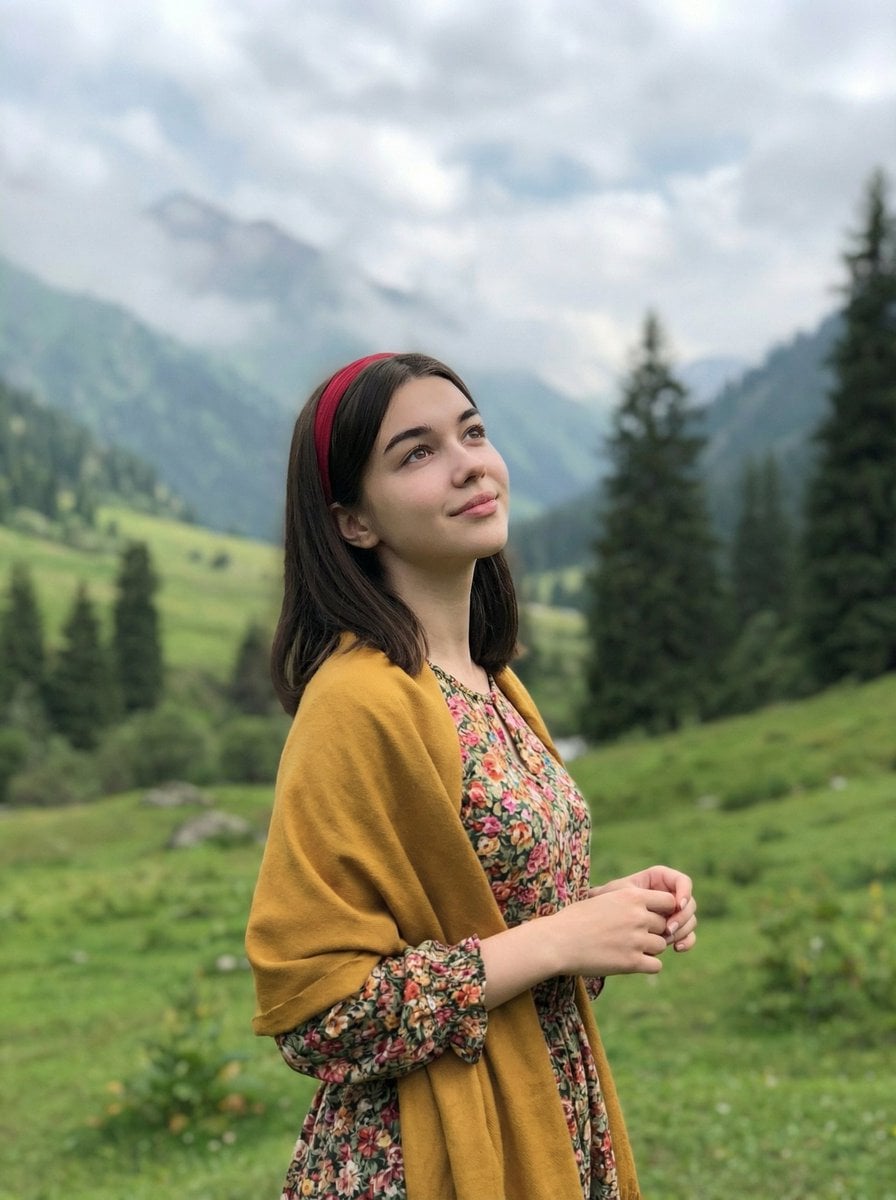
Standing naturally with hands gently together, looking slightly upward
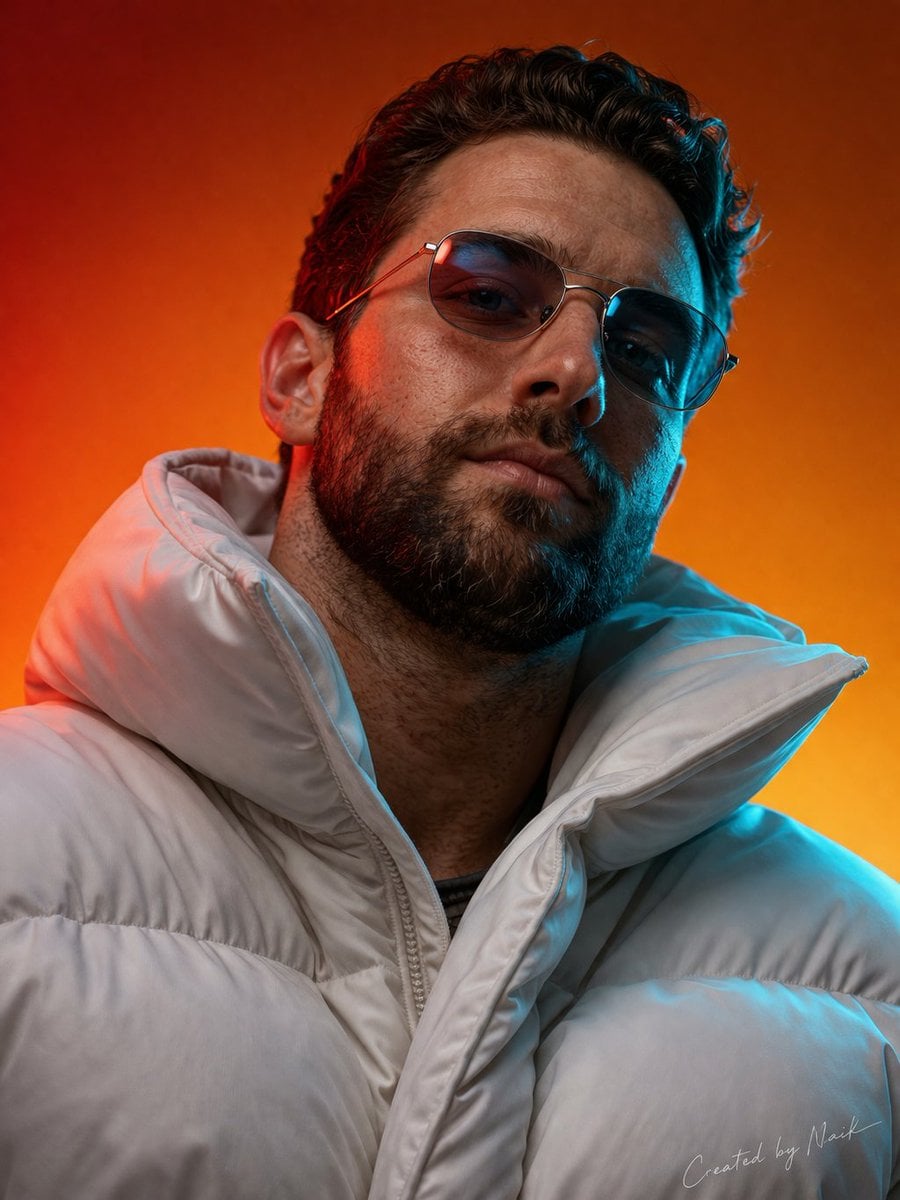
Ultra-photorealistic cinematic portrait of a man viewed from a slightly

青蛇小青写真大片,绿色紧身蛇鳞裙,湿发红唇,妖娆妩媚

A double exposure, long exposure editorial photograph of a man Use image
Make it yours
Arms crossed, body angled slightly to the right, head turned slightly works as-is. These are the safest ways to change it without losing the look.
Swap the setting
Keep the rest of the prompt and replace the location block. The current setting is “olive green, forest green, muted brown”.
Swap the light
One lighting change is enough to compare takes. Current light: “natural daylight”.
Change one field
Copy a single group, rewrite it, and generate again so you can see what that field is doing.
| If the result… | Why | Fix |
|---|---|---|
| The result drifts from the preview | Too many fields changed at once. | Reuse Arms crossed, body angled slightly to the right, head turned slightly as-is first, then change one group — subject, light, or setting. |
| Nano Banana 2 ignores part of the JSON | Some models flatten or skip nested keys. | Keep the same values and paste them as a short paragraph instead. |
More Nano Banana 2 templates
Other prompts made for Nano Banana 2.

Photorealistic Leaf Shaped Like a Dragon

K-Pop Idol Portrait Grid for Rapid Selection

Poetic Rain Forest Portrait During Golden Hour

Urban Street Portrait with Cartoon Inner Self Duo

Candid Nighttime Photo with Cat Prompt

High-Concept 3D Diorama Generation Prompt

Cinematic Futuristic Studio Portrait Template

Skincare Editorial Photography Collage Prompt

Hyper-Realistic Commercial Product Photography (Splash Effect)

Hyper-Realistic Nightclub Portrait Prompt
More image prompts
Fresh picks from across the catalog.
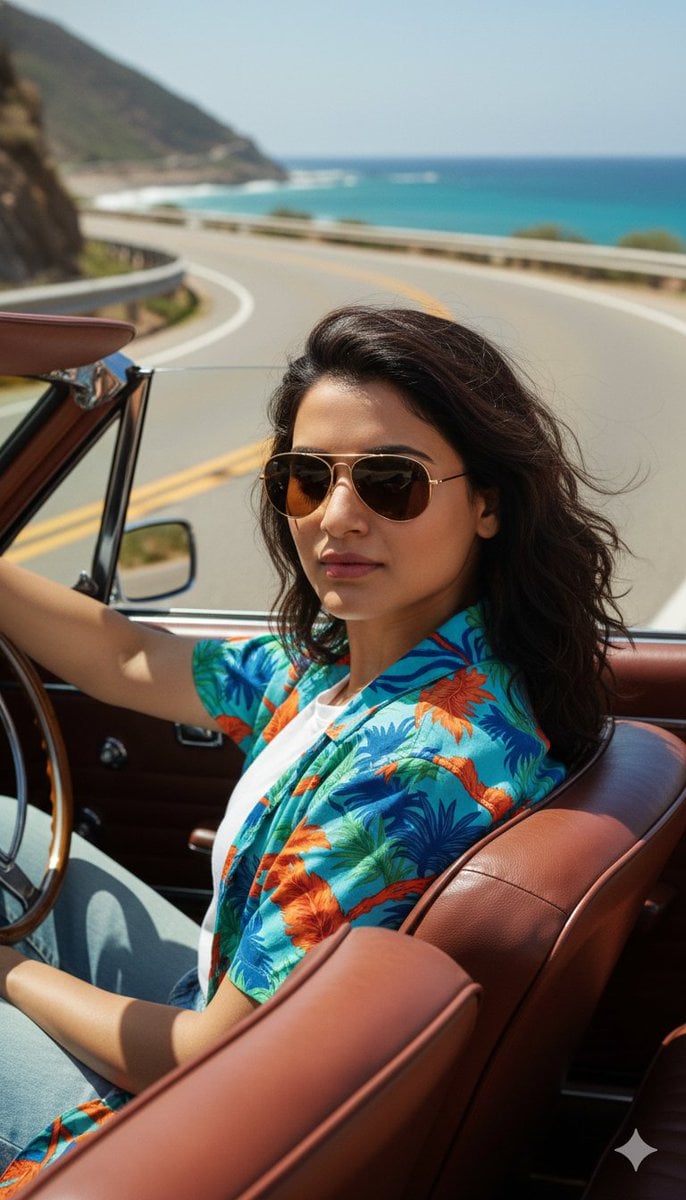
Cinematic Portrait of Man Driving Vintage Convertible
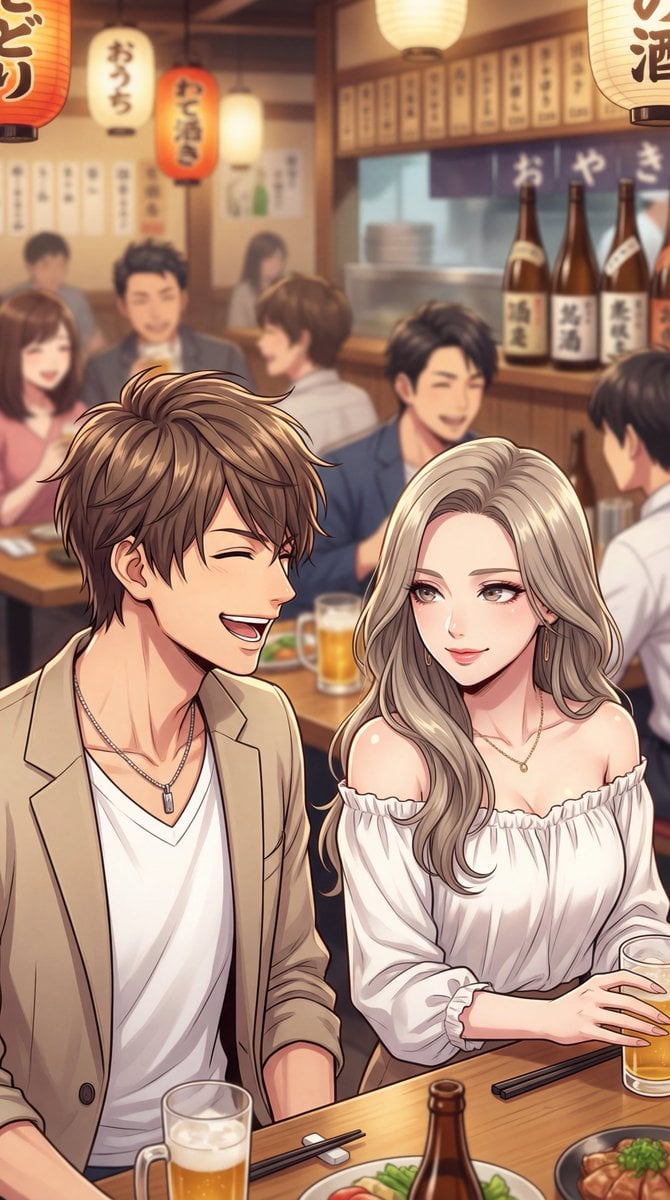
Minato-ku Woman (Bijin) Generation Prompt
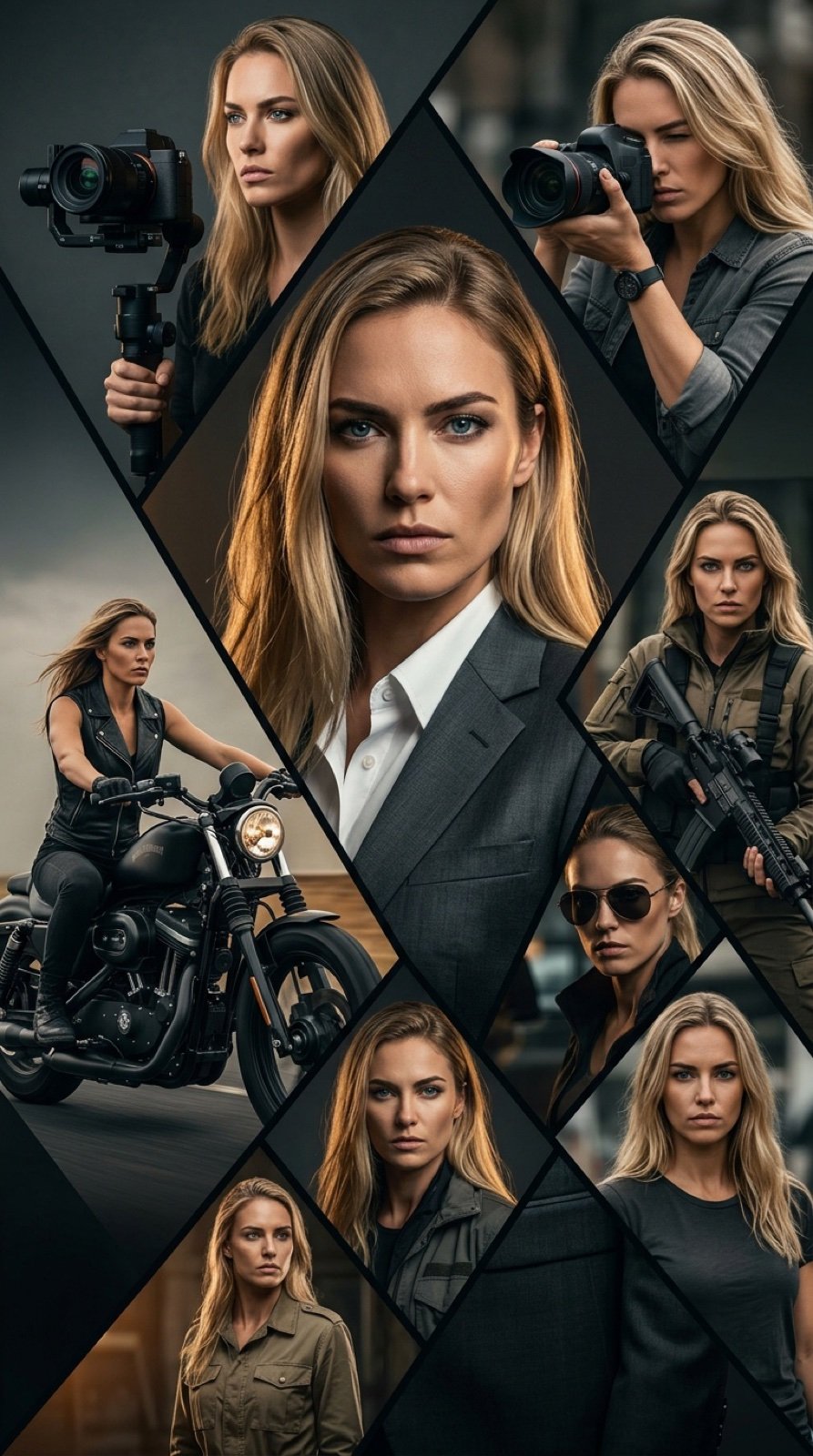
Cinematic Vertical Movie Poster Prompt (Multi-Role)
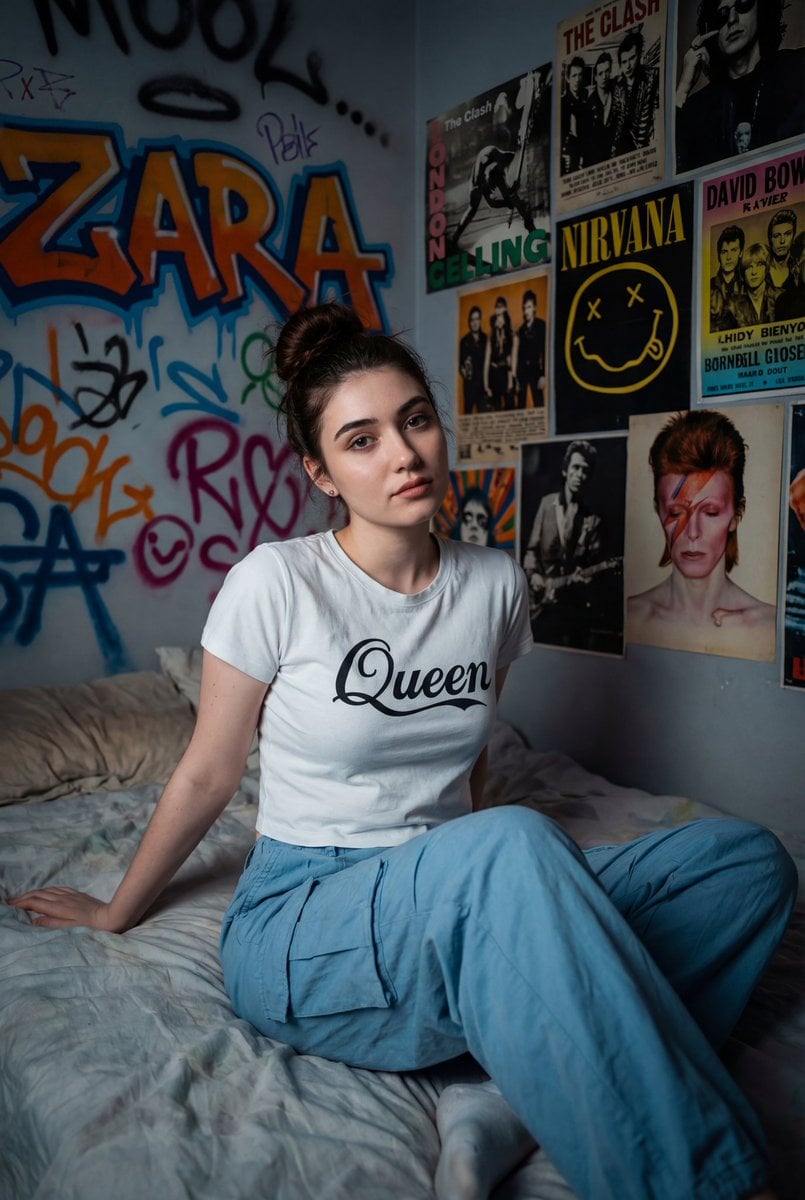
Cinematic Portrait of a Woman on a Messy Bed with Graffiti Background
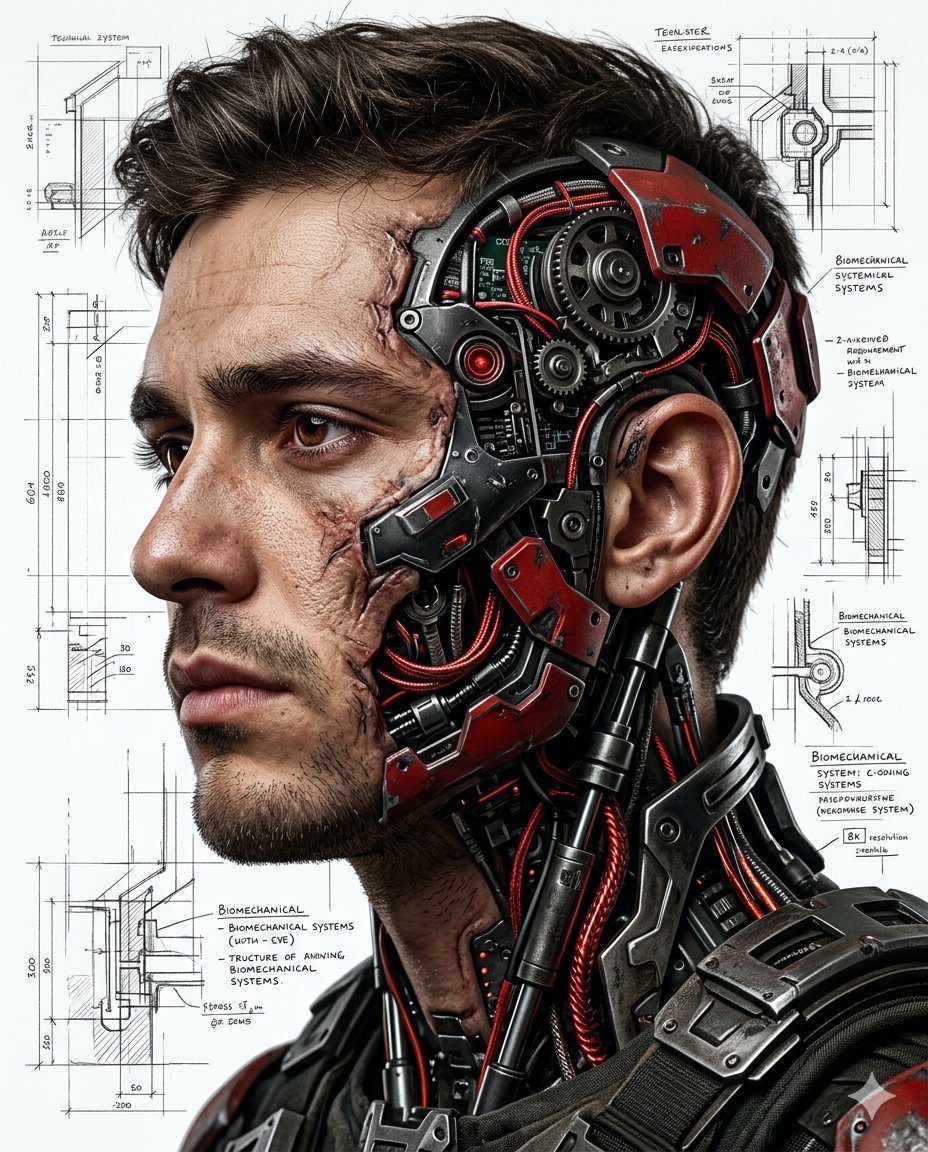
Hyper-realistic Cyborg Side Profile
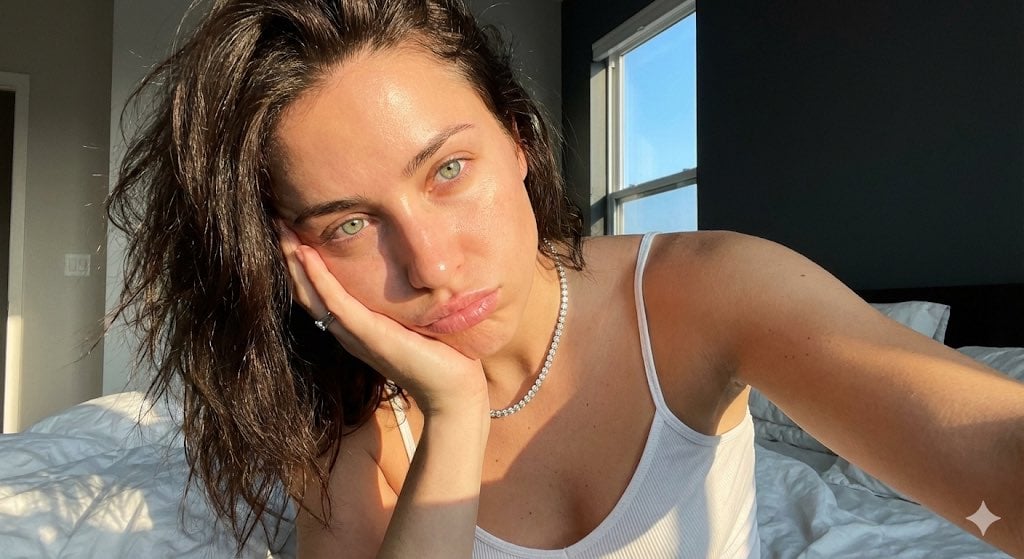
Detailed JSON Prompt for Viral Close-Up Selfie Image Generation
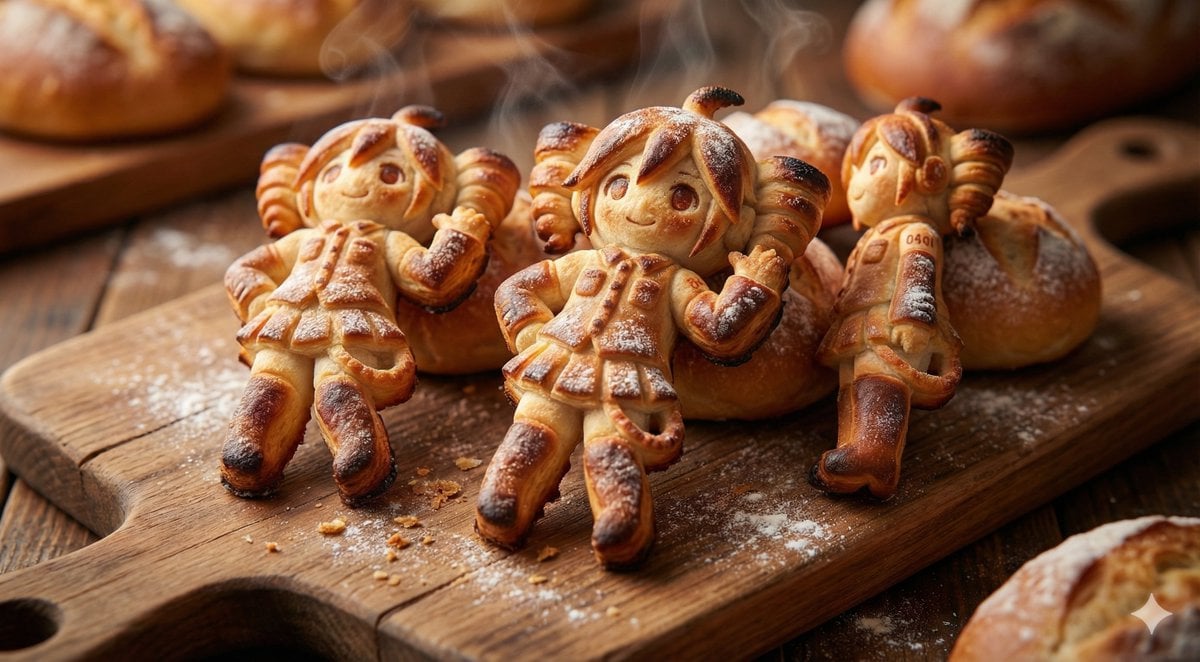
Everything is Freshly Baked Bread
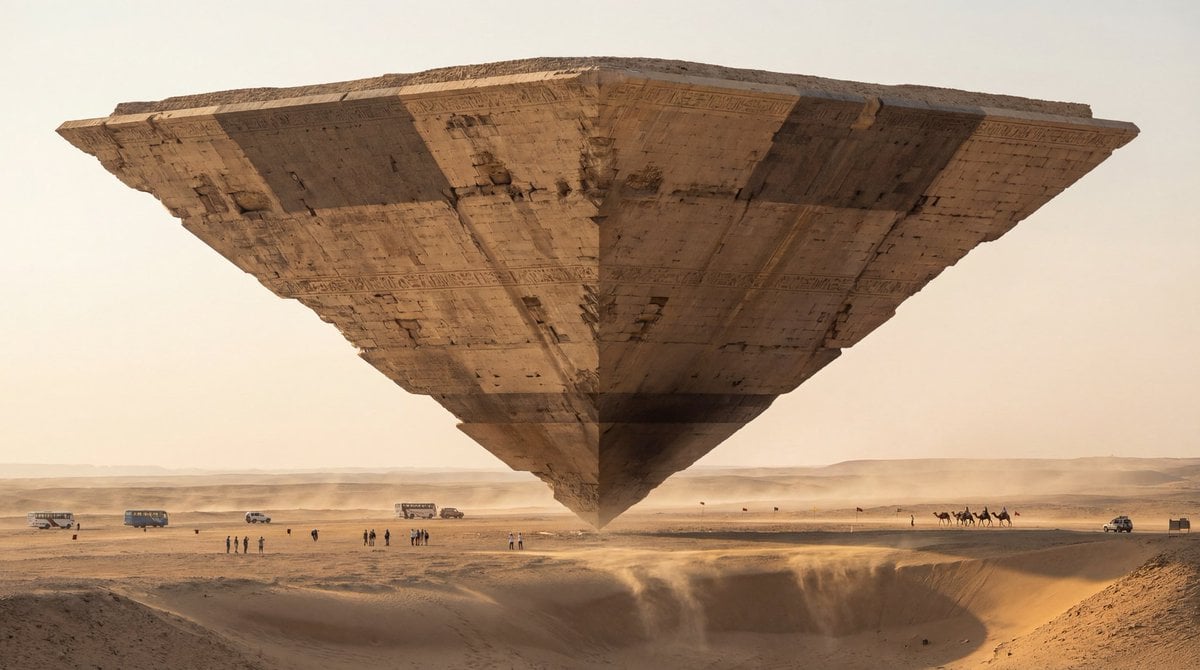
Photorealistic Ultra-Wide Desert Scene with Inverted Pyramid
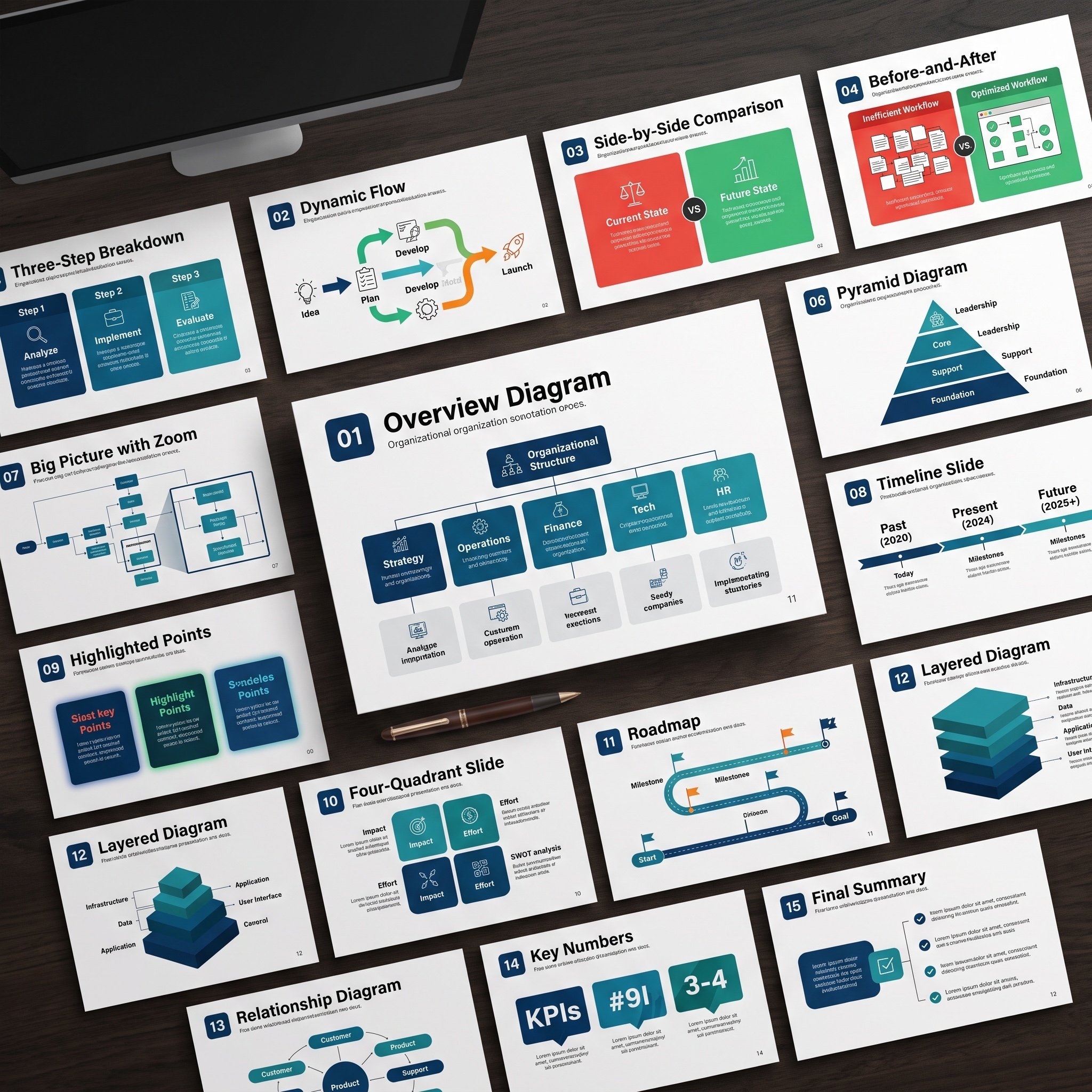
Nano Banana Pro Diagram Generation Prompts (15 Templates)

University Campus Aerial View
Browse template categories
Arms crossed, body angled slightly to the right, head turned slightly questions
How do I use the Arms crossed, body angled slightly to the right, head turned slightly template?
Add your photo if the template asks for one, edit the prompt if you like — the template's model and format are already selected — and press Generate. Your version opens in PicX Studio.
Can I customize the Arms crossed, body angled slightly to the right, head turned slightly template?
Yes. You can change the subject, setting, lighting, mood, format, and available model controls before creating your image.
Is the Arms crossed, body angled slightly to the right, head turned slightly template free?
Opening and editing this template is free. Generating uses credits, shown on the Generate button when you are signed in.
Which AI model should I use?
Start with Nano Banana 2, which is the model associated with this template. You can compare another compatible model for a different finish.
Looking for something else? Browse all templates.

Your photo, any look
Thousands of ready templates for every top image and video model, from one credit balance.