
Standing naturally with hands gently together, looking slightly upward
{ "image_generation": { "subject": { "description": "young woman standing in a lush green mountain valley", "pose": "standing naturally with hands gently together, looking slightly upward", "expression": "calm…
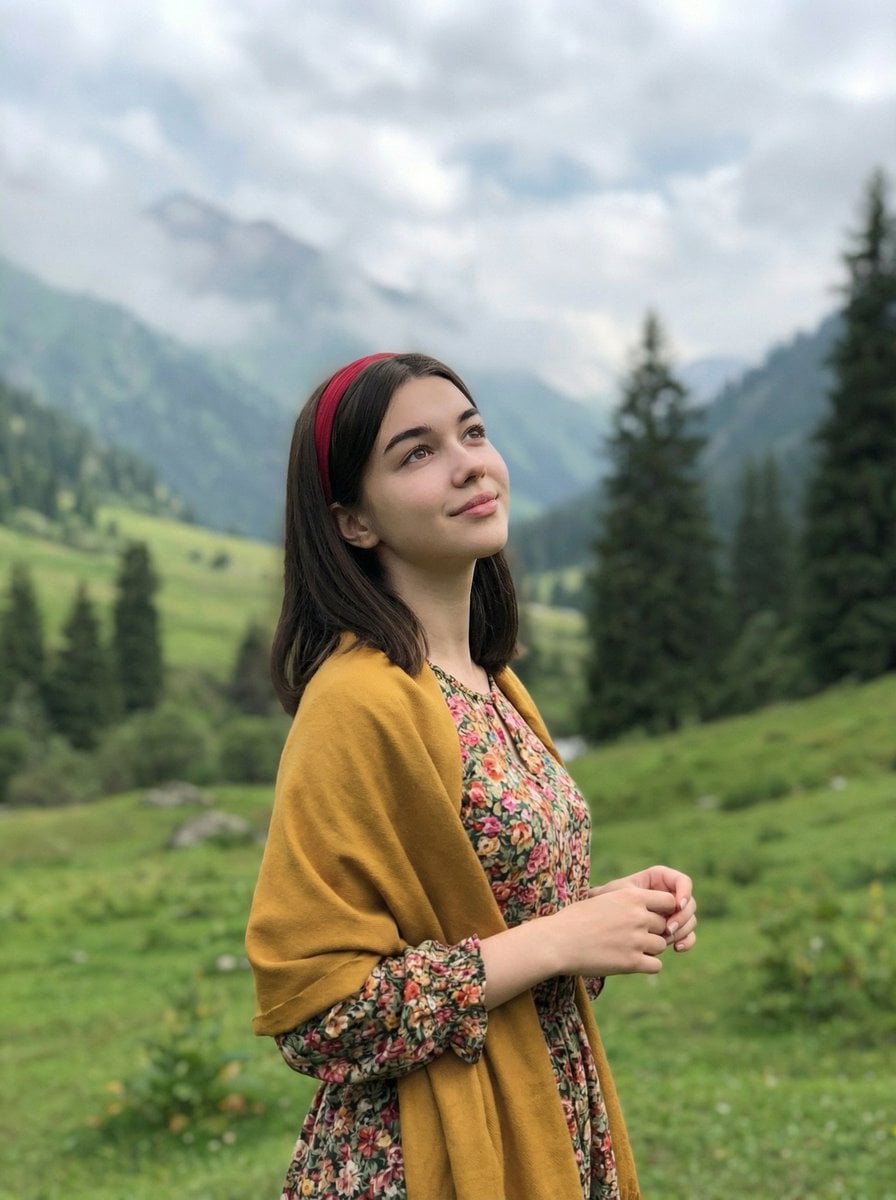
- Prompt included
- Model and format preset
- Free template
The prompt behind this image
Copy the exact prompt behind Standing naturally with hands gently together, looking slightly upward, or open it in the studio and make it yours.
- Image Generation › Subject › Description
- young woman standing in a lush green mountain valley
- Image Generation › Subject › Pose
- standing naturally with hands gently together, looking slightly upward
- Image Generation › Subject › Expression
- calm, peaceful, soft smile
- Image Generation › Subject › Gaze
- looking toward the sky
- Image Generation › Appearance › Hair › Color
- dark brown
- Image Generation › Appearance › Hair › Style
- straight, shoulder-length with a red headband
- Image Generation › Appearance › Face › Skin Tone
- fair and natural
- Image Generation › Appearance › Face › Makeup
- minimal, natural makeup
- Image Generation › Outfit › Top
- traditional patterned dress with colorful floral design
- Image Generation › Outfit › Outerwear
- mustard yellow shawl draped over shoulders
- Image Generation › Environment › Setting
- green mountainous landscape
- Image Generation › Environment › Background Elements
- rolling green hills, tall pine trees, misty mountains, cloudy sky, grassy field
- Image Generation › Lighting › Type
- natural outdoor light
- Image Generation › Lighting › Quality
- soft and diffused
- Image Generation › Lighting › Time
- daytime
- Image Generation › Camera › Angle
- eye-level
- Image Generation › Camera › Framing
- mid shot
- Image Generation › Camera › Depth Of Field
- moderate, background softly blurred
- Image Generation › Aesthetic › Style
- natural lifestyle photography
- Image Generation › Aesthetic › Vibe
- peaceful, fresh, scenic
- Image Generation › Aesthetic › Color Palette
- green, mustard yellow, earthy tones
- Image Generation › Quality › Resolution
- high
- Image Generation › Quality › Realism
- photorealistic
- Image Generation › Quality › Detail
- high detail
Raw JSON
{
  "image_generation": {
    "subject": {
      "description": "young woman standing in a lush green mountain valley",
      "pose": "standing naturally with hands gently together, looking slightly upward",
      "expression": "calm, peaceful, soft smile",
      "gaze": "looking toward the sky"
    },
    "appearance": {
      "hair": {
        "color": "dark brown",
        "style": "straight, shoulder-length with a red headband"
      },
      "face": {
        "skin_tone": "fair and natural",
        "makeup": "minimal, natural makeup"
      }
    },
    "outfit": {
      "top": "traditional patterned dress with colorful floral design",
      "outerwear": "mustard yellow shawl draped over shoulders"
    },
    "environment": {
      "setting": "green mountainous landscape",
      "background_elements": [
        "rolling green hills",
        "tall pine trees",
        "misty mountains",
        "cloudy sky",
        "grassy field"
      ]
    },
    "lighting": {
      "type": "natural outdoor light",
      "quality": "soft and diffused",
      "time": "daytime"
    },
    "camera": {
      "angle": "eye-level",
      "framing": "mid shot",
      "depth_of_field": "moderate, background softly blurred"
    },
    "aesthetic": {
      "style": "natural lifestyle photography",
      "vibe": "peaceful, fresh, scenic",
      "color_palette": "green, mustard yellow, earthy tones"
    },
    "quality": {
      "resolution": "high",
      "realism": "photorealistic",
      "detail": "high detail"
    }
  }
}How to use Standing naturally with hands gently together, looking slightly upward in 3 steps
- 1
Open
The prompt is already in the box next to the preview, with the template's model and format selected.
- 2…a portrait of your subject in softgolden-hour light, 85mm…
Personalize
Edit the subject and creative details for your destination.
- 3Generate
Generate
Press Generate — your image is created in PicX Studio, so you can compare it with the original and refine one variable at a time.
More like this
Templates with the same subject, style or setup. Open one to see its prompt.
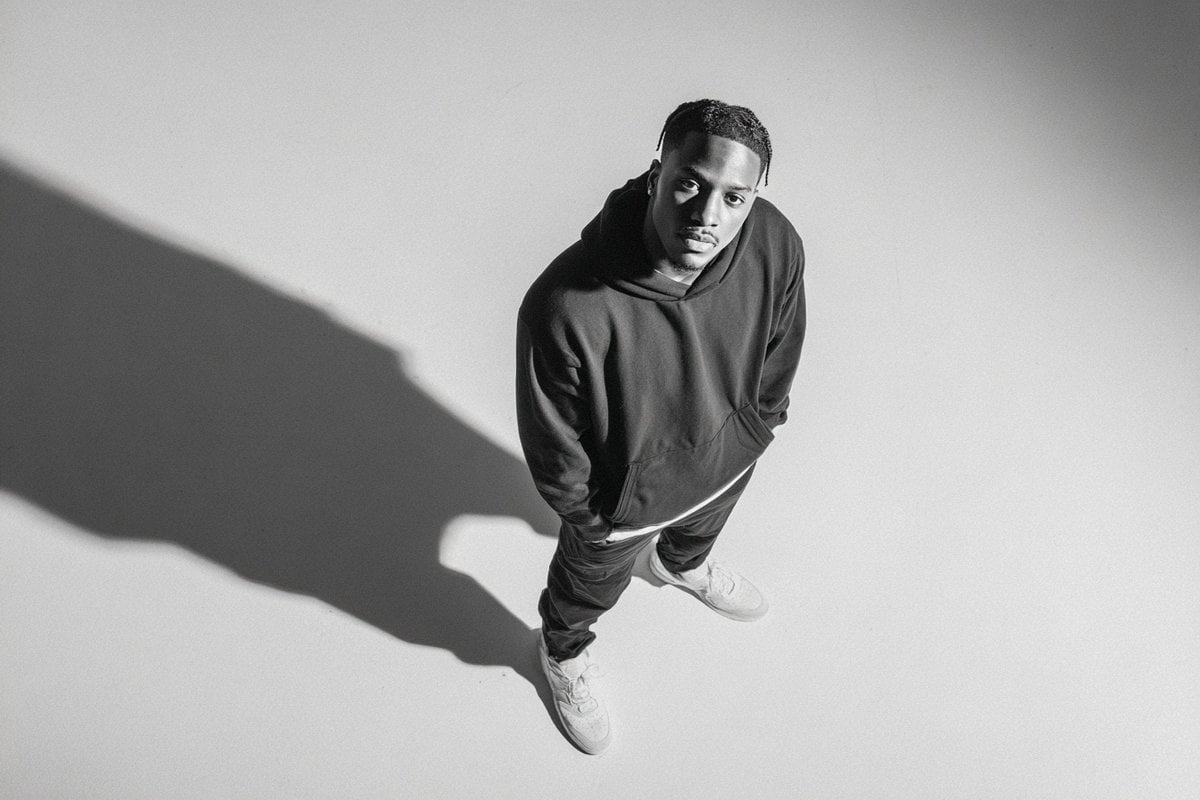
A photographed from a 35-degree overhead angle, standing alone
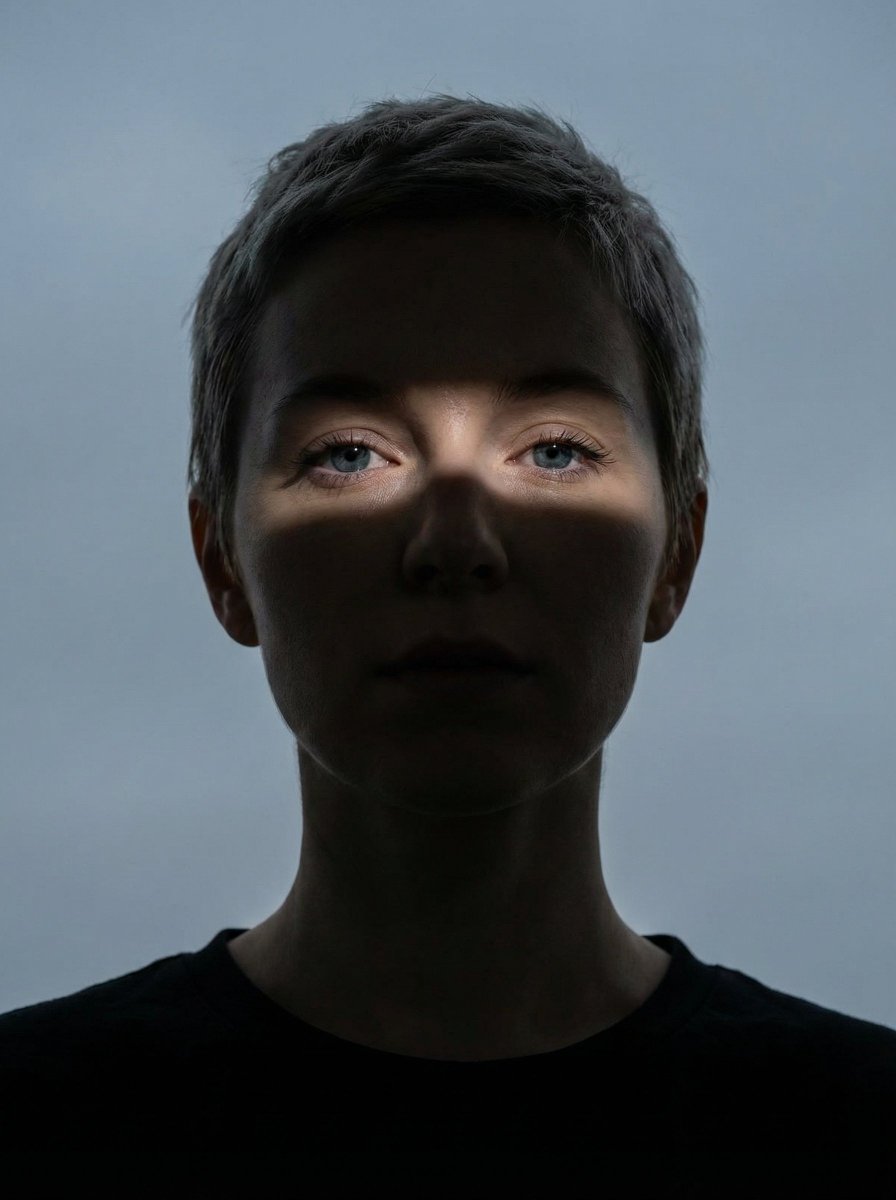
Close-up portrait of a woman Same face as reference image looking
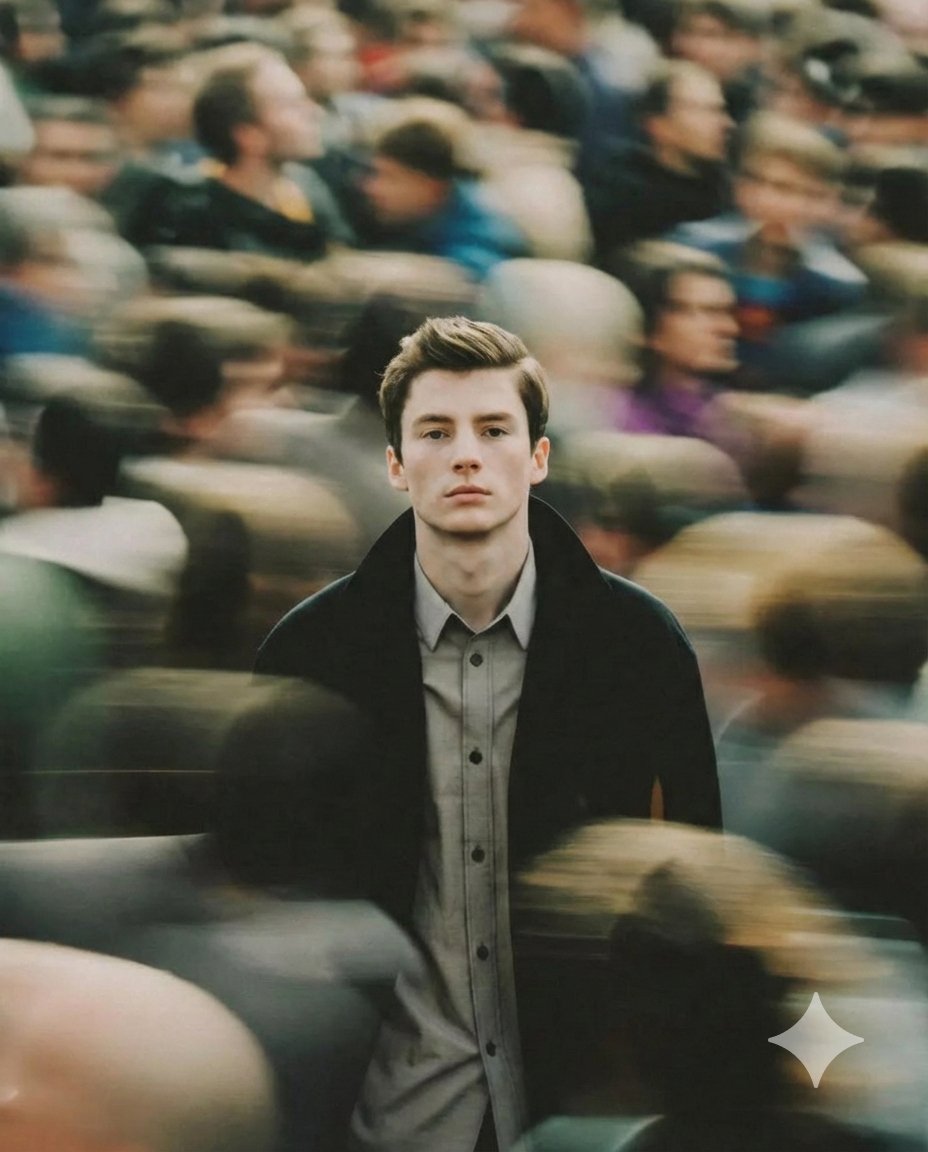
A cinematic portrait of a young man standing still in the middle
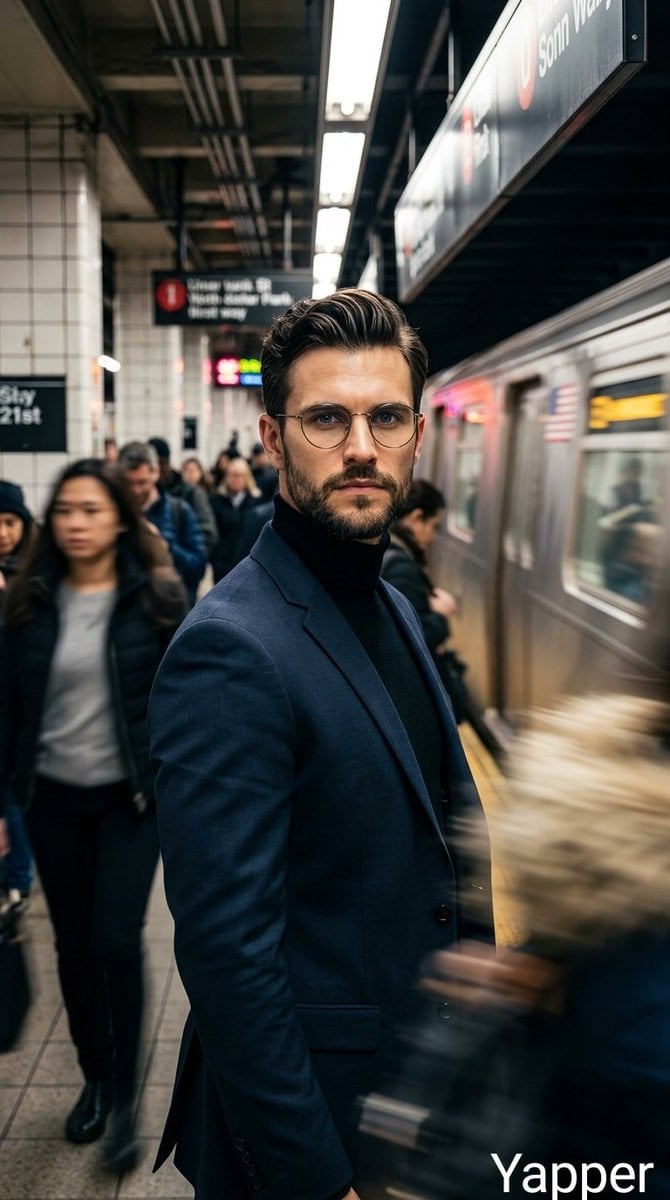
Cinematic portrait of a stylish man standing on a busy subway platform
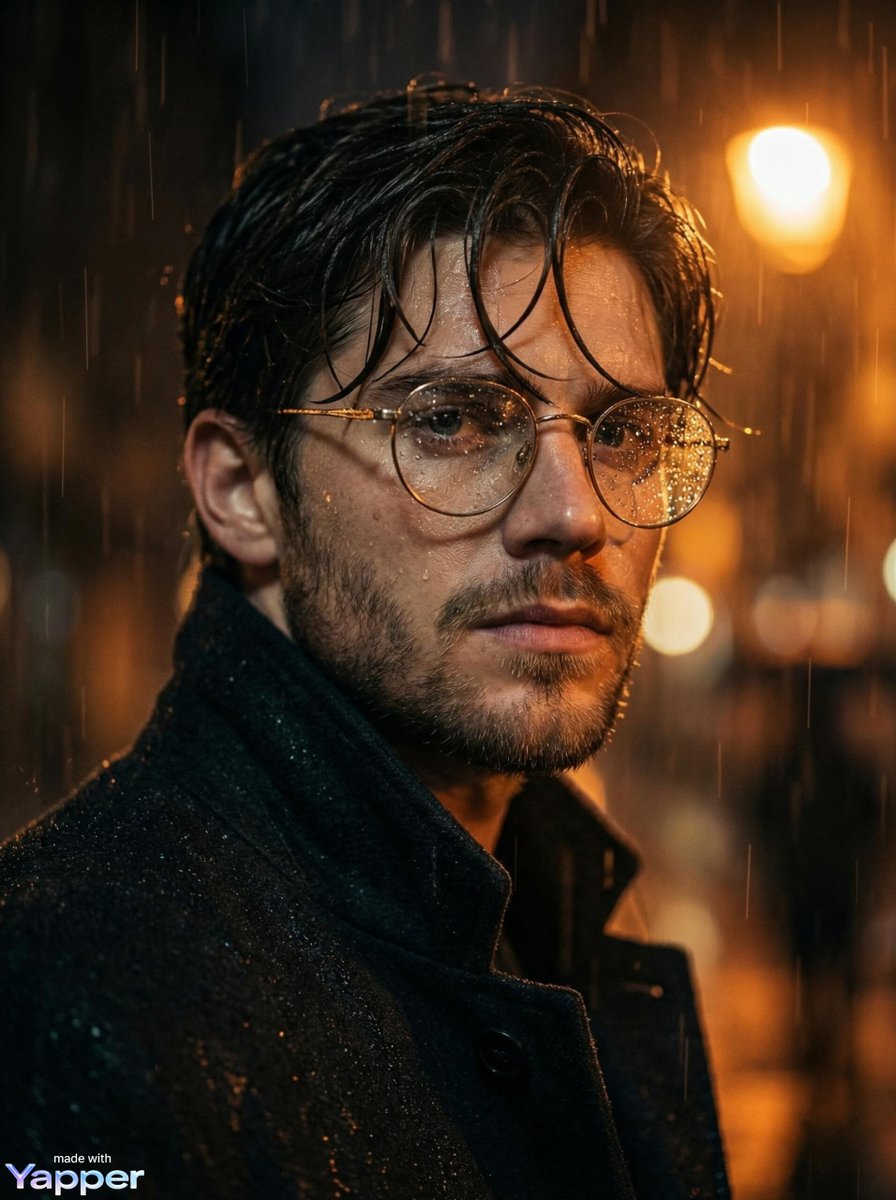
Cinematic close-up portrait of a young man standing in heavy rain

Dramatic, digital painting-style portrait of a male footballer looking
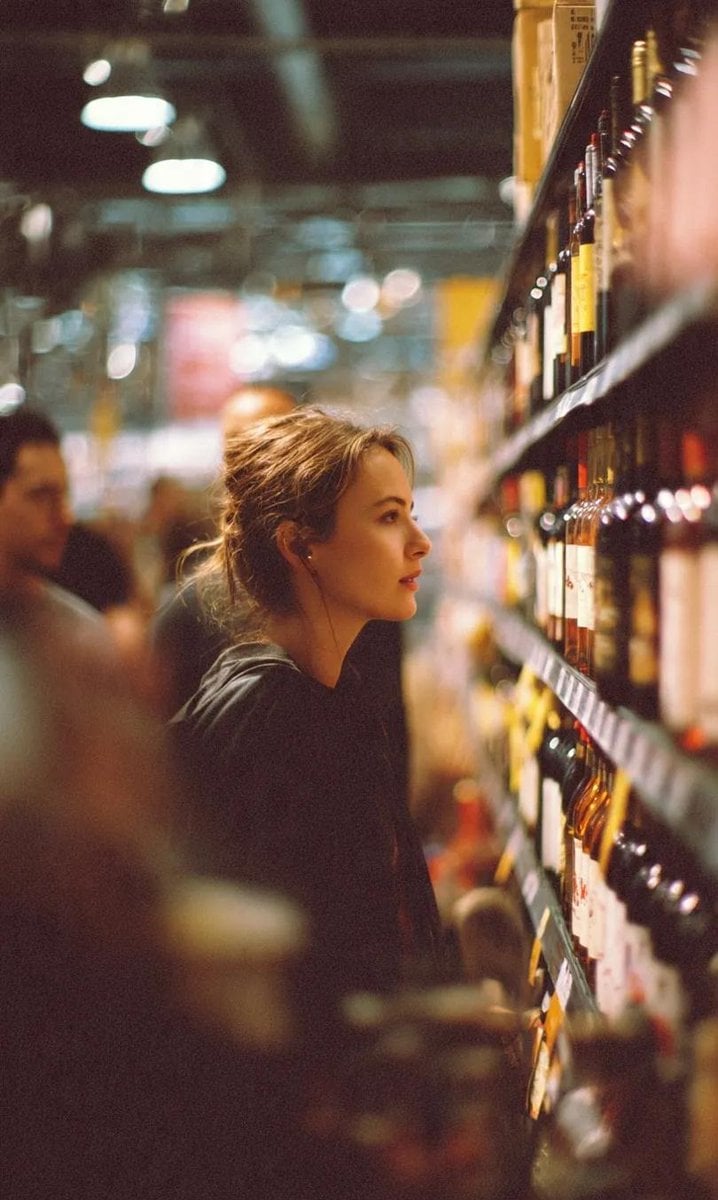
A cinematic side-profile portrait of a young woman standing in a grocery
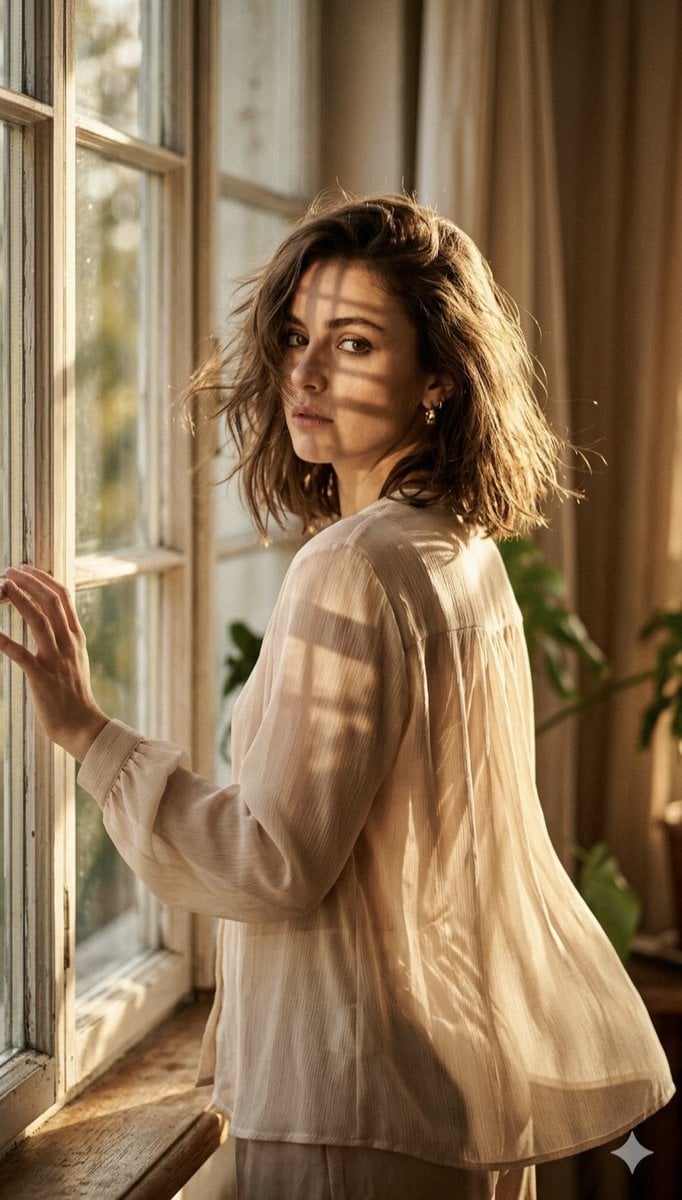
A high-fashion editorial portrait of a young woman standing by a large
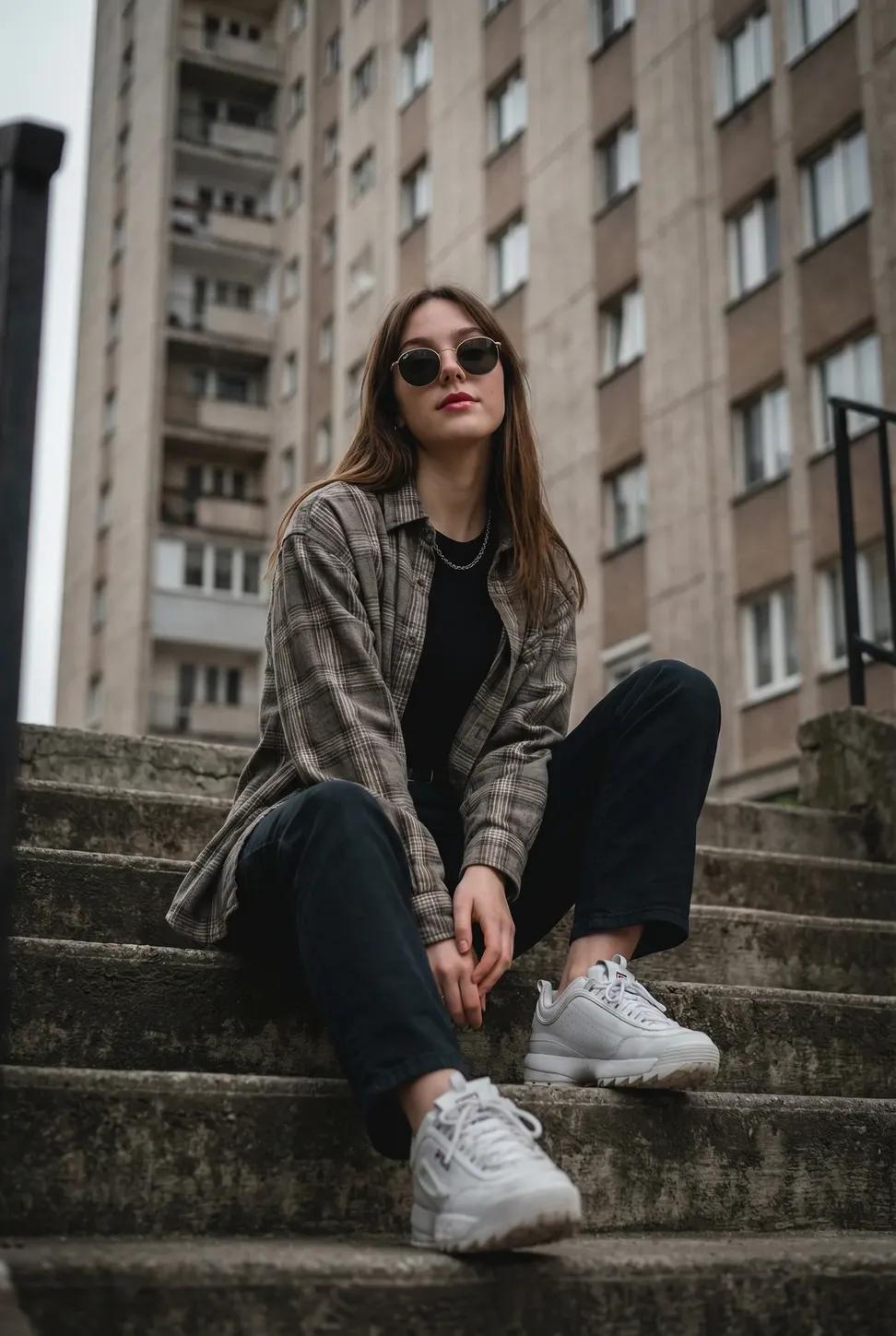
Low-angle shot looking up at the subject, emphasizing the height
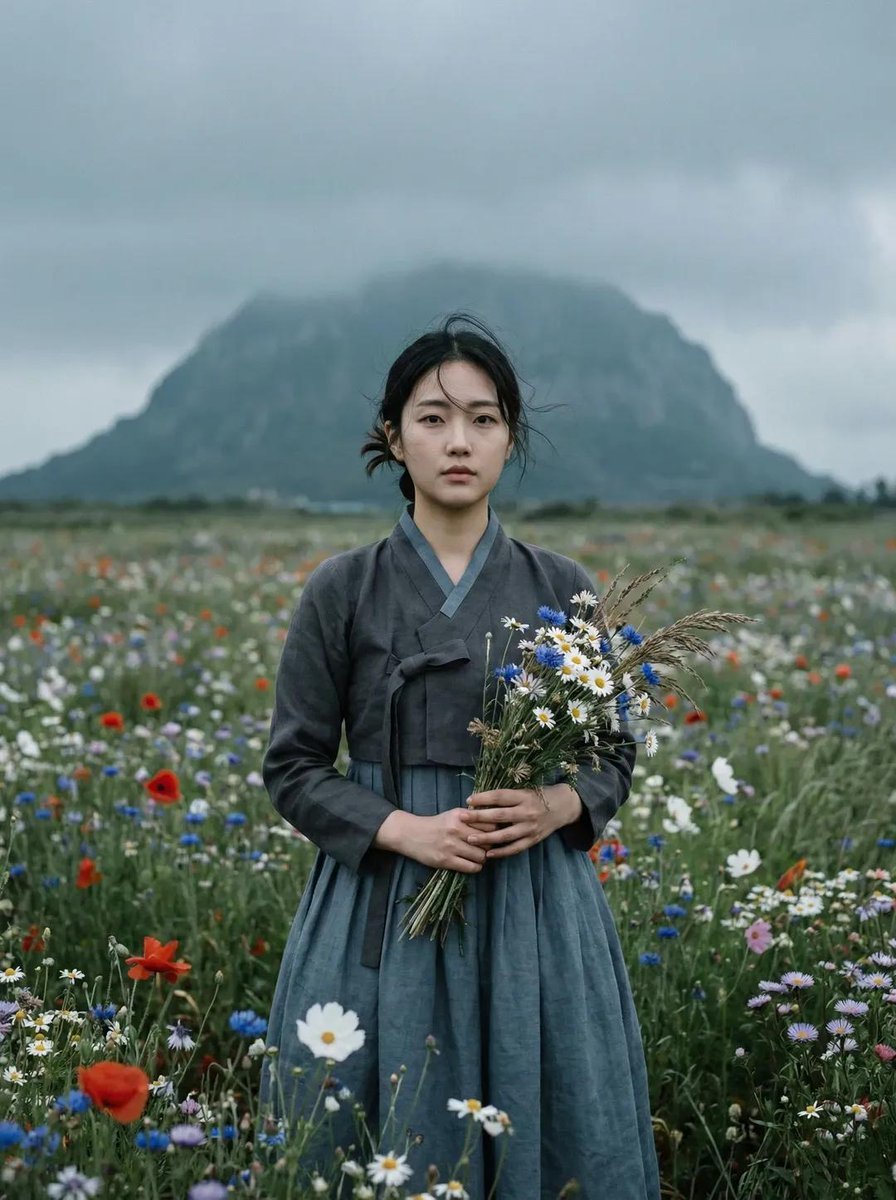
Ultra-realistic cinematic portrait of a young East Asian woman standing
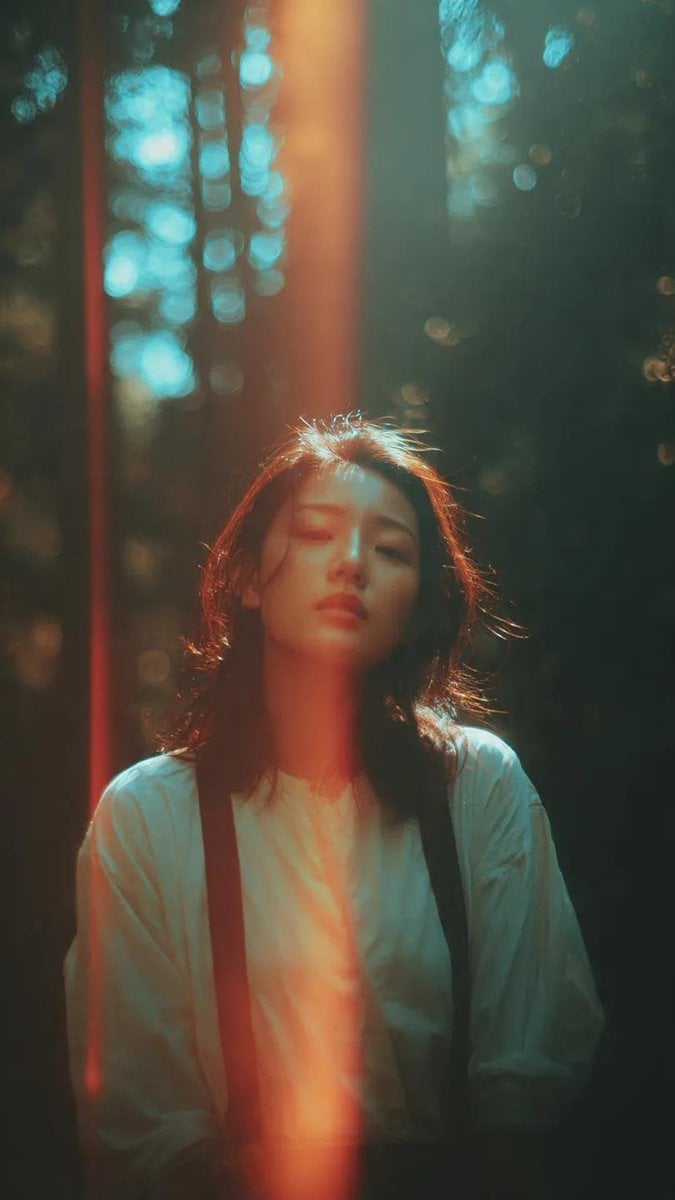
A cinematic portrait of an Asian woman standing in a quiet forest
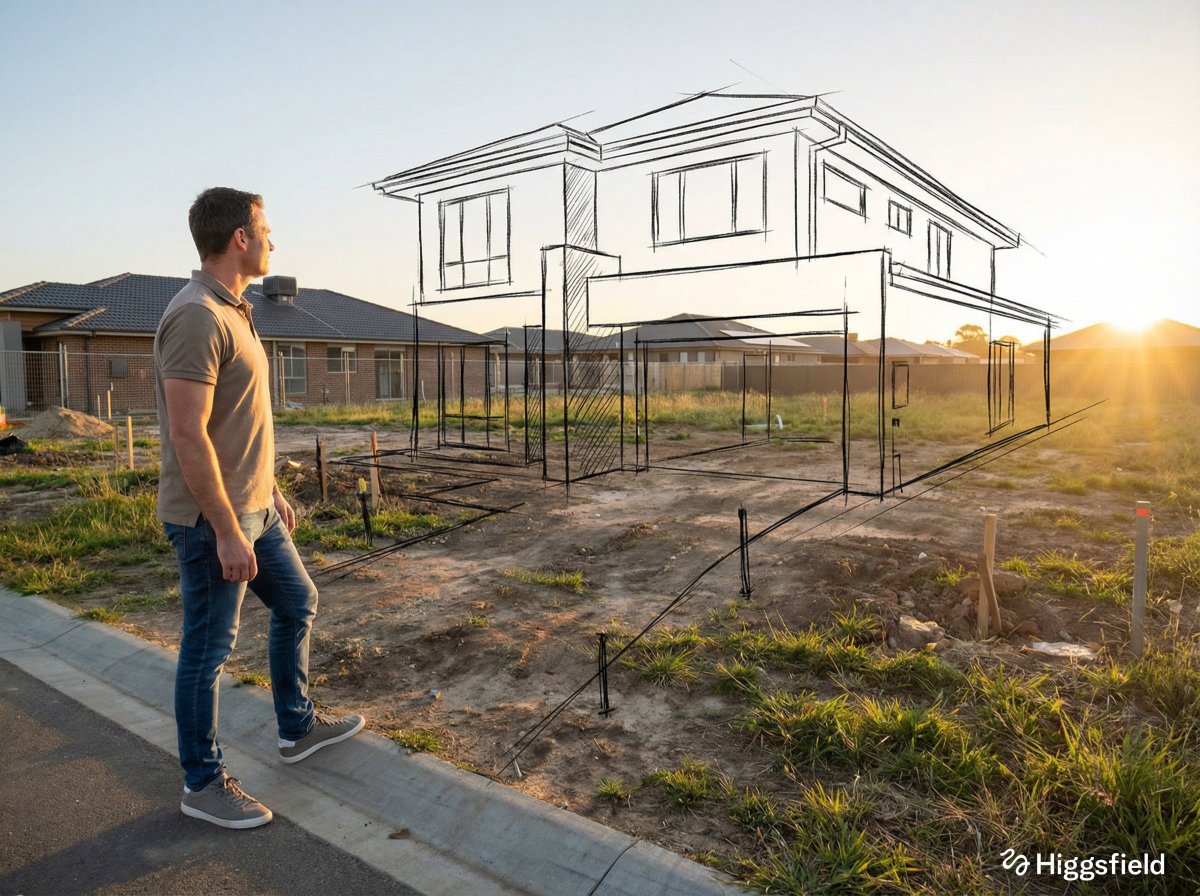
A standing full-body near the edge of the frame, slightly to the left
Make it yours
Standing naturally with hands gently together, looking slightly upward works as-is. These are the safest ways to change it without losing the look.
Swap the setting
Keep the rest of the prompt and replace the location block. The current setting is “green mountainous landscape”.
Swap the light
One lighting change is enough to compare takes. Current light: “natural outdoor light”.
Change one field
Copy a single group, rewrite it, and generate again so you can see what that field is doing.
| If the result… | Why | Fix |
|---|---|---|
| The result drifts from the preview | Too many fields changed at once. | Reuse Standing naturally with hands gently together, looking slightly upward as-is first, then change one group — subject, light, or setting. |
| Nano Banana 2 ignores part of the JSON | Some models flatten or skip nested keys. | Keep the same values and paste them as a short paragraph instead. |
More Nano Banana 2 templates
Other prompts made for Nano Banana 2.

Photorealistic Leaf Shaped Like a Dragon

K-Pop Idol Portrait Grid for Rapid Selection

Poetic Rain Forest Portrait During Golden Hour

Urban Street Portrait with Cartoon Inner Self Duo

Candid Nighttime Photo with Cat Prompt

High-Concept 3D Diorama Generation Prompt

Cinematic Futuristic Studio Portrait Template

Skincare Editorial Photography Collage Prompt

Hyper-Realistic Commercial Product Photography (Splash Effect)

Hyper-Realistic Nightclub Portrait Prompt
More image prompts
Fresh picks from across the catalog.
Detailed Character Prompt: Vampire Girl with Werewolves
Gothic Elegance Fine-Art Editorial Portrait
Gpt2 Time Magazine Cover
Seedance 2.0 Waiting Line Poster
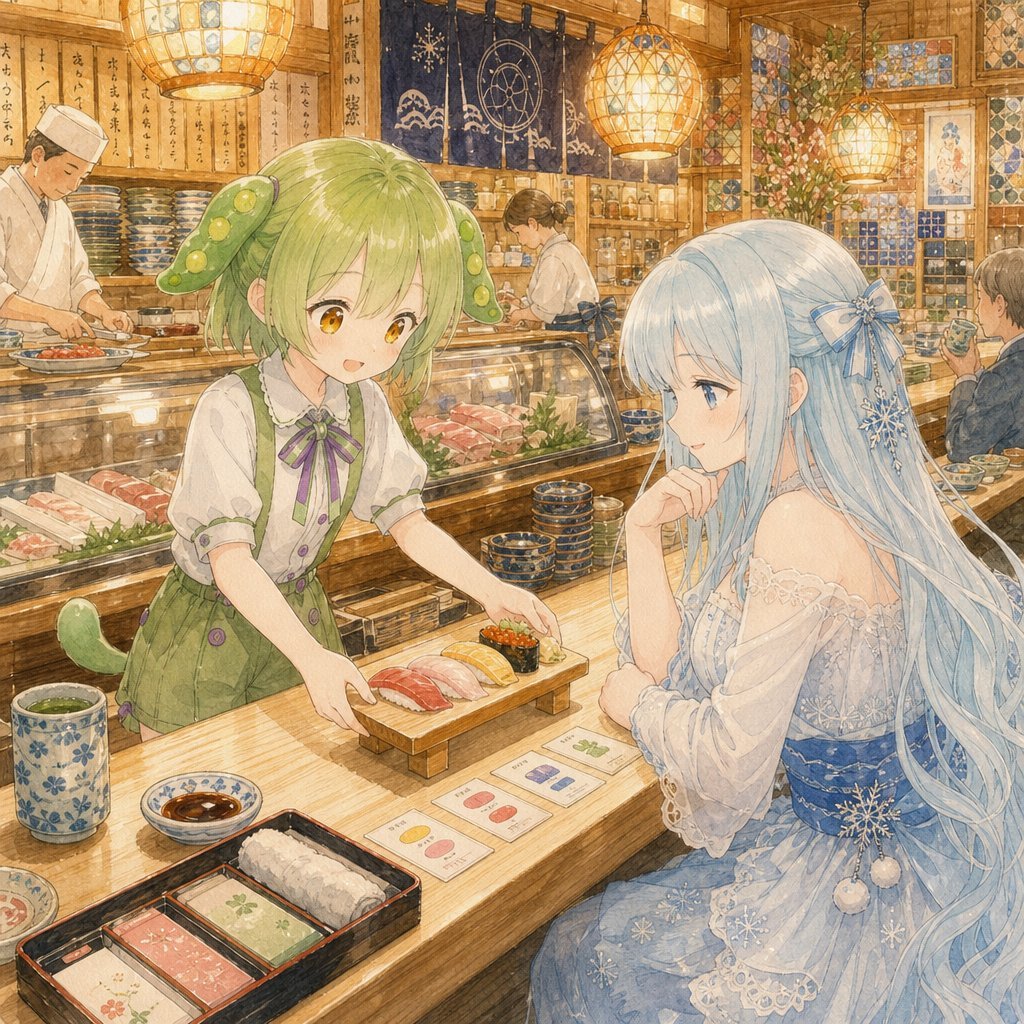
Anime Sushi Bar Transformation
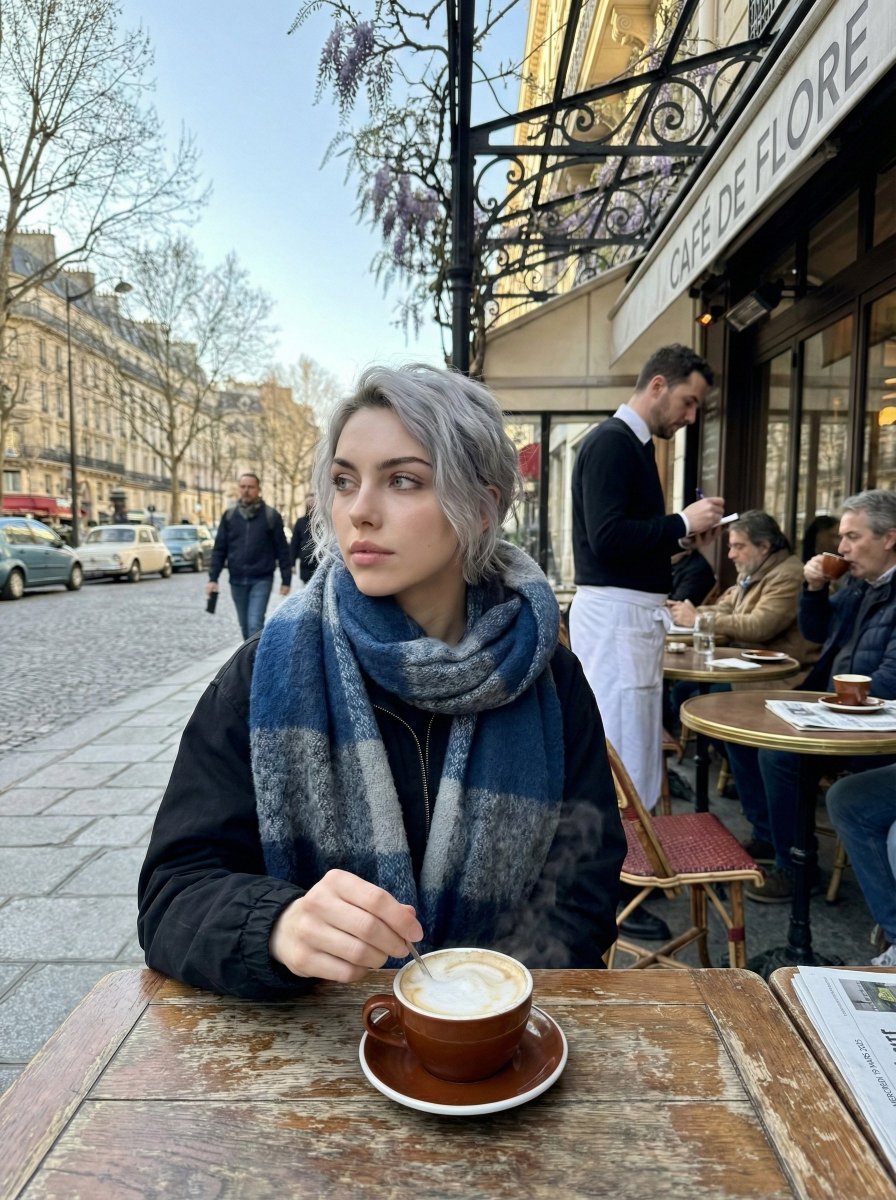
Paris Marais cafe terrace portrait prompt

Matrix Digital Void Product Shot
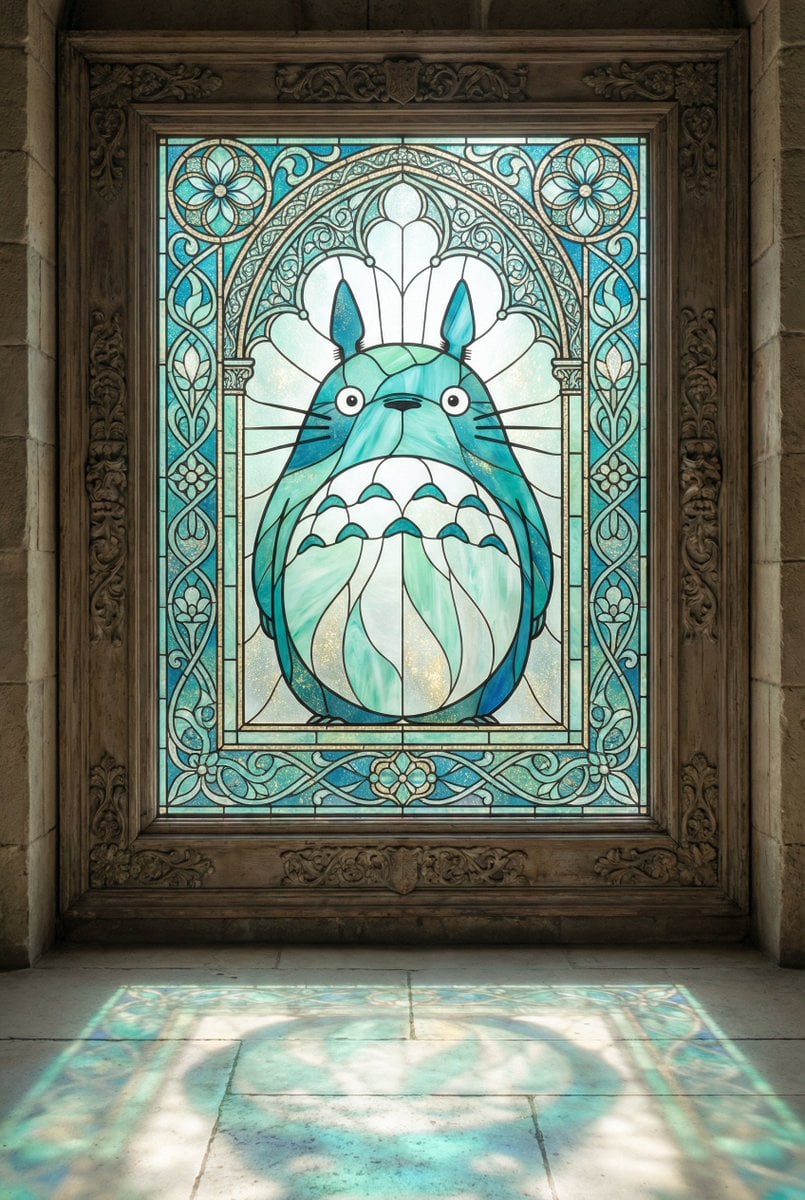
Stained Glass Window Art Prompt
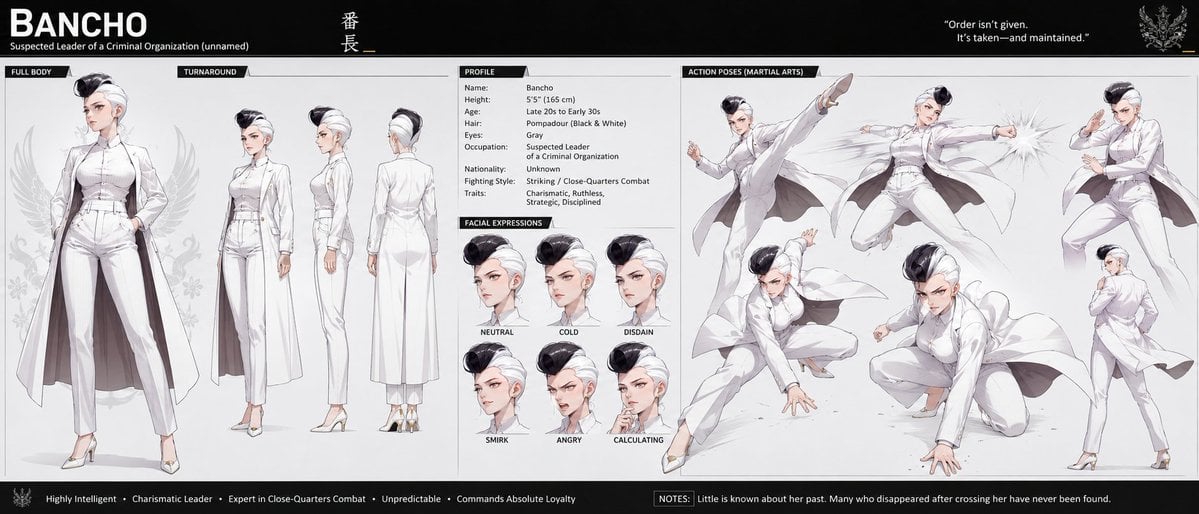
Bancho Anime Character Dossier

Food Delivery App UI Prompt
Browse template categories
Standing naturally with hands gently together, looking slightly upward questions
How do I use the Standing naturally with hands gently together, looking slightly upward template?
Add your photo if the template asks for one, edit the prompt if you like — the template's model and format are already selected — and press Generate. Your version opens in PicX Studio.
Can I customize the Standing naturally with hands gently together, looking slightly upward template?
Yes. You can change the subject, setting, lighting, mood, format, and available model controls before creating your image.
Is the Standing naturally with hands gently together, looking slightly upward template free?
Opening and editing this template is free. Generating uses credits, shown on the Generate button when you are signed in.
Which AI model should I use?
Start with Nano Banana 2, which is the model associated with this template. You can compare another compatible model for a different finish.
Looking for something else? Browse all templates.

Your photo, any look
Thousands of ready templates for every top image and video model, from one credit balance.