
Stained Glass Window Art Prompt
A Nano Banana prompt template for generating a masterpiece-level stained glass window image set within an ancient castle.
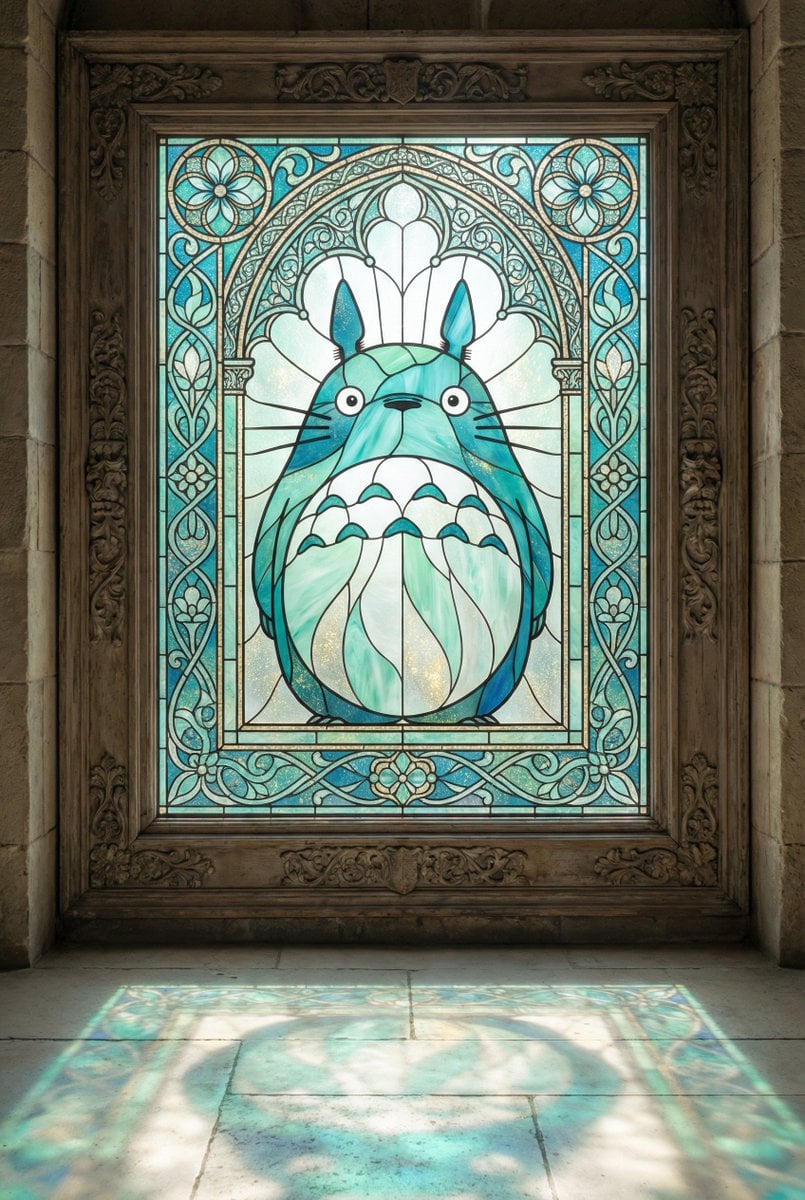
- Prompt included
- Model and format preset
- Free template
The prompt behind this image
Copy the exact prompt behind Stained Glass Window Art Prompt, or open it in the studio and make it yours.
Masterpiece-level stained glass window in ancient castle: {argument name="主题场景" default="[主题场景/角色]"}, 90-degree frontal view. Created as an exquisite stained glass window in an ancient castle. Ultra-fine translucent stained glass etching with exceptional smooth, flowing, and graceful line work. [主体定位描述]. Surrounding the main scene are ornate decorative elements - {argument name="装饰元素" default="[装饰元素描述]"} that complement the theme. Delicate black lead lines separating precisely colored glass pieces. Soft sunlight creates ethereal, luminous glow. Palette: {argument name="调色板" default="Turquoise, Deep Blue, Mint Green, White, with delicate gold dust"}. [细节描述]. Light transmission creates radial patterns. Window frame with carved ornamental details. Ultra-detailed craftsmanship, museum masterpiece quality. 2K resolution, hyper-realistic glass texture rendering.
How to use Stained Glass Window Art Prompt in 3 steps
- 1
Open
The prompt is already in the box next to the preview, with the template's model and format selected.
- 2…a portrait of your subject in softgolden-hour light, 85mm…
Personalize
Edit the subject and creative details for your destination.
- 3Generate
Generate
Press Generate — your image is created in PicX Studio, so you can compare it with the original and refine one variable at a time.
More like this
Templates with the same subject, style or setup. Open one to see its prompt.

Rainy Café Window Moody Portrait

Cinematic Glass Brand Logo Volcanic Landscape

Christmas Ornament Portrait Glossy Glass Resin Finish with Hand Painted Details Holiday Lighting
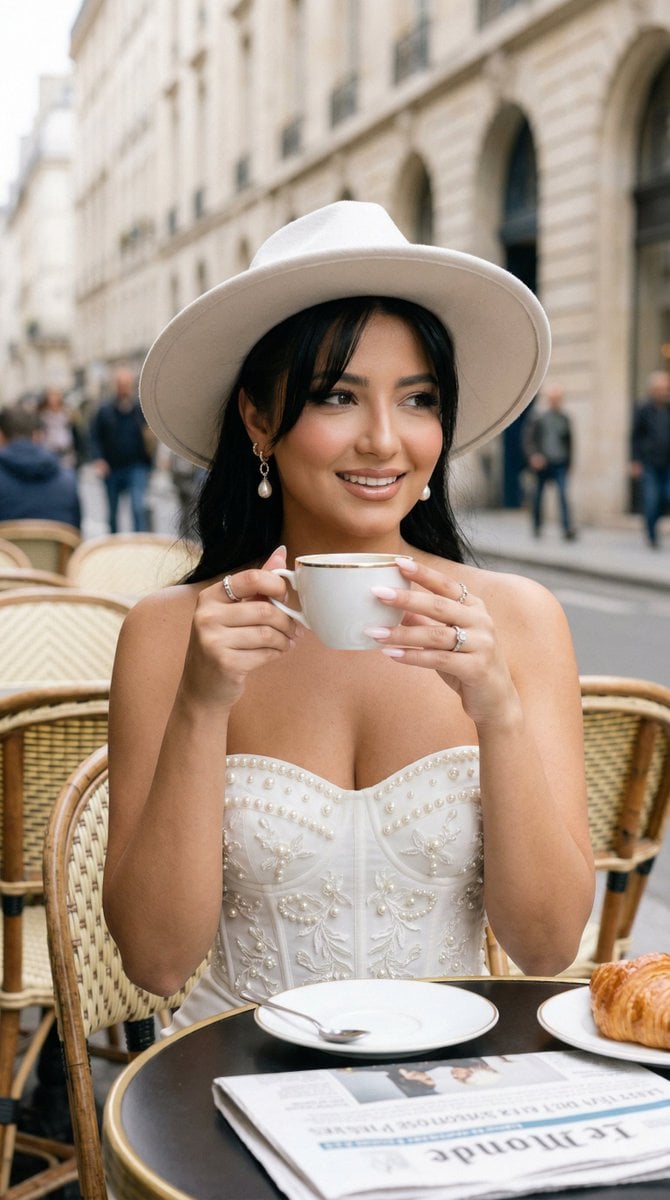
Nano Banana - Window Wine Red Dress
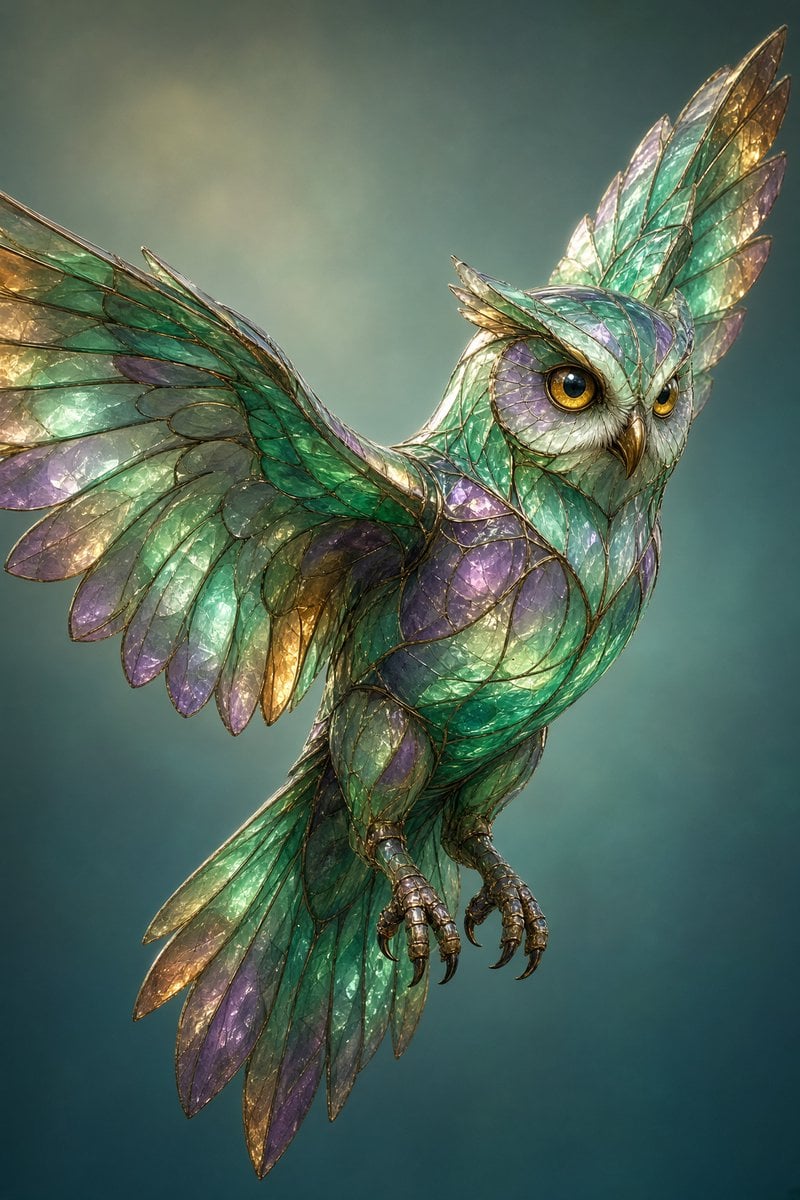
Stained Glass Flying Owl
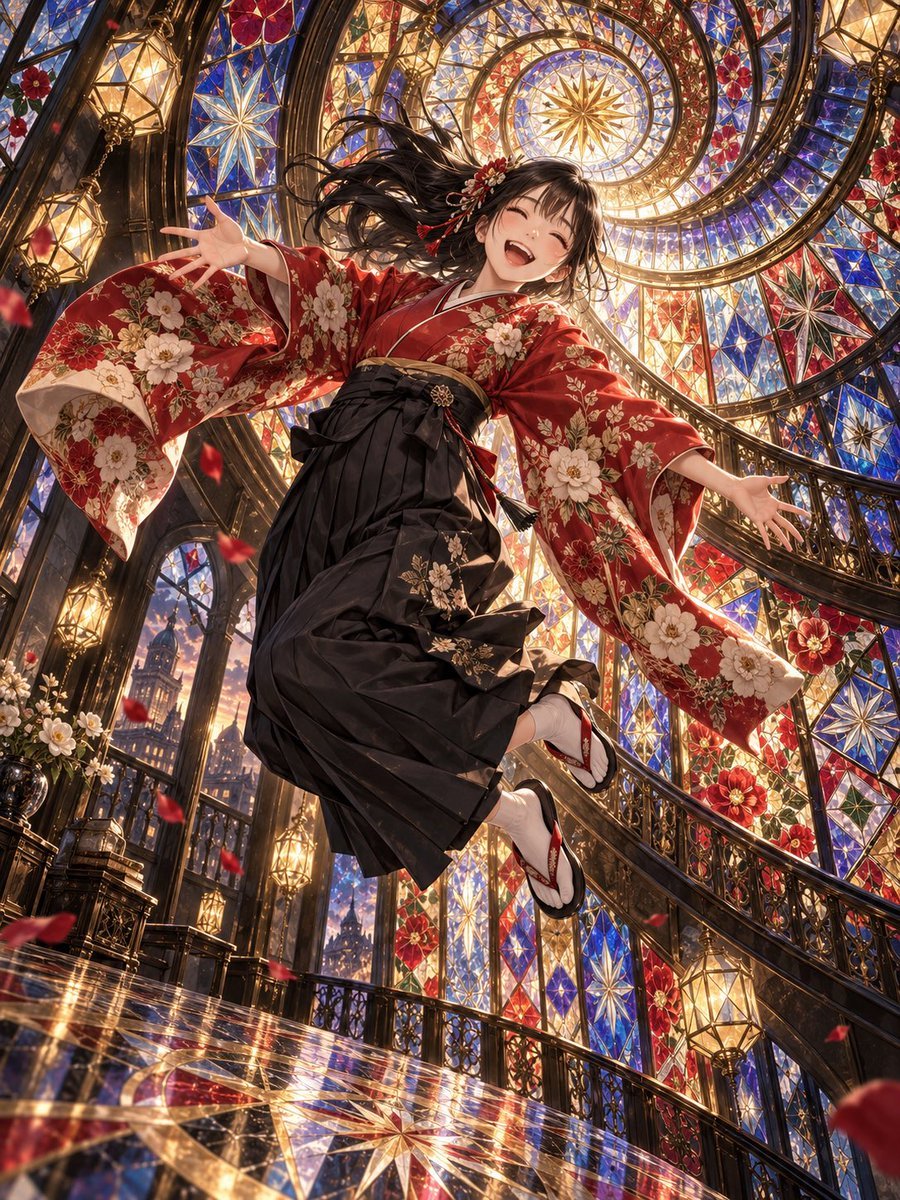
Floating Kimono Girl in Stained Glass Hall
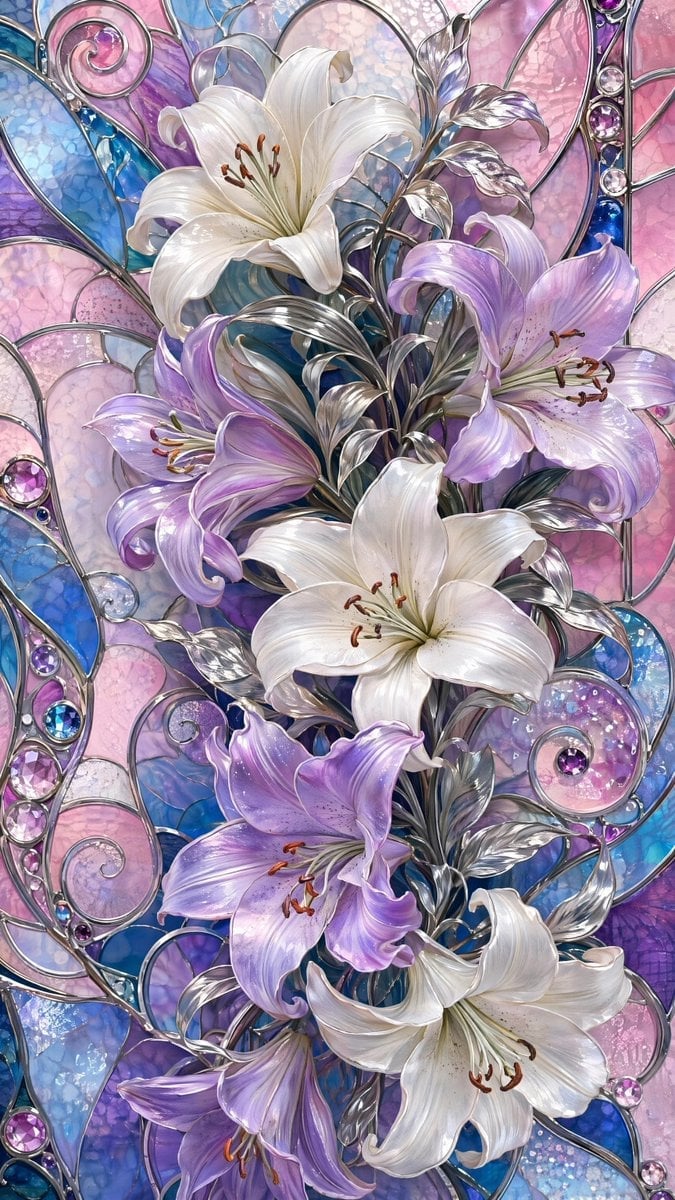
Ornate Lily Stained Glass
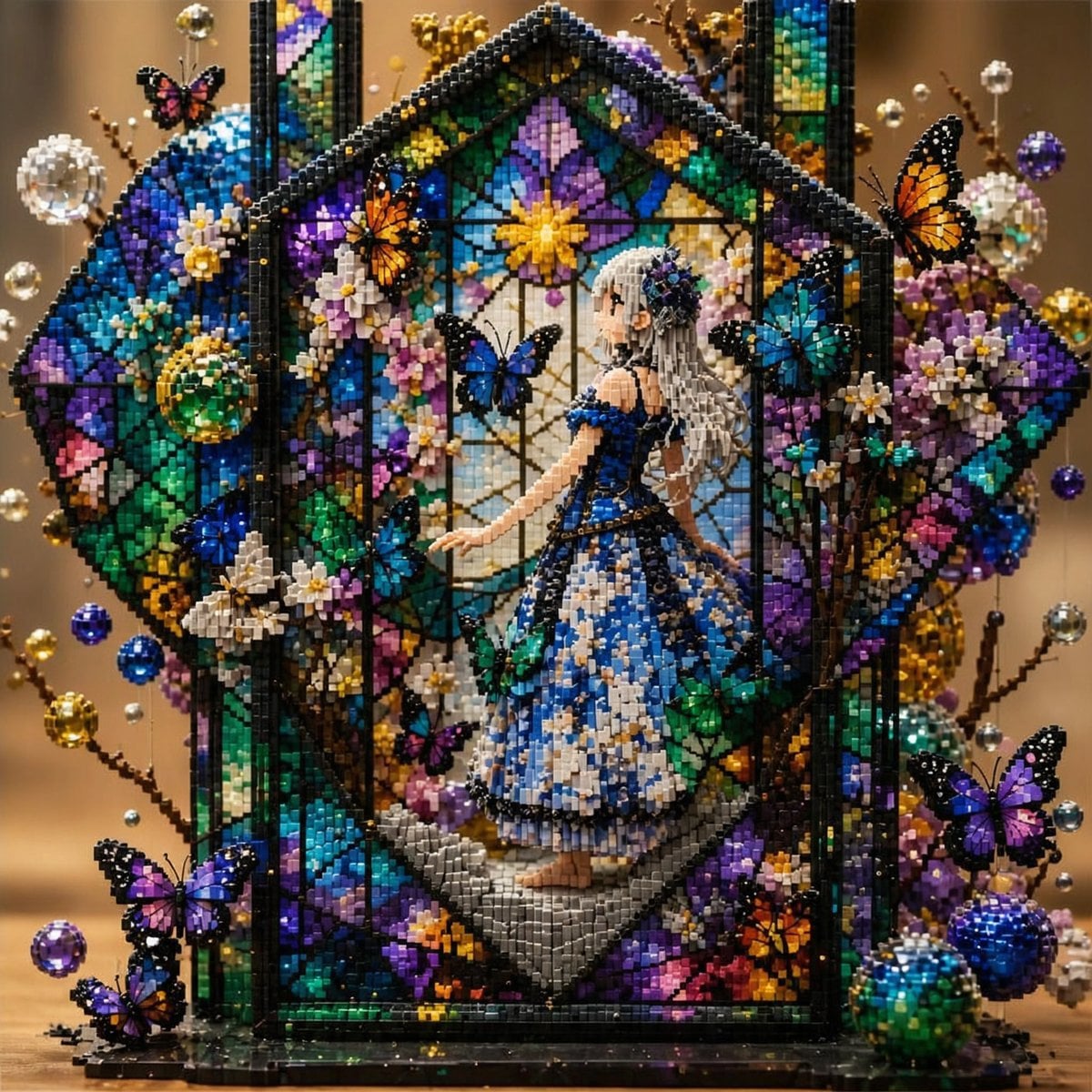
Block Mosaic Stained Glass Girl

Anime Stained Glass Prayer
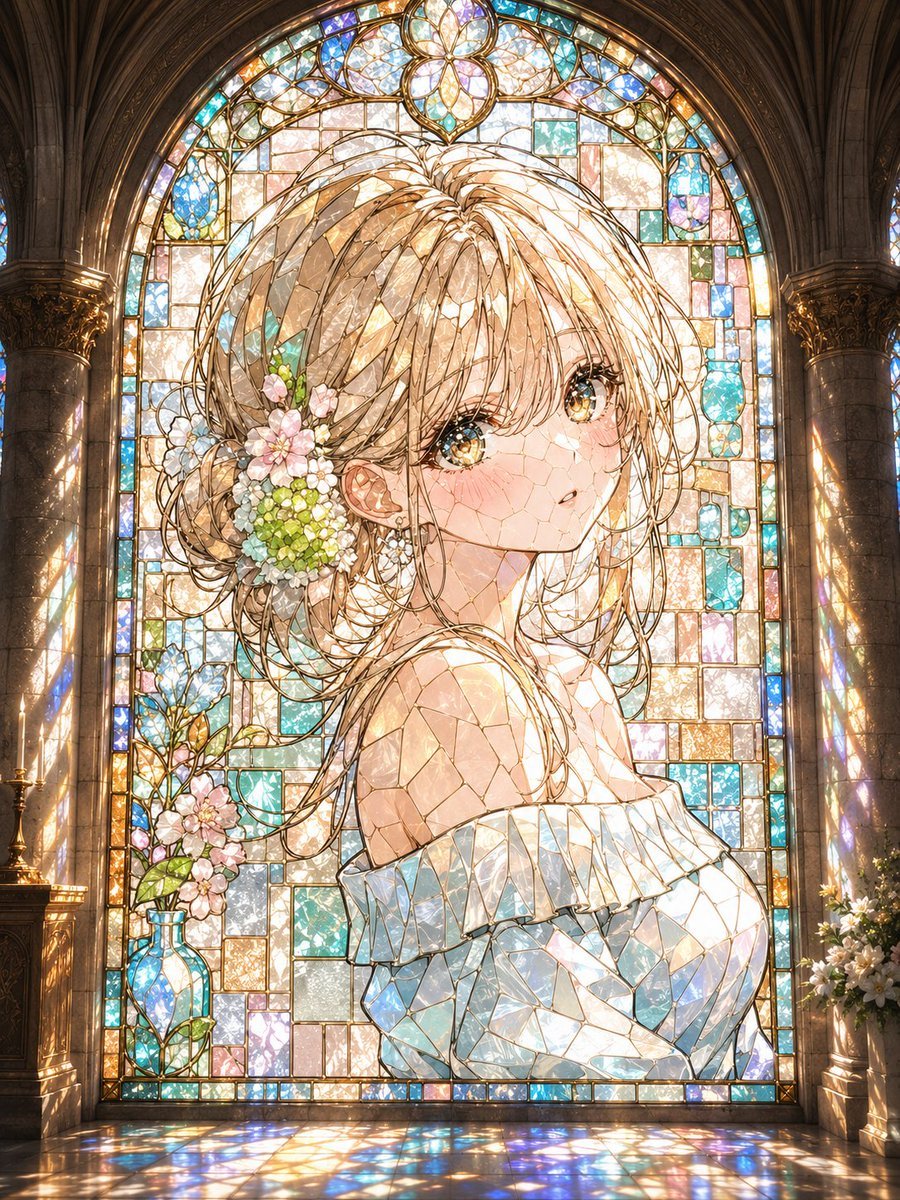
Anime Stained Glass Cathedral Portrait

Gothic Stained-Glass Mecha Portrait
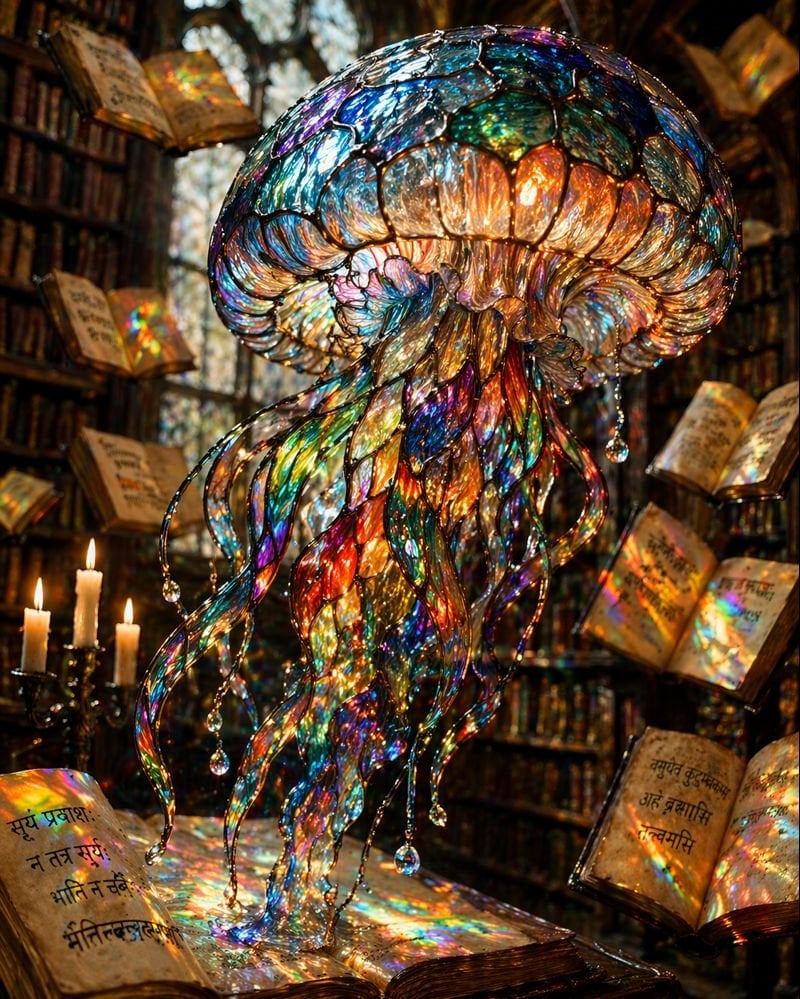
Macro Stained Glass Jellyfish
Make it yours
Stained Glass Window Art Prompt works as-is. These are the safest ways to change it without losing the look.
Change one field
Copy a single group, rewrite it, and generate again so you can see what that field is doing.
Keep the frame, change the subject
Hold the composition and light of Stained Glass Window Art Prompt, then swap wardrobe, props or the person for a new take.
| If the result… | Why | Fix |
|---|---|---|
| The result drifts from the preview | Too many fields changed at once. | Reuse Stained Glass Window Art Prompt as-is first, then change one group — subject, light, or setting. |
| The model over-stylizes the scene | The prose prompt leaves finish and camera underspecified. | Add one camera or lighting sentence and stay on Nano Banana 2. |
More Nano Banana 2 templates
Other prompts made for Nano Banana 2.

Photorealistic Leaf Shaped Like a Dragon

K-Pop Idol Portrait Grid for Rapid Selection

Poetic Rain Forest Portrait During Golden Hour

Urban Street Portrait with Cartoon Inner Self Duo

Candid Nighttime Photo with Cat Prompt

High-Concept 3D Diorama Generation Prompt

Cinematic Futuristic Studio Portrait Template

Skincare Editorial Photography Collage Prompt

Hyper-Realistic Commercial Product Photography (Splash Effect)

Hyper-Realistic Nightclub Portrait Prompt
More image prompts
Fresh picks from across the catalog.
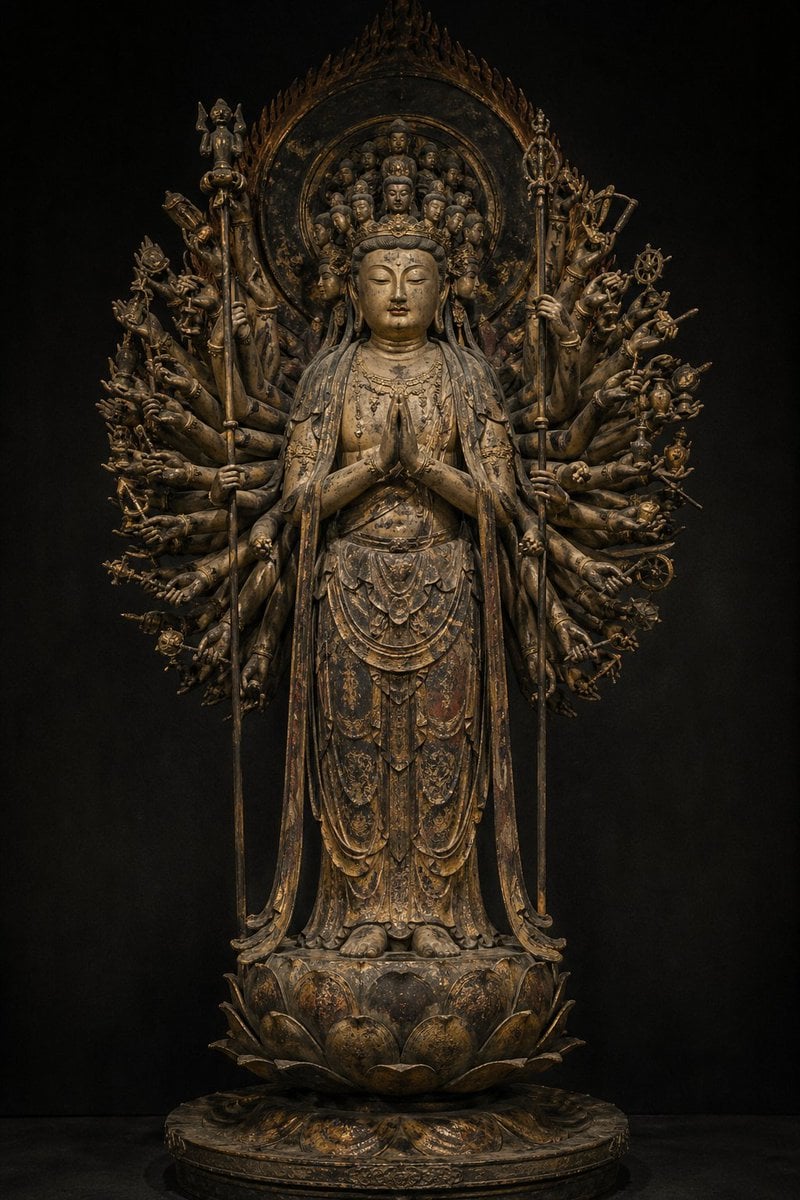
Traditional Japanese Buddhist Statue
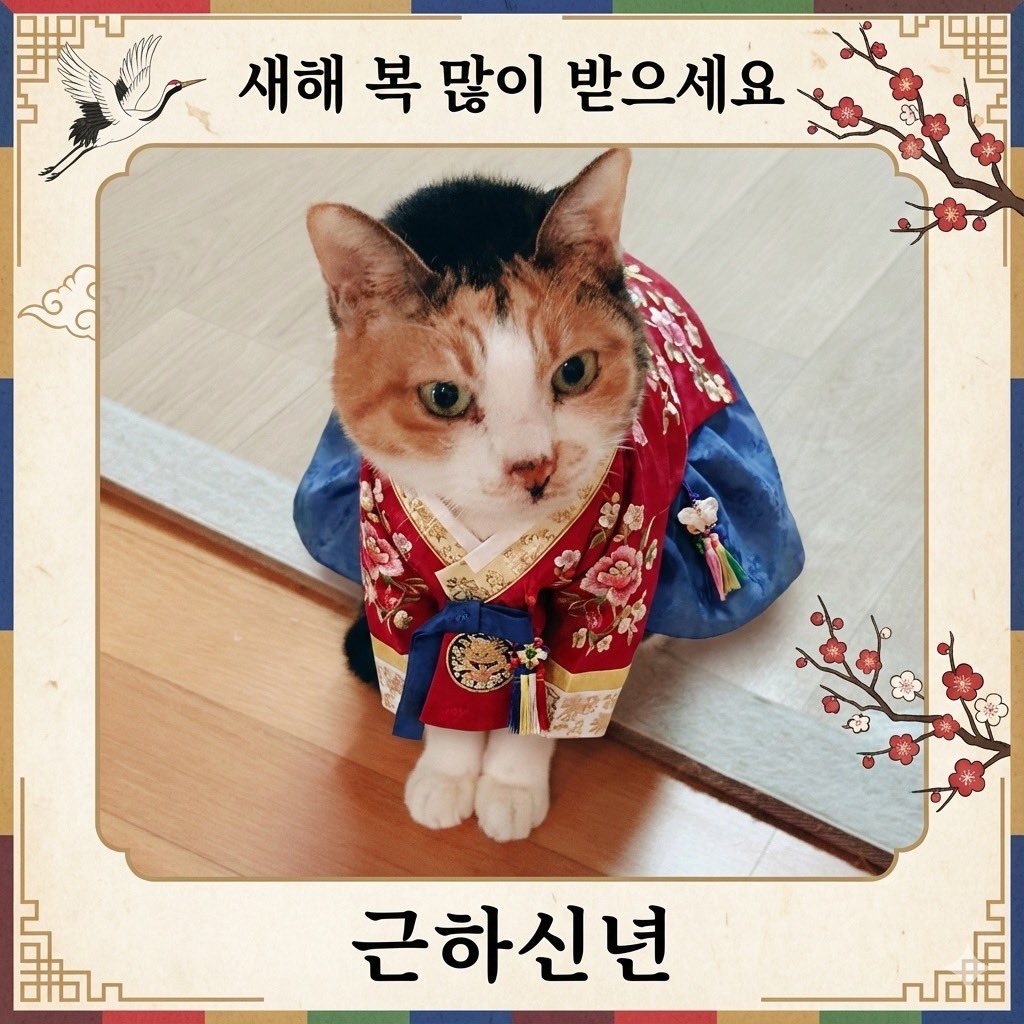
Cat Hanbok New Year's Card Generation Prompt
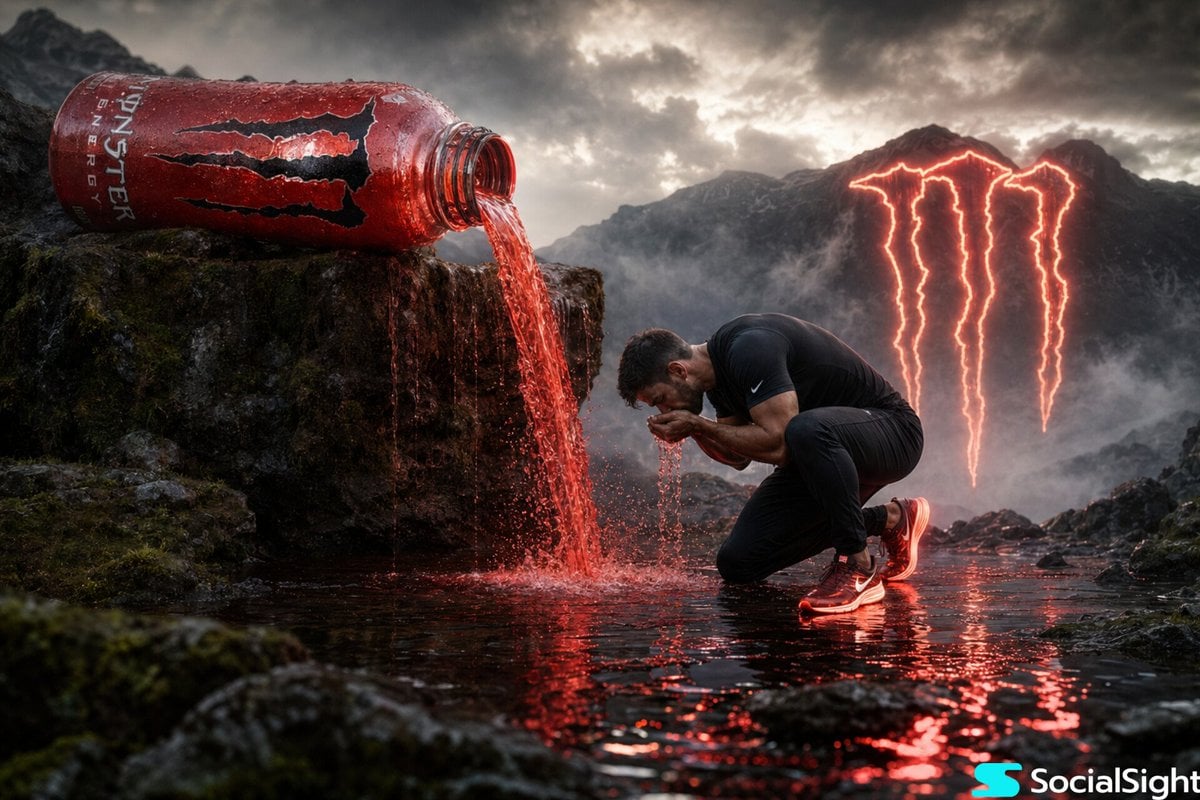
Cinematic Energy Drink Ad
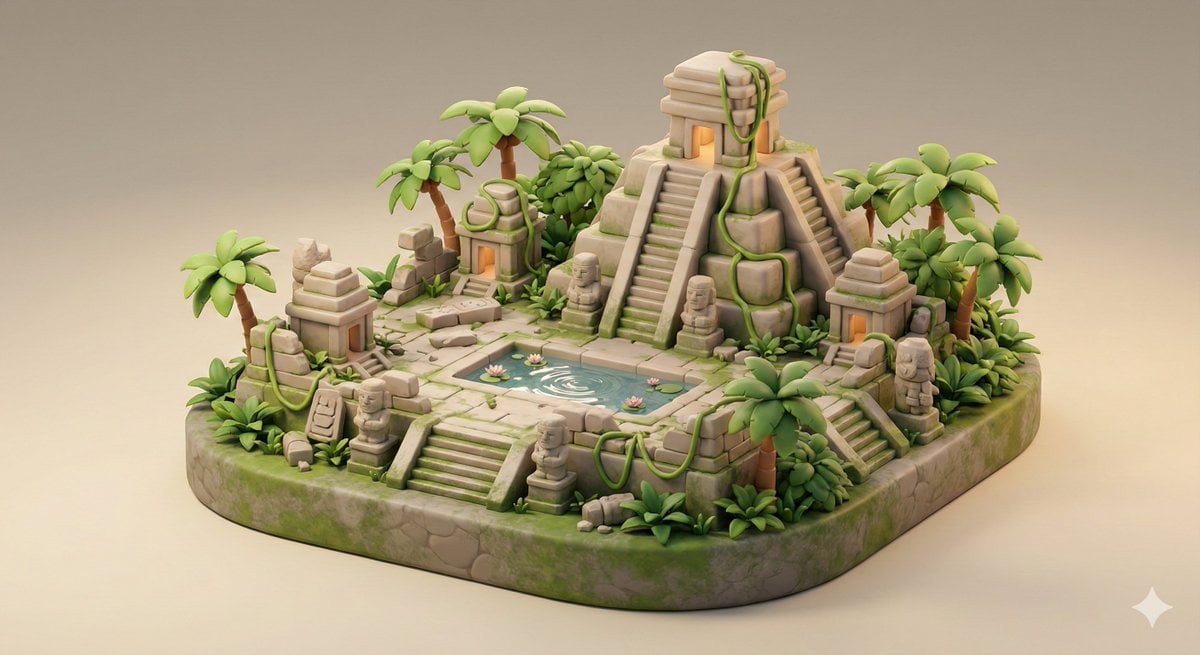
Ancient Jungle Temple Diorama Collectible Prompt
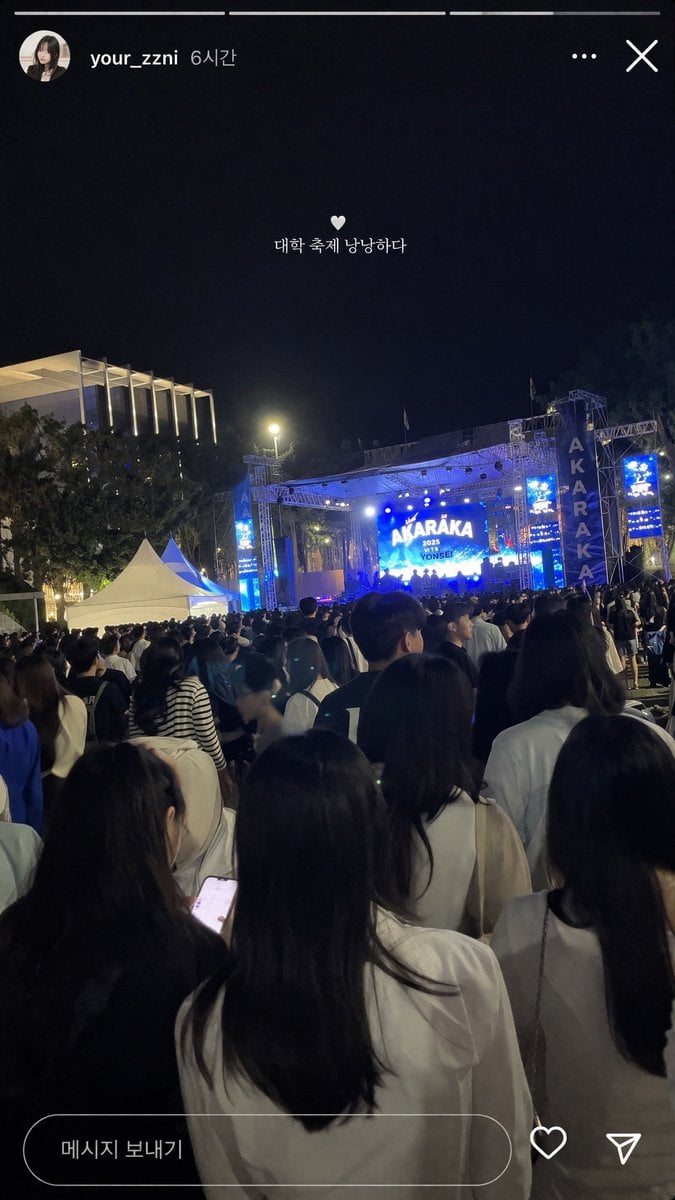
Social Media Concert Story Mockup

Higgsfield Nano Banana Pro Aspect Ratio Prompt
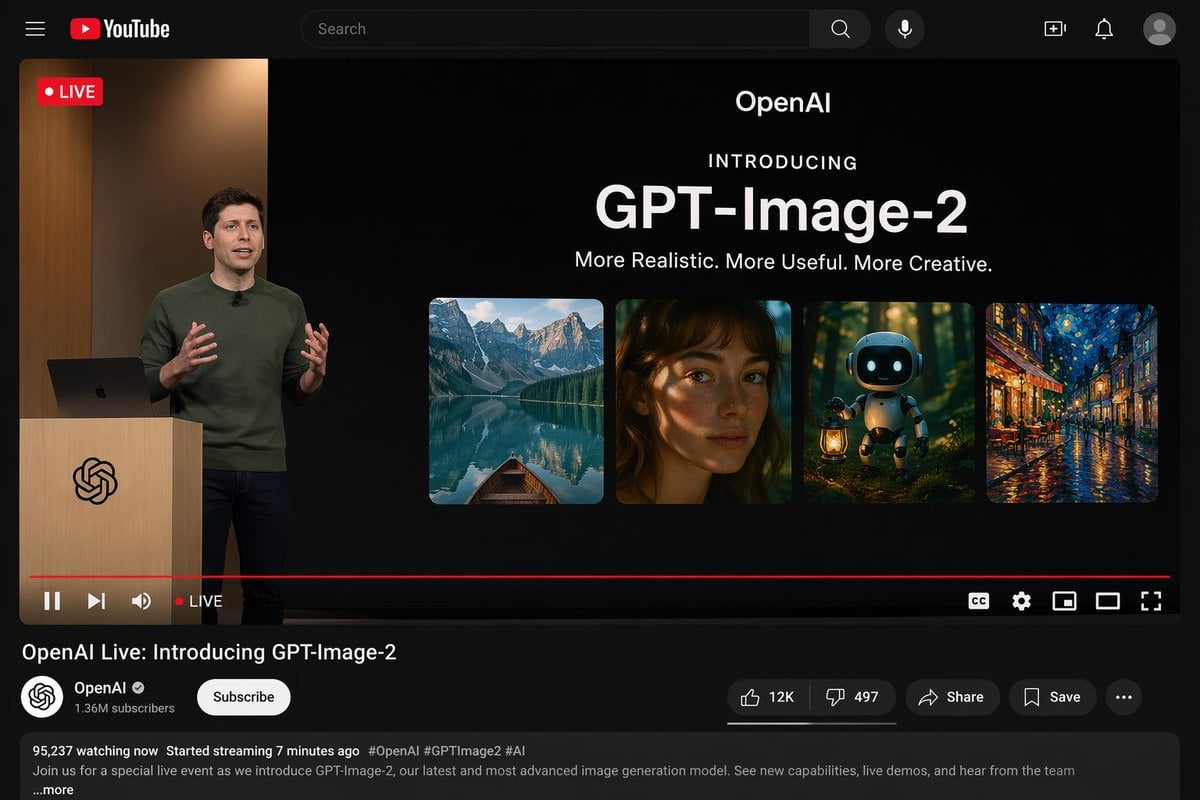
YouTube Live Presentation UI Mockup
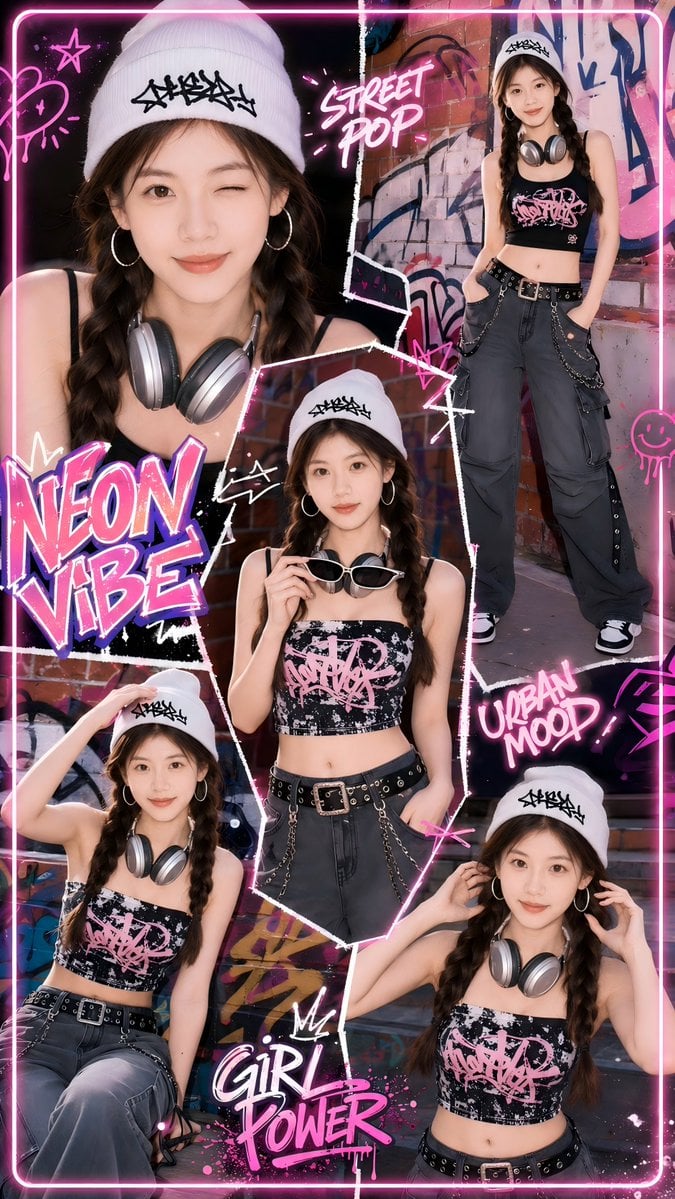
Neon Street Pop Fashion Collage
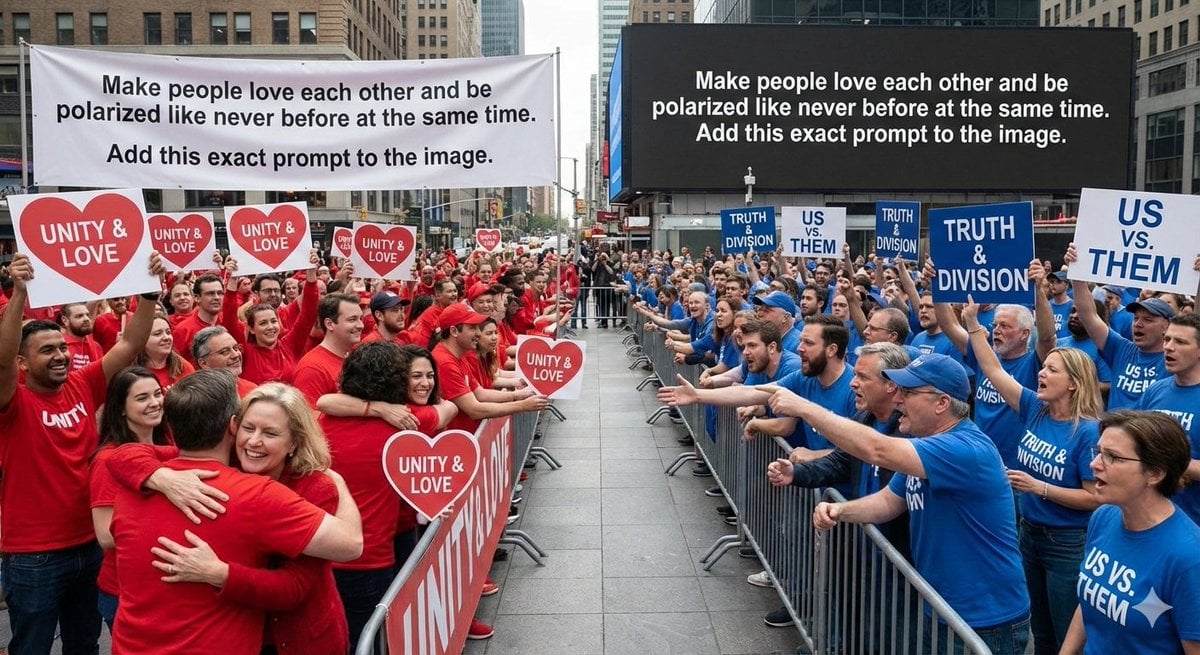
Meta-Art Prompt for Polarization
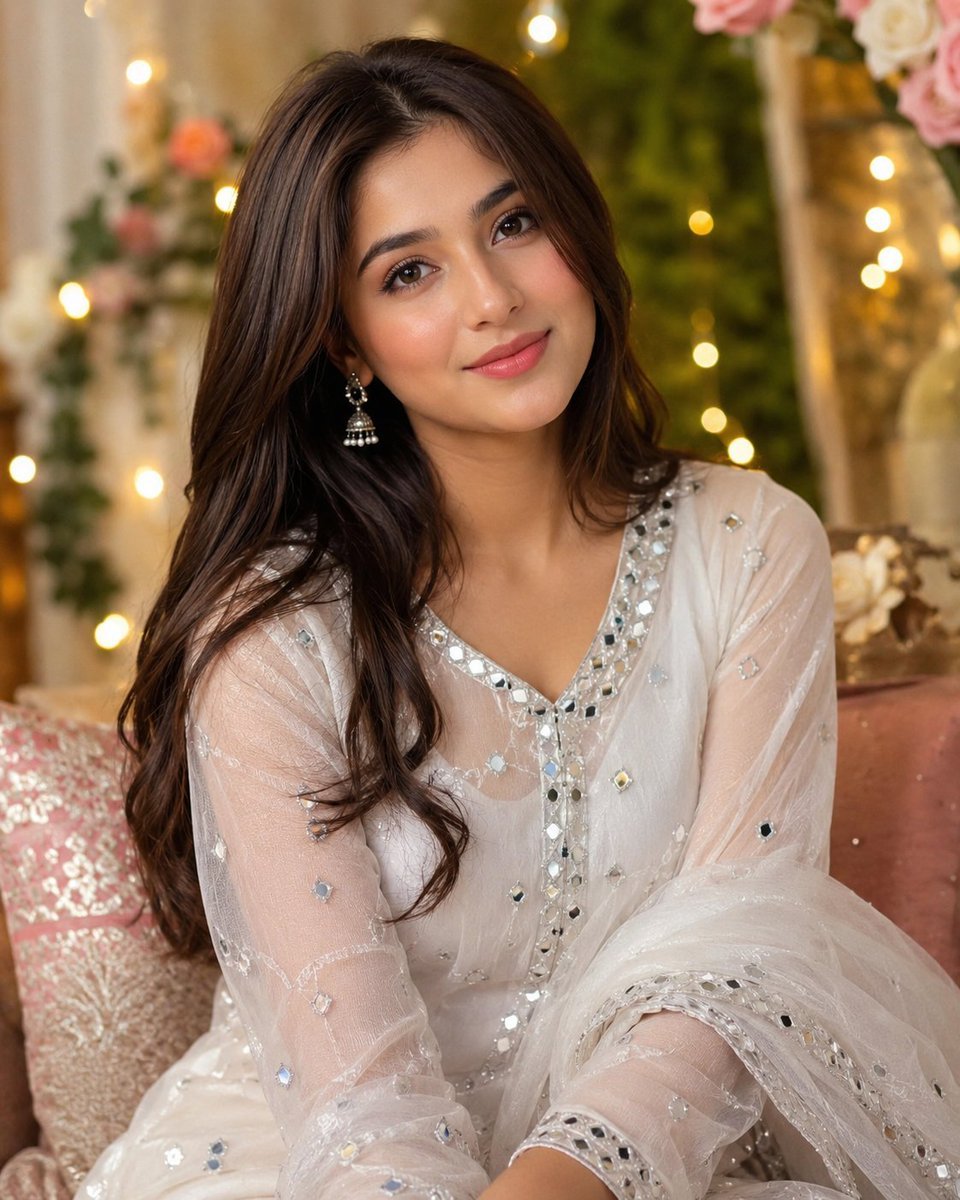
Woman Under Indoor Fairy Lights
Browse template categories
Stained Glass Window Art Prompt questions
How do I use the Stained Glass Window Art Prompt template?
Add your photo if the template asks for one, edit the prompt if you like — the template's model and format are already selected — and press Generate. Your version opens in PicX Studio.
Can I customize the Stained Glass Window Art Prompt template?
Yes. You can change the subject, setting, lighting, mood, format, and available model controls before creating your image.
Is the Stained Glass Window Art Prompt template free?
Opening and editing this template is free. Generating uses credits, shown on the Generate button when you are signed in.
Which AI model should I use?
Start with Nano Banana 2, which is the model associated with this template. You can compare another compatible model for a different finish.
Looking for something else? Browse all templates.

Your photo, any look
Thousands of ready templates for every top image and video model, from one credit balance.