
Neon Street Pop Fashion Collage
A vertical neon graffiti fashion collage poster featuring one woman in five streetwear poses for social media or music-inspired edits.
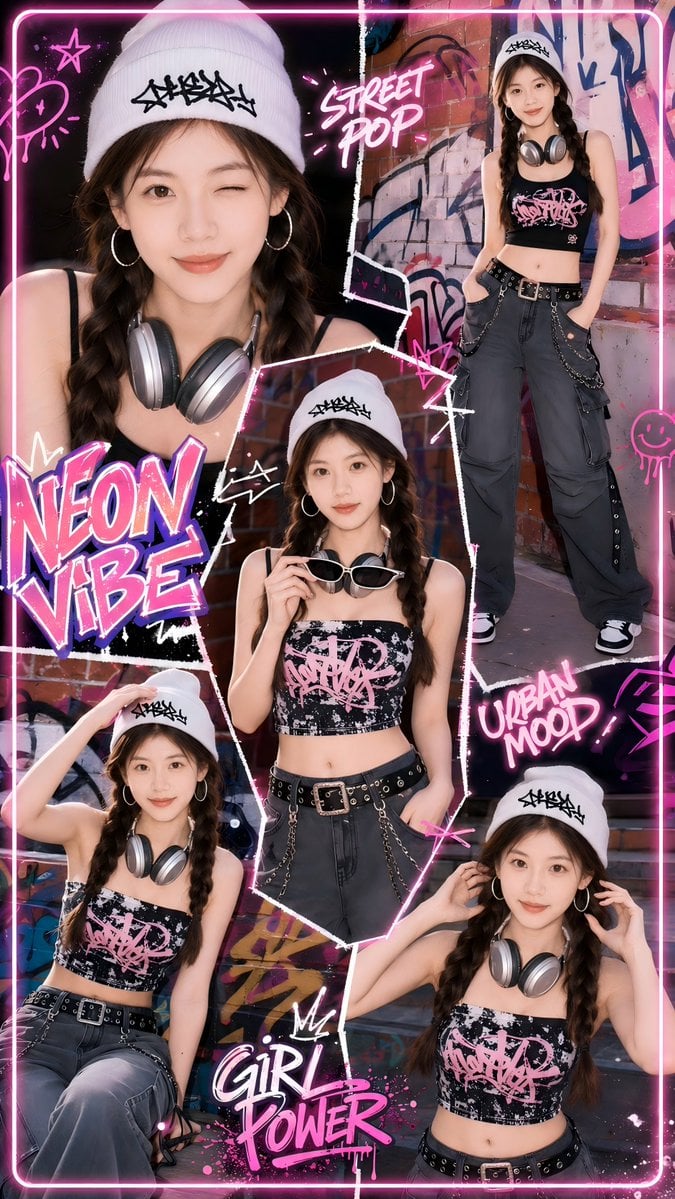
- Prompt included
- Model and format preset
- Free template
The prompt behind this image
Copy the exact prompt behind Neon Street Pop Fashion Collage, or open it in the studio and make it yours.
Goal: Create a vertical street-pop fashion collage poster featuring {argument name="character name" default="a young woman"} in five separate cutout portrait poses, styled as an urban neon girl-power magazine edit. Canvas: Tall vertical 9:16 poster, high-resolution, with a black and hot-pink neon border rounded at the corners. Use a dense graffiti alley background with brick walls, spray paint, torn-paper textures, white scribble outlines, pink light streaks, and sticker-like graphic elements. Subject details: The same young woman appears in all five images, with light-to-medium skin, long dark brown hair in two braids, hoop earrings, a white knit beanie with a black graffiti tag logo, silver over-ear headphones, and edgy streetwear. Outfit: black cropped tank top with a distressed pink graffiti graphic, loose dark gray cargo pants, black grommet belt with a metal buckle, silver chain accessories, and black-and-white sneakers. Overall mood is confident, youthful, urban, and pop-punk. Layout: Use exactly 5 discrete appearances of the woman: 1. Large close-up portrait on the upper left, cropped at the chest, wearing the white beanie and silver headphones around her neck. 2. Full-body standing pose on the upper right, leaning casually with hands in pockets, headphones around her neck, cargo pants fully visible. 3. Central mid-shot cutout, holding white sunglasses near her face, outlined with an irregular white torn-paper border. 4. Lower-left seated or crouched pose, one hand touching the beanie, headphones around her neck. 5. Lower-right waist-up pose, both hands lifting or adjusting the headphones near her ears. Graphic text content: Include exactly 4 main neon typography phrases in hand-lettered graffiti style: “NEON VIBE” large on the left in pink, white, and purple; “STREET POP” near the upper center-right in glowing pink; “URBAN MOOD” on the right-middle in glowing pink; and “GIRL POWER” near the bottom center in pink and white with paint splatter and a small crown doodle. Visual style: Bright cyberpunk pink neon lighting, glossy magazine collage, high-contrast black shadows, magenta highlights, white sketch arrows, star doodles, smiley doodles, hearts, paint splatters, torn photo edges, and layered sticker aesthetics. The final image should feel like a Y2K streetwear poster, energetic and polished, with all five cutouts clearly separated but visually connected by neon scribbles. Constraints: Keep the same identity and outfit consistent across all five appearances. Do not add extra people. Do not add additional large text beyond the four listed phrases. Make the face natural and realistic, not anime or cartoon. Avoid watermarks, logos from real brands, or readable text other than the intended graffiti-style phrases.
How to use Neon Street Pop Fashion Collage in 3 steps
- 1Upload ImagePNG, JPG or paste
Add your photo
Upload the photo the template builds on. The prompt, model and format are already set.
- 2…a portrait of your subject in softgolden-hour light, 85mm…
Personalize
Edit the subject and creative details for your destination.
- 3Generate
Generate
Press Generate — your image is created in PicX Studio, so you can compare it with the original and refine one variable at a time.
More like this
Templates with the same subject, style or setup. Open one to see its prompt.












Make it yours
Neon Street Pop Fashion Collage works as-is. These are the safest ways to change it without losing the look.
Change one field
Copy a single group, rewrite it, and generate again so you can see what that field is doing.
Keep the frame, change the subject
Hold the composition and light of Neon Street Pop Fashion Collage, then swap wardrobe, props or the person for a new take.
| If the result… | Why | Fix |
|---|---|---|
| The result drifts from the preview | Too many fields changed at once. | Reuse Neon Street Pop Fashion Collage as-is first, then change one group — subject, light, or setting. |
| The model over-stylizes the scene | The prose prompt leaves finish and camera underspecified. | Add one camera or lighting sentence and stay on GPT Image 2. |
More GPT Image 2 templates
Other prompts made for GPT Image 2.

Six VTuber Japanese Logo Sheet

Realistic Portrait of Woman and Deer

The Vista Modular Condo Poster

AI Model Routing Comparison Infographic

2.5D Anime Art Board

Isometric Productivity Desk Scene

New York Double Exposure Poster

Four-Panel AI Landscape Comparison

Japanese Tatami Lifestyle Magazine Cover

NESCAFÉ Coffee Map Poster
More image prompts
Fresh picks from across the catalog.
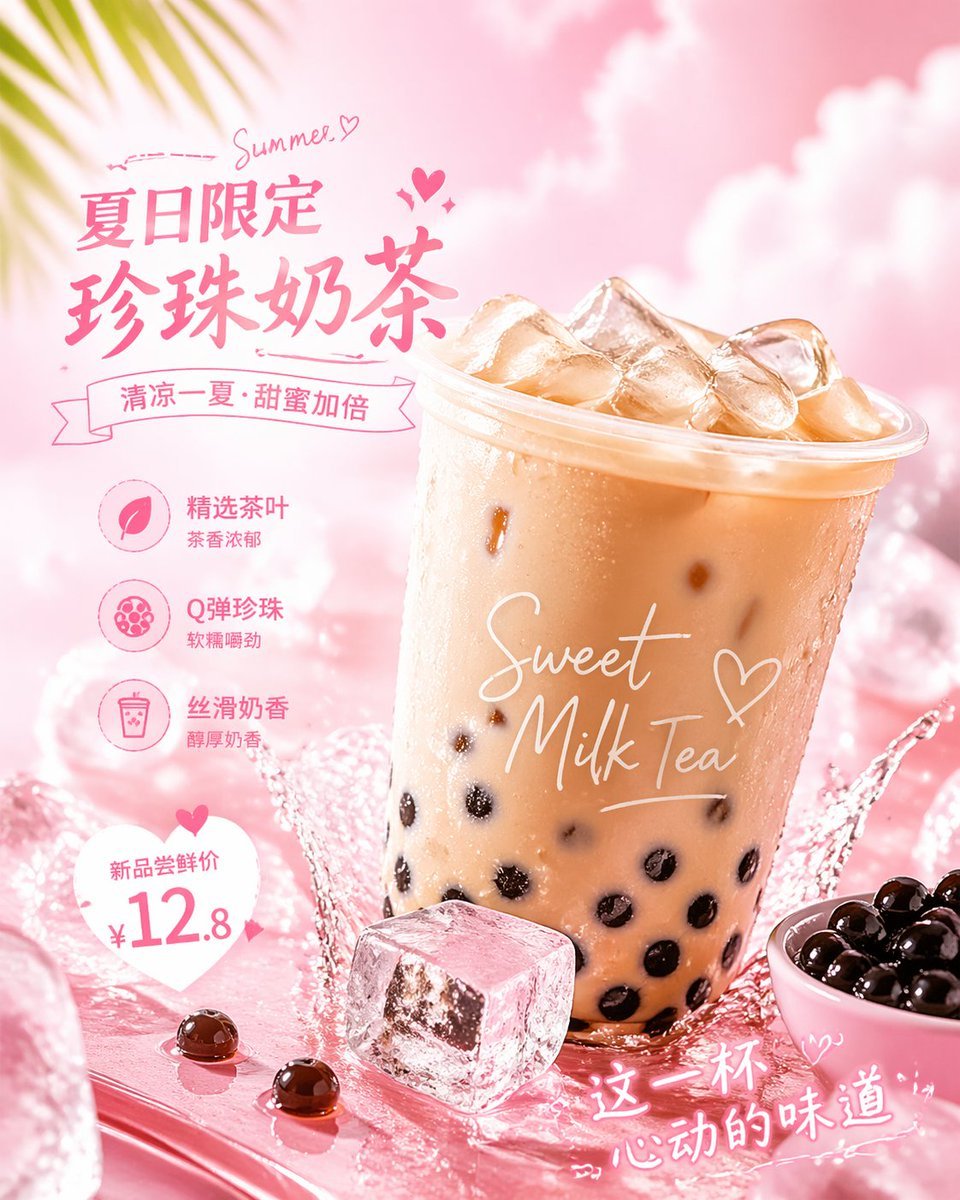
Social Media Ad Designs
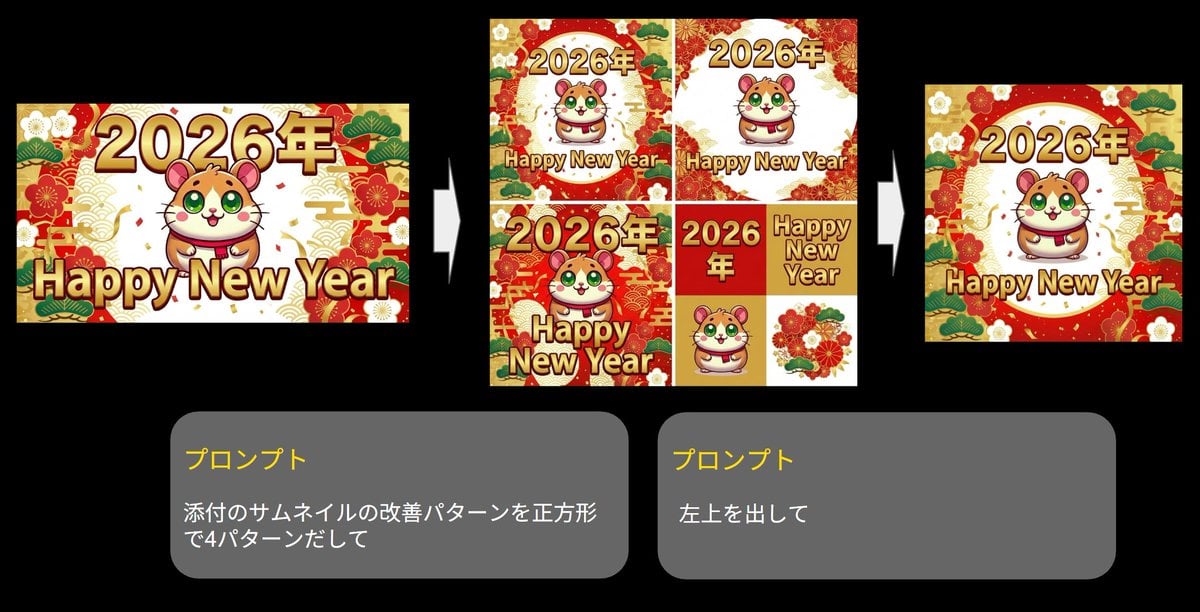
Generate four square images at once
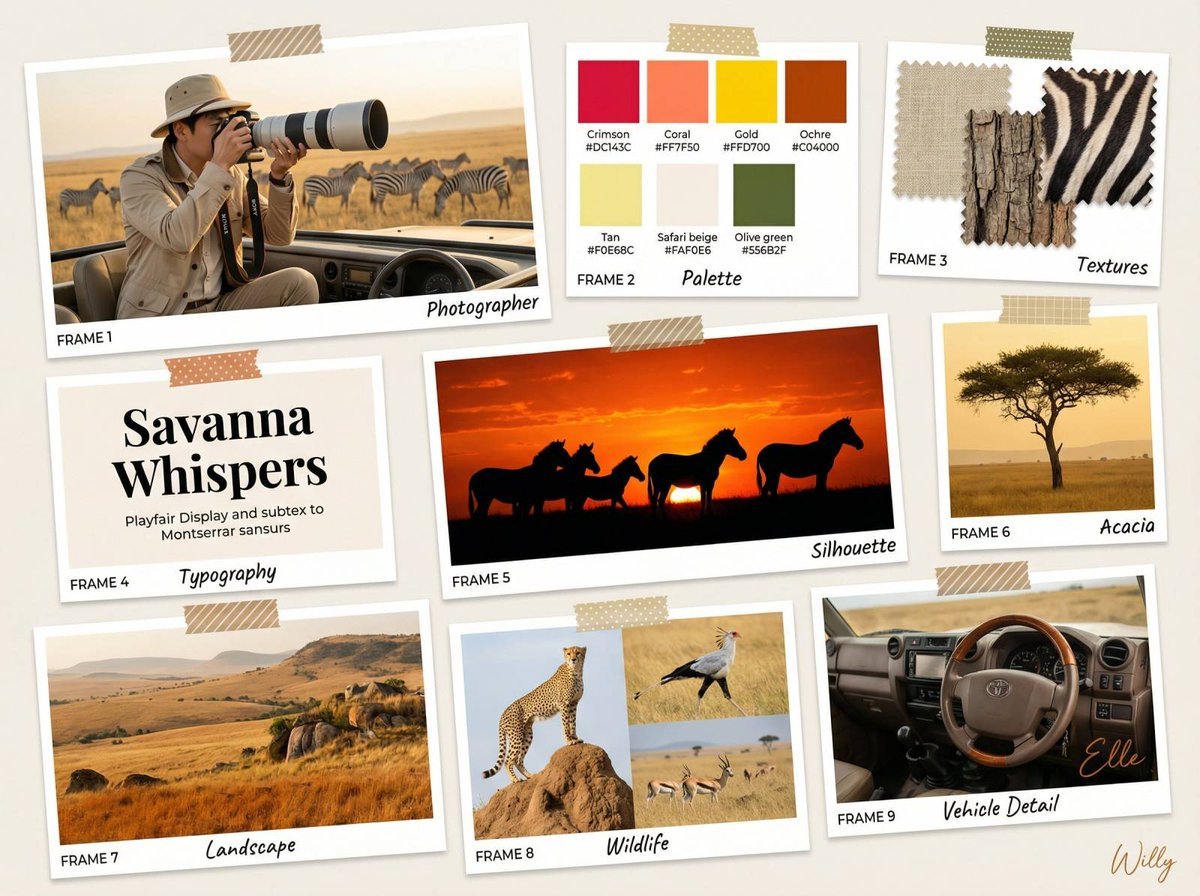
Wildlife Photographer Mood Board in African Savanna
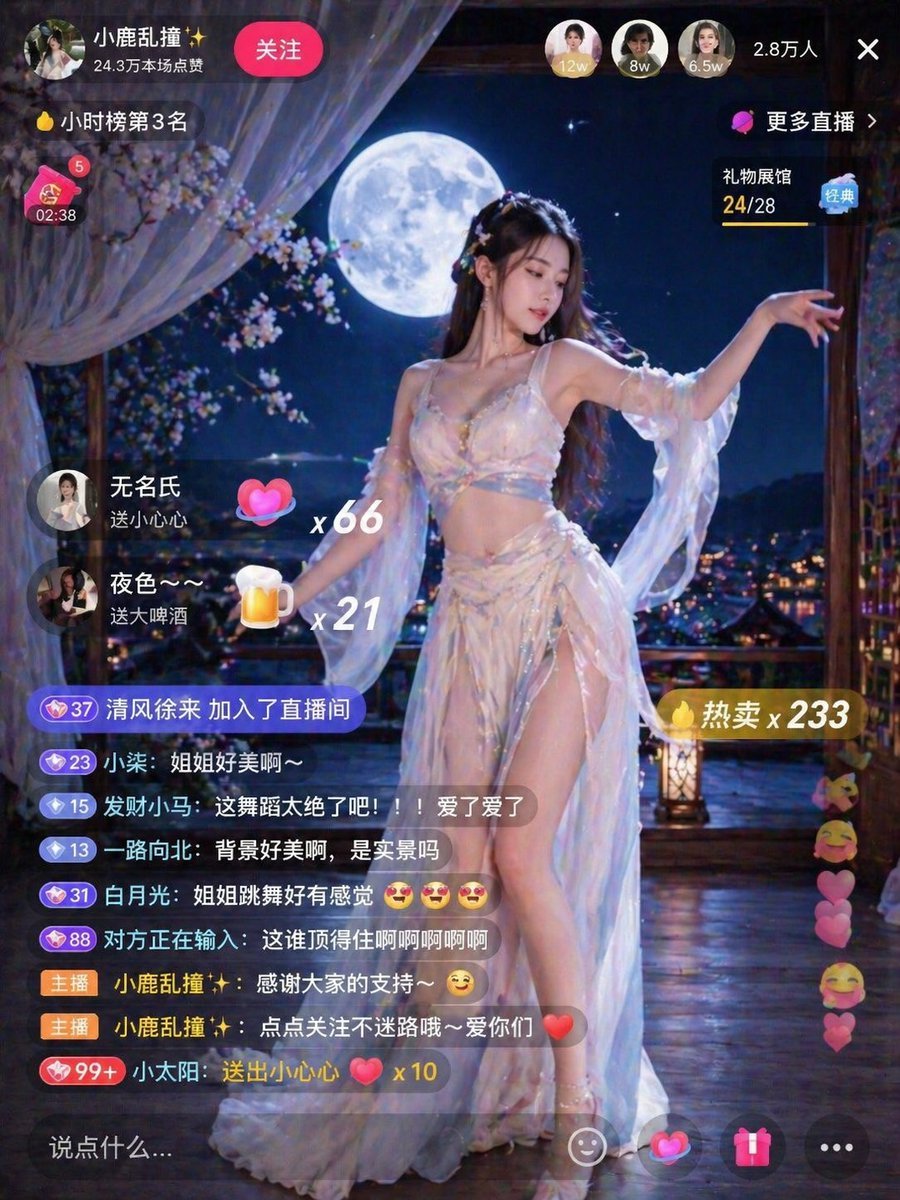
Live Stream Room Scene
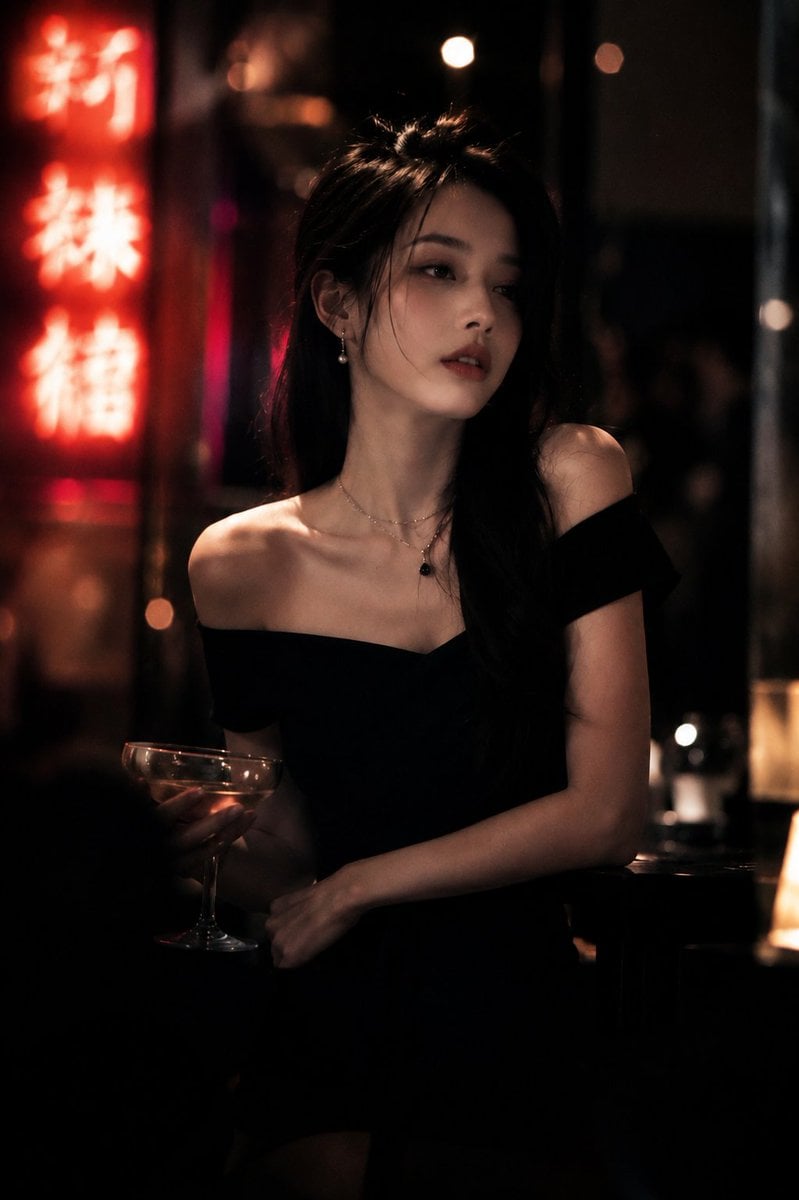
Realistic Cinematic Portrait in Luxury Bar
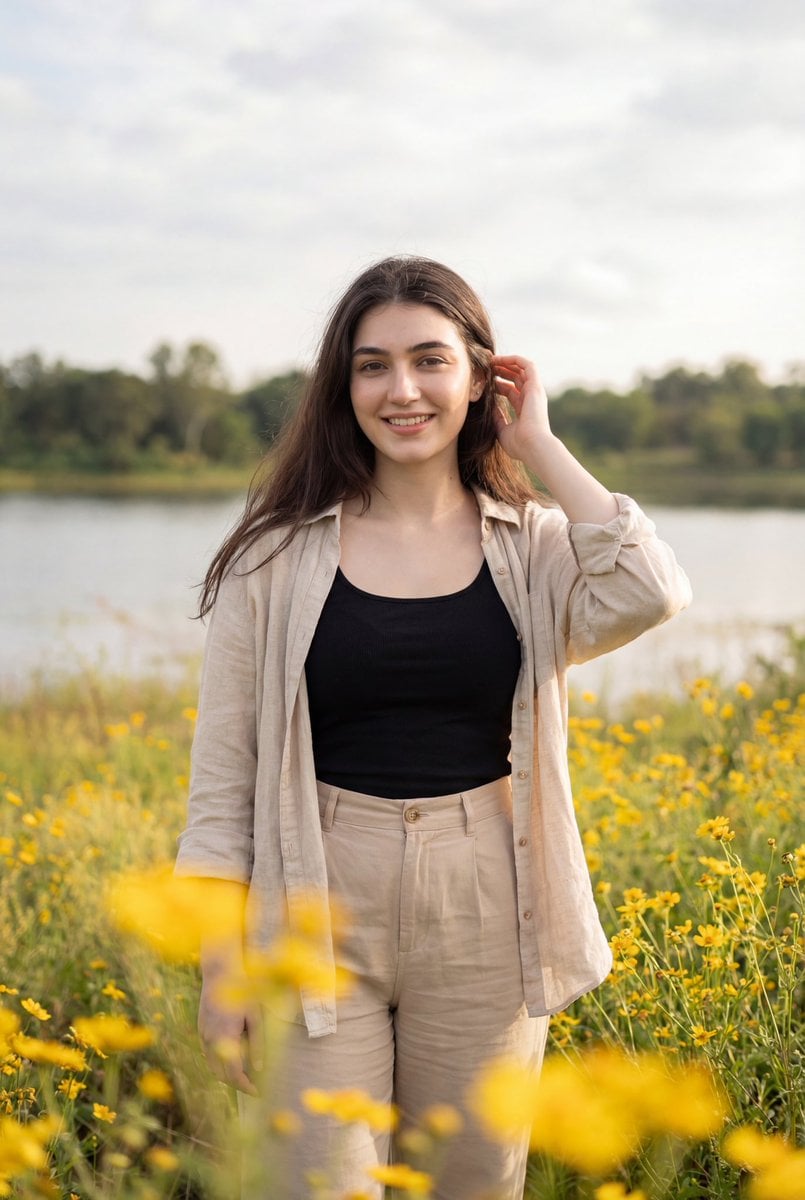
Photorealistic Portrait of Woman in Wildflowers

Holographic Character Generation Prompt
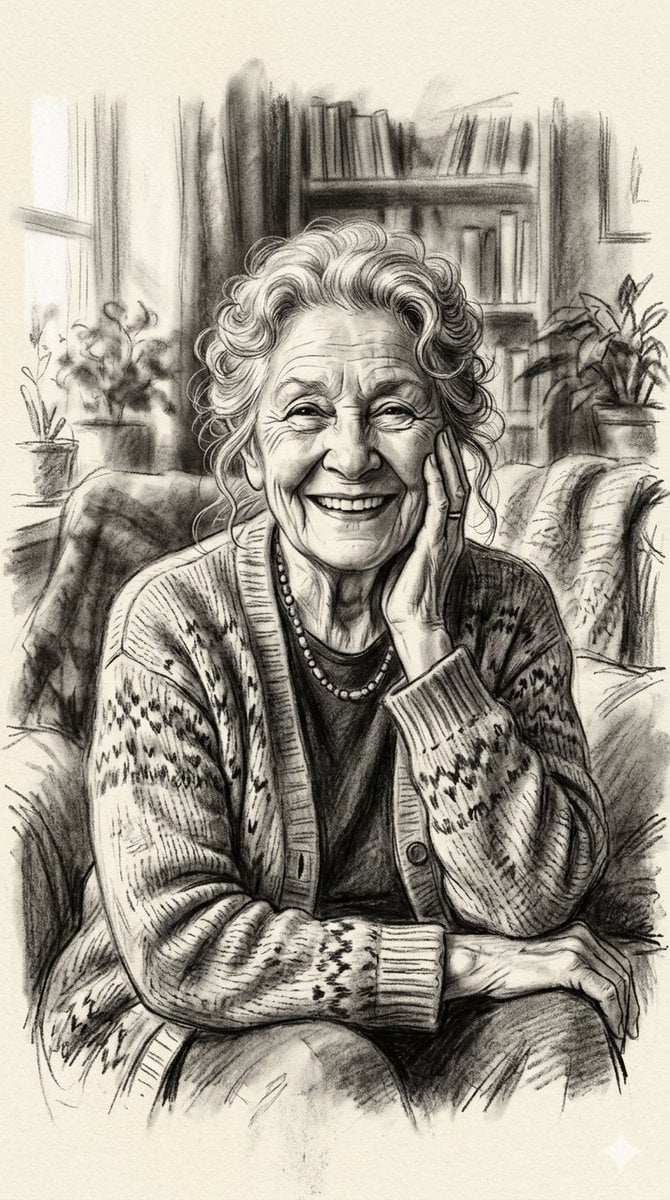
X Minahil42298354 Subject a Heartwarming Portrait
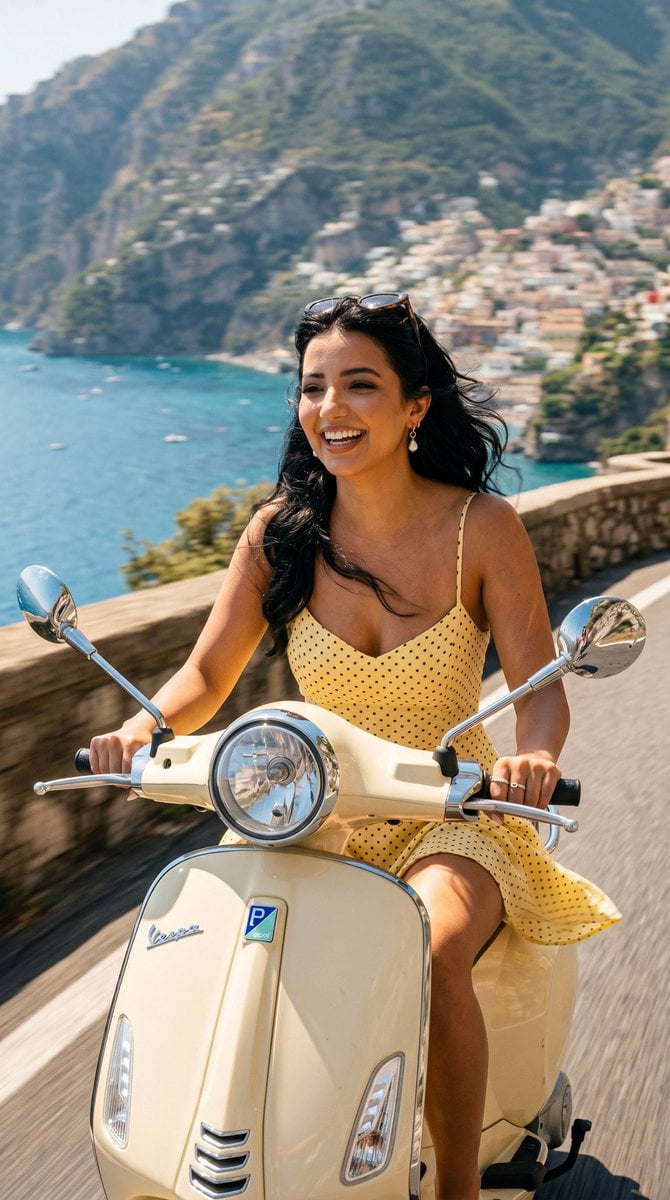
Amalfi Coast Vespa Cinematic Motion
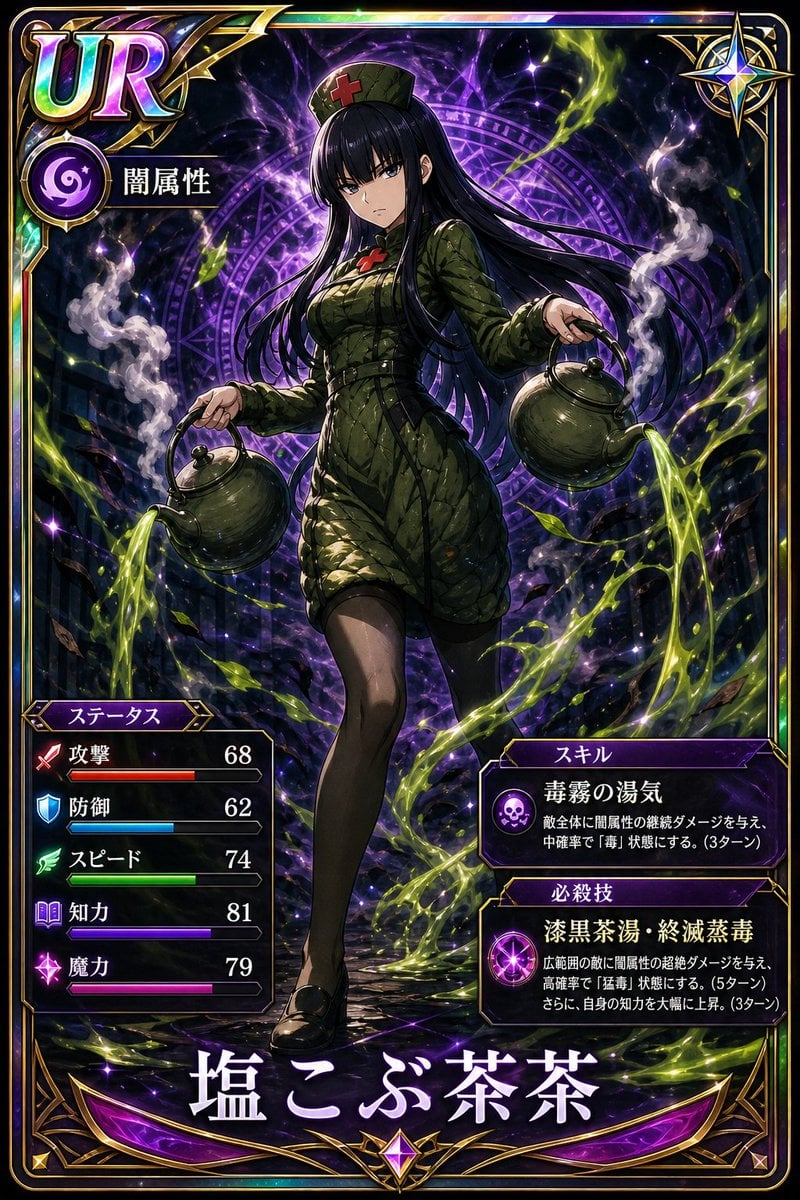
Professional Trading Card Illustration
Browse template categories
Neon Street Pop Fashion Collage questions
How do I use the Neon Street Pop Fashion Collage template?
Add your photo if the template asks for one, edit the prompt if you like — the template's model and format are already selected — and press Generate. Your version opens in PicX Studio.
Can I customize the Neon Street Pop Fashion Collage template?
Yes. You can change the subject, setting, lighting, mood, format, and available model controls before creating your image.
Is the Neon Street Pop Fashion Collage template free?
Opening and editing this template is free. Generating uses credits, shown on the Generate button when you are signed in.
Which AI model should I use?
Start with GPT Image 2, which is the model associated with this template. You can compare another compatible model for a different finish.
Looking for something else? Browse all templates.

Your photo, any look
Thousands of ready templates for every top image and video model, from one credit balance.