
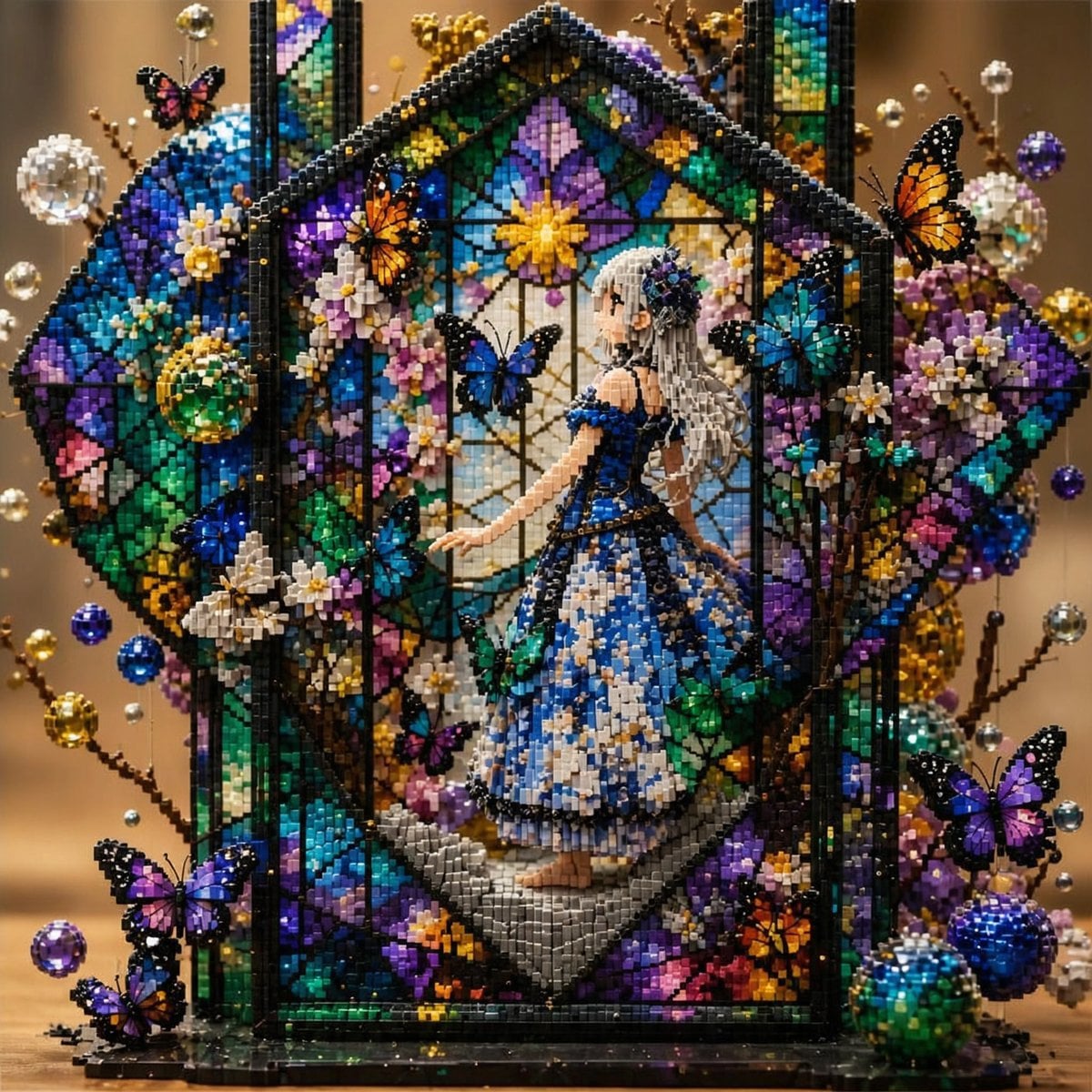
Block Mosaic Stained Glass Girl
Generates a richly detailed block-built fantasy diorama of an anime girl inside a stained-glass floral conservatory with butterflies and jewels.
- Prompt included
- Model and format preset
- Premium template
The prompt behind this image
Copy the exact prompt behind Block Mosaic Stained Glass Girl, or open it in the studio and make it yours.
Create a highly detailed fantasy artwork made entirely from tiny glossy square blocks, like LEGO mosaic meets jeweled pixel art. Center the composition on {argument name="main subject" default="a delicate anime-style girl"} standing inside a tall gothic stained-glass greenhouse or cathedral window frame. She has {argument name="hair color" default="long silver-gray hair"}, pale skin, a floral hair ornament, and wears an ornate {argument name="dress color" default="royal blue and white"} ball gown with layered block-built ruffles, gold trim, and a dark bodice. Her pose is graceful, turned slightly in profile, one arm extended gently toward the stained-glass garden around her. The setting is {argument name="setting" default="a hexagonal stained-glass conservatory filled with flowers, butterflies, vines, and jewel-like ornaments"}, with black leading lines, arched panels, a peaked roof, and a warm blurred golden background behind it. Use an opulent {argument name="color palette" default="sapphire blue, emerald green, violet, gold, turquoise, white, and black"} palette with dramatic lighting, sparkling highlights, shallow depth of field, and high contrast. The entire image must look physically constructed from thousands of tiny rectangular and cubic blocks: visible studs, stepped edges, micro-bricks, blocky flower petals, blocky butterfly wings, and transparent gem-like blocks. Include exactly 10 prominent butterflies: 1 small pink-and-black butterfly near the upper left, 1 orange butterfly on the left side of the central frame, 1 blue butterfly floating in front of the central window, 1 cyan-blue butterfly on the right side of the central frame, 1 large orange butterfly at the upper right edge, 1 blue butterfly low on the left stained-glass panel, 1 purple butterfly at the bottom left foreground, 1 small orange butterfly near the bottom left, 1 purple butterfly at the lower right foreground, and 1 orange butterfly near the lower right flowers. Surround the frame with dense block-built flowers in white, pink, yellow, purple, and teal, plus curling dark branches with metallic bead tips and hanging crystal spheres. Add prominent jewel ornaments: blue and green glassy spheres on the left and bottom right, gold beads around the sides, clear crystal balls near the upper corners, and purple gem balls floating at the right. Keep the composition square, symmetrical but lush, with the girl centered and the stained-glass house shape framing her. No text, no watermark, no photoreal human skin texture; emphasize handcrafted block sculpture, stained glass, miniature diorama, magical garden, and macro photography realism.
How to use Block Mosaic Stained Glass Girl in 3 steps
- 1Upload ImagePNG, JPG or paste
Add your photo
Upload the photo the template builds on. The prompt, model and format are already set.
- 2…a portrait of your subject in softgolden-hour light, 85mm…
Personalize
Edit the subject and creative details for your destination.
- 3Generate
Generate
Press Generate — your image is created in PicX Studio, so you can compare it with the original and refine one variable at a time.
More like this
Templates with the same subject, style or setup. Open one to see its prompt.
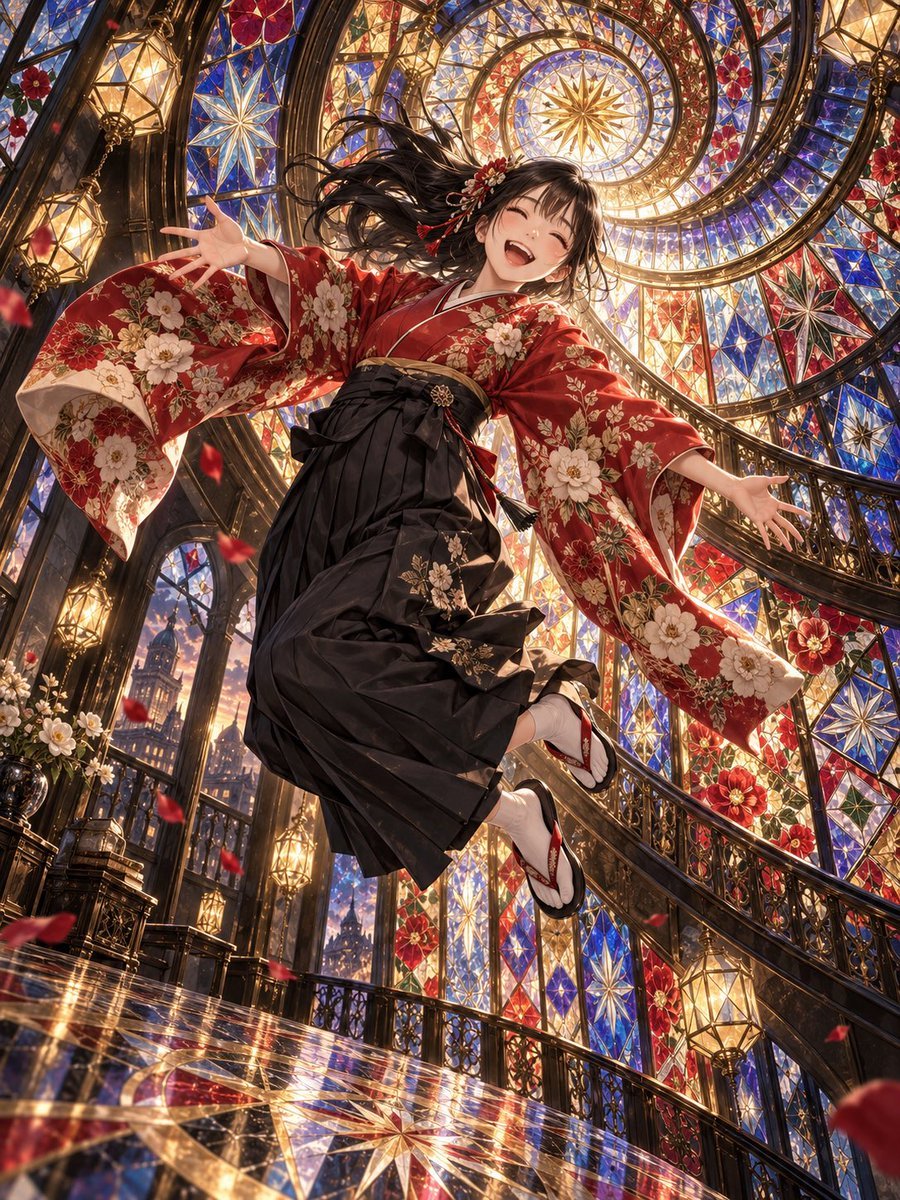
Floating Kimono Girl in Stained Glass Hall
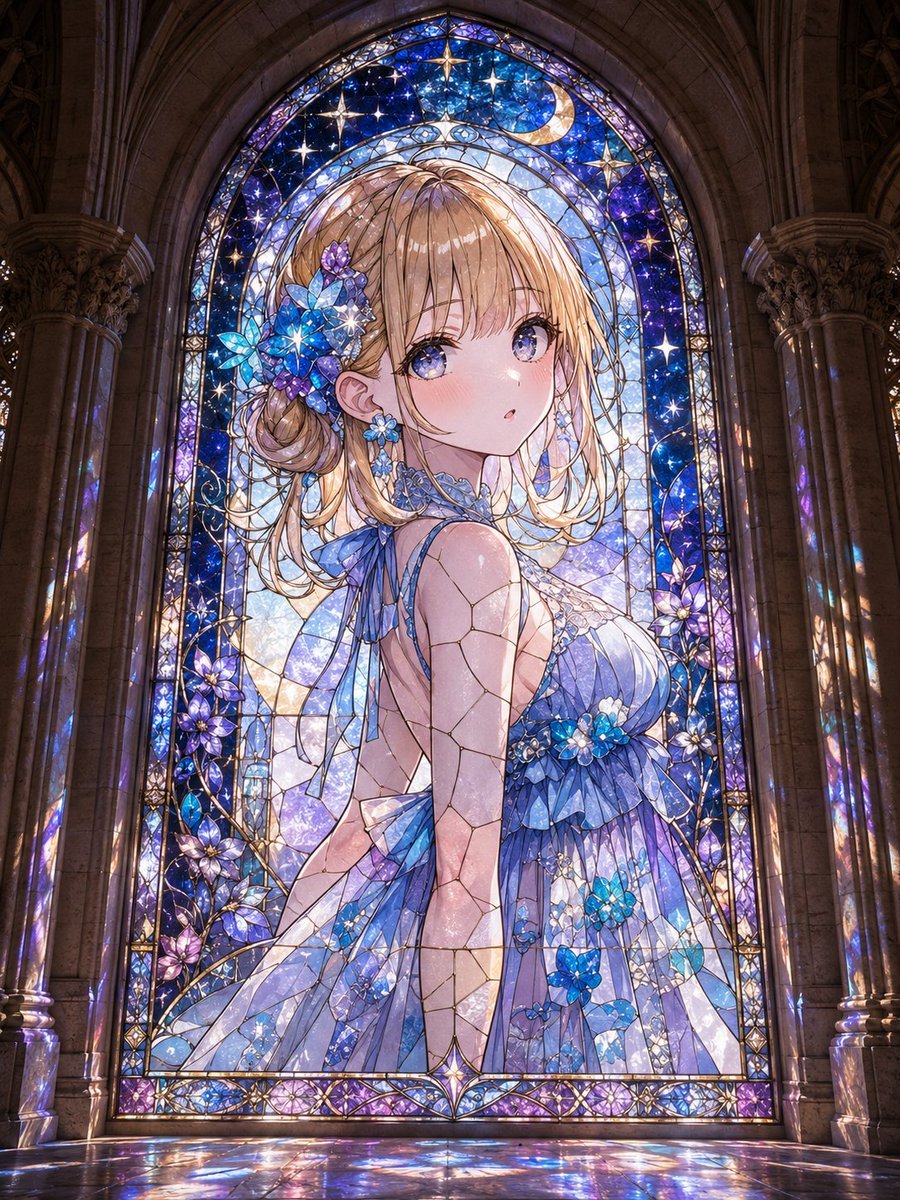
Anime Girl Stained Glass Chapel
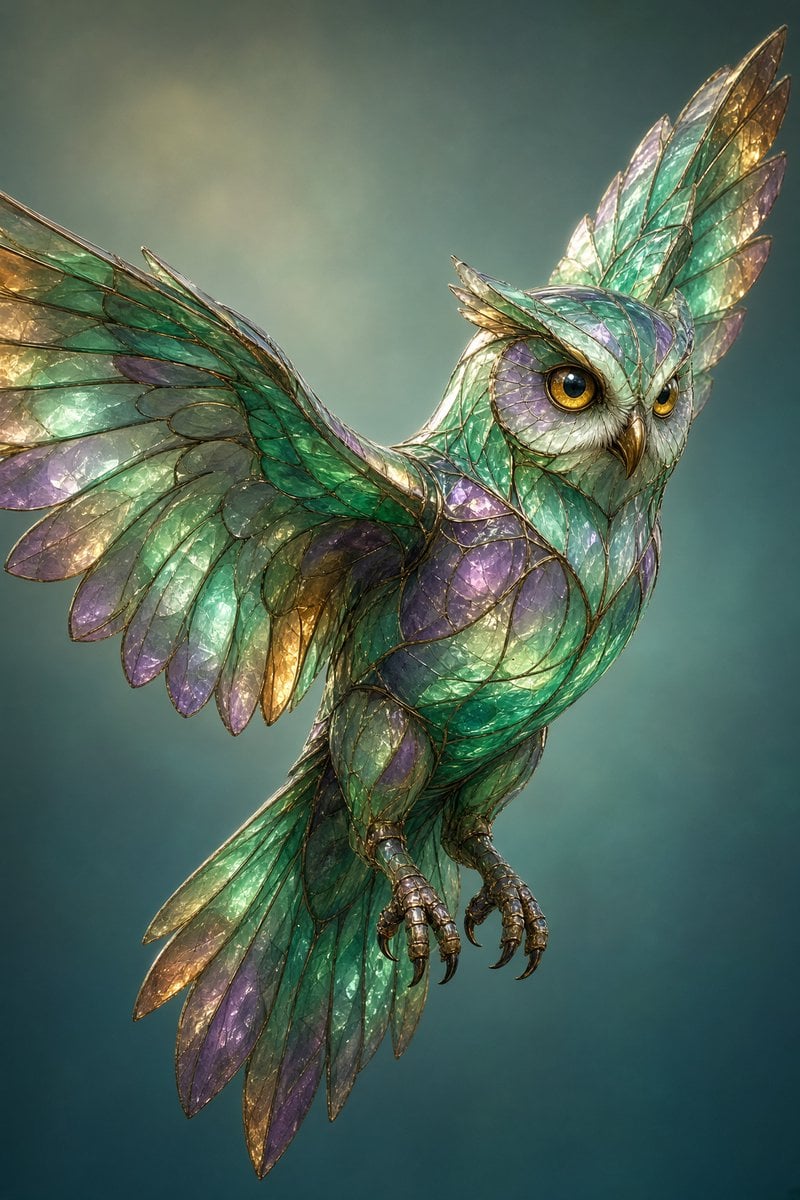
Stained Glass Flying Owl

Teen Girl Alpine Lake Mountain View
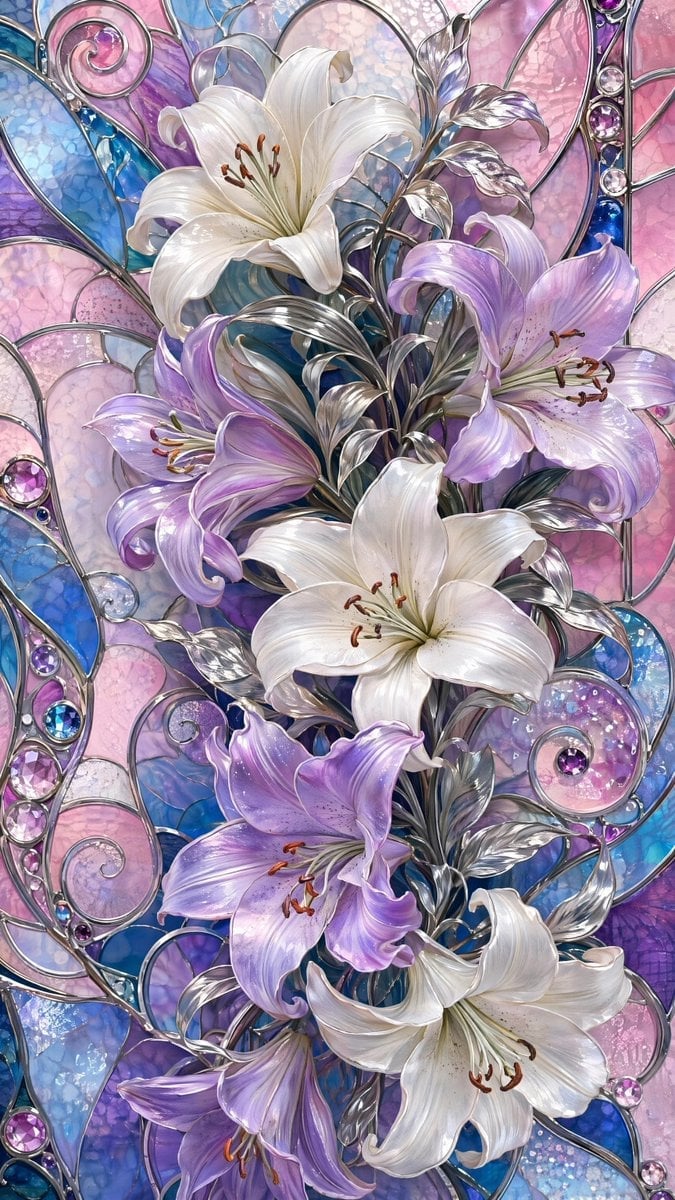
Ornate Lily Stained Glass

Anime Stained Glass Prayer

Cinematic Glass Brand Logo Volcanic Landscape
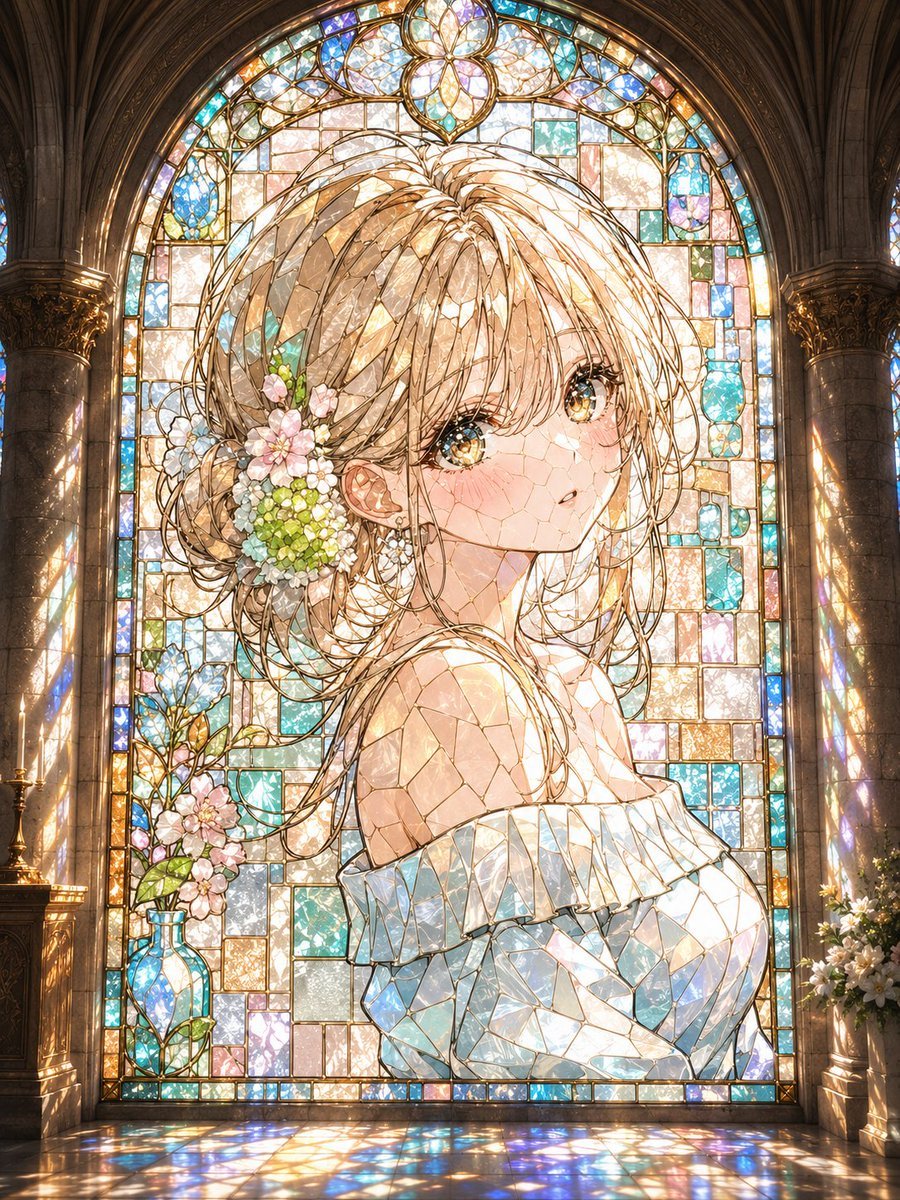
Anime Stained Glass Cathedral Portrait

Gothic Stained-Glass Mecha Portrait
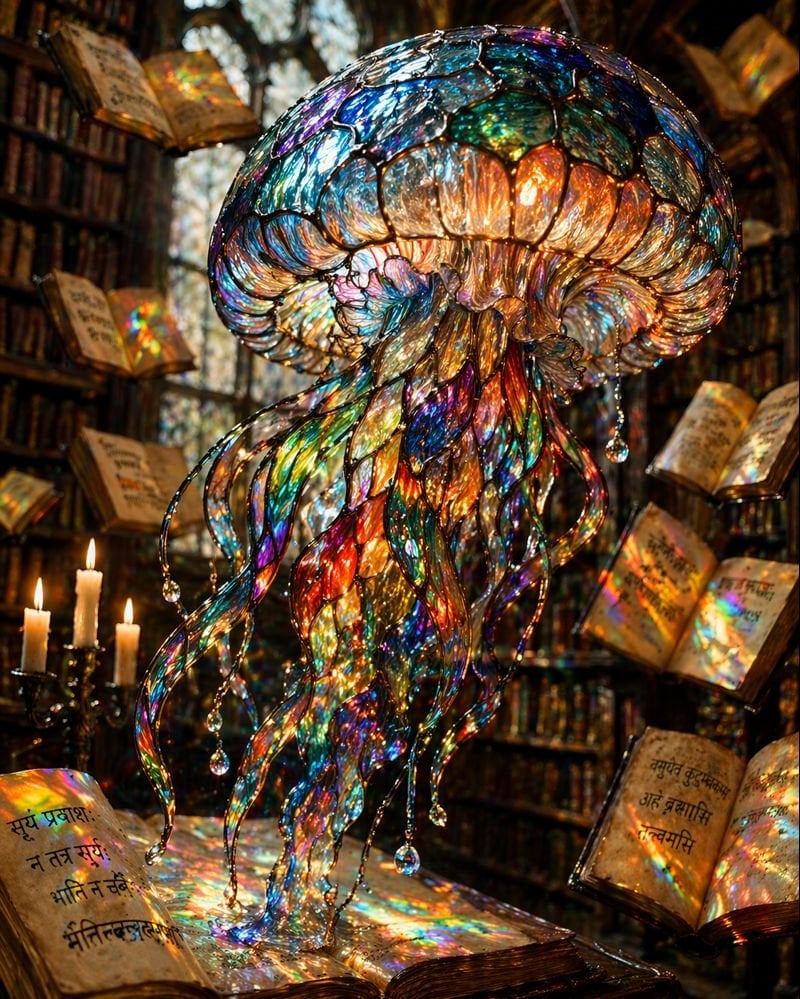
Macro Stained Glass Jellyfish
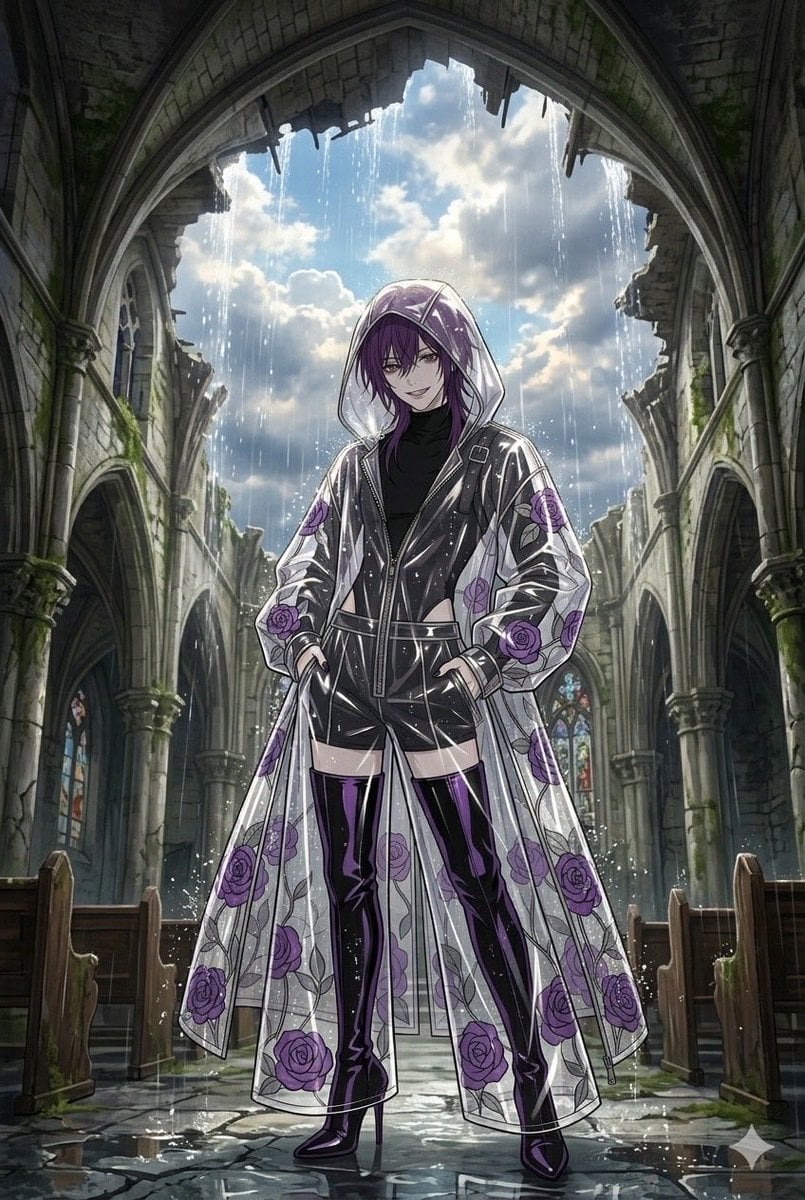
Stained Glass Rose Raincoat
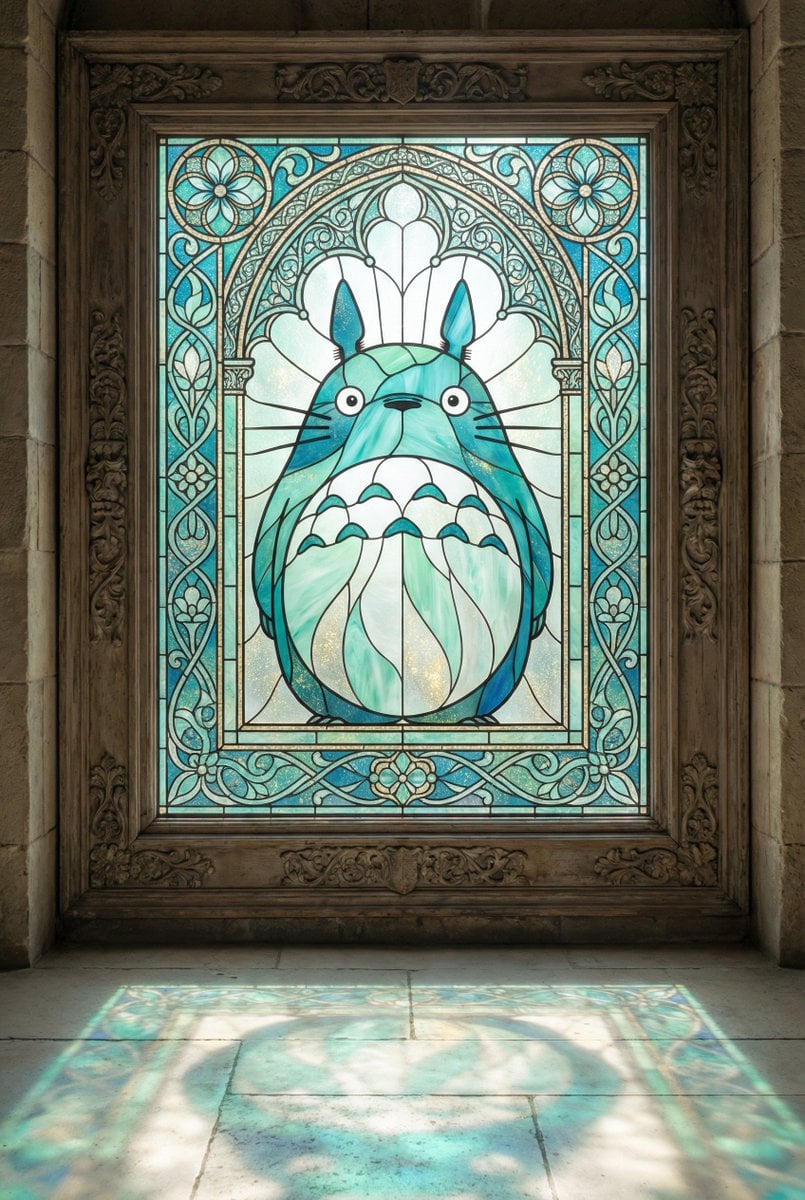
Stained Glass Window Art Prompt
Make it yours
Block Mosaic Stained Glass Girl works as-is. These are the safest ways to change it without losing the look.
Change one field
Copy a single group, rewrite it, and generate again so you can see what that field is doing.
Keep the frame, change the subject
Hold the composition and light of Block Mosaic Stained Glass Girl, then swap wardrobe, props or the person for a new take.
| If the result… | Why | Fix |
|---|---|---|
| The result drifts from the preview | Too many fields changed at once. | Reuse Block Mosaic Stained Glass Girl as-is first, then change one group — subject, light, or setting. |
| The model over-stylizes the scene | The prose prompt leaves finish and camera underspecified. | Add one camera or lighting sentence and stay on GPT Image 2. |
More GPT Image 2 templates
Other prompts made for GPT Image 2.

Six VTuber Japanese Logo Sheet

Realistic Portrait of Woman and Deer

The Vista Modular Condo Poster

AI Model Routing Comparison Infographic

2.5D Anime Art Board

Isometric Productivity Desk Scene

New York Double Exposure Poster

Four-Panel AI Landscape Comparison

Japanese Tatami Lifestyle Magazine Cover

NESCAFÉ Coffee Map Poster
More image prompts
Fresh picks from across the catalog.
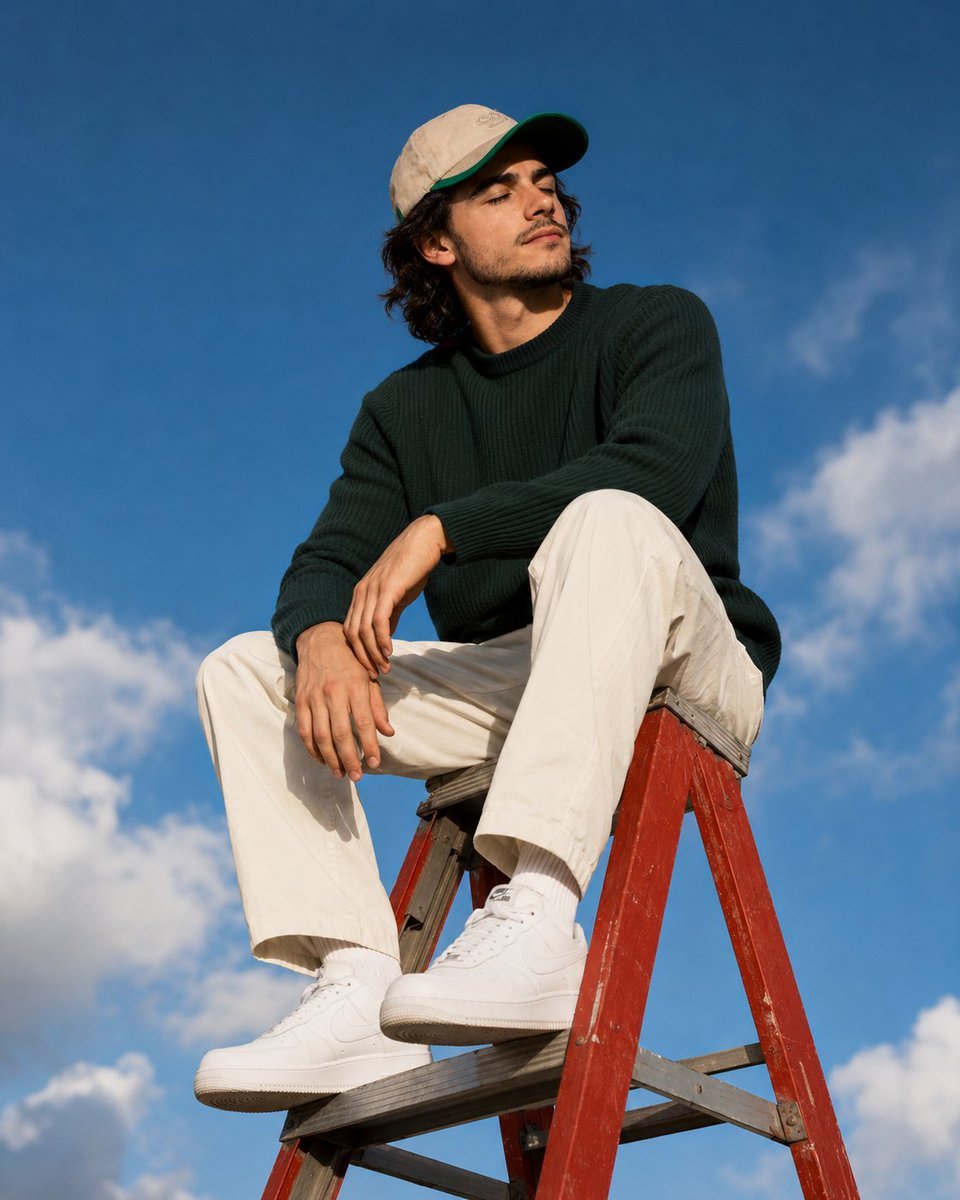
Outdoor Lifestyle Portrait on Ladder

Mixed-Reality Hot Chocolate Pour Prompt (Image-to-Image)

Premium Masculine Editorial Portrait
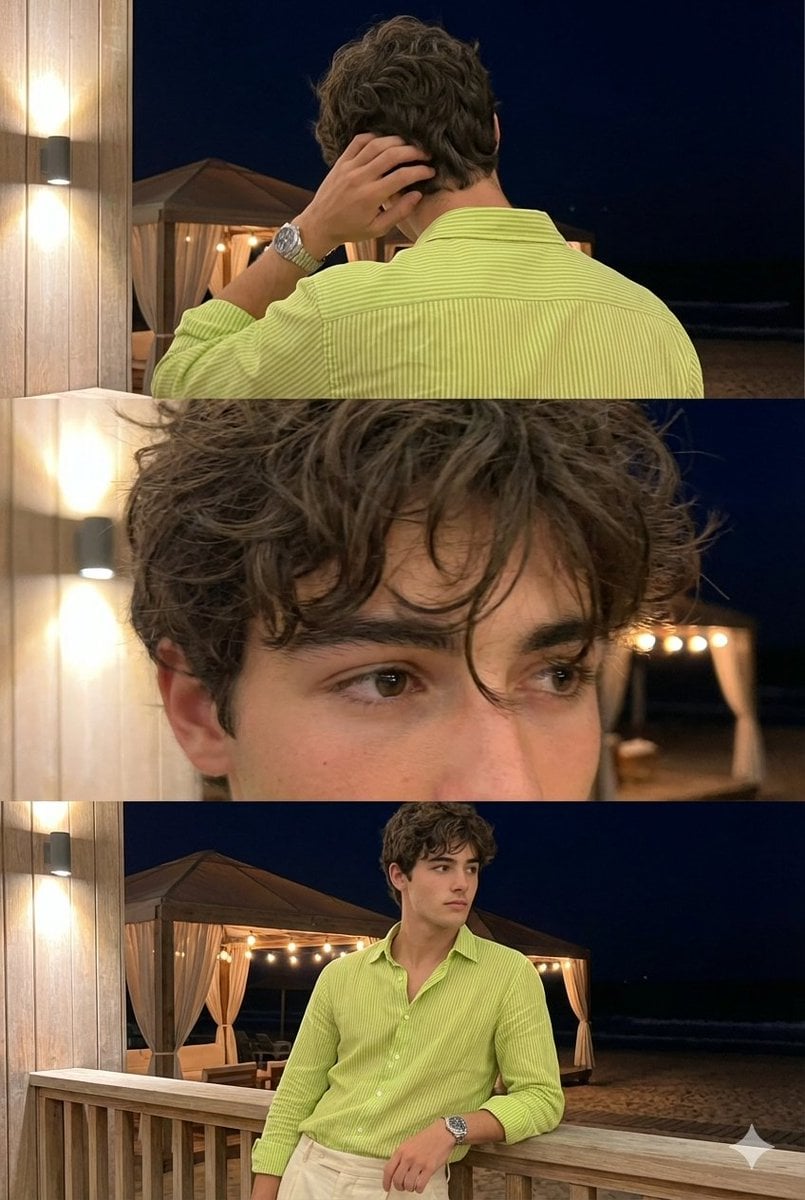
Triple-Frame Candid Portrait with Locked Facial Identity

Professional Studio Headshot Prompt
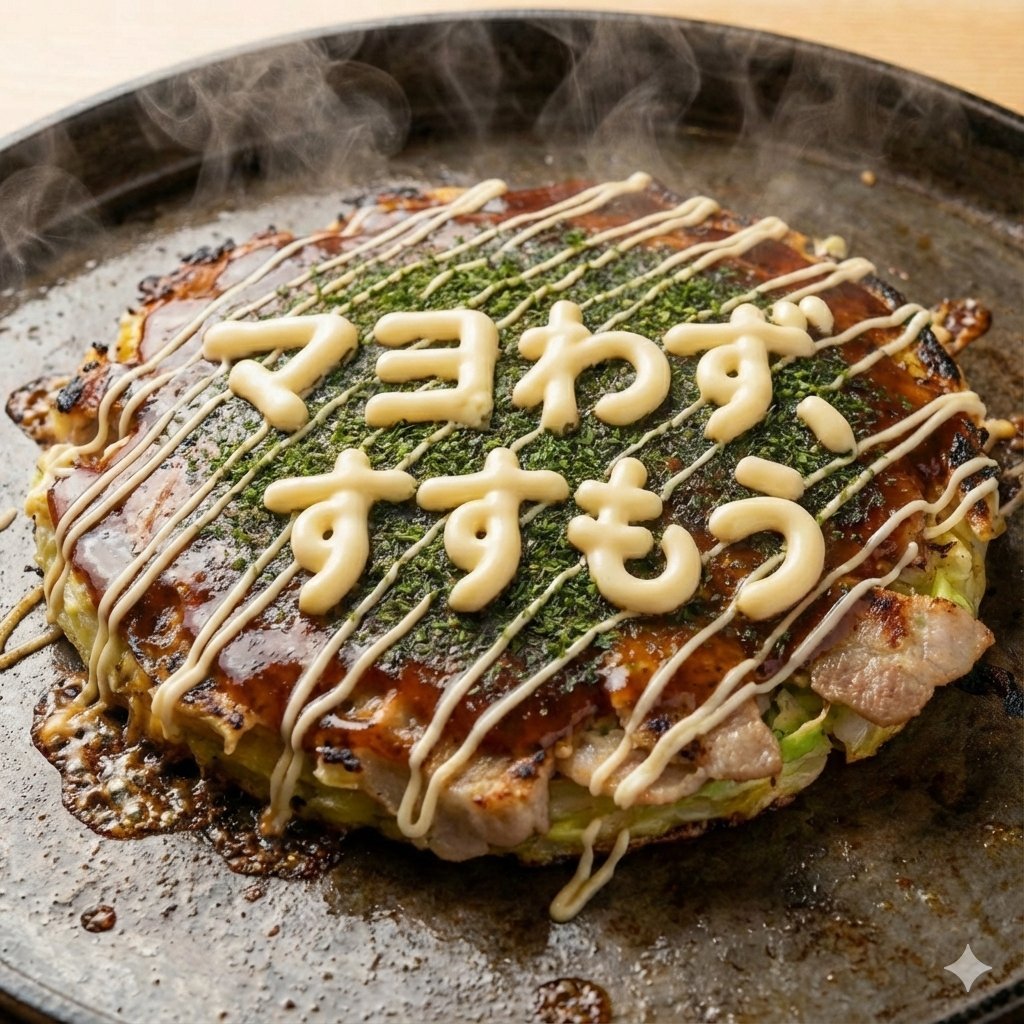
Close-up 1:1 image of hot okonomiyaki
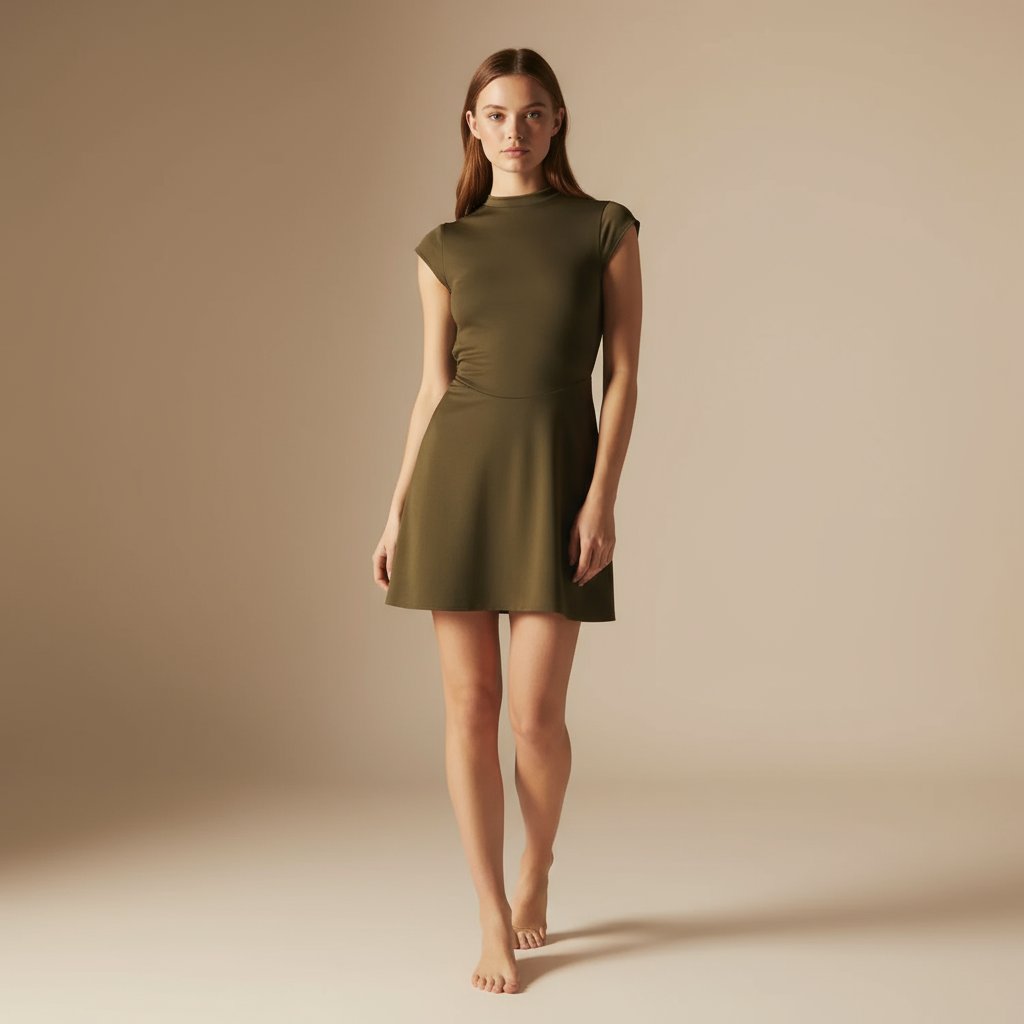
E-commerce Full-Body Product Shot Prompt (Olive Green Dress)
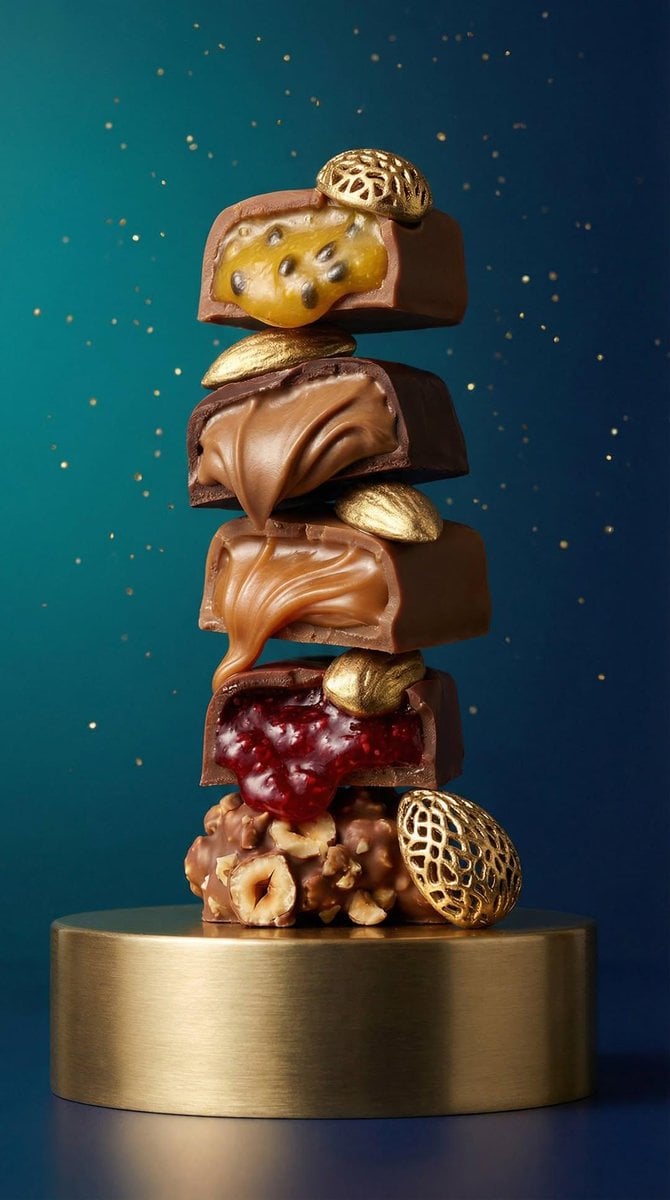
High-Detail Praline Food Photography

FIFA World Cup Poster Design
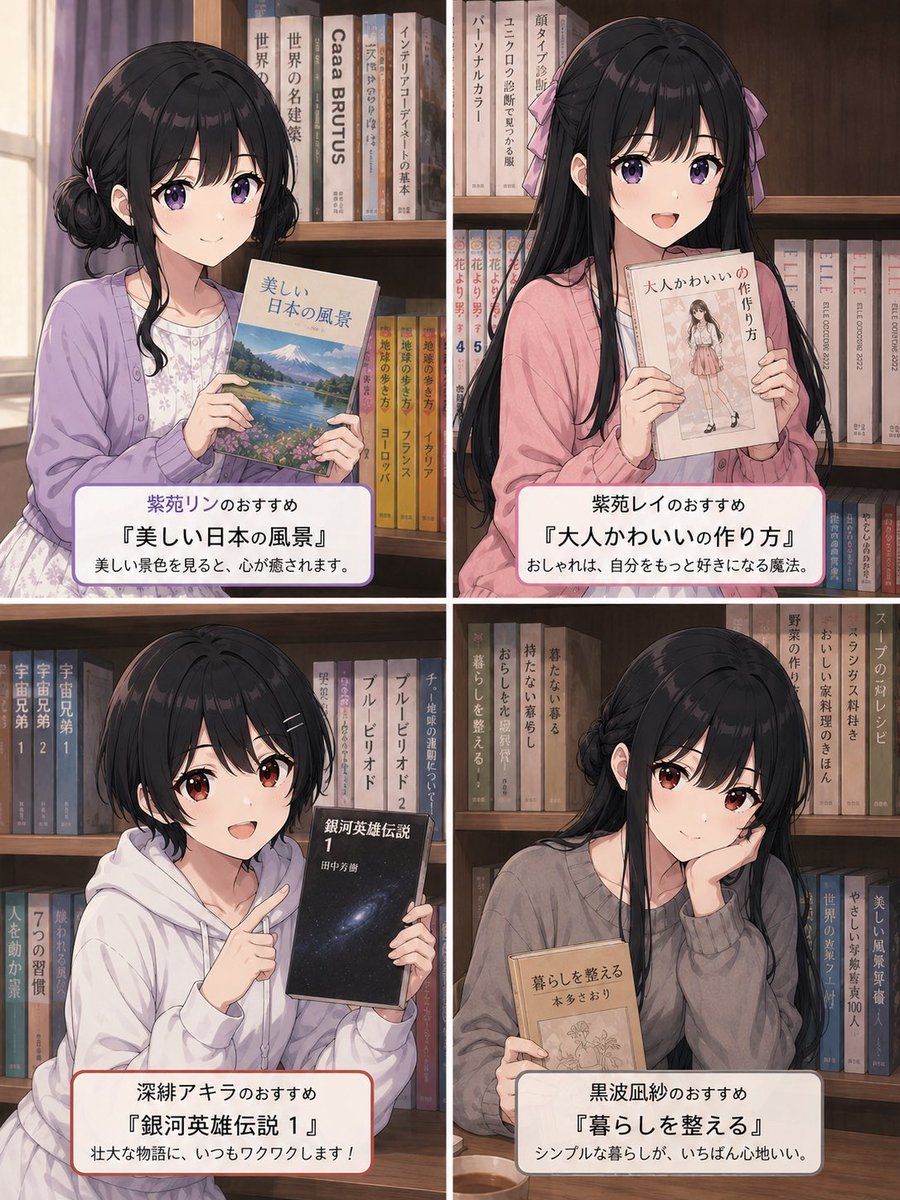
Four Anime Bookshelf Recommendations
Browse template categories
Block Mosaic Stained Glass Girl questions
How do I use the Block Mosaic Stained Glass Girl template?
Add your photo if the template asks for one, edit the prompt if you like — the template's model and format are already selected — and press Generate. Your version opens in PicX Studio.
Can I customize the Block Mosaic Stained Glass Girl template?
Yes. You can change the subject, setting, lighting, mood, format, and available model controls before creating your image.
Is the Block Mosaic Stained Glass Girl template free?
Opening and editing this template is free. Generating uses credits, shown on the Generate button when you are signed in.
Which AI model should I use?
Start with GPT Image 2, which is the model associated with this template. You can compare another compatible model for a different finish.
Looking for something else? Browse all templates.

Your photo, any look
Thousands of ready templates for every top image and video model, from one credit balance.