
Stained Glass Flying Owl
A detailed fantasy art prompt for generating a luminous gemstone-like owl in flight against a soft teal background.
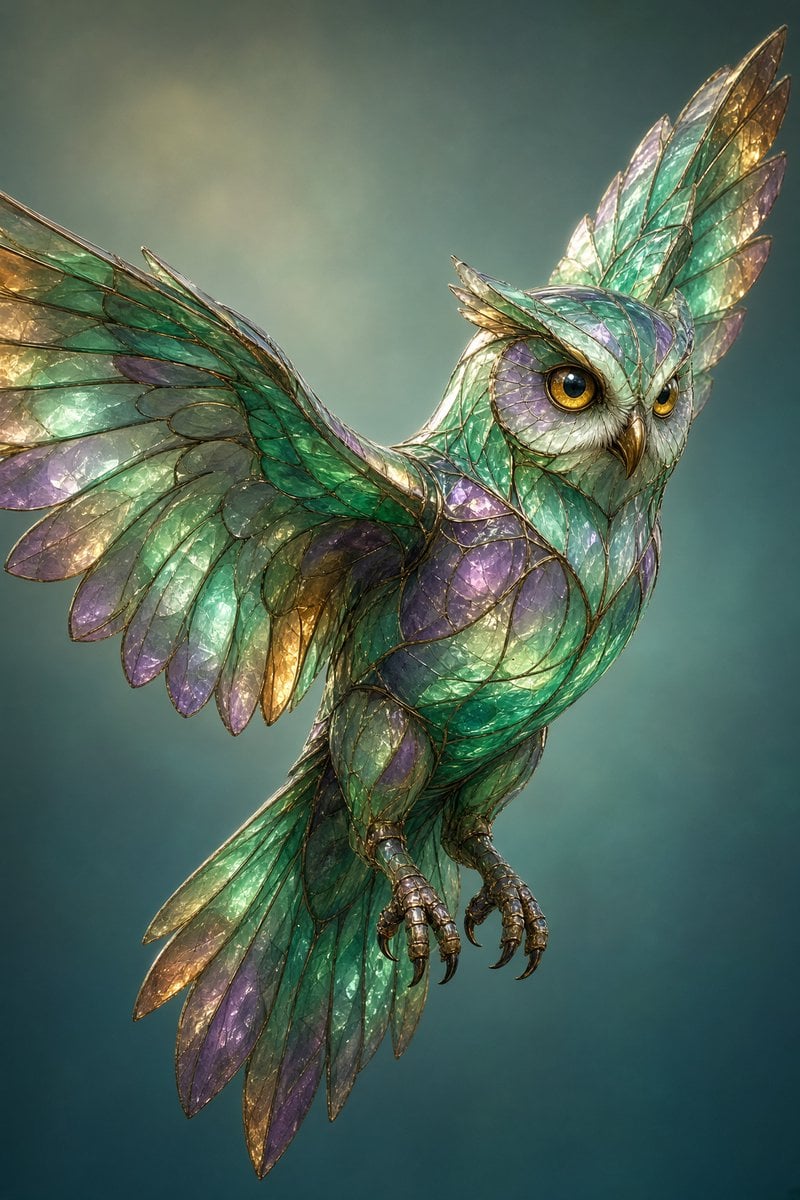
- Prompt included
- Model and format preset
- Free template
The prompt behind this image
Copy the exact prompt behind Stained Glass Flying Owl, or open it in the studio and make it yours.
Create a vertical fantasy illustration of a majestic {argument name="subject" default="owl"} in mid-flight, angled three-quarters toward the viewer, with one broad wing sweeping out to the left and the other wing raised upward behind its head. The creature is made of translucent stained glass and gemstone-like feathers, each feather formed from individual beveled shards outlined with thin dark bronze leading. Use shimmering colors of {argument name="main colors" default="emerald green, teal, aqua, lavender purple, and warm gold"}, with luminous internal highlights, tiny sparkling flecks, and a glossy faceted surface. The owl has a sharp bronze beak, intense round amber-gold eyes, prominent feather tufts like crystalline horns, layered tail feathers trailing downward, and two visible taloned feet curled beneath the body. The background is a soft painterly teal-green gradient with subtle bokeh haze and no text, keeping the focus on the glowing glass owl. Style it as highly detailed digital fantasy art with realistic anatomy, elegant stained-glass craftsmanship, cinematic lighting, crisp edges on the bird, soft depth of field in the background, and a magical transparent iridescent atmosphere.
How to use Stained Glass Flying Owl in 3 steps
- 1Upload ImagePNG, JPG or paste
Add your photo
Upload the photo the template builds on. The prompt, model and format are already set.
- 2…a portrait of your subject in softgolden-hour light, 85mm…
Personalize
Edit the subject and creative details for your destination.
- 3Generate
Generate
Press Generate — your image is created in PicX Studio, so you can compare it with the original and refine one variable at a time.
More like this
Templates with the same subject, style or setup. Open one to see its prompt.

Cinematic Glass Brand Logo Volcanic Landscape

Christmas Ornament Portrait Glossy Glass Resin Finish with Hand Painted Details Holiday Lighting
Floating Kimono Girl in Stained Glass Hall
Ornate Lily Stained Glass
Block Mosaic Stained Glass Girl

Anime Stained Glass Prayer
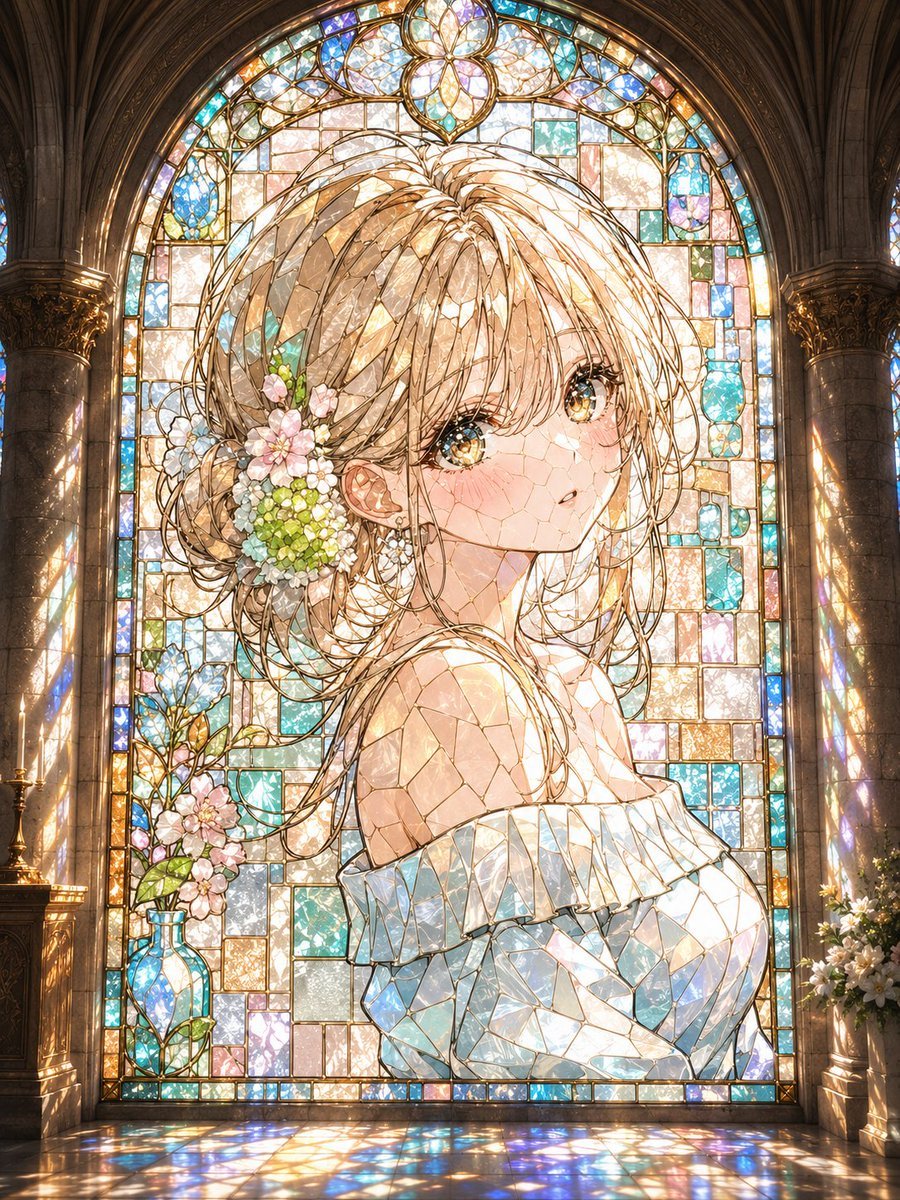
Anime Stained Glass Cathedral Portrait

Gothic Stained-Glass Mecha Portrait
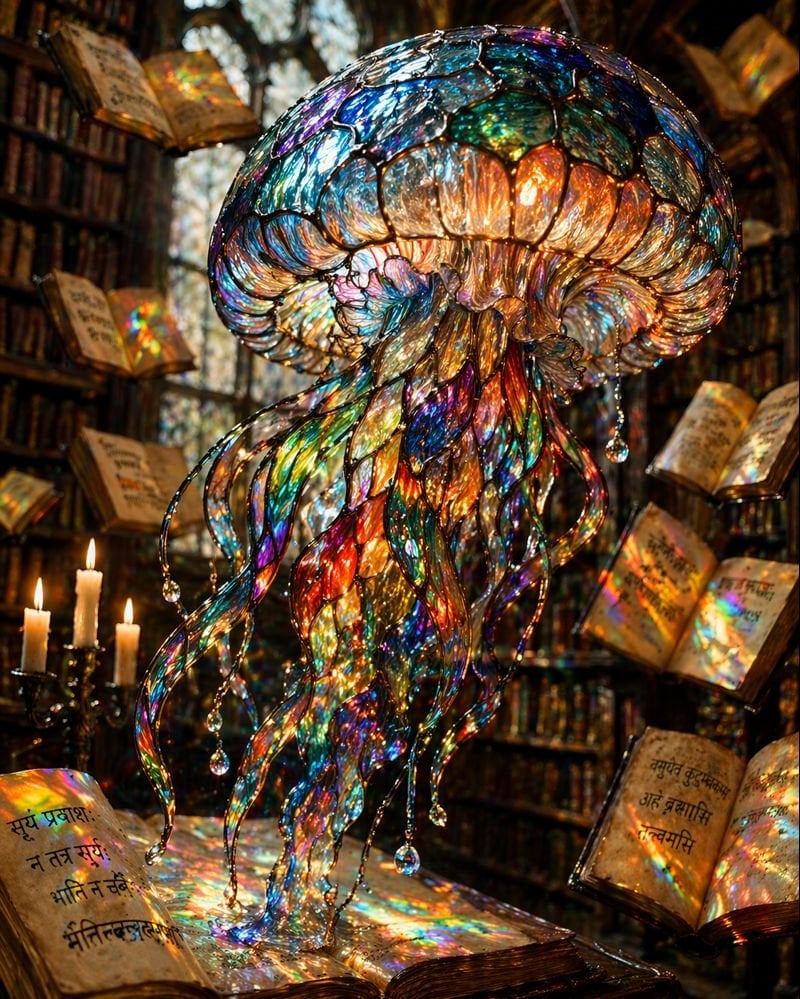
Macro Stained Glass Jellyfish
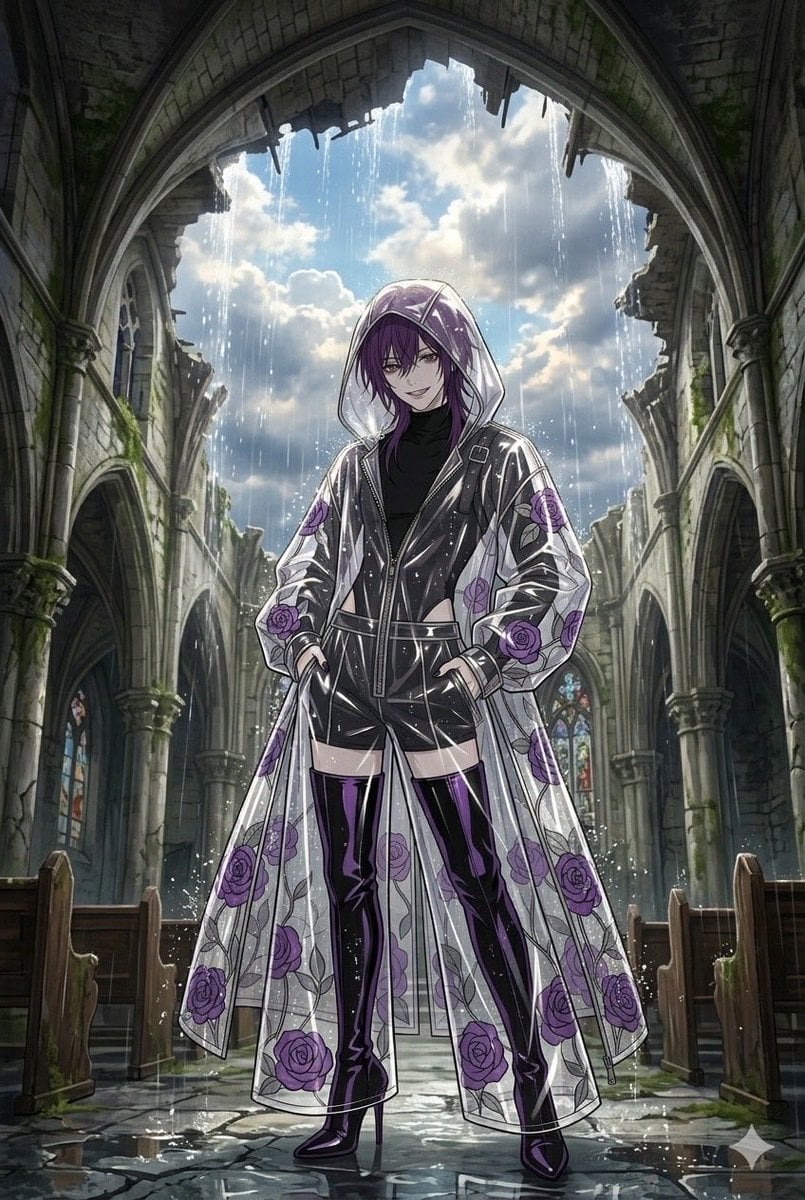
Stained Glass Rose Raincoat
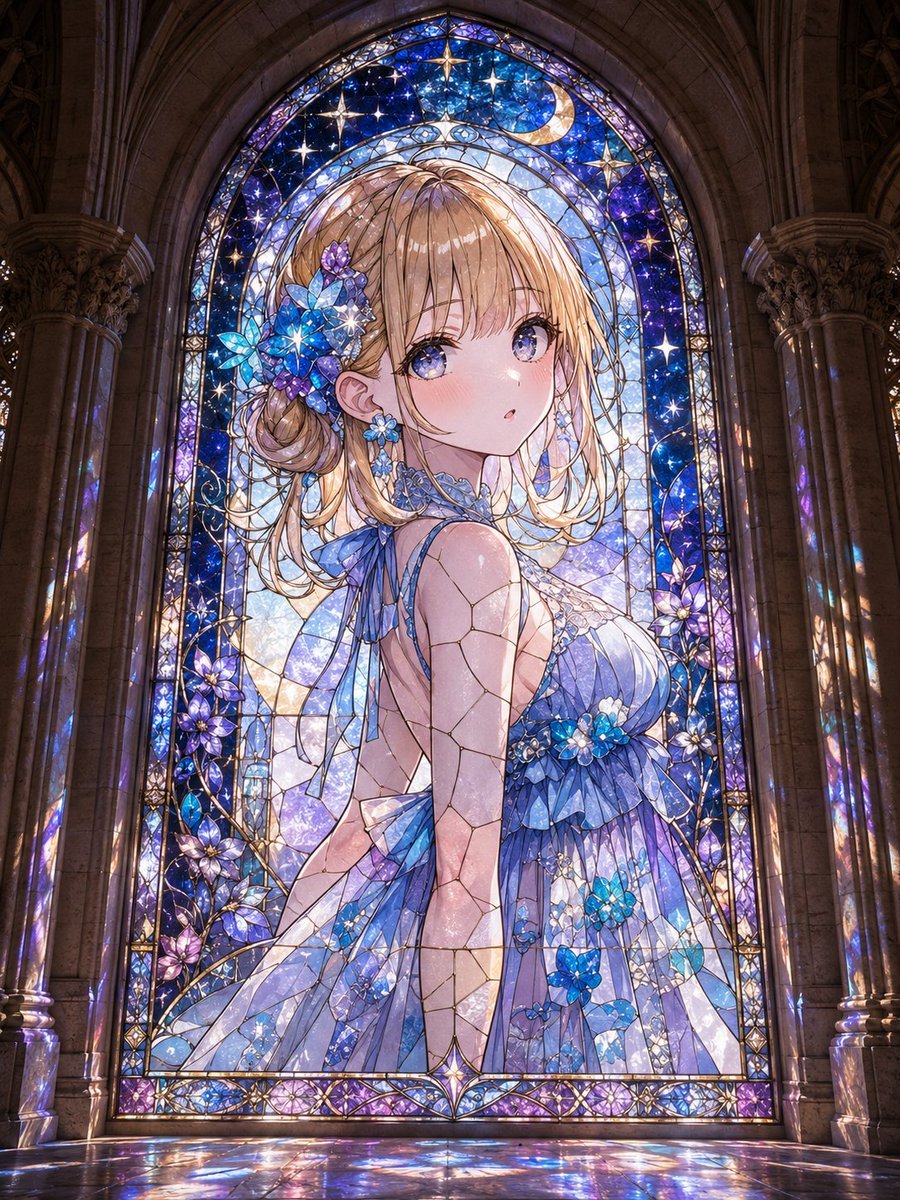
Anime Girl Stained Glass Chapel
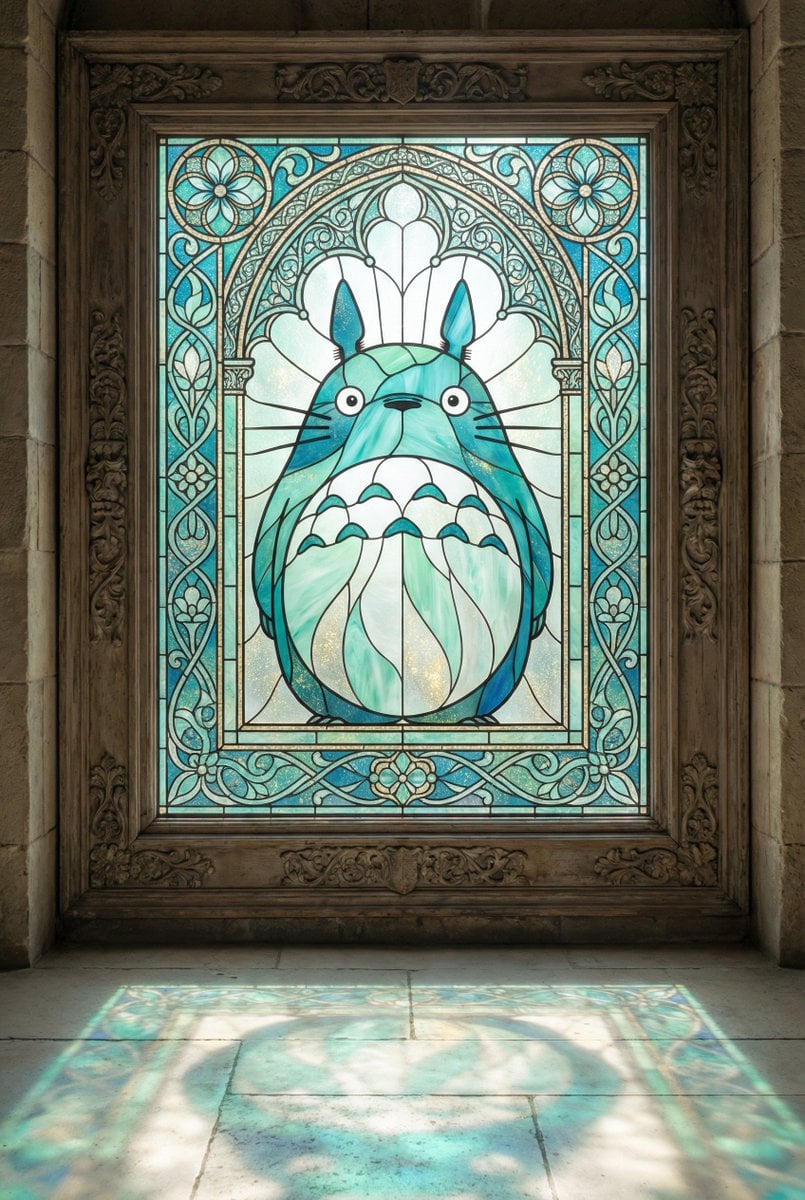
Stained Glass Window Art Prompt
Make it yours
Stained Glass Flying Owl works as-is. These are the safest ways to change it without losing the look.
Change one field
Copy a single group, rewrite it, and generate again so you can see what that field is doing.
Keep the frame, change the subject
Hold the composition and light of Stained Glass Flying Owl, then swap wardrobe, props or the person for a new take.
| If the result… | Why | Fix |
|---|---|---|
| The result drifts from the preview | Too many fields changed at once. | Reuse Stained Glass Flying Owl as-is first, then change one group — subject, light, or setting. |
| The model over-stylizes the scene | The prose prompt leaves finish and camera underspecified. | Add one camera or lighting sentence and stay on GPT Image 2. |
More GPT Image 2 templates
Other prompts made for GPT Image 2.

Six VTuber Japanese Logo Sheet

Realistic Portrait of Woman and Deer

The Vista Modular Condo Poster

AI Model Routing Comparison Infographic

2.5D Anime Art Board

Isometric Productivity Desk Scene

New York Double Exposure Poster

Four-Panel AI Landscape Comparison

Japanese Tatami Lifestyle Magazine Cover

NESCAFÉ Coffee Map Poster
More image prompts
Fresh picks from across the catalog.

Life Journey on Google Gemini Nano Banan
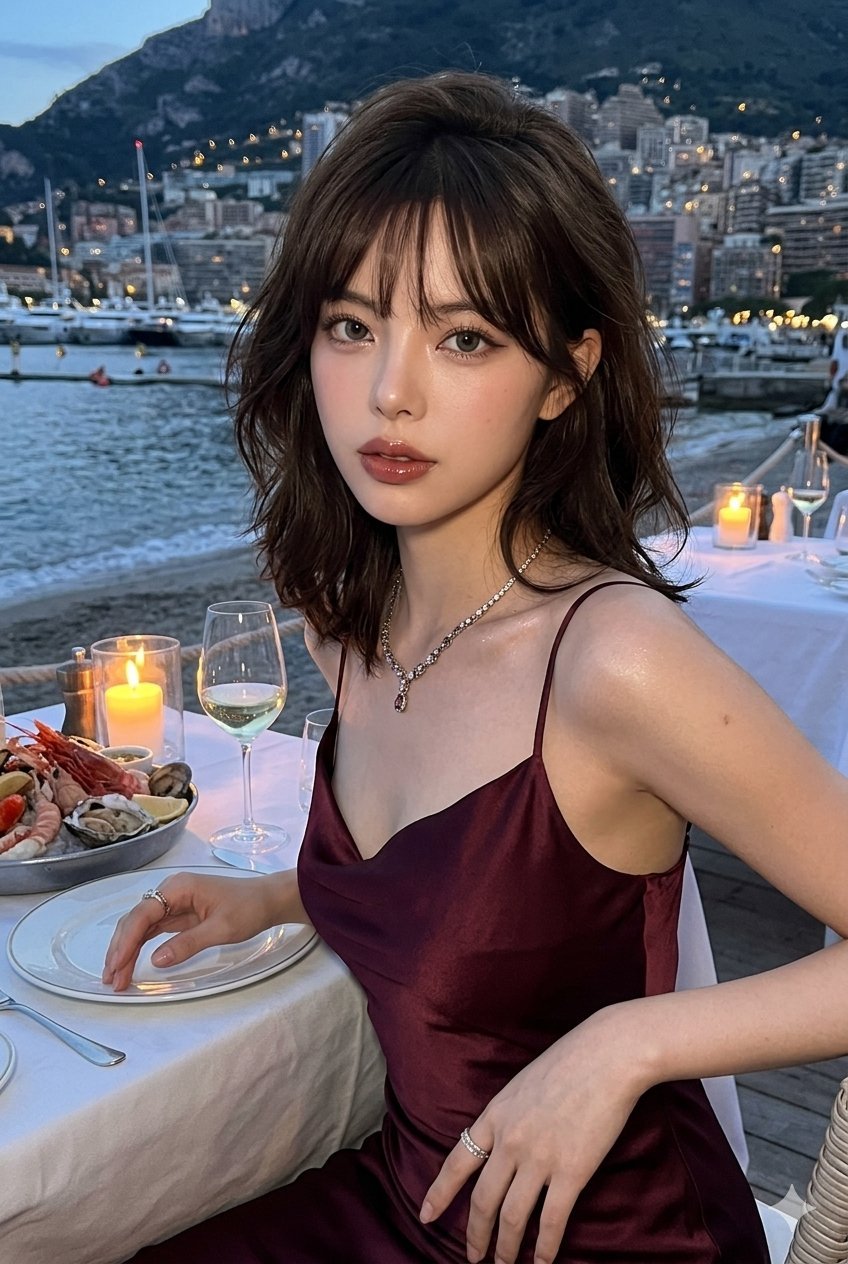
untitled
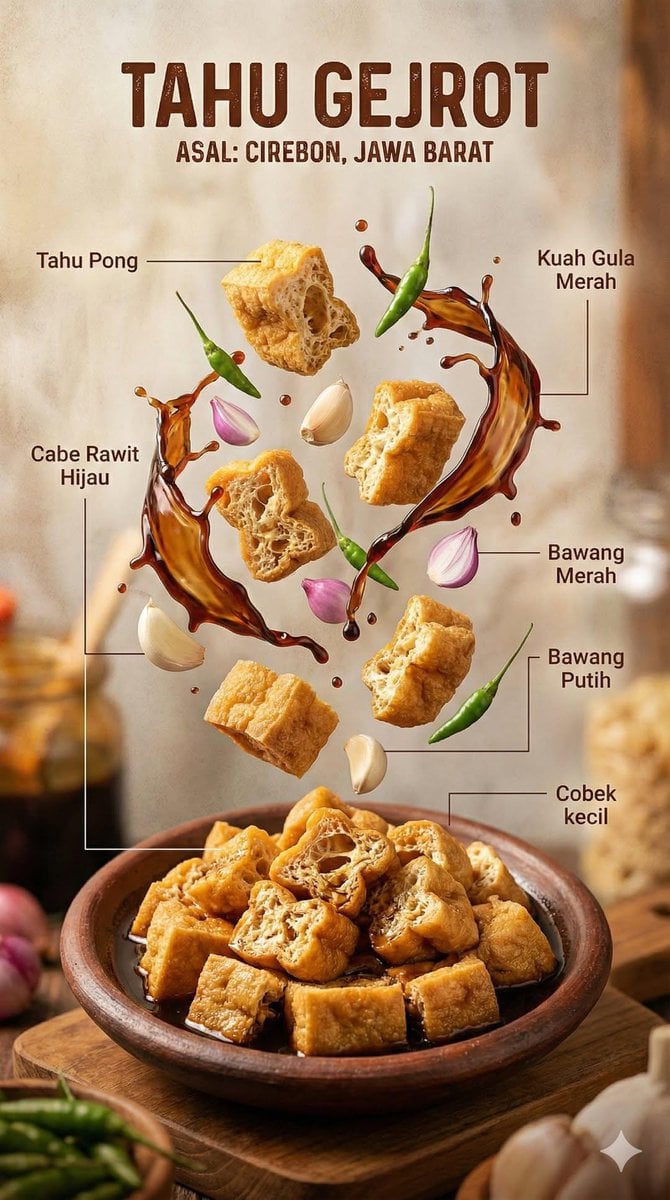
Hyper-realistic Indonesian Food Infographic Prompt
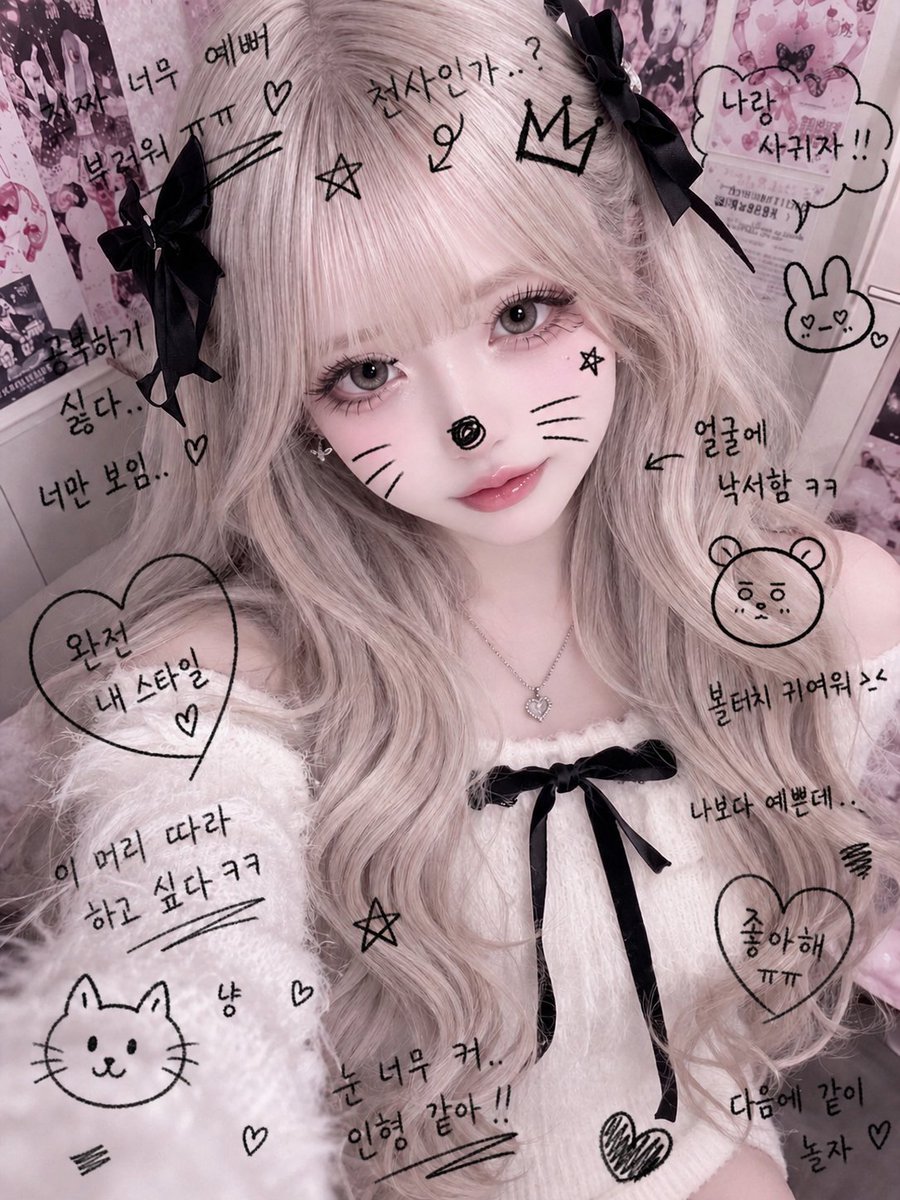
Cute Student Photo Doodle
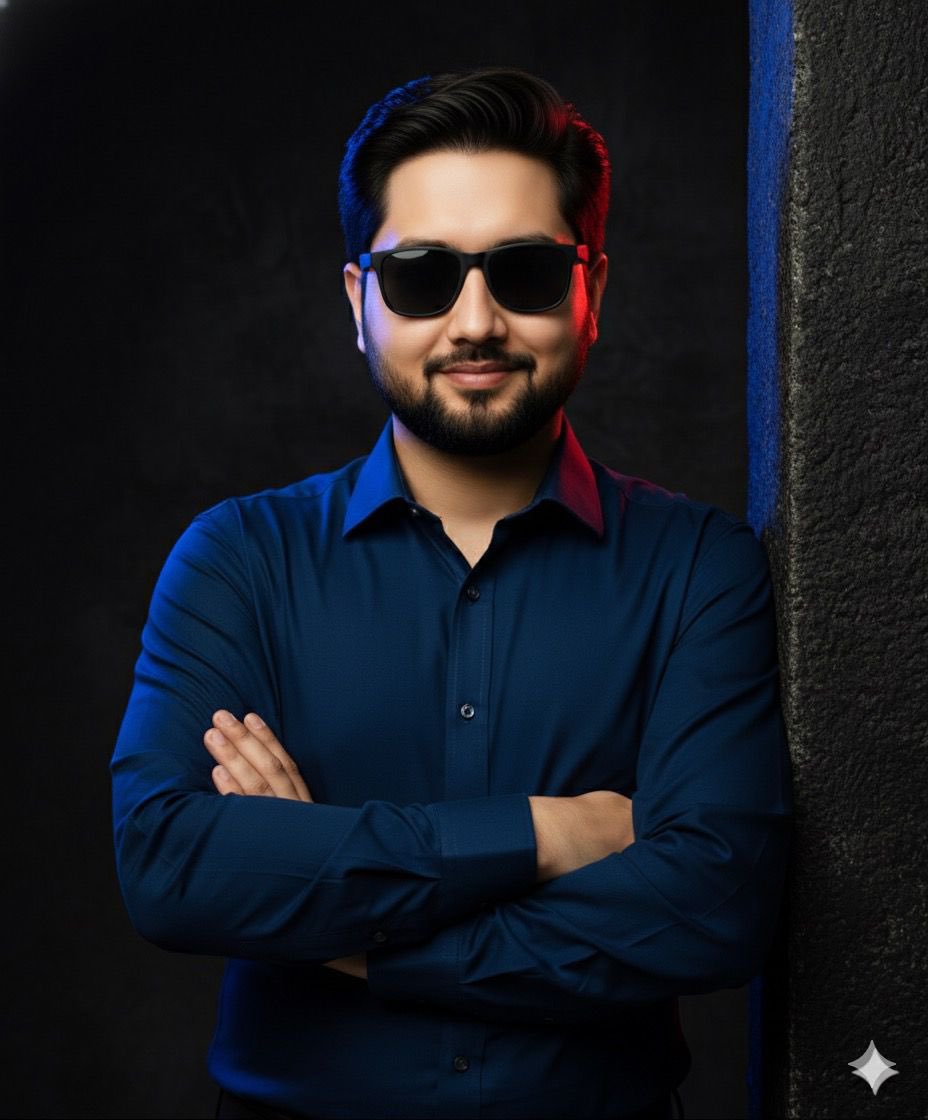
Cinematic studio portrait with moody lighting
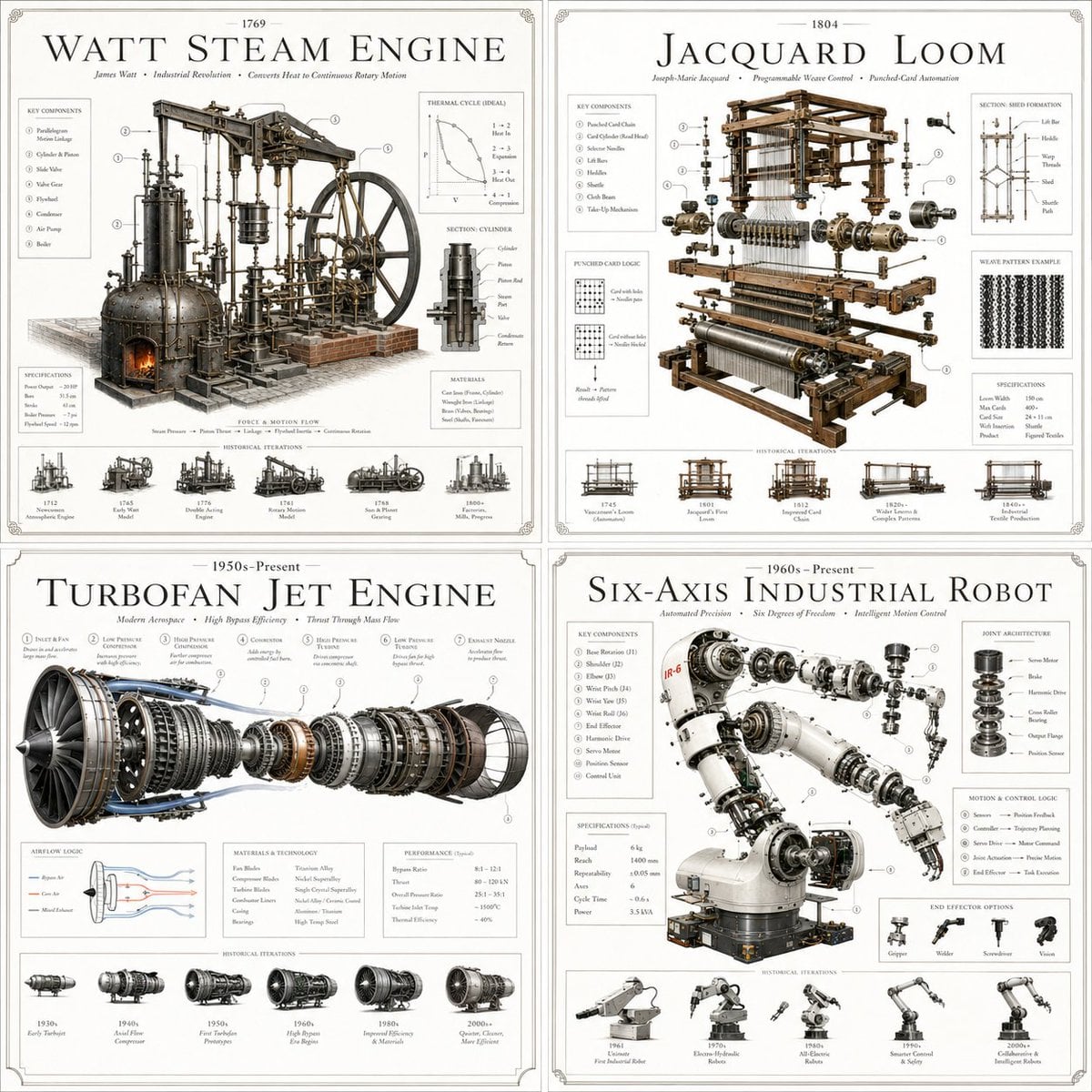
Luxury Patent Artifact Poster
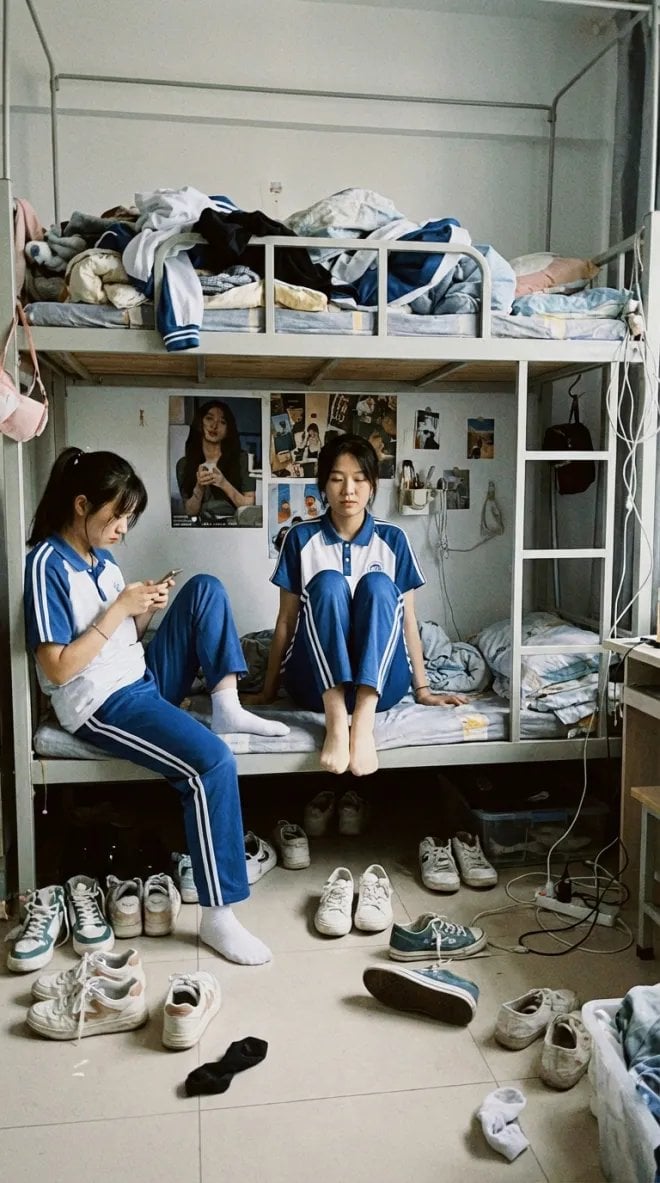
Dorm daily life iPhone shot prompt
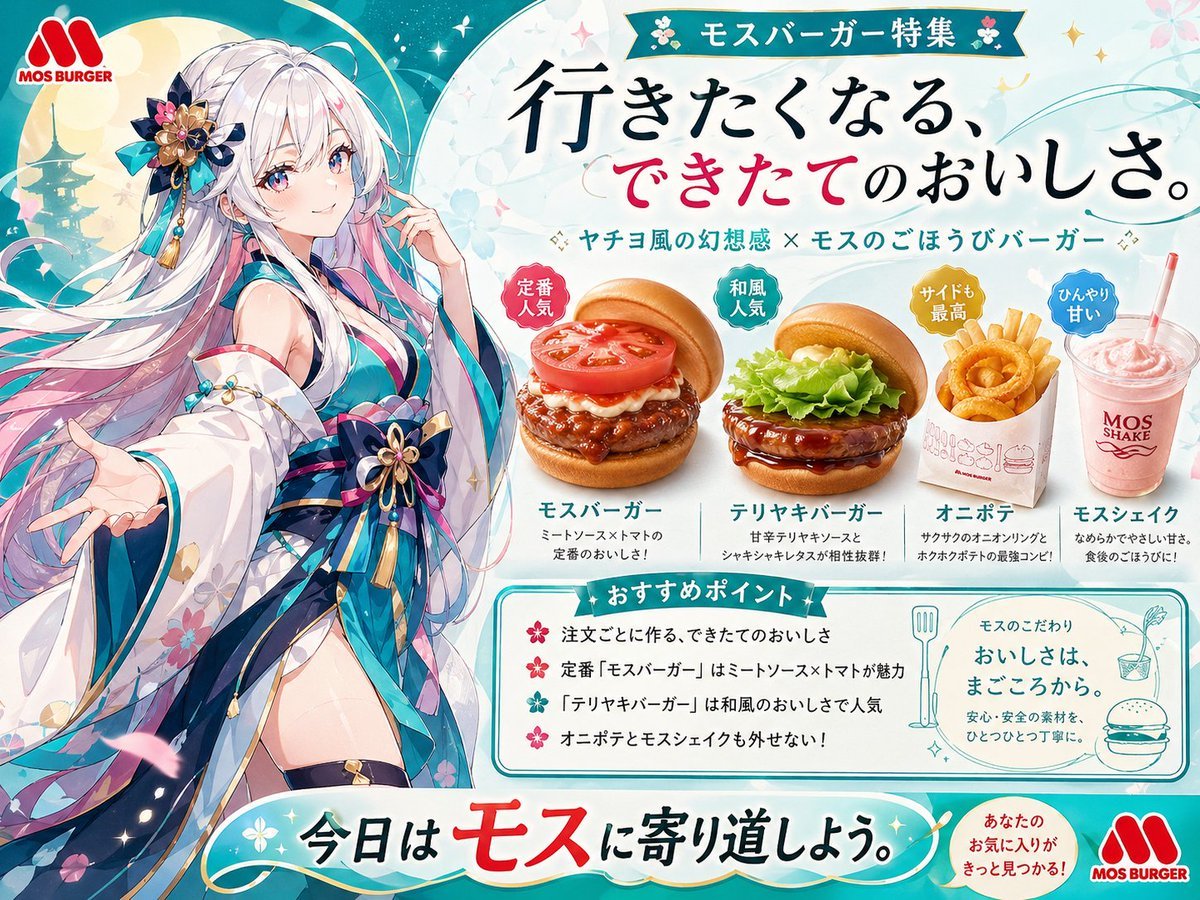
Anime MOS Burger Promo Poster
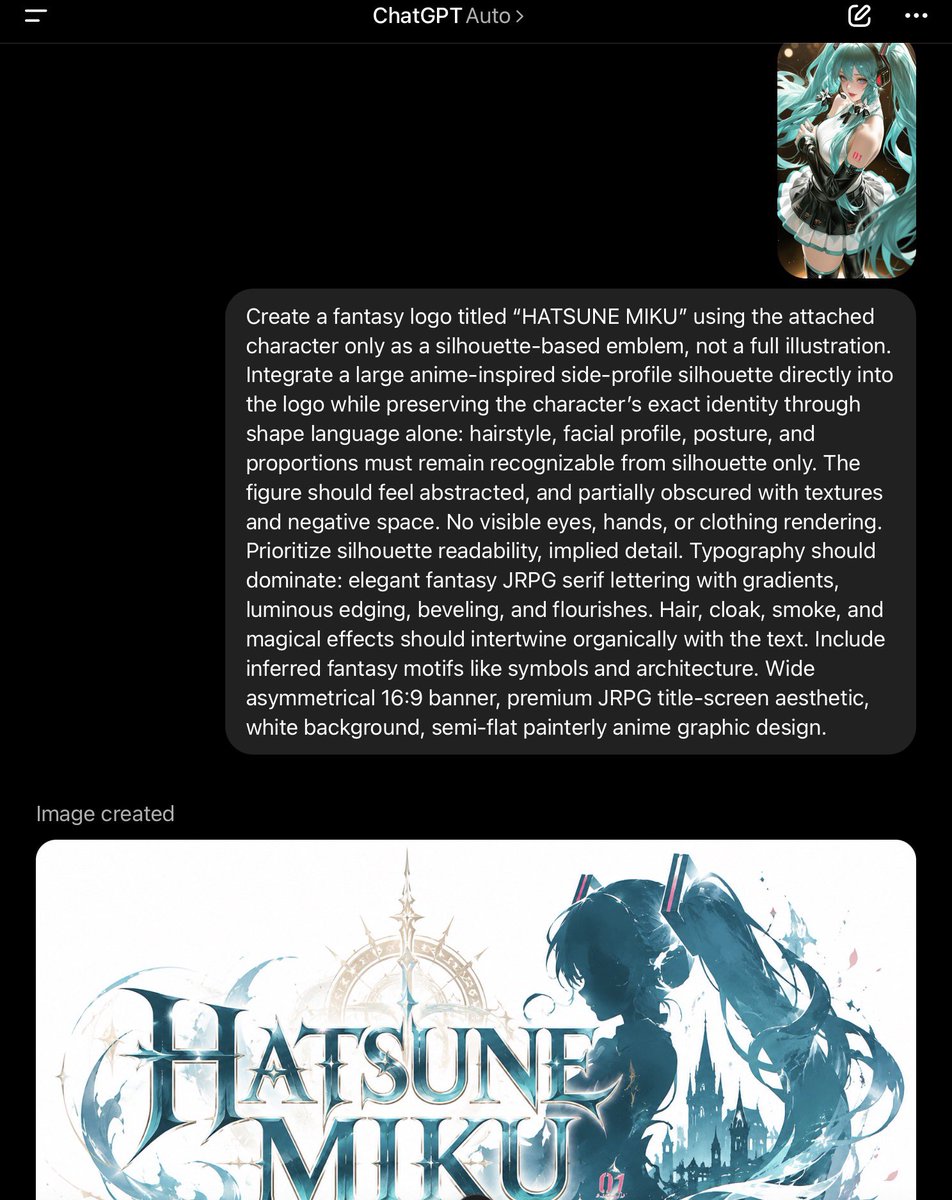
ChatGPT Fantasy Logo Screenshot

Futuristic Tech Beauty Product Poster
Browse template categories
Stained Glass Flying Owl questions
How do I use the Stained Glass Flying Owl template?
Add your photo if the template asks for one, edit the prompt if you like — the template's model and format are already selected — and press Generate. Your version opens in PicX Studio.
Can I customize the Stained Glass Flying Owl template?
Yes. You can change the subject, setting, lighting, mood, format, and available model controls before creating your image.
Is the Stained Glass Flying Owl template free?
Opening and editing this template is free. Generating uses credits, shown on the Generate button when you are signed in.
Which AI model should I use?
Start with GPT Image 2, which is the model associated with this template. You can compare another compatible model for a different finish.
Looking for something else? Browse all templates.

Your photo, any look
Thousands of ready templates for every top image and video model, from one credit balance.