
Ornate Lily Stained Glass
Generates a vertical Art Nouveau stained-glass bouquet of lilies with jewel tones, metallic leading, and sparkling cathedral-window details.
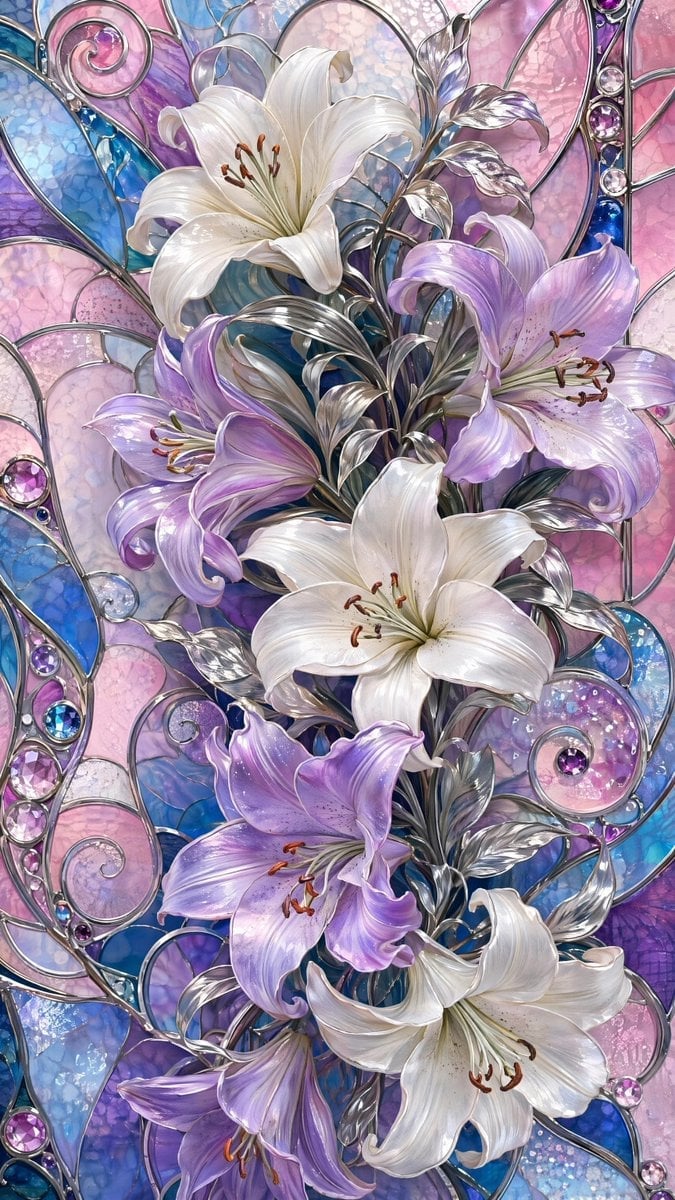
- Prompt included
- Model and format preset
- Free template
The prompt behind this image
Copy the exact prompt behind Ornate Lily Stained Glass, or open it in the studio and make it yours.
Create a vertical ornate stained-glass floral artwork featuring {argument name="flower type" default="lilies"} as the central subject. Use a tall 9:16 canvas filled edge to edge with a luxurious Art Nouveau stained-glass composition. Show exactly six large blooming lilies arranged in a flowing vertical bouquet: two white lilies near the upper center and middle, one white lily at the lower right, two lavender-purple lilies on the left and center-right, and one lavender lily near the lower left; include visible stamens with warm brown anthers and graceful curled petals. Add polished silver metallic stems, leaves, and curling vine scrollwork weaving around the flowers, with reflective chrome highlights. The background should be made of irregular stained-glass panels in {argument name="background colors" default="pastel pink, lavender, sapphire blue, turquoise, and pale opal"}, separated by raised silver leading. Include circular and spiral glass motifs, arched panel lines, and embedded jewel-like cabochons in purple, pink, clear, and blue along the borders and scrolls. Render the glass with translucent texture, bubbles, crackled opalescent patterns, glossy reflections, and sparkling highlights. The overall mood should be elegant, luminous, highly detailed, and jewel-toned, like a fantasy cathedral window or decorative Tiffany-style panel. No text, no people, no frame, no watermark.
How to use Ornate Lily Stained Glass in 3 steps
- 1Upload ImagePNG, JPG or paste
Add your photo
Upload the photo the template builds on. The prompt, model and format are already set.
- 2…a portrait of your subject in softgolden-hour light, 85mm…
Personalize
Edit the subject and creative details for your destination.
- 3Generate
Generate
Press Generate — your image is created in PicX Studio, so you can compare it with the original and refine one variable at a time.
More like this
Templates with the same subject, style or setup. Open one to see its prompt.

Cinematic Glass Brand Logo Volcanic Landscape

Christmas Ornament Portrait Glossy Glass Resin Finish with Hand Painted Details Holiday Lighting
Stained Glass Flying Owl
Floating Kimono Girl in Stained Glass Hall
Block Mosaic Stained Glass Girl

Anime Stained Glass Prayer
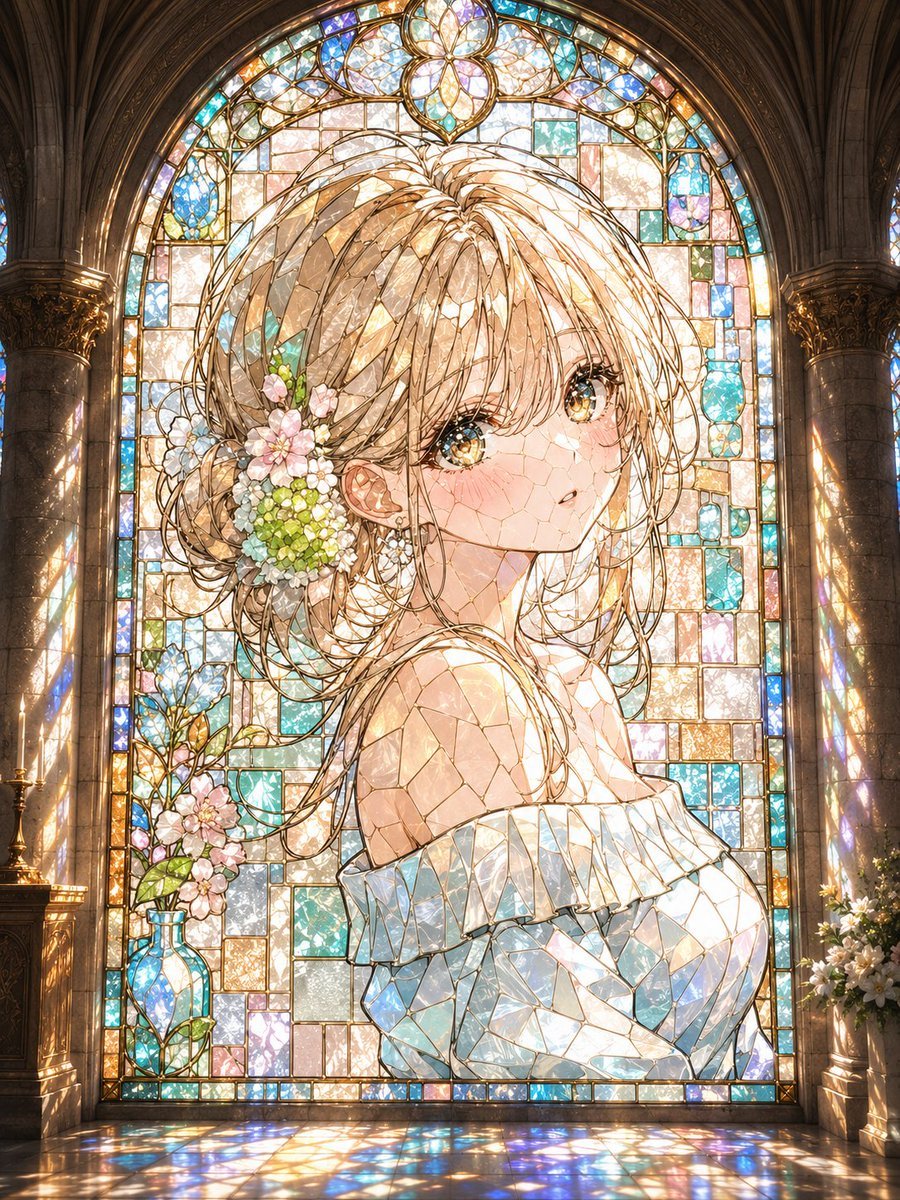
Anime Stained Glass Cathedral Portrait

Gothic Stained-Glass Mecha Portrait
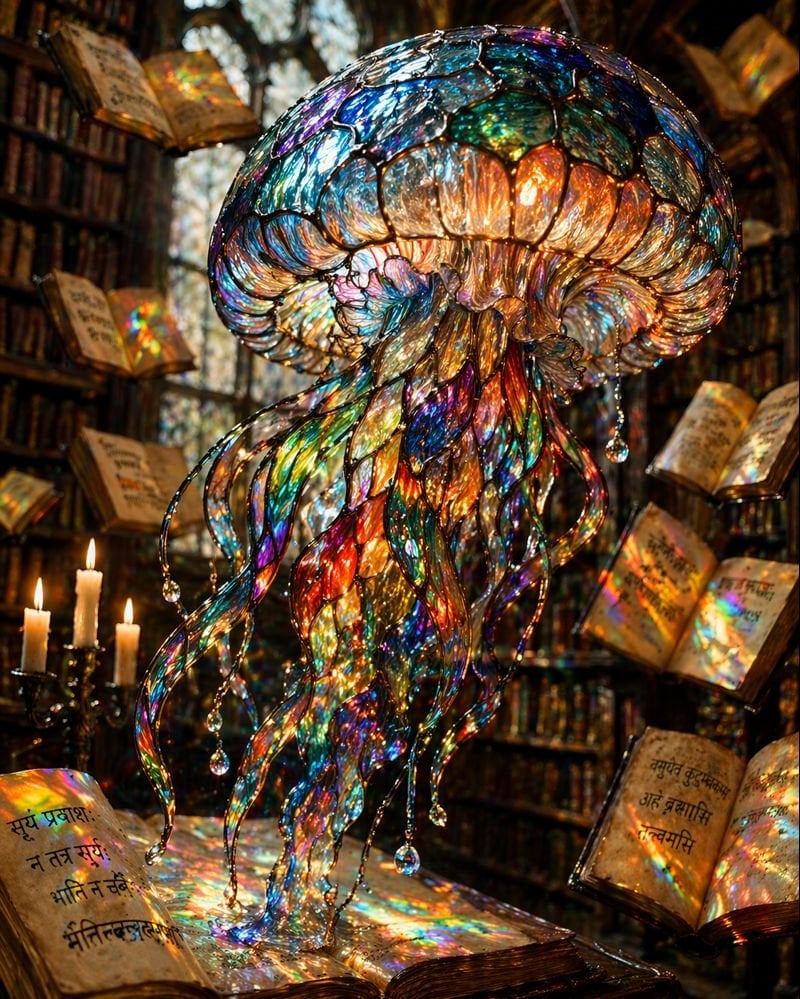
Macro Stained Glass Jellyfish
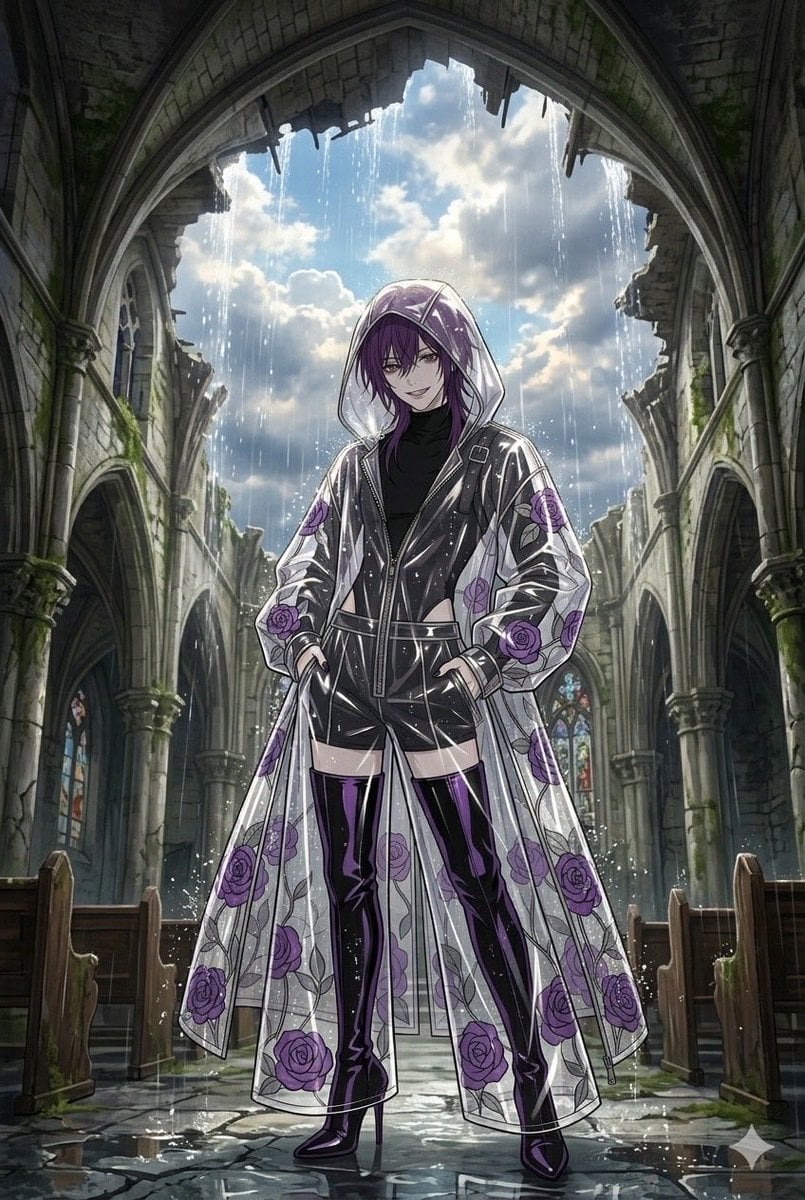
Stained Glass Rose Raincoat
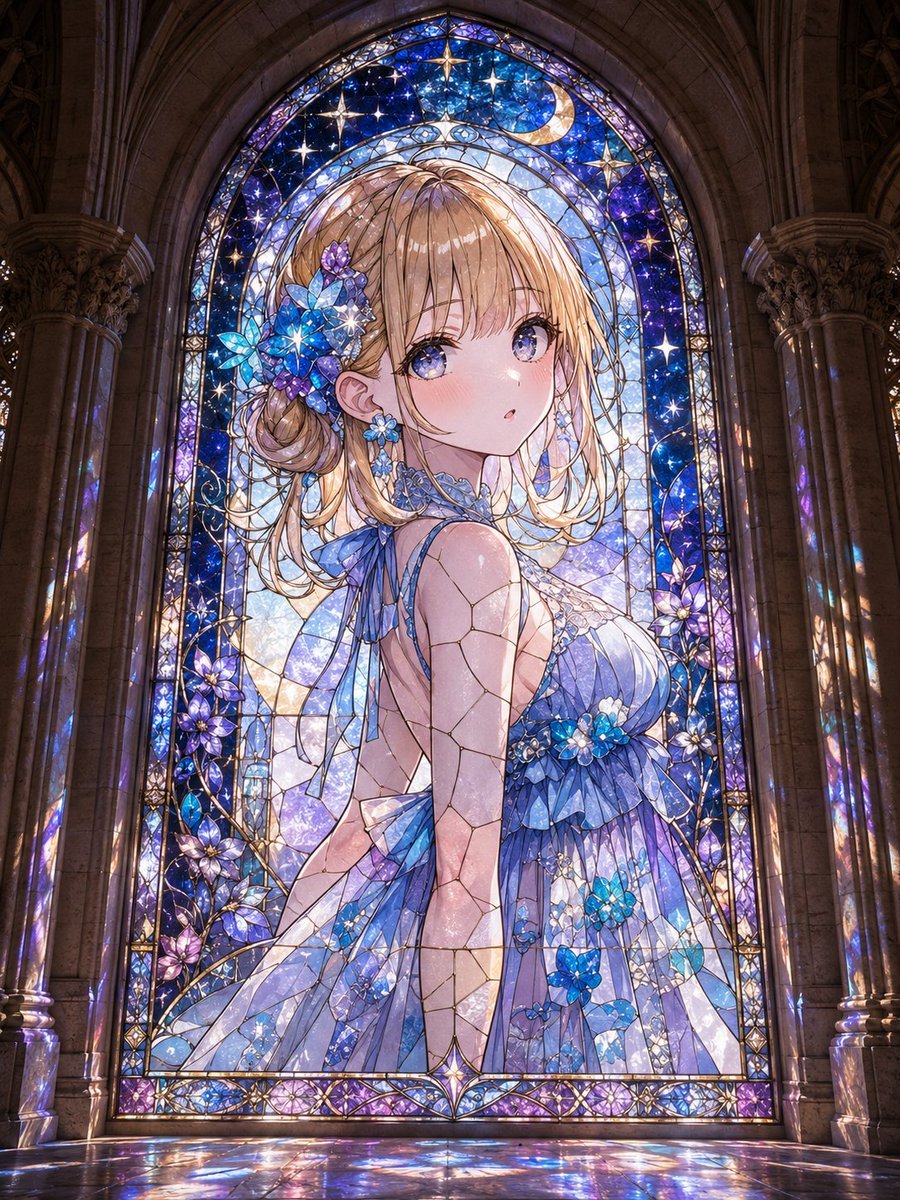
Anime Girl Stained Glass Chapel
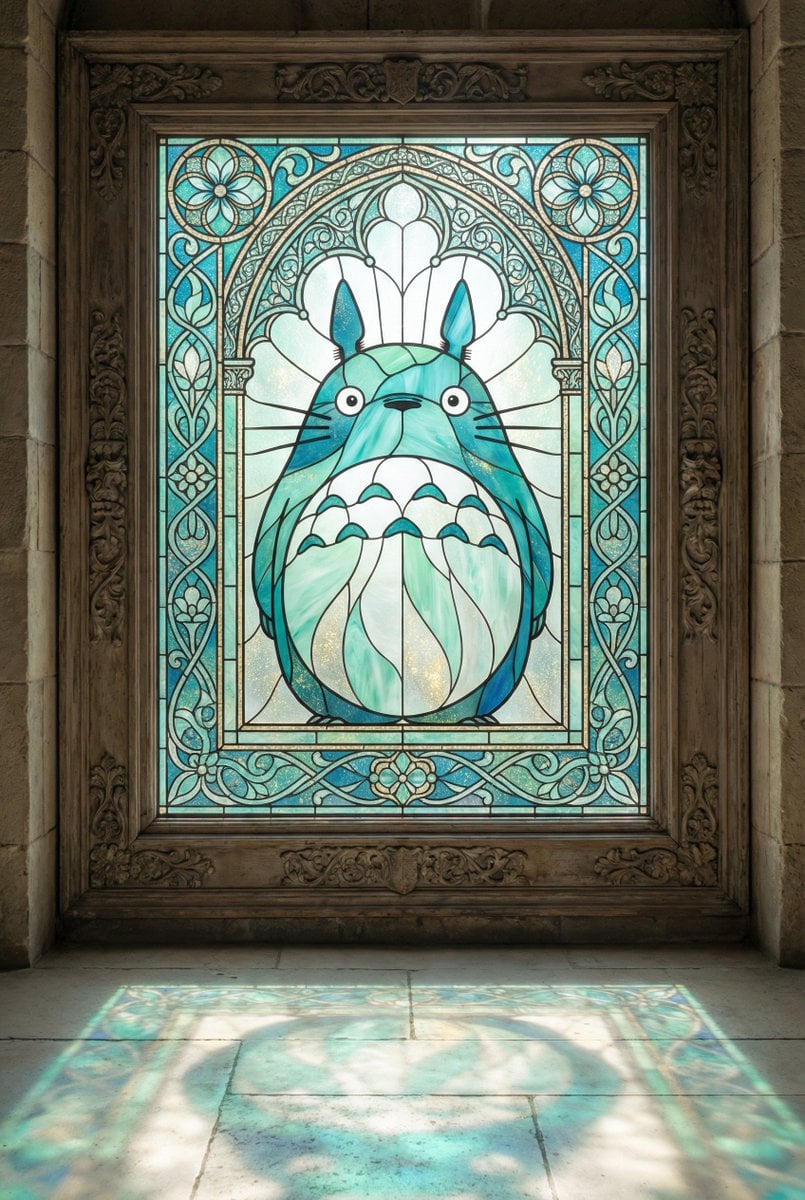
Stained Glass Window Art Prompt
Make it yours
Ornate Lily Stained Glass works as-is. These are the safest ways to change it without losing the look.
Change one field
Copy a single group, rewrite it, and generate again so you can see what that field is doing.
Keep the frame, change the subject
Hold the composition and light of Ornate Lily Stained Glass, then swap wardrobe, props or the person for a new take.
| If the result… | Why | Fix |
|---|---|---|
| The result drifts from the preview | Too many fields changed at once. | Reuse Ornate Lily Stained Glass as-is first, then change one group — subject, light, or setting. |
| The model over-stylizes the scene | The prose prompt leaves finish and camera underspecified. | Add one camera or lighting sentence and stay on GPT Image 2. |
More GPT Image 2 templates
Other prompts made for GPT Image 2.

Six VTuber Japanese Logo Sheet

Realistic Portrait of Woman and Deer

The Vista Modular Condo Poster

AI Model Routing Comparison Infographic

2.5D Anime Art Board

Isometric Productivity Desk Scene

New York Double Exposure Poster

Four-Panel AI Landscape Comparison

Japanese Tatami Lifestyle Magazine Cover

NESCAFÉ Coffee Map Poster
More image prompts
Fresh picks from across the catalog.

Ultra-Photorealistic Candid Film Still of Night Camping and Stargazing
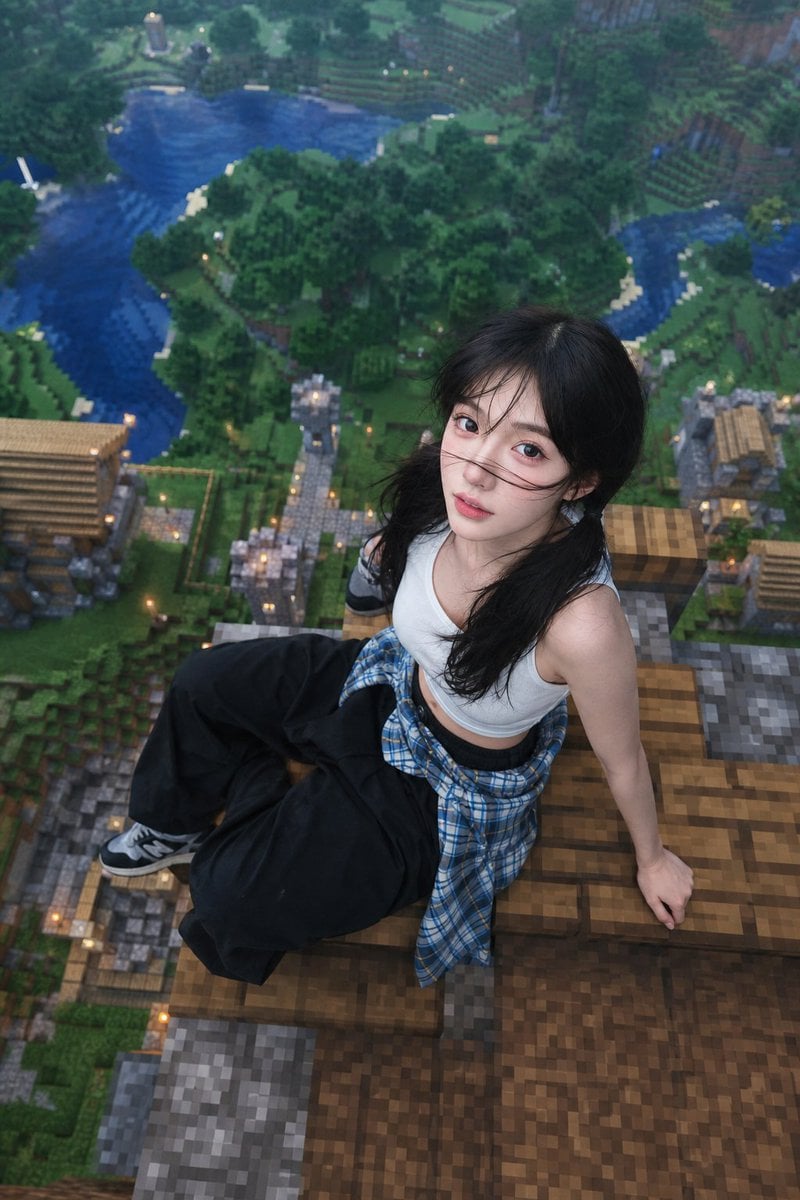
Minecraft Rooftop Aerial Portrait

Minimalist Editorial Portrait Series Prompt
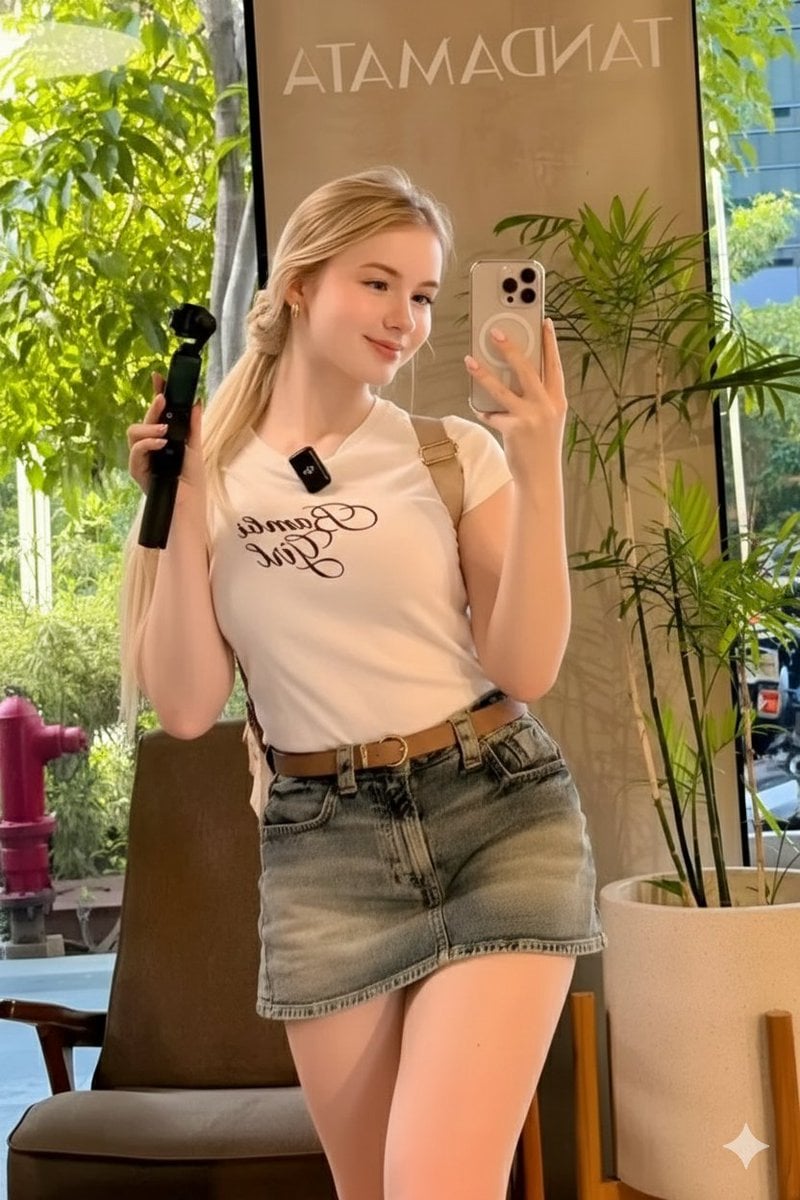
Ultra-Realistic Mirror Selfie in a Café
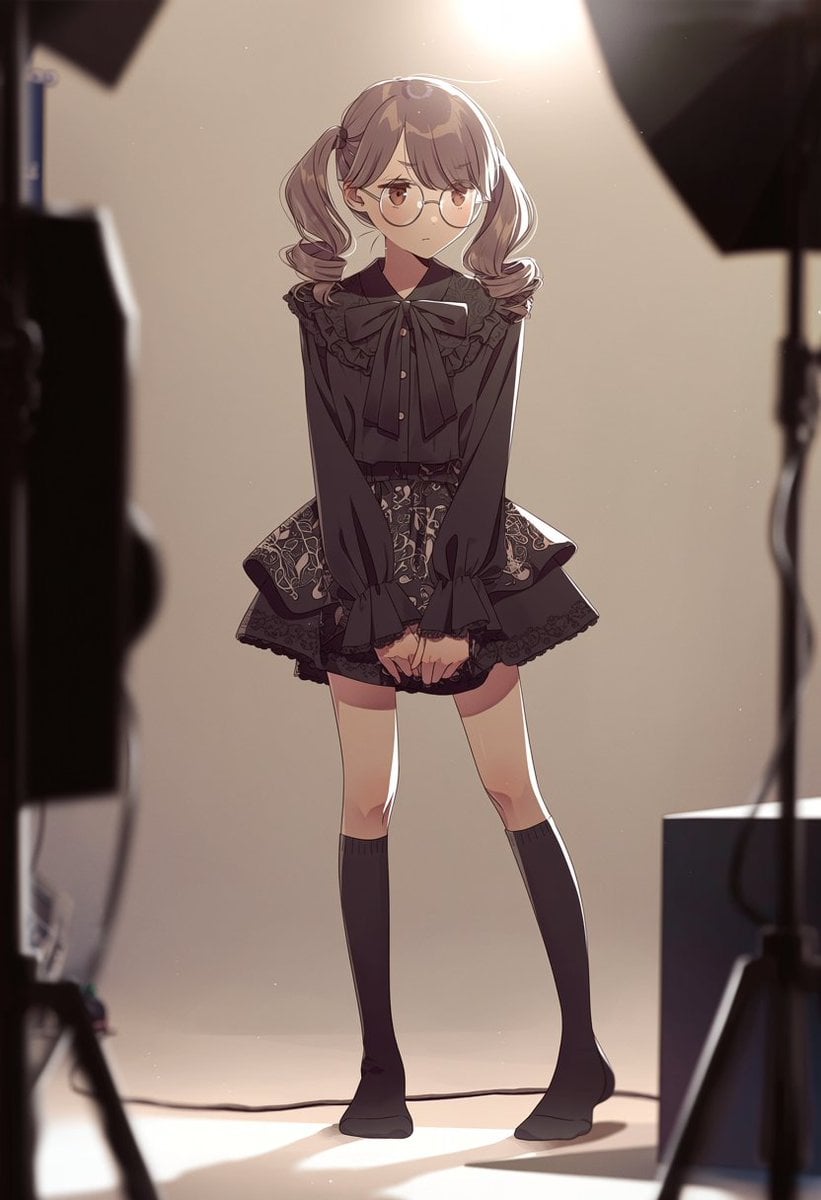
Anime Studio Photoshoot Transformation

Extreme Fisheye Streetwear Portrait

Tokyo Tilt-Shift Miniature Diorama

Expedition Planning Board Collage Prompt

Digital Painting of Joker in Cowboy Hat
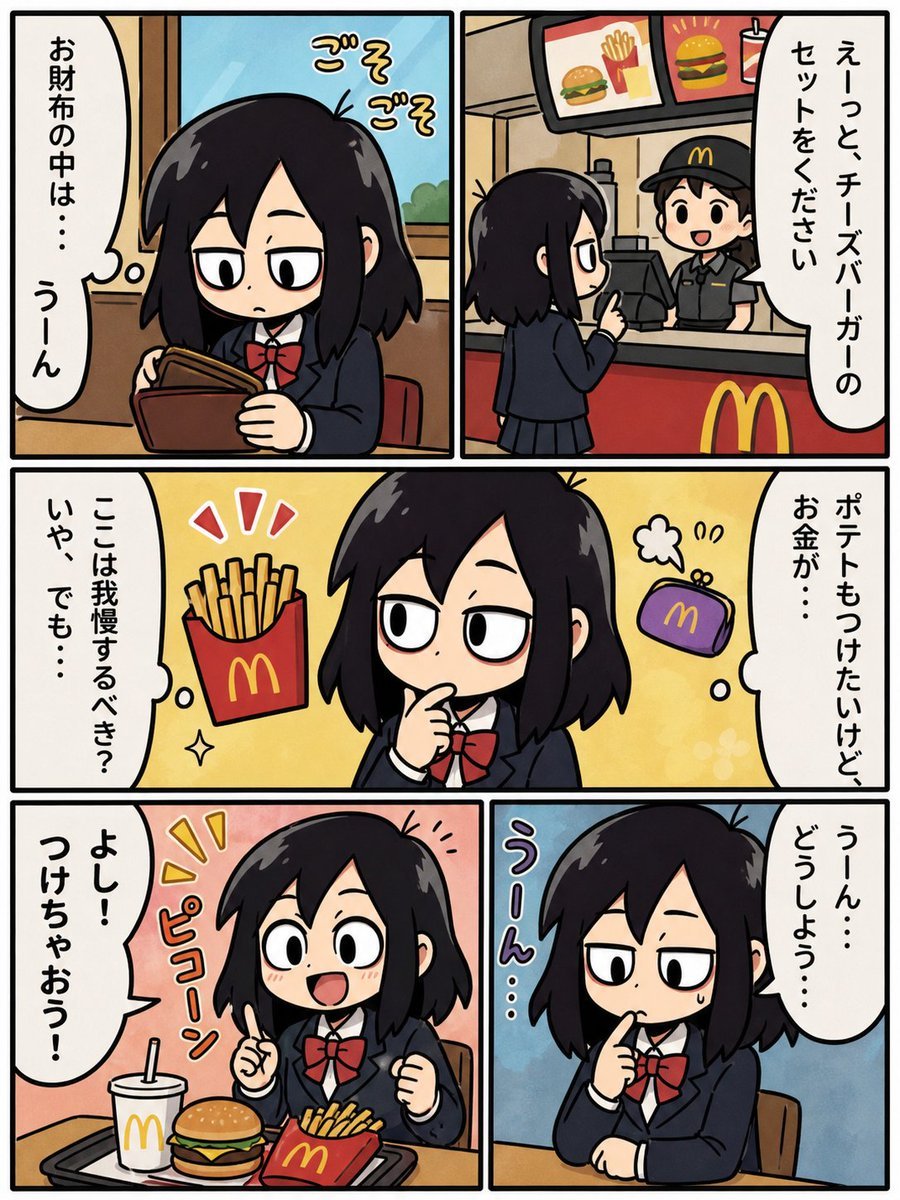
Fast Food Schoolgirl Manga Page
Browse template categories
Ornate Lily Stained Glass questions
How do I use the Ornate Lily Stained Glass template?
Add your photo if the template asks for one, edit the prompt if you like — the template's model and format are already selected — and press Generate. Your version opens in PicX Studio.
Can I customize the Ornate Lily Stained Glass template?
Yes. You can change the subject, setting, lighting, mood, format, and available model controls before creating your image.
Is the Ornate Lily Stained Glass template free?
Opening and editing this template is free. Generating uses credits, shown on the Generate button when you are signed in.
Which AI model should I use?
Start with GPT Image 2, which is the model associated with this template. You can compare another compatible model for a different finish.
Looking for something else? Browse all templates.

Your photo, any look
Thousands of ready templates for every top image and video model, from one credit balance.