
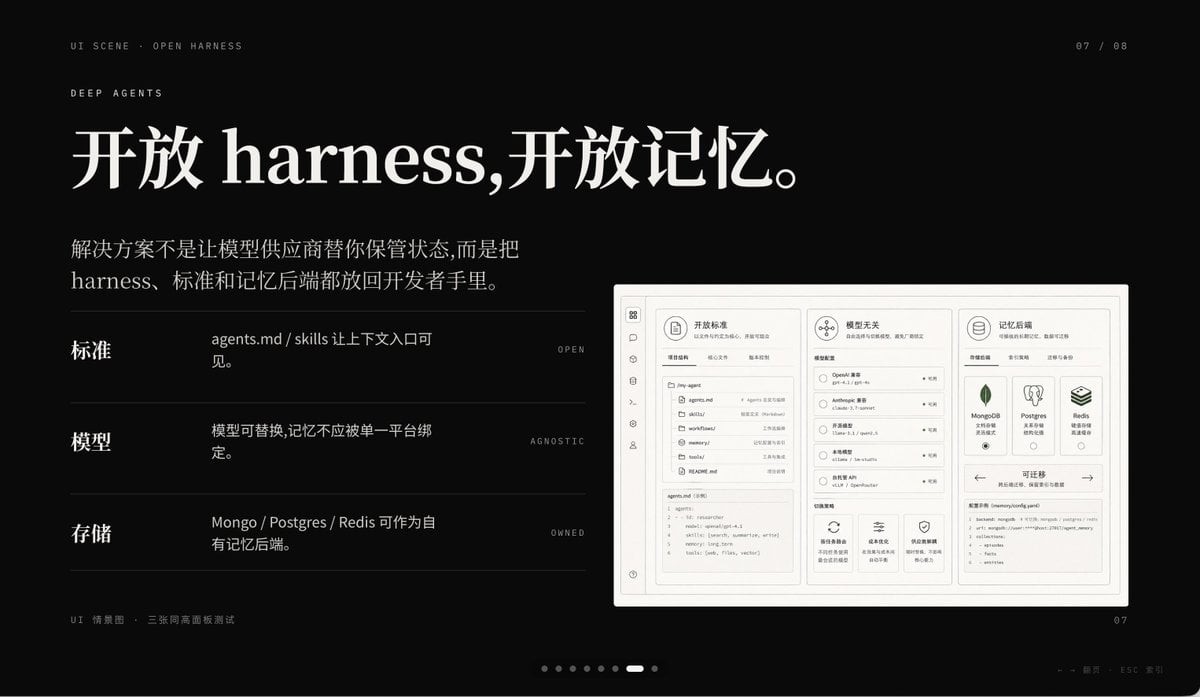
Dark AI Product Keynote Slide
This prompt generates a sleek black presentation slide for an AI product deck, ideal for keynote visuals, startup storytelling, and polished PPT covers.
- Prompt included
- Model and format preset
- Free template
The prompt behind this image
Copy the exact prompt behind Dark AI Product Keynote Slide, or open it in the studio and make it yours.
A premium dark presentation slide in a minimalist editorial tech style, widescreen 16:9 layout, matte black background with refined off-white typography and subtle gray divider lines. The overall mood is sleek, cinematic, and high-end, like a product keynote or design-forward AI startup deck. In the top left, place 2 small navigation lines of text: "UI SCENE · OPEN HARNESS" and below it "DEEP AGENTS" in thin uppercase sans serif with generous tracking. In the top right, add a small page indicator reading "07 / 08". The main headline dominates the upper left in large elegant serif Chinese and English mixed typography: {argument name="headline text" default="开放 harness,开放记忆。"}. Below it, add a 2-line Chinese body paragraph in smaller serif text: {argument name="body text" default="解决方案不是让模型供应商替你保管状态,而是把 harness、标准和记忆后端都放回开发者手里。"}. In the left-middle area, create 3 horizontal feature rows separated by thin gray lines, each row using a bold Chinese label on the left, a short Chinese description in the center, and a tiny uppercase English keyword aligned right. Row 1 label: "标准", description: "agents.md / skills 让上下文入口可见。", keyword: "OPEN". Row 2 label: "模型", description: "模型可替换,记忆不应被单一平台绑定。", keyword: "AGNOSTIC". Row 3 label: "存储", description: "Mongo / Postgres / Redis 可作为自有记忆后端。", keyword: "OWNED". On the right side, place a large embedded UI mockup inside a soft light-gray rounded rectangular frame with a subtle shadow, resembling a product dashboard screenshot. The mockup should be monochrome light beige and gray, highly structured, and divided into 3 main columns. Left column: a narrow vertical icon sidebar plus a project/file panel listing items such as "agents.md", "skills", "workflows", "memories", "tools", and a code editor block at the bottom. Center column: a section titled "模型无关" with 4 selectable model rows and small controls, plus 3 feature cards along the bottom. Right column: a section titled "记忆后端" with 3 database cards for MongoDB, Postgres, and Redis, and a lower panel titled "可迁移" showing a code snippet. Include another top card in the mockup titled "开放标准" with tab-like controls. At the bottom left outside the mockup, add a tiny caption line in Chinese and English reading "UI 情景图 · 三张同高画面板测试". At the bottom center, include a carousel indicator made of 8 small dots with the 7th highlighted as a short white pill and the others as dim gray circles. At the bottom right, place a small page number "07". Also add a faint tiny footer note near the lower right edge in Chinese and English, very subtle, such as a presentation metadata line. Use precise grid alignment, lots of negative space, understated luxury, Swiss-style composition, and a polished AI-product keynote aesthetic.
How to use Dark AI Product Keynote Slide in 3 steps
- 1Upload ImagePNG, JPG or paste
Add your photo
Upload the photo the template builds on. The prompt, model and format are already set.
- 2…a portrait of your subject in softgolden-hour light, 85mm…
Personalize
Edit the subject and creative details for your destination.
- 3Generate
Generate
Press Generate — your image is created in PicX Studio, so you can compare it with the original and refine one variable at a time.
More like this
Templates with the same subject, style or setup. Open one to see its prompt.

Z-Seven AI Product Matrix Slide

A k.pop idol on the stage with mic

Trendy Cafe Drink Promo Poster

Minimalist Skincare Product Water Stone Still

Selective Color Monochrome Football Poster

Giant Forced Perspective Street Product Selfie

Playful Futuristic Brand Kit Board

Headphones Lifestyle Nine Panel Grid

Cappuccino Bottle Splash Product Ad

Luxury Toothpaste Commercial Storyboard

Parle Hide and Seek Cookie Campaign Poster

Moss Logo Minimalist Brand Flat Lay
Make it yours
Dark AI Product Keynote Slide works as-is. These are the safest ways to change it without losing the look.
Change one field
Copy a single group, rewrite it, and generate again so you can see what that field is doing.
Keep the frame, change the subject
Hold the composition and light of Dark AI Product Keynote Slide, then swap wardrobe, props or the person for a new take.
| If the result… | Why | Fix |
|---|---|---|
| The result drifts from the preview | Too many fields changed at once. | Reuse Dark AI Product Keynote Slide as-is first, then change one group — subject, light, or setting. |
| The model over-stylizes the scene | The prose prompt leaves finish and camera underspecified. | Add one camera or lighting sentence and stay on GPT Image 2. |
More GPT Image 2 templates
Other prompts made for GPT Image 2.

Six VTuber Japanese Logo Sheet

Realistic Portrait of Woman and Deer

The Vista Modular Condo Poster

AI Model Routing Comparison Infographic

2.5D Anime Art Board

Isometric Productivity Desk Scene

New York Double Exposure Poster

Four-Panel AI Landscape Comparison

Japanese Tatami Lifestyle Magazine Cover

NESCAFÉ Coffee Map Poster
More image prompts
Fresh picks from across the catalog.

Isometric Vertical Timeline Prompt (Garage to Futuristic Peak)
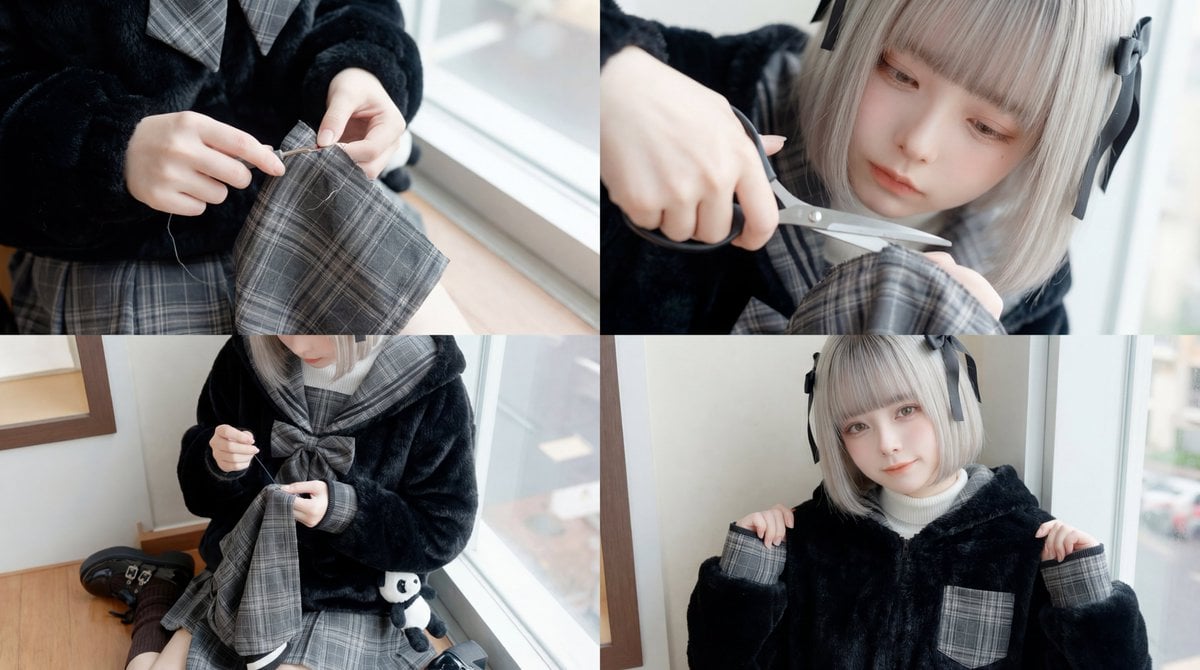
ASMR Sewing/Crafting Video Prompt (GPT-5 Generated)
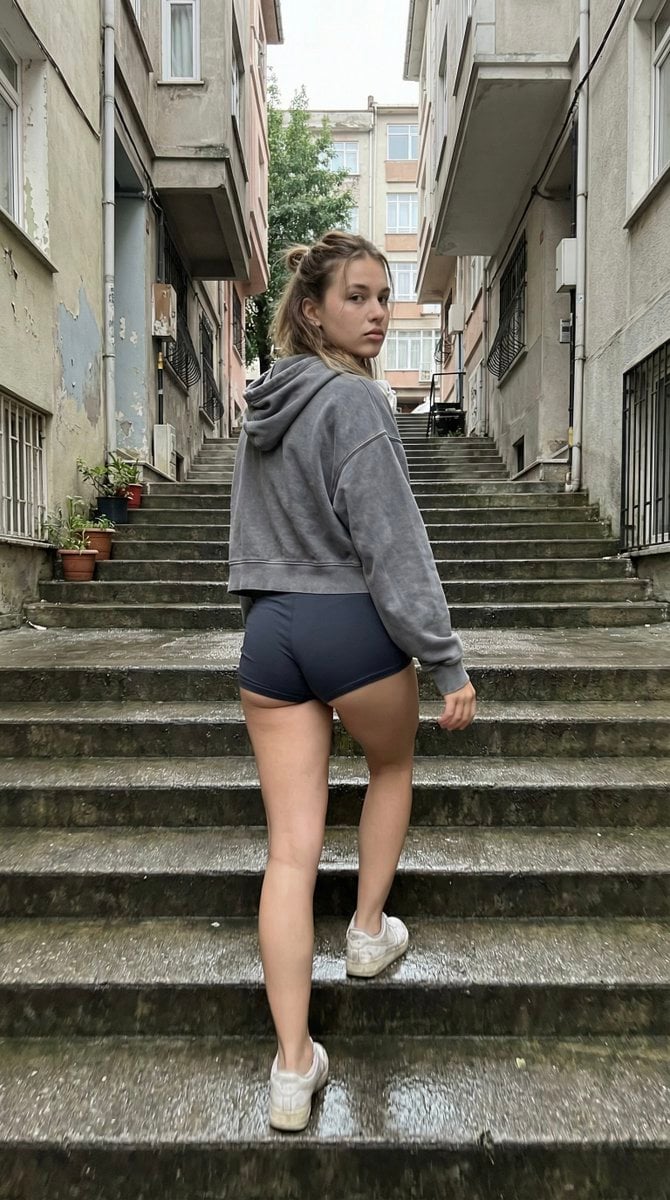
Candid Stairwell Photo Realism Prompt

Cinematic Library Scene with Woman on Phone
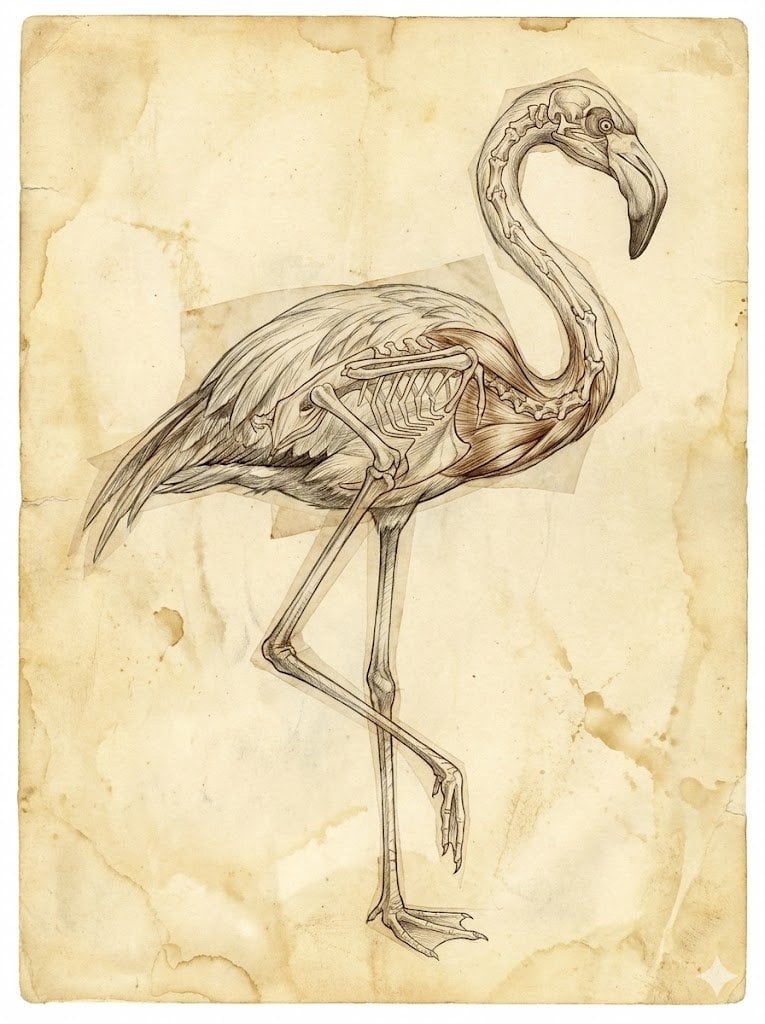
Renaissance Anatomical Study of a Flamingo
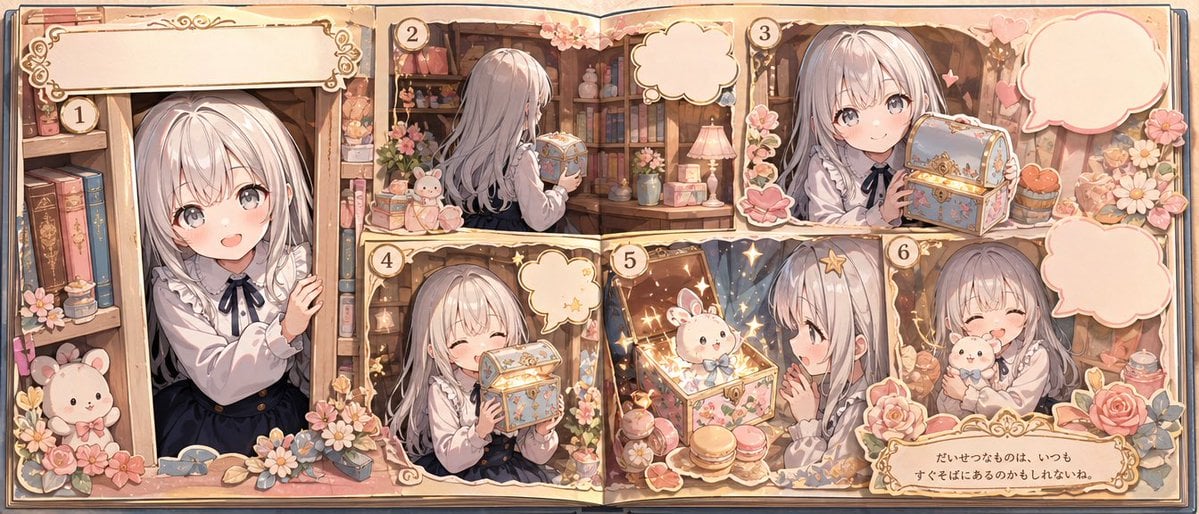
Whimsical Storybook Treasure Spread
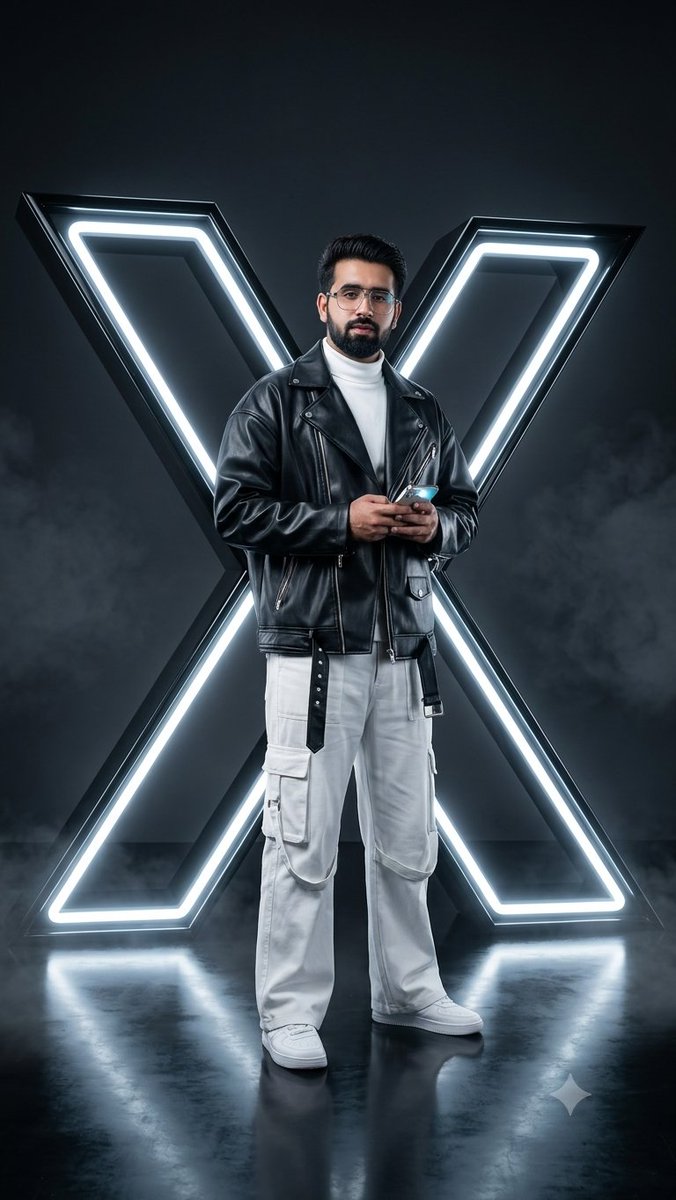
Cyberpunk Neon Twitter Logo Portrait
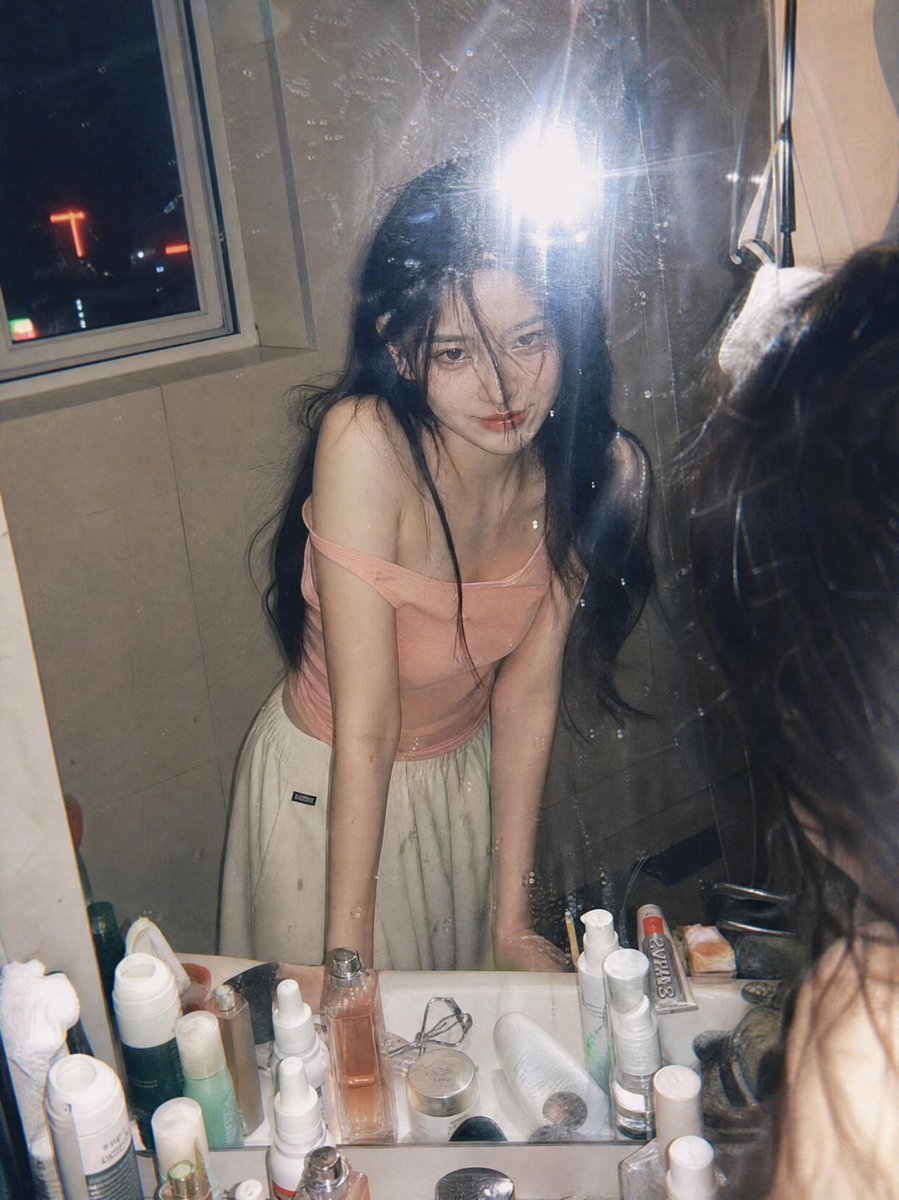
Candid Night Bathroom Portrait
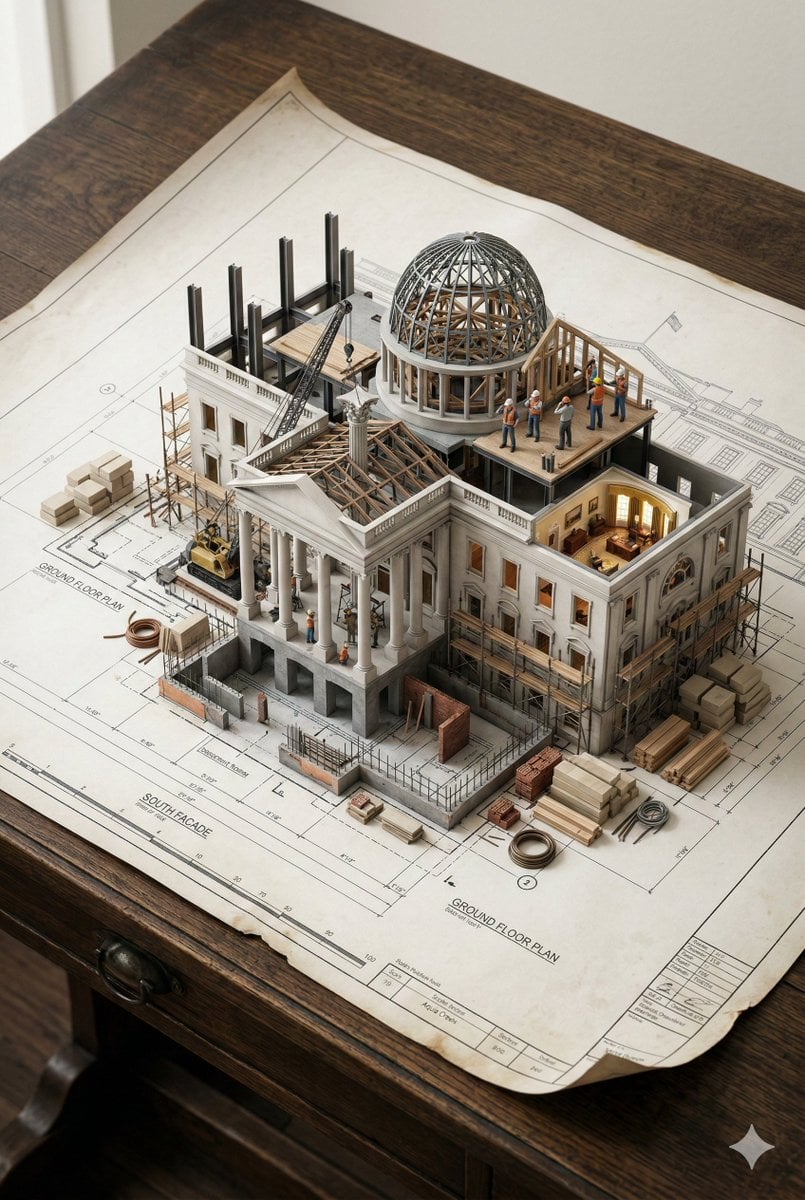
3D Miniature Architectural Blueprint Prompt
Bathroom Mirror Selfie Lifestyle Shot
Browse template categories
Dark AI Product Keynote Slide questions
How do I use the Dark AI Product Keynote Slide template?
Add your photo if the template asks for one, edit the prompt if you like — the template's model and format are already selected — and press Generate. Your version opens in PicX Studio.
Can I customize the Dark AI Product Keynote Slide template?
Yes. You can change the subject, setting, lighting, mood, format, and available model controls before creating your image.
Is the Dark AI Product Keynote Slide template free?
Opening and editing this template is free. Generating uses credits, shown on the Generate button when you are signed in.
Which AI model should I use?
Start with GPT Image 2, which is the model associated with this template. You can compare another compatible model for a different finish.
Looking for something else? Browse all templates.

Your photo, any look
Thousands of ready templates for every top image and video model, from one credit balance.