
Z-Seven AI Product Matrix Slide
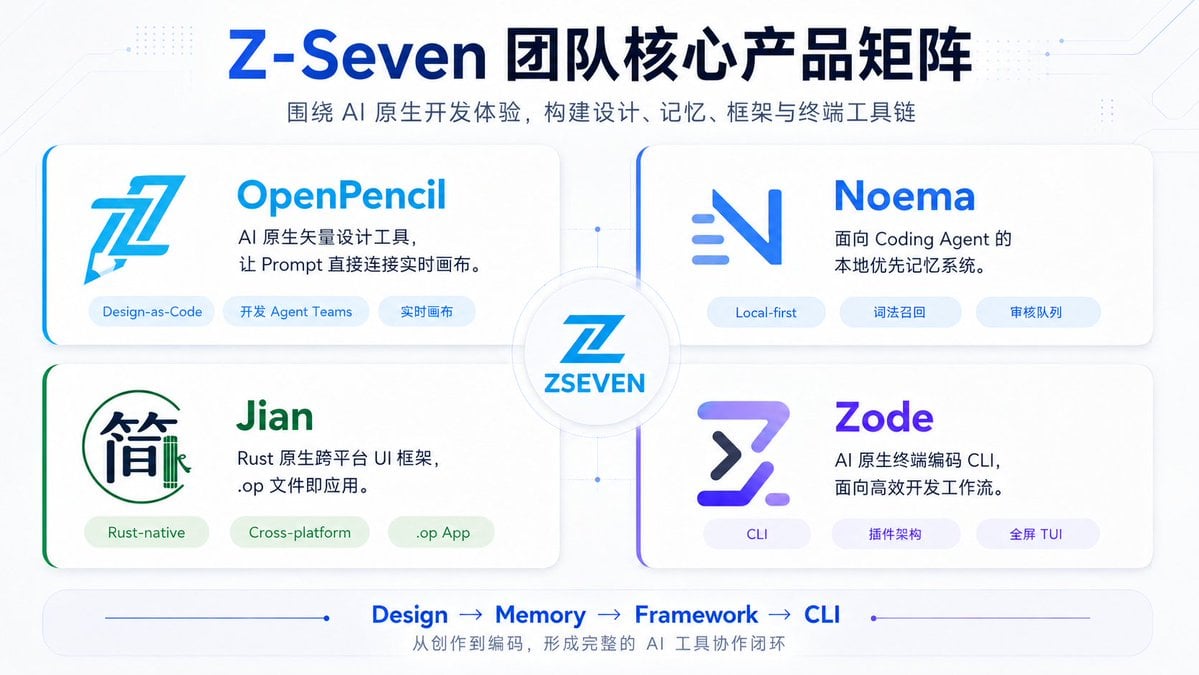
A polished 16:9 Chinese tech presentation slide showcasing four AI-native products around a central Z-Seven brand hub.
- Prompt included
- Model and format preset
- Premium template
The prompt behind this image
Copy the exact prompt behind Z-Seven AI Product Matrix Slide, or open it in the studio and make it yours.
Goal: Create a clean futuristic Chinese tech product matrix slide for {argument name="brand name" default="Z-Seven"}, showing the team’s core AI-native product lineup. Canvas: 16:9 horizontal presentation slide, white to very pale blue background, subtle circuit-board traces, tiny dotted tech patterns, thin connector lines, soft shadows, glossy SaaS/AI startup aesthetic. Header: Large centered headline in dark navy and bright blue: {argument name="headline text" default="Z-Seven 团队核心产品矩阵"}. Under it, a smaller gray-blue subtitle: {argument name="subtitle text" default="围绕 AI 原生开发体验,构建设计、记忆、框架与终端工具链"}. Layout: Arrange exactly 4 rounded rectangular product cards in a 2×2 grid around a central circular hub. The cards are large white panels with subtle shadows, soft borders, and colored accent strokes on the left edge or corner. Connect all four cards to the center with faint blue connector lines and small node dots. In the center, place a circular badge containing a stylized blue Z logo and the text “ZSEVEN”. Product cards: Include exactly 4 cards, each with one logo, one product name, one two-line description, and exactly 3 pill-shaped tags. 1. Top-left card: Product name “OpenPencil” in bright cyan-blue. Large angular blue pencil/Z style logo on the left. Description: “AI 原生矢量设计工具,\n让 Prompt 直接连接实时画布。” Tags, exactly 3: “Design-as-Code”, “开发 Agent Teams”, “实时画布”. 2. Top-right card: Product name “Noema” in vivid blue. Minimal blue gradient N-like logo with three short horizontal motion lines. Description: “面向 Coding Agent 的\n本地优先记忆系统。” Tags, exactly 3: “Local-first”, “词法召回”, “审核队列”. 3. Bottom-left card: Product name “Jian” in green. Logo resembles the Chinese character “简” inside a thin green circular outline with a small bamboo-like vertical mark. Description: “Rust 原生跨平台 UI 框架,\n.op 文件即应用。” Tags, exactly 3: “Rust-native”, “Cross-platform”, “.op App”. 4. Bottom-right card: Product name “Zode” in purple-blue gradient. Logo is a bold futuristic Z/terminal symbol in purple and navy. Description: “AI 原生终端编码 CLI,\n面向高效开发工作流。” Tags, exactly 3: “CLI”, “插件架构”, “全屏 TUI”. Footer: Add a rounded horizontal bottom bar with a thin blue line and dot accents. In the center, show exactly 4 workflow steps separated by arrows: “Design → Memory → Framework → CLI”. Beneath it, add the small Chinese caption: “从创作到编码,形成完整的 AI 工具协作闭环”. Visual style: Modern enterprise AI product slide, crisp vector-like typography, blue/cyan/purple/green accents, soft gradients, high readability, no photo texture, no watermark. Use balanced margins and make all text sharp and legible.
How to use Z-Seven AI Product Matrix Slide in 3 steps
- 1Upload ImagePNG, JPG or paste
Add your photo
Upload the photo the template builds on. The prompt, model and format are already set.
- 2…a portrait of your subject in softgolden-hour light, 85mm…
Personalize
Edit the subject and creative details for your destination.
- 3Generate
Generate
Press Generate — your image is created in PicX Studio, so you can compare it with the original and refine one variable at a time.
More like this
Templates with the same subject, style or setup. Open one to see its prompt.

A k.pop idol on the stage with mic

Trendy Cafe Drink Promo Poster

Minimalist Skincare Product Water Stone Still

Giant Forced Perspective Street Product Selfie

Playful Futuristic Brand Kit Board

Headphones Lifestyle Nine Panel Grid

Cappuccino Bottle Splash Product Ad

Luxury Toothpaste Commercial Storyboard

Parle Hide and Seek Cookie Campaign Poster

Moss Logo Minimalist Brand Flat Lay

Cosmetic Tube Product — Nano Banana 2
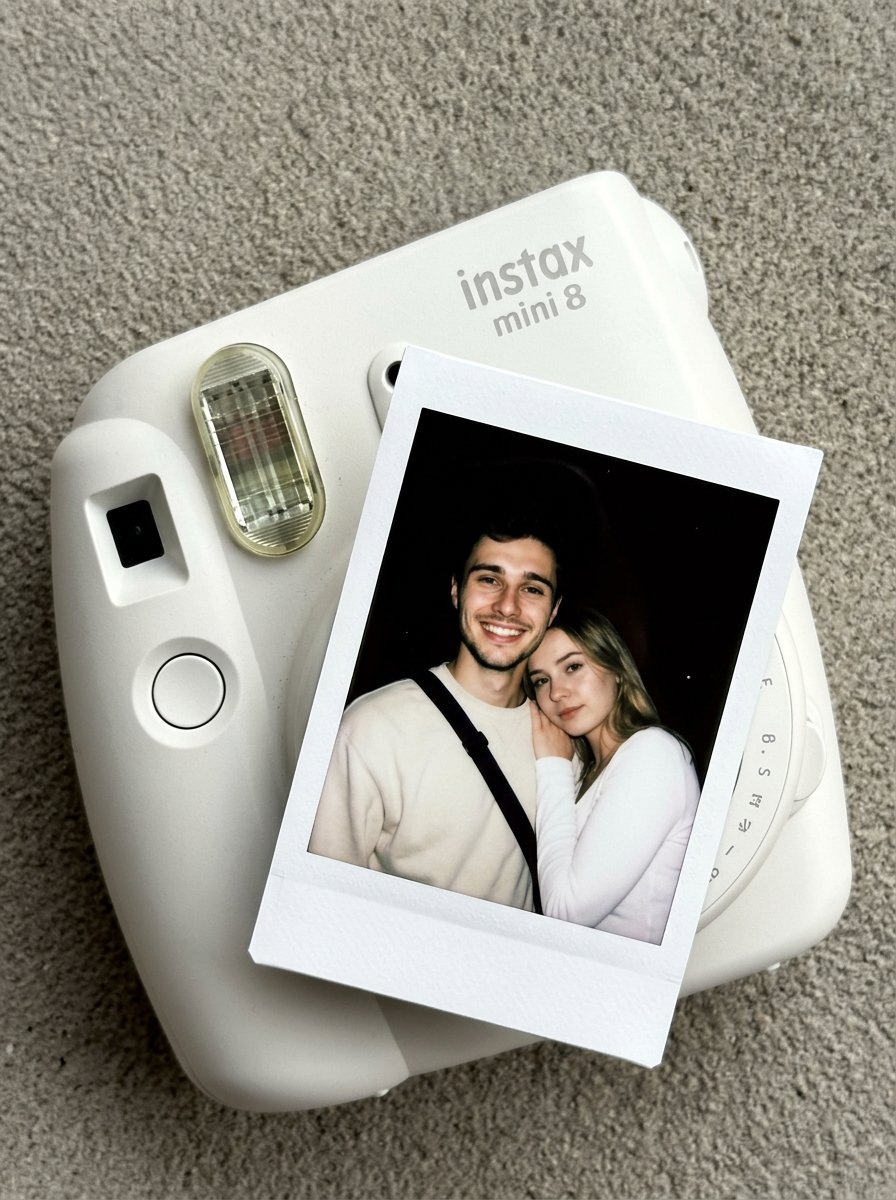
Nano Banana Pro Instax Mini 8
Make it yours
Z-Seven AI Product Matrix Slide works as-is. These are the safest ways to change it without losing the look.
Change one field
Copy a single group, rewrite it, and generate again so you can see what that field is doing.
Keep the frame, change the subject
Hold the composition and light of Z-Seven AI Product Matrix Slide, then swap wardrobe, props or the person for a new take.
| If the result… | Why | Fix |
|---|---|---|
| The result drifts from the preview | Too many fields changed at once. | Reuse Z-Seven AI Product Matrix Slide as-is first, then change one group — subject, light, or setting. |
| The model over-stylizes the scene | The prose prompt leaves finish and camera underspecified. | Add one camera or lighting sentence and stay on GPT Image 2. |
More GPT Image 2 templates
Other prompts made for GPT Image 2.

Six VTuber Japanese Logo Sheet

Realistic Portrait of Woman and Deer

The Vista Modular Condo Poster

AI Model Routing Comparison Infographic

2.5D Anime Art Board

Isometric Productivity Desk Scene

New York Double Exposure Poster

Four-Panel AI Landscape Comparison

Japanese Tatami Lifestyle Magazine Cover

NESCAFÉ Coffee Map Poster
More image prompts
Fresh picks from across the catalog.
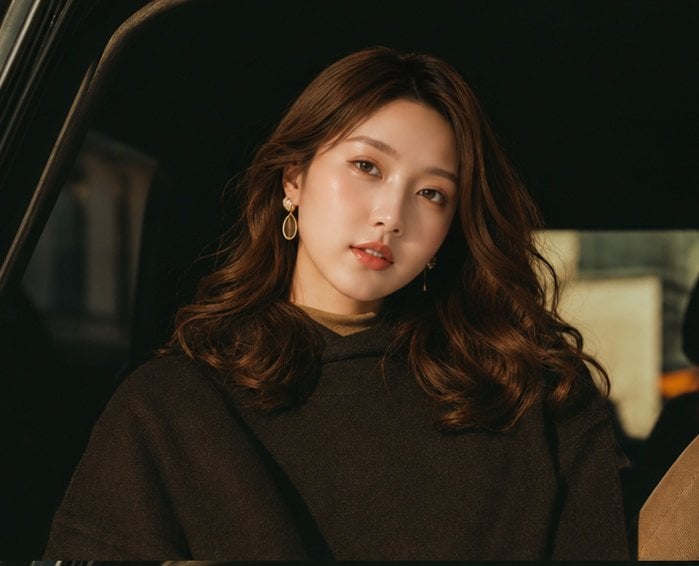
Cinematic Portrait Collage of an East Asian Woman
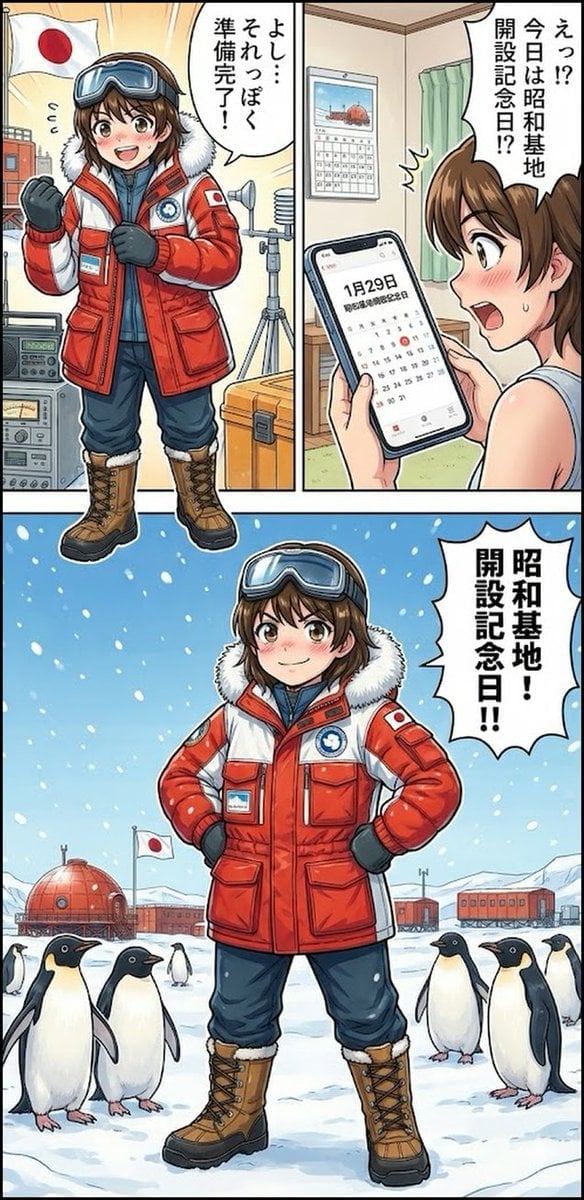
Daily Drawing: Hasuka-chan Manga
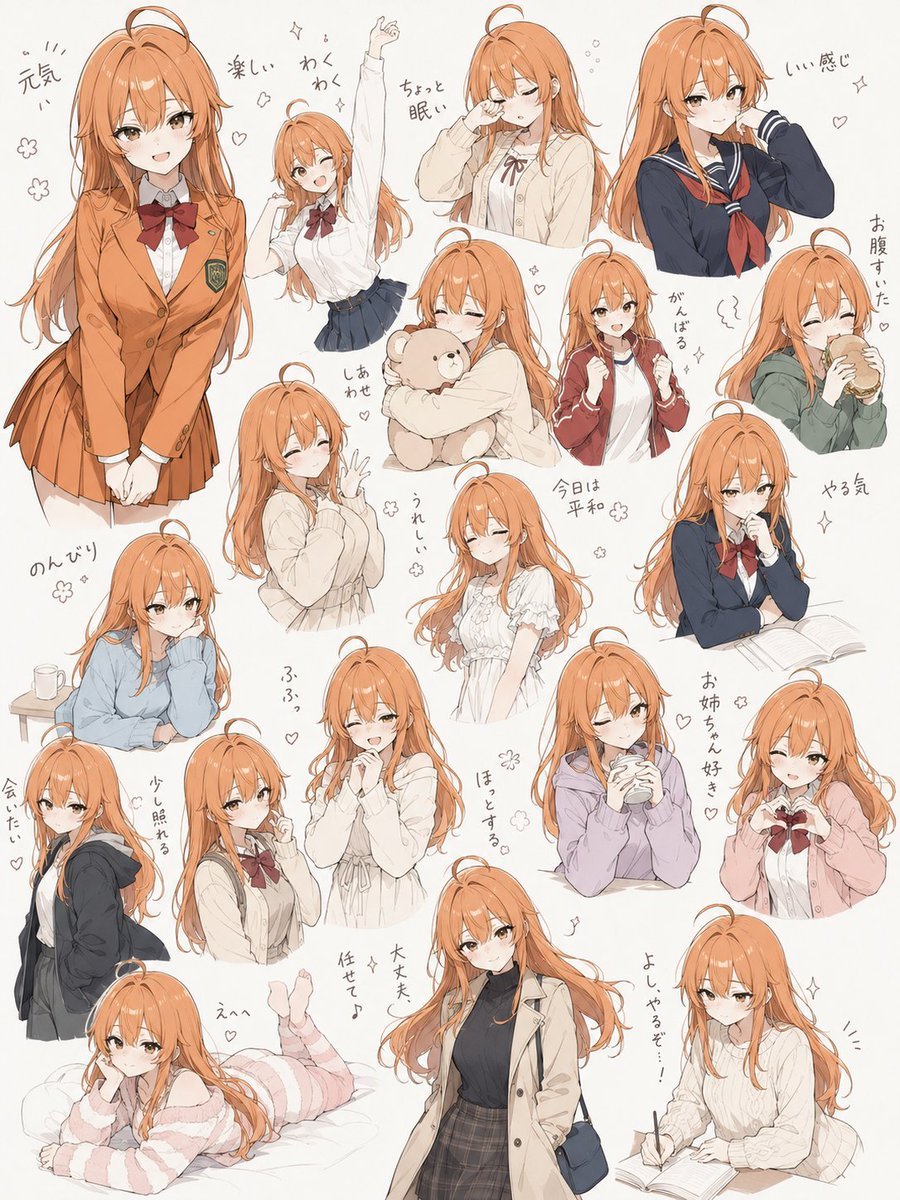
Hand-Drawn Character Sticker Sheet Prompt

Golden Hour Rose Portrait
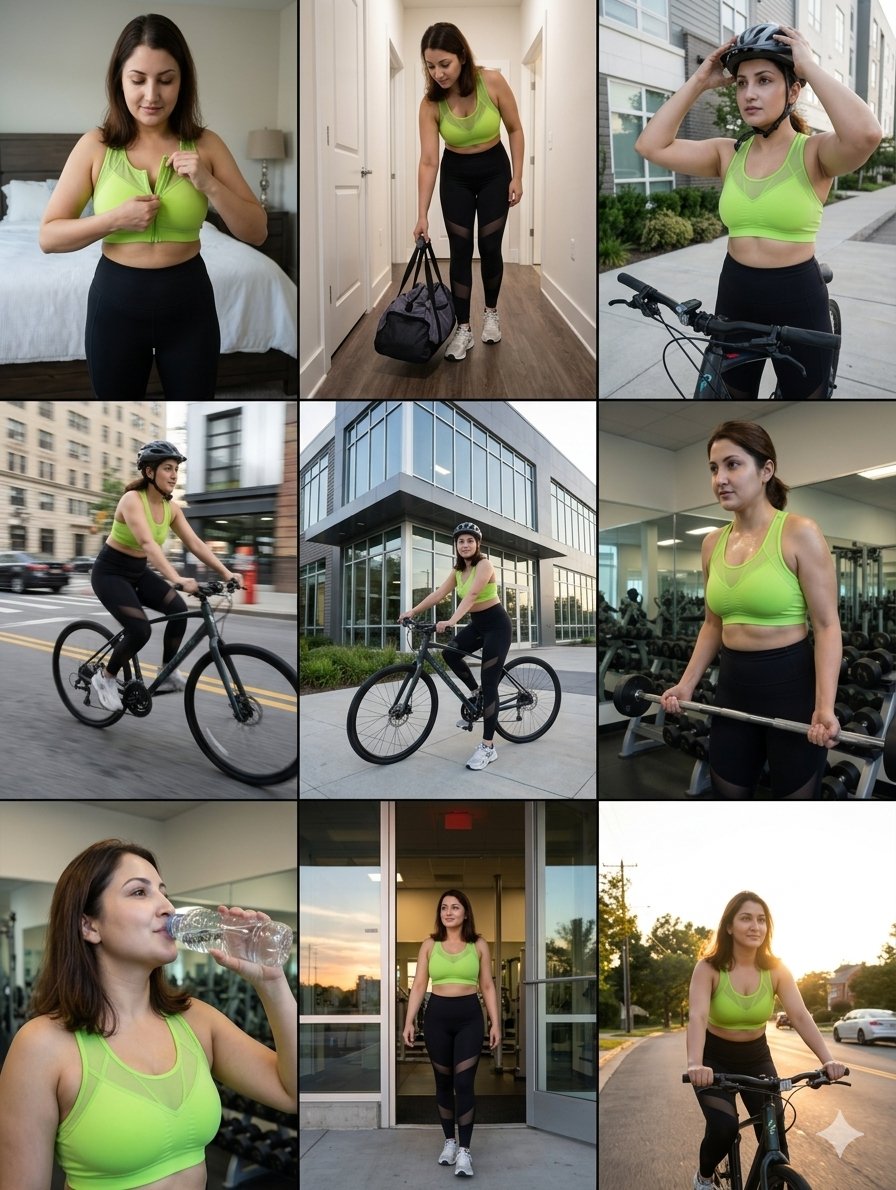
Storytelling of a Gym Girl

Romantic Top-Down Portrait in a Wildflower Meadow
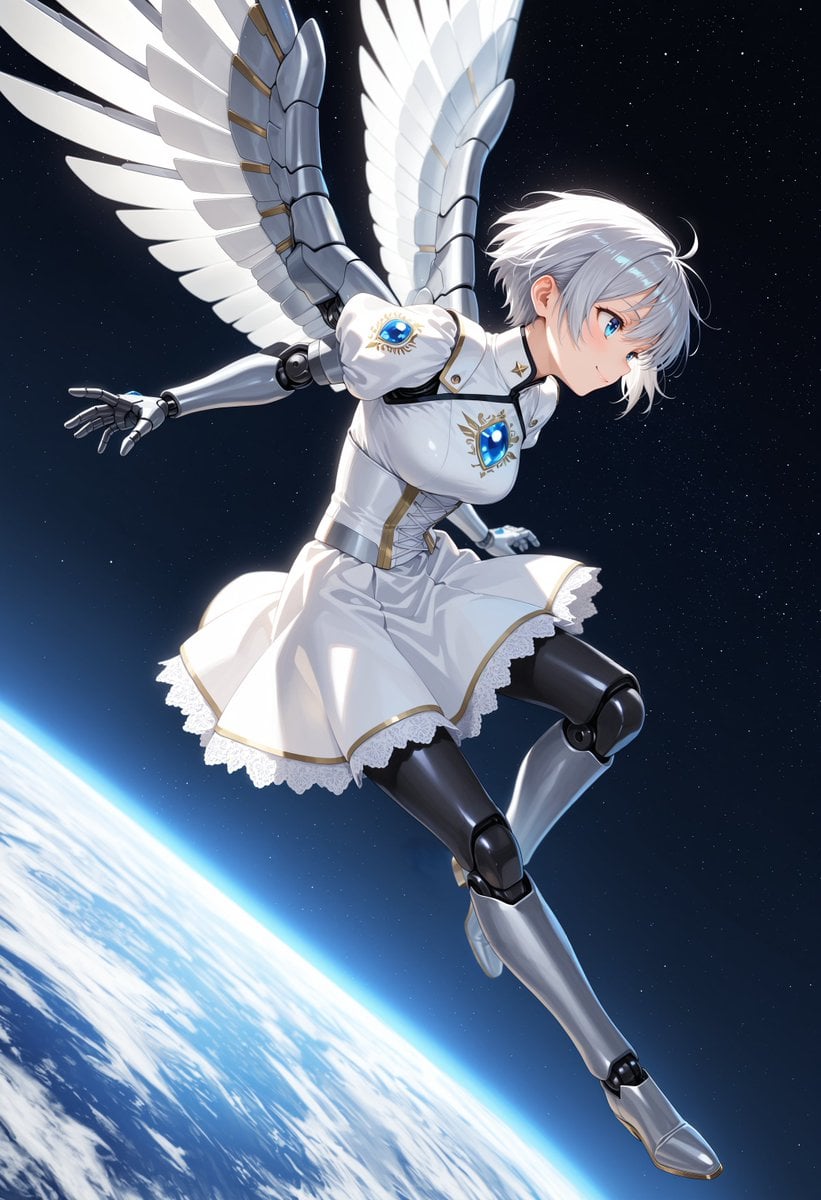
Angelic Android Girl Above Earth
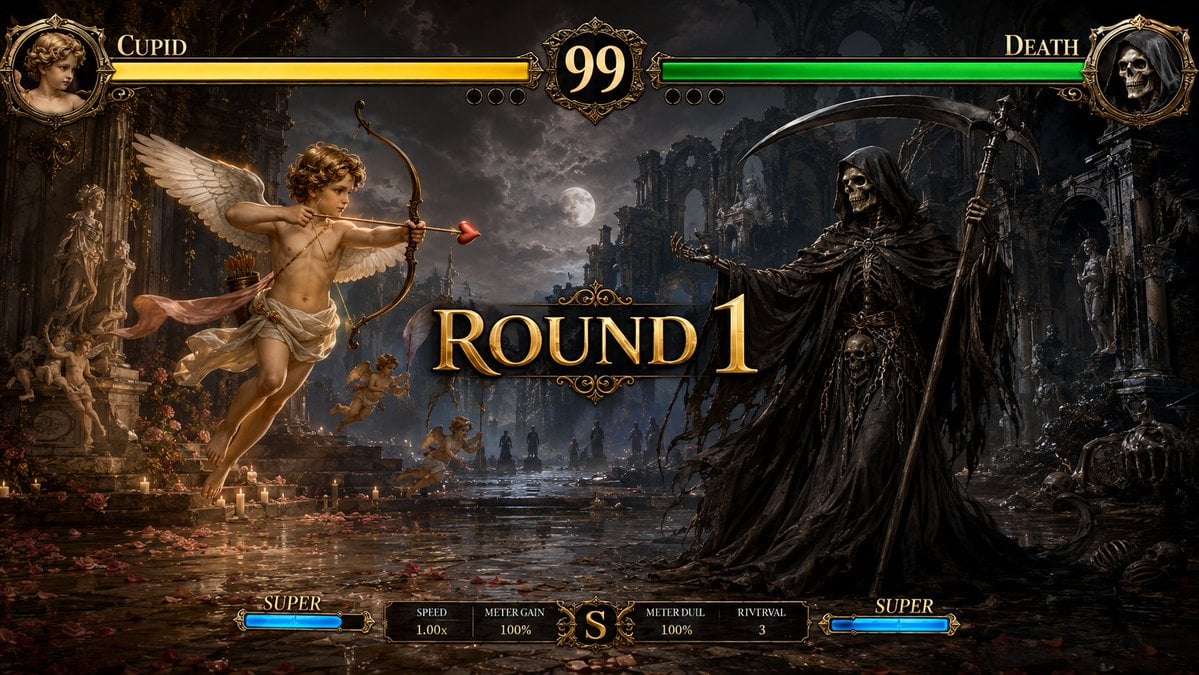
Mythological Fighting Game Versus Screen
Office Style Fashion Magazine Cover

Whimsical Couple Selfie Illustration
Browse template categories
Z-Seven AI Product Matrix Slide questions
How do I use the Z-Seven AI Product Matrix Slide template?
Add your photo if the template asks for one, edit the prompt if you like — the template's model and format are already selected — and press Generate. Your version opens in PicX Studio.
Can I customize the Z-Seven AI Product Matrix Slide template?
Yes. You can change the subject, setting, lighting, mood, format, and available model controls before creating your image.
Is the Z-Seven AI Product Matrix Slide template free?
Opening and editing this template is free. Generating uses credits, shown on the Generate button when you are signed in.
Which AI model should I use?
Start with GPT Image 2, which is the model associated with this template. You can compare another compatible model for a different finish.
Looking for something else? Browse all templates.

Your photo, any look
Thousands of ready templates for every top image and video model, from one credit balance.