
Editorial SaaS Receipt Ad
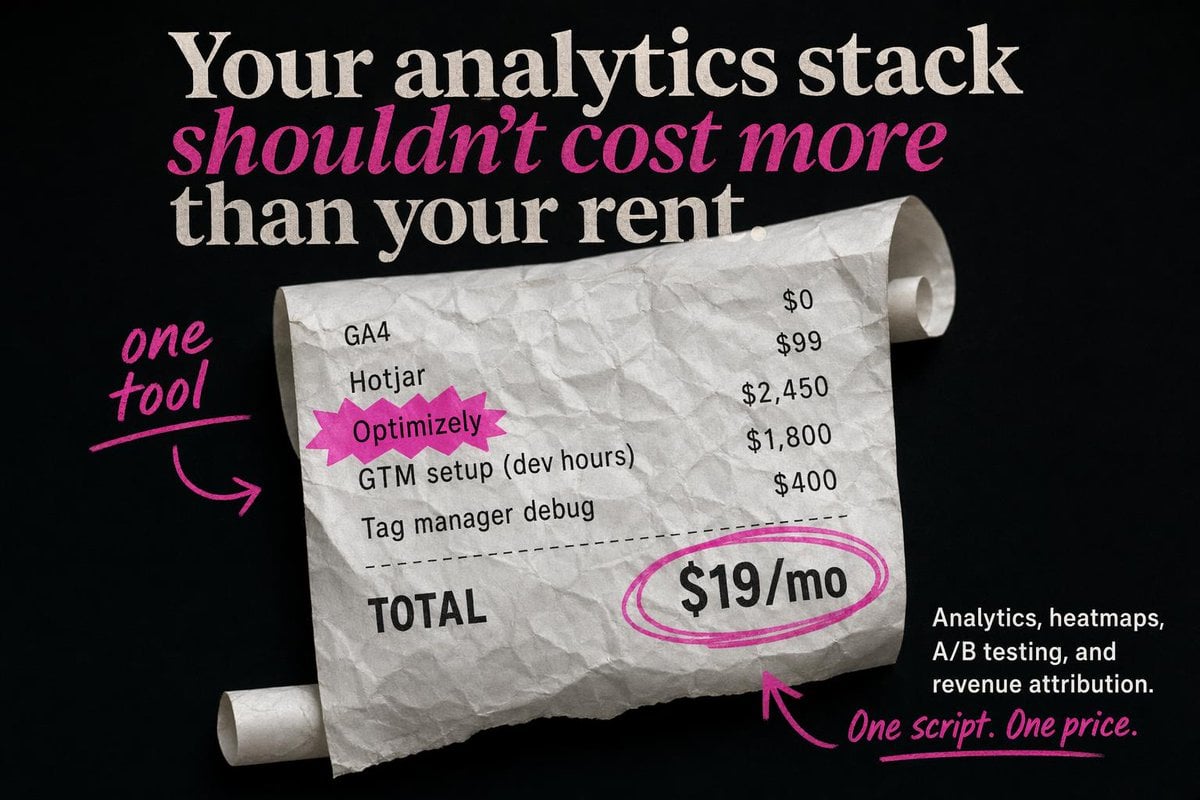
This prompt generates a high-contrast startup advertisement featuring a crumpled receipt, bold editorial typography, and pink handwritten callouts for analytics pricing campaigns.
- Prompt included
- Model and format preset
- Free template
The prompt behind this image
Copy the exact prompt behind Editorial SaaS Receipt Ad, or open it in the studio and make it yours.
Create a bold static SaaS ad on a matte black background with a premium editorial look and highly accurate typography. At the top, place a large stacked serif headline in off-white reading: "Your analytics stack" on the first line, "shouldn’t cost more" on the second line in bright magenta italic serif, and "than your rent." on the third line in off-white serif. Center the composition around a large curled, crumpled receipt made of white thermal paper, angled slightly from upper left to lower right, with visible paper texture, soft shadows, and rolled ends on both the upper right and lower left. On the receipt, show exactly 5 line items in black monospaced or receipt-style text aligned in two columns: "GA4" with "$0", "Hotjar" with "$99", "Optimizely" with "$2,450", "GTM setup (dev hours)" with "$1,800", and "Tag manager debug" with "$400". Highlight the word "Optimizely" with a jagged magenta starburst sticker behind it. Add a dashed divider line below the items, then a bold "TOTAL" label on the lower left of the receipt. On the lower right of the receipt, place a large price reading "{argument name="monthly price" default="$19/mo"}" in heavy black type, circled with 2 hand-drawn magenta marker loops. Add 3 handwritten magenta annotation elements: on the left side, the words "{argument name="left annotation" default="one tool"}" in brush script with an underline and a curved arrow pointing to the receipt; near the bottom center, a curved magenta arrow pointing upward toward the circled price; and at the bottom right, the handwritten tagline "{argument name="tagline text" default="One script. One price."}" with an underline. In the bottom-right corner, add a small block of white sans-serif body copy, right-aligned, reading "{argument name="body copy" default="Analytics, heatmaps, A/B testing, and revenue attribution."}". Use an editorial ad-photography style with crisp text placement, clean hierarchy, high contrast, subtle paper realism, and a limited palette of black, white, and hot pink.
How to use Editorial SaaS Receipt Ad in 3 steps
- 1Upload ImagePNG, JPG or paste
Add your photo
Upload the photo the template builds on. The prompt, model and format are already set.
- 2…a portrait of your subject in softgolden-hour light, 85mm…
Personalize
Edit the subject and creative details for your destination.
- 3Generate
Generate
Press Generate — your image is created in PicX Studio, so you can compare it with the original and refine one variable at a time.
More like this
Templates with the same subject, style or setup. Open one to see its prompt.

Urban Fashion Editorial Collage Streetwear Poster

Monochrome Hypebeast Street Fashion Editorial Motion

Elegant Green Evening Gown Studio Fashion Portrait

Artistic Patchwork Fashion Portrait Spring Festival

Japanese Architectural Concrete Studio Fashion Campaign

Monroe and Ash Mediterranean Luxury Fashion Campaign

Premium Fashion Editorial Cover Layout System

Korean Luxury Fashion Editorial 2x2 Grid Series

Monochrome Halftone Editorial Fashion Poster

Retro Mirror Luxury Fashion Campaign Poster

Luxury Fashion Campaign Typography Poster System

Geometric Color-Block Beauty Editorial Portrait
Make it yours
Editorial SaaS Receipt Ad works as-is. These are the safest ways to change it without losing the look.
Change one field
Copy a single group, rewrite it, and generate again so you can see what that field is doing.
Keep the frame, change the subject
Hold the composition and light of Editorial SaaS Receipt Ad, then swap wardrobe, props or the person for a new take.
| If the result… | Why | Fix |
|---|---|---|
| The result drifts from the preview | Too many fields changed at once. | Reuse Editorial SaaS Receipt Ad as-is first, then change one group — subject, light, or setting. |
| The model over-stylizes the scene | The prose prompt leaves finish and camera underspecified. | Add one camera or lighting sentence and stay on GPT Image 2. |
More GPT Image 2 templates
Other prompts made for GPT Image 2.

Six VTuber Japanese Logo Sheet

Realistic Portrait of Woman and Deer

The Vista Modular Condo Poster

AI Model Routing Comparison Infographic

2.5D Anime Art Board

Isometric Productivity Desk Scene

New York Double Exposure Poster

Four-Panel AI Landscape Comparison

Japanese Tatami Lifestyle Magazine Cover

NESCAFÉ Coffee Map Poster
More image prompts
Fresh picks from across the catalog.
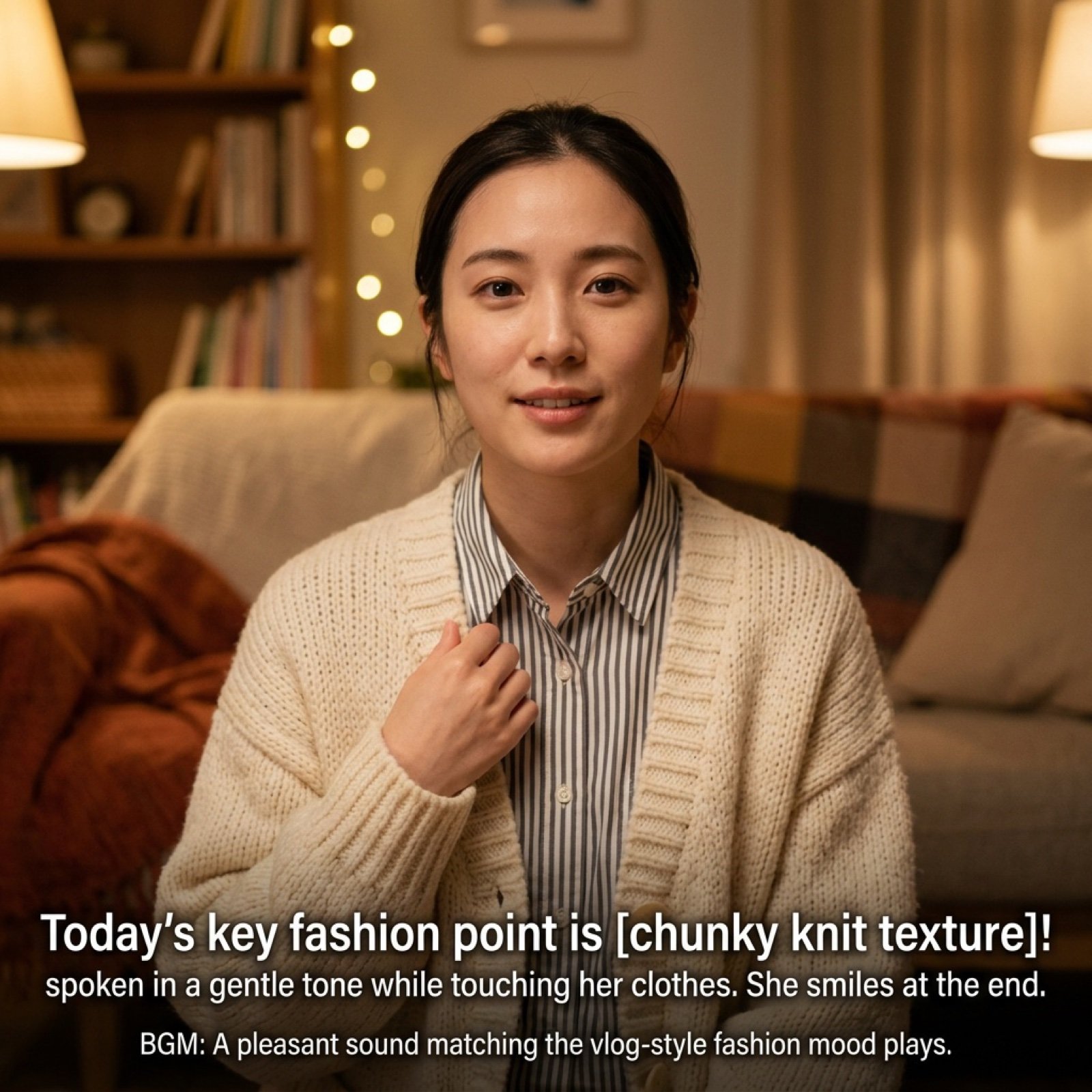
Vlog Style Video Generation Prompt
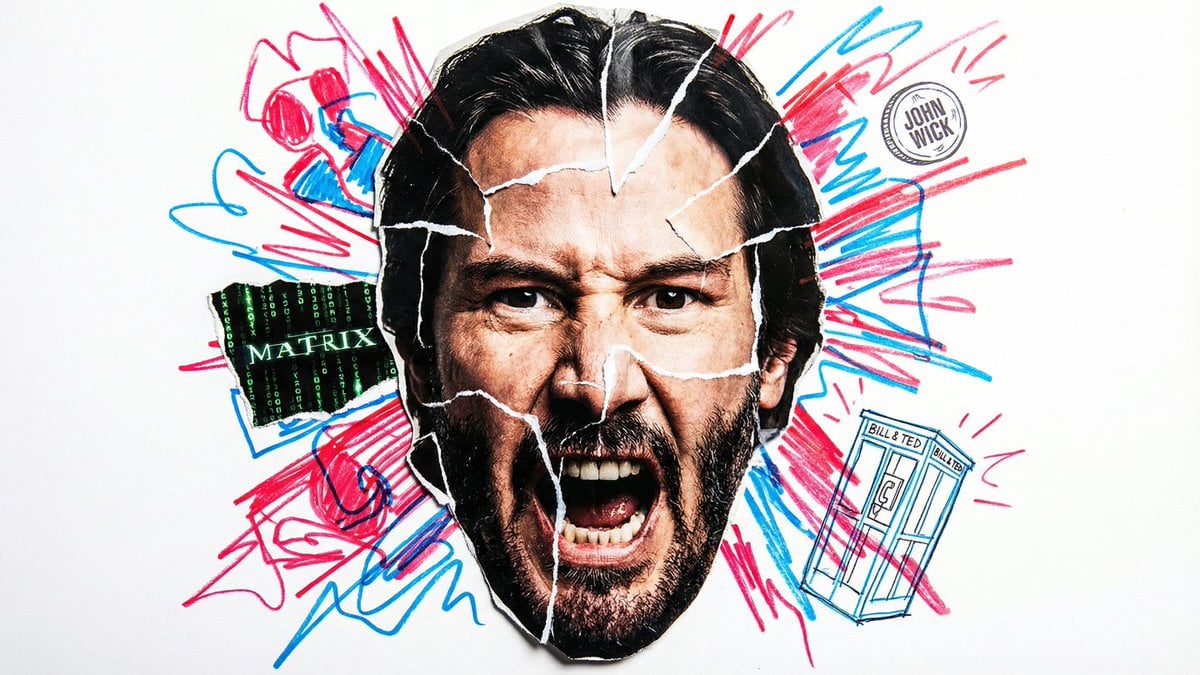
Simple Nano Banana Prompt for Urban Caricature
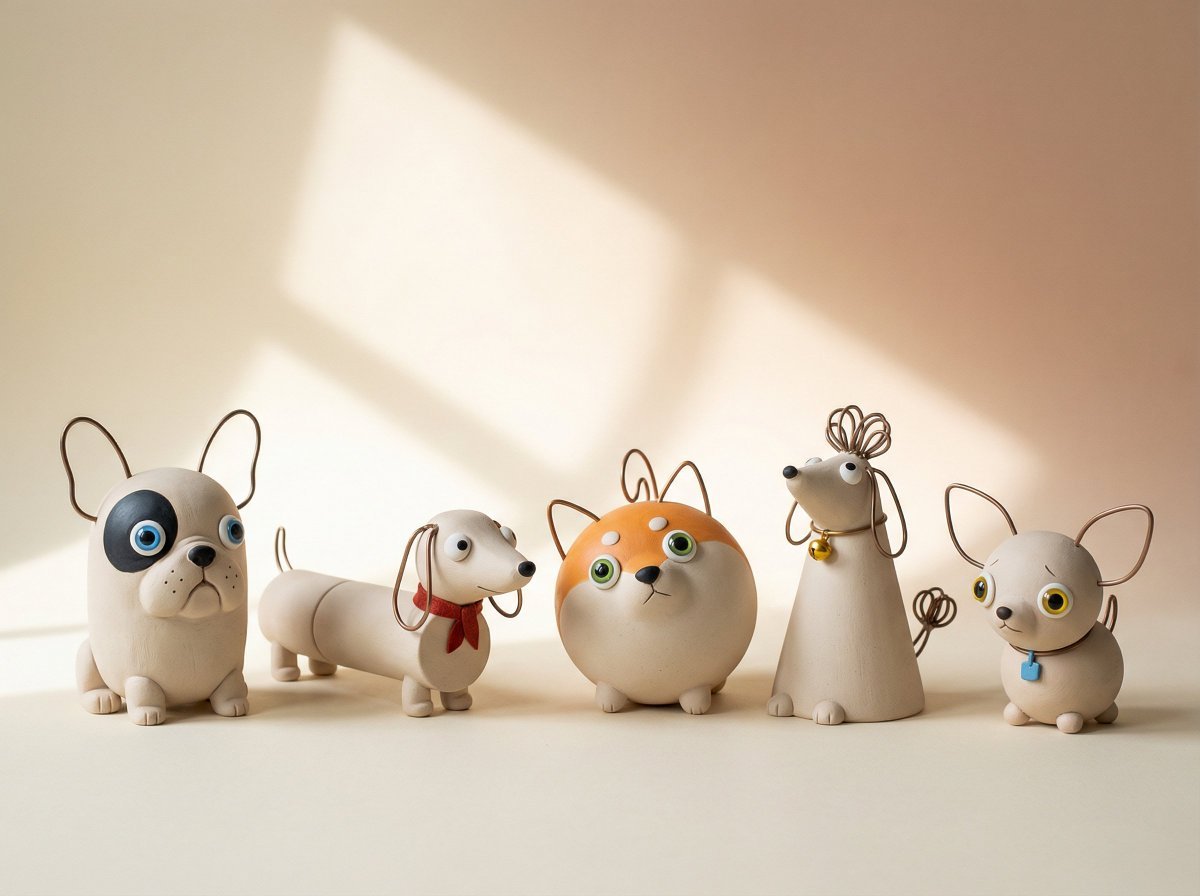
Handmade Clay Figurine Style with Wire Elements
Cherry Blossom Fairy Familiar
Consistent Character Multi-Angle Studio Shot
Nano Banana Pro Anniversary Baby Photographer Prompt
Anime Museum Background Conversion

Macro Diorama of a Historical Scientist's Workspace
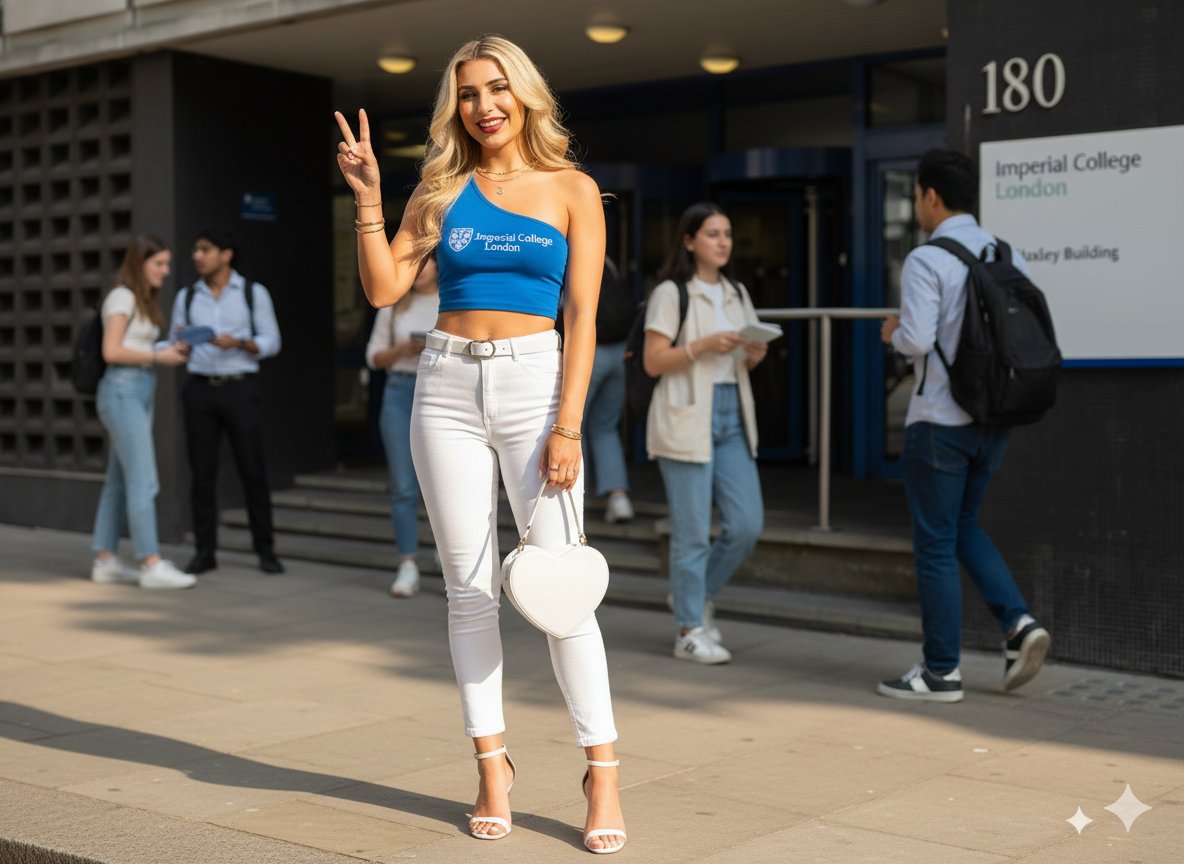
Daytime College Street Style Portrait Prompt

21 Glass Floor Skyscraper — California Series
Browse template categories
Editorial SaaS Receipt Ad questions
How do I use the Editorial SaaS Receipt Ad template?
Add your photo if the template asks for one, edit the prompt if you like — the template's model and format are already selected — and press Generate. Your version opens in PicX Studio.
Can I customize the Editorial SaaS Receipt Ad template?
Yes. You can change the subject, setting, lighting, mood, format, and available model controls before creating your image.
Is the Editorial SaaS Receipt Ad template free?
Opening and editing this template is free. Generating uses credits, shown on the Generate button when you are signed in.
Which AI model should I use?
Start with GPT Image 2, which is the model associated with this template. You can compare another compatible model for a different finish.
Looking for something else? Browse all templates.

Your photo, any look
Thousands of ready templates for every top image and video model, from one credit balance.