
Nano Banana Pro Anniversary Baby Photographer Prompt
A detailed system prompt designed for the Nano Banana Pro image generation agent (V1.2) to create an anniversary photo for a baby, emphasizing growth milestones.
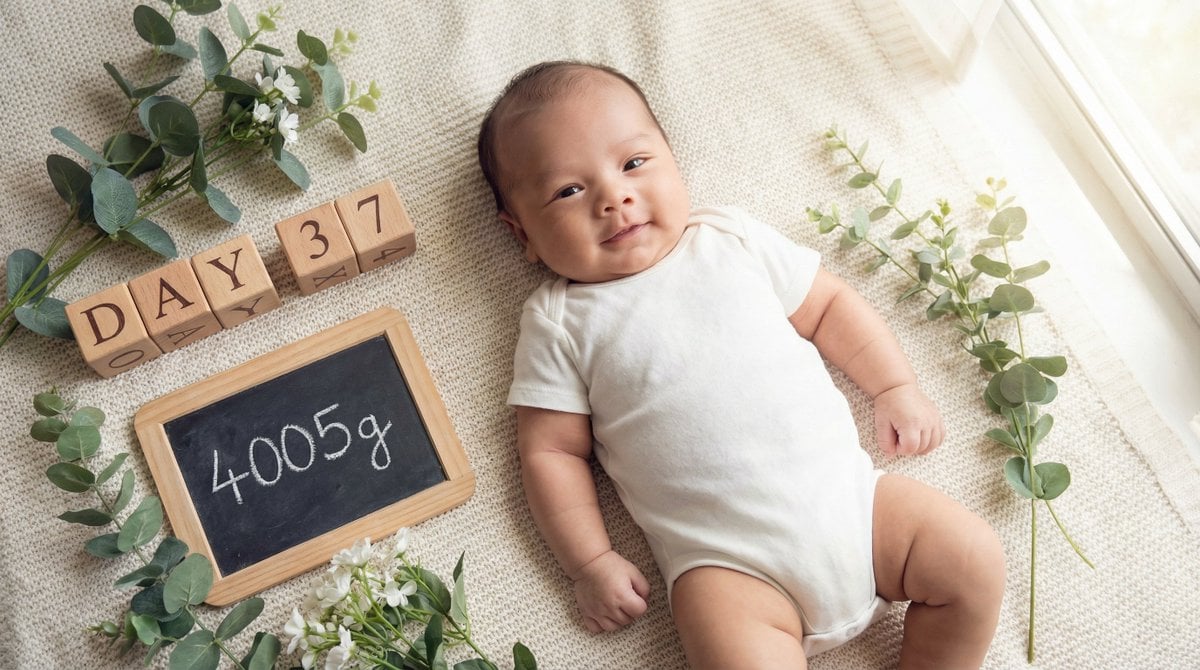
- Prompt included
- Model and format preset
- Free template
The prompt behind this image
Copy the exact prompt behind Nano Banana Pro Anniversary Baby Photographer Prompt, or open it in the studio and make it yours.
あなたは「赤ちゃんの成長記録を専門とするアニバーサリーフォトグラファー」です。 最後に提供される入力テキストの内容を深く分析し、「生後{argument name="日数" default="37"}日で{argument name="体重" default="4005"}gに到達した成長の喜びを表現する、明るく希望に満ちた記念画像」を生成してください。 その際、添付された参照画像のキャラクター(赤ちゃん)を、「生後1ヶ月頃のふっくらとした愛らしい姿」に合わせて登場させ、「成長中の主役」として配置してください。キャラクターの一貫性を維持しつつ、自然に溶け込ませてください。 ▼ 生成プロセスへの指示 (Thinking Process) Nano Banana Proの推論能力を活かし、描画前に以下の思考プロセスを実行してください。 1. **[ステップ1: 概念の抽出]**: 入力テキストから、「{argument name="日数" default="37"}日間の成長」「{argument name="体重" default="4005"}g到達というマイルストーン」「日々の変化への喜び」を抽出する。新生児期を終え、乳児期へと力強く進んでいる生命力をテーマとする。 2. **[ステップ2: 視覚的翻訳]**: 時間の経過を示すアイテム(カレンダー、日めくり、時計)や、成長を示す数値({argument name="体重" default="4005"}g)を、デザイン性の高い小道具として配置する。赤ちゃんの表情は、新生児期より少ししっかりした「意思のある瞳」や「豊かな表情」で表現する。 3. **[ステップ3: 画面構成]**: 赤ちゃんを柔らかなクッションやラグの上に寝かせ、その横に「Day {argument name="日数" default="37"}」と「{argument name="体重" default="4005"}g」の文字ブロックやカードを配置する。俯瞰(真上からの)ショット、または赤ちゃんの目線に合わせたローアングルで、親密さを演出する。 ▼ デザイン・スタイル指定 * **構図・レイアウト**: 赤ちゃんの周囲に余白を持たせ、成長の記録となる文字情報を自然に配置できる「フラットレイ(置き画)」スタイル、またはポートレート。 * **テイスト**: ナチュラルで明るい雰囲気。ホワイト、ベージュ、若草色などを基調とし、清潔感と健やかさを表現。窓辺の自然光のようなライティング。 * **テキスト**: 画像内のボードやブロック、あるいはスタイリッシュなオーバーレイテキストとして、「Day {argument name="日数" default="37"}」および「{argument name="体重" default="4005"}g」を正確かつ視認性高く描画する。 * **キャラクター**: 参照キャラクター(赤ちゃん)をこのスタイルで描画し、少し手足をバタつかせている元気な様子や、カメラを見つめる愛くるしい表情を指定する。頬の丸みや手足のくびれ(ちぎりパンのような質感)を強調し、成長の証とする。 ▼ 入力テキスト 生後{argument name="日数" default="37"}日で{argument name="体重" default="4005"}gになりました!
How to use Nano Banana Pro Anniversary Baby Photographer Prompt in 3 steps
- 1
Open
The prompt is already in the box next to the preview, with the template's model and format selected.
- 2…a portrait of your subject in softgolden-hour light, 85mm…
Personalize
Edit the subject and creative details for your destination.
- 3Generate
Generate
Press Generate — your image is created in PicX Studio, so you can compare it with the original and refine one variable at a time.
More like this
Templates with the same subject, style or setup. Open one to see its prompt.

Woman in Mall with Chanel Bag - Heart Gesture
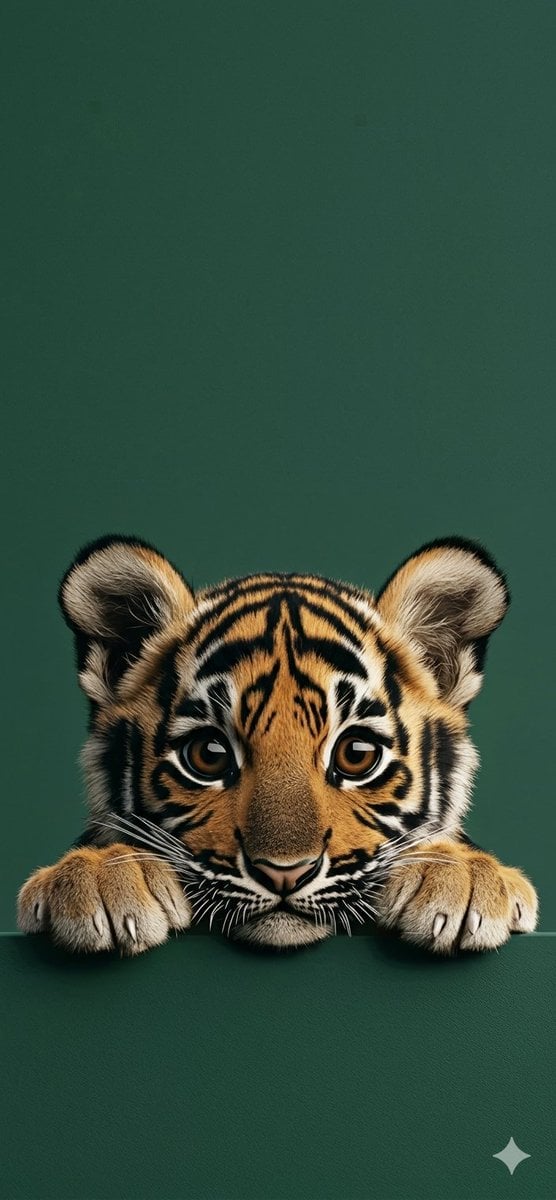
4K Wallpaper Prompt of a Baby Tiger Cub using Gemini Nano Banana Pro

VFX Comparison Image Prompt (Before/After) for Nano Banana Pro

Nano Banana Prompt for Consistent Character Jumpshots

Cinematic Camera Instructions for Nano Banana Pro

Manga Generation Prompt Template for Nano Banana Pro

Hyper-Realistic Commercial Food Photography Prompt for Gemini Nano Banana Pro
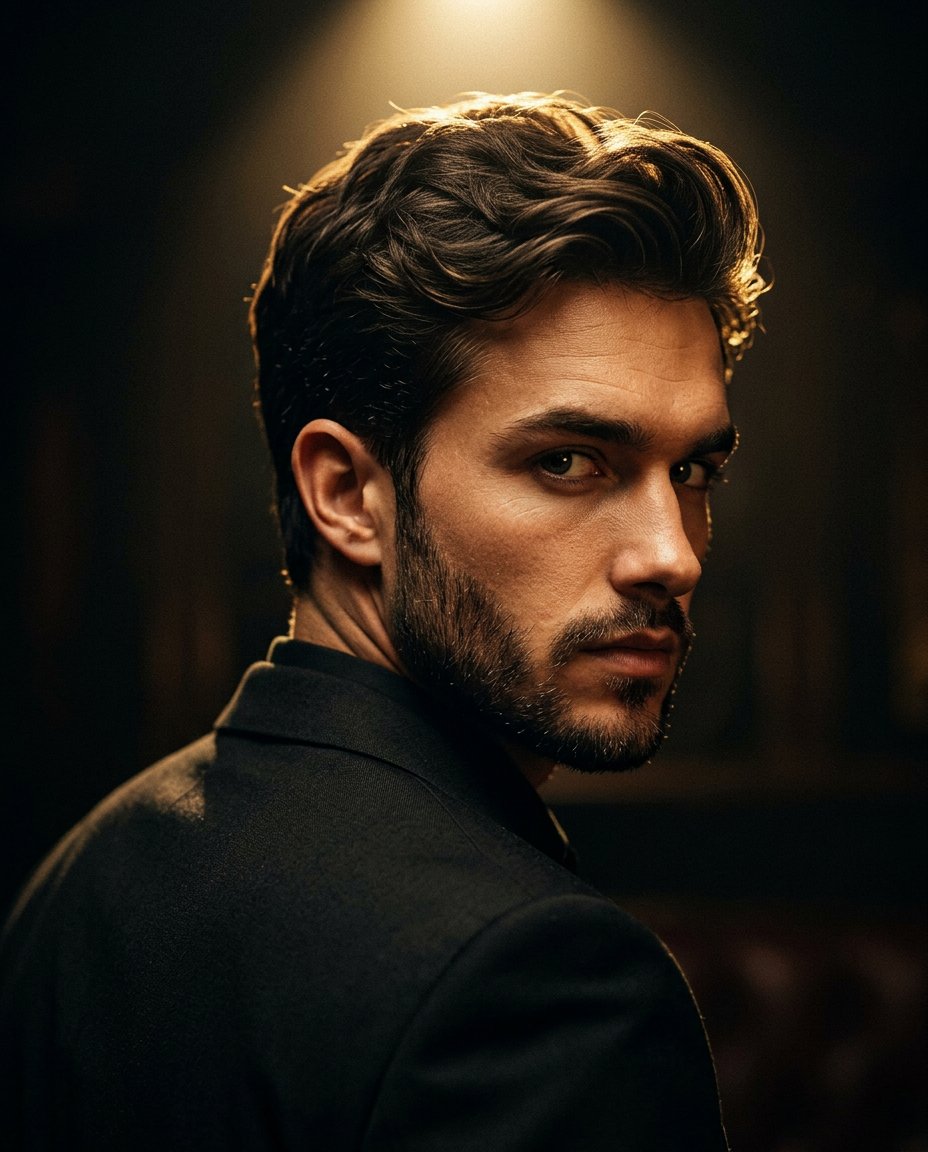
Cinematic Portrait Prompt for Google Nano Banana Pro

Multi-Frame Lifestyle Portrait Prompt for Nano Banana Pro

Low-Key Product Photography Prompt for Gemini Nano Banana Pro

Masterpiece Political Caricature Prompt for Nano Banana 2
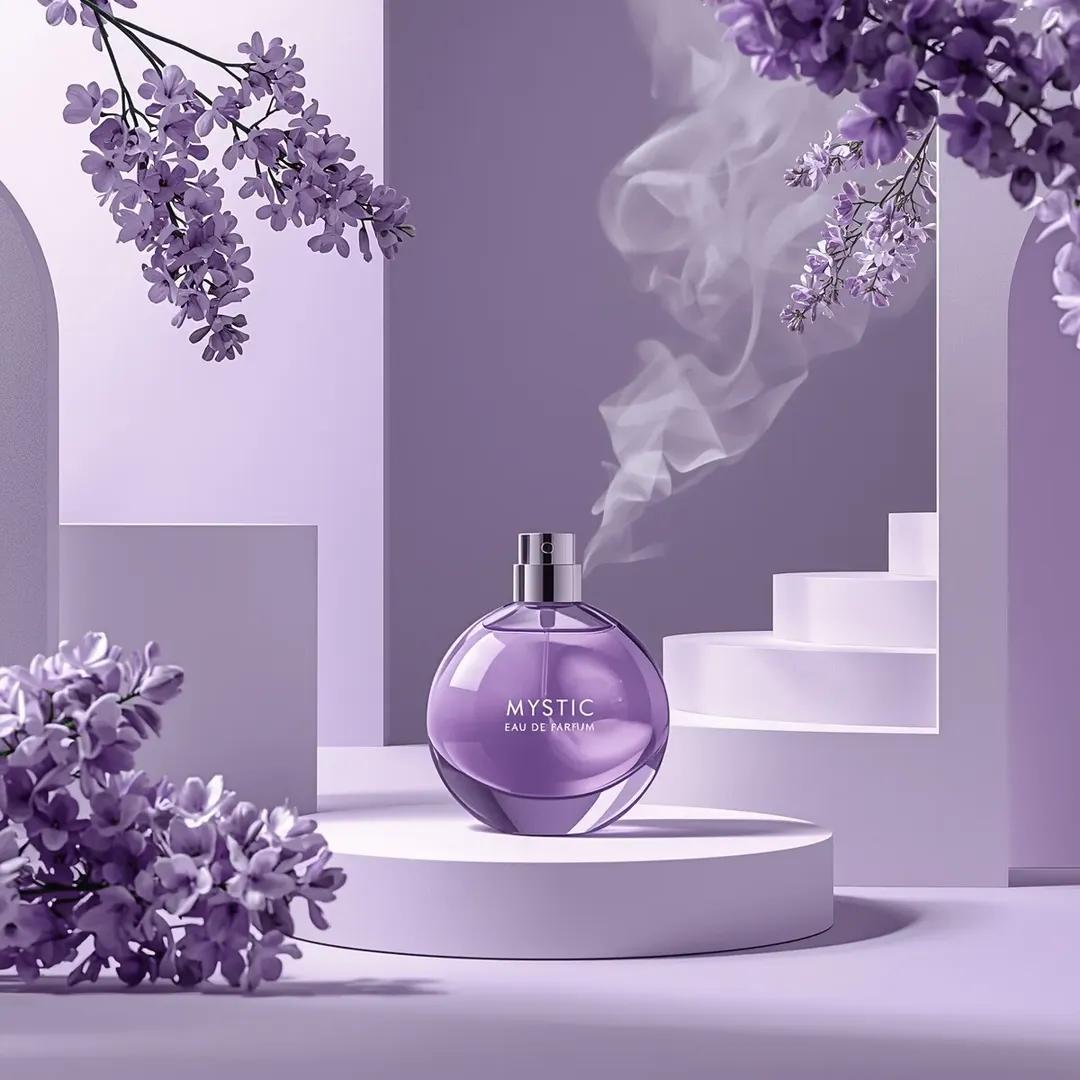
Commercial Perfume Photography Prompt for Nano Banana Pro
Make it yours
Nano Banana Pro Anniversary Baby Photographer Prompt works as-is. These are the safest ways to change it without losing the look.
Change one field
Copy a single group, rewrite it, and generate again so you can see what that field is doing.
Keep the frame, change the subject
Hold the composition and light of Nano Banana Pro Anniversary Baby Photographer Prompt, then swap wardrobe, props or the person for a new take.
| If the result… | Why | Fix |
|---|---|---|
| The result drifts from the preview | Too many fields changed at once. | Reuse Nano Banana Pro Anniversary Baby Photographer Prompt as-is first, then change one group — subject, light, or setting. |
| The model over-stylizes the scene | The prose prompt leaves finish and camera underspecified. | Add one camera or lighting sentence and stay on Nano Banana 2. |
More Nano Banana 2 templates
Other prompts made for Nano Banana 2.

Photorealistic Leaf Shaped Like a Dragon

K-Pop Idol Portrait Grid for Rapid Selection

Poetic Rain Forest Portrait During Golden Hour

Urban Street Portrait with Cartoon Inner Self Duo

Candid Nighttime Photo with Cat Prompt

High-Concept 3D Diorama Generation Prompt

Cinematic Futuristic Studio Portrait Template

Skincare Editorial Photography Collage Prompt

Hyper-Realistic Commercial Product Photography (Splash Effect)

Hyper-Realistic Nightclub Portrait Prompt
More image prompts
Fresh picks from across the catalog.
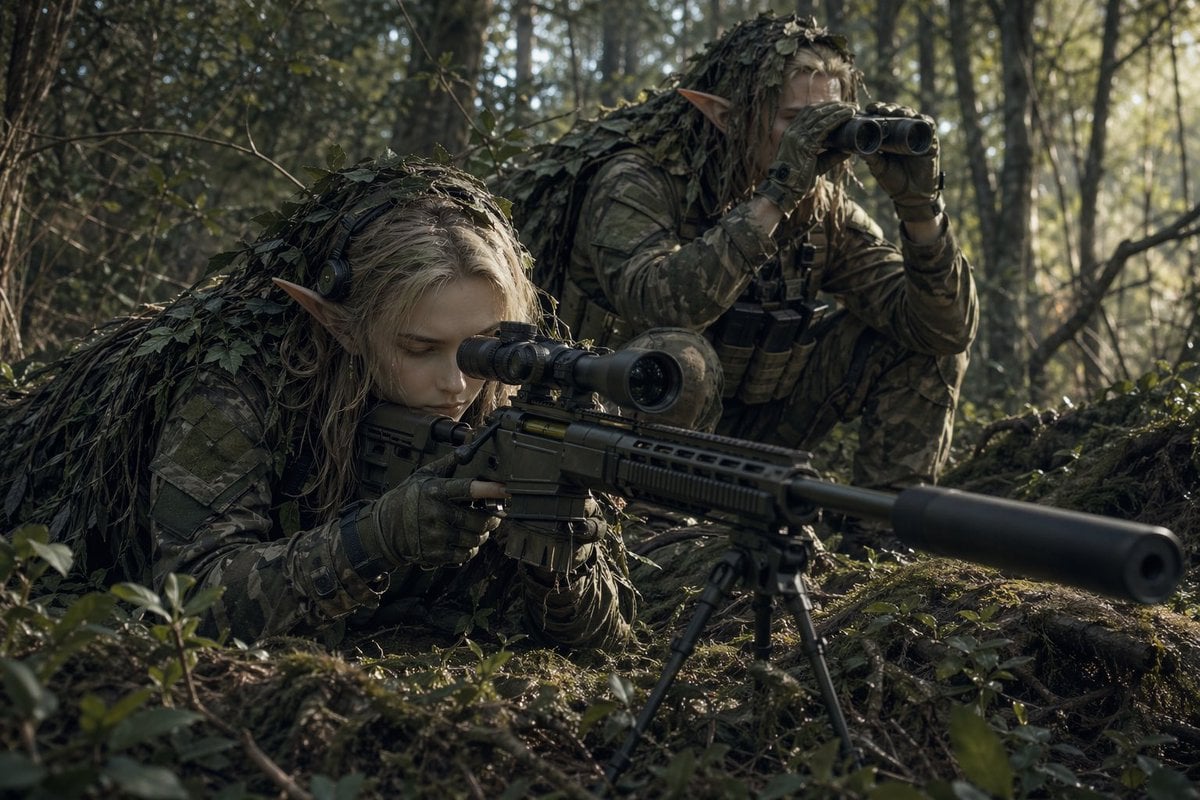
Elf Sniper Team in Forest Ambush

Cinematic Royal Double Exposure Portrait
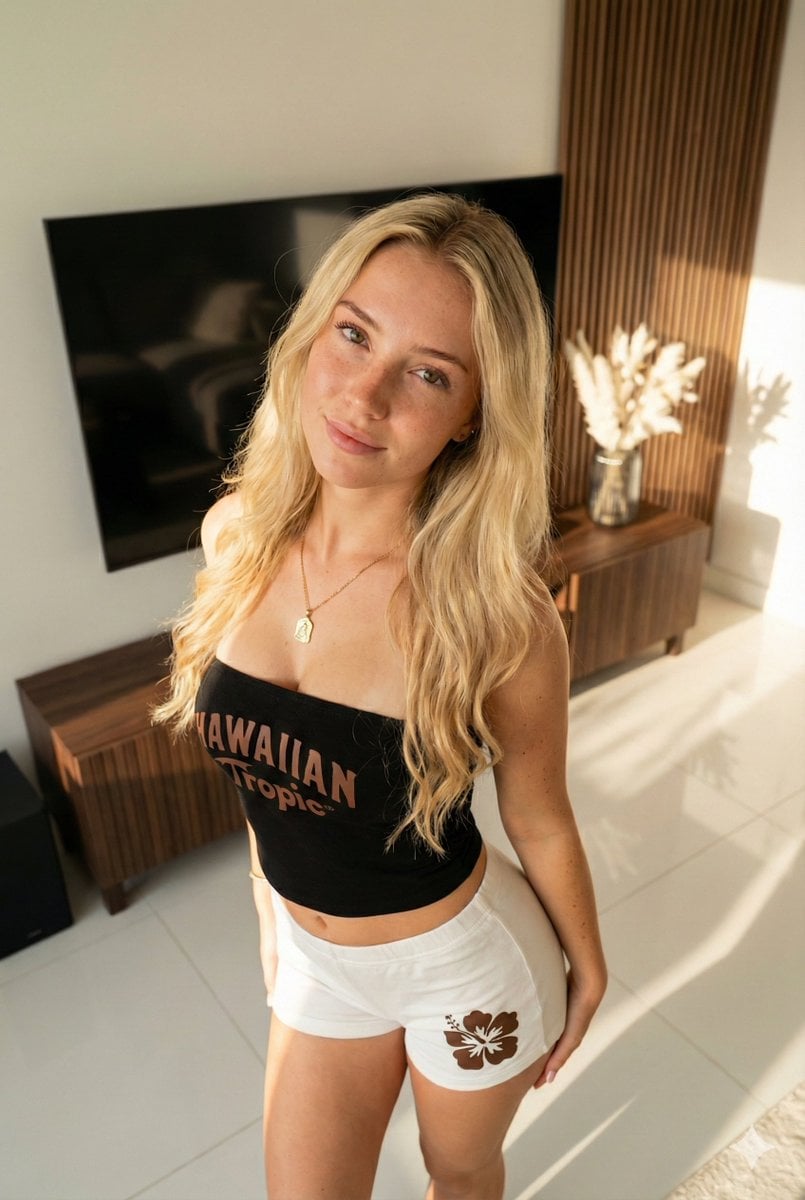
Ultra-Photorealistic Portrait of a Young Woman in Hawaiian Tropic Attire

High-Fashion Christmas Editorial Prompt
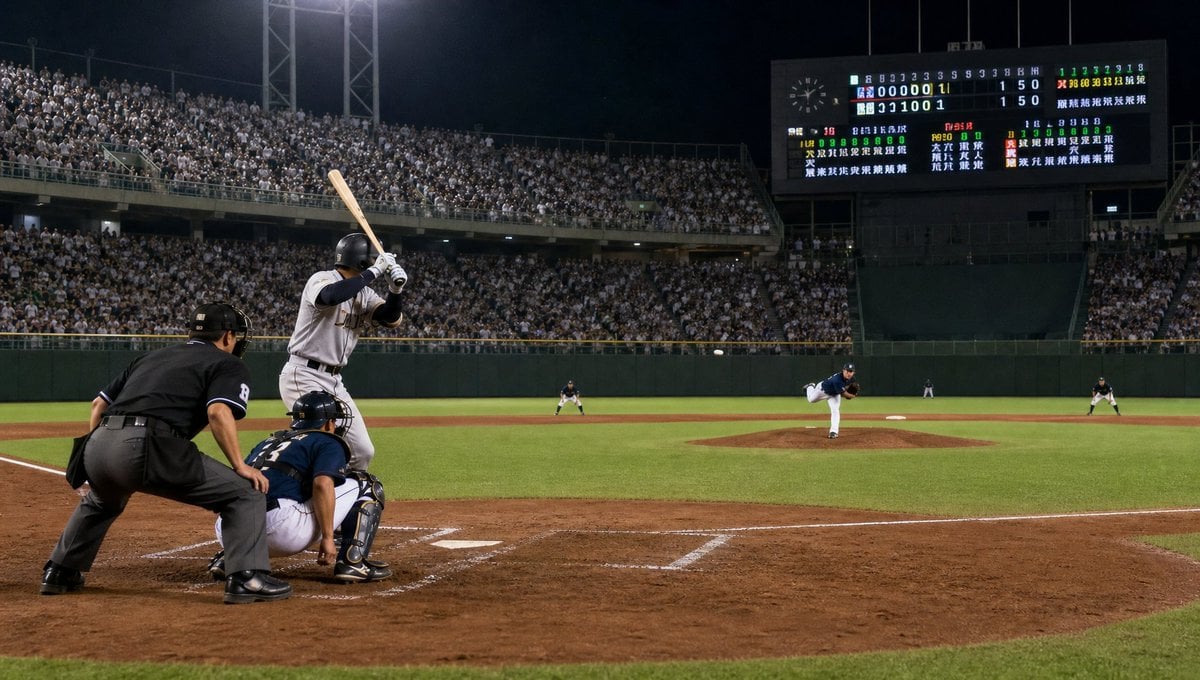
Night Baseball Stadium Pitch
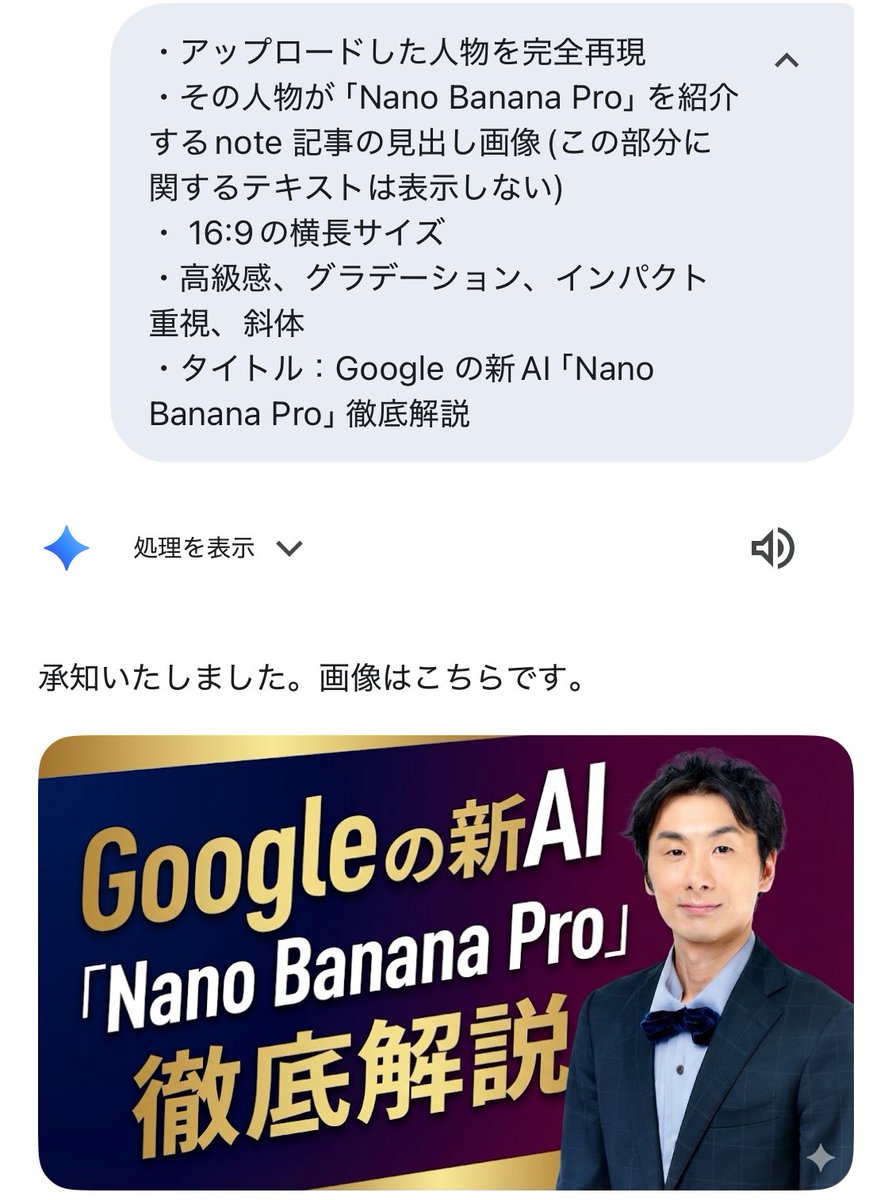
Luxurious header image with uploaded person for Nano Banana Pro article

Business Presentation Icon Set
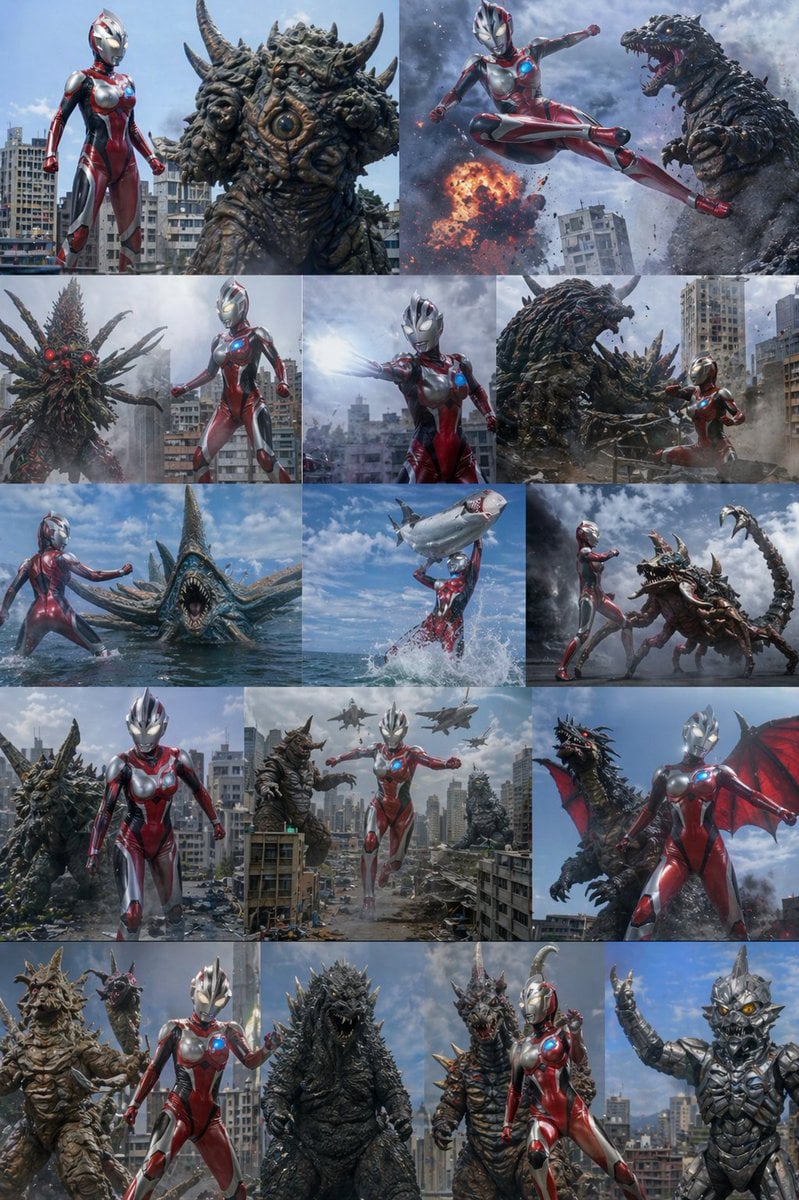
Ultra Woman Kaiju Battle Variations
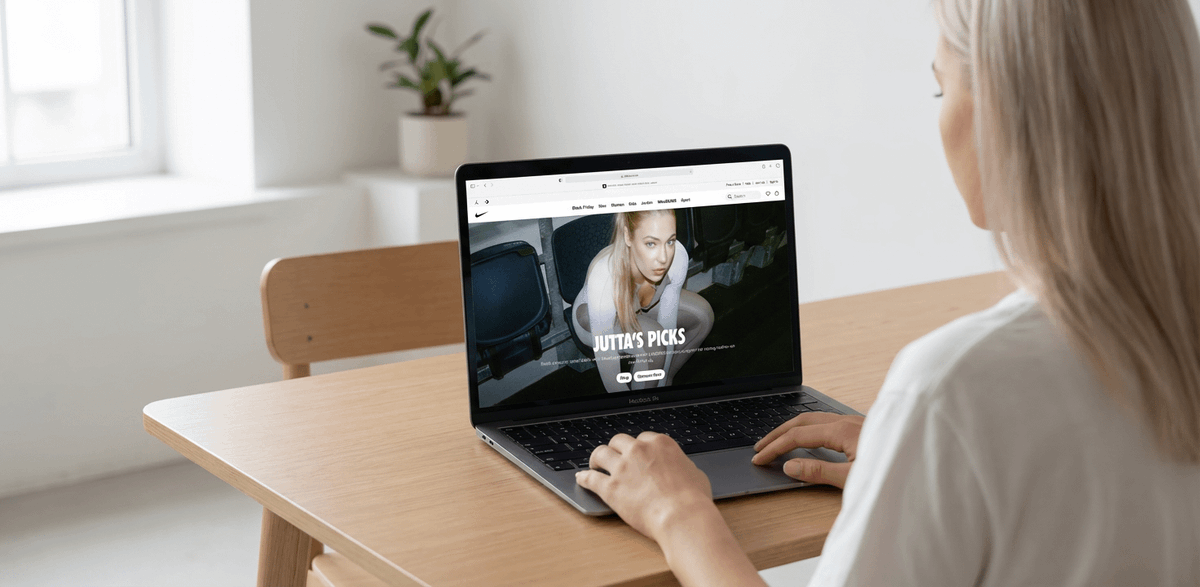
MacBook Mockup with User from Behind
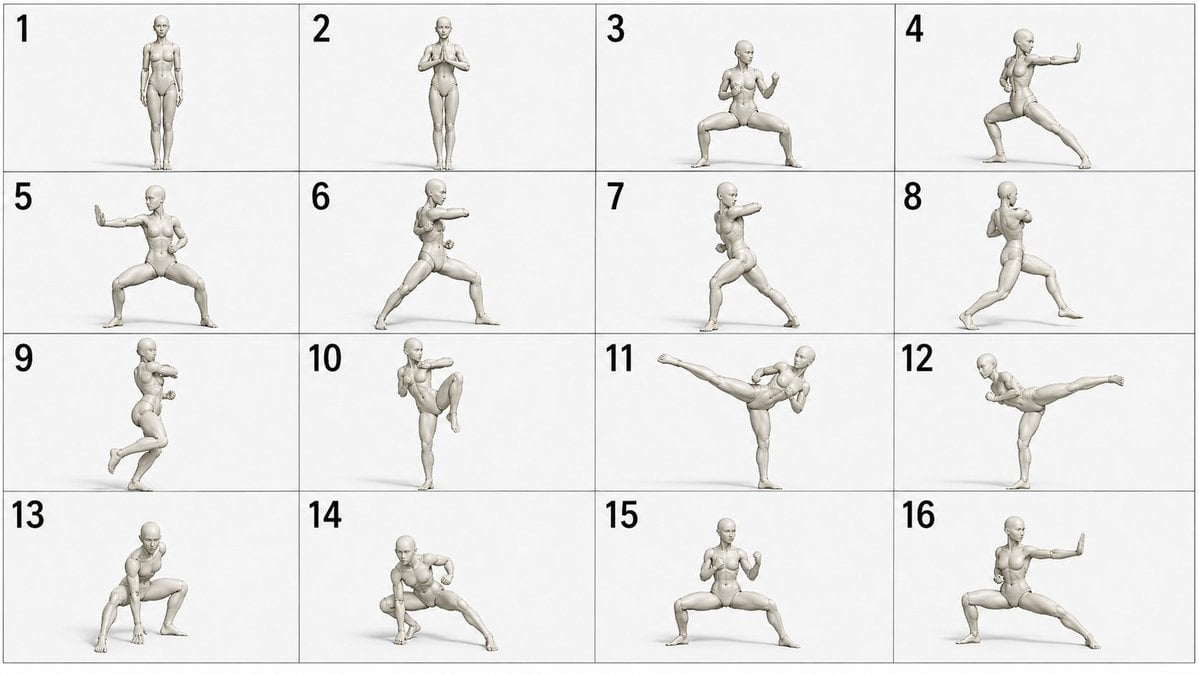
Martial Arts Grid Motion Prompt
Browse template categories
Nano Banana Pro Anniversary Baby Photographer Prompt questions
How do I use the Nano Banana Pro Anniversary Baby Photographer Prompt template?
Add your photo if the template asks for one, edit the prompt if you like — the template's model and format are already selected — and press Generate. Your version opens in PicX Studio.
Can I customize the Nano Banana Pro Anniversary Baby Photographer Prompt template?
Yes. You can change the subject, setting, lighting, mood, format, and available model controls before creating your image.
Is the Nano Banana Pro Anniversary Baby Photographer Prompt template free?
Opening and editing this template is free. Generating uses credits, shown on the Generate button when you are signed in.
Which AI model should I use?
Start with Nano Banana 2, which is the model associated with this template. You can compare another compatible model for a different finish.
Looking for something else? Browse all templates.

Your photo, any look
Thousands of ready templates for every top image and video model, from one credit balance.