
Night Baseball Stadium Pitch
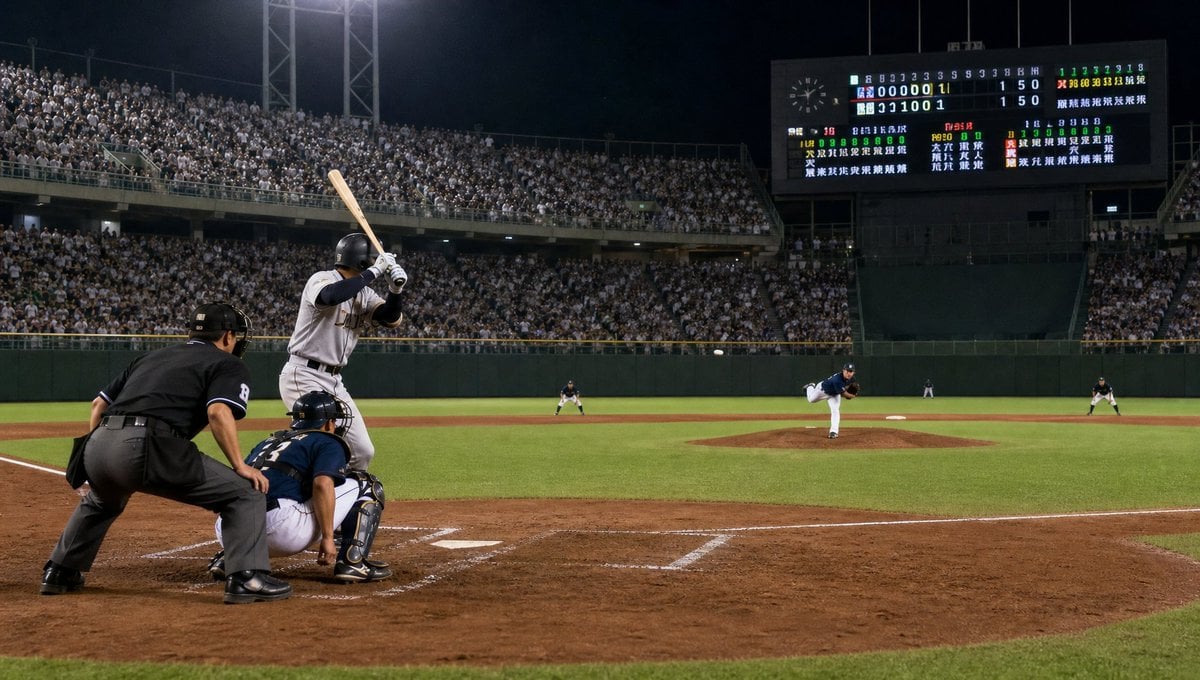
A photorealistic sports scene showing a batter facing a pitch in a packed night baseball stadium with a large scoreboard.
- Prompt included
- Model and format preset
- Free template
The prompt behind this image
Copy the exact prompt behind Night Baseball Stadium Pitch, or open it in the studio and make it yours.
Create a photorealistic wide-angle night baseball game scene from a low camera position just behind home plate, as if shot with a professional sports camera. The main subject is a right-handed batter in a {argument name="batting team uniform" default="white and gray away uniform with black helmet"} standing in the left foreground, bat raised and ready to swing. Directly behind him are exactly 2 crouched figures: a catcher in dark navy protective gear and an umpire in black uniform leaning forward. On the field show exactly 4 additional visible players: the pitcher in a {argument name="pitching team uniform" default="dark navy jersey and white pants"} mid-delivery on the mound, one infielder near second base, one fielder on the far right, and one distant fielder near the outfield. The baseball should be visible in midair traveling from the pitcher toward the plate. Set the scene in a packed stadium at night with bright floodlights, green outfield walls, a brown dirt infield, crisp white chalk batter's box lines, and a lush green grass field. In the upper right background include a large illuminated Japanese-style scoreboard filled with inning numbers, team rows, colorful statistics, and dense small Japanese text, without needing perfectly readable characters. The stands should be crowded with thousands of spectators wearing mostly light clothing, creating a realistic textured crowd. Use dramatic stadium lighting, deep shadows, high ISO sports photography realism, natural motion tension, sharp foreground detail, slightly softer distant crowd, cinematic 16:9 composition, no watermark, no added captions.
How to use Night Baseball Stadium Pitch in 3 steps
- 1Upload ImagePNG, JPG or paste
Add your photo
Upload the photo the template builds on. The prompt, model and format are already set.
- 2…a portrait of your subject in softgolden-hour light, 85mm…
Personalize
Edit the subject and creative details for your destination.
- 3Generate
Generate
Press Generate — your image is created in PicX Studio, so you can compare it with the original and refine one variable at a time.
More like this
Templates with the same subject, style or setup. Open one to see its prompt.

FIFA 2026 — Golden Trophy Stadium Night

Subway Platform Quiet Introspective Portrait
Subway Platform Quiet Introspective Portrait

Spider-Man Night Swing New York Cinematic

Usa Cinematic Hyperreal Collage Poster
Germany 10 Championship Celebration Poster

Fifa Stadium Fan Portrait Poster

FIFA-Inspired — World Cup Final Goal Net Commercial
Anime Schoolgirl Pitcher on Baseball Field
Empty Baseball Stadium Noodle Scene

Floating Woman Above Cityscape with Notifications

Night Sports Car Portrait — Cinematic Moody
Make it yours
Night Baseball Stadium Pitch works as-is. These are the safest ways to change it without losing the look.
Change one field
Copy a single group, rewrite it, and generate again so you can see what that field is doing.
Keep the frame, change the subject
Hold the composition and light of Night Baseball Stadium Pitch, then swap wardrobe, props or the person for a new take.
| If the result… | Why | Fix |
|---|---|---|
| The result drifts from the preview | Too many fields changed at once. | Reuse Night Baseball Stadium Pitch as-is first, then change one group — subject, light, or setting. |
| The model over-stylizes the scene | The prose prompt leaves finish and camera underspecified. | Add one camera or lighting sentence and stay on GPT Image 2. |
More GPT Image 2 templates
Other prompts made for GPT Image 2.

Six VTuber Japanese Logo Sheet

Realistic Portrait of Woman and Deer

The Vista Modular Condo Poster

AI Model Routing Comparison Infographic

2.5D Anime Art Board

Isometric Productivity Desk Scene

New York Double Exposure Poster

Four-Panel AI Landscape Comparison

Japanese Tatami Lifestyle Magazine Cover

NESCAFÉ Coffee Map Poster
More image prompts
Fresh picks from across the catalog.
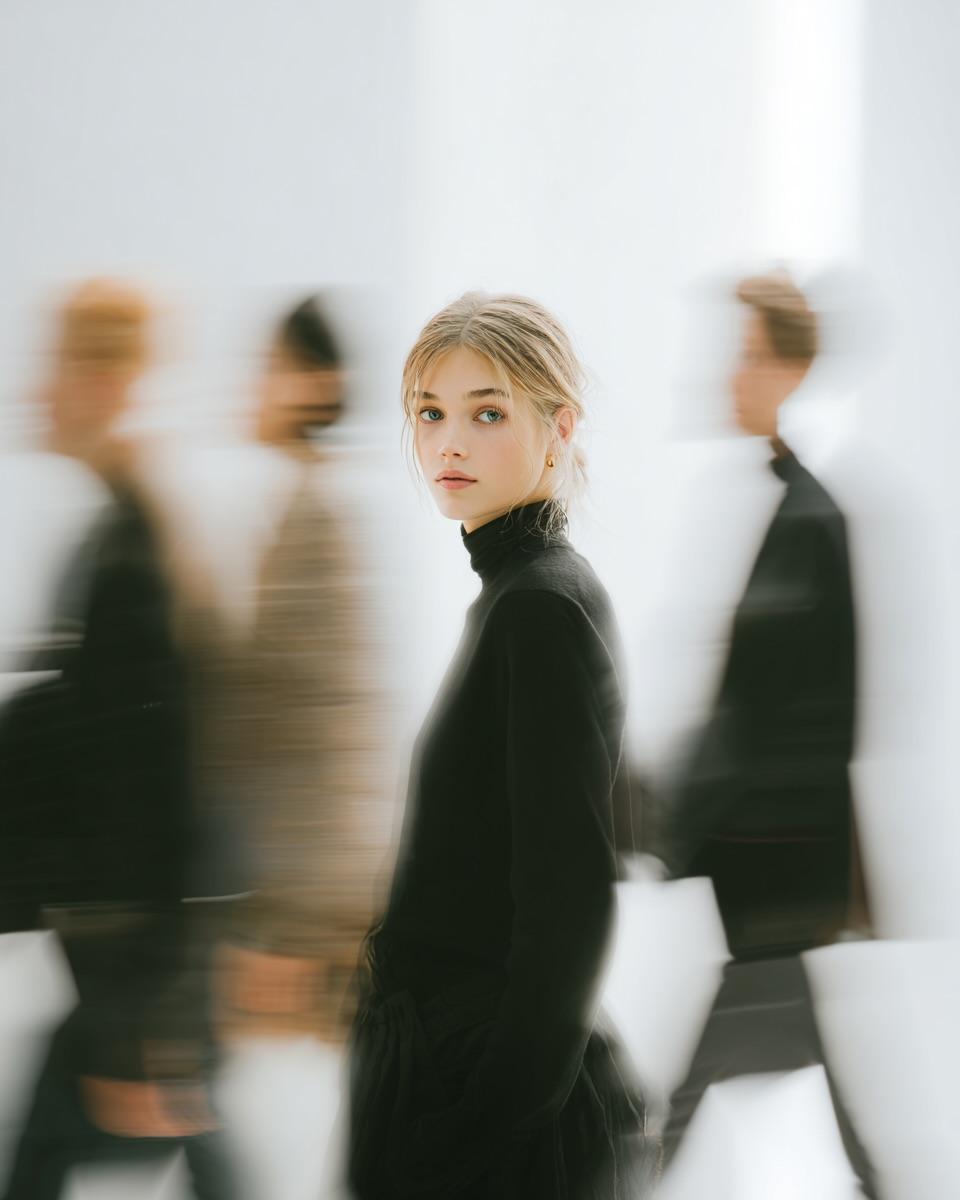
High Fashion Pictorial with Motion Blur
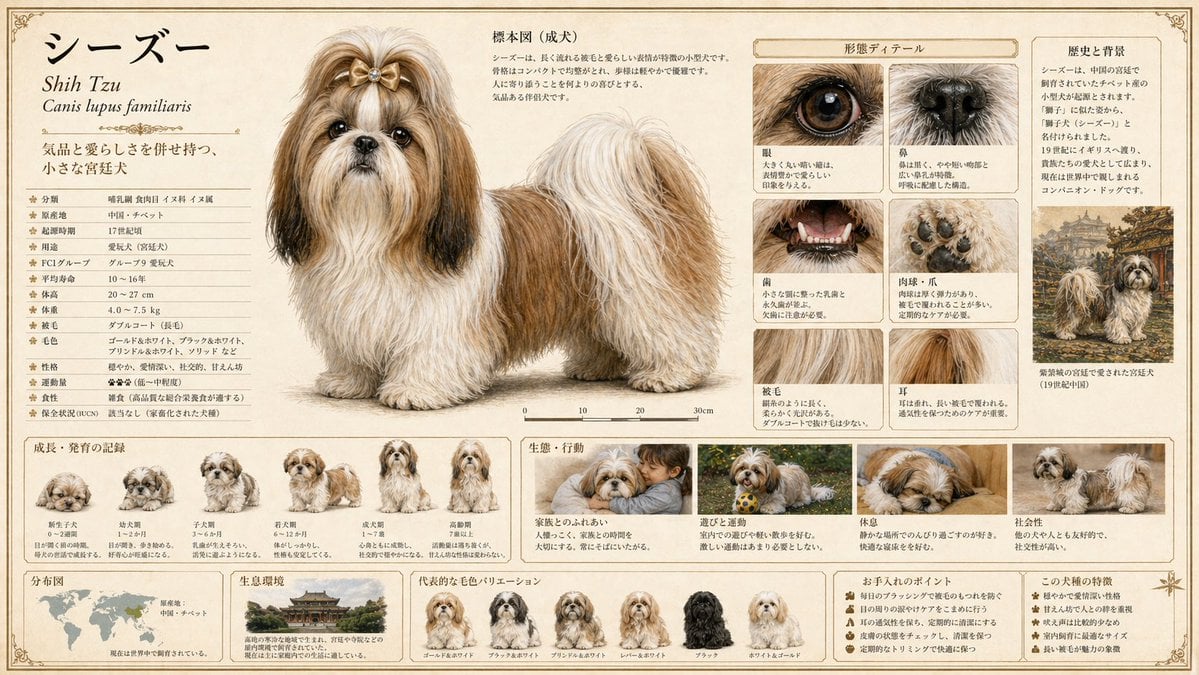
Detailed Animal Encyclopedia Generation
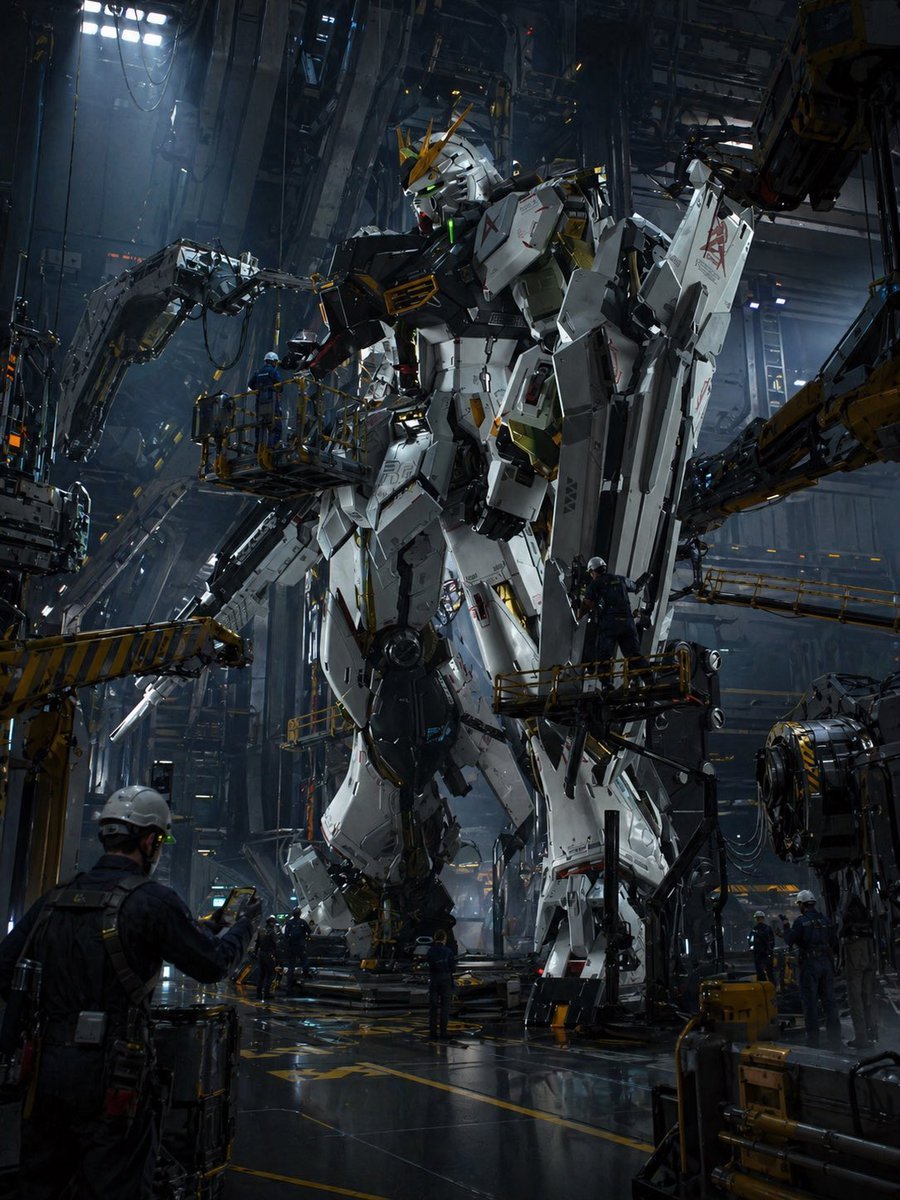
Gundam Maintenance Scene Transformation
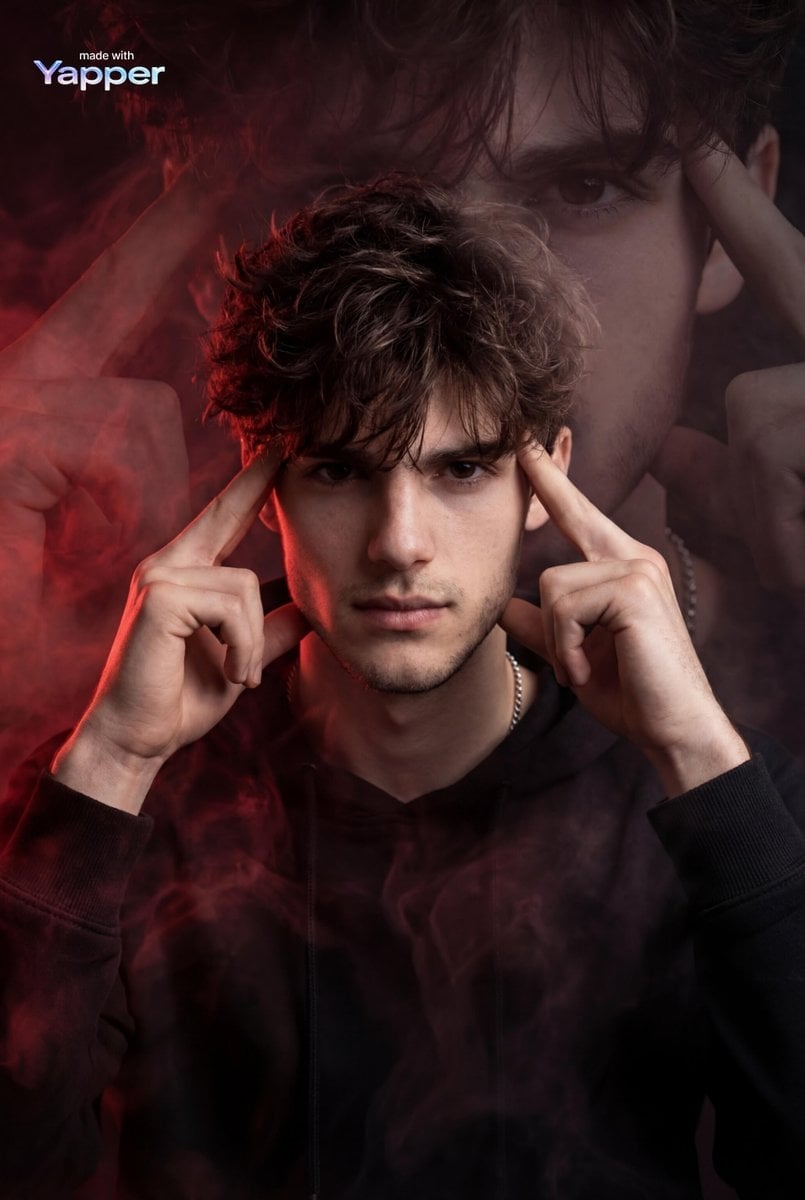
Cinematic Hyper-realistic Portrait with Ethereal Smoke

Photorealistic Korean Newspaper Front Page
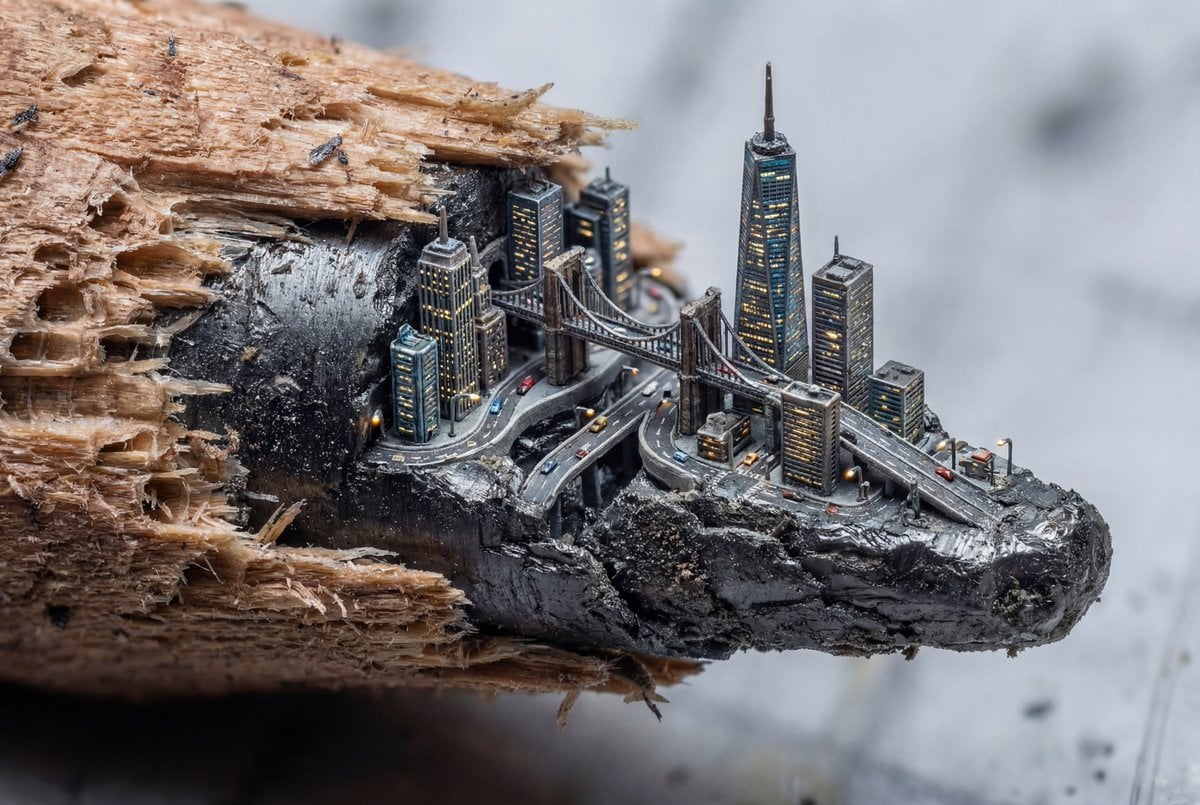
Microscopic City Art Addition Prompt
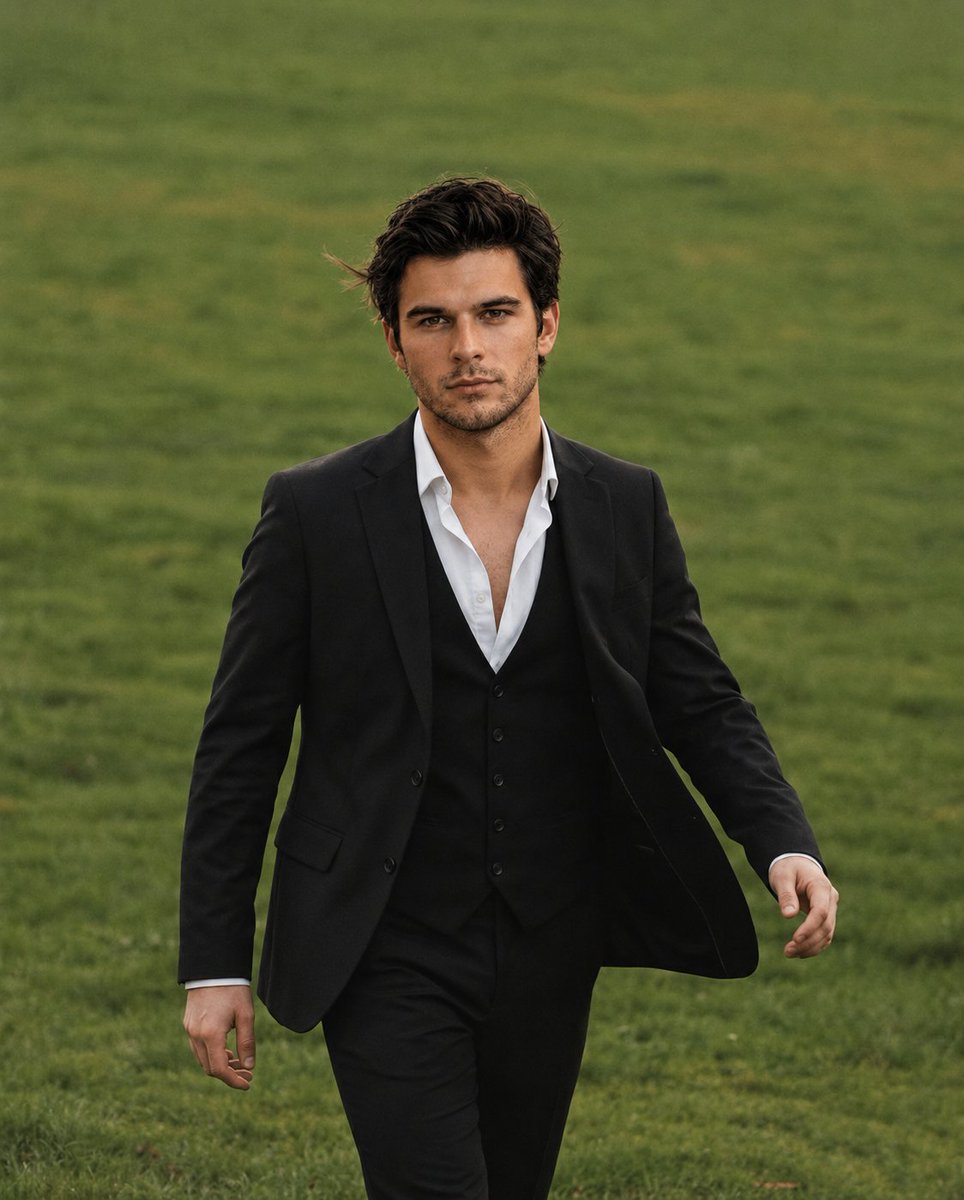
Golden Hour Male Portrait

Dreamy Dessert Advertisement Poster
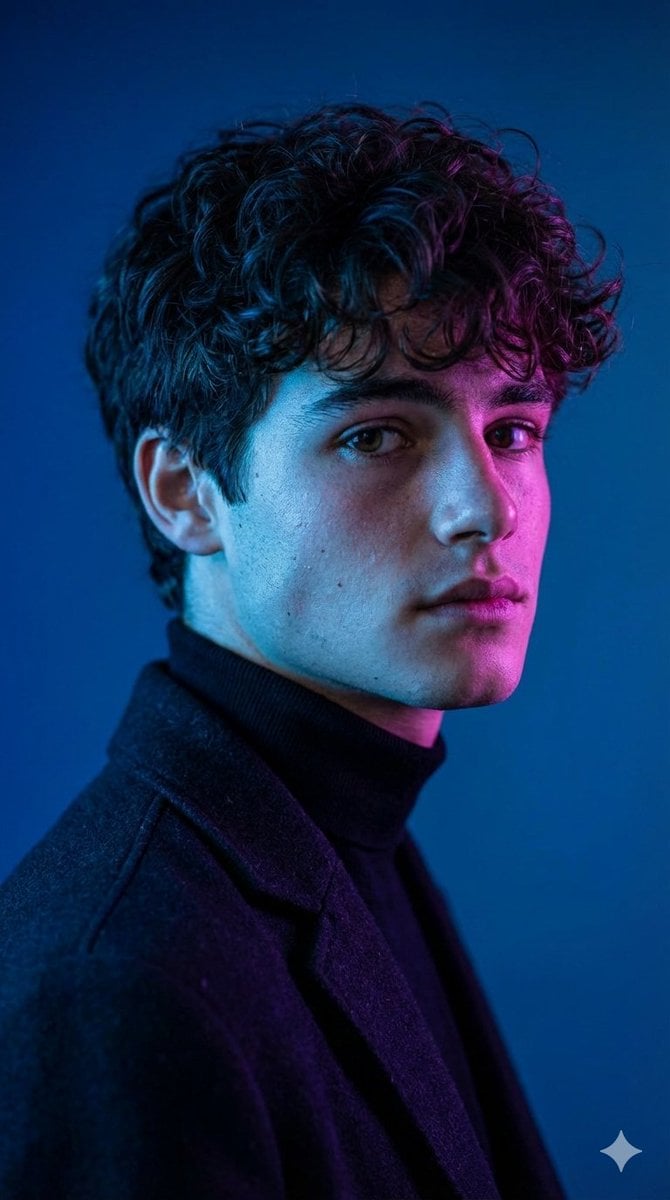
Dramatic Cinematic Portrait with Contrasting Lighting
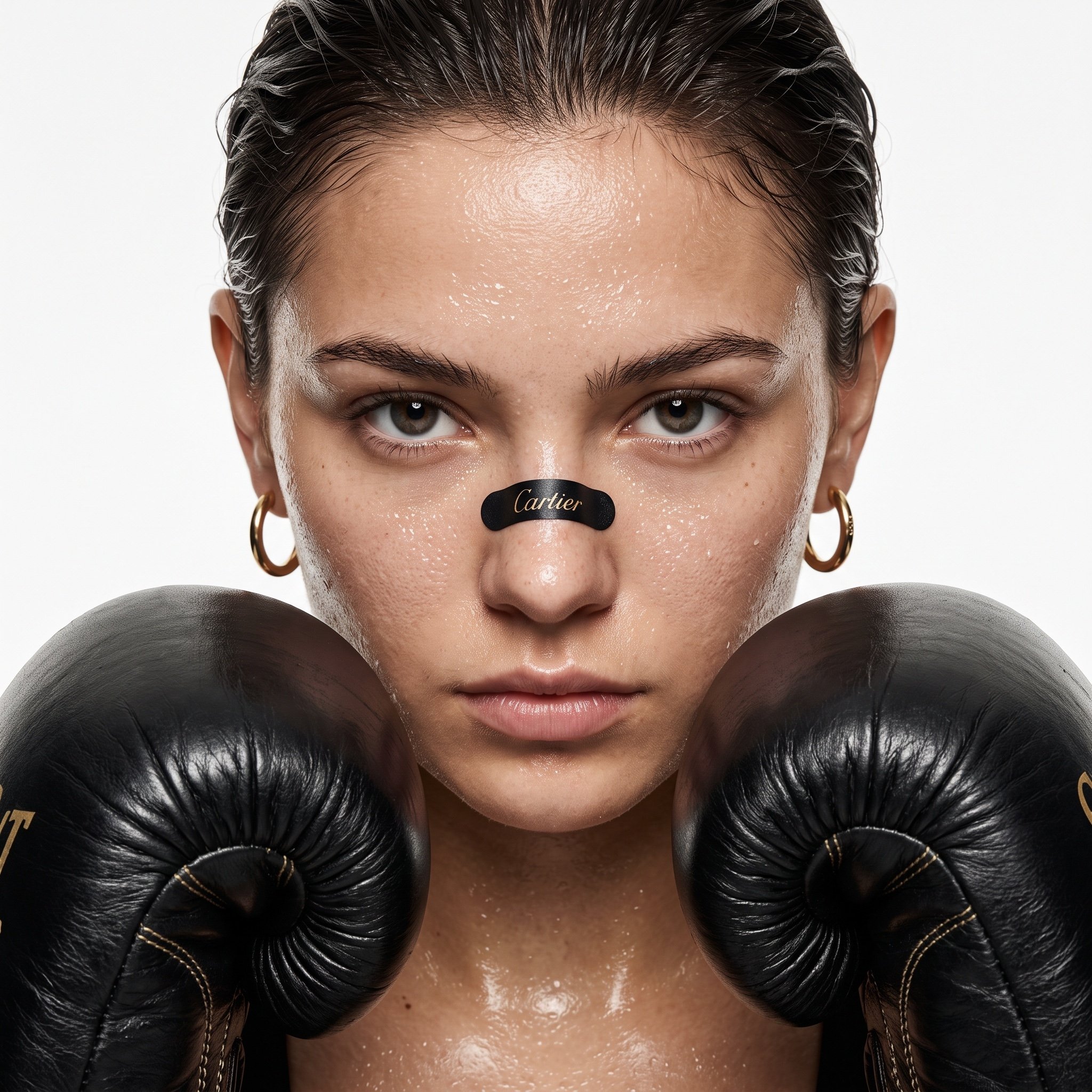
Cinematic Boxing Portrait Prompt (Luxury Fashion x Combat Sport)
Browse template categories
Night Baseball Stadium Pitch questions
How do I use the Night Baseball Stadium Pitch template?
Add your photo if the template asks for one, edit the prompt if you like — the template's model and format are already selected — and press Generate. Your version opens in PicX Studio.
Can I customize the Night Baseball Stadium Pitch template?
Yes. You can change the subject, setting, lighting, mood, format, and available model controls before creating your image.
Is the Night Baseball Stadium Pitch template free?
Opening and editing this template is free. Generating uses credits, shown on the Generate button when you are signed in.
Which AI model should I use?
Start with GPT Image 2, which is the model associated with this template. You can compare another compatible model for a different finish.
Looking for something else? Browse all templates.

Your photo, any look
Thousands of ready templates for every top image and video model, from one credit balance.