
Cherry Blossom Fairy Familiar
A dreamy park portrait of a pink lolita girl meeting a tiny sakura spirit familiar, useful for magical companion or character-summoning visuals.
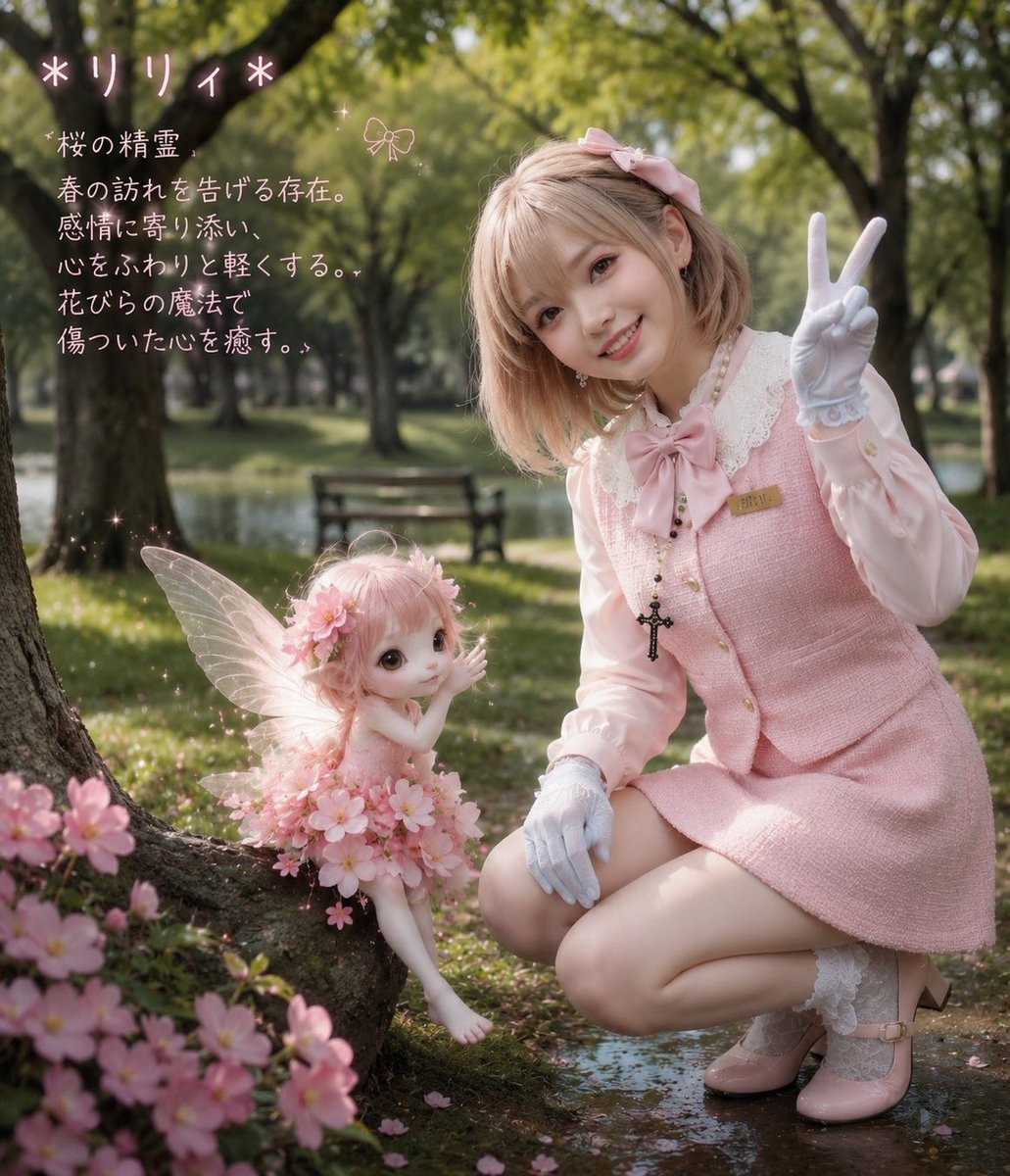
- Prompt included
- Model and format preset
- Free template
The prompt behind this image
Copy the exact prompt behind Cherry Blossom Fairy Familiar, or open it in the studio and make it yours.
Create a dreamy photorealistic fantasy portrait in a sunlit park beside a small pond, showing a young woman in sweet pink lolita fashion kneeling next to her tiny summoned familiar, a cherry blossom fairy named {argument name="fairy name" default="*リリィ*"}. The woman has a deliberately obscured/featureless rectangular face area, short pastel pink-blonde bob hair with a pink ribbon bow, white gloves, a pale pink blouse with lace collar and large bow, a pink tweed pinafore dress, white lace socks, pink Mary Jane shoes, a small name badge, and a black rosary-like cross necklace; she holds up a peace sign with her right hand while crouching warmly toward the fairy. The fairy is a small doll-like sakura spirit with pale skin, huge glossy eyes, short fluffy pink hair, translucent insect wings, bare feet, and a dress made from many pink cherry blossoms; she sits near the base of a tree root with one hand raised, surrounded by glowing sparkles and scattered petals. Set the scene in a soft-focus green park with tall trees, dappled afternoon sunlight, a bench and water in the background, shallow depth of field, pastel color grading, bokeh, magical particles, and clusters of cherry blossoms in the foreground. Add handwritten pale pink Japanese text in the upper left: title {argument name="title text" default="*リリィ*"}, followed by a short description reading {argument name="description text" default="桜の精霊\n春の訪れを告げる存在。\n感情に寄り添い、\n心をふわりと軽くする。\n花びらの魔法で\n傷ついた心を癒す。"}. Include a small doodled bow icon near the text. Keep the composition vertical 4:5, whimsical, tender, high detail, realistic photography blended with fantasy doll aesthetics, no extra characters, no watermark.
How to use Cherry Blossom Fairy Familiar in 3 steps
- 1Upload ImagePNG, JPG or paste
Add your photo
Upload the photo the template builds on. The prompt, model and format are already set.
- 2…a portrait of your subject in softgolden-hour light, 85mm…
Personalize
Edit the subject and creative details for your destination.
- 3Generate
Generate
Press Generate — your image is created in PicX Studio, so you can compare it with the original and refine one variable at a time.
More like this
Templates with the same subject, style or setup. Open one to see its prompt.
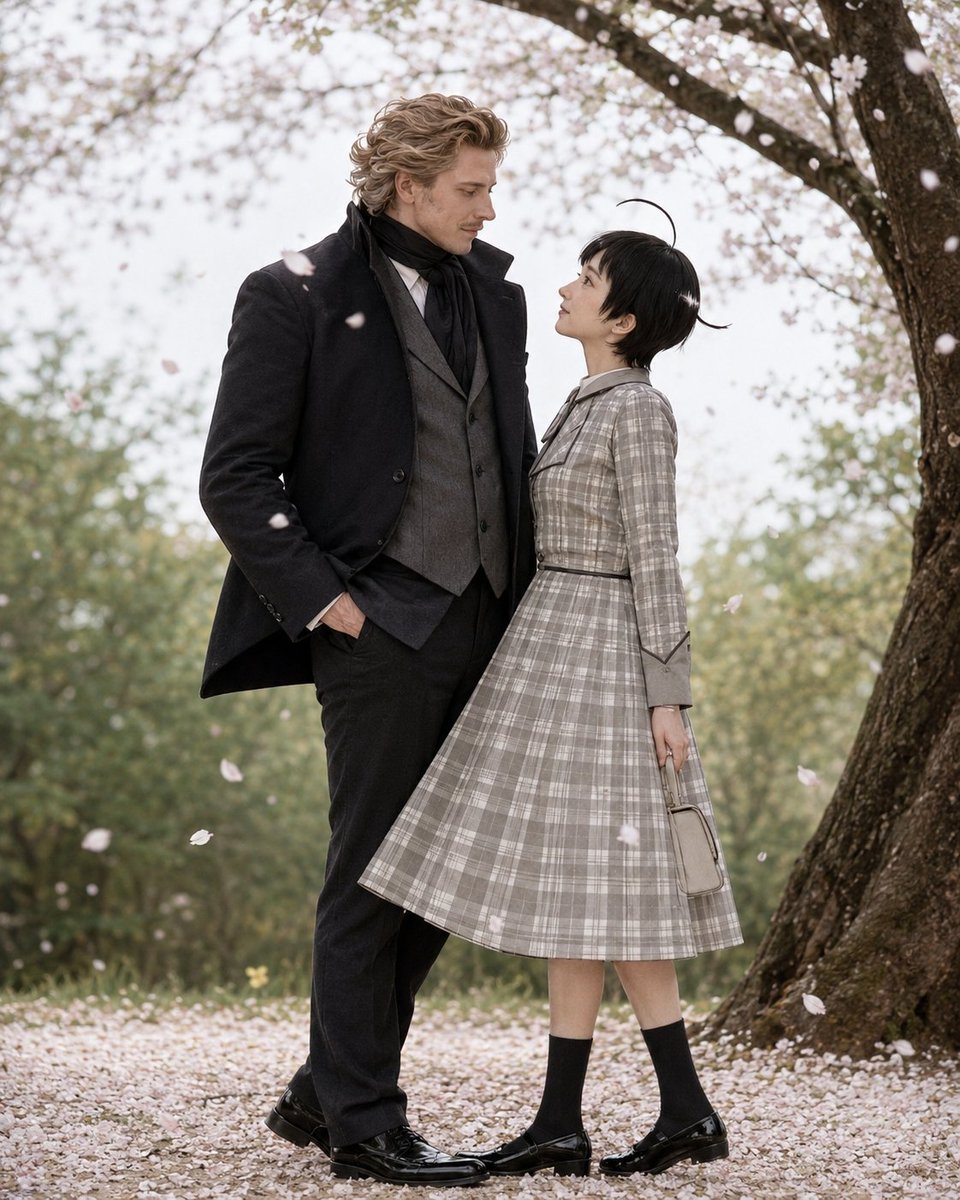
Cherry Blossom Cosplay Romance
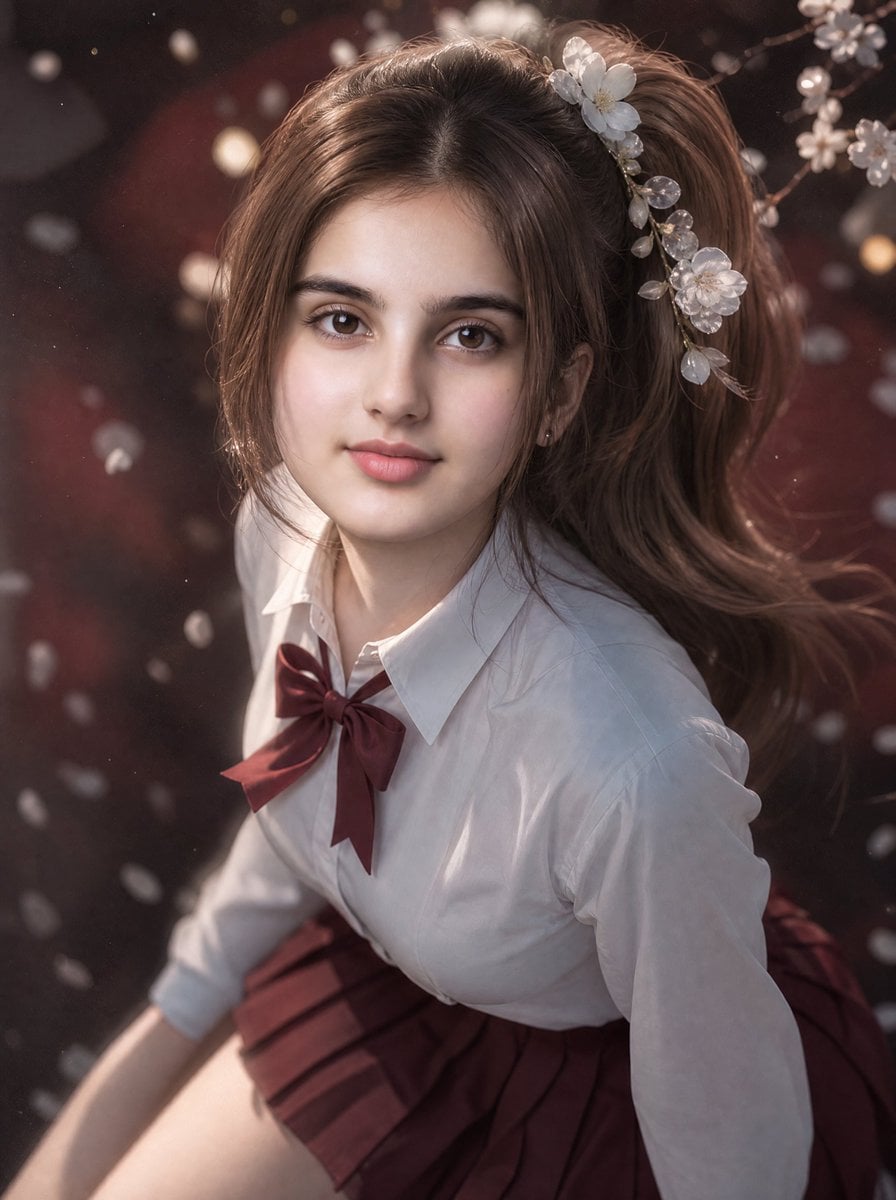
3D Guoman Cherry Blossom Schoolgirl Portrait
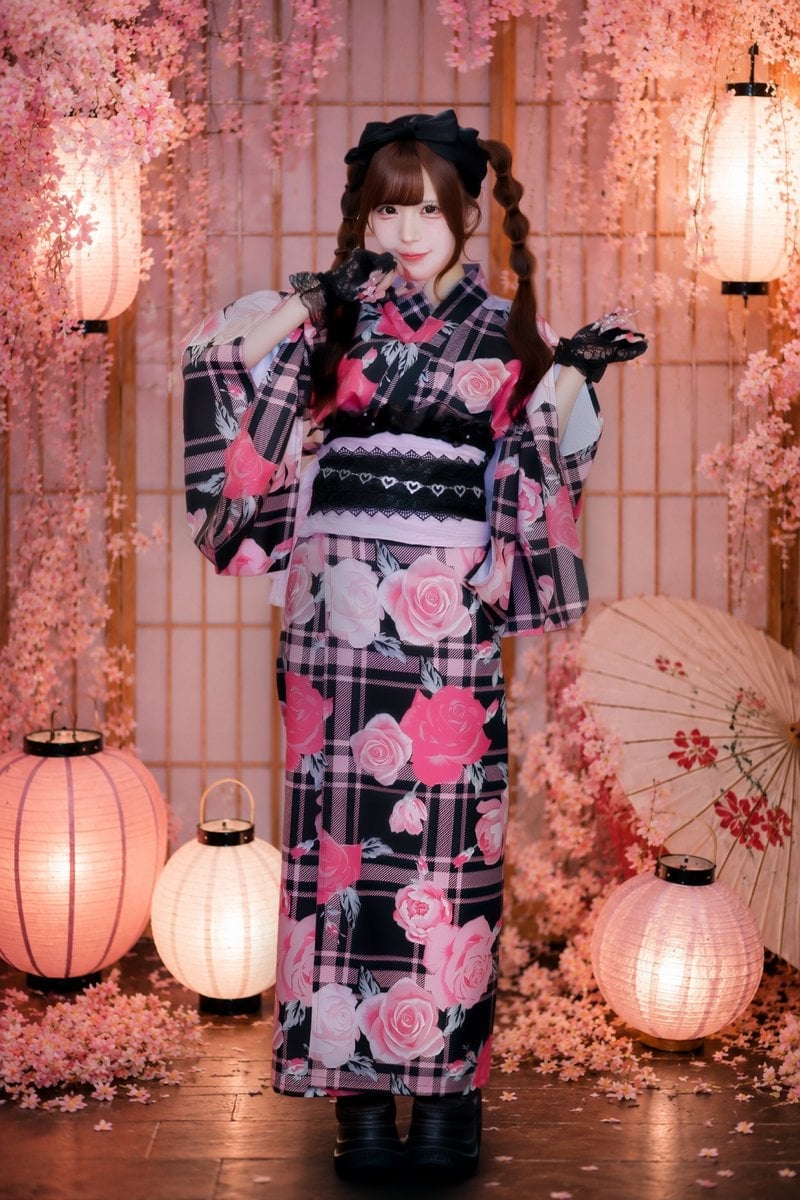
Cherry Blossom Yukata Idol Portrait
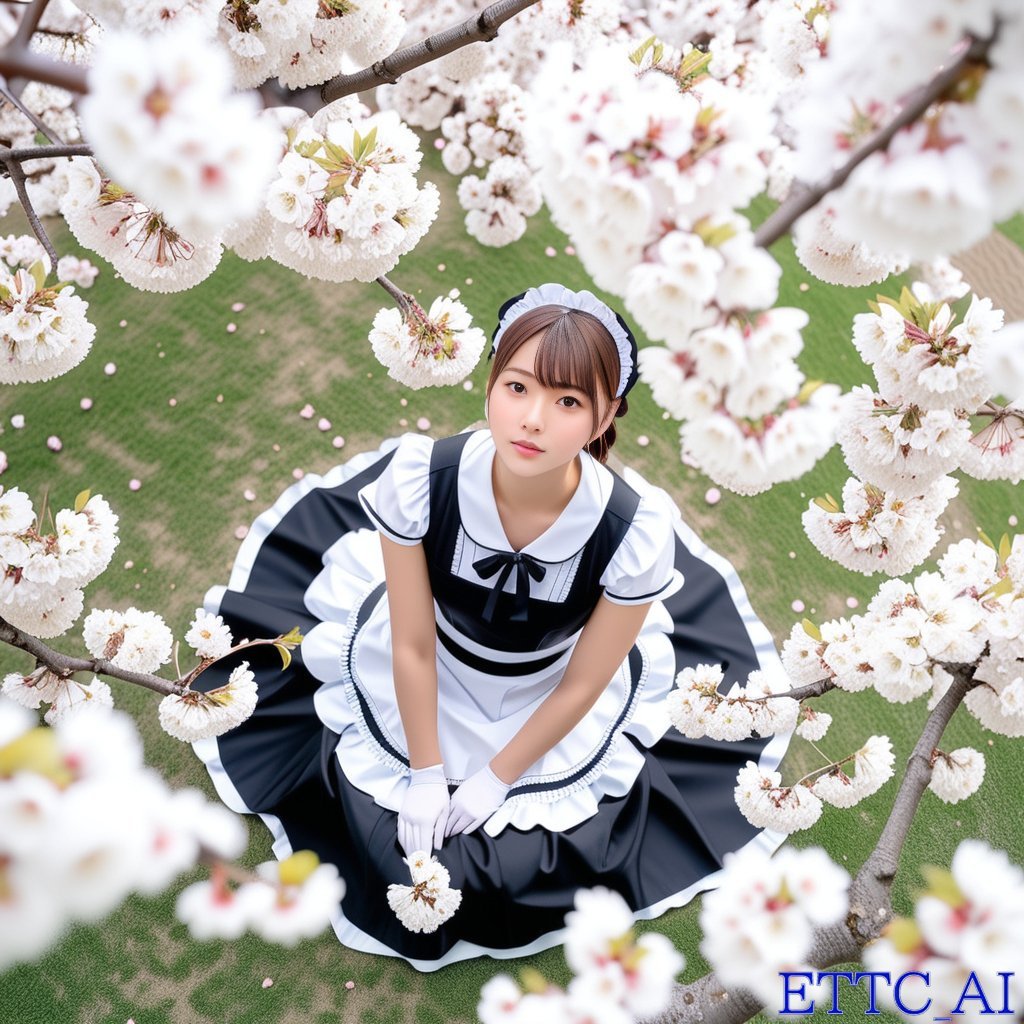
Top-Down Maid and Cherry Blossoms
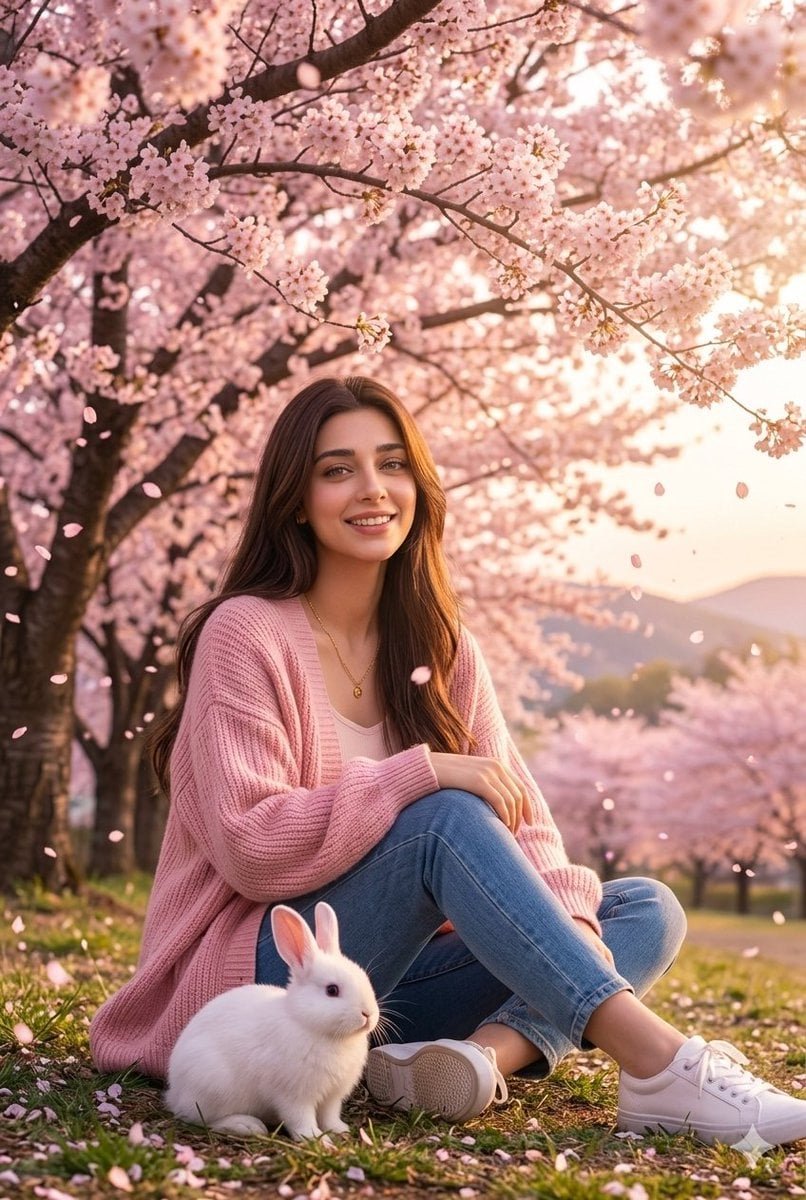
Woman with Rabbit in Cherry Blossom Garden
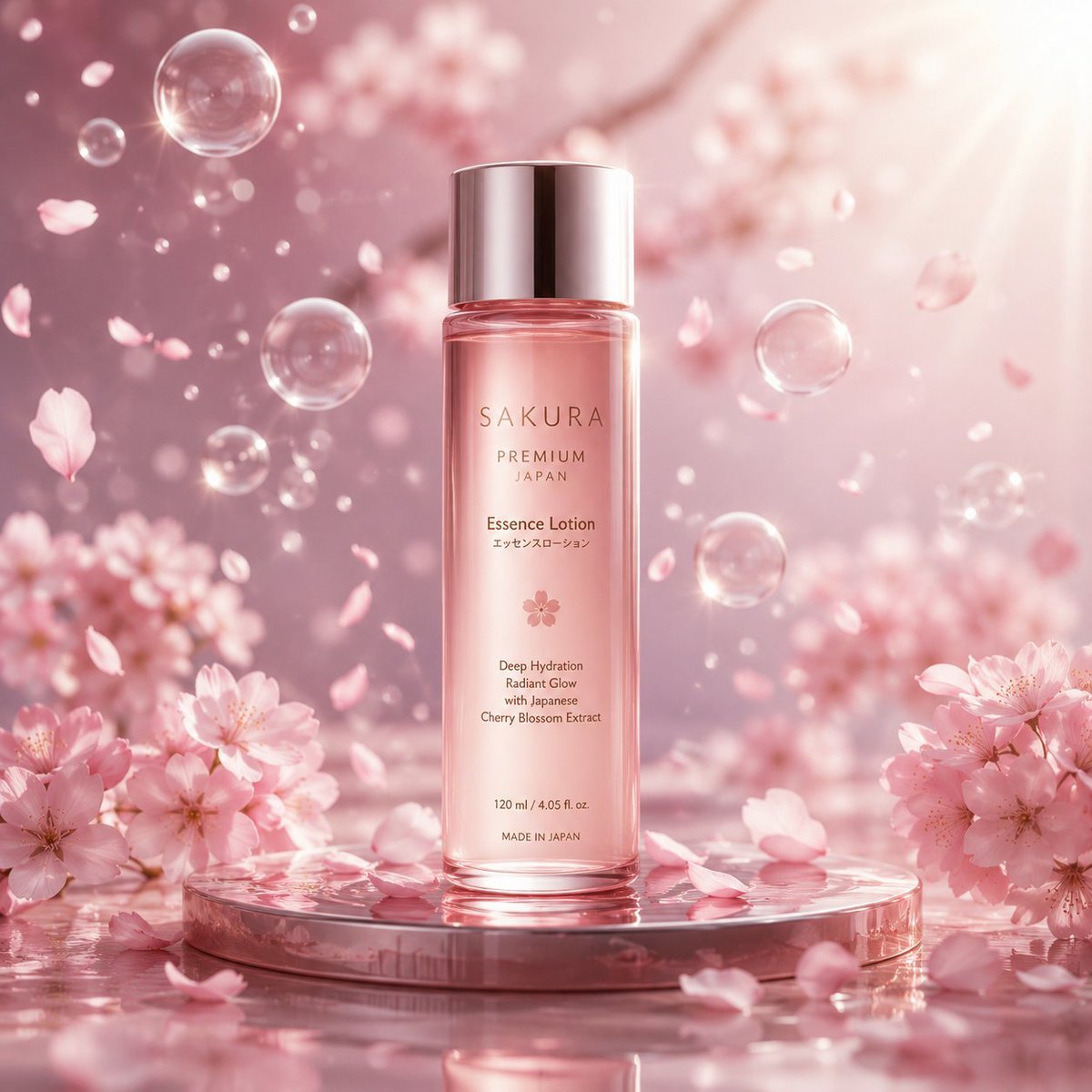
Cherry Blossom Beauty Campaign
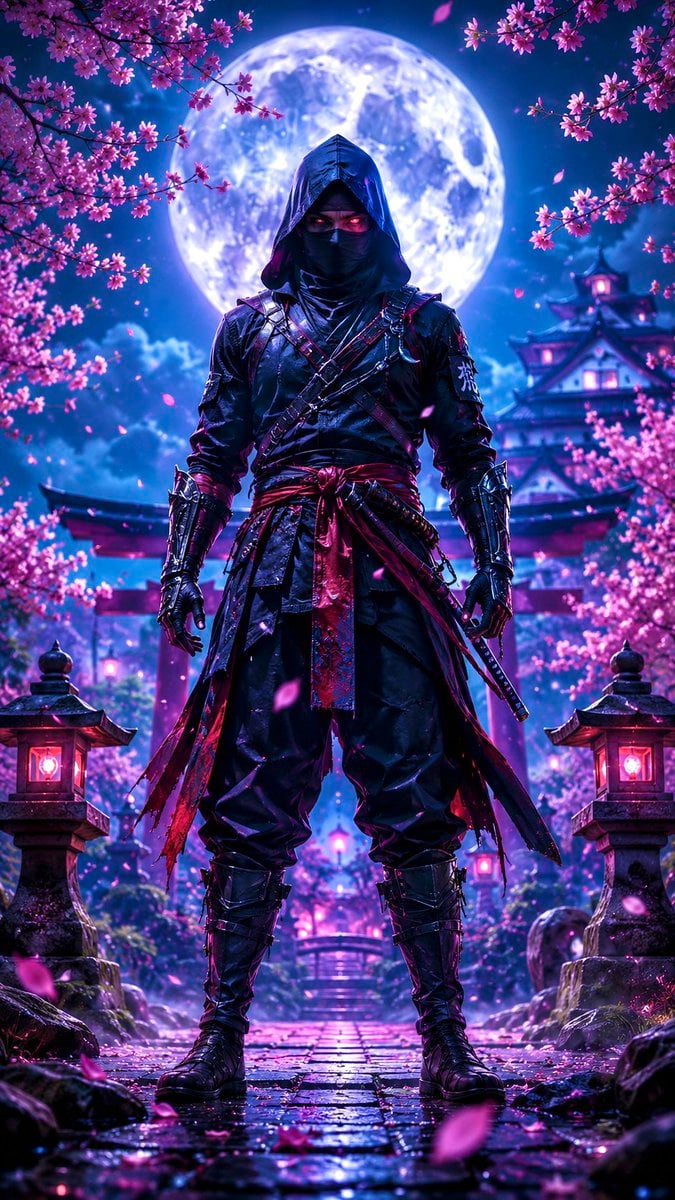
Ninja in Cherry Blossom Garden
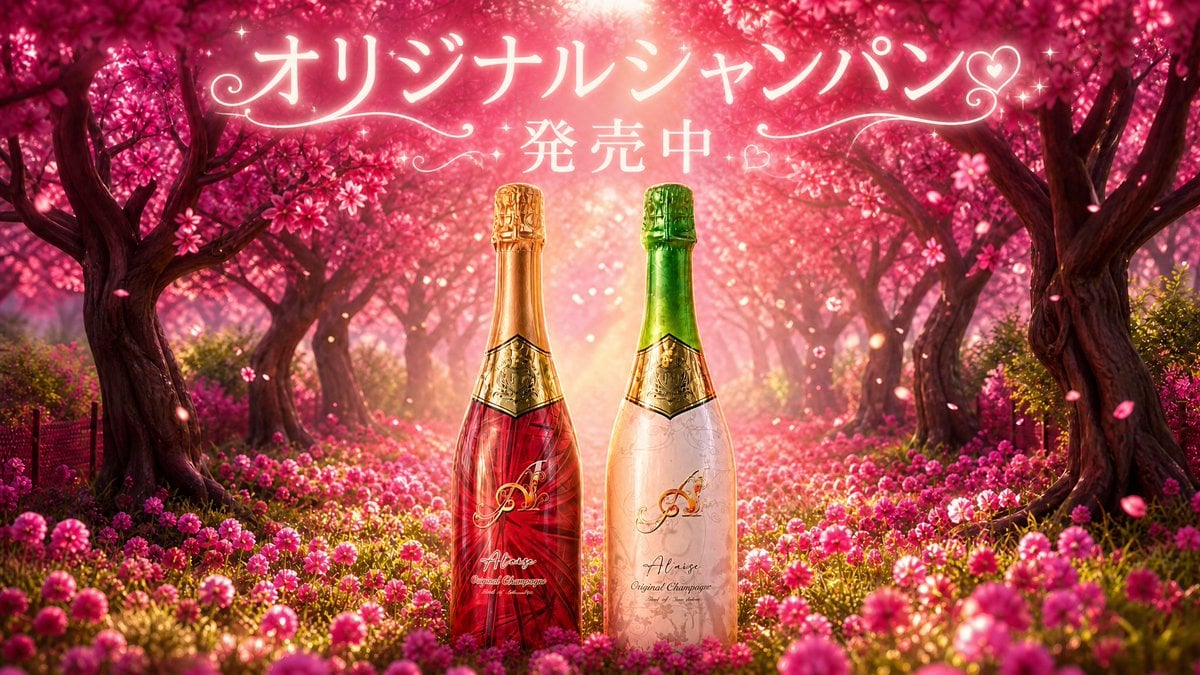
Cherry Blossom Champagne Banner
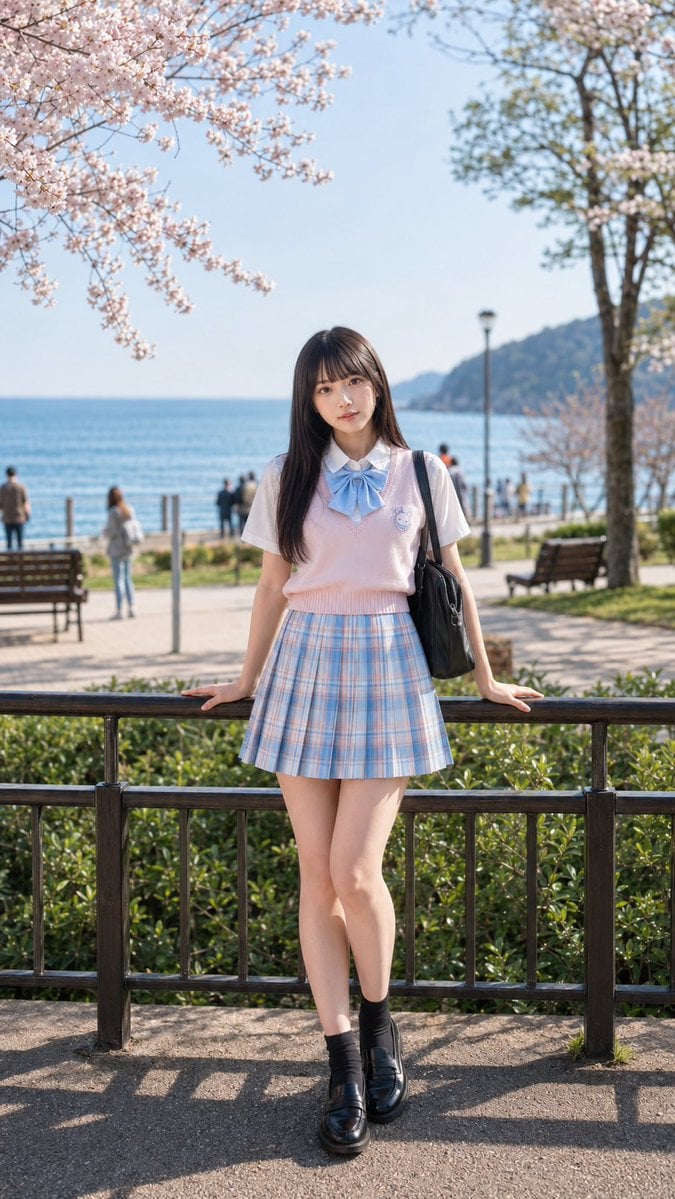
Spring Seaside Cherry Blossom Portrait
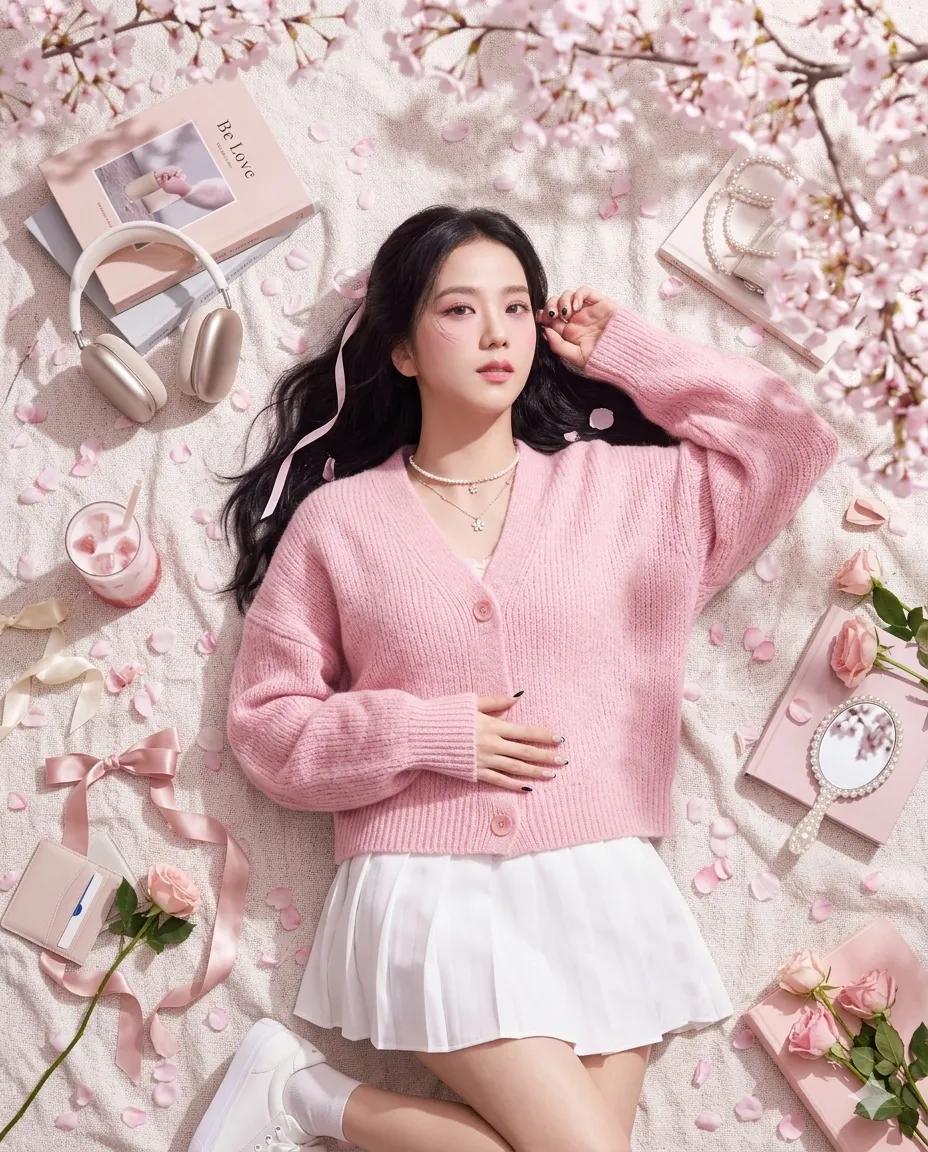
Dreamy Cherry Blossom Portrait
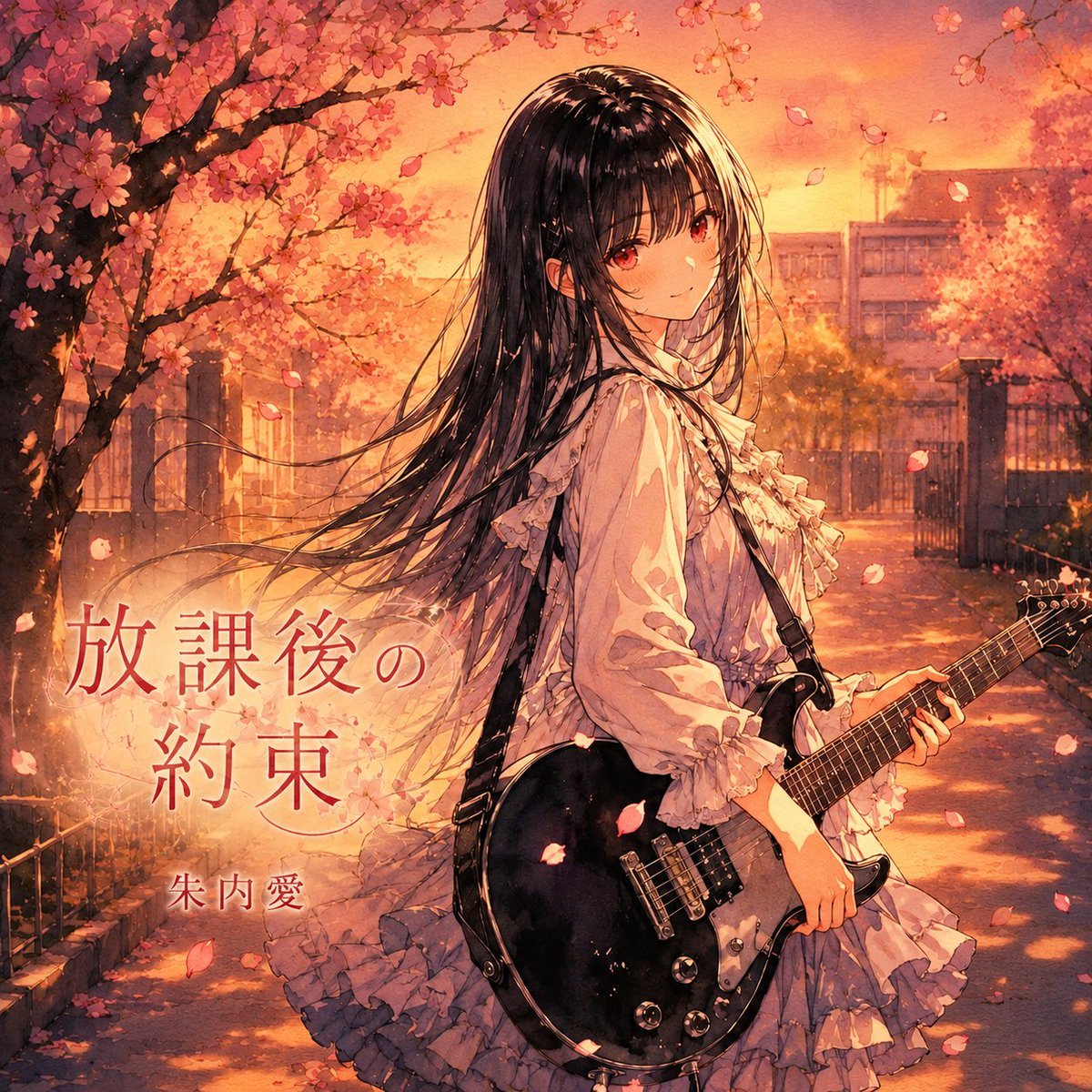
Anime Cherry Blossom Rock Album Cover
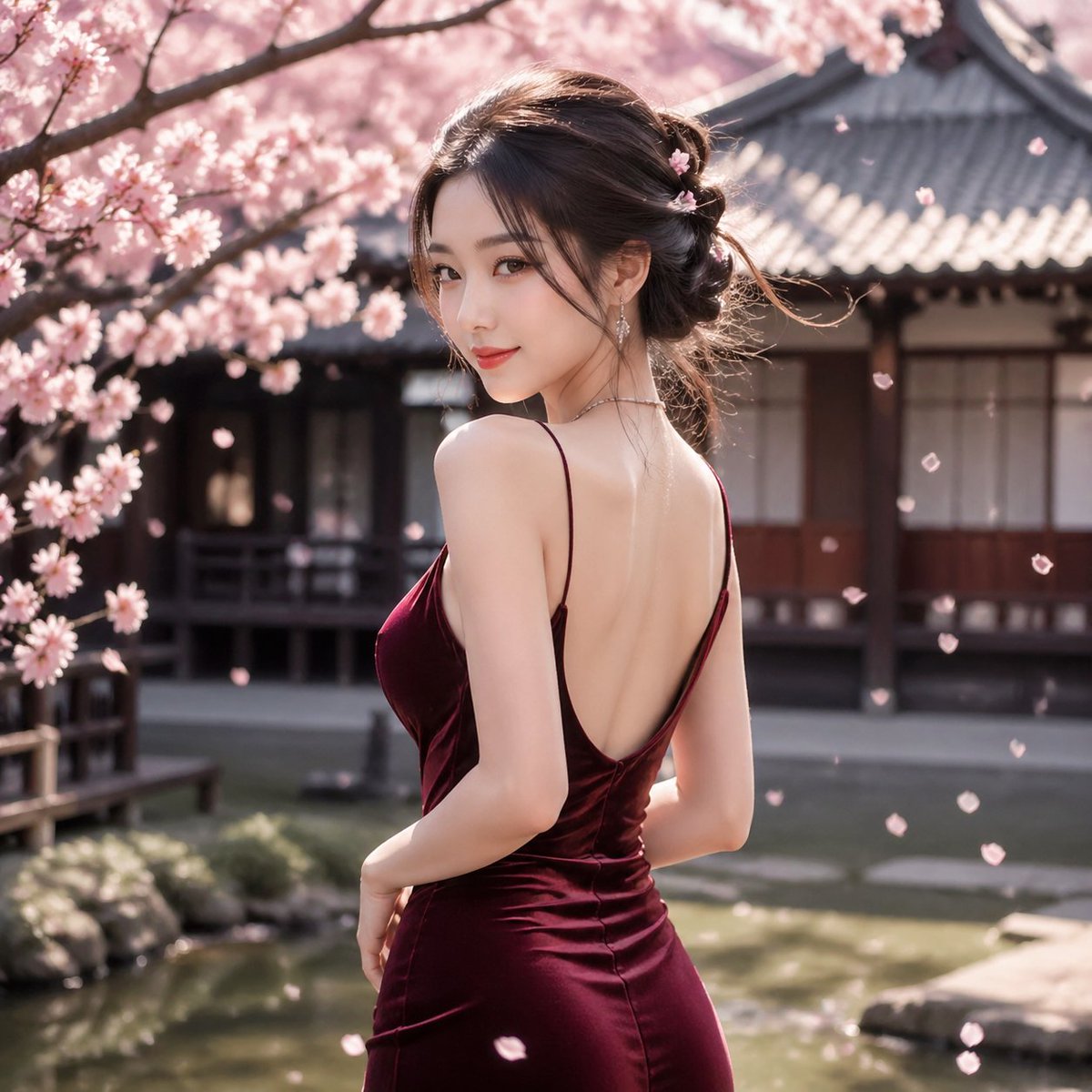
Cherry Blossom Garden Evening Portrait
Make it yours
Cherry Blossom Fairy Familiar works as-is. These are the safest ways to change it without losing the look.
Change one field
Copy a single group, rewrite it, and generate again so you can see what that field is doing.
Keep the frame, change the subject
Hold the composition and light of Cherry Blossom Fairy Familiar, then swap wardrobe, props or the person for a new take.
| If the result… | Why | Fix |
|---|---|---|
| The result drifts from the preview | Too many fields changed at once. | Reuse Cherry Blossom Fairy Familiar as-is first, then change one group — subject, light, or setting. |
| The model over-stylizes the scene | The prose prompt leaves finish and camera underspecified. | Add one camera or lighting sentence and stay on GPT Image 2. |
More GPT Image 2 templates
Other prompts made for GPT Image 2.

Six VTuber Japanese Logo Sheet

Realistic Portrait of Woman and Deer

The Vista Modular Condo Poster

AI Model Routing Comparison Infographic

2.5D Anime Art Board

Isometric Productivity Desk Scene

New York Double Exposure Poster

Four-Panel AI Landscape Comparison

Japanese Tatami Lifestyle Magazine Cover

NESCAFÉ Coffee Map Poster
More image prompts
Fresh picks from across the catalog.
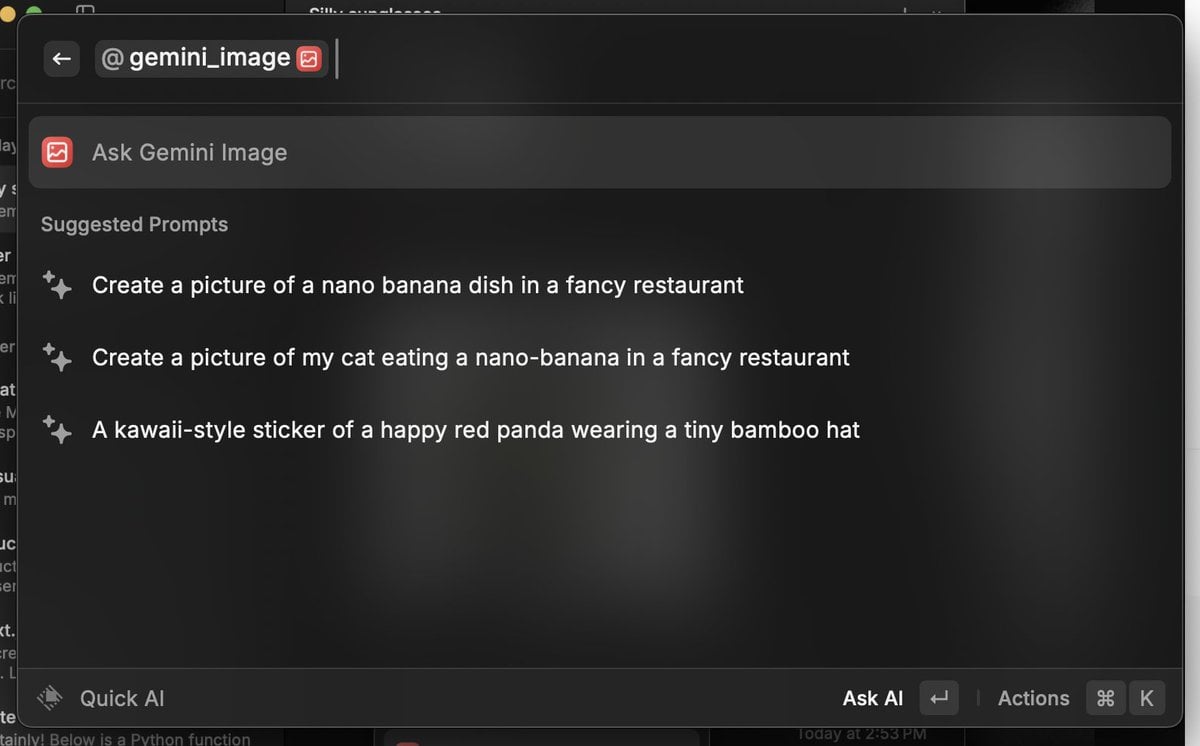
Various playful test prompts for Nano Banana

Cinematic Eye Light Portraits — 3 Nano Banana Prompts
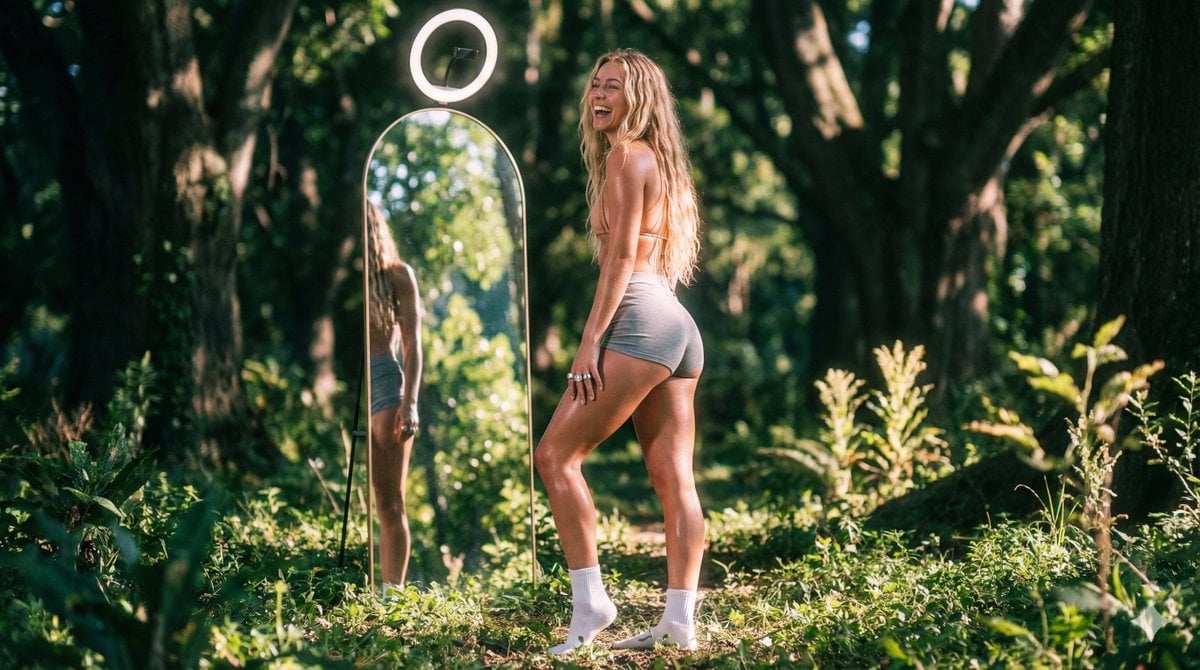
Vaporwave Fitness Shoot in Enchanted Forest
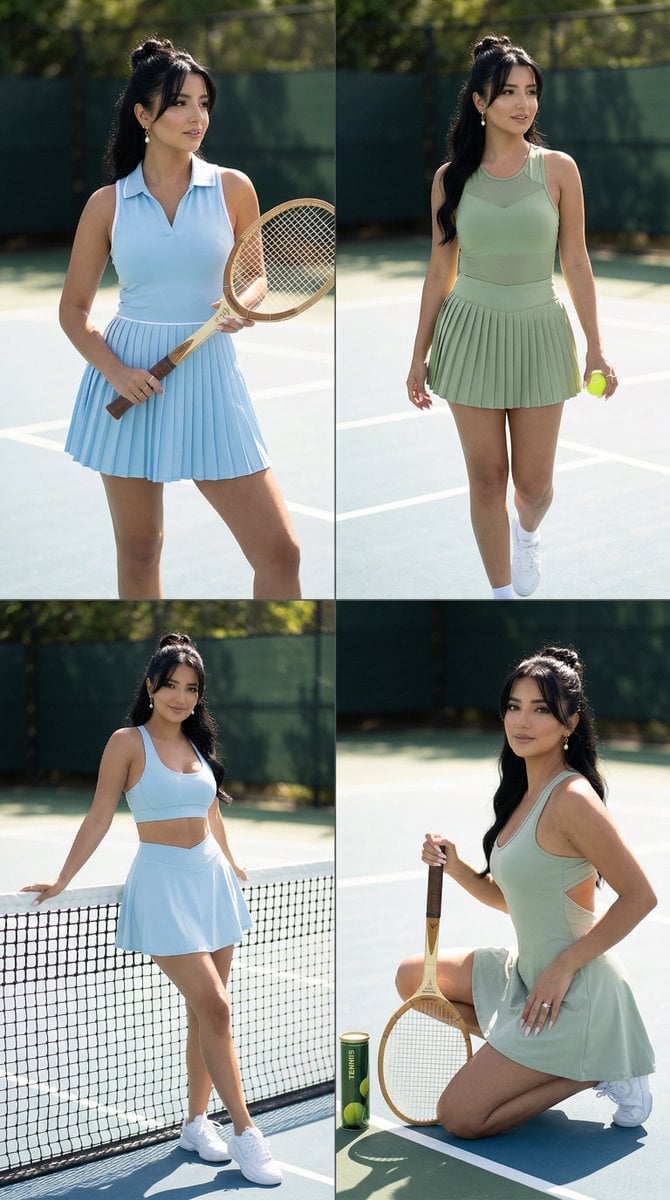
Luxury Tennis Editorial 2x2 Grid Image-to-Image Prompt for Nano Banana Pro
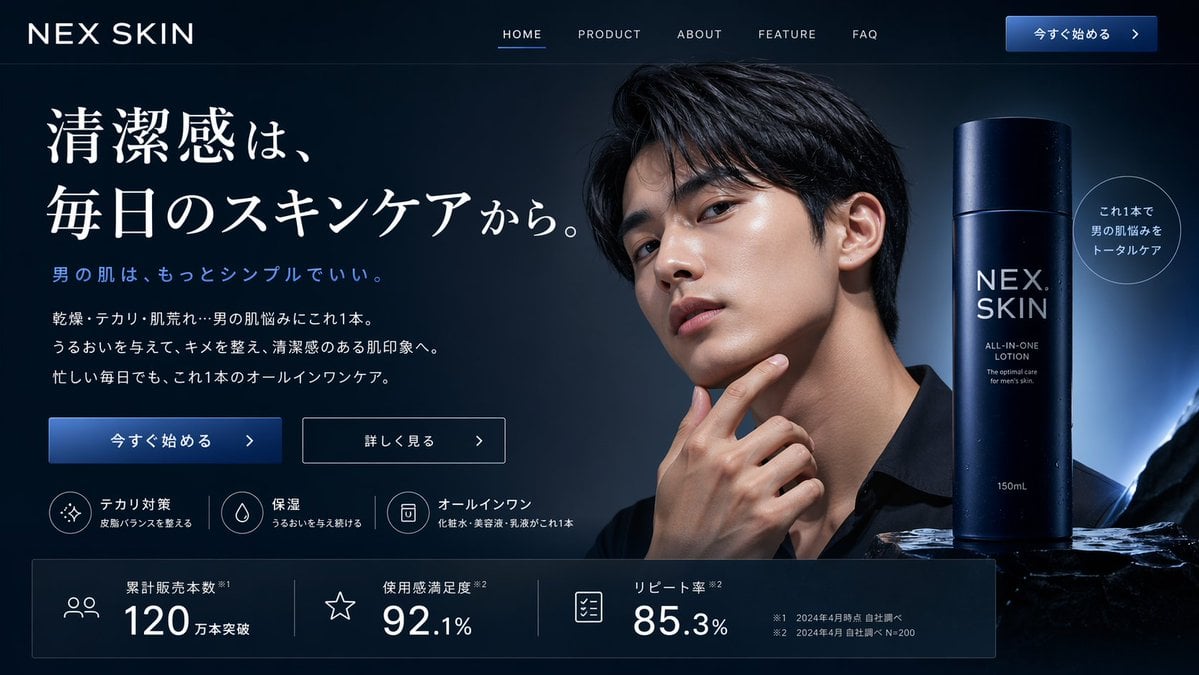
Men's Skincare Website Landing Page Mockup
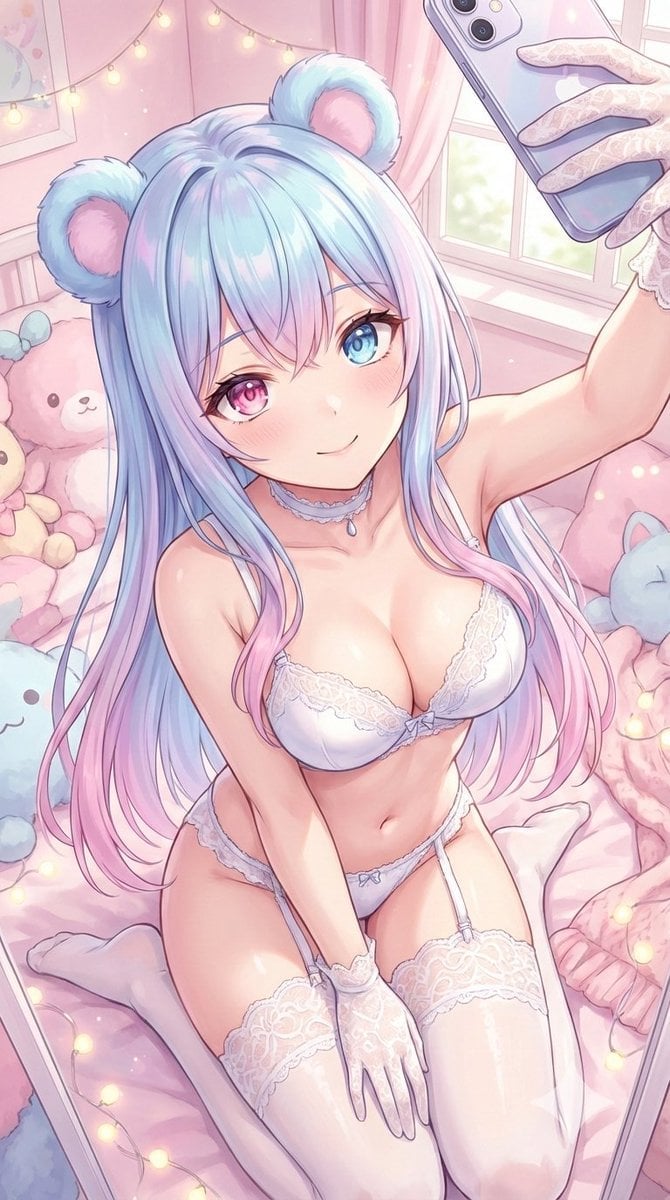
Sweet dreams image prompt for Nano Banana Pro
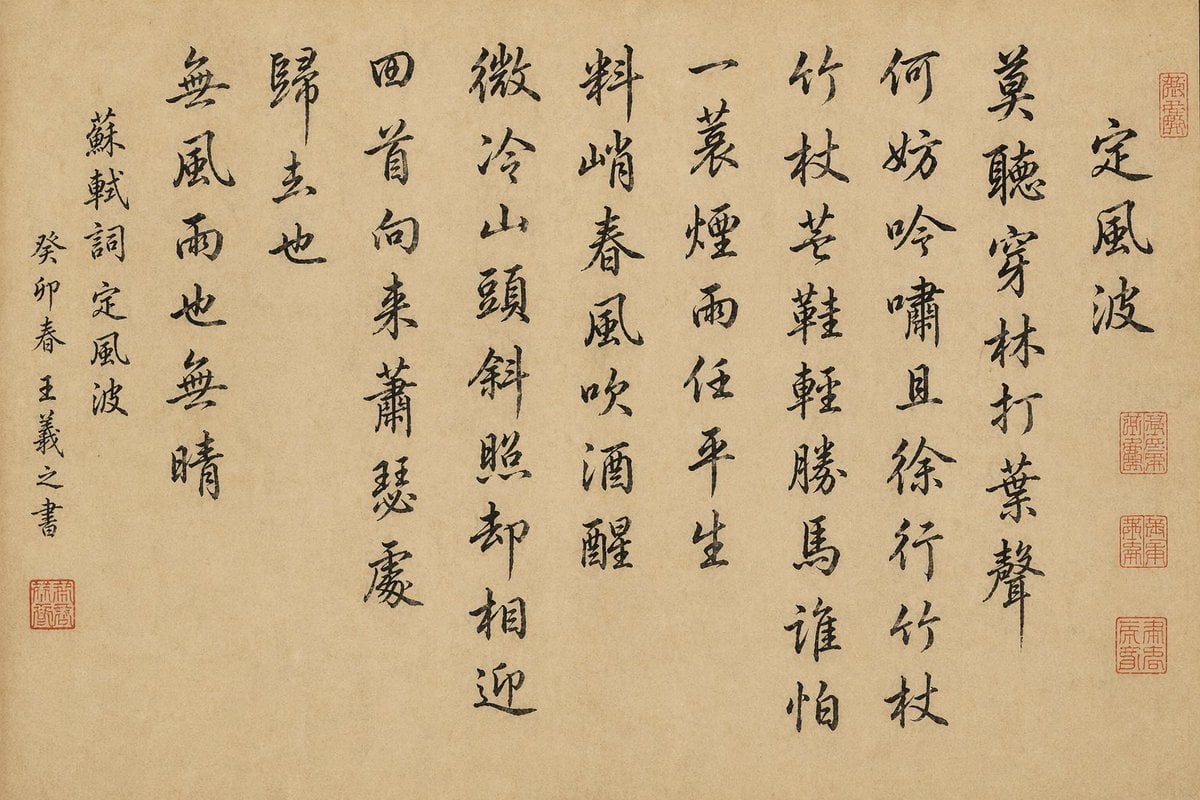
Chinese Calligraphy Scroll on Aged Paper
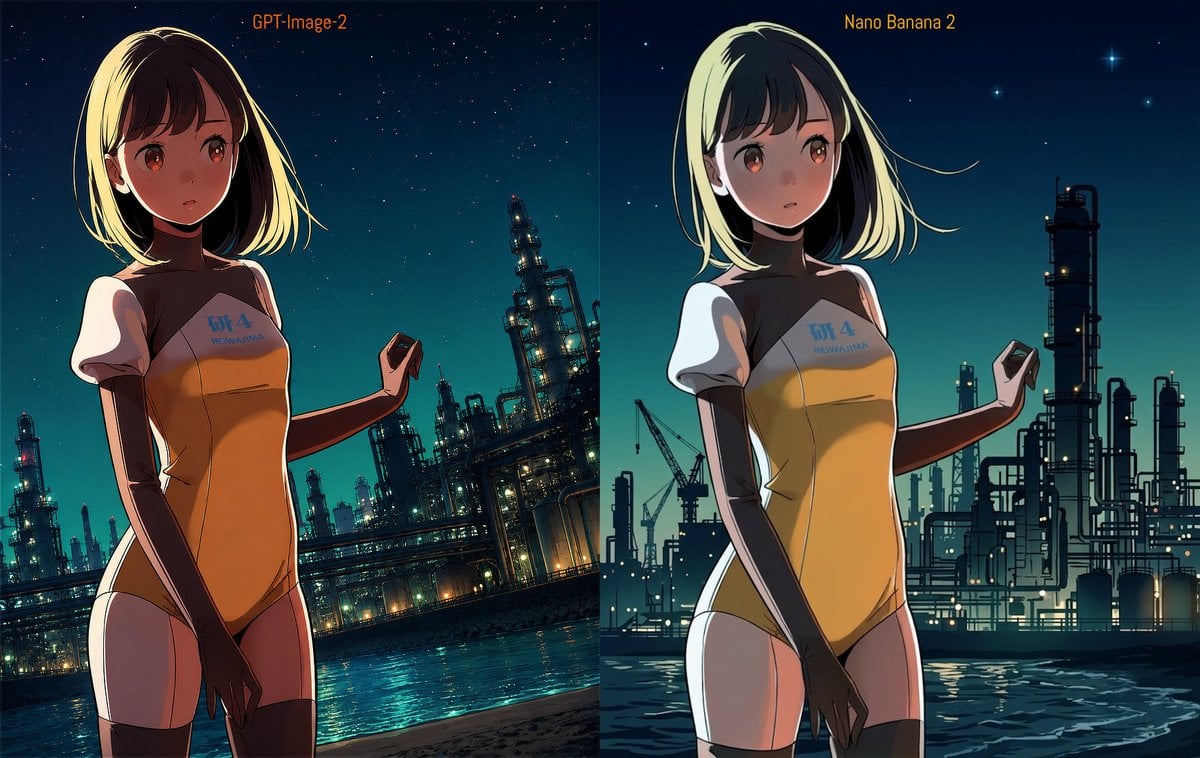
Industrial Night Background Replacement
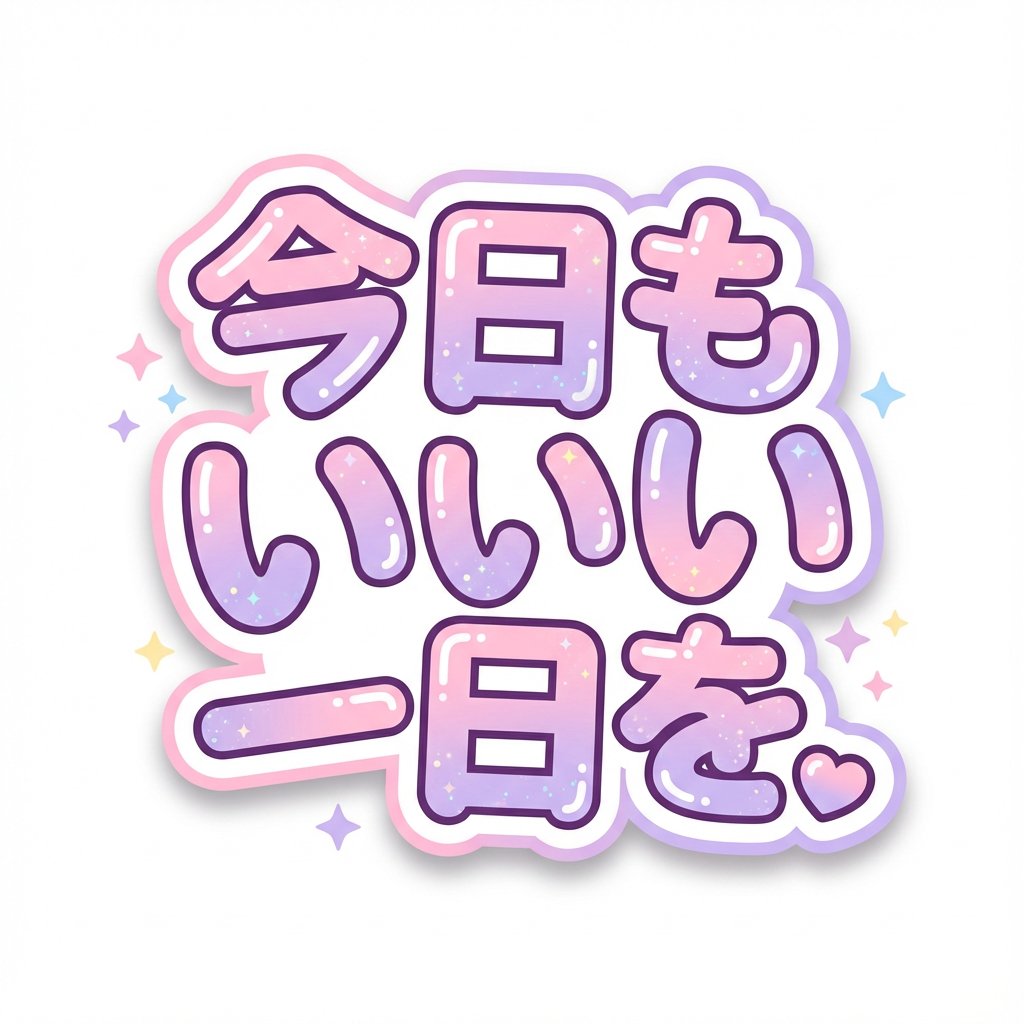
Kawaii Japanese Anime-Style POP Typography Sticker
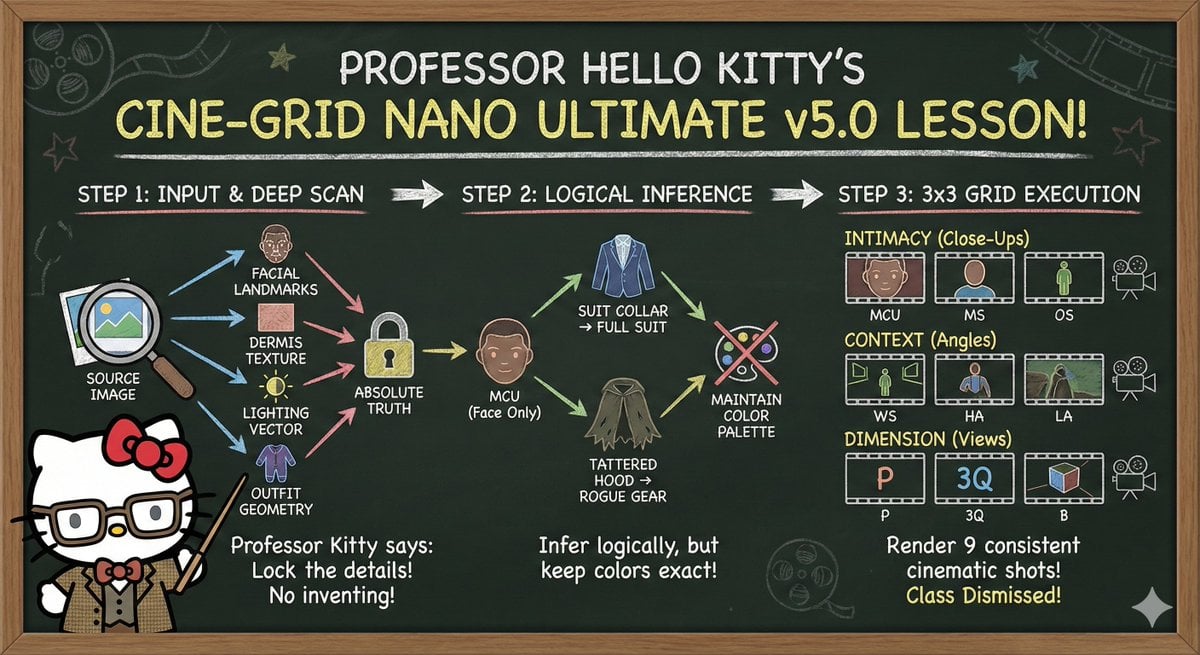
Informative Page Generation Prompt (Professor Hello Kitty)
Browse template categories
Cherry Blossom Fairy Familiar questions
How do I use the Cherry Blossom Fairy Familiar template?
Add your photo if the template asks for one, edit the prompt if you like — the template's model and format are already selected — and press Generate. Your version opens in PicX Studio.
Can I customize the Cherry Blossom Fairy Familiar template?
Yes. You can change the subject, setting, lighting, mood, format, and available model controls before creating your image.
Is the Cherry Blossom Fairy Familiar template free?
Opening and editing this template is free. Generating uses credits, shown on the Generate button when you are signed in.
Which AI model should I use?
Start with GPT Image 2, which is the model associated with this template. You can compare another compatible model for a different finish.
Looking for something else? Browse all templates.

Your photo, any look
Thousands of ready templates for every top image and video model, from one credit balance.