
Chinese Calligraphy Scroll on Aged Paper
This prompt generates a realistic classical Chinese ink calligraphy scroll with authentic paper texture and seals, ideal for historical art imagery or typography demonstrations.
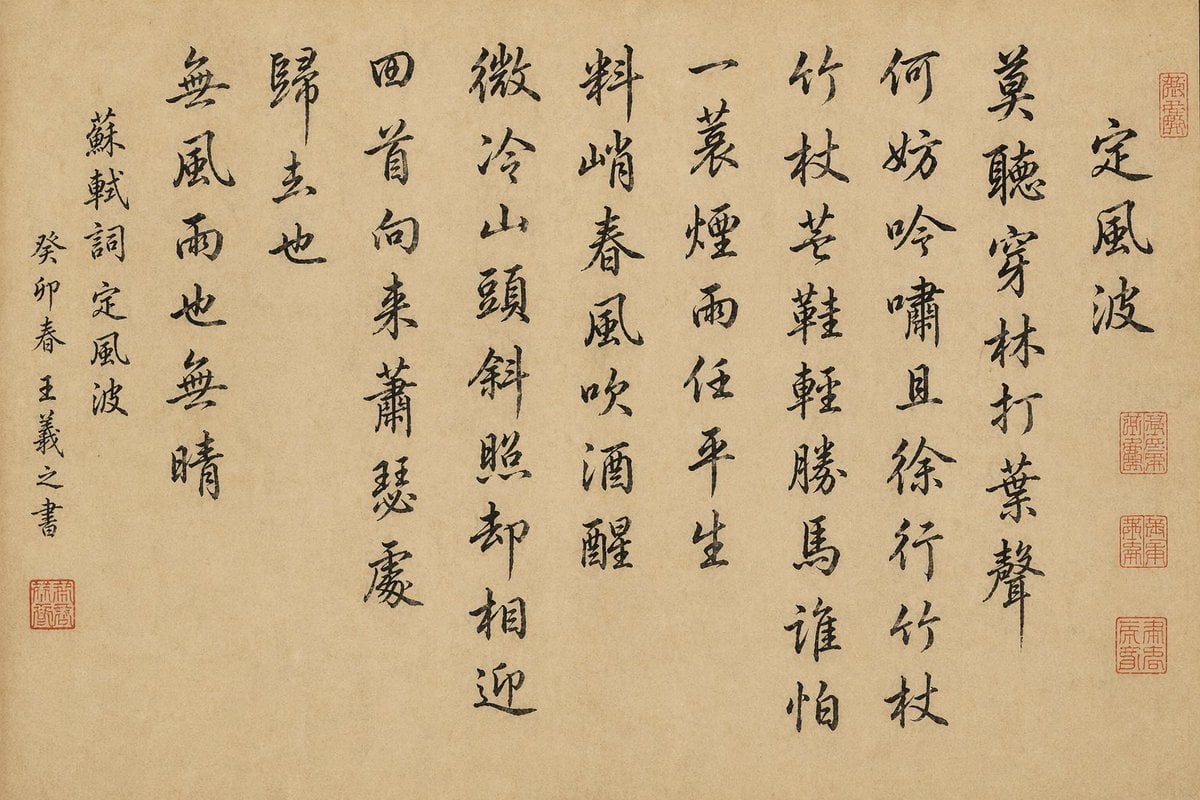
- Prompt included
- Model and format preset
- Free template
The prompt behind this image
Copy the exact prompt behind Chinese Calligraphy Scroll on Aged Paper, or open it in the studio and make it yours.
A high-resolution museum-style photograph of a traditional Chinese calligraphy handscroll on aged beige xuan paper, shown flat and filling the frame with no mounting border visible. The composition is a single elegant work of running-script brush calligraphy in deep black ink, arranged in 11 vertical columns read right to left. The main text is the poem title and verse of {argument name="poem text" default="定風波\n莫聽穿林打葉聲\n何妨吟嘯且徐行\n竹杖芒鞋輕勝馬\n誰怕\n一蓑煙雨任平生\n料峭春風吹酒醒\n微冷\n山頭斜照卻相迎\n回首向來蕭瑟處\n歸去\n也無風雨也無晴"}, written with expressive literati brushwork, varied pressure, dry-brush texture, natural ink spread, and lively stroke rhythm reminiscent of a Song-dynasty masterpiece interpreted by a Jin-style calligrapher. Add a smaller left-side inscription in 3 vertical columns containing {argument name="inscription text" default="蘇軾詞定風波\n癸卯春\n奚義之書"}, with the inscription thinner and more restrained than the main text. Include exactly 5 red cinnabar seals with carved seal-script impressions: 1 small square seal near the upper right margin, 3 vertically stacked rectangular seals along the mid-to-lower right edge, and 1 square seal near the lower left beside the inscription. The paper should show subtle fibers, warm foxing, soft tonal unevenness, and gentle age wear, while the lighting remains even, diffuse, and archival, emphasizing authentic texture and the contrast between black ink and tan paper. Keep the background entirely occupied by the scroll surface, with a calm scholarly antique aesthetic and no modern objects.
How to use Chinese Calligraphy Scroll on Aged Paper in 3 steps
- 1Upload ImagePNG, JPG or paste
Add your photo
Upload the photo the template builds on. The prompt, model and format are already set.
- 2…a portrait of your subject in softgolden-hour light, 85mm…
Personalize
Edit the subject and creative details for your destination.
- 3Generate
Generate
Press Generate — your image is created in PicX Studio, so you can compare it with the original and refine one variable at a time.
More like this
Templates with the same subject, style or setup. Open one to see its prompt.
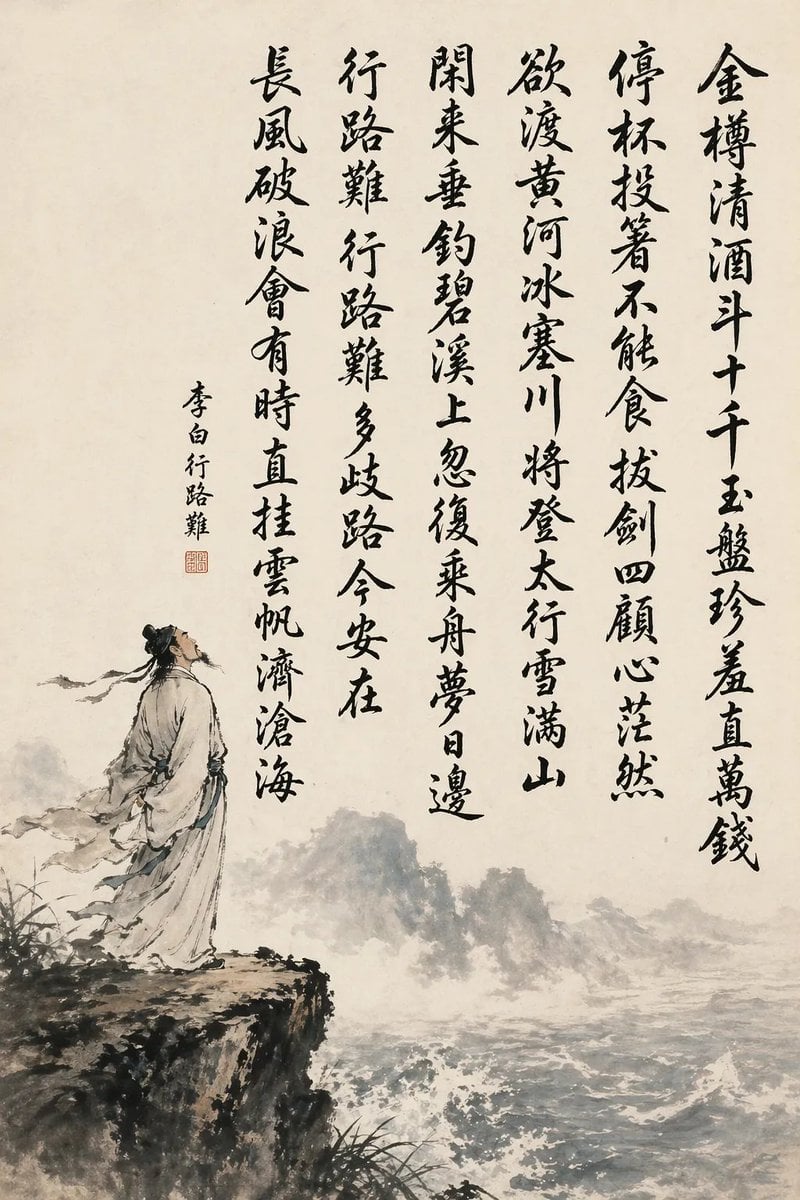
Chinese Calligraphy Poem Scroll
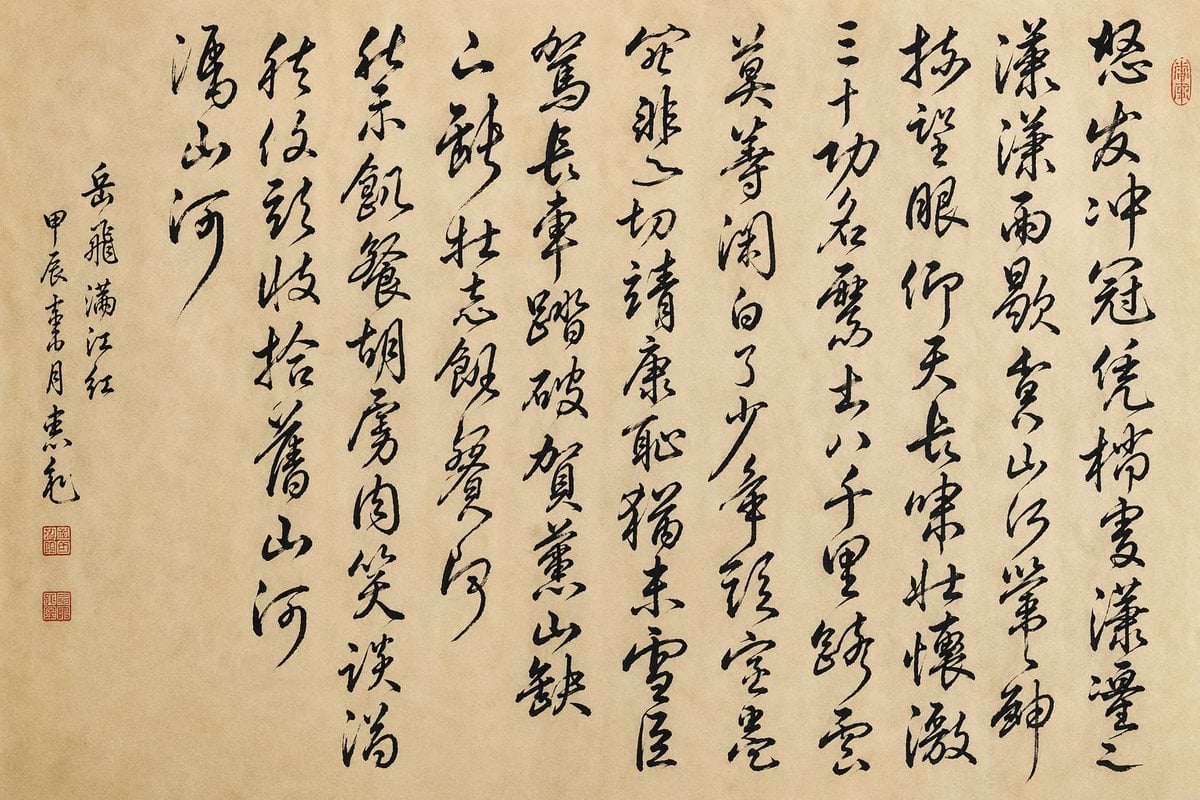
Chinese Cursive Calligraphy Scroll

敦煌纸雕飞天 — 3D Layered Paper Cutout
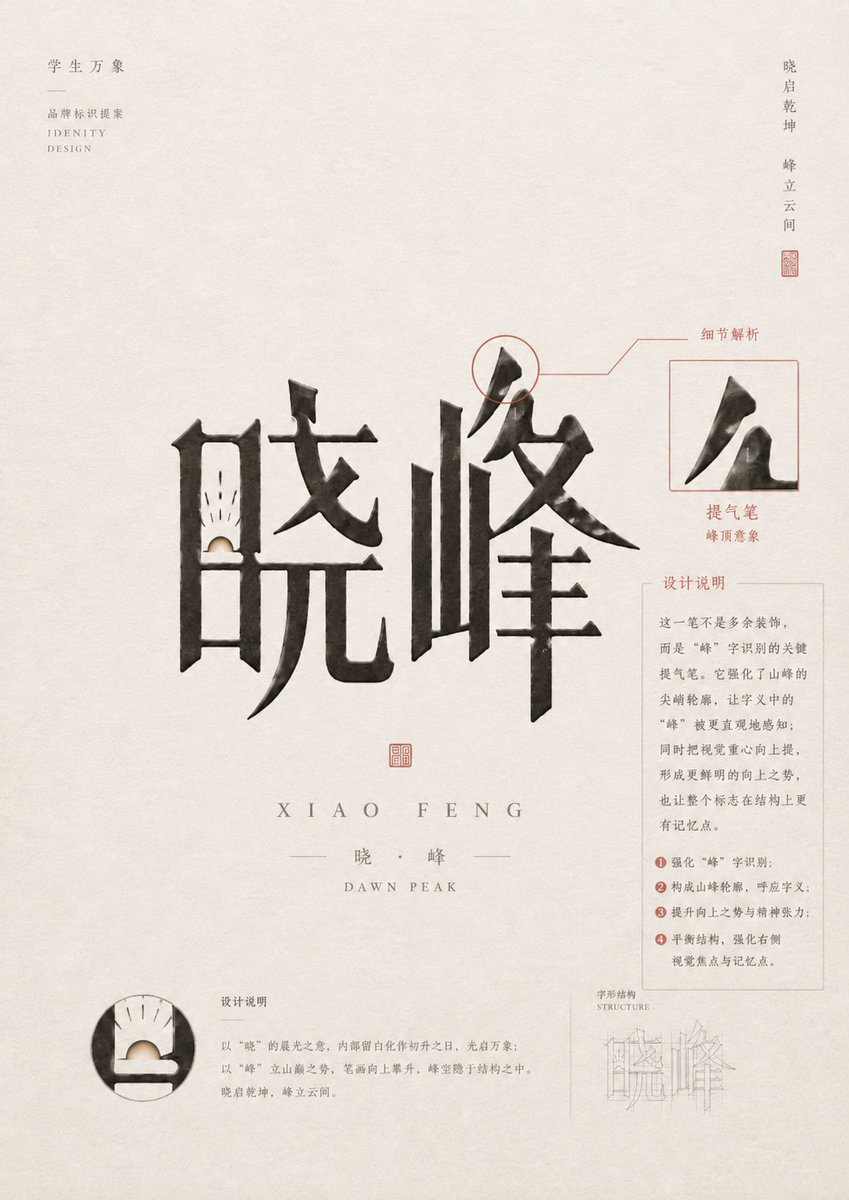
Chinese Calligraphy Identity Poster
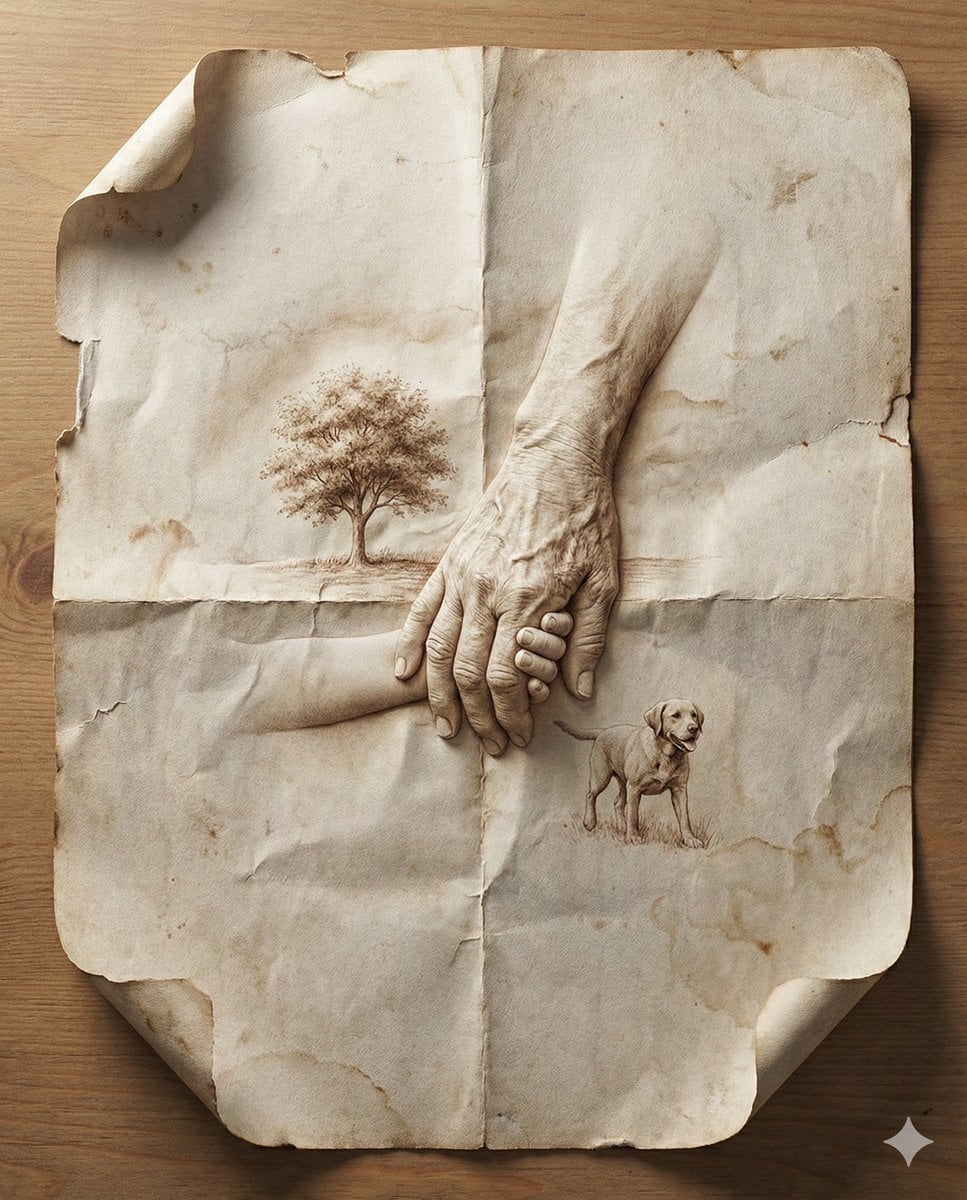
Master Aged Paper Memory — Folded Paper with Emerging Scene from Creases
Master Aged Paper Memory — Folded Paper with Emerging Scene from Creases
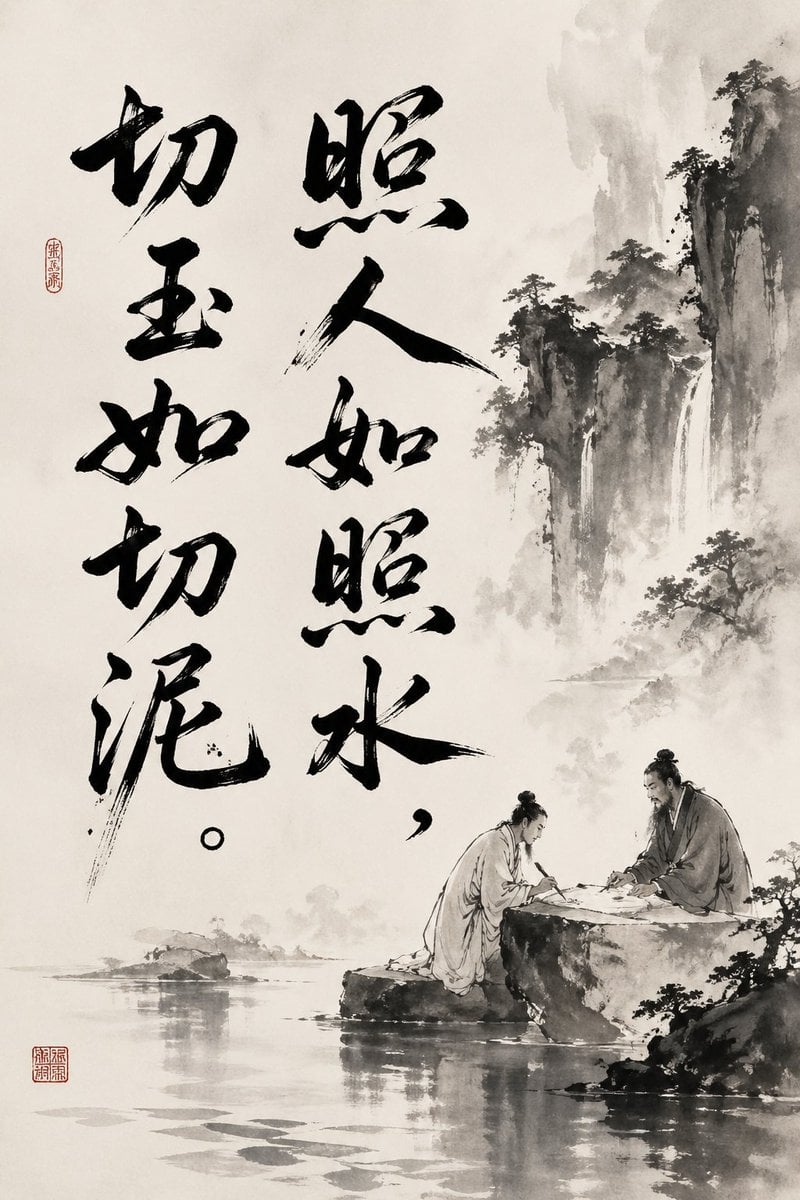
Chinese Ink Painting with Calligraphy
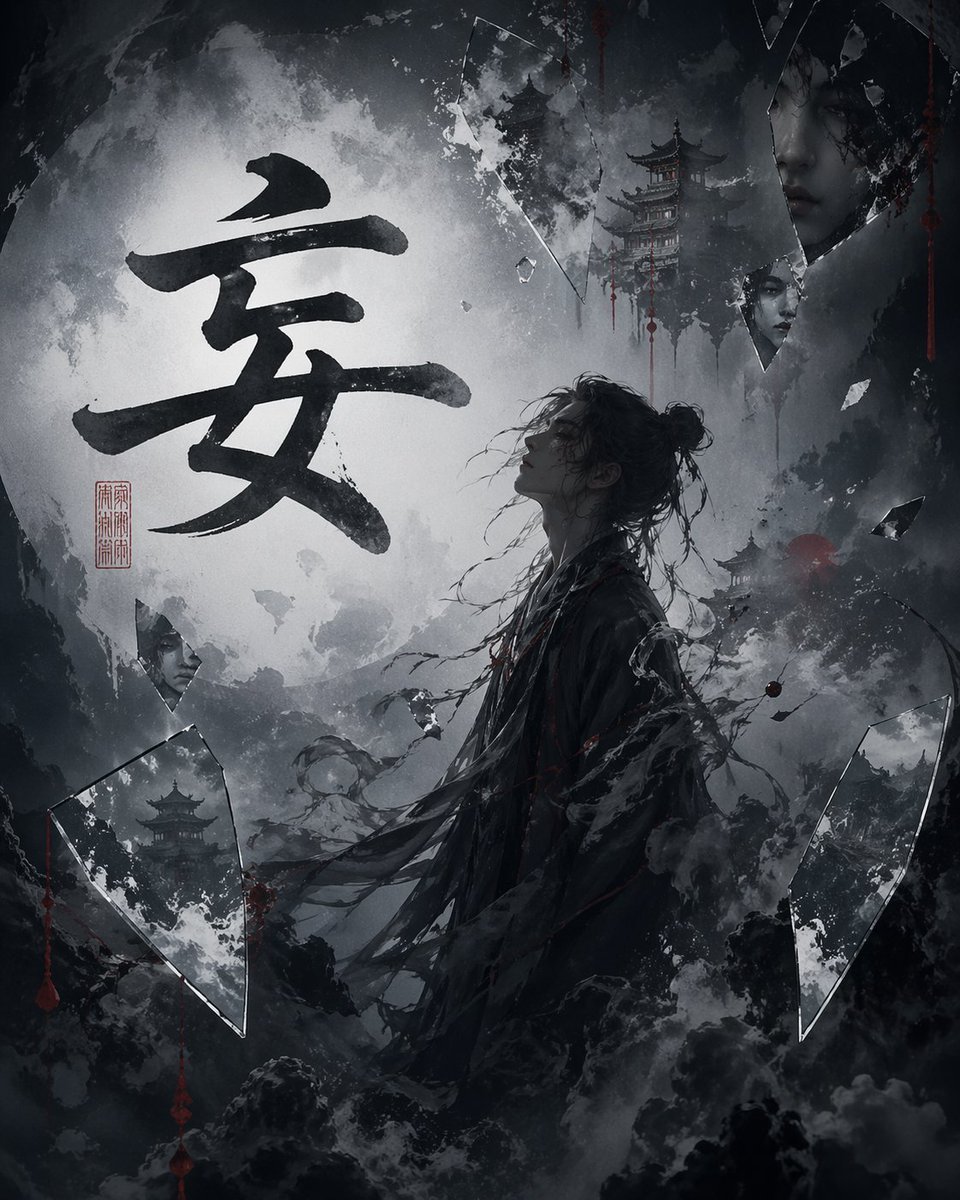
Chinese Calligraphy Dark Fantasy Poster
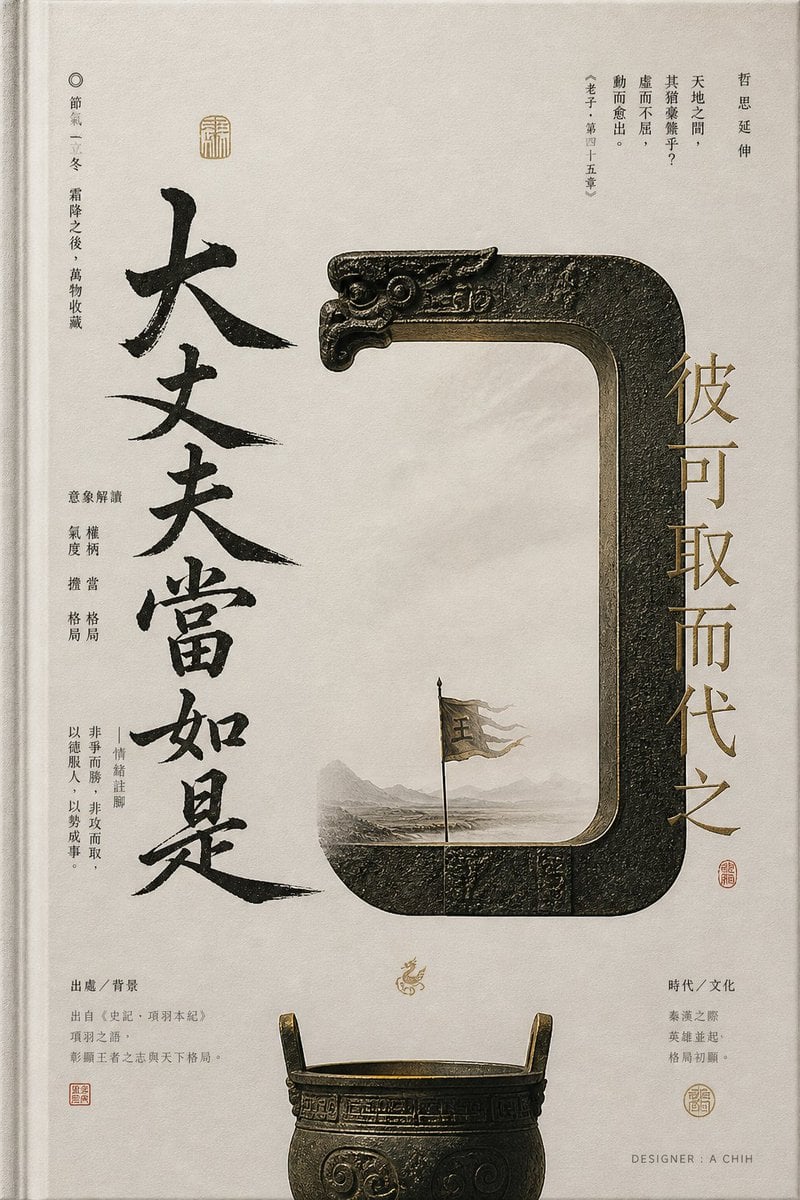
Ancient Chinese Bronze Calligraphy Poster
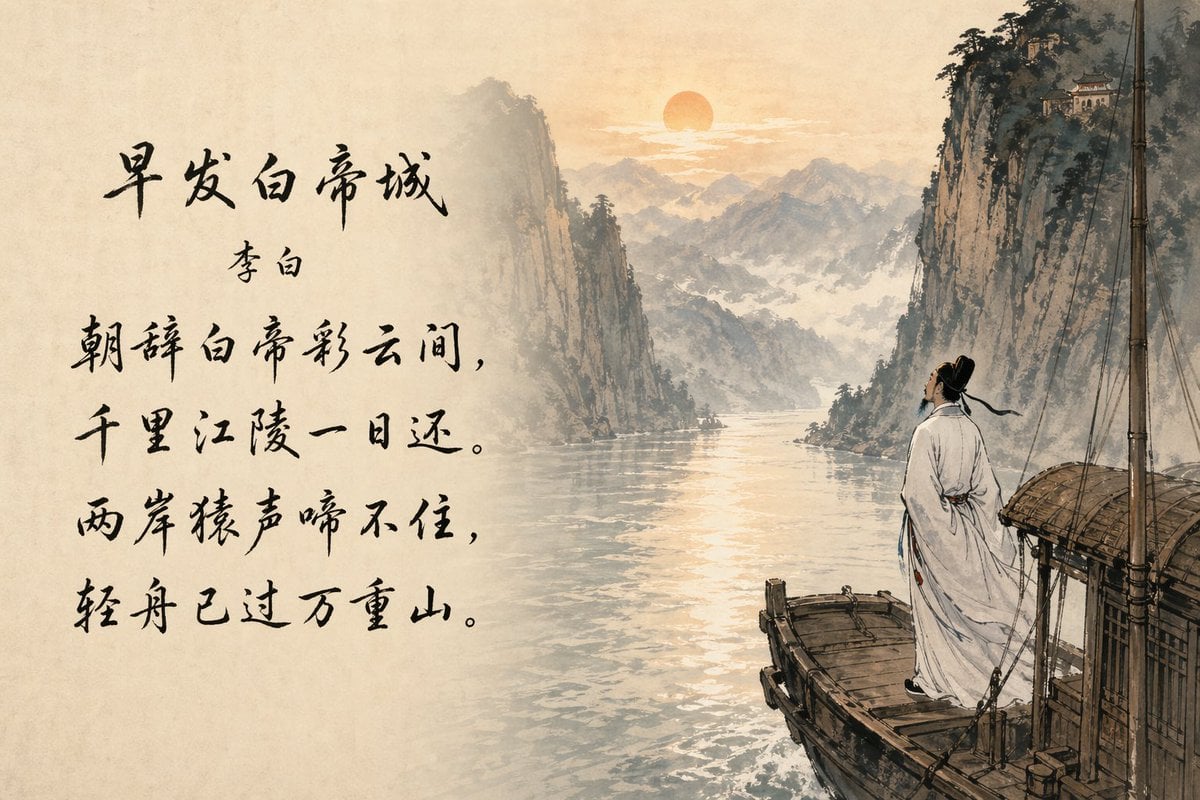
Classical Chinese Poem Scroll Landscape
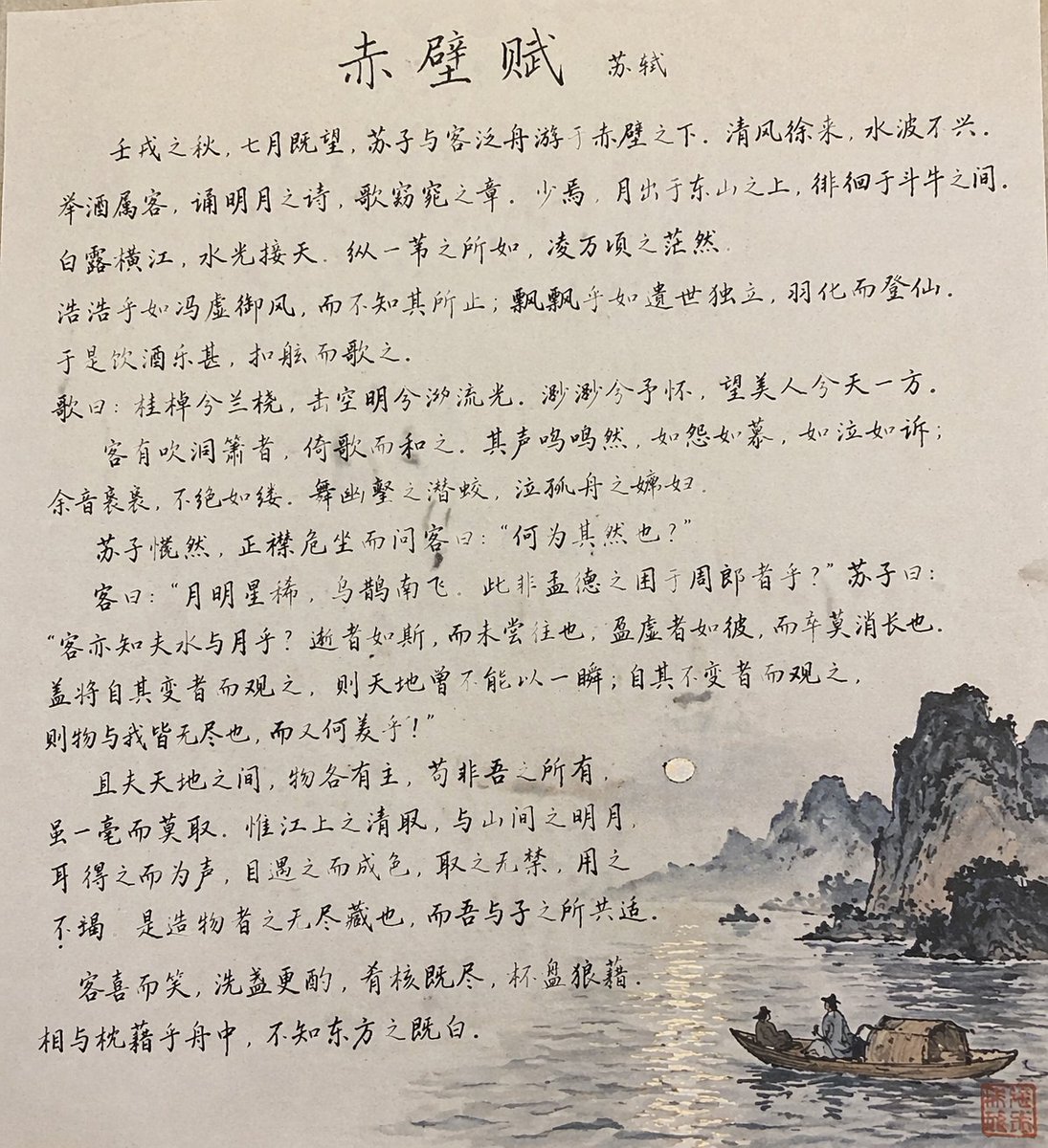
Traditional Chinese Calligraphy and Ink Painting
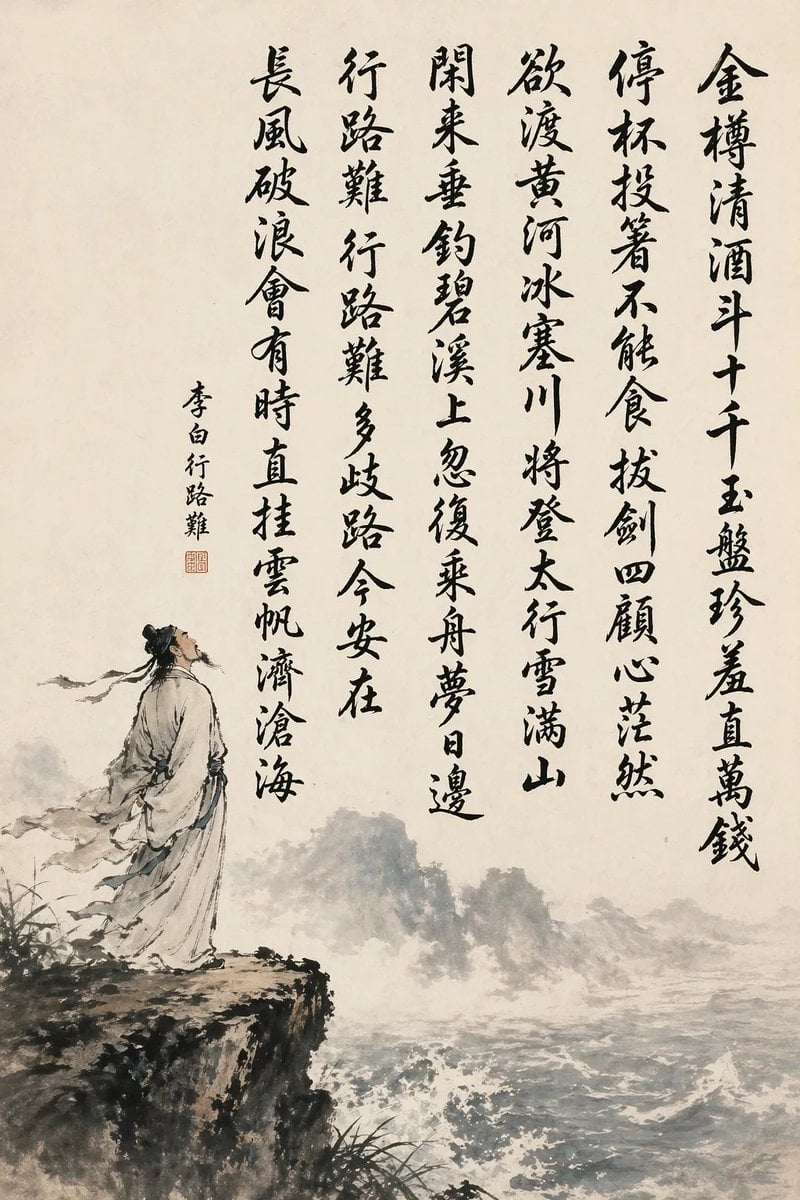
Chinese Calligraphy Poem Landscape
Make it yours
Chinese Calligraphy Scroll on Aged Paper works as-is. These are the safest ways to change it without losing the look.
Change one field
Copy a single group, rewrite it, and generate again so you can see what that field is doing.
Keep the frame, change the subject
Hold the composition and light of Chinese Calligraphy Scroll on Aged Paper, then swap wardrobe, props or the person for a new take.
| If the result… | Why | Fix |
|---|---|---|
| The result drifts from the preview | Too many fields changed at once. | Reuse Chinese Calligraphy Scroll on Aged Paper as-is first, then change one group — subject, light, or setting. |
| The model over-stylizes the scene | The prose prompt leaves finish and camera underspecified. | Add one camera or lighting sentence and stay on GPT Image 2. |
More GPT Image 2 templates
Other prompts made for GPT Image 2.

Six VTuber Japanese Logo Sheet

Realistic Portrait of Woman and Deer

The Vista Modular Condo Poster

AI Model Routing Comparison Infographic

2.5D Anime Art Board

Isometric Productivity Desk Scene

New York Double Exposure Poster

Four-Panel AI Landscape Comparison

Japanese Tatami Lifestyle Magazine Cover

NESCAFÉ Coffee Map Poster
More image prompts
Fresh picks from across the catalog.
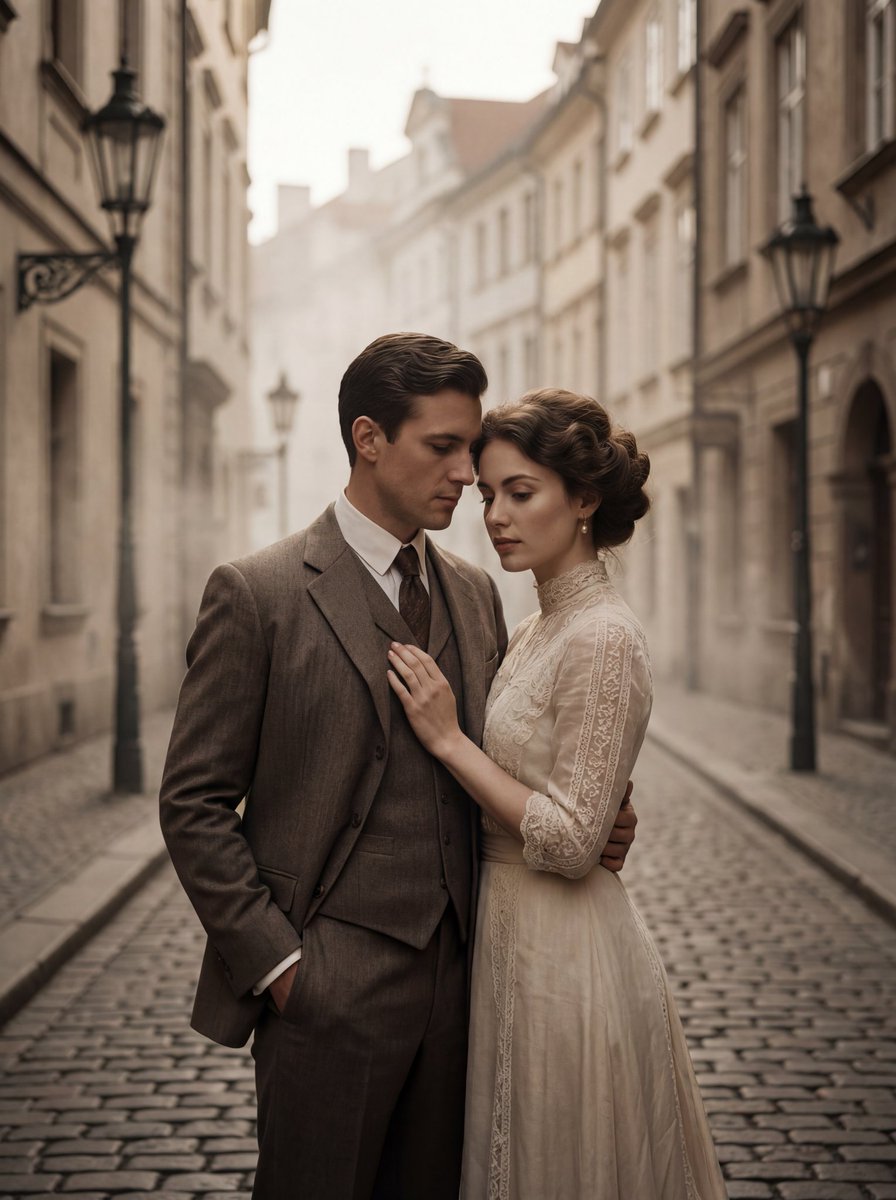
Ultra-Premium Cinematic 1900s Couple Portrait
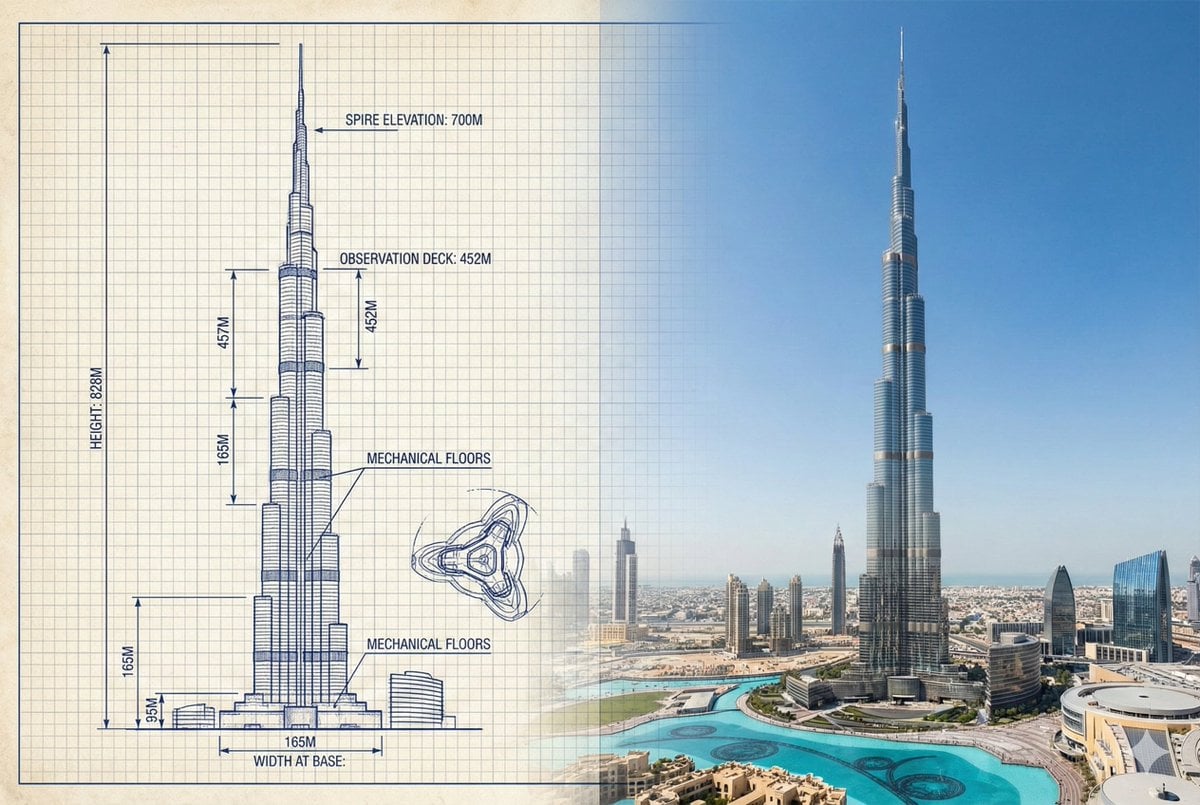
Burj Khalifa Technical Sketch and Real Photo Comparison

Minimalist Equestrian Luxury Wallpaper
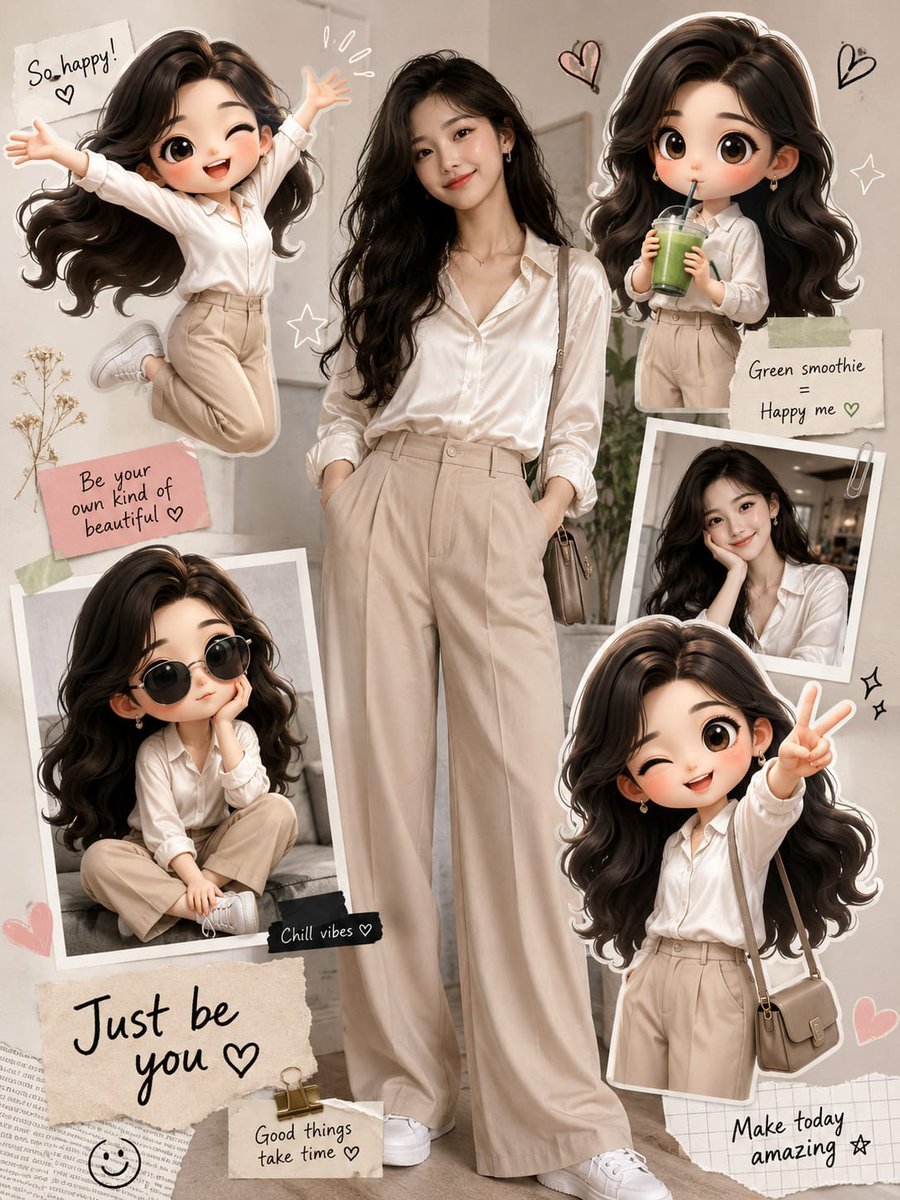
Fashion Collage with Chibi Characters
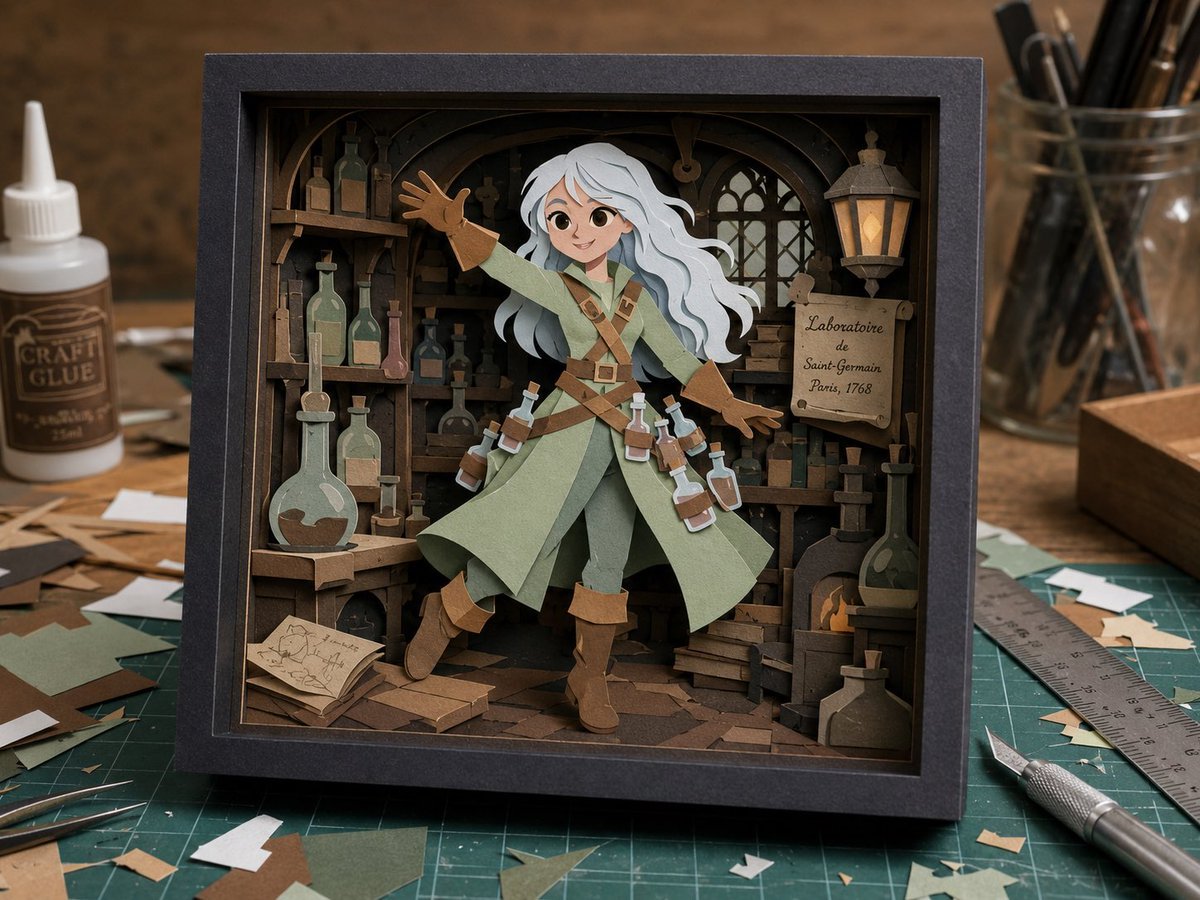
Layered Alchemist Shadow Box
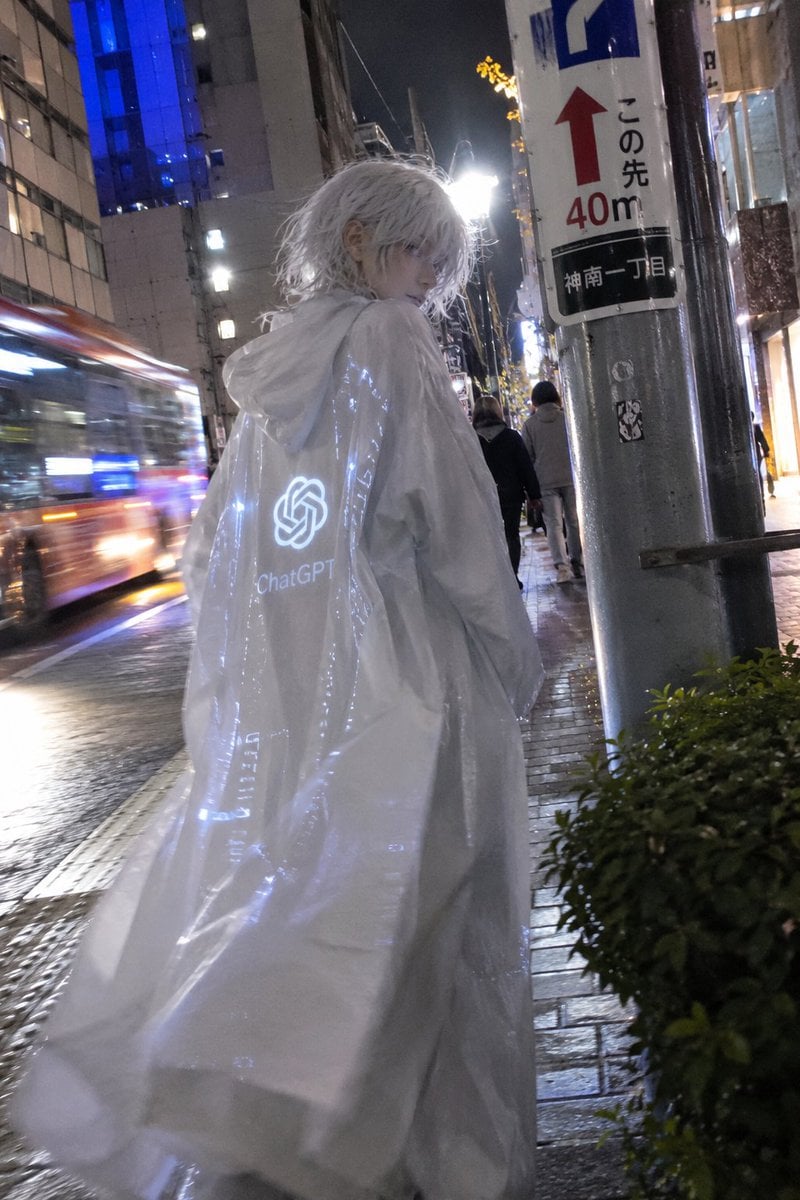
Mystical ChatGPT Raincoat Figure
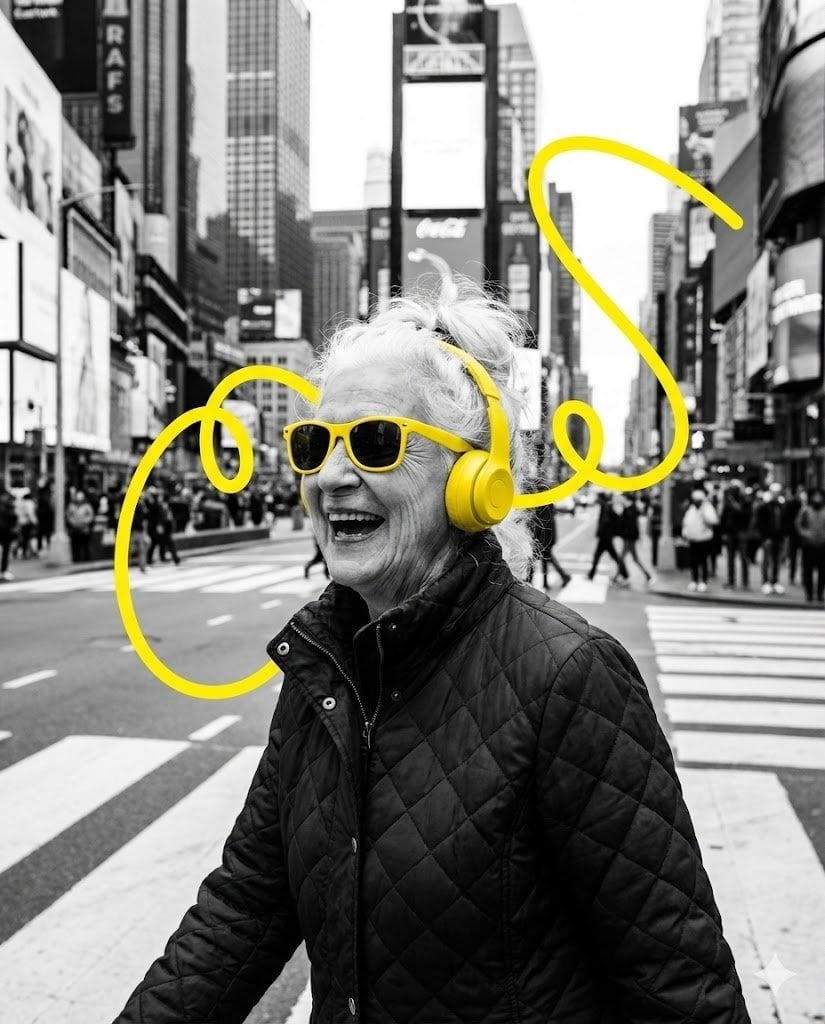
Selective Color Urban Portrait of Elderly Woman
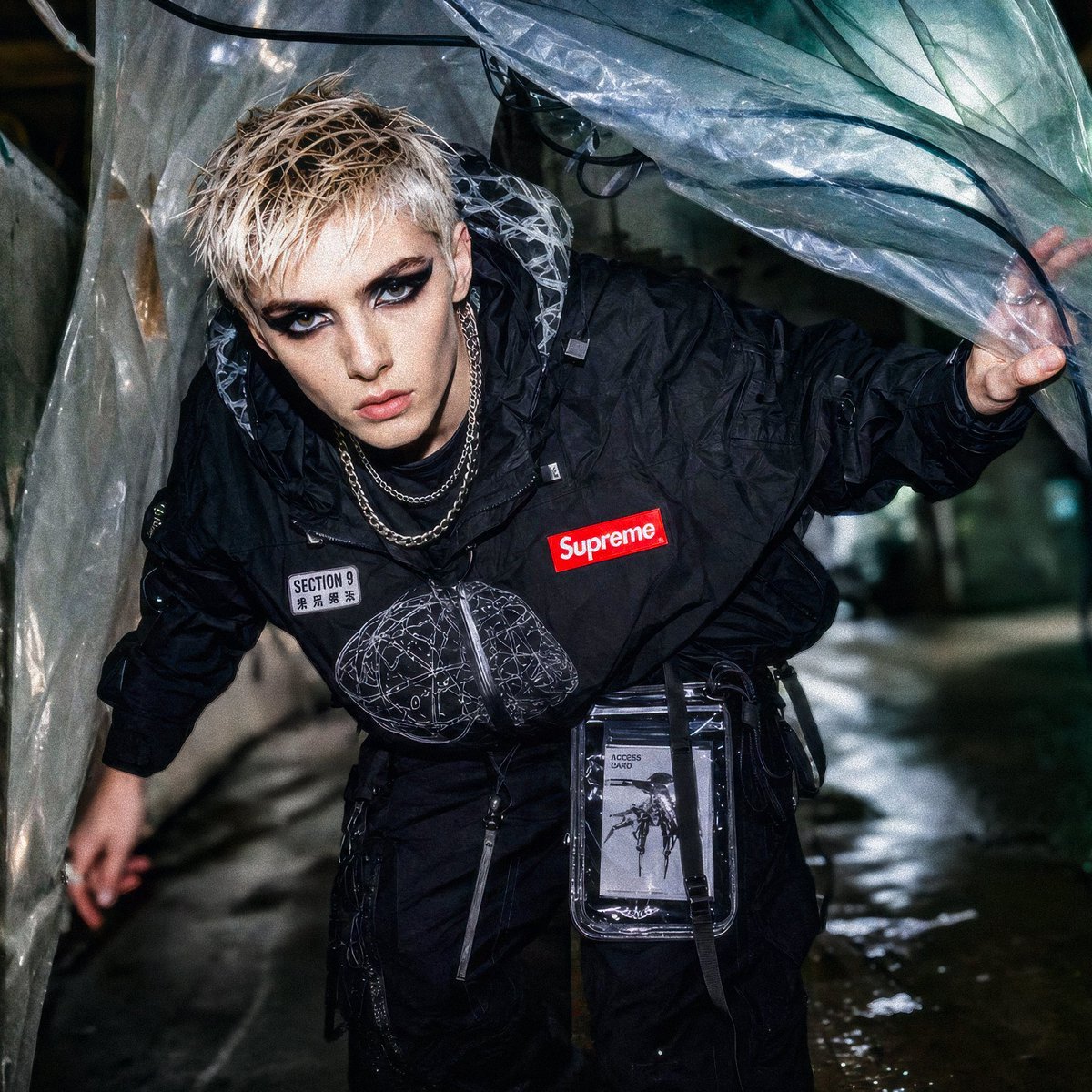
Supreme Section 9 Cyberpunk Streetwear
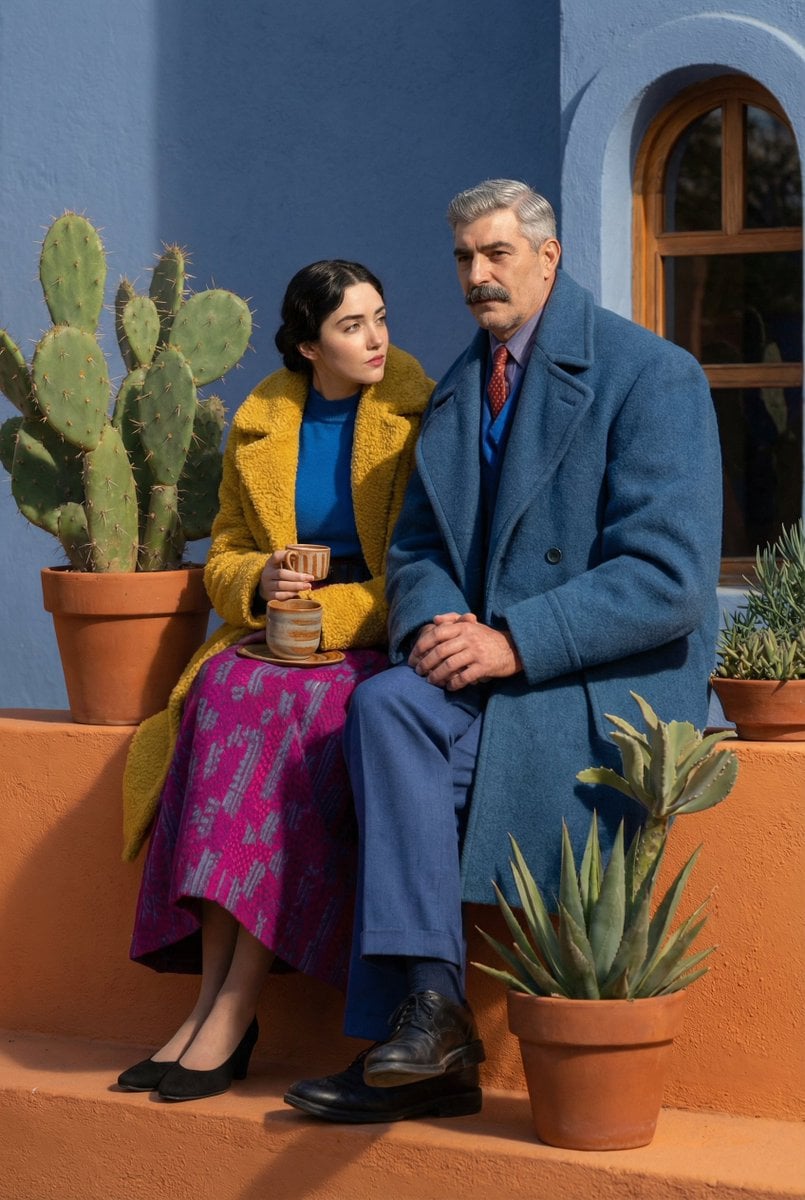
Action Movie Poster from Reference Image
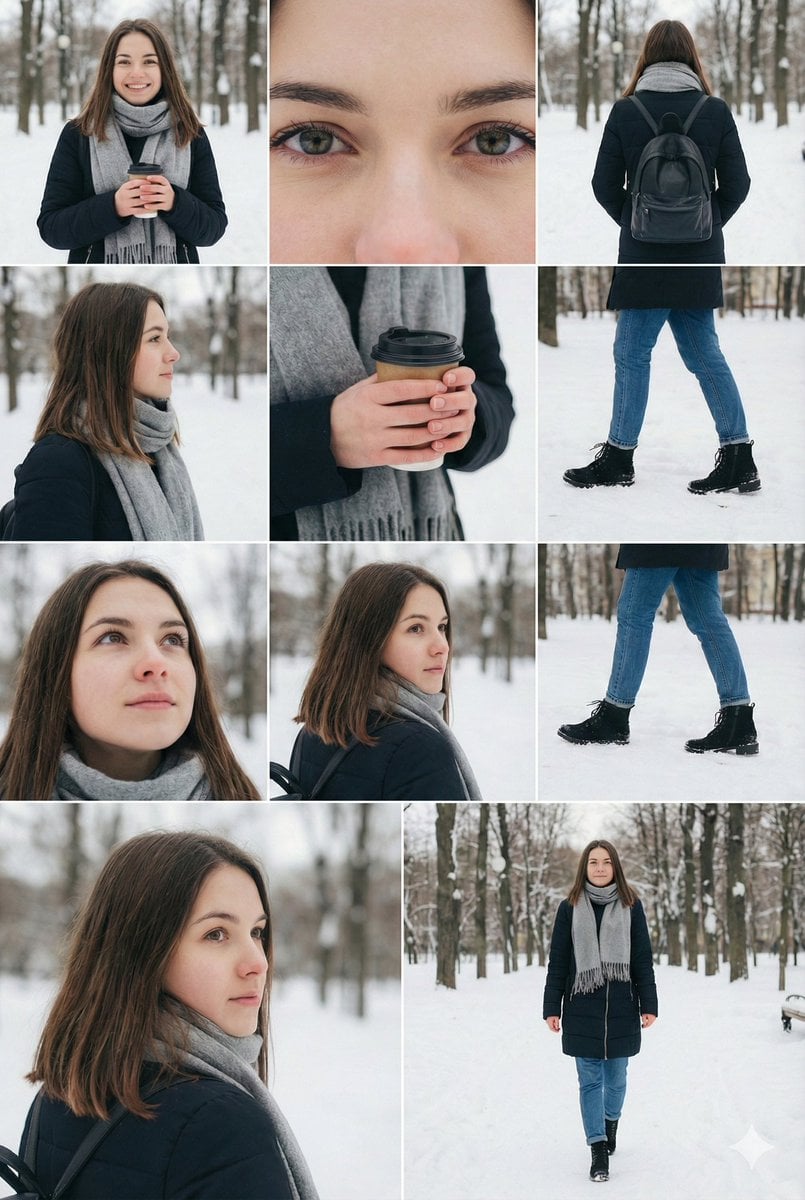
Cinematic Winter Fashion Photoshoot Prompt for Nano Banana Pro
Browse template categories
Chinese Calligraphy Scroll on Aged Paper questions
How do I use the Chinese Calligraphy Scroll on Aged Paper template?
Add your photo if the template asks for one, edit the prompt if you like — the template's model and format are already selected — and press Generate. Your version opens in PicX Studio.
Can I customize the Chinese Calligraphy Scroll on Aged Paper template?
Yes. You can change the subject, setting, lighting, mood, format, and available model controls before creating your image.
Is the Chinese Calligraphy Scroll on Aged Paper template free?
Opening and editing this template is free. Generating uses credits, shown on the Generate button when you are signed in.
Which AI model should I use?
Start with GPT Image 2, which is the model associated with this template. You can compare another compatible model for a different finish.
Looking for something else? Browse all templates.

Your photo, any look
Thousands of ready templates for every top image and video model, from one credit balance.