How do I use the Supreme Section 9 Cyberpunk Streetwear template?
Edit the prompt in the box under the preview — the template's model and format are already selected — and press Generate. Your version appears right on this page.
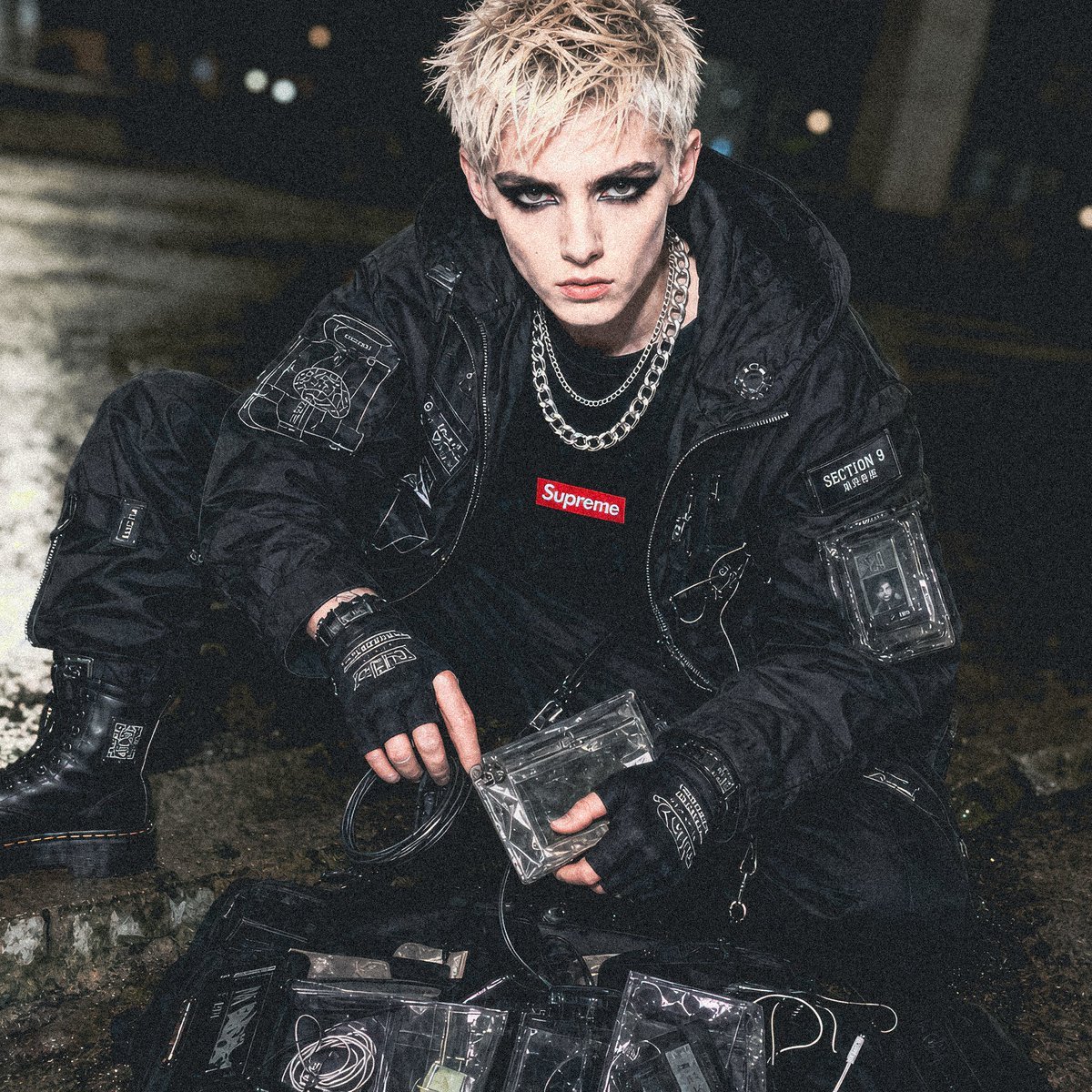
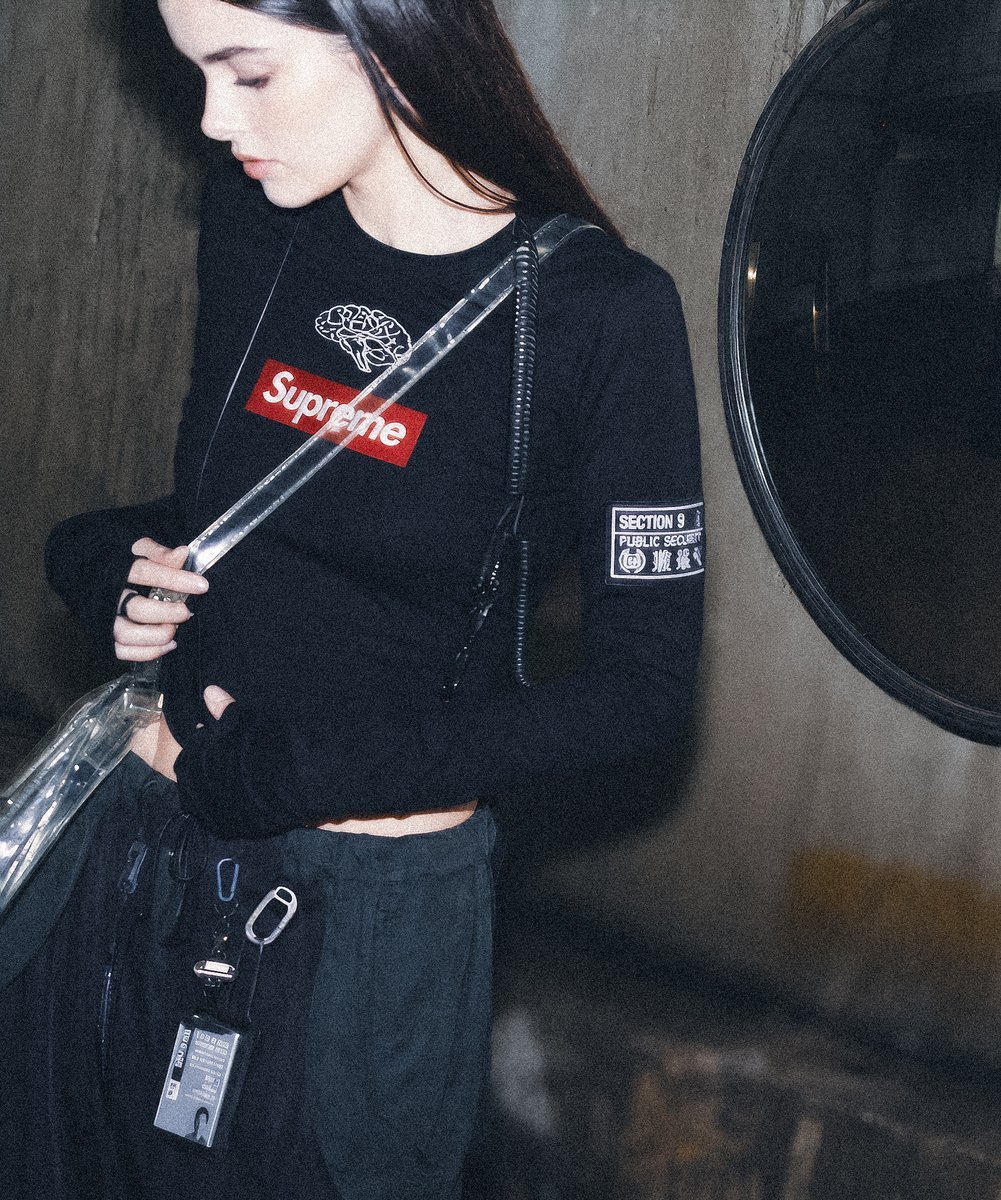
A realistic cyberpunk fashion editorial concept showing a Supreme and Section 9 inspired tactical outfit in a rain-soaked alley.

This template uses your photo — add one with the + button.
Create a gritty cyberpunk streetwear editorial photo of a single person in a dark wet alley at night, inspired by a Supreme x Ghost in the Shell Section 9 concept. The subject is a young adult with {argument name="hair color" default="bleached blond spiky wet hair"}, leaning forward under translucent plastic tarps, one hand pushing up the plastic sheet and the other arm hanging down, face obscured by a plain rectangular blur for anonymity. They wear an all-black tactical nylon outfit with a crinkled hooded jacket and cargo pants, glossy rain-soaked texture, layered silver chain necklaces, and cyber-tech accessories. Include exactly two main chest patches: a white patch on the left chest reading "SECTION 9" with small Japanese characters underneath, and a red box-logo patch on the right chest reading {argument name="brand logo text" default="Supreme"}. Add exactly two front-mounted utility bags: one black round chest pouch with white circuit-board line art, and one transparent rectangular access-card pouch hanging at the waist containing a visible card labeled {argument name="card text" default="ACCESS CARD"} with a spider-tank silhouette graphic. The environment should be a dim industrial passageway with hanging cables, reflective puddles, green-blue fluorescent lighting, shallow depth of field, flash-photography harsh highlights, documentary fashion look, high contrast, wet plastic sheeting surrounding the subject, 1:1 square composition, realistic 35mm street photography, cinematic cyberpunk mood.
Create a gritty cyberpunk streetwear editorial photo of a single person in a dark wet alley at night, inspired by a Supreme x Ghost in the Shell Section 9 concept. The subject is a young adult with {argument name="hair color" default="bleached blond spiky wet hair"}, leaning forward under translucent plastic tarps, one hand pushing up the plastic sheet and the other arm hanging down, face obscured by a plain rectangular blur for anonymity. They wear an all-black tactical nylon outfit with a crinkled hooded jacket and cargo pants, glossy rain-soaked texture, layered silver chain necklaces, and cyber-tech accessories. Include exactly two main chest patches: a white patch on the left chest reading "SECTION 9" with small Japanese characters underneath, and a red box-logo patch on the right chest reading {argument name="brand logo text" default="Supreme"}. Add exactly two front-mounted utility bags: one black round chest pouch with white circuit-board line art, and one transparent rectangular access-card pouch hanging at the waist containing a visible card labeled {argument name="card text" default="ACCESS CARD"} with a spider-tank silhouette graphic. The environment should be a dim industrial passageway with hanging cables, reflective puddles, green-blue fluorescent lighting, shallow depth of field, flash-photography harsh highlights, documentary fashion look, high contrast, wet plastic sheeting surrounding the subject, 1:1 square composition, realistic 35mm street photography, cinematic cyberpunk mood.
Edit the prompt in the box under the preview — the template's model and format are already selected — and press Generate. Your version appears right on this page.
Yes. You can change the subject, setting, lighting, mood, format, and available model controls before creating your image.
Opening and editing this template is free. Generating uses credits, shown on the Generate button when you are signed in.
Start with GPT Image 2, which is the model associated with this template. You can compare another compatible model for a different finish.
Follow a topic to a crawlable collection of related PicX Studio templates.