
Taisho Romantic Cafe Trio
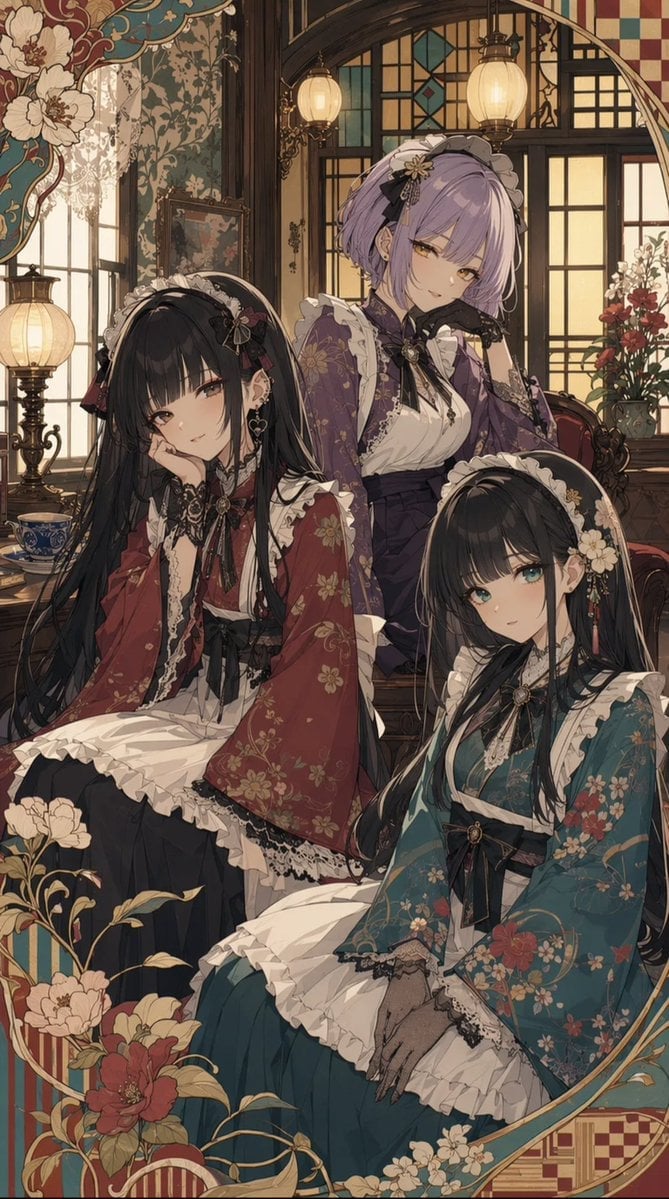
Generates a detailed vertical anime portrait of three wa-lolita cafe girls in an ornate Taisho romantic interior.
- Prompt included
- Model and format preset
- Free template
The prompt behind this image
Copy the exact prompt behind Taisho Romantic Cafe Trio, or open it in the studio and make it yours.
Create a vertical anime illustration of exactly 3 elegant young women in a Taisho romantic cafe setting, a refined Japanese-Western fusion interior filled with warm lantern light, dark carved wood, stained-glass windows, lace curtains, antique furniture, framed paintings, and vases of flowers. The three women wear ornate wa-lolita maid cafe outfits combining kimono sleeves, floral-patterned haori, ruffled white aprons, black lace trim, ribbon bows, and frilled maid headdresses. Character 1 is seated on the left, with very long black hair and a deep red floral kimono-style outfit; Character 2 stands behind them in the center, with short {argument name="hair color" default="lavender"} bob hair, a purple floral kimono jacket, white ruffled blouse, black gloves, and a gentle smile; Character 3 is seated on the lower right, with very long black hair and a teal-blue floral kimono-style outfit. Compose them closely together like a formal cafe portrait, with graceful poses and delicate hands. Use a highly detailed modern anime style with soft painterly shading, intricate linework, muted jewel tones, cream lace, gold accents, and nostalgic early-20th-century Japanese romantic atmosphere. Add an ornate decorative border around the image with large cream and red peonies, flowing gold vines, teal and burgundy patterned panels, and art-nouveau curves. Keep the faces beautiful and expressive, no blur or censoring, no text, no watermark, no extra characters.
How to use Taisho Romantic Cafe Trio in 3 steps
- 1Upload ImagePNG, JPG or paste
Add your photo
Upload the photo the template builds on. The prompt, model and format are already set.
- 2…a portrait of your subject in softgolden-hour light, 85mm…
Personalize
Edit the subject and creative details for your destination.
- 3Generate
Generate
Press Generate — your image is created in PicX Studio, so you can compare it with the original and refine one variable at a time.
More like this
Templates with the same subject, style or setup. Open one to see its prompt.
Taisho Romantic Anime Avatar

Cat Photobomb Selfie — 0.5x Wide Angle Café Chaos

Trendy Cafe Drink Promo Poster

Nostalgic Digicam Café Afternoon Portrait

Delicate Japanese Café Lifestyle Illustration

Korean Cafe Courtyard Gold Frame Mirror Selfie

Outdoor Cafe Portrait — White Ruched Top Nano Banana

Nano Banana - Cozy Cafe Night

Nano Banana - Evening Champagne Blue
Nano Banana - Bathtub Eiffel Night
Nano Banana - Paris Fleurs Romantic
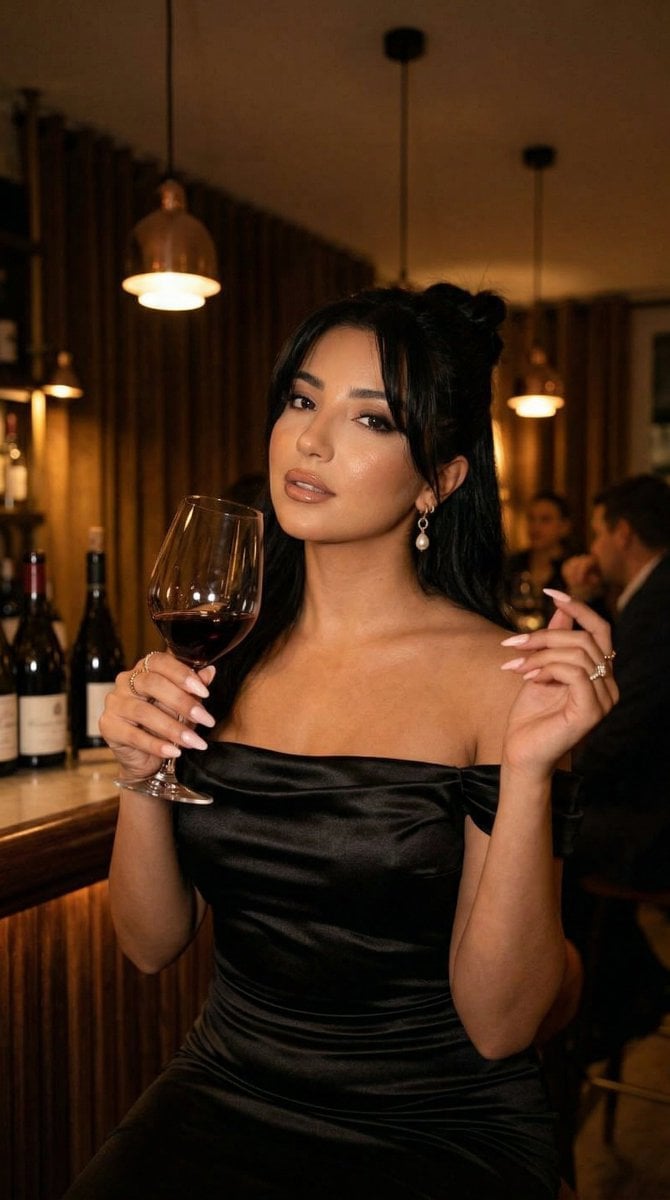
Nano Banana - Pont Alexandre III Kiss
Make it yours
Taisho Romantic Cafe Trio works as-is. These are the safest ways to change it without losing the look.
Change one field
Copy a single group, rewrite it, and generate again so you can see what that field is doing.
Keep the frame, change the subject
Hold the composition and light of Taisho Romantic Cafe Trio, then swap wardrobe, props or the person for a new take.
| If the result… | Why | Fix |
|---|---|---|
| The result drifts from the preview | Too many fields changed at once. | Reuse Taisho Romantic Cafe Trio as-is first, then change one group — subject, light, or setting. |
| The model over-stylizes the scene | The prose prompt leaves finish and camera underspecified. | Add one camera or lighting sentence and stay on GPT Image 2. |
More GPT Image 2 templates
Other prompts made for GPT Image 2.

Six VTuber Japanese Logo Sheet

Realistic Portrait of Woman and Deer

The Vista Modular Condo Poster

AI Model Routing Comparison Infographic

2.5D Anime Art Board

Isometric Productivity Desk Scene

New York Double Exposure Poster

Four-Panel AI Landscape Comparison

Japanese Tatami Lifestyle Magazine Cover

NESCAFÉ Coffee Map Poster
More image prompts
Fresh picks from across the catalog.

Colossal battleship at dawn illustration prompt
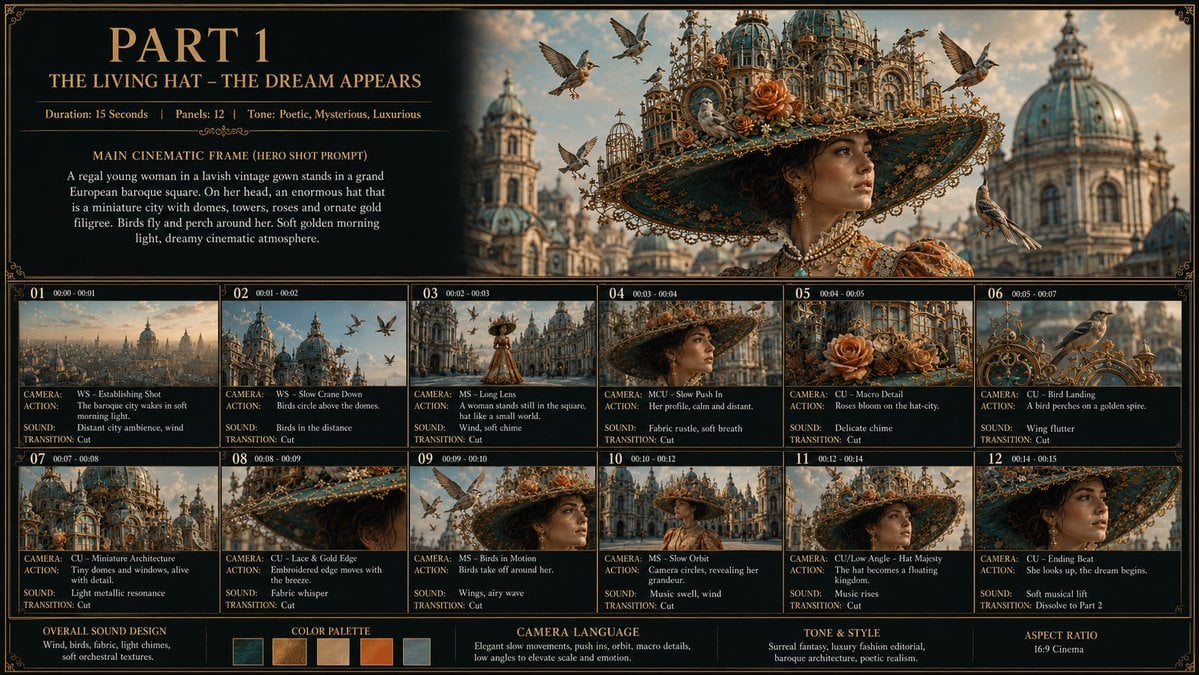
Living Hat Cinematic Storyboard
High-Fashion Editorial Portrait with Overcast Lighting
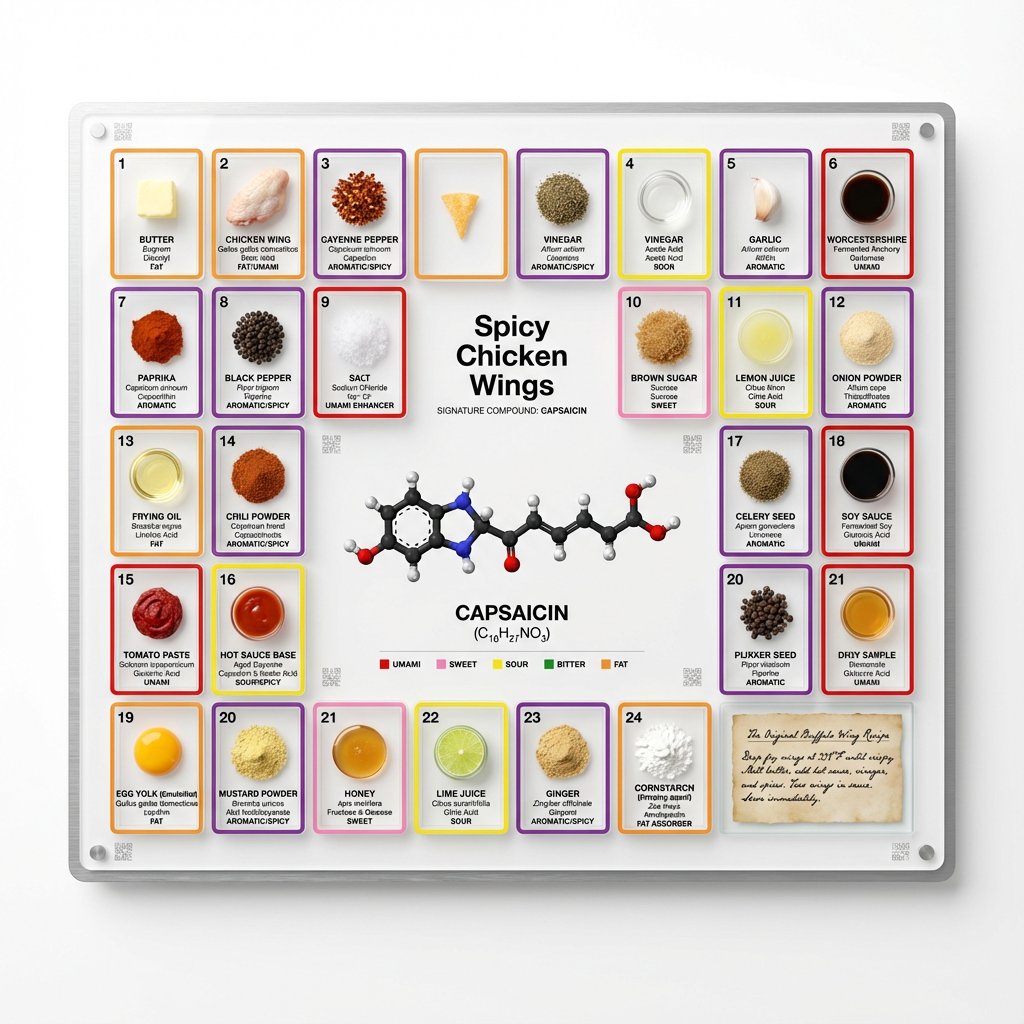
Food Analysis Periodic Table Display Board
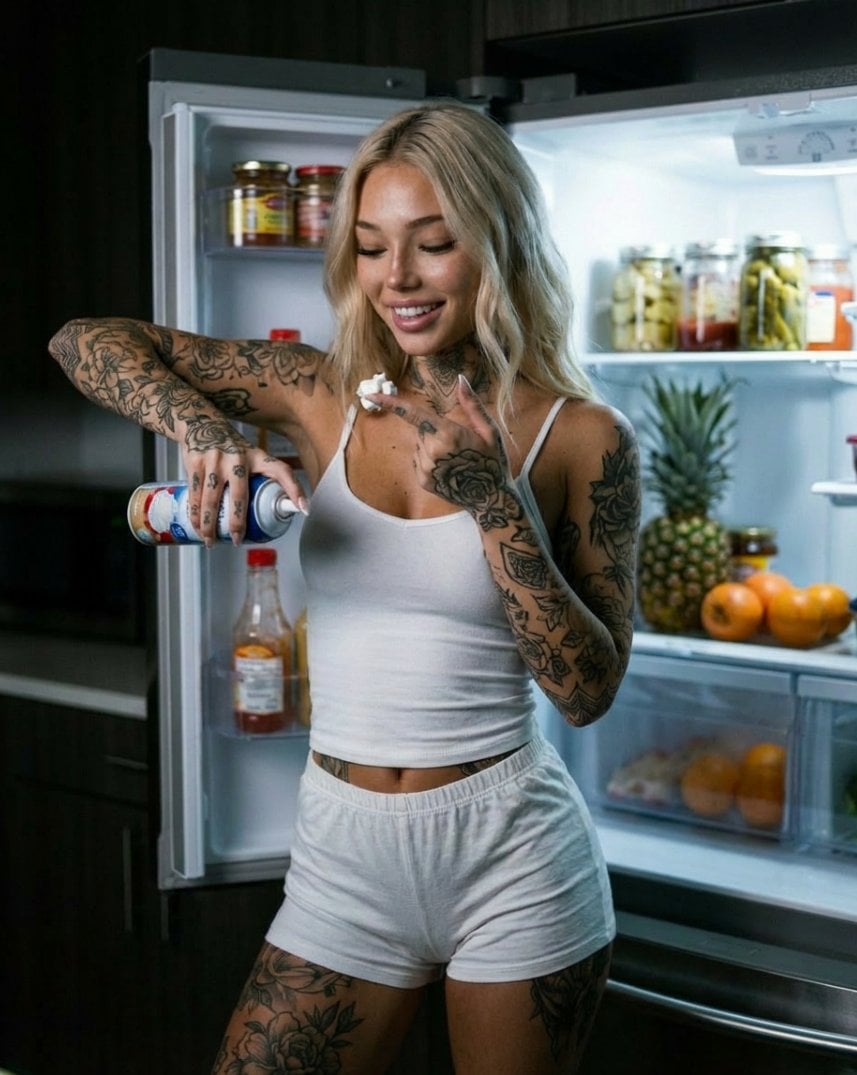
Photorealistic Whipped Cream Challenge Portrait Prompt
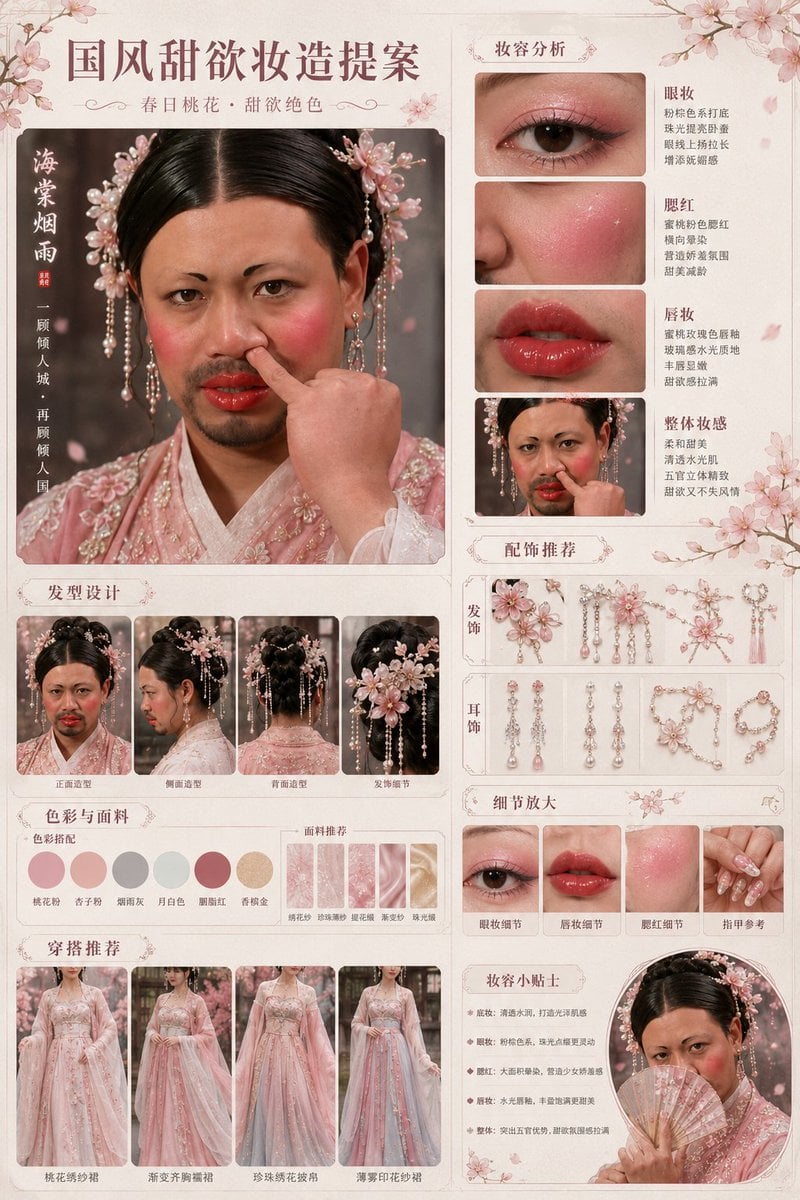
Prompt
Cinematic Studio Portrait with Precise Facial Matching
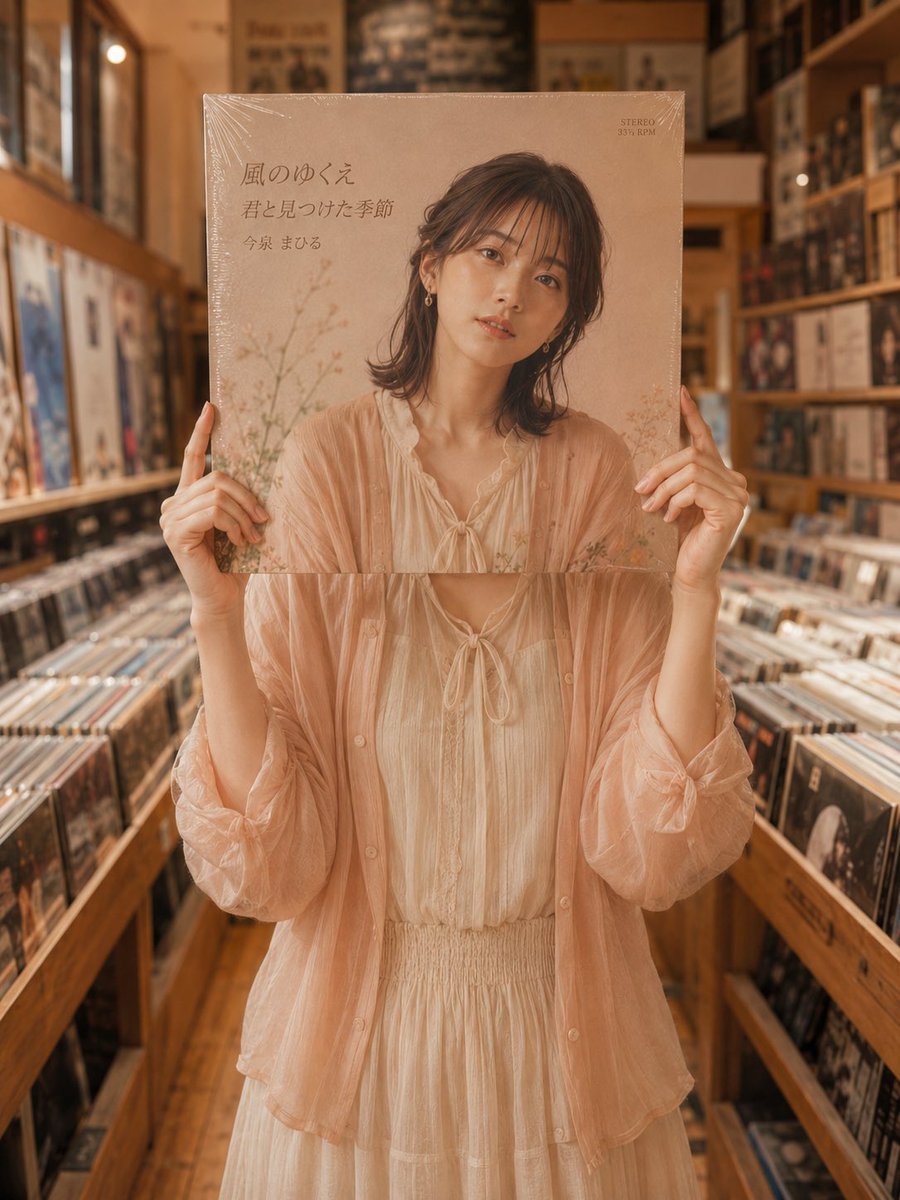
Vinyl Record Store Illusion Portrait

Thumbnail Generation Prompt for Sales Content (Brain/Tips/Note)
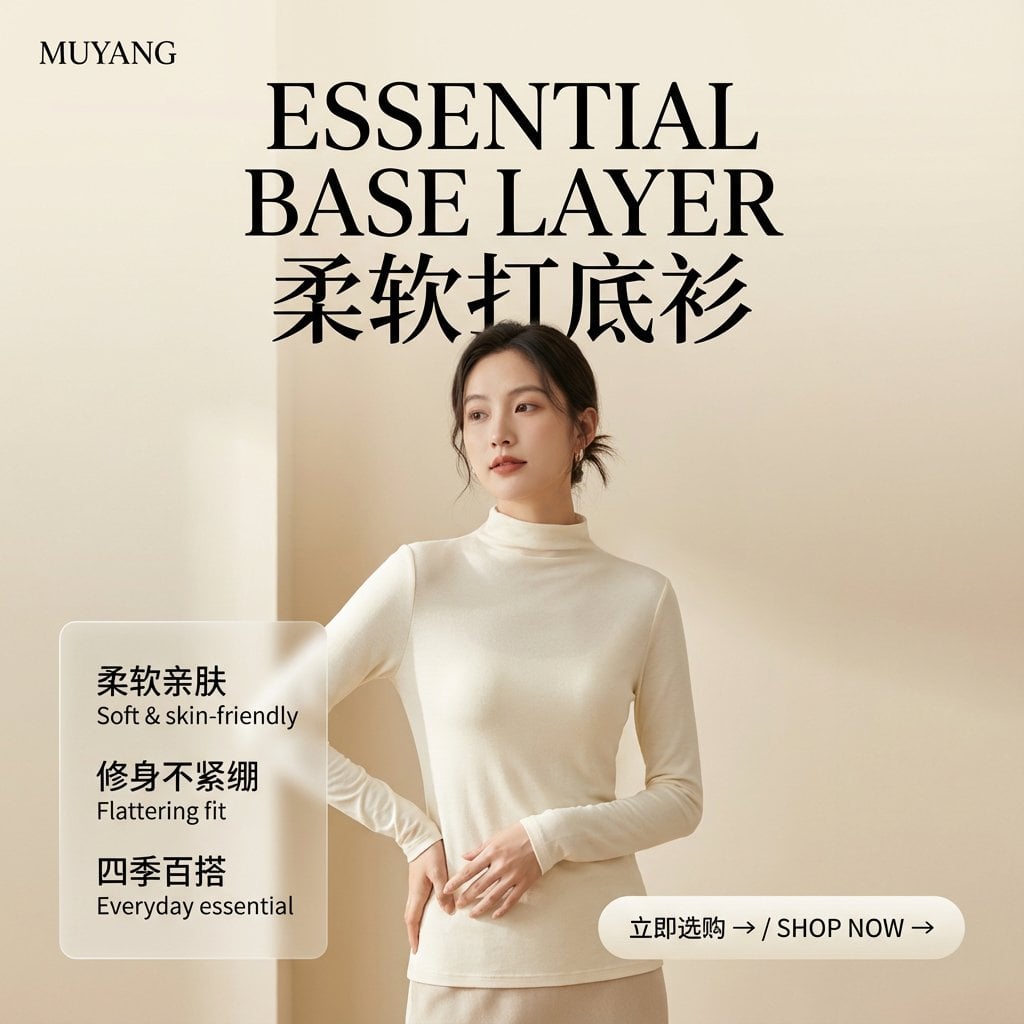
E-commerce Image Generation Prompt Template Structure
Browse template categories
Taisho Romantic Cafe Trio questions
How do I use the Taisho Romantic Cafe Trio template?
Add your photo if the template asks for one, edit the prompt if you like — the template's model and format are already selected — and press Generate. Your version opens in PicX Studio.
Can I customize the Taisho Romantic Cafe Trio template?
Yes. You can change the subject, setting, lighting, mood, format, and available model controls before creating your image.
Is the Taisho Romantic Cafe Trio template free?
Opening and editing this template is free. Generating uses credits, shown on the Generate button when you are signed in.
Which AI model should I use?
Start with GPT Image 2, which is the model associated with this template. You can compare another compatible model for a different finish.
Looking for something else? Browse all templates.

Your photo, any look
Thousands of ready templates for every top image and video model, from one credit balance.