
Living Hat Cinematic Storyboard
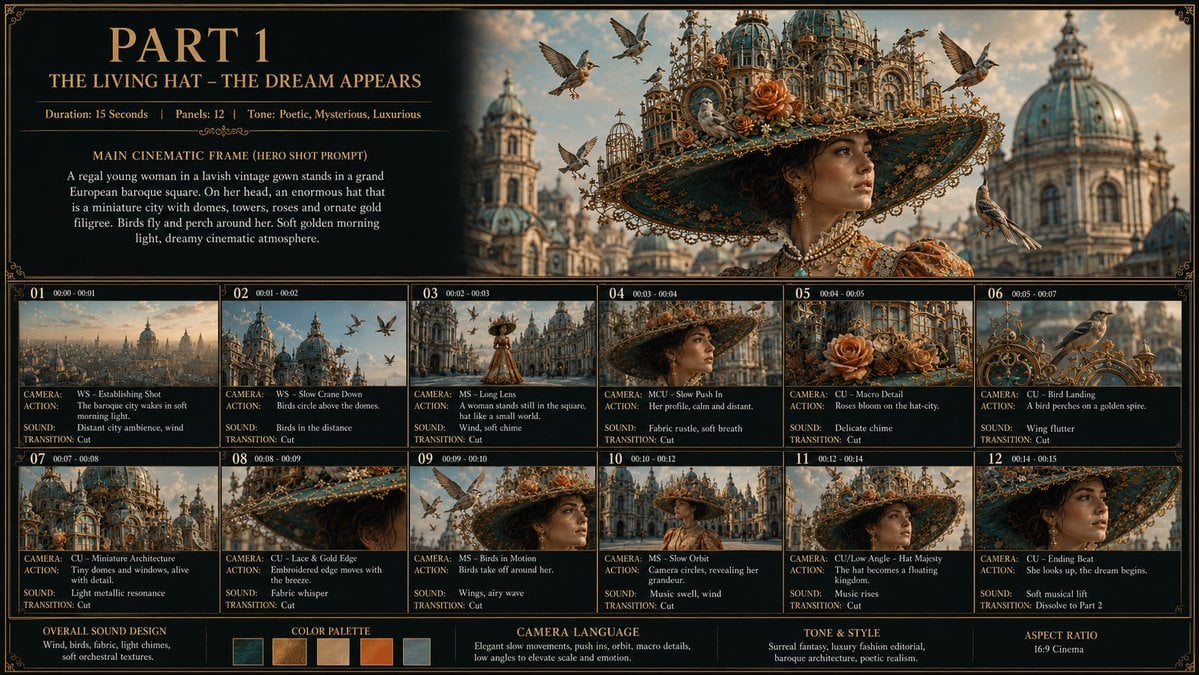
A detailed prompt for generating a luxury fantasy film storyboard sheet with 12 cinematic panels, ornate typography, and a surreal living city-hat concept.
- Prompt included
- Model and format preset
- Free template
The prompt behind this image
Copy the exact prompt behind Living Hat Cinematic Storyboard, or open it in the studio and make it yours.
Goal: Create a luxurious cinematic storyboard sheet for a fantasy fashion short film titled {argument name="part title" default="PART 1"}, with the subtitle {argument name="subtitle" default="THE LIVING HAT – THE DREAM APPEARS"}. The concept is a regal young woman in a lavish vintage gown standing in a grand European baroque square while wearing an enormous living hat shaped like a miniature ornate city of domes, towers, flowers, birds, roses, and gold filigree. Canvas: Wide 16:9 storyboard board, dark charcoal-black background, thin ornate gold border, elegant vintage typography in gold and cream. Use a cinematic production-board layout with a large hero image across the top right, text blocks on the top left, 12 thumbnail storyboard panels in a 2-row grid below, and a bottom strip for sound, color, camera language, tone, and aspect ratio. Top header and hero section: Large serif title at top left reads "PART 1". Under it, subtitle reads "THE LIVING HAT – THE DREAM APPEARS". Add a metadata line: "Duration: 15 Seconds | Panels: 12 | Tone: Poetic, Mysterious, Luxurious". Below, include a section title "MAIN CINEMATIC FRAME (HERO SHOT PROMPT)" and the paragraph: "A regal young woman in a lavish vintage gown stands in a grand European baroque square. On her head, an enormous hat that is a miniature city with domes, towers, roses and ornate gold filigree. Birds fly and perch around her. Soft golden morning light, dreamy cinematic atmosphere." The top-right hero image should show the woman close-up from chest up, centered under the giant city-hat; her face is softly obscured by shadow or a simple rectangular blur, while the hat remains highly detailed. Background: grand domed baroque architecture, warm morning sky, flying birds. Storyboard panel layout: Use exactly 12 numbered storyboard thumbnails, labeled 01 through 12, each with a tiny timecode, image frame, and three text rows labeled CAMERA, ACTION, SOUND, and TRANSITION. Keep the same ornate gold-on-black design. The 12 panels are: 1. "01 00:00 - 00:01" — wide establishing shot of a grand city skyline and domes in soft morning light. CAMERA: "WS – Establishing Shot". ACTION: "The baroque city wakes in soft morning light." SOUND: "Distant city ambience, wind". TRANSITION: "Cut". 2. "02 00:01 - 00:02" — slow crane down toward blue-green domes with birds in the sky. CAMERA: "WS – Slow Crane Down". ACTION: "Birds circle above the domes." SOUND: "Birds in the distance". TRANSITION: "Cut". 3. "03 00:02 - 00:03" — long lens view of the woman tiny in a large ornate square. CAMERA: "MS – Long Lens". ACTION: "A woman stands still in the square, hat like a small world." SOUND: "Wind, soft chime". TRANSITION: "Cut". 4. "04 00:03 - 00:04" — medium close-up slow push-in, profile or partial face under the hat, face subtly obscured. CAMERA: "MCU – Slow Push In". ACTION: "Her profile, calm and distant." SOUND: "Fabric rustle, soft breath". TRANSITION: "Cut". 5. "05 00:04 - 00:05" — macro detail of roses blooming on the hat-city among tiny buildings and filigree. CAMERA: "CU – Macro Detail". ACTION: "Roses bloom on the hat-city." SOUND: "Delicate chime". TRANSITION: "Cut". 6. "06 00:05 - 00:07" — close-up of a bird landing on a golden spire on the hat. CAMERA: "CU – Bird Landing". ACTION: "A bird perches on a golden spire." SOUND: "Wing flutter". TRANSITION: "Cut". 7. "07 00:07 - 00:08" — miniature city architecture on the hat with windows glowing. CAMERA: "CU – Miniature Architecture". ACTION: "Tiny domes and windows, alive with detail." SOUND: "Light metallic resonance". TRANSITION: "Cut". 8. "08 00:08 - 00:09" — lace and gold edge of the massive brim moving with the breeze. CAMERA: "CU – Lace & Gold Edge". ACTION: "Embroidered edge moves with the breeze." SOUND: "Fabric whisper". TRANSITION: "Cut". 9. "09 00:09 - 00:10" — birds fly around her hat in a medium shot, face softly obscured. CAMERA: "MS – Birds in Motion". ACTION: "Birds take off around her." SOUND: "Wings, airy wave". TRANSITION: "Cut". 10. "10 00:10 - 00:12" — slow orbit around the woman in the square, revealing grandeur of the hat and architecture. CAMERA: "MS – Slow Orbit". ACTION: "Camera circles, revealing her grandeur." SOUND: "Music swell, wind". TRANSITION: "Cut". 11. "11 00:12 - 00:14" — low-angle or close-up view emphasizing the enormous majestic hat; woman’s face lightly obscured. CAMERA: "CU/Low Angle – Hat Majesty". ACTION: "The hat becomes a floating kingdom." SOUND: "Music rises". TRANSITION: "Cut". 12. "12 00:14 - 00:15" — ending close-up beat of the hat edge and woman, dreamlike transition hint. CAMERA: "CU – Ending Beat". ACTION: "She looks up, the dream begins." SOUND: "Soft musical lift". TRANSITION: "Dissolve to Part 2". Bottom strip: Include exactly 5 color palette swatches: deep teal-black, antique gold, warm beige, burnt orange, and pale blue-gray. Add five labeled bottom sections: "OVERALL SOUND DESIGN" with "Wind, birds, fabric, light chimes, soft orchestral textures."; "COLOR PALETTE" with the 5 swatches; "CAMERA LANGUAGE" with "Elegant slow movements, push ins, orbit, macro details, low angles to elevate scale and emotion."; "TONE & STYLE" with "Surreal fantasy, luxury fashion editorial, baroque architecture, poetic realism."; and "ASPECT RATIO" with "16:9 Cinema". Visual style: Hyper-detailed cinematic fantasy realism, luxury fashion editorial, ornate baroque architecture, gilded filigree, teal-and-gold color grading, warm golden morning light, shallow depth of field, realistic birds, richly textured roses, dreamy atmosphere. The central character is {argument name="main character" default="a regal young woman"} wearing {argument name="gown style" default="a lavish vintage gown"} and an enormous hat-city filled with domes, towers, roses, birds, and filigree. Constraints: Keep all text legible and in English. Use exactly 12 storyboard panels and exactly 5 color swatches. Maintain a premium cinematic storyboard sheet look, no watermark, no extra panels, no extra logos.
How to use Living Hat Cinematic Storyboard in 3 steps
- 1Upload ImagePNG, JPG or paste
Add your photo
Upload the photo the template builds on. The prompt, model and format are already set.
- 2…a portrait of your subject in softgolden-hour light, 85mm…
Personalize
Edit the subject and creative details for your destination.
- 3Generate
Generate
Press Generate — your image is created in PicX Studio, so you can compare it with the original and refine one variable at a time.
More like this
Templates with the same subject, style or setup. Open one to see its prompt.

Headphones Lifestyle Nine Panel Grid
Seedance - Storyboard to Movie
Warm Modern Japanese Living Room Render
Sunflower Straw Hat Portrait

Surreal Anime & Reality Living Room
Studio Fashion Portrait with Felt Hat
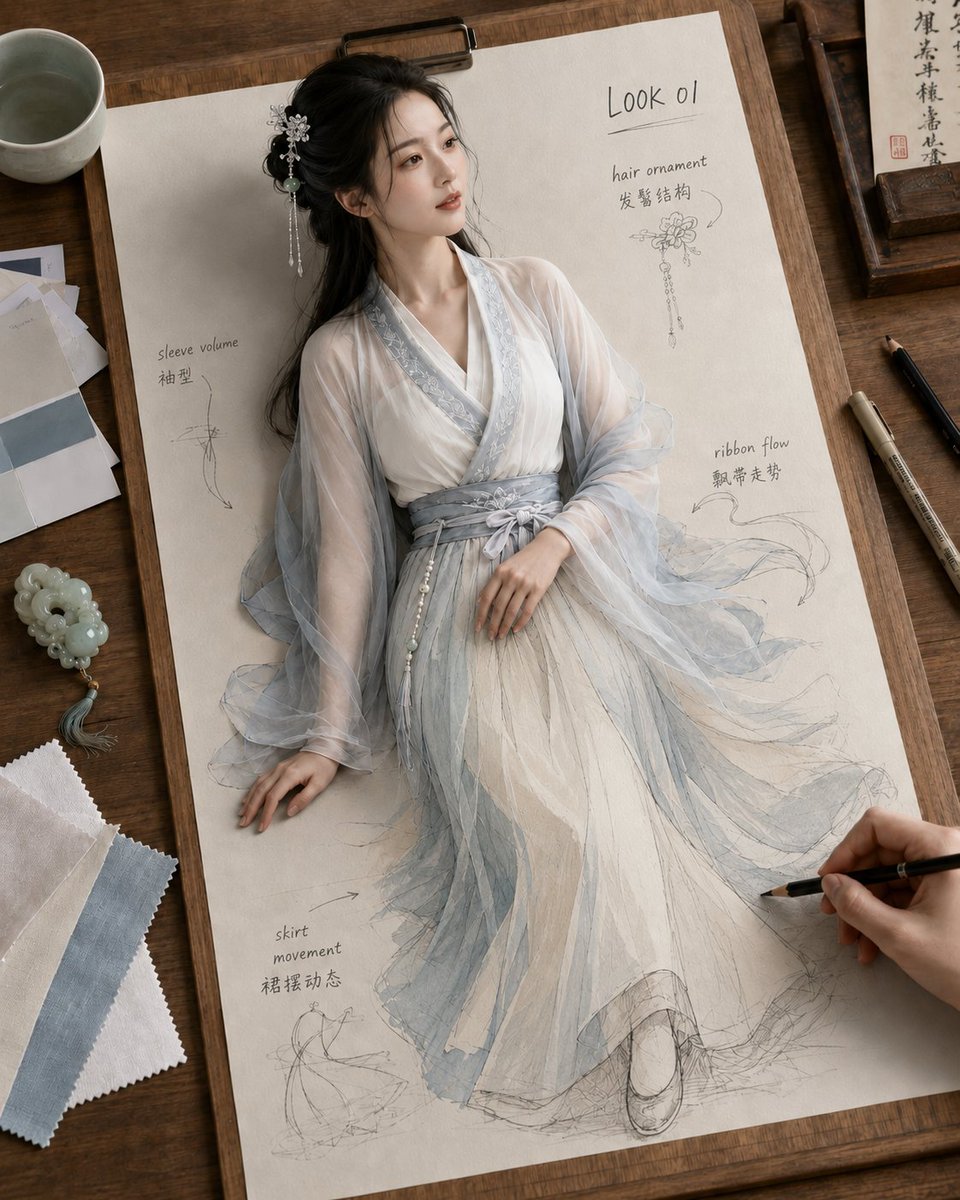
Living Hanfu Fashion Sketch
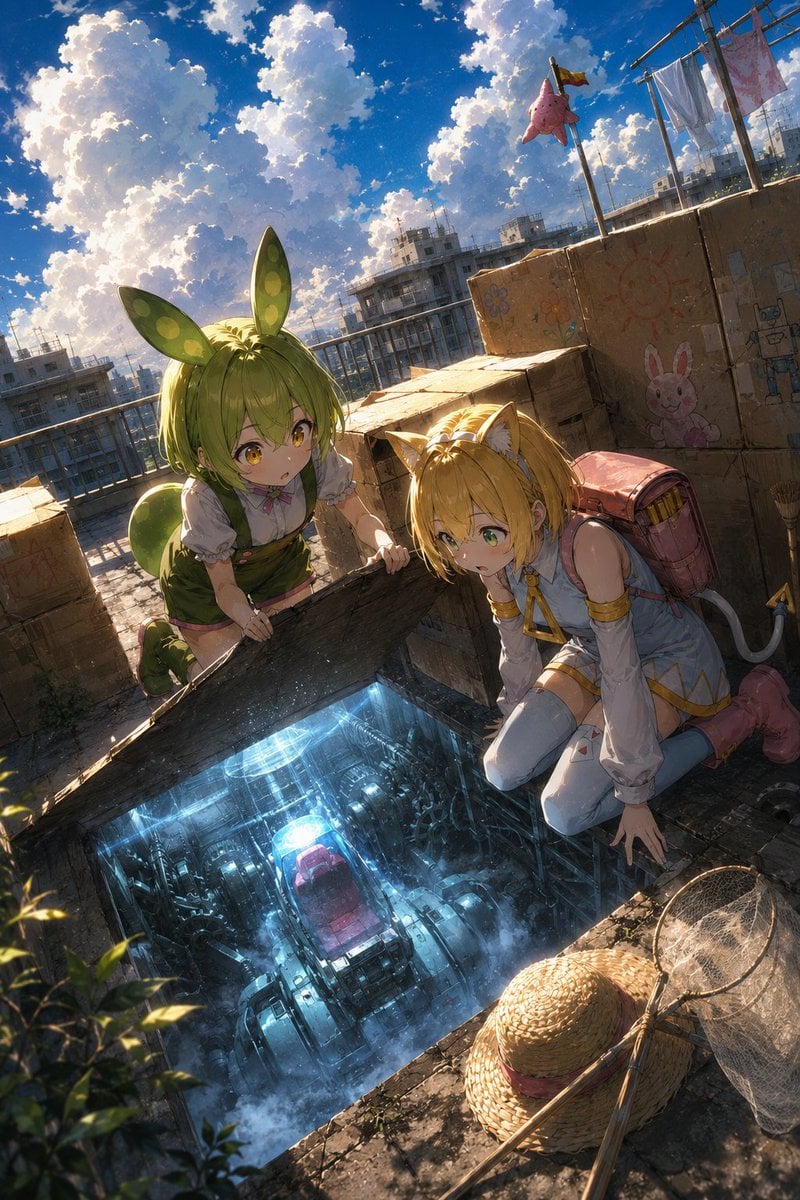
Anime Rooftop Secret Hatch Discovery

Pencil Sketch Coffee Storyboard
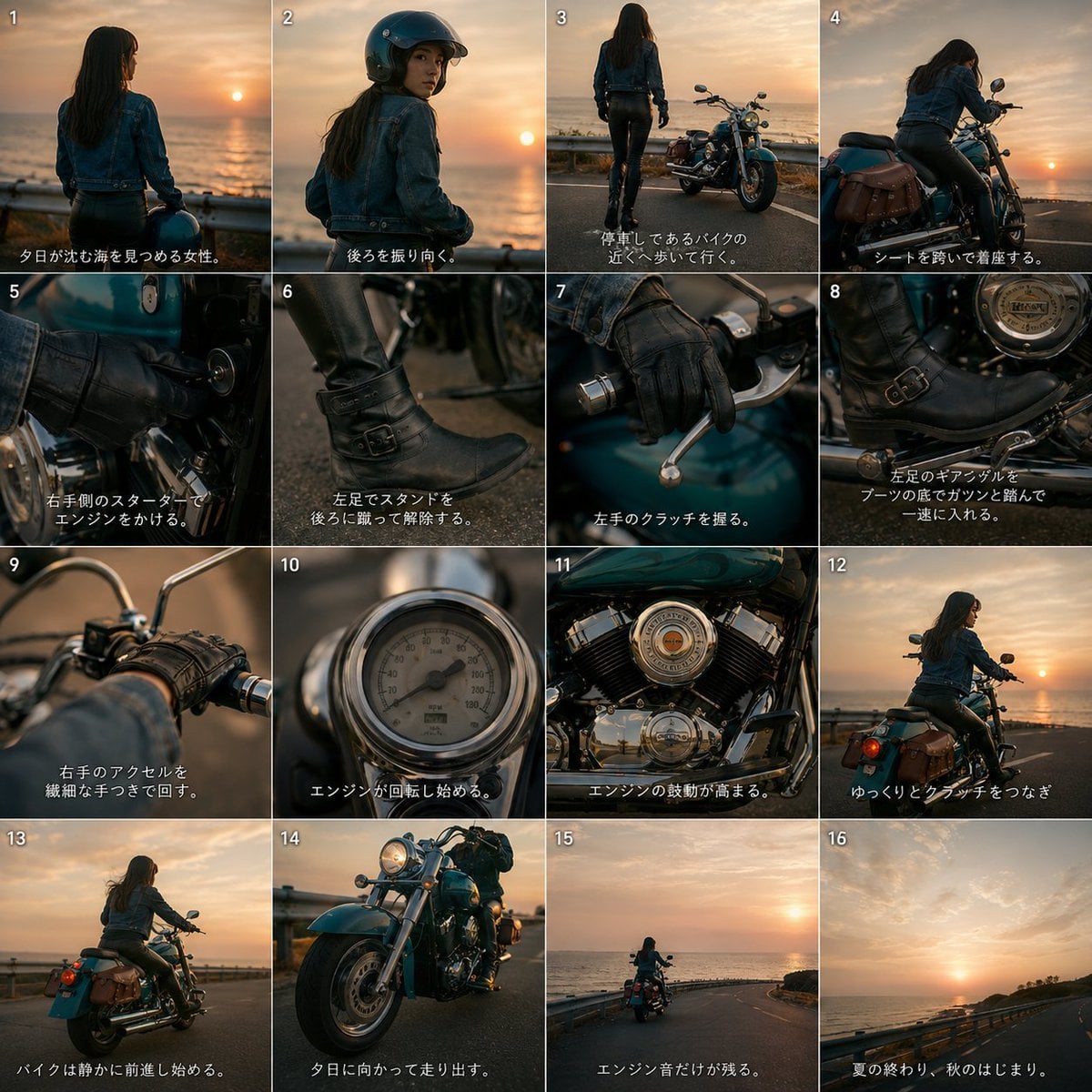
Cinematic Motorcycle Storyboard
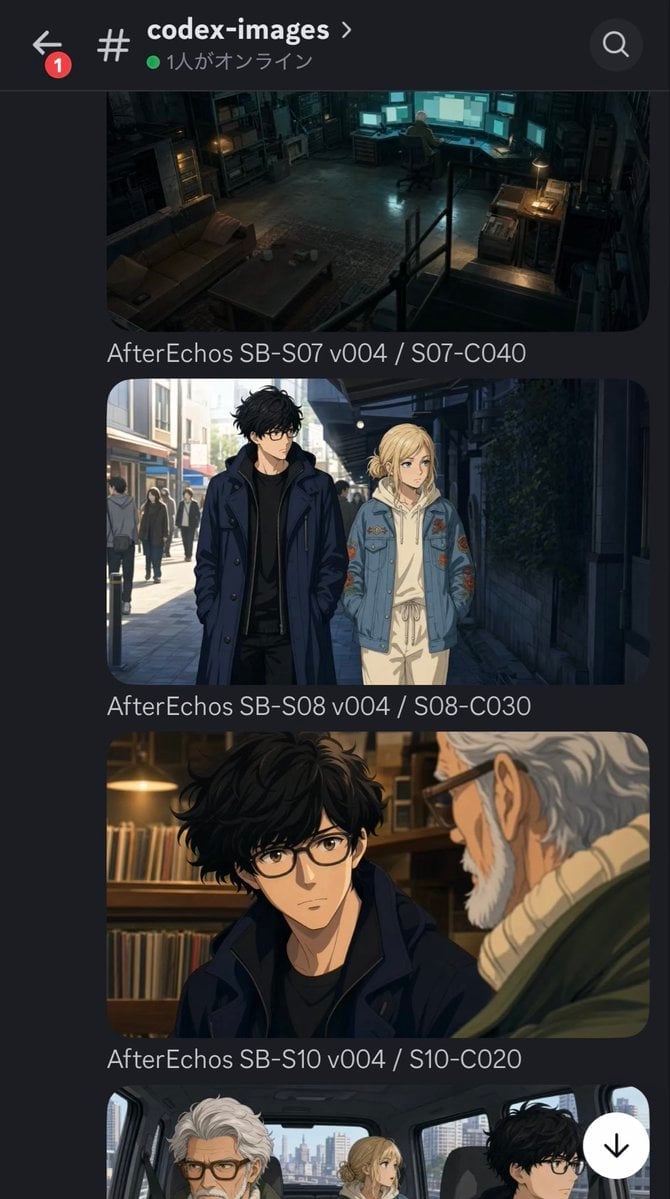
Discord Anime Storyboard Feed
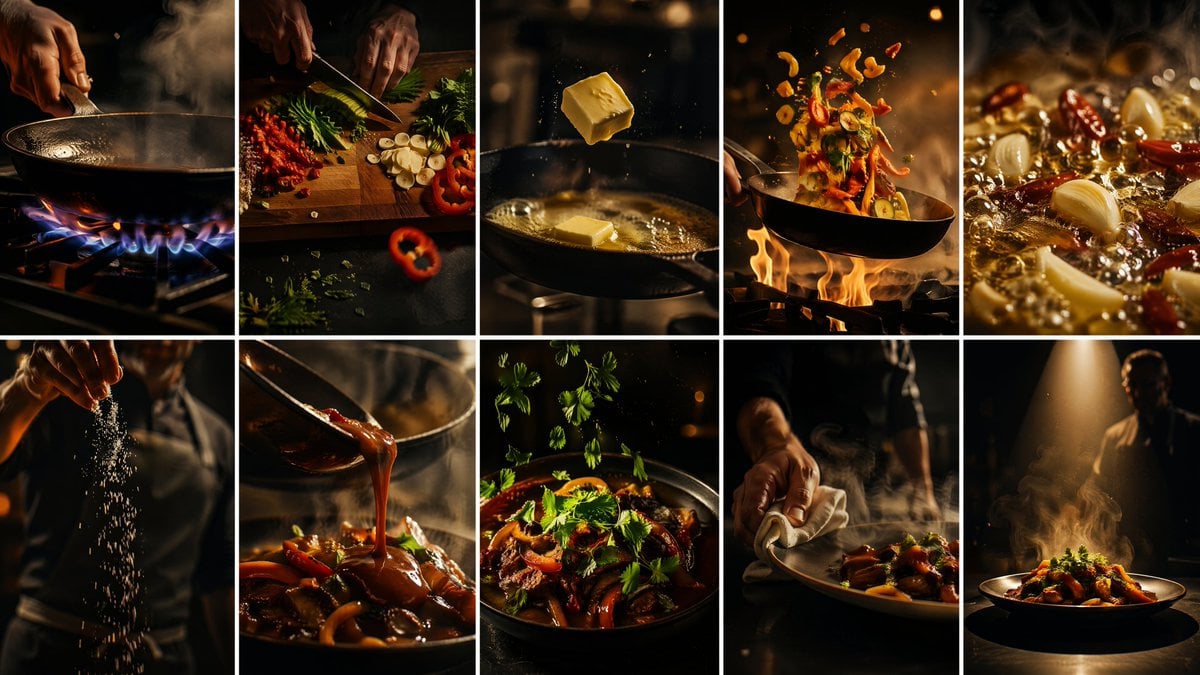
Cinematic Flame Chef Storyboard
Make it yours
Living Hat Cinematic Storyboard works as-is. These are the safest ways to change it without losing the look.
Change one field
Copy a single group, rewrite it, and generate again so you can see what that field is doing.
Keep the frame, change the subject
Hold the composition and light of Living Hat Cinematic Storyboard, then swap wardrobe, props or the person for a new take.
| If the result… | Why | Fix |
|---|---|---|
| The result drifts from the preview | Too many fields changed at once. | Reuse Living Hat Cinematic Storyboard as-is first, then change one group — subject, light, or setting. |
| The model over-stylizes the scene | The prose prompt leaves finish and camera underspecified. | Add one camera or lighting sentence and stay on GPT Image 2. |
More GPT Image 2 templates
Other prompts made for GPT Image 2.

Six VTuber Japanese Logo Sheet

Realistic Portrait of Woman and Deer

The Vista Modular Condo Poster

AI Model Routing Comparison Infographic

2.5D Anime Art Board

Isometric Productivity Desk Scene

New York Double Exposure Poster

Four-Panel AI Landscape Comparison

Japanese Tatami Lifestyle Magazine Cover

NESCAFÉ Coffee Map Poster
More image prompts
Fresh picks from across the catalog.
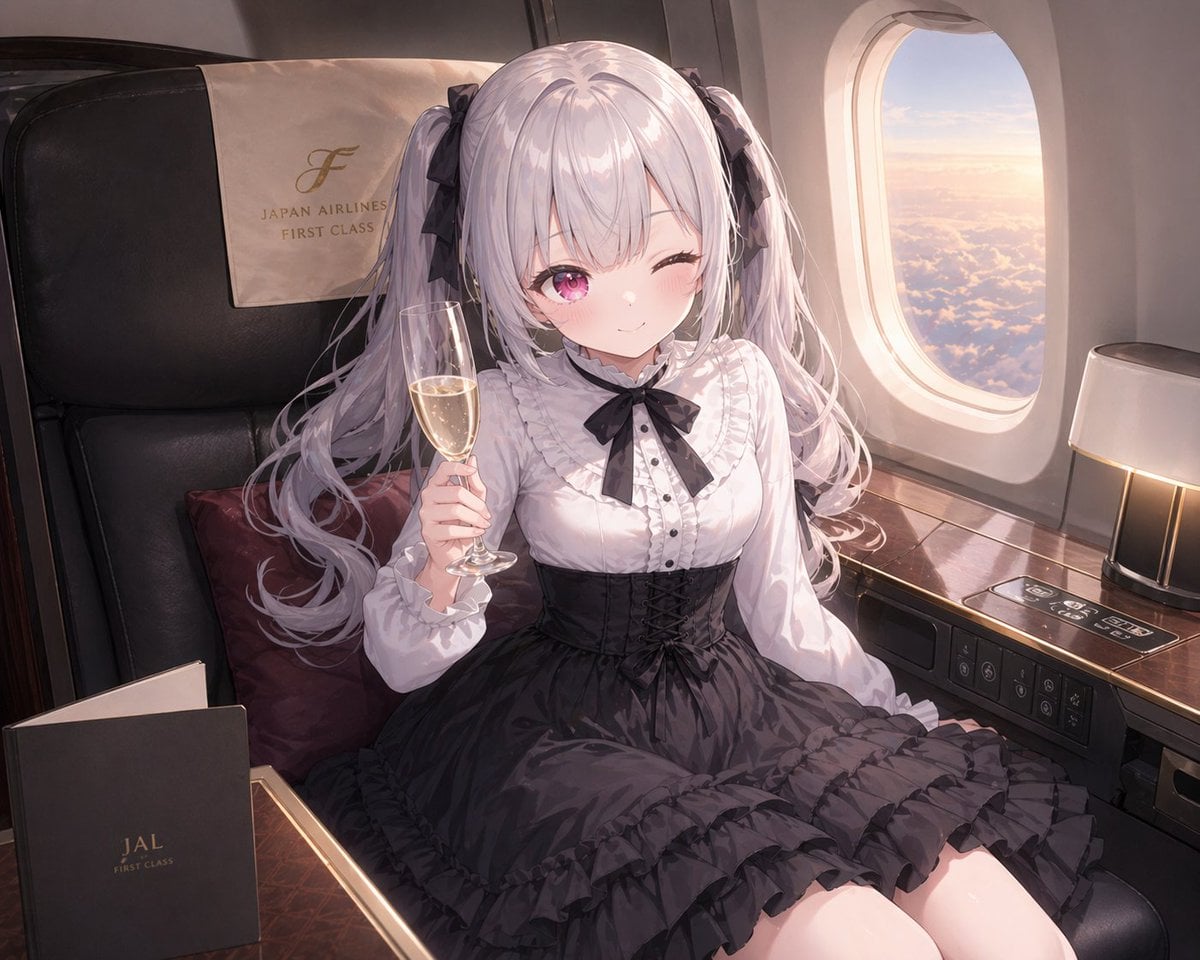
JAL First Class Cabin Interior
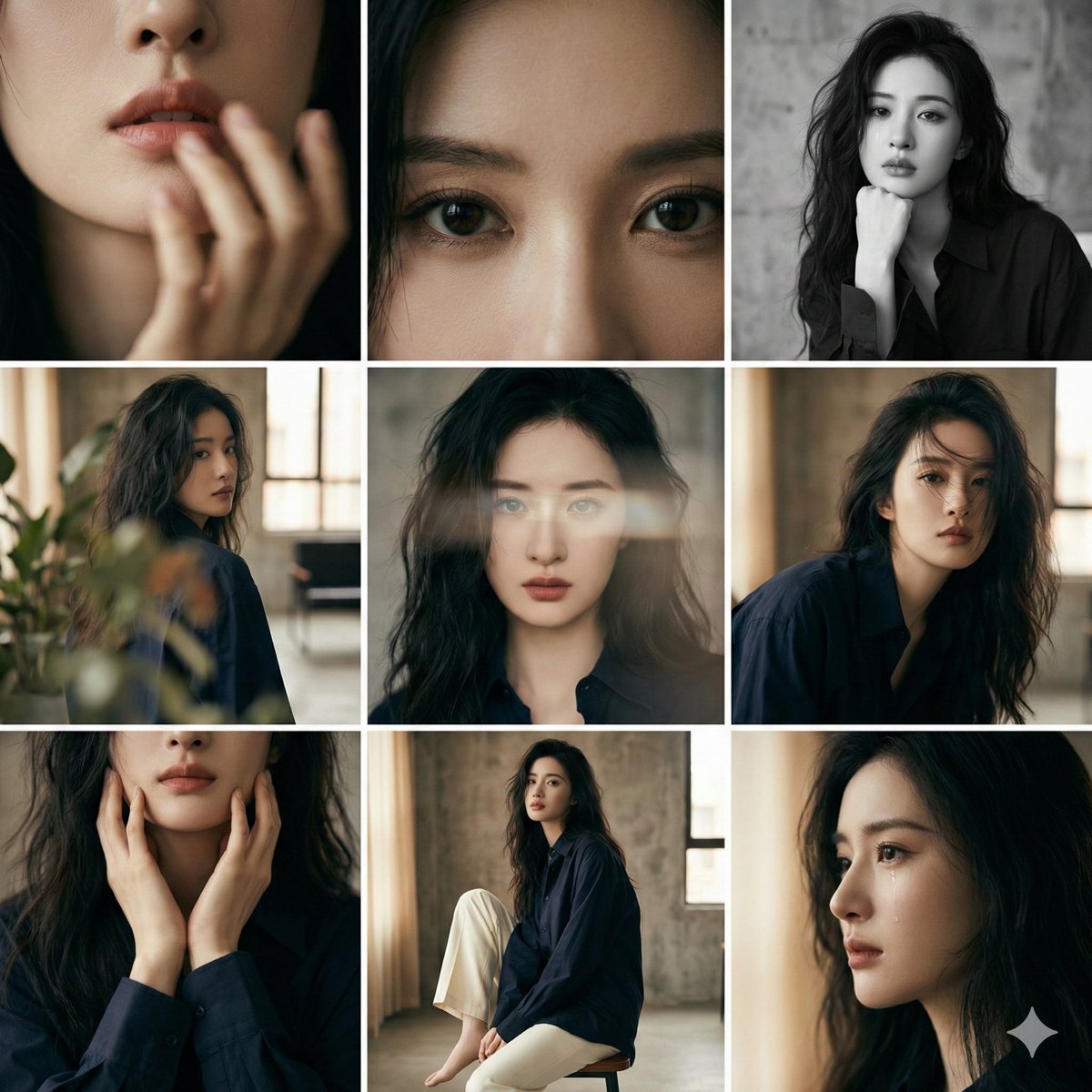
3x3 Editorial Photo Collage Contact Sheet Portrait
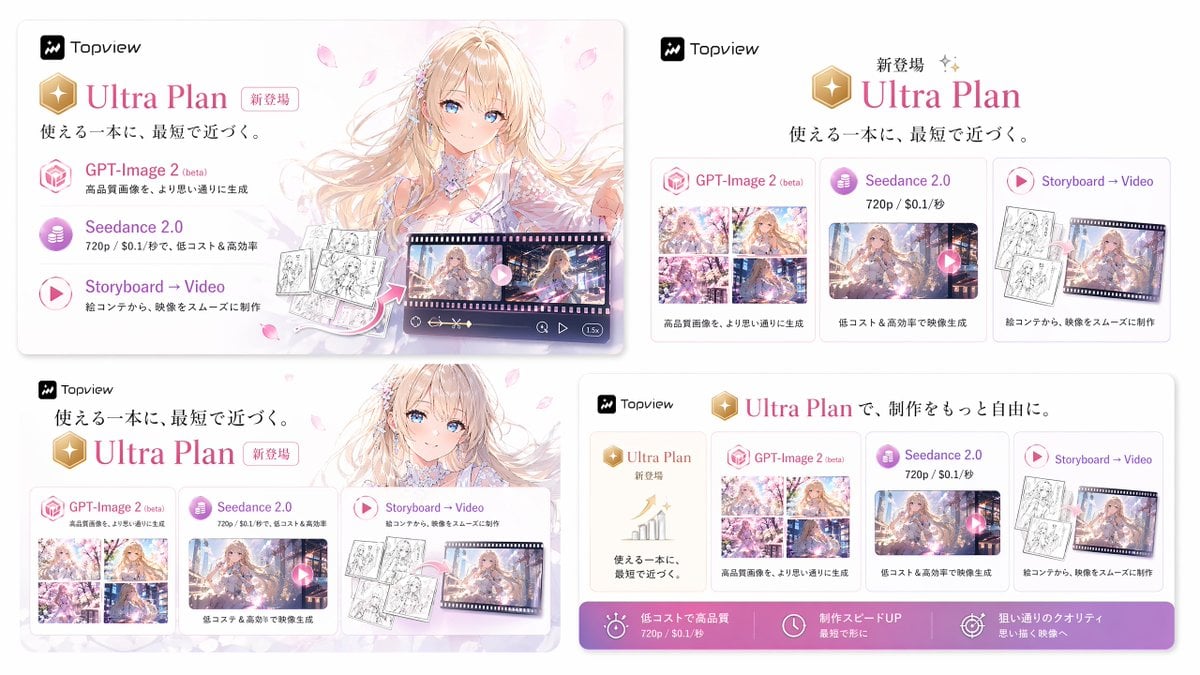
Japanese Ultra Plan Promo Storyboard
X Ayzalnooor24521 a Cinematic High Resolution Portrait of
Cinematic Close-up Portrait with Smoke
Structured Prompt for Ultra-Realistic Portrait of Man in Snowstorm
Whimsical Hand-Painted Girl with Kitten Illustration
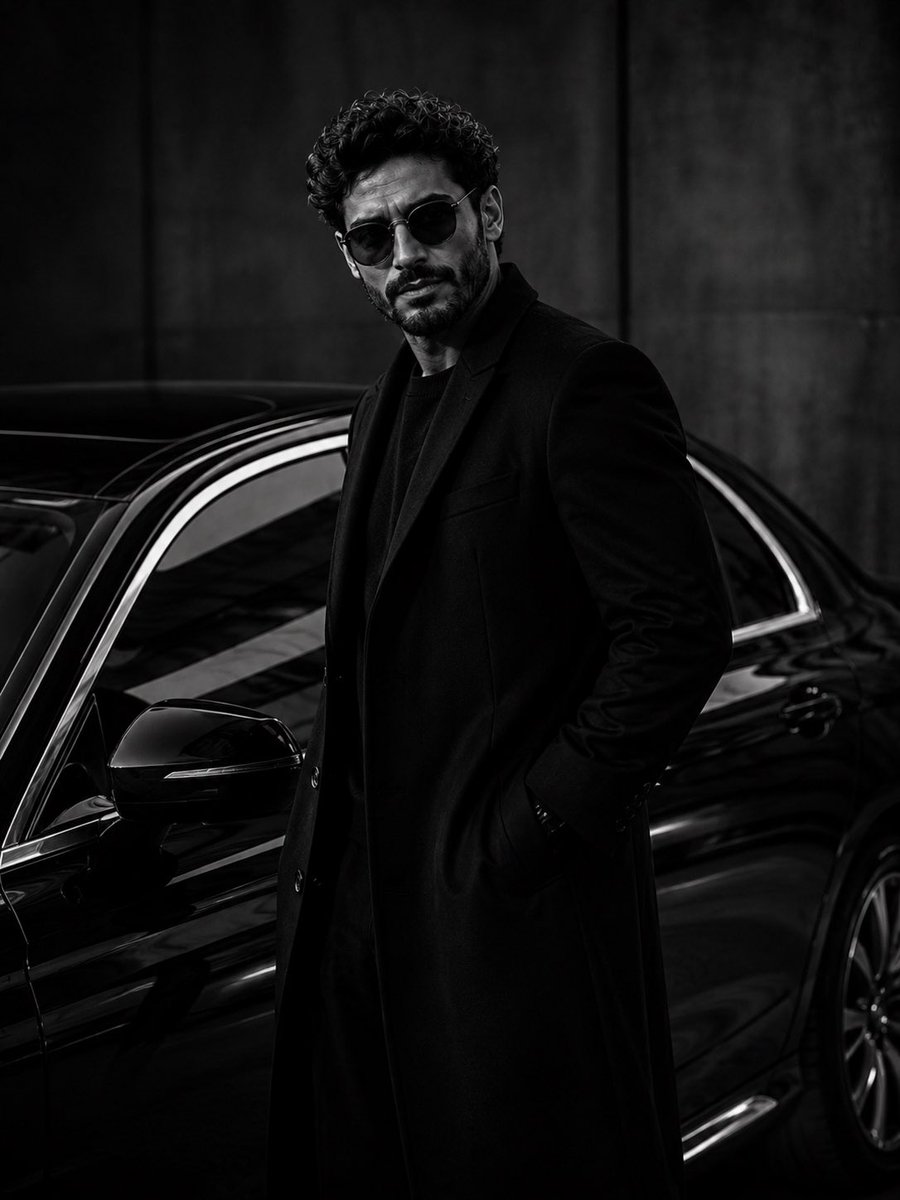
Ultra-Luxury Monochrome Fashion Editorial
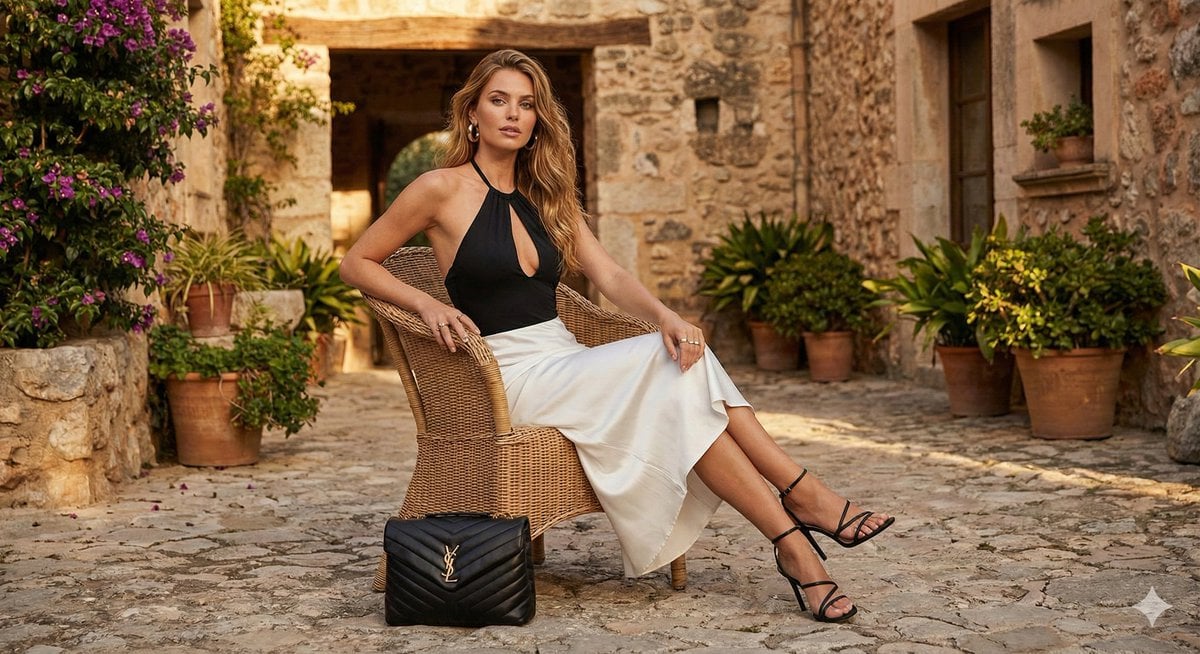
Rustic Luxury Fashion Shot with YSL Handbag
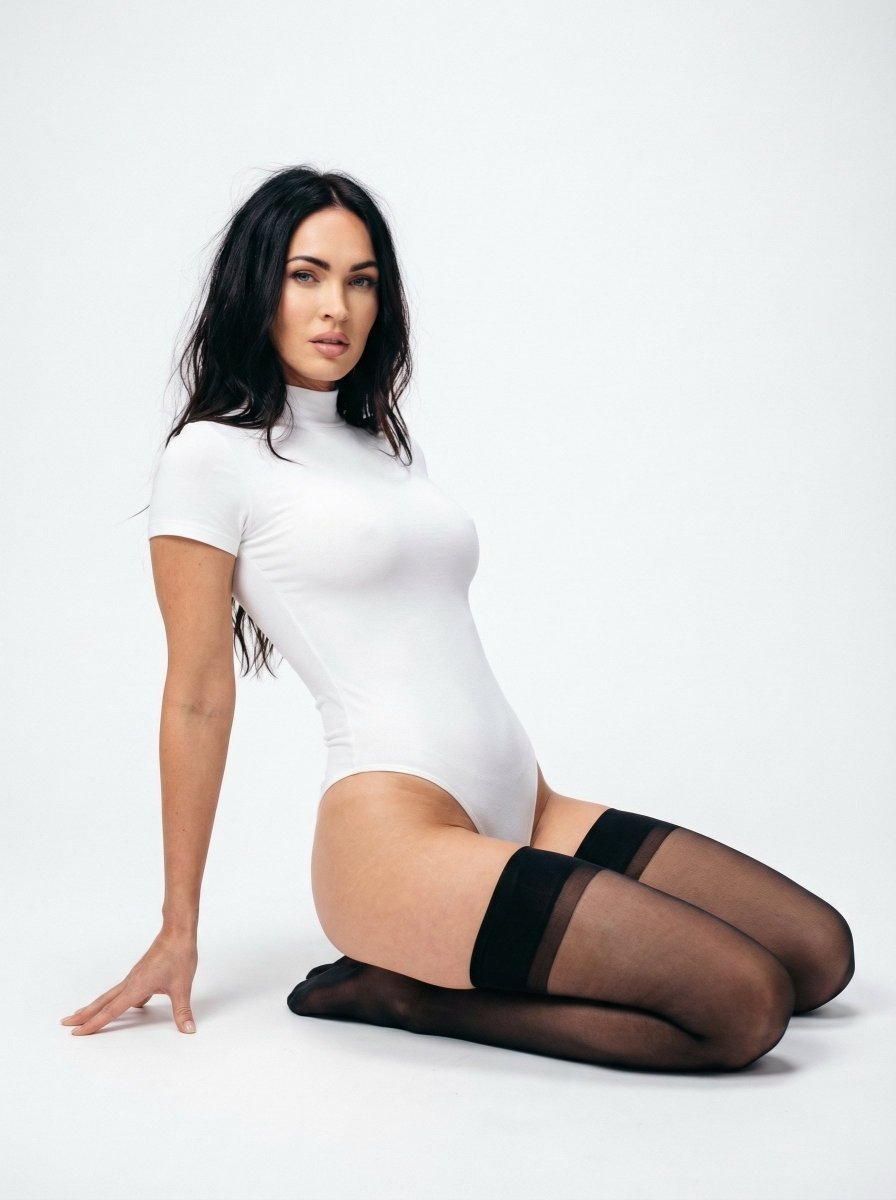
Ultra Realistic Studio Portrait Prompt for Nano Banana Pro
Browse template categories
Living Hat Cinematic Storyboard questions
How do I use the Living Hat Cinematic Storyboard template?
Add your photo if the template asks for one, edit the prompt if you like — the template's model and format are already selected — and press Generate. Your version opens in PicX Studio.
Can I customize the Living Hat Cinematic Storyboard template?
Yes. You can change the subject, setting, lighting, mood, format, and available model controls before creating your image.
Is the Living Hat Cinematic Storyboard template free?
Opening and editing this template is free. Generating uses credits, shown on the Generate button when you are signed in.
Which AI model should I use?
Start with GPT Image 2, which is the model associated with this template. You can compare another compatible model for a different finish.
Looking for something else? Browse all templates.

Your photo, any look
Thousands of ready templates for every top image and video model, from one credit balance.