
Chinese Cursive Calligraphy Scroll
This prompt generates a museum-style Chinese grass-script calligraphy piece of Yue Fei's poem on aged xuan paper, suitable for classical art, cultural posters, or calligraphy comparisons.
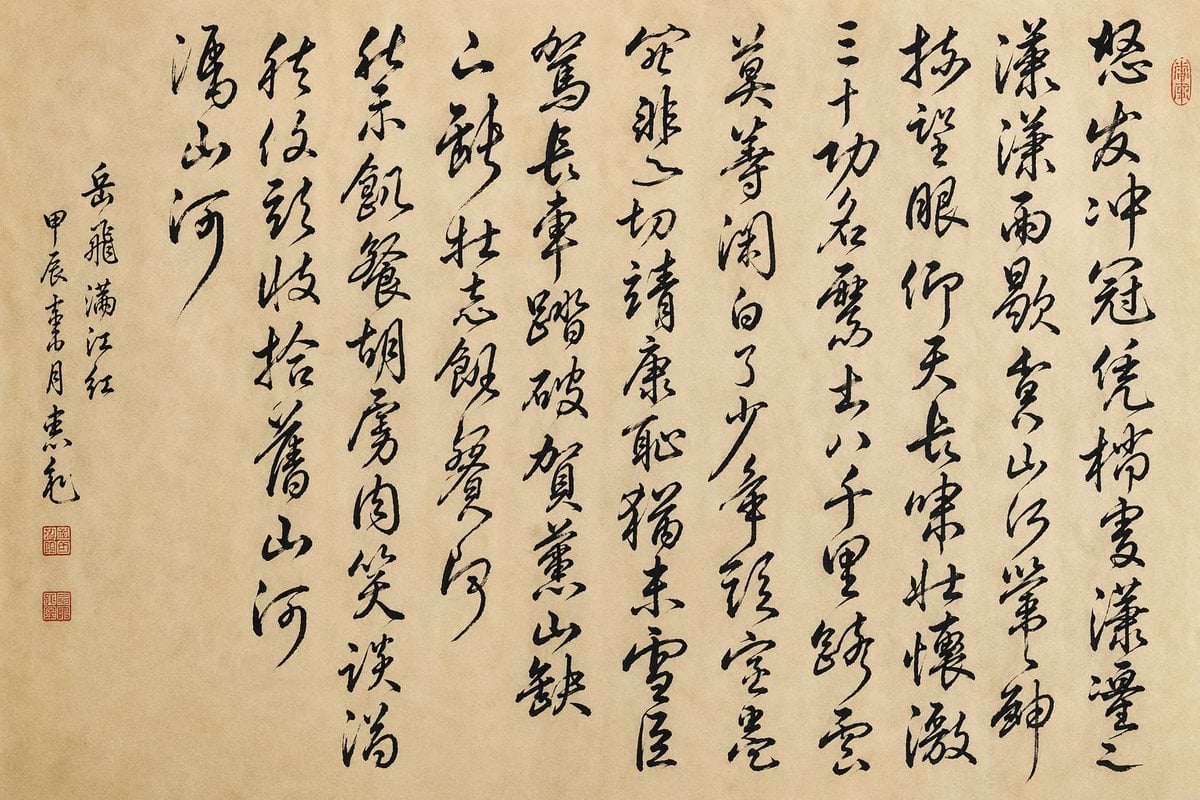
- Prompt included
- Model and format preset
- Free template
The prompt behind this image
Copy the exact prompt behind Chinese Cursive Calligraphy Scroll, or open it in the studio and make it yours.
A traditional Chinese ink calligraphy artwork on aged beige xuan paper, presented as a clean flat scan or photograph of a single hanging scroll page with no frame. The composition is entirely vertical Chinese cursive script, bold expressive grass-script brushwork in deep black ink with dynamic stroke variation, flying-white texture, dry-brush breaks, and elegant rhythm. Write the full poem {argument name="poem text" default="怒发冲冠,凭栏处、潇潇雨歇。抬望眼,仰天长啸,壮怀激烈。三十功名尘与土,八千里路云和月。莫等闲,白了少年头,空悲切。\n靖康耻,犹未雪;臣子恨,何时灭!驾长车,踏破贺兰山缺。壮志饥餐胡虏肉,笑谈渴饮匈奴血。待从头,收拾旧山河,朝天阙。"} in large vertical columns arranged right to left, about 8 main poem columns across the page, each column flowing freely with slight variations in spacing and tilt. Leave a wide left margin containing a smaller vertical inscription with 3 narrow columns: the title and attribution reading {argument name="inscription text" default="岳飞 满江红 甲辰書月 某元"}, written in a more restrained but still cursive hand. Add exactly 3 small red seal stamps: 2 stacked square seals in the lower-left margin beneath the inscription, and 1 small oval seal near the upper-right edge beside the first main column. The paper should have subtle warm tan mottling, soft fibers, faint age marks, and natural uneven tone. Overall mood is heroic, scholarly, and museum-quality, with authentic Song-inspired Chinese calligraphy aesthetics, minimal background, high detail, and faithful brush texture.
How to use Chinese Cursive Calligraphy Scroll in 3 steps
- 1Upload ImagePNG, JPG or paste
Add your photo
Upload the photo the template builds on. The prompt, model and format are already set.
- 2…a portrait of your subject in softgolden-hour light, 85mm…
Personalize
Edit the subject and creative details for your destination.
- 3Generate
Generate
Press Generate — your image is created in PicX Studio, so you can compare it with the original and refine one variable at a time.
More like this
Templates with the same subject, style or setup. Open one to see its prompt.
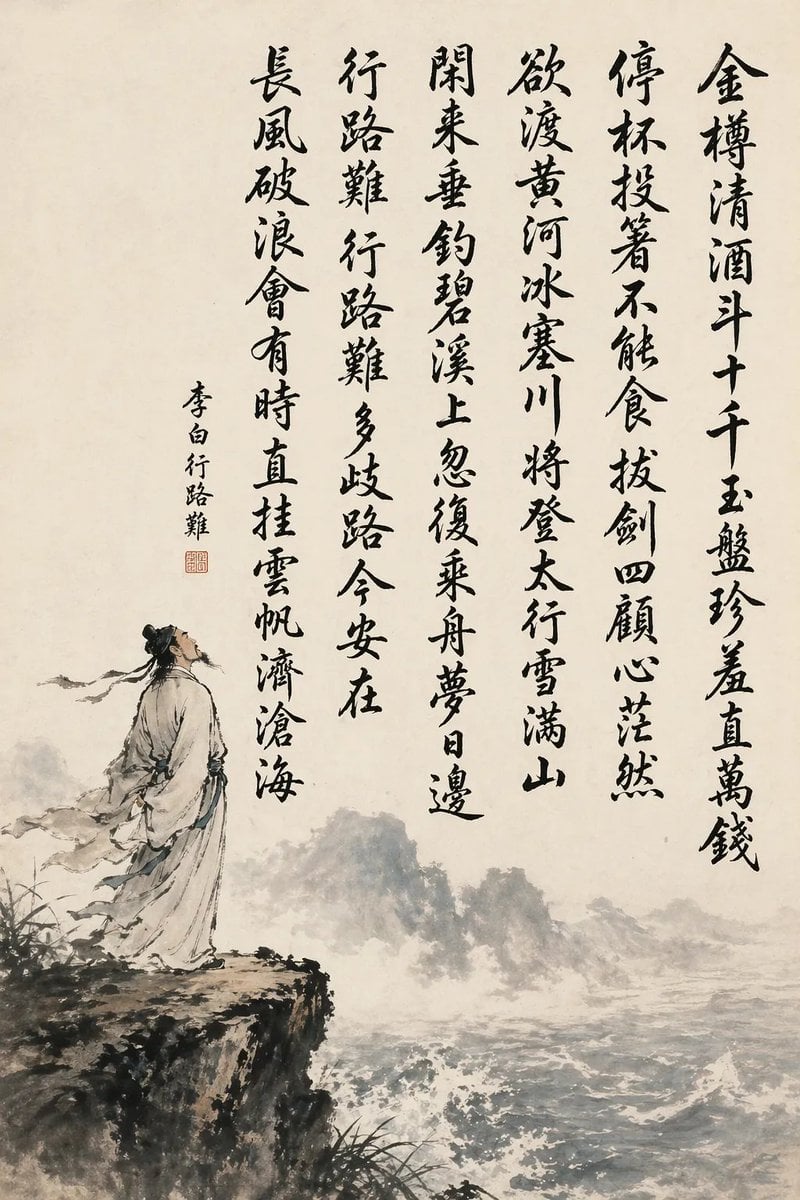
Chinese Calligraphy Poem Scroll
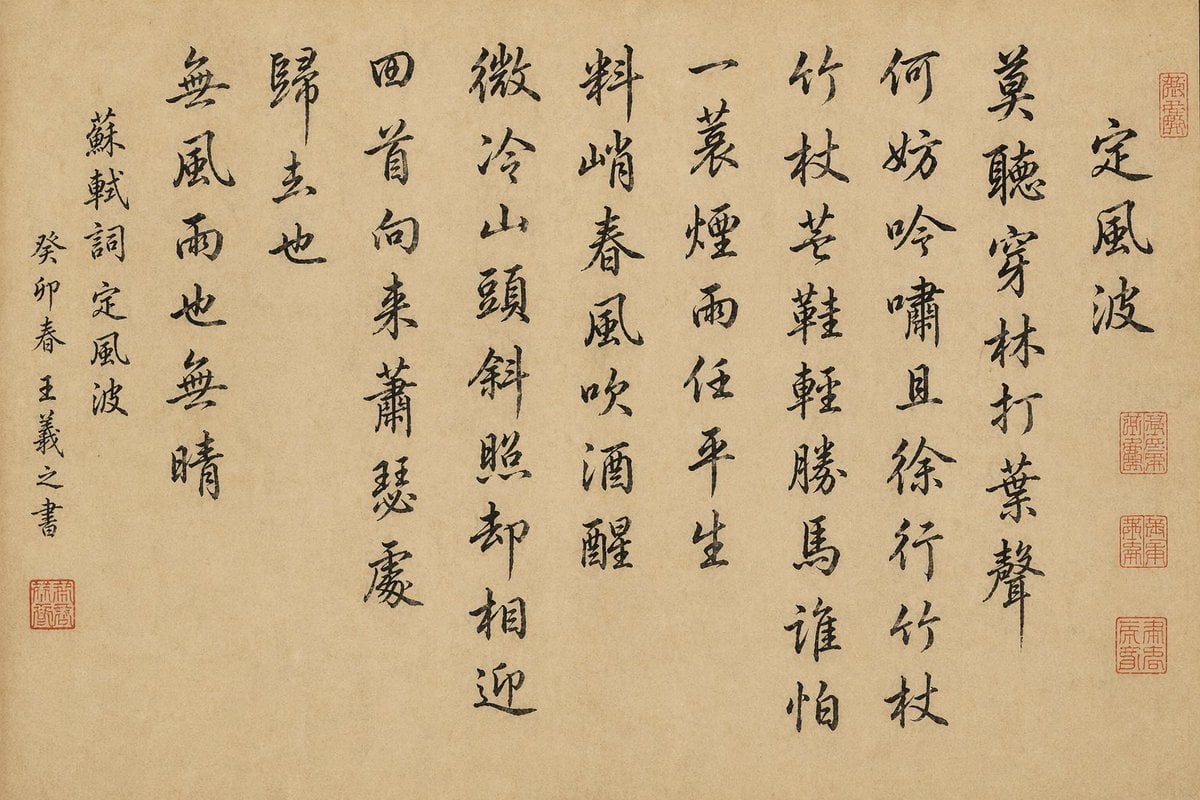
Chinese Calligraphy Scroll on Aged Paper
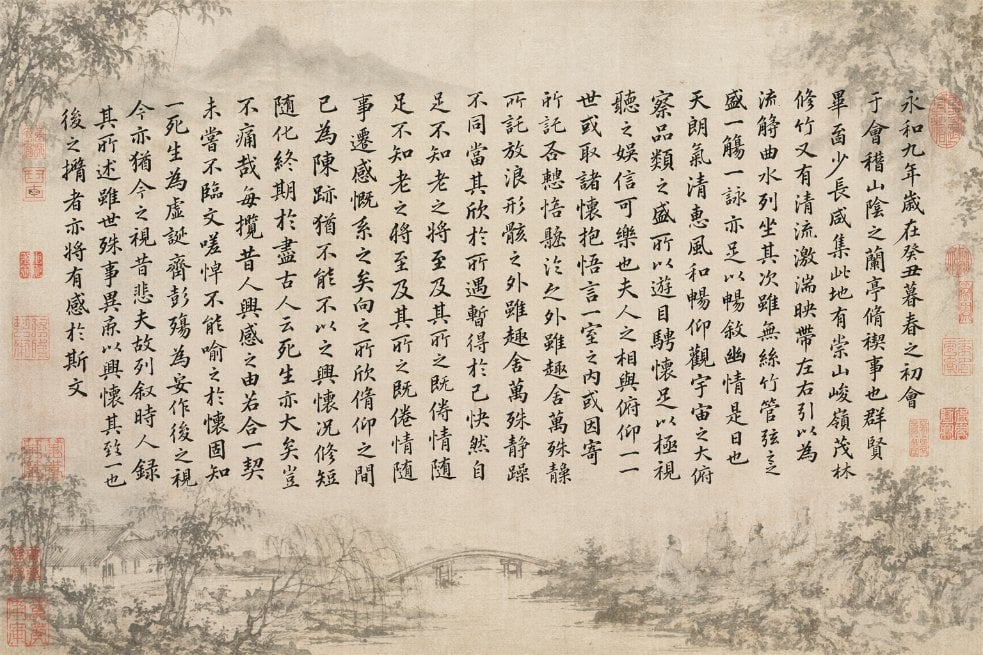
Classical Calligraphy Scroll Prompt

敦煌纸雕飞天 — 3D Layered Paper Cutout

博物馆图鉴式汉服拆解图 — GPT-image-2
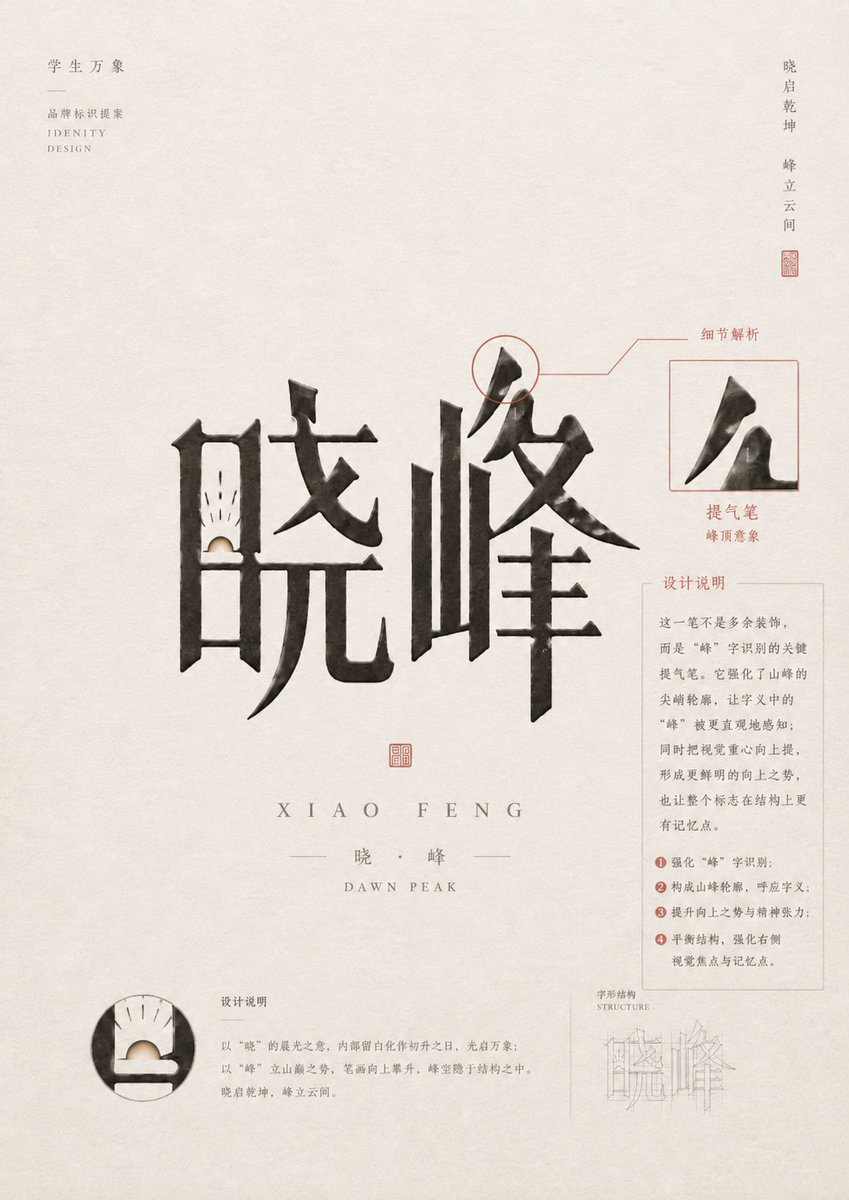
Chinese Calligraphy Identity Poster
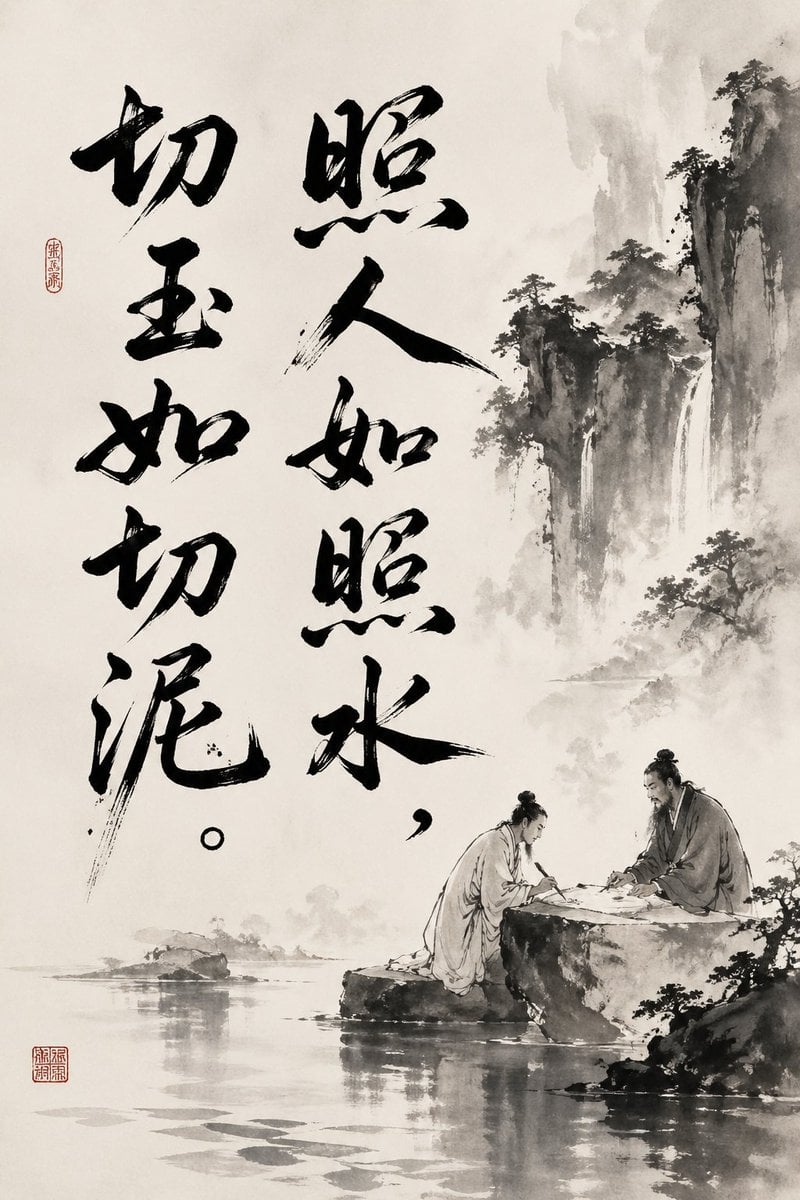
Chinese Ink Painting with Calligraphy
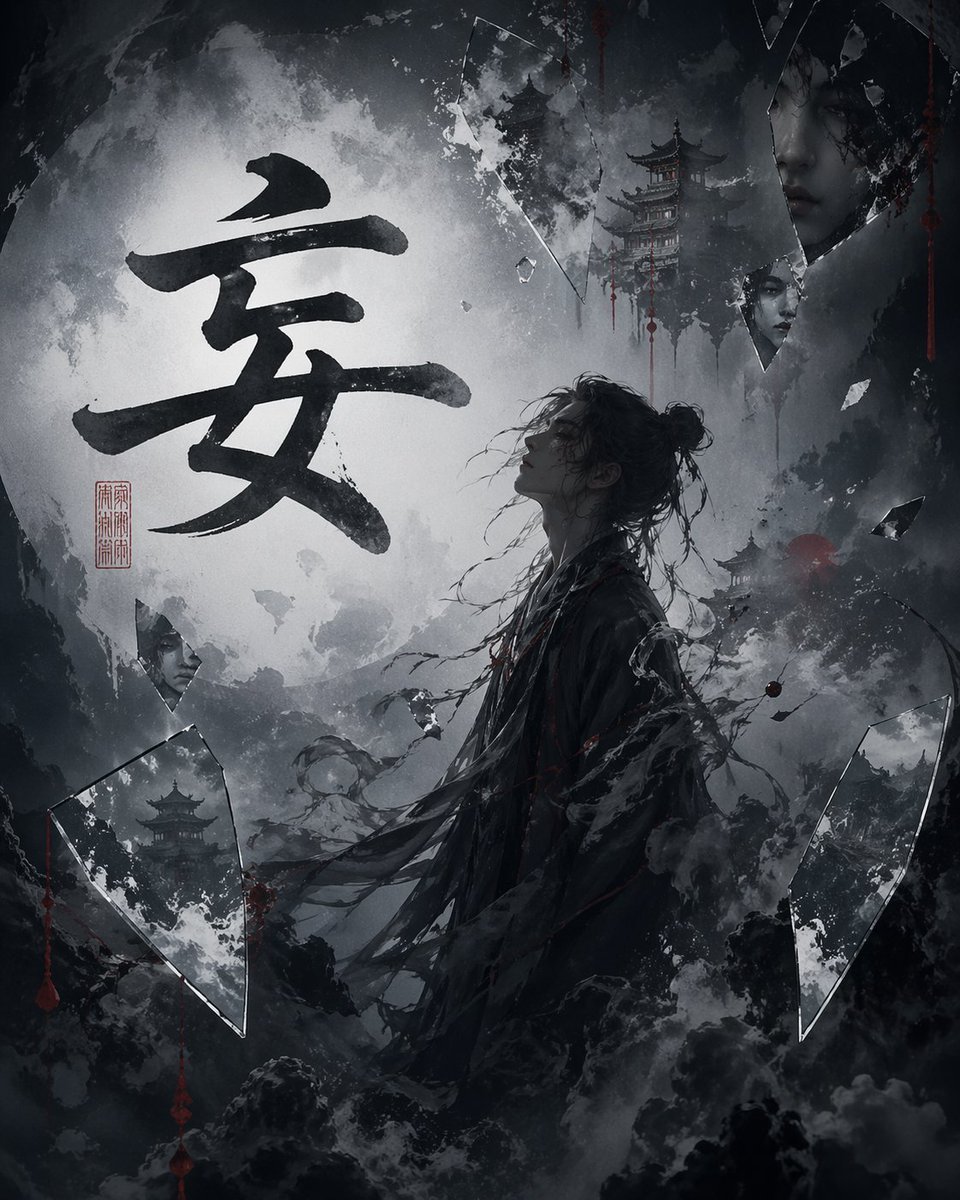
Chinese Calligraphy Dark Fantasy Poster
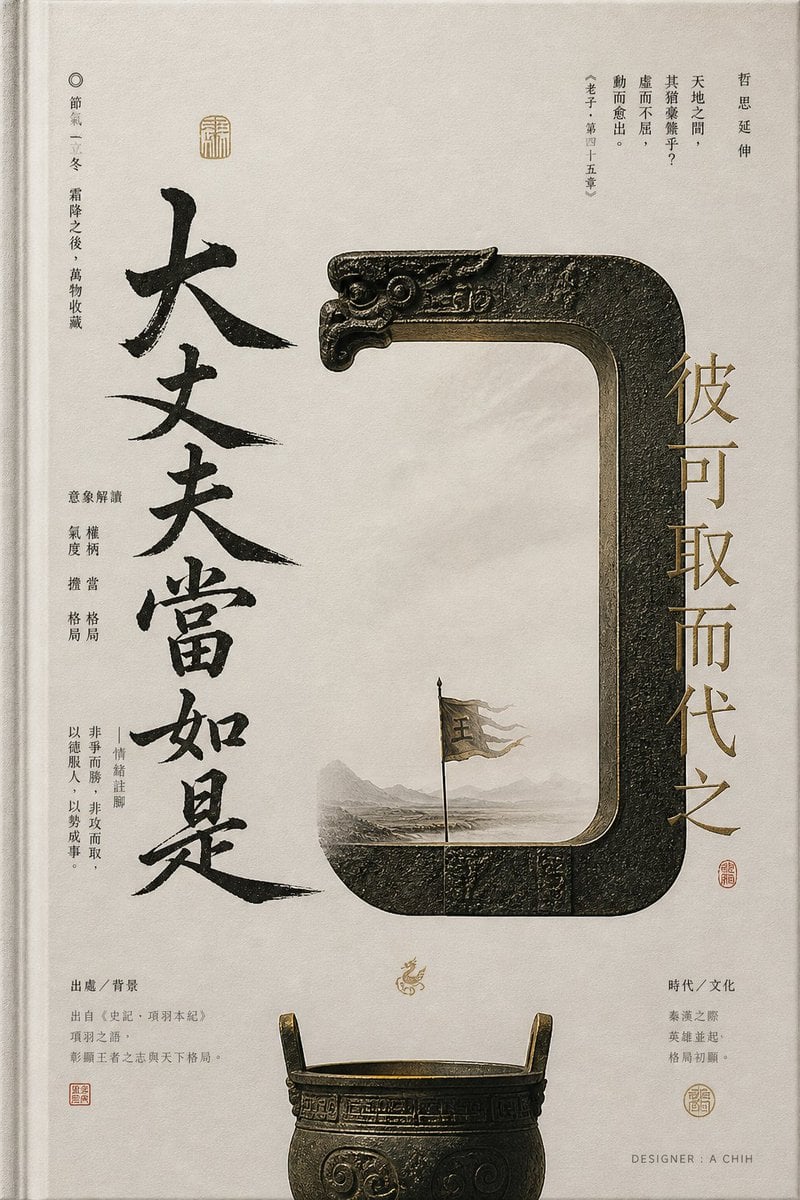
Ancient Chinese Bronze Calligraphy Poster
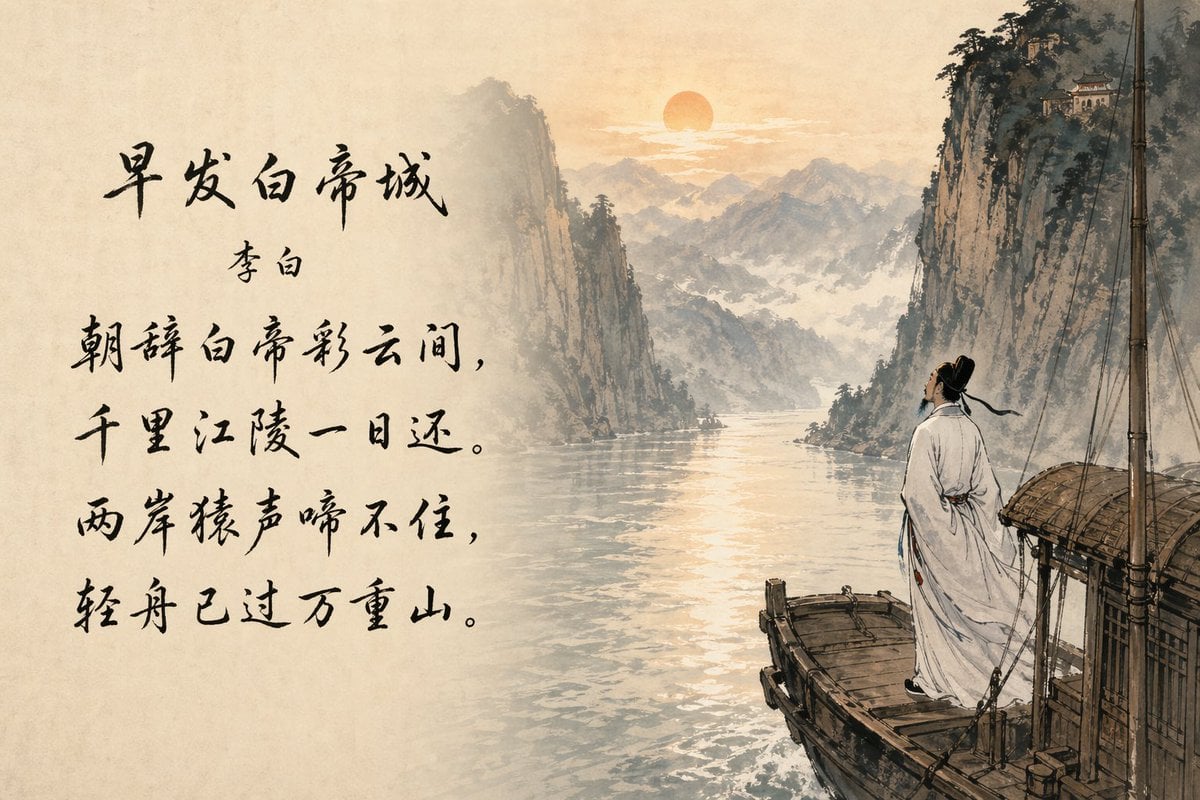
Classical Chinese Poem Scroll Landscape
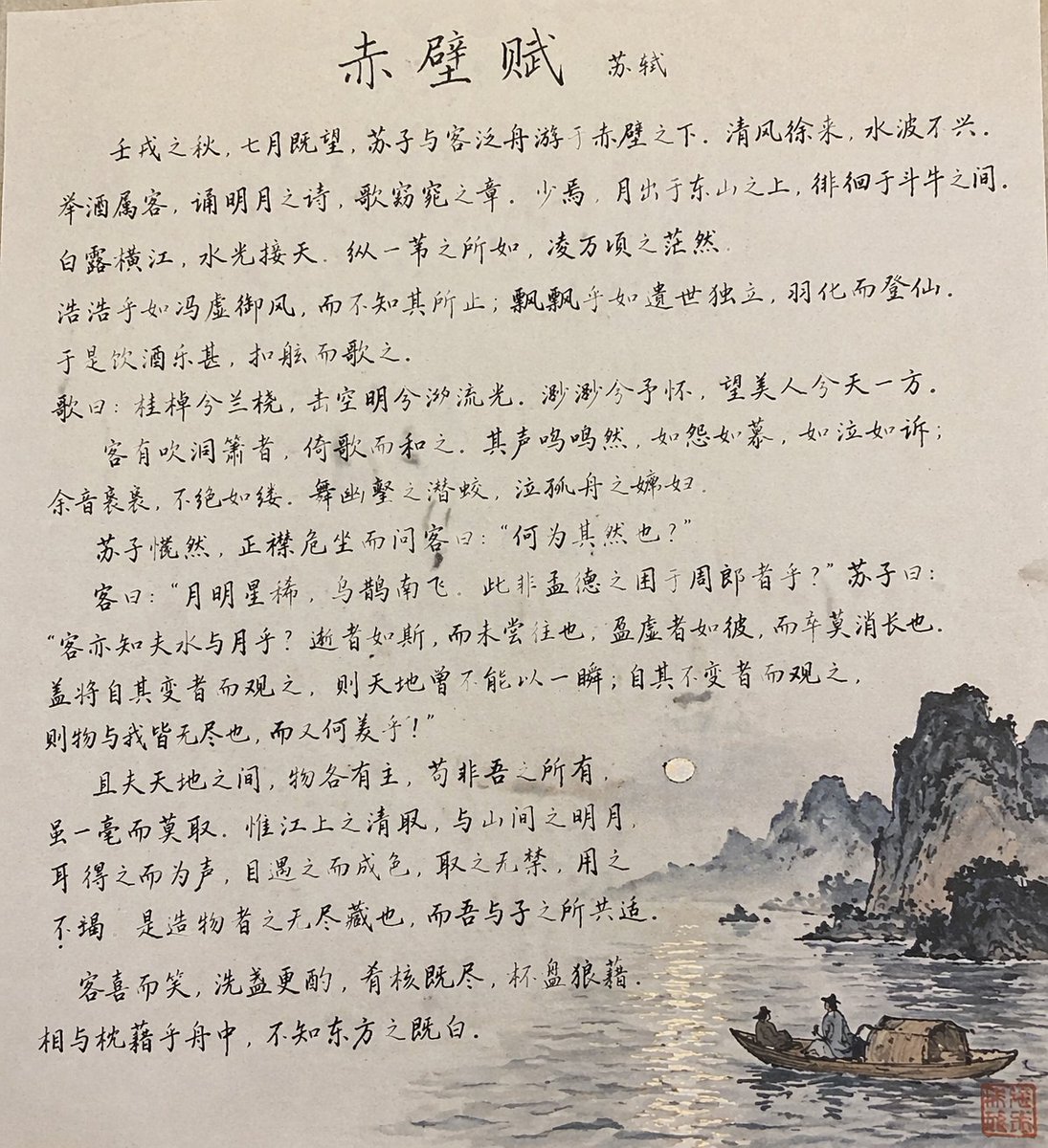
Traditional Chinese Calligraphy and Ink Painting
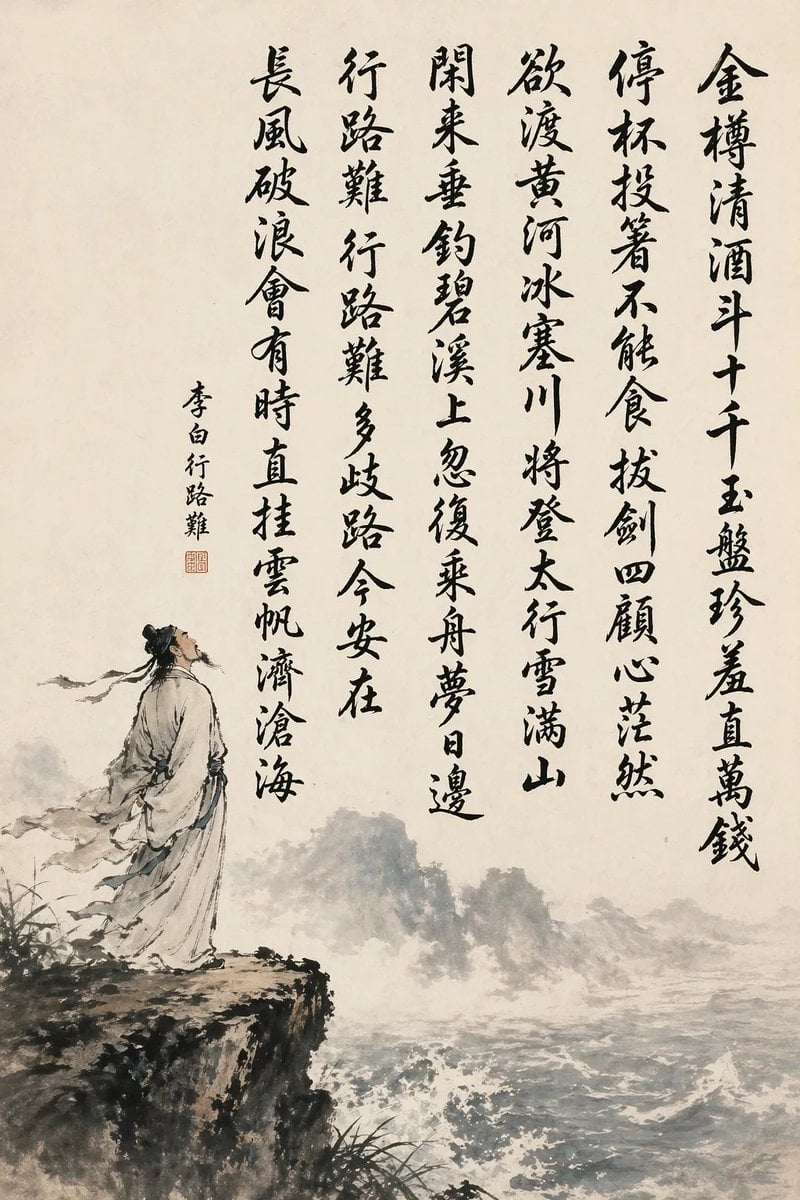
Chinese Calligraphy Poem Landscape
Make it yours
Chinese Cursive Calligraphy Scroll works as-is. These are the safest ways to change it without losing the look.
Change one field
Copy a single group, rewrite it, and generate again so you can see what that field is doing.
Keep the frame, change the subject
Hold the composition and light of Chinese Cursive Calligraphy Scroll, then swap wardrobe, props or the person for a new take.
| If the result… | Why | Fix |
|---|---|---|
| The result drifts from the preview | Too many fields changed at once. | Reuse Chinese Cursive Calligraphy Scroll as-is first, then change one group — subject, light, or setting. |
| The model over-stylizes the scene | The prose prompt leaves finish and camera underspecified. | Add one camera or lighting sentence and stay on GPT Image 2. |
More GPT Image 2 templates
Other prompts made for GPT Image 2.

Six VTuber Japanese Logo Sheet

Realistic Portrait of Woman and Deer

The Vista Modular Condo Poster

AI Model Routing Comparison Infographic

2.5D Anime Art Board

Isometric Productivity Desk Scene

New York Double Exposure Poster

Four-Panel AI Landscape Comparison

Japanese Tatami Lifestyle Magazine Cover

NESCAFÉ Coffee Map Poster
More image prompts
Fresh picks from across the catalog.
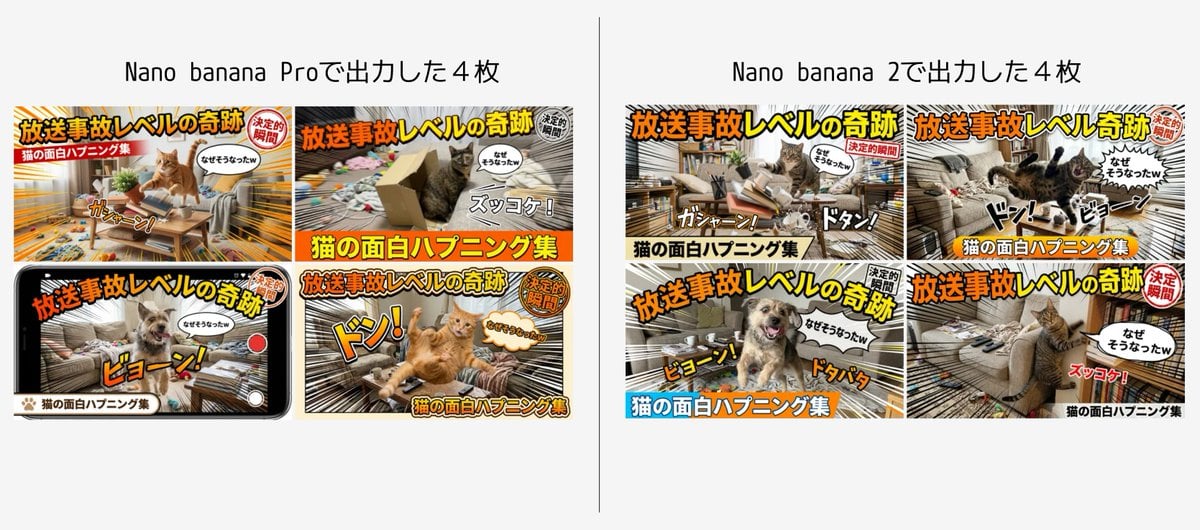
Detailed Japanese Prompt for Variety Show Style Image
Coca Cola Product Photography with Splashes

Vibrant Food Photography with Couple and Noodle Boxes
Snow Globe Christmas Scene Prompt
Nano Monkey's Adventure Series Manga Prompt
Weathered Custom Cub Concept Bike
Golden Hour Bus Ride Portrait
Summer Bridge Track Portrait
Minimalist Monochrome Fashion Triptych
Vintage Desert Refuge Road Sign
Browse template categories
Chinese Cursive Calligraphy Scroll questions
How do I use the Chinese Cursive Calligraphy Scroll template?
Add your photo if the template asks for one, edit the prompt if you like — the template's model and format are already selected — and press Generate. Your version opens in PicX Studio.
Can I customize the Chinese Cursive Calligraphy Scroll template?
Yes. You can change the subject, setting, lighting, mood, format, and available model controls before creating your image.
Is the Chinese Cursive Calligraphy Scroll template free?
Opening and editing this template is free. Generating uses credits, shown on the Generate button when you are signed in.
Which AI model should I use?
Start with GPT Image 2, which is the model associated with this template. You can compare another compatible model for a different finish.
Looking for something else? Browse all templates.

Your photo, any look
Thousands of ready templates for every top image and video model, from one credit balance.