
Chinese Ink Painting with Calligraphy
This prompt generates a classical Chinese literati-style ink painting with a large poetic inscription and a misty mountain landscape, suitable for cultural art prints or poetic editorial imagery.
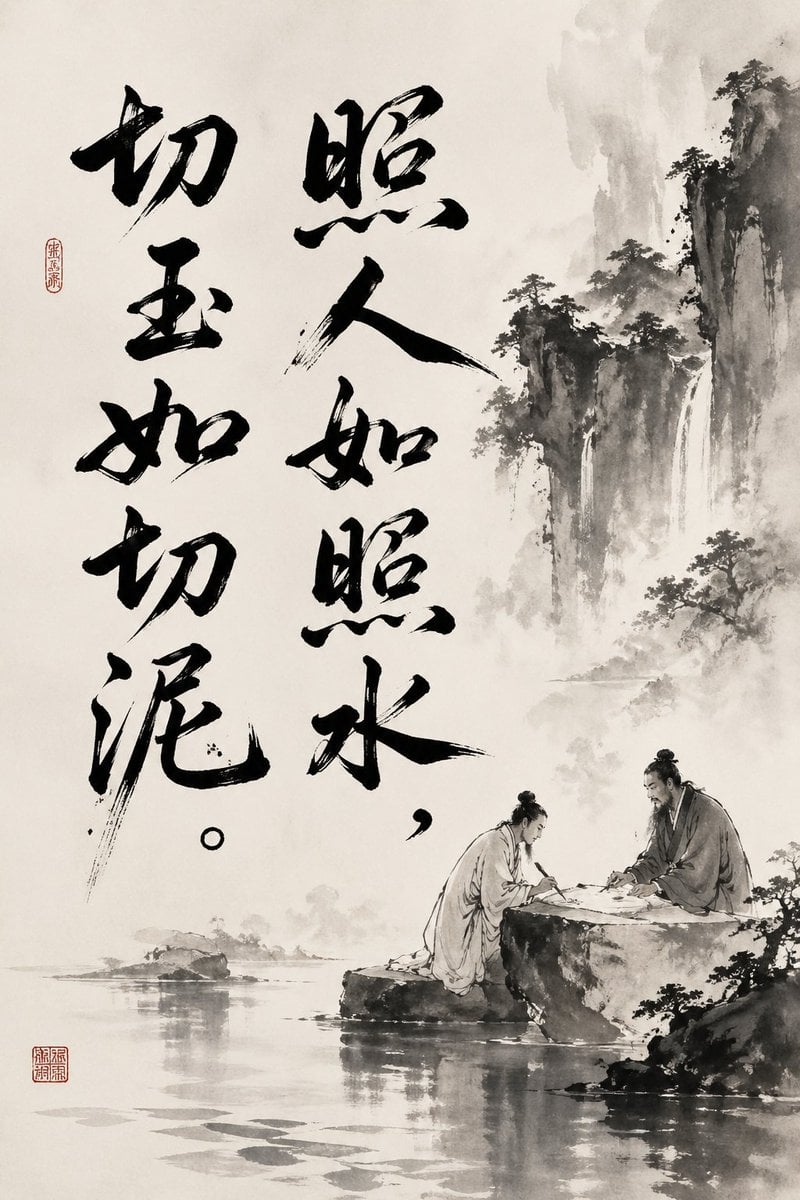
- Prompt included
- Model and format preset
- Premium template
The prompt behind this image
Copy the exact prompt behind Chinese Ink Painting with Calligraphy, or open it in the studio and make it yours.
A vertical traditional Chinese ink-wash painting on aged off-white rice paper, minimalist monochrome palette with soft gray washes and deep black brushwork. The composition combines large expressive Chinese calligraphy on the left and center with a misty shanshui landscape on the right. Write the quote in bold hand-brushed characters: “照人如照水,切玉如切泥。” arranged in 2 vertical columns, with 4 large characters in the left column and 4 large characters plus punctuation in the center-right column, each character painted with energetic dry-brush and wet-brush variation, visible tapering strokes, splashes, and ink texture. Add 2 red seal stamps: one small oval seal near the upper left beside the calligraphy, and one square seal near the lower left corner. On the right half, paint towering craggy cliffs with sparse pine trees, drifting fog, and 2 thin waterfalls descending into a calm river. In the lower right foreground, show 2 ancient Chinese scholars in flowing hanfu robes and topknots, seated across a flat stone table on river rocks, leaning over a board game or manuscript in quiet discussion; their forms should be small relative to the landscape. Include still water reflections, distant low islets, and layered atmospheric mist. Overall feeling: contemplative, literati painting, poetic solitude, elegant scholarly mood, Song-dynasty-inspired ink illustration with masterful calligraphy.
How to use Chinese Ink Painting with Calligraphy in 3 steps
- 1Upload ImagePNG, JPG or paste
Add your photo
Upload the photo the template builds on. The prompt, model and format are already set.
- 2…a portrait of your subject in softgolden-hour light, 85mm…
Personalize
Edit the subject and creative details for your destination.
- 3Generate
Generate
Press Generate — your image is created in PicX Studio, so you can compare it with the original and refine one variable at a time.
More like this
Templates with the same subject, style or setup. Open one to see its prompt.
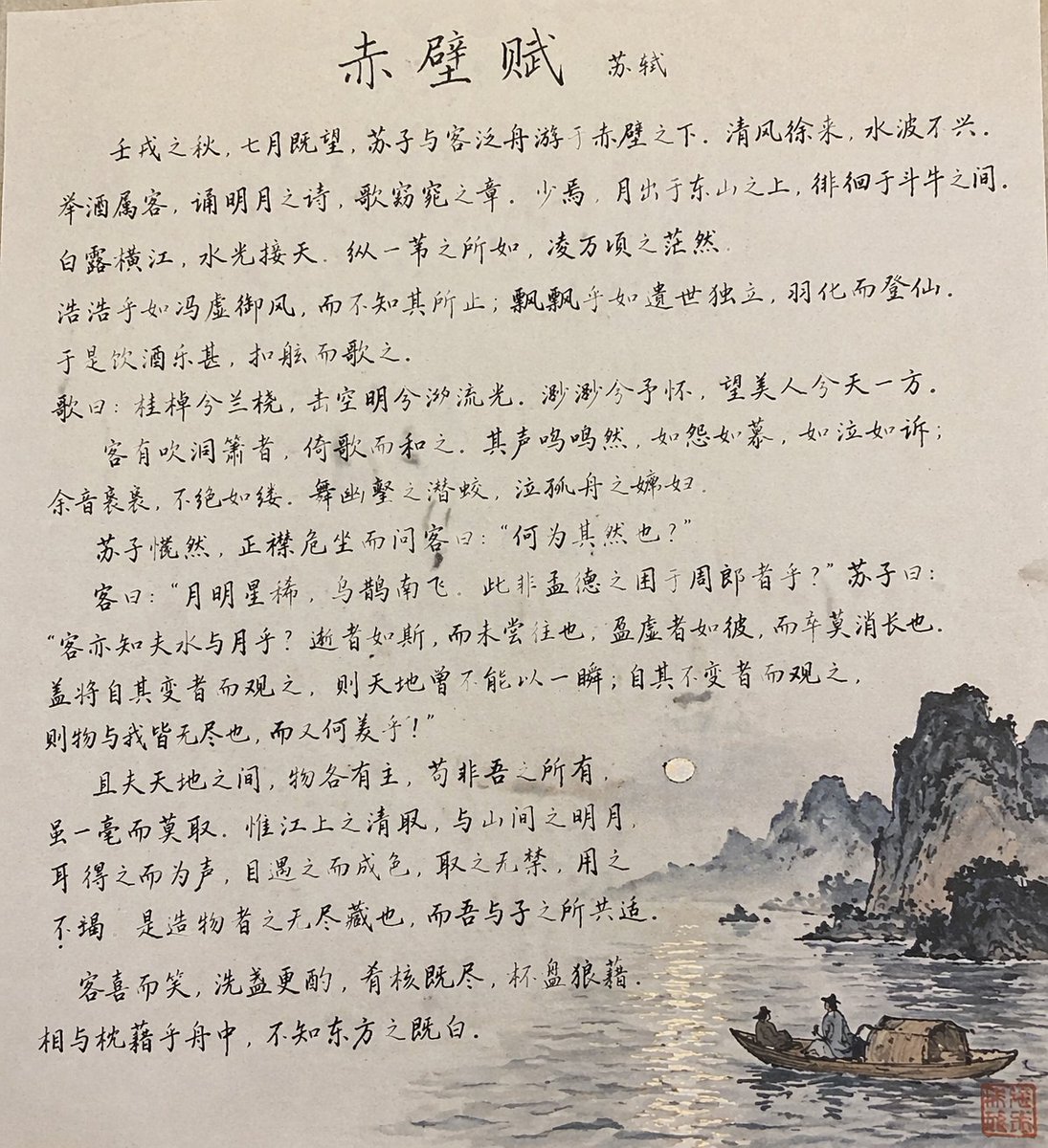
Traditional Chinese Calligraphy and Ink Painting
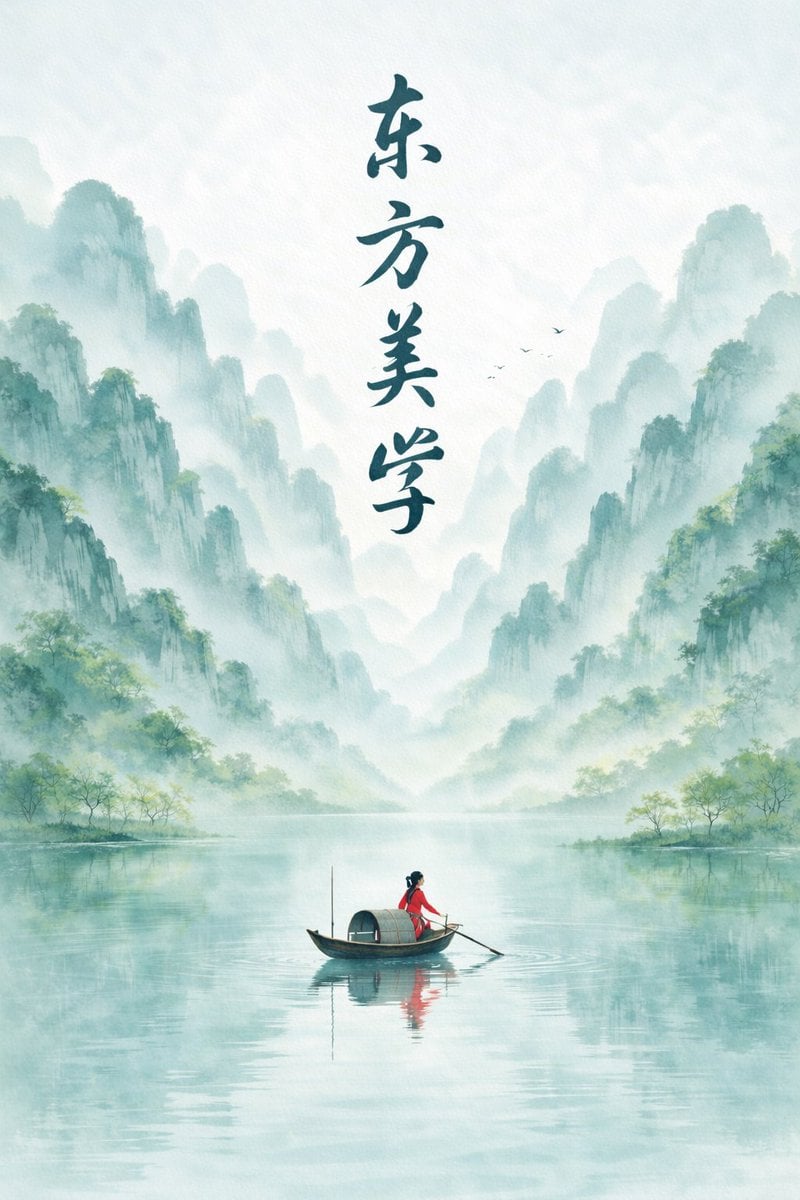
Minimalist Chinese Ink Wash Mist Painting

Anime Catgirl in Chinese Ink Landscape
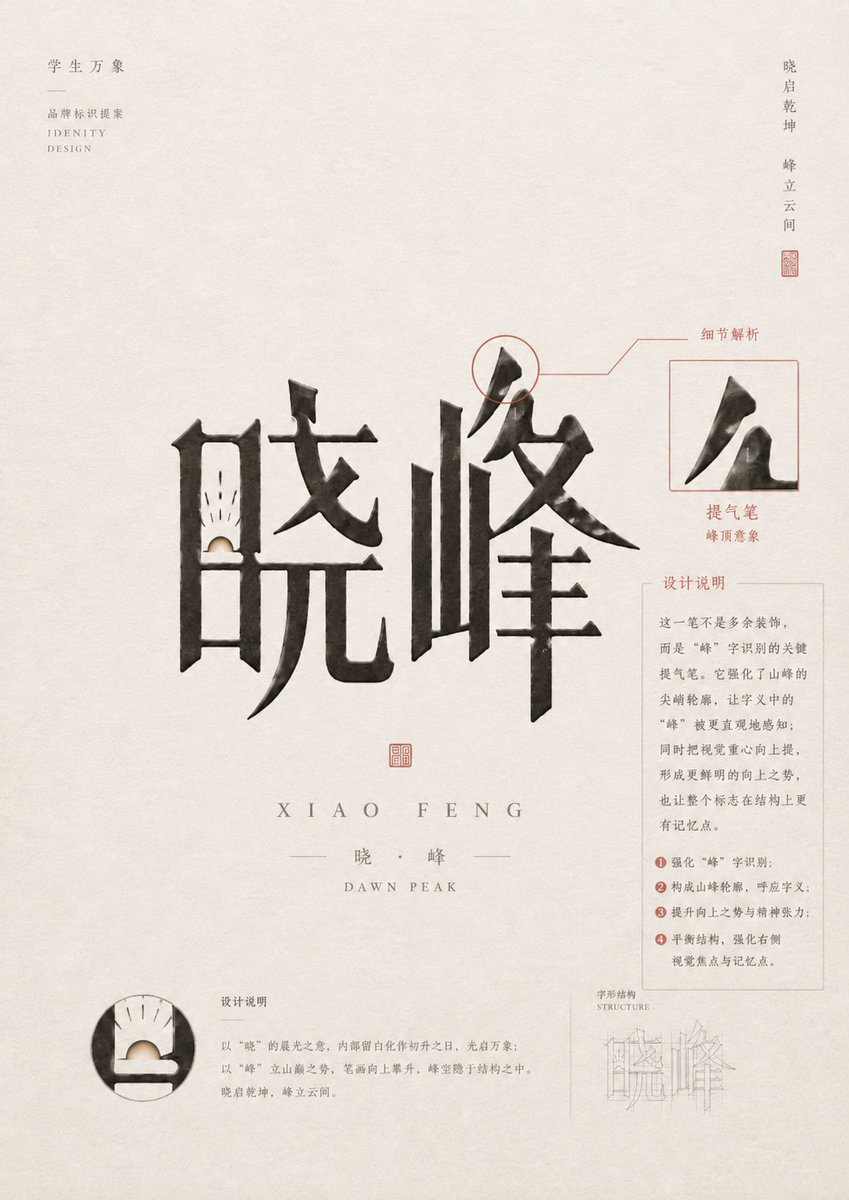
Chinese Calligraphy Identity Poster

Vintage Lithograph Retro World Cup Poster
Vintage Lithograph Retro World Cup Poster
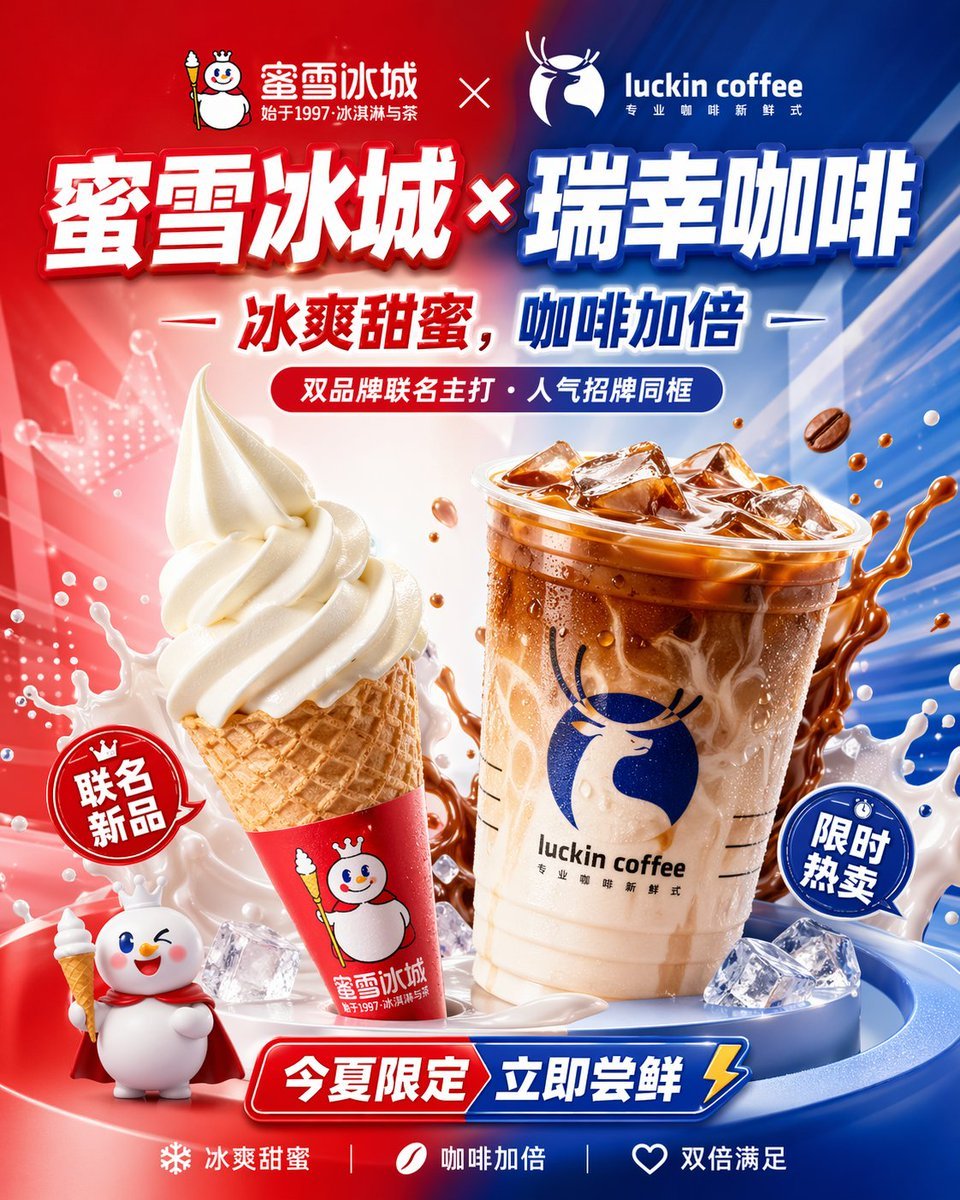
Chinese Co-Branded Summer Drink Poster
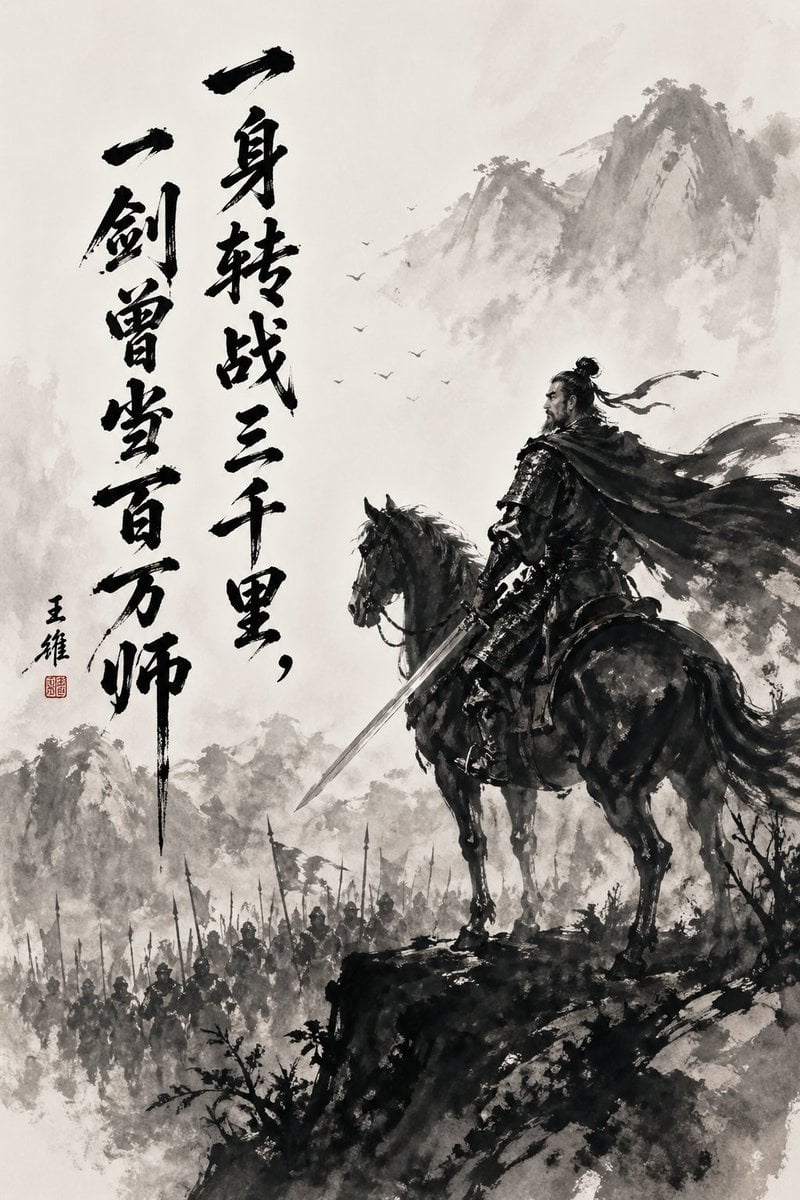
Chinese Ink Warrior on Horseback
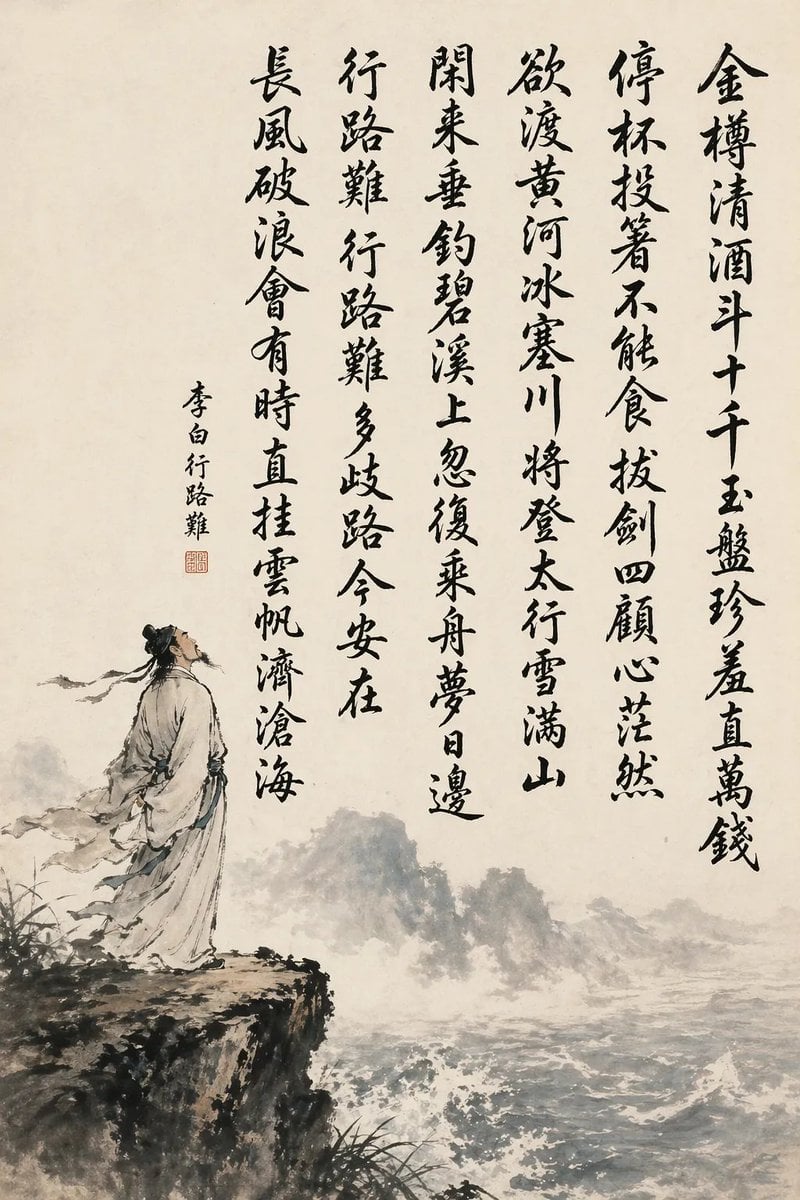
Chinese Calligraphy Poem Scroll
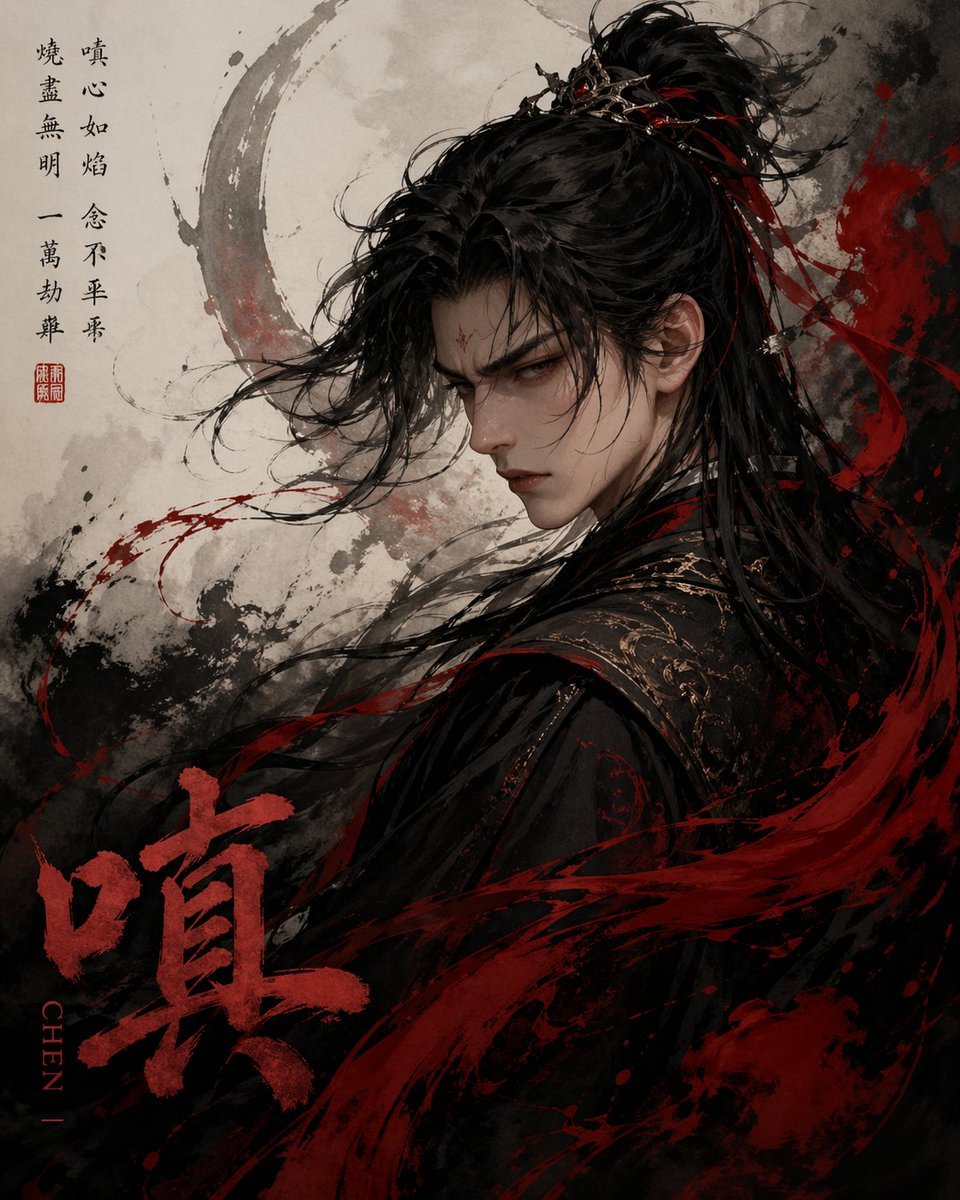
Chinese Ink Fury Character Poster
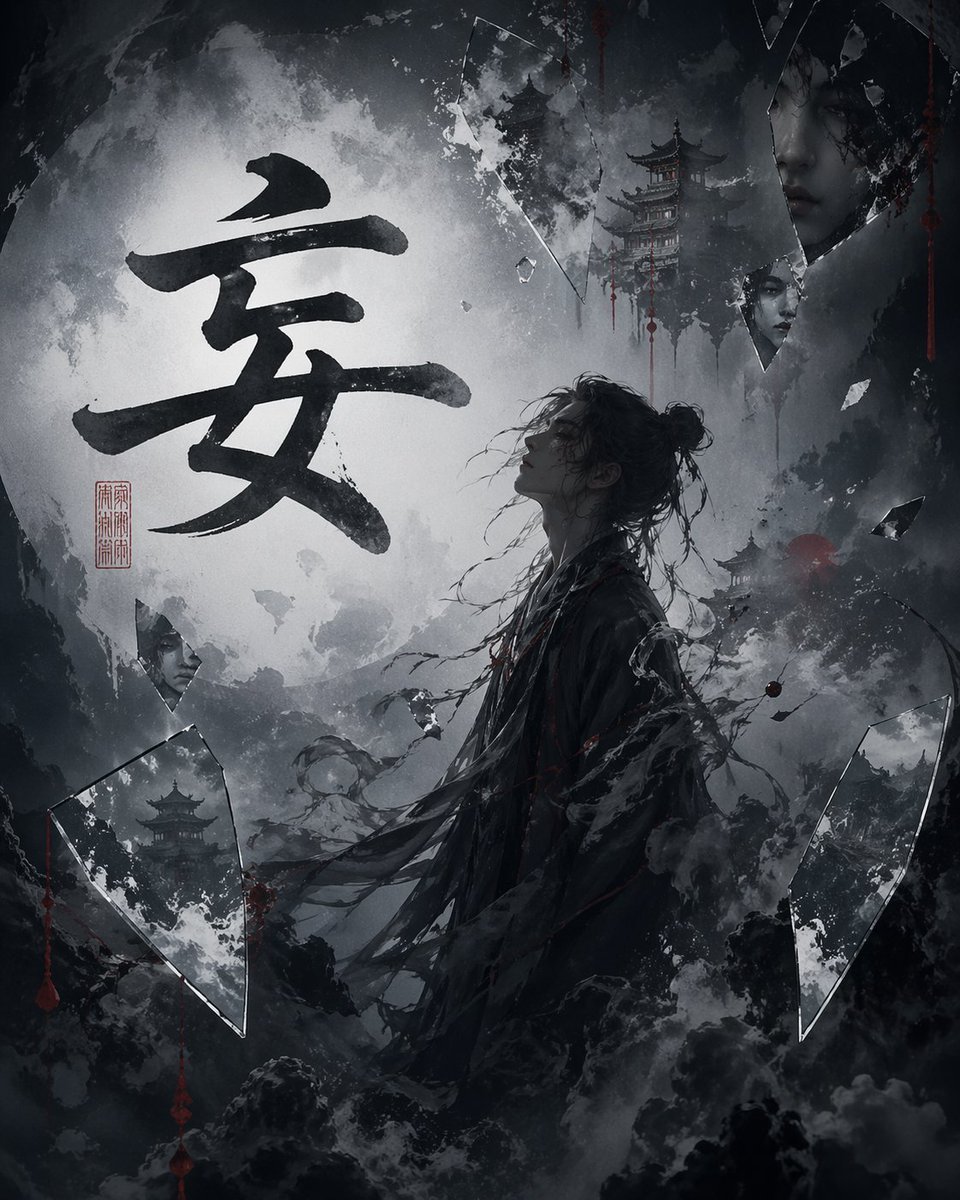
Chinese Calligraphy Dark Fantasy Poster
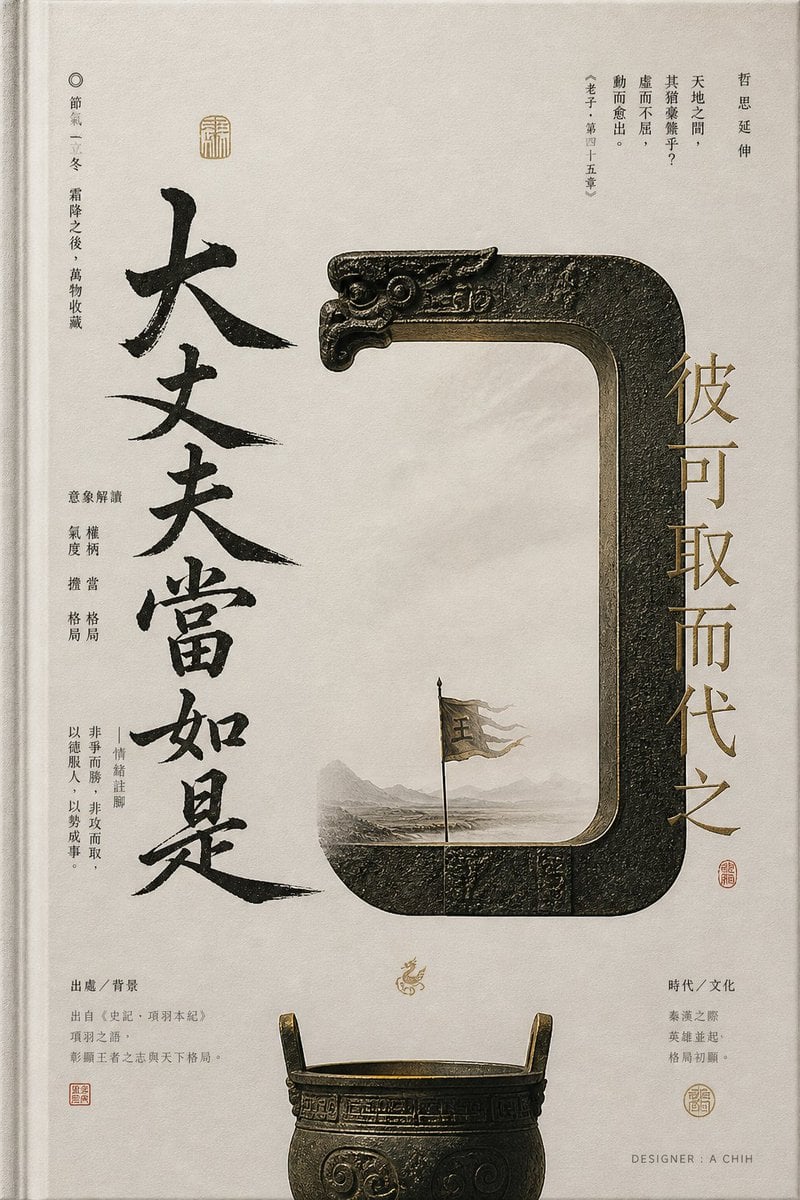
Ancient Chinese Bronze Calligraphy Poster
Make it yours
Chinese Ink Painting with Calligraphy works as-is. These are the safest ways to change it without losing the look.
Change one field
Copy a single group, rewrite it, and generate again so you can see what that field is doing.
Keep the frame, change the subject
Hold the composition and light of Chinese Ink Painting with Calligraphy, then swap wardrobe, props or the person for a new take.
| If the result… | Why | Fix |
|---|---|---|
| The result drifts from the preview | Too many fields changed at once. | Reuse Chinese Ink Painting with Calligraphy as-is first, then change one group — subject, light, or setting. |
| The model over-stylizes the scene | The prose prompt leaves finish and camera underspecified. | Add one camera or lighting sentence and stay on GPT Image 2. |
More GPT Image 2 templates
Other prompts made for GPT Image 2.

Six VTuber Japanese Logo Sheet

Realistic Portrait of Woman and Deer

The Vista Modular Condo Poster

AI Model Routing Comparison Infographic

2.5D Anime Art Board

Isometric Productivity Desk Scene

New York Double Exposure Poster

Four-Panel AI Landscape Comparison

Japanese Tatami Lifestyle Magazine Cover

NESCAFÉ Coffee Map Poster
More image prompts
Fresh picks from across the catalog.
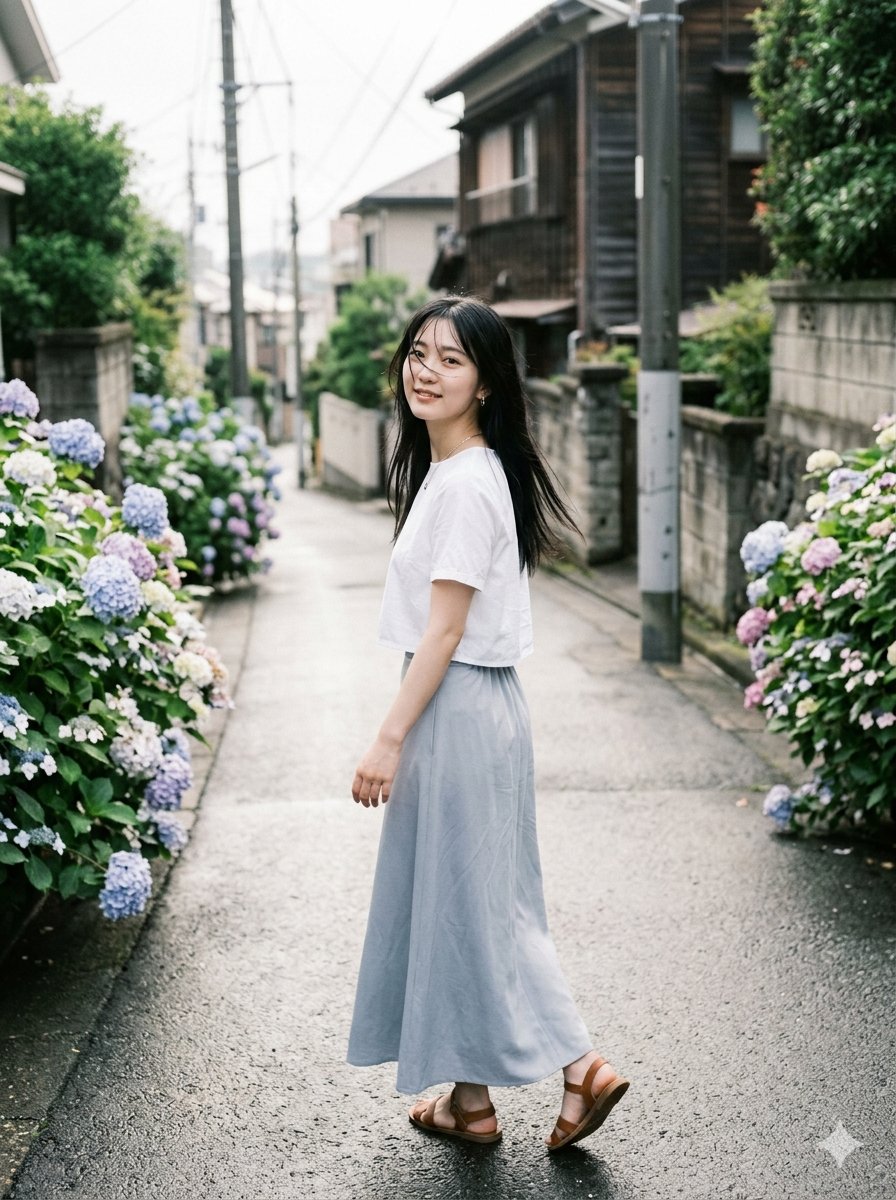
Rainy Hydrangea Street Portrait
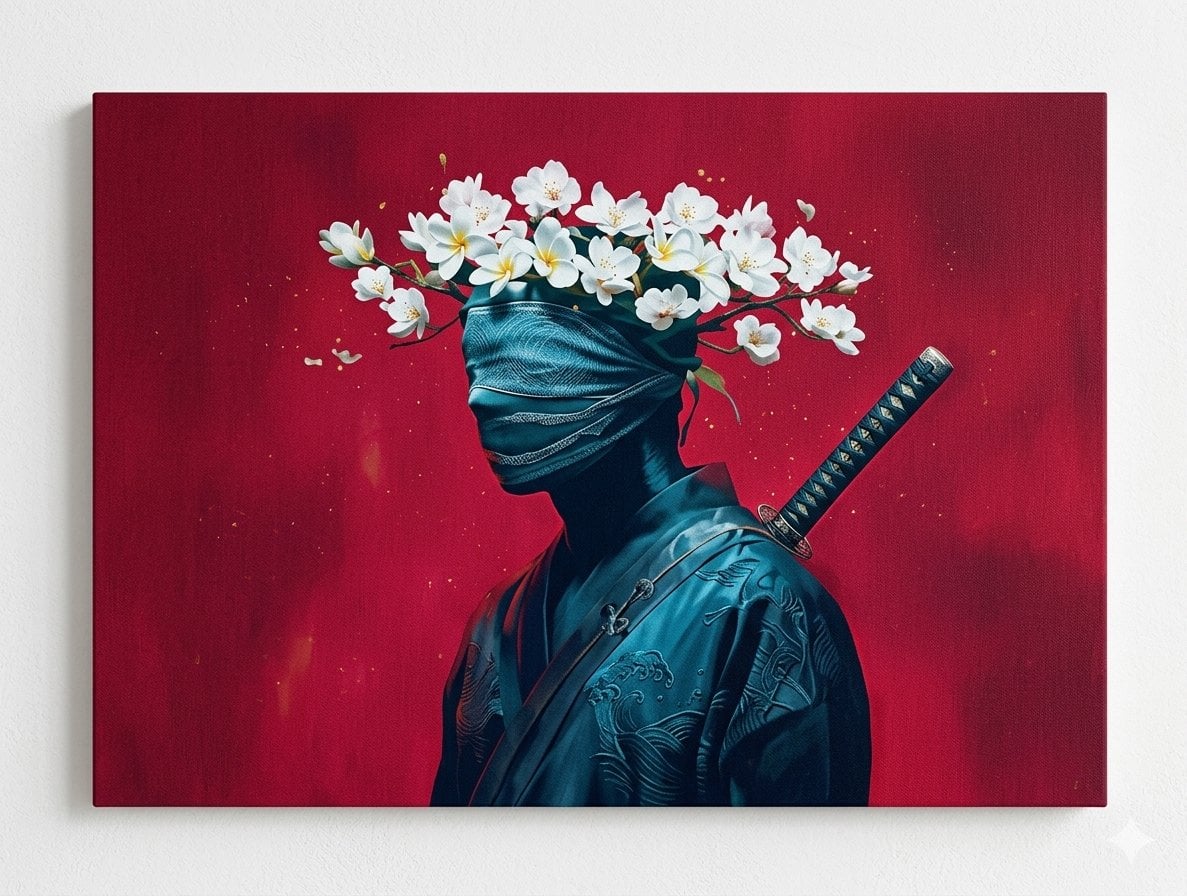
Surreal Canvas Art Edition Prompts
NanoBanana2
Spring School Romance Manga Page
Kawaii Blueberry Fawn Forest Spirit Macro Photo
Nostalgic Height Chart Family Poster
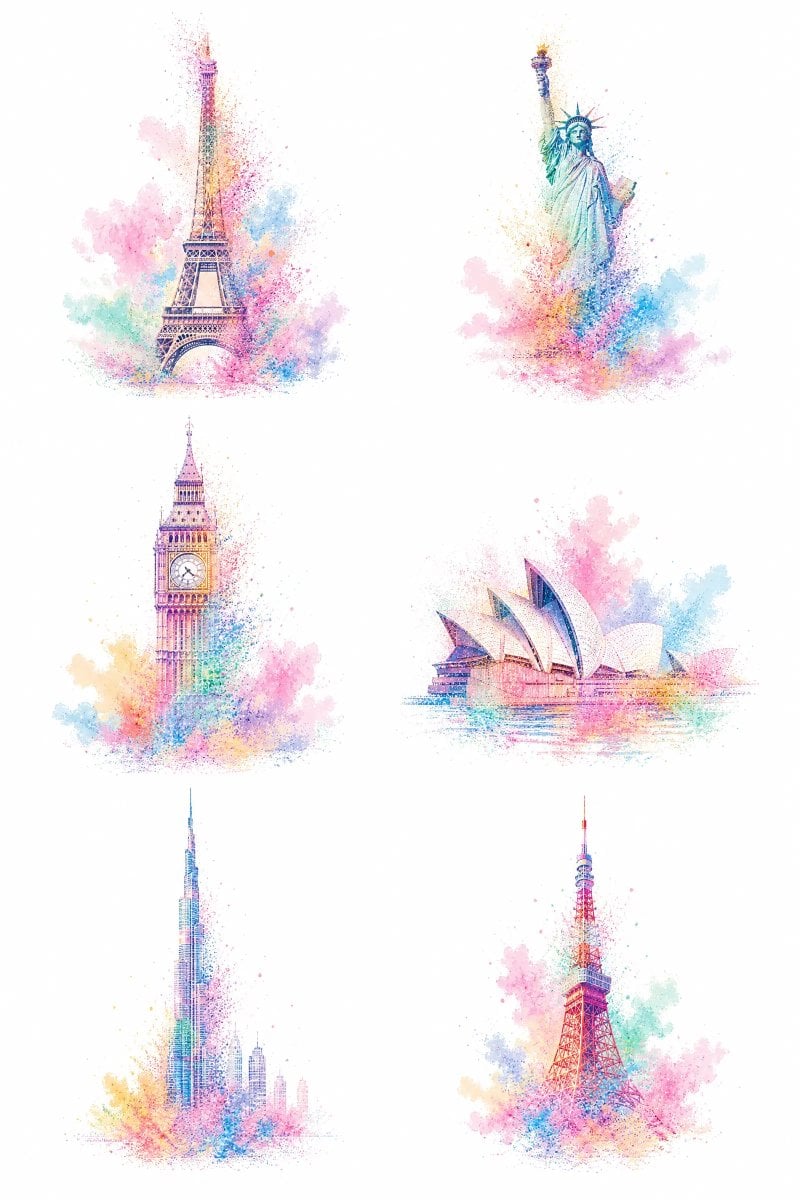
Pastel Dust World Landmarks
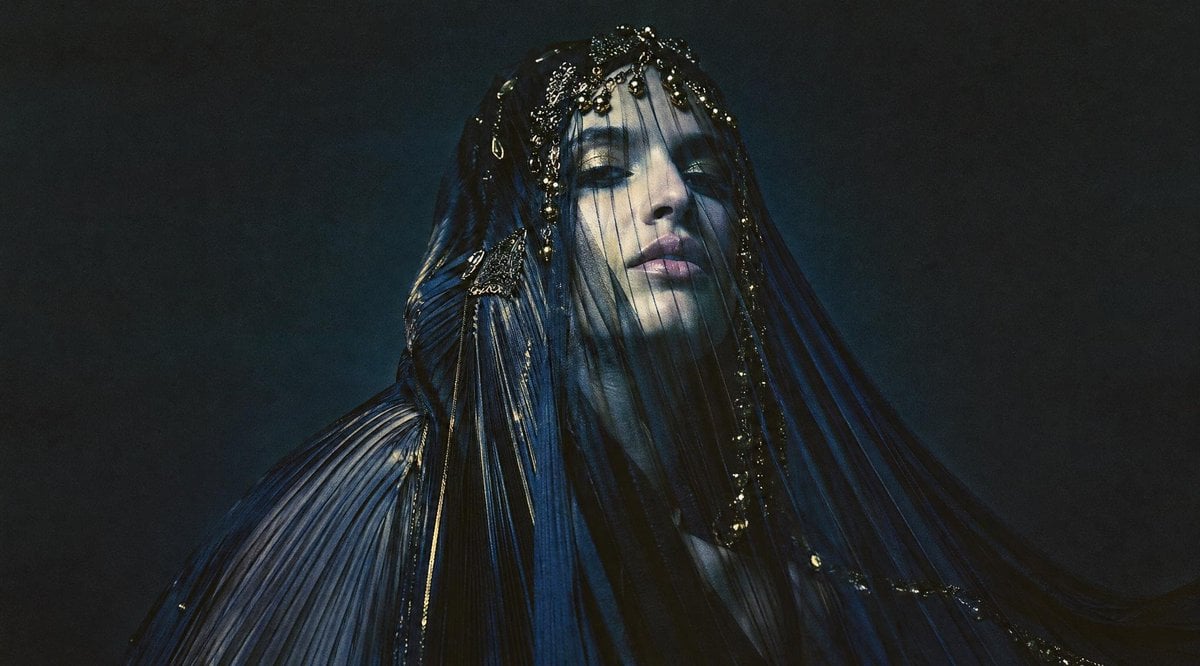
Dark Veiled Couture Portrait
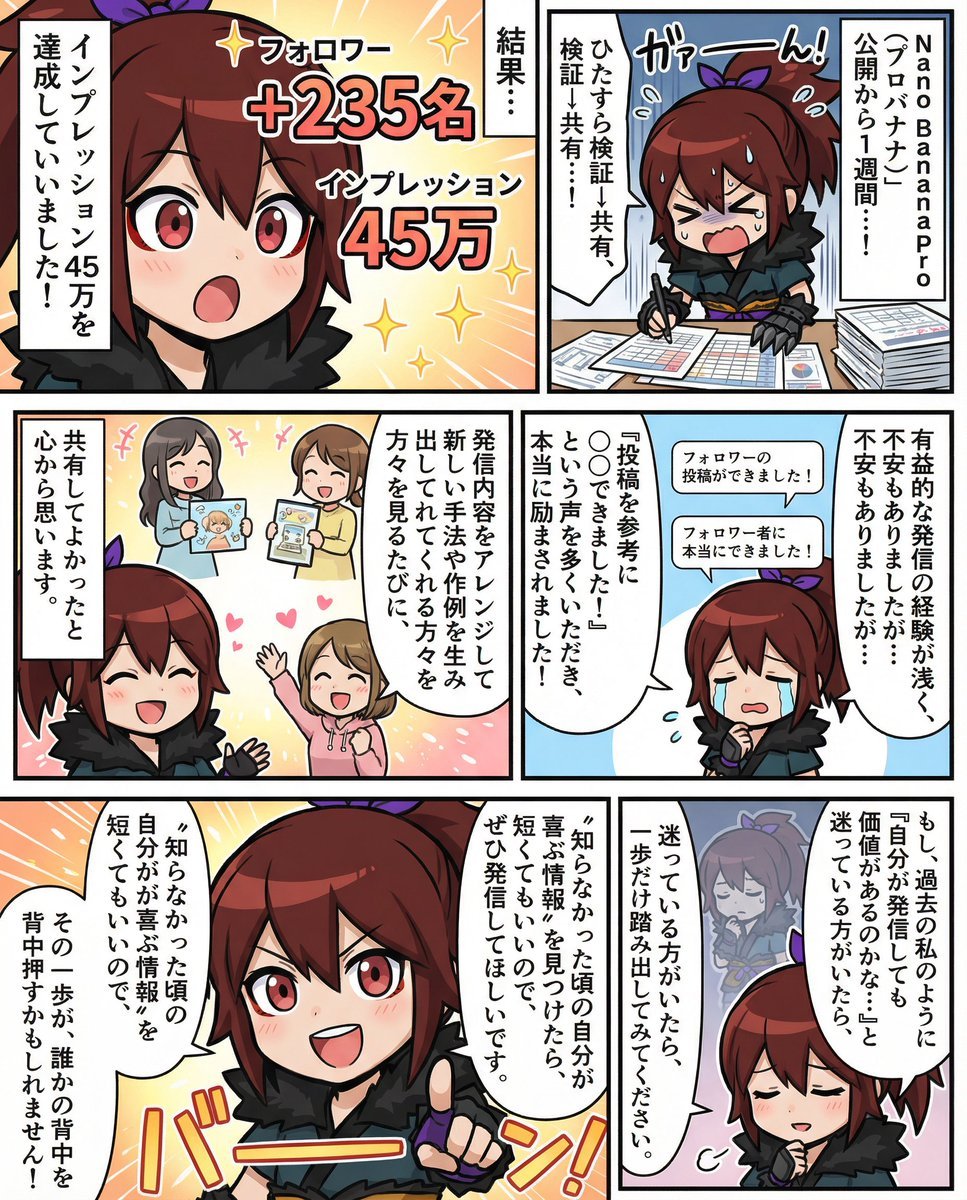
Moe-style full-color manga from given character and story
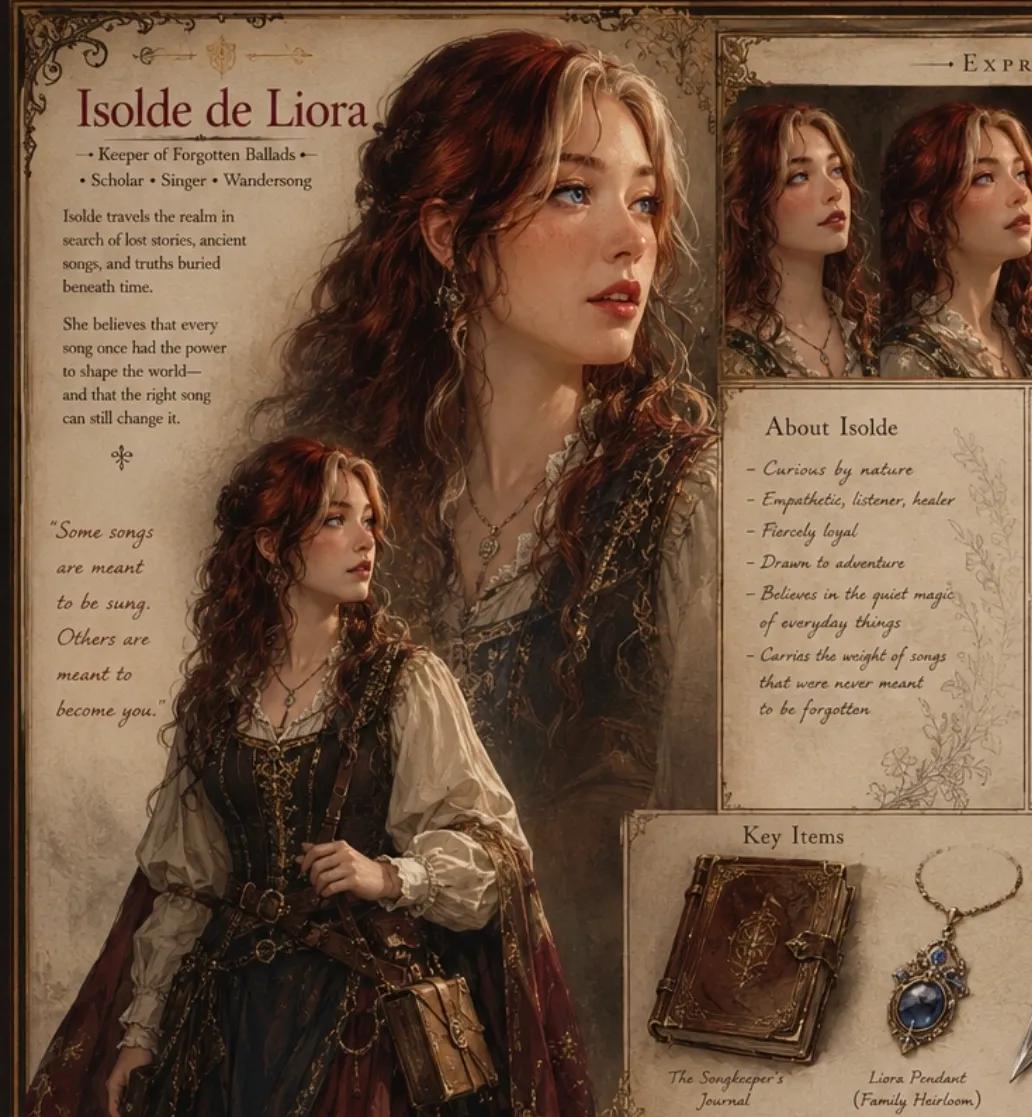
Medieval RPG Character Sheet
Browse template categories
Chinese Ink Painting with Calligraphy questions
How do I use the Chinese Ink Painting with Calligraphy template?
Add your photo if the template asks for one, edit the prompt if you like — the template's model and format are already selected — and press Generate. Your version opens in PicX Studio.
Can I customize the Chinese Ink Painting with Calligraphy template?
Yes. You can change the subject, setting, lighting, mood, format, and available model controls before creating your image.
Is the Chinese Ink Painting with Calligraphy template free?
Opening and editing this template is free. Generating uses credits, shown on the Generate button when you are signed in.
Which AI model should I use?
Start with GPT Image 2, which is the model associated with this template. You can compare another compatible model for a different finish.
Looking for something else? Browse all templates.

Your photo, any look
Thousands of ready templates for every top image and video model, from one credit balance.