
Pastel Dust World Landmarks
A clean poster-style prompt for generating six famous landmarks dissolving into dreamy pastel rainbow pigment dust.
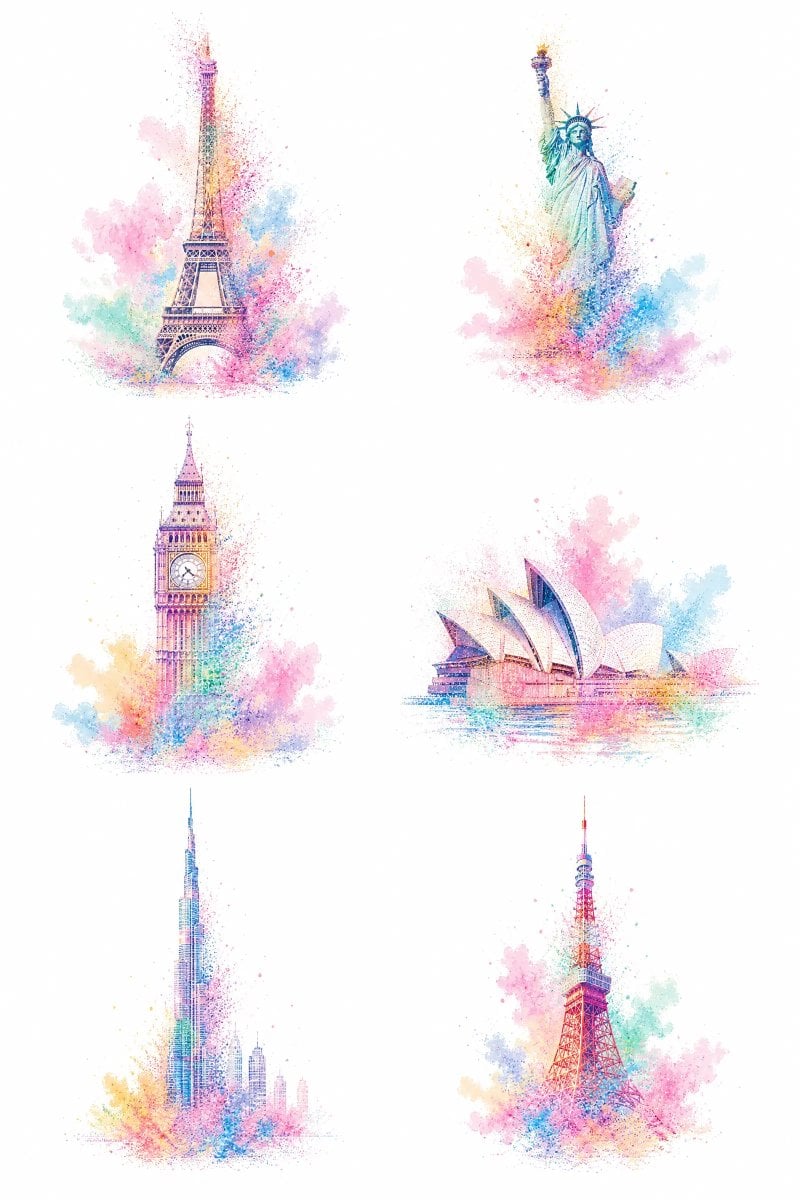
- Prompt included
- Model and format preset
- Free template
The prompt behind this image
Copy the exact prompt behind Pastel Dust World Landmarks, or open it in the studio and make it yours.
Goal: Create an ultra-minimalist abstract poster showing exactly 6 iconic world landmarks as delicate pastel pigment-dust illustrations, as if each landmark is partially deconstructed and dissolving into colorful powder. Canvas: Vertical 2:3 white canvas, clean gallery-print layout, lots of empty white space, no border, no title, no captions, no watermark. Layout: Arrange the 6 landmarks in a balanced 2-column by 3-row grid with generous spacing. Each landmark should be centered within its cell and isolated from the others. Subject details: Include exactly these 6 discrete landmark illustrations: 1) top-left: {argument name="first landmark" default="Eiffel Tower"}, tall iron lattice silhouette with an arched base; 2) top-right: {argument name="second landmark" default="Statue of Liberty"}, raised torch and crown clearly recognizable; 3) middle-left: {argument name="third landmark" default="Big Ben clock tower"}, Gothic tower with visible clock face; 4) middle-right: {argument name="fourth landmark" default="Sydney Opera House"}, low horizontal harbor silhouette with multiple sail-like shells; 5) bottom-left: {argument name="fifth landmark" default="Burj Khalifa"}, very tall tapering skyscraper with a thin spire and faint surrounding skyline; 6) bottom-right: Tokyo Tower, red lattice broadcast tower with a pointed antenna. Visual style: Ultra minimalist watercolor-and-stippling fusion, built from thick colorful stippling, pixel-like pigment particles, speckles, and airy powder clouds. The landmarks should remain instantly recognizable through fine linework and silhouette, but their edges and lower sections should dissolve into vibrant pastel rainbow dust. Use soft cotton-candy colors: pink, cyan, turquoise, lavender, peach, yellow, coral, and light blue. Pigment clouds should bloom around each base and partially up the sides, with scattered dots and mist fading into the white background. Rendering constraints: Keep the background pure white and uncluttered. Use no readable text. Make each landmark delicate, luminous, and semi-transparent in places, with fine architectural detail visible through the color dust. Avoid photorealism, heavy shadows, dark backgrounds, or dense scenery. The overall mood should be dreamy, magical, clean, and collectible, like a set of pastel travel icons dissolving into candy-colored powder.
How to use Pastel Dust World Landmarks in 3 steps
- 1Upload ImagePNG, JPG or paste
Add your photo
Upload the photo the template builds on. The prompt, model and format are already set.
- 2…a portrait of your subject in softgolden-hour light, 85mm…
Personalize
Edit the subject and creative details for your destination.
- 3Generate
Generate
Press Generate — your image is created in PicX Studio, so you can compare it with the original and refine one variable at a time.
More like this
Templates with the same subject, style or setup. Open one to see its prompt.

Eid al-Adha Cute Chaos — Fisheye Selfie with Farm Selfie, Mosque & Animals

Cute Layered Paper Cut Chibi Girl

Layered Paper Cut Illustration Template

Premium Vintage Travel Poster Landscape

Quiet Minimalist Anime Style Guide
Premium Vintage Travel Poster Landscape

Pastel Fantasy Pagoda Mountain Landscape

Korean Cafe Courtyard Gold Frame Mirror Selfie
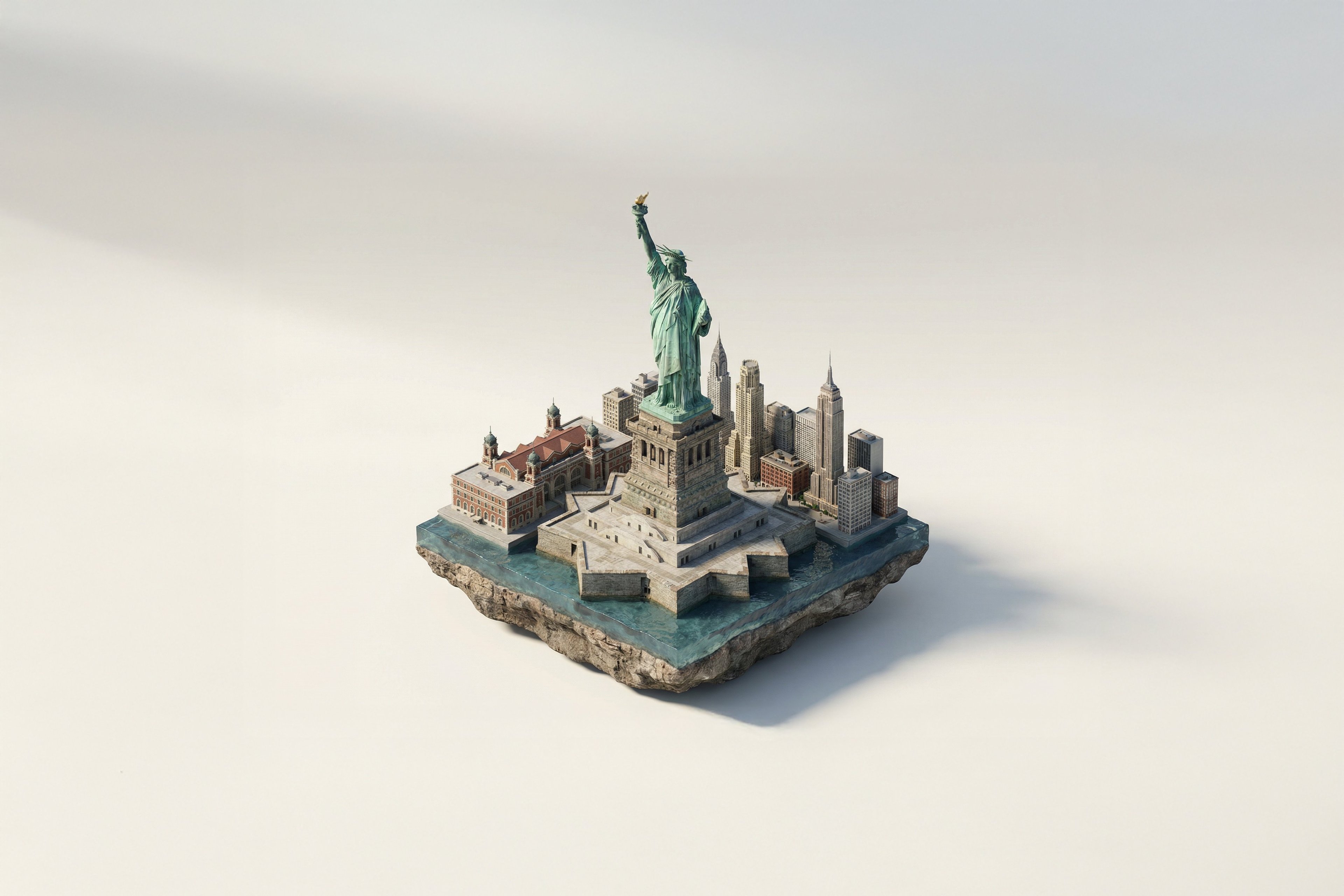
Turn Iconic Landmarks Into Tiny Worlds W
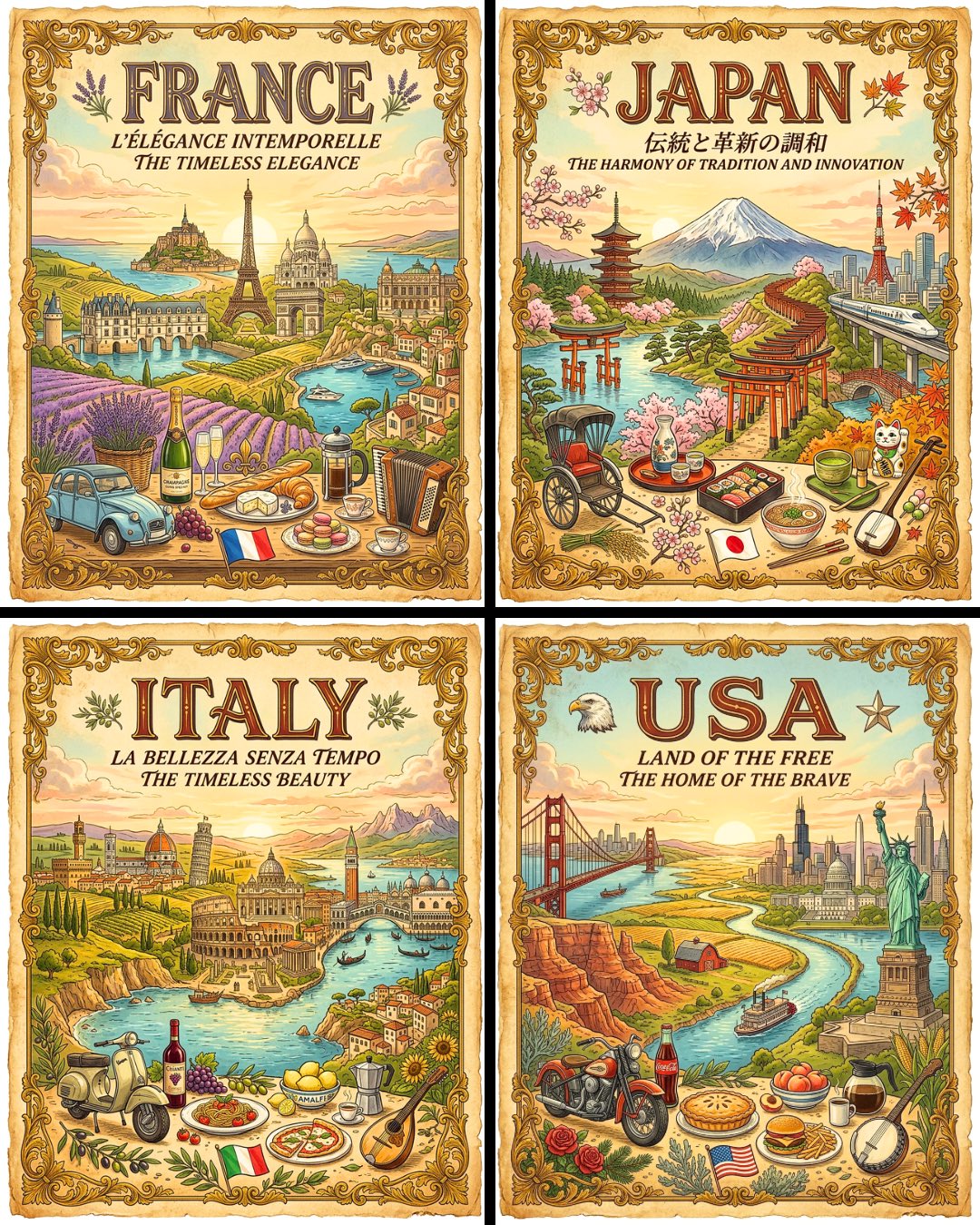
Vintage Travel Posters by Nano Banana 2

Glass Skin Beauty Portrait — Soft Pastel Nano Banana
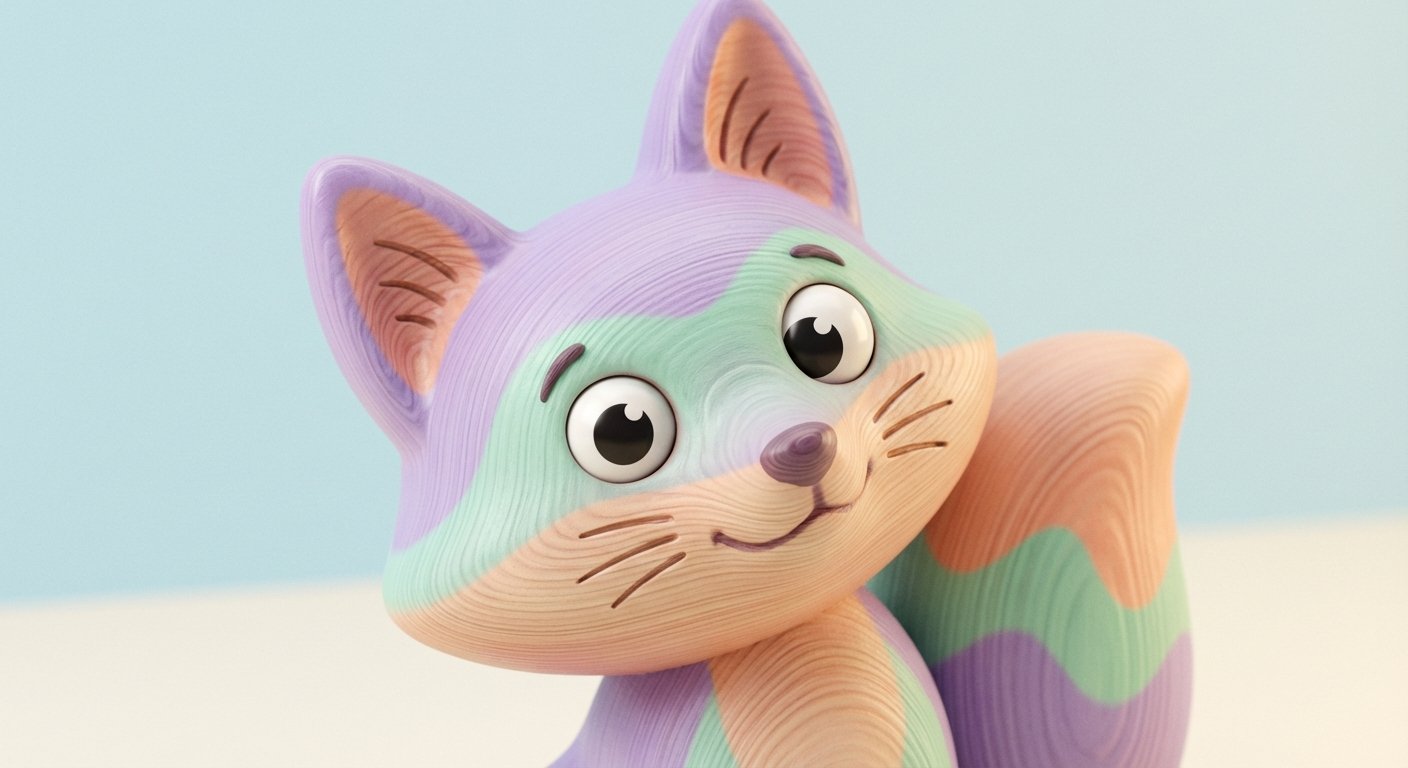
A Little Smile in a Pastel World
Make it yours
Pastel Dust World Landmarks works as-is. These are the safest ways to change it without losing the look.
Change one field
Copy a single group, rewrite it, and generate again so you can see what that field is doing.
Keep the frame, change the subject
Hold the composition and light of Pastel Dust World Landmarks, then swap wardrobe, props or the person for a new take.
| If the result… | Why | Fix |
|---|---|---|
| The result drifts from the preview | Too many fields changed at once. | Reuse Pastel Dust World Landmarks as-is first, then change one group — subject, light, or setting. |
| The model over-stylizes the scene | The prose prompt leaves finish and camera underspecified. | Add one camera or lighting sentence and stay on GPT Image 2. |
More GPT Image 2 templates
Other prompts made for GPT Image 2.

Six VTuber Japanese Logo Sheet

Realistic Portrait of Woman and Deer

The Vista Modular Condo Poster

AI Model Routing Comparison Infographic

2.5D Anime Art Board

Isometric Productivity Desk Scene

New York Double Exposure Poster

Four-Panel AI Landscape Comparison

Japanese Tatami Lifestyle Magazine Cover

NESCAFÉ Coffee Map Poster
More image prompts
Fresh picks from across the catalog.
Limestone Sculpture with Neon Glow Prompt
Style Modifier for 90s Cartoon Realism
Quantum Cat Manga
Ultra-Realistic Concert Photography Prompt
AI Thinking App Screenshot
Cinematic Fantasy Character Poster Grid
Golden Field Sunset Portrait
Ornate Chinese Bridal Portrait
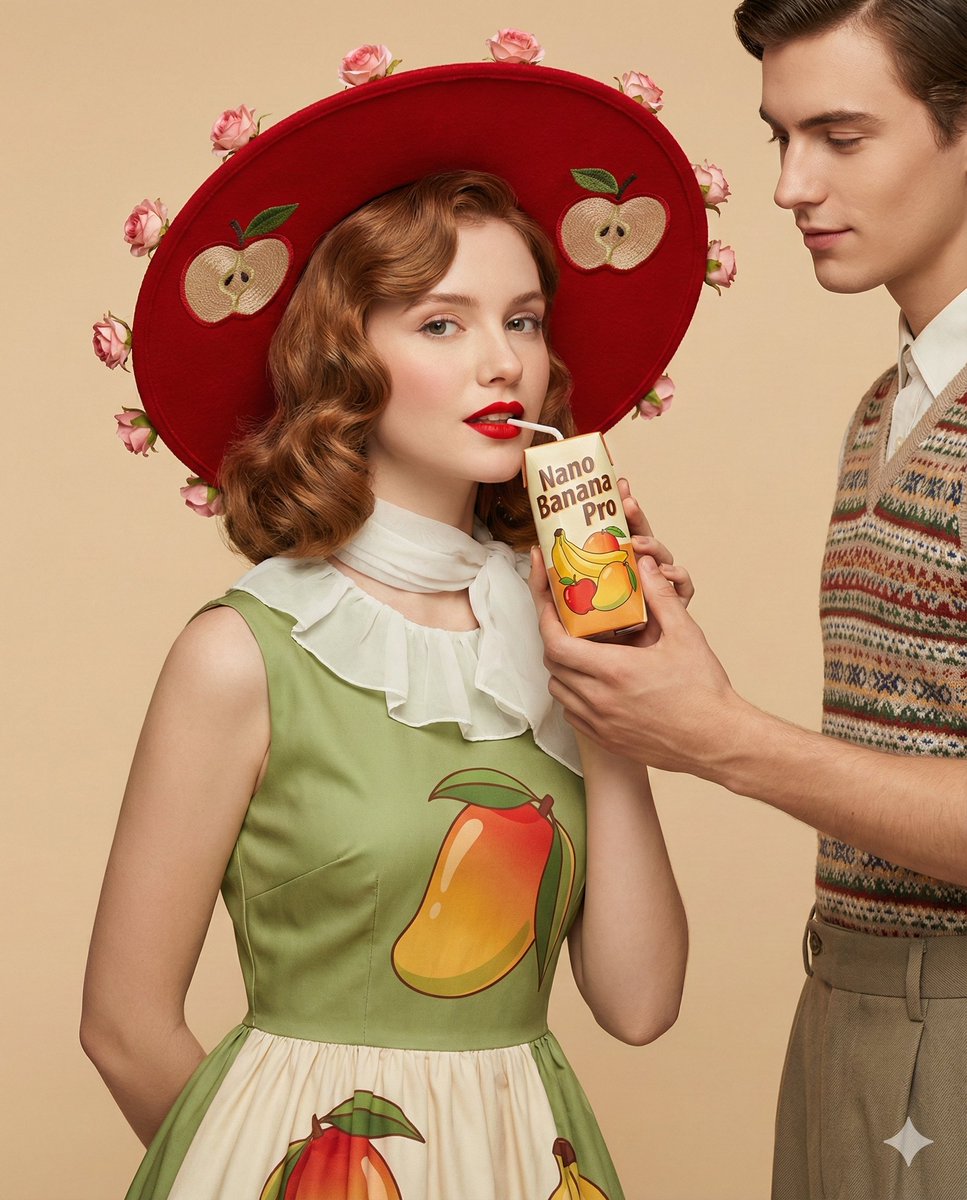
4K Ultra-Realistic Retro Fashion Editorial Portrait
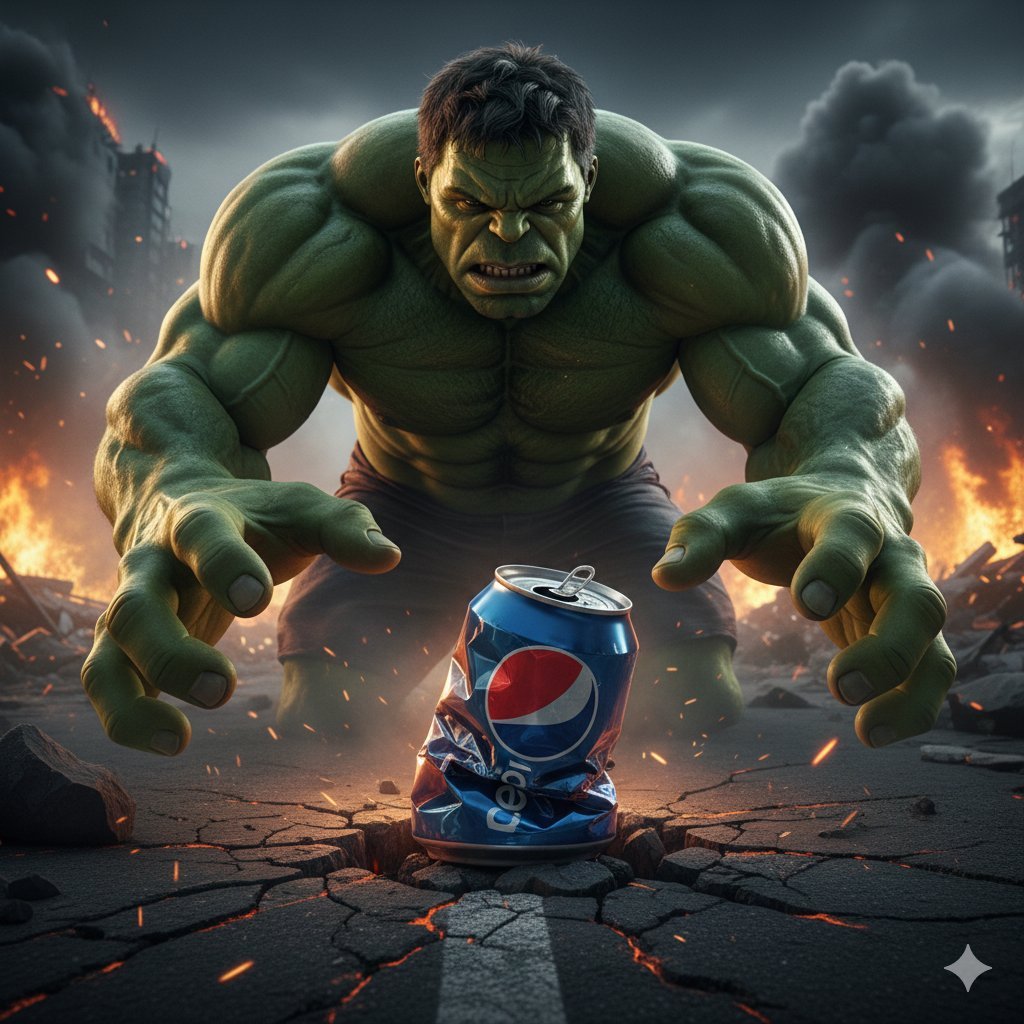
Hulk Crushing Pepsi Can Cinematic Prompt
Browse template categories
Pastel Dust World Landmarks questions
How do I use the Pastel Dust World Landmarks template?
Add your photo if the template asks for one, edit the prompt if you like — the template's model and format are already selected — and press Generate. Your version opens in PicX Studio.
Can I customize the Pastel Dust World Landmarks template?
Yes. You can change the subject, setting, lighting, mood, format, and available model controls before creating your image.
Is the Pastel Dust World Landmarks template free?
Opening and editing this template is free. Generating uses credits, shown on the Generate button when you are signed in.
Which AI model should I use?
Start with GPT Image 2, which is the model associated with this template. You can compare another compatible model for a different finish.
Looking for something else? Browse all templates.

Your photo, any look
Thousands of ready templates for every top image and video model, from one credit balance.