How do I use the A Little Smile in a Pastel World template?
Edit the prompt in the box under the preview — the template's model and format are already selected — and press Generate. Your version appears right on this page.
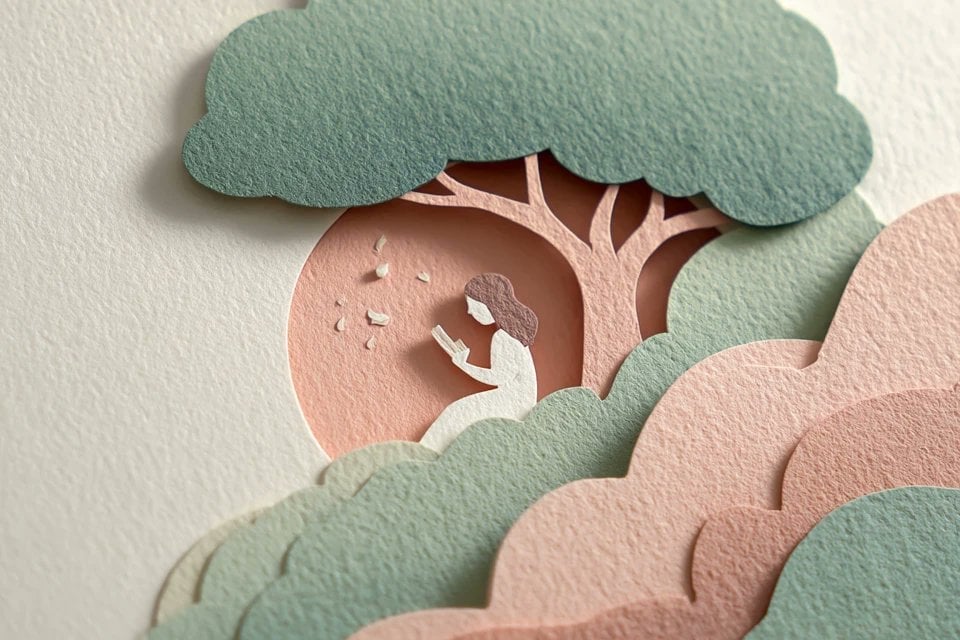
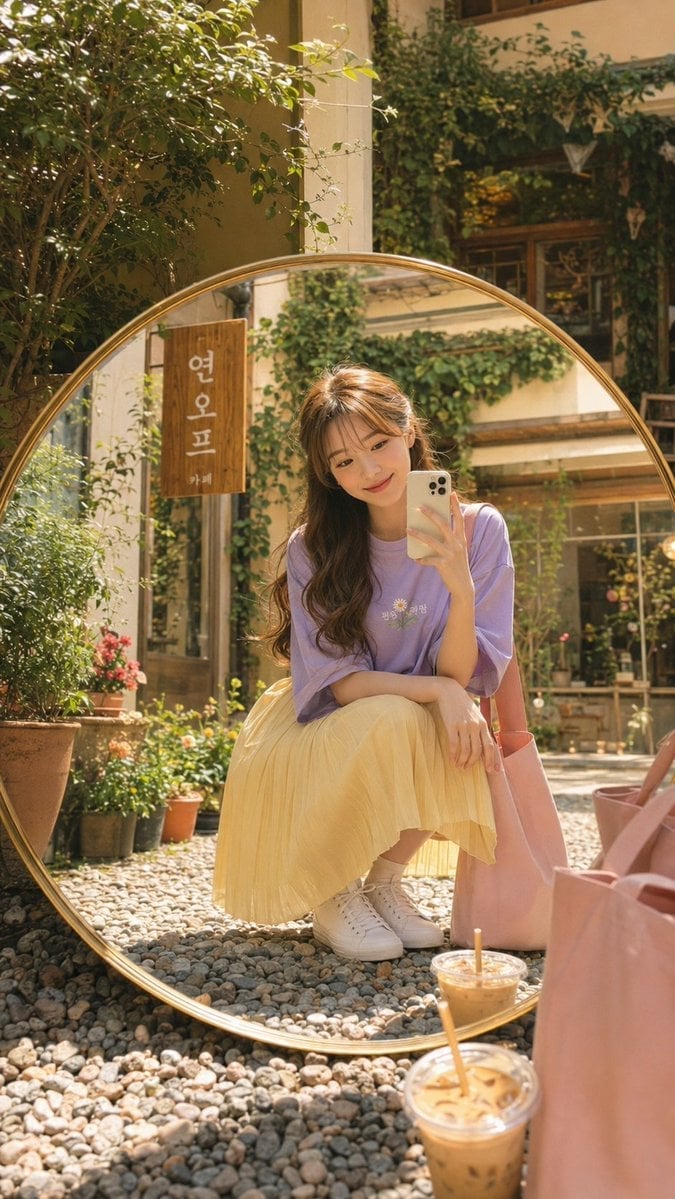
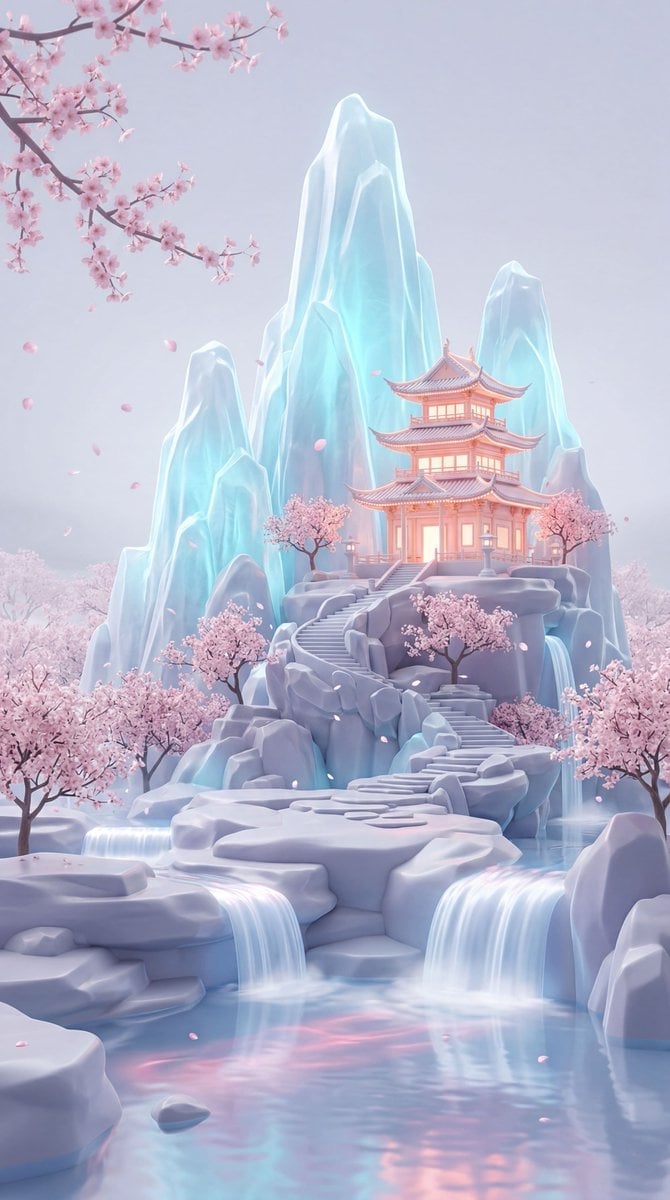
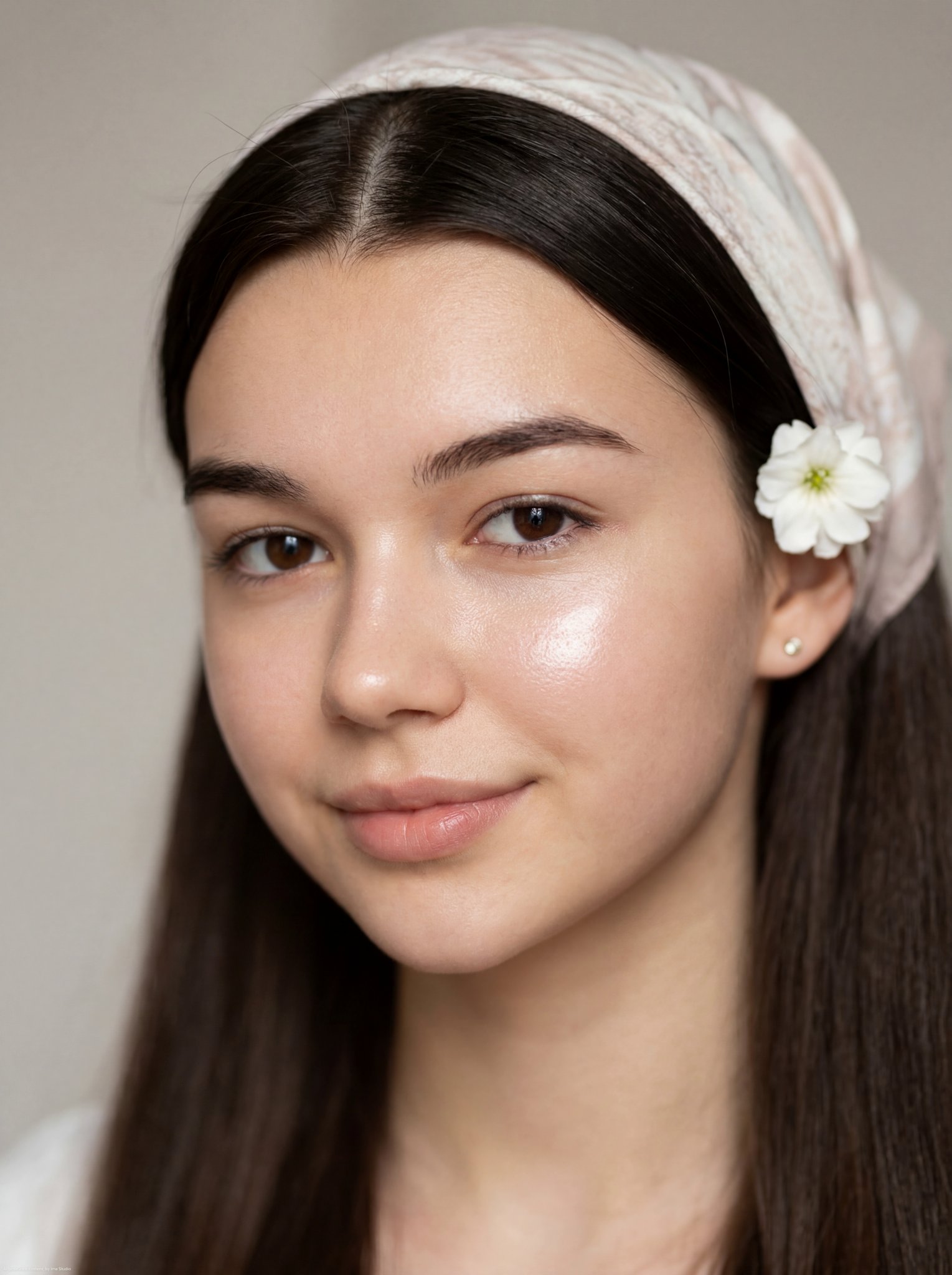
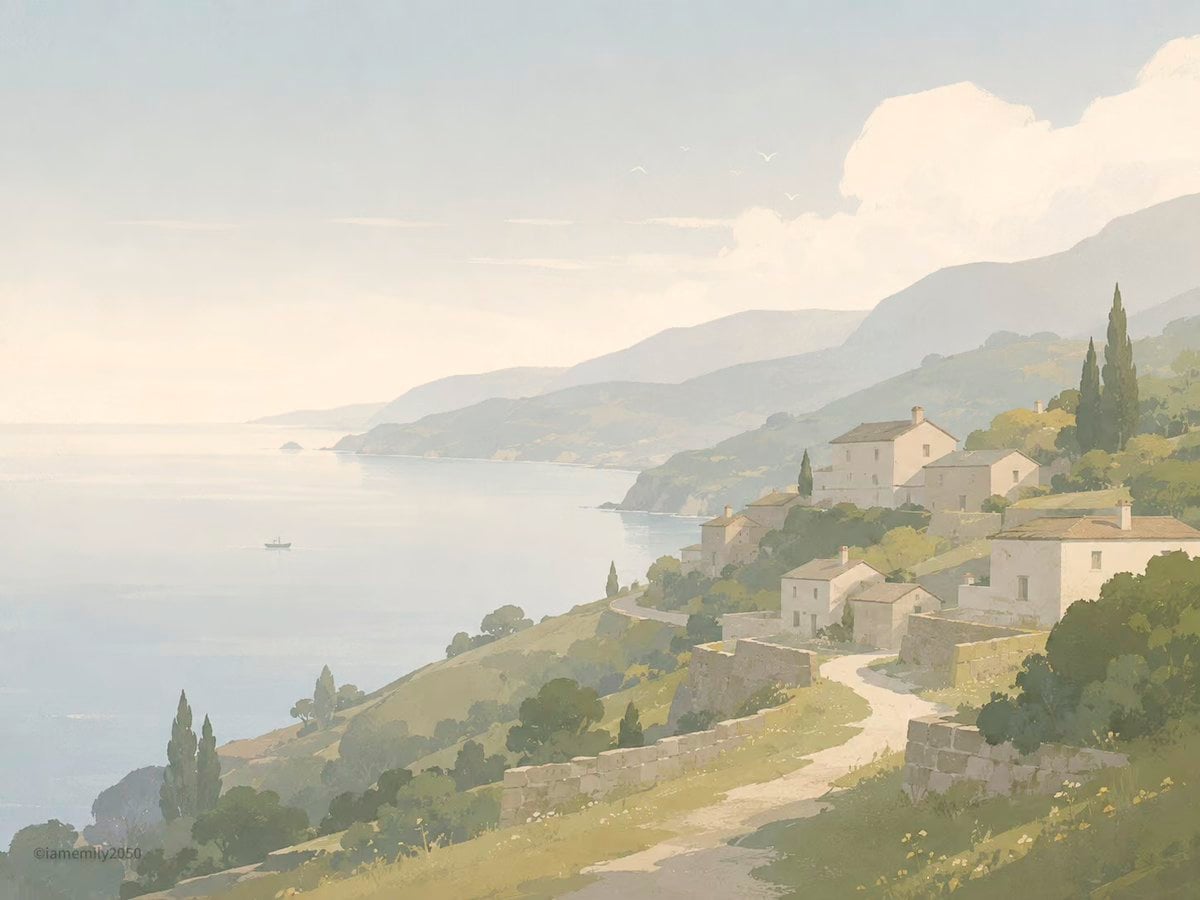
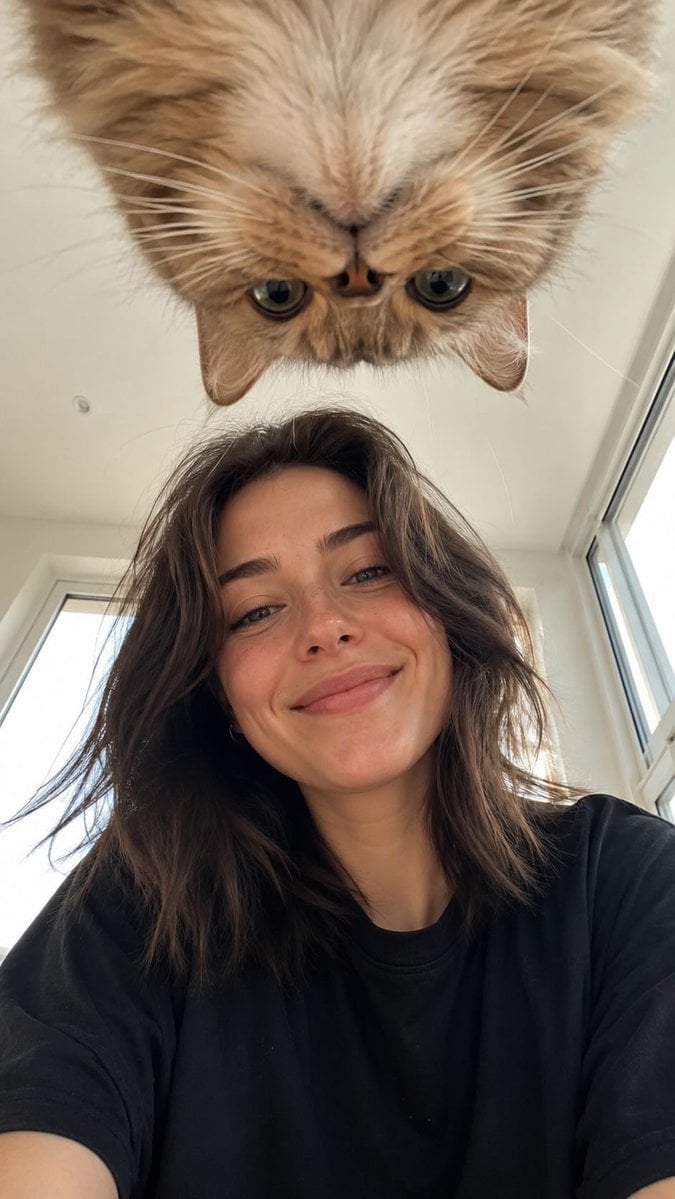
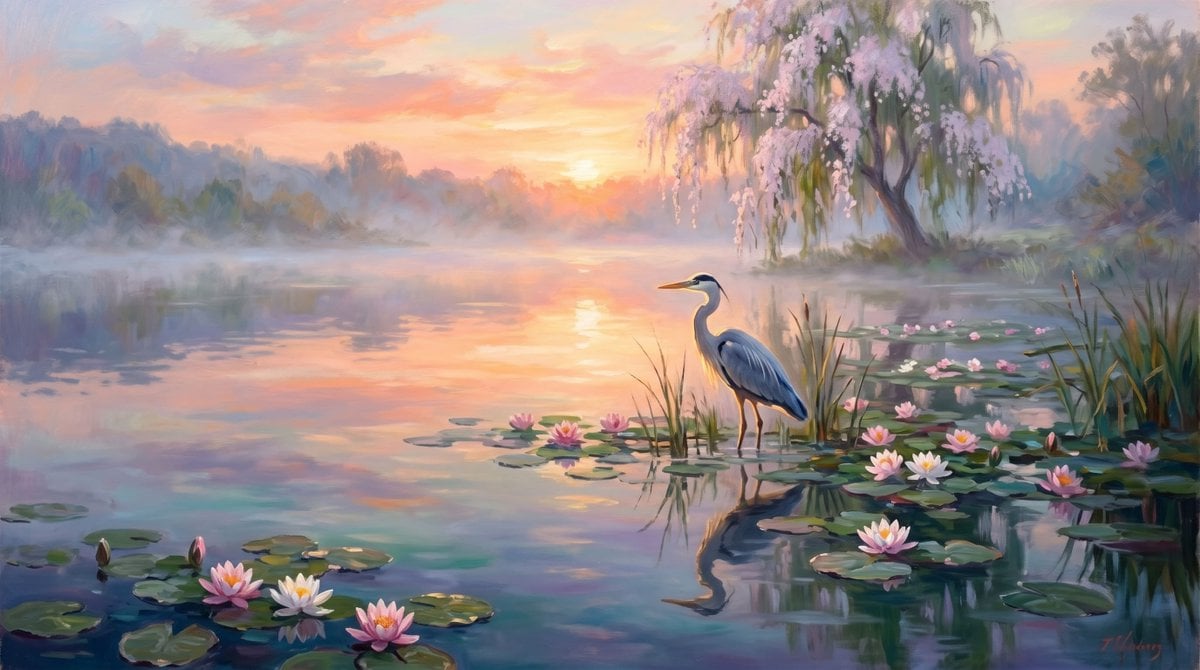
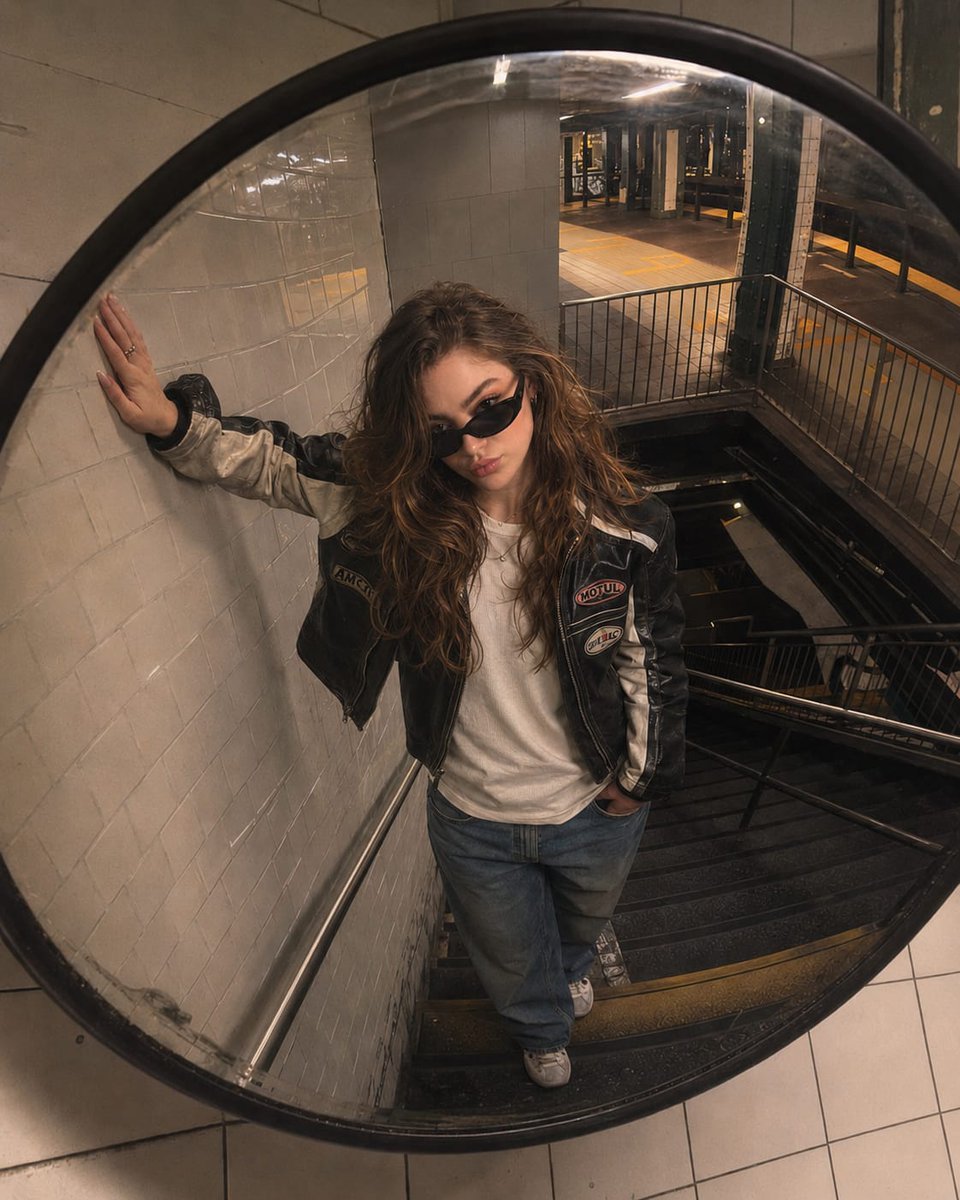
A Little Smile in a Pastel World is a ready photo look.

A cute stylized 3D character designed like a hand-carved wooden toy, pastel color palette with smooth wavy gradient textures. Soft rounded shapes, large cartoon eyes, simple facial expressions. Surface details look like layered wood grain with subtle grooves and carved patterns. Use dreamy colors like baby blue, lavender, mint green, soft pink, peach, and cream. Lighting is soft studio illumination with no harsh shadows. Background is minimal plain pastel color. Highly detailed, smooth render, whimsical fantasy style, Pixar meets wooden folk art, ultra clean edges, high resolution 8K, physically based rendering, depth of field, macro shot.
A cute stylized 3D character designed like a hand-carved wooden toy, pastel color palette with smooth wavy gradient textures. Soft rounded shapes, large cartoon eyes, simple facial expressions. Surface details look like layered wood grain with subtle grooves and carved patterns. Use dreamy colors like baby blue, lavender, mint green, soft pink, peach, and cream. Lighting is soft studio illumination with no harsh shadows. Background is minimal plain pastel color. Highly detailed, smooth render, whimsical fantasy style, Pixar meets wooden folk art, ultra clean edges, high resolution 8K, physically based rendering, depth of field, macro shot.
Edit the prompt in the box under the preview — the template's model and format are already selected — and press Generate. Your version appears right on this page.
Yes. You can change the subject, setting, lighting, mood, format, and available model controls before creating your image.
Opening and editing this template is free. Generating uses credits, shown on the Generate button when you are signed in.
Choose a compatible model in PicX Studio based on the style, speed, and output controls your project needs.
Follow a topic to a crawlable collection of related PicX Studio templates.