
Traditional Chinese Calligraphy and Ink Painting
Generates a photorealistic image of aged paper featuring handwritten Chinese calligraphy alongside an integrated traditional ink wash painting.
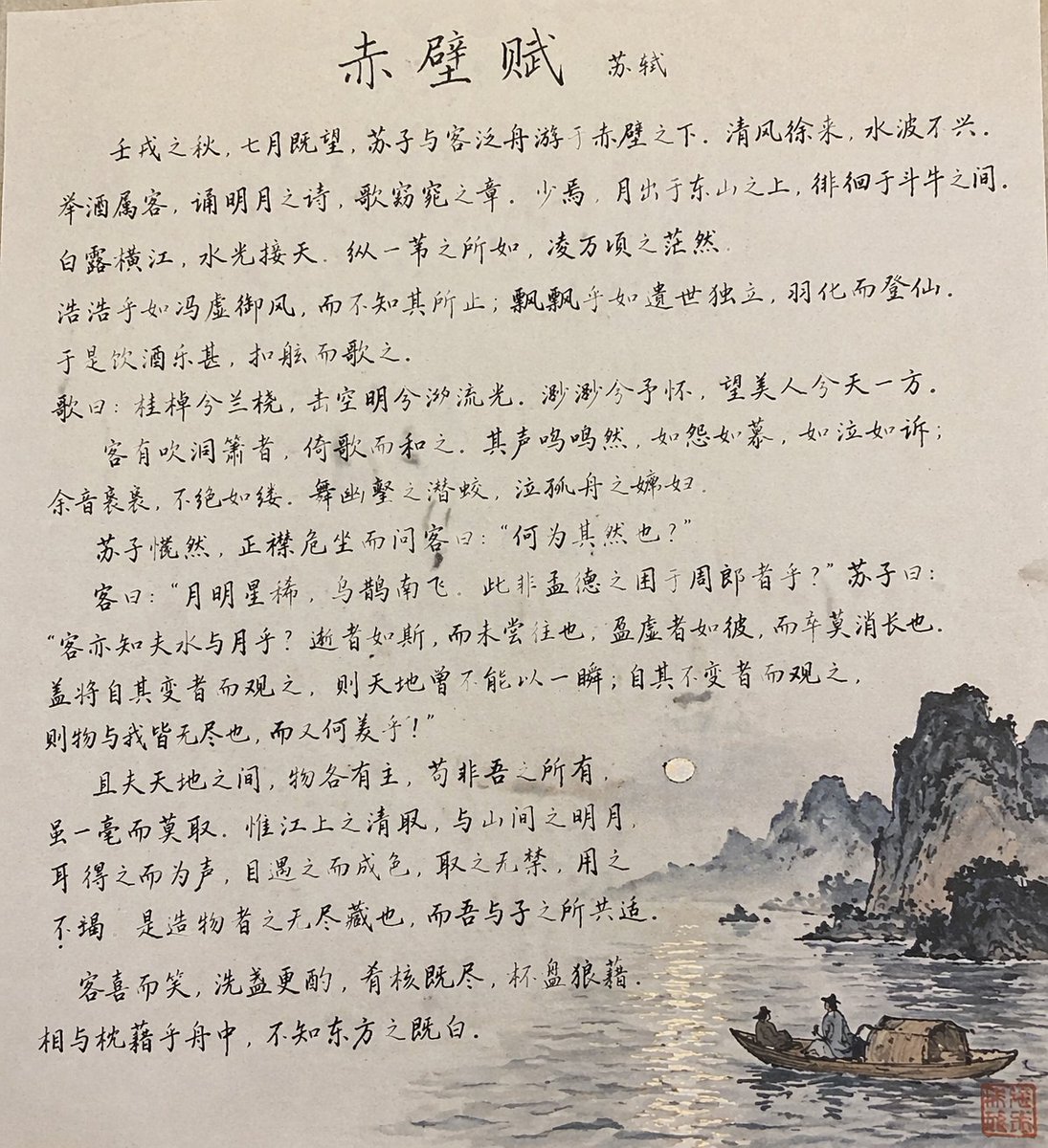
- Prompt included
- Model and format preset
- Free template
The prompt behind this image
Copy the exact prompt behind Traditional Chinese Calligraphy and Ink Painting, or open it in the studio and make it yours.
A photograph of a piece of aged, slightly textured paper featuring traditional Chinese calligraphy and an ink wash painting. The upper and left portions of the paper are filled with handwritten Chinese text in elegant running script, with the centered title "{argument name="title text" default="赤壁赋"}" and the author "{argument name="author name" default="苏轼"}" written next to it. The text flows across multiple lines, resembling a classical poem. Integrated into the bottom right section of the paper is a traditional Chinese ink wash painting depicting {argument name="painting subject" default="a serene nighttime river scene with craggy, misty mountains"}. A single pale full moon hangs in the sky, casting a shimmering reflection on the rippling water below. In the foreground, there is {argument name="boat details" default="a small wooden boat with a woven canopy carrying 2 figures in traditional robes"}. A single square red seal stamp is stamped in the extreme bottom right corner. The image has a warm, historical aesthetic, capturing the authentic look of ink on traditional rice paper.
How to use Traditional Chinese Calligraphy and Ink Painting in 3 steps
- 1Upload ImagePNG, JPG or paste
Add your photo
Upload the photo the template builds on. The prompt, model and format are already set.
- 2…a portrait of your subject in softgolden-hour light, 85mm…
Personalize
Edit the subject and creative details for your destination.
- 3Generate
Generate
Press Generate — your image is created in PicX Studio, so you can compare it with the original and refine one variable at a time.
More like this
Templates with the same subject, style or setup. Open one to see its prompt.
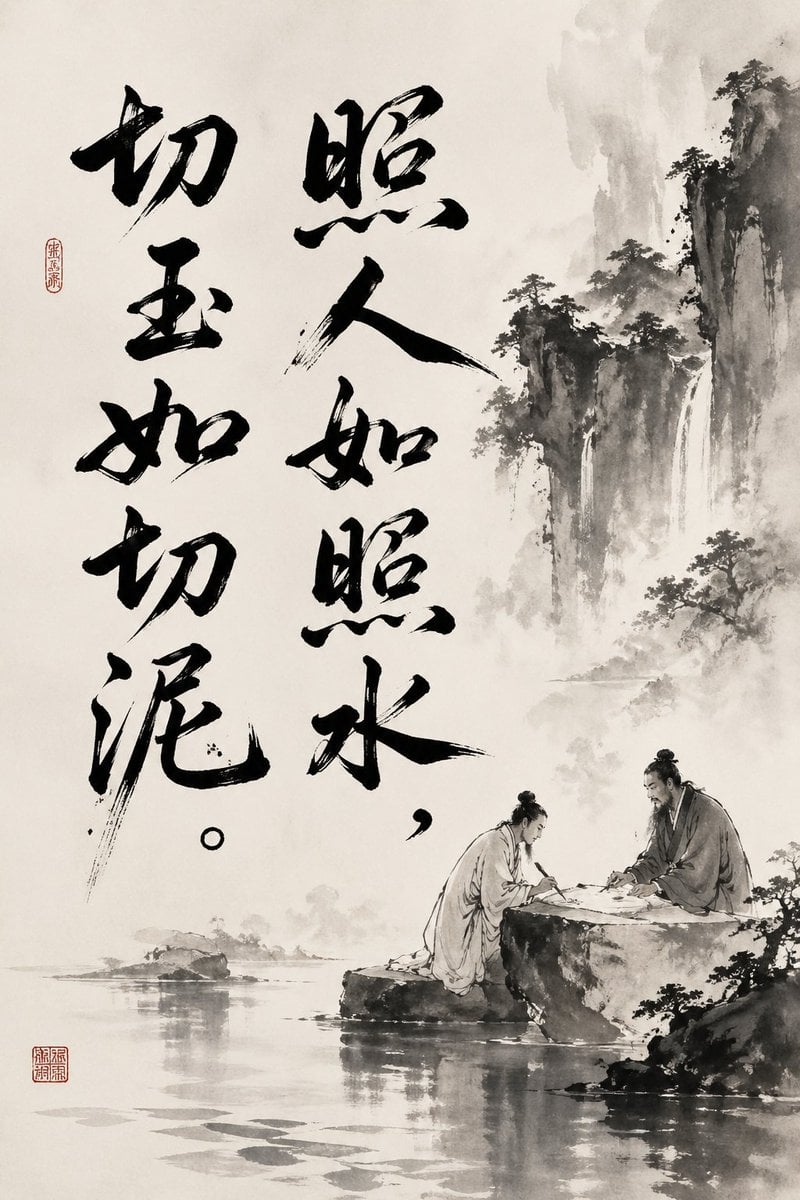
Chinese Ink Painting with Calligraphy
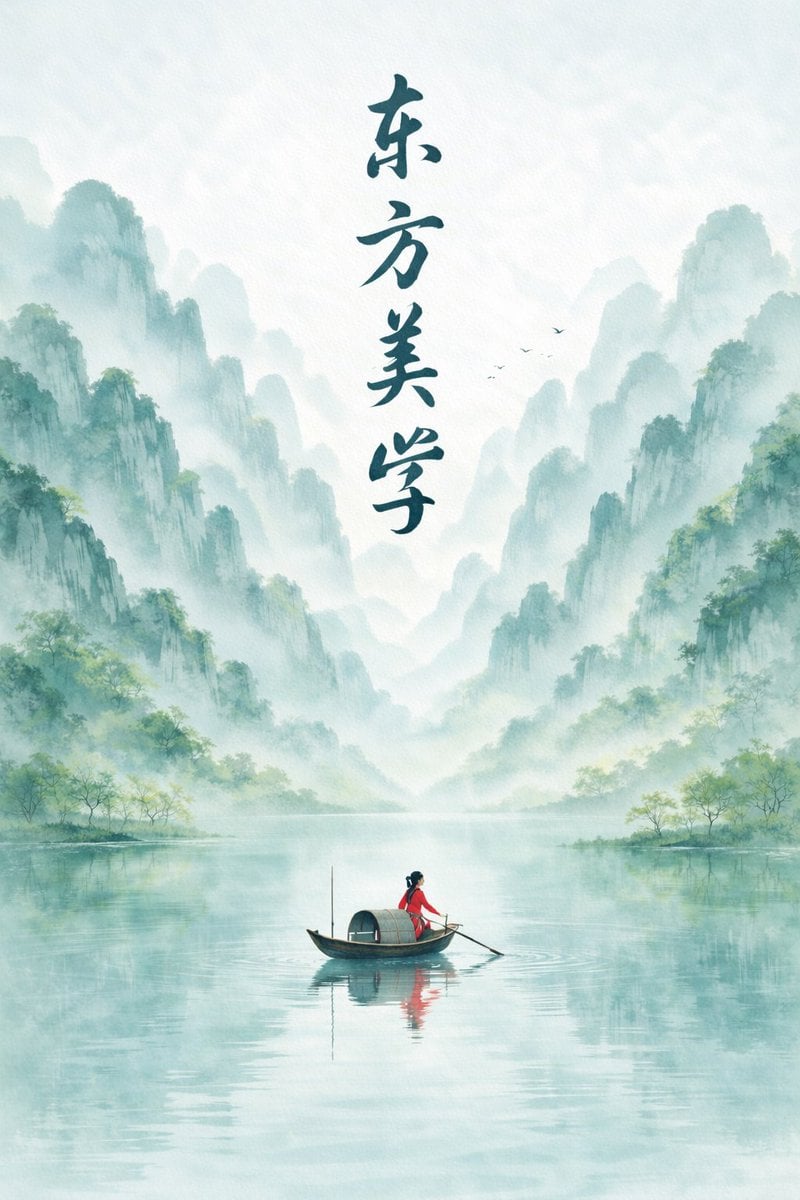
Minimalist Chinese Ink Wash Mist Painting
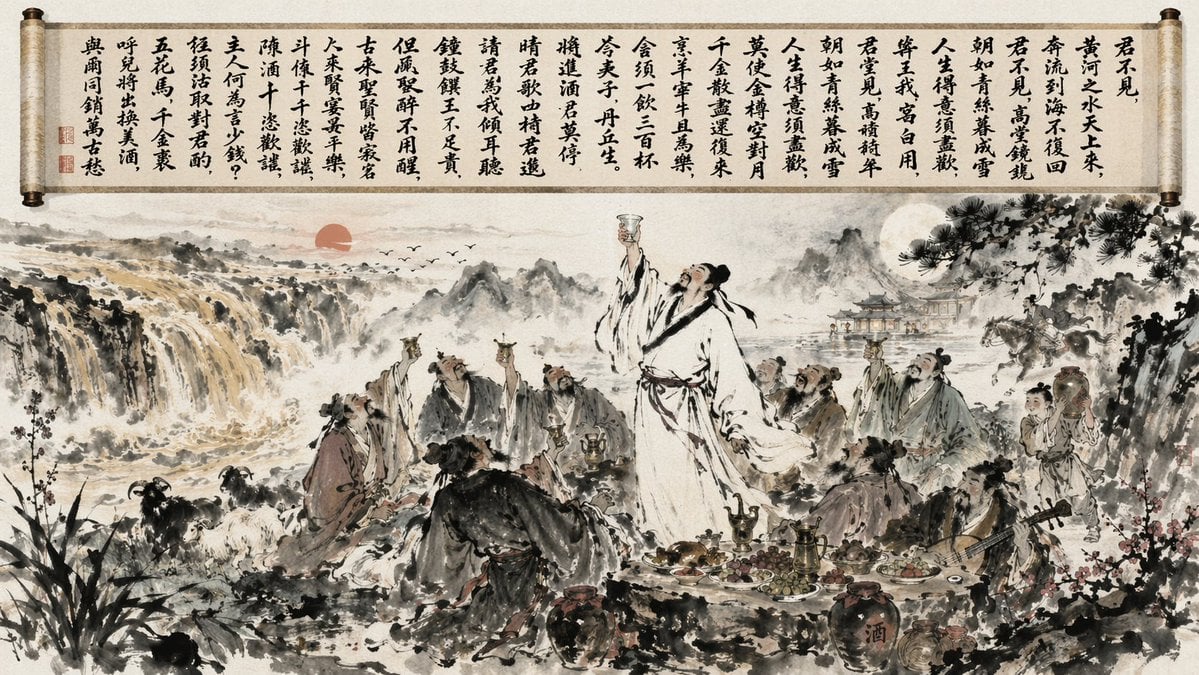
Traditional Chinese Ink Wash Banquet

Anime Catgirl in Chinese Ink Landscape
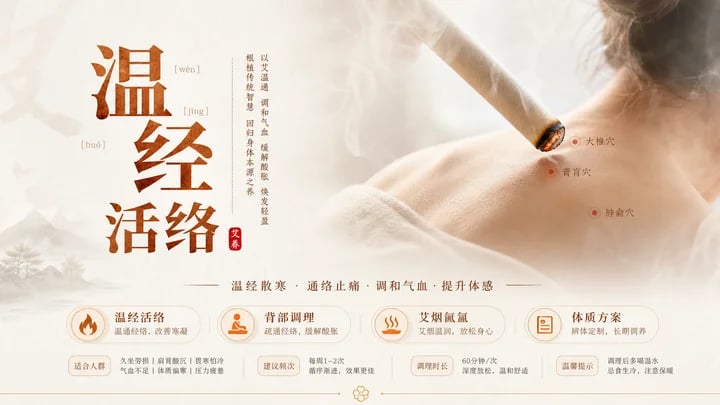
Traditional Chinese Moxibustion Poster
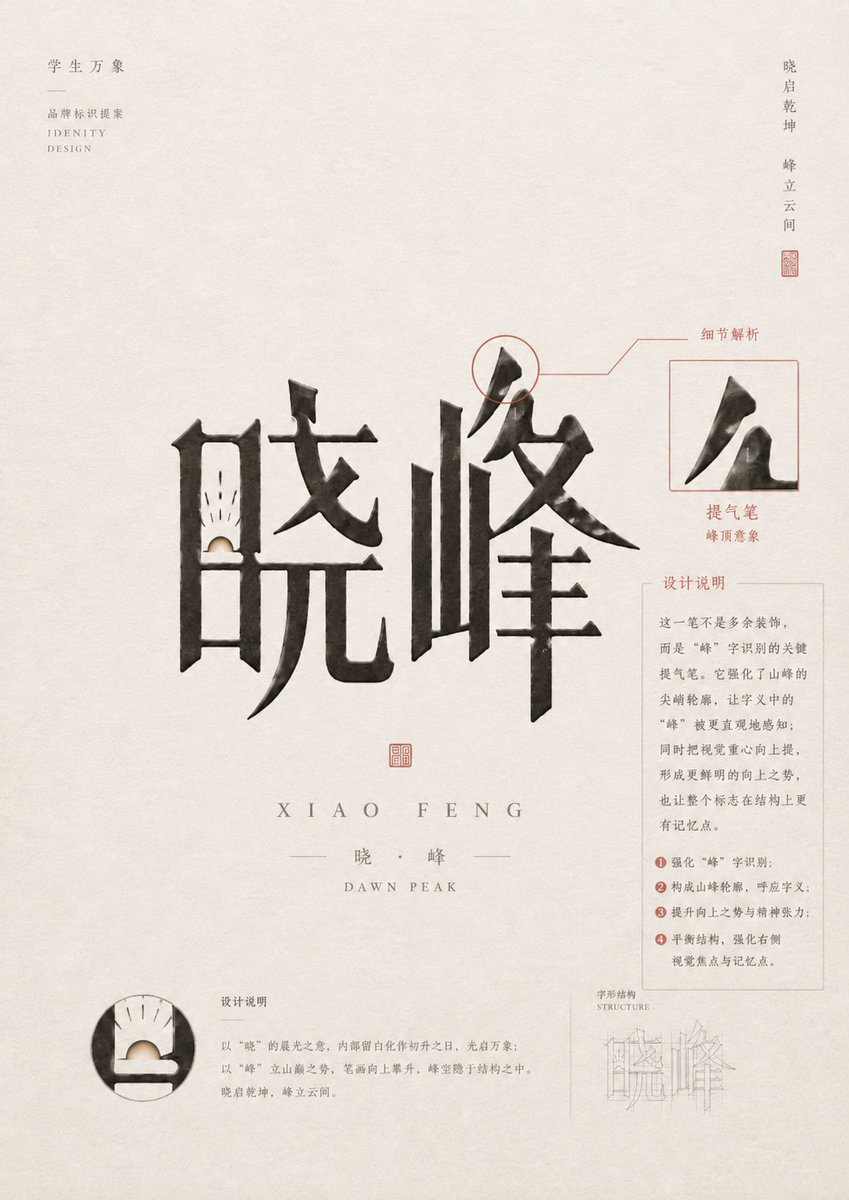
Chinese Calligraphy Identity Poster
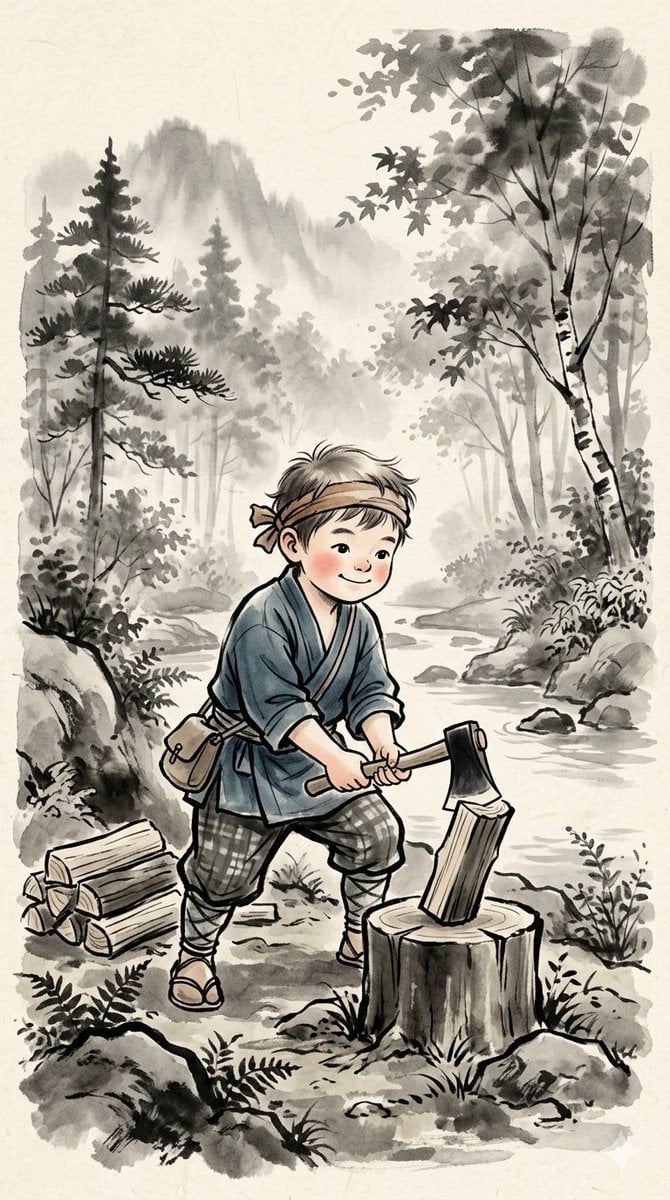
Traditional Japanese Ink Children Illustration

Vintage Lithograph Retro World Cup Poster
Vintage Lithograph Retro World Cup Poster
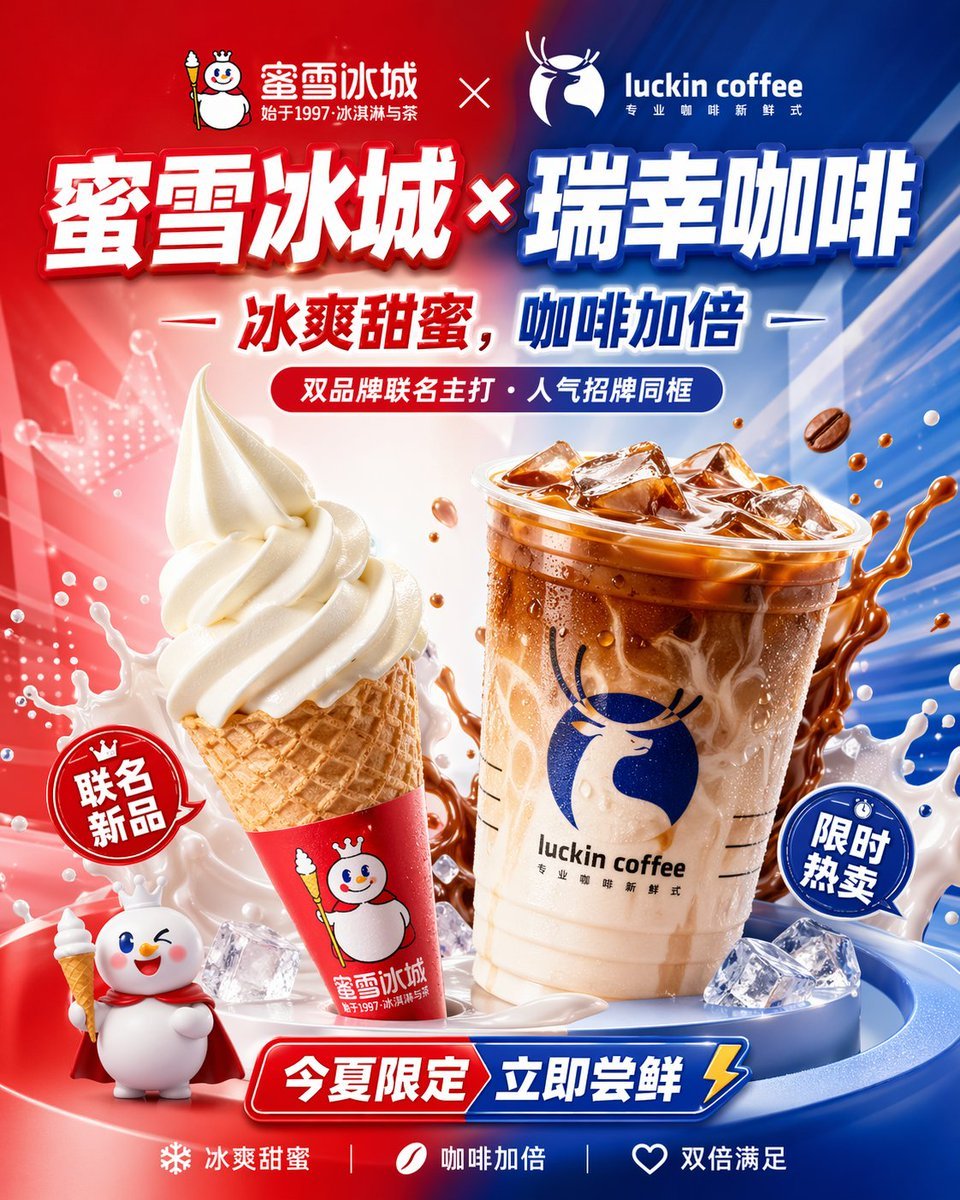
Chinese Co-Branded Summer Drink Poster
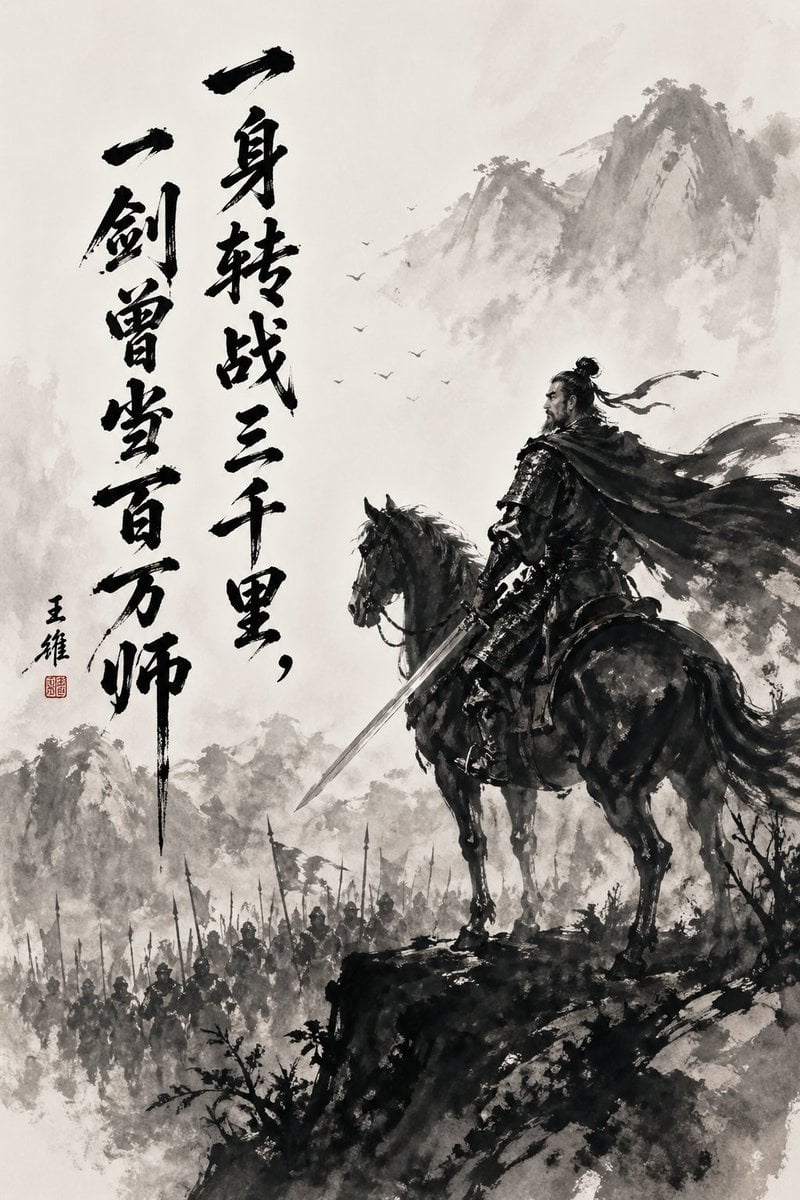
Chinese Ink Warrior on Horseback
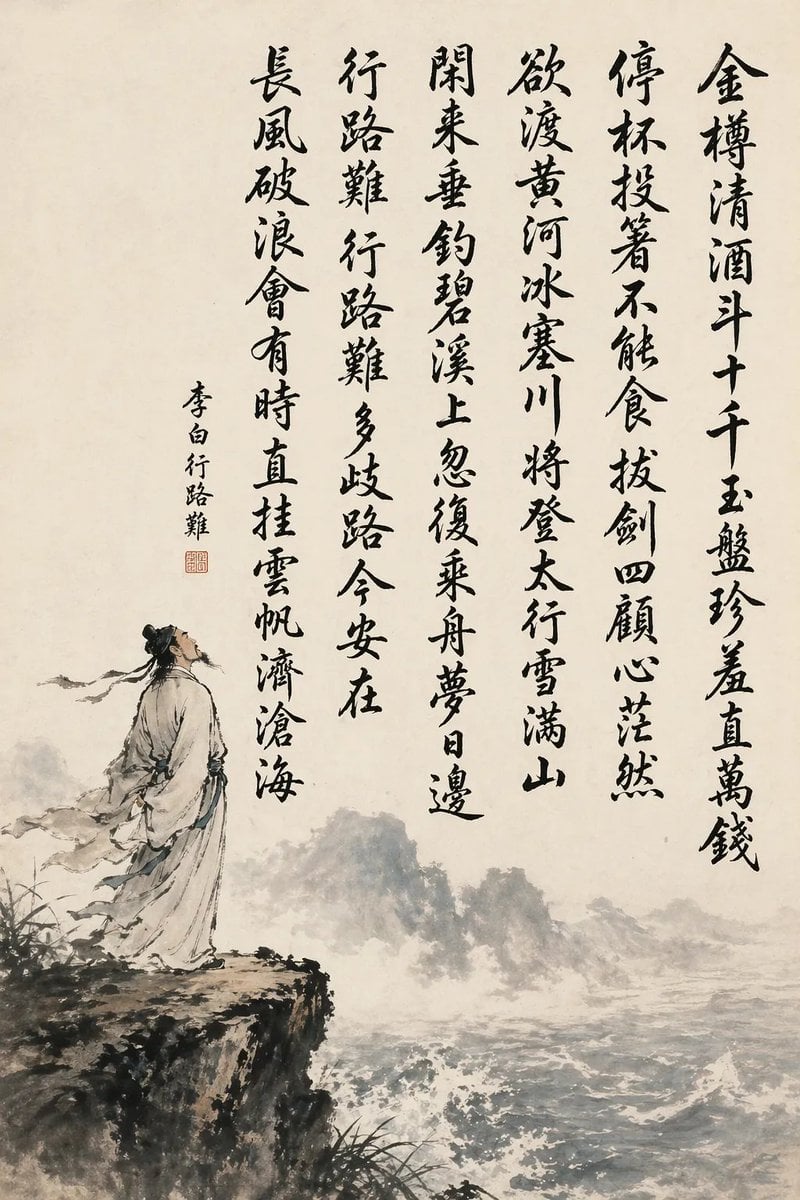
Chinese Calligraphy Poem Scroll
Make it yours
Traditional Chinese Calligraphy and Ink Painting works as-is. These are the safest ways to change it without losing the look.
Change one field
Copy a single group, rewrite it, and generate again so you can see what that field is doing.
Keep the frame, change the subject
Hold the composition and light of Traditional Chinese Calligraphy and Ink Painting, then swap wardrobe, props or the person for a new take.
| If the result… | Why | Fix |
|---|---|---|
| The result drifts from the preview | Too many fields changed at once. | Reuse Traditional Chinese Calligraphy and Ink Painting as-is first, then change one group — subject, light, or setting. |
| The model over-stylizes the scene | The prose prompt leaves finish and camera underspecified. | Add one camera or lighting sentence and stay on GPT Image 2. |
More GPT Image 2 templates
Other prompts made for GPT Image 2.

Six VTuber Japanese Logo Sheet

Realistic Portrait of Woman and Deer

The Vista Modular Condo Poster

AI Model Routing Comparison Infographic

2.5D Anime Art Board

Isometric Productivity Desk Scene

New York Double Exposure Poster

Four-Panel AI Landscape Comparison

Japanese Tatami Lifestyle Magazine Cover

NESCAFÉ Coffee Map Poster
More image prompts
Fresh picks from across the catalog.
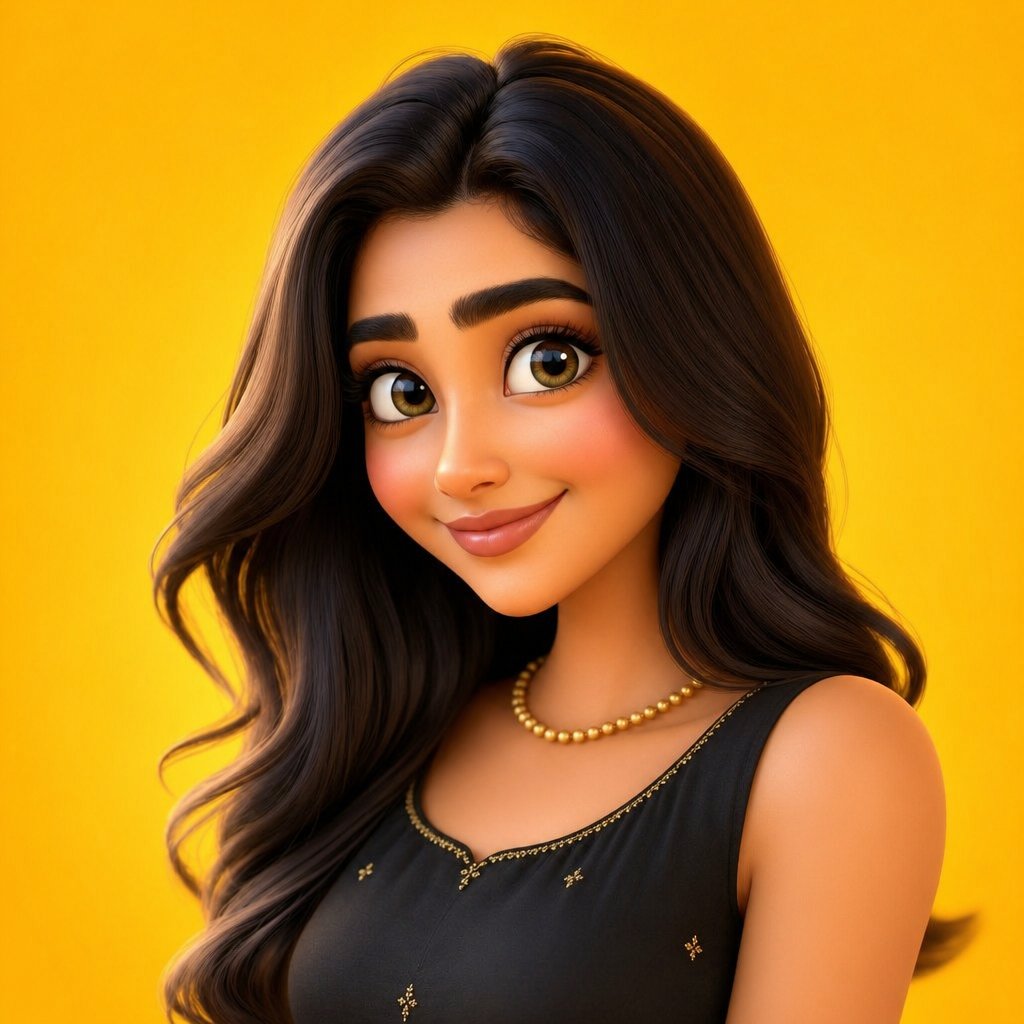
3D Cartoon Character Render
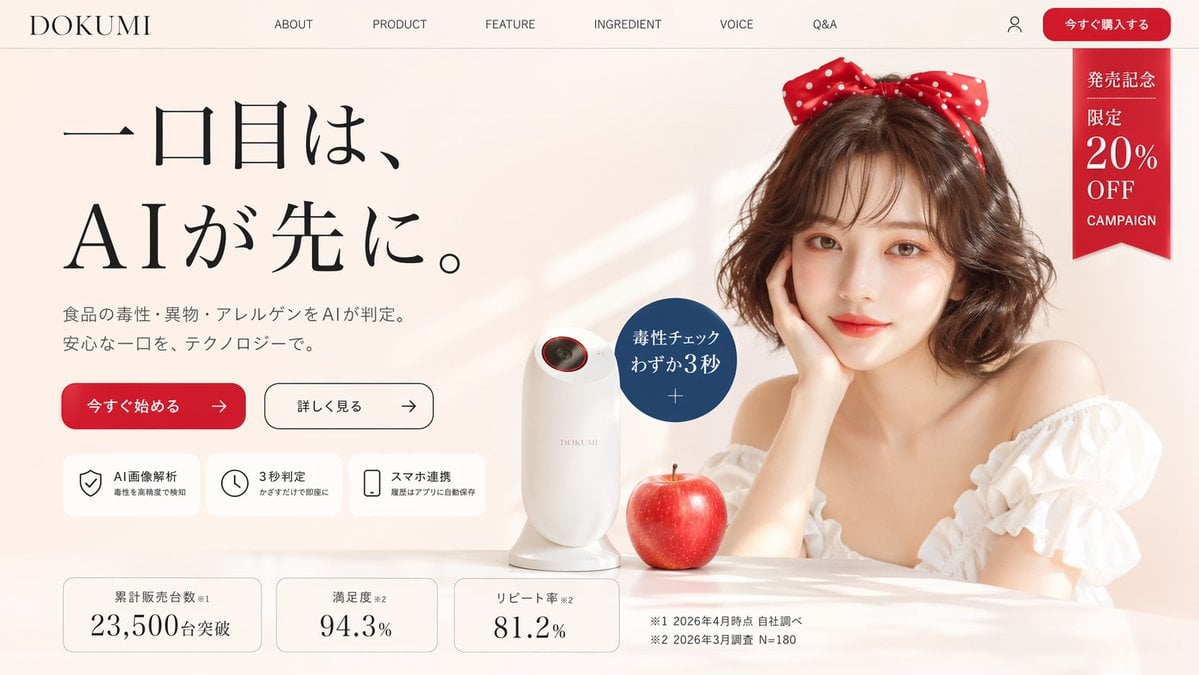
Japanese AI Product Landing Page Hero
Kamen Rider Armor Transformation Sequence Prompt
Miniature Diorama in a Glass Bottle
Japanese Skincare Lotion Ad
Purple Fantasy Grape Soda Ad
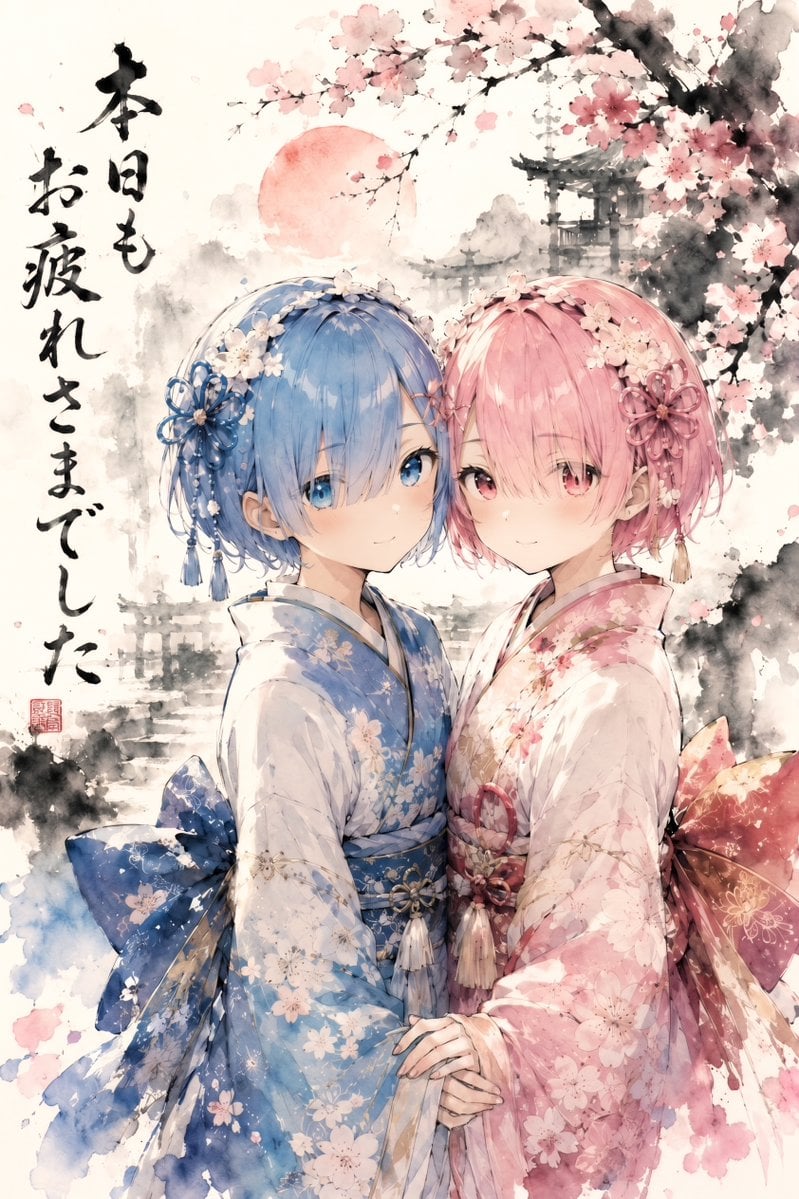
Twin Kimono Sakura Watercolor
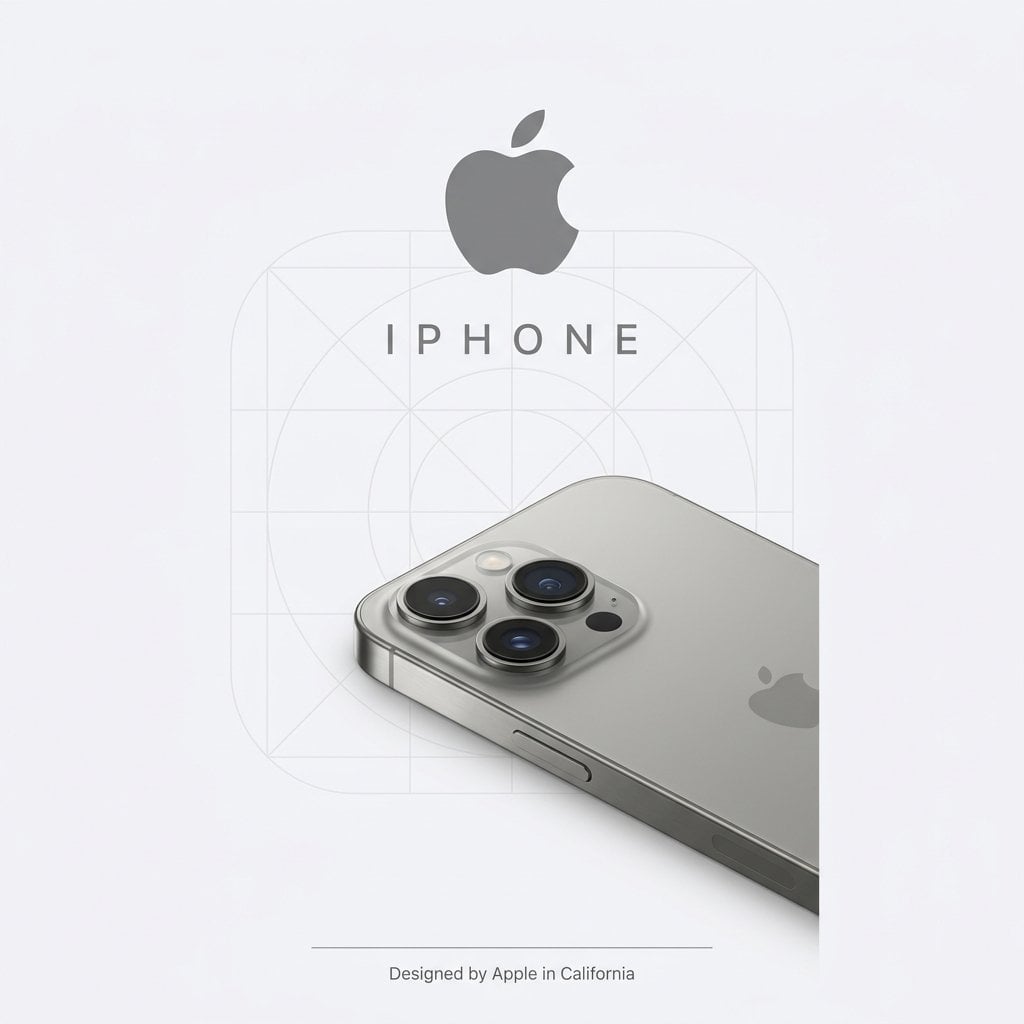
Premium Studio Ad Visual for Starbucks Frappuccino
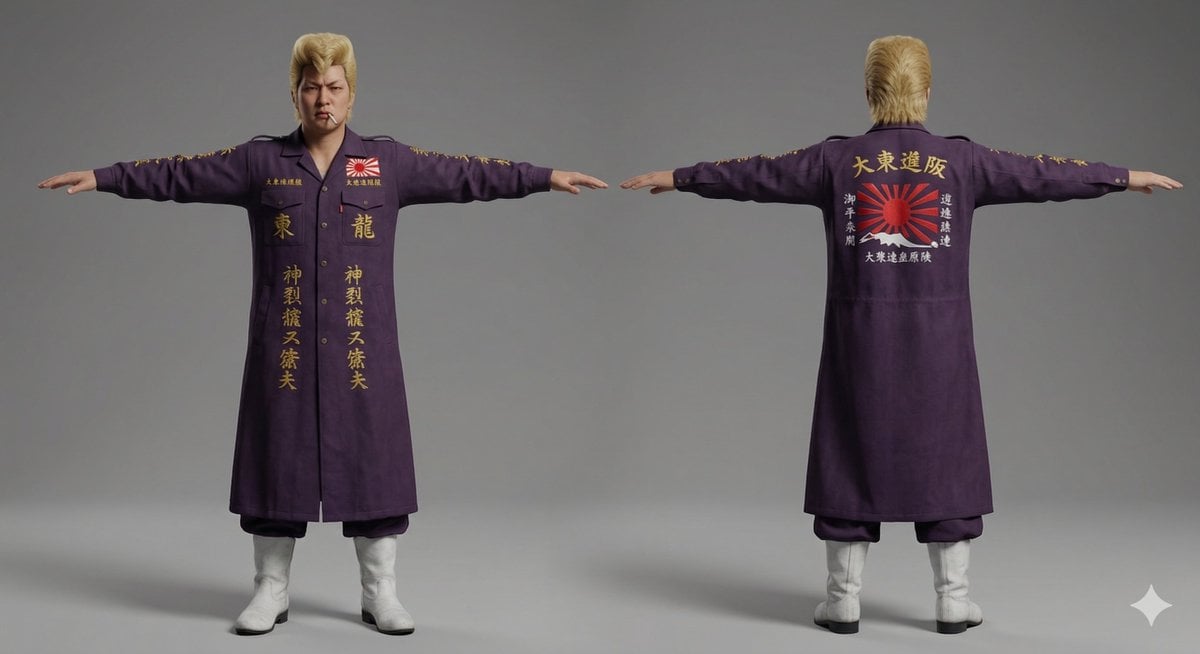
Nano Banana Pro Image Generation of Classic Japanese Bosozoku as a 3D Model Asset

Realistic Golden-Hour Indoor Selfie
Browse template categories
Traditional Chinese Calligraphy and Ink Painting questions
How do I use the Traditional Chinese Calligraphy and Ink Painting template?
Add your photo if the template asks for one, edit the prompt if you like — the template's model and format are already selected — and press Generate. Your version opens in PicX Studio.
Can I customize the Traditional Chinese Calligraphy and Ink Painting template?
Yes. You can change the subject, setting, lighting, mood, format, and available model controls before creating your image.
Is the Traditional Chinese Calligraphy and Ink Painting template free?
Opening and editing this template is free. Generating uses credits, shown on the Generate button when you are signed in.
Which AI model should I use?
Start with GPT Image 2, which is the model associated with this template. You can compare another compatible model for a different finish.
Looking for something else? Browse all templates.

Your photo, any look
Thousands of ready templates for every top image and video model, from one credit balance.