
Japanese Skincare Lotion Ad
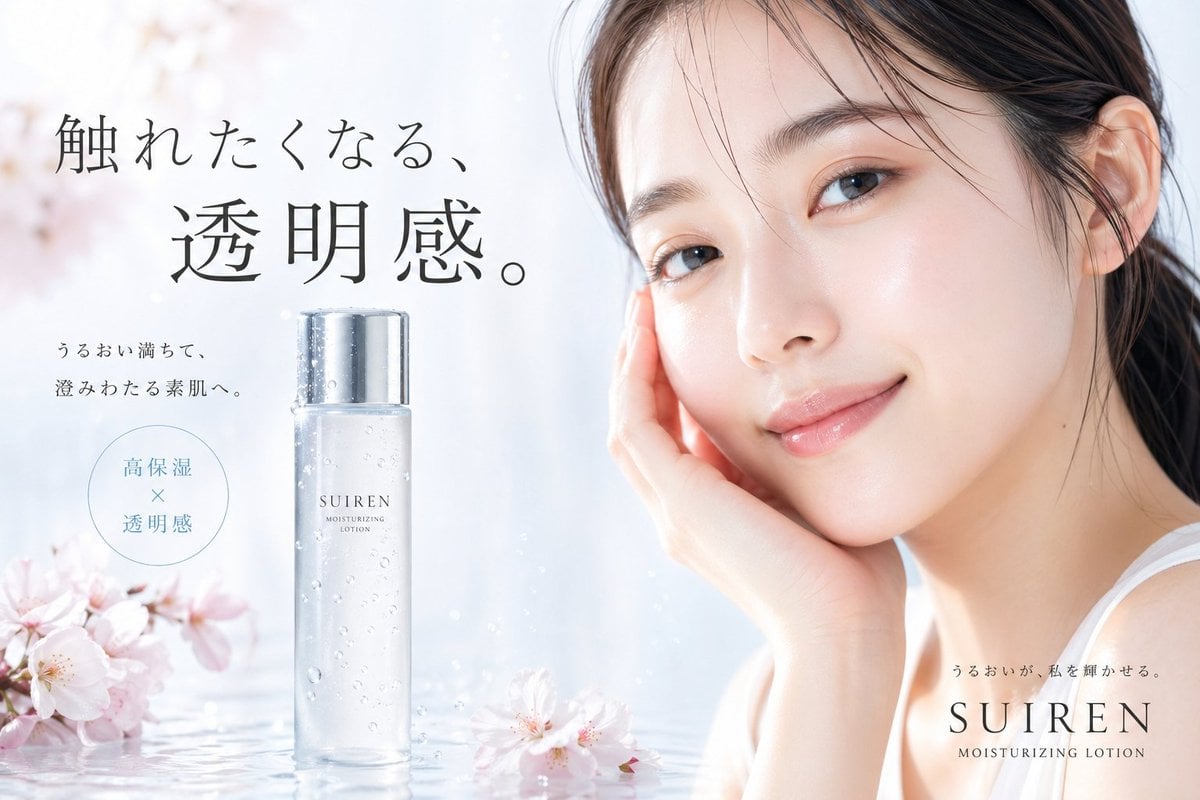
This prompt generates a polished spring-themed Japanese beauty advertisement featuring a dewy model, a transparent lotion bottle, cherry blossoms, and elegant editorial typography for skincare branding.
- Prompt included
- Model and format preset
- Free template
The prompt behind this image
Copy the exact prompt behind Japanese Skincare Lotion Ad, or open it in the studio and make it yours.
A high-end Japanese skincare advertisement for a moisturizing lotion, shot in a luminous soft-white studio with a clean airy beauty aesthetic. On the right half of the image, a close-up portrait of a young East Asian woman with flawless dewy skin, natural glossy lips, subtle peach-toned makeup, dark brown eyes, and dark hair loosely tied back with a few wispy strands across her forehead. She smiles gently at the camera and rests one hand against her cheek, wearing a simple white sleeveless top. On the left half, place 1 tall transparent frosted bottle of lotion standing upright on a reflective water surface, with tiny water droplets on the bottle and a shiny silver cap. The bottle label reads "SUIREN" and "MOISTURIZING LOTION". Surround the bottle with 3 pale pink cherry blossoms: 2 clustered at the lower left corner and 1 floating near the bottom center-right. Add faint sparkles and soft reflections in the water. Use a pastel palette of white, pearl, blush pink, and very light blue-gray, with diffused daylight, silky skin retouching, shallow depth of field, and a premium cosmetic campaign look. Include Japanese ad copy on the left in elegant black Mincho-style typography: a large 2-line headline reading "触れたくなる、" and "透明感。"; beneath it, 2 smaller lines reading "うるおい満ちて、" and "澄みわたる素肌へ。"; a thin outlined circle containing 2 stacked phrases with an × between them, "高保湿" and "透明感". In the lower right, add small Japanese text "うるおいが、私を輝かせる。" above the brand name "SUIREN" and the subtitle "MOISTURIZING LOTION". Composition should feel balanced and luxurious, like a magazine-ready spring skincare poster.
How to use Japanese Skincare Lotion Ad in 3 steps
- 1Upload ImagePNG, JPG or paste
Add your photo
Upload the photo the template builds on. The prompt, model and format are already set.
- 2…a portrait of your subject in softgolden-hour light, 85mm…
Personalize
Edit the subject and creative details for your destination.
- 3Generate
Generate
Press Generate — your image is created in PicX Studio, so you can compare it with the original and refine one variable at a time.
More like this
Templates with the same subject, style or setup. Open one to see its prompt.

Minecraft Japanese Research Lab Exploration

Japanese Architectural Concrete Studio Fashion Campaign

Japanese Minimalist Concrete Studio Fashion Editorial

Blue Backdrop Luxury Fashion Portrait Campaign

Minimalist Skincare Product Water Stone Still

Botanical Skincare Minimal Product Advertising
Minimalist Skincare Product Water Stone Still
Round Tabletop Mirror Skincare Selfie

Japanese Film Reflection Idol

01 Skincare Split Portrait — Nano Banana 2
Product Elemental Lifestyle - Midjourney v7/v8
UGC Skincare Review - Seedance 2.0
Make it yours
Japanese Skincare Lotion Ad works as-is. These are the safest ways to change it without losing the look.
Change one field
Copy a single group, rewrite it, and generate again so you can see what that field is doing.
Keep the frame, change the subject
Hold the composition and light of Japanese Skincare Lotion Ad, then swap wardrobe, props or the person for a new take.
| If the result… | Why | Fix |
|---|---|---|
| The result drifts from the preview | Too many fields changed at once. | Reuse Japanese Skincare Lotion Ad as-is first, then change one group — subject, light, or setting. |
| The model over-stylizes the scene | The prose prompt leaves finish and camera underspecified. | Add one camera or lighting sentence and stay on GPT Image 2. |
More GPT Image 2 templates
Other prompts made for GPT Image 2.

Realistic Portrait of Woman and Deer

The Vista Modular Condo Poster

AI Model Routing Comparison Infographic

2.5D Anime Art Board

Isometric Productivity Desk Scene

New York Double Exposure Poster

Four-Panel AI Landscape Comparison

NESCAFÉ Coffee Map Poster

Brutalist Cogito Chinese Typography Poster

Cinematic Luxury Terrace Portrait
More image prompts
Fresh picks from across the catalog.

Portrait photo prompt for a man with dramatic side-lighting and specific clothing details
Bauhaus Functional Identity Brand Logo Generation
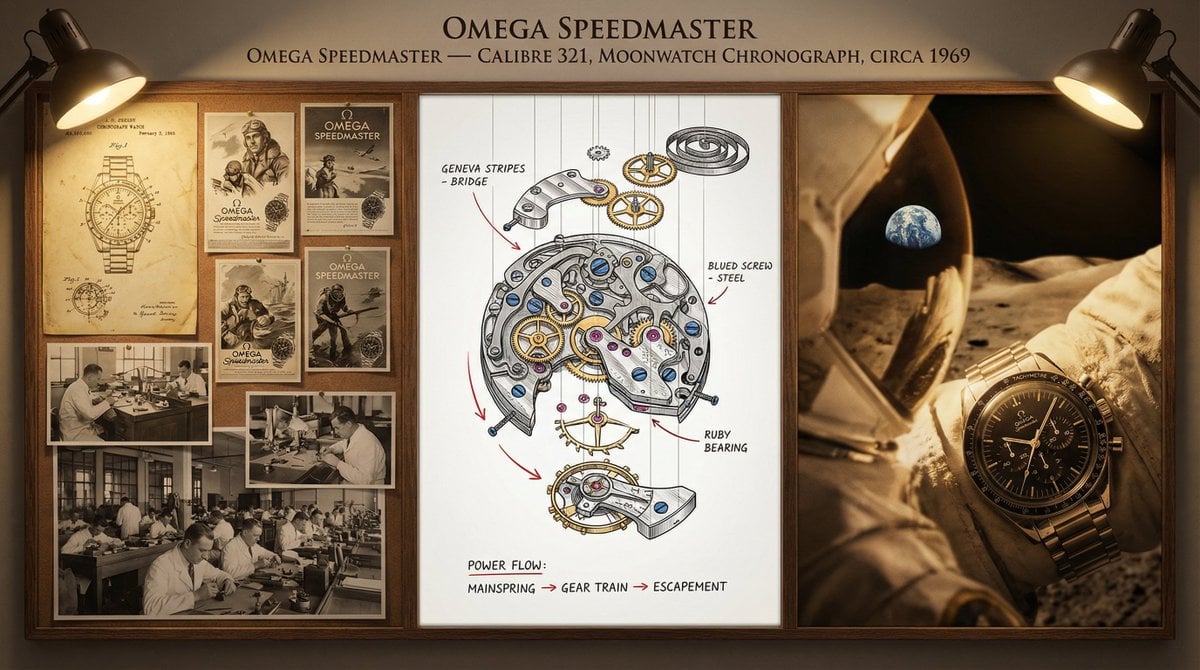
Watchmaker's Documentation Board (Exploded View)

Playful 3D Toy Kinkajou Prompt
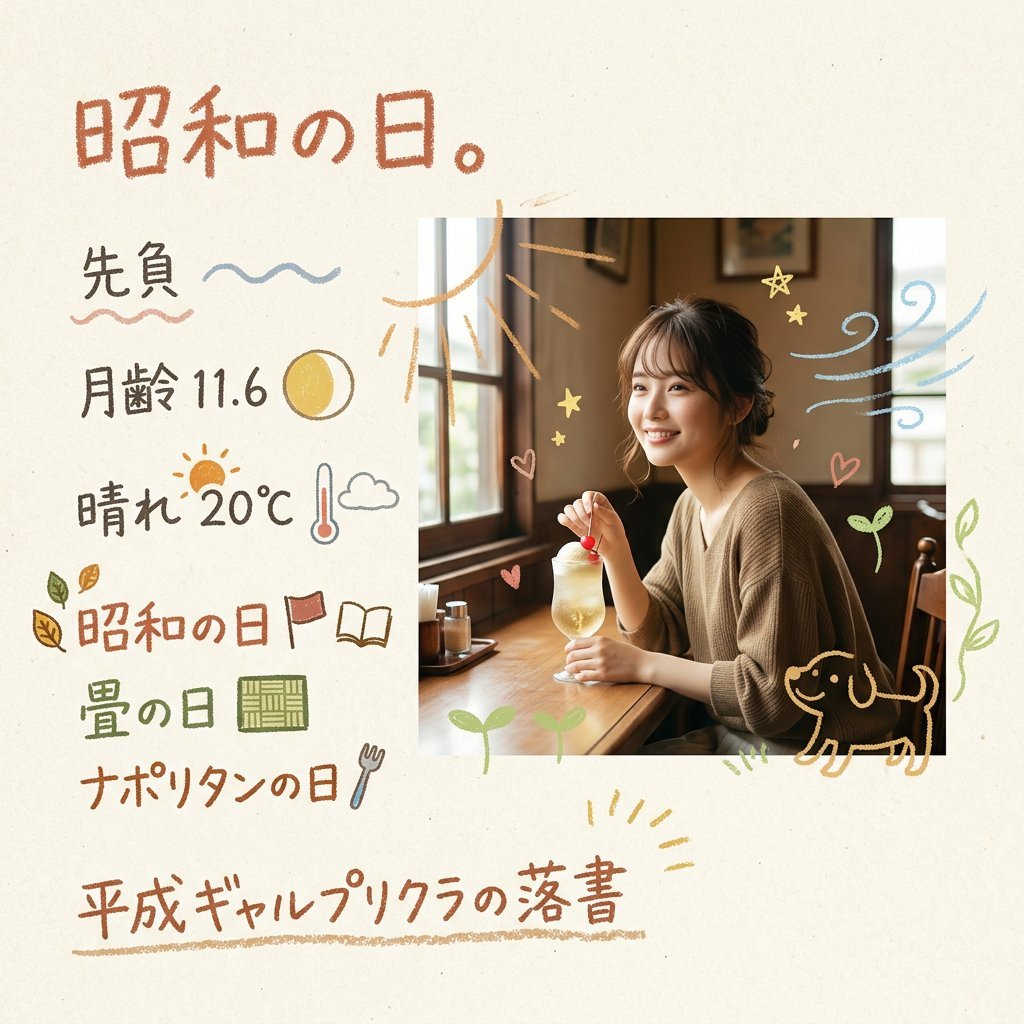
Retro Japanese Purikura Scrapbook Page
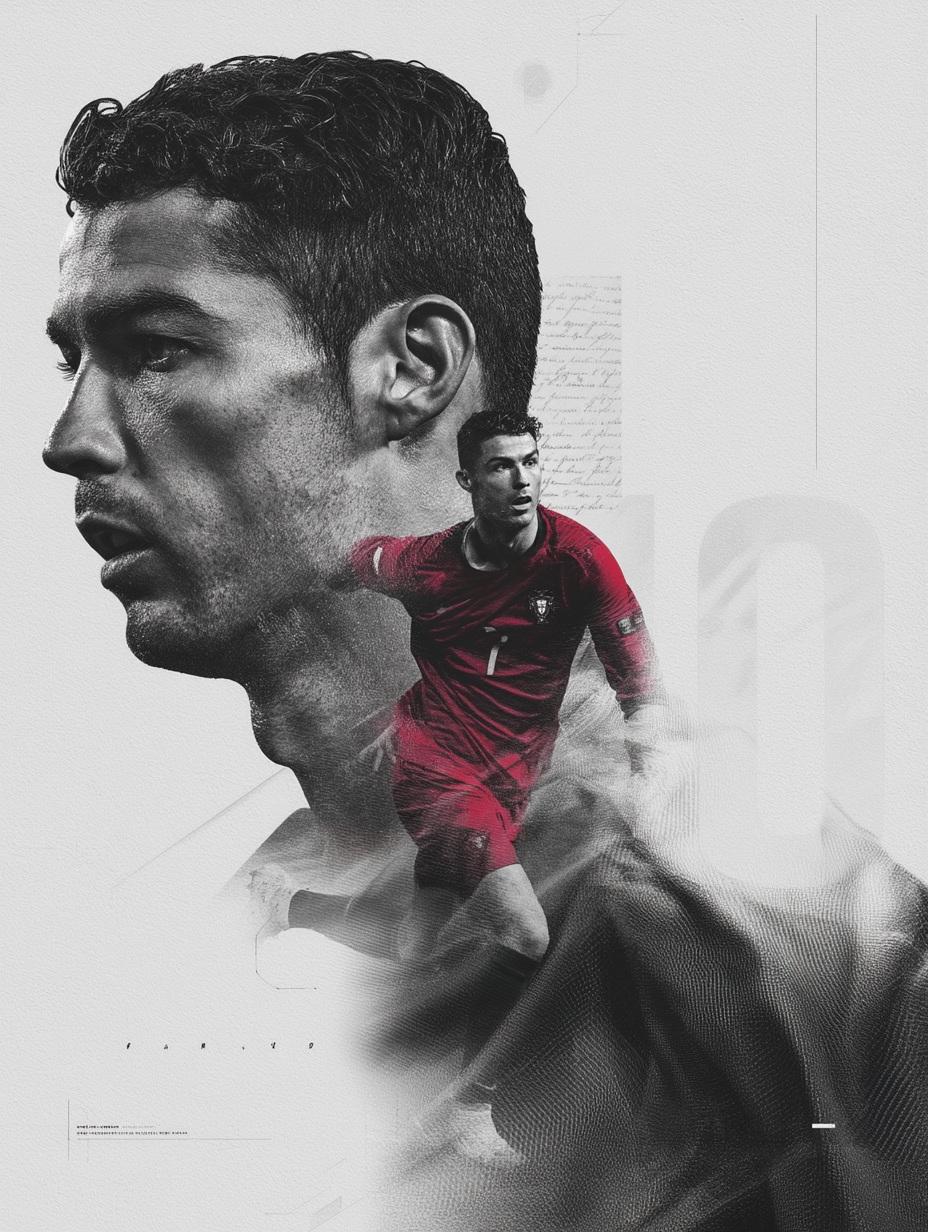
Nano Banana Pro on Gemini
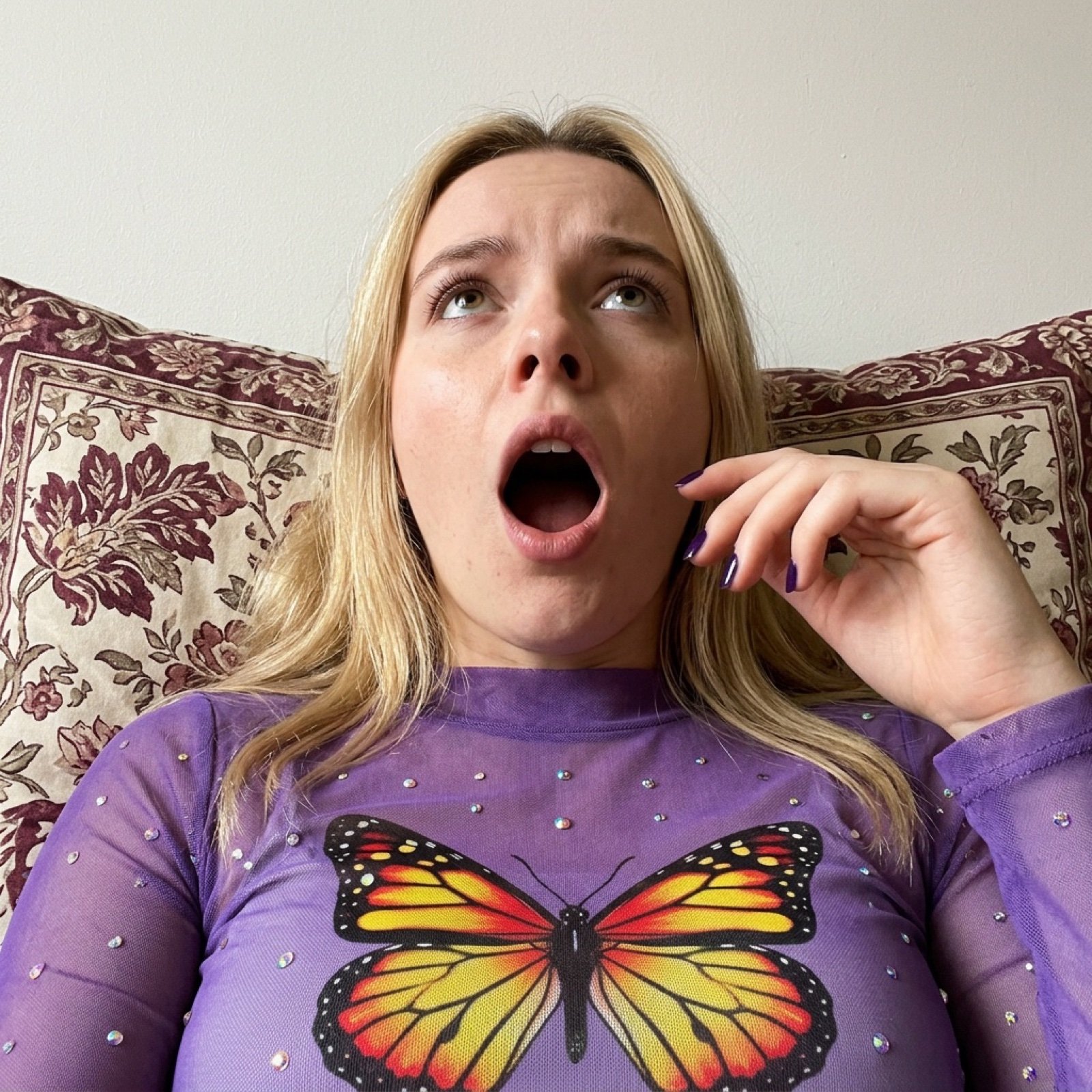
Image Generation Prompt for Shocked Young Woman
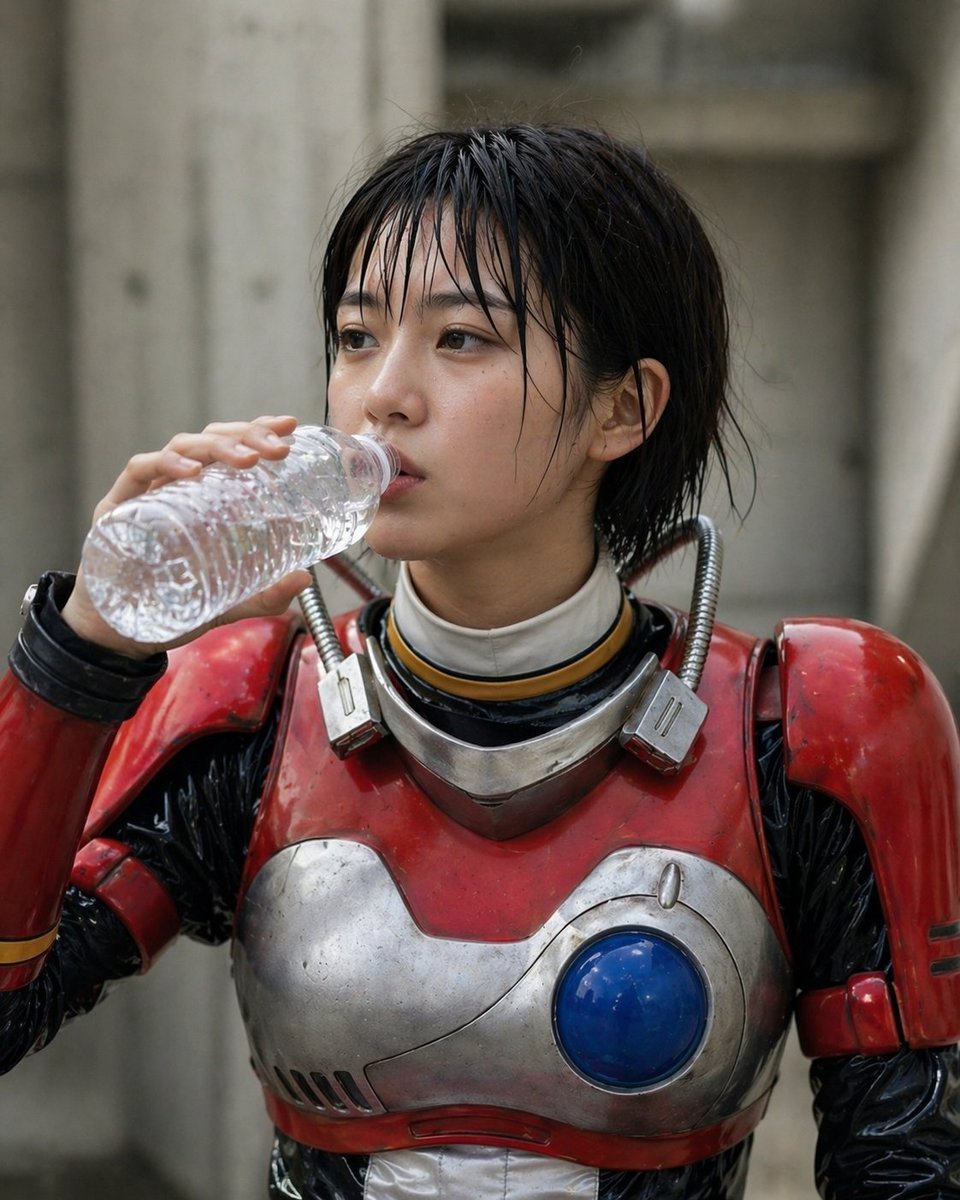
Retro Tokusatsu Armor Candid Portrait
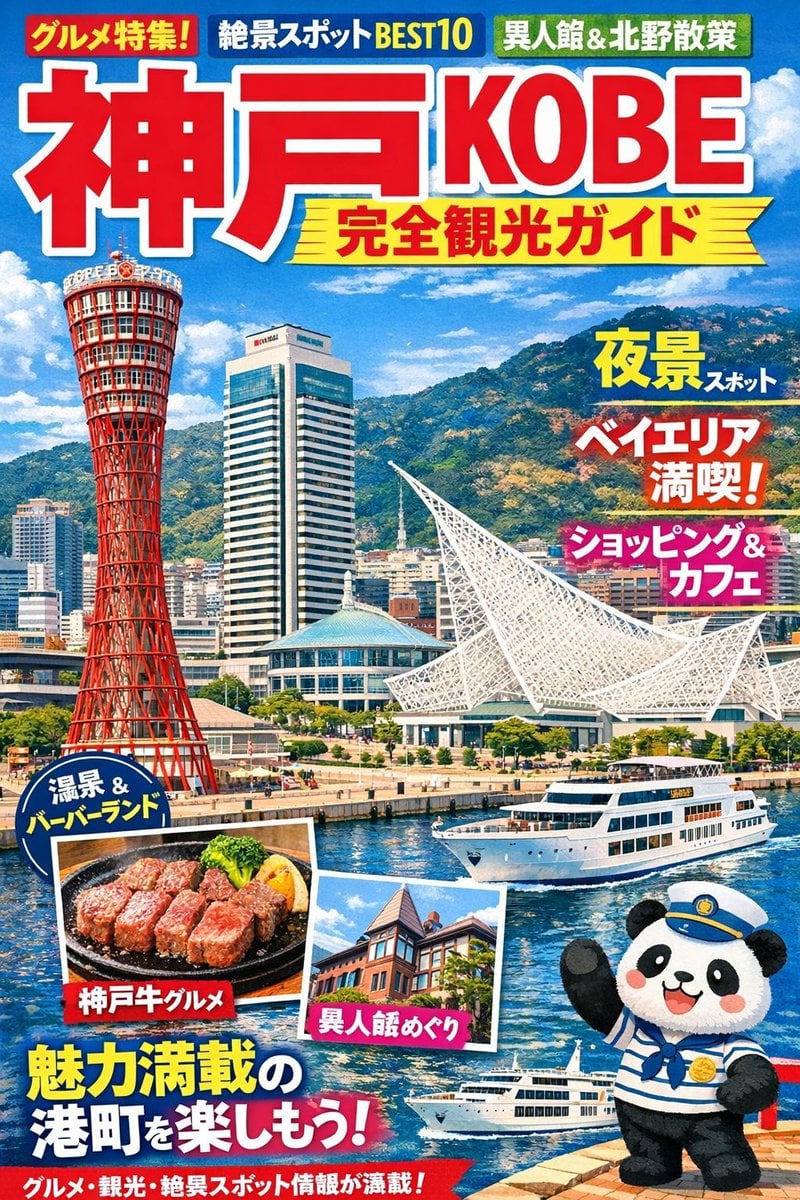
Magazine Cover Generation for Kobe Tourism
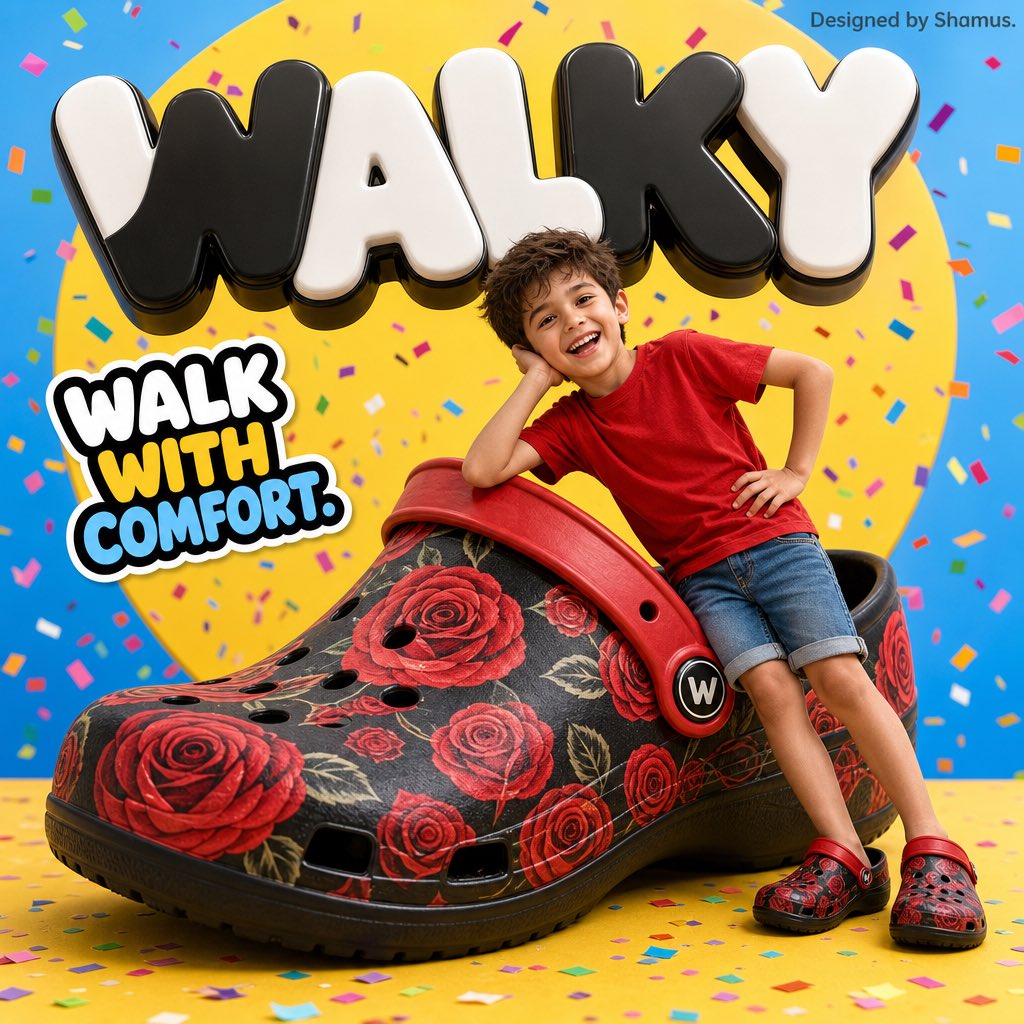
Vibrant Children's Shoe Ad Poster
Browse template categories
Japanese Skincare Lotion Ad questions
How do I use the Japanese Skincare Lotion Ad template?
Add your photo if the template asks for one, edit the prompt if you like — the template's model and format are already selected — and press Generate. Your version opens in PicX Studio.
Can I customize the Japanese Skincare Lotion Ad template?
Yes. You can change the subject, setting, lighting, mood, format, and available model controls before creating your image.
Is the Japanese Skincare Lotion Ad template free?
Opening and editing this template is free. Generating uses credits, shown on the Generate button when you are signed in.
Which AI model should I use?
Start with GPT Image 2, which is the model associated with this template. You can compare another compatible model for a different finish.
Looking for something else? Browse all templates.

Your photo, any look
Thousands of ready templates for every top image and video model, from one credit balance.