
Premium Studio Ad Visual for Starbucks Frappuccino
A detailed prompt for Nano Banana Pro, instructing it to act as a senior art director to create a photorealistic CGI studio ad visual for a Starbucks Frappuccino.
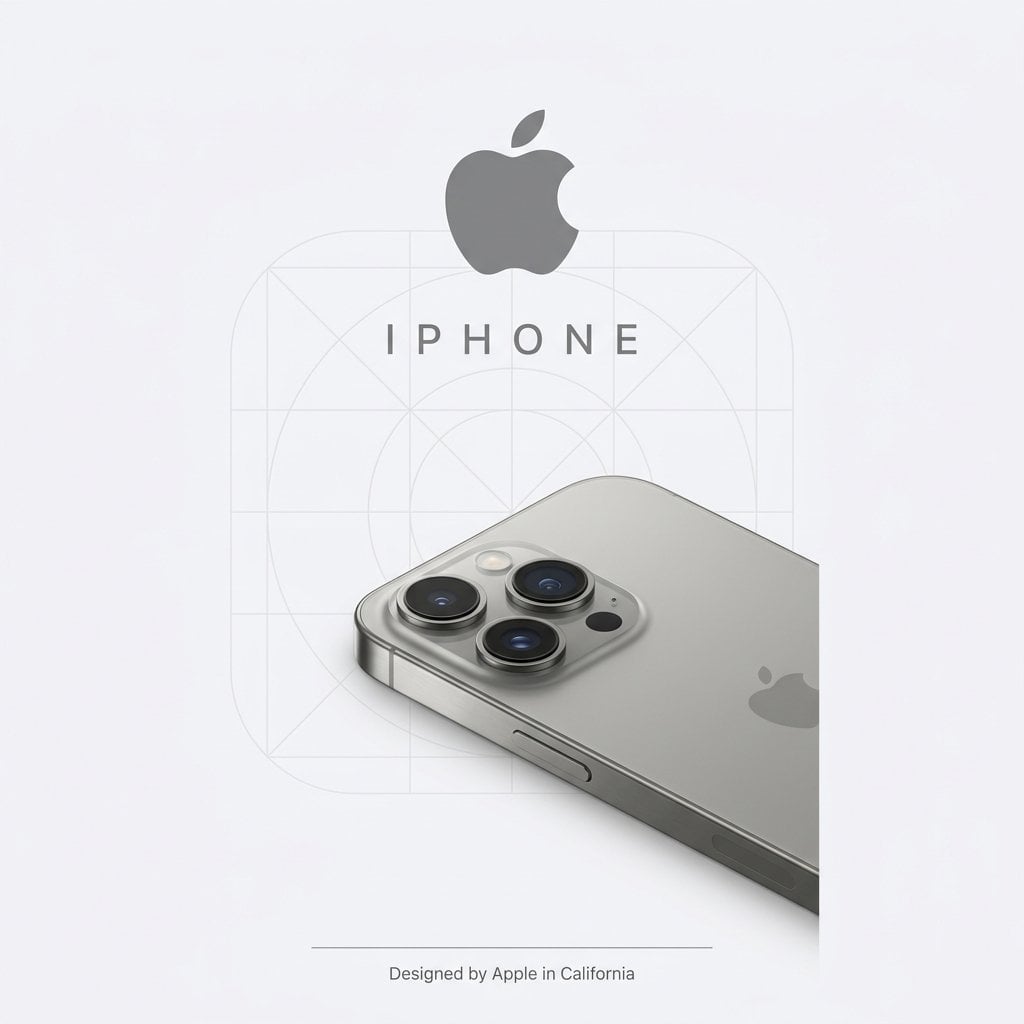
- Prompt included
- Model and format preset
- Free template
The prompt behind this image
Copy the exact prompt behind Premium Studio Ad Visual for Starbucks Frappuccino, or open it in the studio and make it yours.
Act as a senior art director and studio photographer for high-end advertising campaigns and e-commerce. Format & Canvas Vertical 9 :16. Background: {argument name="background color" default="warm off-white (# F4EFE6)"} or a neutral tone characteristic of the brand, with no visible shadows. Background Pattern Apply the brand’s signature motif as a large, tone-on-tone watermark (10–18% opacity). Motif size should be 15–25% of the canvas width, with a soft, slightly embossed feel. Logo Placement Position the Starbucks logo centered in the upper third. Width: 40–50% of the canvas. Use a flat, two-dimensional rendering in official brand colors. Place the wordmark below the logo in spaced uppercase letters, matching the logo color. Wordmark height: approximately 60% of the logo height. Product Placement Photorealistic Starbucks frappuccino with full material fidelity (cup, lid, straw, textures, branding details). Position: bottom right, angled at 25–35°. Cropped at 60–75%, occupying 55–65% of the canvas. Use soft contact shadows (8–12% opacity), with no harsh shadows. Lighting Soft, directional daylight (5500–6000K). Key light from top left, fill from the right. Minimal contrast (1.2–1.5:1), with global illumination for subtle light bounce. No edge highlights; reflections only on metallic elements. Avoid hard shadows. Typography & Finishing At the bottom: a thin horizontal line (1 px, 80% width, in brand color). Below it: microcopy ({argument name="microcopy text" default="social link or collection tag"}) in a clean sans-serif font, aligned with the context. Technical Specifications Photorealistic CGI (KeyShot/Octane style), 9: 16, ultra-high detail, f/16 depth of field, sharp edges, neutral color accuracy, slightly warm background, no environmental reflections. Mood reference: official visuals from Louis Vuitton / Bottega Veneta / Celine.
How to use Premium Studio Ad Visual for Starbucks Frappuccino in 3 steps
- 1
Open
The prompt is already in the box next to the preview, with the template's model and format selected.
- 2…a portrait of your subject in softgolden-hour light, 85mm…
Personalize
Edit the subject and creative details for your destination.
- 3Generate
Generate
Press Generate — your image is created in PicX Studio, so you can compare it with the original and refine one variable at a time.
More like this
Templates with the same subject, style or setup. Open one to see its prompt.

80s Couple Studio Portrait

1985 Studio Portrait
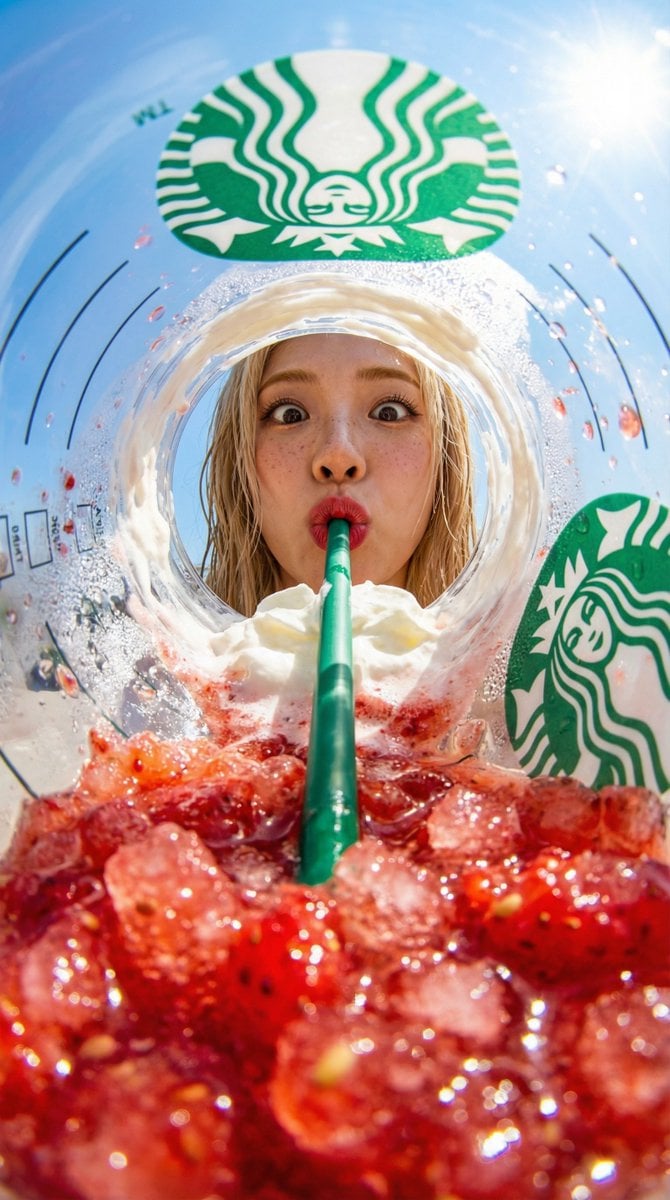
View from inside a Starbucks strawberry frappuccino cup looking up
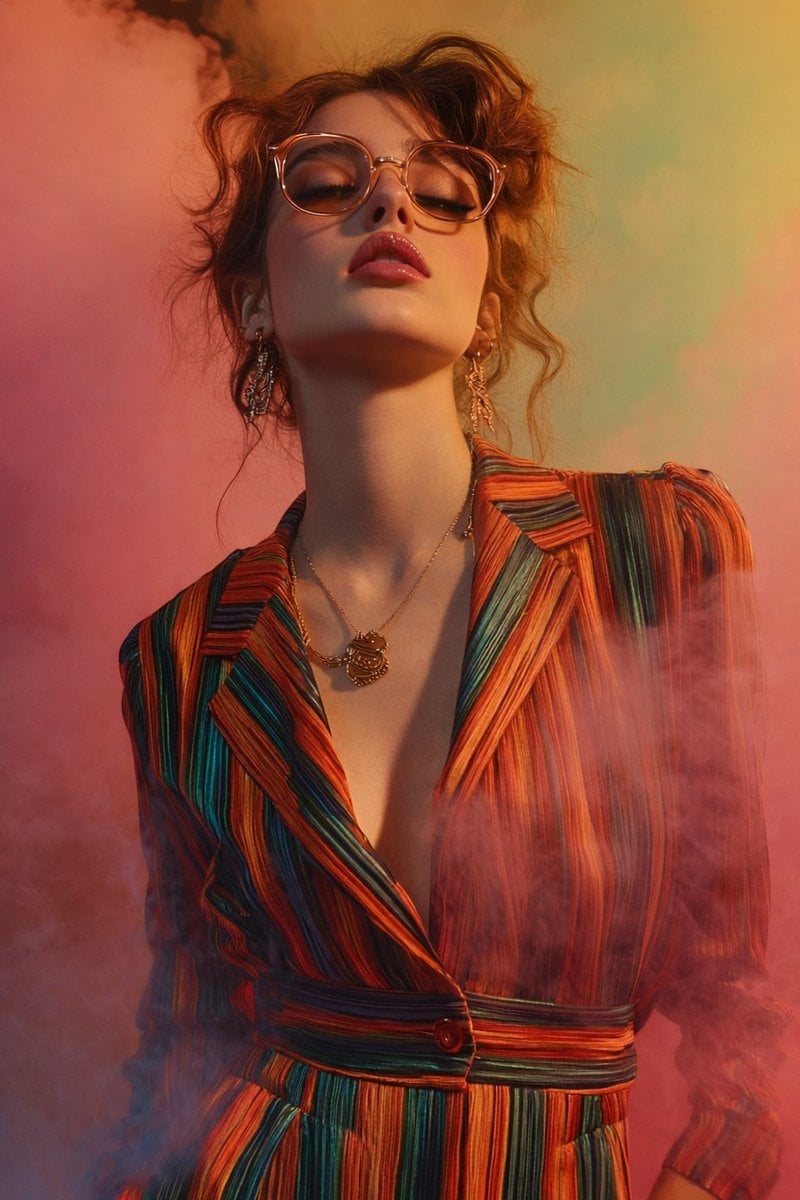
Cinematic Low-Angle Fashion Portrait Smoke Editorial
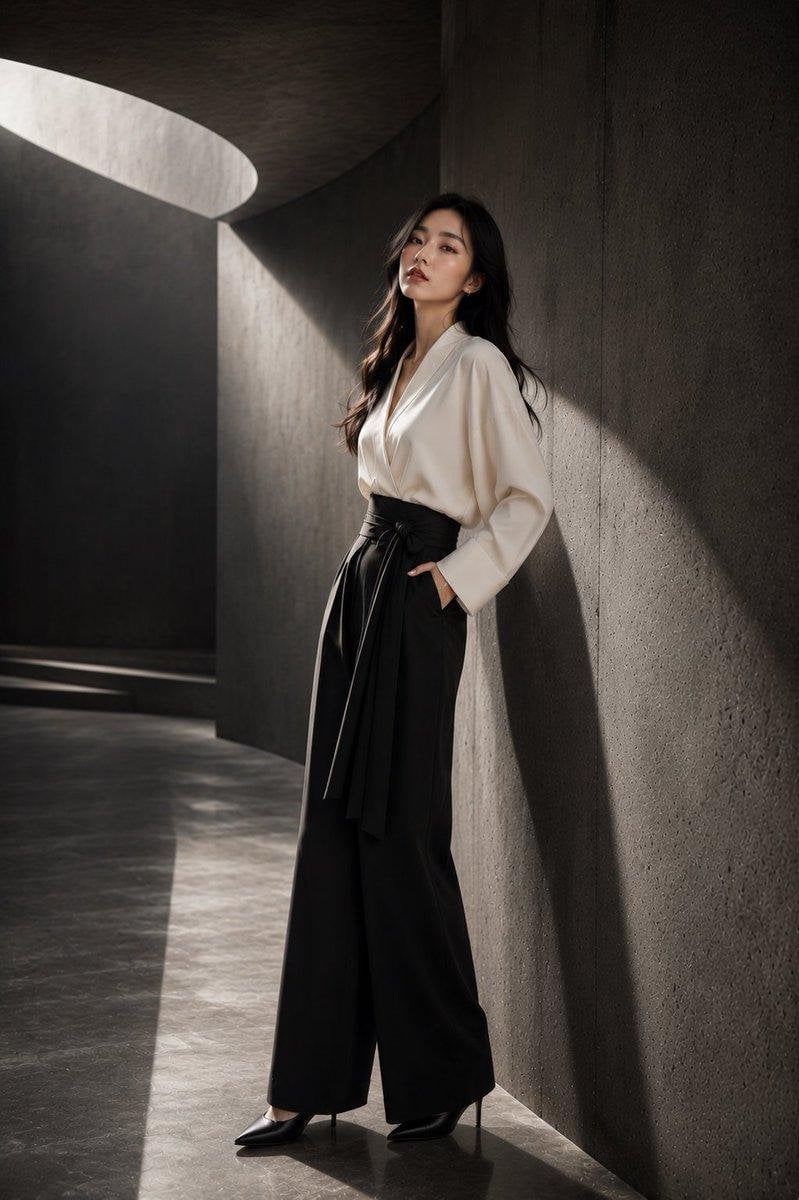
Japanese Architectural Concrete Studio Fashion Campaign
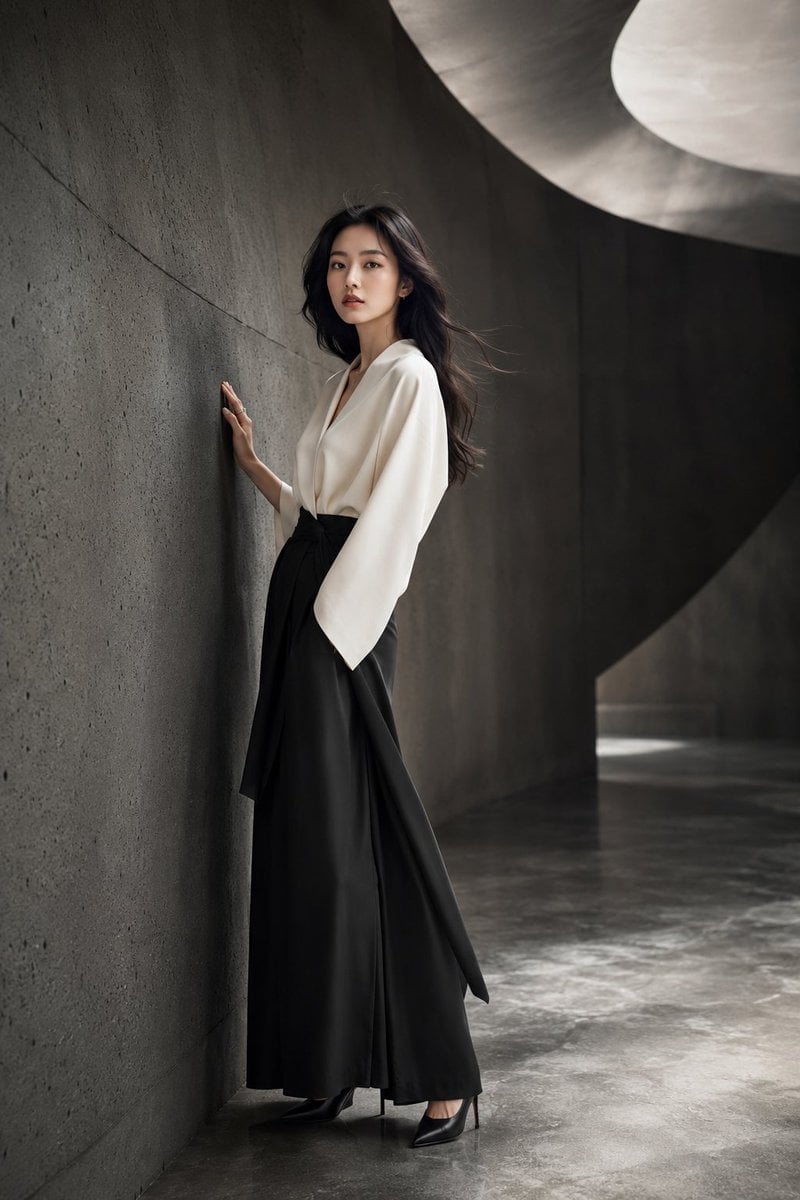
Japanese Minimalist Concrete Studio Fashion Editorial
Cinematic Low-Angle Fashion Portrait Smoke Editorial
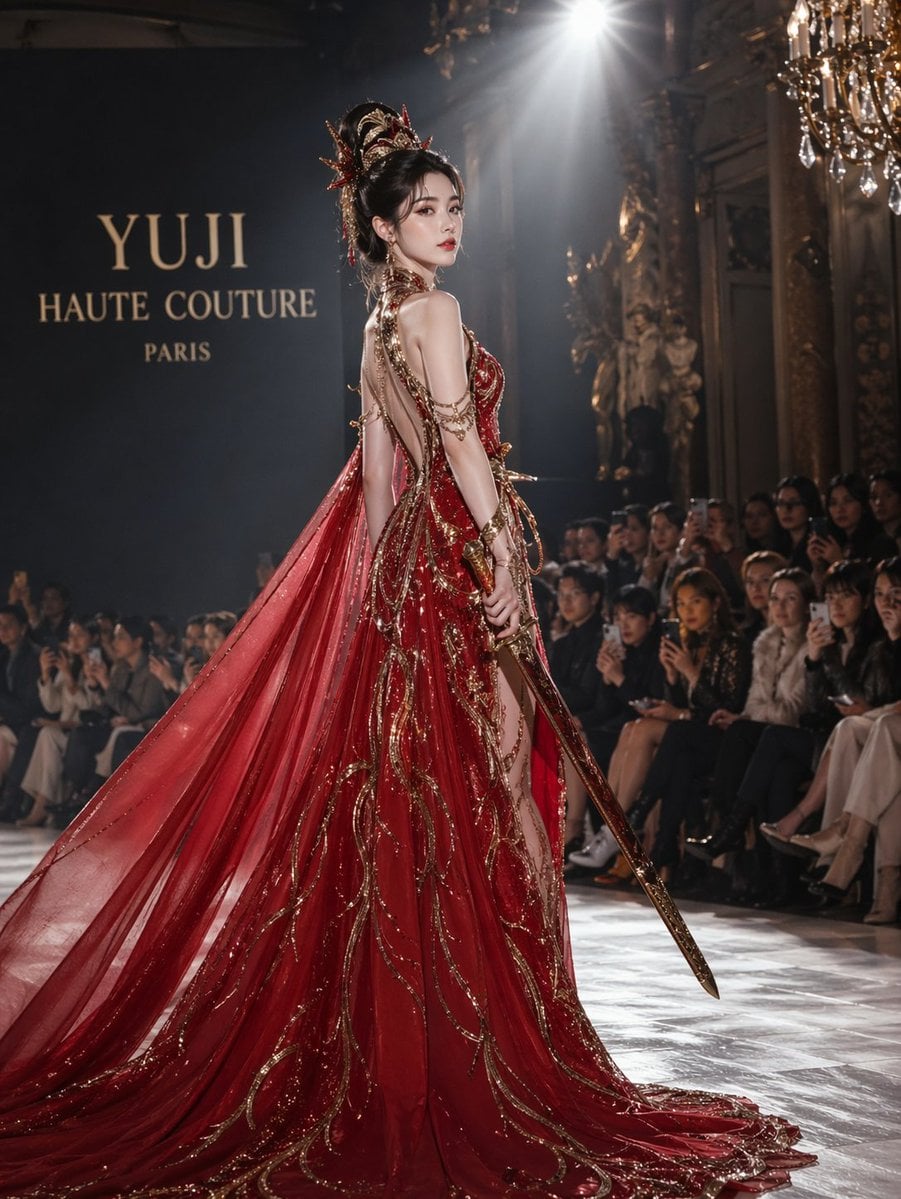
High-Fashion Bauhaus Geometric Cutout Editorial
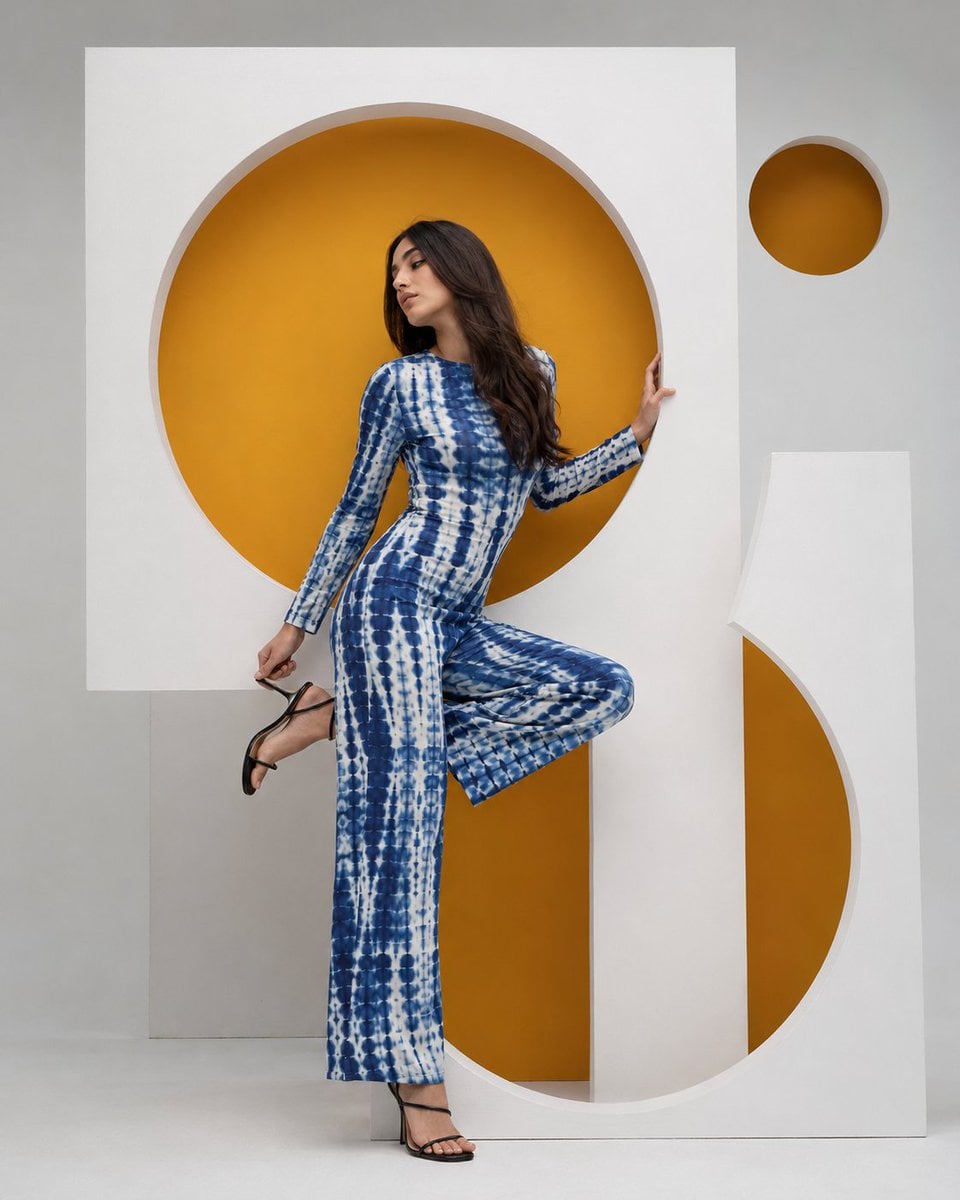
High-Fashion Bauhaus Geometric Cutout Editorial
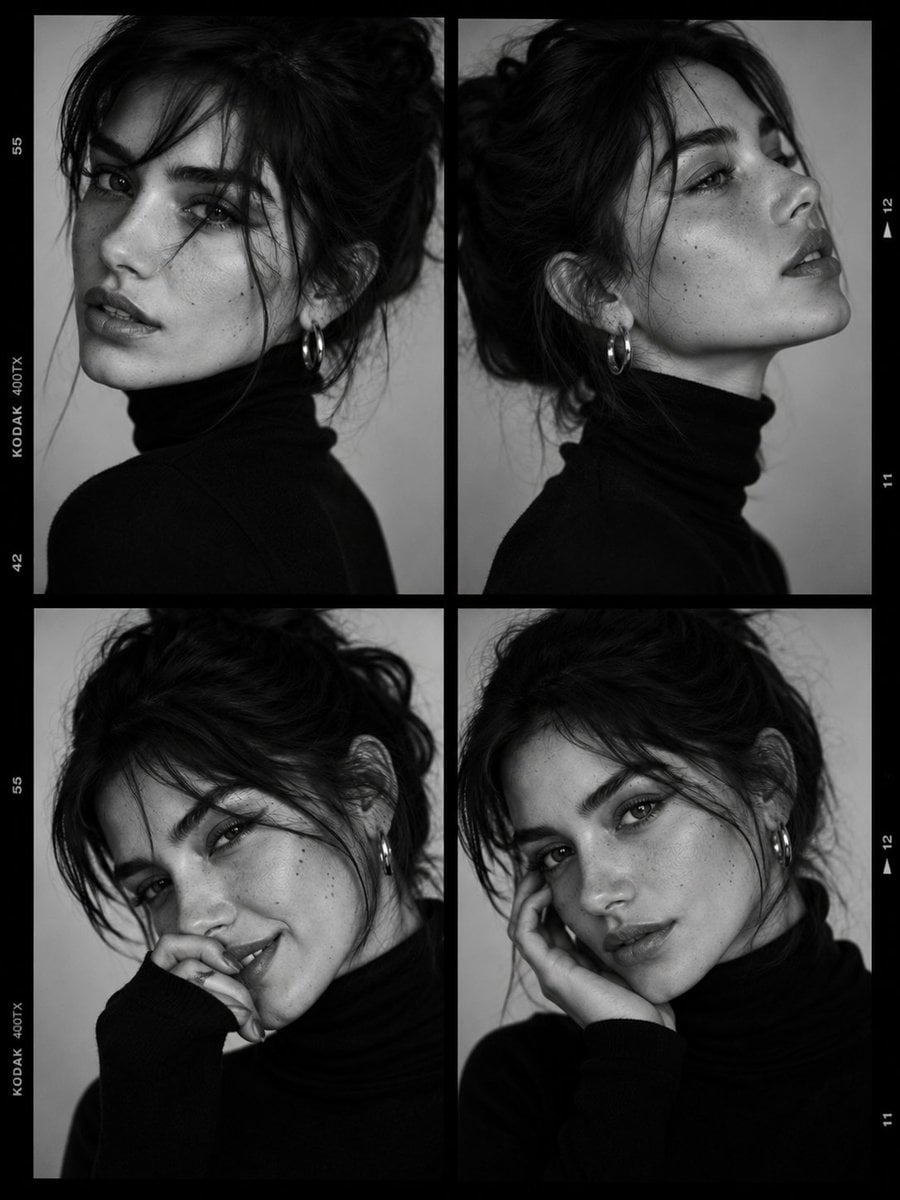
Luxury Black-and-White Fashion Contact Sheet
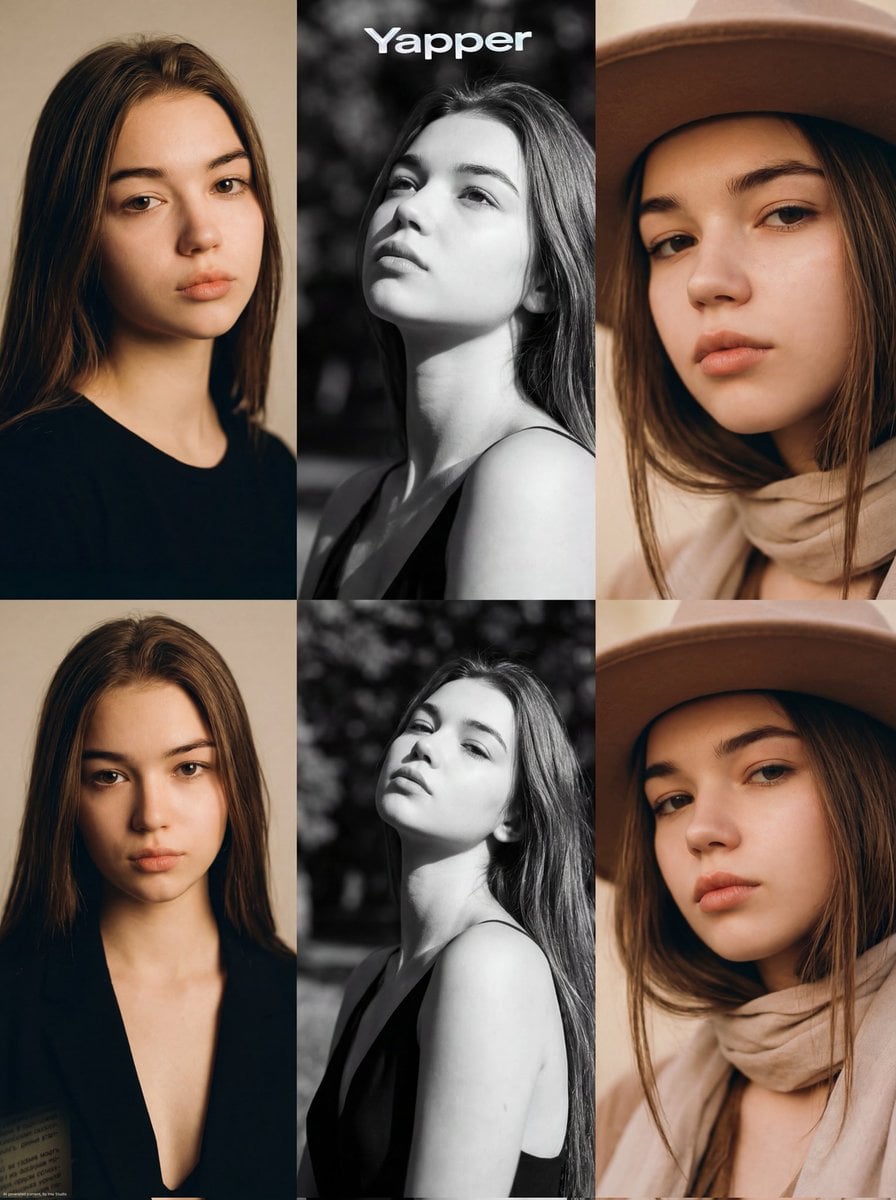
Ultra-Realistic Vogue-Style Editorial Fashion Grid
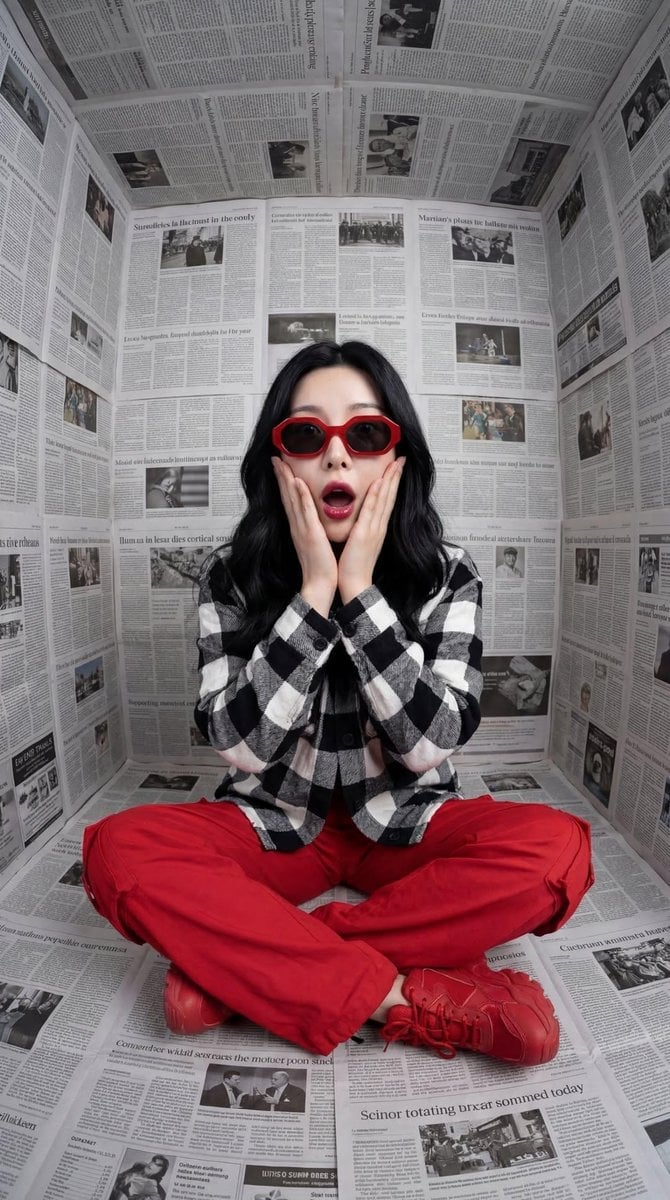
Stylized Fashion Portrait Bold Color Contrast Editorial
Make it yours
Premium Studio Ad Visual for Starbucks Frappuccino works as-is. These are the safest ways to change it without losing the look.
Change one field
Copy a single group, rewrite it, and generate again so you can see what that field is doing.
Keep the frame, change the subject
Hold the composition and light of Premium Studio Ad Visual for Starbucks Frappuccino, then swap wardrobe, props or the person for a new take.
| If the result… | Why | Fix |
|---|---|---|
| The result drifts from the preview | Too many fields changed at once. | Reuse Premium Studio Ad Visual for Starbucks Frappuccino as-is first, then change one group — subject, light, or setting. |
| The model over-stylizes the scene | The prose prompt leaves finish and camera underspecified. | Add one camera or lighting sentence and stay on Nano Banana 2. |
More Nano Banana 2 templates
Other prompts made for Nano Banana 2.

Photorealistic Leaf Shaped Like a Dragon

K-Pop Idol Portrait Grid for Rapid Selection

Poetic Rain Forest Portrait During Golden Hour

Urban Street Portrait with Cartoon Inner Self Duo

Candid Nighttime Photo with Cat Prompt

High-Concept 3D Diorama Generation Prompt

Cinematic Futuristic Studio Portrait Template

Skincare Editorial Photography Collage Prompt

Hyper-Realistic Commercial Product Photography (Splash Effect)

Hyper-Realistic Nightclub Portrait Prompt
More image prompts
Fresh picks from across the catalog.
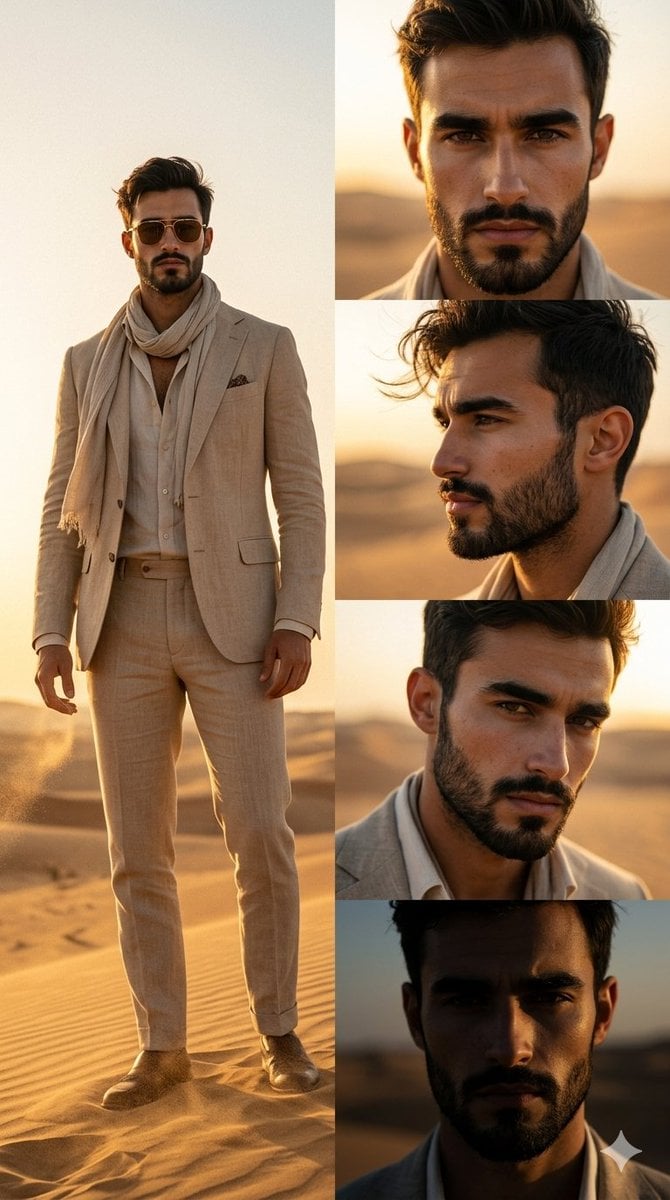
Desert Fashion Magazine Layout
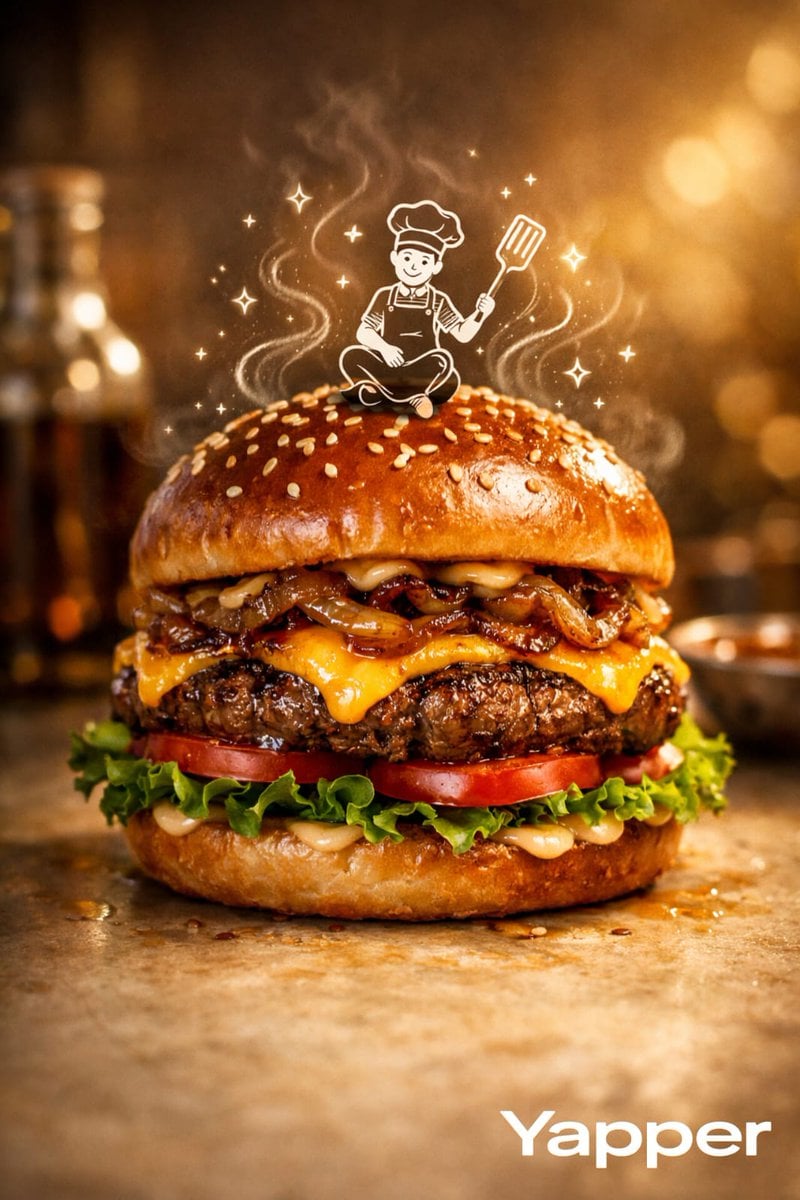
Luxury Food Advertisement Photography with Illustrated Chef
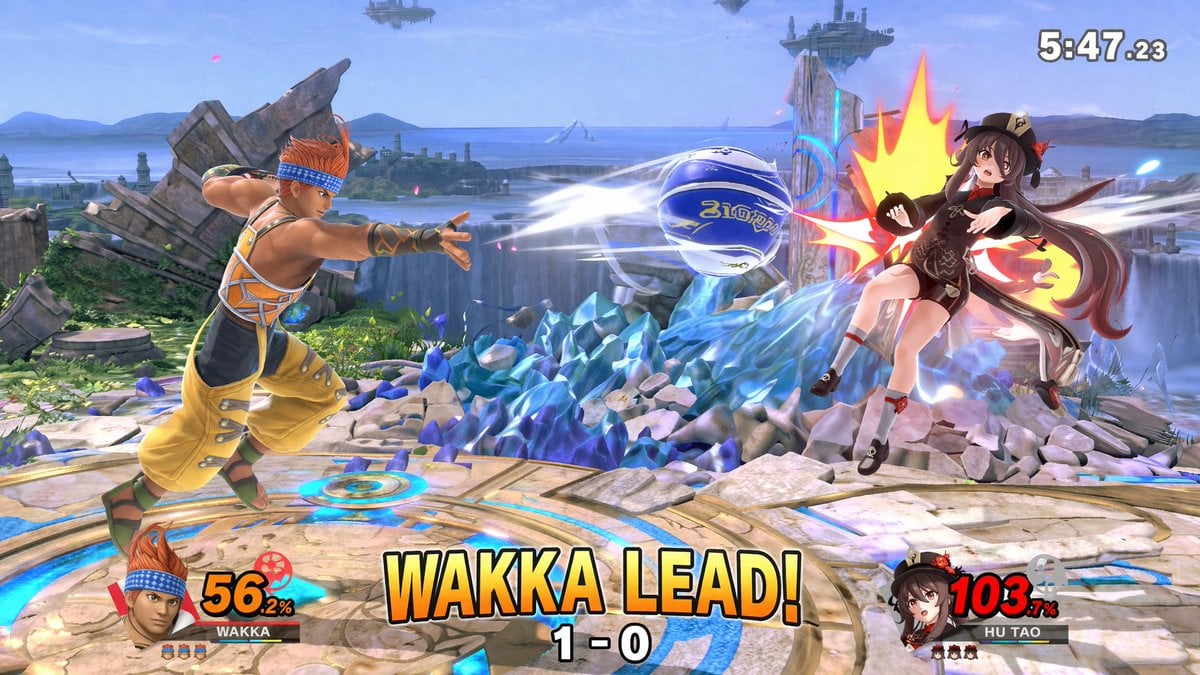
Crossover Platform Fighter Screenshot
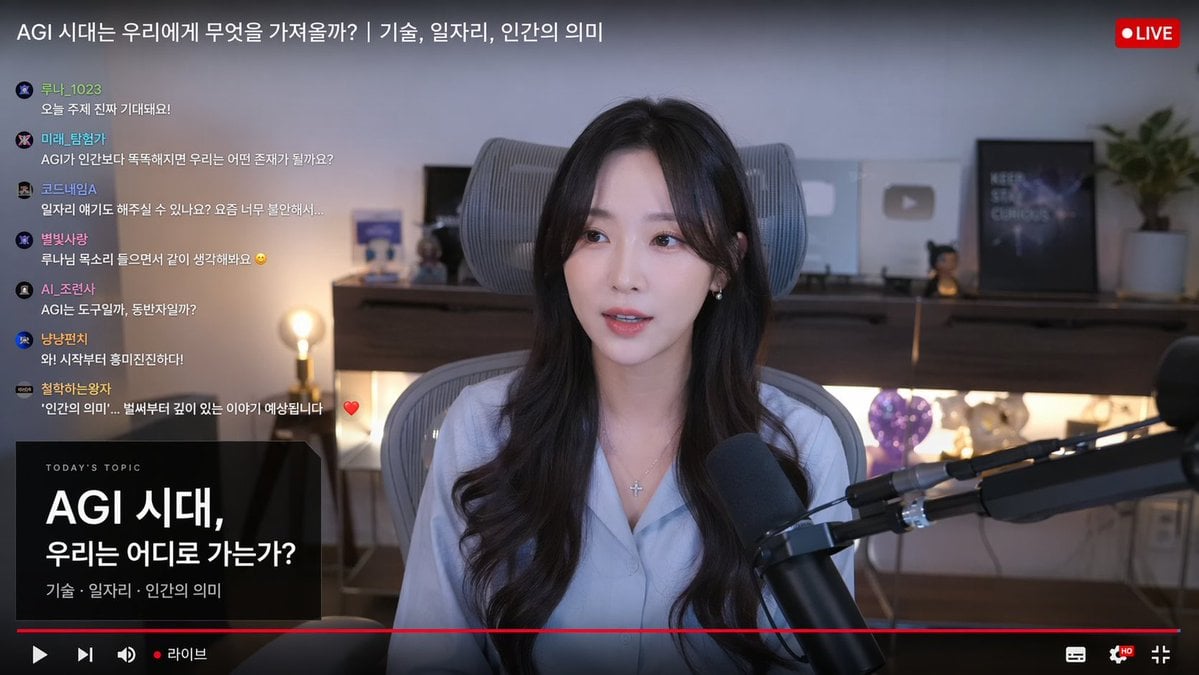
Live Stream Interface Mockup
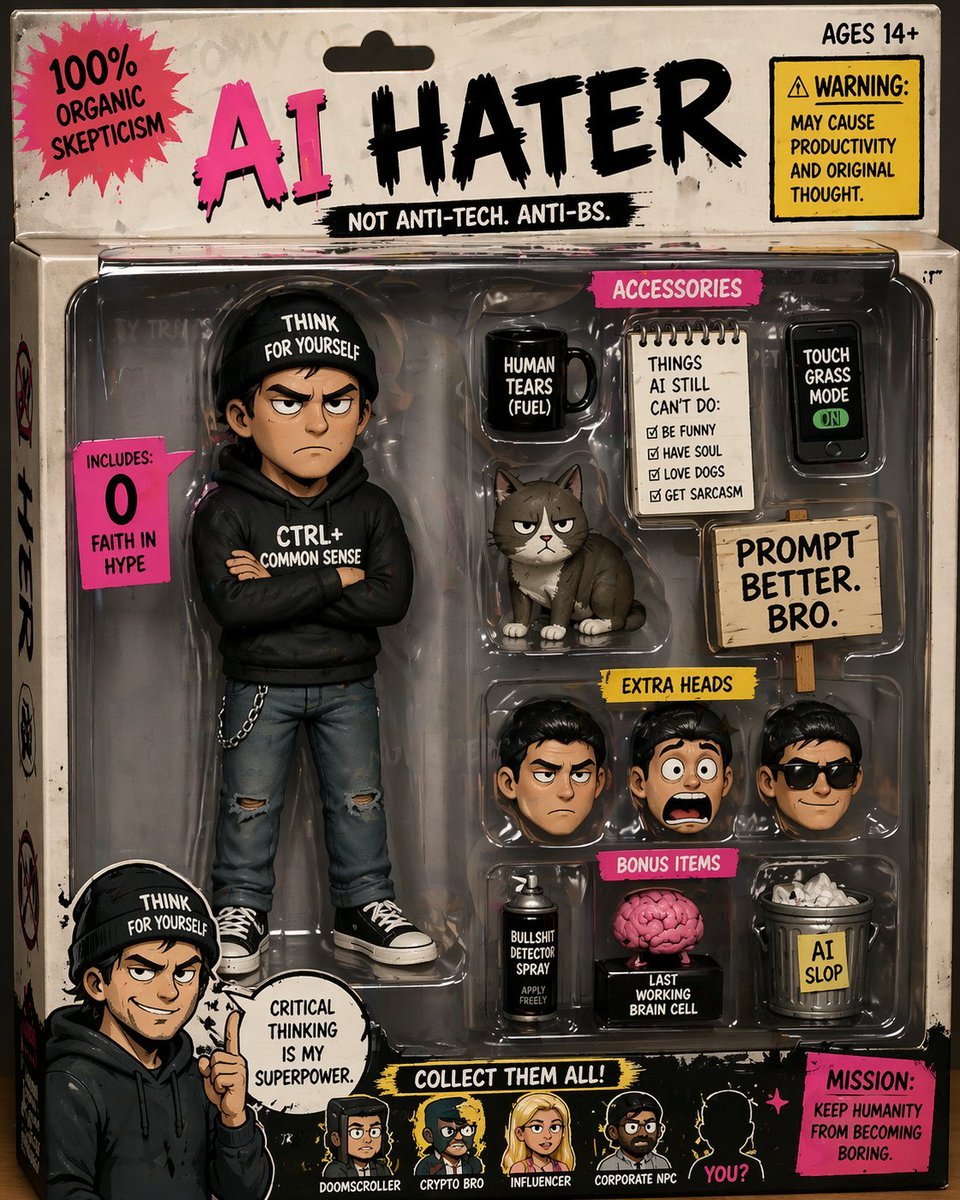
Satirical AI Hater Action Figure
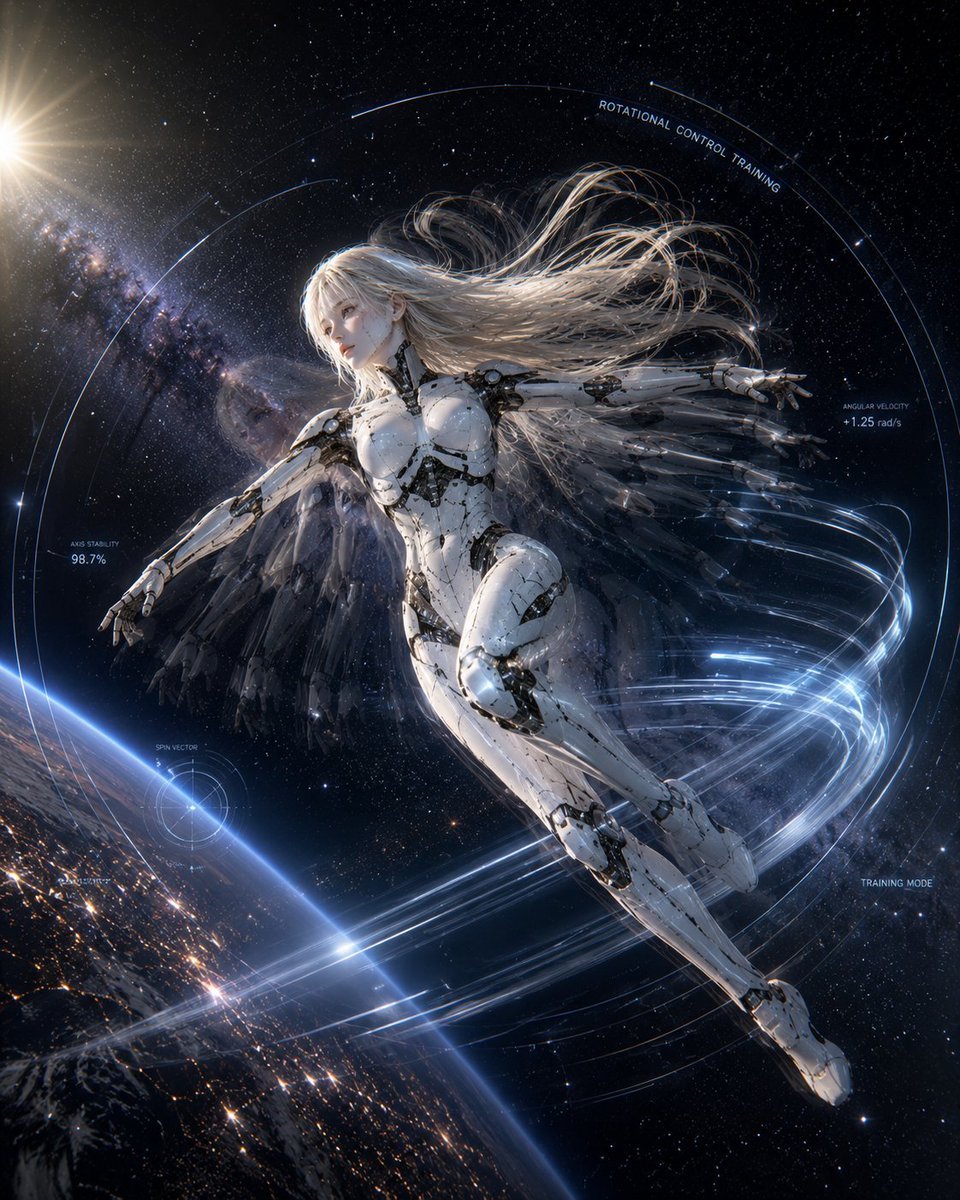
Spaceship Female Android Concept
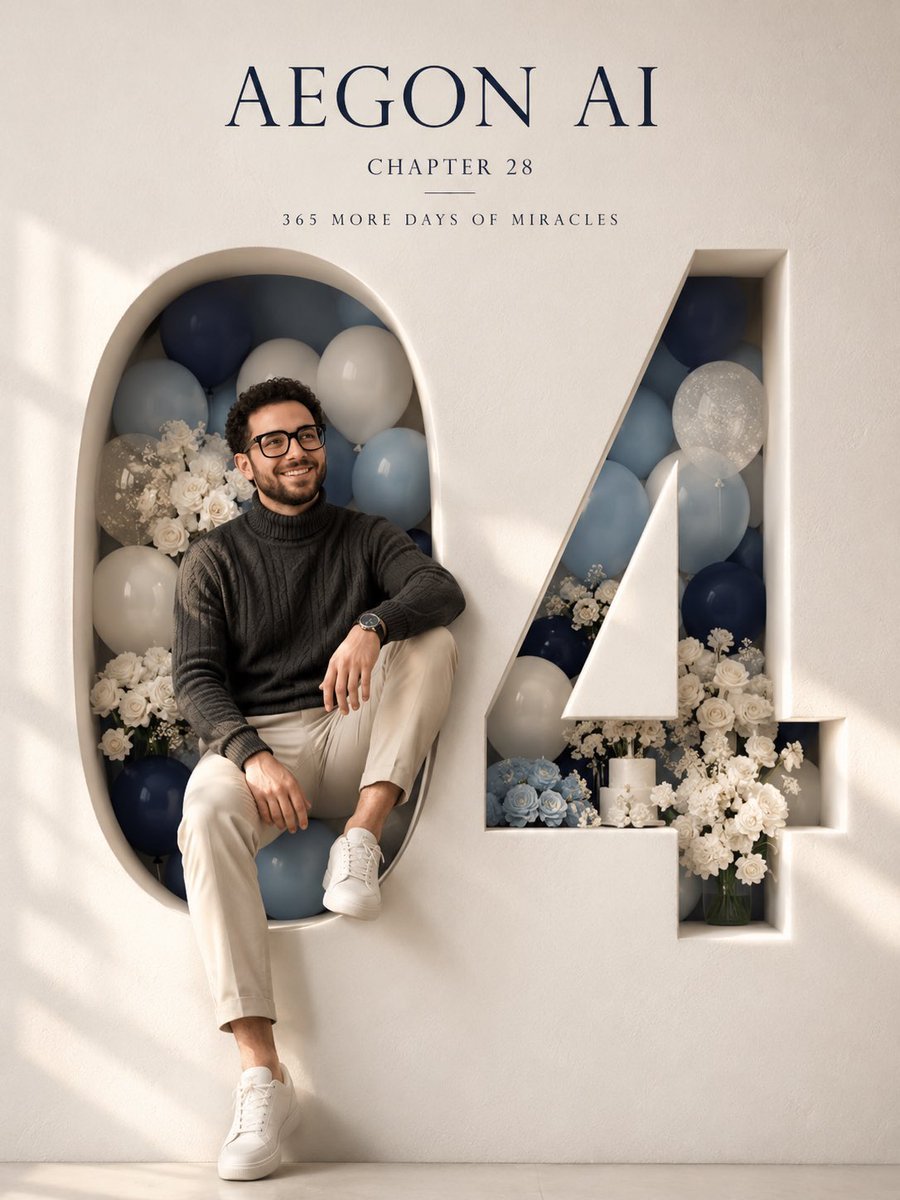
Architectural 3D Carved Birthday Poster
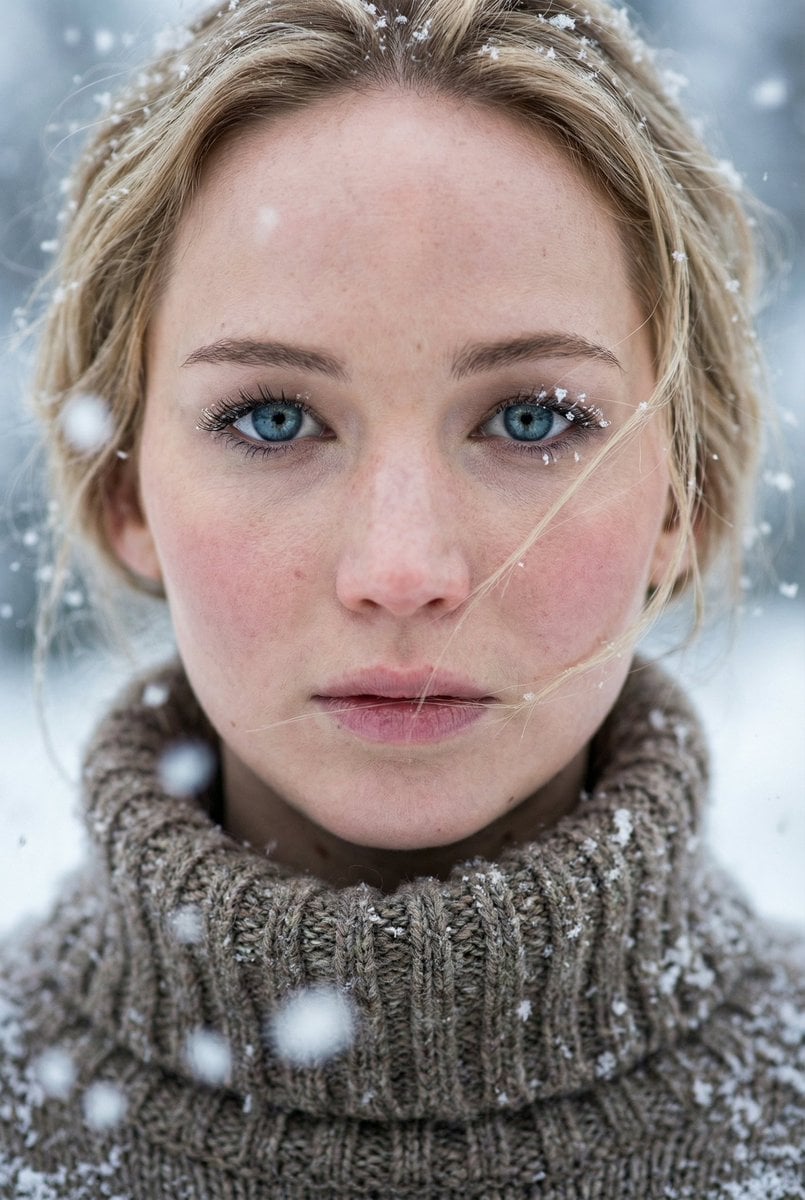
Ultra-Photorealistic Winter Portrait Macro Focus (Jennifer Lawrence)
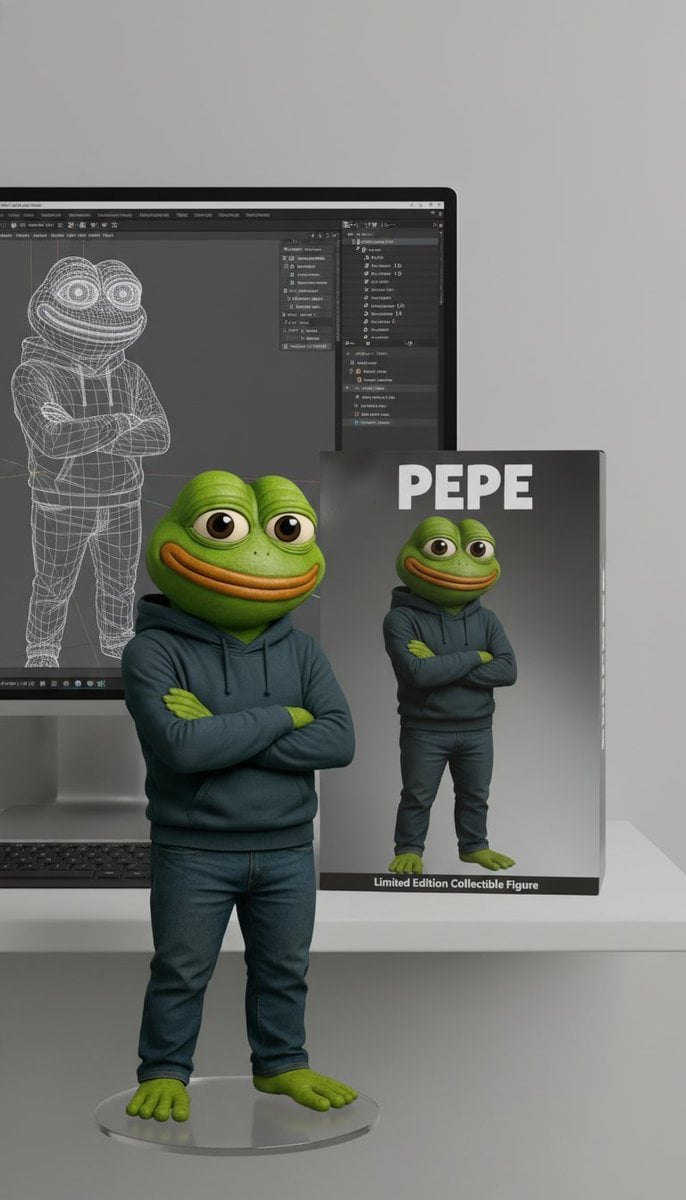
Collectible Figure Product Showcase Prompt
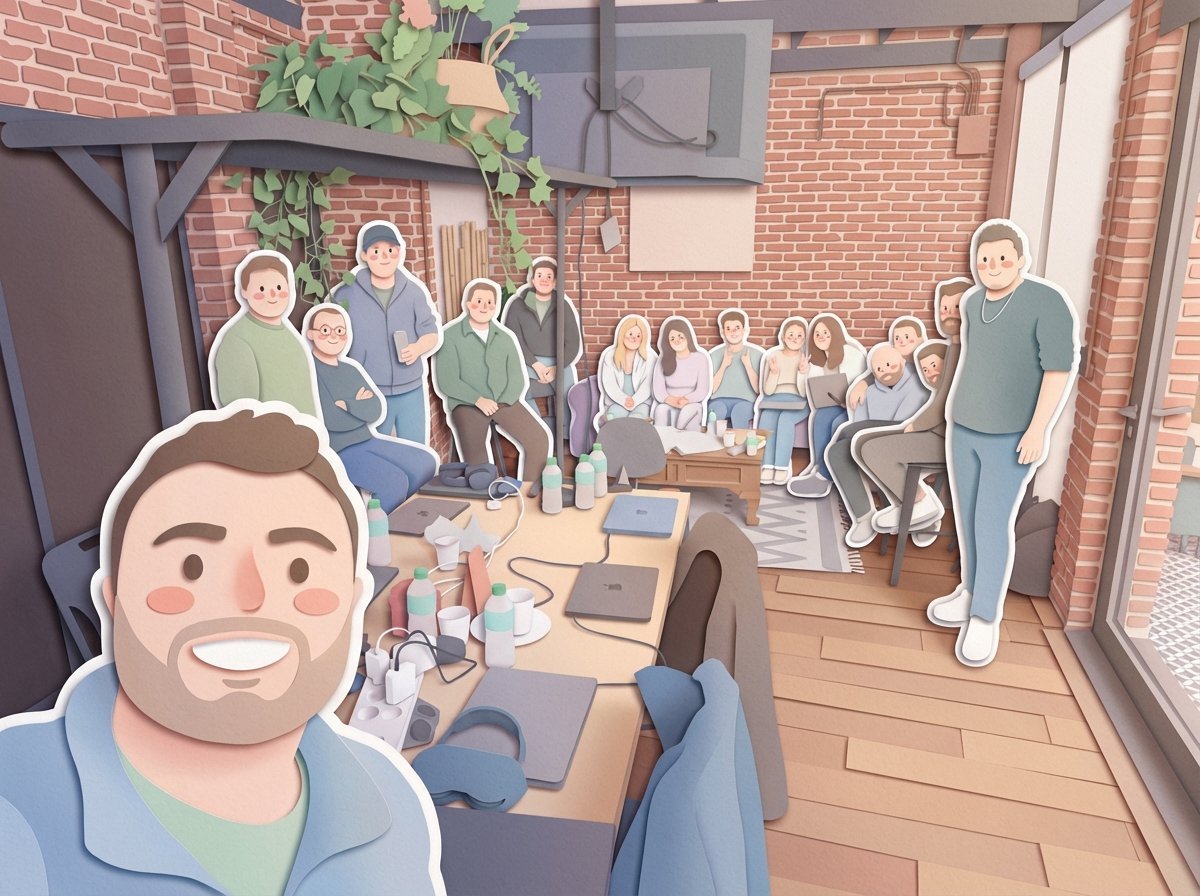
Paper-Cut Layered Illustration Style Transfer
Browse template categories
Premium Studio Ad Visual for Starbucks Frappuccino questions
How do I use the Premium Studio Ad Visual for Starbucks Frappuccino template?
Add your photo if the template asks for one, edit the prompt if you like — the template's model and format are already selected — and press Generate. Your version opens in PicX Studio.
Can I customize the Premium Studio Ad Visual for Starbucks Frappuccino template?
Yes. You can change the subject, setting, lighting, mood, format, and available model controls before creating your image.
Is the Premium Studio Ad Visual for Starbucks Frappuccino template free?
Opening and editing this template is free. Generating uses credits, shown on the Generate button when you are signed in.
Which AI model should I use?
Start with Nano Banana 2, which is the model associated with this template. You can compare another compatible model for a different finish.
Looking for something else? Browse all templates.

Your photo, any look
Thousands of ready templates for every top image and video model, from one credit balance.