
Weathered Custom Cub Concept Bike
This prompt generates a detailed concept-art style illustration of a heavily customized retro utility motorcycle, ideal for vehicle design, mech art, or post-apocalyptic industrial aesthetics.
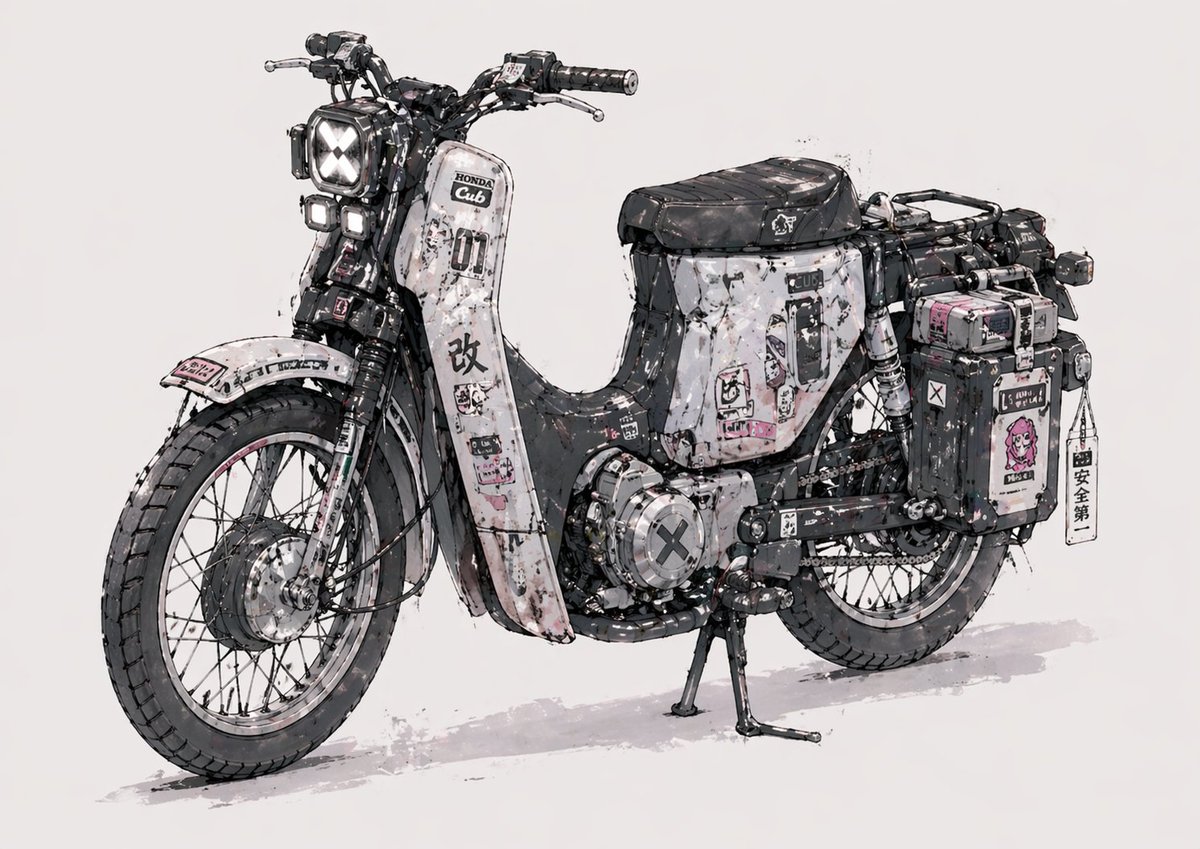
- Prompt included
- Model and format preset
- Free template
The prompt behind this image
Copy the exact prompt behind Weathered Custom Cub Concept Bike, or open it in the studio and make it yours.
A highly detailed concept illustration of a customized vintage step-through motorcycle inspired by a Honda Super Cub, shown in a clean studio-like three-quarter left side view on a plain light gray background. The bike has a rugged post-apocalyptic street-build aesthetic with a black, white, and muted gray color scheme accented by small pink stickers and decals. Emphasize heavy weathering: chipped paint, scratches, oil stains, grime, rust flecks, ink splatter, worn edges, and layered sticker residue across the entire body. The front has 1 square headlight with an X-shaped light pattern and 2 smaller stacked auxiliary lights beneath it. Use spoked wheels, thick all-terrain tires, visible front suspension, exposed mechanical detail, chain drive, and a sturdy center stand touching the ground. The leg shield and side panels are covered in graphic decals, Japanese-style warning labels, numbers, symbols, and distressed typography, including a bold large kanji mark on the front fairing. Add 2 hard side cargo boxes on the rear, one larger box on the far side and 1 nearer black box with extra stickers, plus 1 hanging vertical tag charm attached near the rear case. Include 1 long black ribbed seat, rear rack framing, exposed wiring, metal brackets, bolts, and compact utility accessories that make it feel hand-modified and functional. Render it like an industrial design sketch mixed with polished anime mech concept art: precise linework, watercolor wash shadows, soft gray ground shadow, high-detail mechanical realism, slightly messy inked edges, and a collectible custom-bike illustration feel.
How to use Weathered Custom Cub Concept Bike in 3 steps
- 1Upload ImagePNG, JPG or paste
Add your photo
Upload the photo the template builds on. The prompt, model and format are already set.
- 2…a portrait of your subject in softgolden-hour light, 85mm…
Personalize
Edit the subject and creative details for your destination.
- 3Generate
Generate
Press Generate — your image is created in PicX Studio, so you can compare it with the original and refine one variable at a time.
More like this
Templates with the same subject, style or setup. Open one to see its prompt.

Glass Brand Logo Volcanic Landscape

Blueprint Split Reality Archetype Prompt

Real Illustration Split Portrait Transition
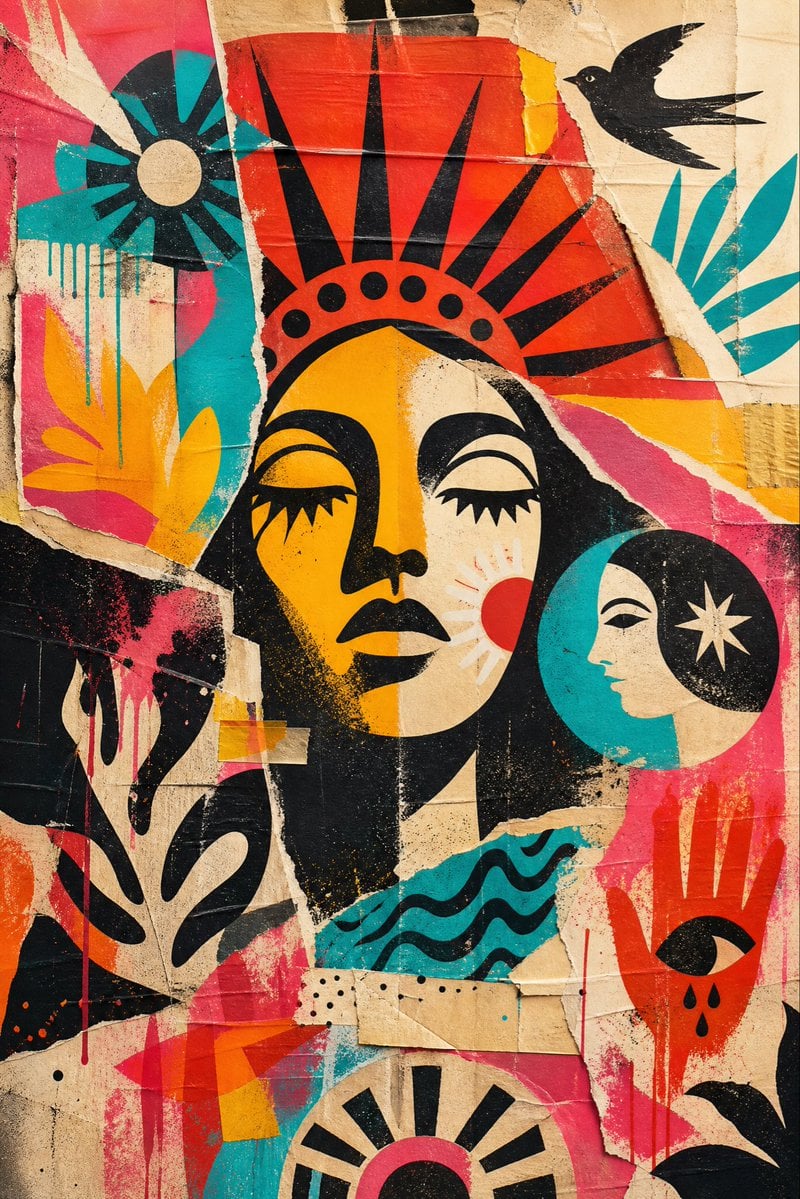
Weathered Folk Poster Collage
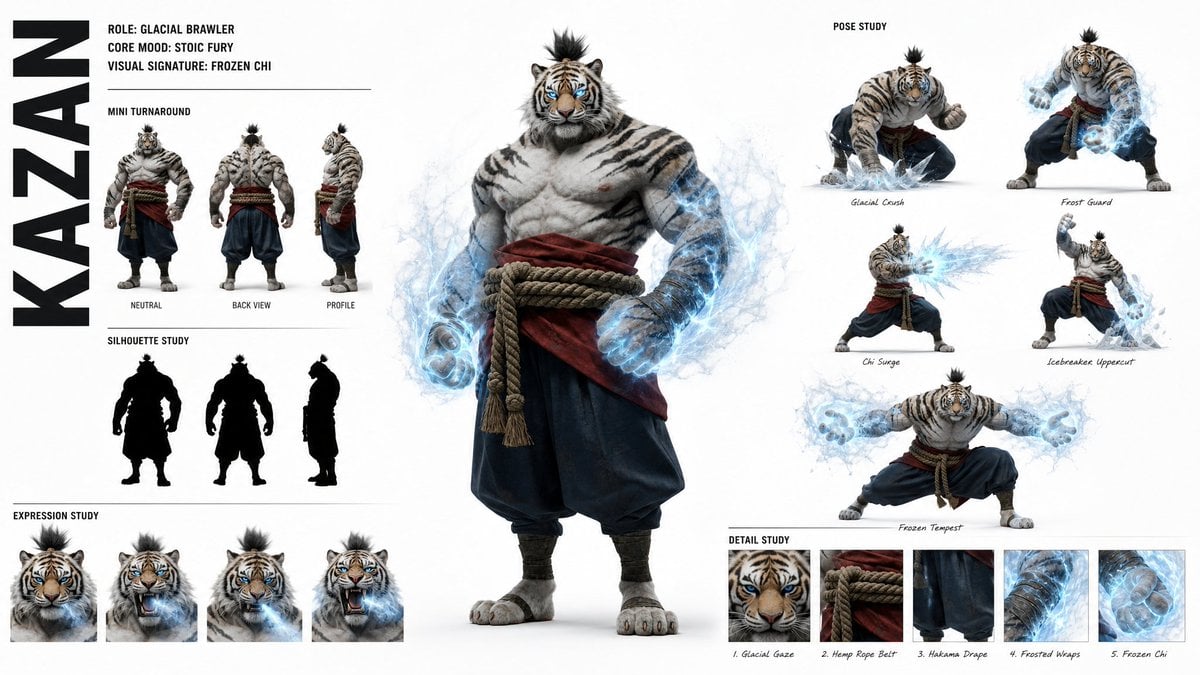
High-Fashion Character Concept Art Sheet
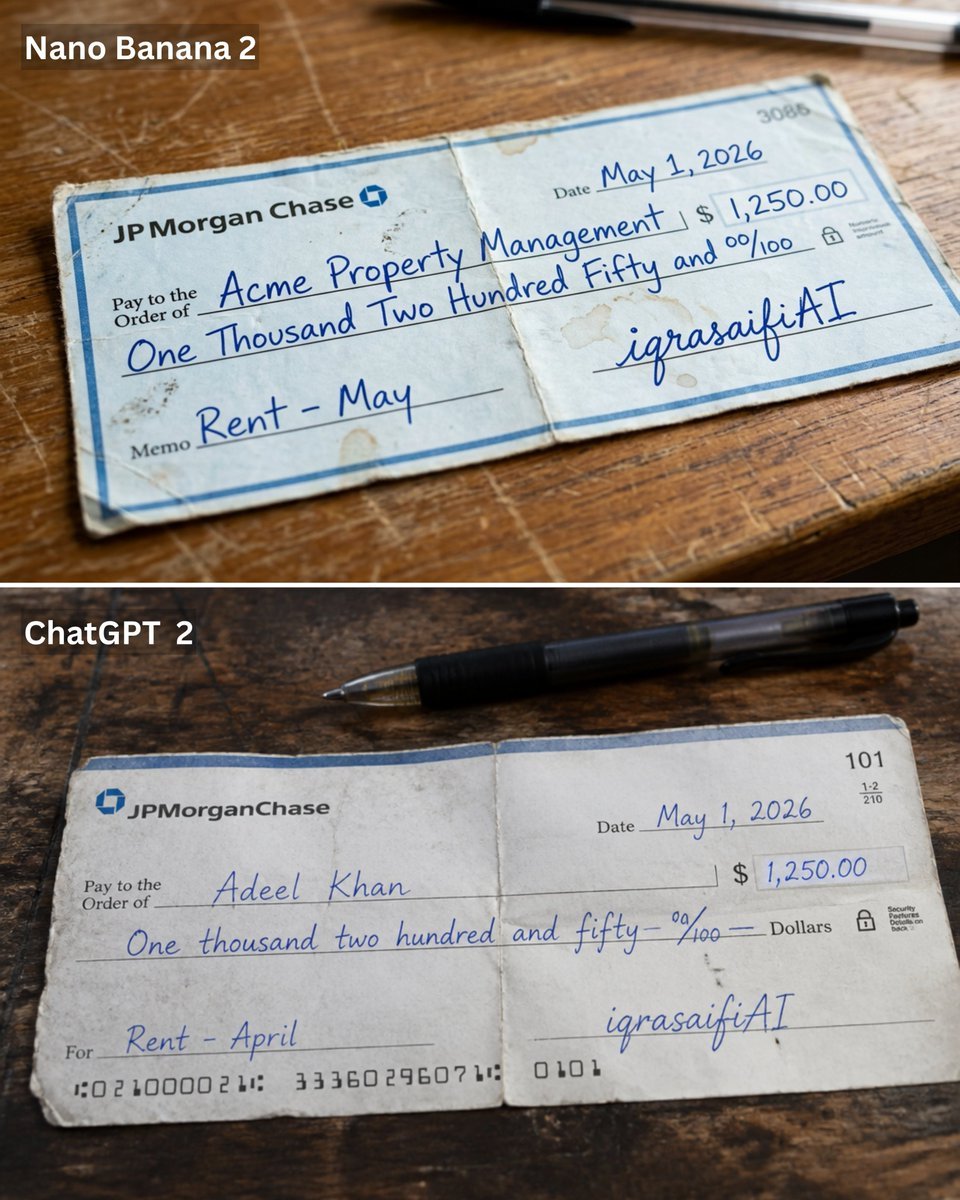
Weathered JP Morgan Bank Check
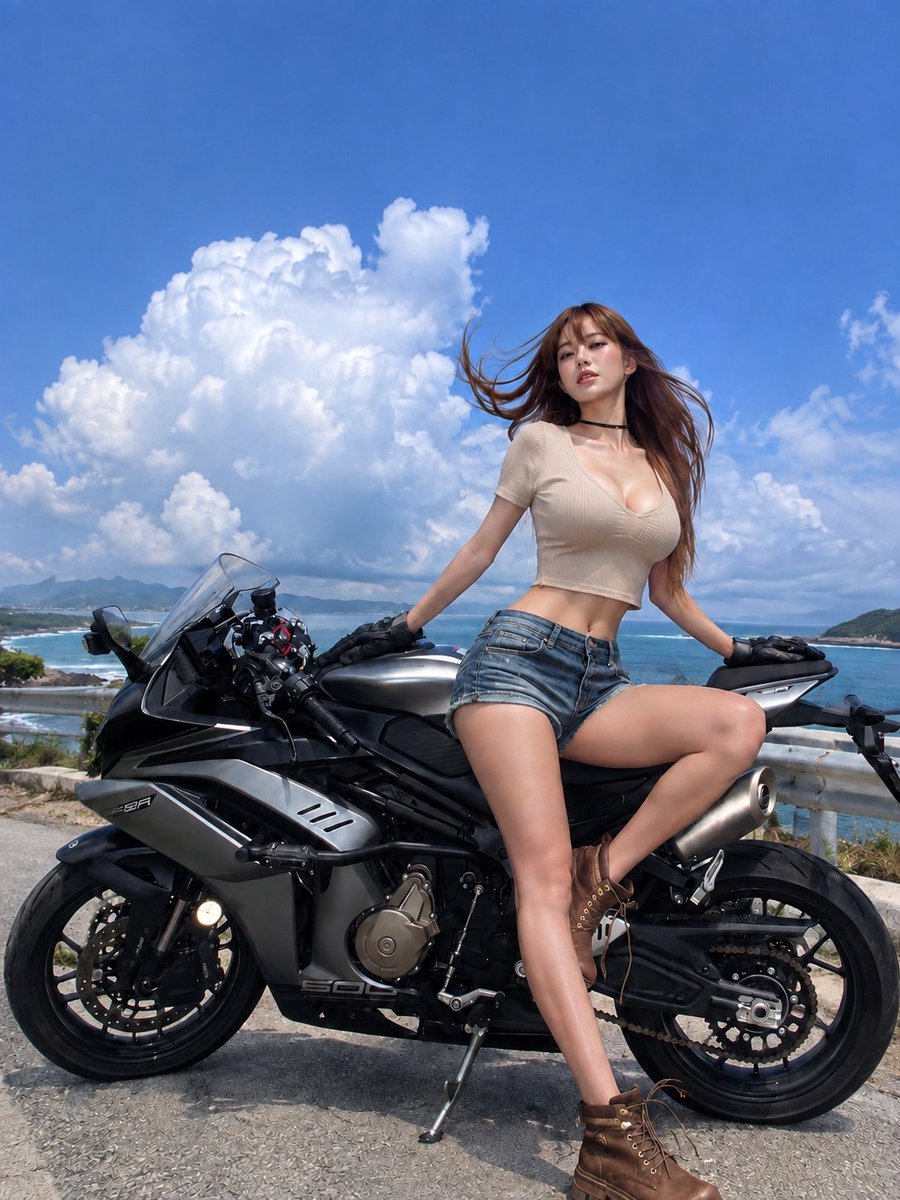
Summer Clouds and Sports Bike
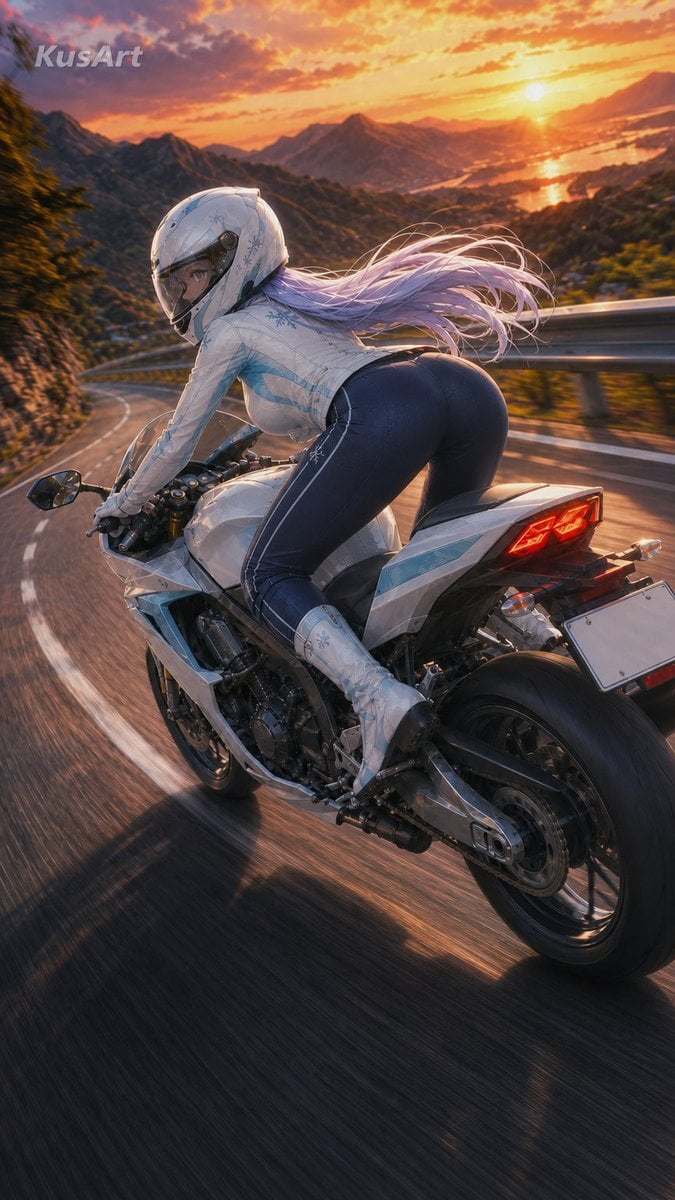
Sunset Mountain Sportbike Rider
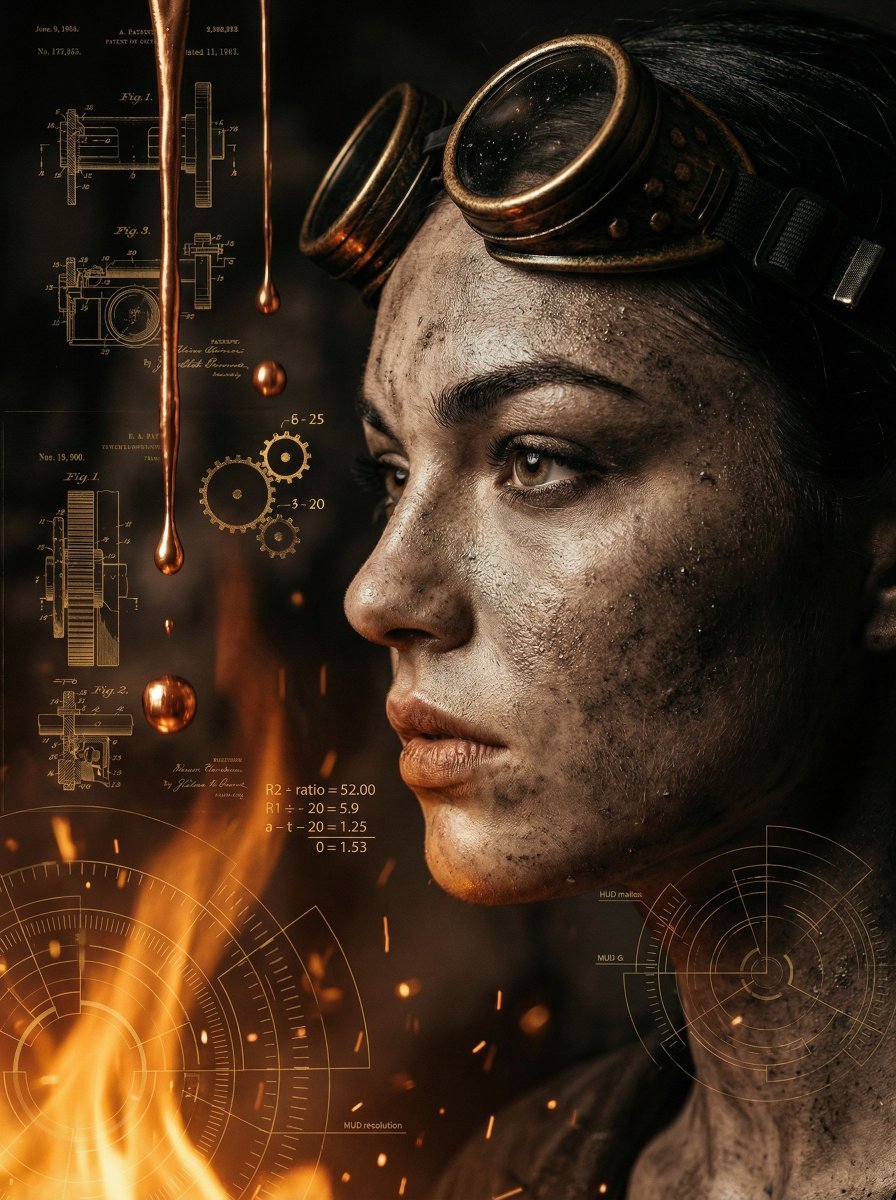
A cinematic close-up profile of a weathered women with a salt-and-pepper

Styled on a weathered surface, shot in pure golden hour light streaming
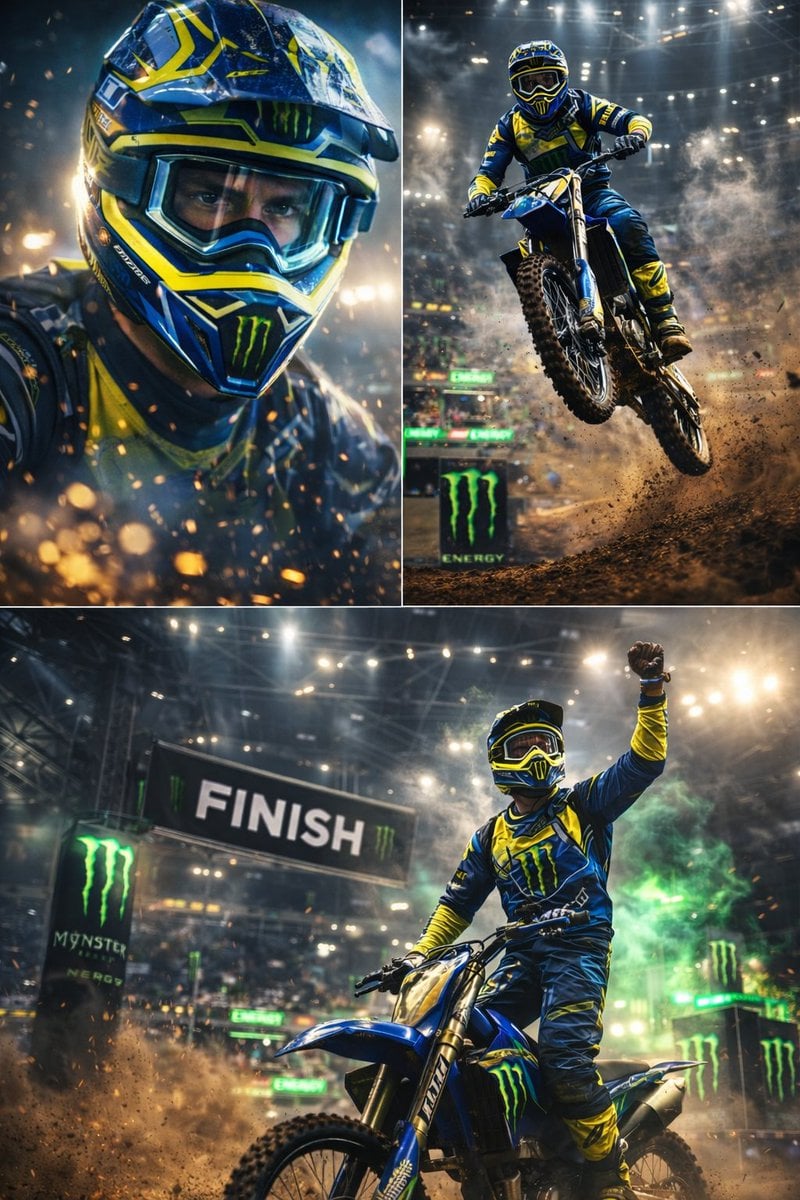
Ultra-dynamic motocross racing scene featuring a professional dirt bike
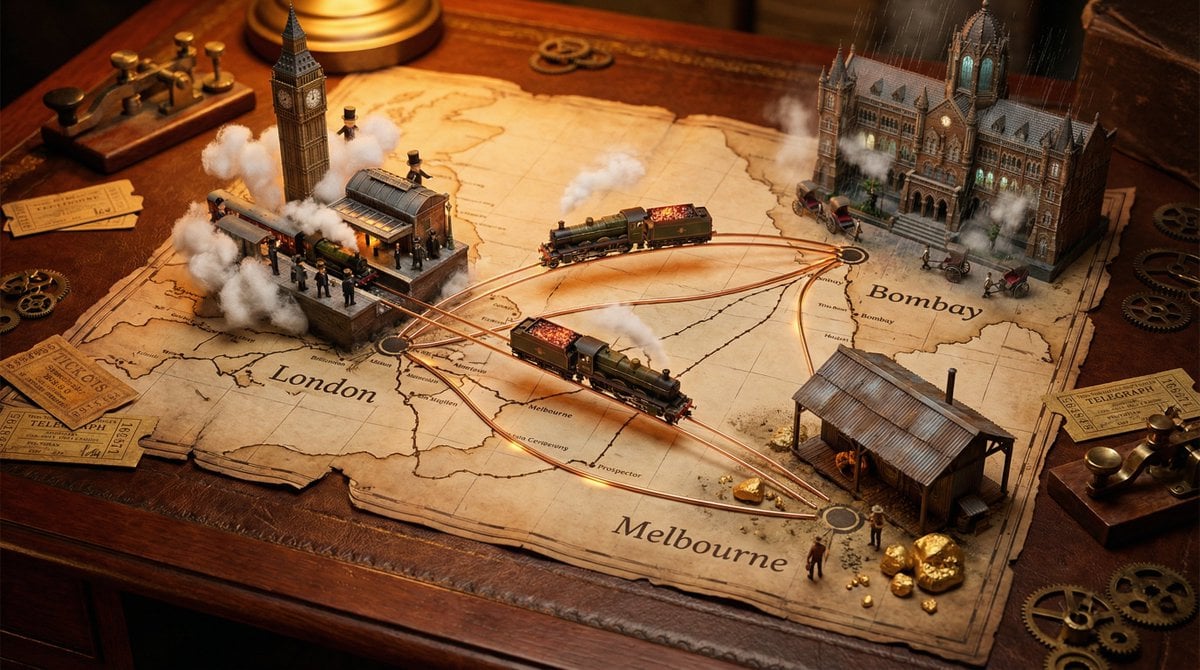
A weathered map spread across, bursting with photorealistic miniature
Make it yours
Weathered Custom Cub Concept Bike works as-is. These are the safest ways to change it without losing the look.
Change one field
Copy a single group, rewrite it, and generate again so you can see what that field is doing.
Keep the frame, change the subject
Hold the composition and light of Weathered Custom Cub Concept Bike, then swap wardrobe, props or the person for a new take.
| If the result… | Why | Fix |
|---|---|---|
| The result drifts from the preview | Too many fields changed at once. | Reuse Weathered Custom Cub Concept Bike as-is first, then change one group — subject, light, or setting. |
| The model over-stylizes the scene | The prose prompt leaves finish and camera underspecified. | Add one camera or lighting sentence and stay on GPT Image 2. |
More GPT Image 2 templates
Other prompts made for GPT Image 2.

Six VTuber Japanese Logo Sheet

Realistic Portrait of Woman and Deer

The Vista Modular Condo Poster

AI Model Routing Comparison Infographic

2.5D Anime Art Board

Isometric Productivity Desk Scene

New York Double Exposure Poster

Four-Panel AI Landscape Comparison

Japanese Tatami Lifestyle Magazine Cover

NESCAFÉ Coffee Map Poster
More image prompts
Fresh picks from across the catalog.

Hyper-realistic cinematic portrait of a woman in a sapphire blue cowl-back slip gown on a Parisian r

Chibi Knight Reaction Sticker Sheet

Eyecatch Image Generation from Video Transcript

Strawberry Lava Mochi Explosion Photography
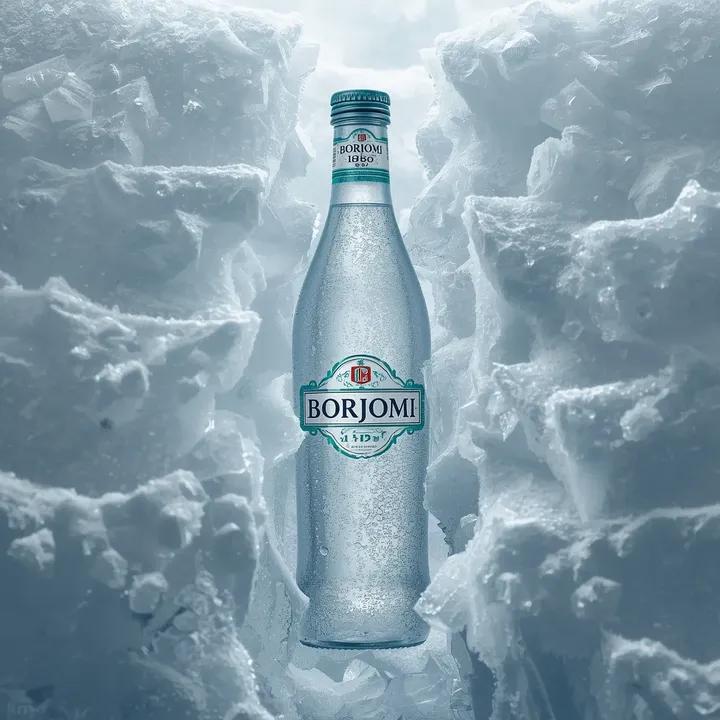
Hyperrealistic Product Photography Prompt (Borjomi Water)

Fashion Editorial Color Quadtych
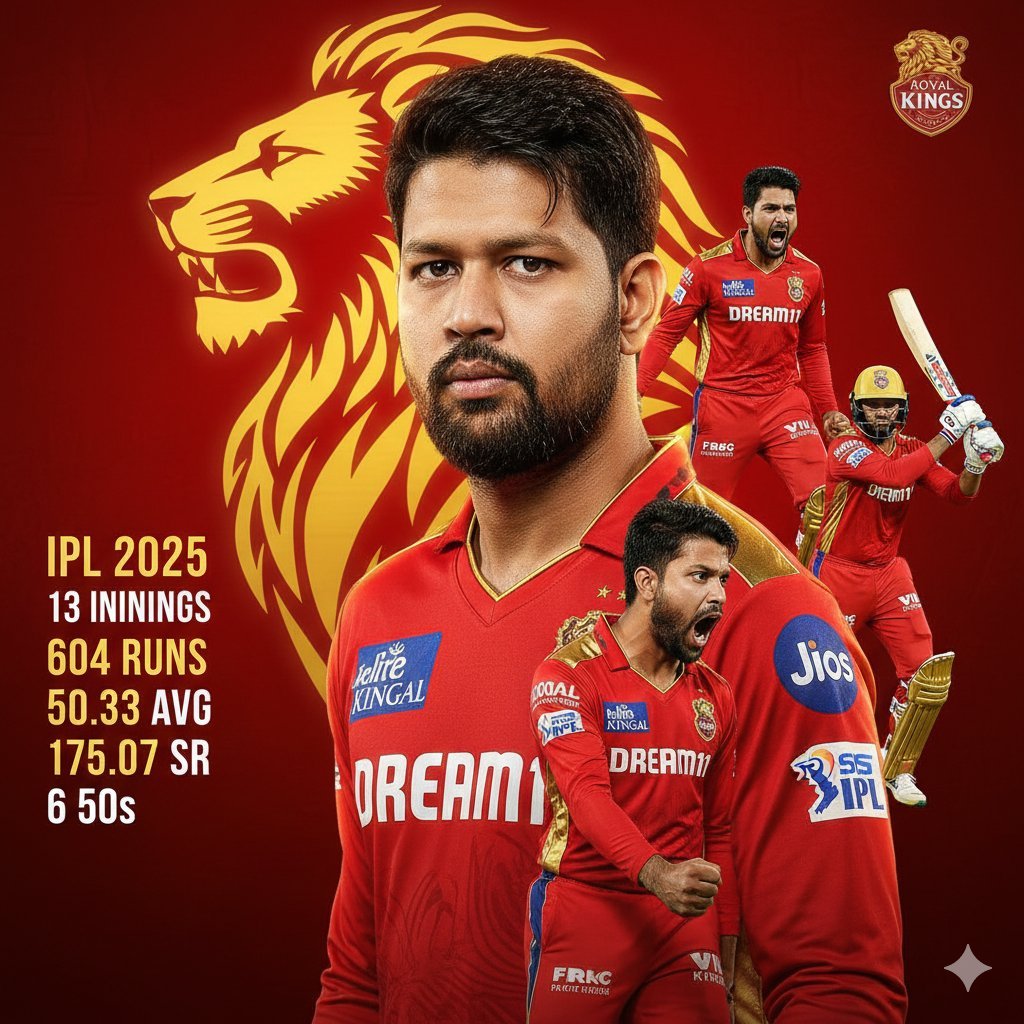
Cricketer Composite Portrait and Stats Graphic

Josephine Langford Casual Bedroom Portrait

Macro Product Shot of Teacup with Construction Workers

Multi-Pattern Web Advertisement Grid
Browse template categories
Weathered Custom Cub Concept Bike questions
How do I use the Weathered Custom Cub Concept Bike template?
Add your photo if the template asks for one, edit the prompt if you like — the template's model and format are already selected — and press Generate. Your version opens in PicX Studio.
Can I customize the Weathered Custom Cub Concept Bike template?
Yes. You can change the subject, setting, lighting, mood, format, and available model controls before creating your image.
Is the Weathered Custom Cub Concept Bike template free?
Opening and editing this template is free. Generating uses credits, shown on the Generate button when you are signed in.
Which AI model should I use?
Start with GPT Image 2, which is the model associated with this template. You can compare another compatible model for a different finish.
Looking for something else? Browse all templates.

Your photo, any look
Thousands of ready templates for every top image and video model, from one credit balance.