
Chibi Knight Reaction Sticker Sheet
A prompt for generating a 12-piece Japanese chibi mascot sticker sheet with greeting and reaction phrases for chat or social media use.
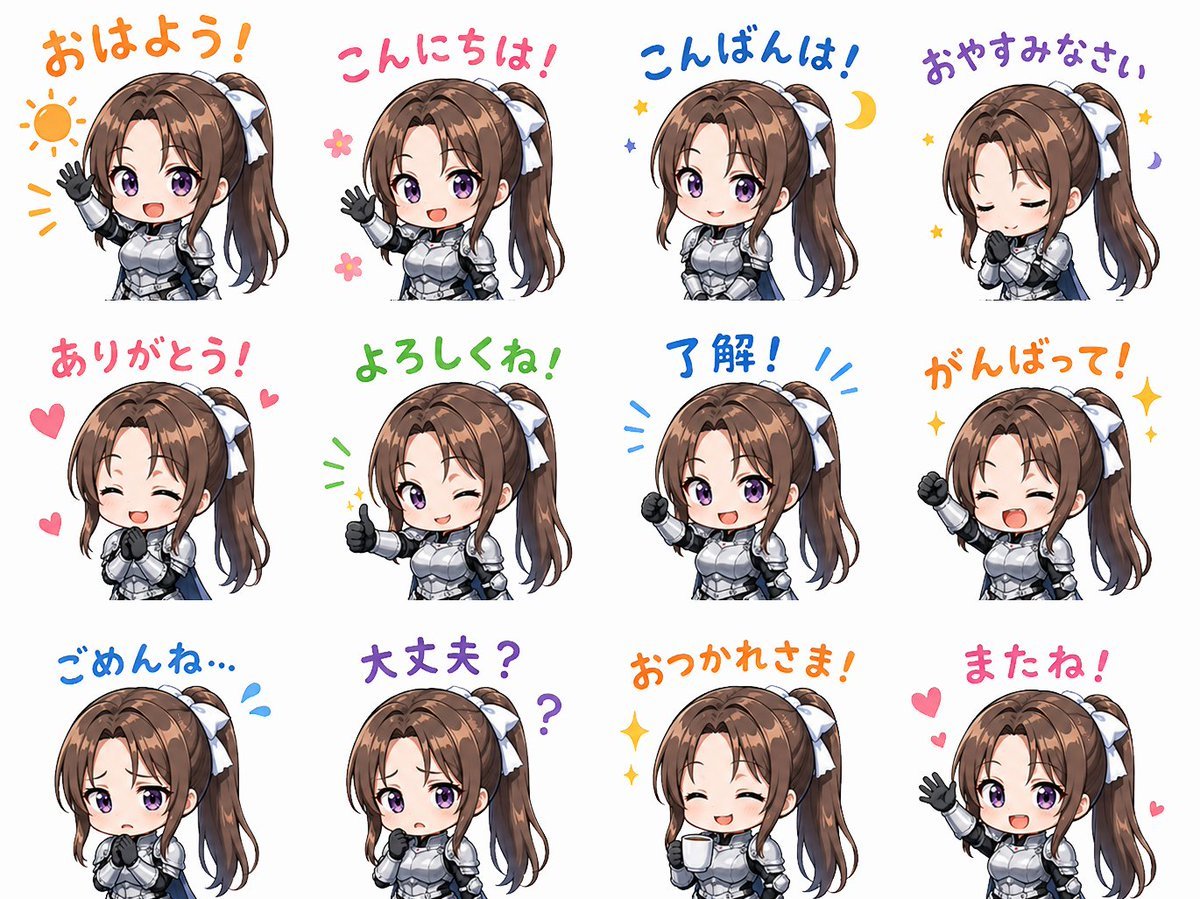
- Prompt included
- Model and format preset
- Free template
The prompt behind this image
Copy the exact prompt behind Chibi Knight Reaction Sticker Sheet, or open it in the studio and make it yours.
Goal: Create a cute chibi mascot sticker sheet featuring {argument name="character name" default="Helena"}, an anime-style young female knight rendered as friendly social-media reaction stickers. Canvas: White background, landscape 4:3 format, arranged as a clean 3-row by 4-column sticker sheet with generous spacing. Each sticker is a bust-up chibi character with large head, small armored body, and colorful handwritten Japanese greeting text above or around her. Character details: Brown hair in a high side ponytail tied with a large white ribbon, soft bangs and long side locks, fair skin, cute rounded chibi proportions, wearing shiny silver plate armor with dark gloves and a small blue cape accent. Use glossy anime shading, soft outlines, expressive pose language, and a cheerful mascot feel. Layout and exact sticker count: Include exactly 12 discrete stickers, ordered left to right, top to bottom: 1. 「おはよう!」 in orange, morning greeting, waving hand, orange sun doodle and rays. 2. 「こんにちは!」 in pink, daytime greeting, waving hand, small pink flower doodles. 3. 「こんばんは!」 in blue, evening greeting, calm pose, yellow crescent moon and small stars. 4. 「おやすみなさい」 in purple, good-night pose, eyes closed, hands clasped near face, small stars and moon. 5. 「ありがとう!」 in pink, thank-you reaction, hearts around the character. 6. 「よろしくね!」 in green, friendly introduction, one eye winking, thumbs-up pose, small sparkle marks. 7. 「了解!」 in blue, acknowledgement, raised fist pose, energetic blue emphasis lines. 8. 「がんばって!」 in orange, encouragement, smiling with eyes closed, raised fist, yellow sparkles. 9. 「ごめんね…」 in blue, apologetic pose, shy downward mood, blue sweat-drop marks. 10. 「大丈夫?」 in purple, worried question, concerned posture, purple question marks. 11. 「おつかれさま!」 in orange, good-work greeting, relaxed appreciative pose, yellow sparkle accents. 12. 「またね!」 in pink, goodbye, waving hand, pink hearts. Visual style: Polished Japanese LINE sticker aesthetic, soft watercolor-like marker text, bright pastel accent colors, clean white negative space, crisp transparent-sticker feeling, cute and wholesome. Keep the character consistent across all 12 stickers, with varied poses and expressions. If censoring is desired, cover the face area of most stickers with a soft rectangular blur while leaving the fourth, sixth, and eighth stickers visibly expressive. Text constraints: Preserve the Japanese phrases exactly as written. Use hand-drawn rounded lettering in the specified colors. Do not add extra captions, logos, borders, watermarks, or background scenery.
How to use Chibi Knight Reaction Sticker Sheet in 3 steps
- 1Upload ImagePNG, JPG or paste
Add your photo
Upload the photo the template builds on. The prompt, model and format are already set.
- 2…a portrait of your subject in softgolden-hour light, 85mm…
Personalize
Edit the subject and creative details for your destination.
- 3Generate
Generate
Press Generate — your image is created in PicX Studio, so you can compare it with the original and refine one variable at a time.
More like this
Templates with the same subject, style or setup. Open one to see its prompt.

Chibi Anime Ninja Sticker Sheet
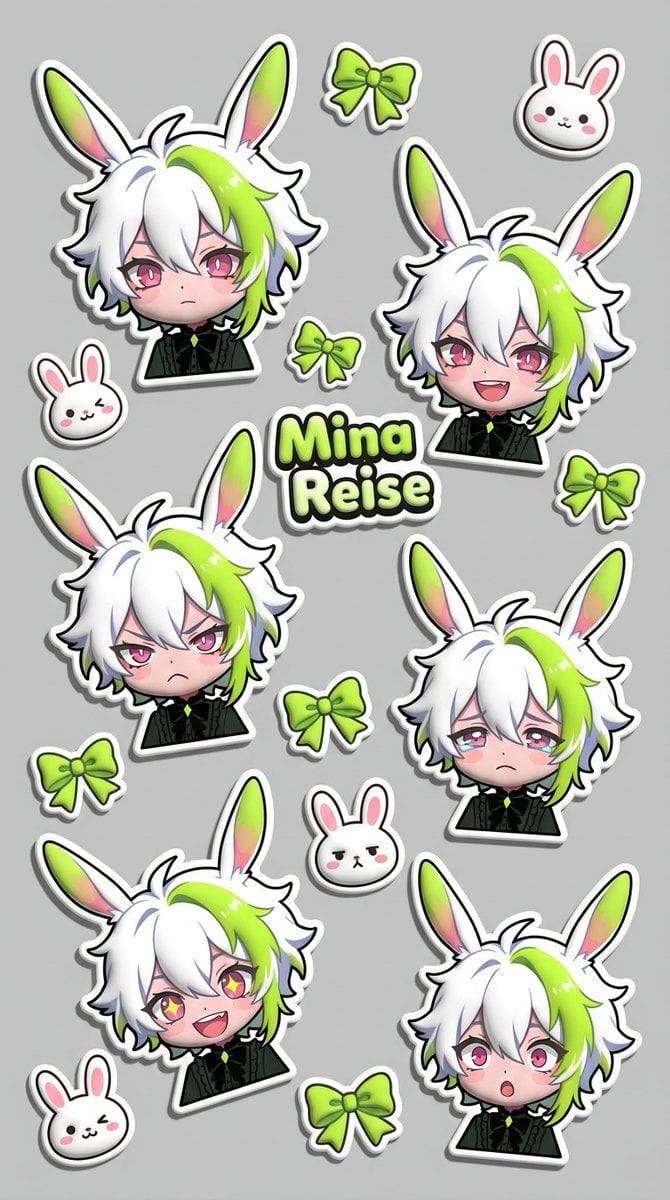
Puffy Chibi Sticker Sheet
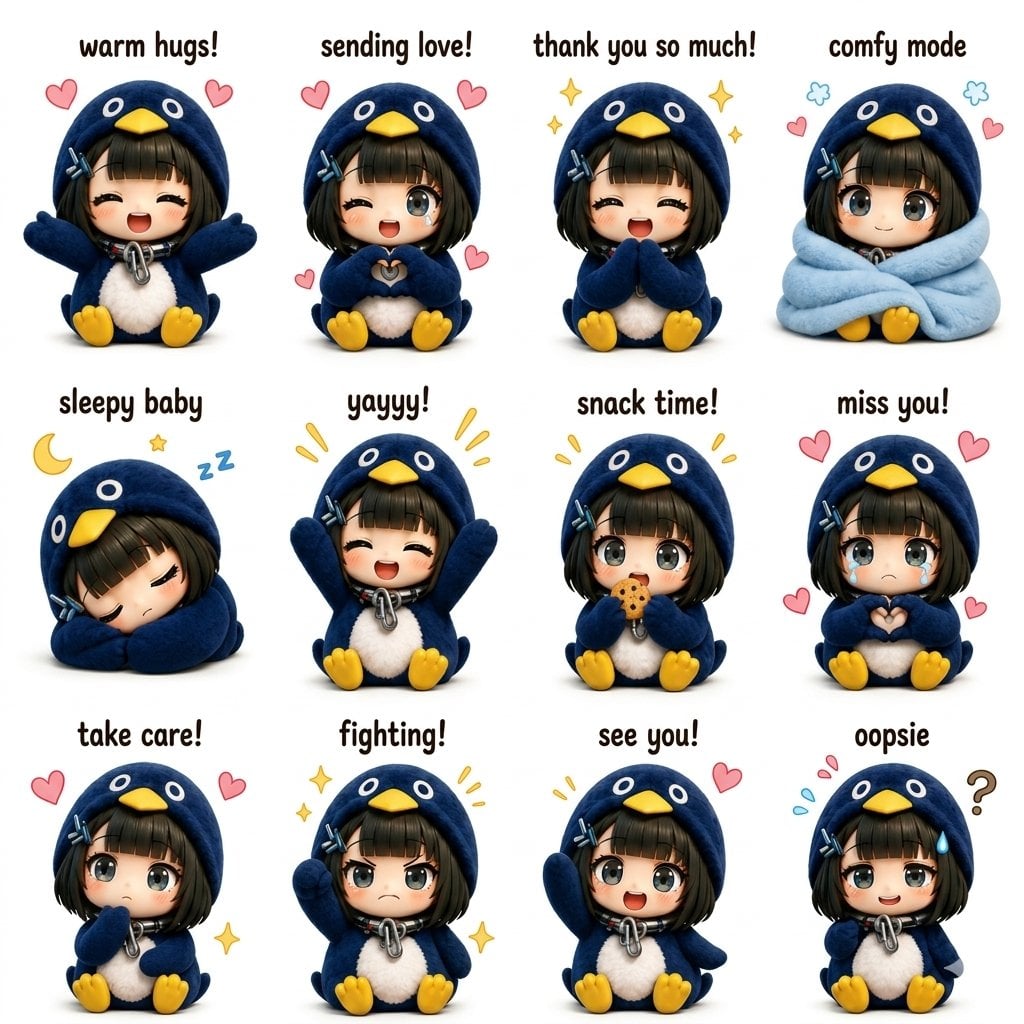
Kawaii Chibi Sticker Sheet
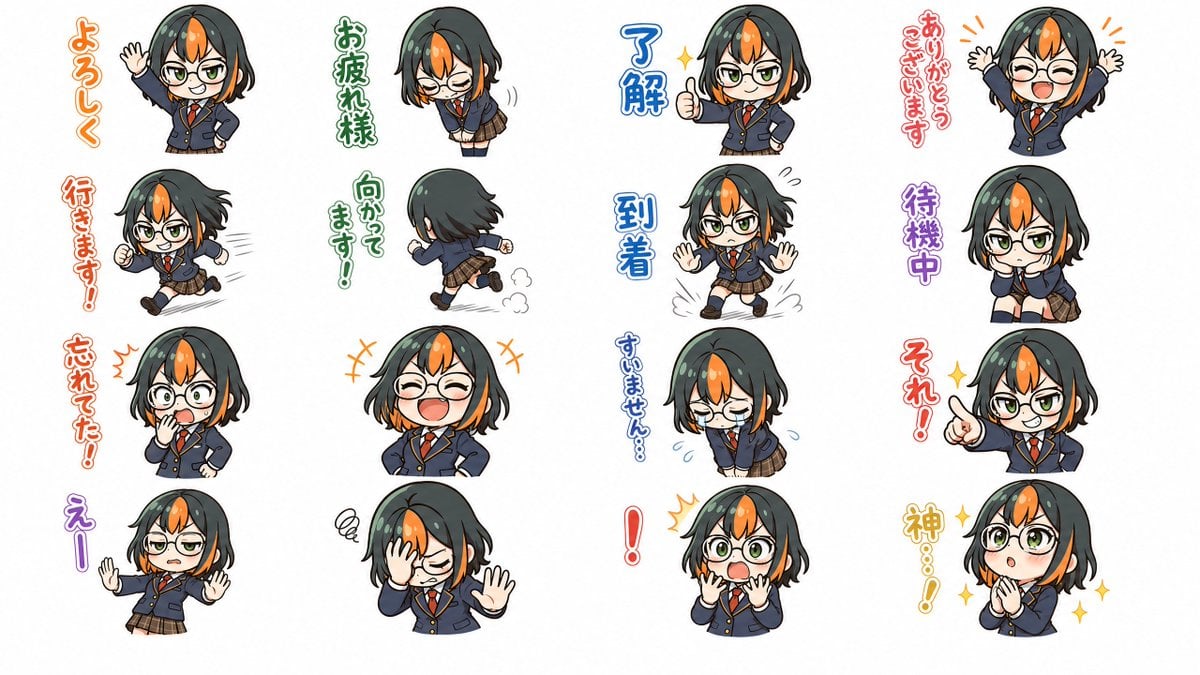
Chibi Japanese Schoolgirl Sticker Sheet
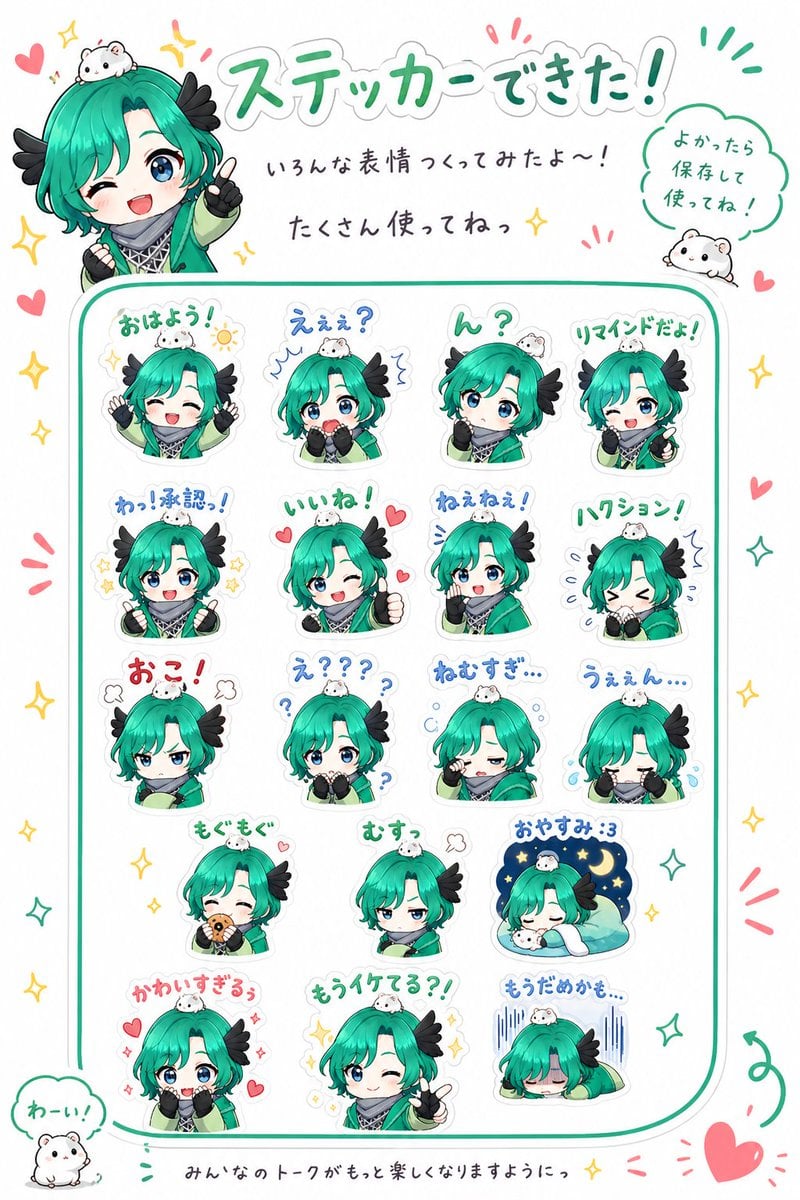
Chibi Character Sticker Sheet Ad

Brand Sticker Sheet Monoline Vector

A trendy, high-end Sticker Sheet set
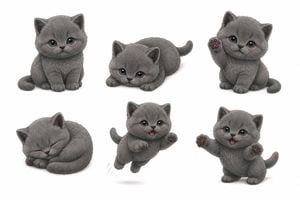
Gray Kitten Sticker Pack Sheet
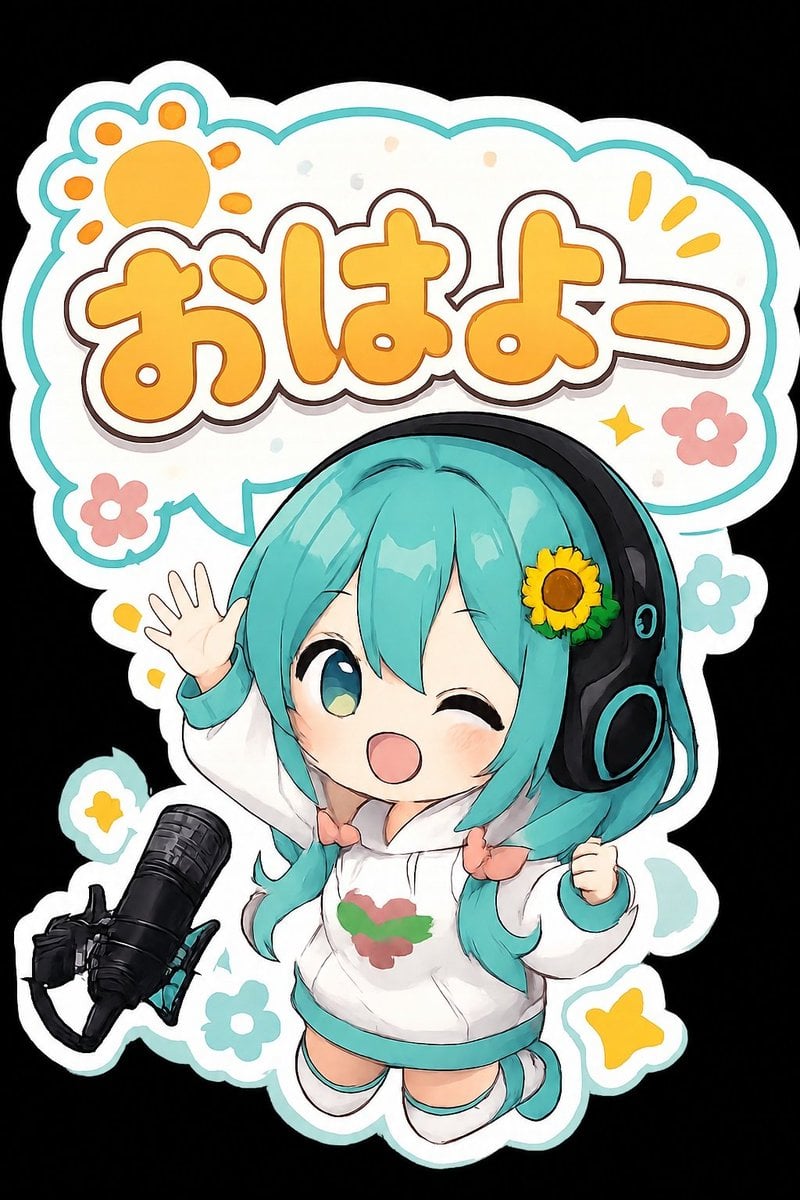
Chibi Morning Greeting Sticker
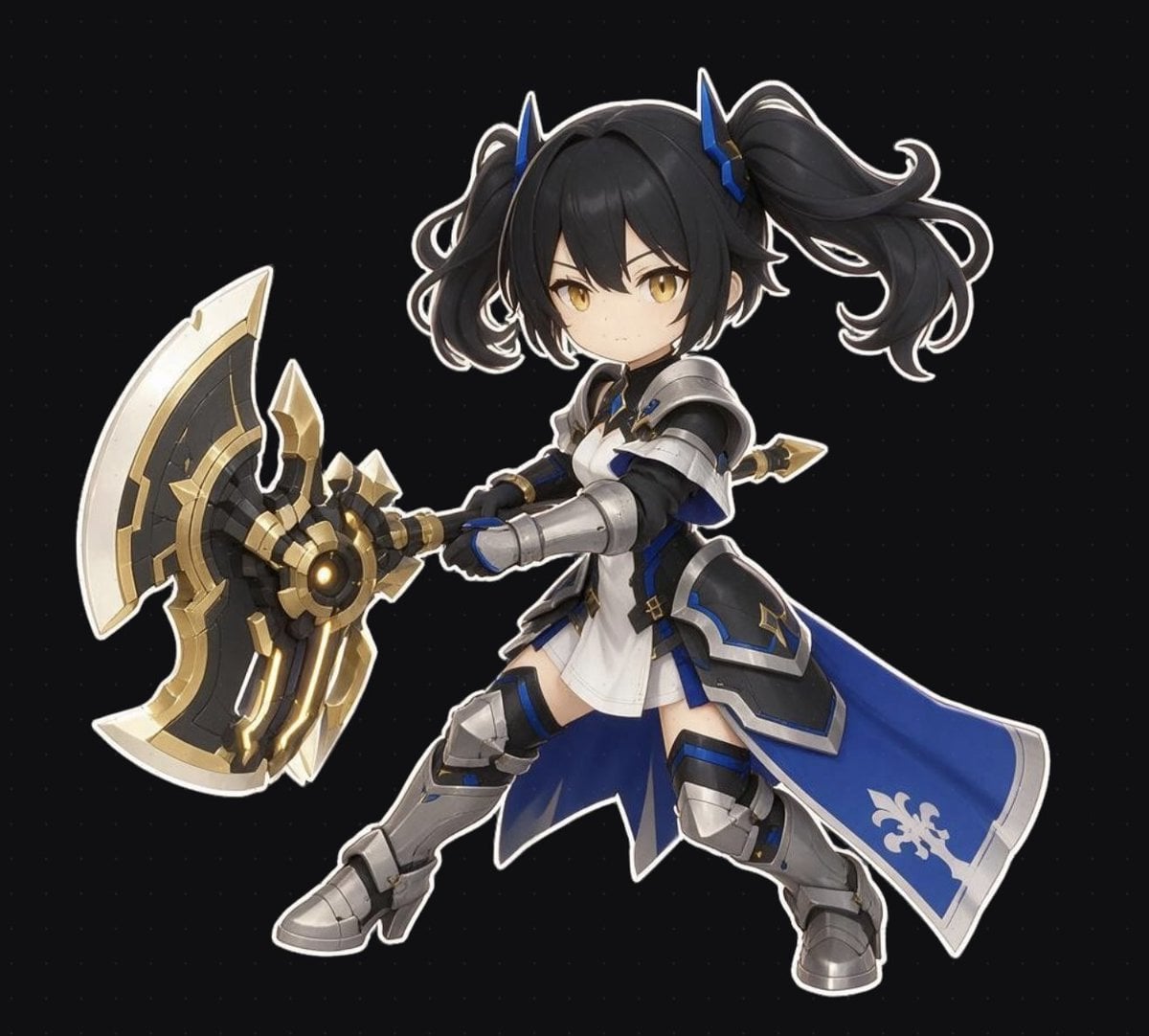
Chibi Fantasy Axe Knight
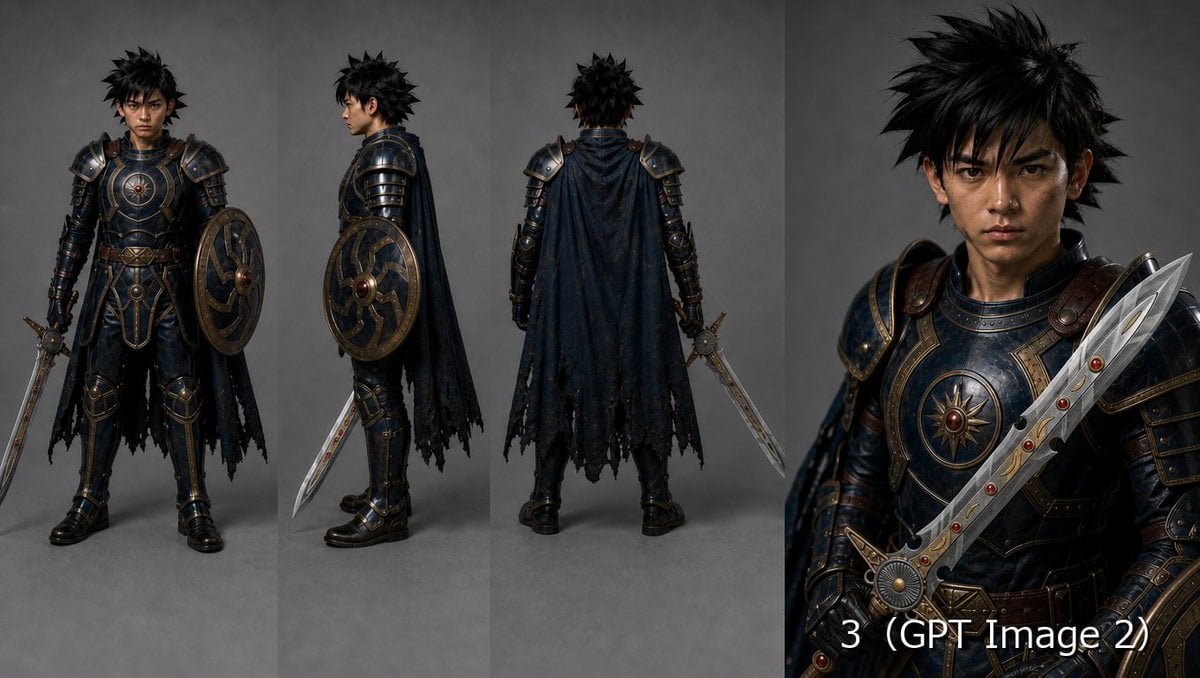
Fantasy Knight Character Turnaround Sheet

Halloween Nun Chibi Character Sheet
Make it yours
Chibi Knight Reaction Sticker Sheet works as-is. These are the safest ways to change it without losing the look.
Change one field
Copy a single group, rewrite it, and generate again so you can see what that field is doing.
Keep the frame, change the subject
Hold the composition and light of Chibi Knight Reaction Sticker Sheet, then swap wardrobe, props or the person for a new take.
| If the result… | Why | Fix |
|---|---|---|
| The result drifts from the preview | Too many fields changed at once. | Reuse Chibi Knight Reaction Sticker Sheet as-is first, then change one group — subject, light, or setting. |
| The model over-stylizes the scene | The prose prompt leaves finish and camera underspecified. | Add one camera or lighting sentence and stay on GPT Image 2. |
More GPT Image 2 templates
Other prompts made for GPT Image 2.

Six VTuber Japanese Logo Sheet

Realistic Portrait of Woman and Deer

The Vista Modular Condo Poster

AI Model Routing Comparison Infographic

2.5D Anime Art Board

Isometric Productivity Desk Scene

New York Double Exposure Poster

Four-Panel AI Landscape Comparison

Japanese Tatami Lifestyle Magazine Cover

NESCAFÉ Coffee Map Poster
More image prompts
Fresh picks from across the catalog.
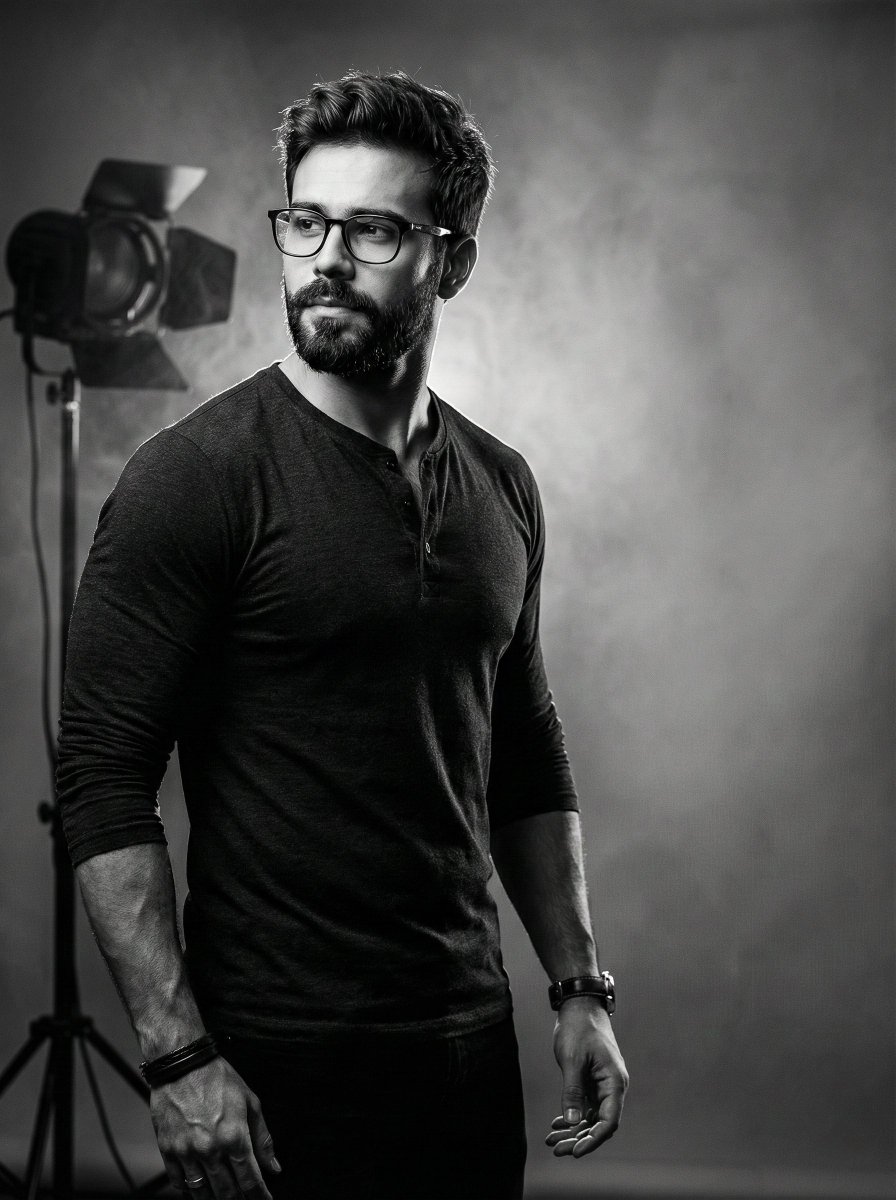
Film Noir Cinematic Portrait Prompt

Black and White Portrait Generation Prompt
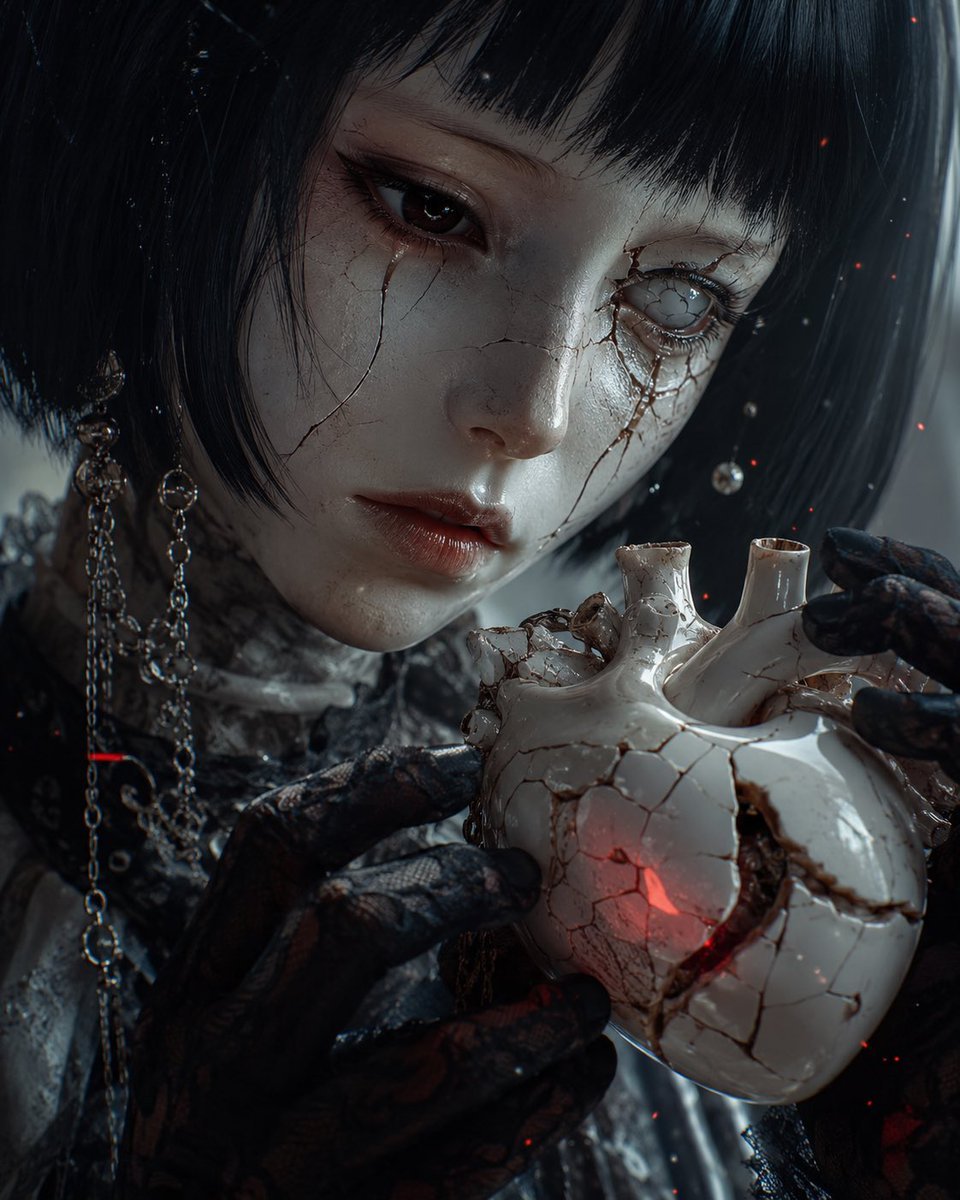
Cracked Porcelain Girl Holding Heart
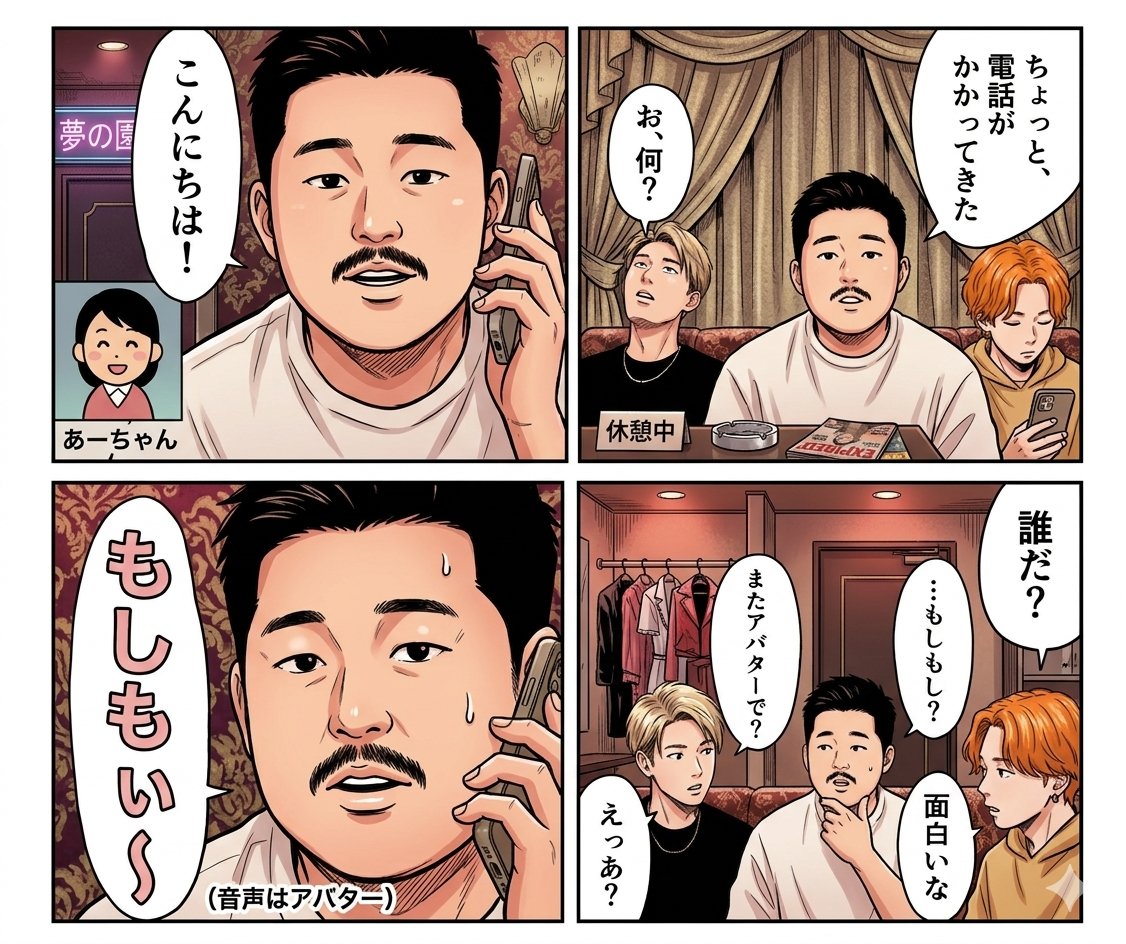
Panel Manga Dialogue Prompt
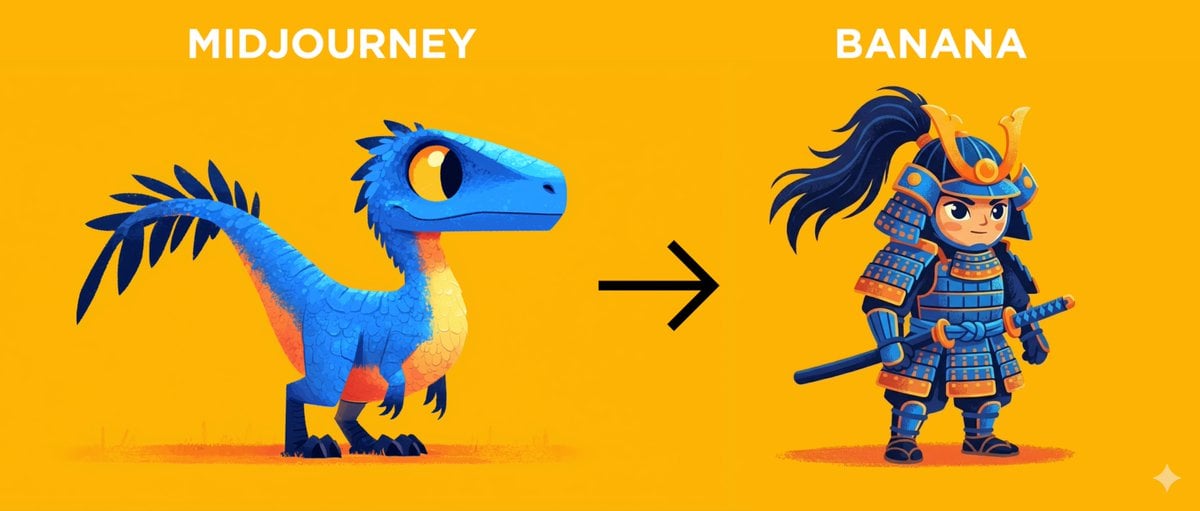
Midjourney Style Transfer for Samurai Image
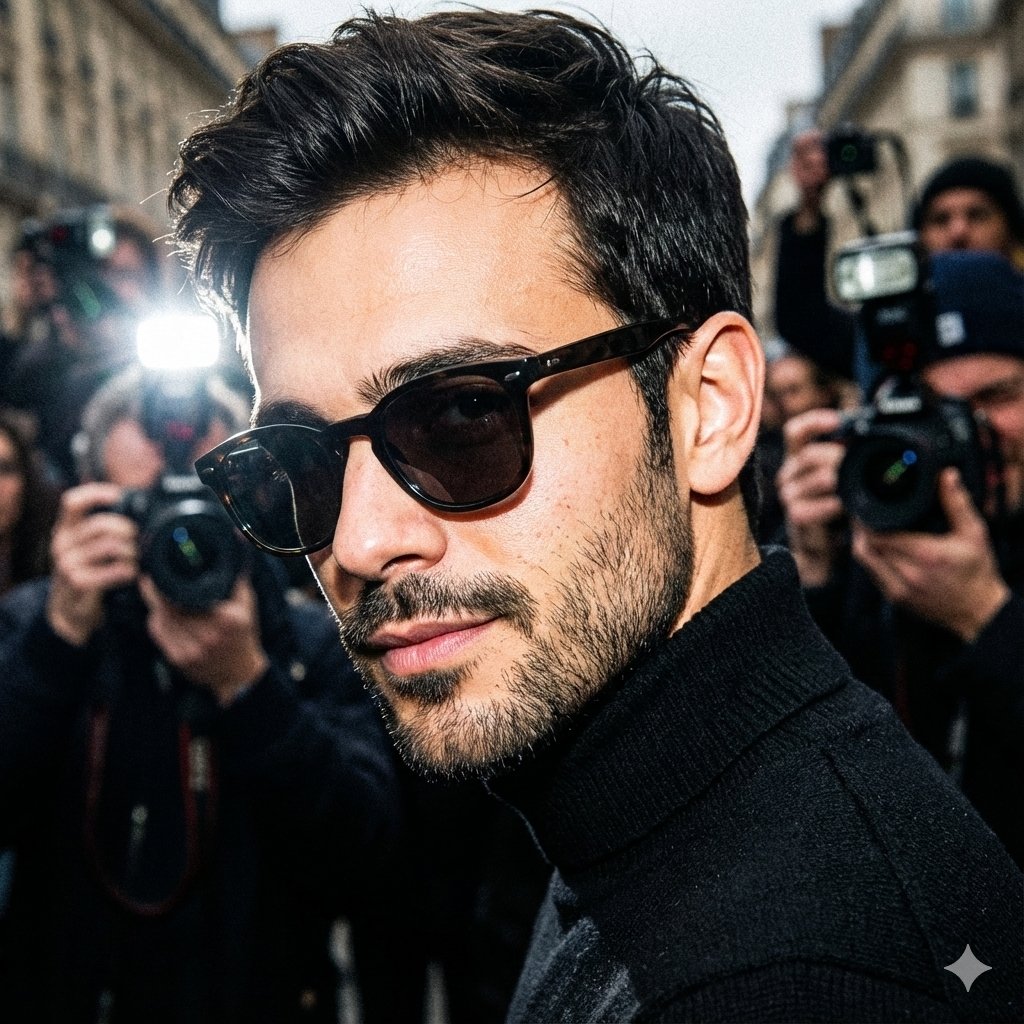
Unplanned paparazzi-style street portrait of a man
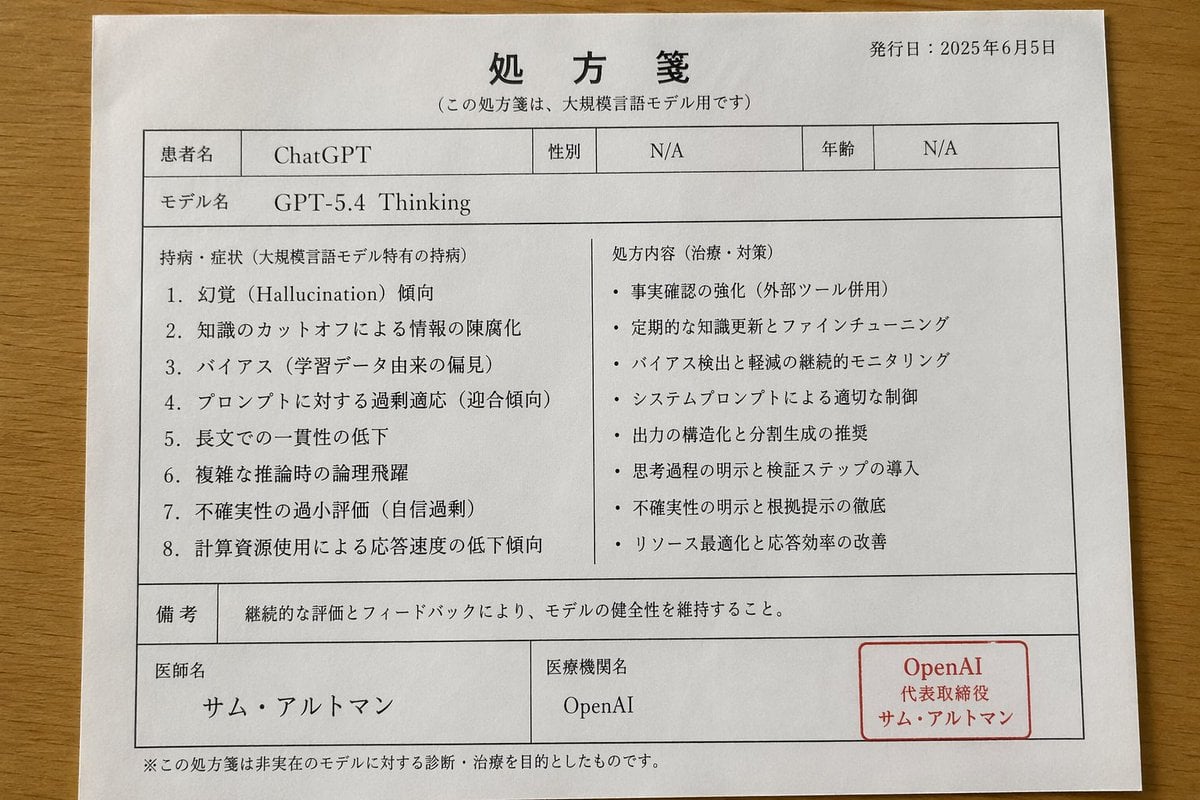
Japanese AI Model Prescription Sheet
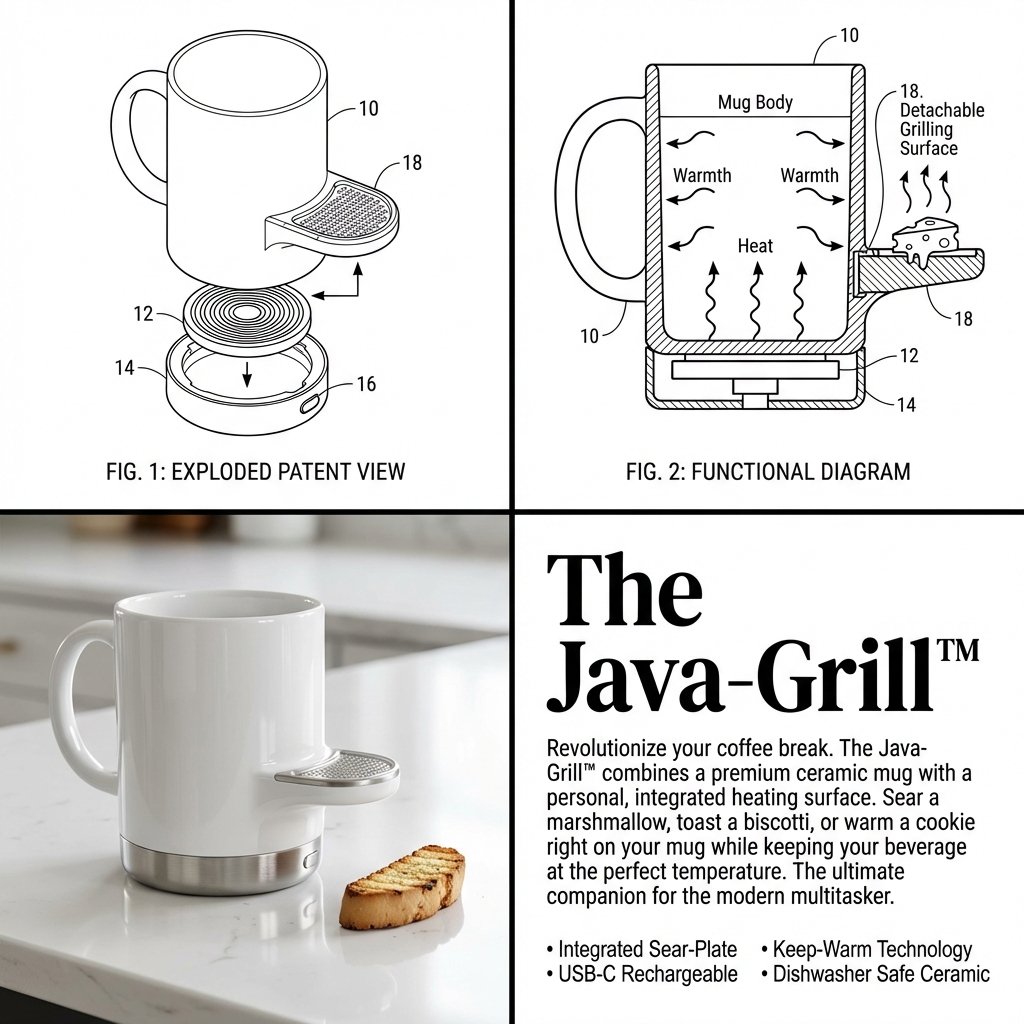
2x2 Grid Product Invention Visualization (Patent/Marketing)

Minimalist Cinematic Portrait Prompt for Nano Banana 2
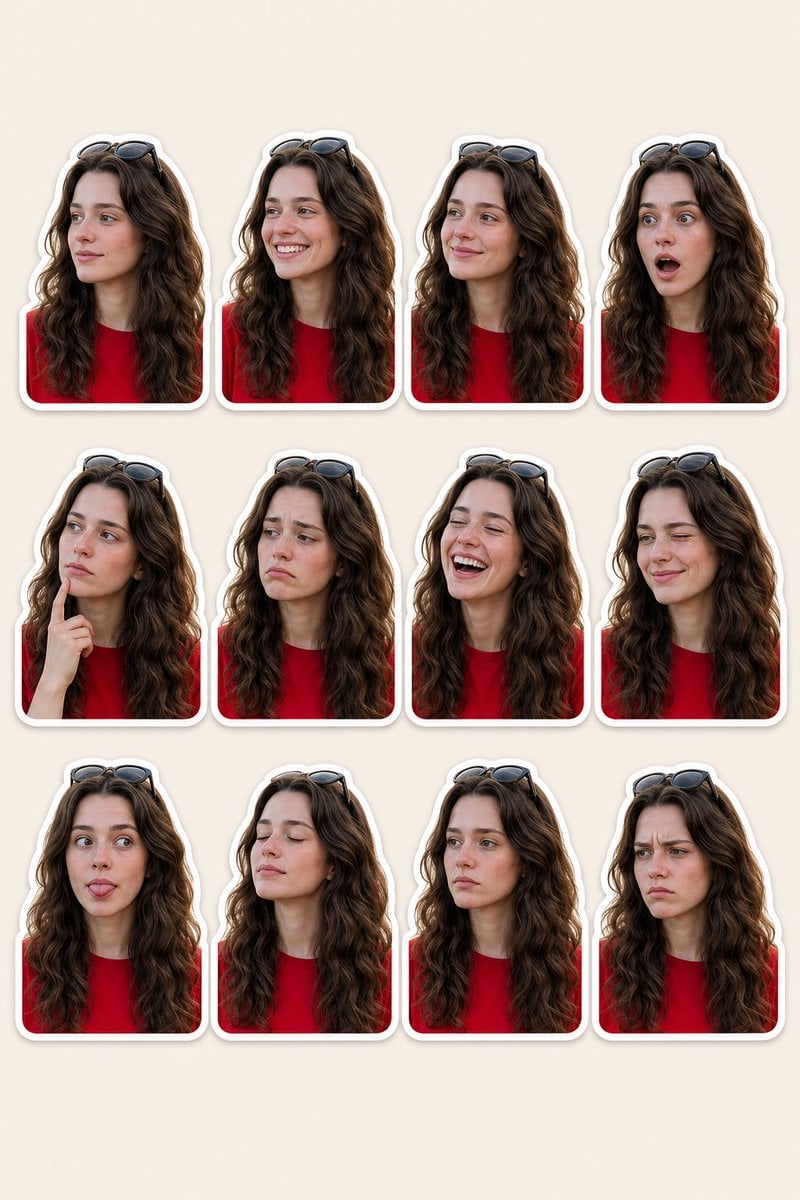
Woman Portrait Sticker Pack
Browse template categories
Chibi Knight Reaction Sticker Sheet questions
How do I use the Chibi Knight Reaction Sticker Sheet template?
Add your photo if the template asks for one, edit the prompt if you like — the template's model and format are already selected — and press Generate. Your version opens in PicX Studio.
Can I customize the Chibi Knight Reaction Sticker Sheet template?
Yes. You can change the subject, setting, lighting, mood, format, and available model controls before creating your image.
Is the Chibi Knight Reaction Sticker Sheet template free?
Opening and editing this template is free. Generating uses credits, shown on the Generate button when you are signed in.
Which AI model should I use?
Start with GPT Image 2, which is the model associated with this template. You can compare another compatible model for a different finish.
Looking for something else? Browse all templates.

Your photo, any look
Thousands of ready templates for every top image and video model, from one credit balance.