
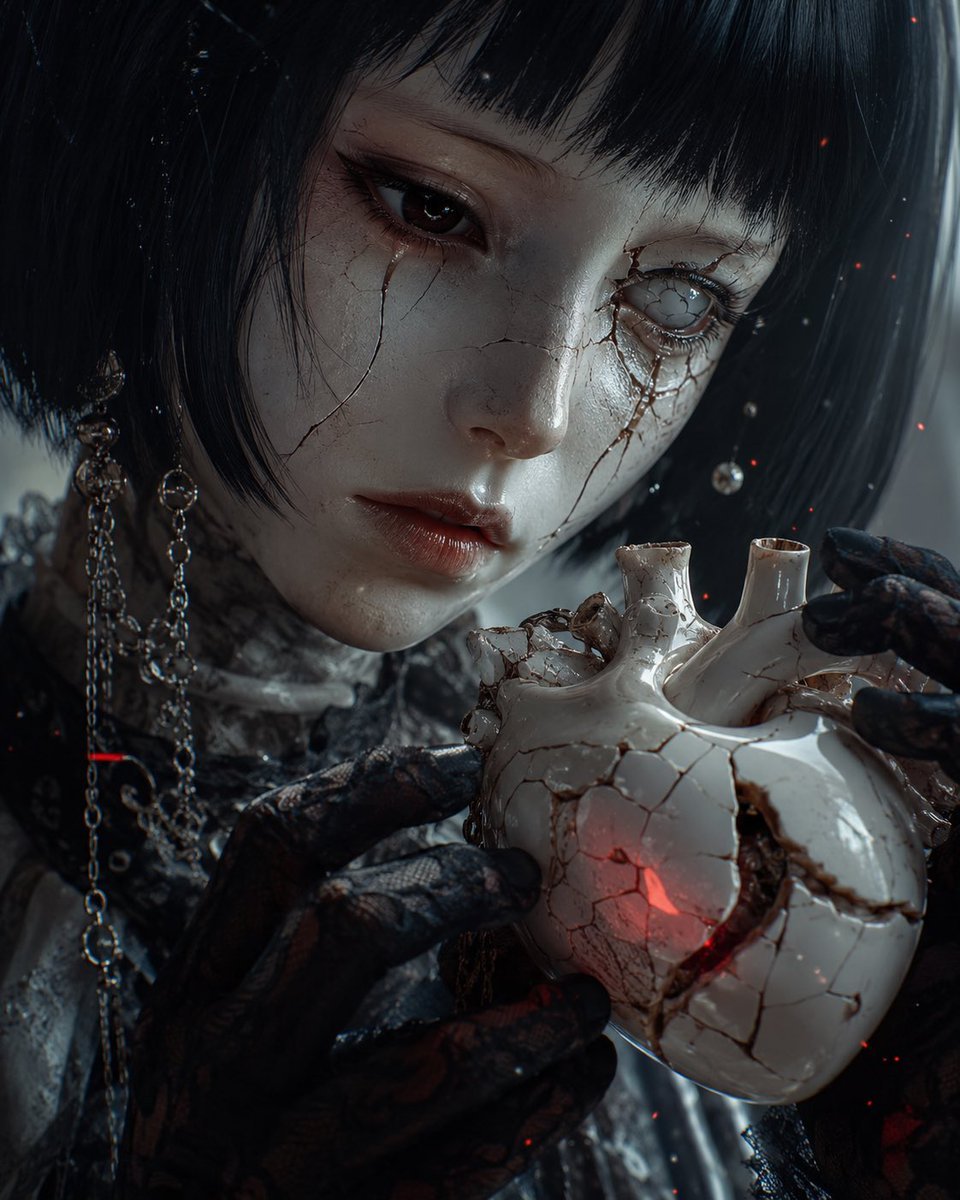
Cracked Porcelain Girl Holding Heart
A cinematic hyperreal gothic close-up of a cracked porcelain girl cradling a glowing ceramic anatomical heart for dark fantasy portrait art.
- Prompt included
- Model and format preset
- Free template
The prompt behind this image
Copy the exact prompt behind Cracked Porcelain Girl Holding Heart, or open it in the studio and make it yours.
Cinematic hyperreal close-up portrait of a fragile porcelain gothic doll-like woman, {argument name="character" default="a pale cracked porcelain android girl"} holding {argument name="object" default="a cracked white ceramic anatomical heart"} with intense, careful intent. She has a short black bob haircut with blunt bangs, translucent pale skin with fine fracture lines across her cheeks and nose, glossy parted lips, one dark human eye and one clouded broken glass eye surrounded by branching cracks and dark tear-like stains. Her black lace-gloved hands cradle the heart in the foreground; the ceramic heart is fractured, chipped, and glowing faintly red from within through one crack. She wears dark Victorian lace, metal chain earrings, dangling beads, and tarnished ornamental accessories, with subtle wet reflections on the porcelain face, eye, lips, gloves, chains, and cracked heart. Illuminate the scene with {argument name="lighting" default="cold blue-gray side lighting with a faint internal red glow"}, creating deep shadows, soft rim light, and a moody chiaroscuro effect. Add {argument name="atmospheric elements" default="tiny drifting red embers, dust motes, and floating glass-like droplets"} throughout the frame. Her eyes convey {argument name="emotion" default="melancholy obsession and quiet longing"}. Macro lens feel, shallow depth of field, highly detailed skin cracks, ceramic texture, lace fibers, reflective highlights, dark desaturated palette with small red accents, 4:5 vertical composition, no text, no watermark.
How to use Cracked Porcelain Girl Holding Heart in 3 steps
- 1Upload ImagePNG, JPG or paste
Add your photo
Upload the photo the template builds on. The prompt, model and format are already set.
- 2…a portrait of your subject in softgolden-hour light, 85mm…
Personalize
Edit the subject and creative details for your destination.
- 3Generate
Generate
Press Generate — your image is created in PicX Studio, so you can compare it with the original and refine one variable at a time.
More like this
Templates with the same subject, style or setup. Open one to see its prompt.
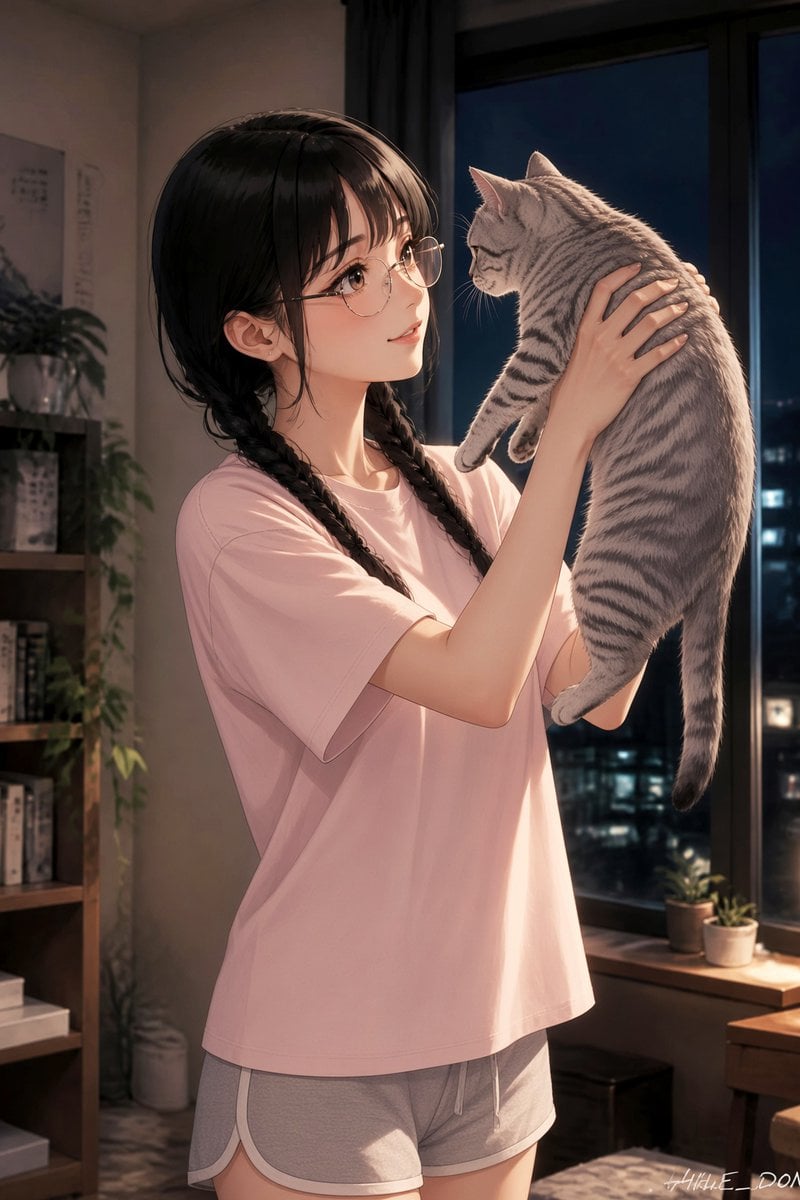
Anime Girl Holding Tabby Cat
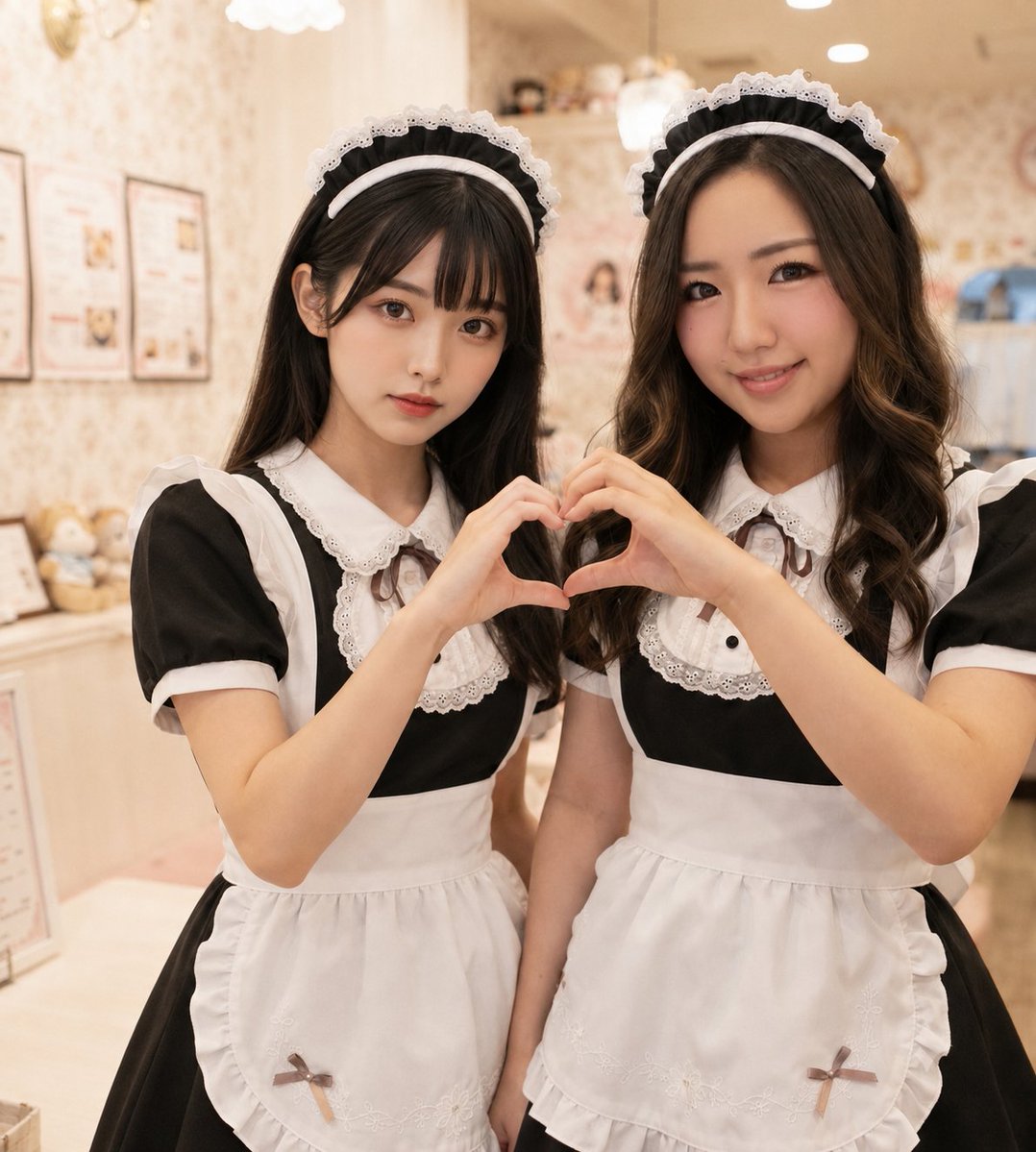
Two Maid Cafe Girls Making a Heart
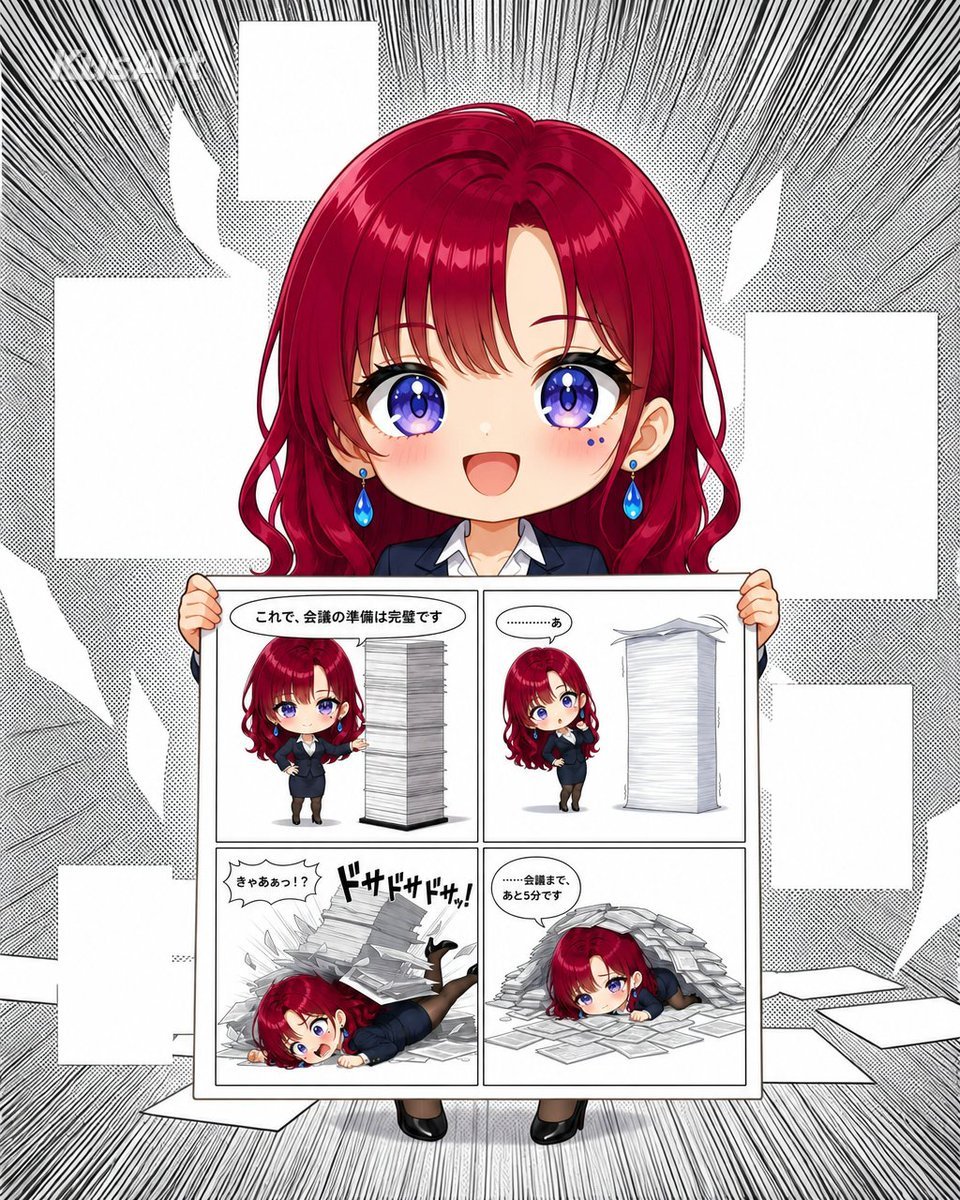
Chibi Office Girl Holding 4-Panel Manga

Teen Girl Alpine Lake Mountain View
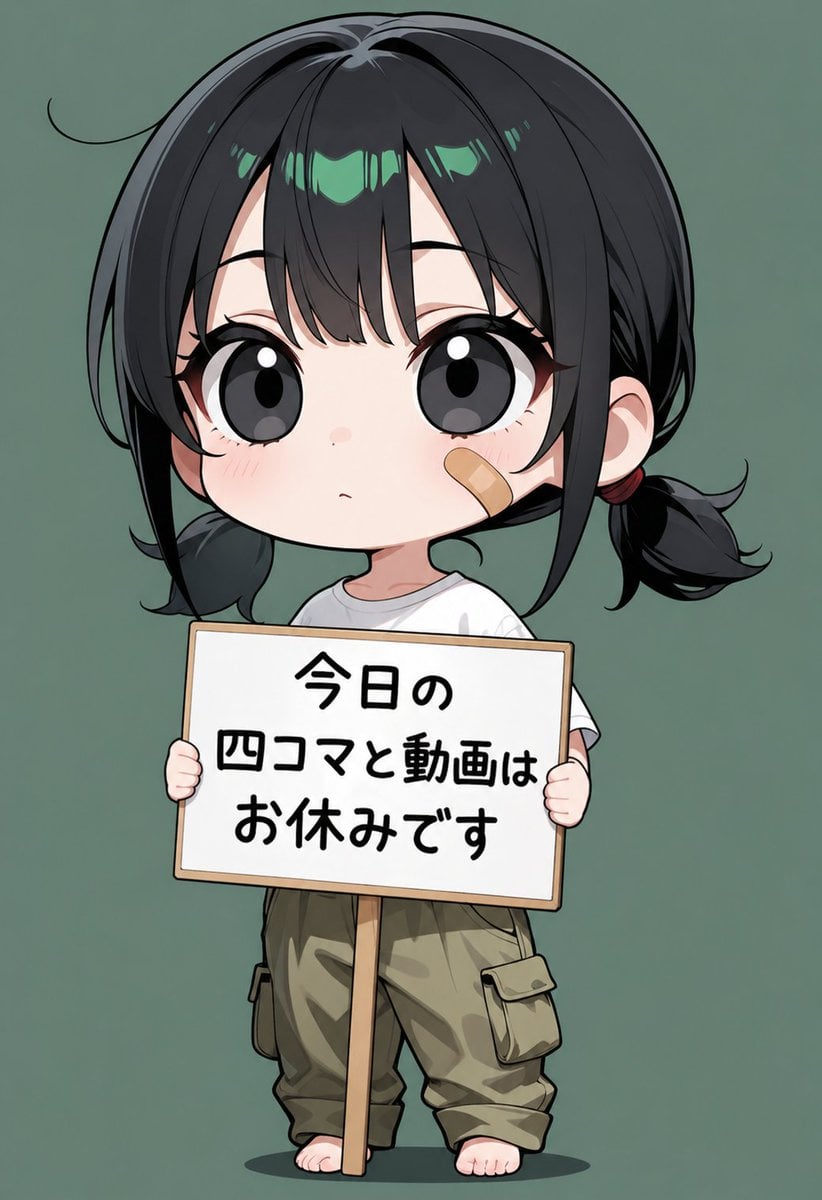
Chibi Girl Holding Japanese Notice Sign

Woman in Mall with Chanel Bag - Heart Gesture

Surreal Portrait: Woman Holding Tiny Cartoon Girl

Two Hearts. One Scooter.
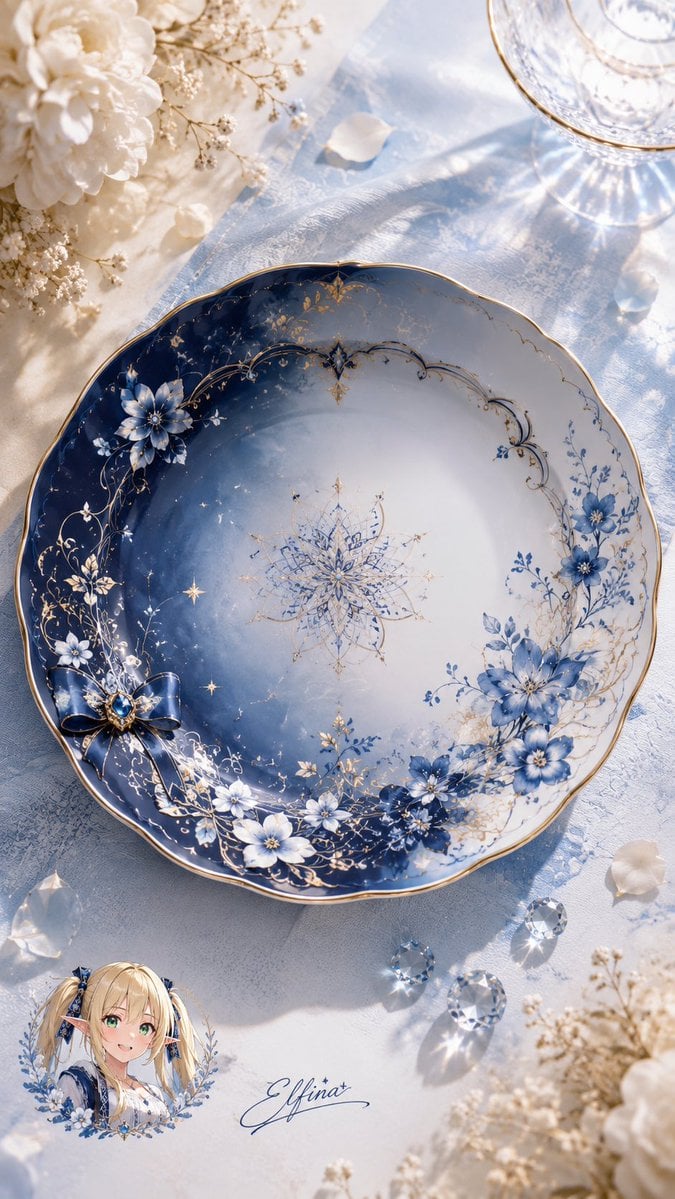
Elfina Fantasy Porcelain Plate
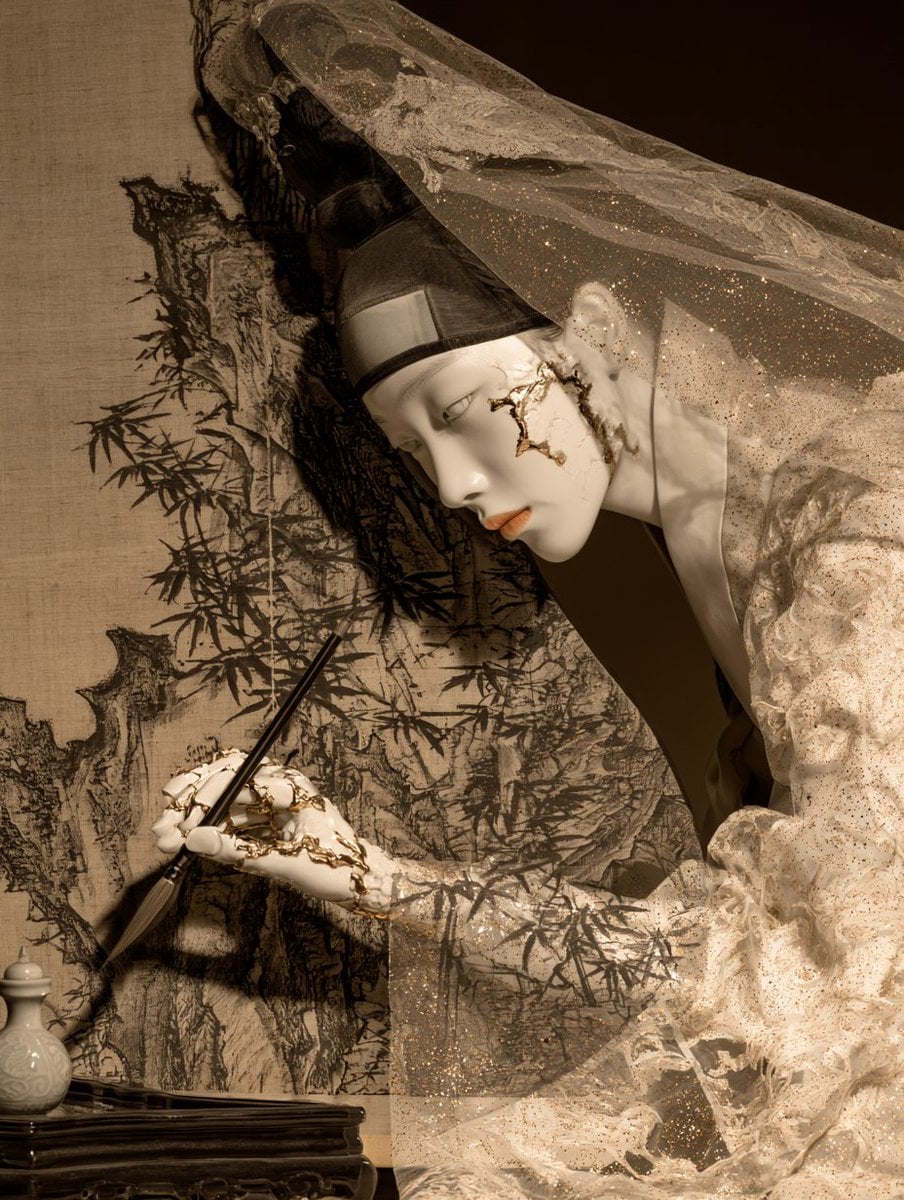
Porcelain Court Painter
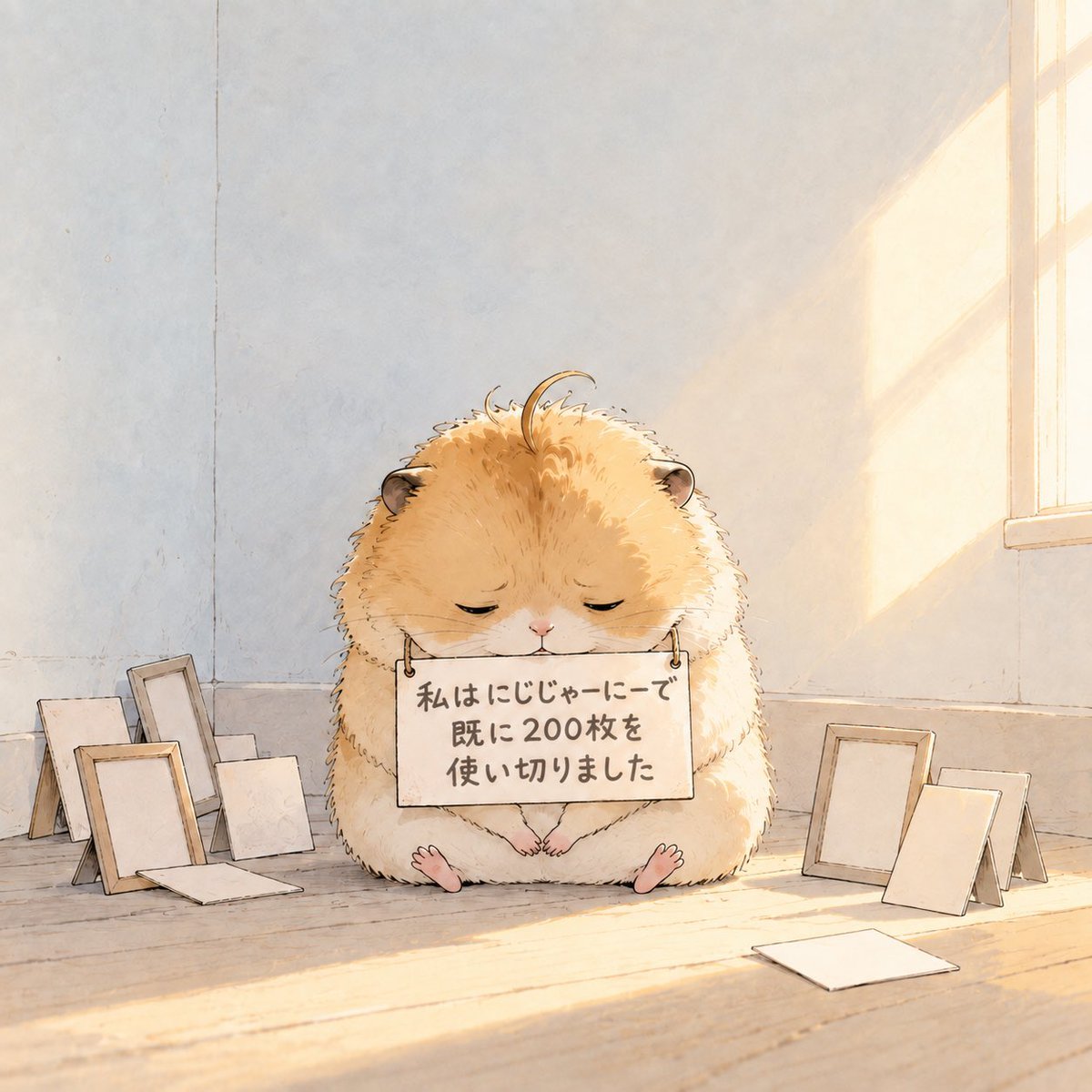
Fluffy Hamster Holding Japanese Sign
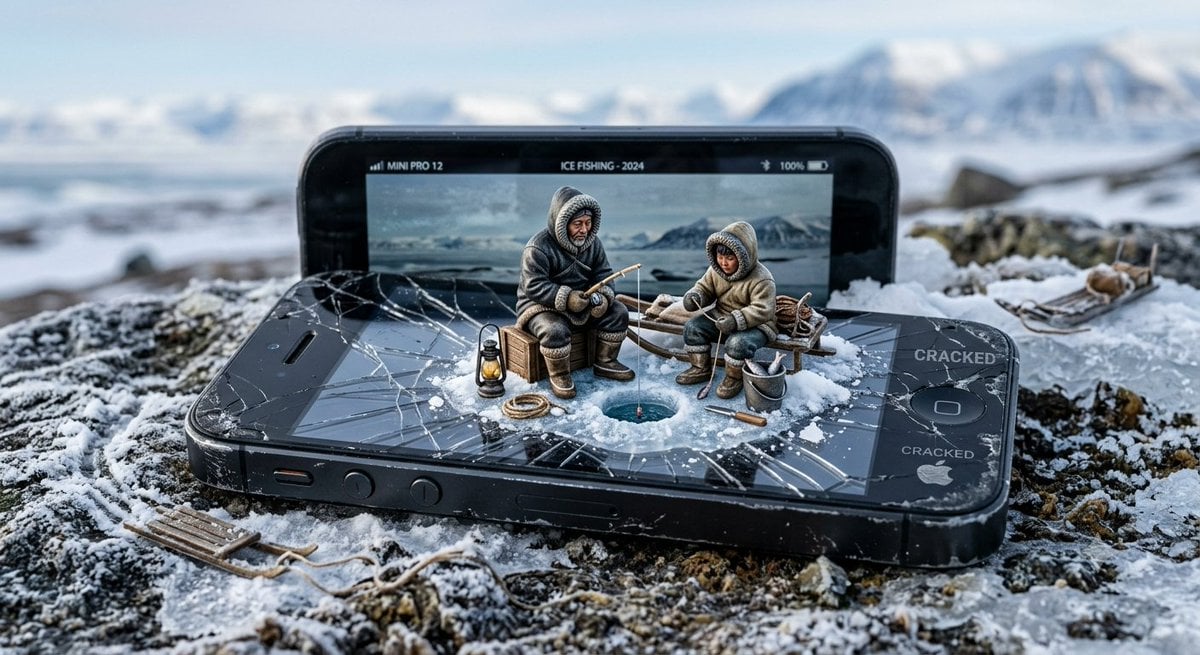
Miniature Inuit Fishing on Cracked Phone
Make it yours
Cracked Porcelain Girl Holding Heart works as-is. These are the safest ways to change it without losing the look.
Change one field
Copy a single group, rewrite it, and generate again so you can see what that field is doing.
Keep the frame, change the subject
Hold the composition and light of Cracked Porcelain Girl Holding Heart, then swap wardrobe, props or the person for a new take.
| If the result… | Why | Fix |
|---|---|---|
| The result drifts from the preview | Too many fields changed at once. | Reuse Cracked Porcelain Girl Holding Heart as-is first, then change one group — subject, light, or setting. |
| The model over-stylizes the scene | The prose prompt leaves finish and camera underspecified. | Add one camera or lighting sentence and stay on GPT Image 2. |
More GPT Image 2 templates
Other prompts made for GPT Image 2.

Six VTuber Japanese Logo Sheet

Realistic Portrait of Woman and Deer

The Vista Modular Condo Poster

AI Model Routing Comparison Infographic

2.5D Anime Art Board

Isometric Productivity Desk Scene

New York Double Exposure Poster

Four-Panel AI Landscape Comparison

Japanese Tatami Lifestyle Magazine Cover

NESCAFÉ Coffee Map Poster
More image prompts
Fresh picks from across the catalog.
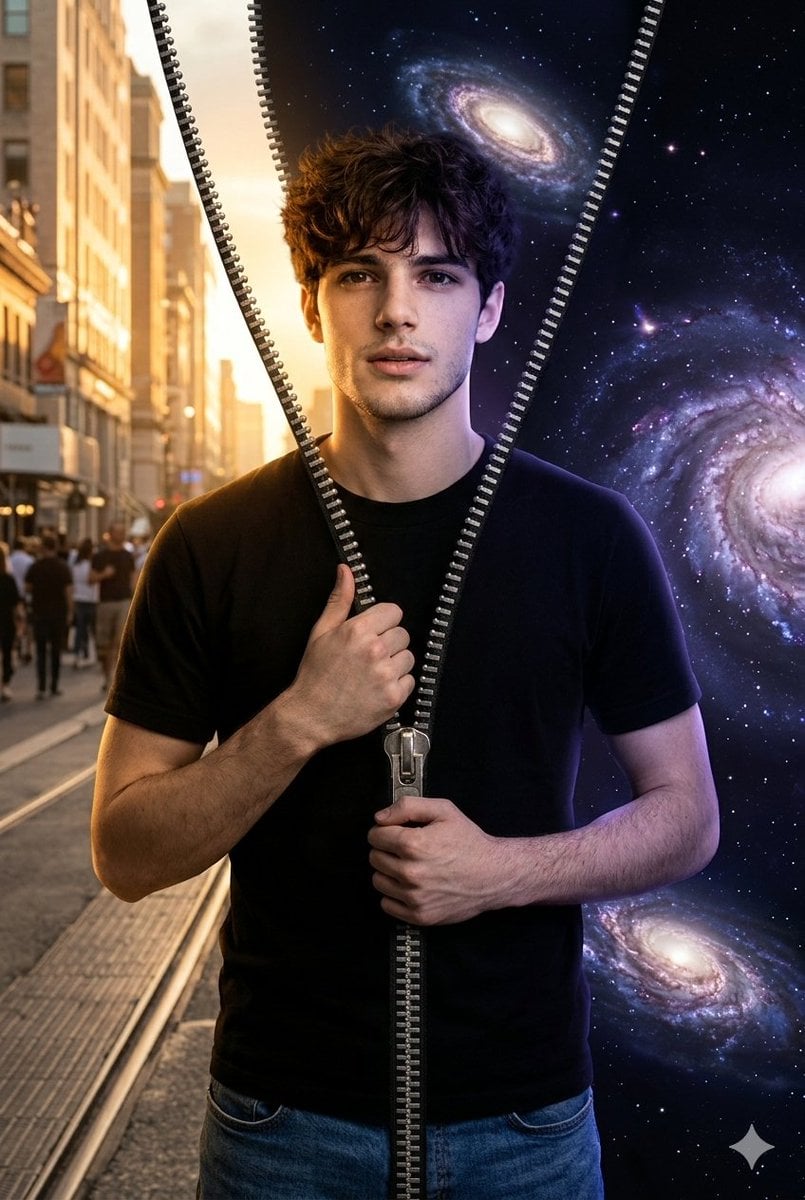
Conceptual Portrait of Man Zipping Reality Open to Cosmic Void
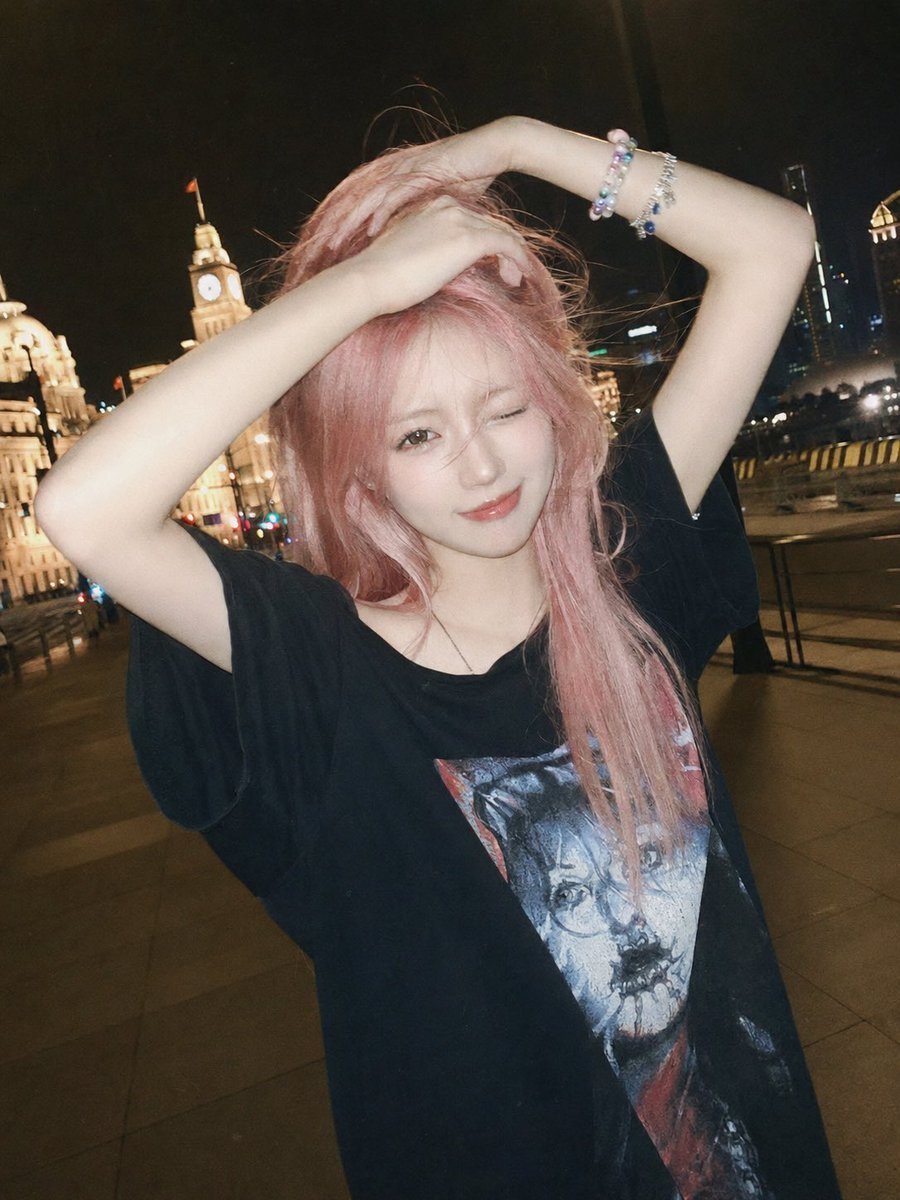
Flash Snapshot on Shanghai Bund

Ultra-Sharp 4K Selfie Portrait Prompt
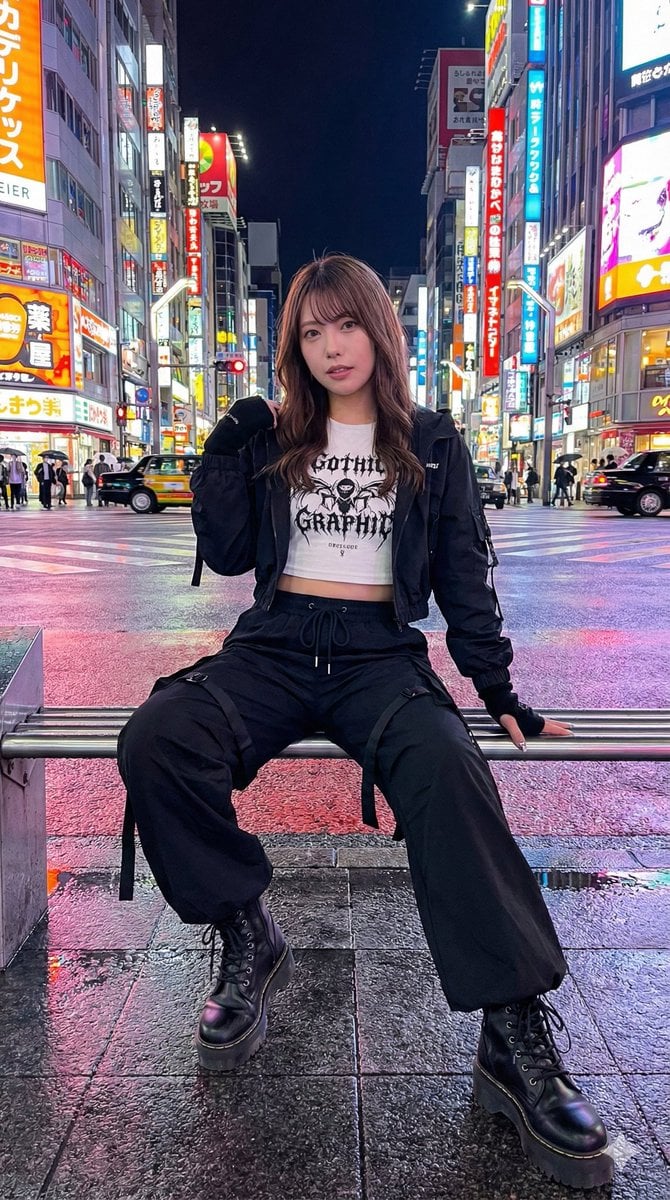
Structured Prompt for AI Art Arrangement
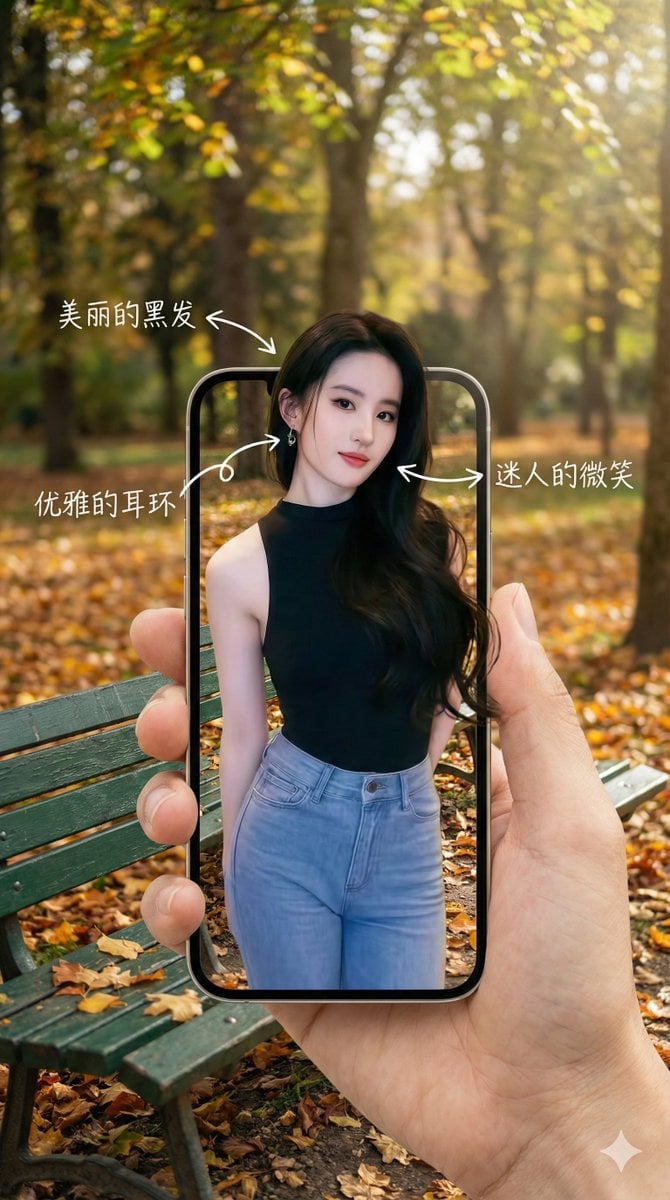
3D Pop-Out Phone Screen Photo Effect Template (Template)
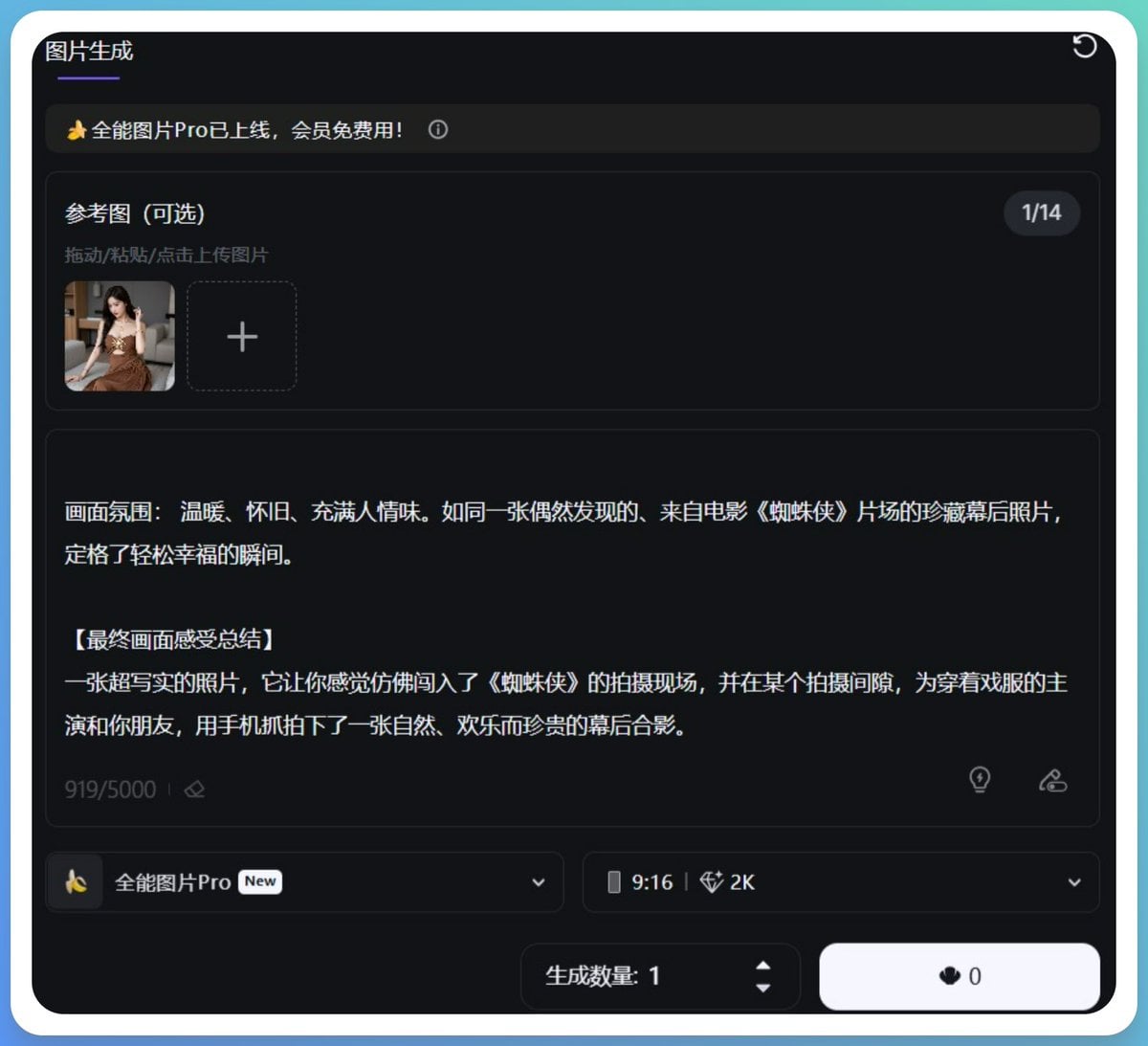
Generating Hollywood Detective Scene Images with Character Reference

Surreal Violet Sports Ad Poster
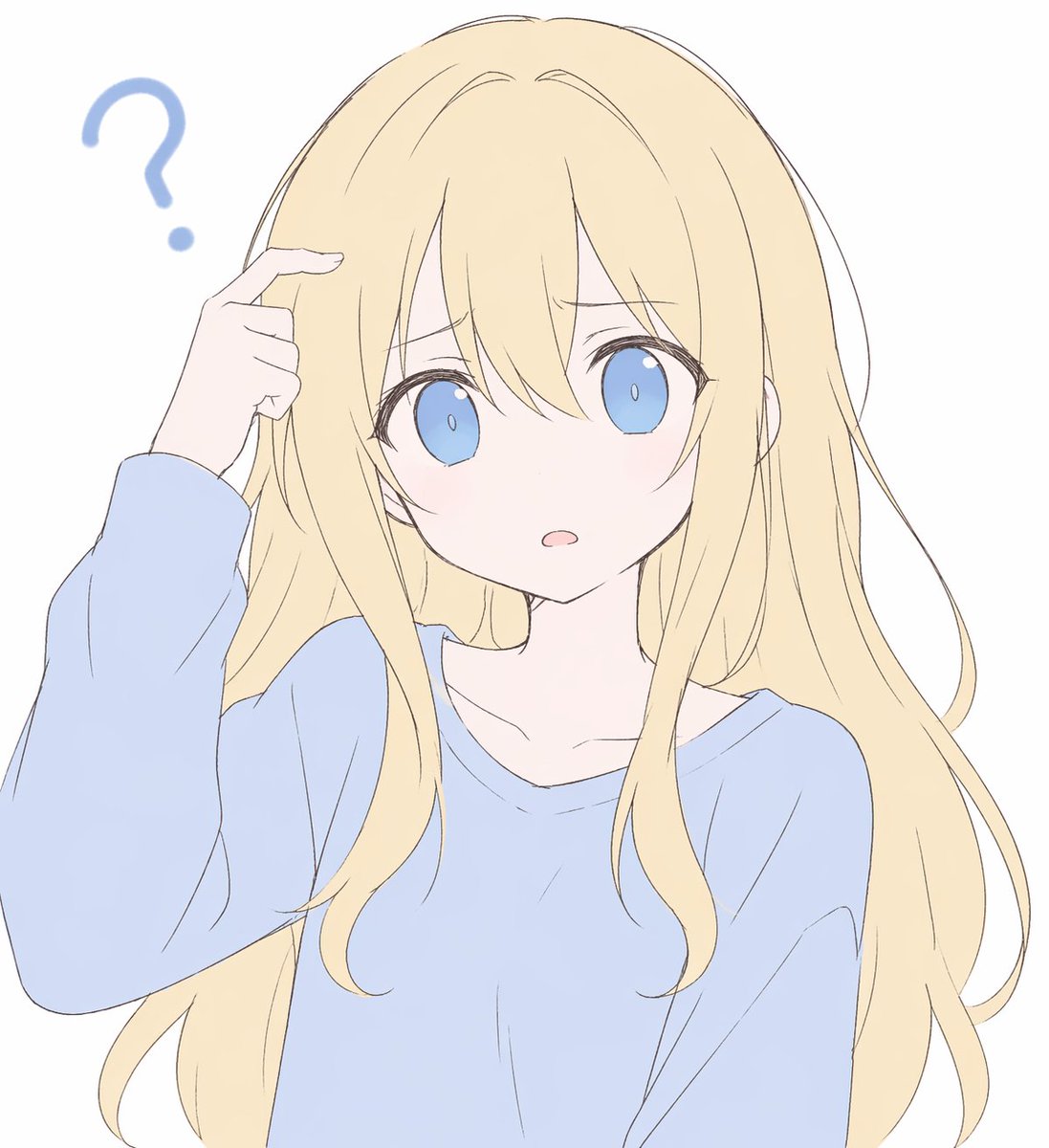
Confused Blonde Anime Girl Portrait
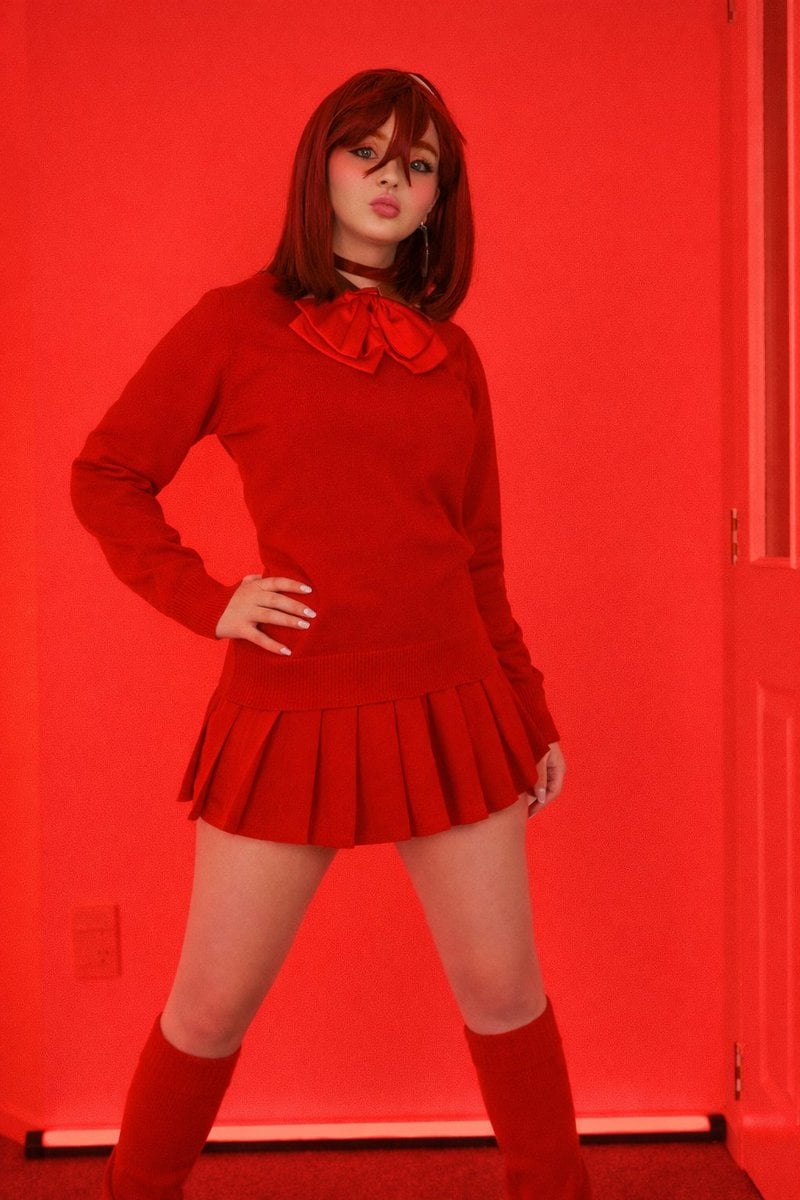
Bold Red Fashion Portrait
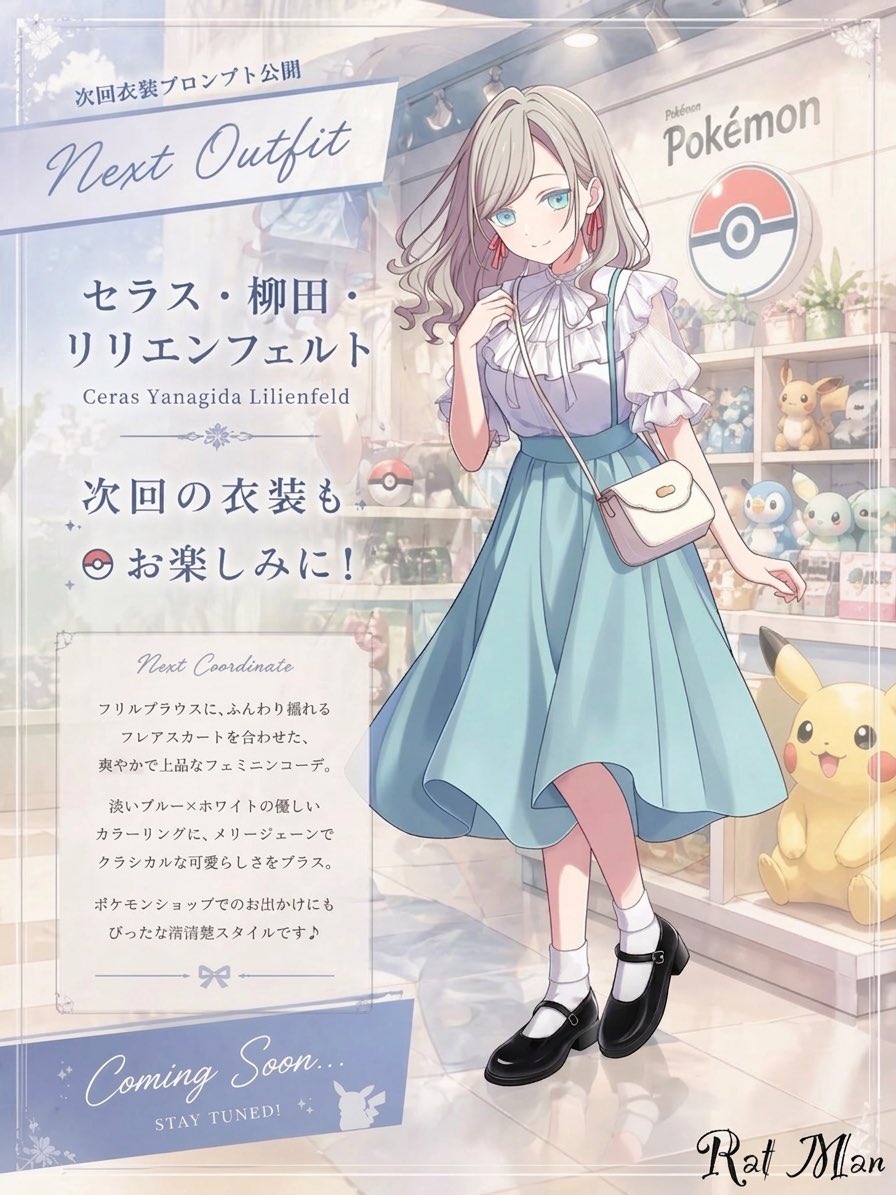
Anime Pokémon Shop Outfit Teaser Poster
Browse template categories
Cracked Porcelain Girl Holding Heart questions
How do I use the Cracked Porcelain Girl Holding Heart template?
Add your photo if the template asks for one, edit the prompt if you like — the template's model and format are already selected — and press Generate. Your version opens in PicX Studio.
Can I customize the Cracked Porcelain Girl Holding Heart template?
Yes. You can change the subject, setting, lighting, mood, format, and available model controls before creating your image.
Is the Cracked Porcelain Girl Holding Heart template free?
Opening and editing this template is free. Generating uses credits, shown on the Generate button when you are signed in.
Which AI model should I use?
Start with GPT Image 2, which is the model associated with this template. You can compare another compatible model for a different finish.
Looking for something else? Browse all templates.

Your photo, any look
Thousands of ready templates for every top image and video model, from one credit balance.