
Porcelain Court Painter
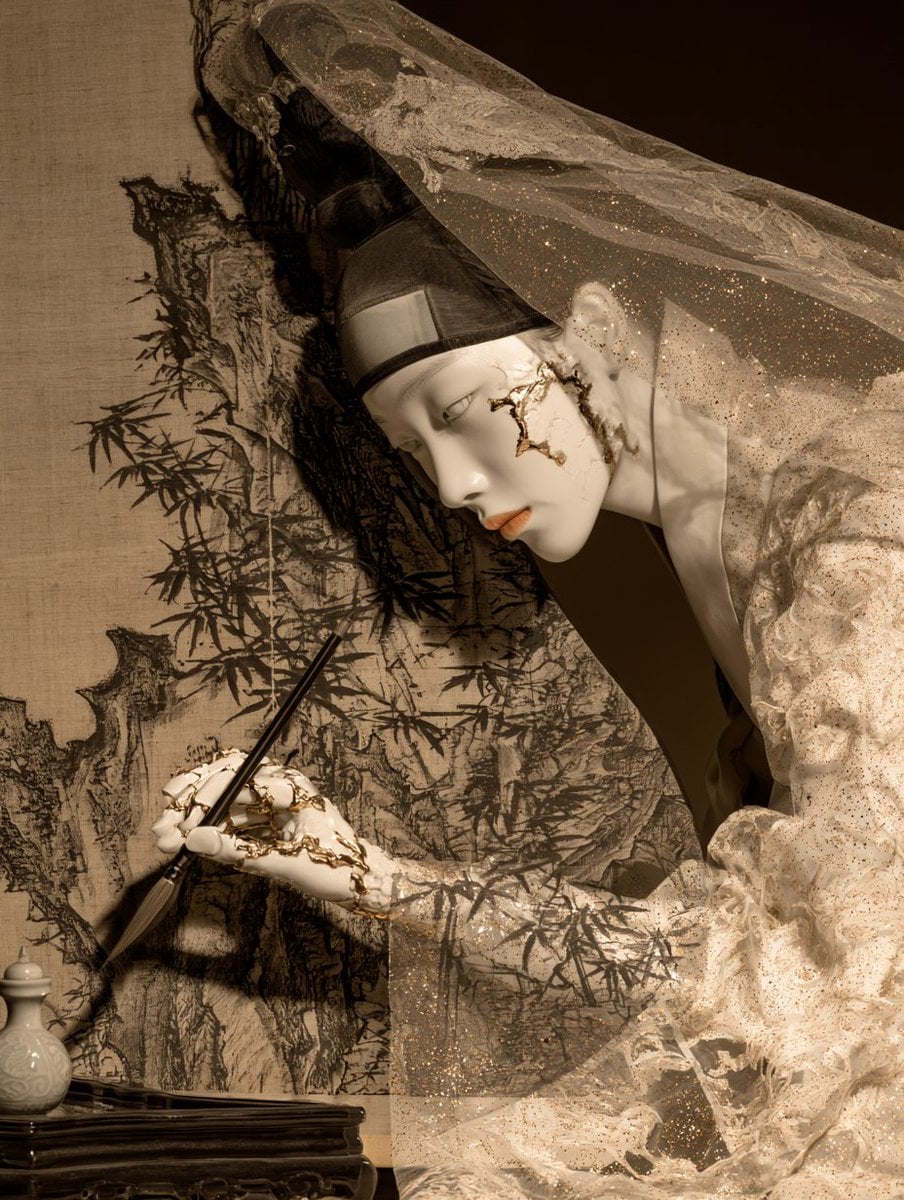
A surreal editorial portrait of a porcelain-like veiled painter creating a sumi-e ink landscape, useful for fine-art fashion or fantasy character imagery.
- Prompt included
- Model and format preset
- Free template
The prompt behind this image
Copy the exact prompt behind Porcelain Court Painter, or open it in the studio and make it yours.
Create a vertical fine-art surreal fashion portrait of {argument name="character name" default="an ethereal porcelain-faced court painter"} leaning in from the right toward a hanging linen canvas. The figure has a smooth white mask-like face, narrow pale eyes, small muted peach lips, delicate ears, and visible cracked gold kintsugi seams across the cheek, neck, and hand. Dress the figure in translucent layered cream-white gauze robes with ruffled texture and tiny gold glitter speckles, plus a sheer veil sweeping dramatically from the head across the upper right of the frame. Add a dark traditional black headpiece or cap under the veil. The figure holds one long black calligraphy brush in one hand, touching the lower-left area of the canvas as if painting an ink landscape. The canvas on the left is tan raw linen with a black sumi-e style scene: bamboo stalks and leaves, rugged rocks, dark ink washes, and an unfinished brushy mountain-like composition. Include a small white ceramic ink vessel at the bottom left and a dark carved wooden table edge beneath it. Use a warm sepia and ivory palette, chiaroscuro lighting from the front-left, deep brown shadow background on the right, soft dust and glitter particles in the veil, hyper-detailed textures of linen, porcelain, gold cracks, sheer fabric, and wet black ink. Composition should be intimate and theatrical, 3/4 view, subject’s face in profile angled downward, elegant, haunting, museum-quality editorial photography mixed with classical East Asian ink painting aesthetics. No modern objects, no visible text, no watermark.
How to use Porcelain Court Painter in 3 steps
- 1Upload ImagePNG, JPG or paste
Add your photo
Upload the photo the template builds on. The prompt, model and format are already set.
- 2…a portrait of your subject in softgolden-hour light, 85mm…
Personalize
Edit the subject and creative details for your destination.
- 3Generate
Generate
Press Generate — your image is created in PicX Studio, so you can compare it with the original and refine one variable at a time.
More like this
Templates with the same subject, style or setup. Open one to see its prompt.
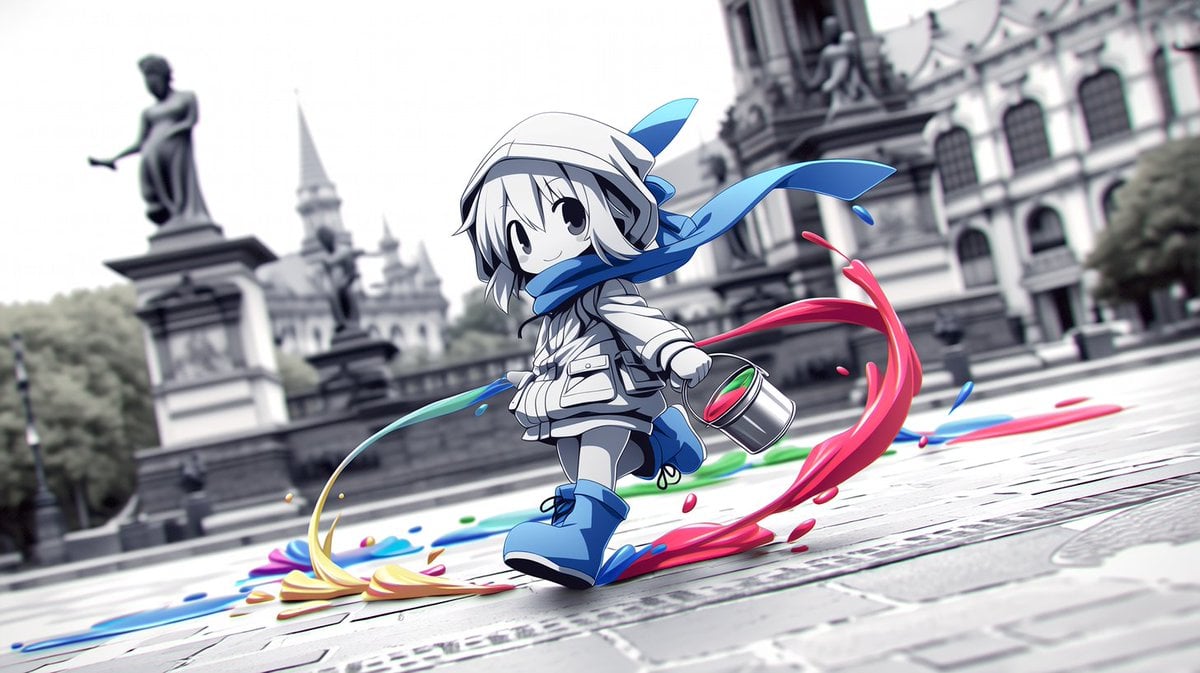
Chibi Painter in Monochrome Plaza
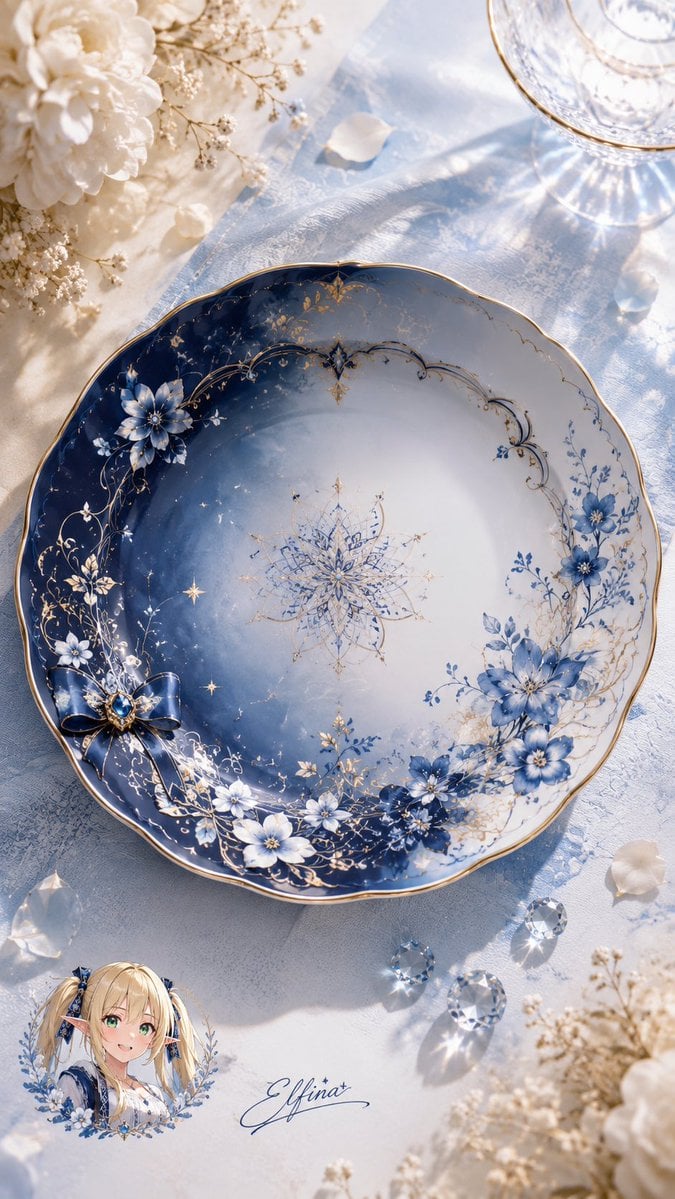
Elfina Fantasy Porcelain Plate

Anime Light Novel Cover with Painters
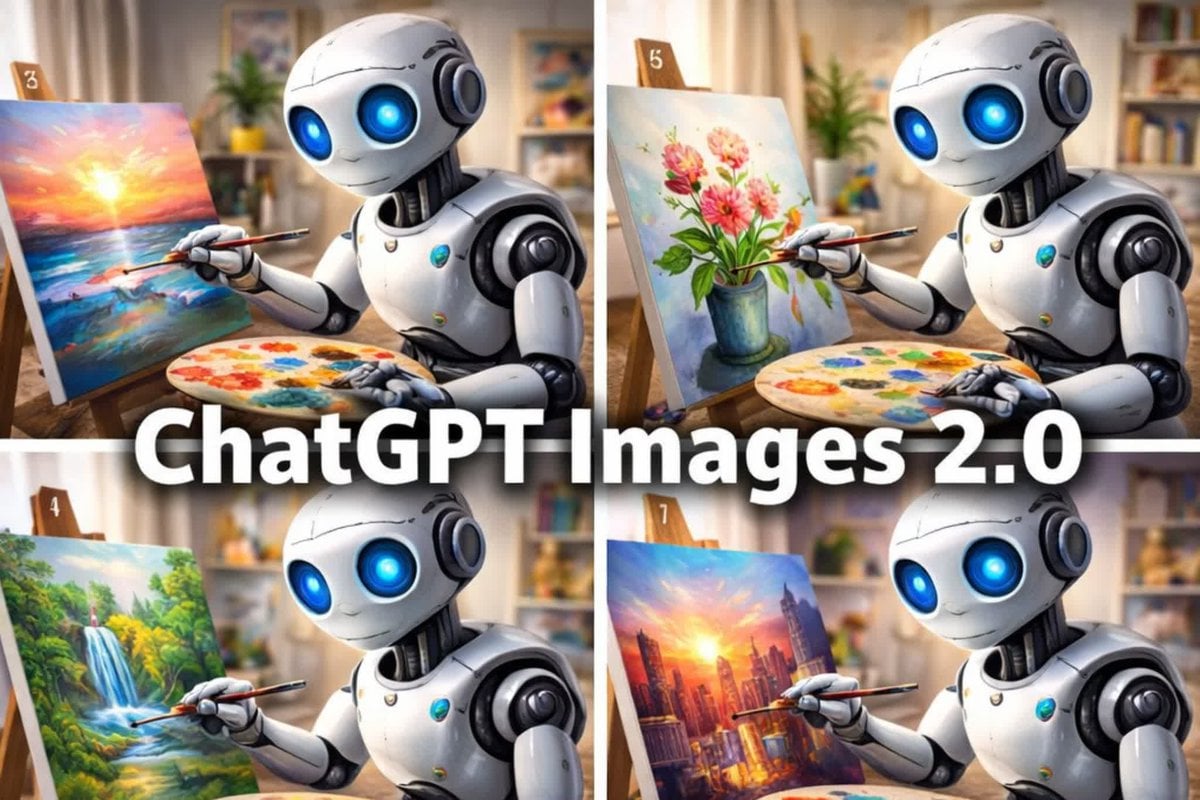
Robot Painter Collage Ad
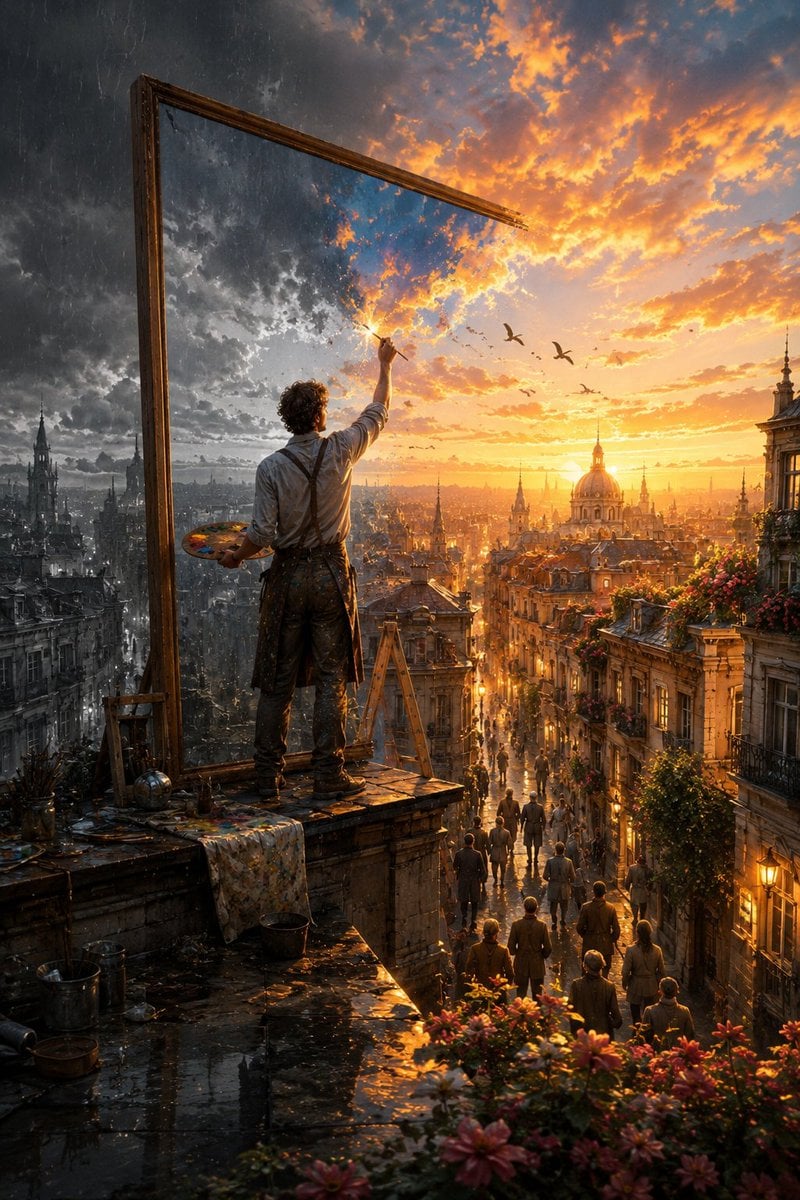
The Painter Who Finished the Sky

Painterly Coastal God Rays Illustration
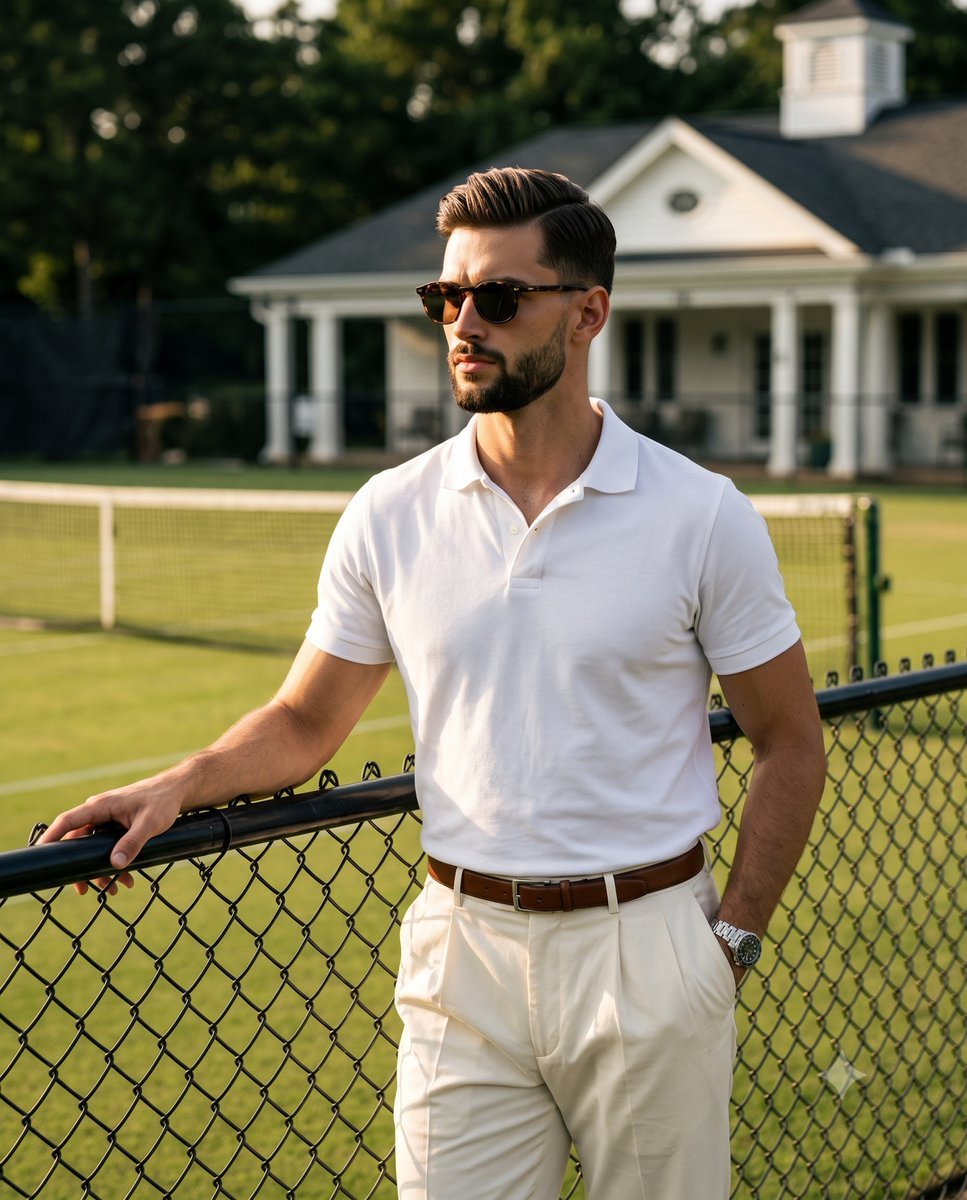
Golden Hour Tennis Court Portrait
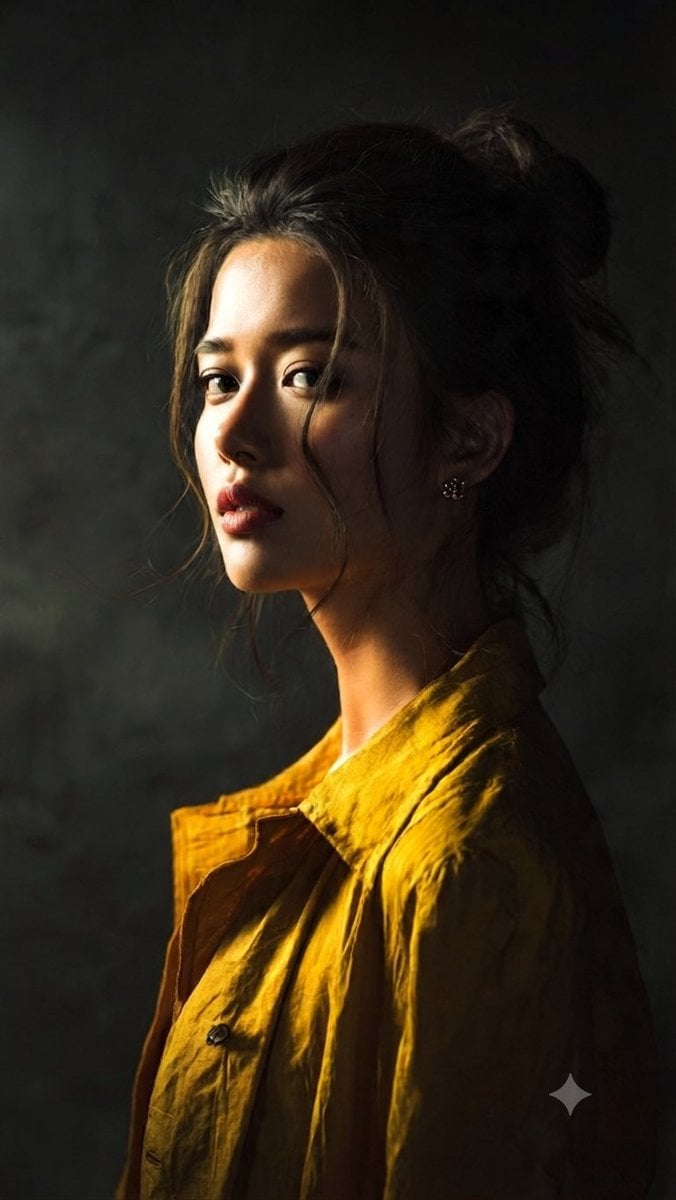
Moody Painterly Portrait
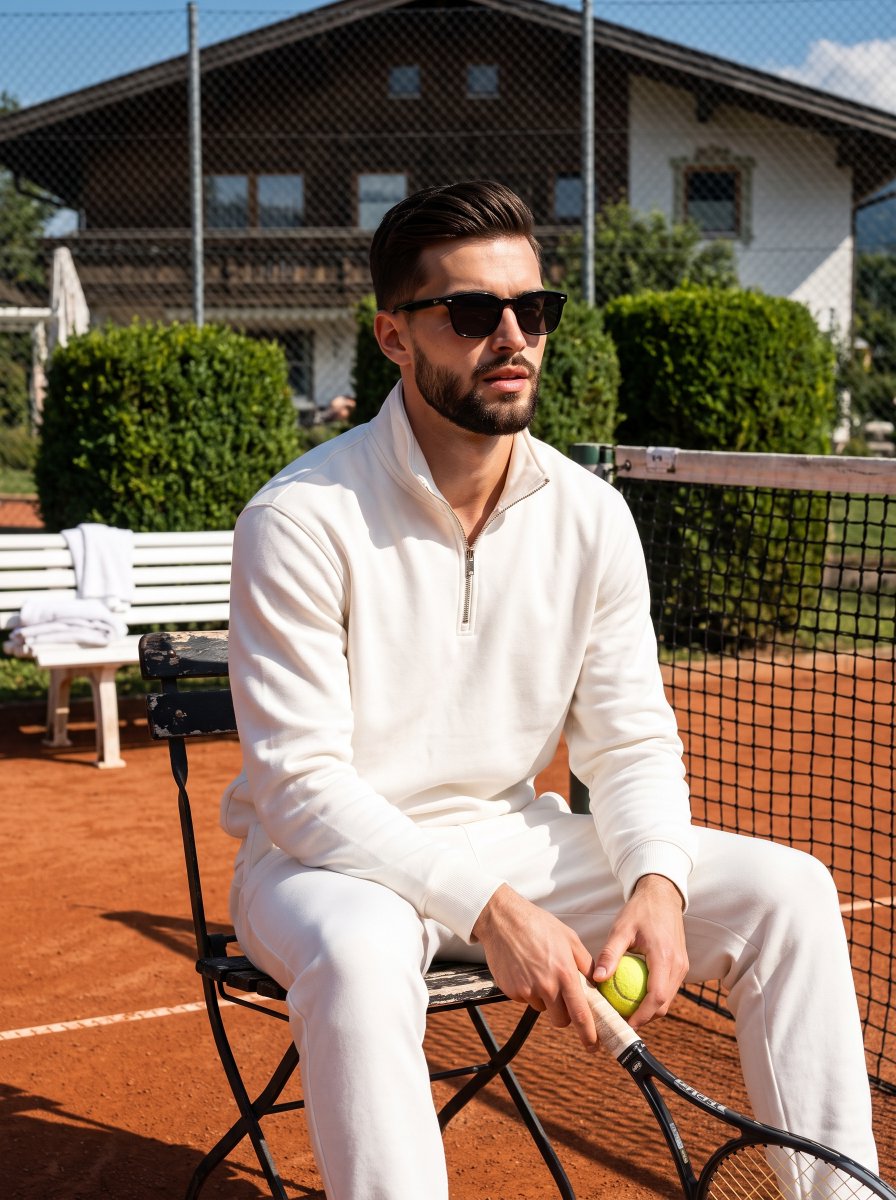
Athletic Man Tennis Court Editorial
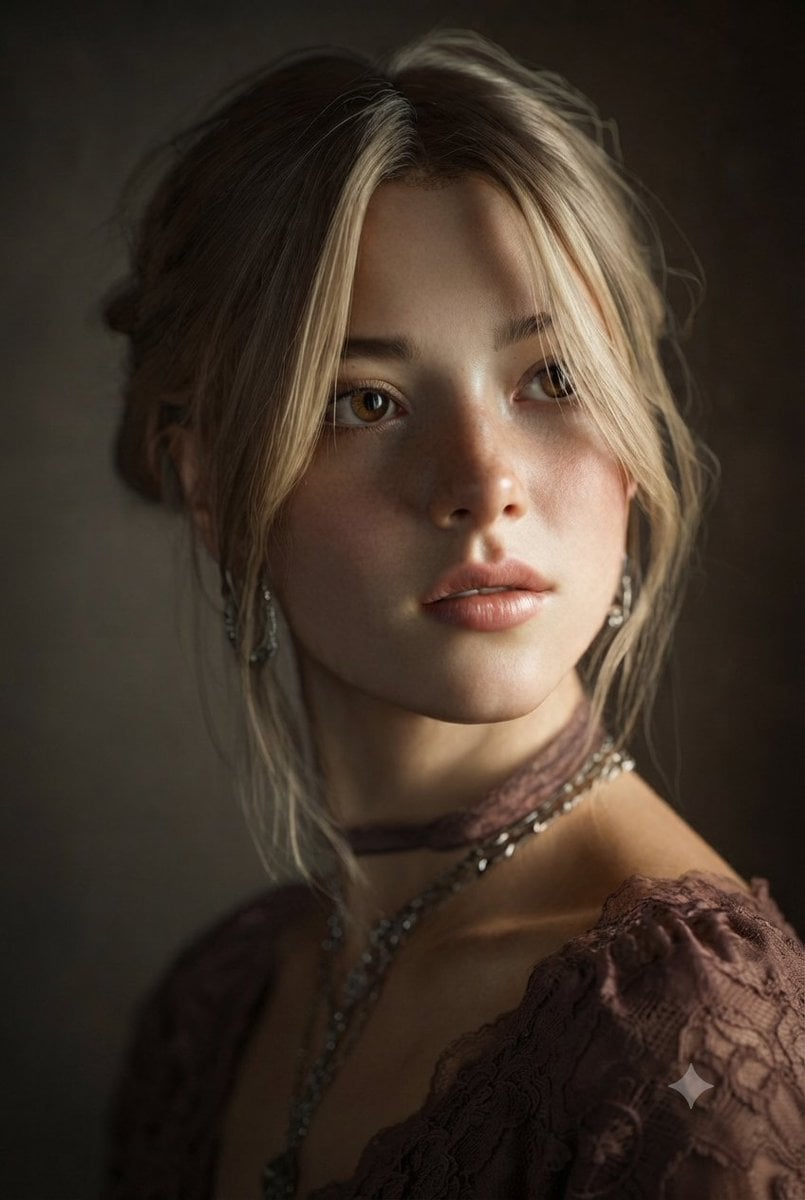
Painterly Studio Portrait
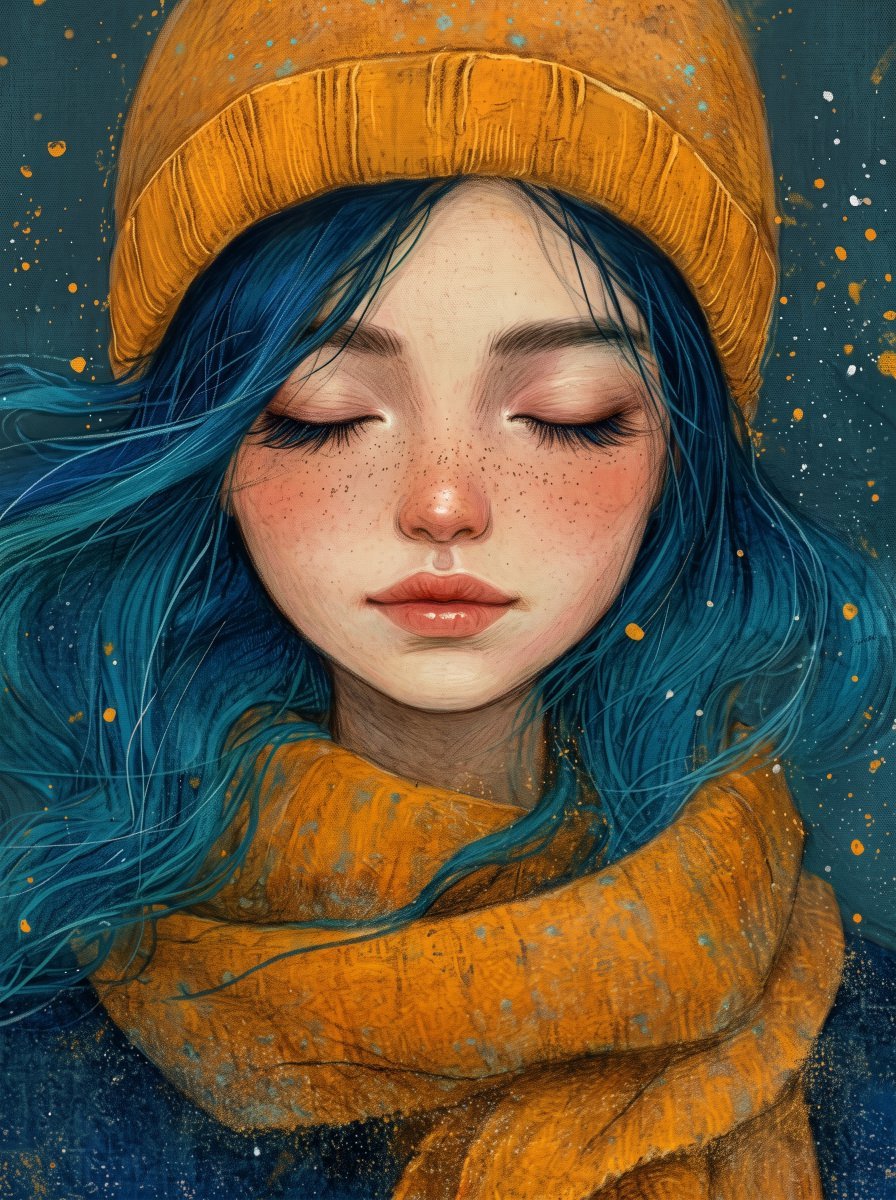
Painterly Portrait with Teal Hair and Mustard Beanie
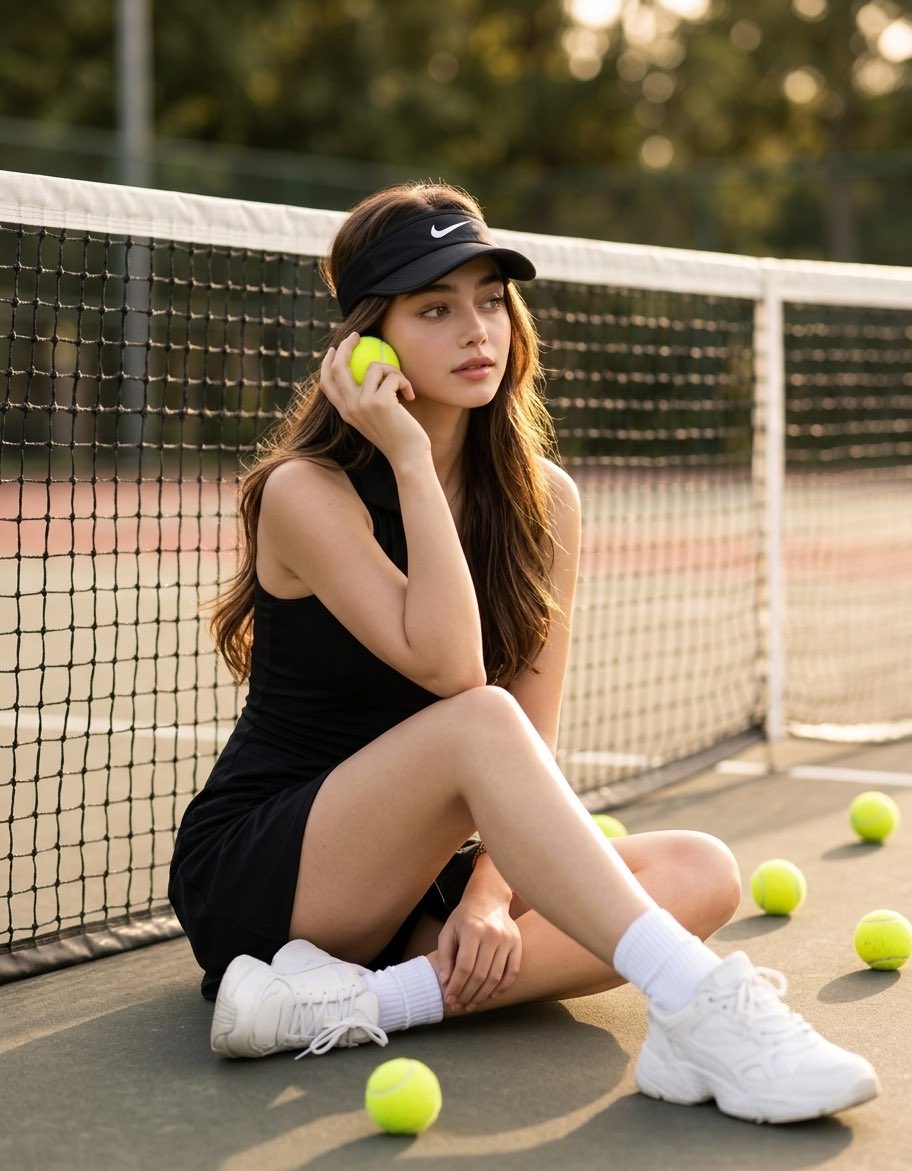
Luxury Tennis Court Fashion Editorial
Make it yours
Porcelain Court Painter works as-is. These are the safest ways to change it without losing the look.
Change one field
Copy a single group, rewrite it, and generate again so you can see what that field is doing.
Keep the frame, change the subject
Hold the composition and light of Porcelain Court Painter, then swap wardrobe, props or the person for a new take.
| If the result… | Why | Fix |
|---|---|---|
| The result drifts from the preview | Too many fields changed at once. | Reuse Porcelain Court Painter as-is first, then change one group — subject, light, or setting. |
| The model over-stylizes the scene | The prose prompt leaves finish and camera underspecified. | Add one camera or lighting sentence and stay on GPT Image 2. |
More GPT Image 2 templates
Other prompts made for GPT Image 2.

Six VTuber Japanese Logo Sheet

Realistic Portrait of Woman and Deer

The Vista Modular Condo Poster

AI Model Routing Comparison Infographic

2.5D Anime Art Board

Isometric Productivity Desk Scene

New York Double Exposure Poster

Four-Panel AI Landscape Comparison

Japanese Tatami Lifestyle Magazine Cover

NESCAFÉ Coffee Map Poster
More image prompts
Fresh picks from across the catalog.
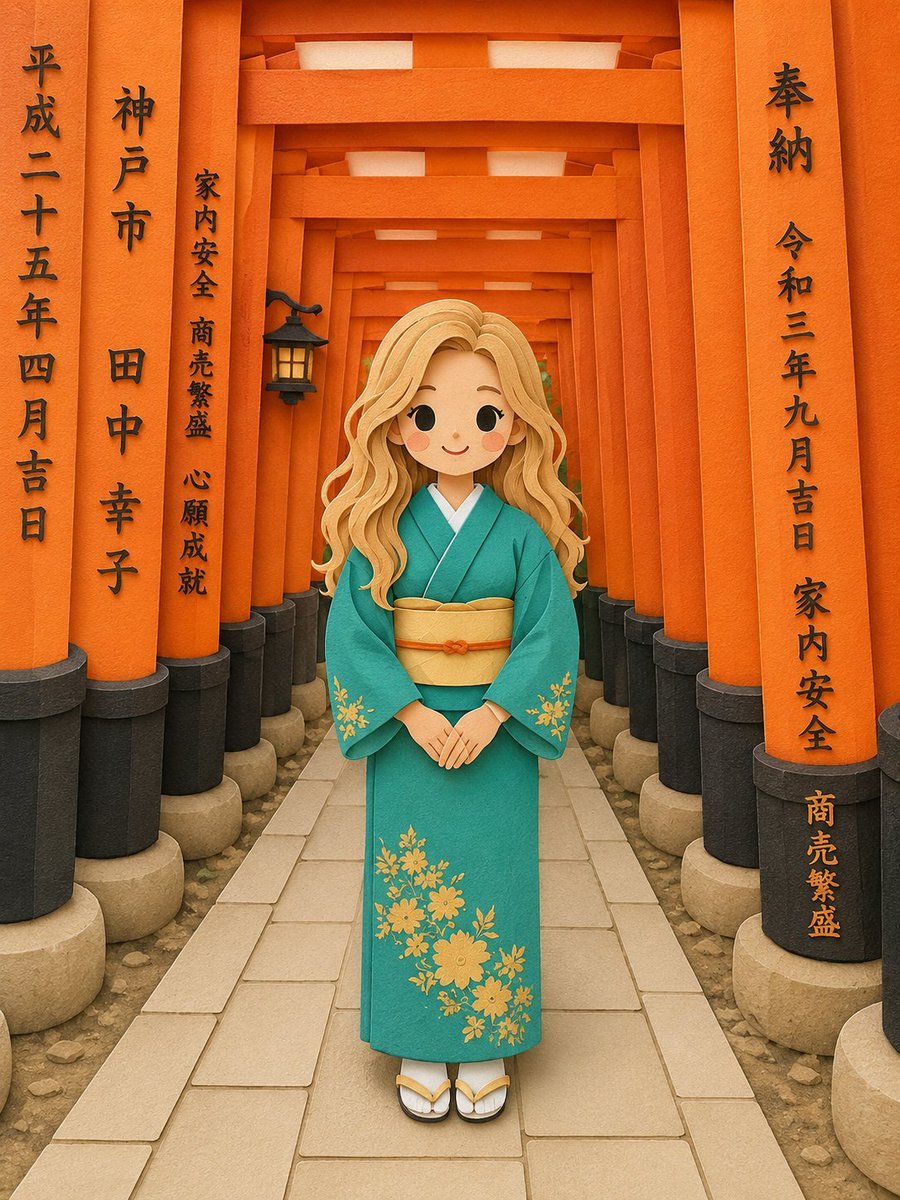
Papercraft Diorama Style Illustration
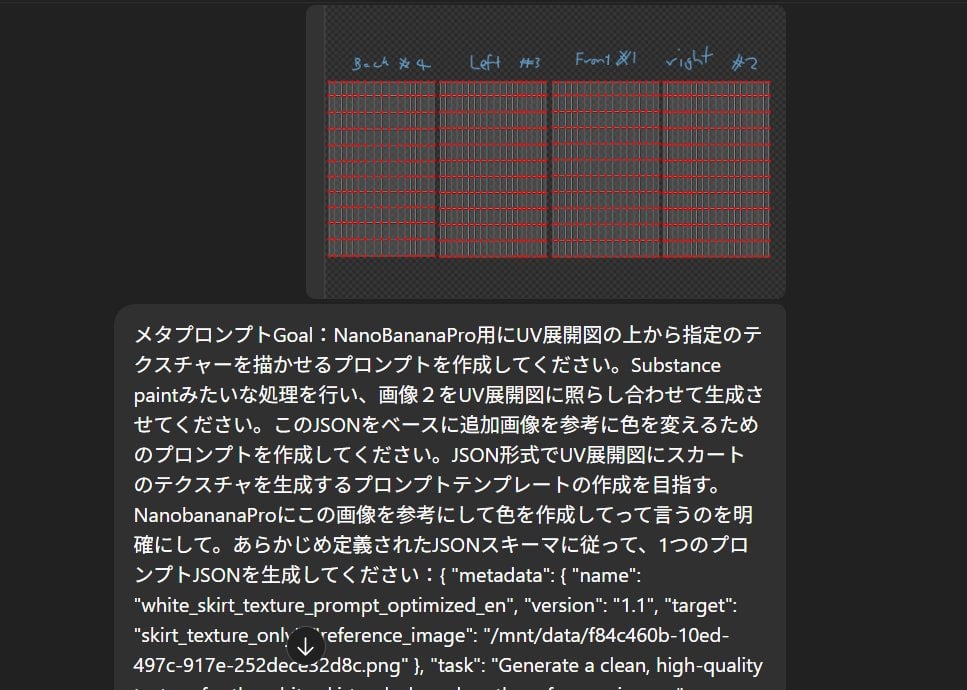
Texture Creation via JSON and UV Map Metaprompt

Anime Girl in Sunny Cafe
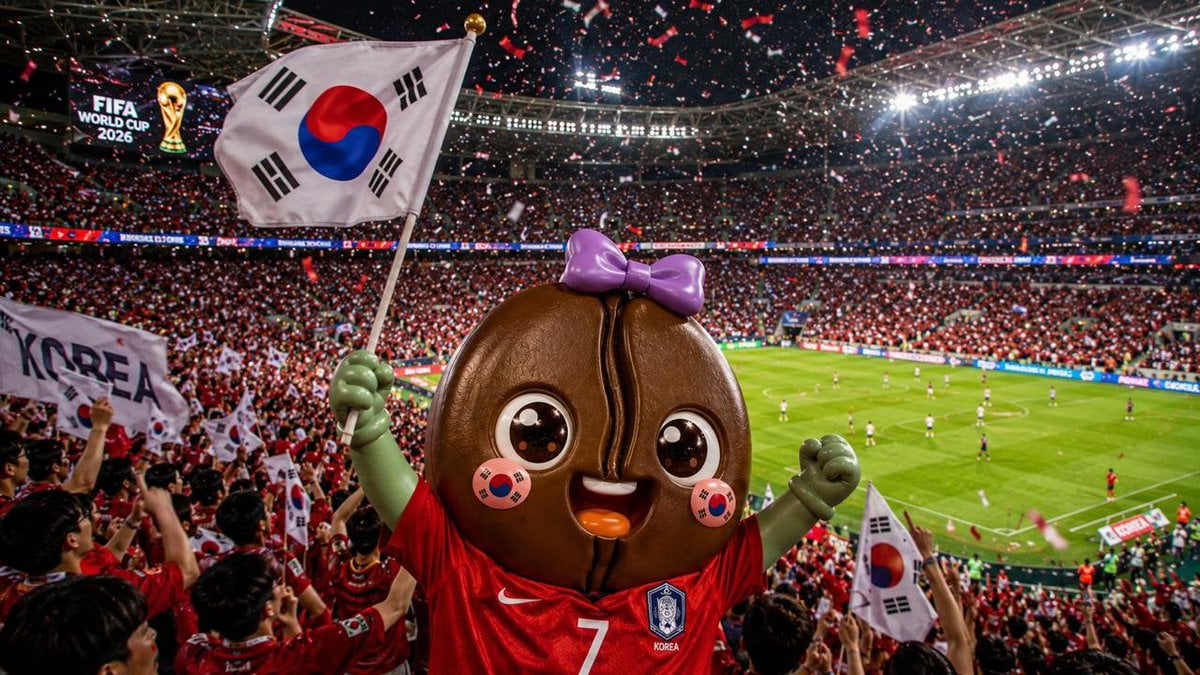
2026 World Cup Fan Photo Generator
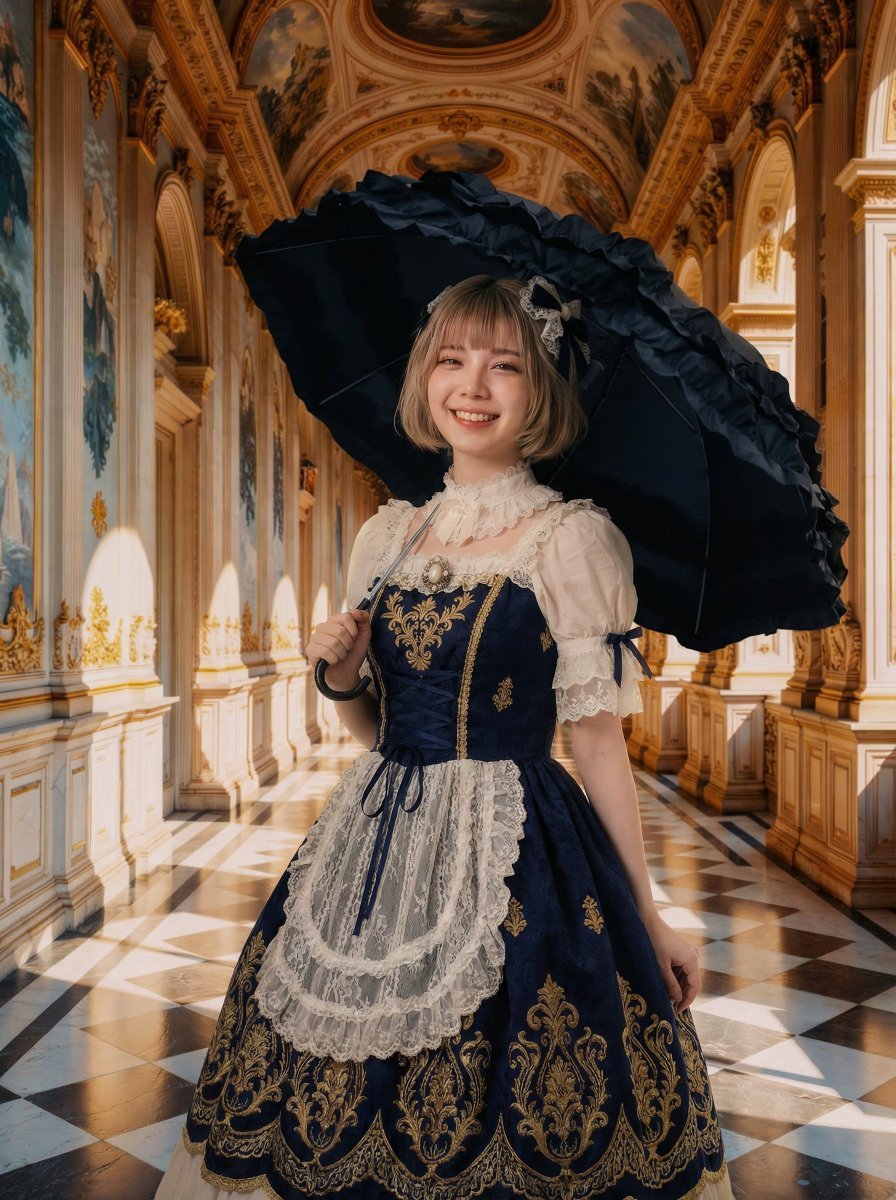
Professional Portrait Photo Shoot with Props and Palace Background

Censored Elf Girl Garden Illustration
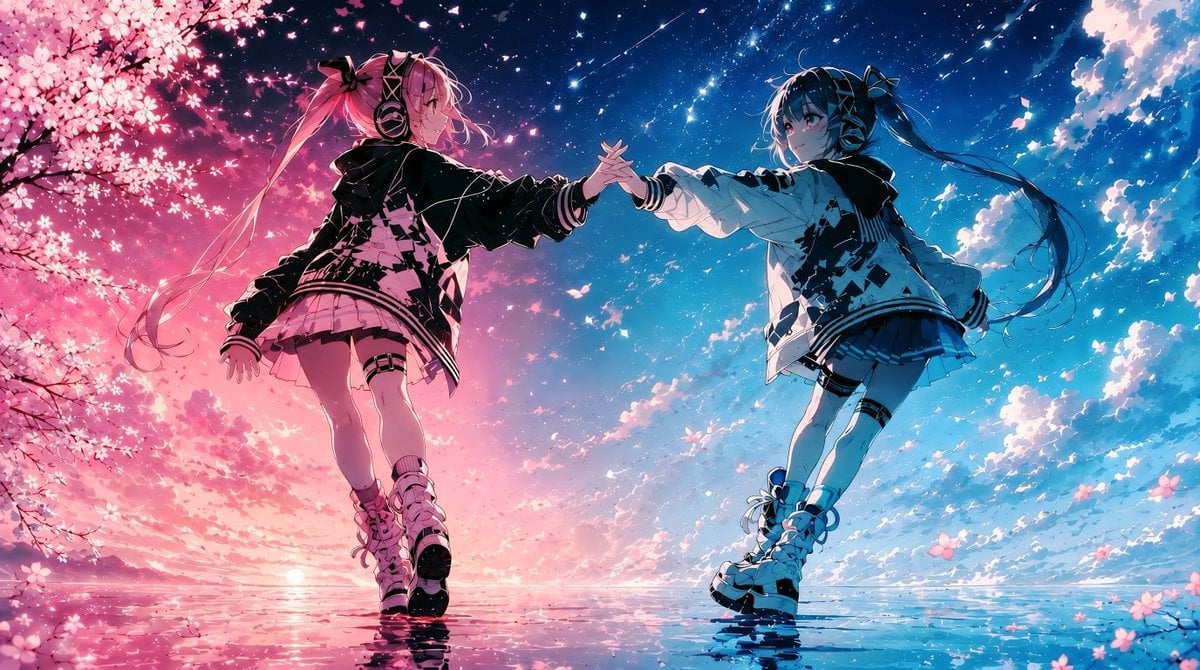
Twin Idols Under Sakura Stars

Cinematic Automotive Billboard Template

Hand-drawn style header image prompt from photo

Cinematic Portrait of a Racing Driver at Night
Browse template categories
Porcelain Court Painter questions
How do I use the Porcelain Court Painter template?
Add your photo if the template asks for one, edit the prompt if you like — the template's model and format are already selected — and press Generate. Your version opens in PicX Studio.
Can I customize the Porcelain Court Painter template?
Yes. You can change the subject, setting, lighting, mood, format, and available model controls before creating your image.
Is the Porcelain Court Painter template free?
Opening and editing this template is free. Generating uses credits, shown on the Generate button when you are signed in.
Which AI model should I use?
Start with GPT Image 2, which is the model associated with this template. You can compare another compatible model for a different finish.
Looking for something else? Browse all templates.

Your photo, any look
Thousands of ready templates for every top image and video model, from one credit balance.