
Robot Painter Collage Ad
A polished four-panel promotional collage shows a cute blue-eyed robot painting different artworks, ideal for AI imaging announcements, social posts, or product launch visuals.
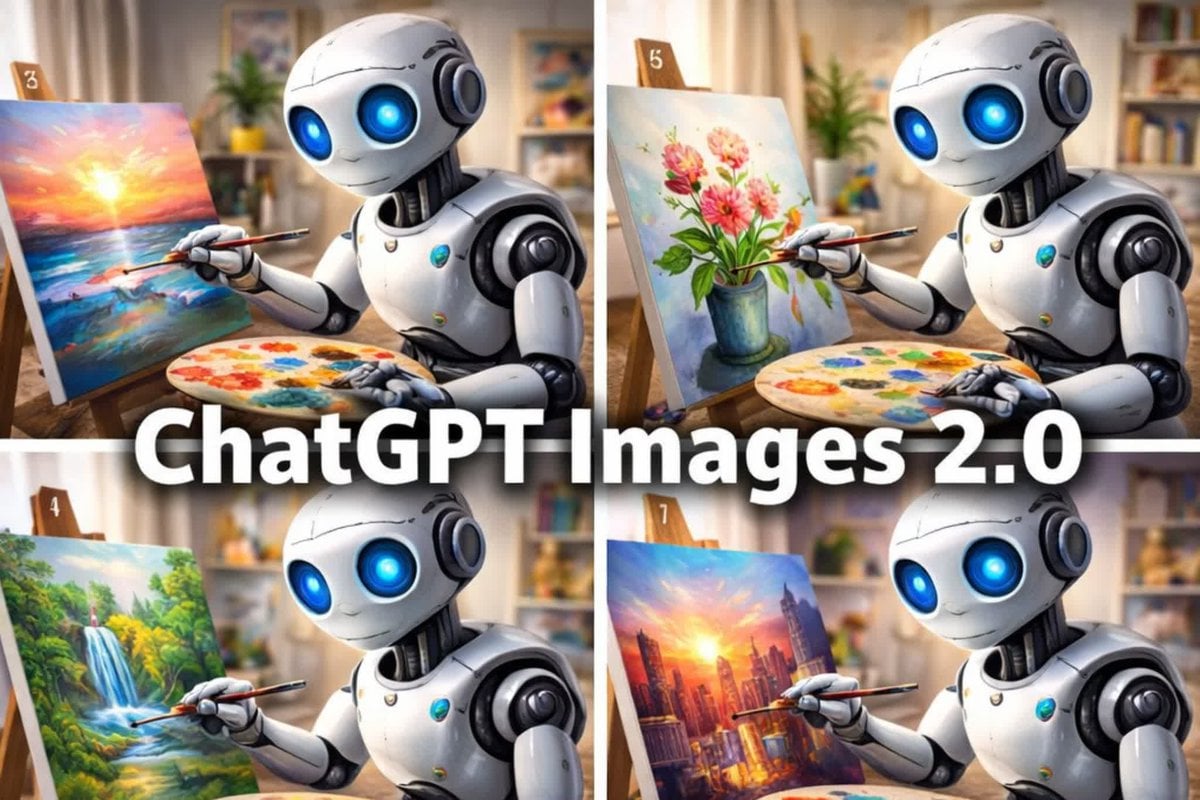
- Prompt included
- Model and format preset
- Free template
The prompt behind this image
Copy the exact prompt behind Robot Painter Collage Ad, or open it in the studio and make it yours.
- Type
- promotional collage poster
- Subject › Main
- cute futuristic humanoid robot painting on canvas
- Subject › Design › Body
- glossy white and silver rounded robot with black joint details
- Subject › Design › Eyes
- large glowing neon-blue circular eyes
- Subject › Design › Expression
- gentle friendly smile
- Subject › Design › Scale
- small seated tabletop robot
- Layout › Format
- 2x2 grid collage
- Layout › Count
- 4
- Layout › Panels › 0 › Position
- top-left
- Layout › Panels › 0 › EaselTag
- 3
- Layout › Panels › 0 › Scene
- robot painting a vivid ocean sunset seascape
- Layout › Panels › 0 › CanvasDescription
- bright glowing sun near the horizon over colorful water with pink, orange, yellow, and blue reflections
- Layout › Panels › 1 › Position
- top-right
- Layout › Panels › 1 › EaselTag
- 5
- Layout › Panels › 1 › Scene
- robot painting a floral still life
- Layout › Panels › 1 › CanvasDescription
- pink and coral flowers with green leaves in a blue vase against a soft pastel background
- Layout › Panels › 2 › Position
- bottom-left
- Layout › Panels › 2 › EaselTag
- 4
- Layout › Panels › 2 › Scene
- robot painting a lush nature landscape
- Layout › Panels › 2 › CanvasDescription
- green forest with a waterfall cascading into a stream with sunlight filtering through trees
- Layout › Panels › 3 › Position
- bottom-right
- Layout › Panels › 3 › EaselTag
- 7
- Layout › Panels › 3 › Scene
- robot painting a dramatic city skyline at sunset
- Layout › Panels › 3 › CanvasDescription
- tall skyscrapers in warm orange and purple light with the sun glowing between buildings
Raw JSON
{"type":"promotional collage poster","subject":{"main":"cute futuristic humanoid robot painting on canvas","design":{"body":"glossy white and silver rounded robot with black joint details","eyes":"large glowing neon-blue circular eyes","expression":"gentle friendly smile","scale":"small seated tabletop robot"}},"layout":{"format":"2x2 grid collage","count":4,"panels":[{"position":"top-left","easelTag":"3","scene":"robot painting a vivid ocean sunset seascape","canvasDescription":"bright glowing sun near the horizon over colorful water with pink, orange, yellow, and blue reflections"},{"position":"top-right","easelTag":"5","scene":"robot painting a floral still life","canvasDescription":"pink and coral flowers with green leaves in a blue vase against a soft pastel background"},{"position":"bottom-left","easelTag":"4","scene":"robot painting a lush nature landscape","canvasDescription":"green forest with a waterfall cascading into a stream with sunlight filtering through trees"},{"position":"bottom-right","easelTag":"7","scene":"robot painting a dramatic city skyline at sunset","canvasDescription":"tall skyscrapers in warm orange and purple light with the sun glowing between buildings"}],"centerOverlay":{"text":"{argument name=\"headline text\" default=\"ChatGPT Images 2.0\"}","style":"very large bold white sans-serif text with subtle dark drop shadow stretching across the middle over all four panels"}},"props":{"repeatedObjectsCount":4,"objects":["wooden easel in each panel","round painter's palette with multicolored paint blobs in each panel","thin paintbrush held by the robot in each panel"]},"environment":{"setting":"cozy art studio or creative living room","background":"softly blurred warm interior with shelves, framed art, curtains, books, and potted plants","lighting":"warm natural indoor light with a polished, glossy 3D-render look"},"style":{"medium":"high-end 3D illustration","mood":"playful, polished, optimistic tech demo advertisement","composition":"tight medium shot in each panel, robot angled toward canvas"}}How to use Robot Painter Collage Ad in 3 steps
- 1Upload ImagePNG, JPG or paste
Add your photo
Upload the photo the template builds on. The prompt, model and format are already set.
- 2…a portrait of your subject in softgolden-hour light, 85mm…
Personalize
Edit the subject and creative details for your destination.
- 3Generate
Generate
Press Generate — your image is created in PicX Studio, so you can compare it with the original and refine one variable at a time.
More like this
Templates with the same subject, style or setup. Open one to see its prompt.












Make it yours
Robot Painter Collage Ad works as-is. These are the safest ways to change it without losing the look.
Swap the setting
Keep the rest of the prompt and replace the location block. The current setting is “cozy art studio or creative living room”.
Swap the light
One lighting change is enough to compare takes. Current light: “warm natural indoor light with a polished, glossy 3D-render look”.
Change one field
Copy a single group, rewrite it, and generate again so you can see what that field is doing.
| If the result… | Why | Fix |
|---|---|---|
| The result drifts from the preview | Too many fields changed at once. | Reuse Robot Painter Collage Ad as-is first, then change one group — subject, light, or setting. |
| GPT Image 2 ignores part of the JSON | Some models flatten or skip nested keys. | Keep the same values and paste them as a short paragraph instead. |
More GPT Image 2 templates
Other prompts made for GPT Image 2.

Six VTuber Japanese Logo Sheet

Realistic Portrait of Woman and Deer

The Vista Modular Condo Poster

AI Model Routing Comparison Infographic

2.5D Anime Art Board

Isometric Productivity Desk Scene

New York Double Exposure Poster

Four-Panel AI Landscape Comparison

Japanese Tatami Lifestyle Magazine Cover

NESCAFÉ Coffee Map Poster
More image prompts
Fresh picks from across the catalog.
Cinematic Automotive Triptych Portrait Prompt
Pet in Cinematic Scene
Glass AI Orb in a Garden
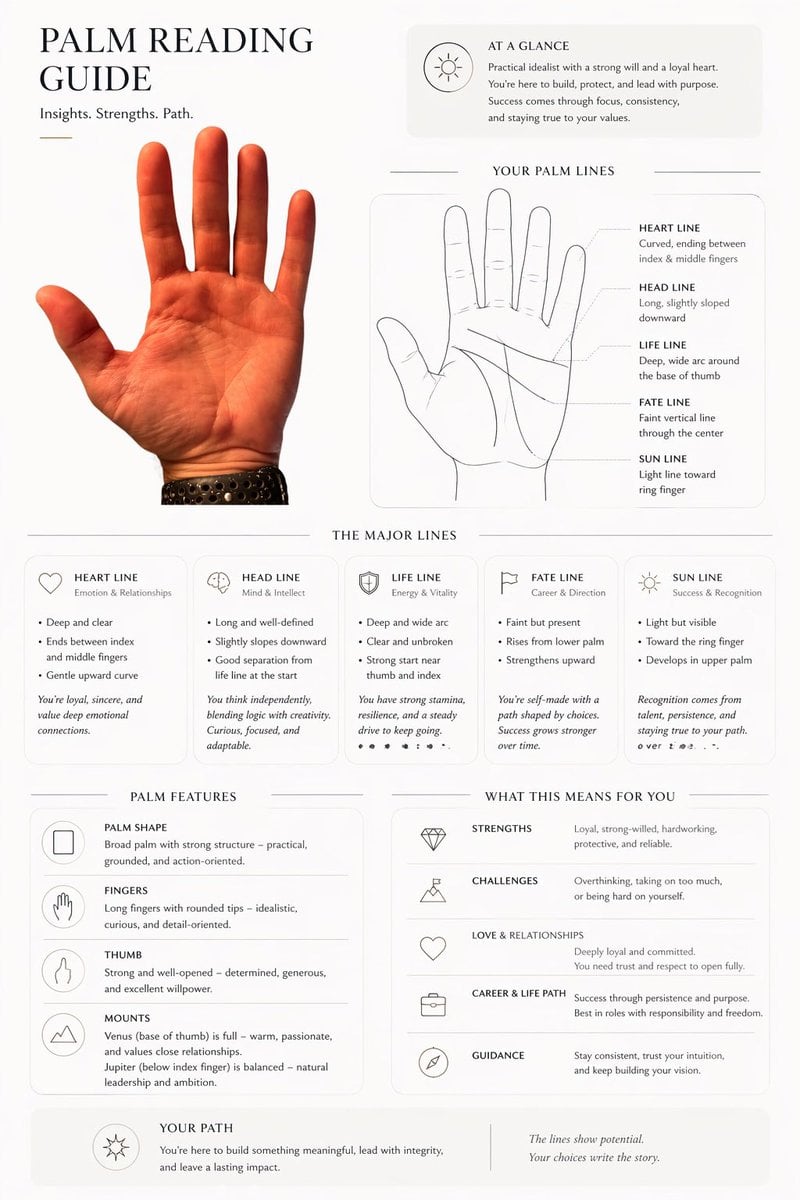
Editorial Palm Reading Infographic

Generate Dynaman Great Explosion

Hyper-Realistic Paparazzi Flash Portrait Prompt

Photorealistic East-Asian Neon Night Portrait Prompt
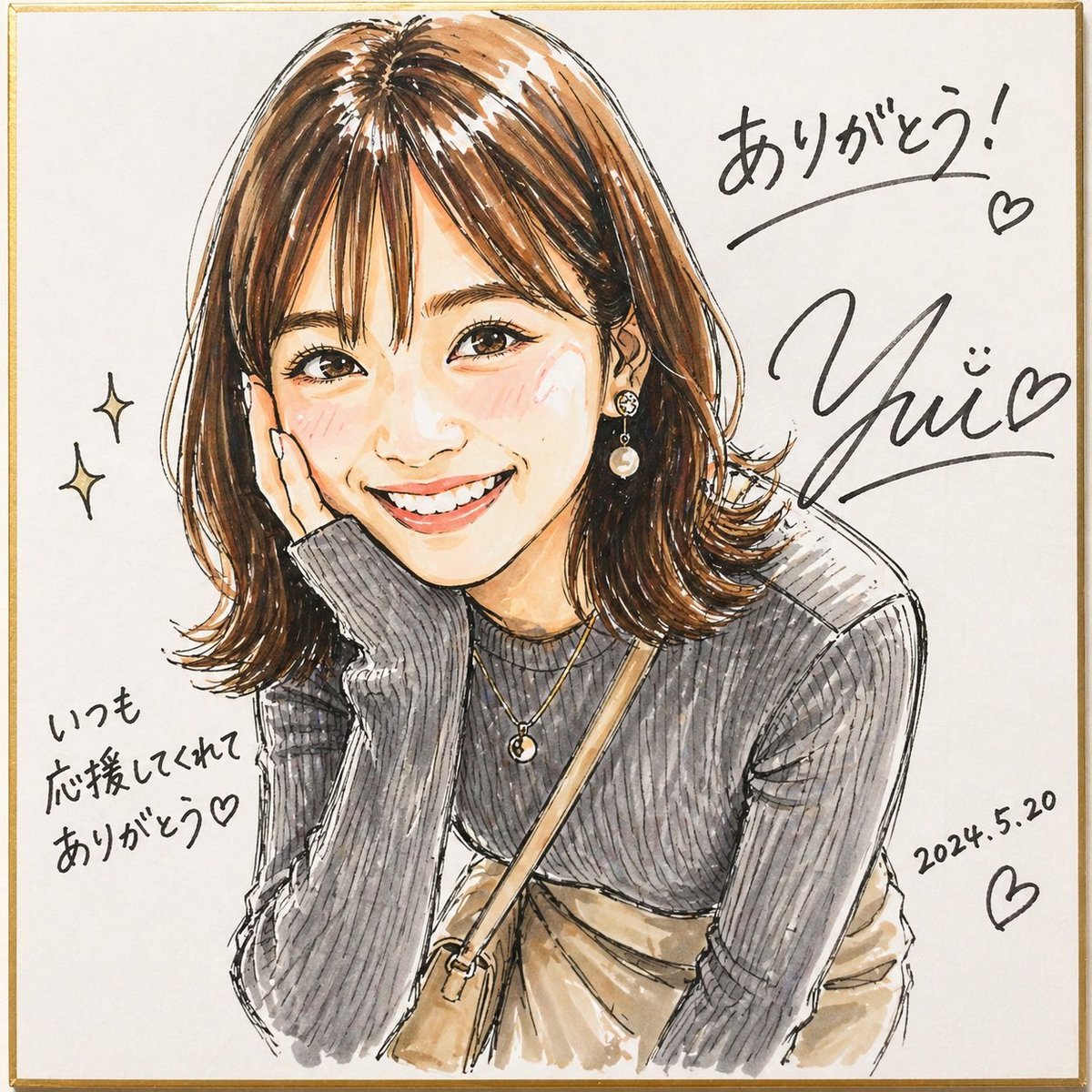
Signed Marker Portrait on Shikishi
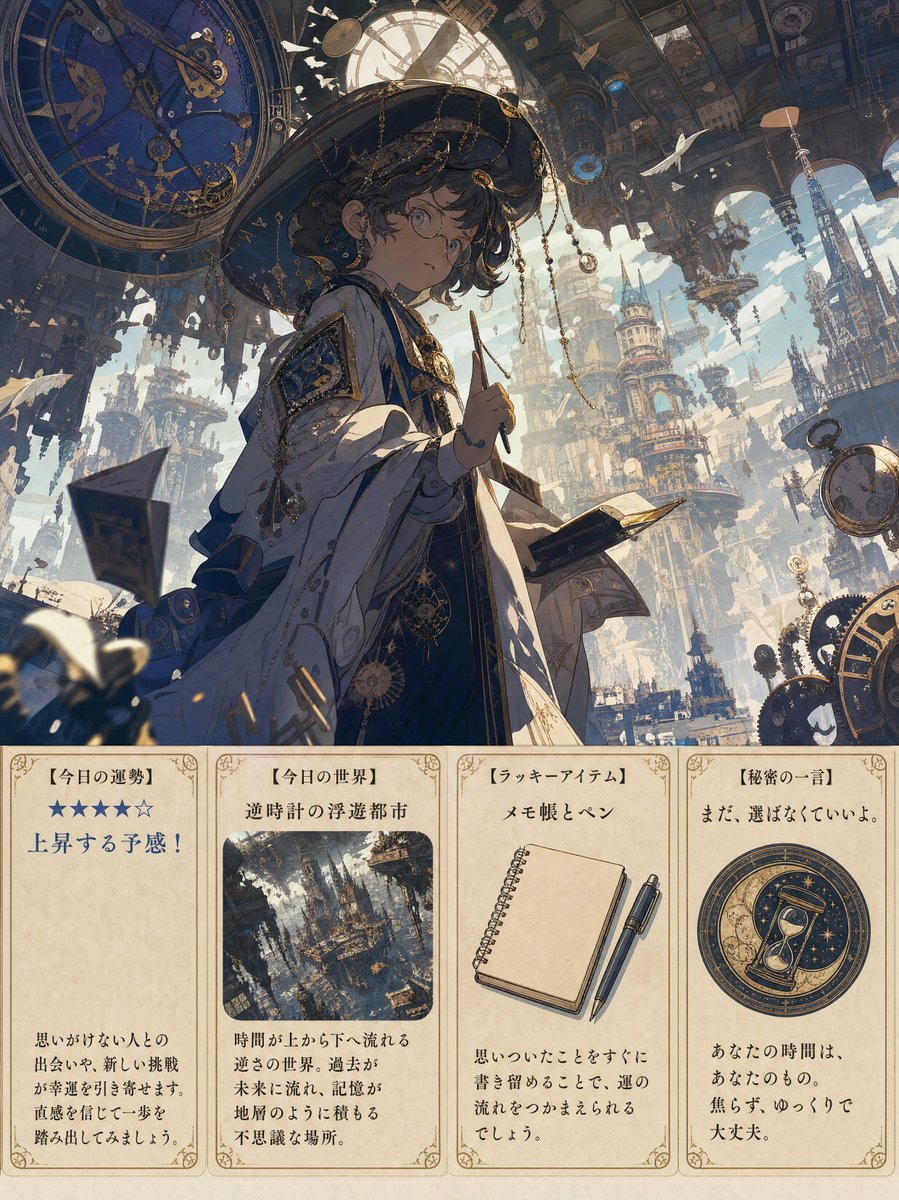
Steampunk Daily Fortune Cards
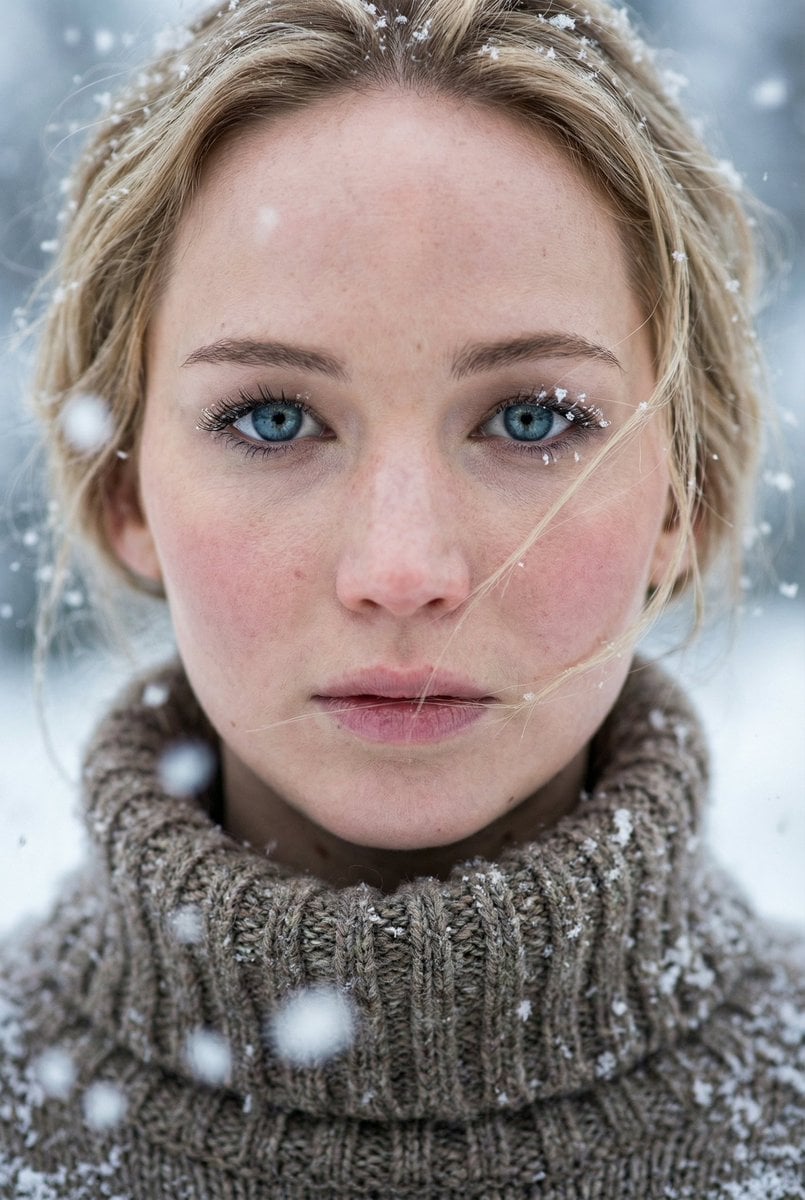
Ultra-Photorealistic Winter Portrait Macro Focus (Jennifer Lawrence)
Browse template categories
Robot Painter Collage Ad questions
How do I use the Robot Painter Collage Ad template?
Add your photo if the template asks for one, edit the prompt if you like — the template's model and format are already selected — and press Generate. Your version opens in PicX Studio.
Can I customize the Robot Painter Collage Ad template?
Yes. You can change the subject, setting, lighting, mood, format, and available model controls before creating your image.
Is the Robot Painter Collage Ad template free?
Opening and editing this template is free. Generating uses credits, shown on the Generate button when you are signed in.
Which AI model should I use?
Start with GPT Image 2, which is the model associated with this template. You can compare another compatible model for a different finish.
Looking for something else? Browse all templates.

Your photo, any look
Thousands of ready templates for every top image and video model, from one credit balance.