
Anime Light Novel Cover with Painters
Generates a vibrant anime-style promotional illustration featuring characters painting, complete with stylized Japanese title logos and taglines.
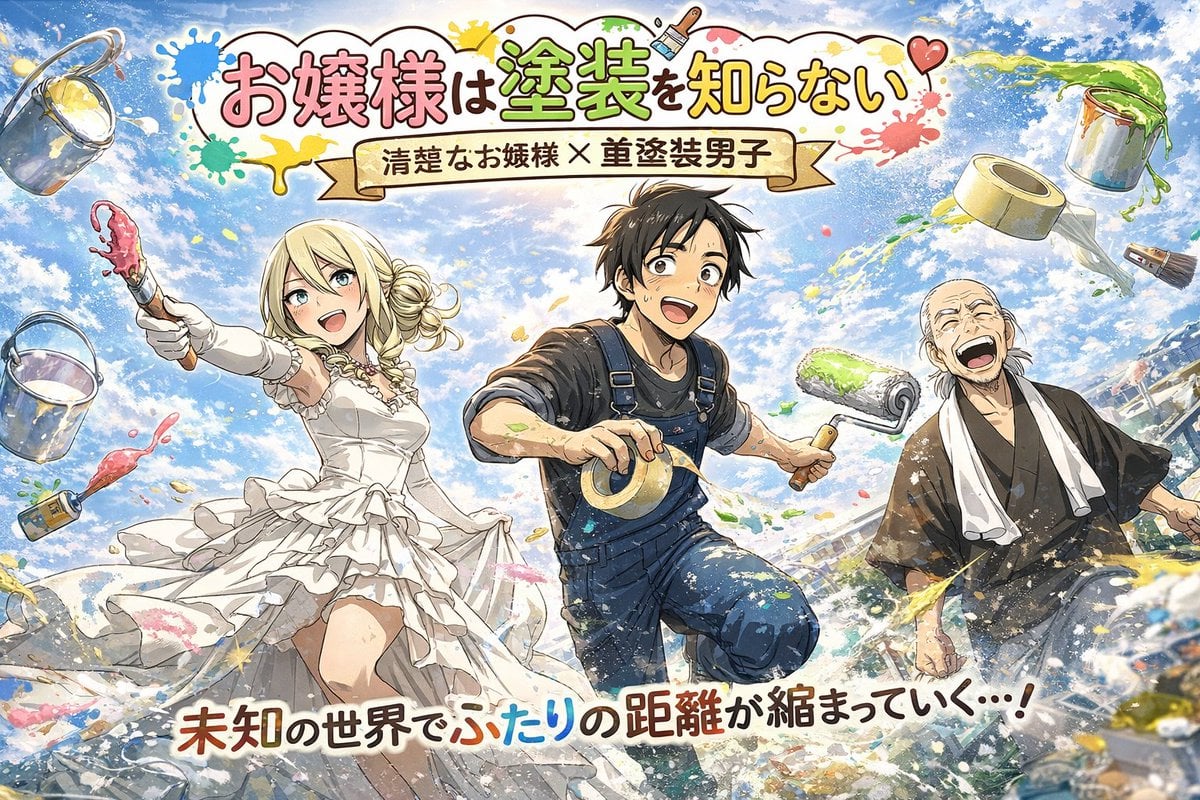
- Prompt included
- Model and format preset
- Free template
The prompt behind this image
Copy the exact prompt behind Anime Light Novel Cover with Painters, or open it in the studio and make it yours.
An anime-style promotional illustration of 3 characters running forward dynamically amidst a joyful painting scene under a bright blue sky with fluffy clouds. On the left, a blonde young woman in an elegant white ruffled dress and gloves smiles brightly, holding a paintbrush dripping with pink paint. In the center, a black-haired young man in blue overalls and a black t-shirt looks excited, holding a roll of masking tape and a green paint roller. On the right, an older laughing man wears dark traditional Japanese work clothes with a white towel around his neck. Colorful paint splatters fly through the air alongside floating props including 2 paint buckets, 2 paintbrushes, and 2 rolls of masking tape. At the top is a stylized title logo reading {argument name="main title" default="お嬢様は塗装を知らない"} decorated with paint splatters. Below it is a banner ribbon reading {argument name="subtitle" default="清楚なお嬢様 × 塗装男子"}. At the bottom, a bold tagline reads {argument name="bottom tagline" default="未知の世界でふたりの距離が縮まっていく…!"}. The style features vibrant colors and a light novel cover aesthetic.
How to use Anime Light Novel Cover with Painters in 3 steps
- 1Upload ImagePNG, JPG or paste
Add your photo
Upload the photo the template builds on. The prompt, model and format are already set.
- 2…a portrait of your subject in softgolden-hour light, 85mm…
Personalize
Edit the subject and creative details for your destination.
- 3Generate
Generate
Press Generate — your image is created in PicX Studio, so you can compare it with the original and refine one variable at a time.
More like this
Templates with the same subject, style or setup. Open one to see its prompt.
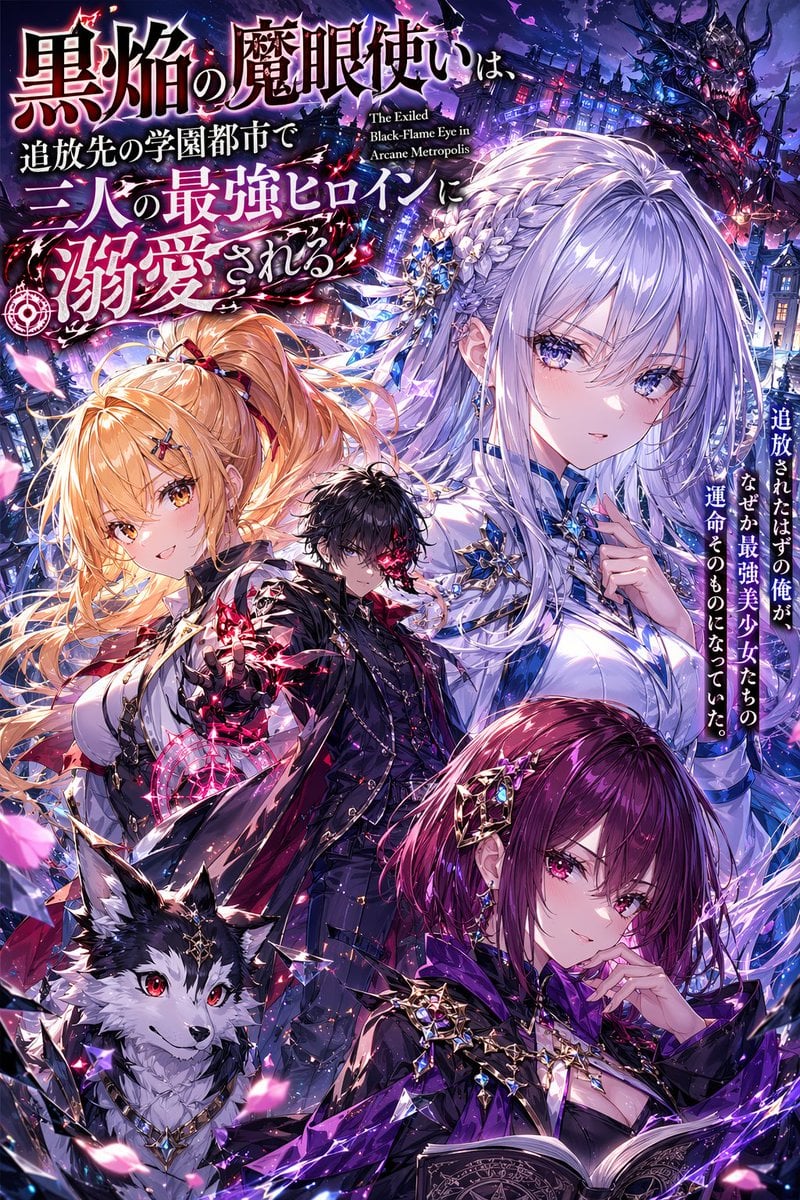
Anime Light Novel Cover with Typography
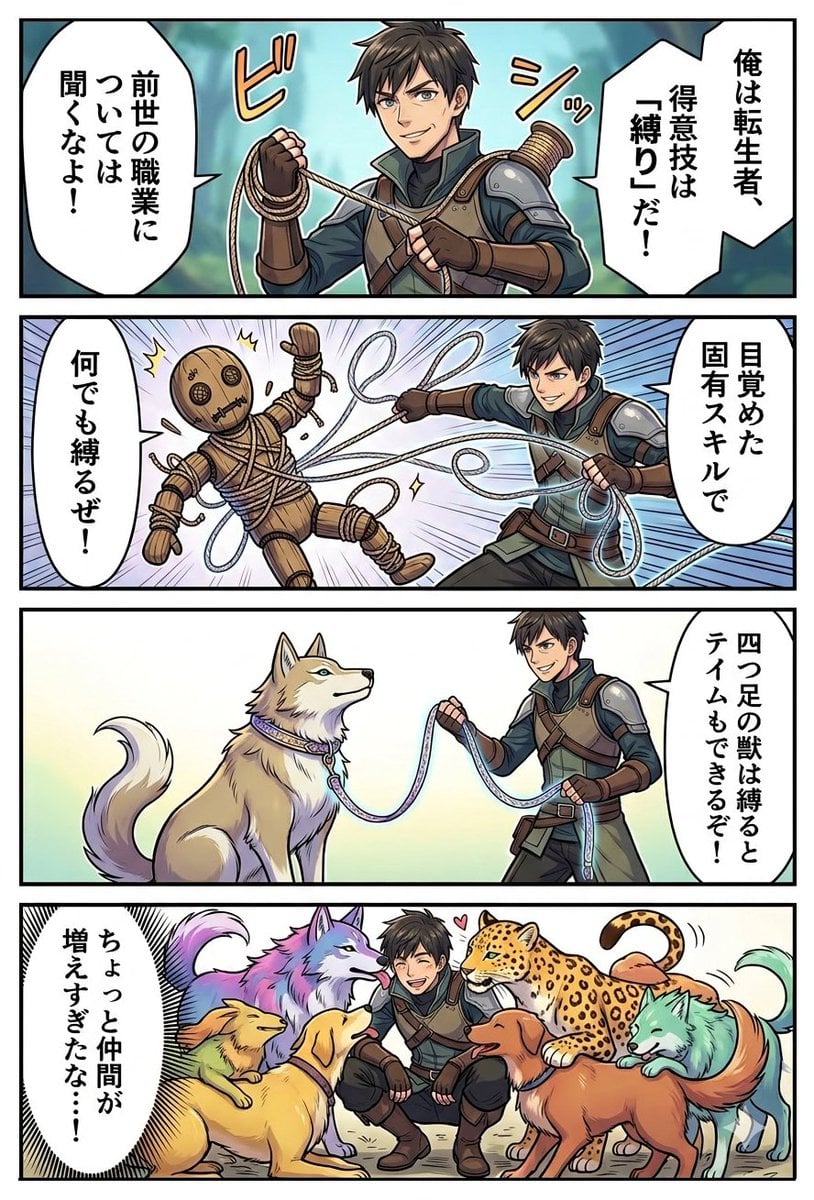
Light Novel Style Comic Cover

Pixar Anime Storm Lighthouse
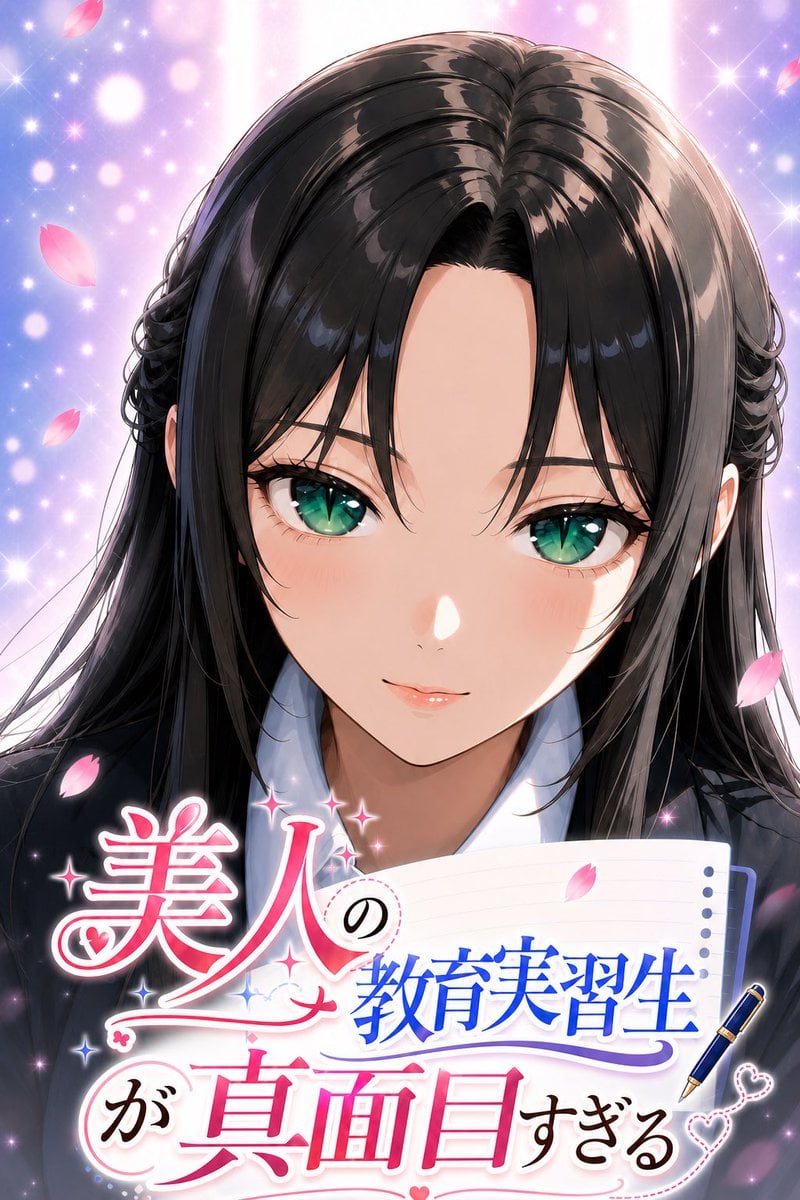
Anime Teaching Intern Novel Cover
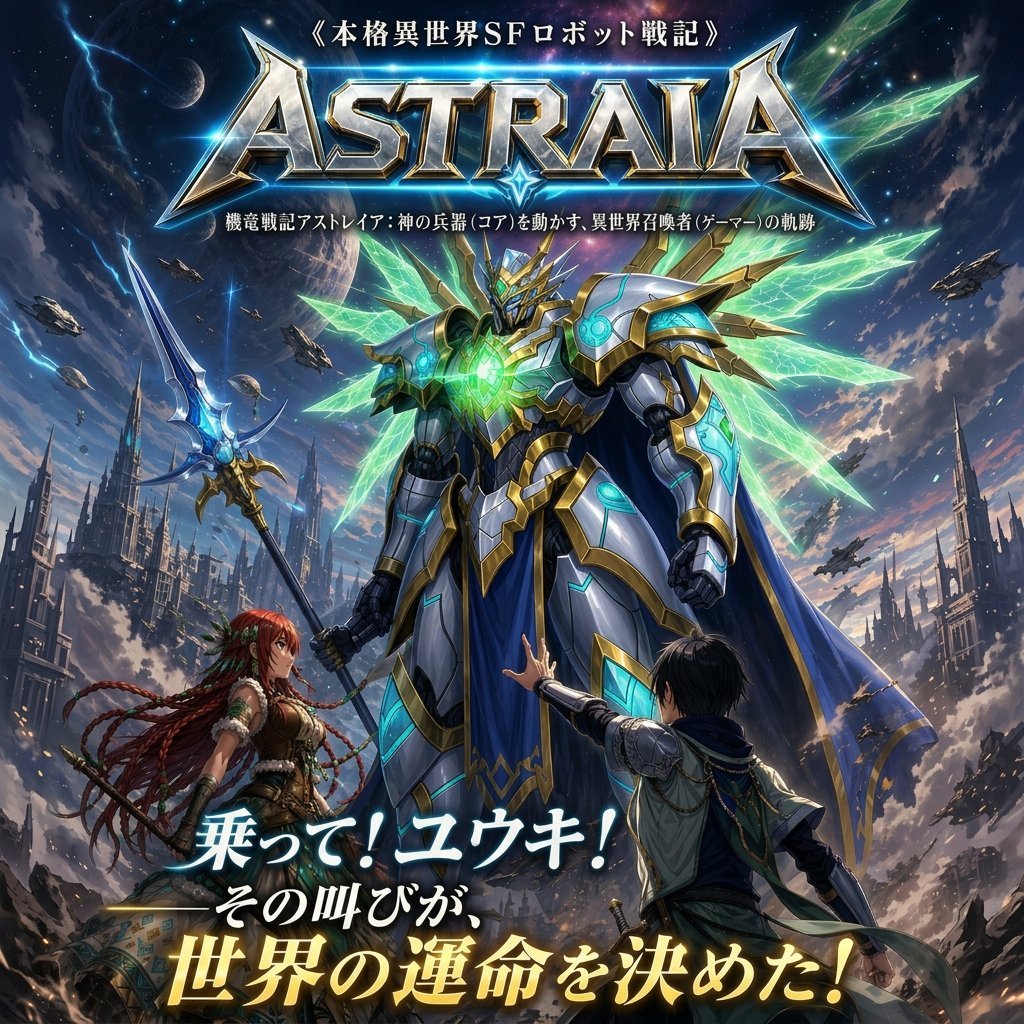
Epic Fantasy Mecha Light Novel Cover
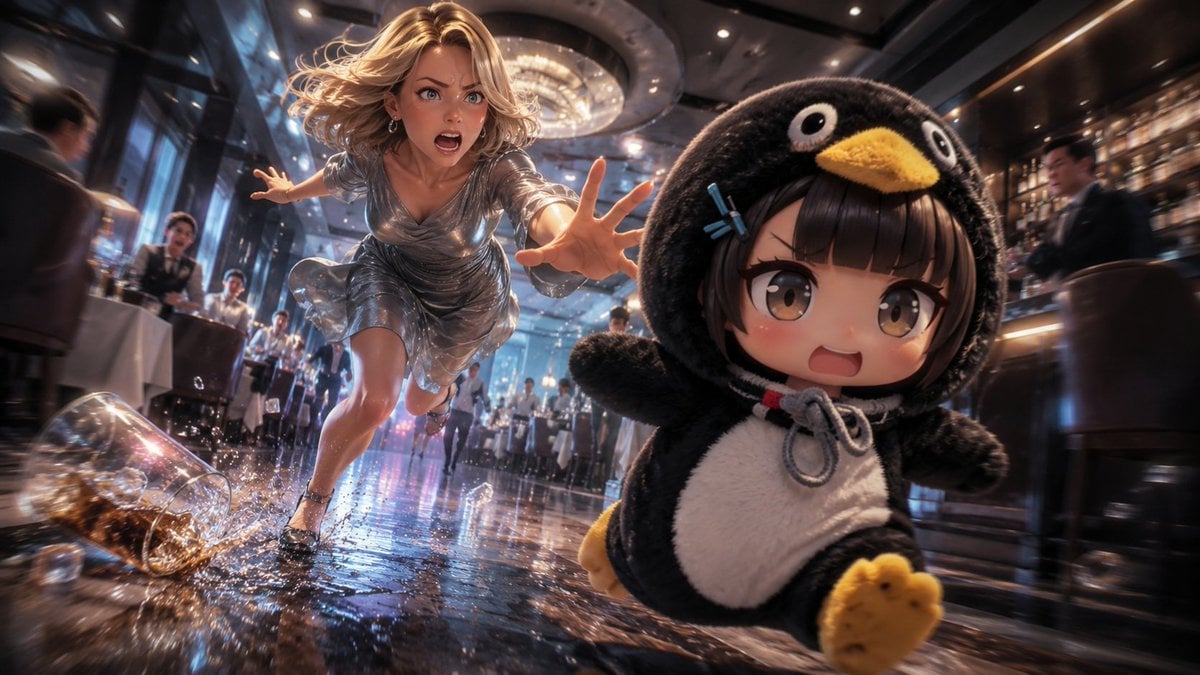
Anime Light Novel Restaurant Chase

Anime Light Novel Promotional Poster
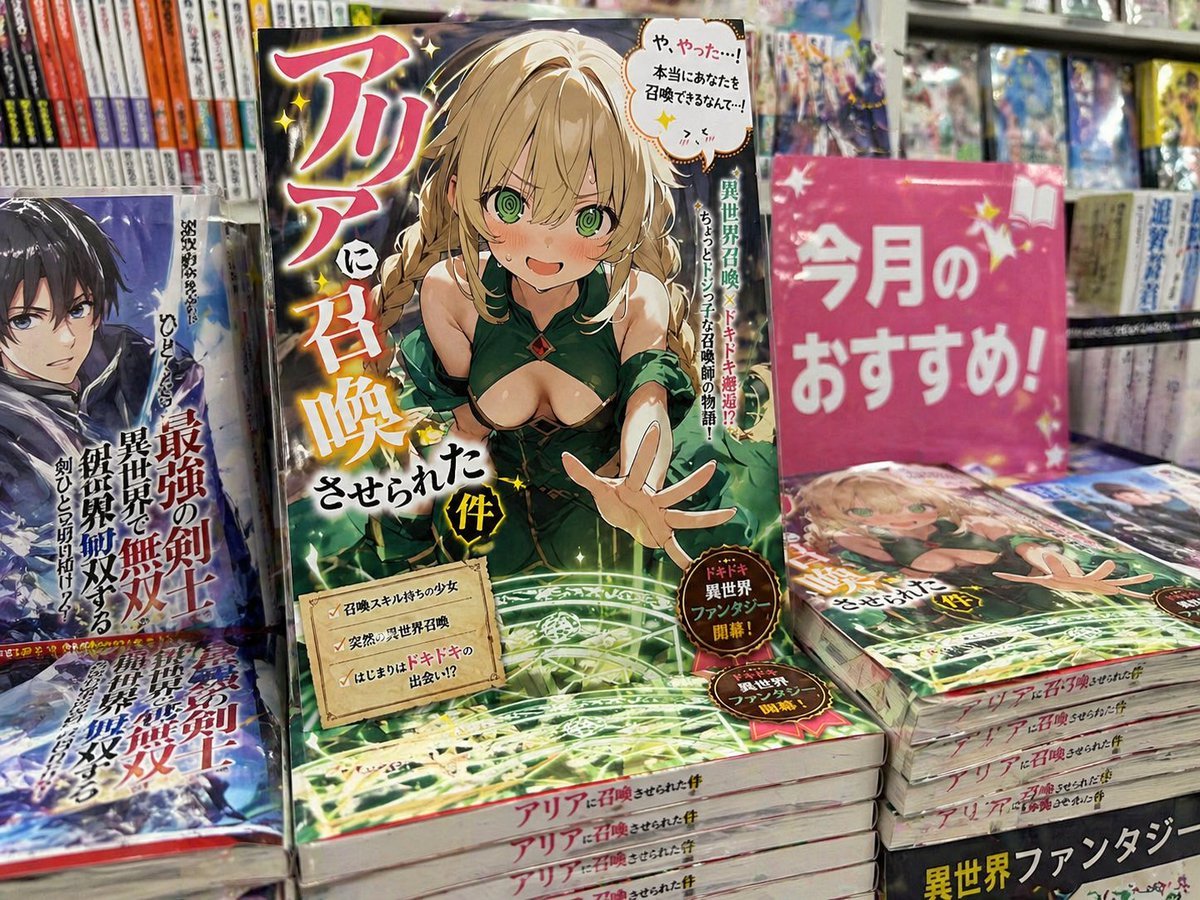
Light novel cover and bookstore display

Anime Mahjong Magazine Cover

Neon Anime Fireworks Magazine Cover

Cel 2D Finale Fireworks

Cel 2D Garden Maze
Make it yours
Anime Light Novel Cover with Painters works as-is. These are the safest ways to change it without losing the look.
Change one field
Copy a single group, rewrite it, and generate again so you can see what that field is doing.
Keep the frame, change the subject
Hold the composition and light of Anime Light Novel Cover with Painters, then swap wardrobe, props or the person for a new take.
| If the result… | Why | Fix |
|---|---|---|
| The result drifts from the preview | Too many fields changed at once. | Reuse Anime Light Novel Cover with Painters as-is first, then change one group — subject, light, or setting. |
| The model over-stylizes the scene | The prose prompt leaves finish and camera underspecified. | Add one camera or lighting sentence and stay on GPT Image 2. |
More GPT Image 2 templates
Other prompts made for GPT Image 2.

Six VTuber Japanese Logo Sheet

Realistic Portrait of Woman and Deer

The Vista Modular Condo Poster

AI Model Routing Comparison Infographic

2.5D Anime Art Board

Isometric Productivity Desk Scene

New York Double Exposure Poster

Four-Panel AI Landscape Comparison

Japanese Tatami Lifestyle Magazine Cover

NESCAFÉ Coffee Map Poster
More image prompts
Fresh picks from across the catalog.
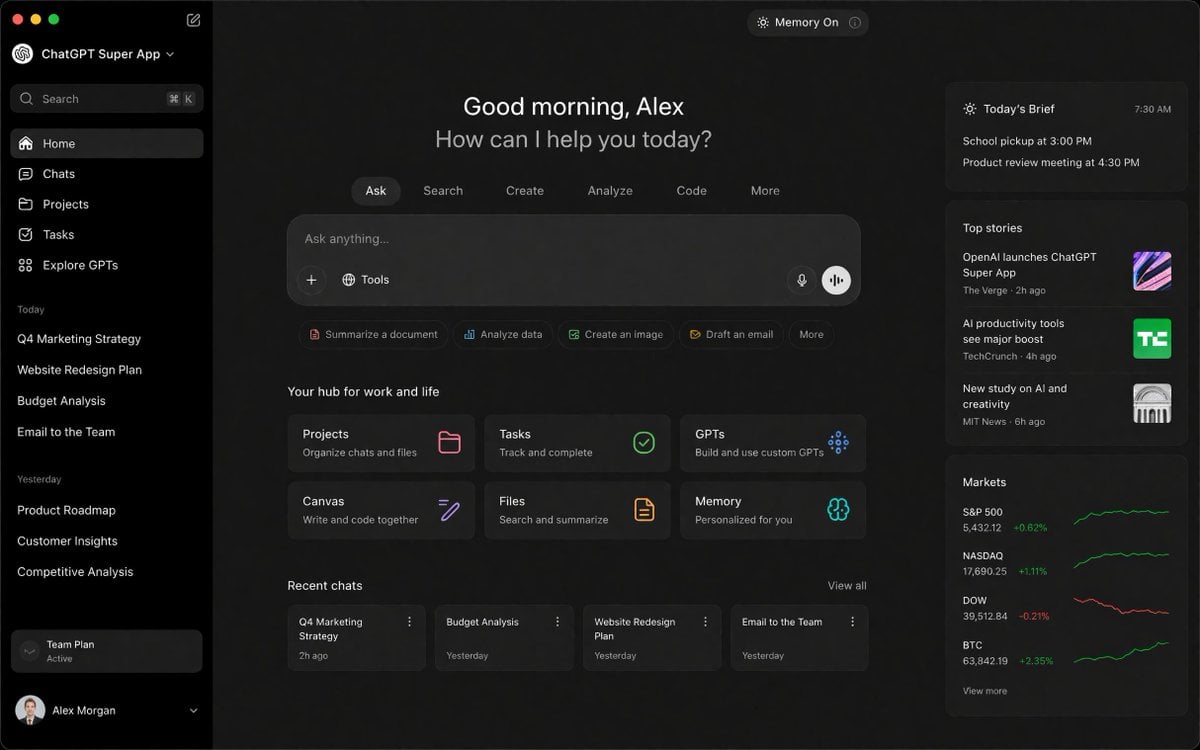
ChatGPT Super App Concept
Pamplets
Gothic Ethereal Portrait in Snowy Forest
Industrial Studio Fashion Portrait
Cyberpunk Glitch Art Portrait
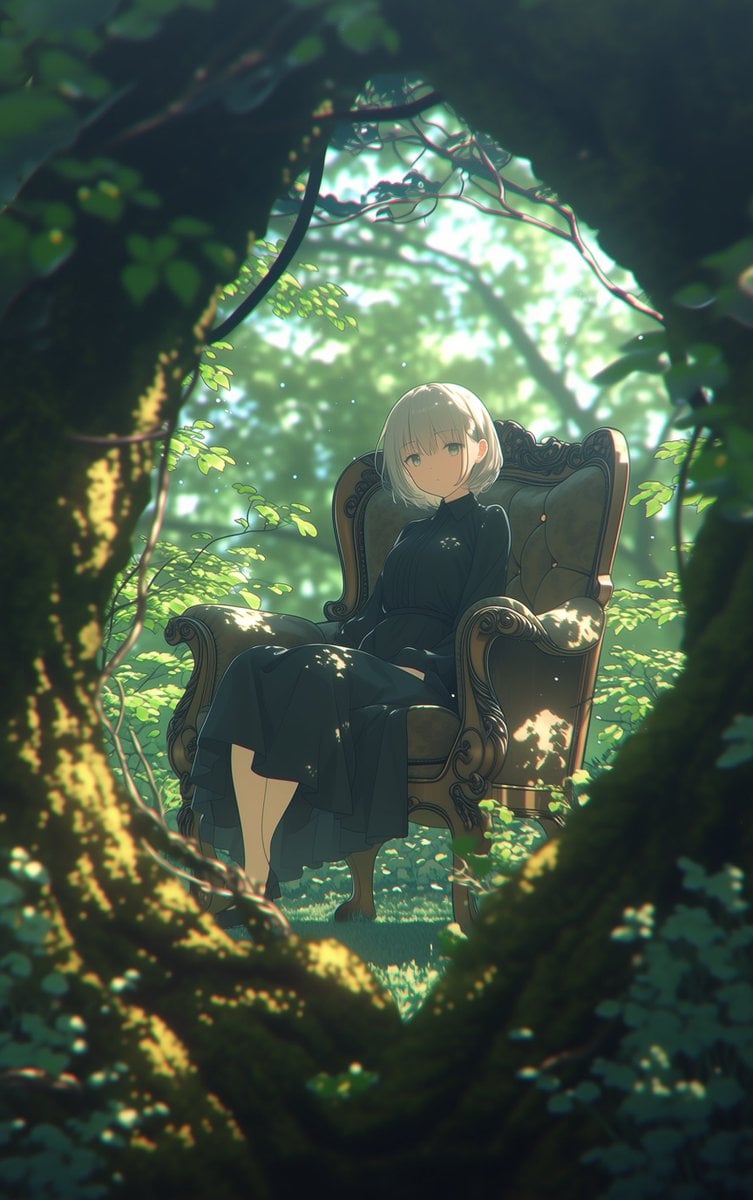
Line Art Correction Prompt for Nano Banana Pro
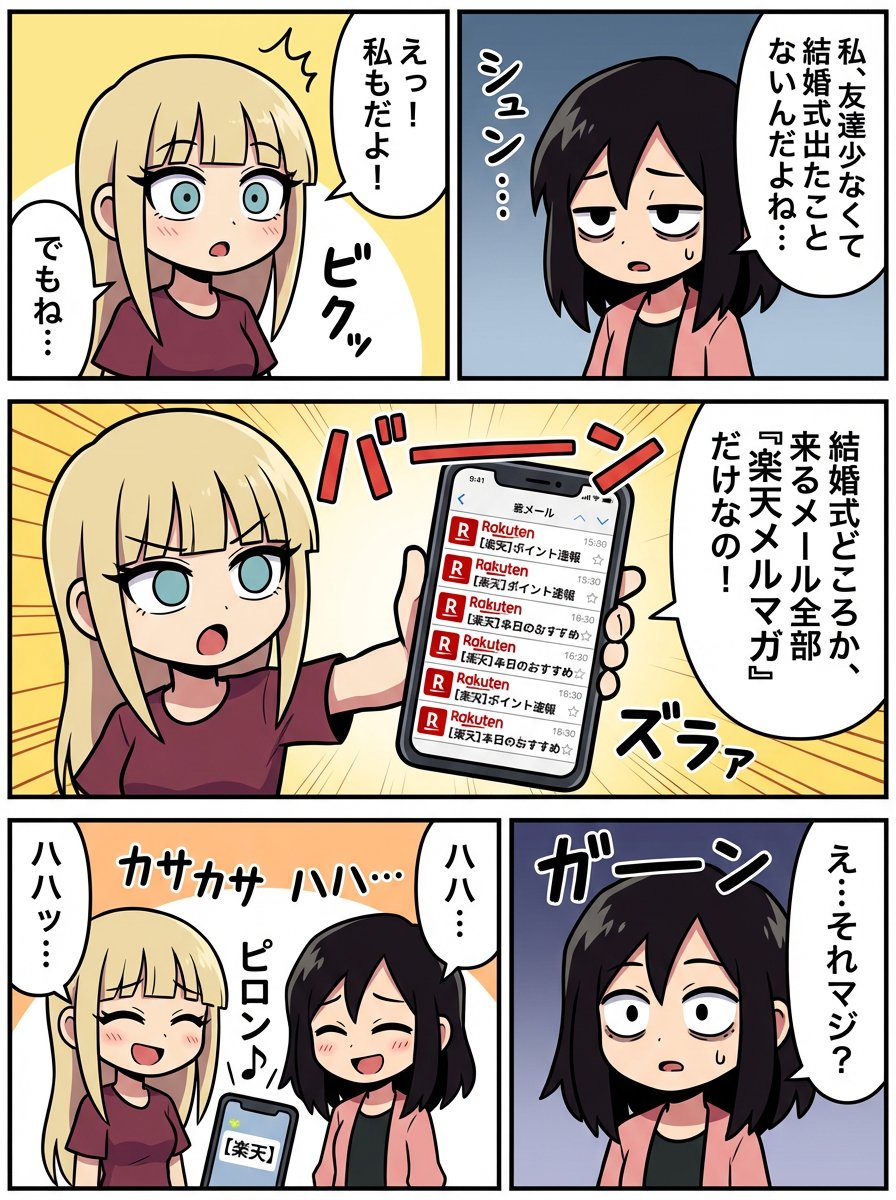
Generating a Scene: No Wedding, No Email
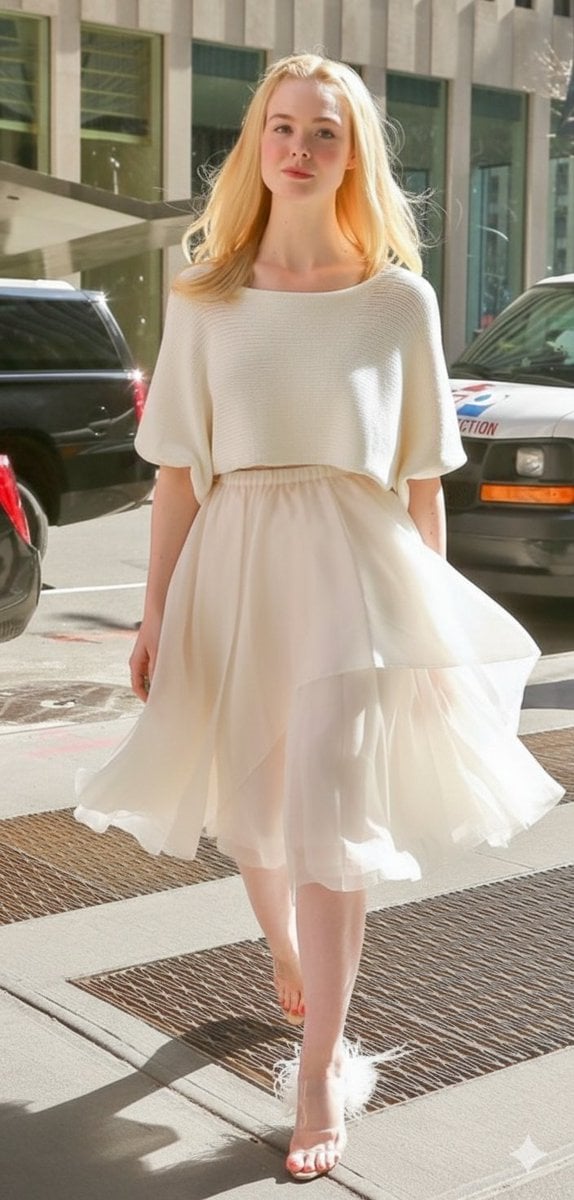
High Fashion Street Style in NYC (Minimalist Luxury)
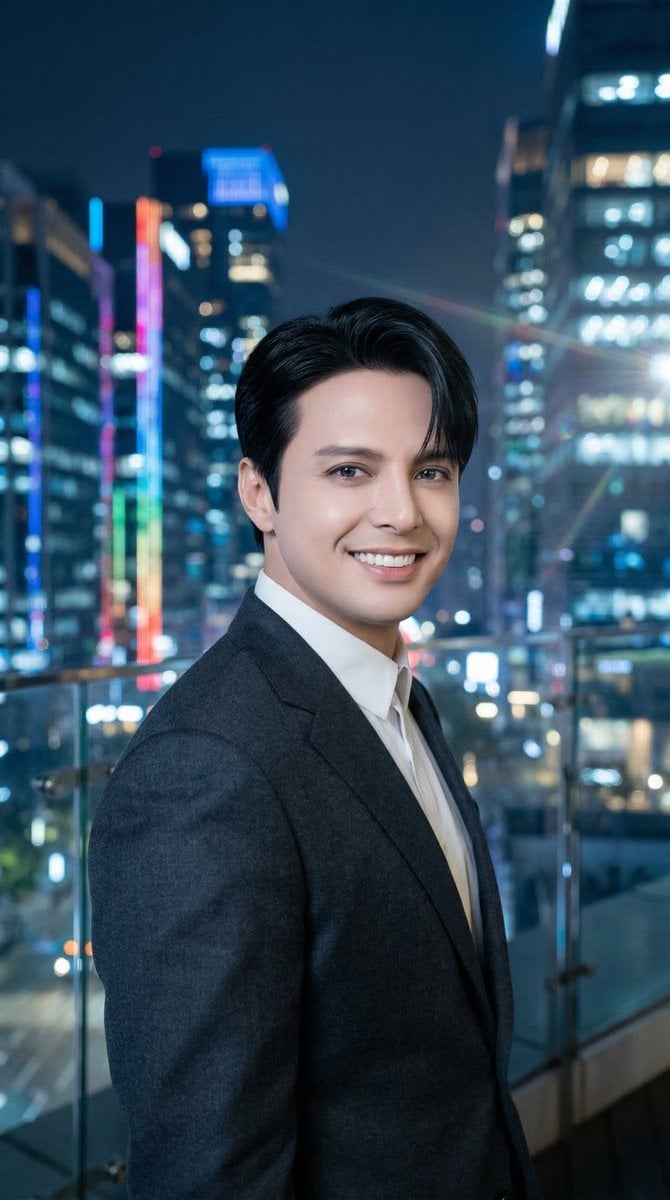
Luis Miguel as K-Pop Star in Gangnam

Golden Hour Organic Outdoor Selfie
Browse template categories
Anime Light Novel Cover with Painters questions
How do I use the Anime Light Novel Cover with Painters template?
Add your photo if the template asks for one, edit the prompt if you like — the template's model and format are already selected — and press Generate. Your version opens in PicX Studio.
Can I customize the Anime Light Novel Cover with Painters template?
Yes. You can change the subject, setting, lighting, mood, format, and available model controls before creating your image.
Is the Anime Light Novel Cover with Painters template free?
Opening and editing this template is free. Generating uses credits, shown on the Generate button when you are signed in.
Which AI model should I use?
Start with GPT Image 2, which is the model associated with this template. You can compare another compatible model for a different finish.
Looking for something else? Browse all templates.

Your photo, any look
Thousands of ready templates for every top image and video model, from one credit balance.