
Anime Mahjong Magazine Cover
A structured prompt for generating a glossy Japanese mahjong magazine cover featuring four anime girls, editorial cover lines, and luxury lounge styling.

- Prompt included
- Model and format preset
- Premium template
The prompt behind this image
Copy the exact prompt behind Anime Mahjong Magazine Cover, or open it in the studio and make it yours.
Goal: Create a glossy anime-style magazine cover for a modern mahjong information magazine, themed around cute next-generation female mahjong players in a luxurious lounge. Canvas: Square 1:1 cover, 768×768 or larger, full-bleed artwork with layered magazine typography. Warm cinematic lighting, dark brown and gold palette, premium editorial look. Main subject: Show exactly 4 anime girls grouped tightly in the center foreground, posed like an idol feature spread. They wear coordinated elegant Chinese-inspired sleeveless mahjong hostess dresses with black frog closures, gold floral embroidery, pale satin fabric, and low necklines. Count the 4 girls as follows: 1 brown-haired girl at upper left with a short bob and gold outfit, face covered by a solid blurred square; 1 white-haired girl at upper right with very long straight hair and white outfit, face covered by a solid blurred square; 1 pale blue-haired girl at lower left with twin ponytails and teal outfit, face covered by a solid blurred square, holding exactly 1 mahjong tile near her hand; 1 pink-haired girl at lower right with twin tails, visible smiling face, purple eyes, resting her cheek on her hand. The three censor blocks should be soft-edged opaque beige/gray squares placed directly over the faces, while the pink-haired girl remains unobscured. Background: Upscale mahjong lounge or club interior with dark wood, leather seating, framed posters, trophies, warm lamps, shelves, plants, and shallow depth of field. Keep the background slightly blurred so the magazine text and girls dominate. Magazine layout: Large gold masthead across the top reading {argument name="magazine title" default="麻雀 NEXT"}, with oversized serif metallic letters for “NEXT” and smaller Japanese characters at left. Add a small top tagline in white reading {argument name="top tagline" default="麻雀がもっと強く、もっと楽しくなる No.1麻雀情報誌"}. At the top right, add issue information reading {argument name="issue date and price" default="2025 6 JUNE 定価980円"}. Use a mix of bold Japanese editorial text, red callout headers, white feature lines, and gold accents. Left cover text: Create exactly 4 stacked feature text blocks on the left side: 1 red headline block reading {argument name="main feature headline" default="表紙巻頭特集"}; 1 large white feature block reading “次世代 / ガールズ雀士 / ユニット完全密着”; 1 smaller white line reading “4人が語る勝負と友情”; 1 lower white interview block reading “全国大会直前 / スペシャルインタビュー”. Right cover text: Create exactly 3 editorial blocks on the right side: 1 gold laurel block reading “M.LEAGUE / 2024-25 / 最新レポート / 全チーム戦力分析”; 1 interview block with a small red label reading “インタビュー” and white text reading “トッププロが語る / 次世代の可能性”; 1 mahjong tactics block with a red label reading {argument name="tactics label" default="麻雀戦術特集"} and white text reading “守備から攻めへ / 最新トレンド戦術 / 徹底解説”. Visual style: Highly polished anime illustration, soft skin shading, detailed hair highlights, glossy magazine finish, realistic gold typography, dramatic warm highlights, clean readable cover design. Use Japanese magazine aesthetics, glamorous but not explicit, no watermark, no logo other than the magazine masthead. Ensure all visible text is intentionally placed like a real printed magazine cover and avoid random extra gibberish.
How to use Anime Mahjong Magazine Cover in 3 steps
- 1Upload ImagePNG, JPG or paste
Add your photo
Upload the photo the template builds on. The prompt, model and format are already set.
- 2…a portrait of your subject in softgolden-hour light, 85mm…
Personalize
Edit the subject and creative details for your destination.
- 3Generate
Generate
Press Generate — your image is created in PicX Studio, so you can compare it with the original and refine one variable at a time.
More like this
Templates with the same subject, style or setup. Open one to see its prompt.

Neon Anime Fireworks Magazine Cover
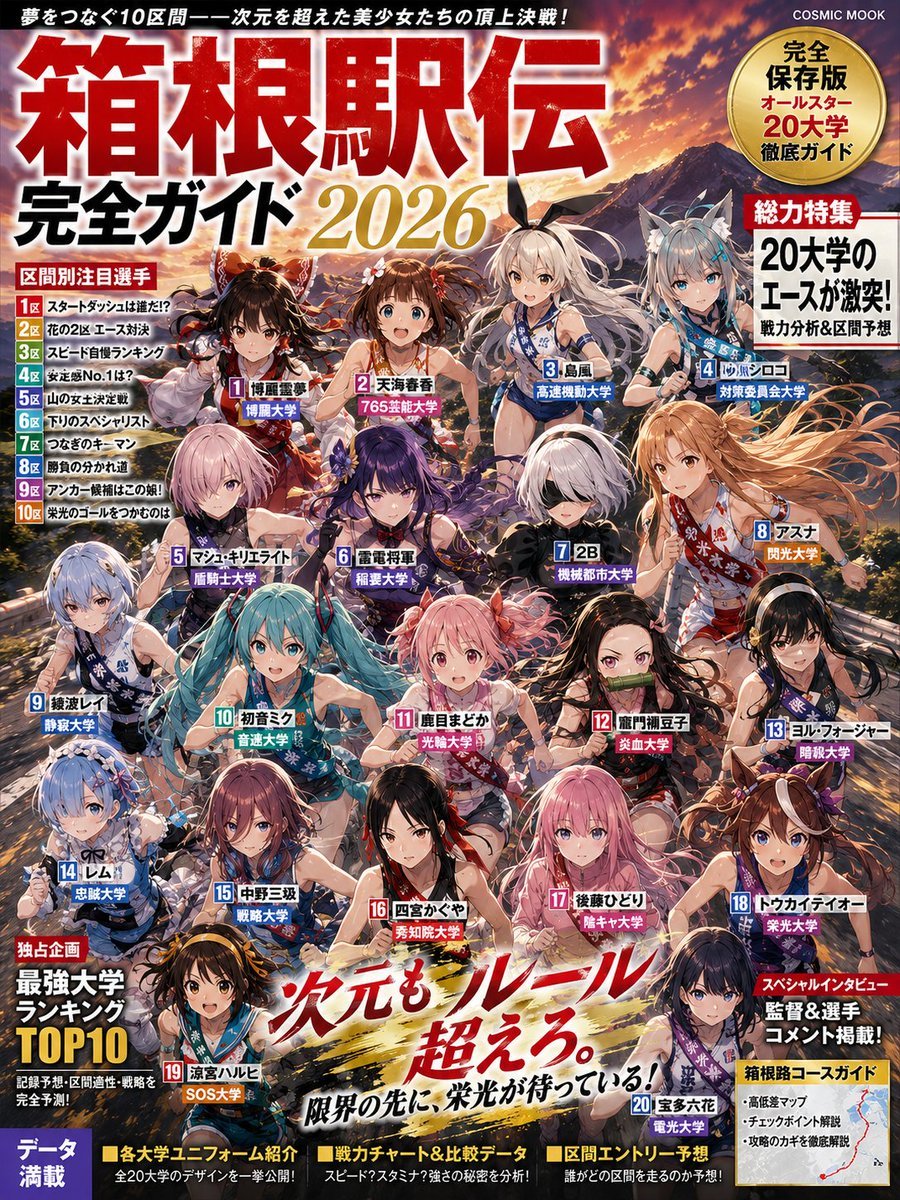
Anime Hakone Ekiden Magazine Cover
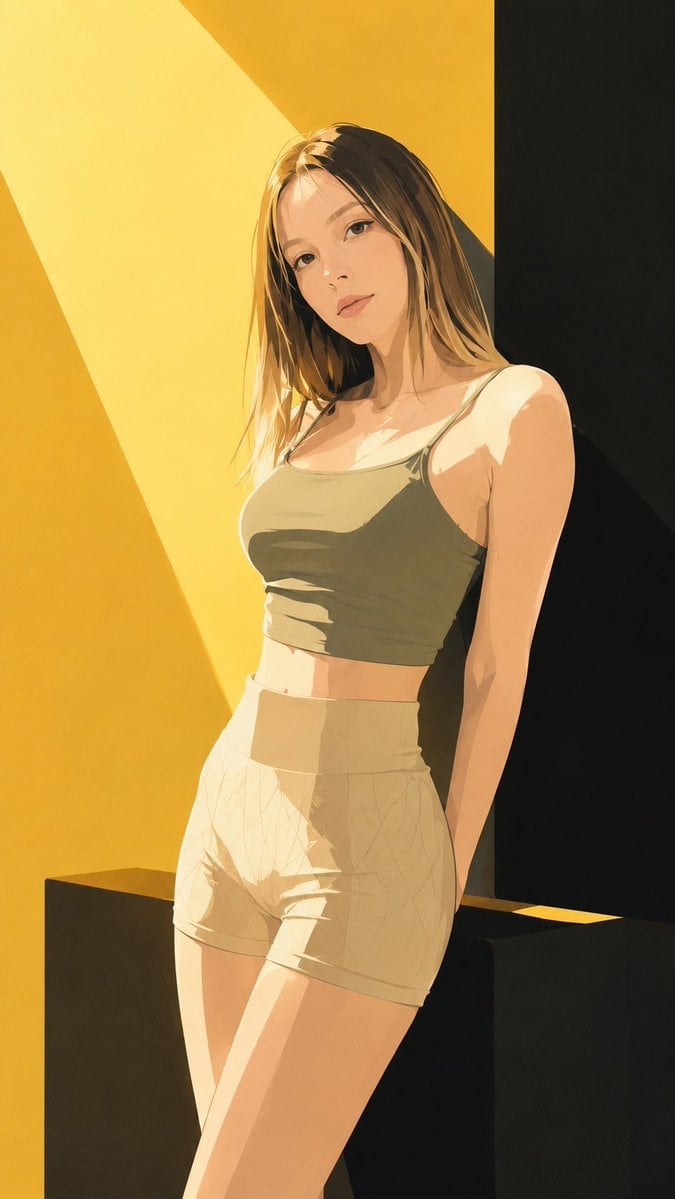
Japanese Fashion Magazine Anime Cover

Off Duty Fashion Magazine Cover

Japanese Tatami Lifestyle Magazine Cover

Ethereal Bloom Magazine Cover

Tropical Macaw Magazine Cover

High-Fashion Magazine Cover Portrait
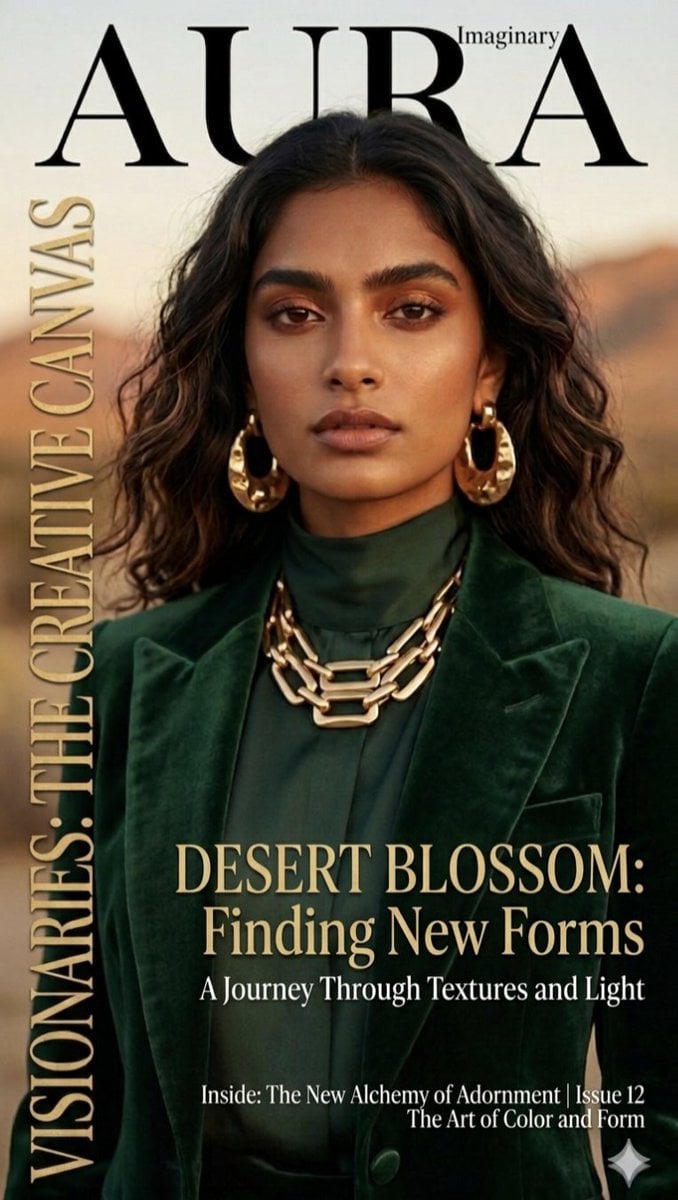
Editorial Magazine Cover Design

Cel 2D Finale Fireworks

Cel 2D Garden Maze

Cel 2D Rooftop Concert
Make it yours
Anime Mahjong Magazine Cover works as-is. These are the safest ways to change it without losing the look.
Change one field
Copy a single group, rewrite it, and generate again so you can see what that field is doing.
Keep the frame, change the subject
Hold the composition and light of Anime Mahjong Magazine Cover, then swap wardrobe, props or the person for a new take.
| If the result… | Why | Fix |
|---|---|---|
| The result drifts from the preview | Too many fields changed at once. | Reuse Anime Mahjong Magazine Cover as-is first, then change one group — subject, light, or setting. |
| The model over-stylizes the scene | The prose prompt leaves finish and camera underspecified. | Add one camera or lighting sentence and stay on GPT Image 2. |
More GPT Image 2 templates
Other prompts made for GPT Image 2.

Six VTuber Japanese Logo Sheet

Realistic Portrait of Woman and Deer

The Vista Modular Condo Poster

AI Model Routing Comparison Infographic

2.5D Anime Art Board

Isometric Productivity Desk Scene

New York Double Exposure Poster

Four-Panel AI Landscape Comparison

NESCAFÉ Coffee Map Poster

Brutalist Cogito Chinese Typography Poster
More image prompts
Fresh picks from across the catalog.
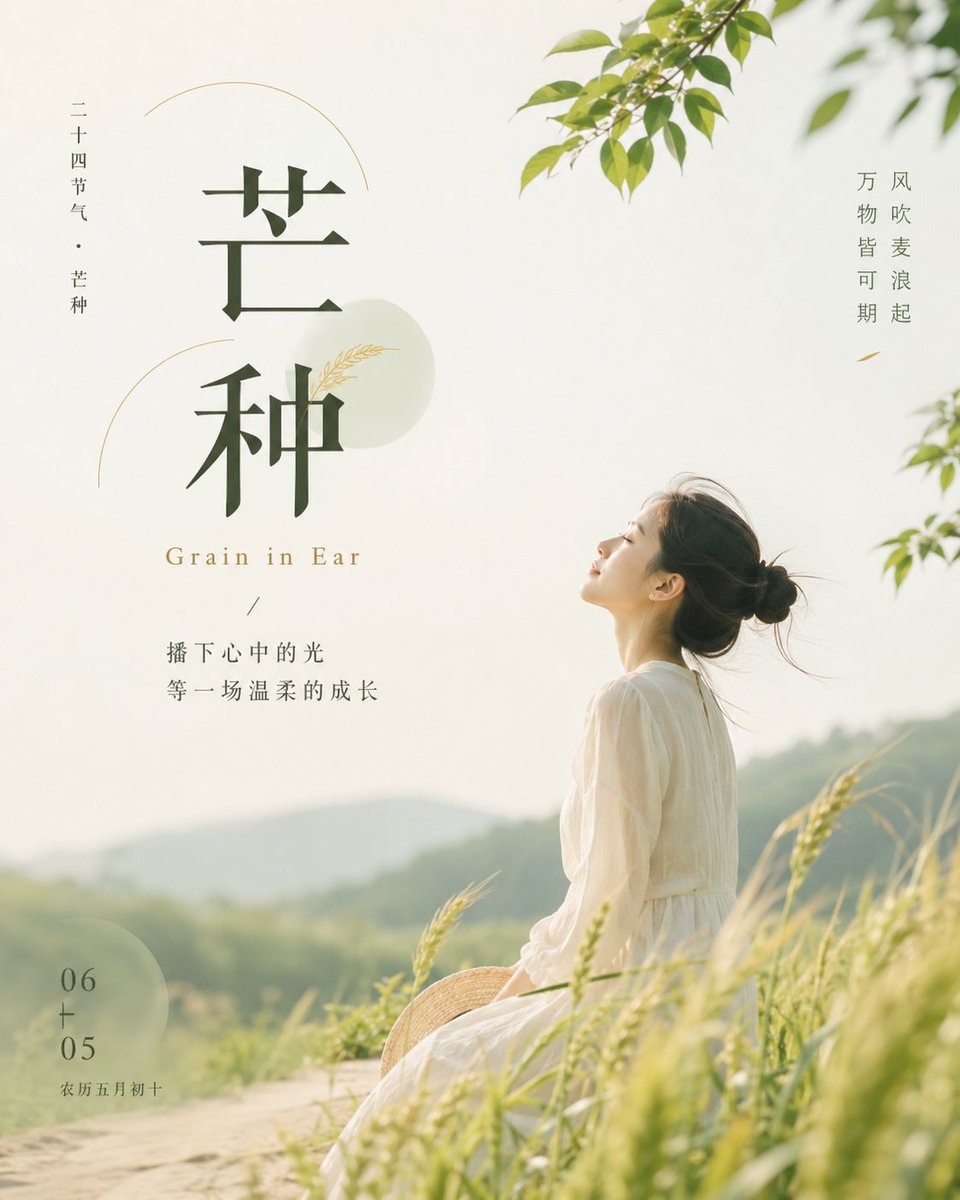
Grain in Ear Seasonal Poster
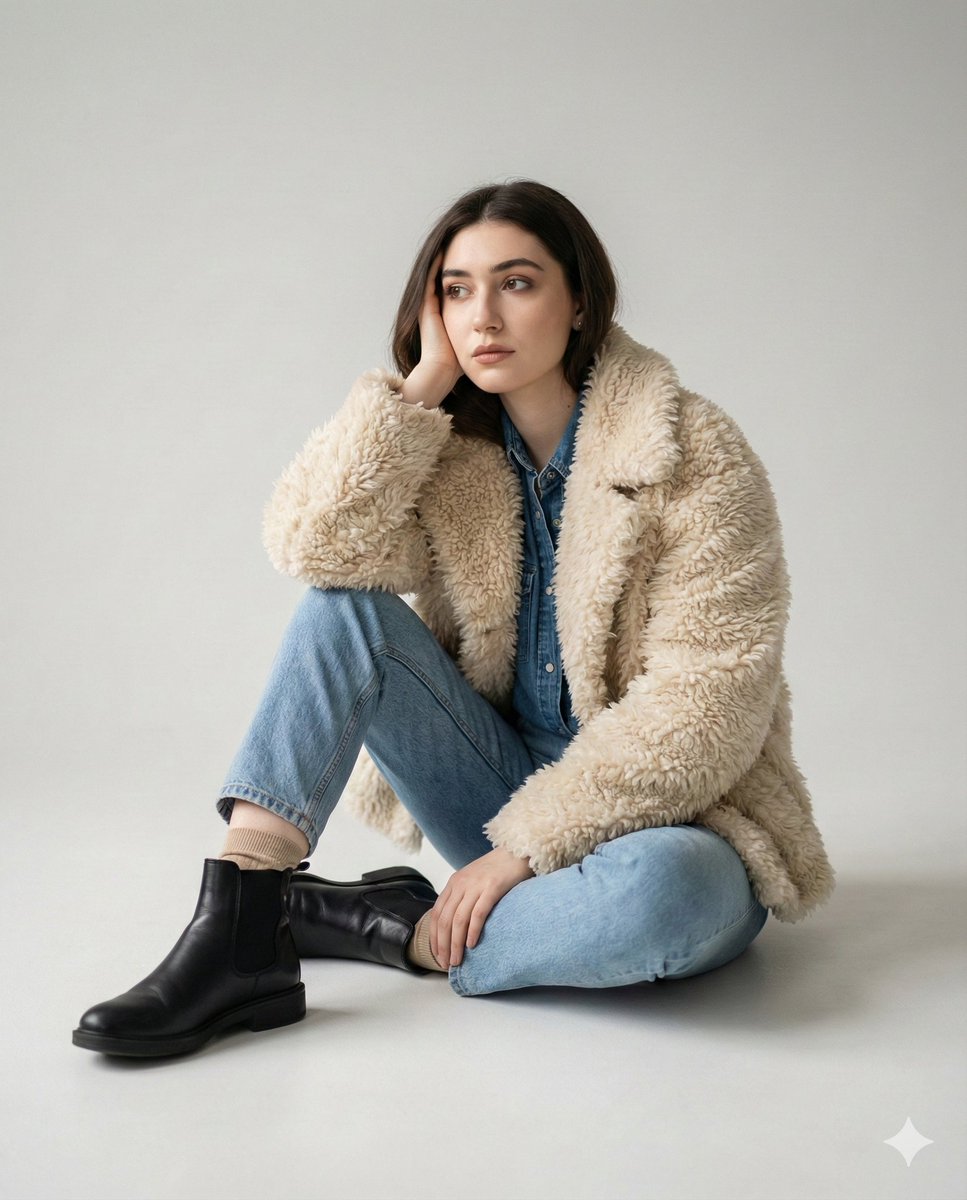
Editorial denim portrait preserving face identity
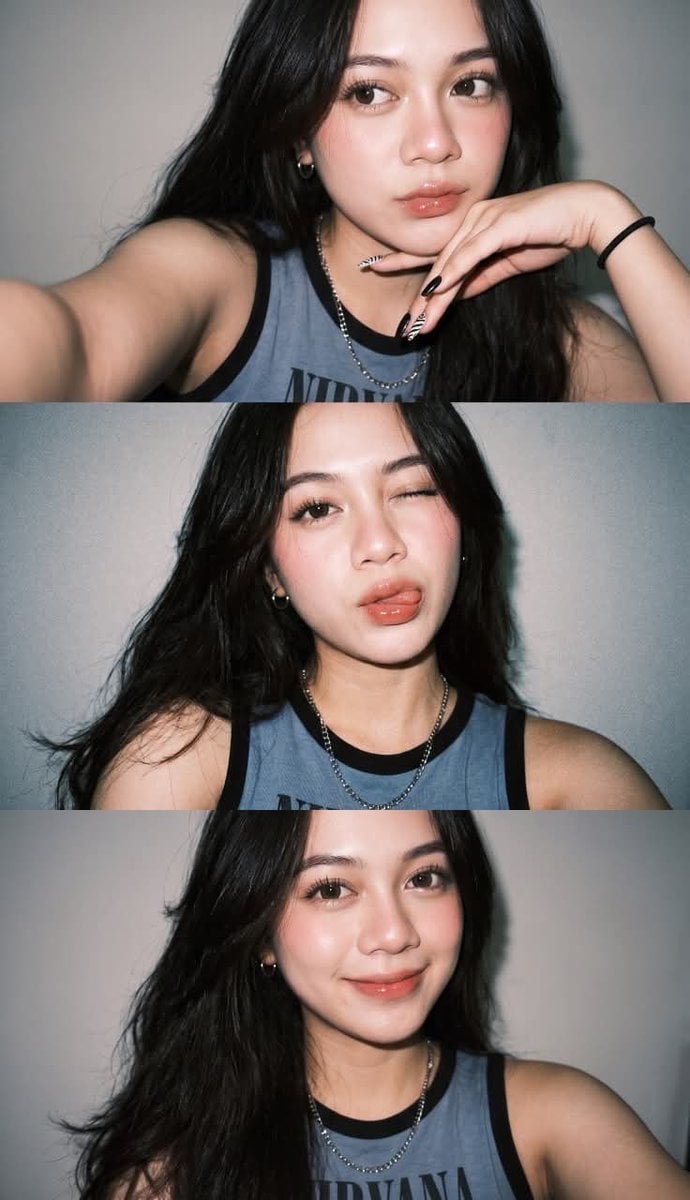
Gen Z Selfie Photo Collage
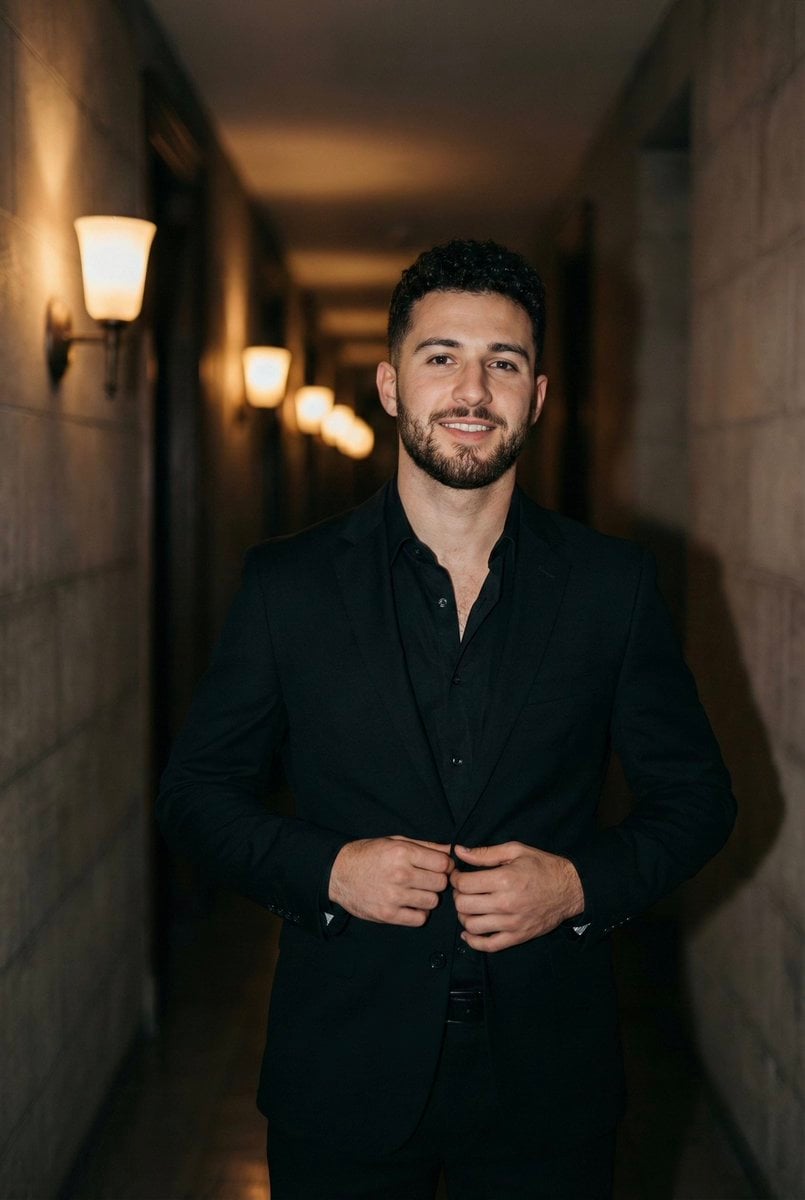
Cinematic Portrait of a Man in a Dimly Lit Hallway
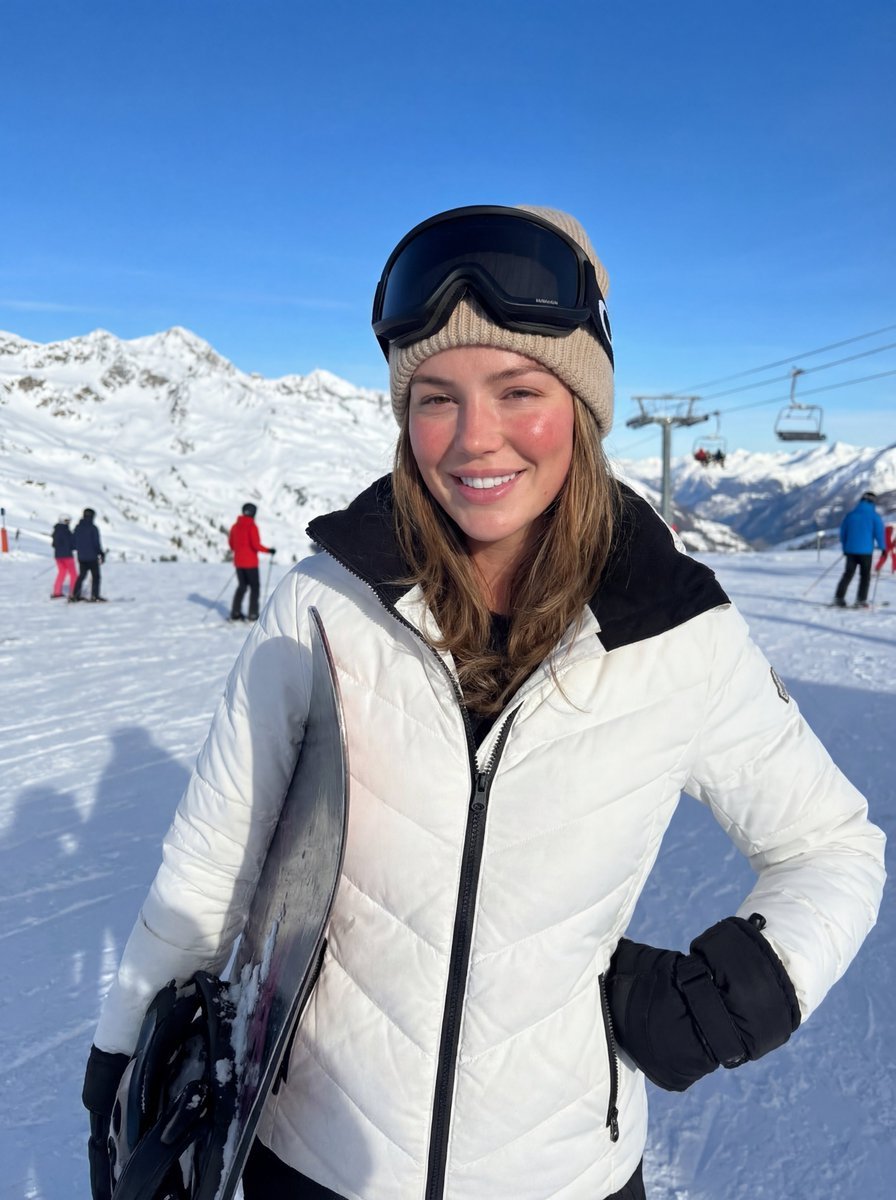
Alpine Ski Portrait with Anatomical Specifications
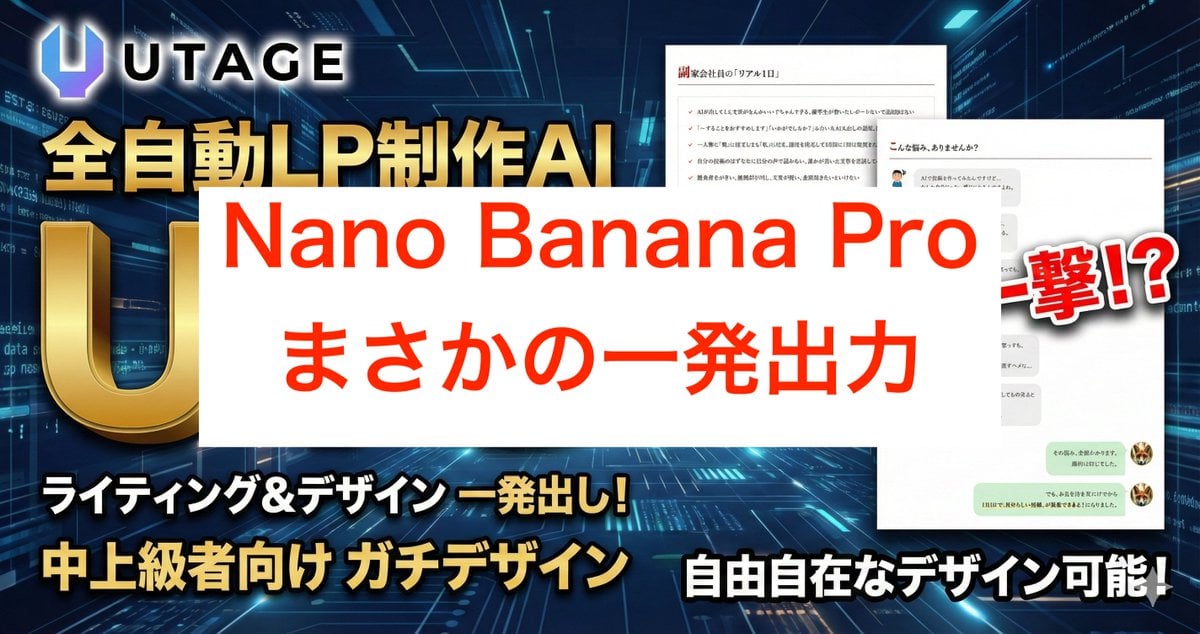
Nano Banana Pro Prompt for High-Visibility 3D Thumbnail Design
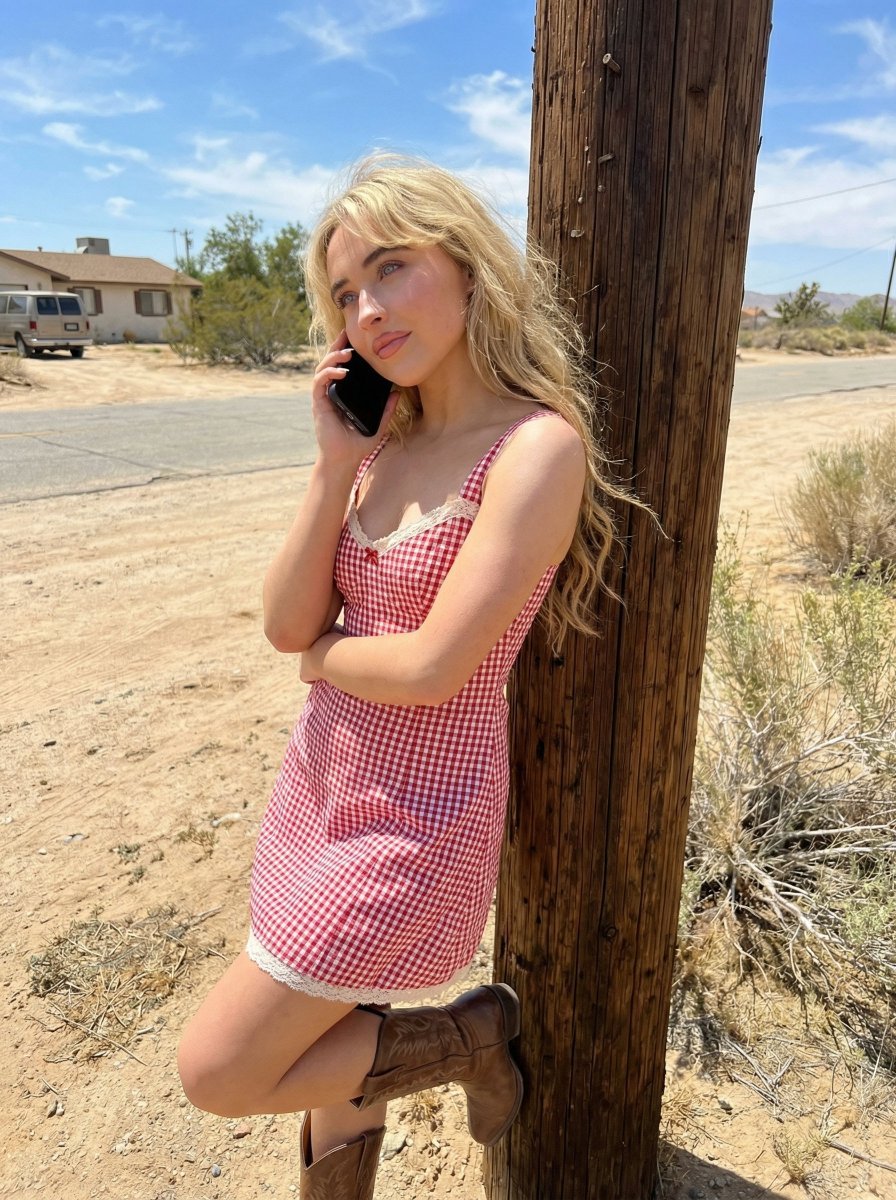
Desert Roadside Phone Call Lifestyle Photo
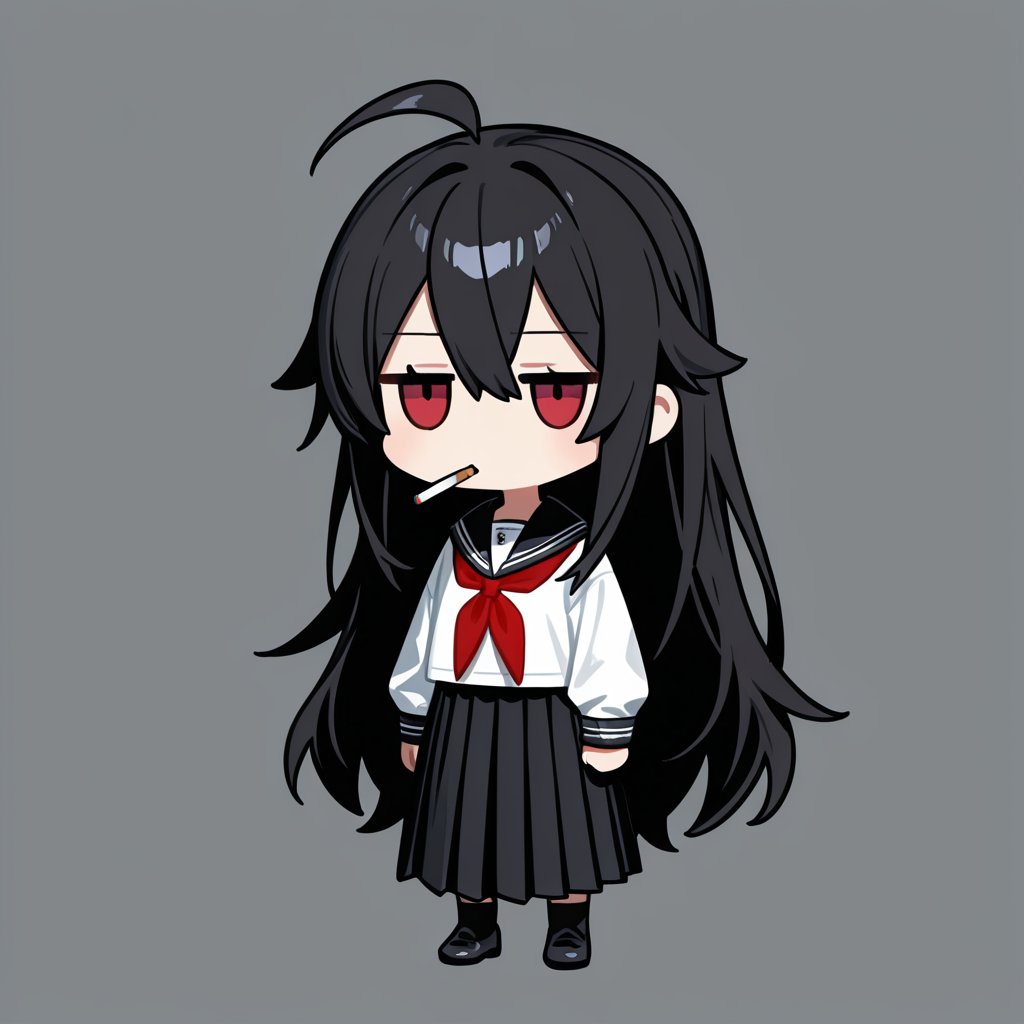
Generating an Isometric Room Illustration Based on a Character Concept
Abstract Motion Illusion Prompt
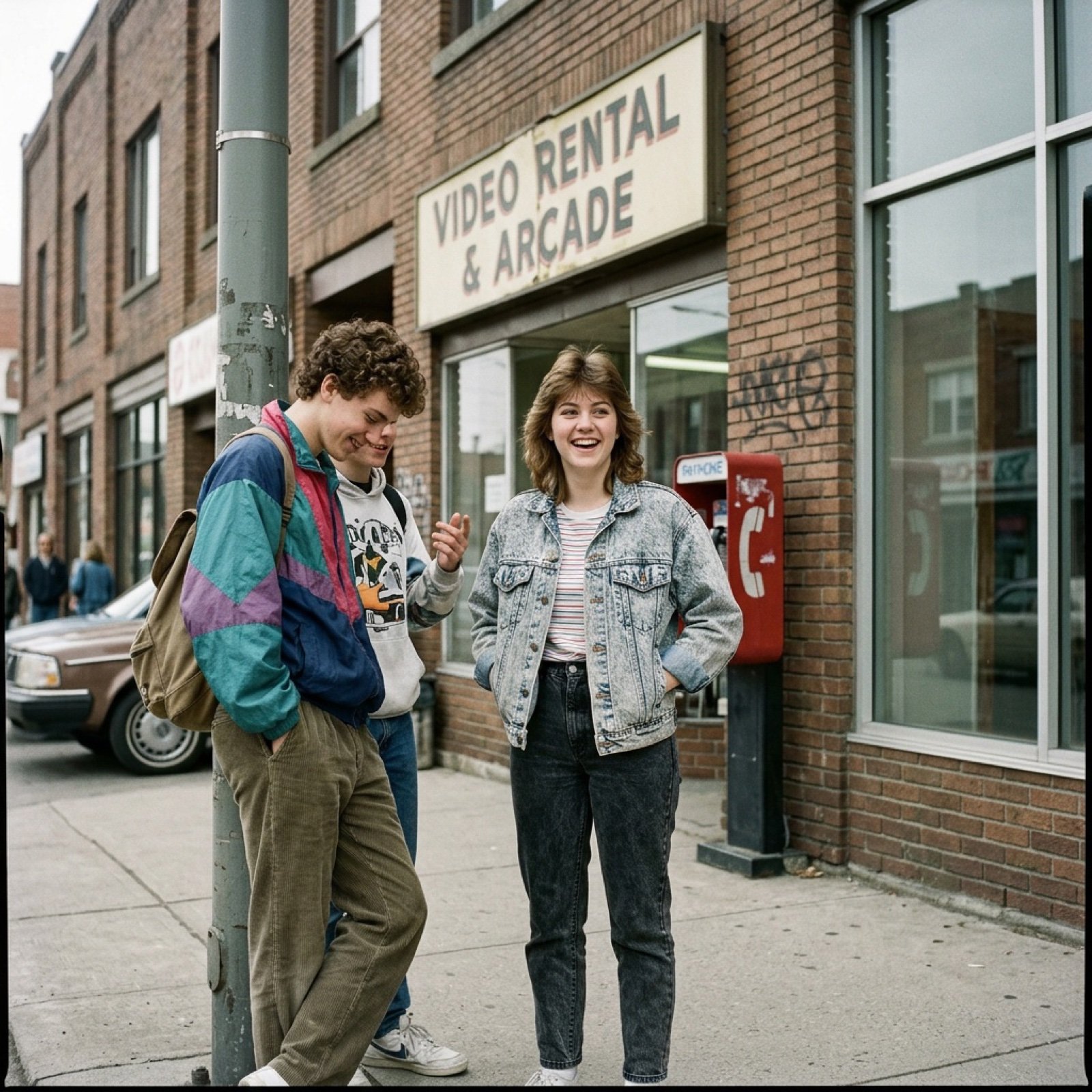
80s Low-Fidelity Snapshot Prompt
Browse template categories
Anime Mahjong Magazine Cover questions
How do I use the Anime Mahjong Magazine Cover template?
Add your photo if the template asks for one, edit the prompt if you like — the template's model and format are already selected — and press Generate. Your version opens in PicX Studio.
Can I customize the Anime Mahjong Magazine Cover template?
Yes. You can change the subject, setting, lighting, mood, format, and available model controls before creating your image.
Is the Anime Mahjong Magazine Cover template free?
Opening and editing this template is free. Generating uses credits, shown on the Generate button when you are signed in.
Which AI model should I use?
Start with GPT Image 2, which is the model associated with this template. You can compare another compatible model for a different finish.
Looking for something else? Browse all templates.

Your photo, any look
Thousands of ready templates for every top image and video model, from one credit balance.