
Alpine Ski Portrait with Anatomical Specifications
A highly technical prompt for generating a photorealistic portrait at an Alpine ski resort.
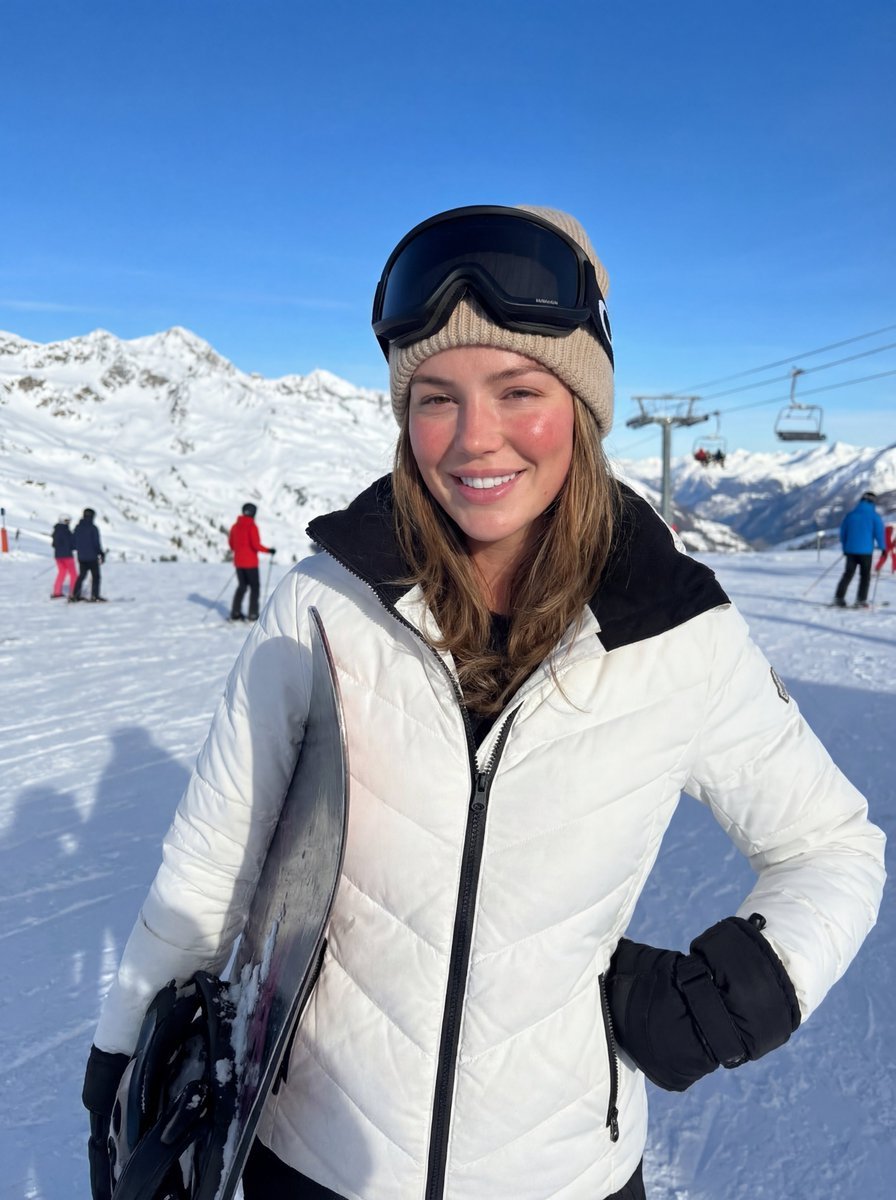
- Prompt included
- Model and format preset
- Free template
The prompt behind this image
Copy the exact prompt behind Alpine Ski Portrait with Anatomical Specifications, or open it in the studio and make it yours.
{ "protocol_manifest": { "aspect_ratio": "3:4", "resolution": "8K RAW", "rendering_engine": "Nano Banana High-Fidelity" }, "subject_logic": { "identity_anchor": "100% accurate match of the woman in the reference photo. Exact facial structure, eye shape, and bone density preserved. No beautification.", "anatomical_specifications": { "face": "Natural skin texture, visible pores, flushed cheeks from the cold, subtle wind-chill redness around the nose, moisture on the lips.", "body_silhouette": "Top-heavy body type as per canonical reference. Heavy, visibly large and dominant bust volume that defines the silhouette under the ski jacket. Natural gravity pull and mass consistency.", "pose": "Full body or three-quarter shot. She is standing on a snowy slope, posing naturally for a friend. She is holding a {argument name="equipment type" default="snowboard"} vertically under her left arm, pressing it against her side. Her right hand is tucked into her jacket pocket or hanging naturally. Head tilted slightly, looking at the camera with a spontaneous, natural smile." } }, "wardrobe_logic": { "outerwear": "White quilted premium ski jacket with a contrasting black collar and metallic snaps. The fabric shows tension and realistic folds over the chest area due to the heavy bust volume.", "headwear": "Beige cable-knit beanie; professional black ski goggles resting on the forehead.", "equipment": "A sleek, branded snowboard held under the left arm, showing glossy texture and snow dust." }, "environment_logic": { "setting": "Sun-drenched Alpine ski resort. Jagged snow-capped peaks in the background, a blurry ski lift (funicular) rising behind her. Crisp, groomed corduroy snow on the ground.", "illumination": "Bright, direct mountain sunlight. High-contrast natural light. Cool-toned blue shadows in the snow, warm golden highlights on the subject's face.", "atmosphere": "Crisp winter air, slight snow haze in the distance, crystal clear sky." }, "technical_logic": { "optical": "Handheld iPhone shot, 35mm equivalent focal length. Taken by a second person at chest level.", "pipeline": "Photorealistic, slight organic motion blur from handheld movement, no AI smoothing, authentic smartphone sensor grain.", "depth_of_field": "f/2.8 medium depth; the subject is sharp, the mountain peaks have a soft, natural bokeh." }, "negative_prompt": { "forbidden": "holding phone, selfie, plastic skin, airbrushed, cartoon, anime, 3d render, distorted snowboard, low resolution, makeup filter." } }
How to use Alpine Ski Portrait with Anatomical Specifications in 3 steps
- 1Upload ImagePNG, JPG or paste
Add your photo
Upload the photo the template builds on. The prompt, model and format are already set.
- 2…a portrait of your subject in softgolden-hour light, 85mm…
Personalize
Edit the subject and creative details for your destination.
- 3Generate
Generate
Press Generate — your image is created in PicX Studio, so you can compare it with the original and refine one variable at a time.
More like this
Templates with the same subject, style or setup. Open one to see its prompt.

Found Photograph: Us, 1970

80s Couple Studio Portrait

80s Bollywood Star

80s Golden Hour Cinema

Me in 1985

1985 Studio Portrait

Hyper-Realistic Minecraft POV Portrait

Teen Girl Alpine Lake Mountain View

Rooftop Fisheye — Cat-Ear Balaclava at Golden Hour

Rainy Café Window Moody Portrait
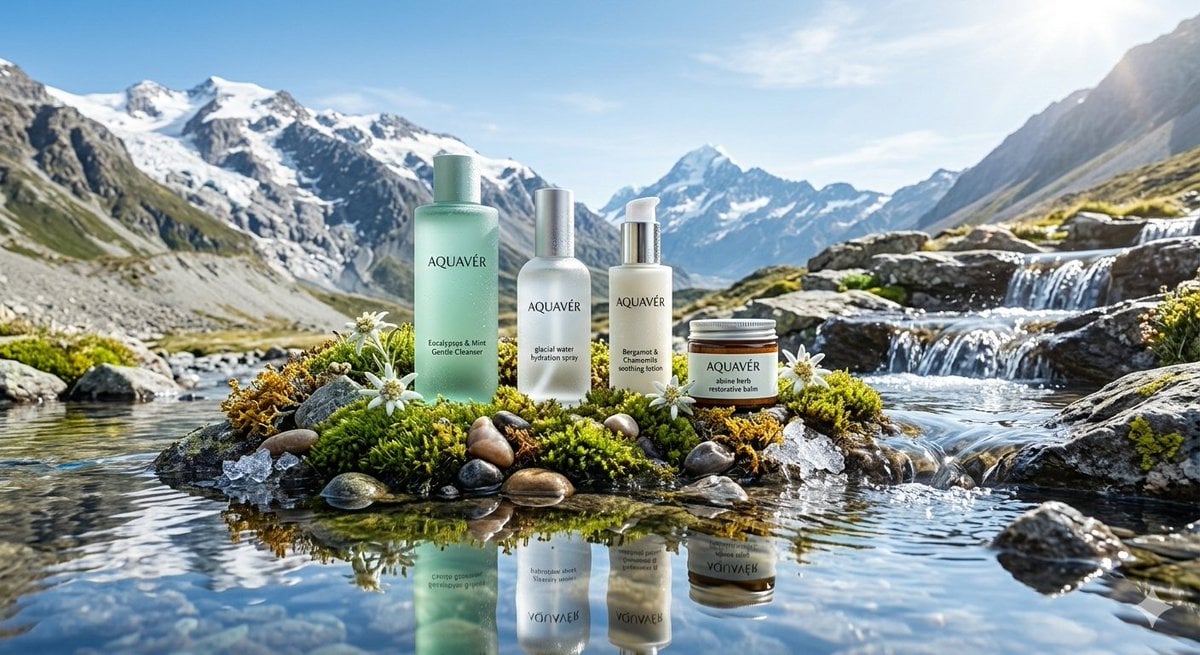
Ultra-Luxurious Skincare Product Photography in Alpine Setting

untitled
Make it yours
Alpine Ski Portrait with Anatomical Specifications works as-is. These are the safest ways to change it without losing the look.
Change one field
Copy a single group, rewrite it, and generate again so you can see what that field is doing.
Keep the frame, change the subject
Hold the composition and light of Alpine Ski Portrait with Anatomical Specifications, then swap wardrobe, props or the person for a new take.
| If the result… | Why | Fix |
|---|---|---|
| The result drifts from the preview | Too many fields changed at once. | Reuse Alpine Ski Portrait with Anatomical Specifications as-is first, then change one group — subject, light, or setting. |
| The model over-stylizes the scene | The prose prompt leaves finish and camera underspecified. | Add one camera or lighting sentence and stay on Nano Banana 2. |
More Nano Banana 2 templates
Other prompts made for Nano Banana 2.

Photorealistic Leaf Shaped Like a Dragon

K-Pop Idol Portrait Grid for Rapid Selection

Poetic Rain Forest Portrait During Golden Hour

Urban Street Portrait with Cartoon Inner Self Duo

Candid Nighttime Photo with Cat Prompt

High-Concept 3D Diorama Generation Prompt

Cinematic Futuristic Studio Portrait Template

Skincare Editorial Photography Collage Prompt

Hyper-Realistic Commercial Product Photography (Splash Effect)

Hyper-Realistic Nightclub Portrait Prompt
More image prompts
Fresh picks from across the catalog.
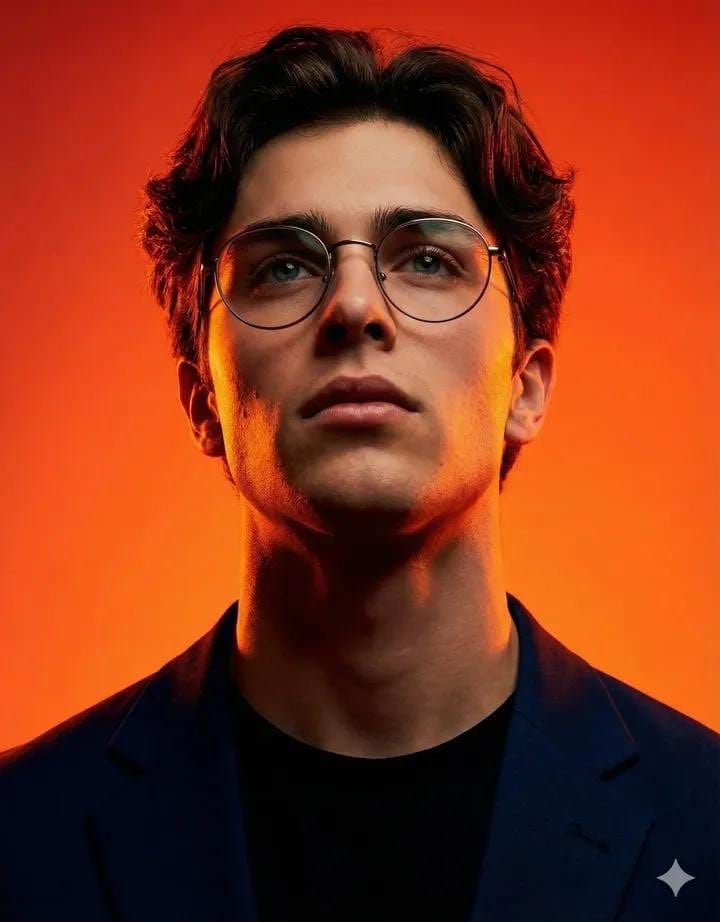
Cinematic Studio Portrait of an Intellectual Man
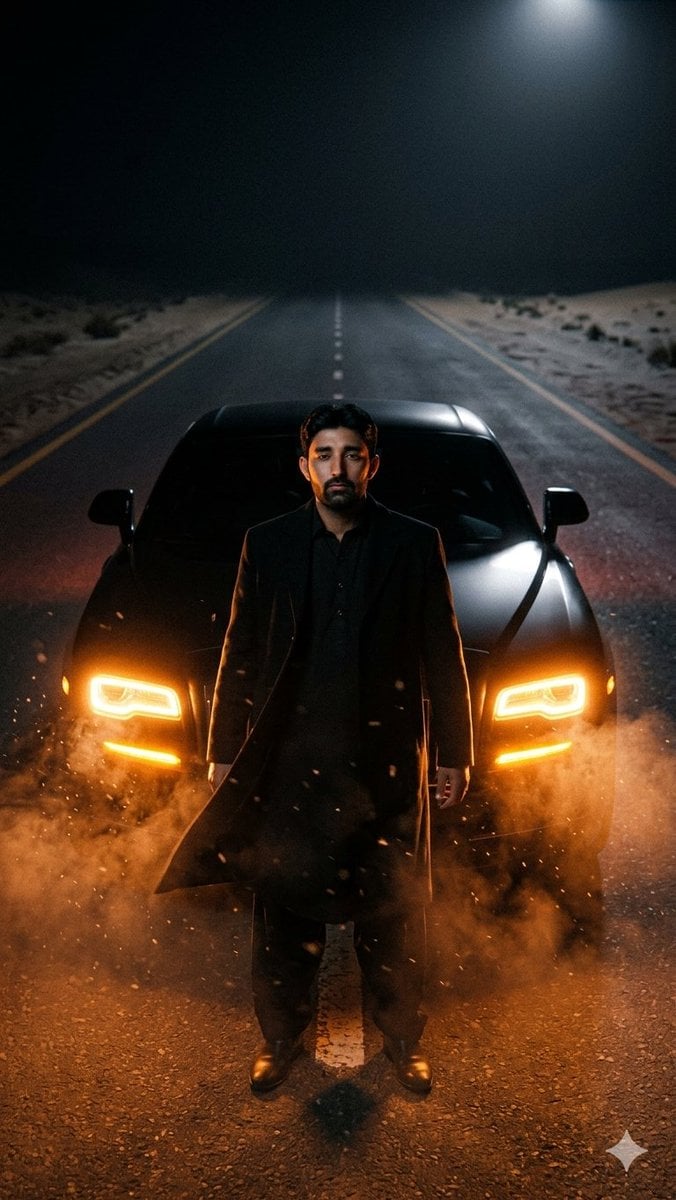
Cinematic Desert Highway Car Portrait
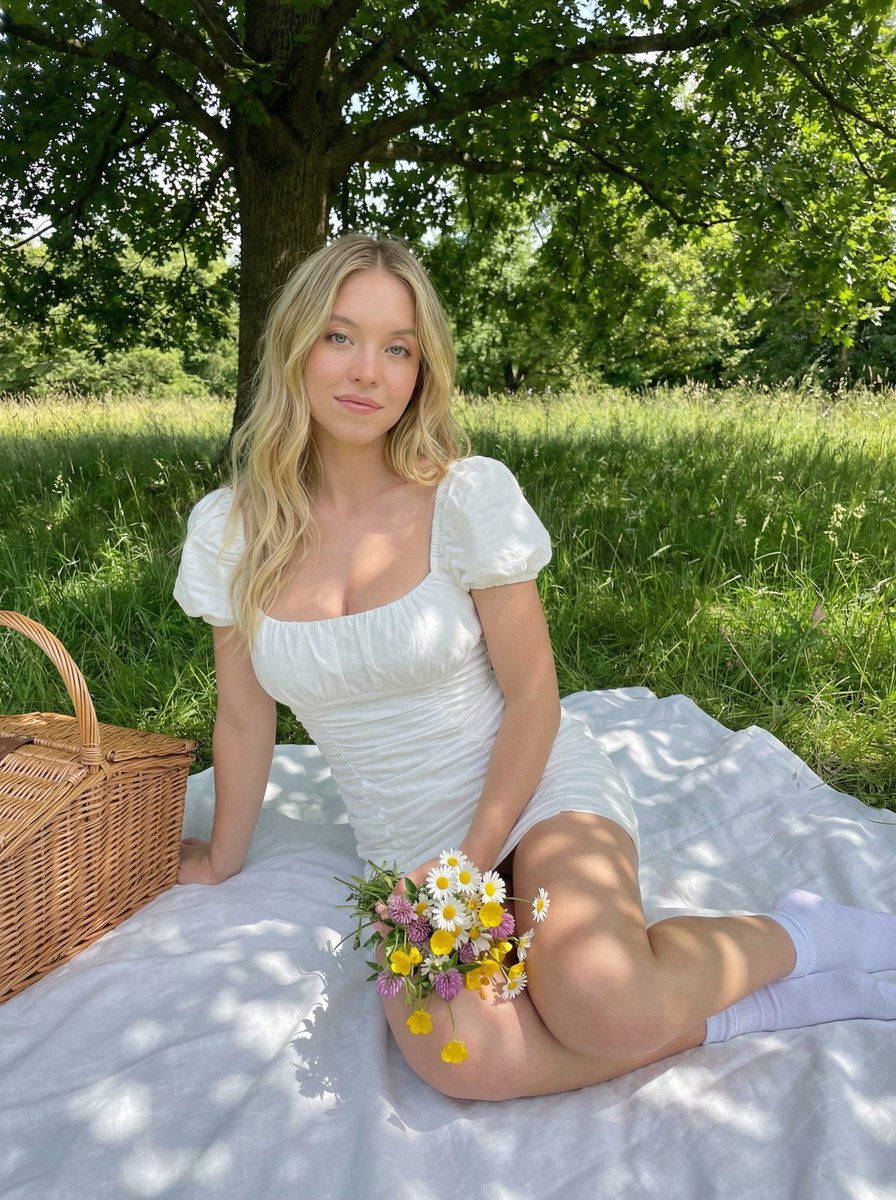
Cottagecore Picnic Portrait in Dappled Sunlight
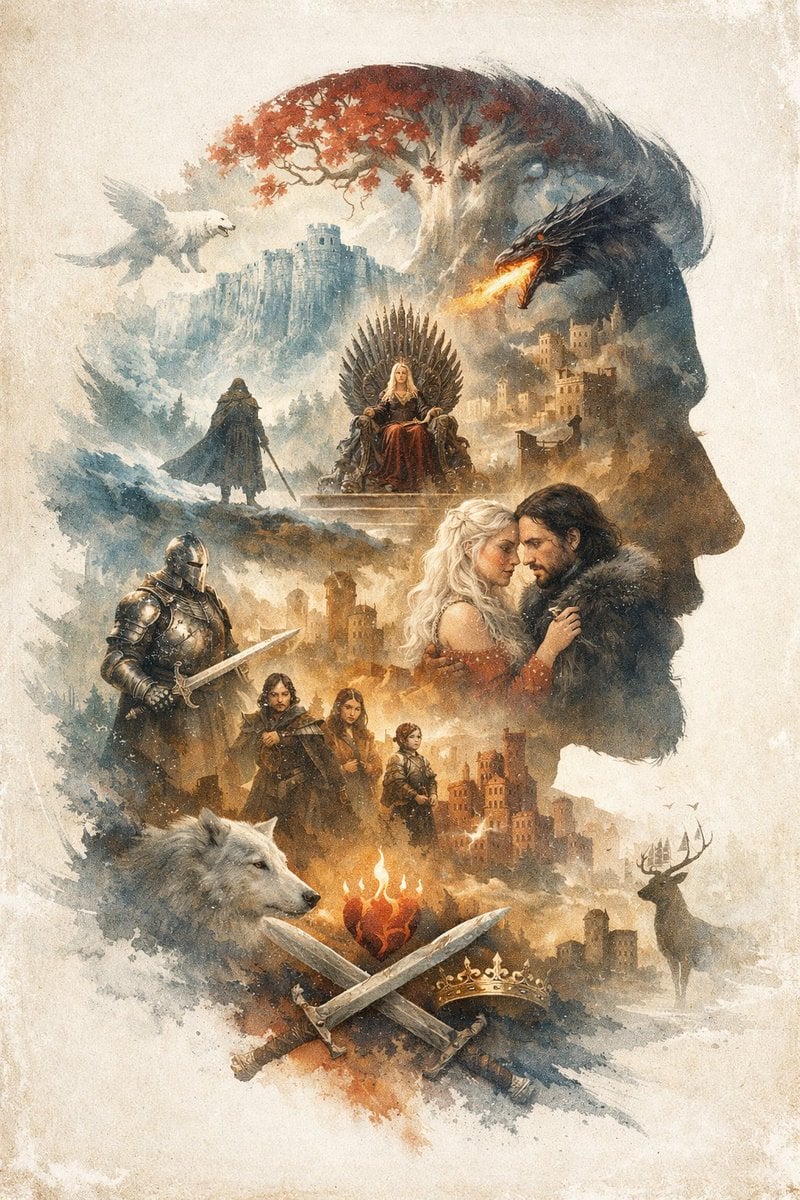
Epic Fantasy Double Exposure Silhouette
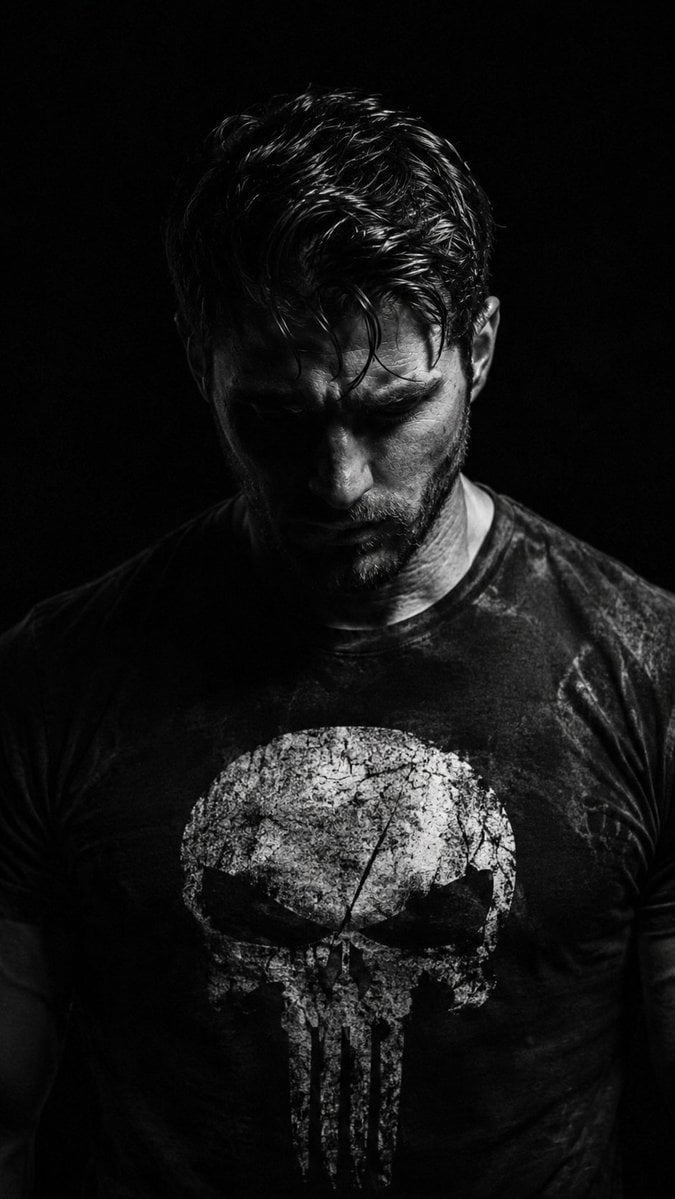
Gritty Chiaroscuro Noir Portrait
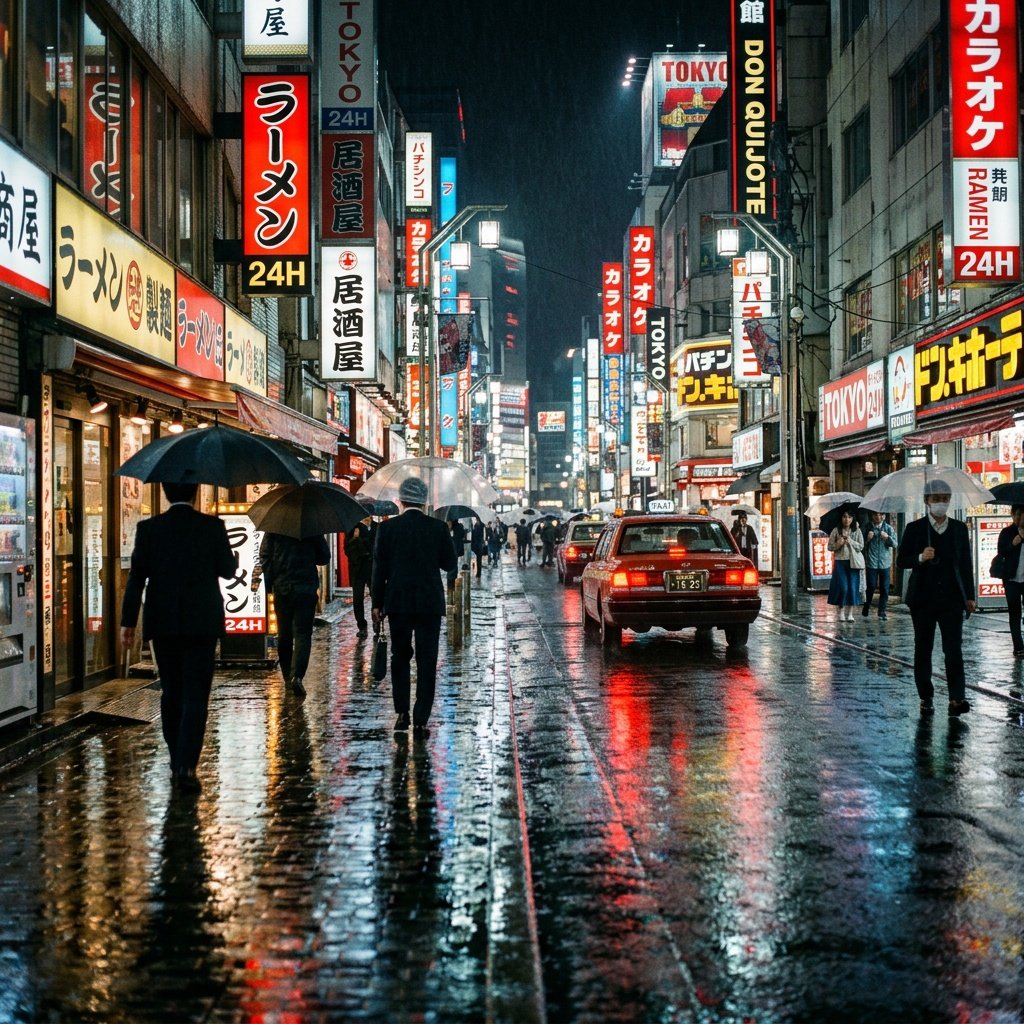
Cinematic Tokyo Street at Night
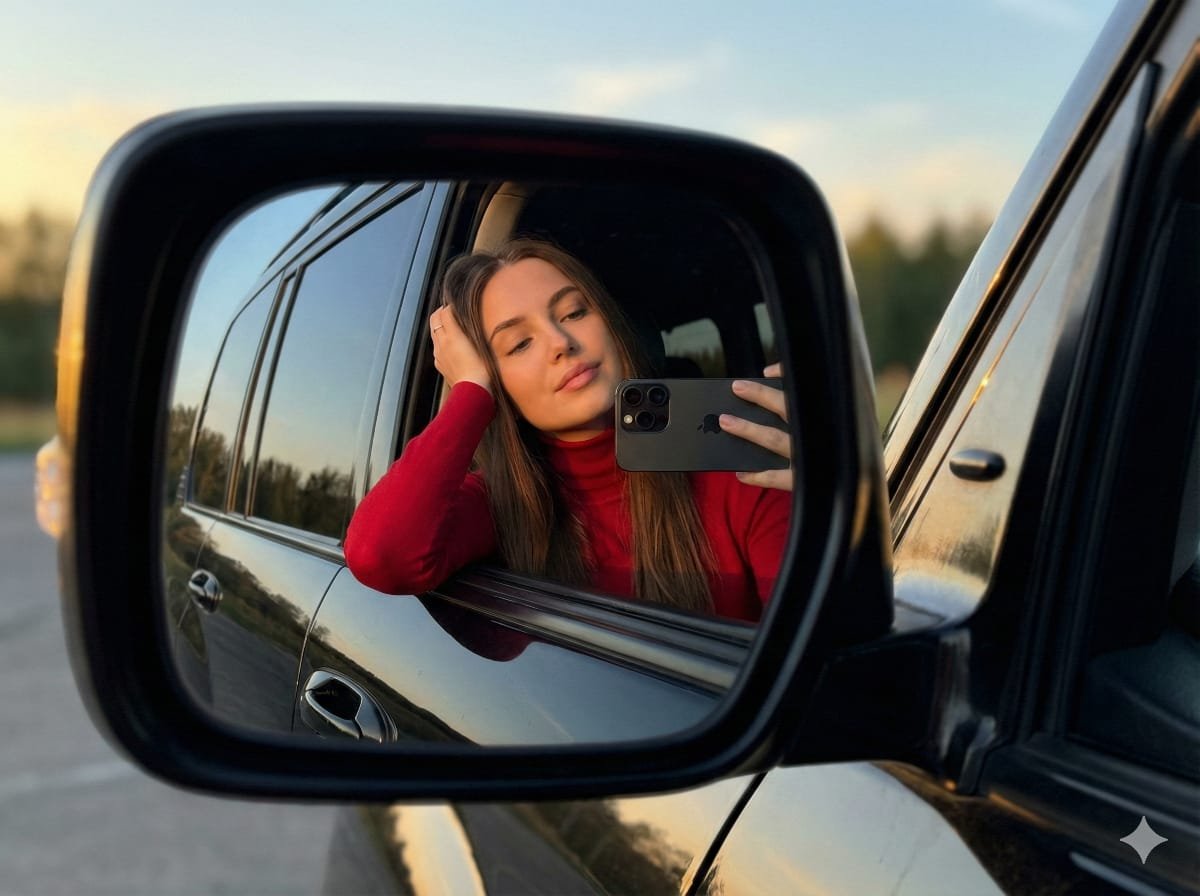
JSON selfie-in-car mirror prompt for Nano Banana Pro
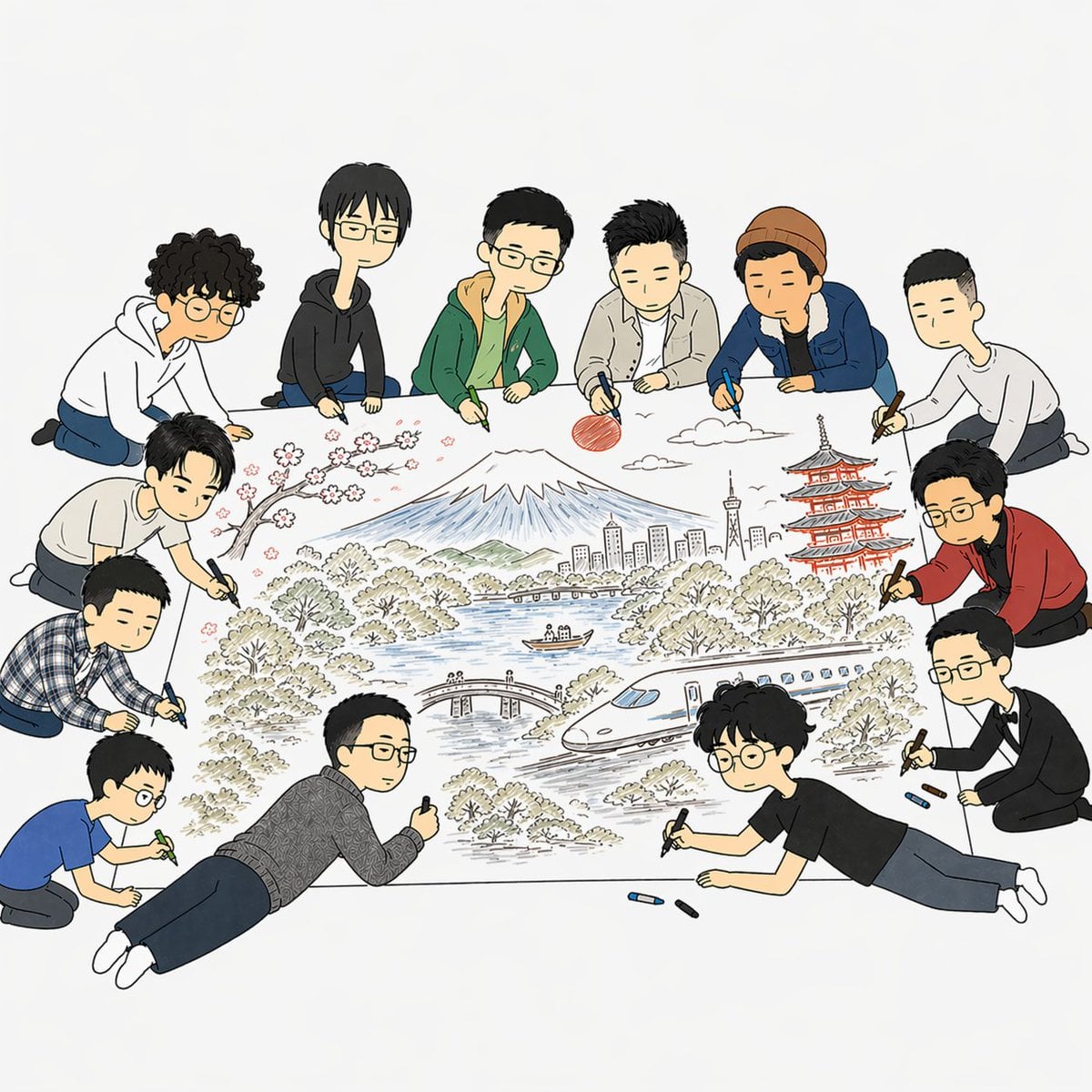
Team Drawing Japan Illustration
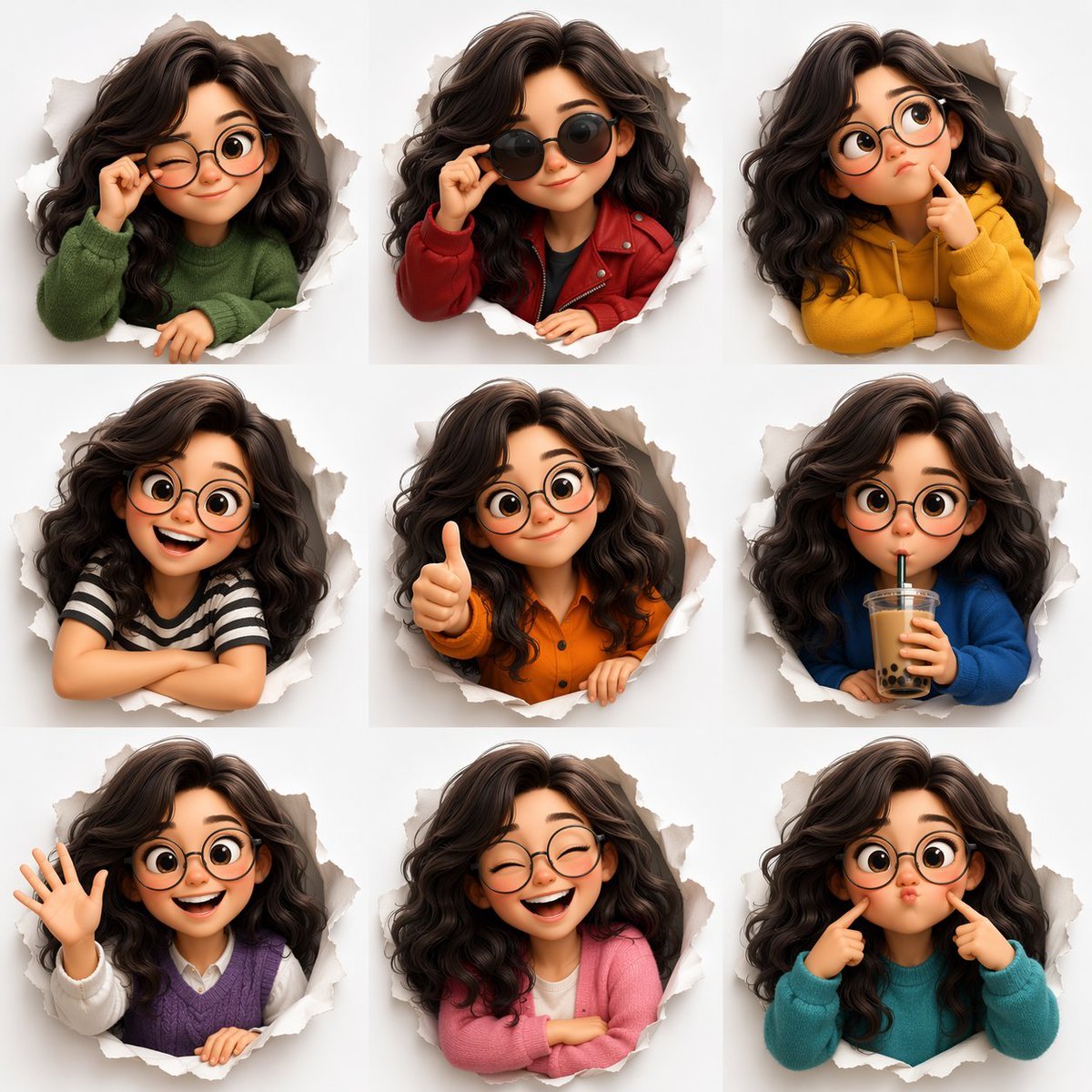
3D Animated Character Expression Grid
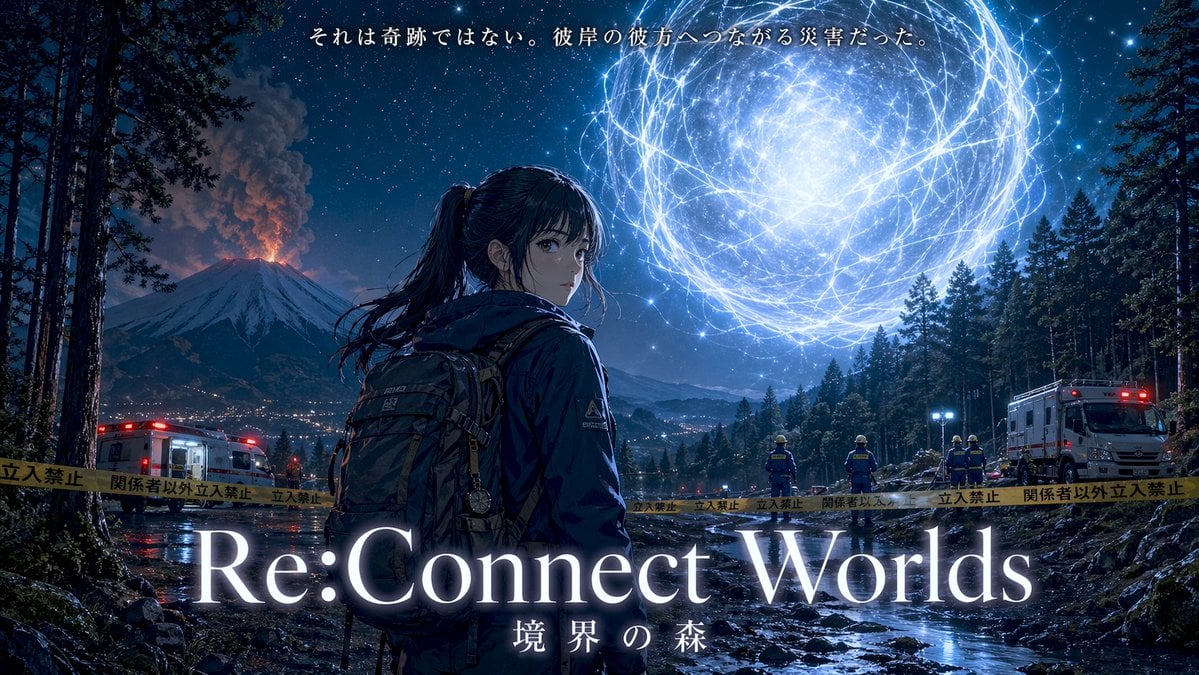
Cinematic Anime Movie Poster Prompt
Browse template categories
Alpine Ski Portrait with Anatomical Specifications questions
How do I use the Alpine Ski Portrait with Anatomical Specifications template?
Add your photo if the template asks for one, edit the prompt if you like — the template's model and format are already selected — and press Generate. Your version opens in PicX Studio.
Can I customize the Alpine Ski Portrait with Anatomical Specifications template?
Yes. You can change the subject, setting, lighting, mood, format, and available model controls before creating your image.
Is the Alpine Ski Portrait with Anatomical Specifications template free?
Opening and editing this template is free. Generating uses credits, shown on the Generate button when you are signed in.
Which AI model should I use?
Start with Nano Banana 2, which is the model associated with this template. You can compare another compatible model for a different finish.
Looking for something else? Browse all templates.

Your photo, any look
Thousands of ready templates for every top image and video model, from one credit balance.