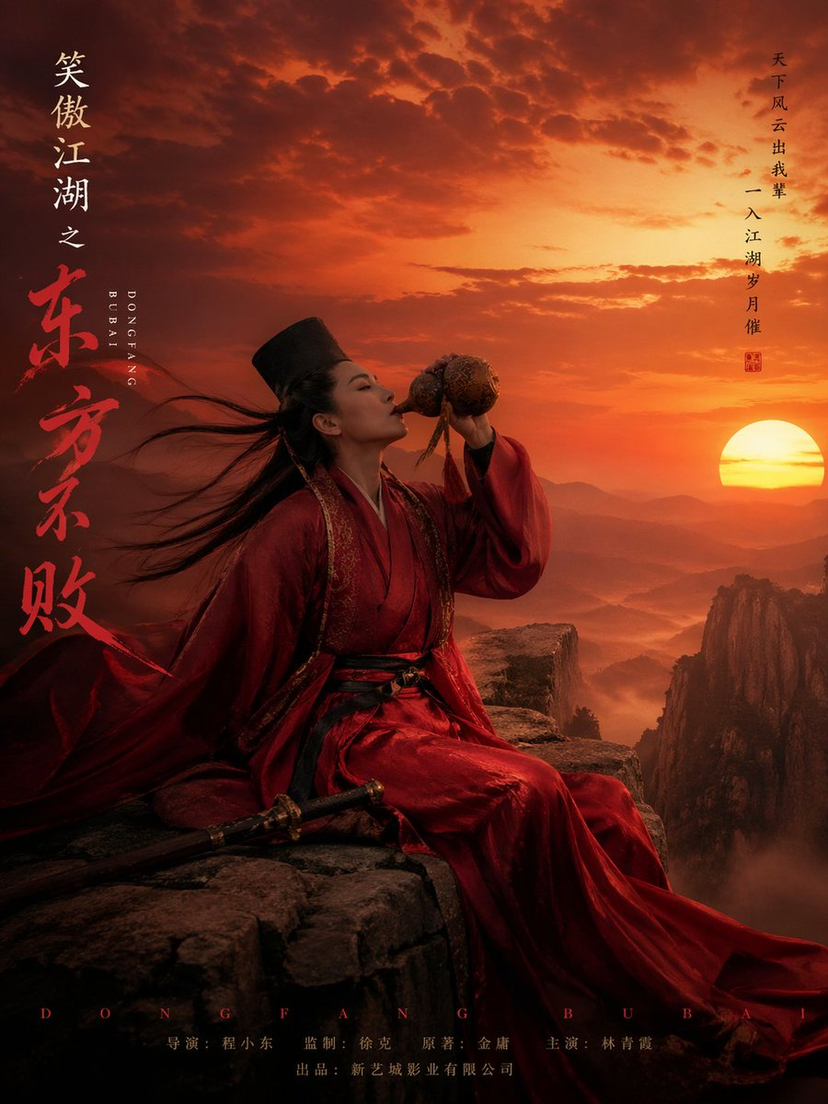
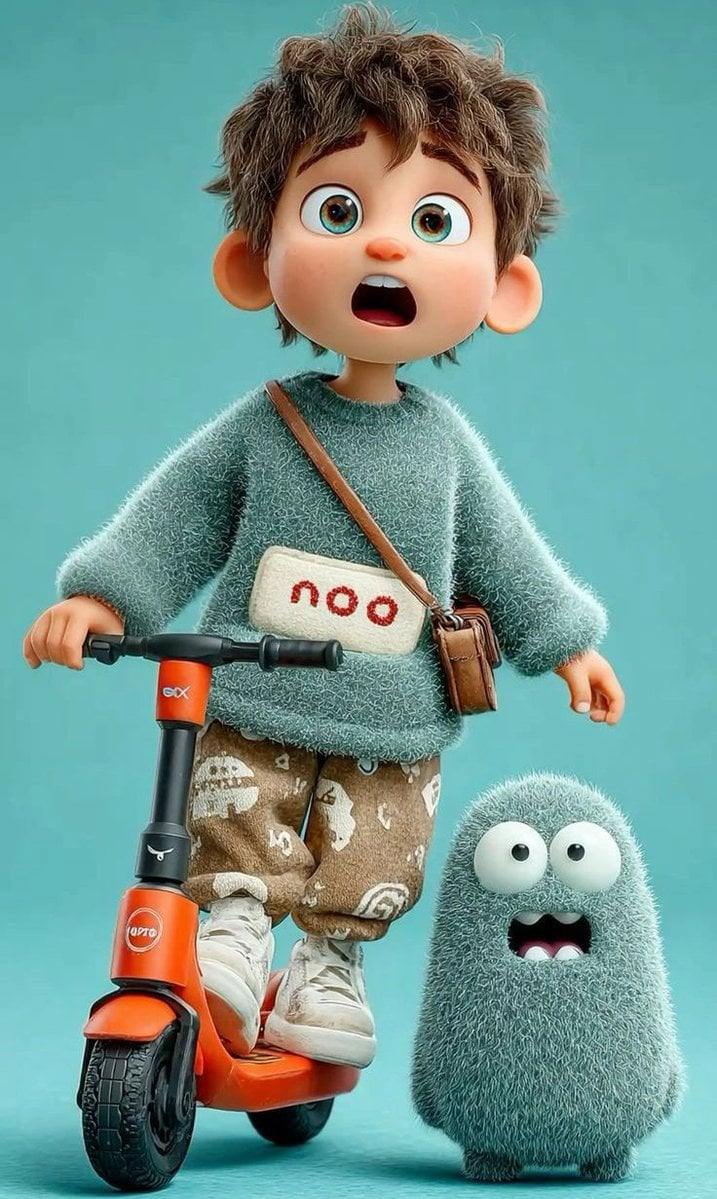
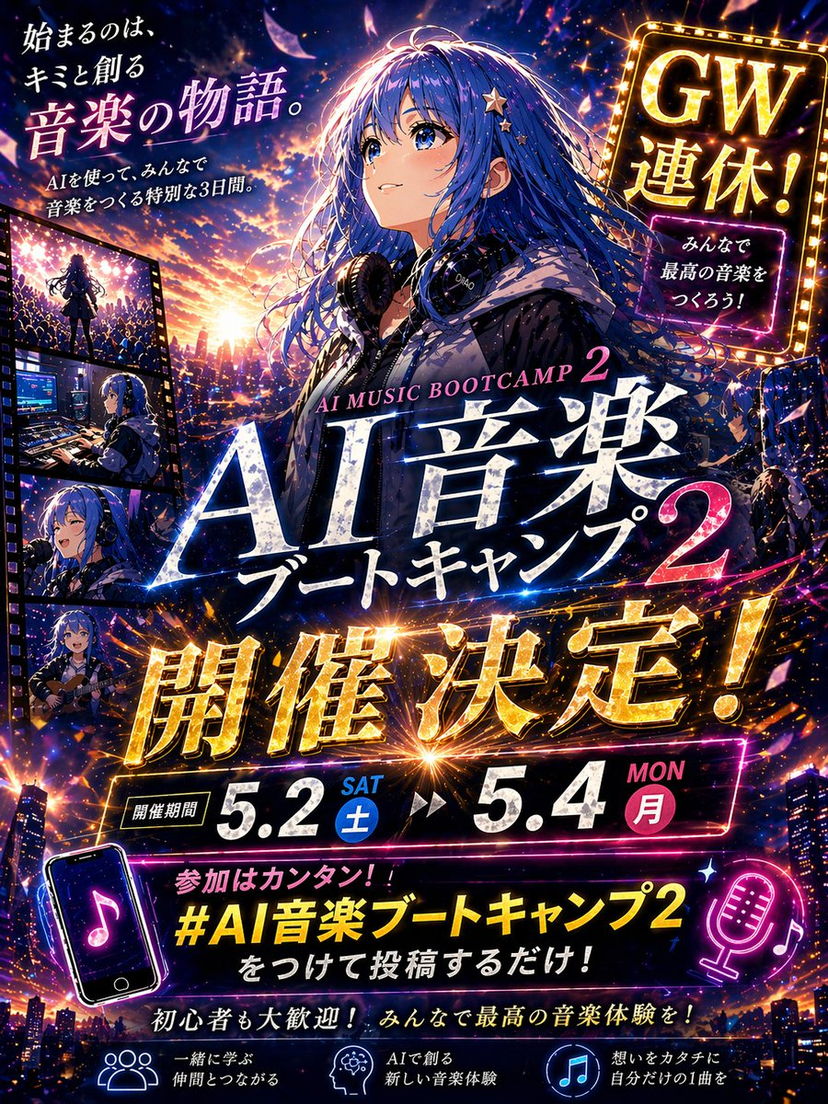
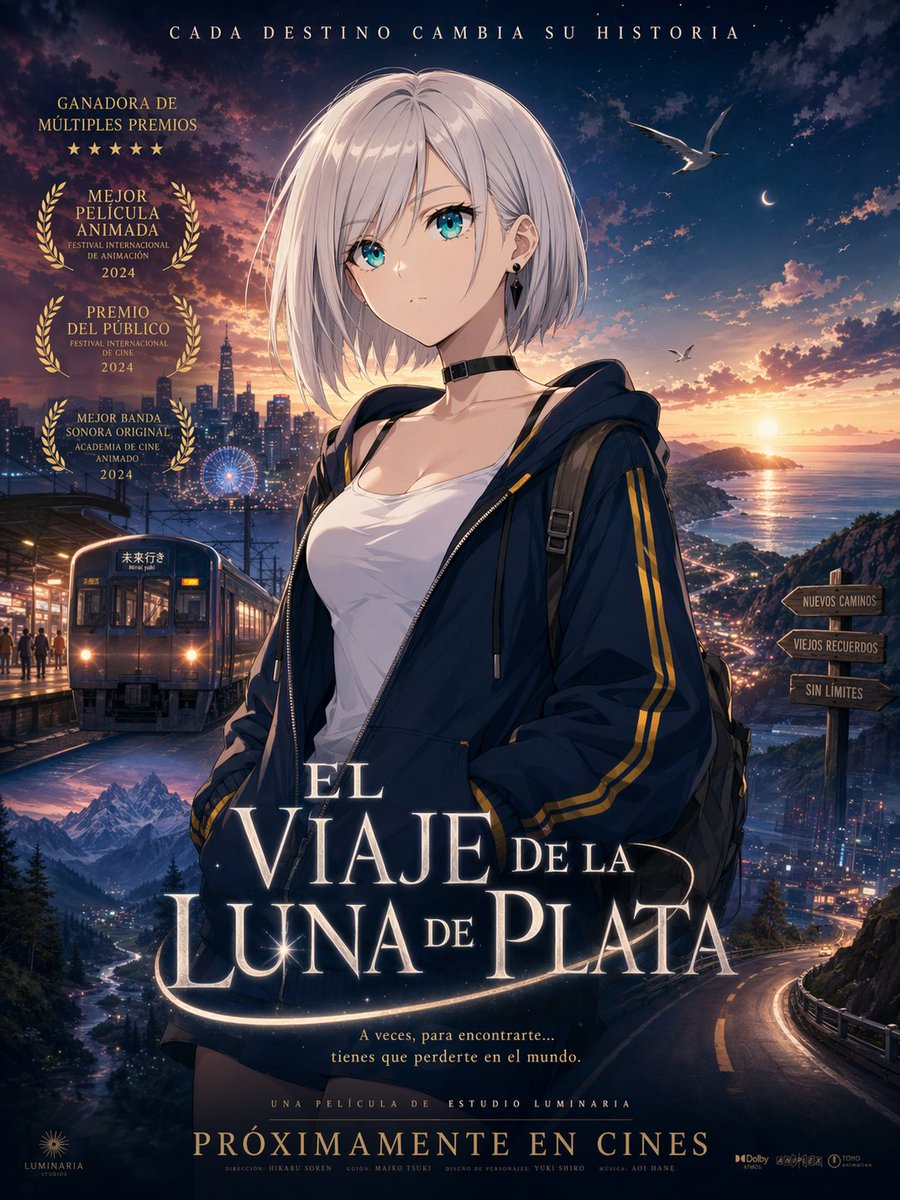
How do I use the Cinematic Anime Movie Poster Prompt template?
Choose the primary action to open PicX Studio with the available template settings. Review the model and format, personalize the creative direction, and generate when ready.
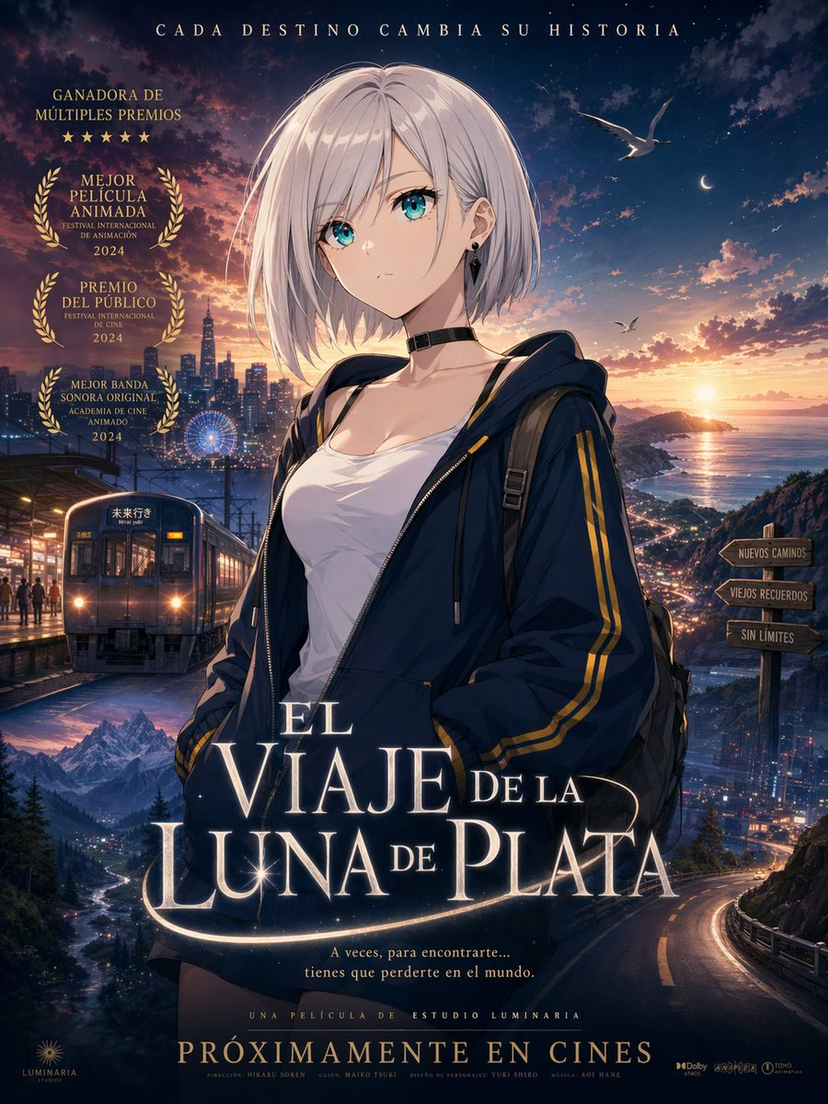
A highly detailed, professional-grade prompt for generating Japanese theatrical anime posters, including specific instructions for layout, lighting, and typogra
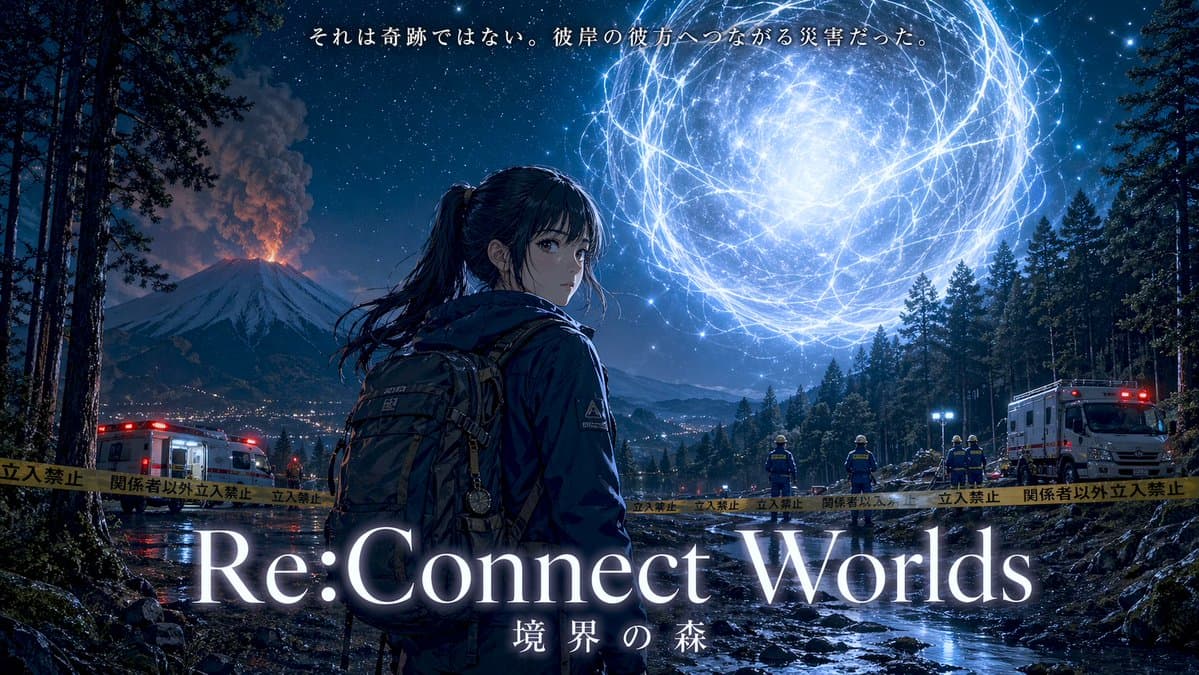
16:9の劇場版アニメ映画ポスター。夜の森の境界領域。前景中央やや左に、10代後半の日本人少女。黒髪ポニーテール、細身、ダークカラーの実用的な防寒アウトドアジャケット、調査用バックパック。背中側を見せた3/4後ろ姿で肩越しに振り向く。落ち着いた緊張感と強い意志。\n右上空の森の上に、白青色に発光する巨大な球状超常現象。無数の発光フィラメントと電気的な輪郭線が絡み合うエネルギー球。内部は霧がかった白光、周囲に微細な青白い粒子光。左奥には噴煙を上げる富士山。中景には日本語警告入りの立入禁止テープ、現実的な災害対応スタッフ、左右に救急車両。軍事感は不要。\n地面はぬかるんだ山林で、浅い水流と濡れた地表が発光を反射。左右の高い木々が画面を囲む。空は満天の星、富士山麓には微細な街明かり。神秘と災厄が同時に存在する空気感。\n少女、巨大光球、富士山の三角構図。やや低めのシネマティック視点。少女と光球を二大主役として大きく明確に見せる。冷たい夜の青を基調に、主光源は巨大光球の白青発光。木々、地面、水面、少女に強いリムライト。副光源として星明かりと遠方の噴火の微かな橙光。少女の顔は暗すぎず表情が読める。高コントラスト。\n最新の日本劇場版アニメの高級感あるキービジュアル。映画ポスター級の完成度。高密度で繊細な背景、精密な光表現、空気遠近感、写実寄りで美しく整理されたアニメ作画。全体トーンはダークネイビー、白青発光、微かな火山の橙。荘厳、不穏、神秘的、ドラマ性が高い。\n上部中央に小さめの日本語コピー: "{argument name="ポスターのキャッチコピー" default="それは奇跡ではない。彼岸の彼方へつながる災害だった。"}"\n下部中央に大きく、白に近い淡い発光の上品な英字セリフ体タイトル: "{argument name="映画のタイトル" default="Re:Connect Worlds"}"\nその直下に小さめの日本語サブタイトル: "{argument name="サブタイトル" default="境界の森"}"\n文字は正確で高可読。指定以外の文字、ロゴ、透かしは入れない。余計な人物、モンスター、メカ、不要な派手な粒子やノイズは入れない。
Choose the primary action to open PicX Studio with the available template settings. Review the model and format, personalize the creative direction, and generate when ready.
Yes. You can change the subject, setting, lighting, mood, format, and available model controls before creating your image.
This template is free to open and customize. Generation usage is shown in PicX Studio before you create.
Start with GPT Image 2, which is the model associated with this template. You can compare another compatible model for a different finish.
© 2026 PicX Studio. All rights reserved.

Follow a topic to a crawlable collection of related PicX Studio templates.