
Anime Ensemble Movie Poster
This prompt generates a cinematic Japanese anime film poster featuring six well-composed characters, dramatic environmental storytelling, and fully integrated theatrical poster typography.
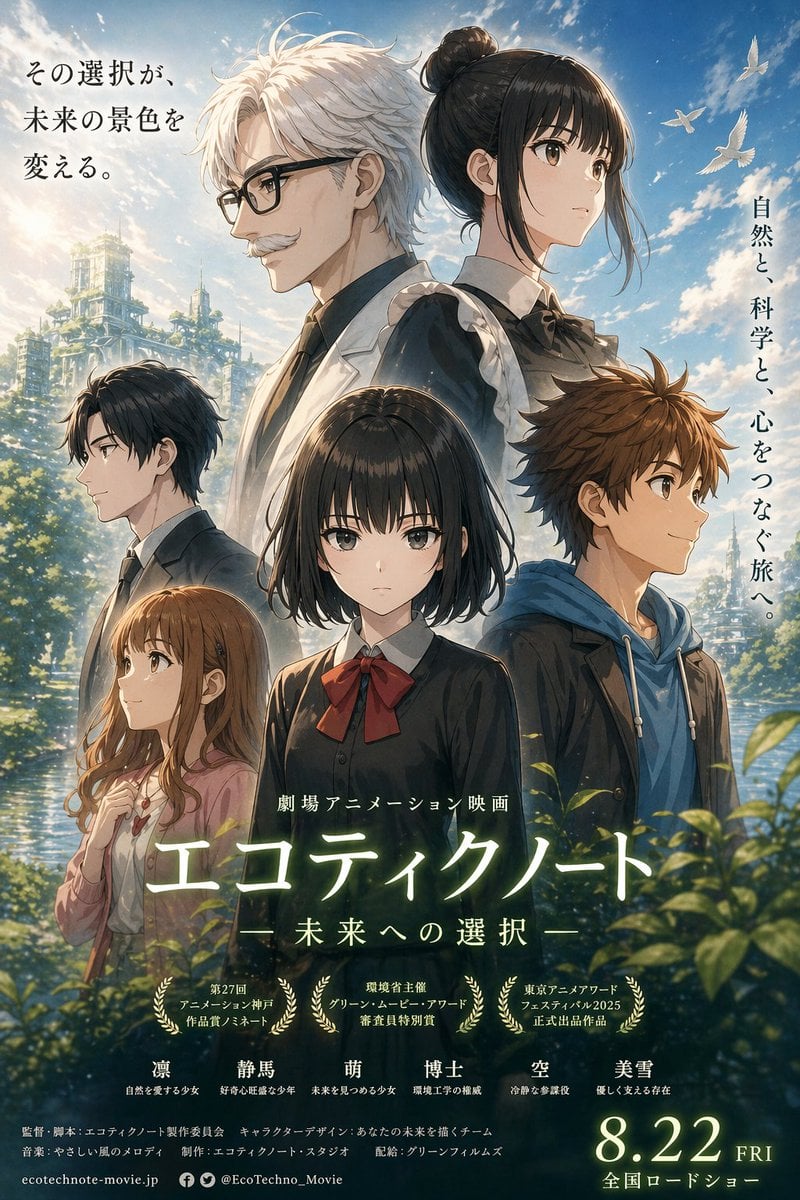
- Prompt included
- Model and format preset
- Free template
The prompt behind this image
Copy the exact prompt behind Anime Ensemble Movie Poster, or open it in the studio and make it yours.
A polished Japanese anime theatrical movie poster in vertical one-sheet format, painted with high-end cinematic detail and luminous natural lighting. The composition features exactly 6 youths arranged in a dramatic ensemble portrait against a bright blue sky with soft clouds, distant white birds, reflective water, lush green foliage in the foreground, and a partially overgrown futuristic eco-city ruin on the left background, blending nature and advanced science. At the top center, two main characters stand back-to-back as the visual anchor: on the left, a tall teenage boy with messy short white hair, pale skin, a calm serious expression, and a white lab coat over a shirt and tie, shown in side profile facing left; on the right, a tall teenage girl with black hair in a neat bun, pale skin, a composed expression, and a dark school-uniform-inspired outfit with a white collar and ribbon at the neck, shown in side profile facing right. Below them in the center foreground stands a schoolgirl with a straight black bob haircut, pale skin, and a black uniform with a large deep red bow, facing forward with a quiet, introspective presence. On the mid-left stands a dark-haired teenage boy in a dark suit and tie, shown in side profile facing left. On the mid-right stands a tousle-haired brown-haired teenage boy wearing a blue hoodie under a dark jacket, shown in side profile facing right. On the lower left stands a light-brown-haired teenage girl with long soft waves, wearing a pale pink cardigan over a light top, one hand near her chest, looking gentle and slightly anxious. Make every character anatomically consistent and clearly separated, with elegant hair rendering, refined fabric folds, and emotionally restrained expressions. Use warm rim light and soft atmospheric glow, with subtle lens bloom and painterly highlights to create a hopeful, contemplative mood. Include Japanese poster typography integrated into the design: a vertical tagline on the upper left reading "その選択が、未来の景色を変える。", a vertical tagline on the upper right reading "自然と、科学と、心をつなぐ旅へ。", small text above the title reading "劇場アニメーション映画", a large glowing main title near the lower center reading "{argument name="film title" default="エコテイクノート"}", a subtitle below it reading "{argument name="subtitle text" default="― 未来への選択 ―"}", exactly 3 award laurels arranged in a row beneath the title with small Japanese festival text inside each, a row of exactly 6 character name labels near the bottom above the credits, dense small Japanese credit lines across the bottom, social and website text in very small print, and a large release date at the lower right reading "{argument name="release date" default="8.22 FRI"}" with a smaller line below reading "全国ロードショー". Keep the overall look like a premium contemporary anime key visual poster for an emotional science-and-nature coming-of-age ensemble film.
How to use Anime Ensemble Movie Poster in 3 steps
- 1Upload ImagePNG, JPG or paste
Add your photo
Upload the photo the template builds on. The prompt, model and format are already set.
- 2…a portrait of your subject in softgolden-hour light, 85mm…
Personalize
Edit the subject and creative details for your destination.
- 3Generate
Generate
Press Generate — your image is created in PicX Studio, so you can compare it with the original and refine one variable at a time.
More like this
Templates with the same subject, style or setup. Open one to see its prompt.

Captain Tsubasa Anime World Cup Poster

Gpt2 Youtube Thumbnail Wuxia Movie Character Posters

Gpt2 Youtube Thumbnail Anime Music Bootcamp Promo Poster

Pixar Style Ensemble Movie Poster
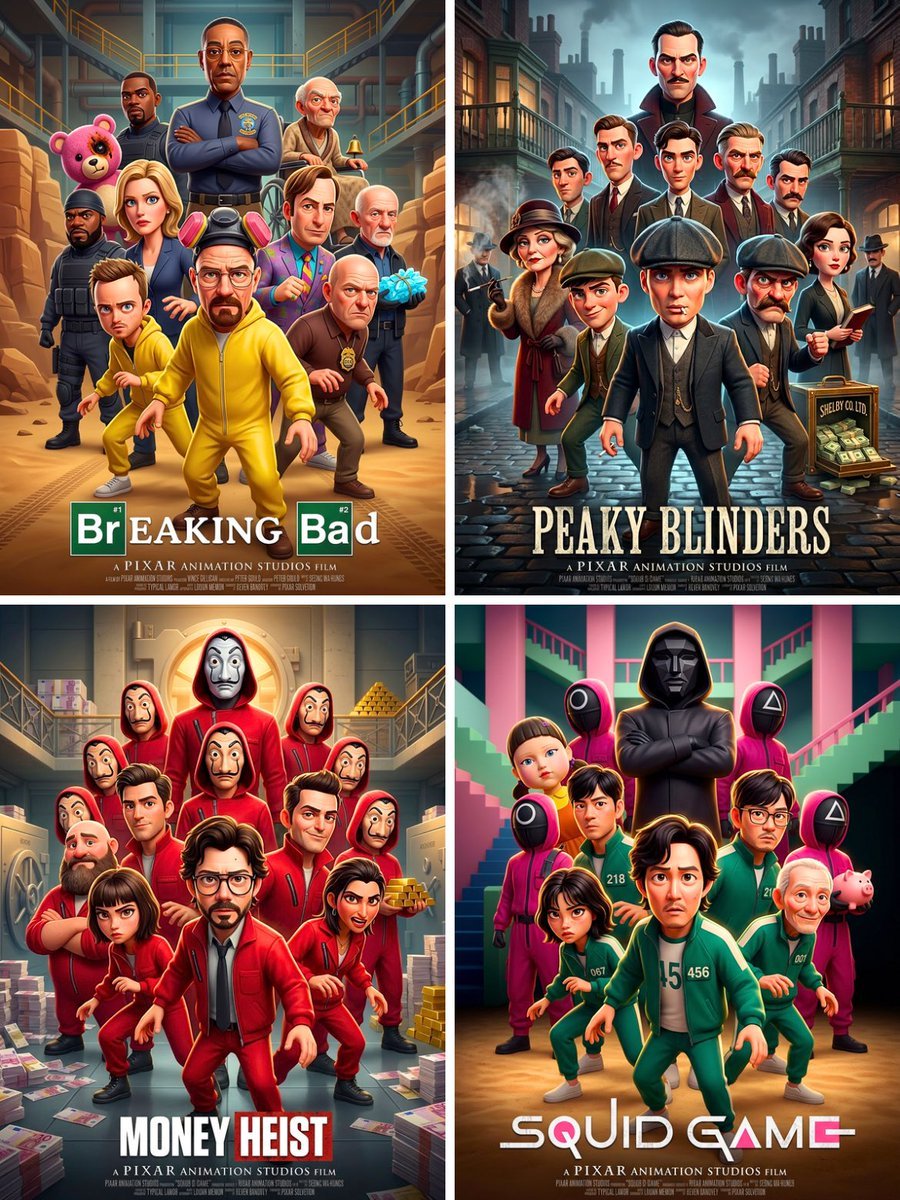
Pixar 3D CGI animated movie poster style, ensemble cast featuring
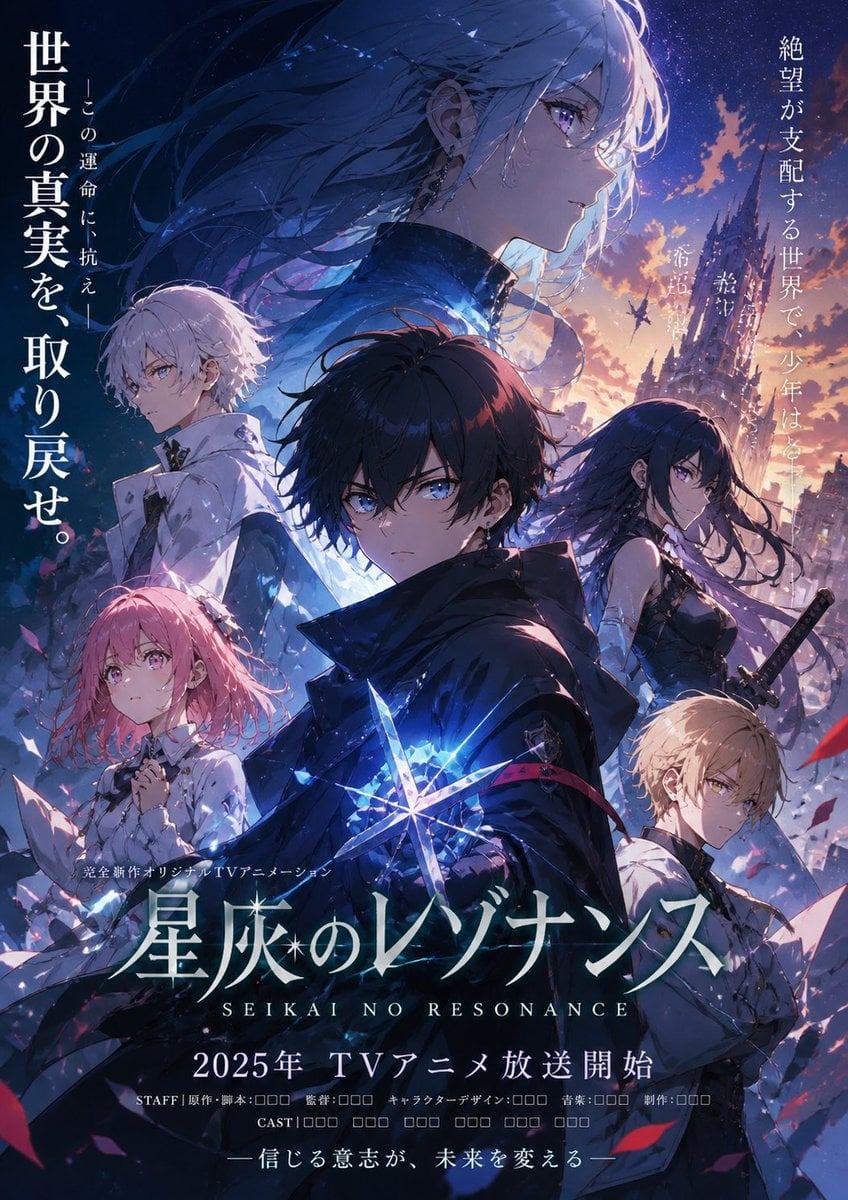
Anime Fantasy Ensemble Poster
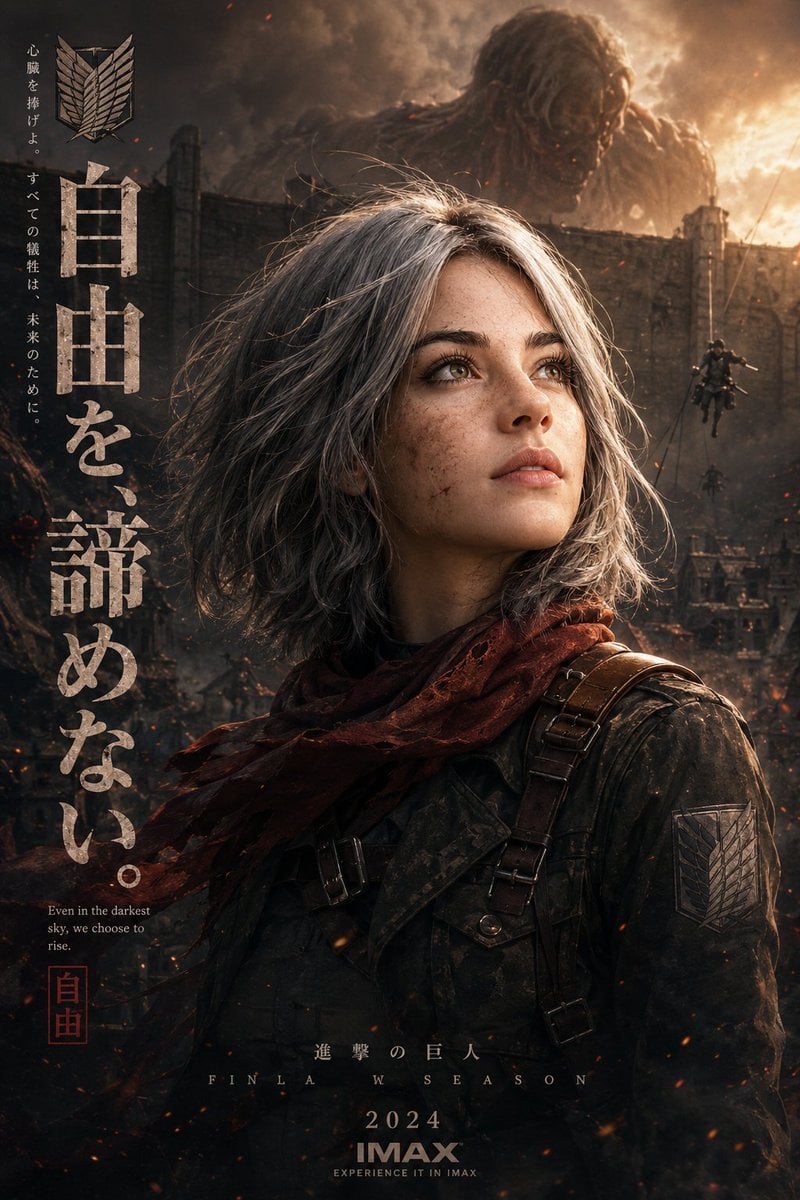
Epic Anime Movie Poster from Photo
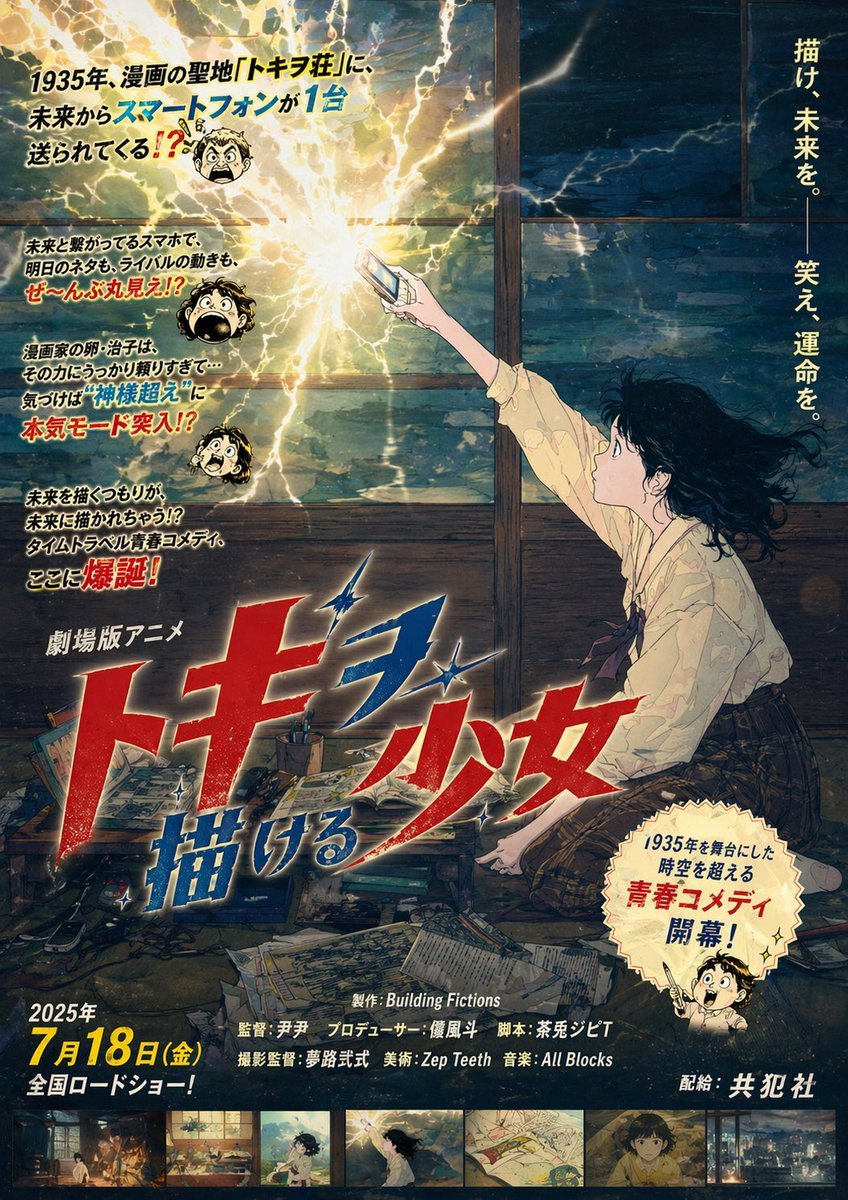
Retro Fake Anime Movie Poster
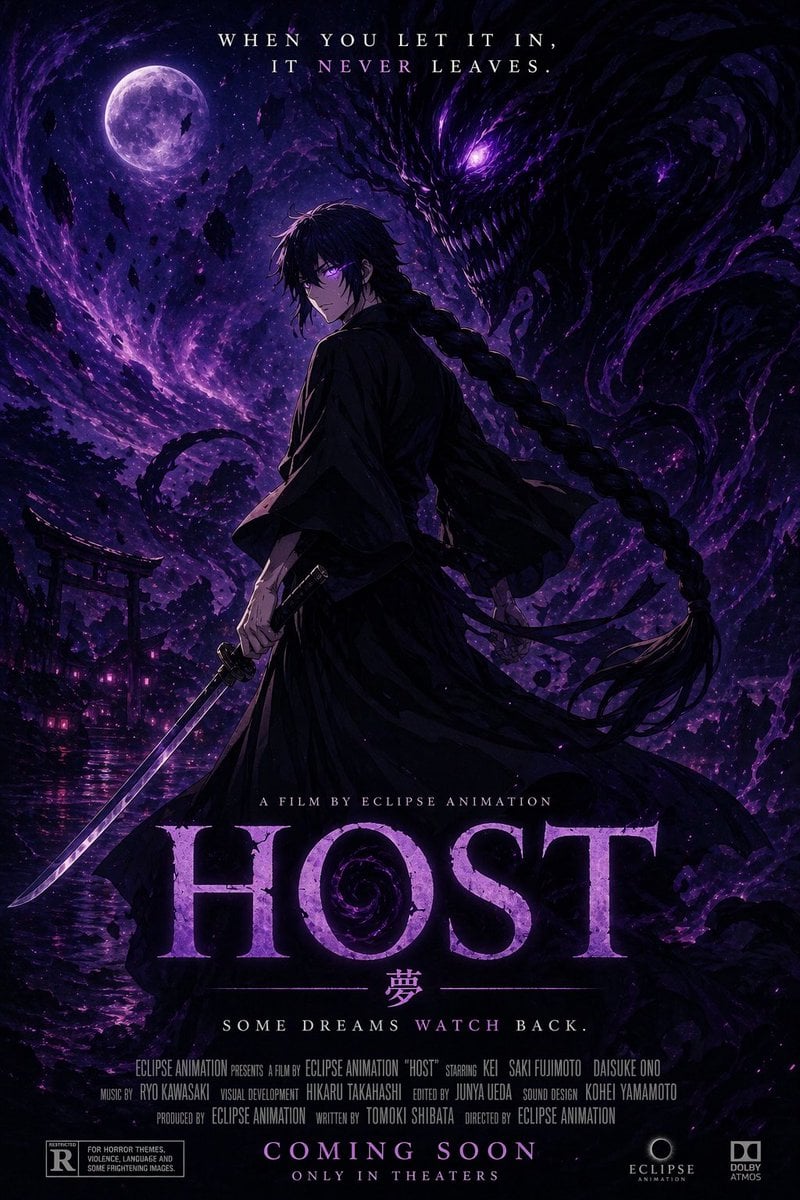
Horror Anime Movie Poster
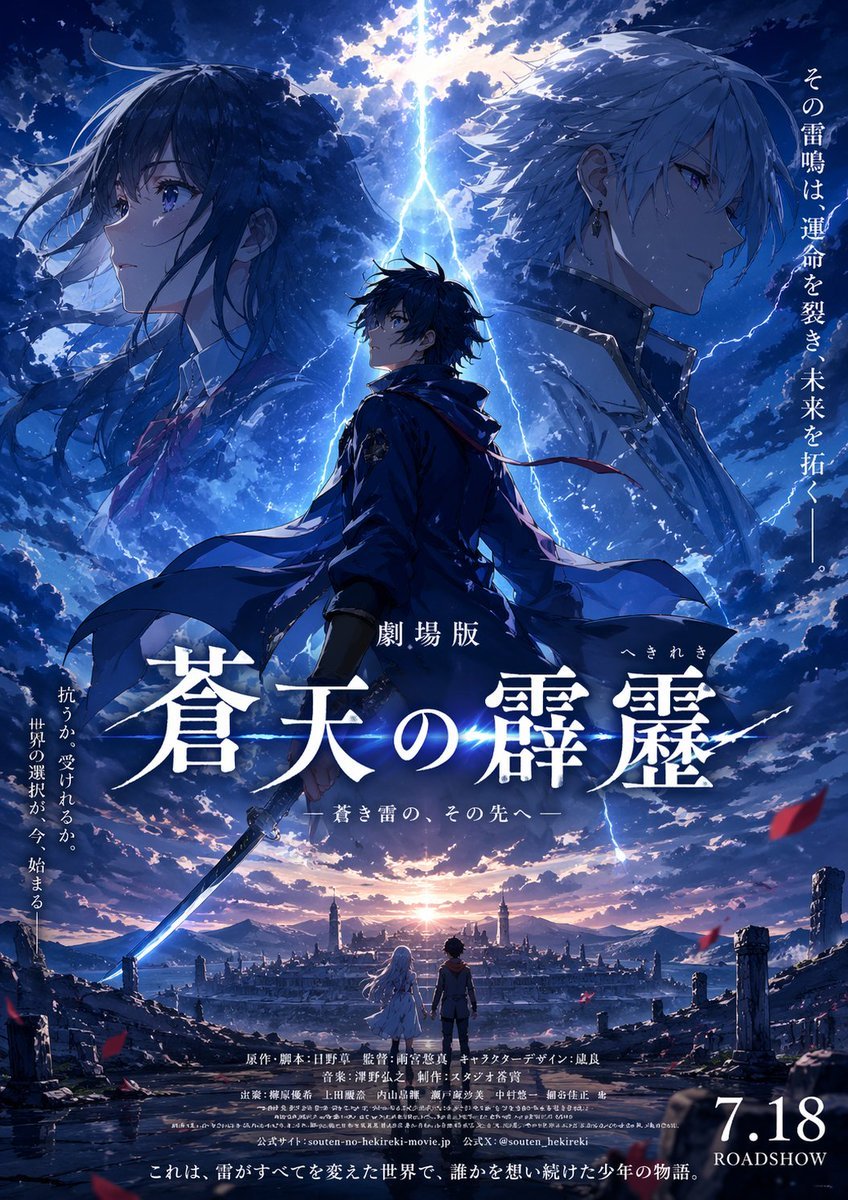
Fictional Anime Movie Poster
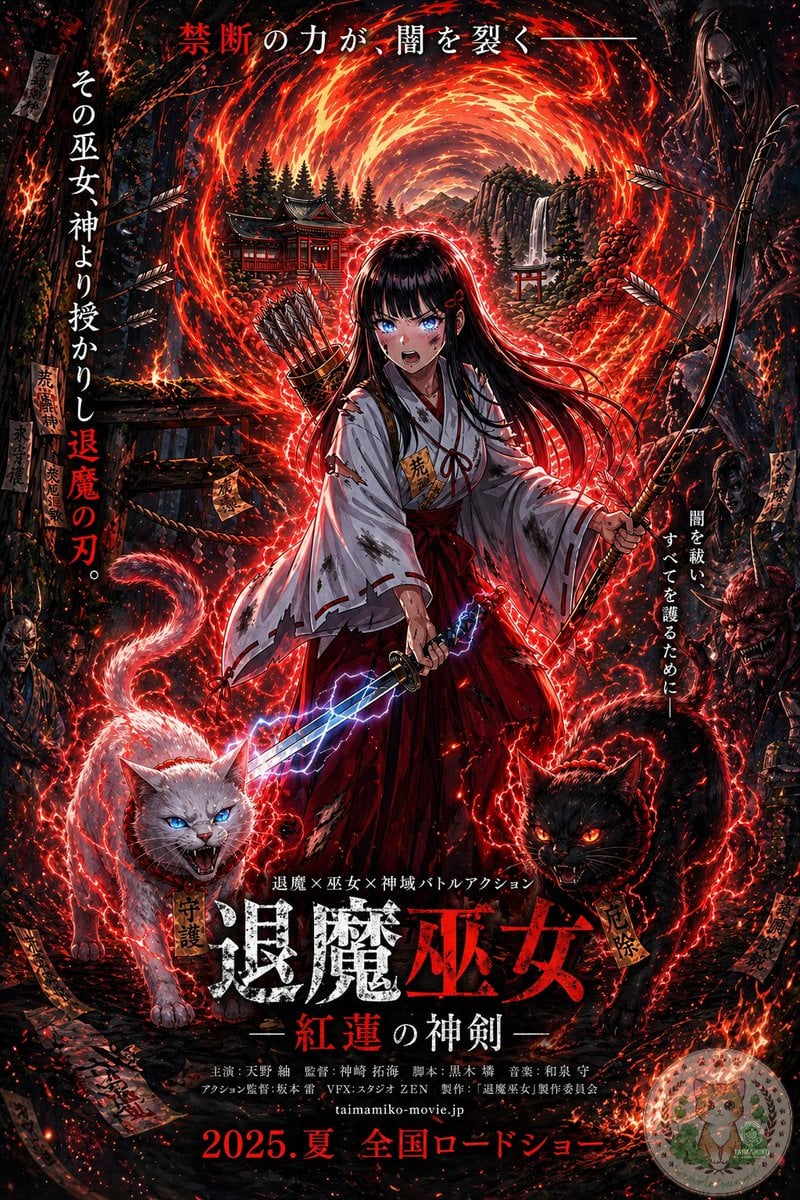
Anime Shrine Maiden Movie Poster
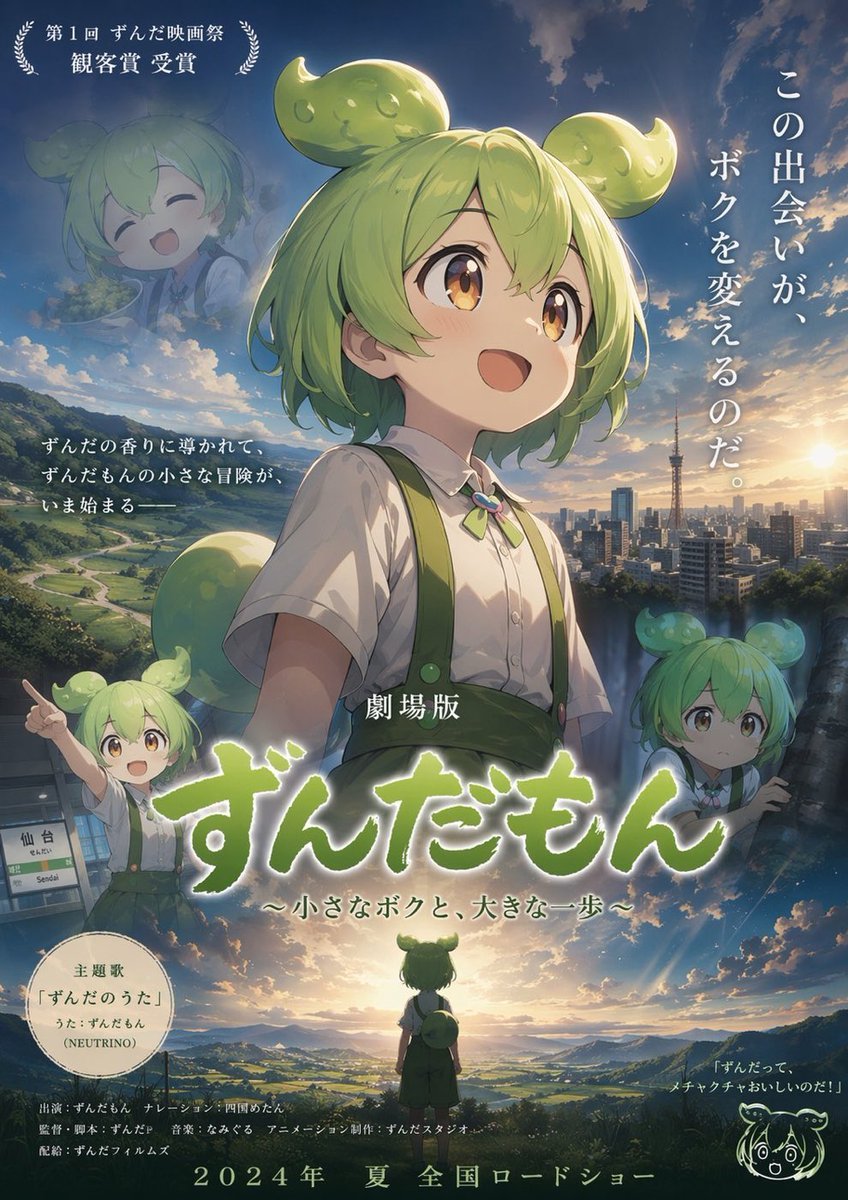
Anime Movie Poster Layout
Make it yours
Anime Ensemble Movie Poster works as-is. These are the safest ways to change it without losing the look.
Change one field
Copy a single group, rewrite it, and generate again so you can see what that field is doing.
Keep the frame, change the subject
Hold the composition and light of Anime Ensemble Movie Poster, then swap wardrobe, props or the person for a new take.
| If the result… | Why | Fix |
|---|---|---|
| The result drifts from the preview | Too many fields changed at once. | Reuse Anime Ensemble Movie Poster as-is first, then change one group — subject, light, or setting. |
| The model over-stylizes the scene | The prose prompt leaves finish and camera underspecified. | Add one camera or lighting sentence and stay on GPT Image 2. |
More GPT Image 2 templates
Other prompts made for GPT Image 2.

Six VTuber Japanese Logo Sheet

Realistic Portrait of Woman and Deer

The Vista Modular Condo Poster

AI Model Routing Comparison Infographic

2.5D Anime Art Board

Isometric Productivity Desk Scene

New York Double Exposure Poster

Four-Panel AI Landscape Comparison

Japanese Tatami Lifestyle Magazine Cover

NESCAFÉ Coffee Map Poster
More image prompts
Fresh picks from across the catalog.
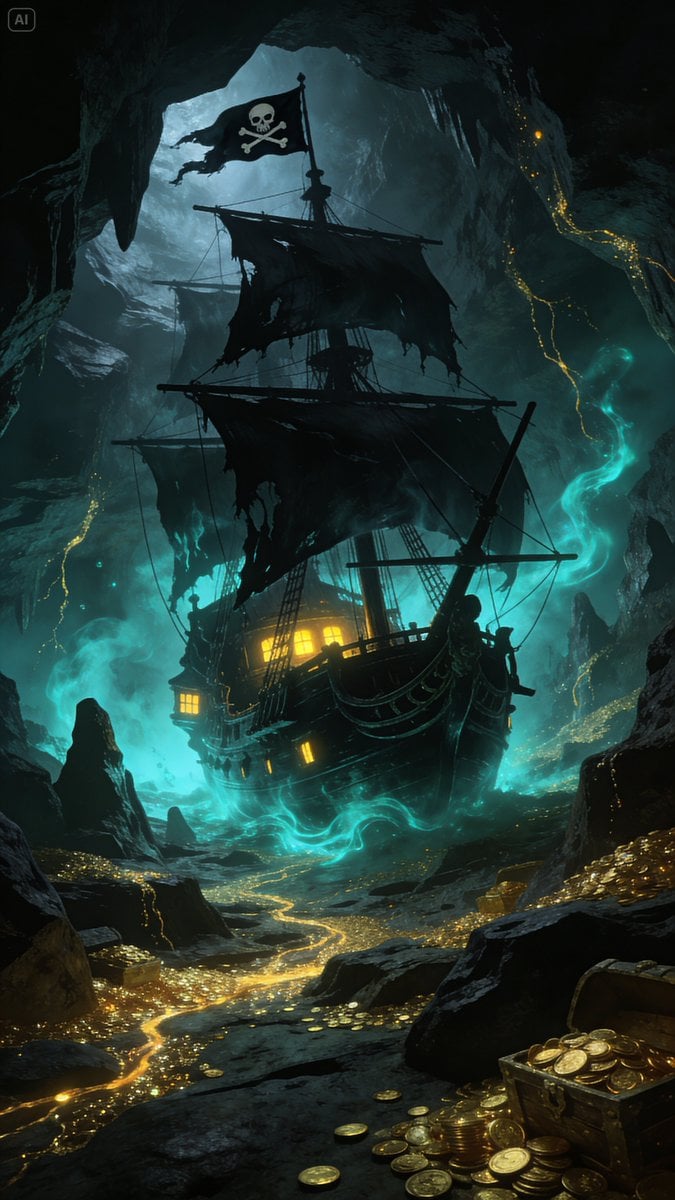
Golden Ship on Uncharted Waters
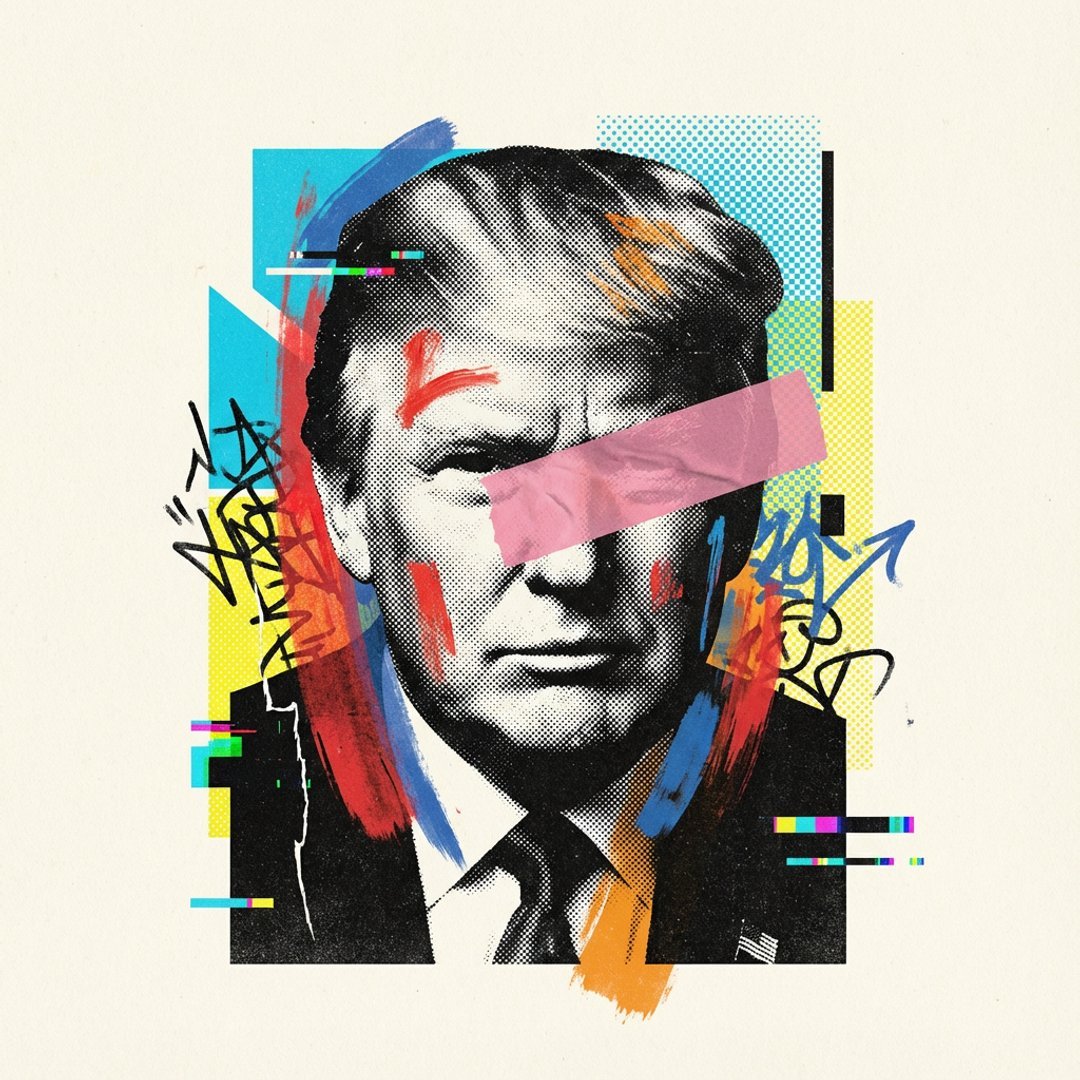
Avant-Garde Mixed Media Risograph Collage
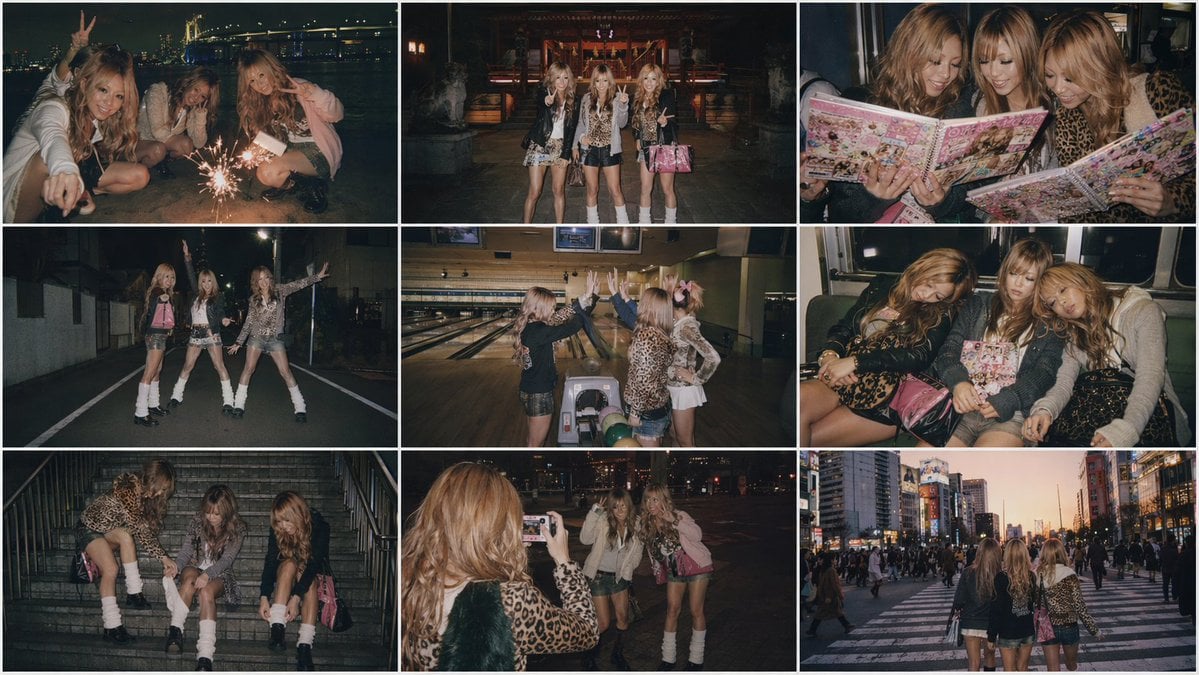
Nostalgic Japanese Gal Grid Images
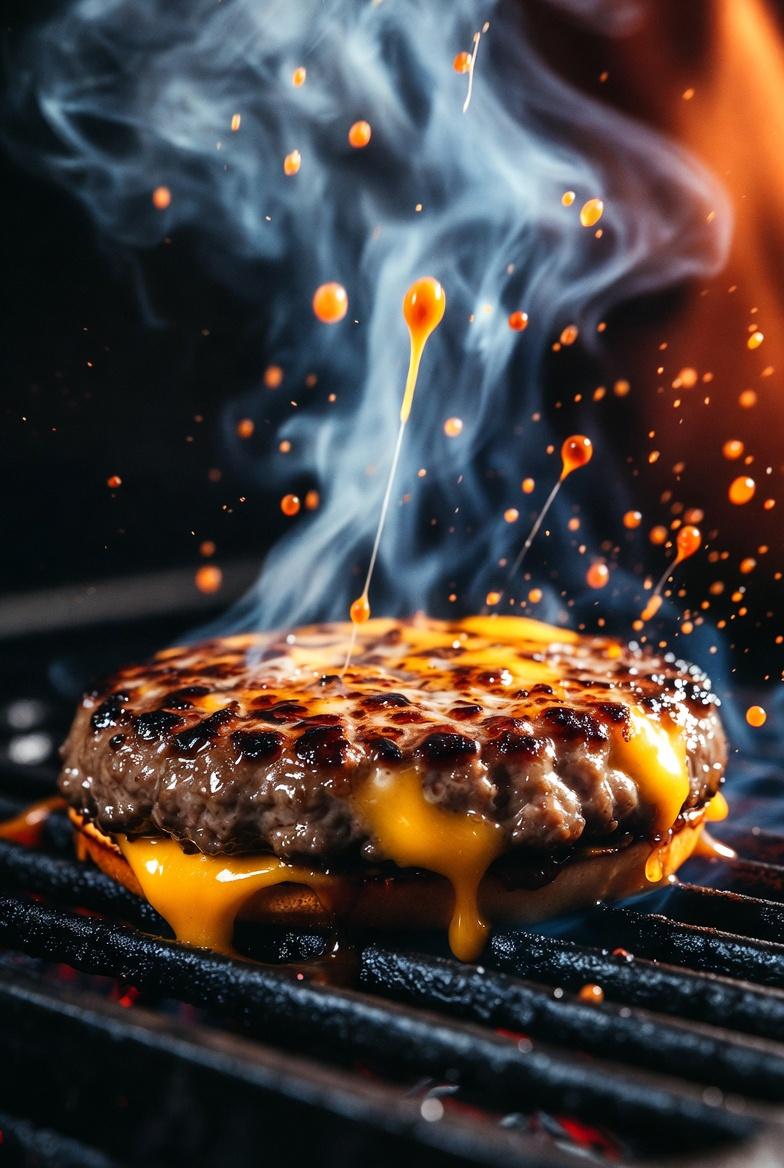
Cinematic Macro Shot of Sizzling Cheeseburger
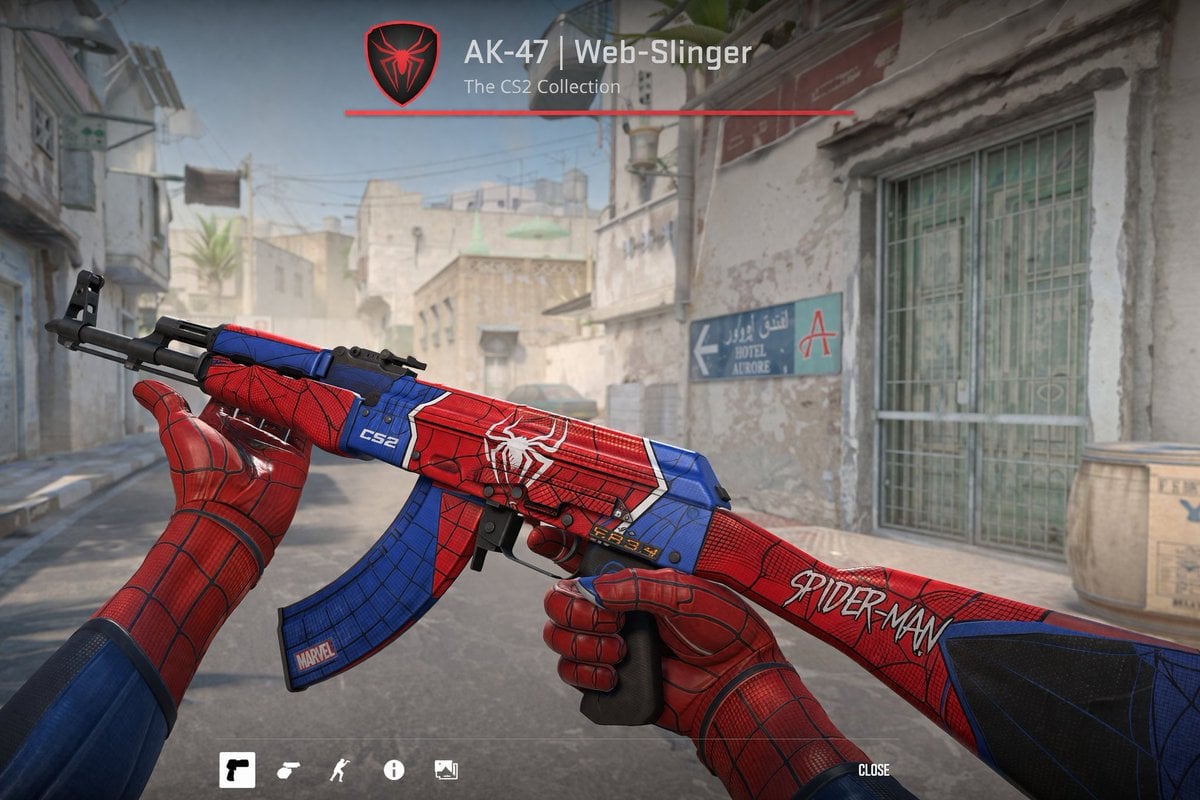
FPS Custom Weapon Skin Screenshot

Ancient Temple Portrait — White Dress Nano Banana
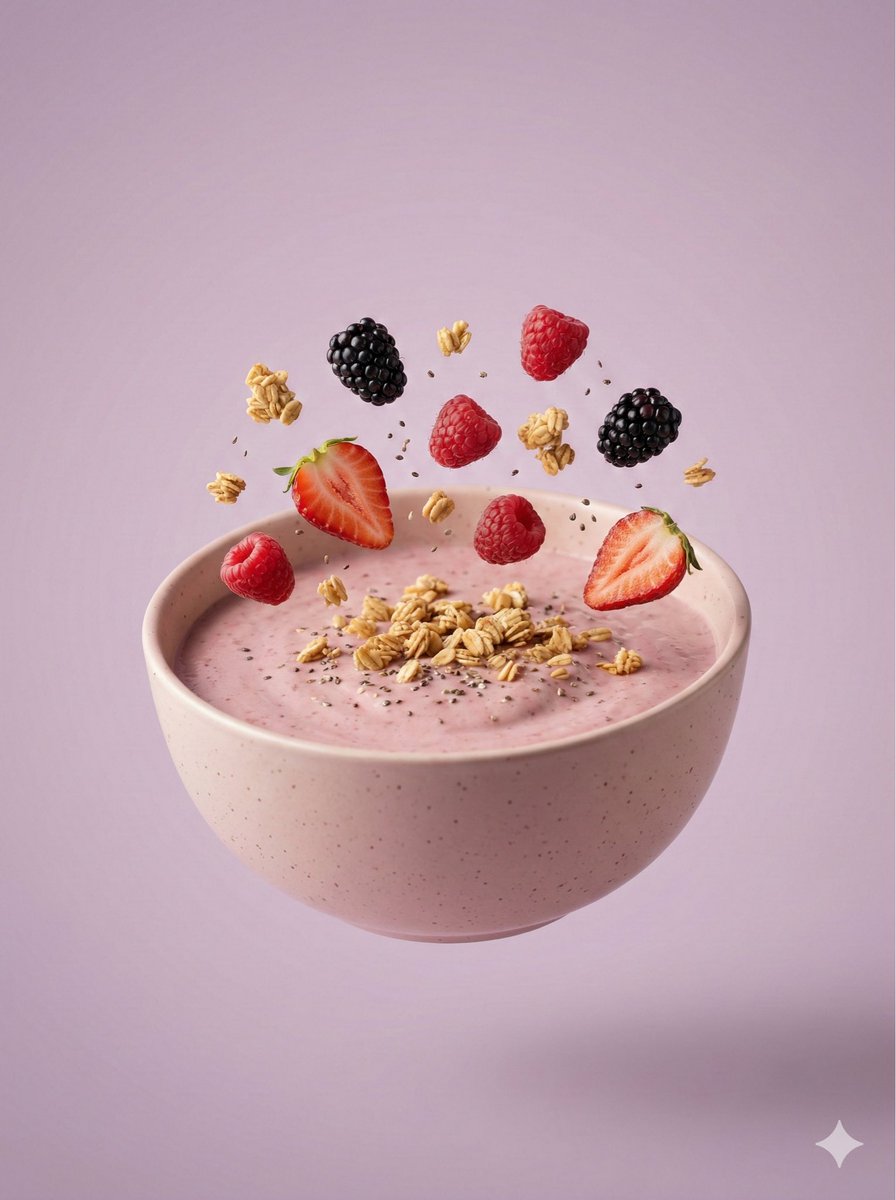
Hyper-Realistic Floating Smoothie Bowl
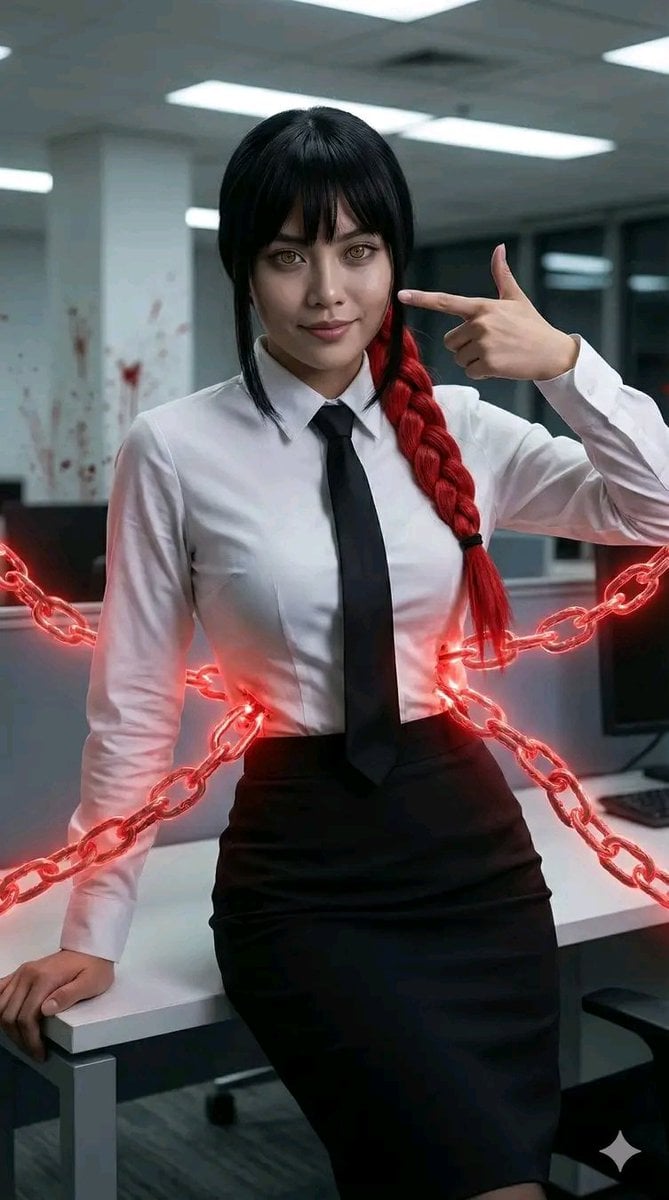
Chainsaw Man Makima Cosplay Psychological Thriller Prompt
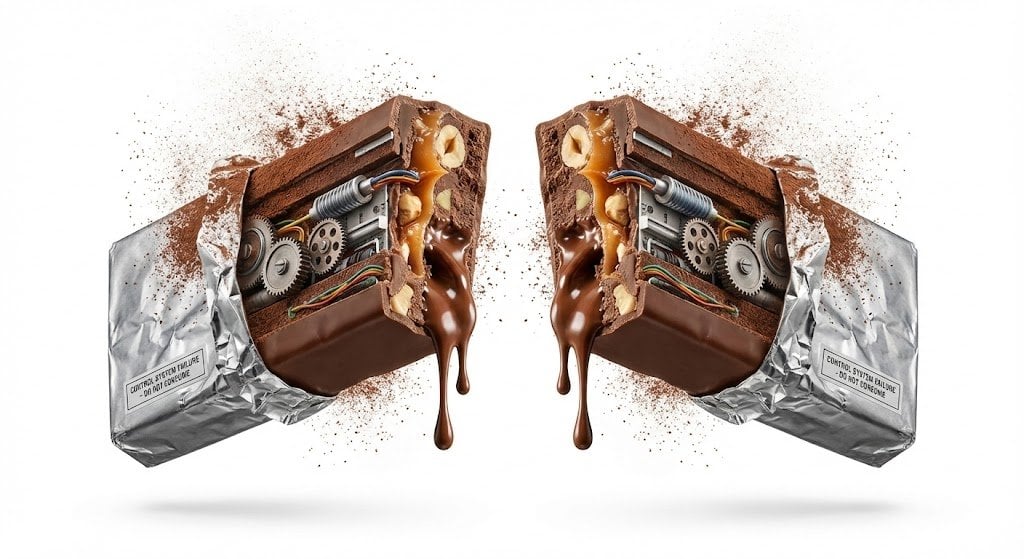
Advertising Visual Prompt: Chocolate Bar Process Display
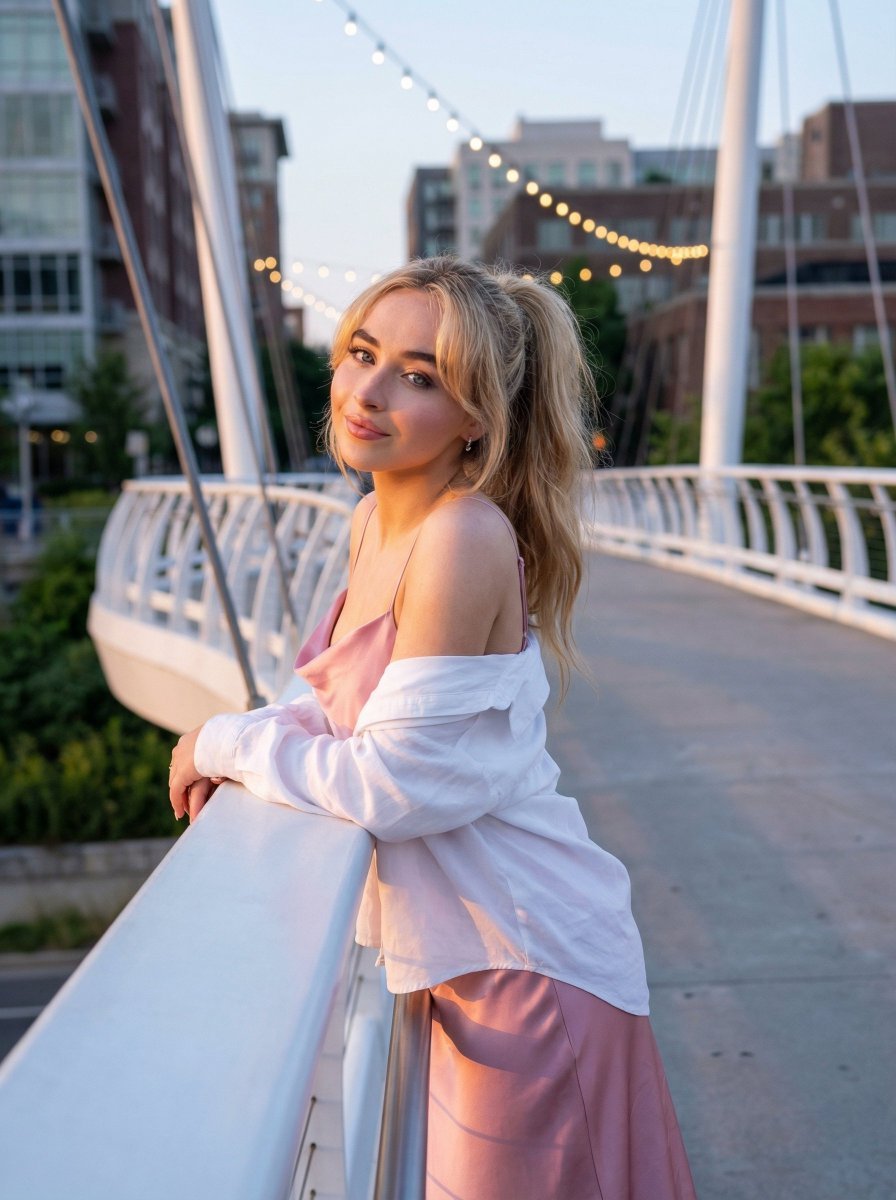
Trendy Aesthetic Lifestyle Photo on a Bridge
Browse template categories
Anime Ensemble Movie Poster questions
How do I use the Anime Ensemble Movie Poster template?
Add your photo if the template asks for one, edit the prompt if you like — the template's model and format are already selected — and press Generate. Your version opens in PicX Studio.
Can I customize the Anime Ensemble Movie Poster template?
Yes. You can change the subject, setting, lighting, mood, format, and available model controls before creating your image.
Is the Anime Ensemble Movie Poster template free?
Opening and editing this template is free. Generating uses credits, shown on the Generate button when you are signed in.
Which AI model should I use?
Start with GPT Image 2, which is the model associated with this template. You can compare another compatible model for a different finish.
Looking for something else? Browse all templates.

Your photo, any look
Thousands of ready templates for every top image and video model, from one credit balance.