
Team Drawing Japan Illustration
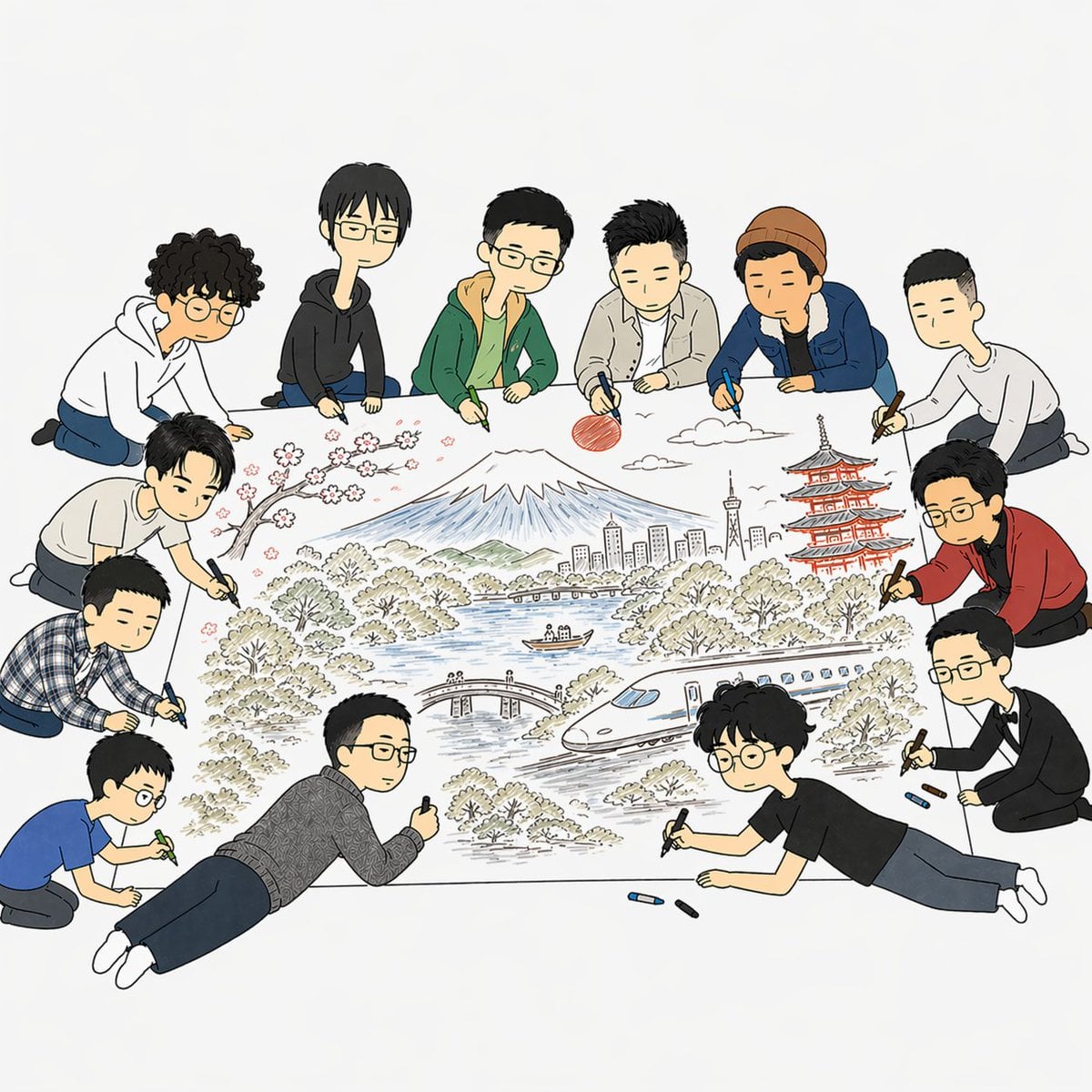
This prompt generates a soft cartoon editorial scene of 11 people collaboratively sketching a detailed Japan-themed landscape poster, suitable for articles about teamwork, AI creativity, design, or collaborative…
- Prompt included
- Model and format preset
- Free template
The prompt behind this image
Copy the exact prompt behind Team Drawing Japan Illustration, or open it in the studio and make it yours.
A clean editorial-style illustration on a light gray-white background showing exactly 11 young people gathered around a huge sheet of paper on the floor, collaboratively drawing a detailed Japan travel scene. The composition is viewed from slightly above, centered on the artwork, with the people forming a loose ring around it. Use a simple hand-drawn cartoon style with thin black outlines, soft muted colors, minimal shading, and a friendly modern magazine aesthetic. The central drawing on the paper includes 8 distinct scenic elements: snow-capped Mount Fuji in the middle background, a red sun to the upper right of the mountain, a few white clouds, pink cherry blossoms on a dark branch at upper left, a red multi-tier pagoda on the right, a tall city skyline with a tower near the center-right, a blue lake with a small boat, and a sleek white bullet train curving across the lower right. Add trees and bushes throughout, plus a small arched bridge near the lower middle. The 11 people are casually dressed in varied outfits and are all holding markers or crayons while leaning, kneeling, or lying around the paper. Include 6 people across the top edge, 3 along the left side, and 2 along the lower-right side. Their clothing should vary: hoodies, jackets, a knit beanie, a plaid shirt, a patterned sweater, a blue T-shirt, a black T-shirt, and one person in a red cardigan over dark clothes. One person on the right should wear glasses and a red cardigan, another at the bottom right should have curly dark hair, round glasses, a black T-shirt, and be lying on his stomach while drawing. Scatter a few loose crayons in blue and dark colors near the bottom edge of the paper. Keep the mood collaborative, creative, and playful, with the large illustrated poster as the clear focal point.
How to use Team Drawing Japan Illustration in 3 steps
- 1Upload ImagePNG, JPG or paste
Add your photo
Upload the photo the template builds on. The prompt, model and format are already set.
- 2…a portrait of your subject in softgolden-hour light, 85mm…
Personalize
Edit the subject and creative details for your destination.
- 3Generate
Generate
Press Generate — your image is created in PicX Studio, so you can compare it with the original and refine one variable at a time.
More like this
Templates with the same subject, style or setup. Open one to see its prompt.

Captain Tsubasa Anime World Cup Poster
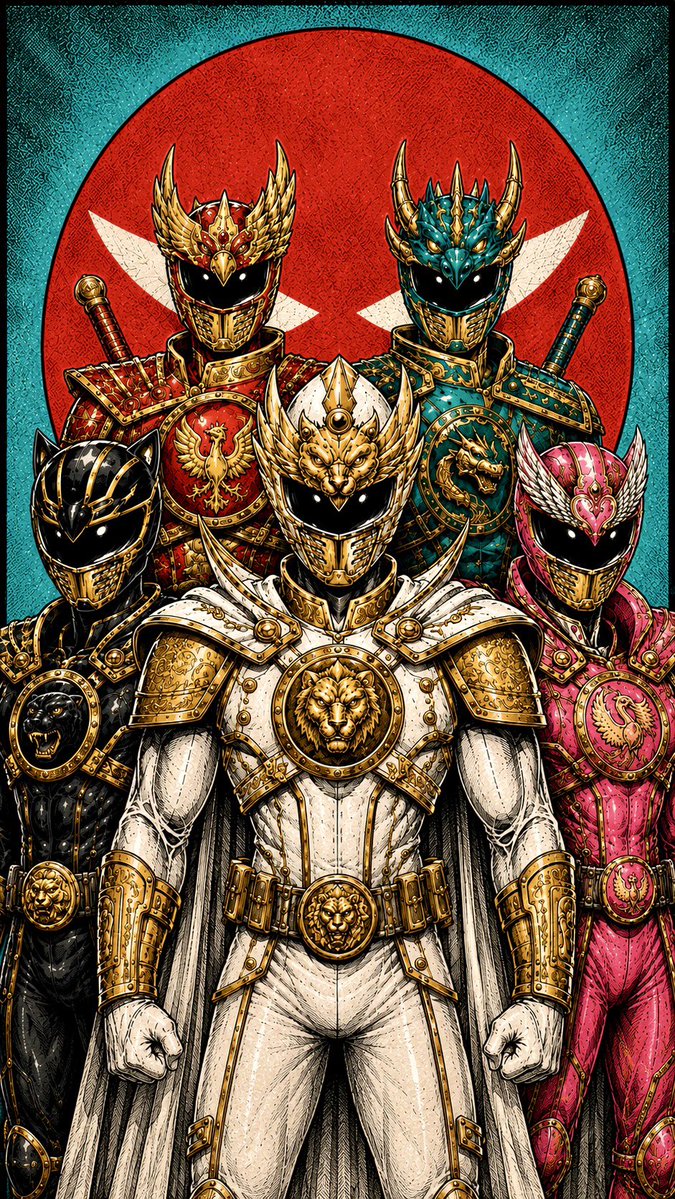
Super Sentei Team Comic Illustration
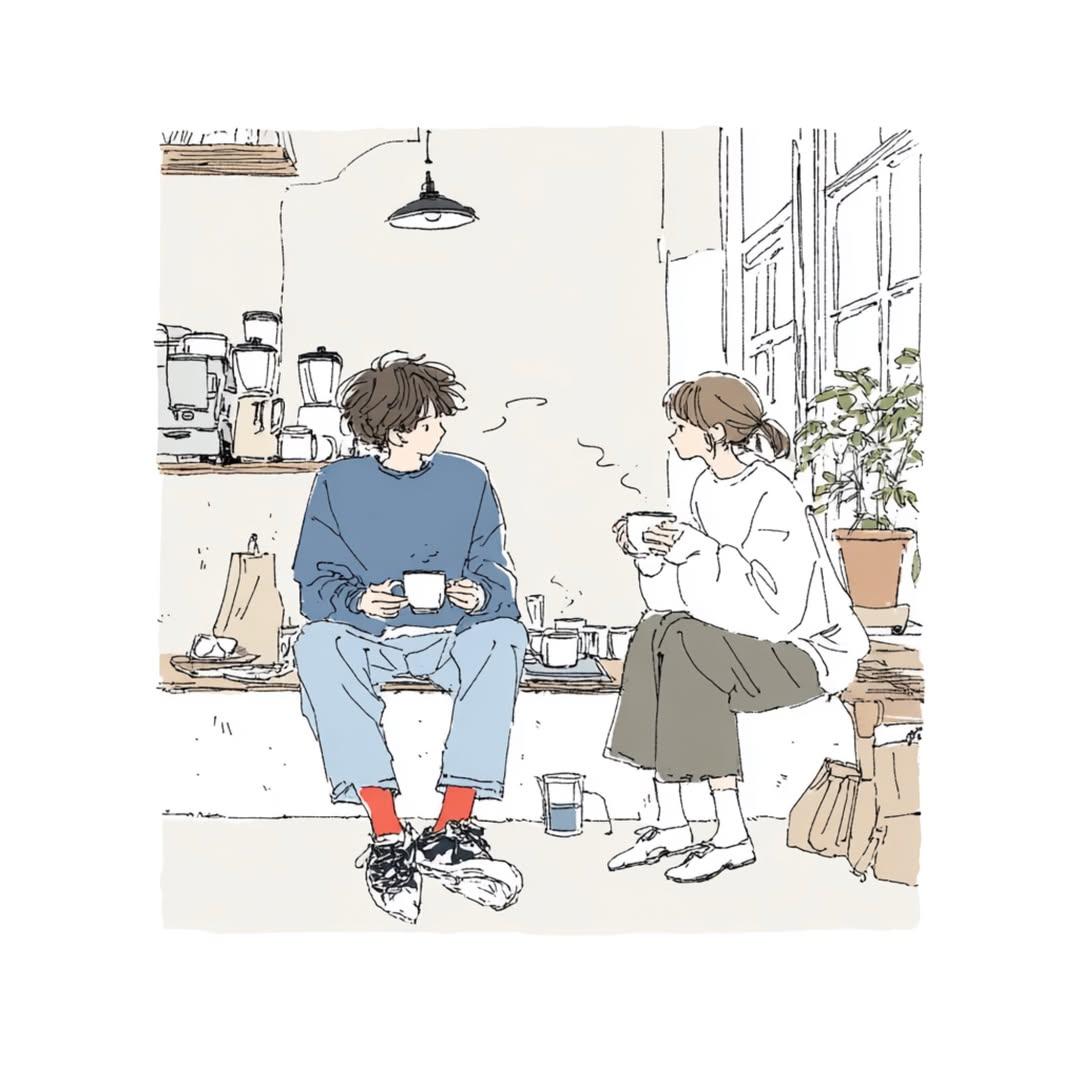
Japanese Lifestyle Sketch Illustration
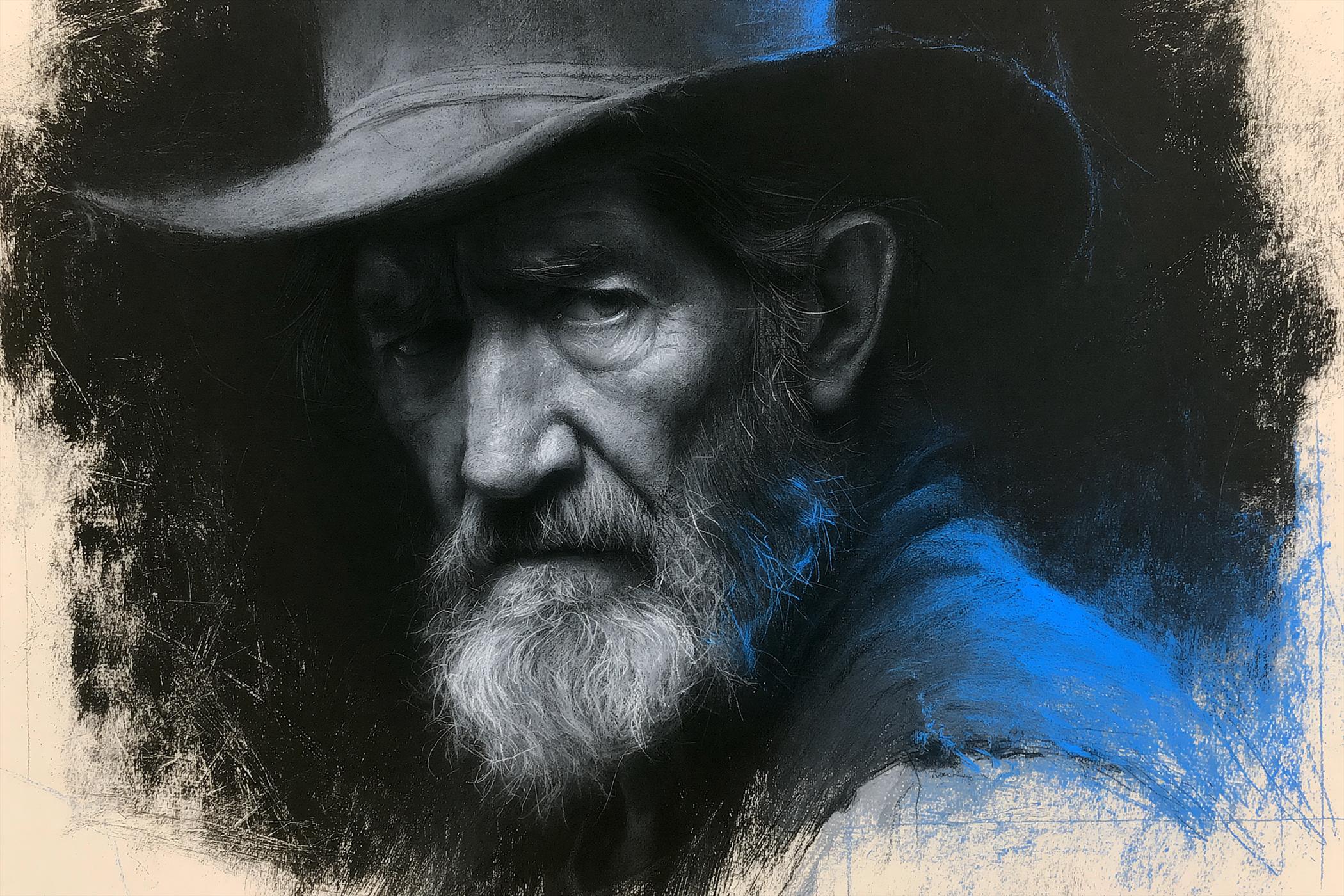
Charcoal Chiaroscuro Portraiture

Quiet Minimalist Anime Style Guide

Real Illustration Split Portrait Transition
Quiet Minimalist Anime Style Guide

Watercolor Café Cheesecake Editorial Illustration
Real Illustration Split Portrait Transition

Bold Side Profile Superhero Poster

Hero Portrait Comic Multi-Panel Poster

Spider-Verse Painterly Portrait Poster
Make it yours
Team Drawing Japan Illustration works as-is. These are the safest ways to change it without losing the look.
Change one field
Copy a single group, rewrite it, and generate again so you can see what that field is doing.
Keep the frame, change the subject
Hold the composition and light of Team Drawing Japan Illustration, then swap wardrobe, props or the person for a new take.
| If the result… | Why | Fix |
|---|---|---|
| The result drifts from the preview | Too many fields changed at once. | Reuse Team Drawing Japan Illustration as-is first, then change one group — subject, light, or setting. |
| The model over-stylizes the scene | The prose prompt leaves finish and camera underspecified. | Add one camera or lighting sentence and stay on GPT Image 2. |
More GPT Image 2 templates
Other prompts made for GPT Image 2.

Six VTuber Japanese Logo Sheet

Realistic Portrait of Woman and Deer

The Vista Modular Condo Poster

AI Model Routing Comparison Infographic

2.5D Anime Art Board

Isometric Productivity Desk Scene

New York Double Exposure Poster

Four-Panel AI Landscape Comparison

Japanese Tatami Lifestyle Magazine Cover

NESCAFÉ Coffee Map Poster
More image prompts
Fresh picks from across the catalog.
Ethereal 8K Portrait with Bougainvillea Blossoms Prompt

First Contact Sci-Fi T-Shirt Design
Misa Amane Anime Portrait
3D Embossed Executive Plaque Mockup from Reference Image
New Year's Card Illustration Generation Prompt
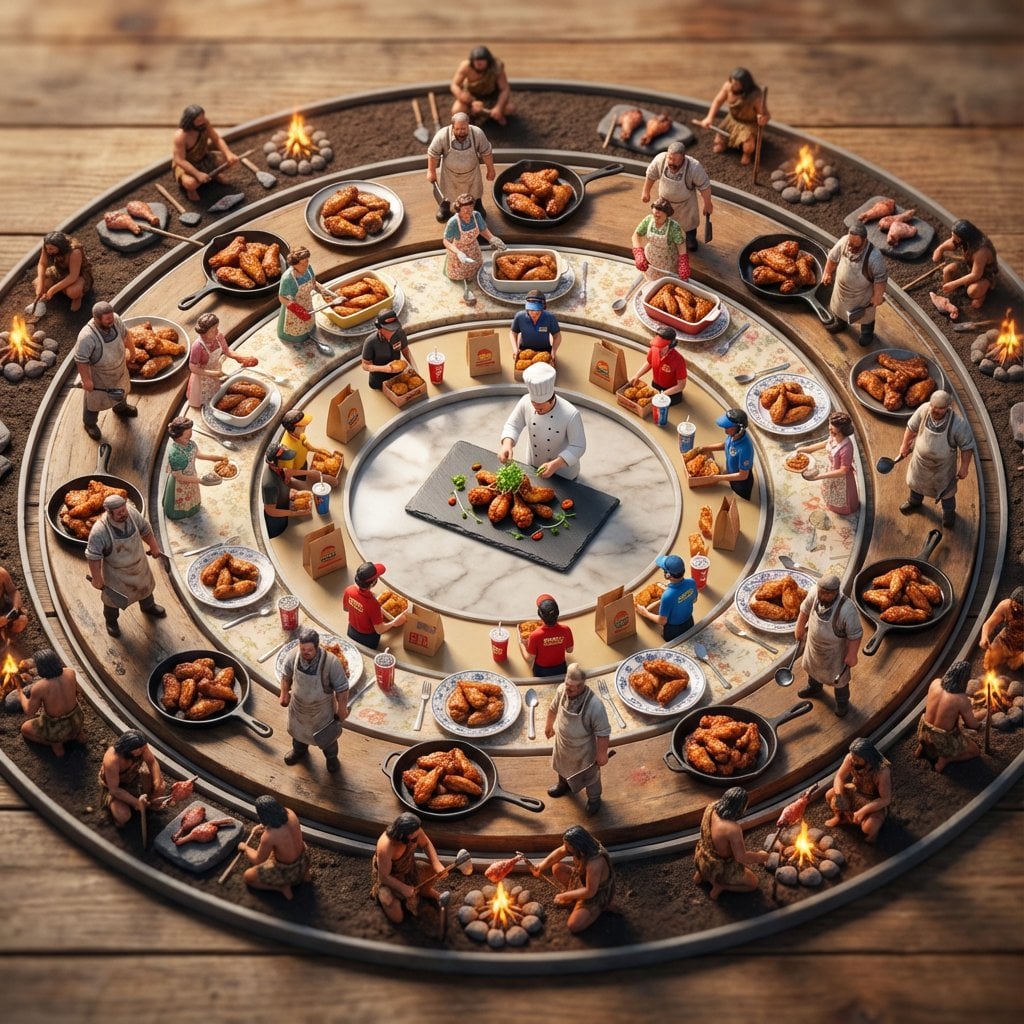
Food History Diorama in Mandala Format (Spicy Chicken Wings)
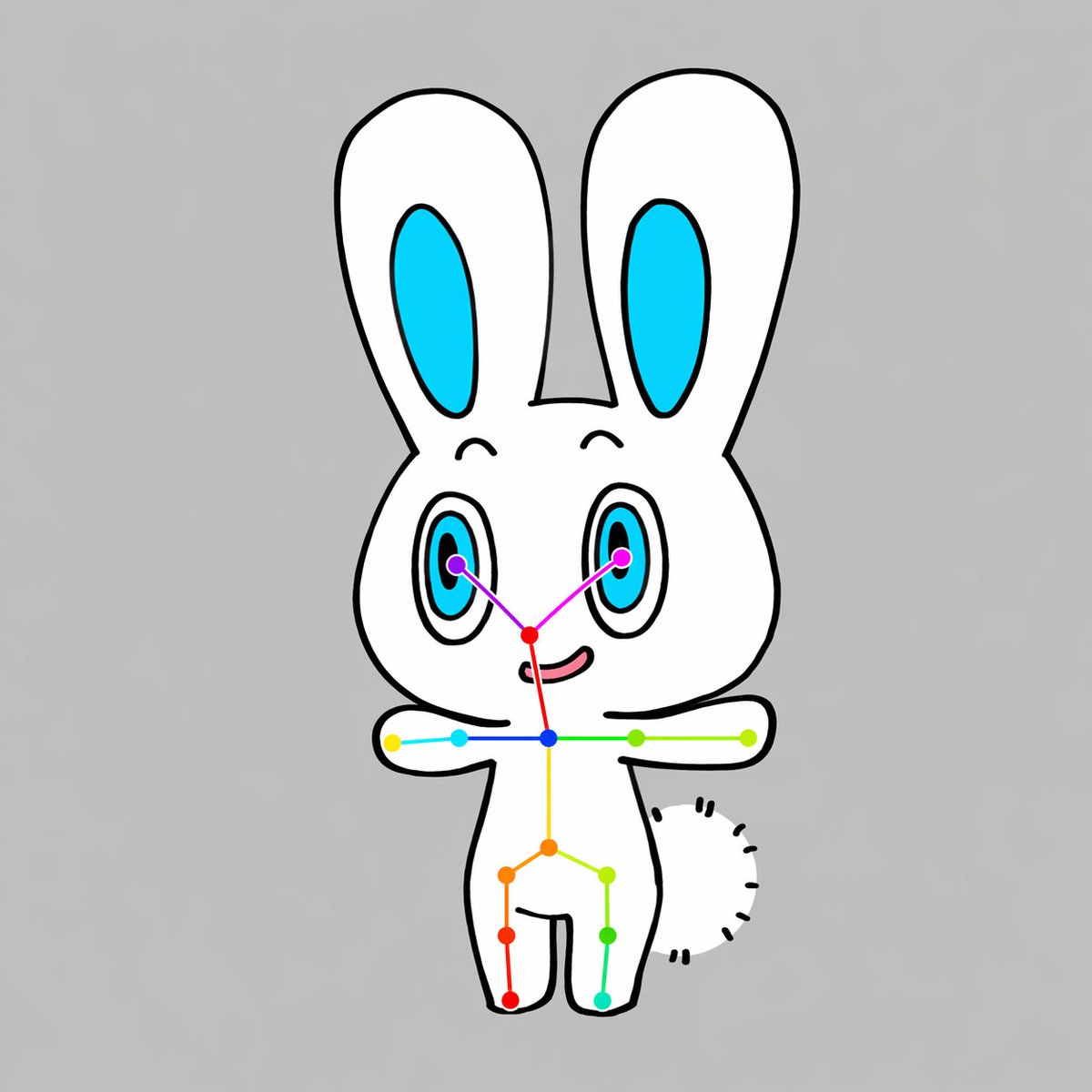
Chibi Rabbit OpenPose Diagram
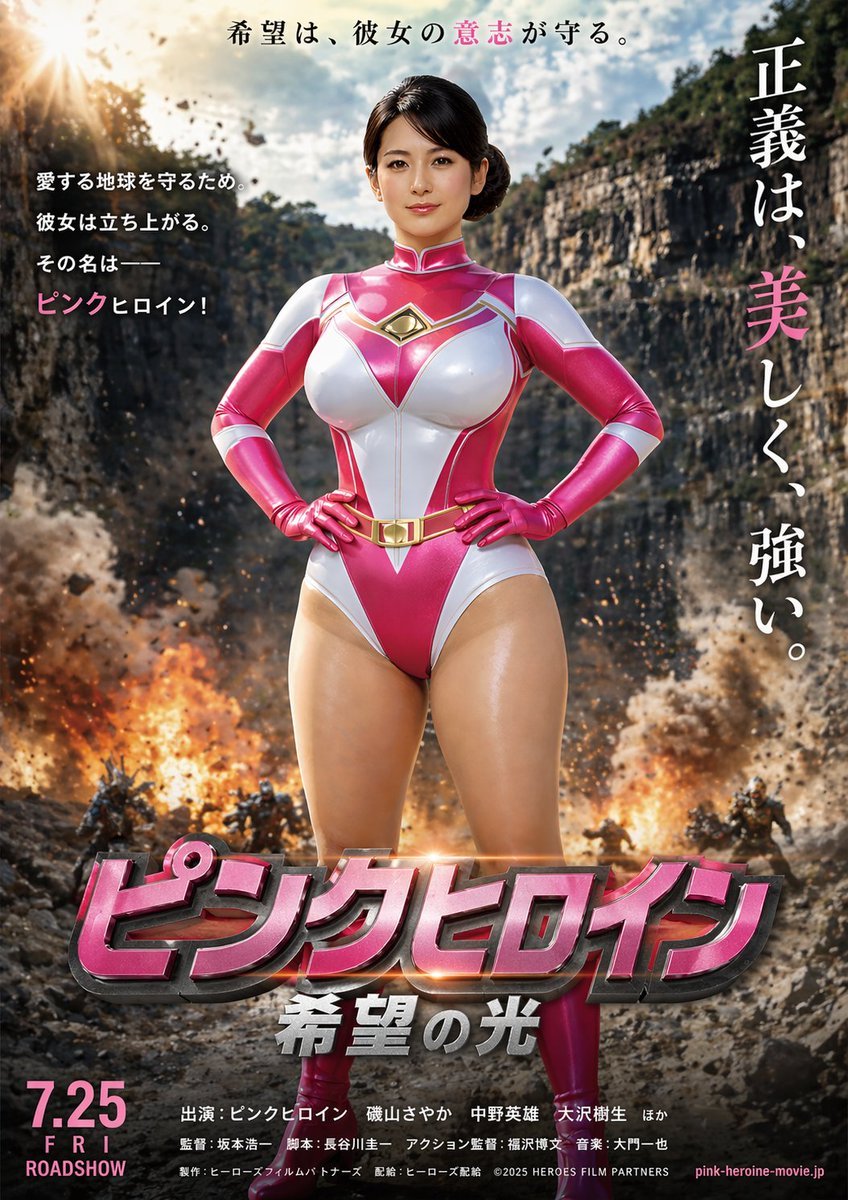
Image-to-Storyboard prompt
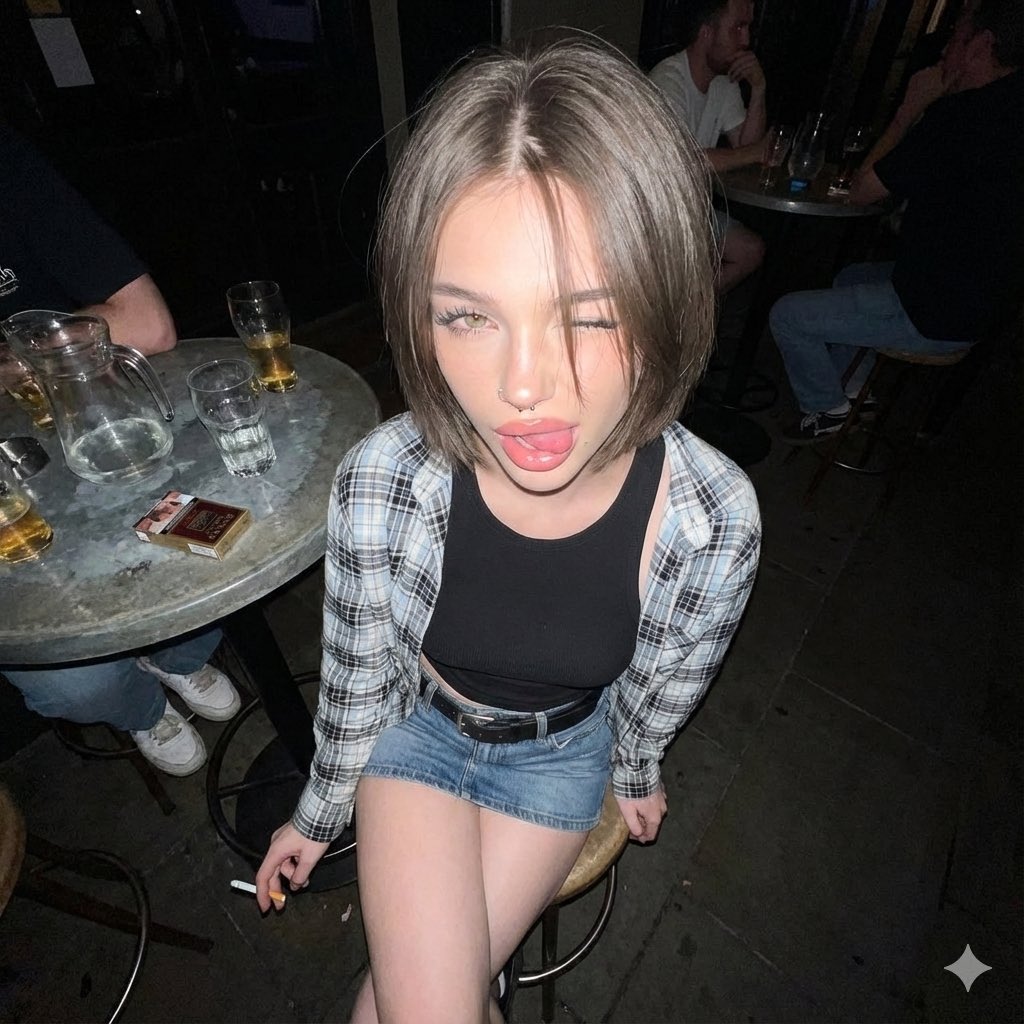
Y2K Grunge Flash Photography Snapshot
Whimsical Hand-Painted Girl with Kitten Illustration
Browse template categories
Team Drawing Japan Illustration questions
How do I use the Team Drawing Japan Illustration template?
Add your photo if the template asks for one, edit the prompt if you like — the template's model and format are already selected — and press Generate. Your version opens in PicX Studio.
Can I customize the Team Drawing Japan Illustration template?
Yes. You can change the subject, setting, lighting, mood, format, and available model controls before creating your image.
Is the Team Drawing Japan Illustration template free?
Opening and editing this template is free. Generating uses credits, shown on the Generate button when you are signed in.
Which AI model should I use?
Start with GPT Image 2, which is the model associated with this template. You can compare another compatible model for a different finish.
Looking for something else? Browse all templates.

Your photo, any look
Thousands of ready templates for every top image and video model, from one credit balance.