How do I use the Editorial Magazine Cover Design template?
Choose the primary action to open PicX Studio with the available template settings. Review the model and format, personalize the creative direction, and generate when ready.
An editorial magazine cover for 'Imaginary AURA' featuring a South Asian woman in luxury attire set against a desert twilight.

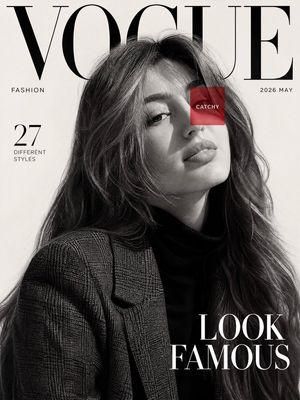
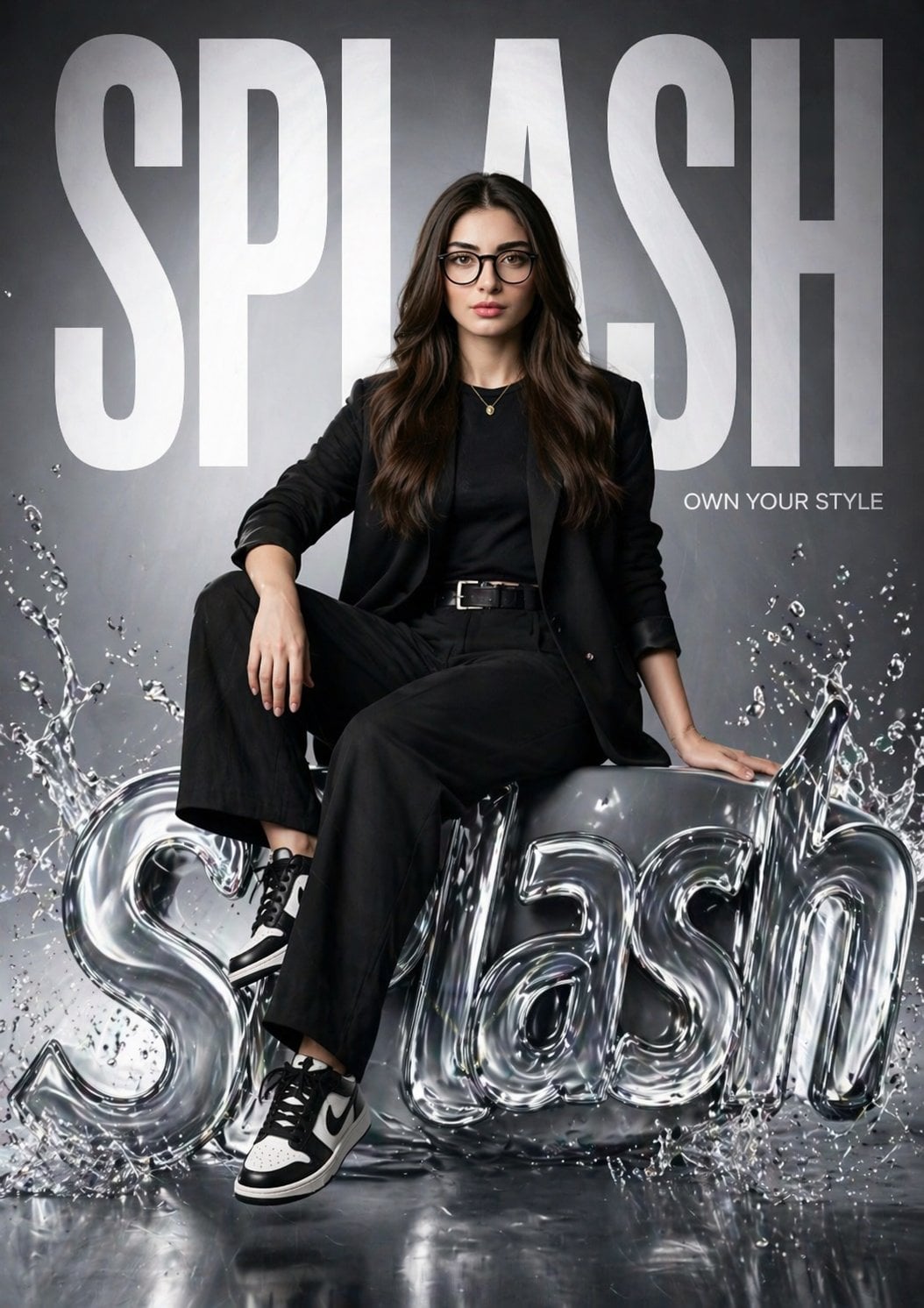
An editorial magazine cover for '{argument name="magazine title" default="Imaginary AURA"}', featuring a confident {argument name="ethnicity" default="South Asian"} woman as the central figure. She has flowing, wavy dark hair and is wearing a rich emerald-green velvet blazer over a matching silk turtleneck. Her look is completed with striking chunky gold hoop earrings and a heavy, layered gold chain link necklace. She has a strong, powerful expression, directly engaging the viewer with her warm, makeup-enhanced brown eyes. The background features a warm, sandy desert landscape at twilight. A vertical headline in a stylish gold font reads, 'VISIONARIES: THE CREATIVE CANVAS,' on the left. The bottom right features the text, 'DESERT BLOSSOM: Finding New Forms,' with the sub-headline 'A Journey Through Textures and Light.' This captivating cover captures the essence of artistic exploration and the beauty found within diverse cultural contexts.
Choose the primary action to open PicX Studio with the available template settings. Review the model and format, personalize the creative direction, and generate when ready.
Yes. You can change the subject, setting, lighting, mood, format, and available model controls before creating your image.
This template is free to open and customize. Generation usage is shown in PicX Studio before you create.
Start with Nano Banana 2, which is the model associated with this template. You can compare another compatible model for a different finish.
Follow a topic to a crawlable collection of related PicX Studio templates.